
Motorcycle Engineering Infographic Poster
A complex infographic prompt for a museum-grade technical exhibit of a motorcycle, featuring HUD and schematic elements.
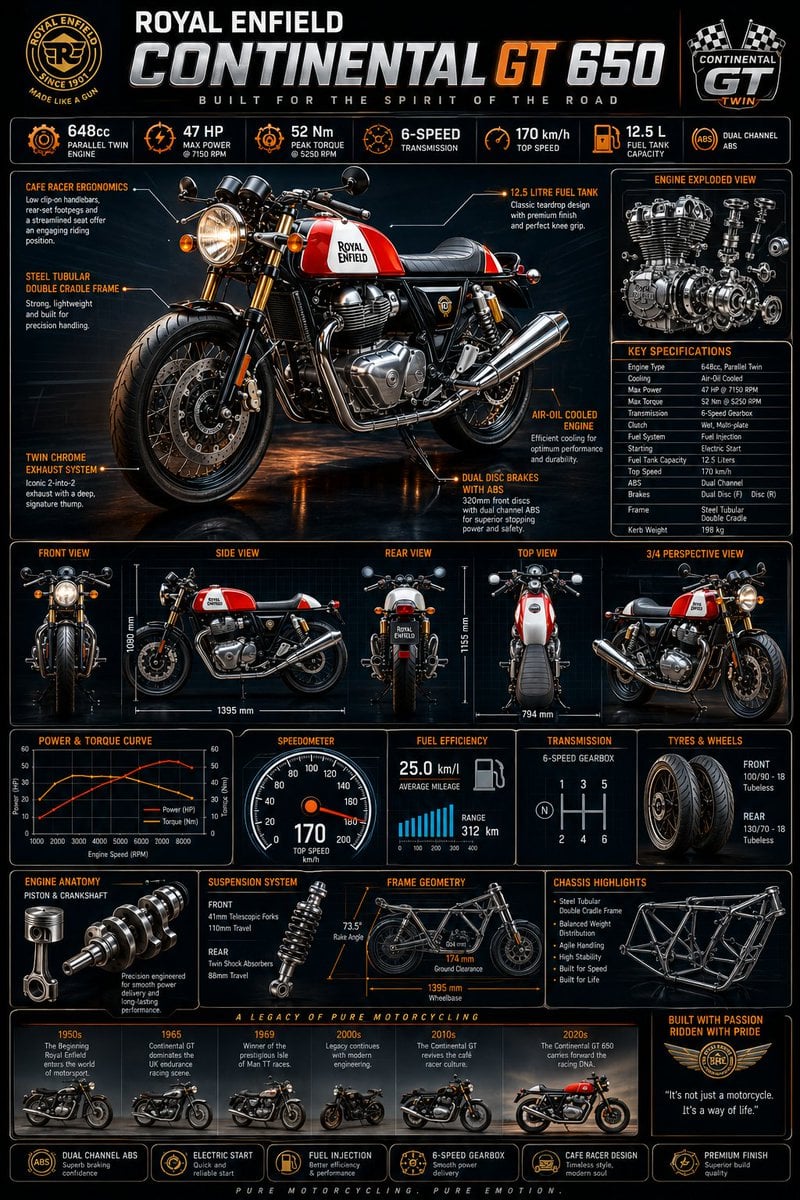
- Prompt included
- Model and format preset
- Free template
The prompt behind this image
Copy the exact prompt behind Motorcycle Engineering Infographic Poster, or open it in the studio and make it yours.
Ultra premium motorcycle infographic masterpiece featuring the {argument name="motorcycle model" default="legendary Royal Enfield Continental GT 650"} displayed as a museum-grade engineering exhibit. Massive central hero render of the motorcycle in vibrant British racing-inspired colors, illuminated by cinematic studio lighting with dramatic reflections and ultra realistic metallic surfaces. Deep black background blended with glowing neon orange, copper, chrome, and electric blue accents. Futuristic blueprint grid overlays, holographic HUD interface elements, and precision engineering schematics. Show highly detailed front view, side view, rear view, top view, and 3/4 perspective view arranged in a premium aerospace presentation layout. Surround the motorcycle with animated-style technical callouts connected by glowing data lines and digital interface graphics. Highlighted Specifications: • 648cc Parallel Twin Engine • 47 HP Maximum Power • 52 Nm Peak Torque • 6-Speed Transmission • Dual Channel ABS • Steel Tubular Double Cradle Frame • Twin Chrome Exhaust System • Cafe Racer Riding Position • Top Speed 170 km/h • Fuel Tank Capacity 12.5 Liters • Air-Oil Cooled Engine • Dual Disc Braking System Additional Visual Elements: • Exploded engine cutaway illustration • Engine piston and crankshaft diagrams • Torque and power curve graphs • Speedometer visualization reaching 170 km/h • Fuel efficiency analytics display • Suspension geometry breakdown • Wheel and tire specifications • Premium performance data cards • Royal racing heritage timeline section • Futuristic holographic performance dashboard Design Style: National Geographic × Top Gear × Apple Product Launch × Formula 1 Engineering Presentation × Military Aerospace Infographic Style. Highly colorful orange, blue, silver and chrome accents. Museum exhibition quality, luxury magazine cover aesthetics, award-winning graphic design, cinematic HDR contrast, ultra sharp typography, premium infographic hierarchy, photorealistic materials, engineering blueprint elegance, futuristic automotive showcase, hyper detailed textures, 8K HDR masterpiece, world-class infographic poster.
How to use Motorcycle Engineering Infographic Poster in 3 steps
- 1
Open
The prompt is already in the box next to the preview, with the template's model and format selected.
- 2…a portrait of your subject in softgolden-hour light, 85mm…
Personalize
Edit the subject and creative details for your destination.
- 3Generate
Generate
Press Generate — your image is created in PicX Studio, so you can compare it with the original and refine one variable at a time.
More like this
Templates with the same subject, style or setup. Open one to see its prompt.

Japan Travel Brochure Poster
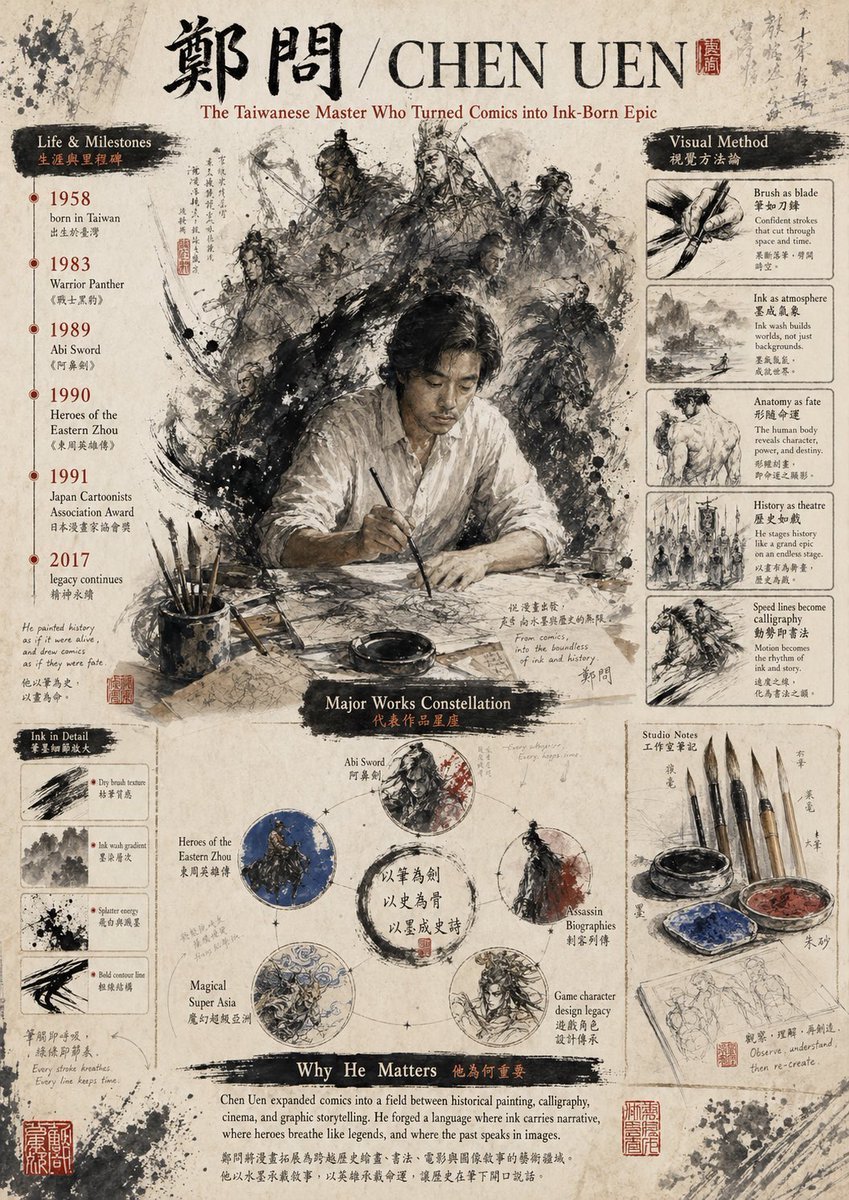
Gpt2 Infographic Edu Visual Ink Wash Tribute Poster for Chen Uen
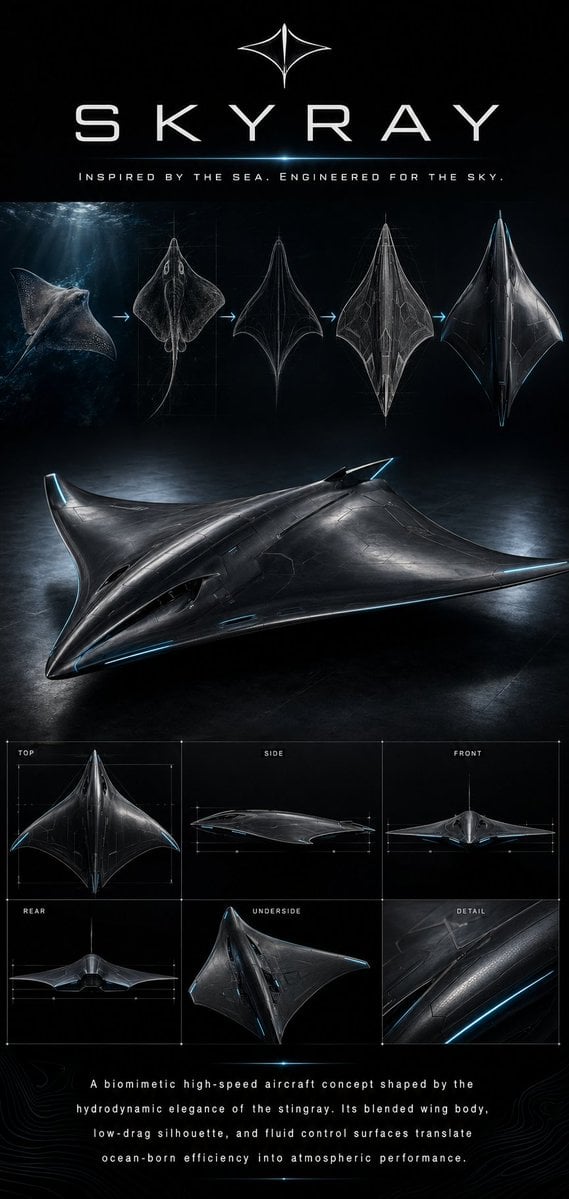
Gpt2 Infographic Edu Visual Biomimetic Skyray Aircraft Poster
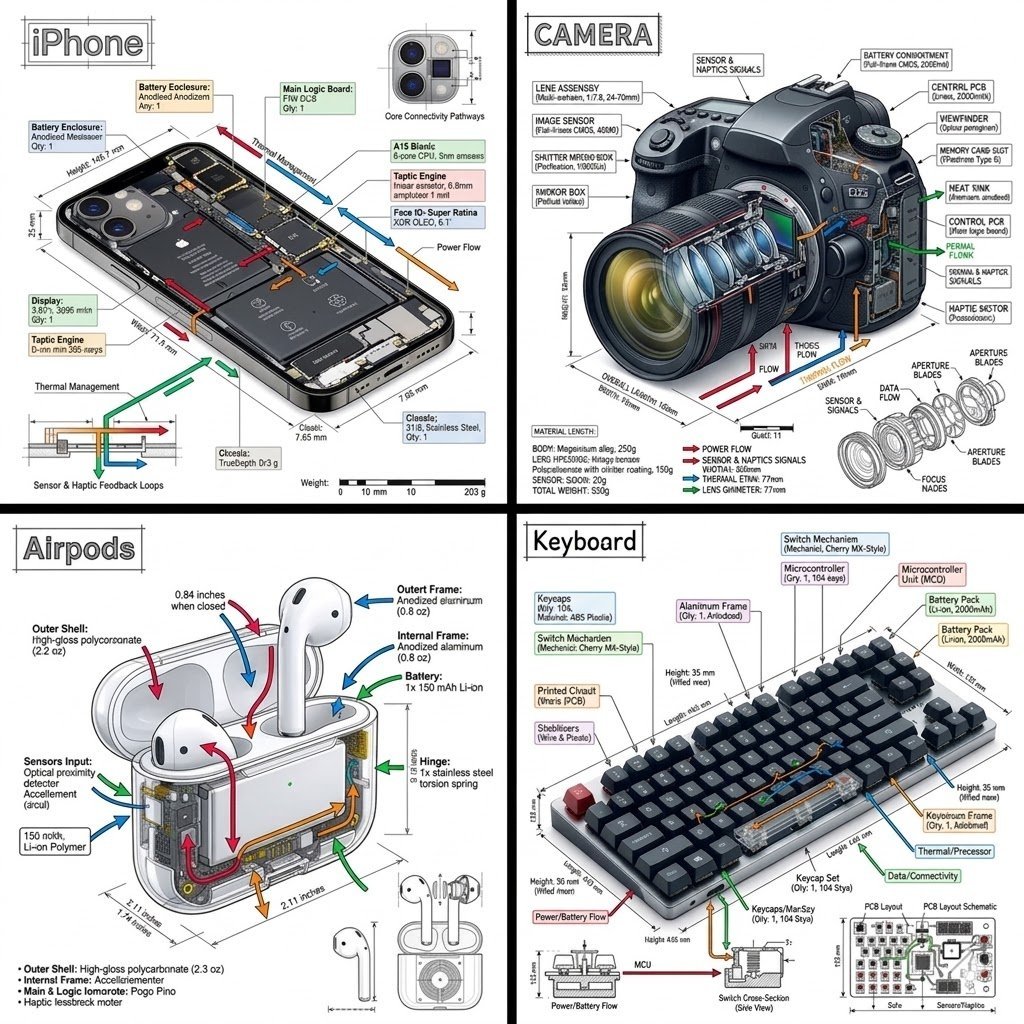
Engineering Product Infographic Design

Cartoon TV Show Poster Pack

Trendy Cafe Drink Promo Poster

Urban Fashion Editorial Collage Streetwear Poster

Premium Fashion Editorial Cover Layout System

Polo Ralph Lauren Luxury American Heritage Fashion Campaign

Monochrome Halftone Editorial Fashion Poster
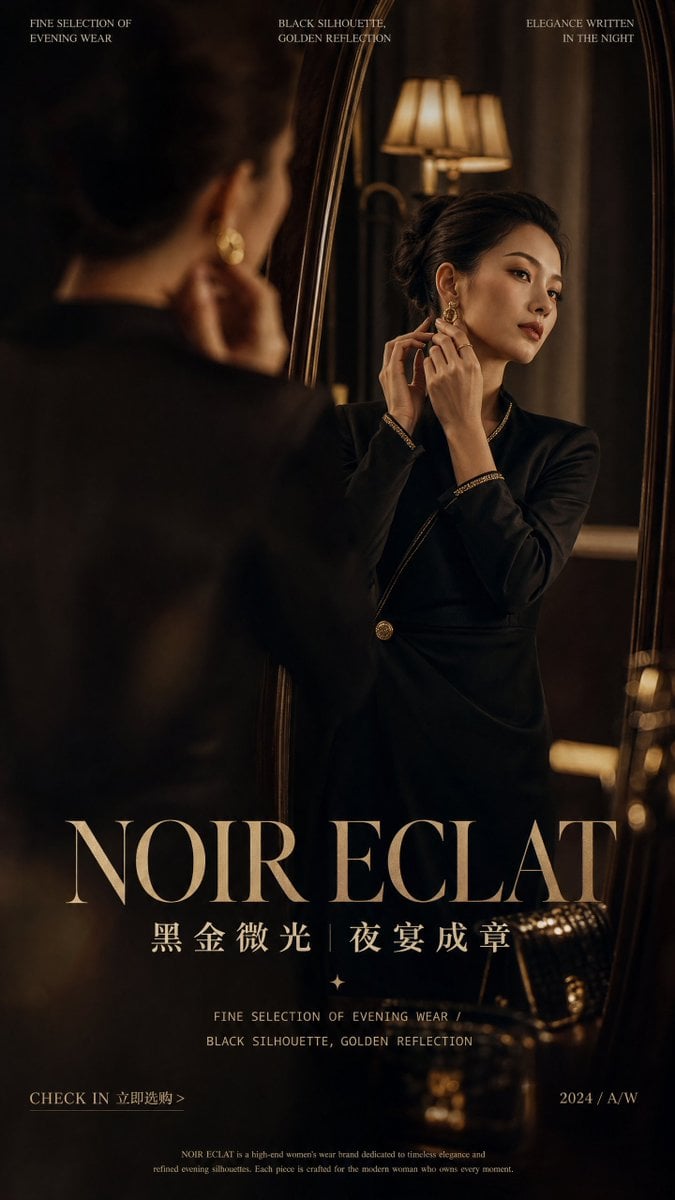
Retro Mirror Luxury Fashion Campaign Poster
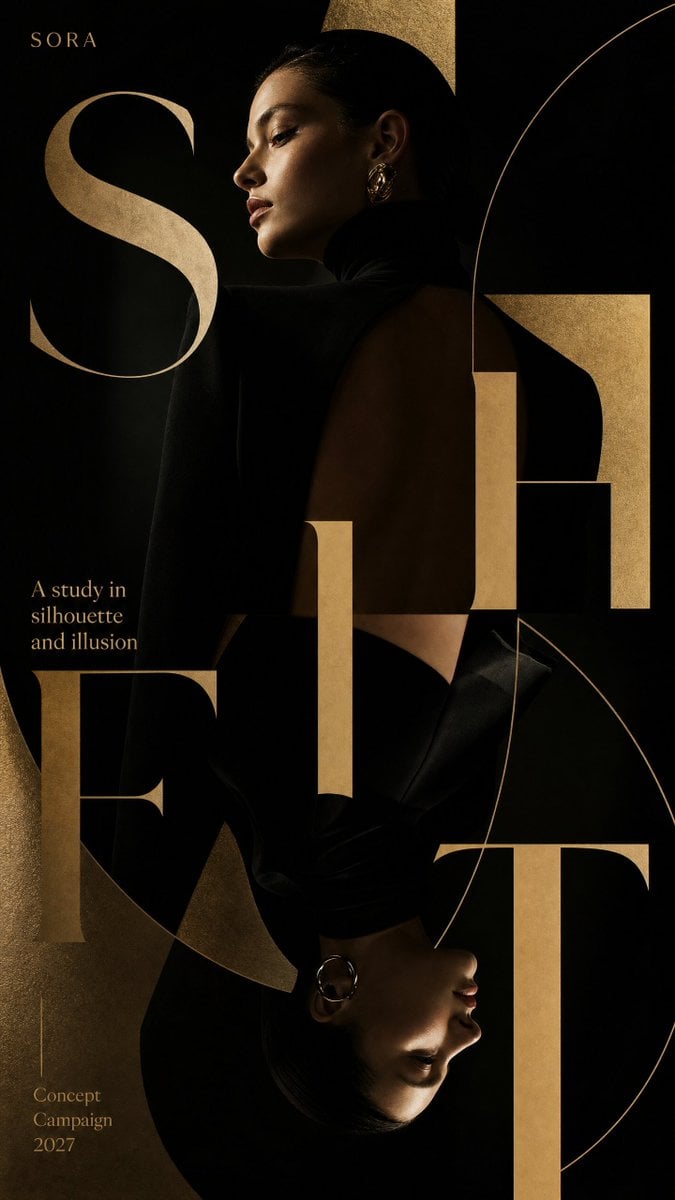
Luxury Fashion Campaign Typography Poster System
Make it yours
Motorcycle Engineering Infographic Poster works as-is. These are the safest ways to change it without losing the look.
Change one field
Copy a single group, rewrite it, and generate again so you can see what that field is doing.
Keep the frame, change the subject
Hold the composition and light of Motorcycle Engineering Infographic Poster, then swap wardrobe, props or the person for a new take.
| If the result… | Why | Fix |
|---|---|---|
| The result drifts from the preview | Too many fields changed at once. | Reuse Motorcycle Engineering Infographic Poster as-is first, then change one group — subject, light, or setting. |
| The model over-stylizes the scene | The prose prompt leaves finish and camera underspecified. | Add one camera or lighting sentence and stay on GPT Image 2. |
More GPT Image 2 templates
Other prompts made for GPT Image 2.

Six VTuber Japanese Logo Sheet

Realistic Portrait of Woman and Deer

The Vista Modular Condo Poster

AI Model Routing Comparison Infographic

2.5D Anime Art Board

Isometric Productivity Desk Scene

New York Double Exposure Poster

Four-Panel AI Landscape Comparison

Japanese Tatami Lifestyle Magazine Cover

NESCAFÉ Coffee Map Poster
More image prompts
Fresh picks from across the catalog.
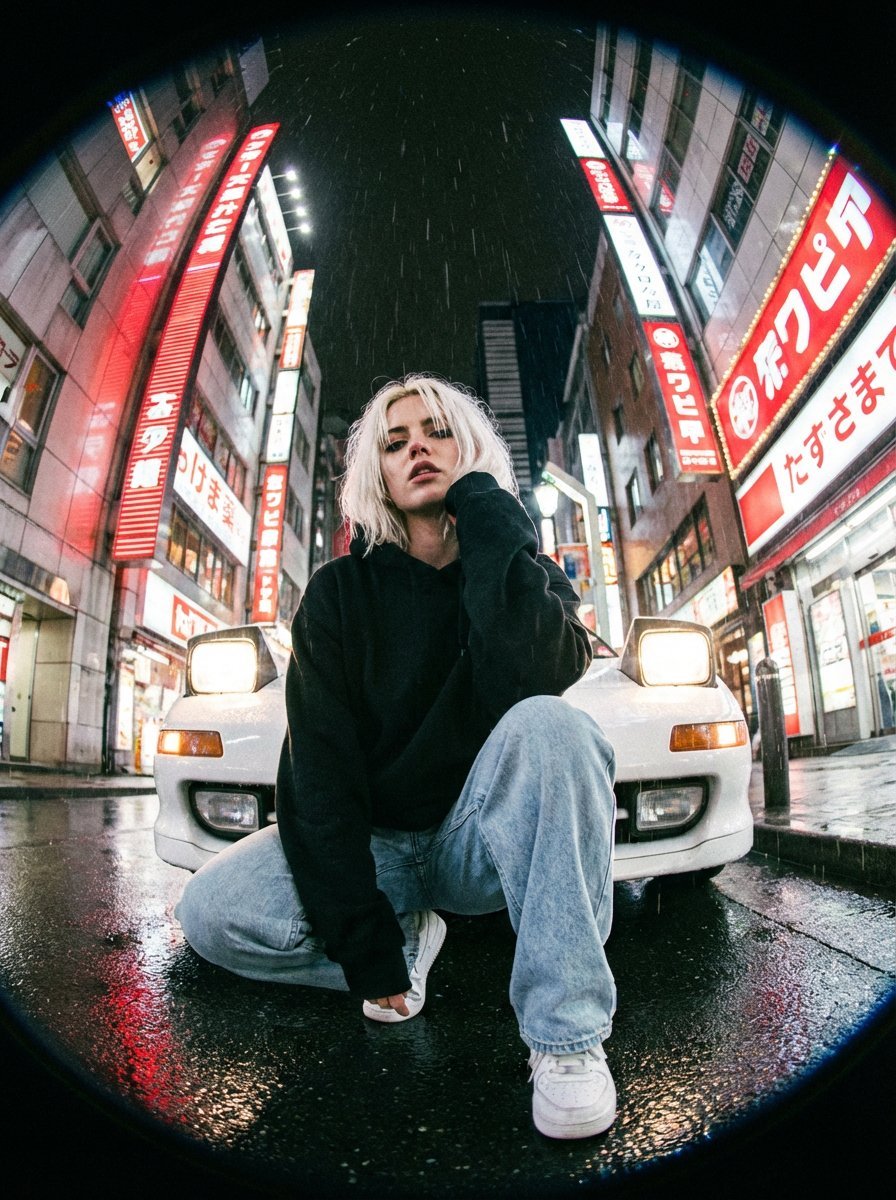
Hyper-Realistic Fisheye Street Portrait in Tokyo Rain
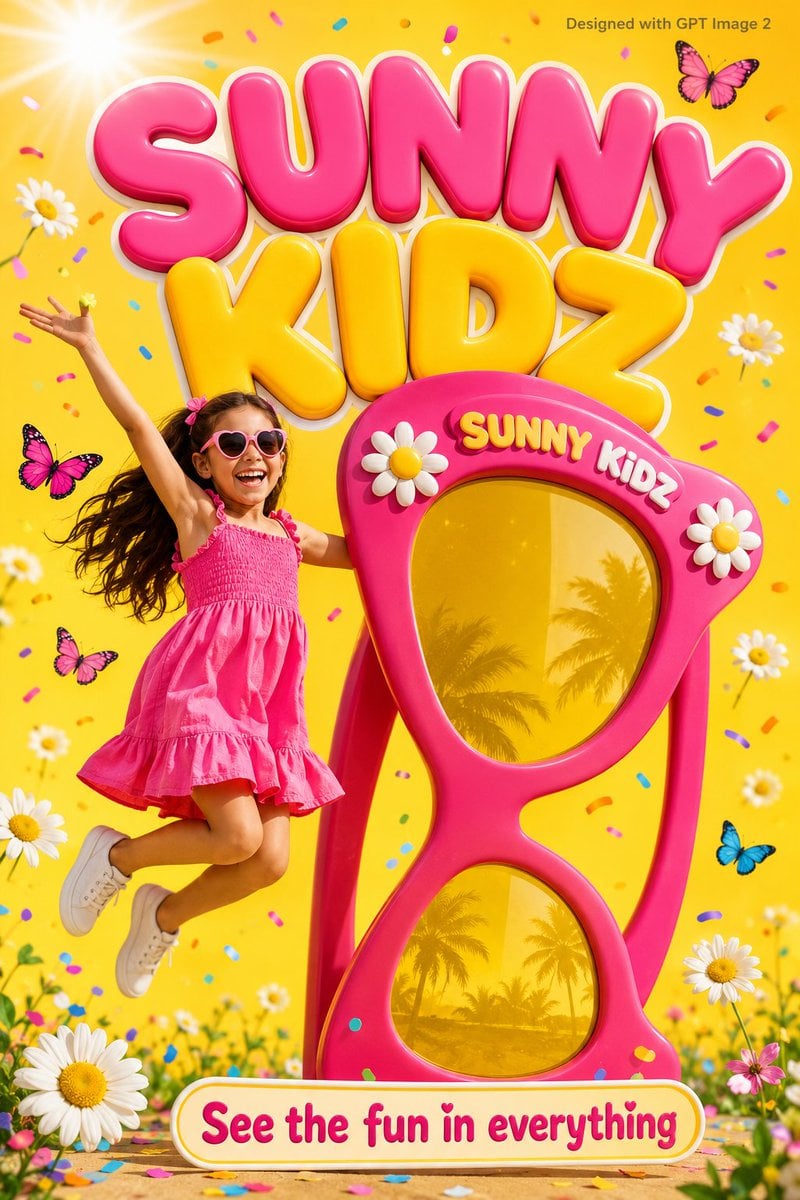
Colorful Kids Advertising Poster
Seedance 2.0 - Anime Girl Fight
Blue Hour Volcanic Fashion Editorial
Anime Rock Band Beverage Collab Poster
Composite Product Photography Prompt (Etsy Style)

Luxury Anime Princess Potato Chip Bag
GPT 2 Day 500 Gaming Thumbnail

Golden Hour Guitar Bedroom Scene
Whimsical Watermelon Elephant
Browse template categories
Motorcycle Engineering Infographic Poster questions
How do I use the Motorcycle Engineering Infographic Poster template?
Add your photo if the template asks for one, edit the prompt if you like — the template's model and format are already selected — and press Generate. Your version opens in PicX Studio.
Can I customize the Motorcycle Engineering Infographic Poster template?
Yes. You can change the subject, setting, lighting, mood, format, and available model controls before creating your image.
Is the Motorcycle Engineering Infographic Poster template free?
Opening and editing this template is free. Generating uses credits, shown on the Generate button when you are signed in.
Which AI model should I use?
Start with GPT Image 2, which is the model associated with this template. You can compare another compatible model for a different finish.
Looking for something else? Browse all templates.

Your photo, any look
Thousands of ready templates for every top image and video model, from one credit balance.