
Engineering Product Infographic Design
A detailed prompt for creating professional engineering infographics with a grid layout, featuring exploded views and technical annotations of various electronic products.
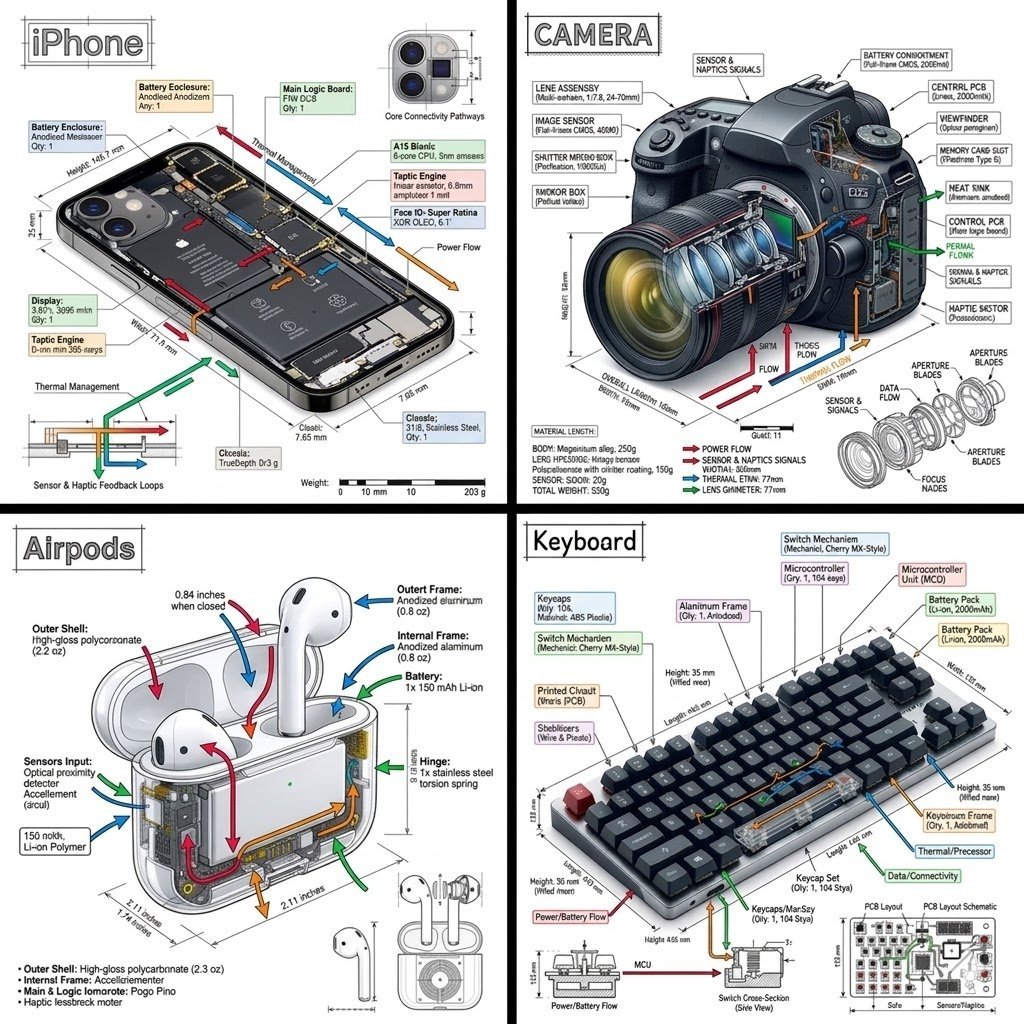
- Prompt included
- Model and format preset
- Free template
The prompt behind this image
Copy the exact prompt behind Engineering Product Infographic Design, or open it in the studio and make it yours.
Ultra-detailed technical engineering infographic, clean {argument name="background color" default="white"} background, divided into a precise {argument name="grid layout" default="2×2 grid"} by sharp black separator lines. Blueprint-style industrial design visualization featuring photorealistic 3D renders, transparent cutaways, exploded views, dimensional annotations, technical callout boxes, measurement guides, and color-coded engineering arrows (red, blue, green, orange). Professional product design presentation, Apple-style industrial design documentation, high-end technical illustration. TOP LEFT: {argument name="primary subject" default="Modern smartphone"} shown in angled perspective with display removed, exposing densely packed internal components. Visible L-shaped battery, advanced logic board, processor chip, camera module, Face ID sensors, Taptic Engine, thermal pathways, ribbon cables, screws, connectors, and cooling architecture. Precise engineering labels and dimension lines surrounding components. TOP RIGHT: Professional mirrorless camera with large zoom lens. Longitudinal cutaway through lens assembly revealing multiple glass elements, optical groups, aperture mechanism, image sensor, shutter system, electronic components, and viewfinder structure. Additional exploded sub-diagram illustrating aperture blade construction and assembly sequence. Detailed optical engineering annotations. BOTTOM LEFT: Premium wireless earbud charging case displayed partially transparent and split open. One earbud seated inside, second earbud floating above in exploded-view configuration. Internal lithium-polymer battery, miniature logic board, charging contacts, wiring channels, magnets, and compact electronic architecture clearly visible through transparent shell. Technical callouts and component identification markers. BOTTOM RIGHT: Modern mechanical keyboard with charcoal-gray keycaps and single red accent key. Horizontal transparent cutaway sections exposing mechanical switches, switch housings, springs, stabilizers, PCB circuitry, LEDs, and internal frame structure. Lower margin includes enlarged switch cross-section diagram and geometric PCB schematic blueprint. Engineering measurements and component annotations throughout. Highly detailed CAD visualization, industrial design presentation board, precision engineering drawing, exploded assembly diagrams, transparent materials, photorealistic rendering, ultra-sharp focus, clean typography, scientific infographic aesthetics, professional product teardown documentation, white paper style, 8K resolution, museum-quality technical illustration, symmetrical layout, exceptional clarity.
How to use Engineering Product Infographic Design in 3 steps
- 1
Open
The prompt is already in the box next to the preview, with the template's model and format selected.
- 2…a portrait of your subject in softgolden-hour light, 85mm…
Personalize
Edit the subject and creative details for your destination.
- 3Generate
Generate
Press Generate — your image is created in PicX Studio, so you can compare it with the original and refine one variable at a time.
More like this
Templates with the same subject, style or setup. Open one to see its prompt.
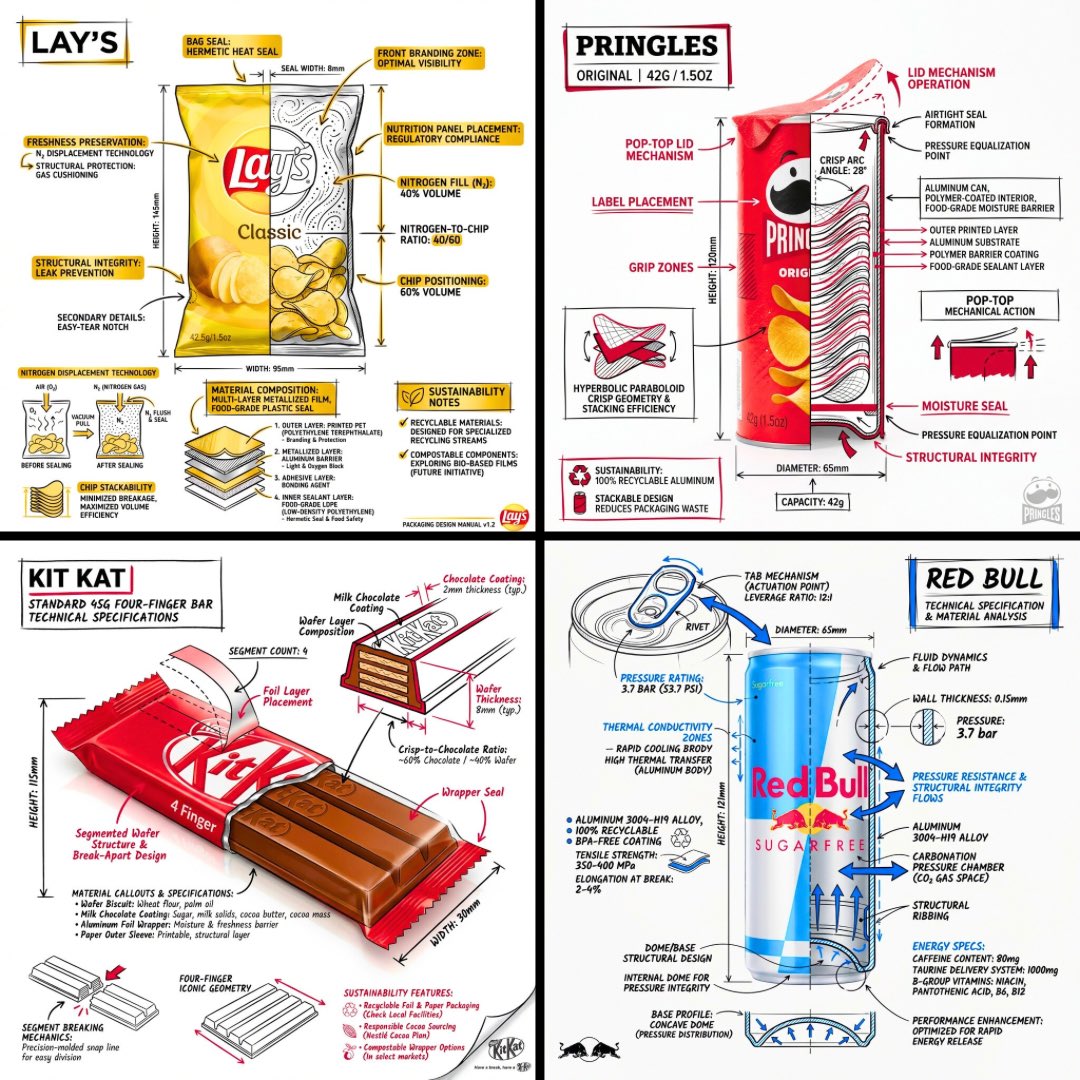
Technical Engineering Product Infographic

Japan Travel Brochure Poster

A k.pop idol on the stage with mic

Trendy Cafe Drink Promo Poster

Automotive Blueprint Split Composition
Automotive Blueprint Split Composition

Minimalist Skincare Product Water Stone Still

Giant Forced Perspective Street Product Selfie

Playful Futuristic Brand Kit Board

Headphones Lifestyle Nine Panel Grid

Isometric Process Educational Diorama

Cappuccino Bottle Splash Product Ad
Make it yours
Engineering Product Infographic Design works as-is. These are the safest ways to change it without losing the look.
Change one field
Copy a single group, rewrite it, and generate again so you can see what that field is doing.
Keep the frame, change the subject
Hold the composition and light of Engineering Product Infographic Design, then swap wardrobe, props or the person for a new take.
| If the result… | Why | Fix |
|---|---|---|
| The result drifts from the preview | Too many fields changed at once. | Reuse Engineering Product Infographic Design as-is first, then change one group — subject, light, or setting. |
| The model over-stylizes the scene | The prose prompt leaves finish and camera underspecified. | Add one camera or lighting sentence and stay on Nano Banana 2. |
More Nano Banana 2 templates
Other prompts made for Nano Banana 2.

Photorealistic Leaf Shaped Like a Dragon

K-Pop Idol Portrait Grid for Rapid Selection

Poetic Rain Forest Portrait During Golden Hour

Urban Street Portrait with Cartoon Inner Self Duo

Candid Nighttime Photo with Cat Prompt

High-Concept 3D Diorama Generation Prompt

Cinematic Futuristic Studio Portrait Template

Skincare Editorial Photography Collage Prompt

Hyper-Realistic Commercial Product Photography (Splash Effect)

Hyper-Realistic Nightclub Portrait Prompt
More image prompts
Fresh picks from across the catalog.

Hyper-Realistic Wet Look Close-Up Portrait

Candid Gen Z Street Style Photo with Hidden Cat

Times Square icon on many screens

Melancholic Lin Daiyu Portrait

Character Refinement Prompt (Japanese Instructions)
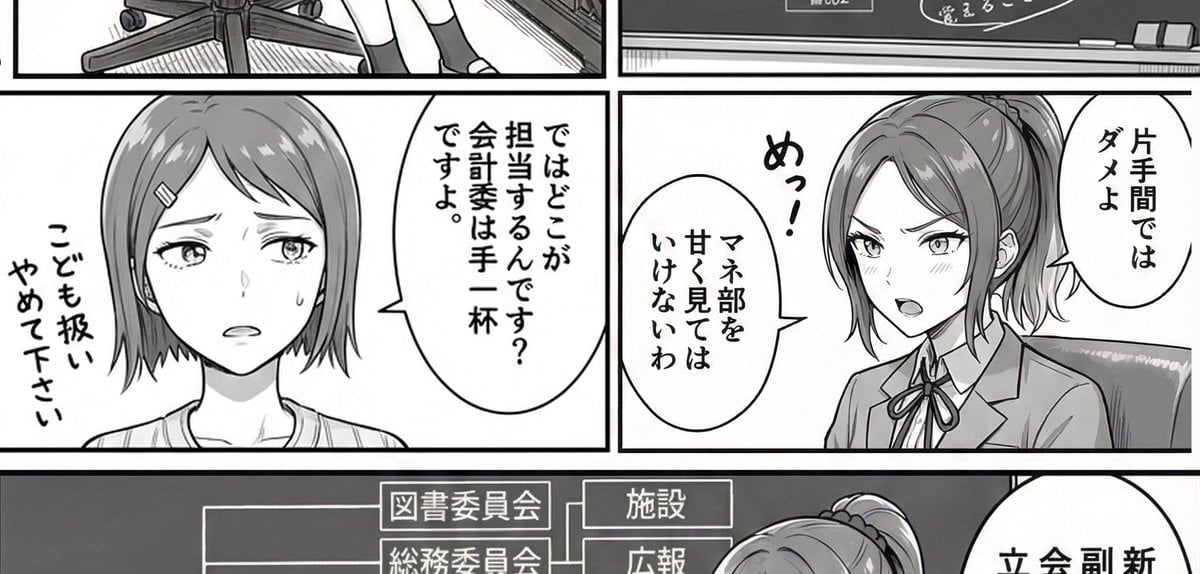
AI Art Experiment: Speech Bubbles and Hand-Drawn Text

Paparazzi-Style Night Photo Prompt with Direct Flash

Photorealistic Skateboarder Street Photo

Double Exposure Somber City Silhouette

Dramatic Double Exposure Sports Portrait
Browse template categories
Engineering Product Infographic Design questions
How do I use the Engineering Product Infographic Design template?
Add your photo if the template asks for one, edit the prompt if you like — the template's model and format are already selected — and press Generate. Your version opens in PicX Studio.
Can I customize the Engineering Product Infographic Design template?
Yes. You can change the subject, setting, lighting, mood, format, and available model controls before creating your image.
Is the Engineering Product Infographic Design template free?
Opening and editing this template is free. Generating uses credits, shown on the Generate button when you are signed in.
Which AI model should I use?
Start with Nano Banana 2, which is the model associated with this template. You can compare another compatible model for a different finish.
Looking for something else? Browse all templates.

Your photo, any look
Thousands of ready templates for every top image and video model, from one credit balance.