
Luxury Anime Princess Potato Chip Bag
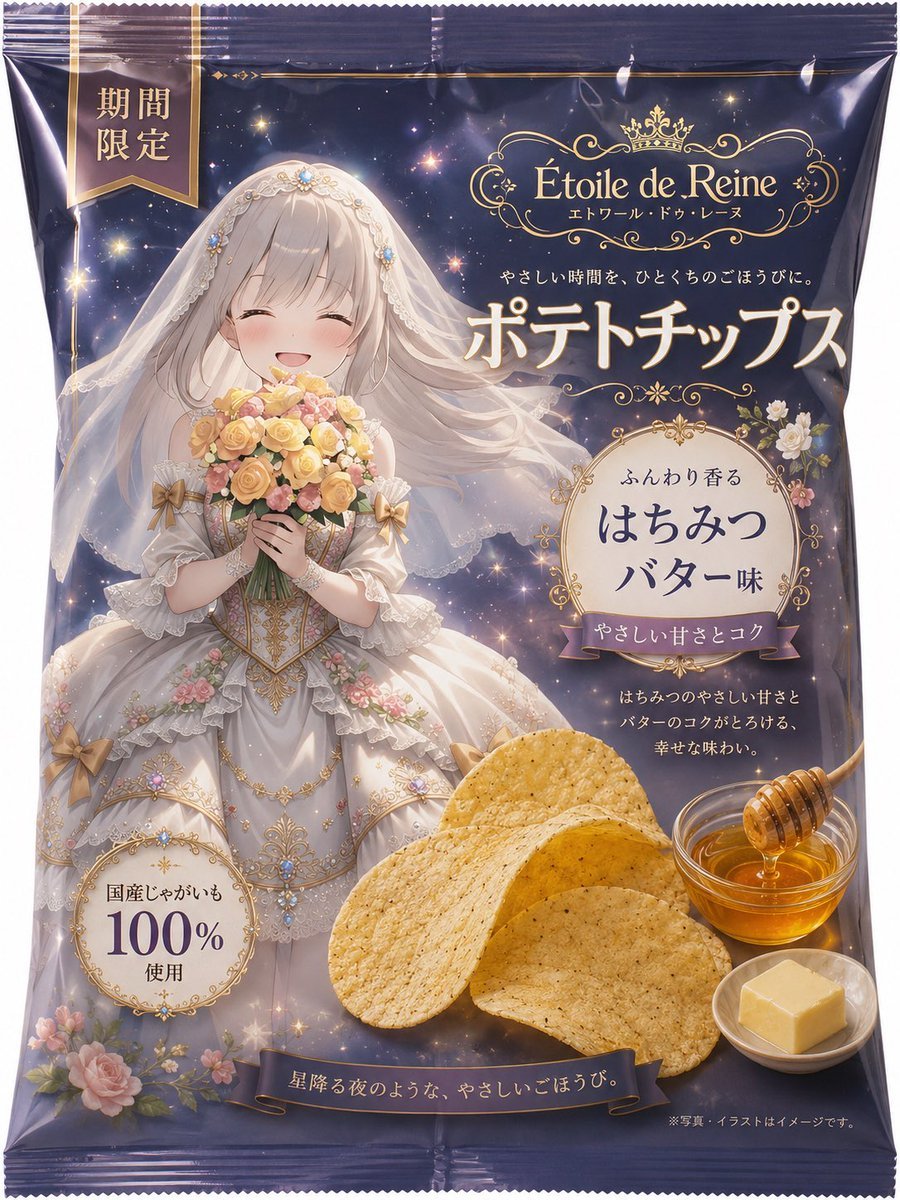
Generates a premium Japanese-style potato chips package mockup featuring an ornate anime princess illustration, honey butter flavor branding, and luxury gold detailing.
- Prompt included
- Model and format preset
- Free template
The prompt behind this image
Copy the exact prompt behind Luxury Anime Princess Potato Chip Bag, or open it in the studio and make it yours.
Goal: Create a vertical premium potato chips package design based on an ornate anime princess illustration, like a finished retail snack bag mockup. Canvas: Portrait 3:4 product-package image, full front view of a glossy crinkled potato chip bag with sealed ridged top and bottom edges. Use a deep midnight navy and black-purple background with gold trim, sparkles, tiny stars, and luxury confectionery styling. Main subject: On the left and center, show an elegant anime-style princess bride wearing an elaborate white lace gown with gold embroidery, jeweled bodice, pearl details, bows, floral appliqués, and a translucent veil flowing across the package. She holds a bouquet of yellow, cream, and pink roses. Her face area is covered by a plain centered beige rectangular placeholder, as if the character portrait can be swapped in later. Her long pale silver-blonde hair and veil blend into a magical starry night background. Brand and text layout: At the upper right, place an ornate gold logo frame with a small crown and the brand name {argument name="brand name" default="Étoile de Reine"}, with the small Japanese subtitle 「エトワール・ドゥ・レーヌ」 beneath it. Below the logo, add a small elegant Japanese tagline 「やさしい時間を、ひとくちのごほうびに。」. Make the largest central headline in Japanese read {argument name="main product text" default="ポテトチップス"} in creamy white with a gold glow. At the top left, add a vertical hanging ribbon label in dark navy and gold that says {argument name="limited label" default="期間限定"}. Flavor badge: On the right middle, create a cream circular ornamental label with gold filigree and flowers. Text inside should read 「ふんわり香る」 above the main flavor {argument name="flavor text" default="はちみつ バター味"}. Add a small mauve ribbon across the badge reading 「やさしい甘さとコク」. Beneath it, include small Japanese copy: 「はちみつのやさしい甘さと バターのコクがとろける、 幸せな味わい。」 Food elements: In the lower right foreground, show exactly 5 large golden potato chips overlapping, with visible seasoning specks and realistic crisp texture. To their right, show exactly 1 small glass bowl of honey with exactly 1 wooden honey dipper dripping honey. In front of it, show exactly 1 small white dish holding exactly 1 square pat of butter. Quality badge and decorative elements: In the lower left, add a cream and gold circular badge reading 「国産じゃがいも 100% 使用」. Decorate the bottom left with pink roses and small flowers. Along the bottom, place a dark ribbon banner with gold trim reading {argument name="bottom slogan" default="星降る夜のような、やさしいごほうび。"}. Add tiny legal text at bottom right: 「※写真・イラストはイメージです。」 Visual style: Highly polished Japanese luxury snack packaging, glossy plastic reflections, realistic package folds and highlights, ornate gold typography, soft magical lighting, detailed anime illustration, romantic royal theme, premium limited-edition feel. Keep all text legible and arranged like a real retail package. Do not add extra characters, extra food items, logos, barcodes, or watermarks.
How to use Luxury Anime Princess Potato Chip Bag in 3 steps
- 1Upload ImagePNG, JPG or paste
Add your photo
Upload the photo the template builds on. The prompt, model and format are already set.
- 2…a portrait of your subject in softgolden-hour light, 85mm…
Personalize
Edit the subject and creative details for your destination.
- 3Generate
Generate
Press Generate — your image is created in PicX Studio, so you can compare it with the original and refine one variable at a time.
More like this
Templates with the same subject, style or setup. Open one to see its prompt.
Anime Sewing Room Magic

Anime Tower Window Escape

Anime Fairy Godmother Glow

Anime Rose Garden Throne
Anime Character Potato Chip Packaging
Roulette Chip Cascade
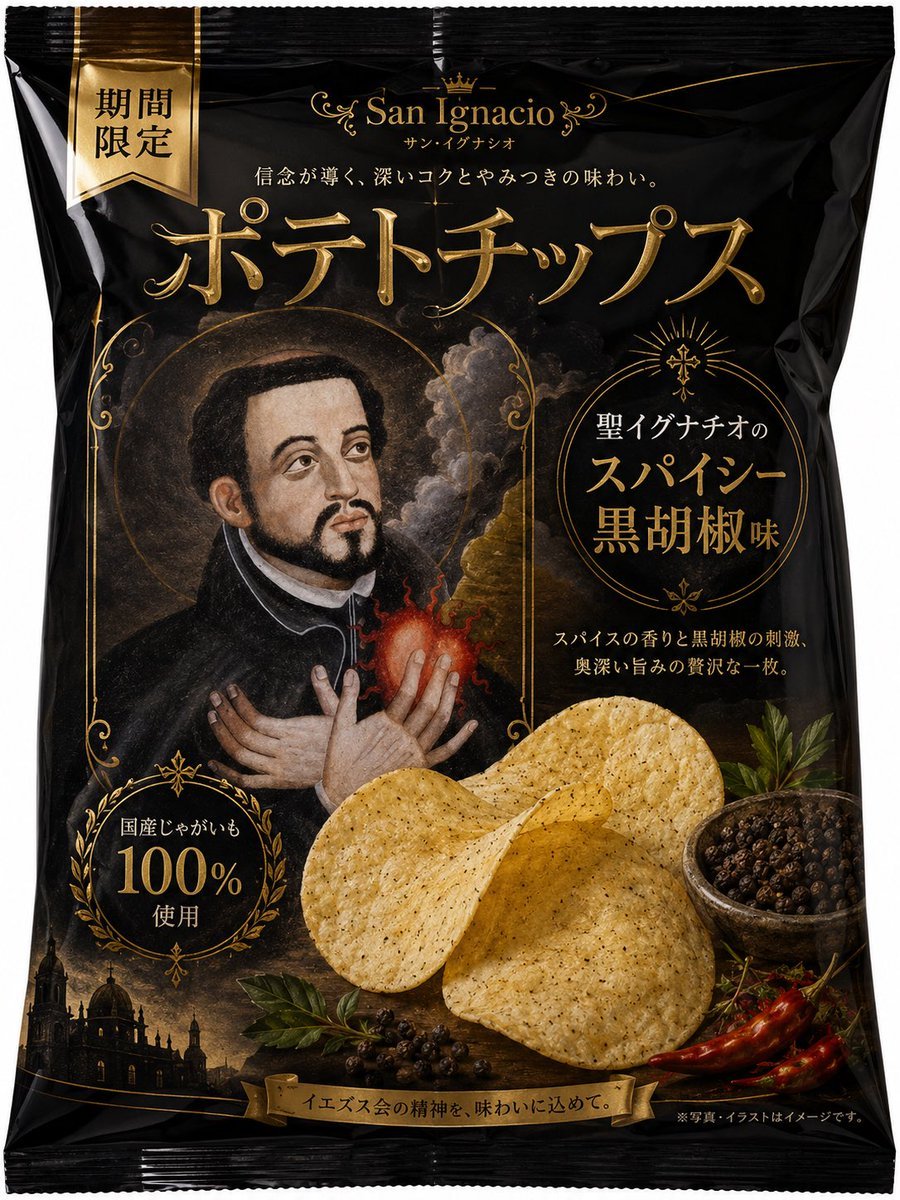
Luxury Saint Potato Chips Package
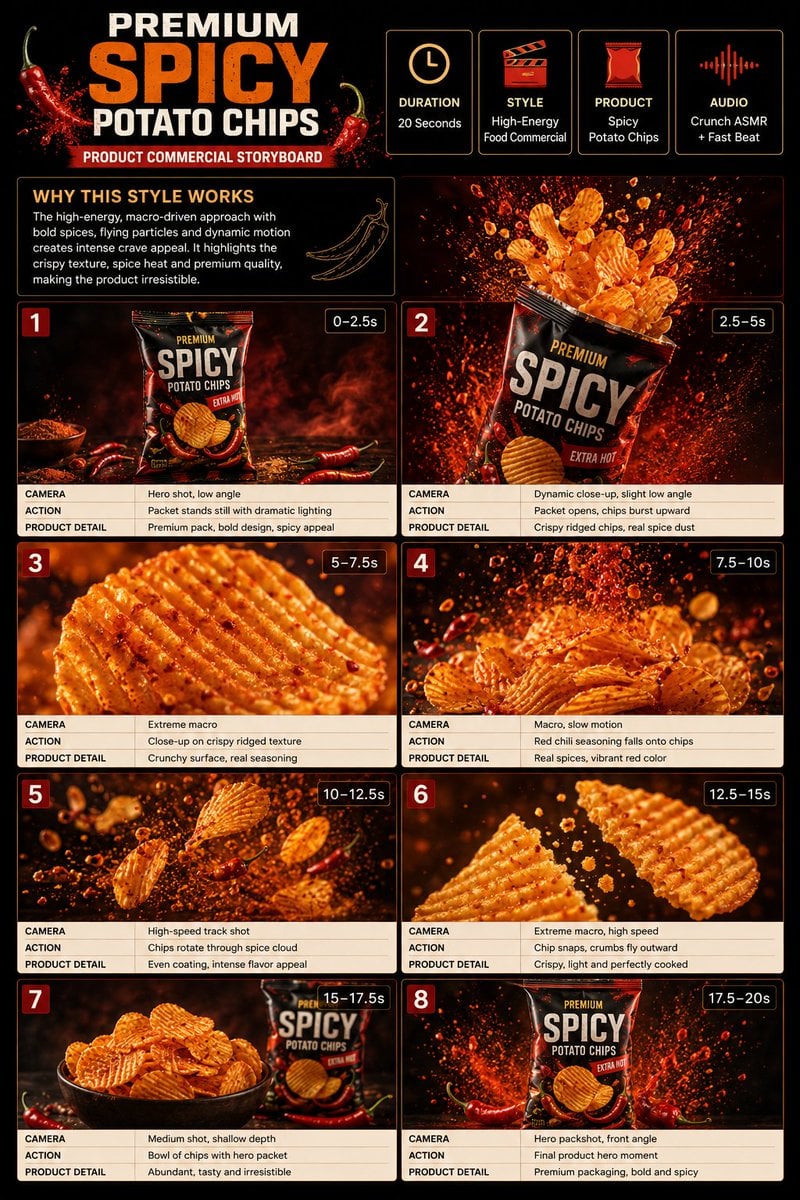
Spicy Potato Chip Commercial Storyboard
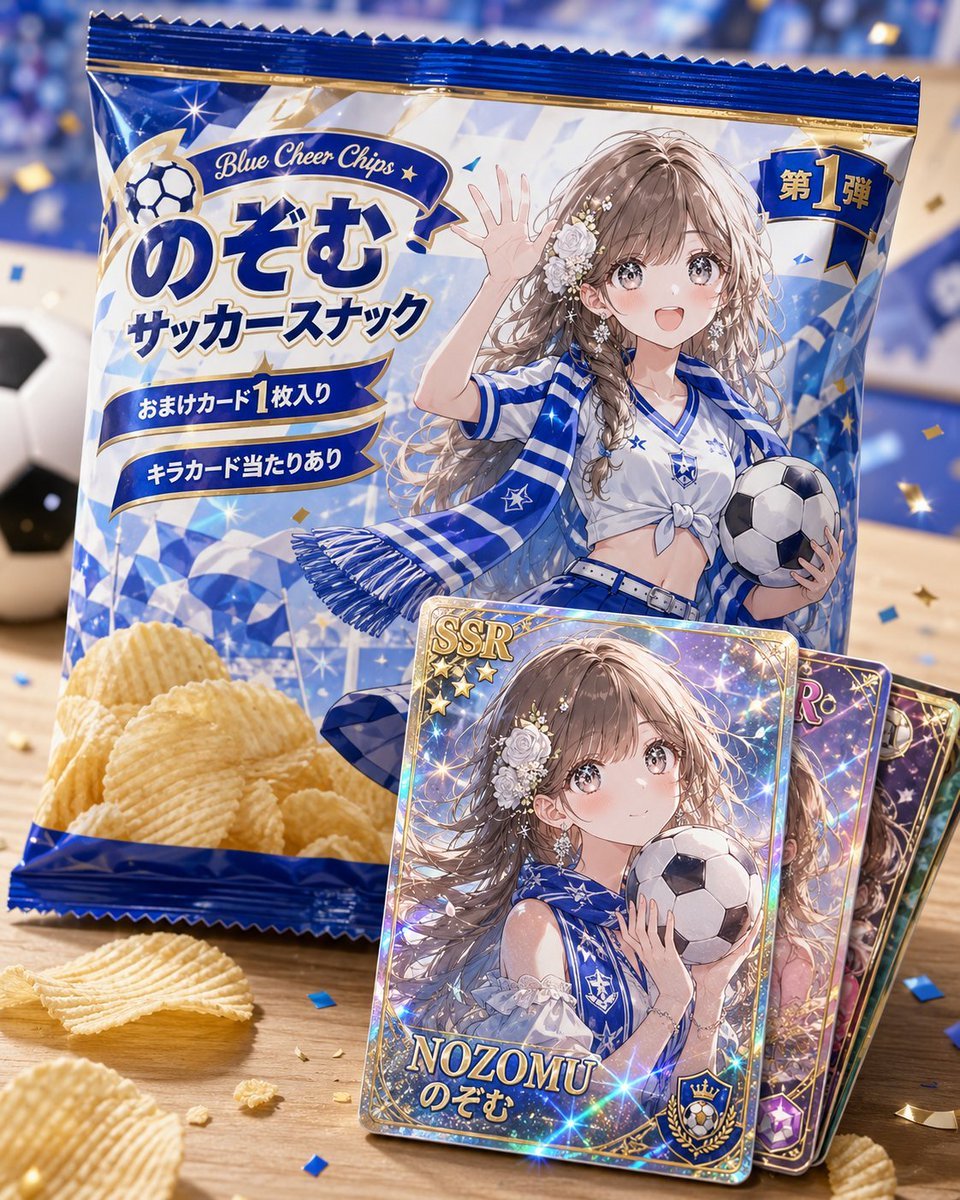
Anime Soccer Snack Bag Ad
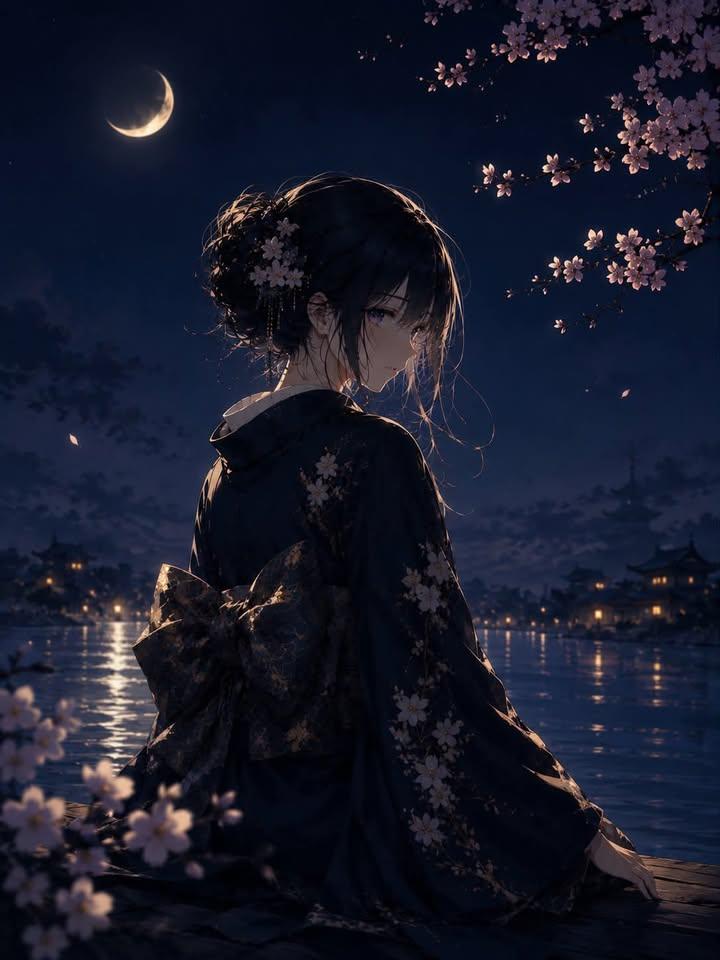
Luxury Japanese Fantasy Anime Kimono

Surreal Luxury Handbag Editorial
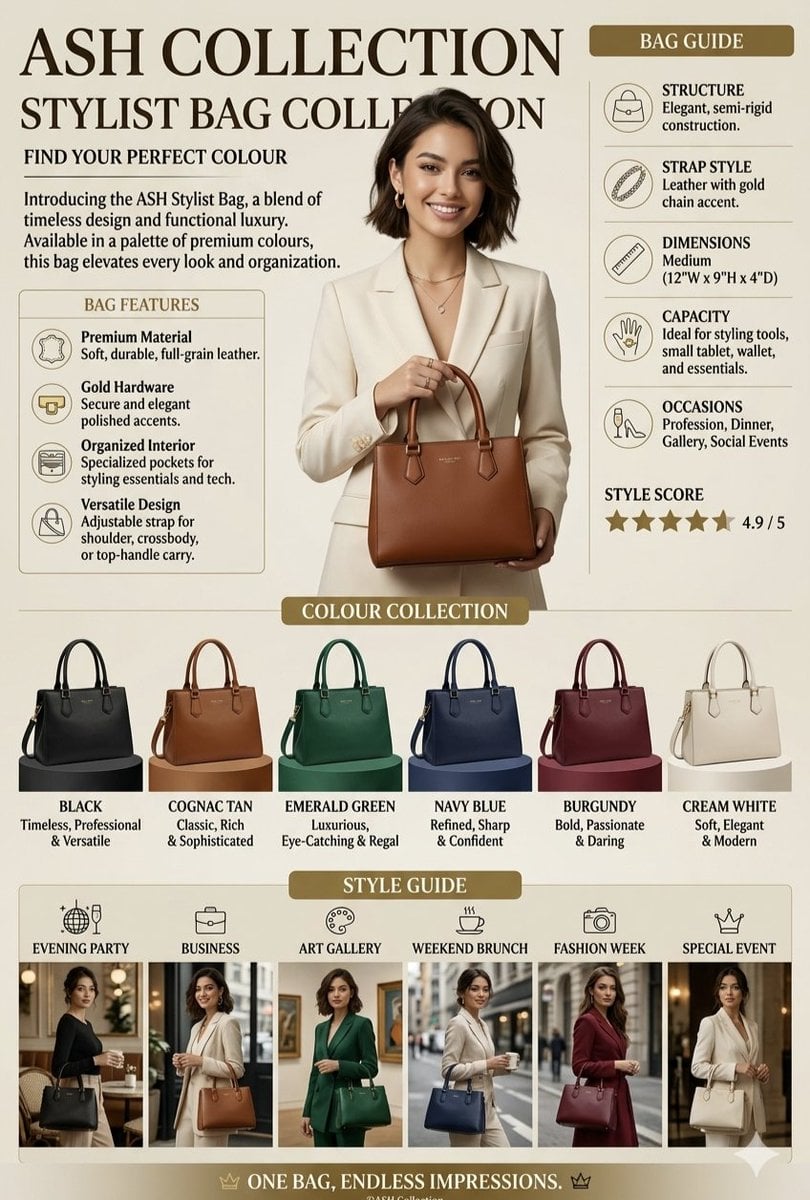
Luxury Handbag Promotional Infographic
Make it yours
Luxury Anime Princess Potato Chip Bag works as-is. These are the safest ways to change it without losing the look.
Change one field
Copy a single group, rewrite it, and generate again so you can see what that field is doing.
Keep the frame, change the subject
Hold the composition and light of Luxury Anime Princess Potato Chip Bag, then swap wardrobe, props or the person for a new take.
| If the result… | Why | Fix |
|---|---|---|
| The result drifts from the preview | Too many fields changed at once. | Reuse Luxury Anime Princess Potato Chip Bag as-is first, then change one group — subject, light, or setting. |
| The model over-stylizes the scene | The prose prompt leaves finish and camera underspecified. | Add one camera or lighting sentence and stay on GPT Image 2. |
More GPT Image 2 templates
Other prompts made for GPT Image 2.

Six VTuber Japanese Logo Sheet

Realistic Portrait of Woman and Deer

The Vista Modular Condo Poster

AI Model Routing Comparison Infographic

2.5D Anime Art Board

Isometric Productivity Desk Scene

New York Double Exposure Poster

Four-Panel AI Landscape Comparison

Japanese Tatami Lifestyle Magazine Cover

NESCAFÉ Coffee Map Poster
More image prompts
Fresh picks from across the catalog.
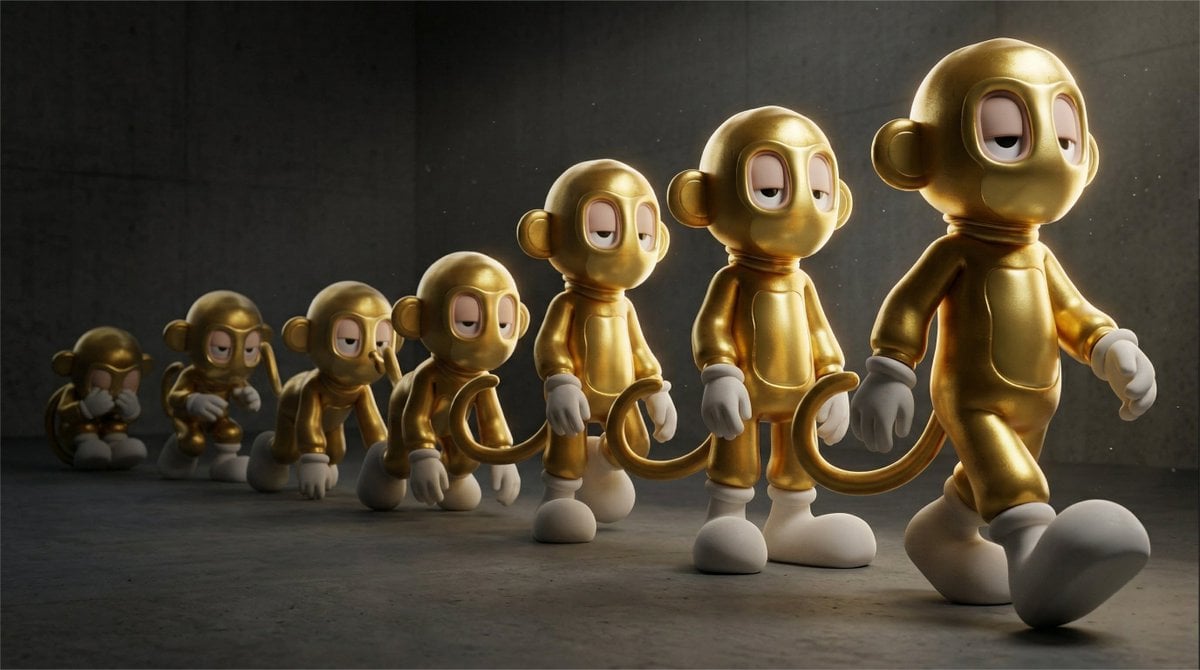
Cinematic 3D Toy Character Evolution Sequence
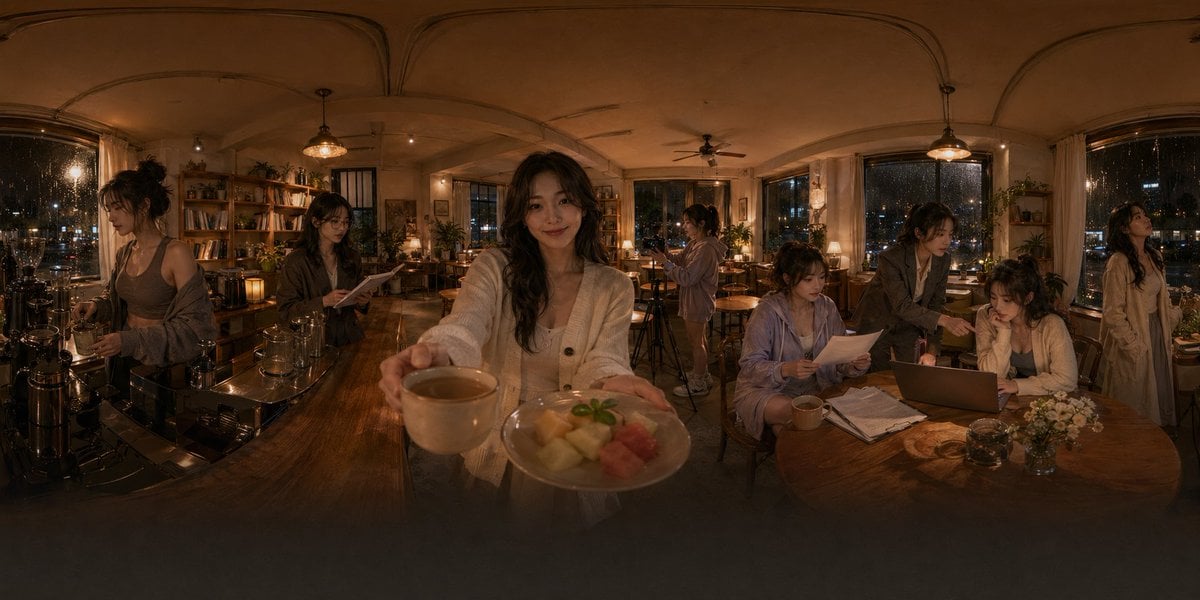
Rainy Night Café 360 Panorama
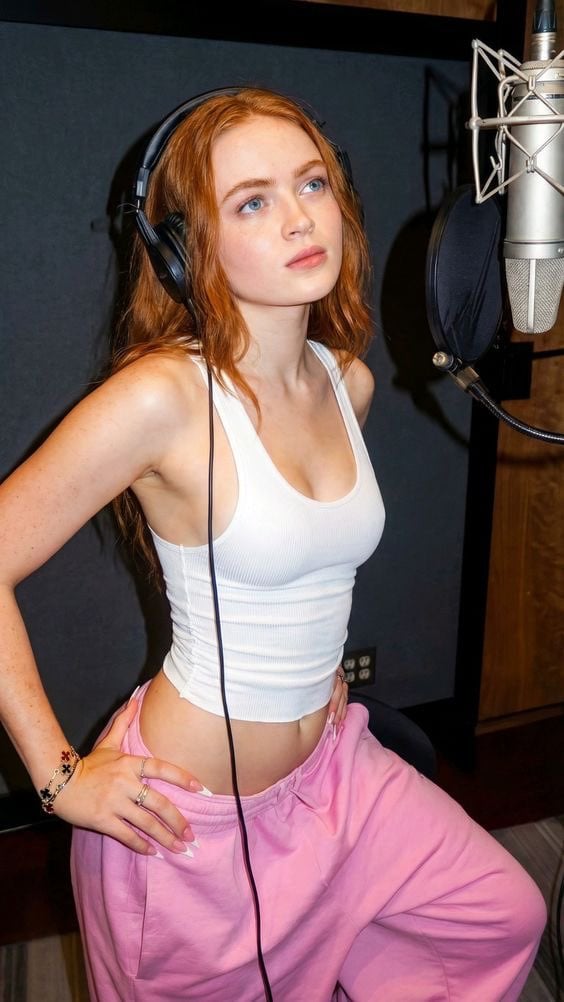
Structured Prompt for Focused Singer in Recording Booth
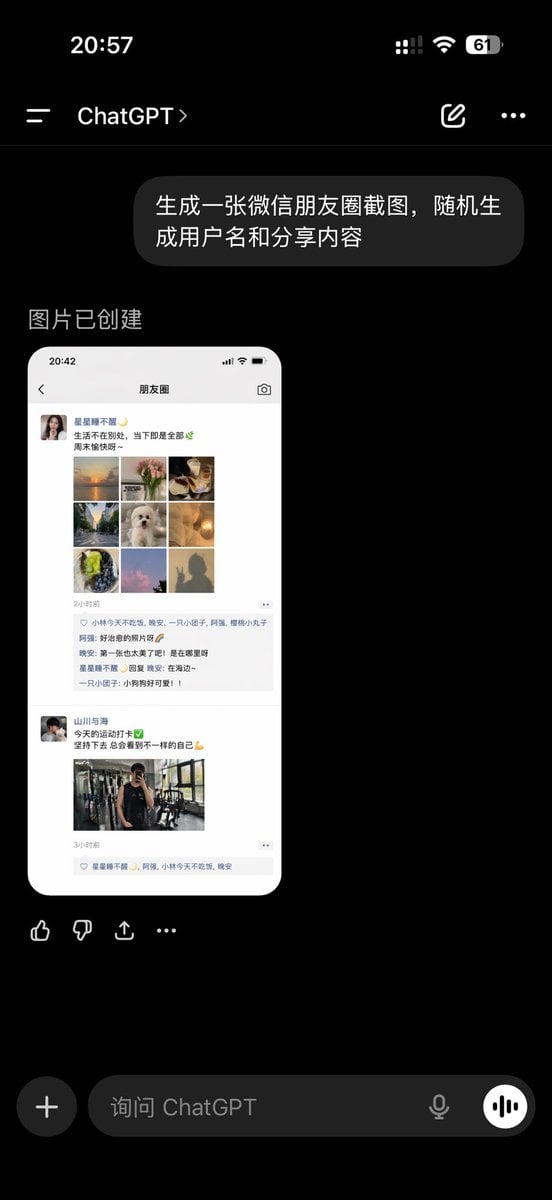
ChatGPT App Showing WeChat Moments Screenshot
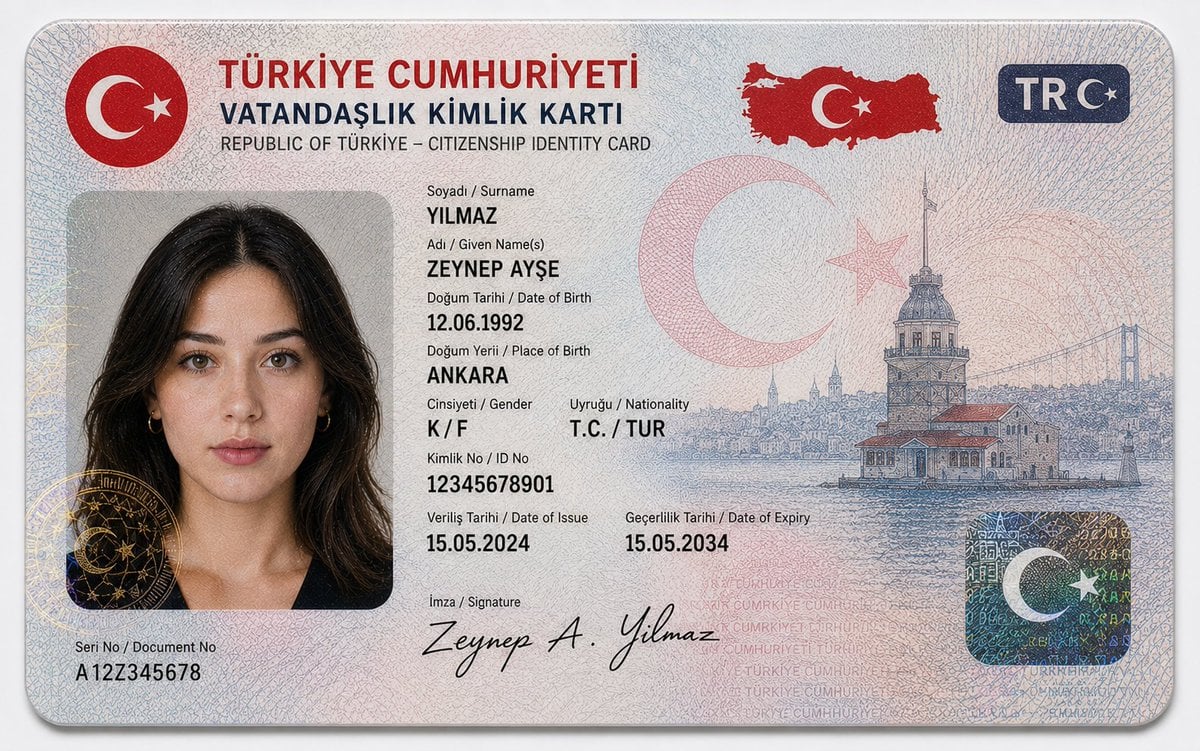
German Citizenship Identity Card Mockup
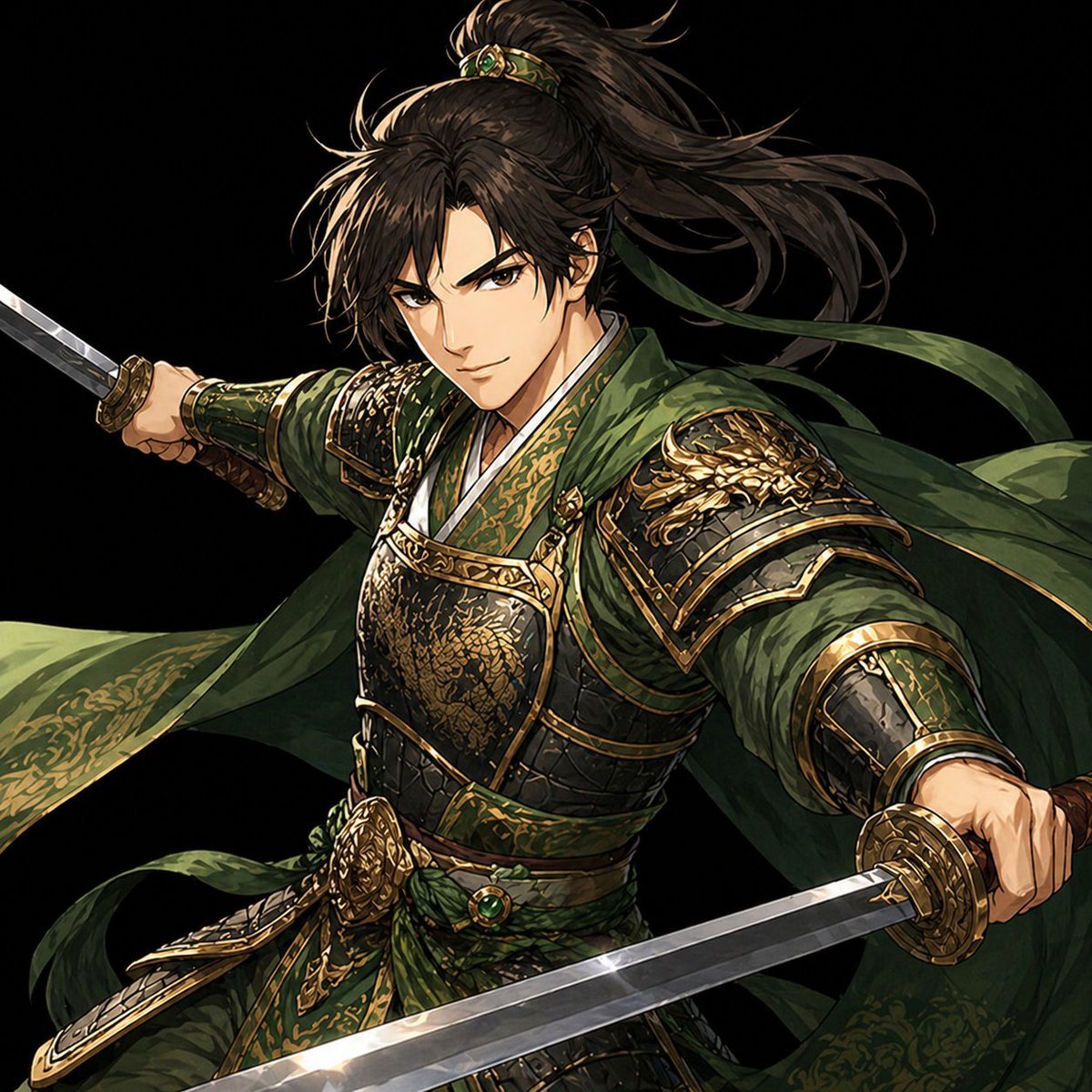
Green Armored Dual-Sword Warrior
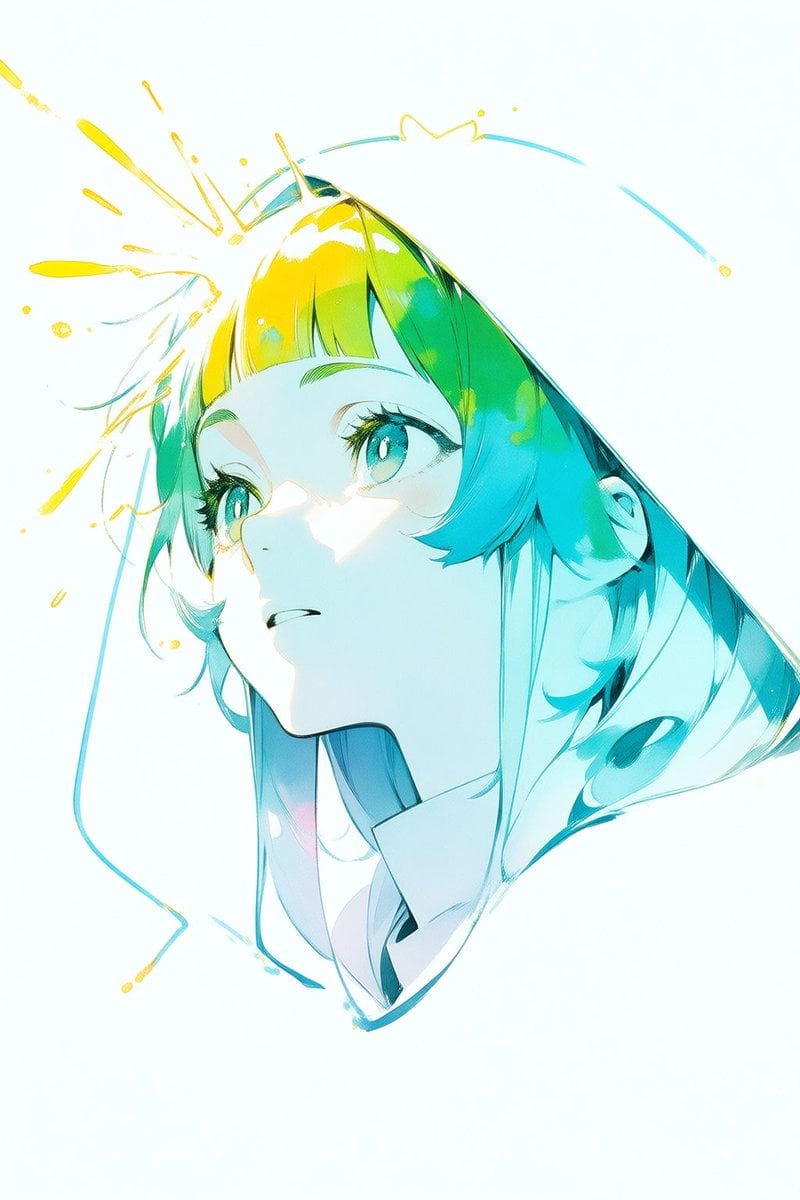
Abstract Aqua Anime Poster
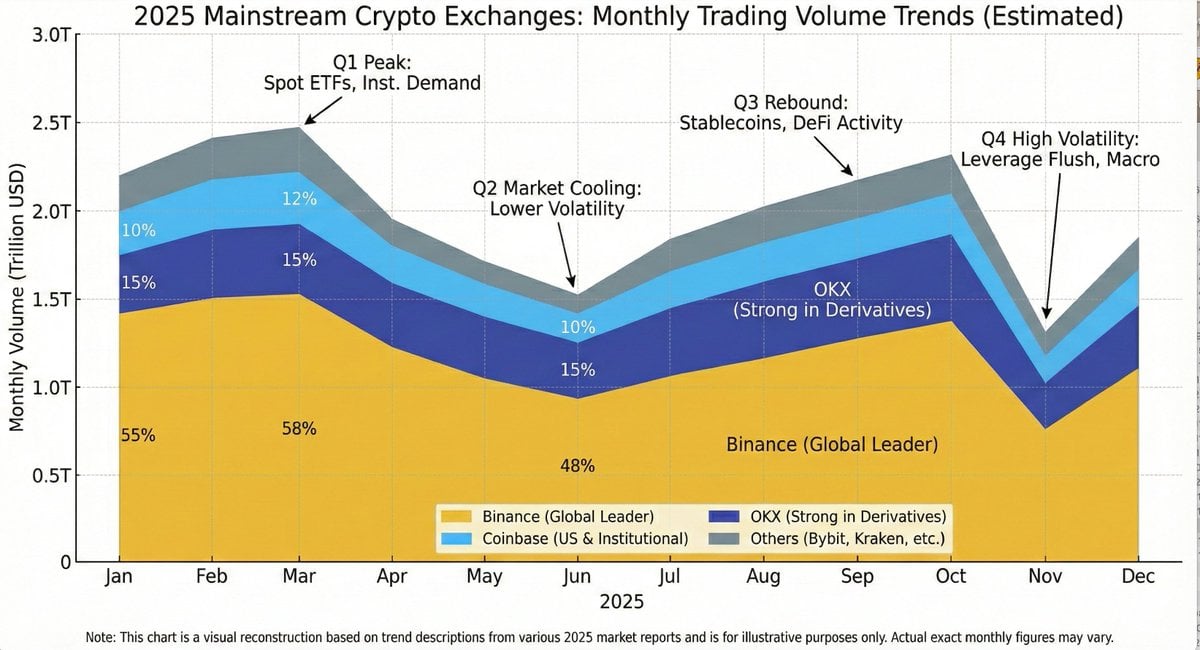
Generating Exchange Volume Change Image
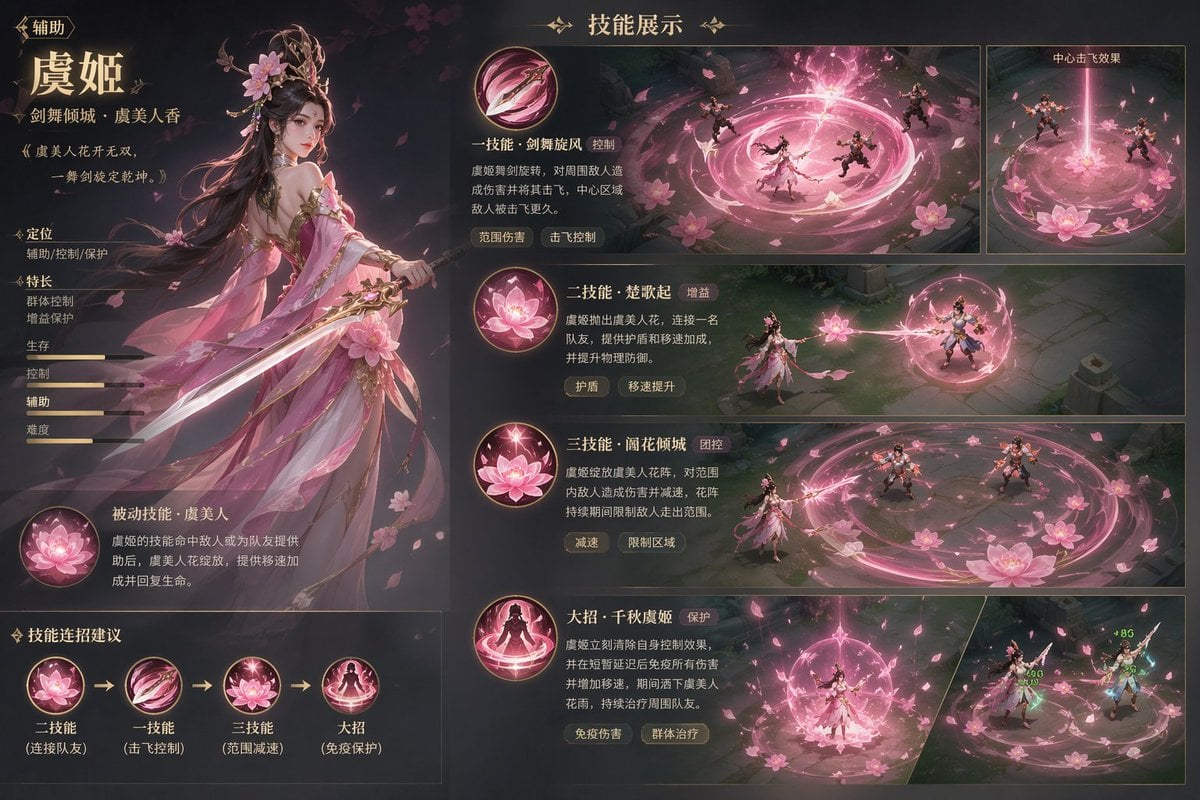
Game character skill concept prompt
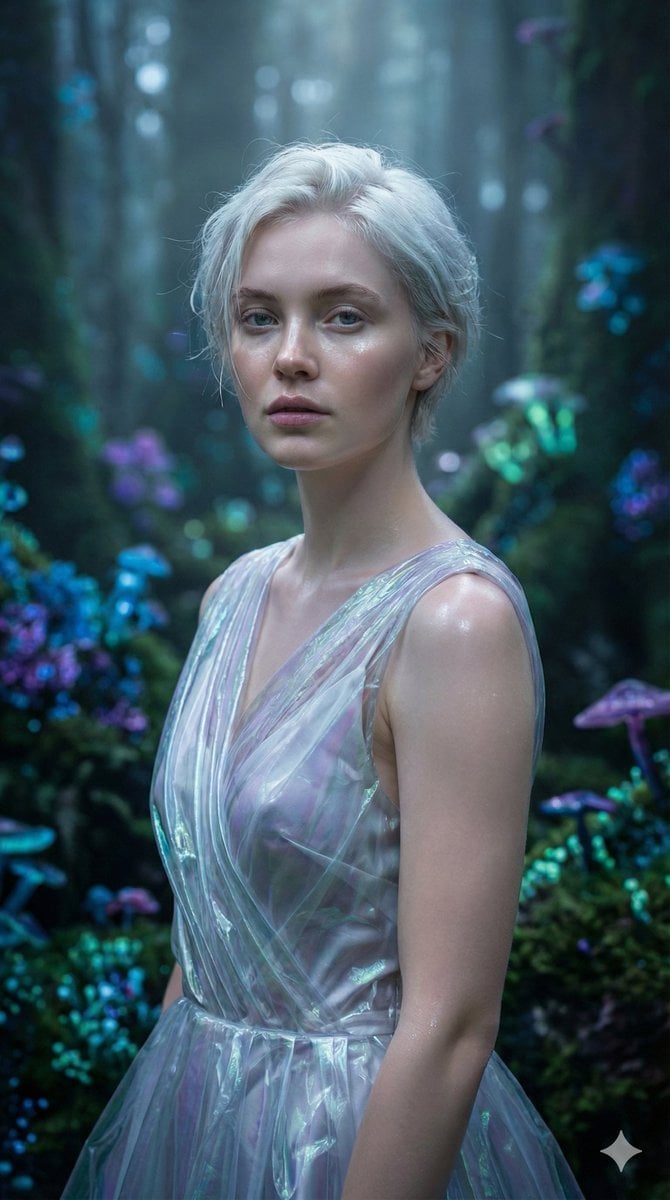
Ethereal Fantasy Realism Portrait Prompt
Browse template categories
Luxury Anime Princess Potato Chip Bag questions
How do I use the Luxury Anime Princess Potato Chip Bag template?
Add your photo if the template asks for one, edit the prompt if you like — the template's model and format are already selected — and press Generate. Your version opens in PicX Studio.
Can I customize the Luxury Anime Princess Potato Chip Bag template?
Yes. You can change the subject, setting, lighting, mood, format, and available model controls before creating your image.
Is the Luxury Anime Princess Potato Chip Bag template free?
Opening and editing this template is free. Generating uses credits, shown on the Generate button when you are signed in.
Which AI model should I use?
Start with GPT Image 2, which is the model associated with this template. You can compare another compatible model for a different finish.
Looking for something else? Browse all templates.

Your photo, any look
Thousands of ready templates for every top image and video model, from one credit balance.