
Cinematic 3D Toy Character Evolution Sequence
A highly structured prompt for generating a cinematic image showing the evolution of a 3D toy character across 6-8 stages in a single frame, emphasizing absolute likeness integrity, diagonal composition, progressive…
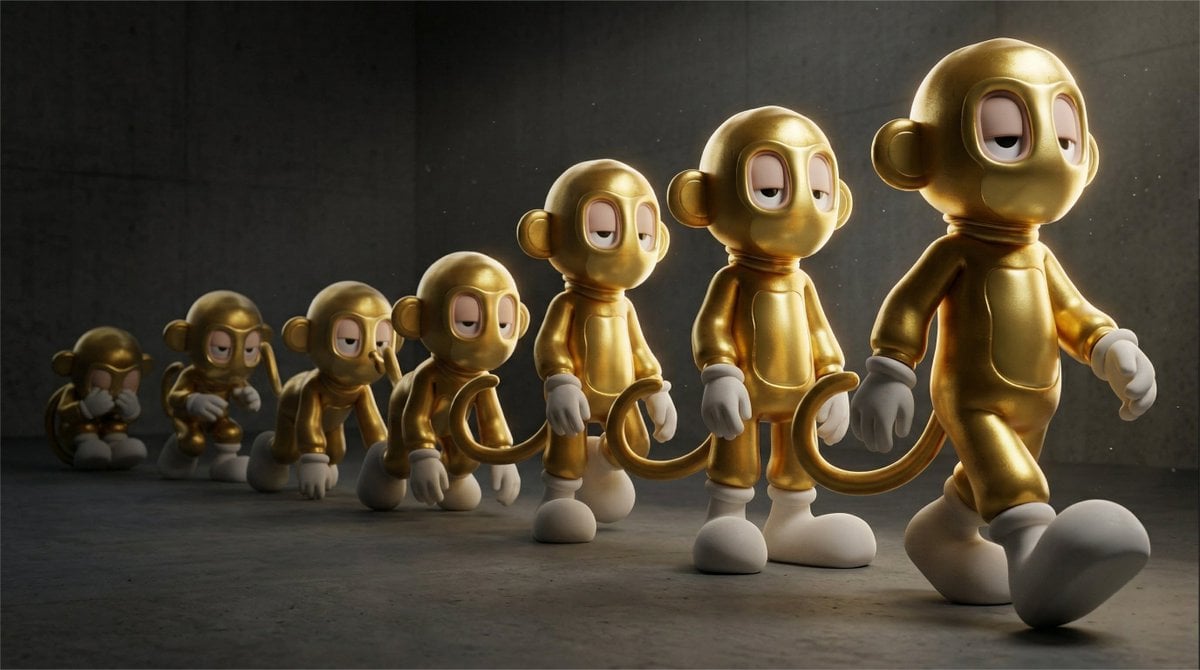
- Prompt included
- Model and format preset
- Free template
The prompt behind this image
Copy the exact prompt behind Cinematic 3D Toy Character Evolution Sequence, or open it in the studio and make it yours.
A cinematic evolution sequence of the 3d toy character shown as multiple identical instances progressing from primitive to fully realized form across a single frame. 🔒 LIKENESS INTEGRITY (ABSOLUTE PRIORITY) All instances must preserve exactly: • proportions • eye shape, spacing, stylization • silhouette • material identity No redesign. No added features. No anatomy change. Only pose progression is allowed. 🧠 EVOLUTION STRUCTURE (MANDATORY) The character appears repeated in a left-to-right progression of 6–8 stages: • earliest stage: crouched, compressed, almost animalistic or inactive • mid stages: gradual spine lift, awareness, balance emerging • final stage: fully upright, confident forward motion Each stage must feel like a natural transformation, not separate poses. Motion must read as a continuous evolution. 🎥 CAMERA & PERSPECTIVE Low-angle cinematic shot, slightly below mid-body height of the final character Shot with a 28–35mm lens to create subtle perspective compression and depth Camera positioned closer to the final evolved character, making it dominant in frame The earliest forms recede into the background along a diagonal progression ⚖️ COMPOSITION (CRITICAL) Diagonal layout from back-left (primitive) → front-right (evolved) Foreground dominated by the final form, partially cropped for tension Earlier stages progressively smaller and more compressed into depth No centered symmetry 🎯 DEPTH OF FIELD (MANDATORY) Primary focal plane locked on the most evolved character Mid stages slightly softer Earliest stages fall into progressive blur No full-frame sharpness 💡 LIGHTING Strong directional light from the side or rear Rim light increases progressively across evolution stages Primitive forms sit more in shadow Final form is clearly defined with sculptural light separation 🌫 ATMOSPHERE Subtle haze or volumetric light to enhance depth layering Light falloff increases toward background Optional faint dust or particles to create dimensional space 🎨 COLOR CONTROL Primitive stages slightly desaturated and darker Color richness increases toward the final evolved form Controlled contrast, no oversaturation 🧱 SURFACE & MATERIAL Maintain exact original material identity Enhance micro-detail only on the focal character No texture reinterpretation 🔥 EMOTION Inevitable transformation From instinct → awareness → dominance The final character feels like the destination of a journey 🚫 NEGATIVE CONSTRAINTS No random poses No redesign No symmetry No flat lighting No full-body sharpness everywhere No equal importance across all stages Aspect Ratio: ar 16:9
How to use Cinematic 3D Toy Character Evolution Sequence in 3 steps
- 1
Open
The prompt is already in the box next to the preview, with the template's model and format selected.
- 2…a portrait of your subject in softgolden-hour light, 85mm…
Personalize
Edit the subject and creative details for your destination.
- 3Generate
Generate
Press Generate — your image is created in PicX Studio, so you can compare it with the original and refine one variable at a time.
More like this
Templates with the same subject, style or setup. Open one to see its prompt.

Felt & Knit 3D Character — Photo-Exact Face, Pixar-Quality Plush Figurine
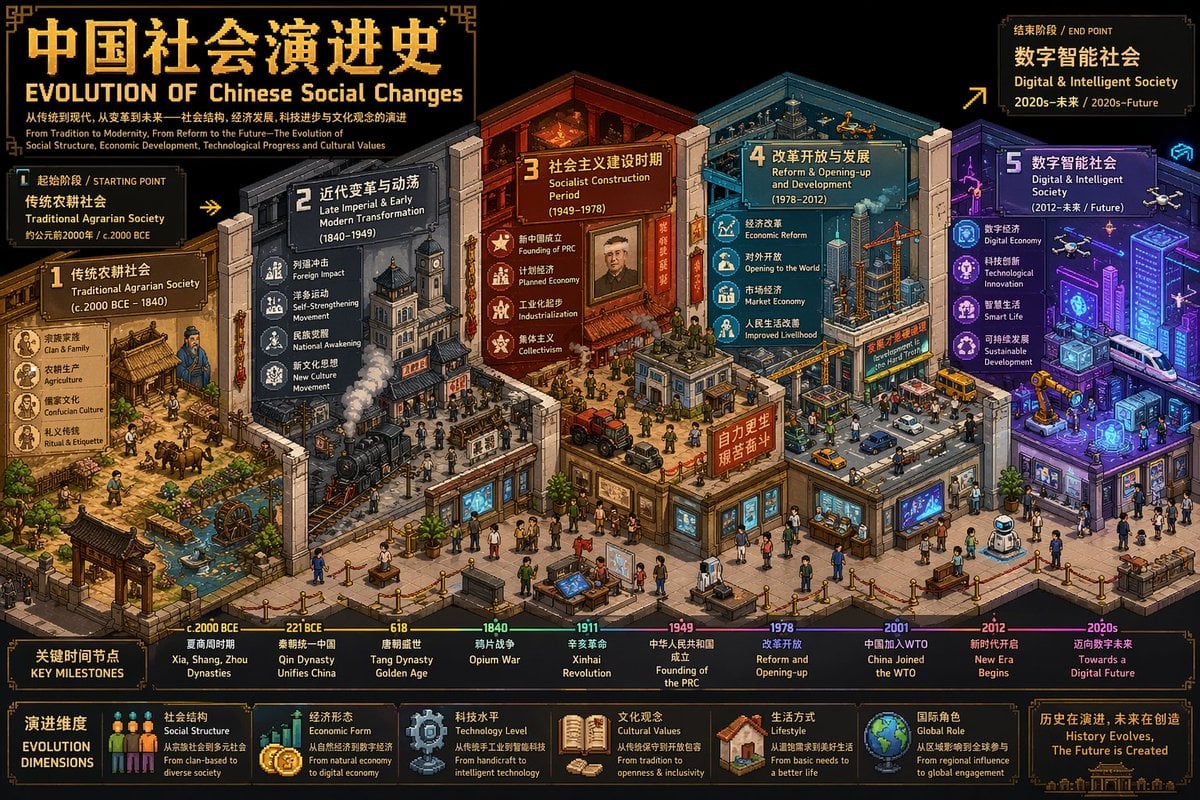
Isometric Pixel Art Evolution Museum
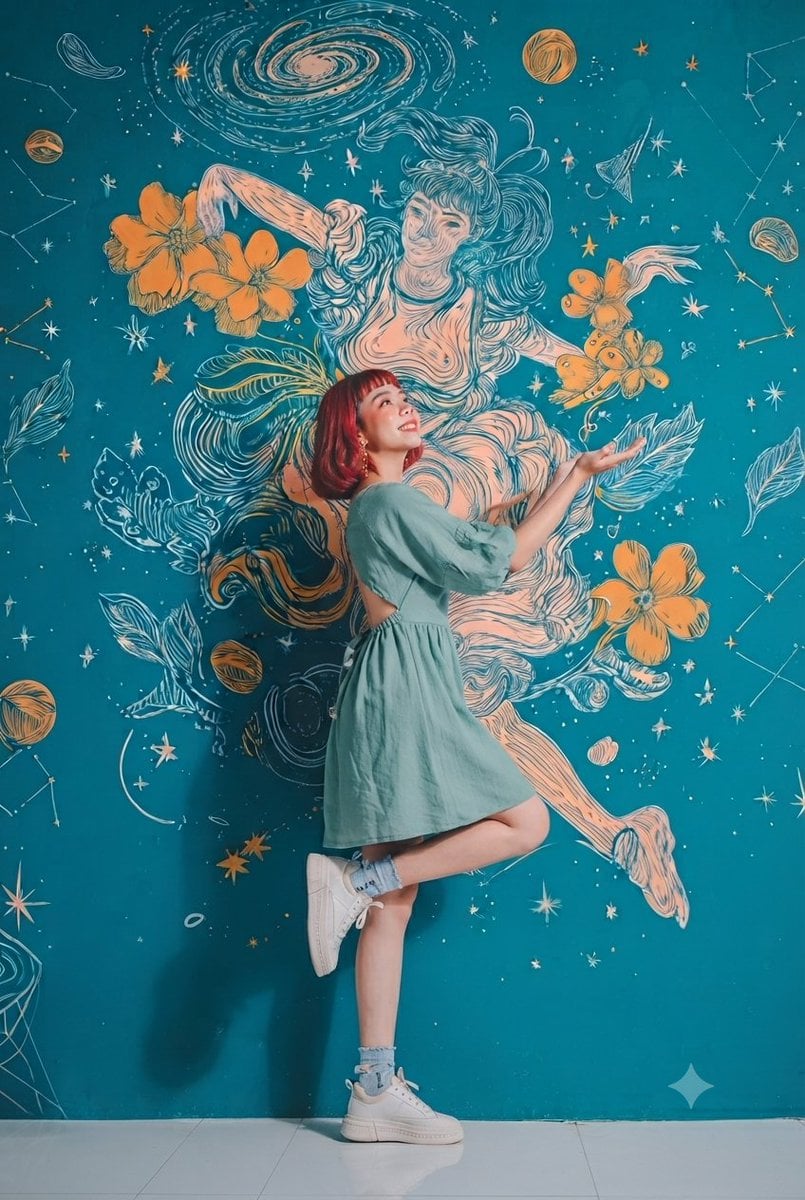
Cosmic Mural Studio Portrait Sequence
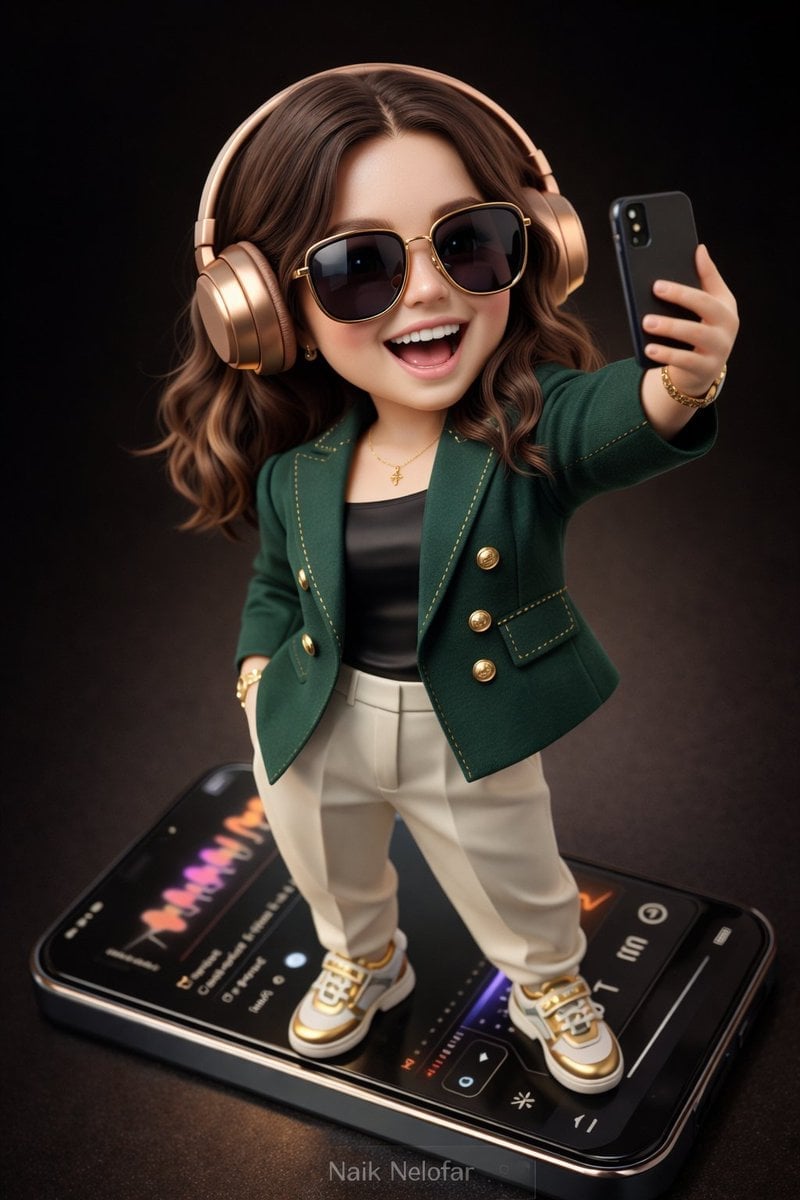
Chibi Designer Toy Character on Smartphone
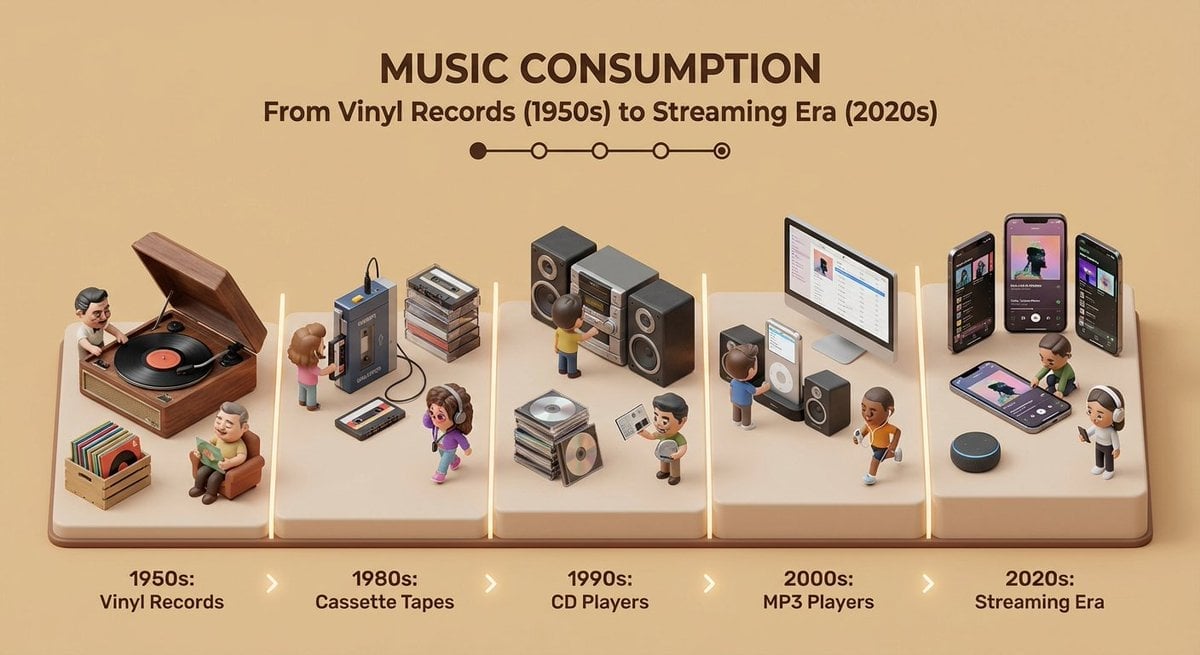
Isometric Evolution Timeline Diorama
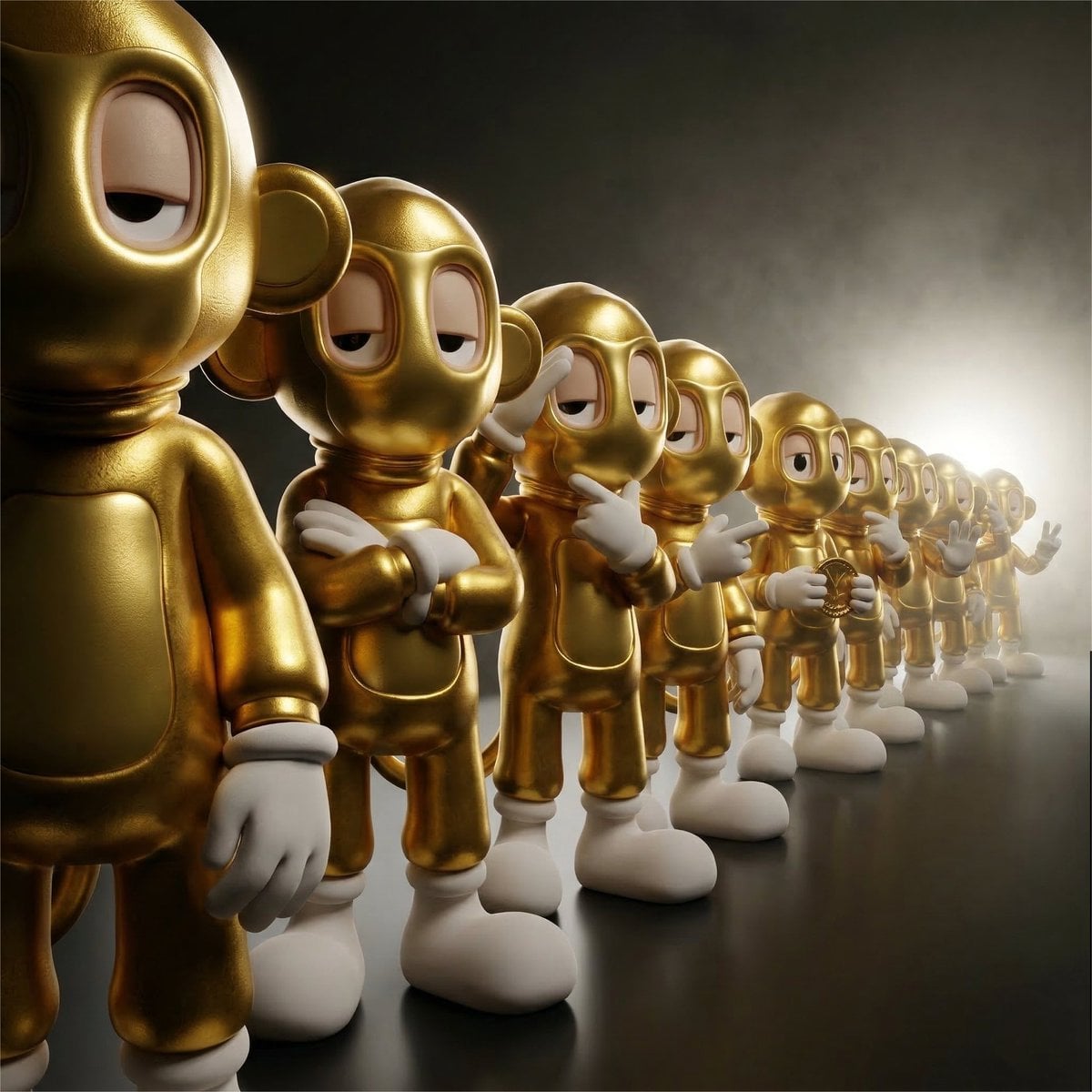
Collectible Vinyl Toy Procession 3D
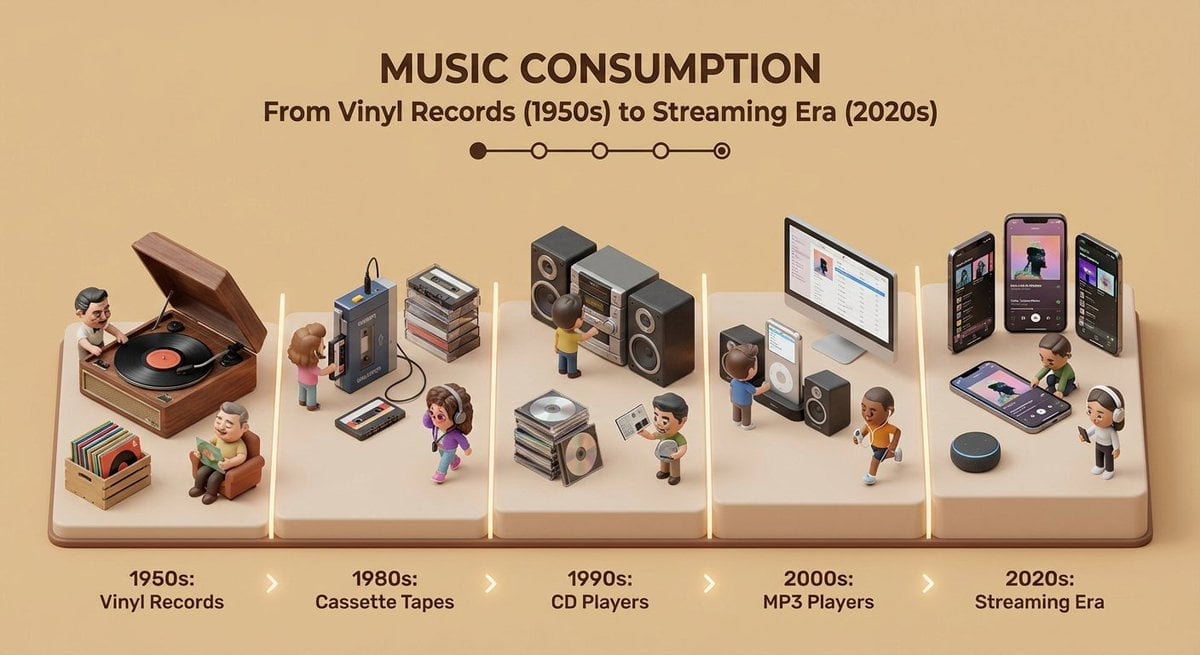
Clean isometric miniature 3D diorama visualizing the evolution

AI Vibe Coding Evolution Map
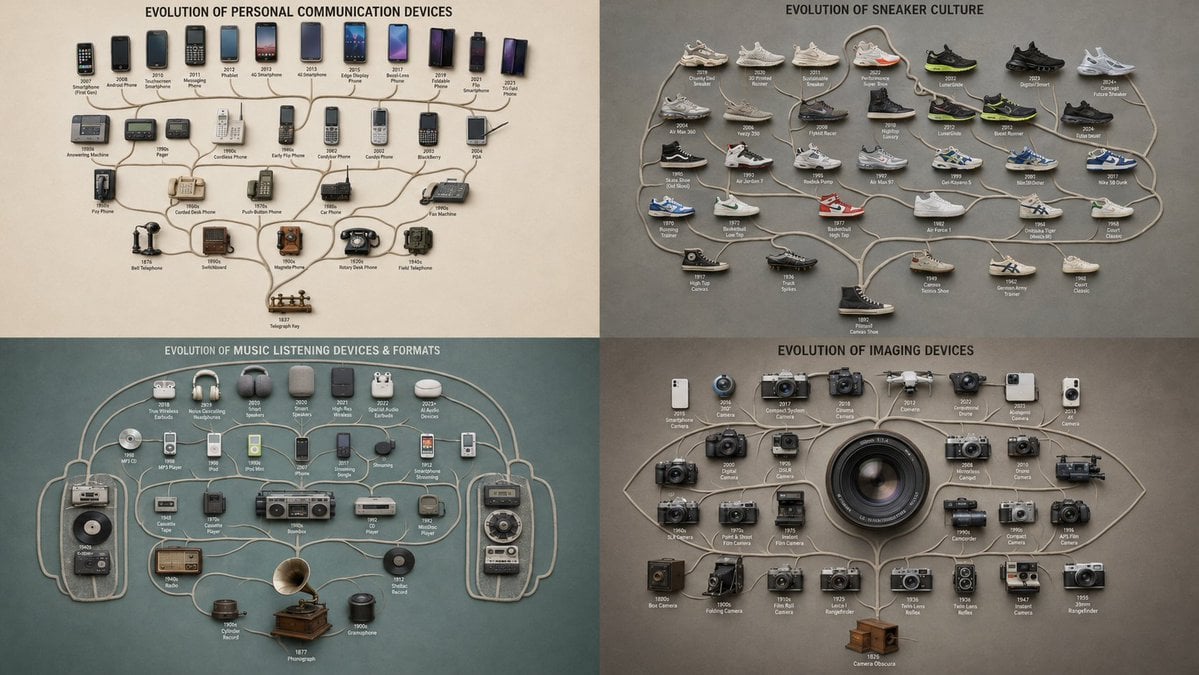
Evolutionary Branching Tree Visualization
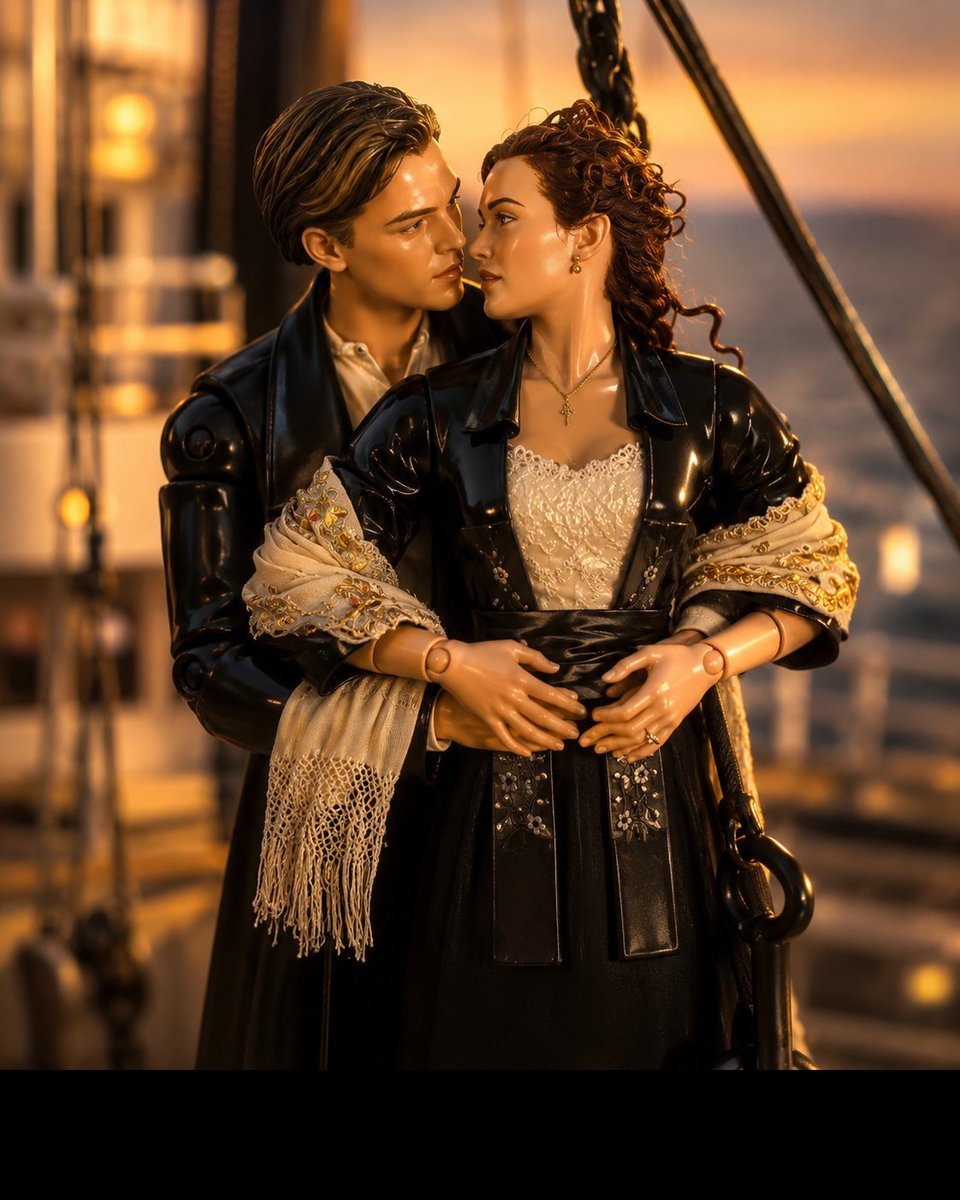
3D Collectible Toy Ocean Liner Render
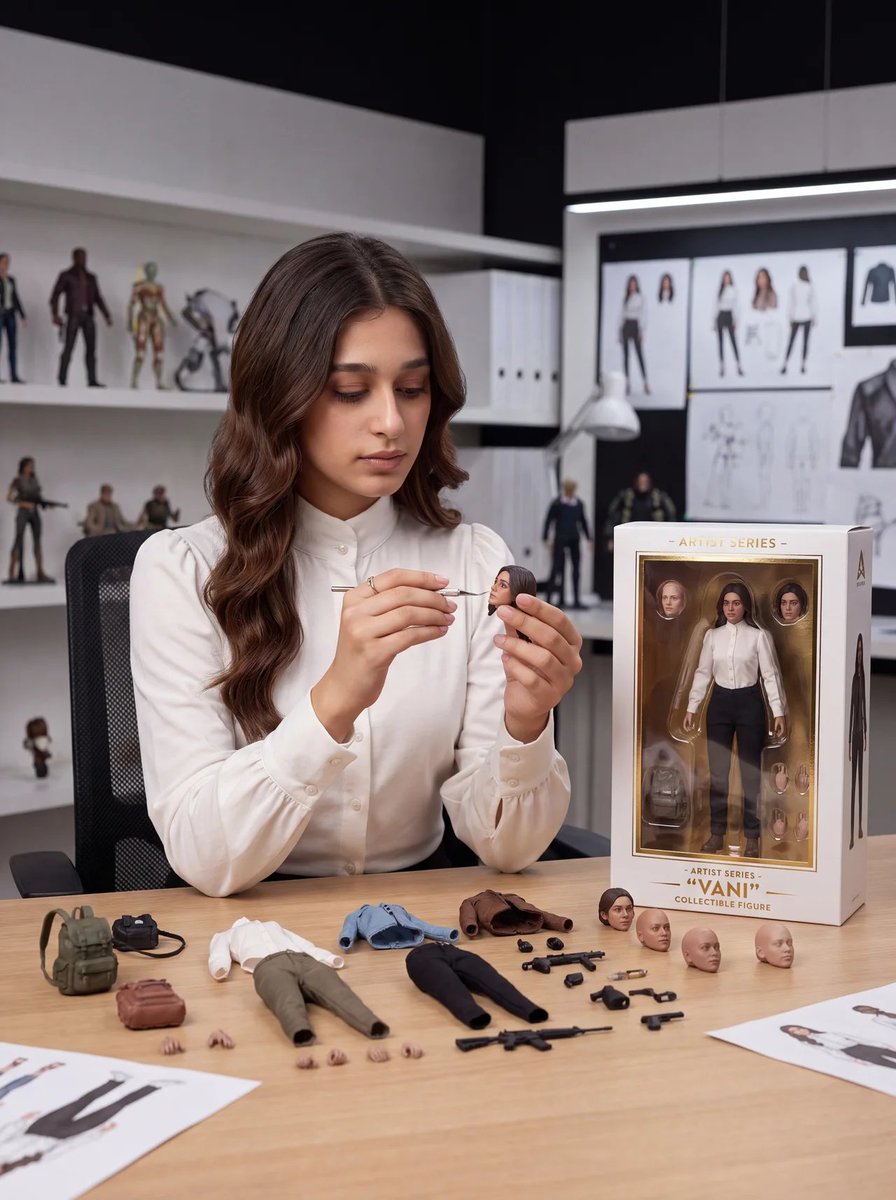
Toy Designer Collectible Figure Studio
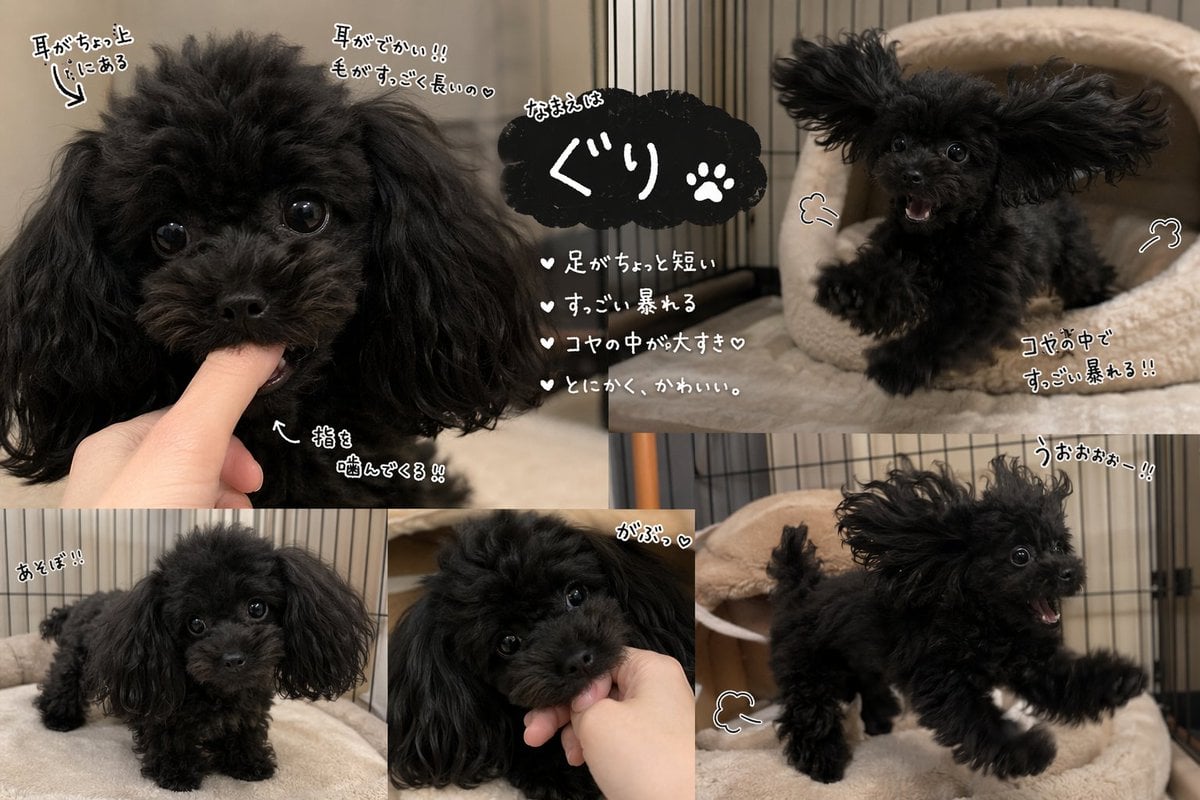
Cute Black Toy Poodle Collage
Make it yours
Cinematic 3D Toy Character Evolution Sequence works as-is. These are the safest ways to change it without losing the look.
Change one field
Copy a single group, rewrite it, and generate again so you can see what that field is doing.
Keep the frame, change the subject
Hold the composition and light of Cinematic 3D Toy Character Evolution Sequence, then swap wardrobe, props or the person for a new take.
| If the result… | Why | Fix |
|---|---|---|
| The result drifts from the preview | Too many fields changed at once. | Reuse Cinematic 3D Toy Character Evolution Sequence as-is first, then change one group — subject, light, or setting. |
| The model over-stylizes the scene | The prose prompt leaves finish and camera underspecified. | Add one camera or lighting sentence and stay on Nano Banana 2. |
More Nano Banana 2 templates
Other prompts made for Nano Banana 2.

Photorealistic Leaf Shaped Like a Dragon

K-Pop Idol Portrait Grid for Rapid Selection

Poetic Rain Forest Portrait During Golden Hour

Urban Street Portrait with Cartoon Inner Self Duo

Candid Nighttime Photo with Cat Prompt

High-Concept 3D Diorama Generation Prompt

Cinematic Futuristic Studio Portrait Template

Skincare Editorial Photography Collage Prompt

Hyper-Realistic Commercial Product Photography (Splash Effect)

Hyper-Realistic Nightclub Portrait Prompt
More image prompts
Fresh picks from across the catalog.

Comparing Nano Banana Pro and 2 with a Profile Flyer Prompt
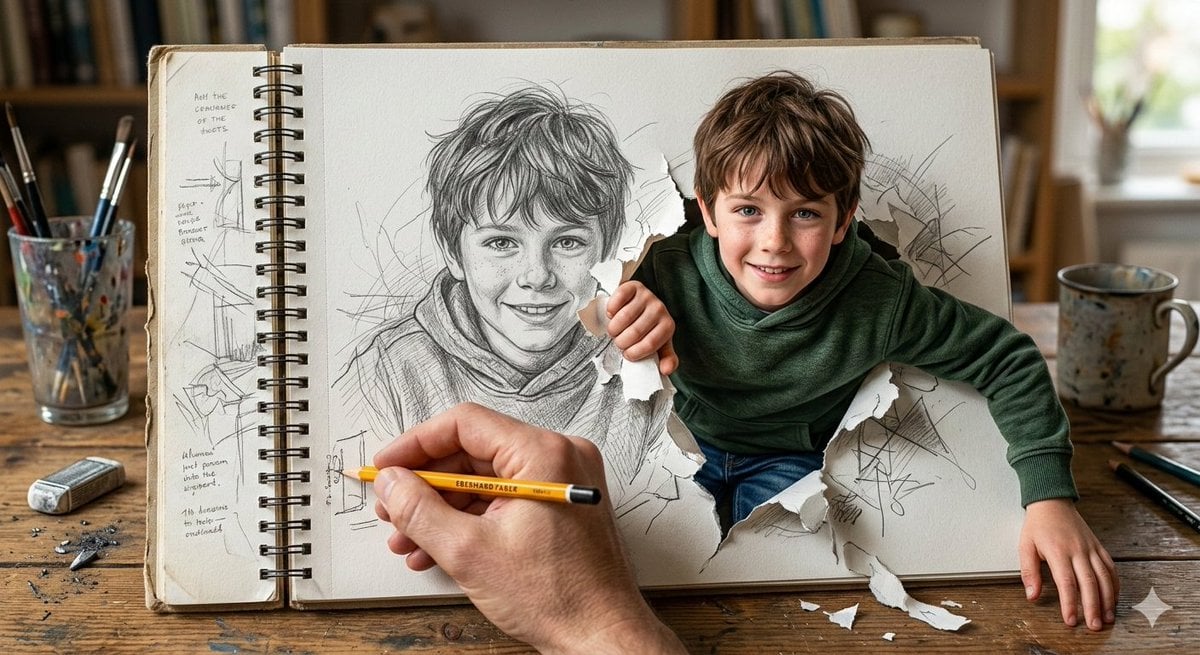
Cinematic 3D Illustration of a Boy Emerging from a Sketchbook
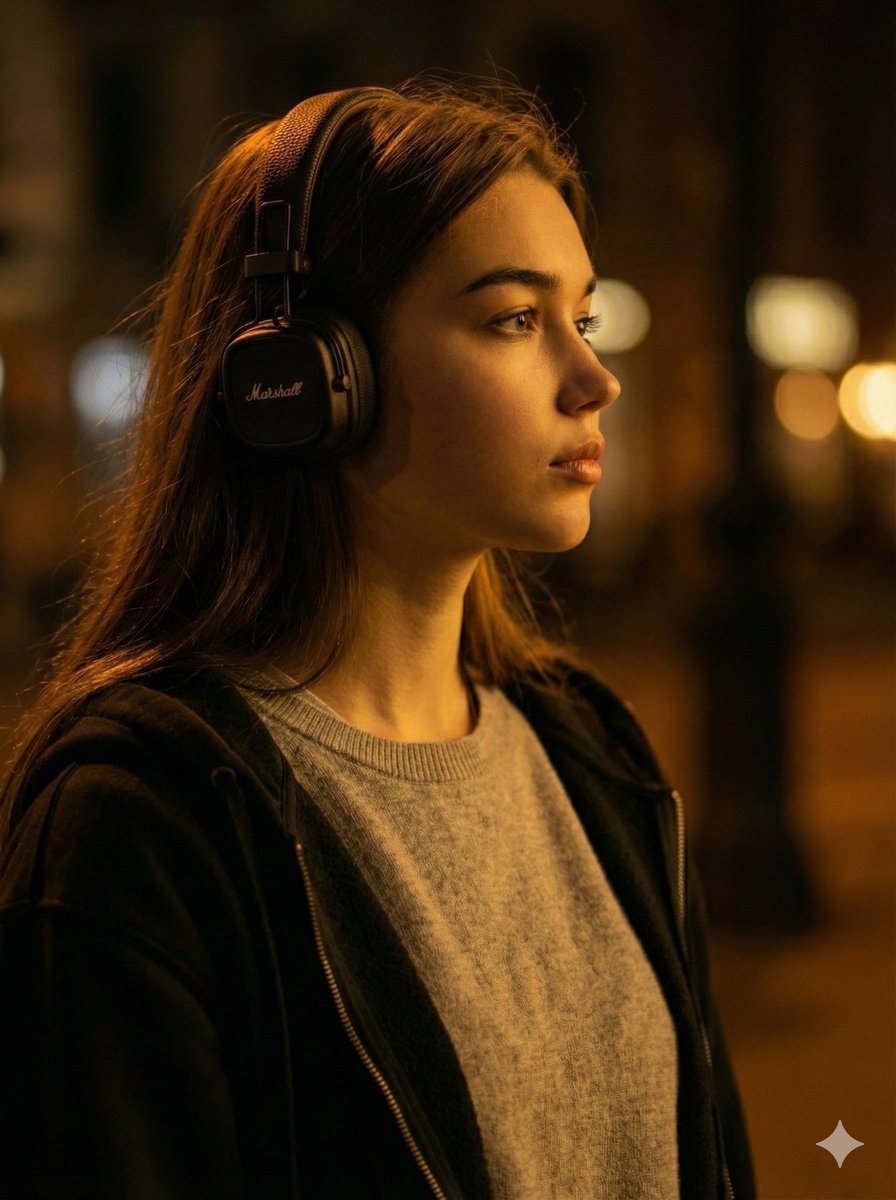
Moody Cinematic Profile Portrait Prompt
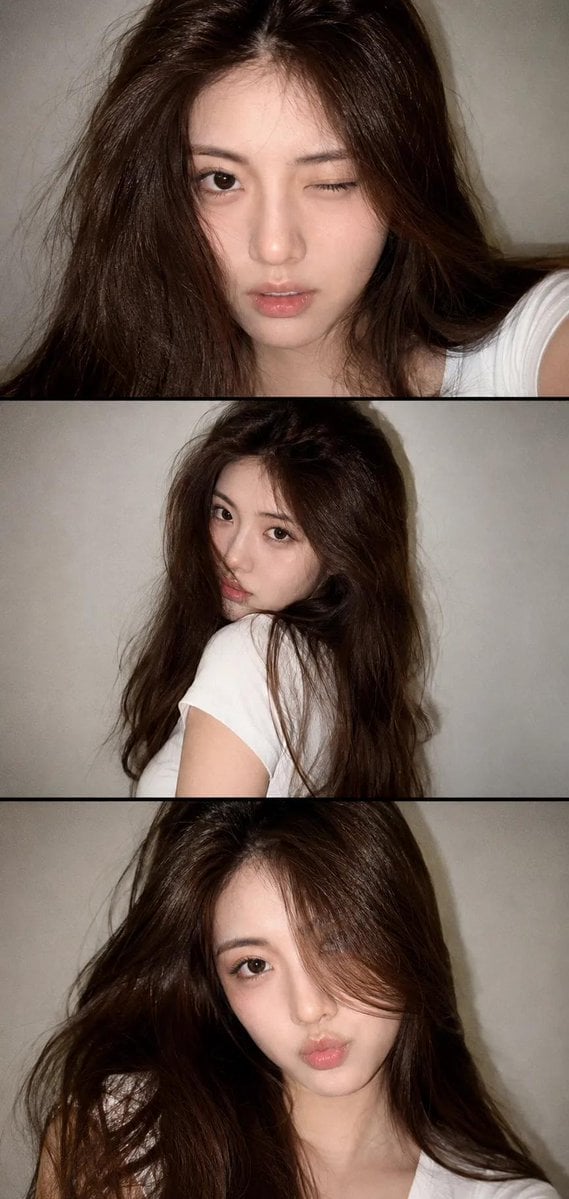
Vintage Style Selfie Collage
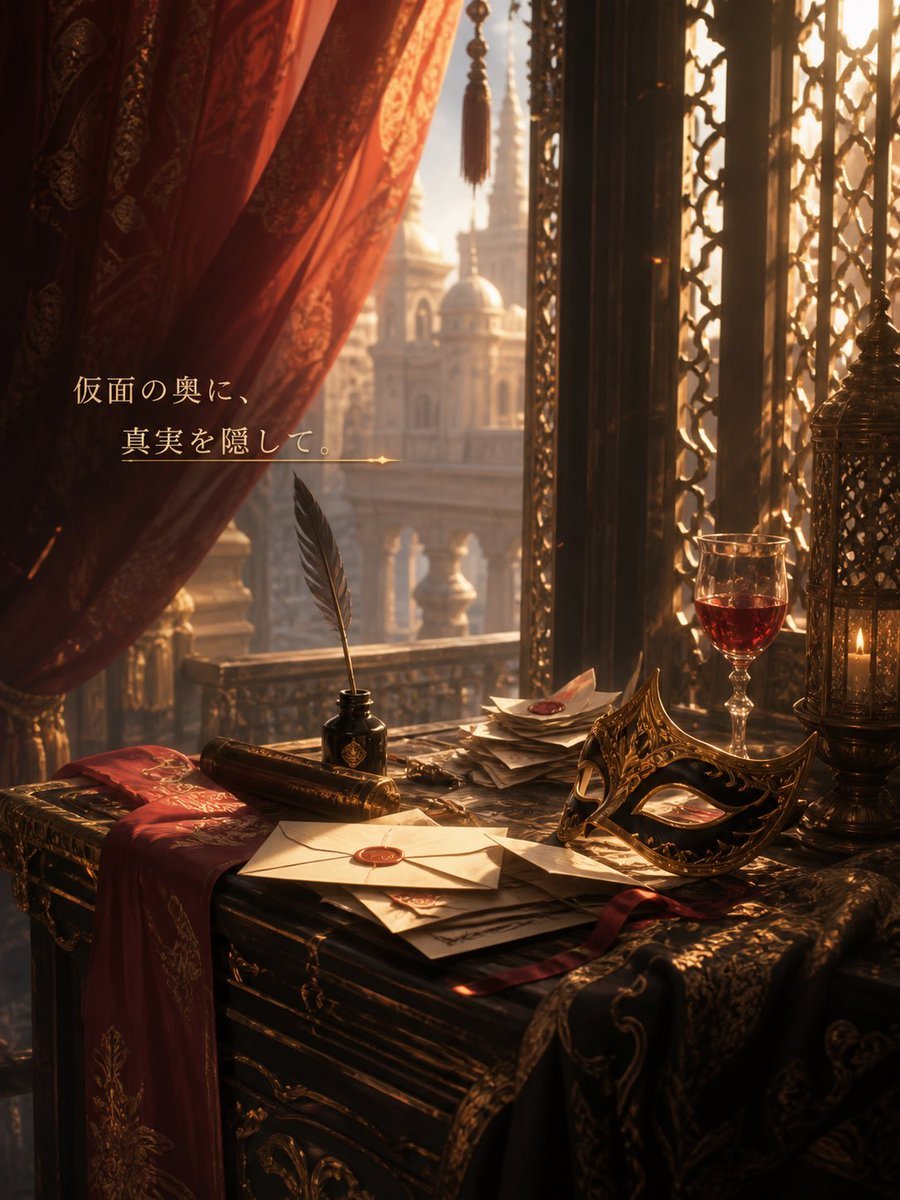
Masquerade Palace Wallpaper

08 Rodeo Drive Luxury Exit — California Series
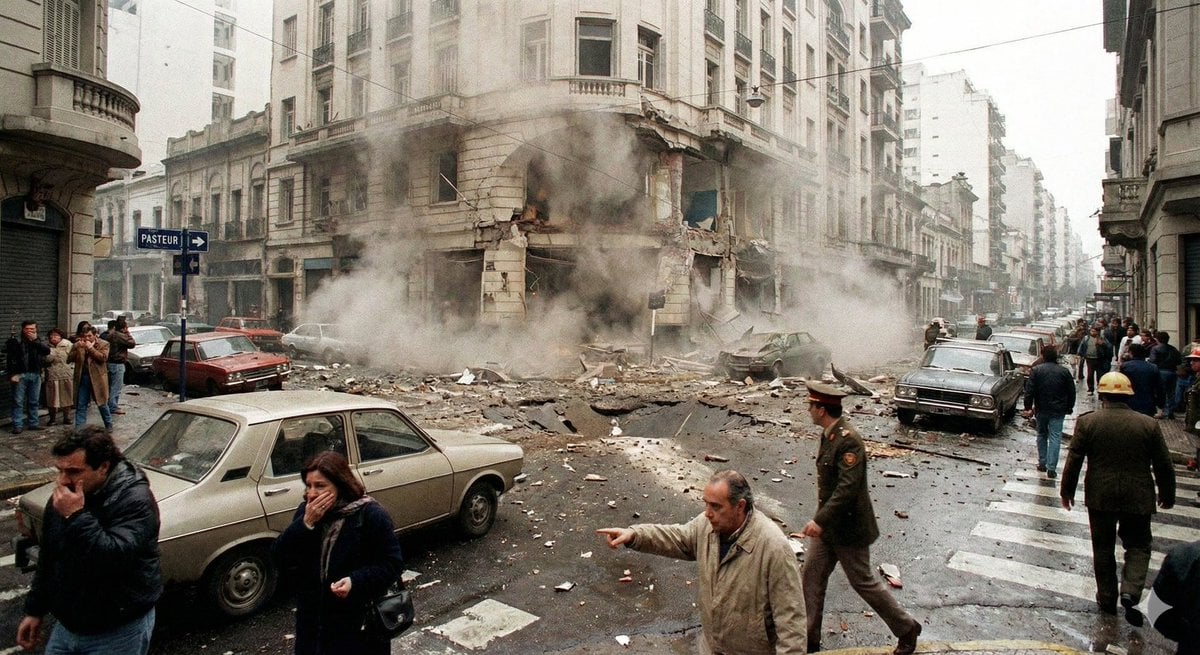
Historical moment at specific coordinates (1994)
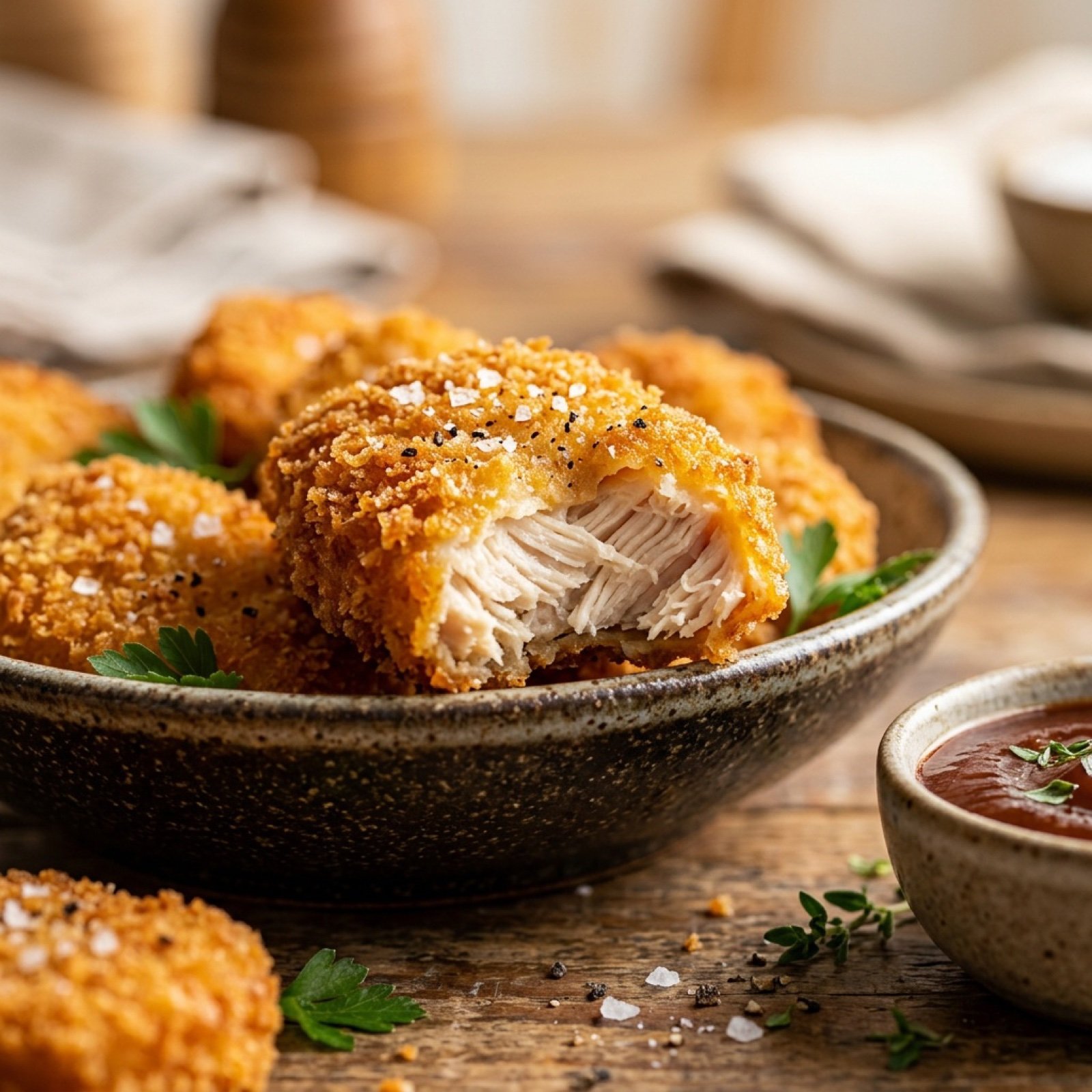
Cinematic Close-Up of Crispy Chicken Nuggets
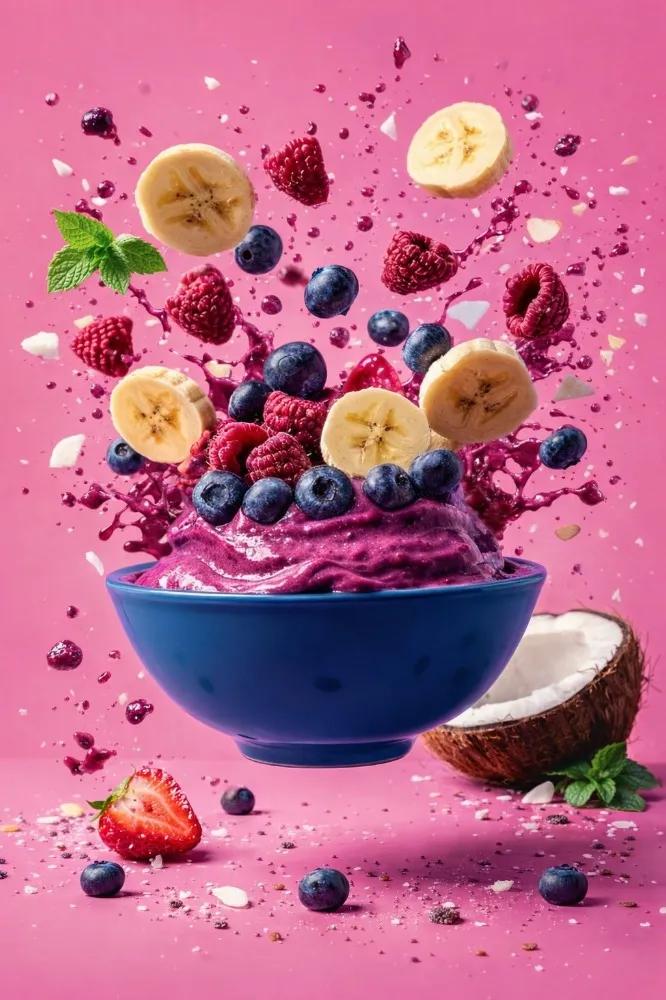
Hyper-Realistic Commercial Food Photography

Nano Banana Pro Prompt for Teto Kasane in Pirate Attire
Browse template categories
Cinematic 3D Toy Character Evolution Sequence questions
How do I use the Cinematic 3D Toy Character Evolution Sequence template?
Add your photo if the template asks for one, edit the prompt if you like — the template's model and format are already selected — and press Generate. Your version opens in PicX Studio.
Can I customize the Cinematic 3D Toy Character Evolution Sequence template?
Yes. You can change the subject, setting, lighting, mood, format, and available model controls before creating your image.
Is the Cinematic 3D Toy Character Evolution Sequence template free?
Opening and editing this template is free. Generating uses credits, shown on the Generate button when you are signed in.
Which AI model should I use?
Start with Nano Banana 2, which is the model associated with this template. You can compare another compatible model for a different finish.
Looking for something else? Browse all templates.

Your photo, any look
Thousands of ready templates for every top image and video model, from one credit balance.