
Isometric Pixel Art Evolution Museum
A detailed prompt for creating an isometric pixel art timeline illustration that depicts the evolution of a subject, such as Western Art, in a museum gallery format.
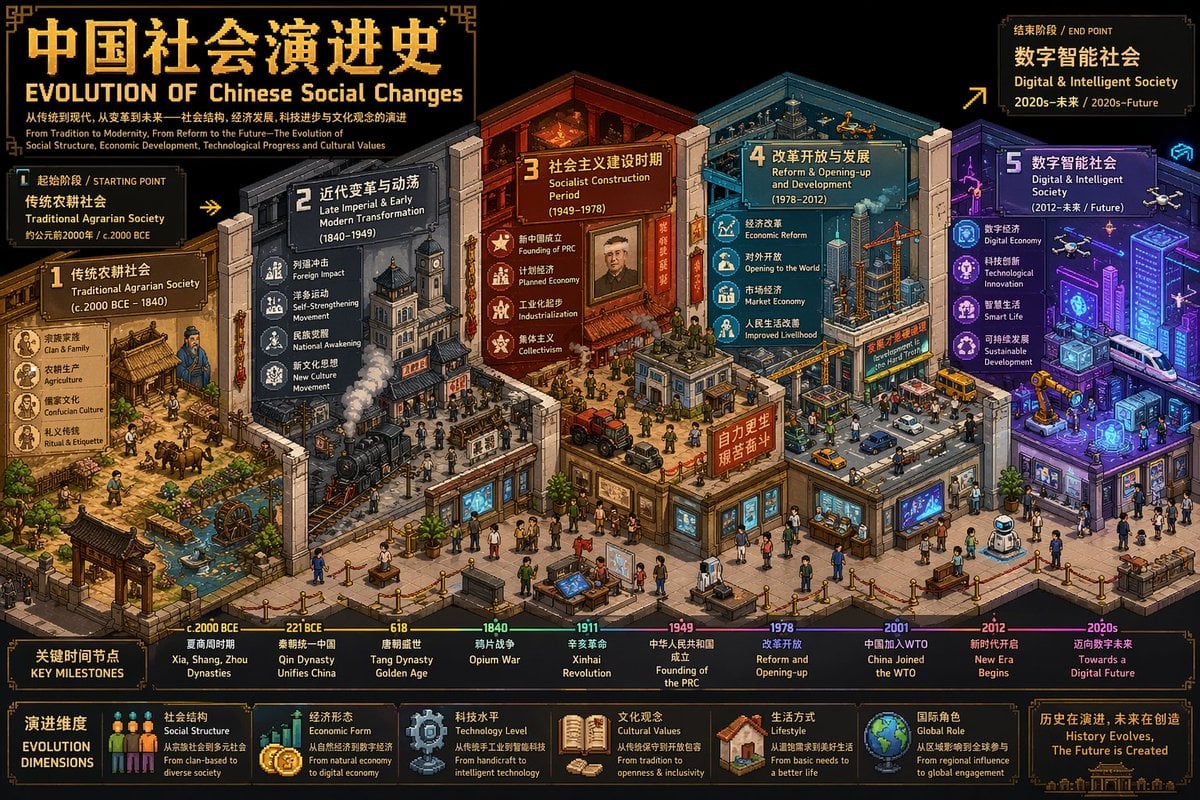
- Prompt included
- Model and format preset
- Free template
The prompt behind this image
Copy the exact prompt behind Isometric Pixel Art Evolution Museum, or open it in the studio and make it yours.
创作一张超高细节等距像素艺术时间线插画(3:4,4K),融合细节密度、象征性与隐喻。用户指定的主题为【{argument name="主题" default="Western Art Development"}】。 首先,围绕{argument name="主题" default="Western Art Development"}进行推理,确定:主题的中英文标题、涵盖的最早与最近历史时期、起始阶段标签与结束阶段标签,以及3-5个关键演进阶段及其各自的象征性元素与色彩方案。 然后构建一个以"{argument name="主题" default="Western Art Development"}"为主题的等距"演进博物馆",每个展馆区域代表一个演进阶段,空间推进即代表时间演变。采用标准等距视角(2:1),丰富的层次深度与流畅过渡。每个阶段分配3-5个与主题强烈关联的象征元素,并用差异化色彩暗示时间流动。在场景中融入双语像素字体标题:中文"[主题中文]演进史"与英文"EVOLUTION OF {argument name="主题" default="Western Art Development"}",加上起止阶段的双语副标题及关键时间节点标记。整体风格专业且具视觉张力,适合学术分析与对比可视化,直接出图。
How to use Isometric Pixel Art Evolution Museum in 3 steps
- 1
Open
The prompt is already in the box next to the preview, with the template's model and format selected.
- 2…a portrait of your subject in softgolden-hour light, 85mm…
Personalize
Edit the subject and creative details for your destination.
- 3Generate
Generate
Press Generate — your image is created in PicX Studio, so you can compare it with the original and refine one variable at a time.
More like this
Templates with the same subject, style or setup. Open one to see its prompt.
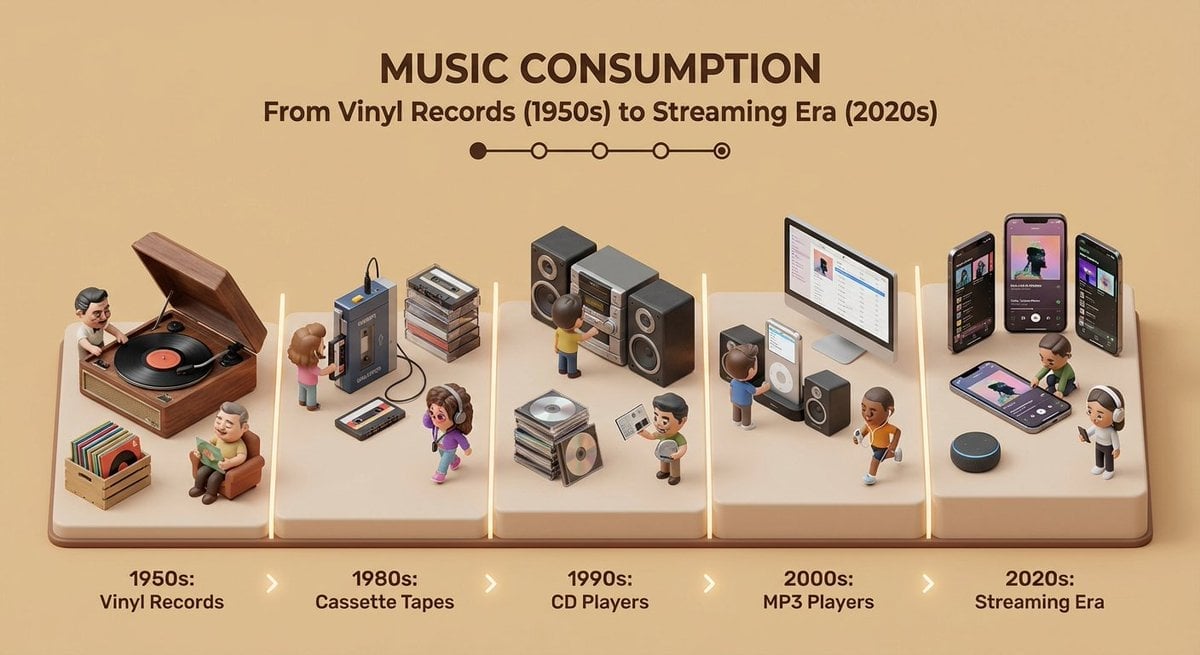
Isometric Evolution Timeline Diorama
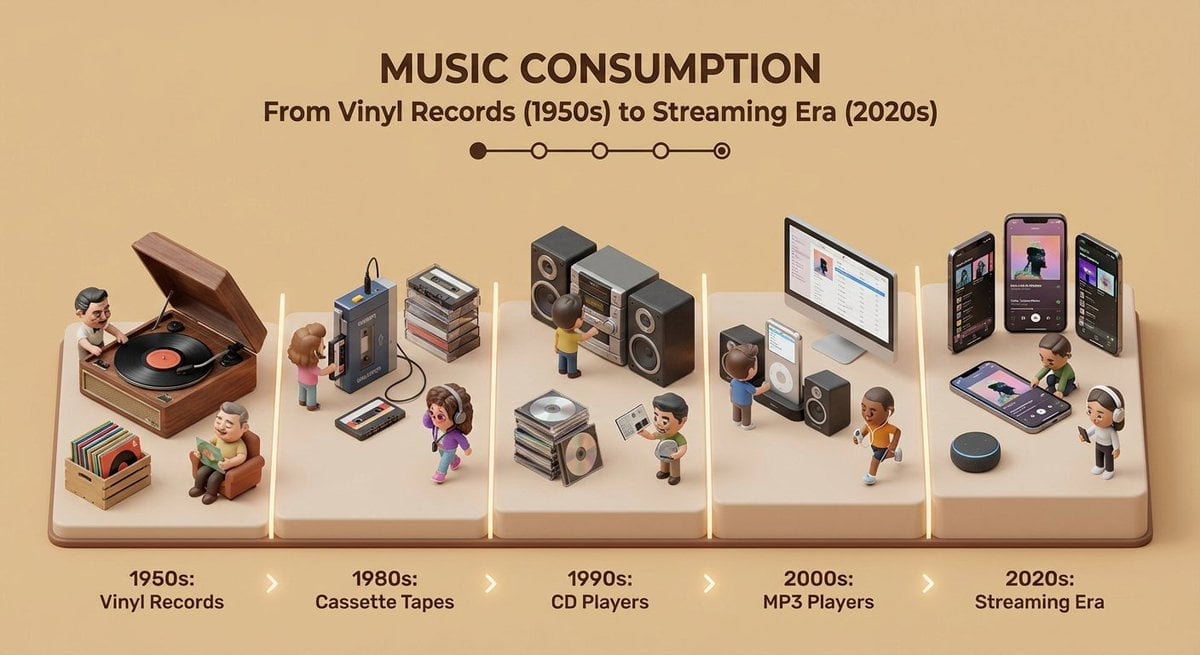
Clean isometric miniature 3D diorama visualizing the evolution

Pixel Limited Finale Fireworks

Pixel Limited Garden Maze

Pixel Limited Rooftop Concert

Pixel Limited Bicycle Coast

Pixel Limited Castle Gate

Pixel Limited Kitchen Chaos

Pixel Limited Carnival Ride

Pixel Limited Rainy Bus Stop

Pixel Limited Space Dock

Pixel Limited Cafe Morning
Make it yours
Isometric Pixel Art Evolution Museum works as-is. These are the safest ways to change it without losing the look.
Change one field
Copy a single group, rewrite it, and generate again so you can see what that field is doing.
Keep the frame, change the subject
Hold the composition and light of Isometric Pixel Art Evolution Museum, then swap wardrobe, props or the person for a new take.
| If the result… | Why | Fix |
|---|---|---|
| The result drifts from the preview | Too many fields changed at once. | Reuse Isometric Pixel Art Evolution Museum as-is first, then change one group — subject, light, or setting. |
| The model over-stylizes the scene | The prose prompt leaves finish and camera underspecified. | Add one camera or lighting sentence and stay on GPT Image 2. |
More GPT Image 2 templates
Other prompts made for GPT Image 2.

Six VTuber Japanese Logo Sheet

Realistic Portrait of Woman and Deer

The Vista Modular Condo Poster

AI Model Routing Comparison Infographic

2.5D Anime Art Board

Isometric Productivity Desk Scene

New York Double Exposure Poster

Four-Panel AI Landscape Comparison

Japanese Tatami Lifestyle Magazine Cover

NESCAFÉ Coffee Map Poster
More image prompts
Fresh picks from across the catalog.
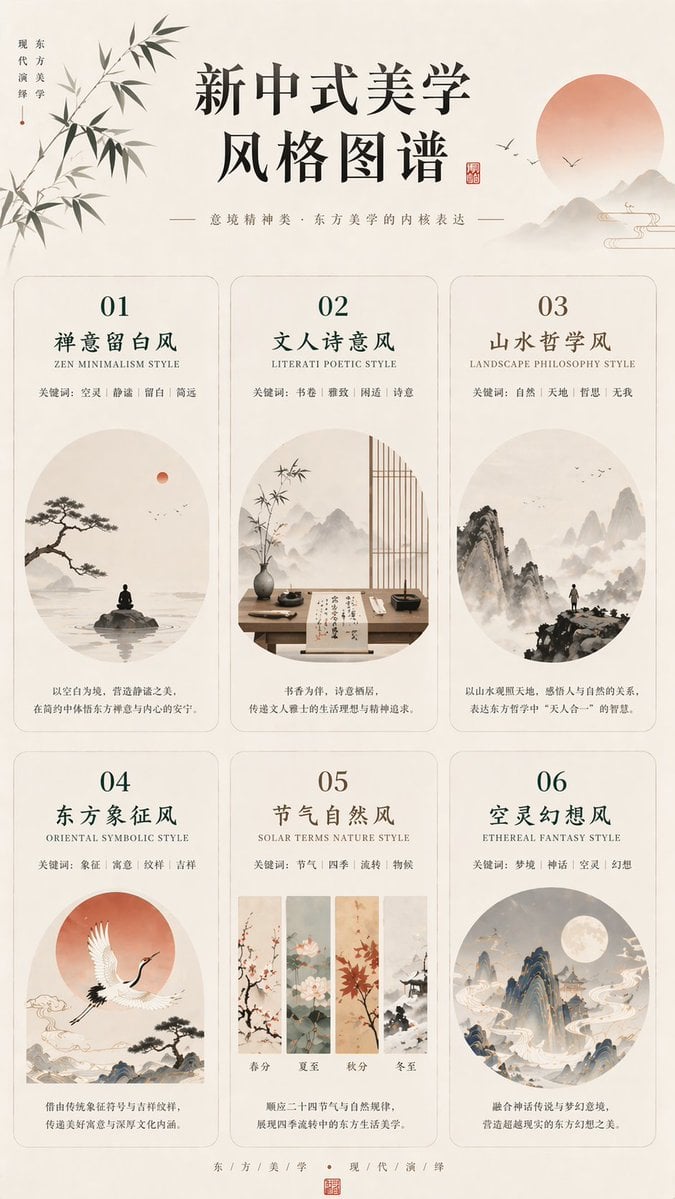
New Chinese Aesthetics Style Atlas
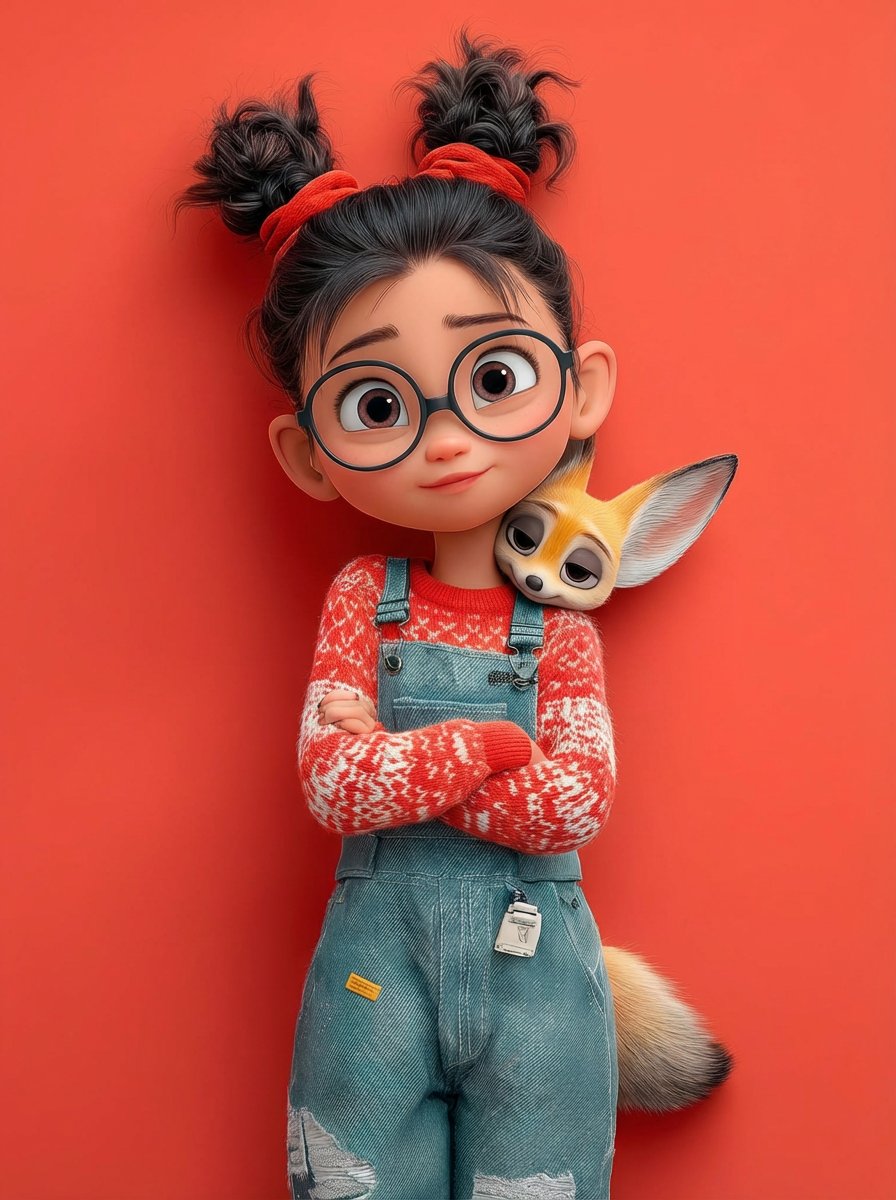
Pixar 3D Character Portrait with Fennec Fox
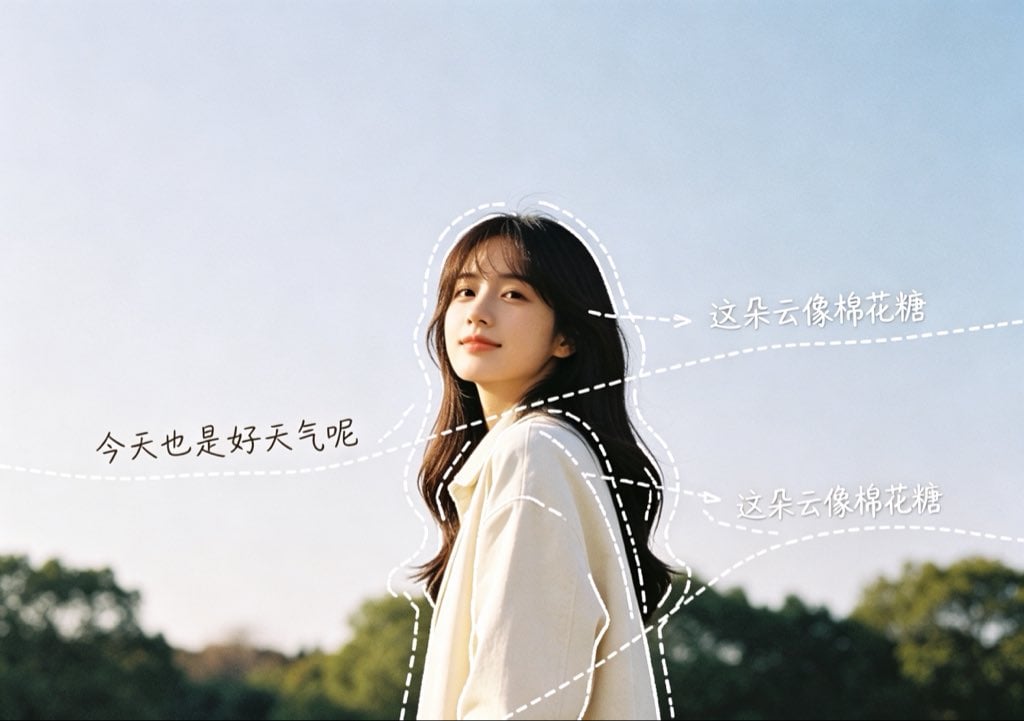
Diary-Style Annotated Portrait
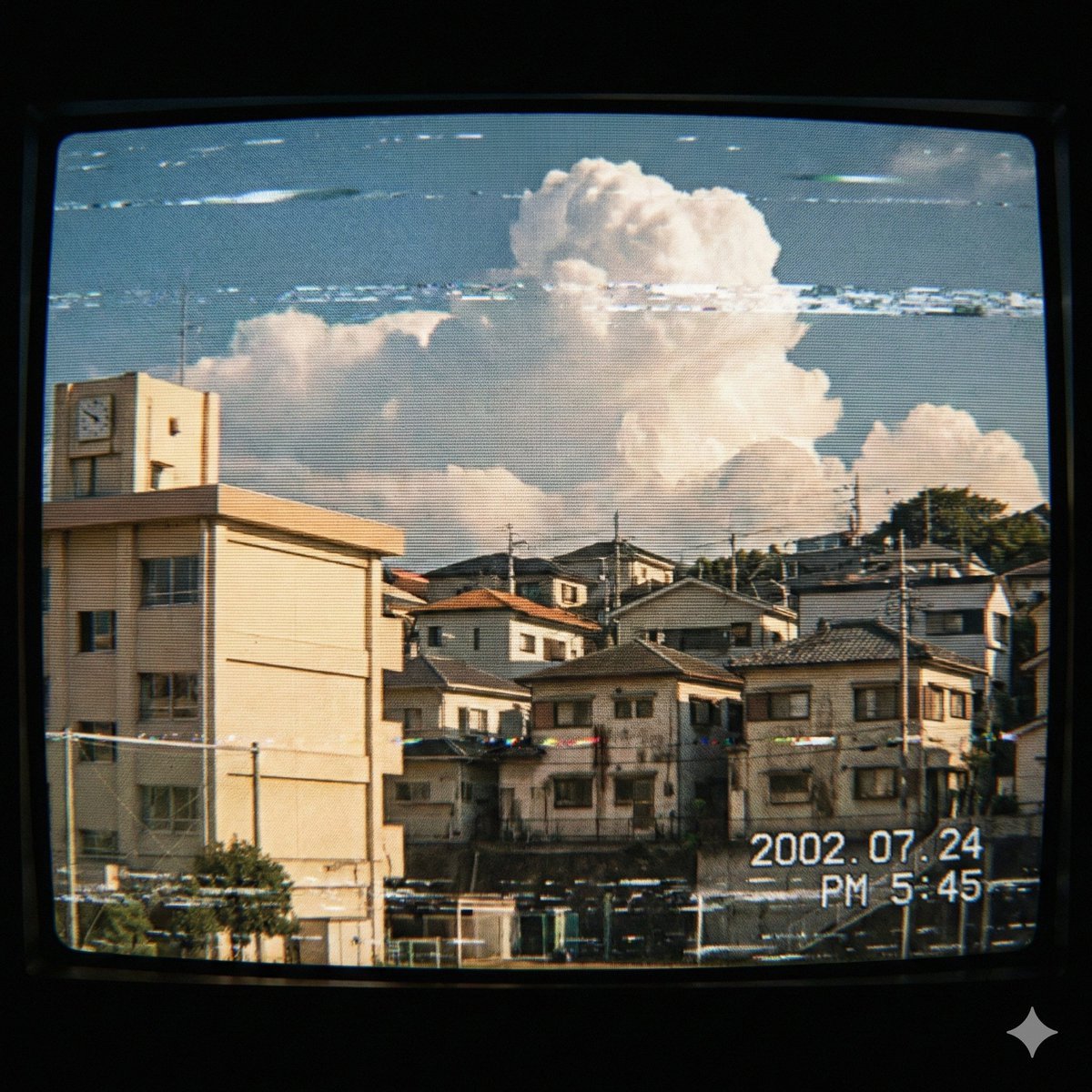
Japanese Suburb in 2000s Atmosphere

Azed Double Exposure
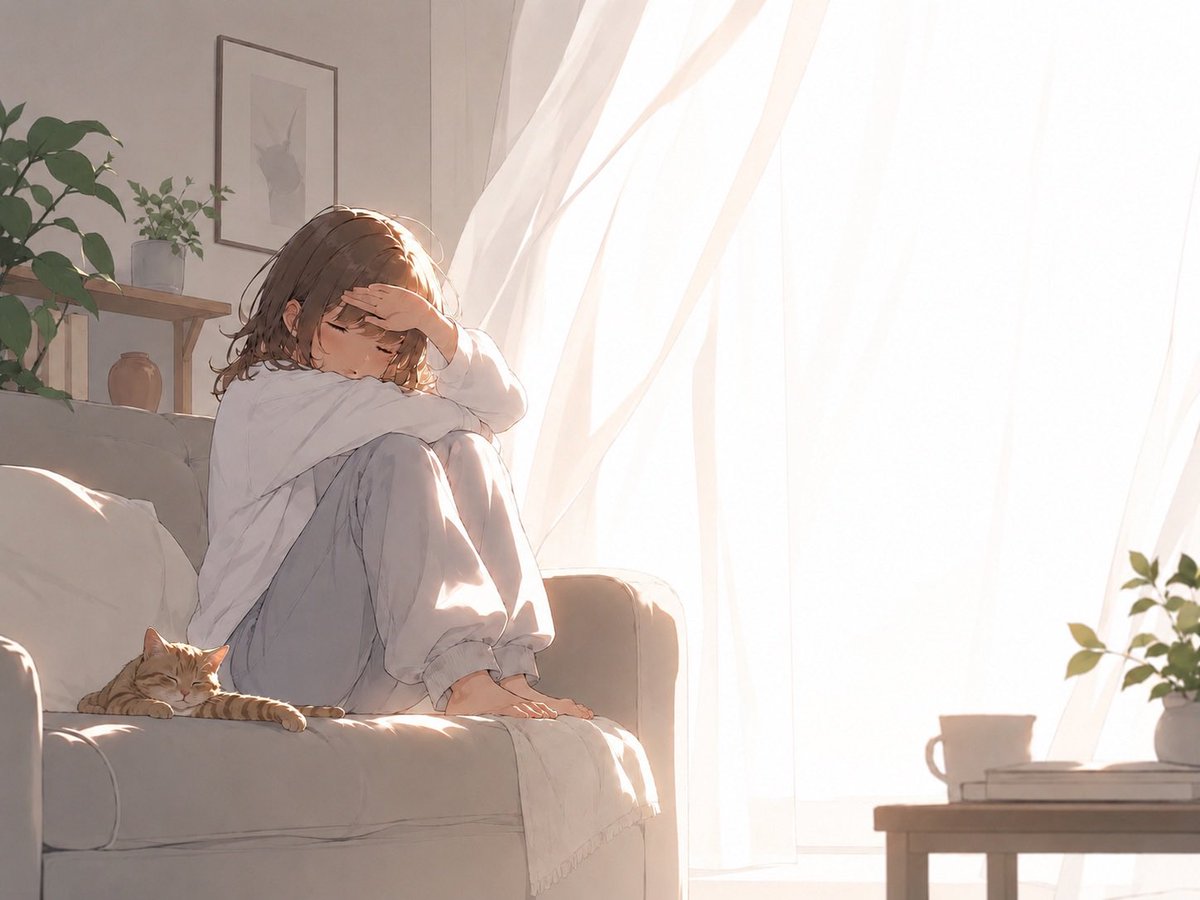
Backlit Morning Sofa Anime Scene
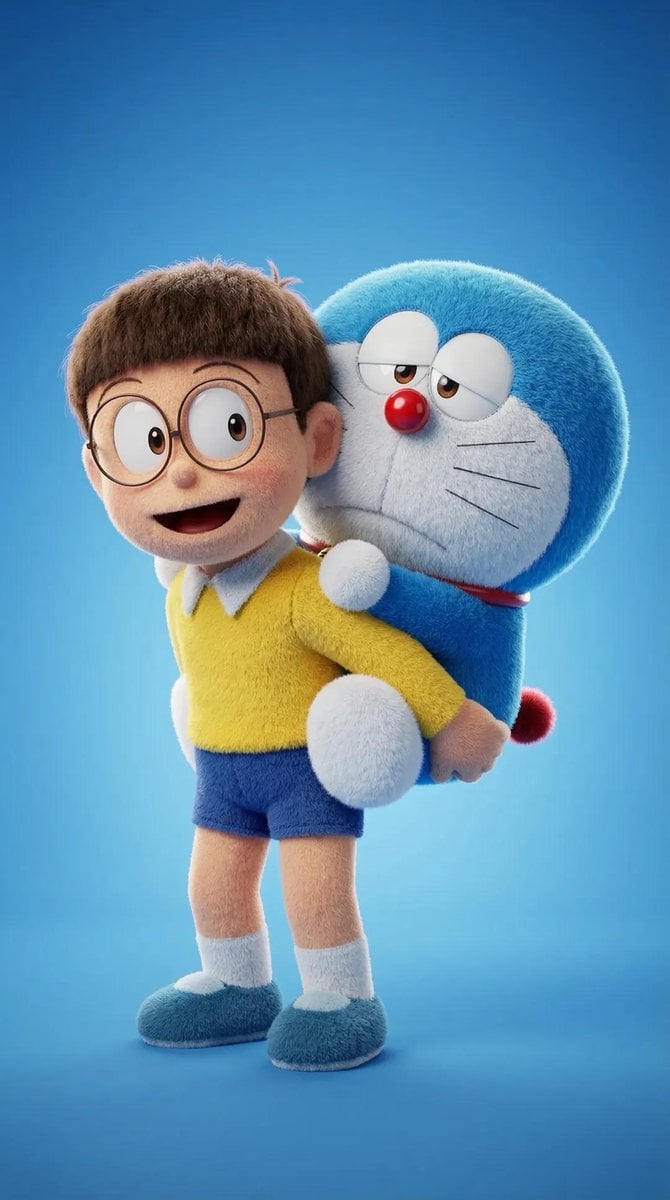
Ultra-Detailed 3D Plush Cartoon Character Rendering

Image-to-Image: Changing Background to Anti-AI Protest
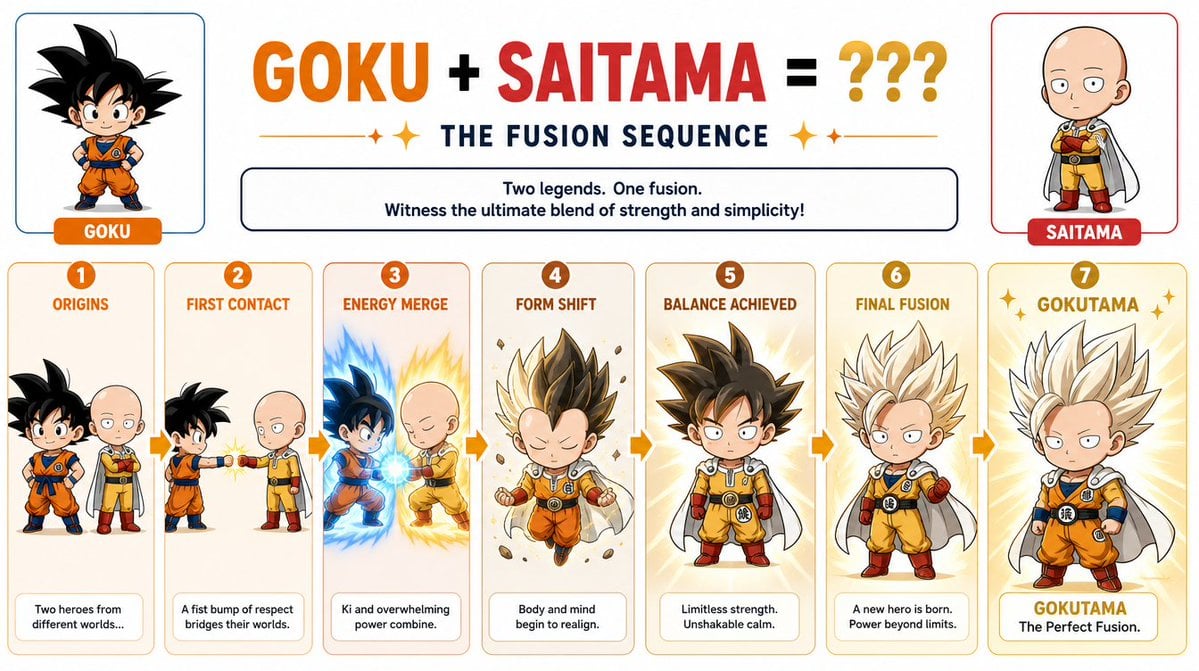
Chibi Character Fusion Sequence
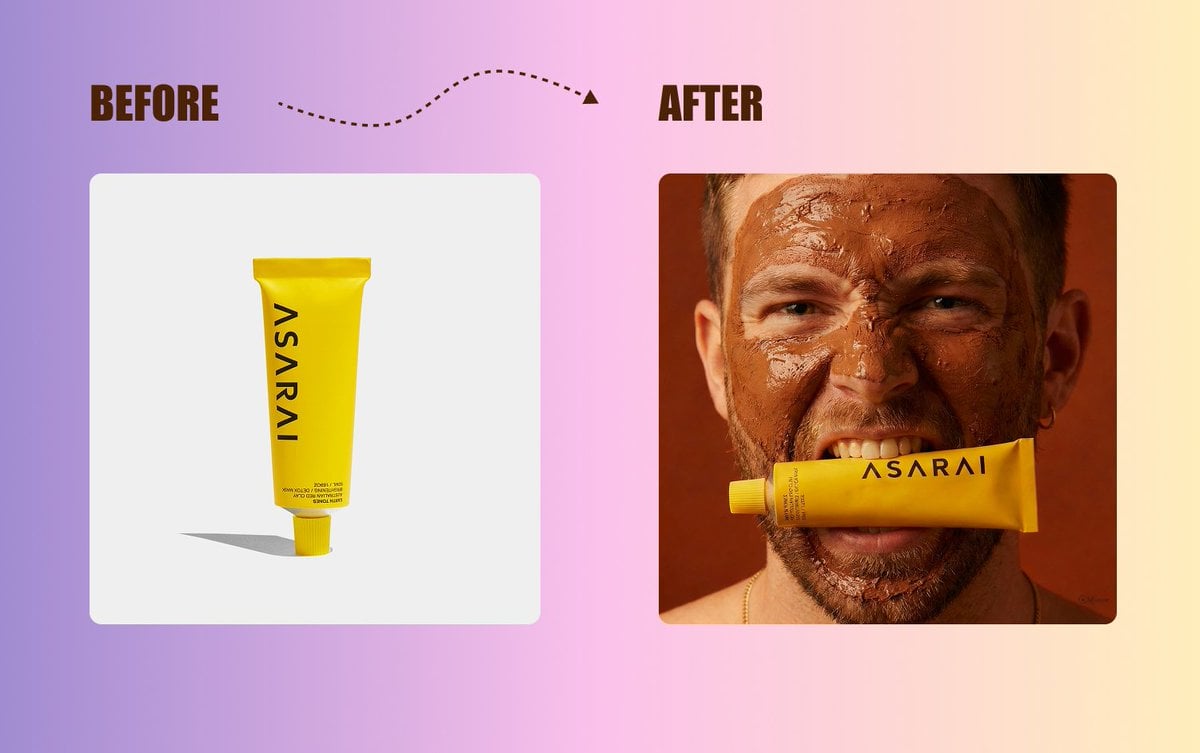
Product Shot Enhancement Prompt
Browse template categories
Isometric Pixel Art Evolution Museum questions
How do I use the Isometric Pixel Art Evolution Museum template?
Add your photo if the template asks for one, edit the prompt if you like — the template's model and format are already selected — and press Generate. Your version opens in PicX Studio.
Can I customize the Isometric Pixel Art Evolution Museum template?
Yes. You can change the subject, setting, lighting, mood, format, and available model controls before creating your image.
Is the Isometric Pixel Art Evolution Museum template free?
Opening and editing this template is free. Generating uses credits, shown on the Generate button when you are signed in.
Which AI model should I use?
Start with GPT Image 2, which is the model associated with this template. You can compare another compatible model for a different finish.
Looking for something else? Browse all templates.

Your photo, any look
Thousands of ready templates for every top image and video model, from one credit balance.