
Diary-Style Annotated Portrait
Creates a warm outdoor portrait with hand-drawn dashed outlines, arrows, and casual handwritten Chinese diary annotations for social media posts.
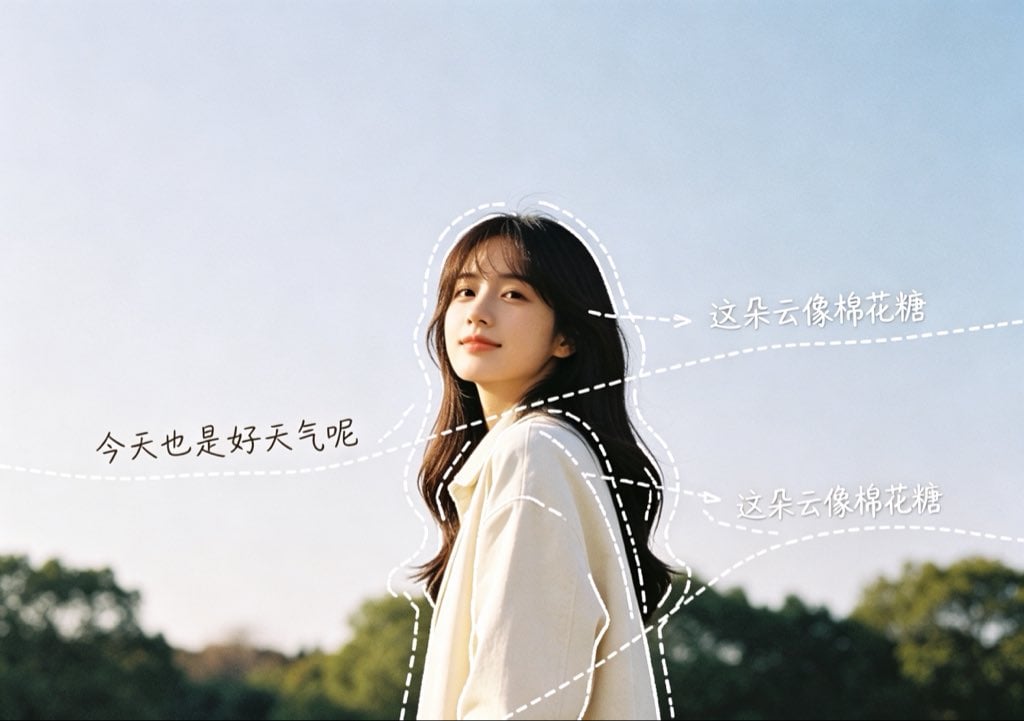
- Prompt included
- Model and format preset
- Free template
The prompt behind this image
Copy the exact prompt behind Diary-Style Annotated Portrait, or open it in the studio and make it yours.
- Type
- annotated lifestyle photo with diary-style doodles
- Scene
- A warm, candid outdoor portrait of a young woman standing in profile against a pale blue sky and softly blurred green trees, photographed in natural sunlight with a film-like, airy atmosphere. Her face is intentionally covered by a soft rectangular blur/mosaic for privacy, while her long dark wavy hair and loose cream-white shirt remain visible. Keep the composition horizontal, subject slightly right of center, with generous negative space in the sky.
- Subject › Person
- young woman in side profile
- Subject › Hair
- {argument name="hair color" default="long dark brown to black wavy hair"}
- Subject › Outfit
- {argument name="outfit" default="oversized cream-white shirt"}
- Subject › Face Treatment
- privacy-preserving rectangular blur over the face
- Annotation Style › Overall
- minimal Japanese diary / social media handwritten annotation aesthetic
- Annotation Style › Linework
- thin white hand-drawn outlines, imperfect dashed strokes, soft sketchy curves
- Annotation Style › Typography
- casual handwritten Chinese text, slightly uneven, white or dark ink depending on contrast
- Annotation Style › Arrows
- dashed white guide arrows pointing toward hair, shoulder, and sky; playful self-talk feeling
- Annotation Style › Decoration Level
- leave plenty of blank space, avoid clutter, no stickers, no heavy graphics
- Layout › Outlined Elements › Count
- 2
- Layout › Outlined Elements › Items
- a loose dashed white contour tracing the outer silhouette of the head, hair, shoulders, and torso, a second dashed inner contour following the dark hair and shirt edge
- Layout › Handwritten Captions › Count
- 3
- Layout › Handwritten Captions › Items › 0 › Position
- left side over sky
- Layout › Handwritten Captions › Items › 0 › Text
- {argument name="left caption" default="今天也是好天气呢"}
- Layout › Handwritten Captions › Items › 0 › Style
- dark handwritten text, no arrow or a very subtle dotted sightline
- Layout › Handwritten Captions › Items › 1 › Position
- upper right over sky
- Layout › Handwritten Captions › Items › 1 › Text
- {argument name="upper right caption" default="这朵云像棉花糖"}
- Layout › Handwritten Captions › Items › 1 › Style
- white handwritten text with a dashed arrow pointing toward the hair/sky area
- Layout › Handwritten Captions › Items › 2 › Position
- middle right over sky
- Layout › Handwritten Captions › Items › 2 › Text
- {argument name="middle right caption" default="这朵云像棉花糖"}
- Layout › Handwritten Captions › Items › 2 › Style
- white handwritten text with a dashed arrow pointing toward the shoulder and background
- Layout › Guide Lines › Count
- 4
Raw JSON
{"type":"annotated lifestyle photo with diary-style doodles","scene":"A warm, candid outdoor portrait of a young woman standing in profile against a pale blue sky and softly blurred green trees, photographed in natural sunlight with a film-like, airy atmosphere. Her face is intentionally covered by a soft rectangular blur/mosaic for privacy, while her long dark wavy hair and loose cream-white shirt remain visible. Keep the composition horizontal, subject slightly right of center, with generous negative space in the sky.","subject":{"person":"young woman in side profile","hair":"{argument name=\"hair color\" default=\"long dark brown to black wavy hair\"}","outfit":"{argument name=\"outfit\" default=\"oversized cream-white shirt\"}","face treatment":"privacy-preserving rectangular blur over the face"},"annotation style":{"overall":"minimal Japanese diary / social media handwritten annotation aesthetic","linework":"thin white hand-drawn outlines, imperfect dashed strokes, soft sketchy curves","typography":"casual handwritten Chinese text, slightly uneven, white or dark ink depending on contrast","arrows":"dashed white guide arrows pointing toward hair, shoulder, and sky; playful self-talk feeling","decoration level":"leave plenty of blank space, avoid clutter, no stickers, no heavy graphics"},"layout":{"outlined elements":{"count":2,"items":["a loose dashed white contour tracing the outer silhouette of the head, hair, shoulders, and torso","a second dashed inner contour following the dark hair and shirt edge"]},"handwritten captions":{"count":3,"items":[{"position":"left side over sky","text":"{argument name=\"left caption\" default=\"今天也是好天气呢\"}","style":"dark handwritten text, no arrow or a very subtle dotted sightline"},{"position":"upper right over sky","text":"{argument name=\"upper right caption\" default=\"这朵云像棉花糖\"}","style":"white handwritten text with a dashed arrow pointing toward the hair/sky area"},{"position":"middle right over sky","text":"{argument name=\"middle right caption\" default=\"这朵云像棉花糖\"}","style":"white handwritten text with a dashed arrow pointing toward the shoulder and background"}]},"guide lines":{"count":4,"items":["one long faint dashed white line crossing horizontally behind the subject","one short dashed arrow from upper right caption toward the subject's hair","one dashed arrow from middle right caption toward the shirt/shoulder","one diagonal dashed guide line passing upward from the lower right area toward the subject"]}},"color and lighting":"soft blue sky, warm sunlit skin tones, creamy white shirt highlights, deep green blurred tree line, low-contrast film color grading","camera":"medium close-up portrait, shallow depth of field, natural backlit outdoor photography","quality":"realistic photo base with clean hand-drawn overlay, high resolution, social media aesthetic"}How to use Diary-Style Annotated Portrait in 3 steps
- 1Upload ImagePNG, JPG or paste
Add your photo
Upload the photo the template builds on. The prompt, model and format are already set.
- 2…a portrait of your subject in softgolden-hour light, 85mm…
Personalize
Edit the subject and creative details for your destination.
- 3Generate
Generate
Press Generate — your image is created in PicX Studio, so you can compare it with the original and refine one variable at a time.
More like this
Templates with the same subject, style or setup. Open one to see its prompt.

Found Photograph: Us, 1970

80s Couple Studio Portrait

80s Bollywood Star

80s Golden Hour Cinema

Me in 1985

1985 Studio Portrait

Hyper-Realistic Minecraft POV Portrait

Rooftop Fisheye — Cat-Ear Balaclava at Golden Hour

Rainy Café Window Moody Portrait
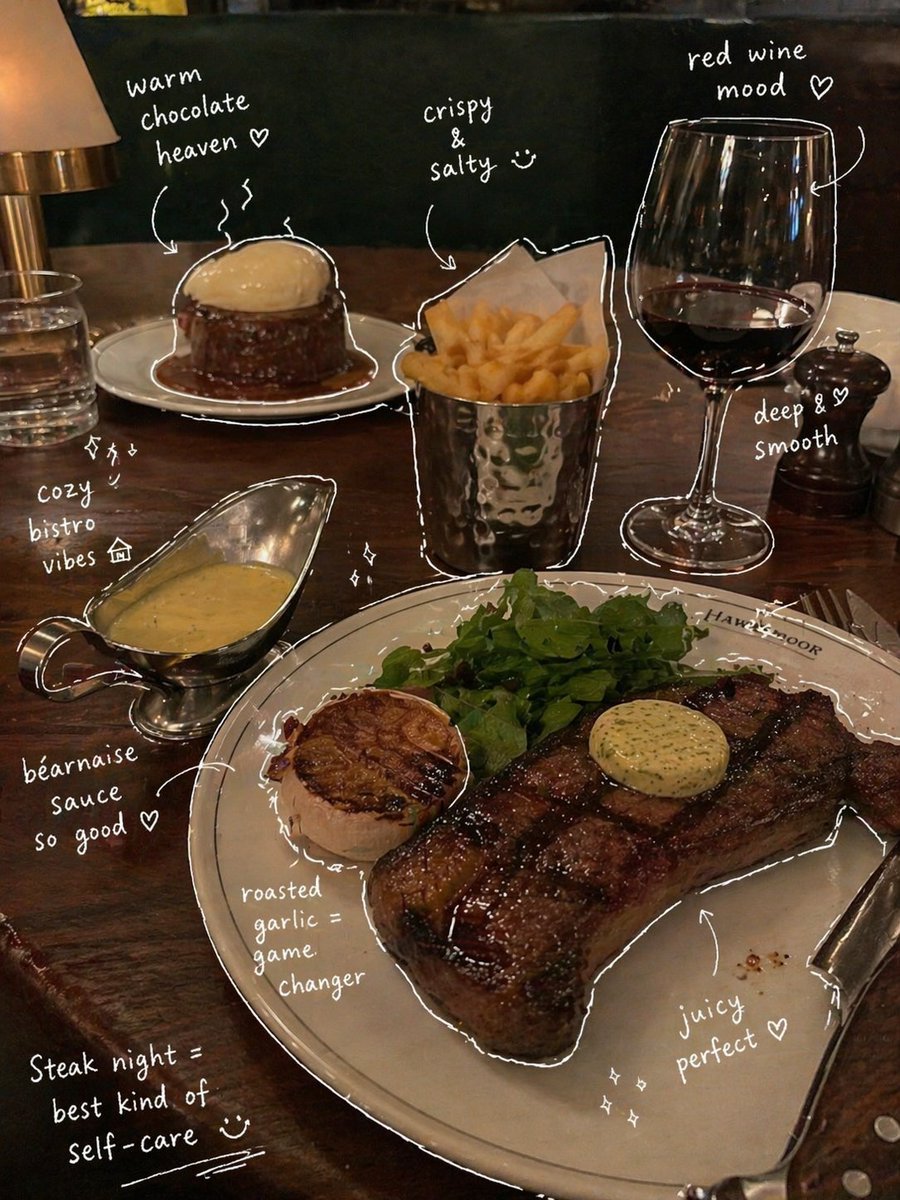
Hand-Drawn Annotated Food Diary Style
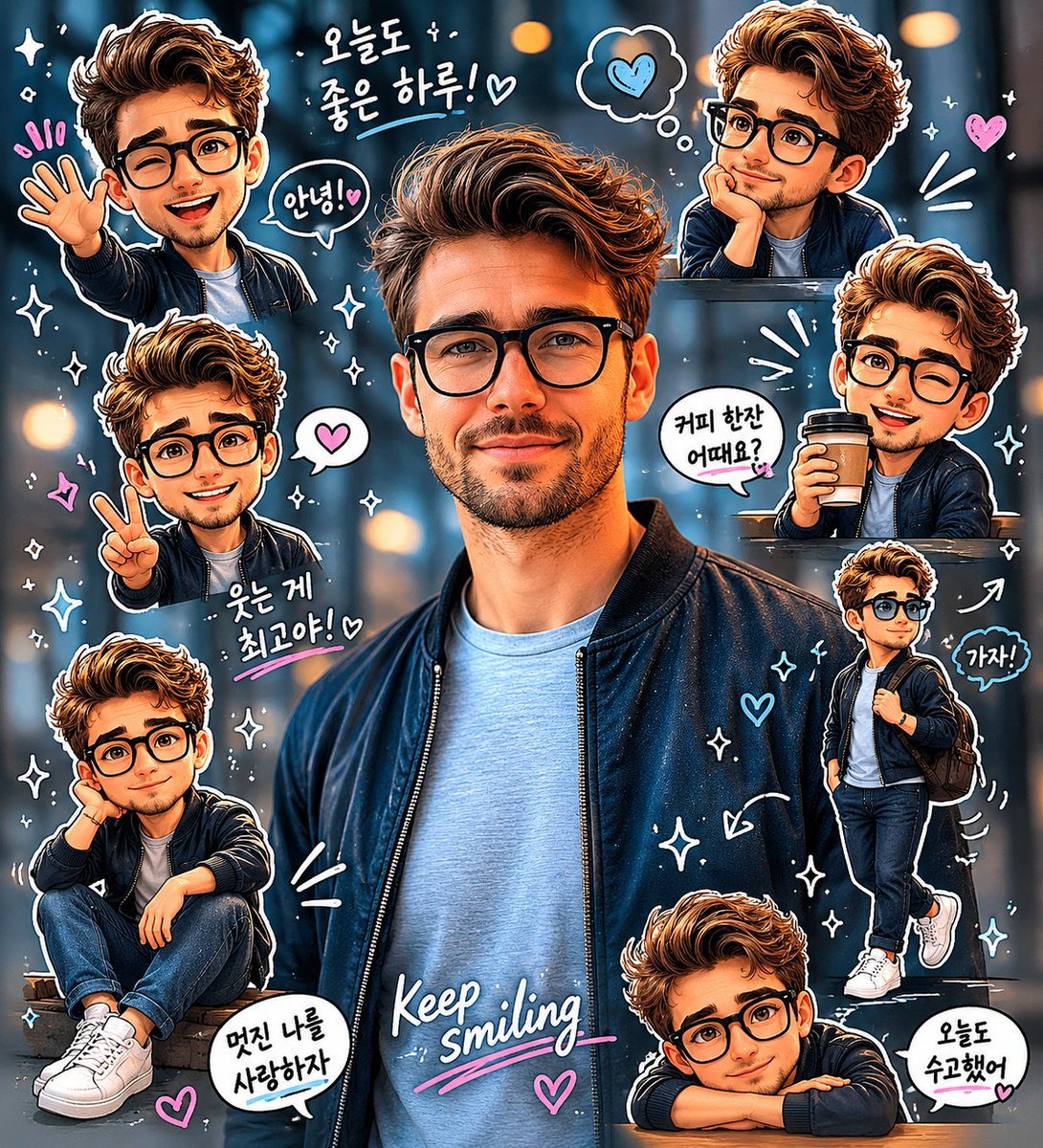
Chibi Sticker Diary Scrapbook Portrait

untitled
Make it yours
Diary-Style Annotated Portrait works as-is. These are the safest ways to change it without losing the look.
Swap the light
One lighting change is enough to compare takes. Current light: “soft blue sky, warm sunlit skin tones, creamy white shirt highlights, deep green”.
Change one field
Copy a single group, rewrite it, and generate again so you can see what that field is doing.
Keep the frame, change the subject
Hold the composition and light of Diary-Style Annotated Portrait, then swap wardrobe, props or the person for a new take.
| If the result… | Why | Fix |
|---|---|---|
| The result drifts from the preview | Too many fields changed at once. | Reuse Diary-Style Annotated Portrait as-is first, then change one group — subject, light, or setting. |
| GPT Image 2 ignores part of the JSON | Some models flatten or skip nested keys. | Keep the same values and paste them as a short paragraph instead. |
More GPT Image 2 templates
Other prompts made for GPT Image 2.

Six VTuber Japanese Logo Sheet

Realistic Portrait of Woman and Deer

The Vista Modular Condo Poster

AI Model Routing Comparison Infographic

2.5D Anime Art Board

Isometric Productivity Desk Scene

New York Double Exposure Poster

Four-Panel AI Landscape Comparison

Japanese Tatami Lifestyle Magazine Cover

NESCAFÉ Coffee Map Poster
More image prompts
Fresh picks from across the catalog.
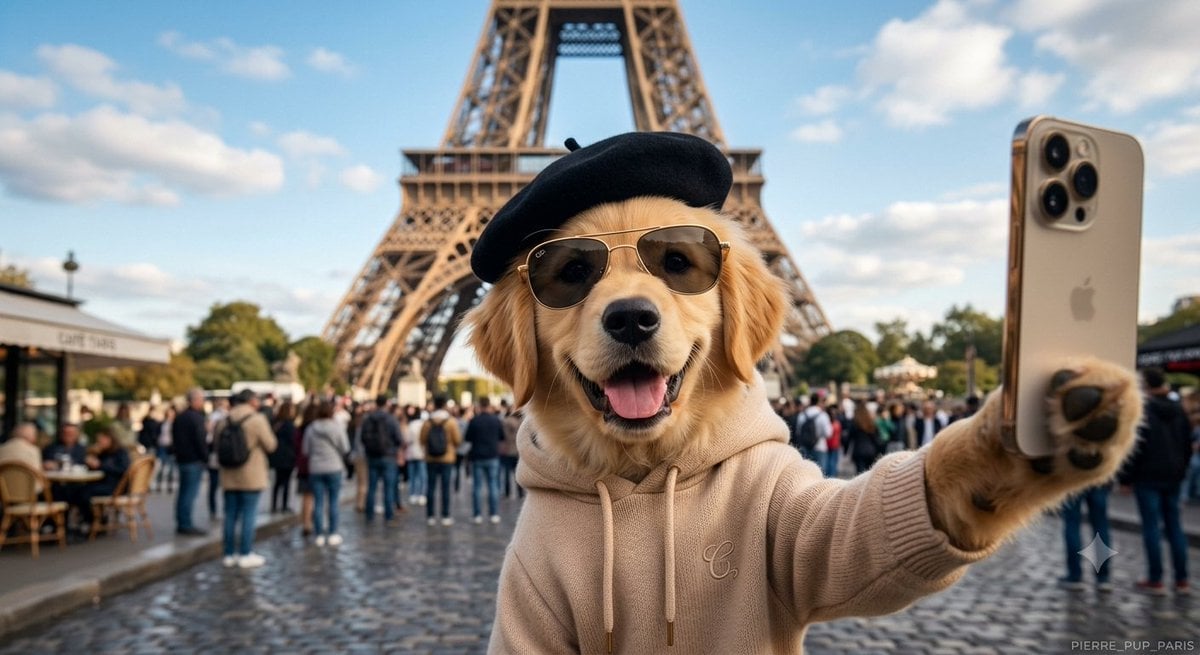
Dog Selfie at Eiffel Tower
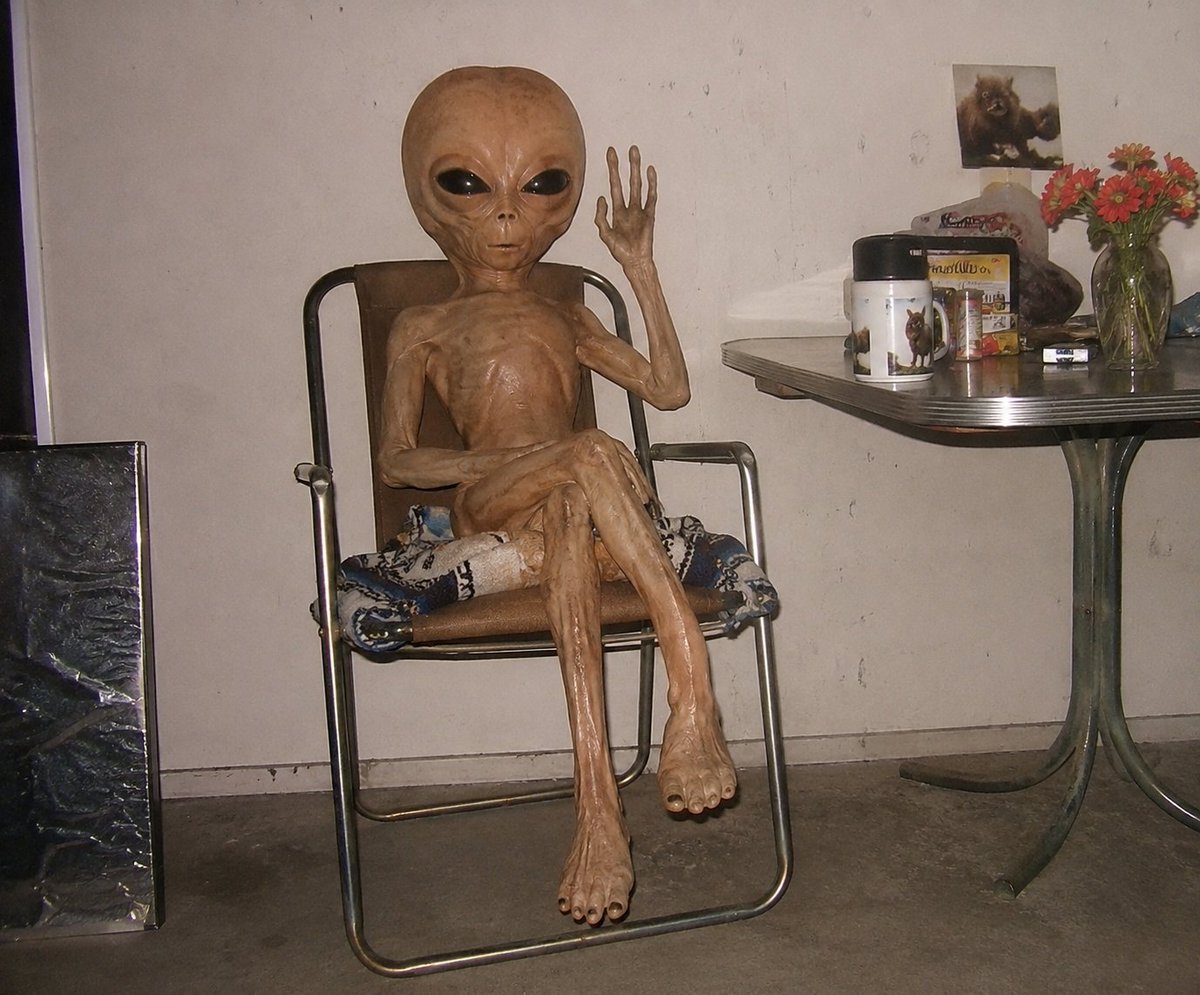
Censored Humanoid Snapshot
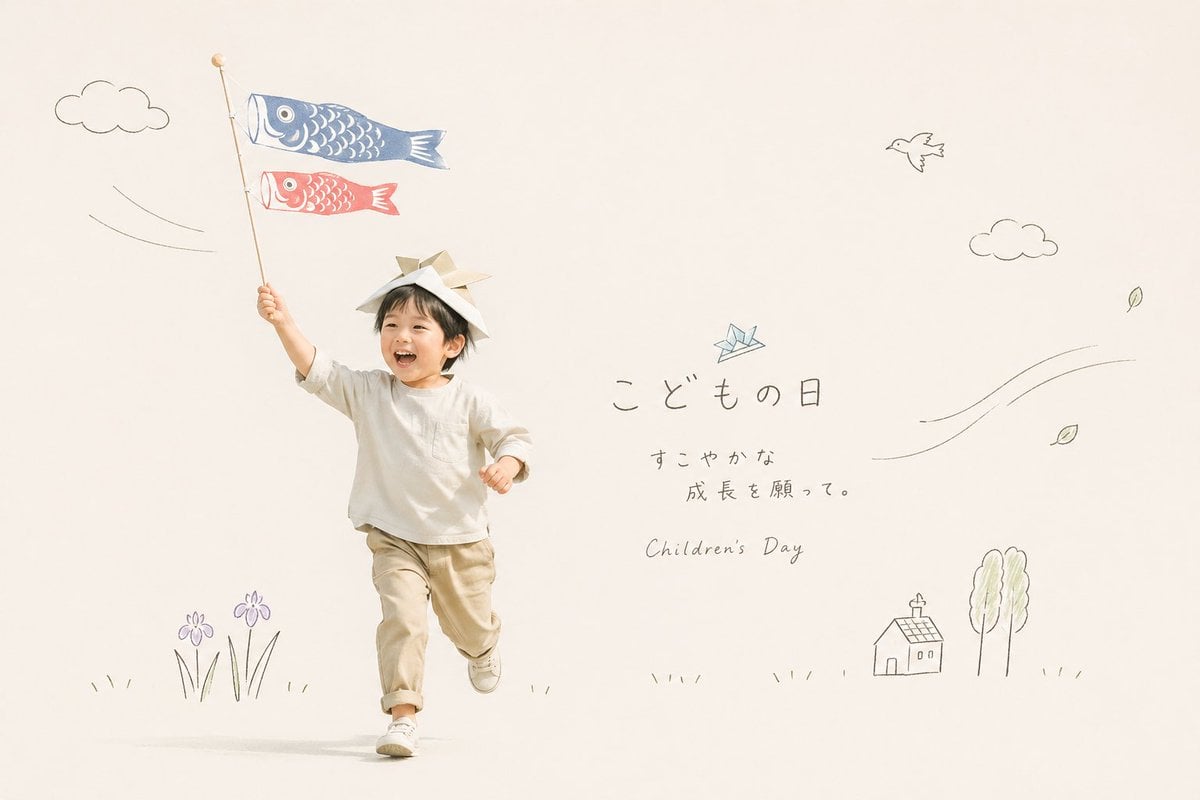
Japanese Children's Day Photo Card
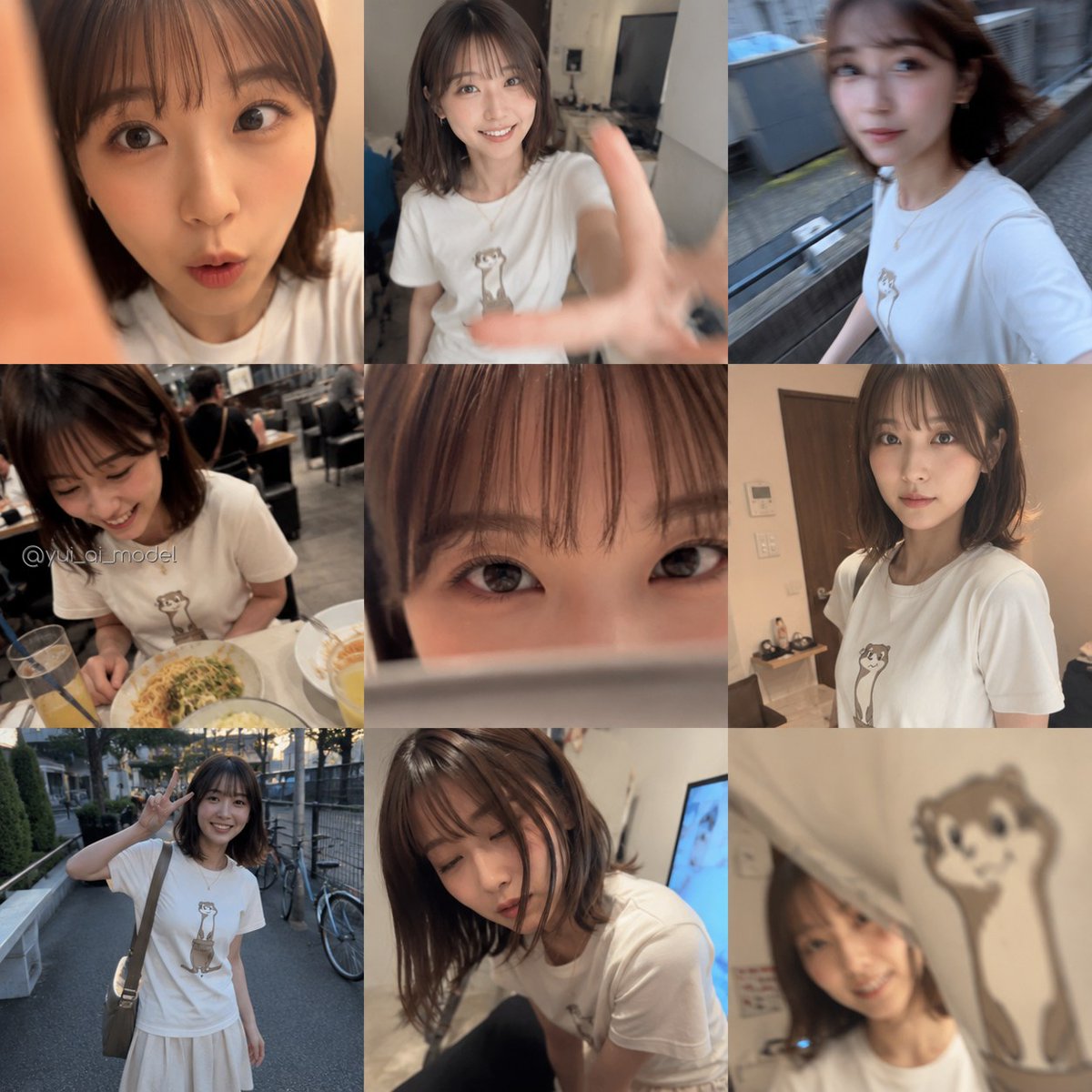
Realistic Camera Roll Outfit Collage
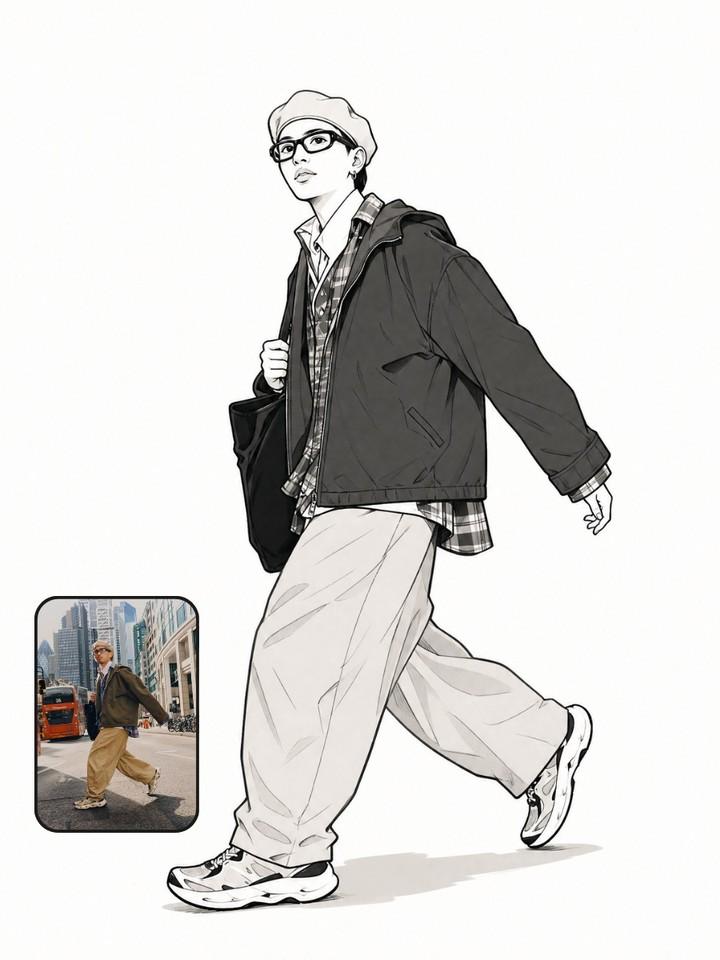
Photo to Manga Art Transformation
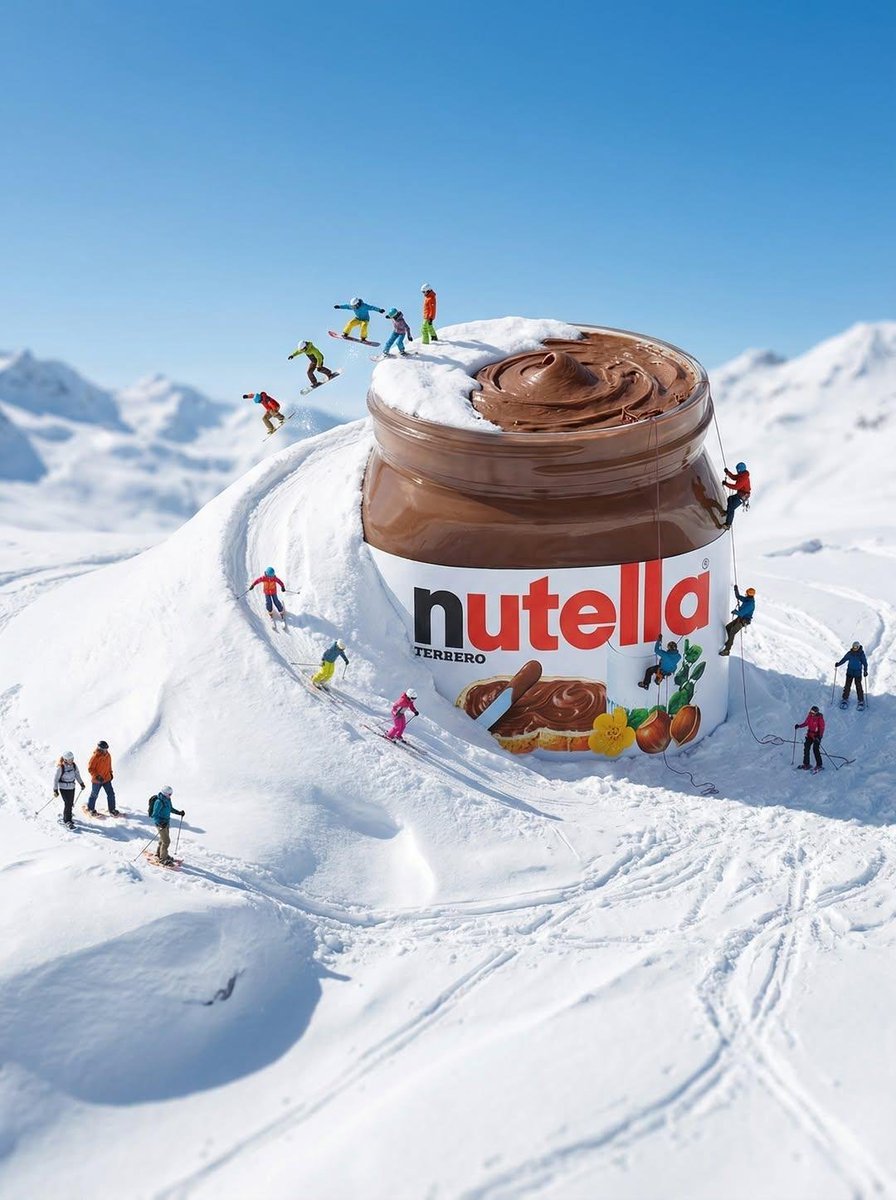
Gigantic Product Buried in Snow with Miniature Explorers
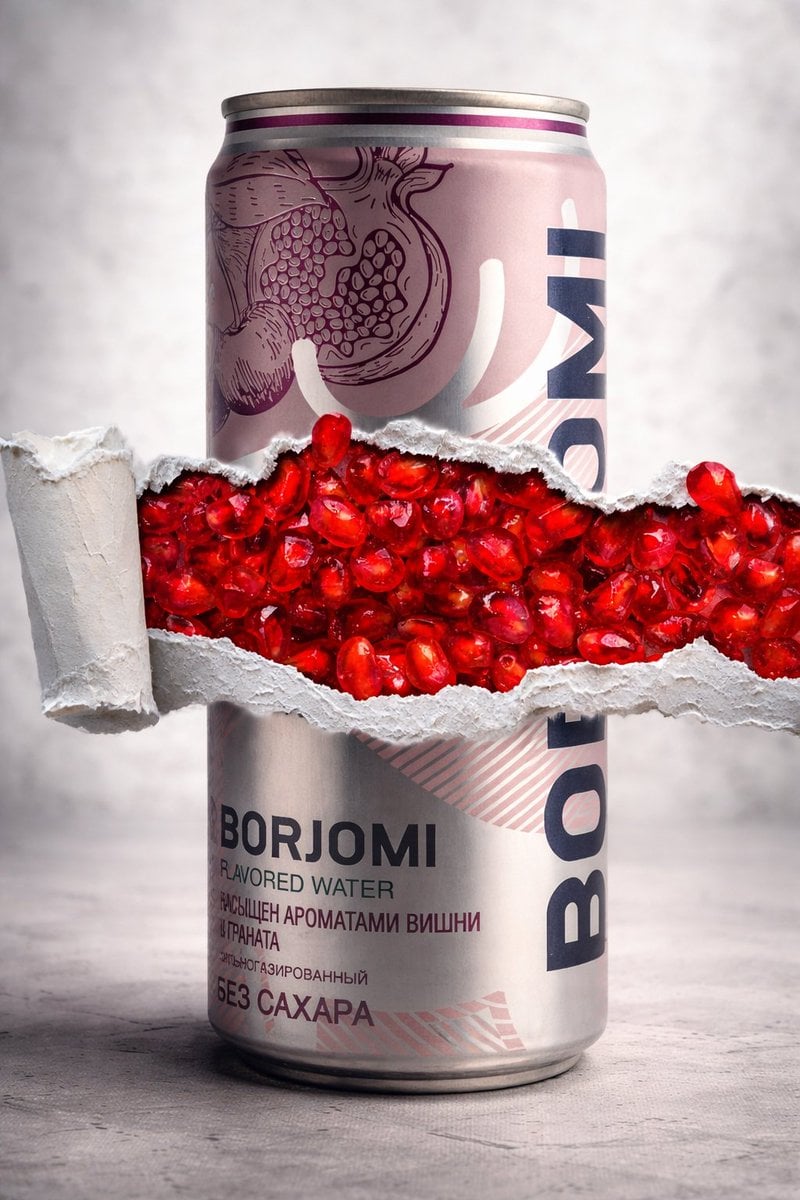
8K Product Photography with Conceptual Cutaway (Borjomi)

Luxury Osechi (New Year's Food) Key Visual Generation Prompt
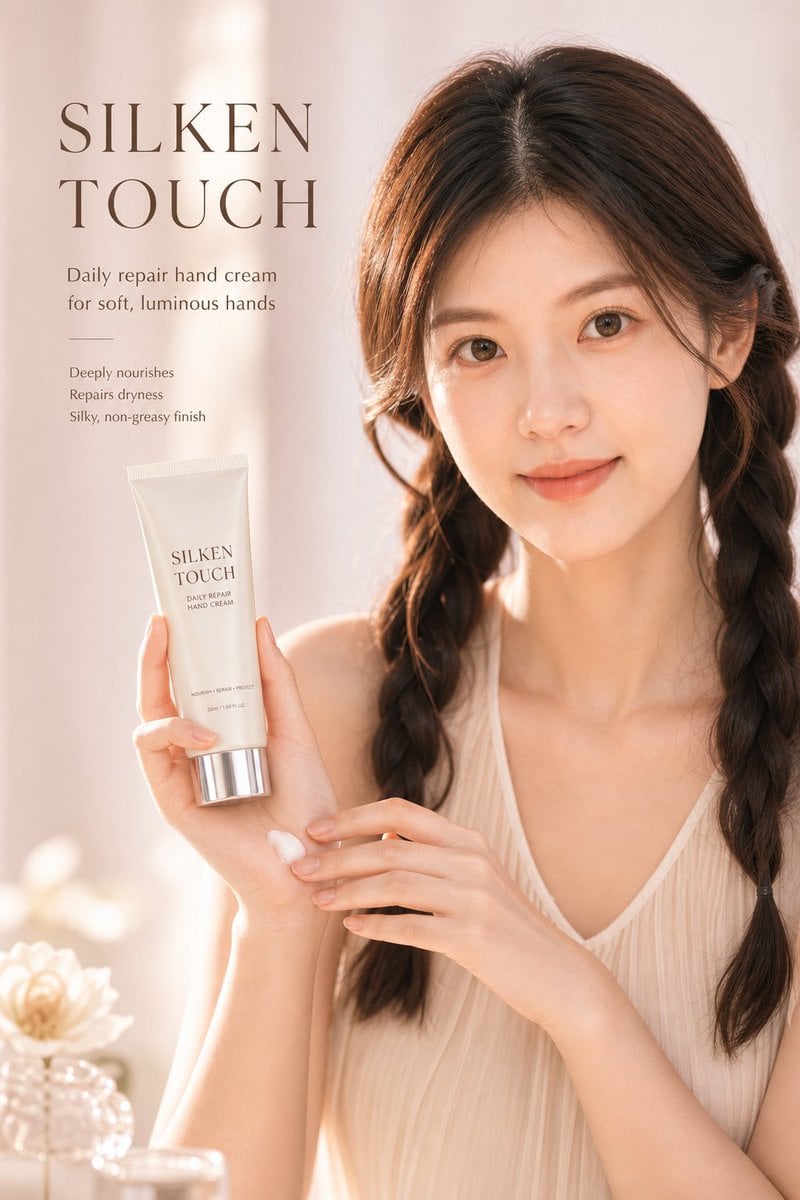
Luxury Skincare Ad Poster
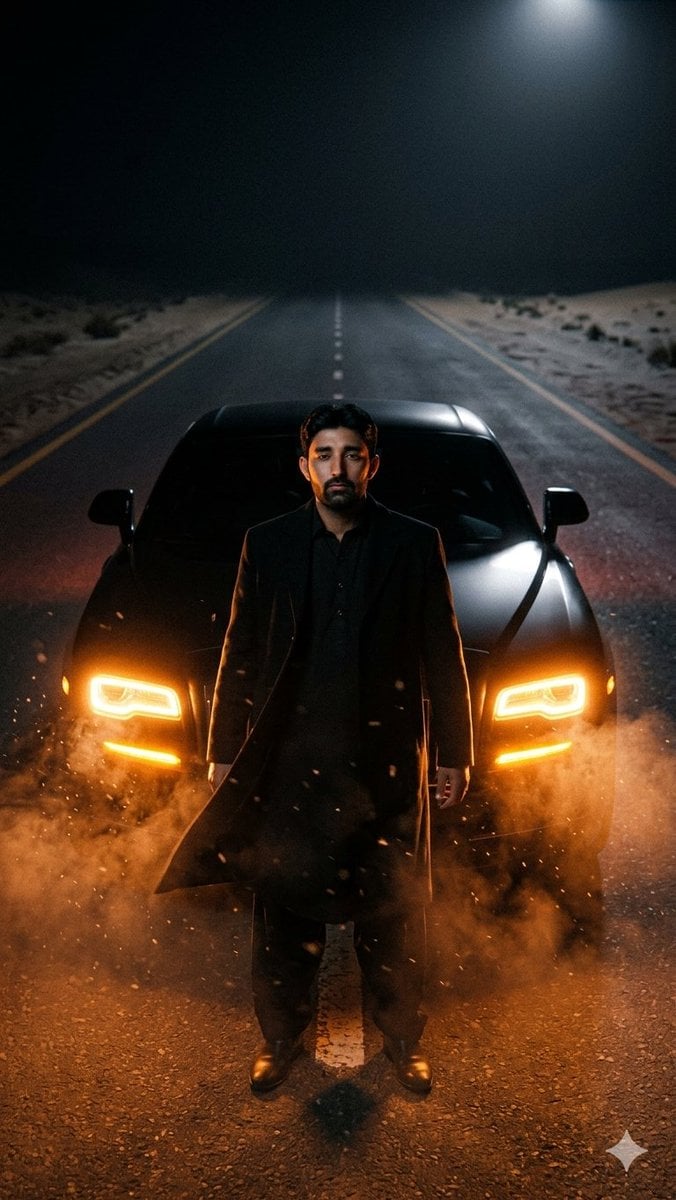
Cinematic Desert Highway Car Portrait
Browse template categories
Diary-Style Annotated Portrait questions
How do I use the Diary-Style Annotated Portrait template?
Add your photo if the template asks for one, edit the prompt if you like — the template's model and format are already selected — and press Generate. Your version opens in PicX Studio.
Can I customize the Diary-Style Annotated Portrait template?
Yes. You can change the subject, setting, lighting, mood, format, and available model controls before creating your image.
Is the Diary-Style Annotated Portrait template free?
Opening and editing this template is free. Generating uses credits, shown on the Generate button when you are signed in.
Which AI model should I use?
Start with GPT Image 2, which is the model associated with this template. You can compare another compatible model for a different finish.
Looking for something else? Browse all templates.

Your photo, any look
Thousands of ready templates for every top image and video model, from one credit balance.