
Realistic Camera Roll Outfit Collage
Generates a square smartphone-style collage of candid realistic snapshots featuring one woman repeatedly wearing the same graphic T-shirt.
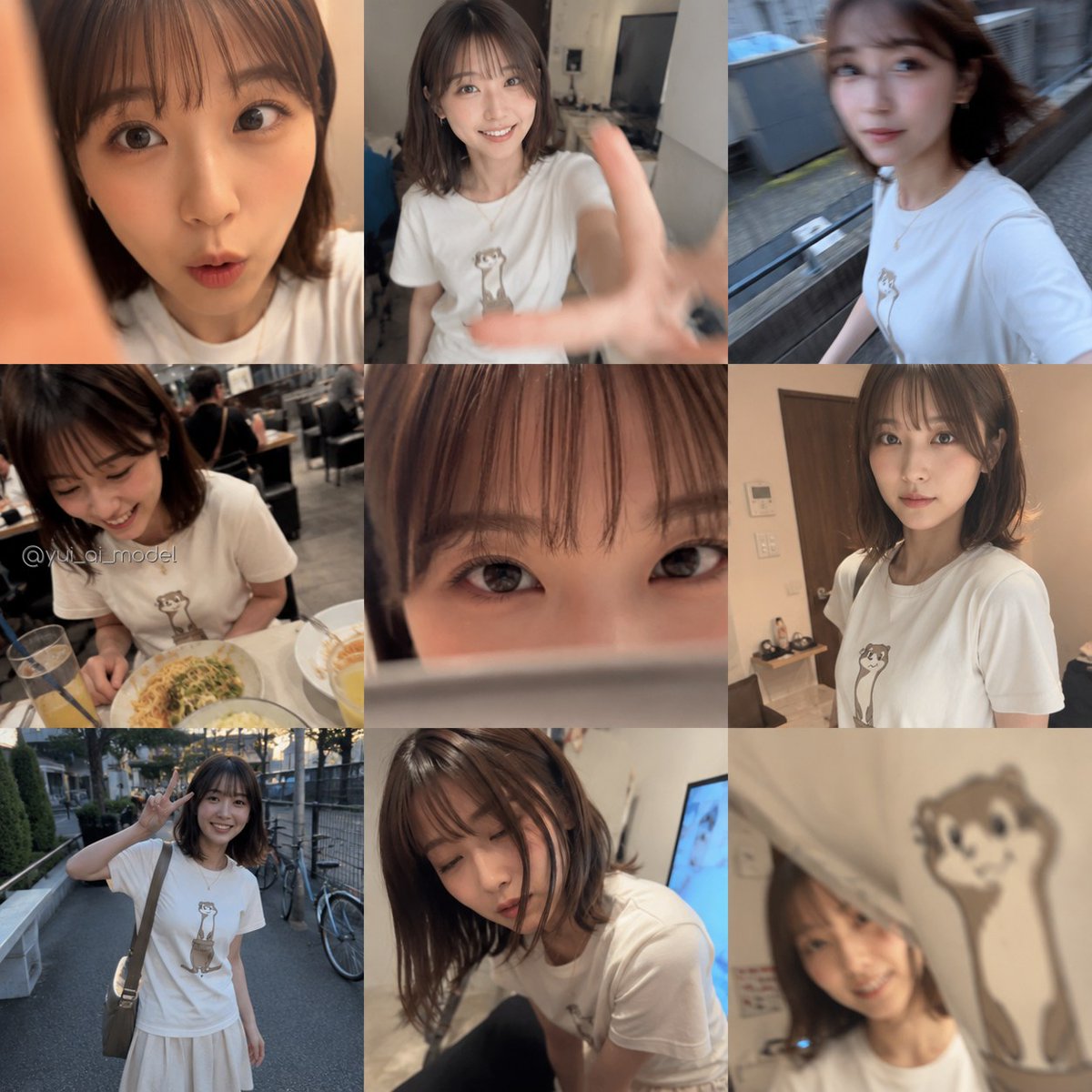
- Prompt included
- Model and format preset
- Free template
The prompt behind this image
Copy the exact prompt behind Realistic Camera Roll Outfit Collage, or open it in the studio and make it yours.
- Type
- realistic smartphone camera-roll collage
- Style
- ultra-realistic casual Japanese social media snapshot collage, candid iPhone photos, mixed indoor and outdoor lighting, slight motion blur, shallow depth of field, natural skin tones, privacy-preserving blurred square over every face, no glamour retouching
- Main Subject › Description
- a young adult woman with shoulder-length dark brown hair, slim build, wearing a simple white T-shirt with a cute standing otter illustration printed on the chest
- Main Subject › Identity
- {argument name="subject description" default="young Japanese woman with shoulder-length dark brown hair"}
- Main Subject › Outfit
- {argument name="outfit" default="white T-shirt with a cute standing otter illustration"}
- Main Subject › Face Treatment
- large soft pixelated square blur covering the face in each photo
- Layout › Format
- single square 1:1 image resembling a camera roll dump, edge-to-edge overlapping photo tiles with no white borders, casual irregular grid, some photos cropped, central image partly covering surrounding images
- Layout › Photo Count
- 9
- Layout › Photos › 0 › Position
- top left
- Layout › Photos › 0 › Description
- extreme close-up selfie crop of the woman’s neck, jawline, hair, and white T-shirt; warm indoor light; part of a finger or hand intrudes along the left edge
- Layout › Photos › 1 › Position
- top center
- Layout › Photos › 1 › Description
- messy bedroom or apartment mirror-style selfie, woman seated in white otter T-shirt, one hand reaching toward the camera creating motion blur, computer monitor and household objects in the background
- Layout › Photos › 2 › Position
- top right
- Layout › Photos › 2 › Description
- outdoor walking selfie from a high angle, woman in the white T-shirt moving along a narrow street or alley beside bins and building walls, hair blown back, motion blur
- Layout › Photos › 3 › Position
- middle left
- Layout › Photos › 3 › Description
- restaurant table candid, woman seated wearing the otter T-shirt, pasta plate in front of her, iced drink with straw, busy casual dining room behind her, watermark visible
- Layout › Photos › 4 › Position
- center large
- Layout › Photos › 4 › Description
- dominant vertical central photo tile placed over the collage, heavily obscured by a large opaque blur rectangle, suggesting a privacy-censored camera-roll image
- Layout › Photos › 5 › Position
- middle right
- Layout › Photos › 5 › Description
- indoor portrait near a wooden door or cabinet, woman in white otter T-shirt, shoulder-length hair, warm room lighting, face blurred
- Layout › Photos › 6 › Position
- bottom left
- Layout › Photos › 6 › Description
- full-body outdoor street photo, woman standing on a sidewalk giving a peace sign, wearing the white graphic T-shirt, light long skirt, crossbody bag, bicycles and trees in the background
- Layout › Photos › 7 › Position
- bottom center
- Layout › Photos › 7 › Description
- low indoor candid angle of the woman leaning forward or crouching, white T-shirt visible, hair falling around the blurred face, casual room background
Raw JSON
{"type":"realistic smartphone camera-roll collage","style":"ultra-realistic casual Japanese social media snapshot collage, candid iPhone photos, mixed indoor and outdoor lighting, slight motion blur, shallow depth of field, natural skin tones, privacy-preserving blurred square over every face, no glamour retouching","main_subject":{"description":"a young adult woman with shoulder-length dark brown hair, slim build, wearing a simple white T-shirt with a cute standing otter illustration printed on the chest","identity":"{argument name=\"subject description\" default=\"young Japanese woman with shoulder-length dark brown hair\"}","outfit":"{argument name=\"outfit\" default=\"white T-shirt with a cute standing otter illustration\"}","face_treatment":"large soft pixelated square blur covering the face in each photo"},"layout":{"format":"single square 1:1 image resembling a camera roll dump, edge-to-edge overlapping photo tiles with no white borders, casual irregular grid, some photos cropped, central image partly covering surrounding images","photo_count":9,"photos":[{"position":"top left","description":"extreme close-up selfie crop of the woman’s neck, jawline, hair, and white T-shirt; warm indoor light; part of a finger or hand intrudes along the left edge"},{"position":"top center","description":"messy bedroom or apartment mirror-style selfie, woman seated in white otter T-shirt, one hand reaching toward the camera creating motion blur, computer monitor and household objects in the background"},{"position":"top right","description":"outdoor walking selfie from a high angle, woman in the white T-shirt moving along a narrow street or alley beside bins and building walls, hair blown back, motion blur"},{"position":"middle left","description":"restaurant table candid, woman seated wearing the otter T-shirt, pasta plate in front of her, iced drink with straw, busy casual dining room behind her, watermark visible"},{"position":"center large","description":"dominant vertical central photo tile placed over the collage, heavily obscured by a large opaque blur rectangle, suggesting a privacy-censored camera-roll image"},{"position":"middle right","description":"indoor portrait near a wooden door or cabinet, woman in white otter T-shirt, shoulder-length hair, warm room lighting, face blurred"},{"position":"bottom left","description":"full-body outdoor street photo, woman standing on a sidewalk giving a peace sign, wearing the white graphic T-shirt, light long skirt, crossbody bag, bicycles and trees in the background"},{"position":"bottom center","description":"low indoor candid angle of the woman leaning forward or crouching, white T-shirt visible, hair falling around the blurred face, casual room background"},{"position":"bottom right","description":"close-up crop emphasizing the otter illustration on the white T-shirt, partial blurred face and neck visible, warm indoor light, playful candid framing"}]},"text":{"watermark":"{argument name=\"watermark text\" default=\"@yui_ai_model\"}","watermark_position":"over the middle-left restaurant photo near the lower-left area","other_text":"no captions, no UI, no visible app interface"},"camera_and_rendering":{"look":"authentic phone camera roll, unposed, realistic casual life moments","lighting":"mixed daylight, warm indoor light, restaurant ambient light","quality":"realistic but imperfect snapshots with motion blur, slight grain, uneven exposure, natural perspective distortions","composition":"photos overlap tightly and fill the entire square canvas"},"customization":{"collage_theme":"{argument name=\"collage theme\" default=\"one day of casual candid snapshots\"}","shirt graphic":"{argument name=\"shirt graphic\" default=\"cute standing otter\"}"}}How to use Realistic Camera Roll Outfit Collage in 3 steps
- 1Upload ImagePNG, JPG or paste
Add your photo
Upload the photo the template builds on. The prompt, model and format are already set.
- 2…a portrait of your subject in softgolden-hour light, 85mm…
Personalize
Edit the subject and creative details for your destination.
- 3Generate
Generate
Press Generate — your image is created in PicX Studio, so you can compare it with the original and refine one variable at a time.
More like this
Templates with the same subject, style or setup. Open one to see its prompt.












Make it yours
Realistic Camera Roll Outfit Collage works as-is. These are the safest ways to change it without losing the look.
Swap the light
One lighting change is enough to compare takes. Current light: “mixed daylight, warm indoor light, restaurant ambient light”.
Change one field
Copy a single group, rewrite it, and generate again so you can see what that field is doing.
Keep the frame, change the subject
Hold the composition and light of Realistic Camera Roll Outfit Collage, then swap wardrobe, props or the person for a new take.
| If the result… | Why | Fix |
|---|---|---|
| The result drifts from the preview | Too many fields changed at once. | Reuse Realistic Camera Roll Outfit Collage as-is first, then change one group — subject, light, or setting. |
| GPT Image 2 ignores part of the JSON | Some models flatten or skip nested keys. | Keep the same values and paste them as a short paragraph instead. |
More GPT Image 2 templates
Other prompts made for GPT Image 2.

Six VTuber Japanese Logo Sheet

Realistic Portrait of Woman and Deer

The Vista Modular Condo Poster

AI Model Routing Comparison Infographic

2.5D Anime Art Board

Isometric Productivity Desk Scene

New York Double Exposure Poster

Four-Panel AI Landscape Comparison

Japanese Tatami Lifestyle Magazine Cover

NESCAFÉ Coffee Map Poster
More image prompts
Fresh picks from across the catalog.
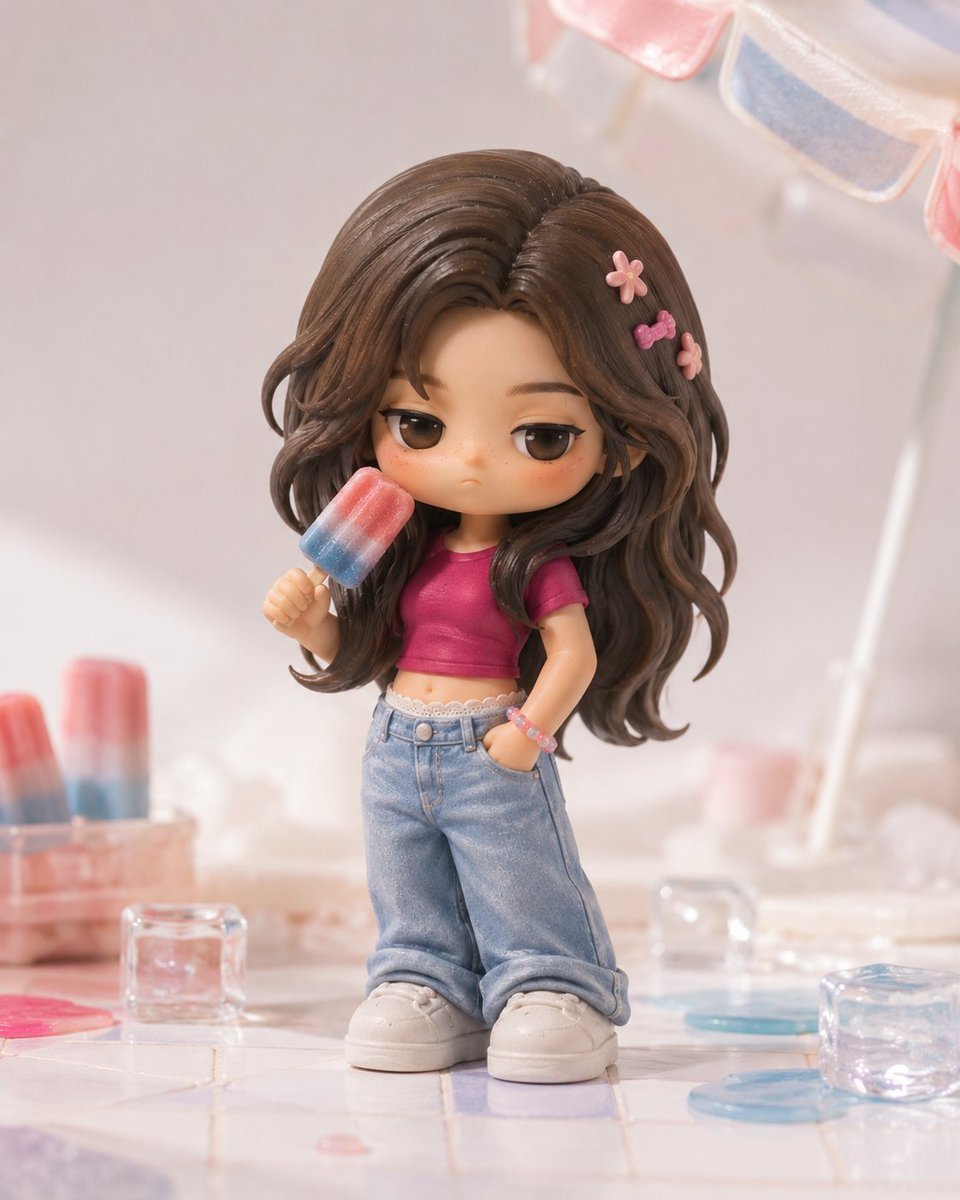
Pop Mart Hirono Style Custom Figure Prompt
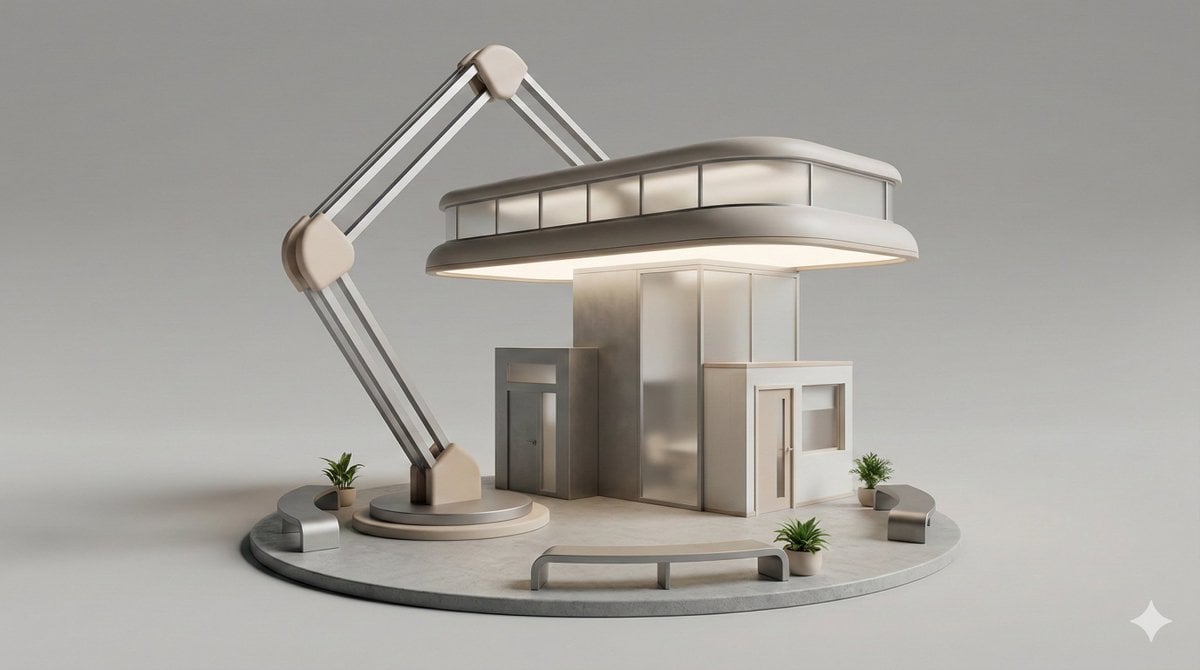
3D Isometric Diorama of a Household Object as Architecture
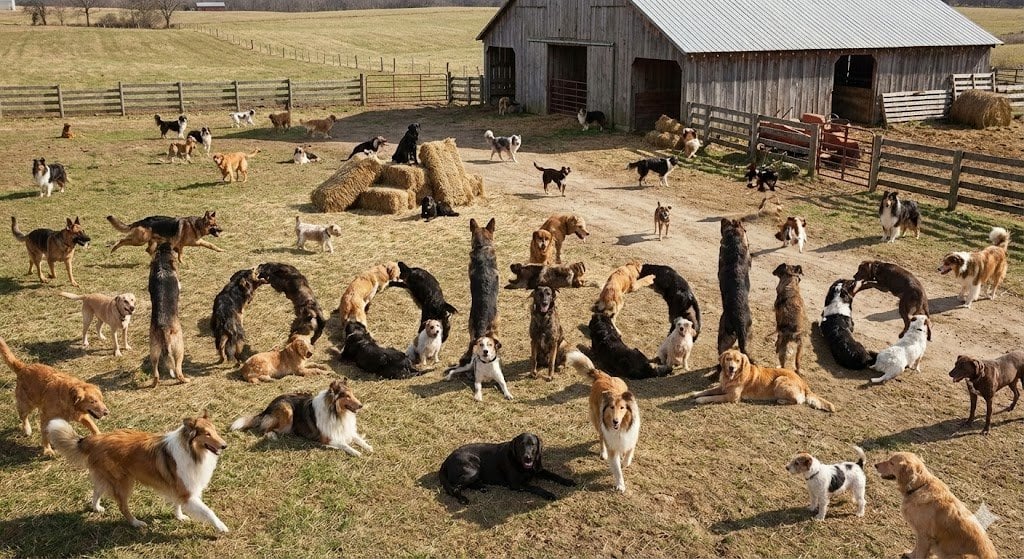
Hidden Word Embedding Prompt
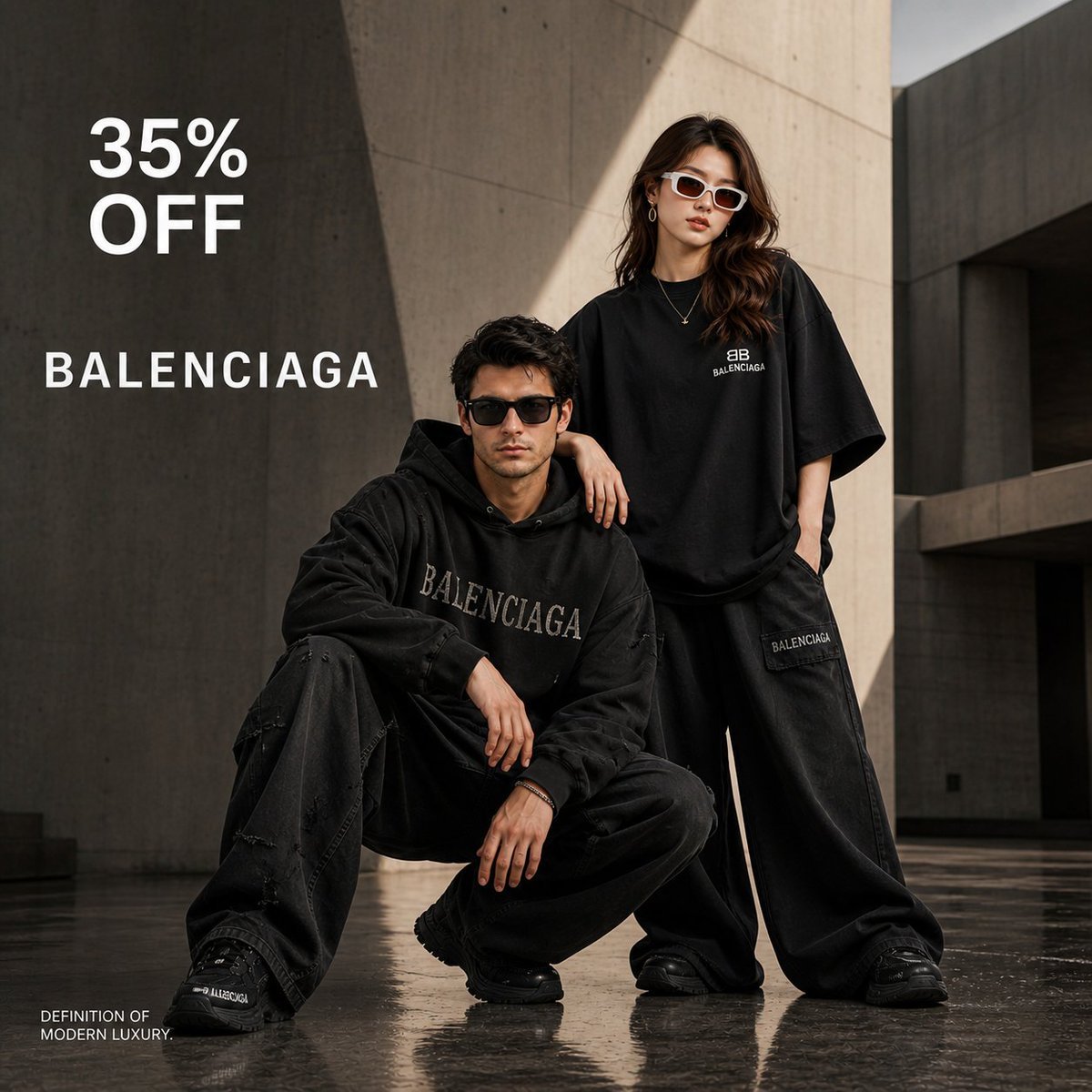
Luxury High-Fashion Brand Advertisement
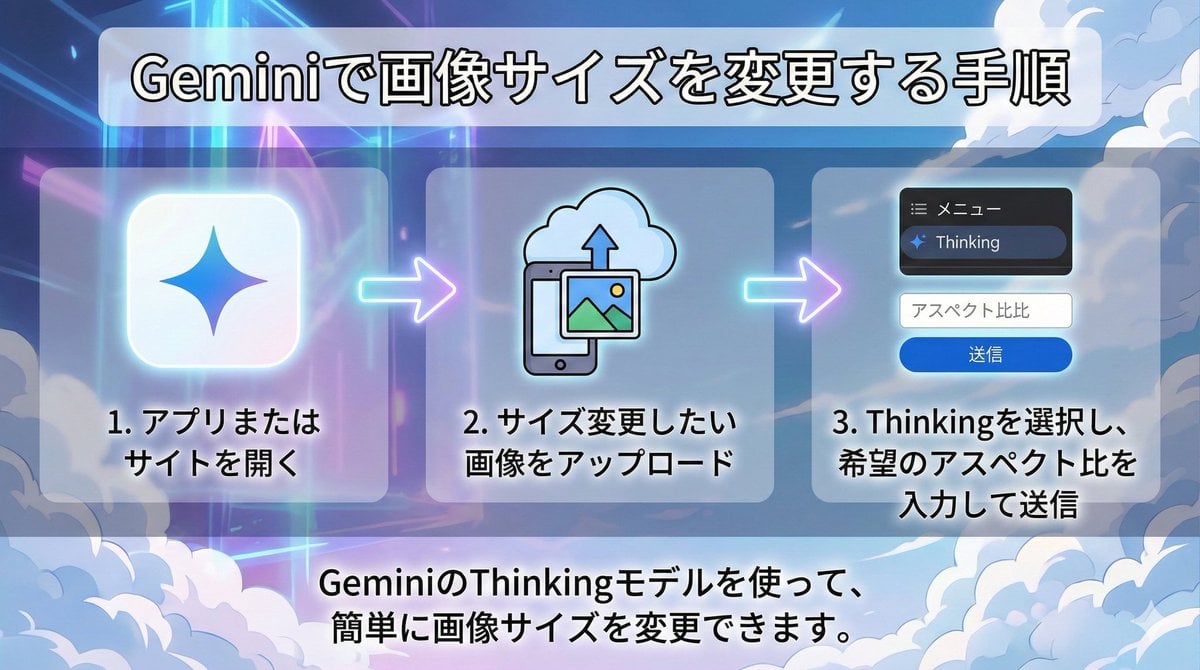
Changing Image Size with Nano Banana Pro

Yokohama Pop Summer Poster
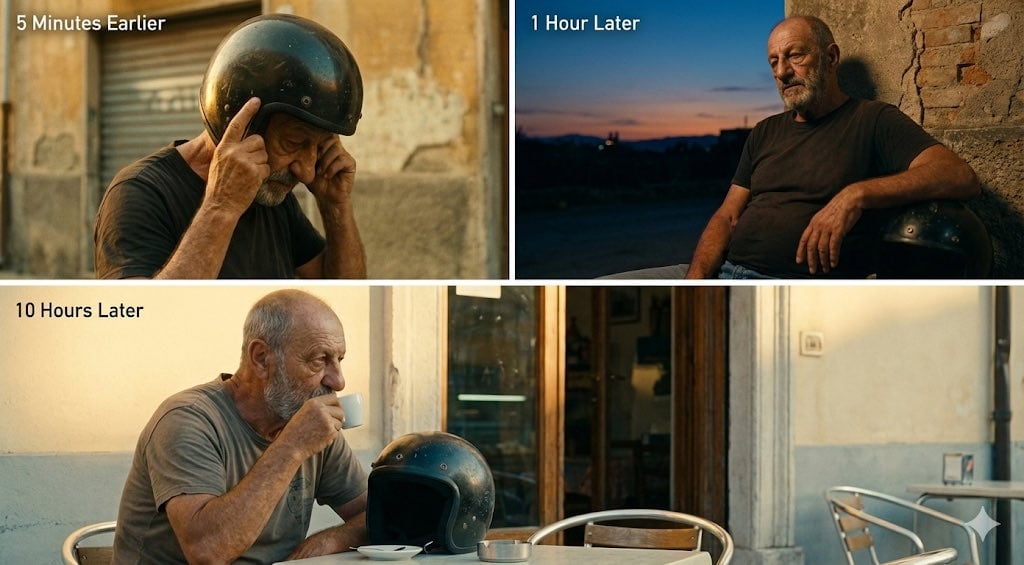
Time-Shifted Image Generation Prompt
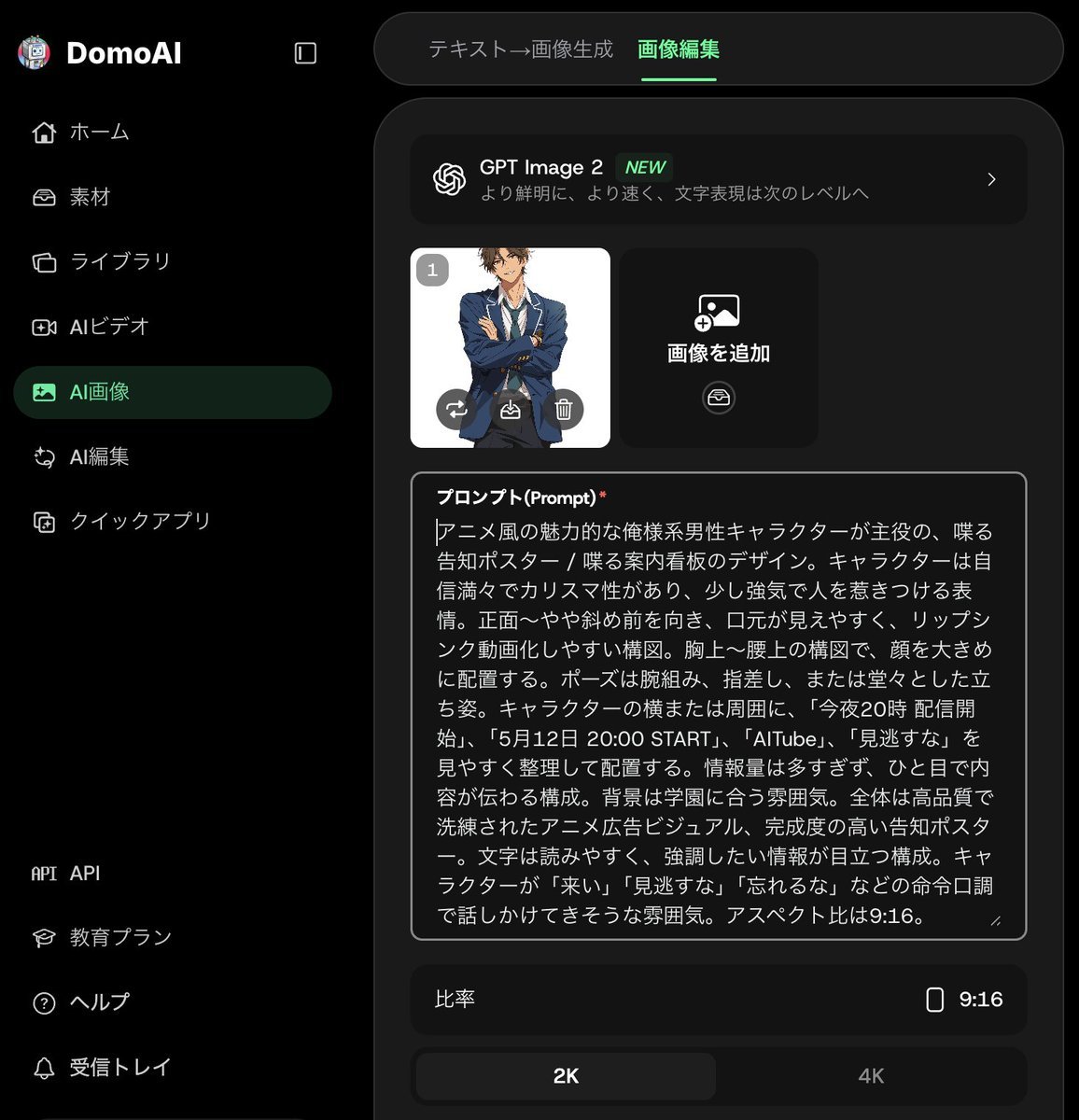
Anime Announcement Poster Template
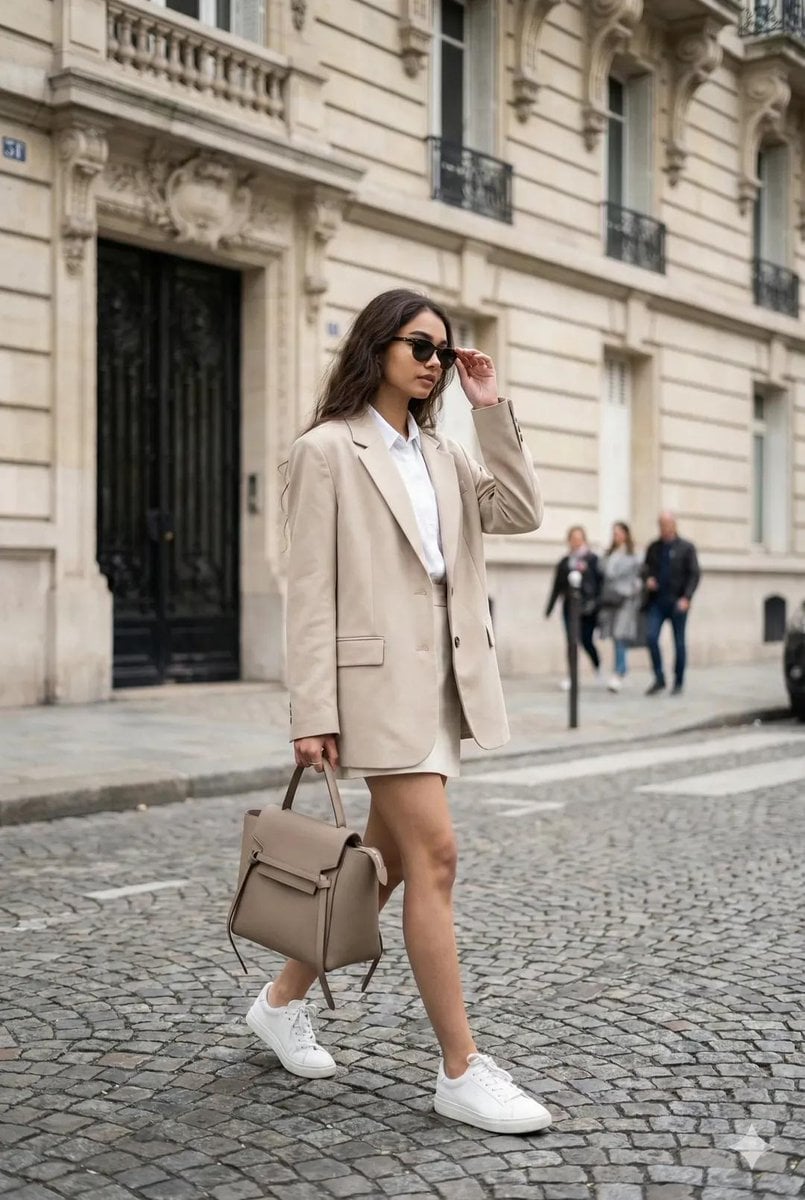
Ultra-Realistic Portrait from Reference Image
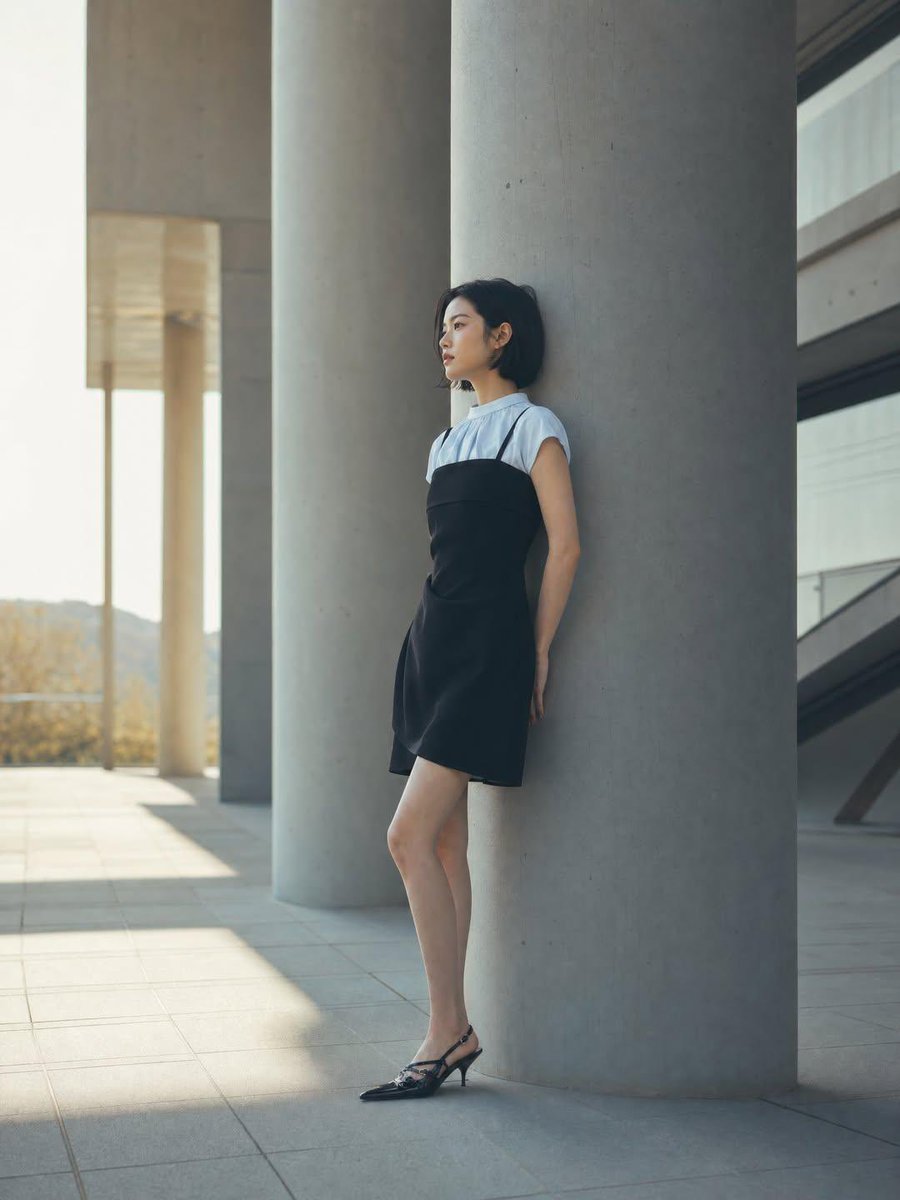
Minimalist Architectural Fashion Editorial
Browse template categories
Realistic Camera Roll Outfit Collage questions
How do I use the Realistic Camera Roll Outfit Collage template?
Add your photo if the template asks for one, edit the prompt if you like — the template's model and format are already selected — and press Generate. Your version opens in PicX Studio.
Can I customize the Realistic Camera Roll Outfit Collage template?
Yes. You can change the subject, setting, lighting, mood, format, and available model controls before creating your image.
Is the Realistic Camera Roll Outfit Collage template free?
Opening and editing this template is free. Generating uses credits, shown on the Generate button when you are signed in.
Which AI model should I use?
Start with GPT Image 2, which is the model associated with this template. You can compare another compatible model for a different finish.
Looking for something else? Browse all templates.

Your photo, any look
Thousands of ready templates for every top image and video model, from one credit balance.