
Masquerade Palace Wallpaper
Generates a romantic fantasy palace background with a masquerade mask, letters, candlelight, and a short Japanese message for wallpaper-style use.
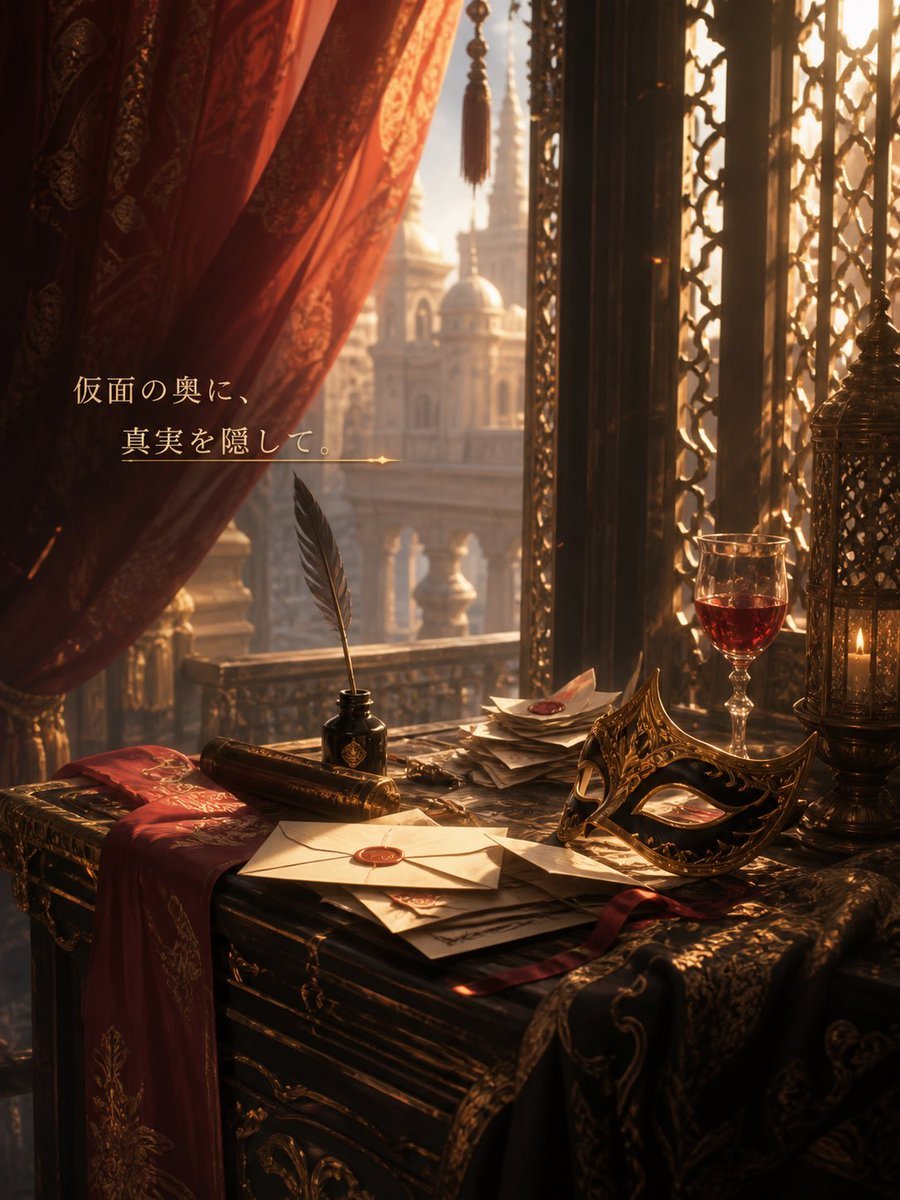
- Prompt included
- Model and format preset
- Free template
The prompt behind this image
Copy the exact prompt behind Masquerade Palace Wallpaper, or open it in the studio and make it yours.
Create a vertical smartphone-wallpaper style fantasy background illustration set inside an opulent palace room at golden hour. The scene looks out through a tall arched window with ornate black-gold lattice screens toward a softly blurred domed palace and minarets in the distance. On the left, one large deep crimson patterned curtain is pulled aside, with one hanging tassel near the top center. In the foreground, place one dark carved wooden desk covered with luxurious props: one white sealed envelope with a red wax seal, one stack of scattered letters and papers, one black ink bottle, one black feather quill standing upright, one rolled parchment scroll, one ornate gold-and-black masquerade mask, one half-filled glass of red wine, one tall filigree metal lantern containing a lit candle, and two embroidered fabrics draped over the desk, one red and one black-gold. Use warm amber sunlight, dramatic shadows, dust motes, and a romantic mysterious atmosphere, with rich burgundy, bronze, black, and gold tones. Add elegant Japanese message text on the left over the curtain area reading {argument name="message text" default="仮面の奥に、\n真実を隠して。"}, set in a refined serif style in pale gold, with a thin horizontal gold line and small sparkle beneath it. Make the composition cinematic, quiet, and slightly melancholic, as if hinting at palace intrigue and hidden truth behind a mask.
How to use Masquerade Palace Wallpaper in 3 steps
- 1Upload ImagePNG, JPG or paste
Add your photo
Upload the photo the template builds on. The prompt, model and format are already set.
- 2…a portrait of your subject in softgolden-hour light, 85mm…
Personalize
Edit the subject and creative details for your destination.
- 3Generate
Generate
Press Generate — your image is created in PicX Studio, so you can compare it with the original and refine one variable at a time.
More like this
Templates with the same subject, style or setup. Open one to see its prompt.
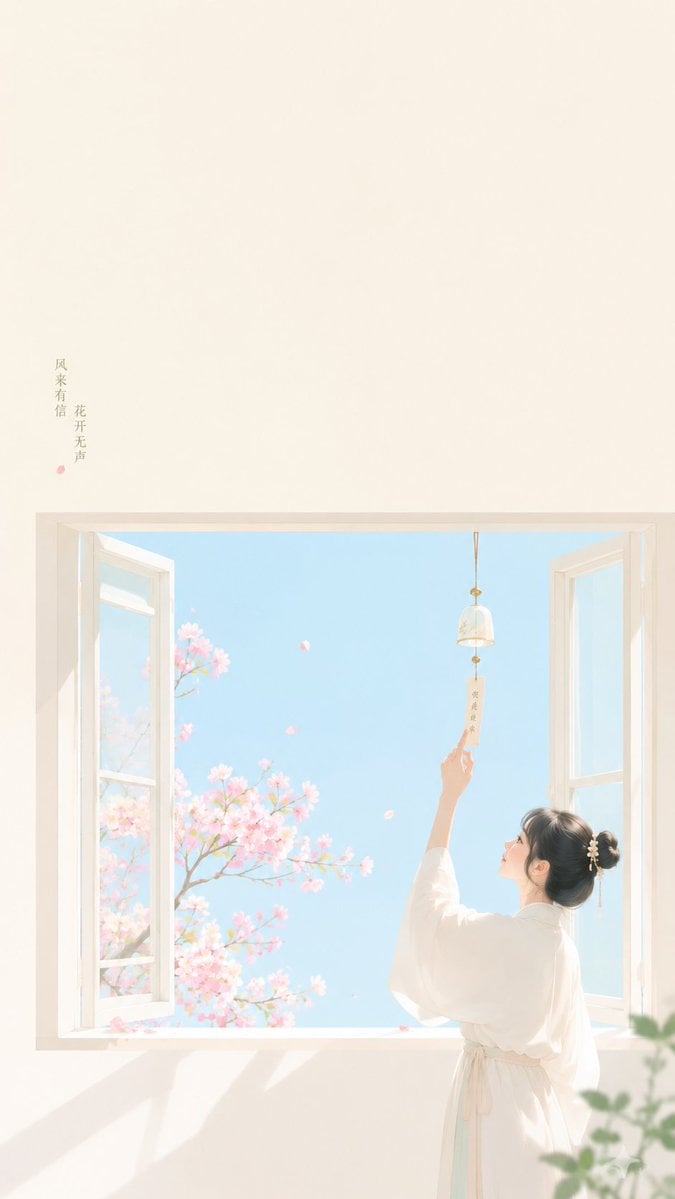
Zen Minimalist Aesthetic Wallpaper
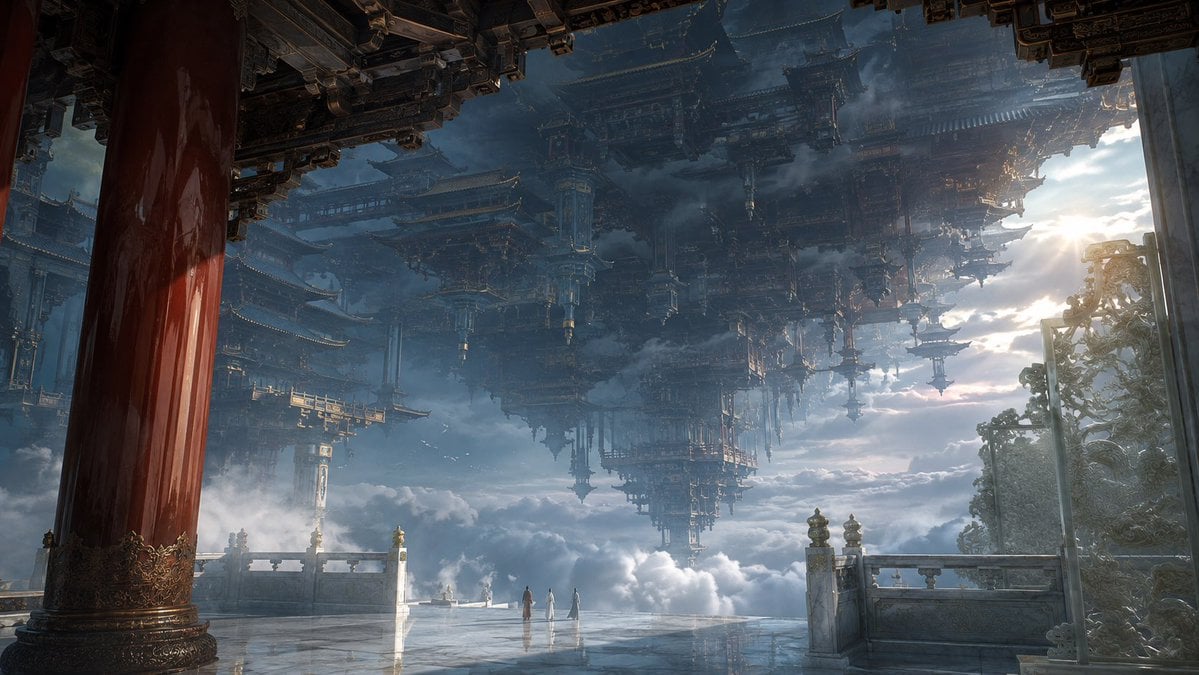
Celestial Inverted Oriental Palace
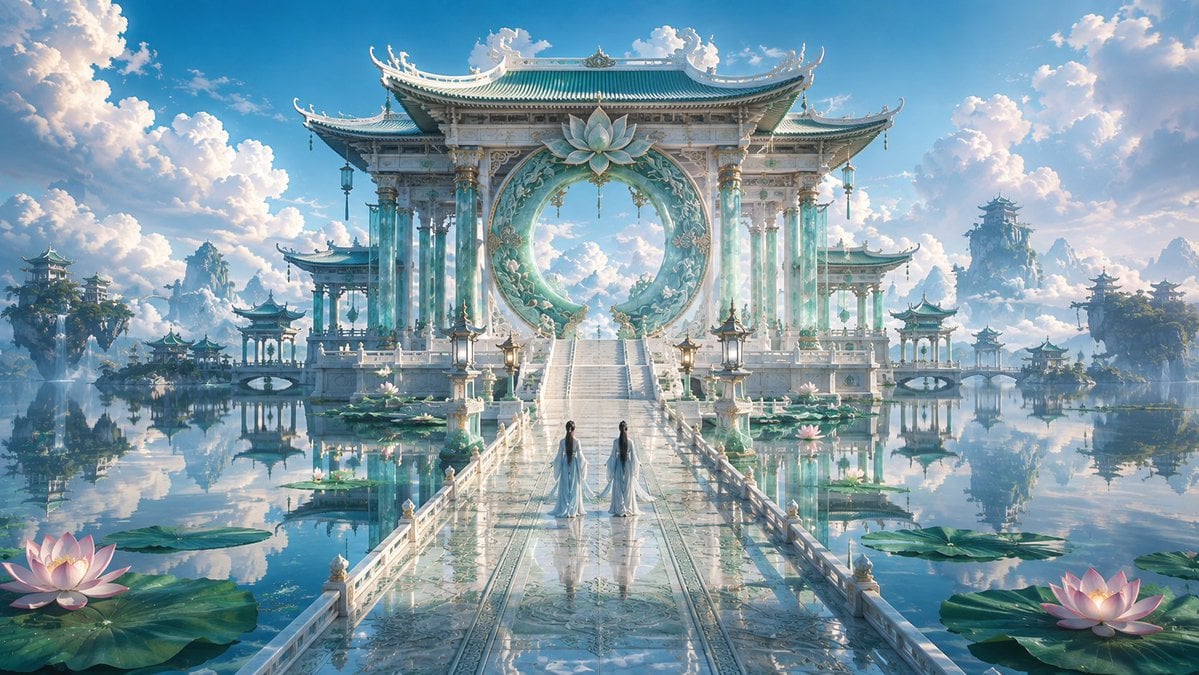
Celestial Jade Palace Lake
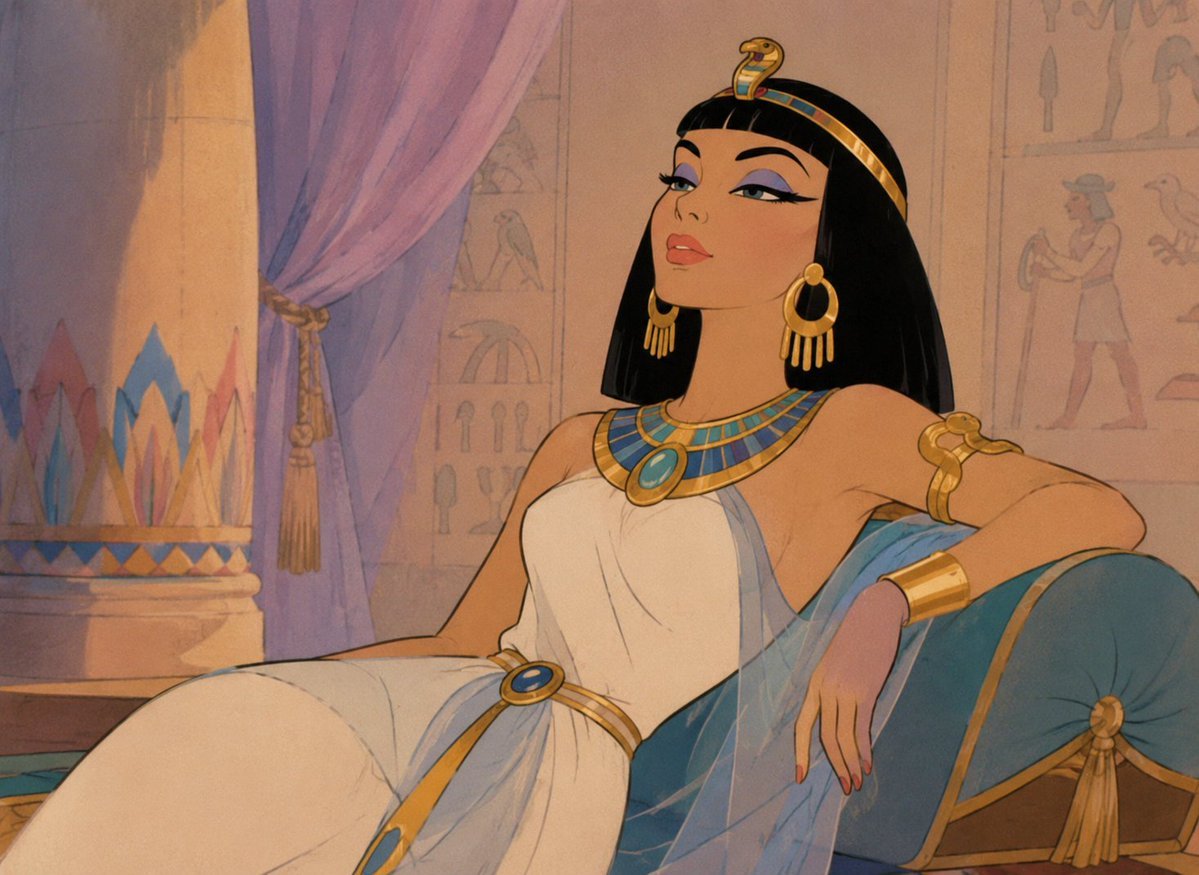
Classic Animated Cleopatra Palace Still
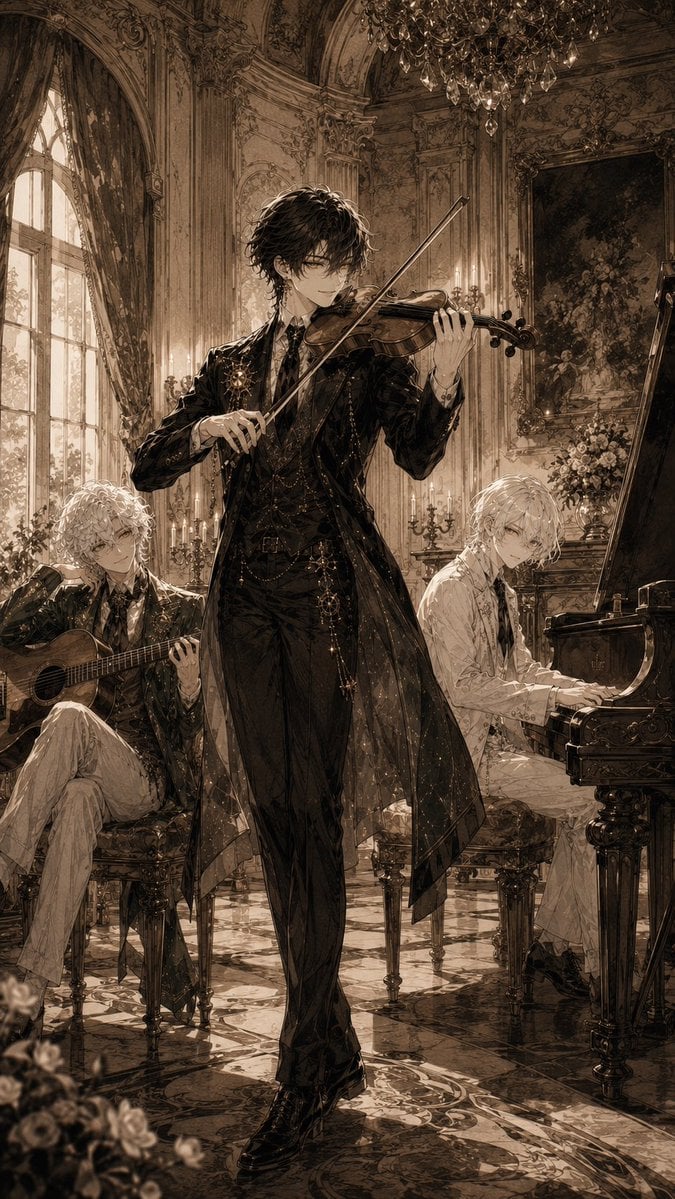
Gothic Palace Anime Trio
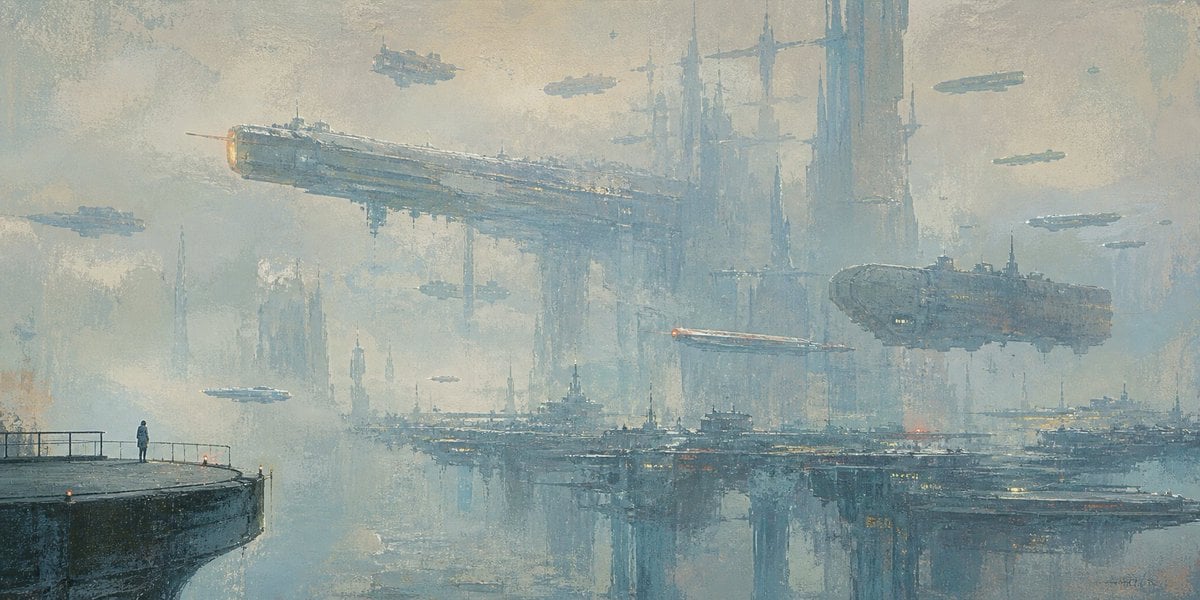
Lonely Sci-Fi Harbor Wallpaper
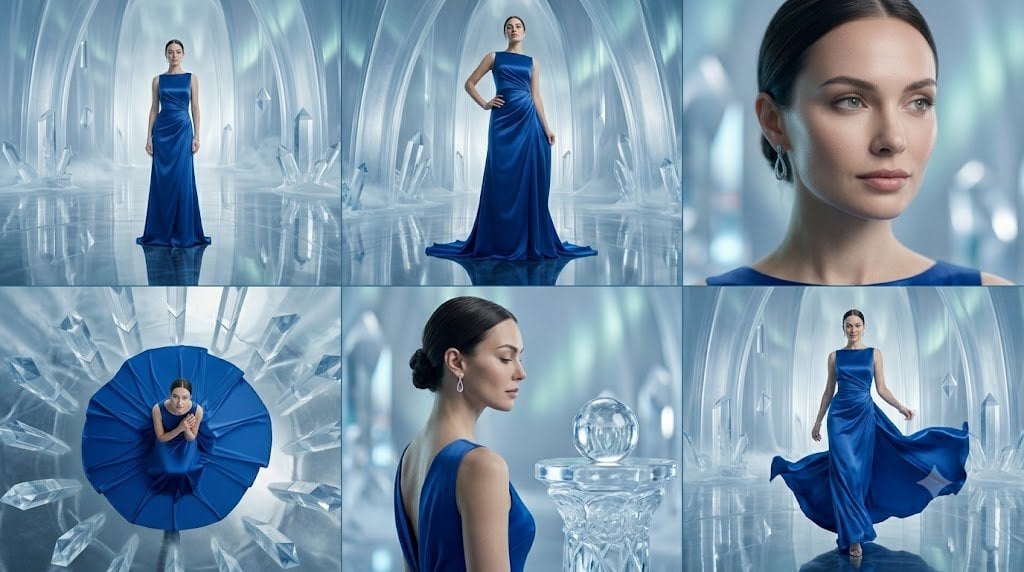
Crystal Palace Blue Gown Contact Sheet
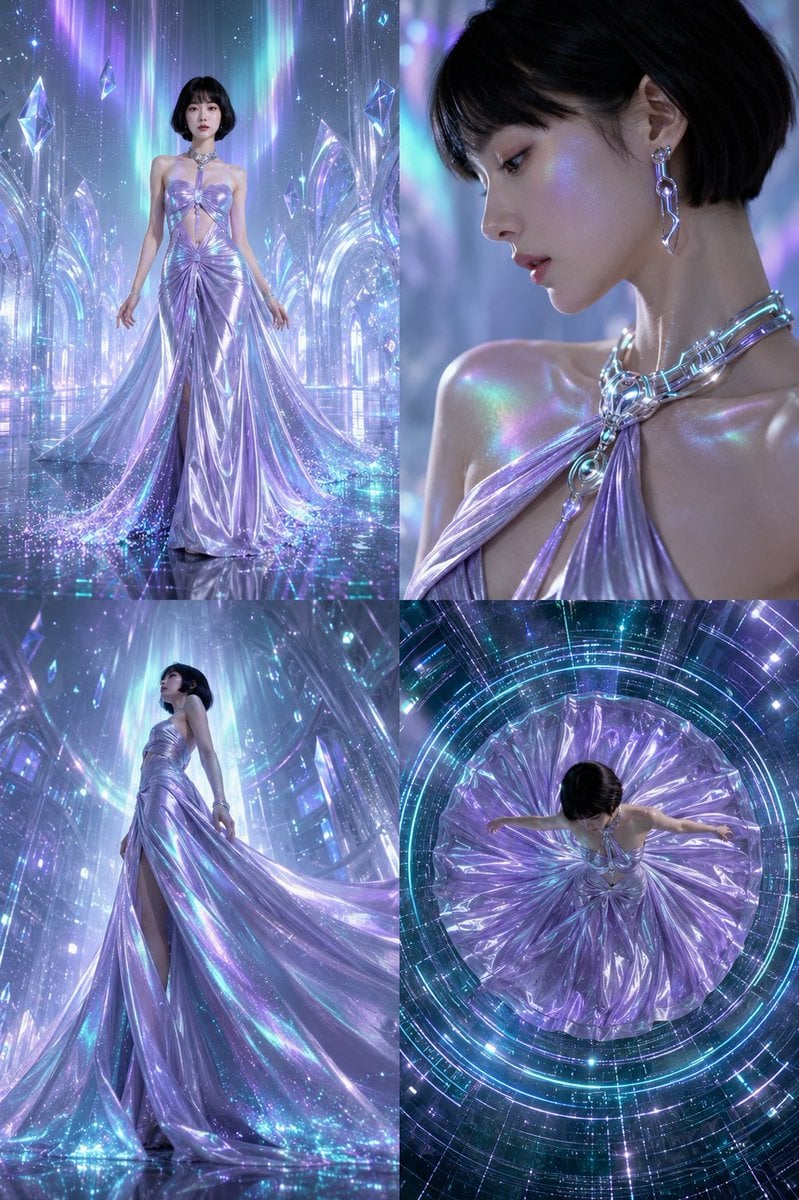
Futuristic Ice Palace Fashion Collage
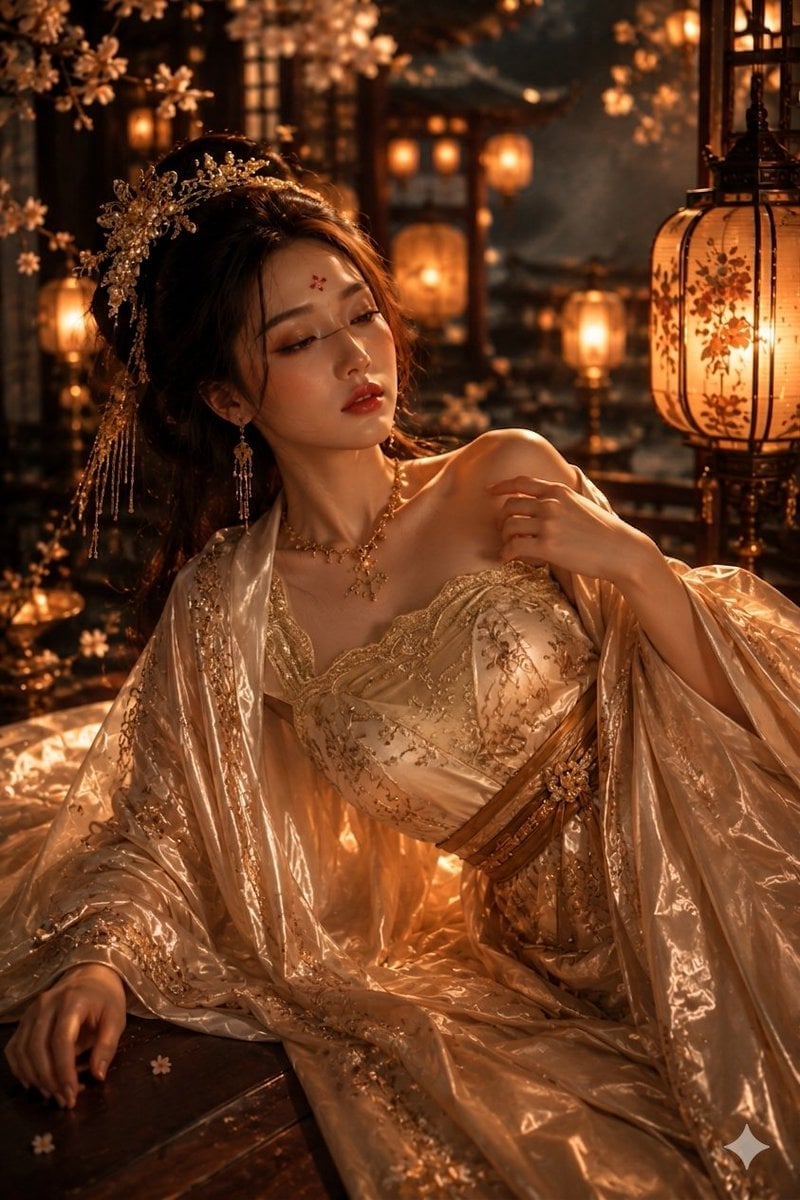
Ancient Chinese Empress Palace Portrait
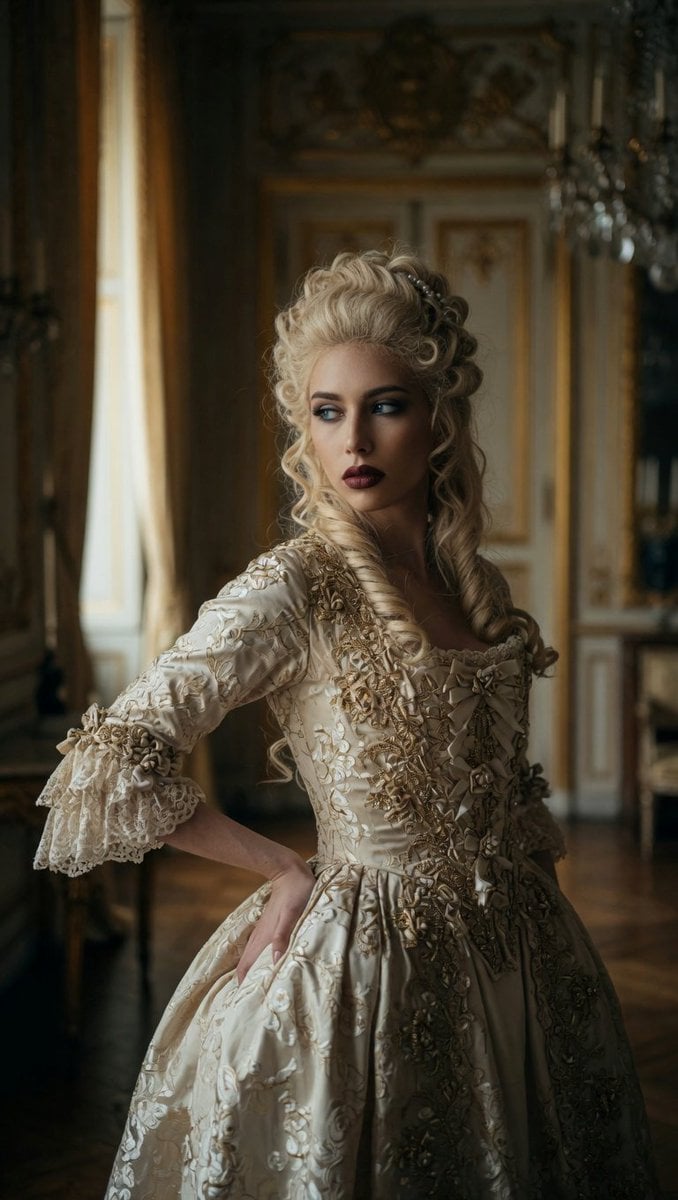
Marie Antoinette French Palace Portrait

Pixar Anime Ice Palace
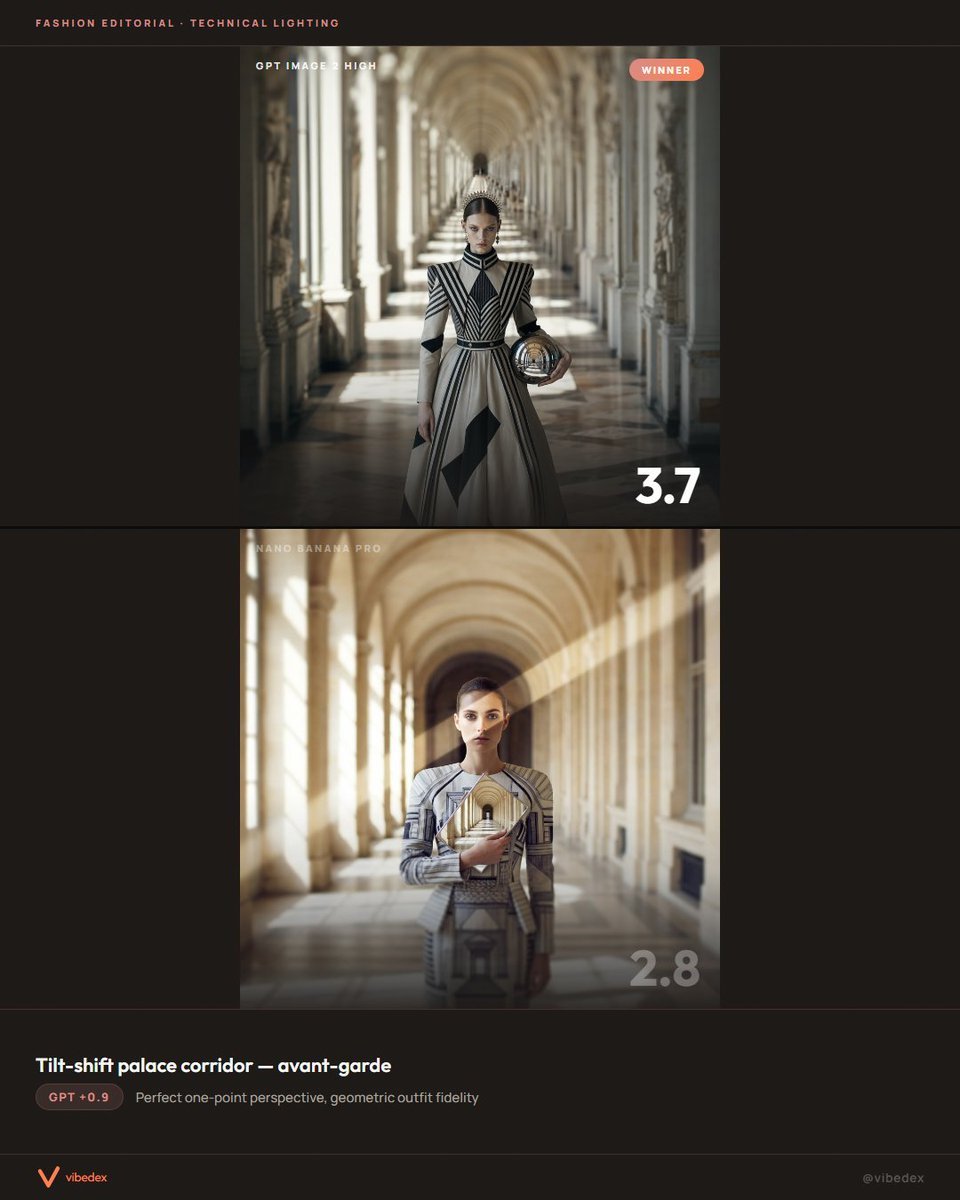
Tilt-Shift Palace Corridor Comparison
Make it yours
Masquerade Palace Wallpaper works as-is. These are the safest ways to change it without losing the look.
Change one field
Copy a single group, rewrite it, and generate again so you can see what that field is doing.
Keep the frame, change the subject
Hold the composition and light of Masquerade Palace Wallpaper, then swap wardrobe, props or the person for a new take.
| If the result… | Why | Fix |
|---|---|---|
| The result drifts from the preview | Too many fields changed at once. | Reuse Masquerade Palace Wallpaper as-is first, then change one group — subject, light, or setting. |
| The model over-stylizes the scene | The prose prompt leaves finish and camera underspecified. | Add one camera or lighting sentence and stay on GPT Image 2. |
More GPT Image 2 templates
Other prompts made for GPT Image 2.

Six VTuber Japanese Logo Sheet

Realistic Portrait of Woman and Deer

The Vista Modular Condo Poster

AI Model Routing Comparison Infographic

2.5D Anime Art Board

Isometric Productivity Desk Scene

New York Double Exposure Poster

Four-Panel AI Landscape Comparison

Japanese Tatami Lifestyle Magazine Cover

NESCAFÉ Coffee Map Poster
More image prompts
Fresh picks from across the catalog.
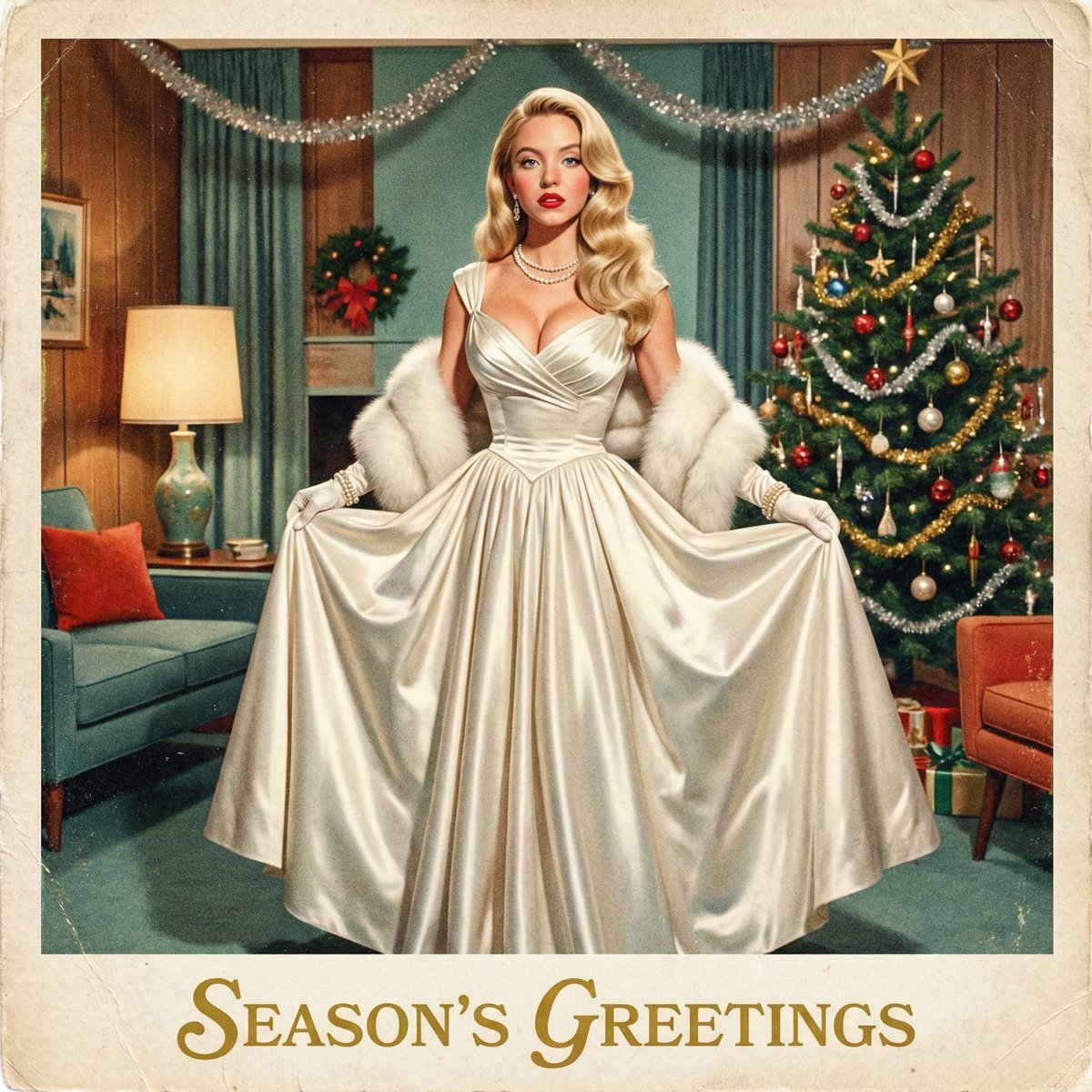
Chrono-Holiday Artisan: Christmas Card Re-render by Era
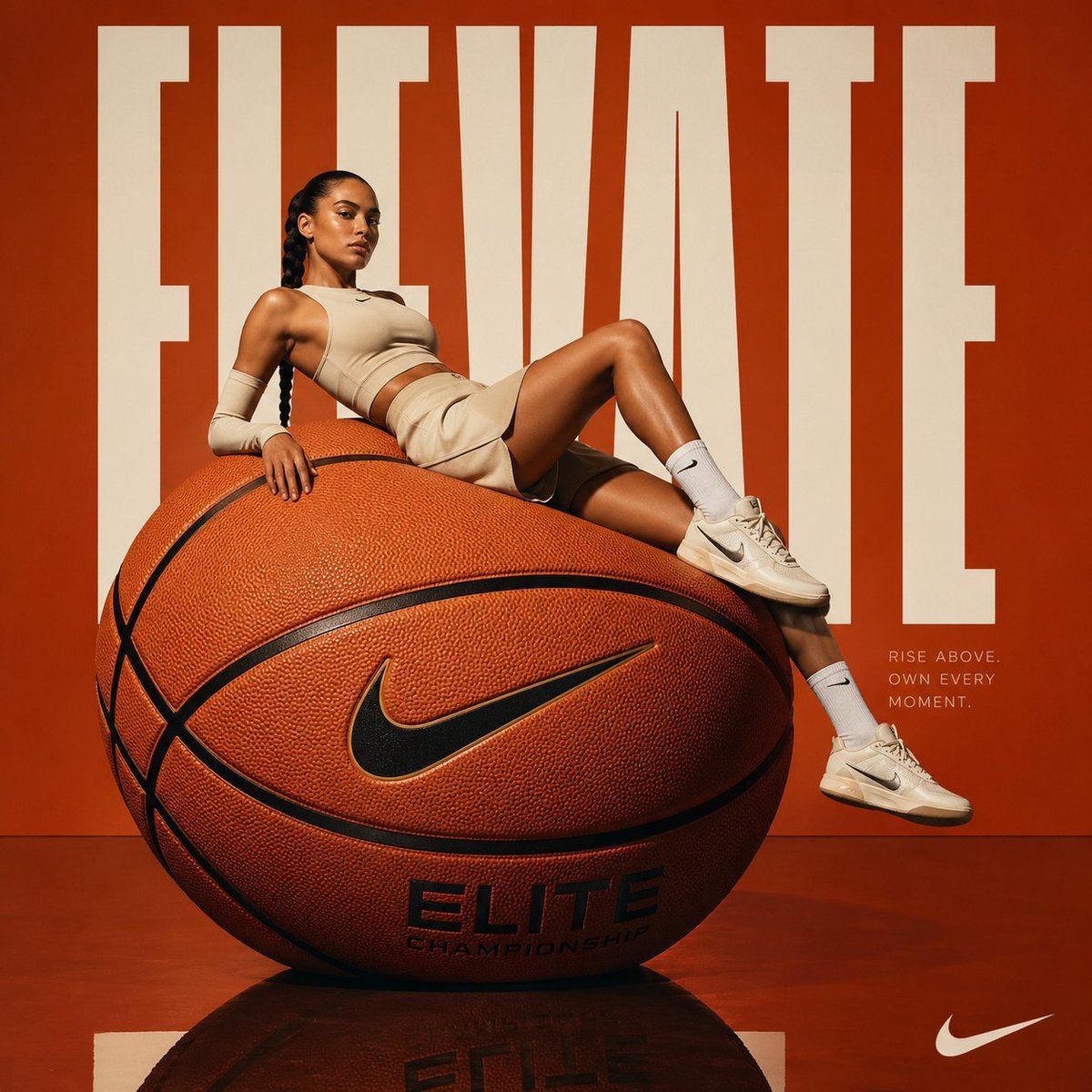
Avant-garde Basketball Fashion
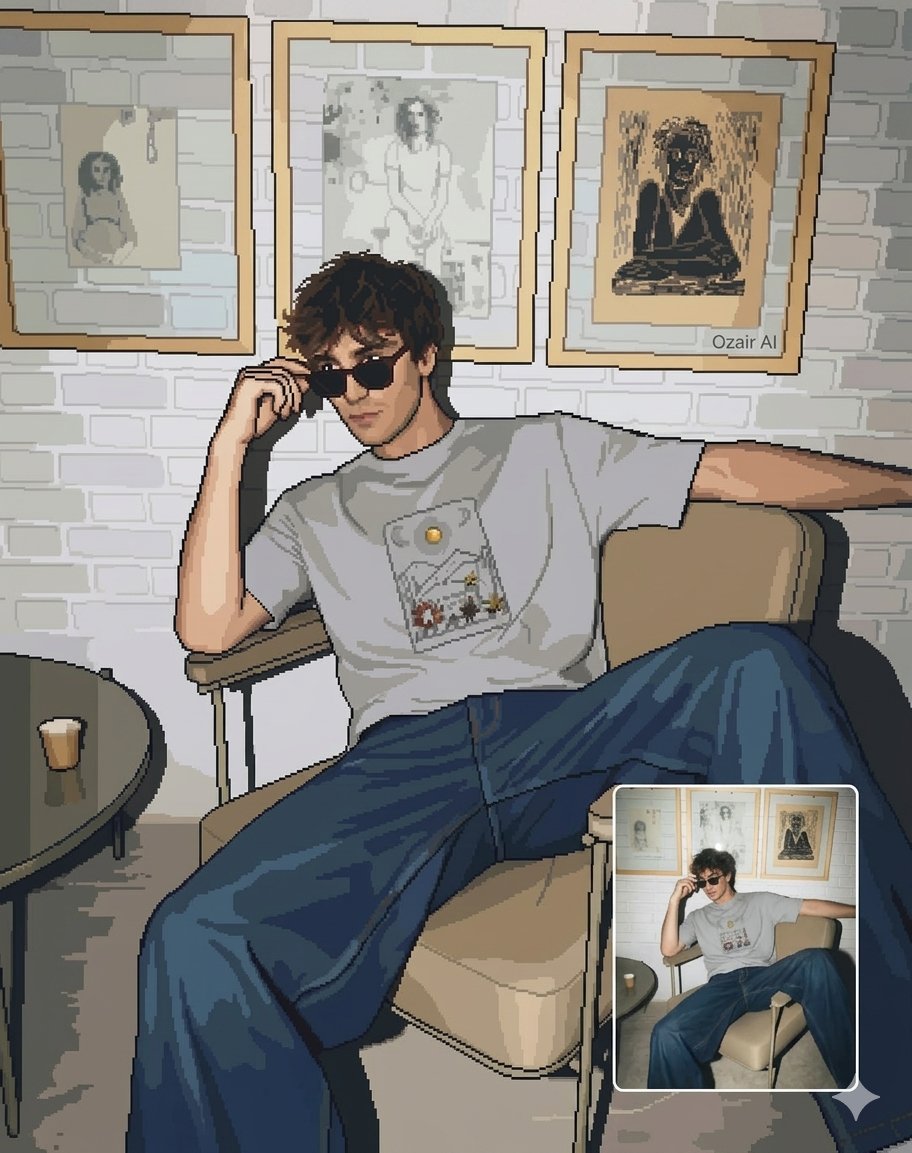
Pixel Art Portrait of a Stylish Man

WhatsApp Group Profile Avatar
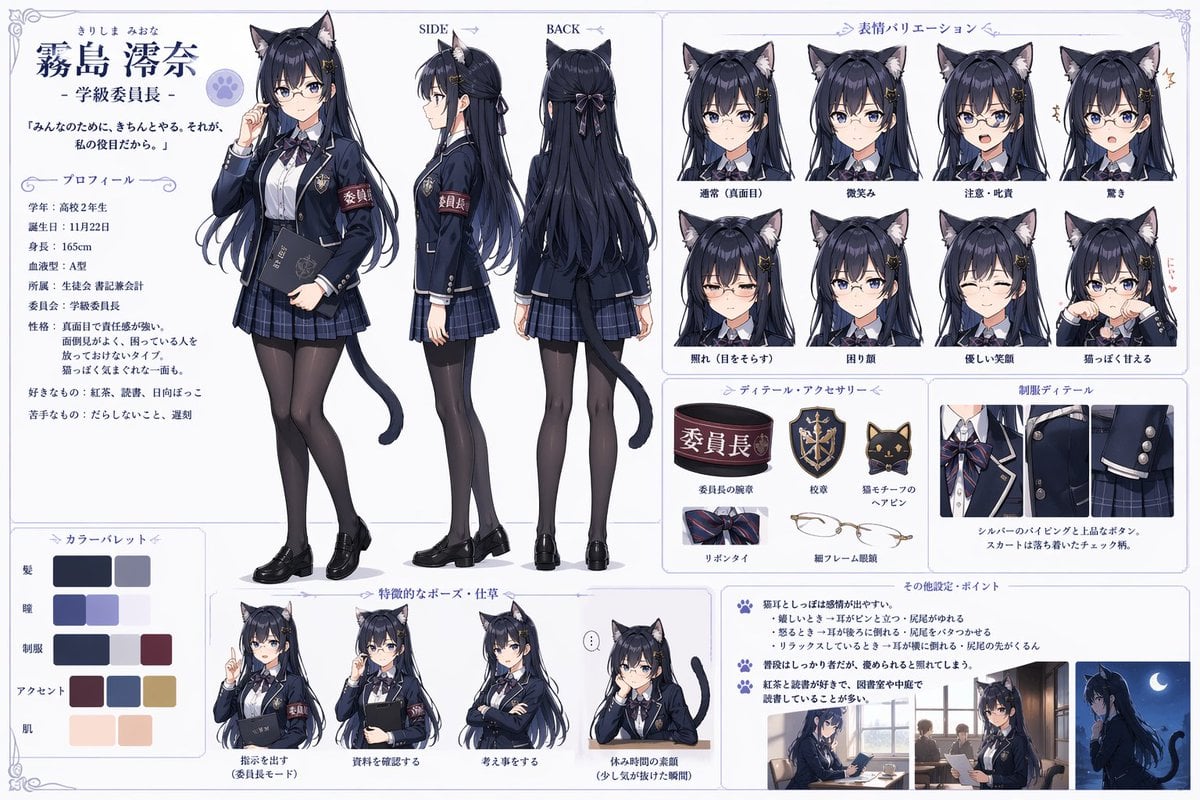
Catgirl Student Council Reference Sheet
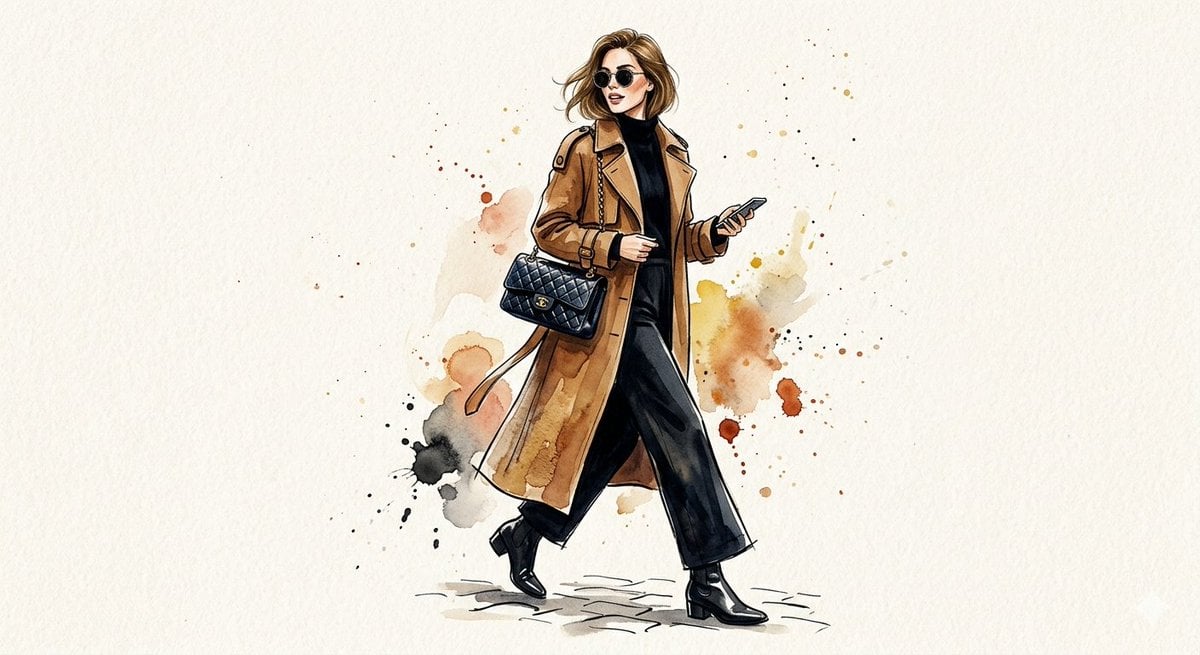
Watercolor Trench Coat Fashion Illustration
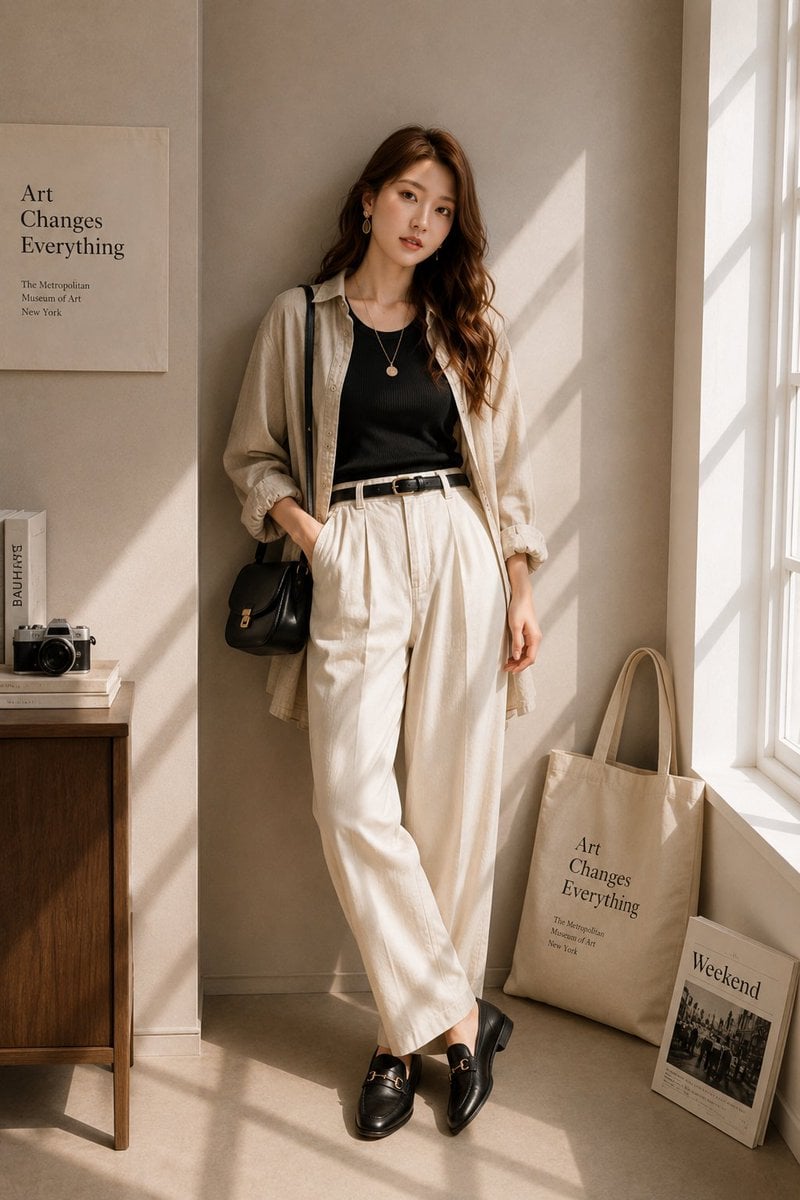
Minimalist High-End Fashion Editorial
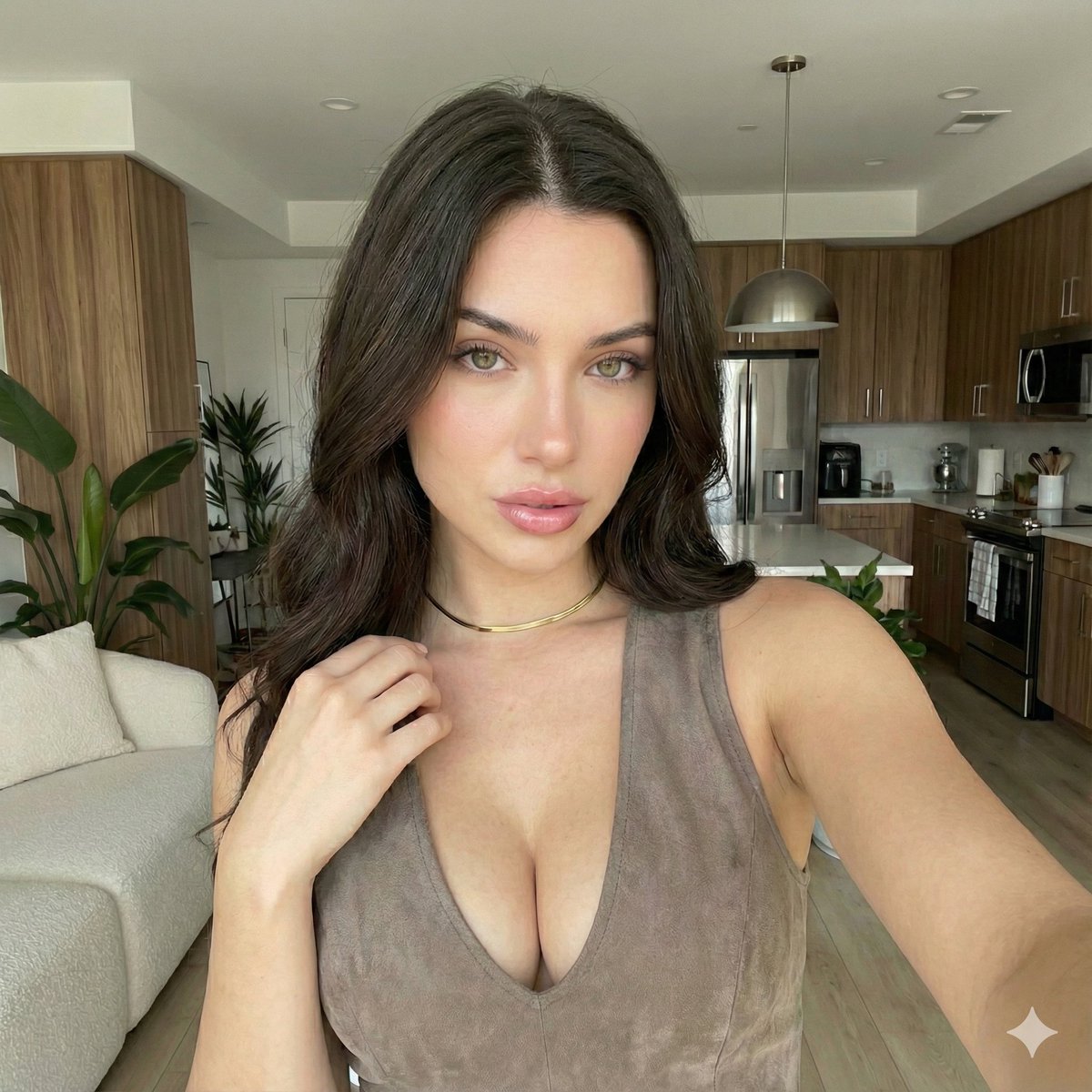
iPhone 17 Pro Max Influencer Selfie
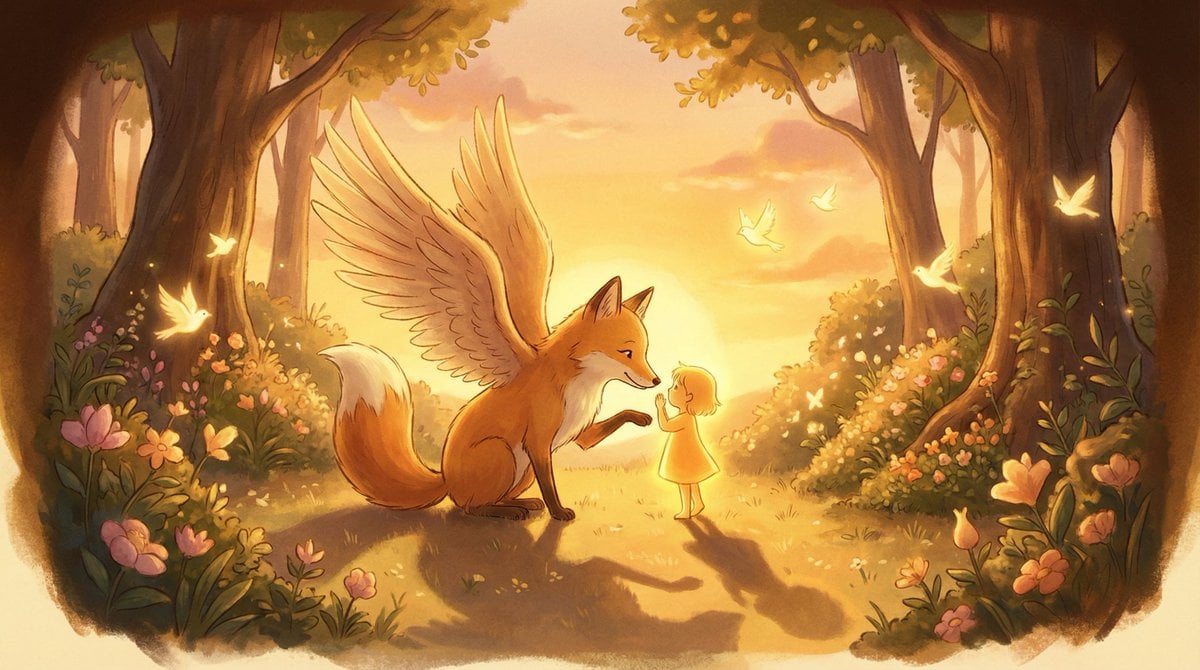
Golden Hour Storybook Rendering Template
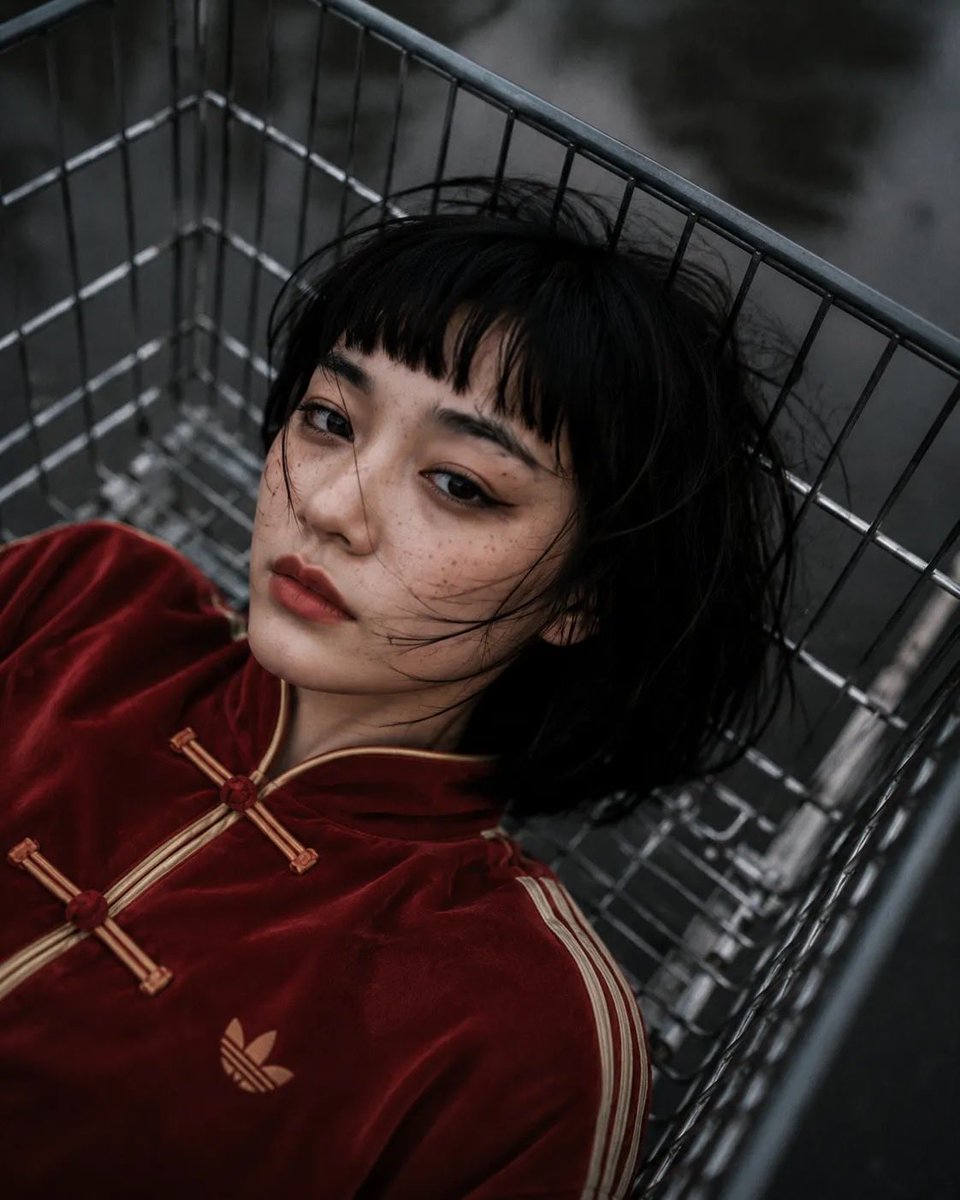
Shopping Trolley POV Fashion Photography
Browse template categories
Masquerade Palace Wallpaper questions
How do I use the Masquerade Palace Wallpaper template?
Add your photo if the template asks for one, edit the prompt if you like — the template's model and format are already selected — and press Generate. Your version opens in PicX Studio.
Can I customize the Masquerade Palace Wallpaper template?
Yes. You can change the subject, setting, lighting, mood, format, and available model controls before creating your image.
Is the Masquerade Palace Wallpaper template free?
Opening and editing this template is free. Generating uses credits, shown on the Generate button when you are signed in.
Which AI model should I use?
Start with GPT Image 2, which is the model associated with this template. You can compare another compatible model for a different finish.
Looking for something else? Browse all templates.

Your photo, any look
Thousands of ready templates for every top image and video model, from one credit balance.