
Lonely Sci-Fi Harbor Wallpaper
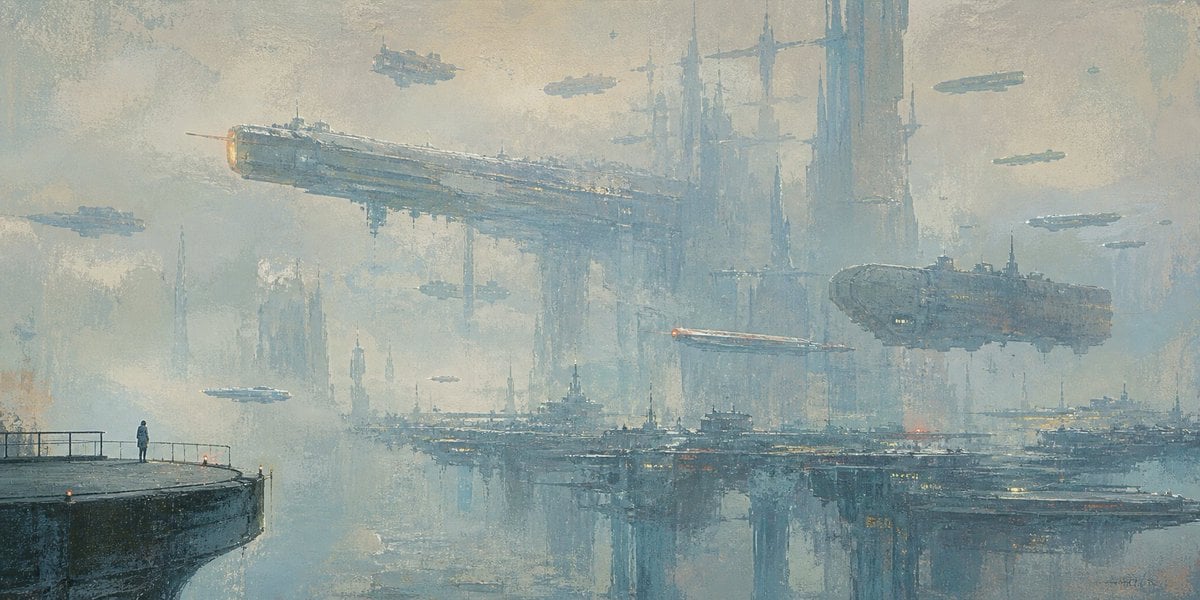
A cinematic oil-painted sci-fi wallpaper showing a lone figure facing a vast foggy futuristic harbor and flying megaships.
- Prompt included
- Model and format preset
- Free template
The prompt behind this image
Copy the exact prompt behind Lonely Sci-Fi Harbor Wallpaper, or open it in the studio and make it yours.
Create a wide cinematic sci-fi oil-painting wallpaper of profound loneliness: a single tiny human figure stands on the far left edge of a dark concrete pier with simple railings, looking out across a misty futuristic harbor city. The skyline is enormous and distant, made of towering vertical megastructures, needle spires, bridges, docks, and layered industrial platforms fading into fog. Include exactly 11 visible flying vessels: 2 large motherships, one long rectangular battleship crossing the upper left center and one bulky oval carrier on the right; 5 medium airships scattered across the middle and upper sky; and 4 tiny distant craft as small silhouettes. The largest ship should have a faint warm orange engine glow, and a thin red-white light streak should cut horizontally near the right-center ship. Use a cold desaturated palette of blue-gray, pale teal, foggy beige, and muted steel, with a few tiny amber and red city lights reflected on the water. The water below is calm and mirrorlike, reflecting the city towers and platforms with broken painterly strokes. Style: atmospheric impressionist oil painting, thick textured brushwork, soft haze, melancholic coastal-cinema mood, extremely detailed maximalist sci-fi architecture but visually quiet and spacious. Composition: 21:9 ultra-wide wallpaper, low horizon, vast negative sky, human figure very small to emphasize scale and isolation. No text, no logo, no watermark. Optional customization: set the mood to {argument name="mood" default="cold lonely melancholy"}, the setting to {argument name="setting" default="misty futuristic harbor city"}, the palette to {argument name="color palette" default="desaturated blue-gray and pale teal"}, the main subject to {argument name="solitary figure" default="a lone person on a pier"}, and the aspect ratio to {argument name="aspect ratio" default="21:9 ultra-wide wallpaper"}.
How to use Lonely Sci-Fi Harbor Wallpaper in 3 steps
- 1Upload ImagePNG, JPG or paste
Add your photo
Upload the photo the template builds on. The prompt, model and format are already set.
- 2…a portrait of your subject in softgolden-hour light, 85mm…
Personalize
Edit the subject and creative details for your destination.
- 3Generate
Generate
Press Generate — your image is created in PicX Studio, so you can compare it with the original and refine one variable at a time.
More like this
Templates with the same subject, style or setup. Open one to see its prompt.
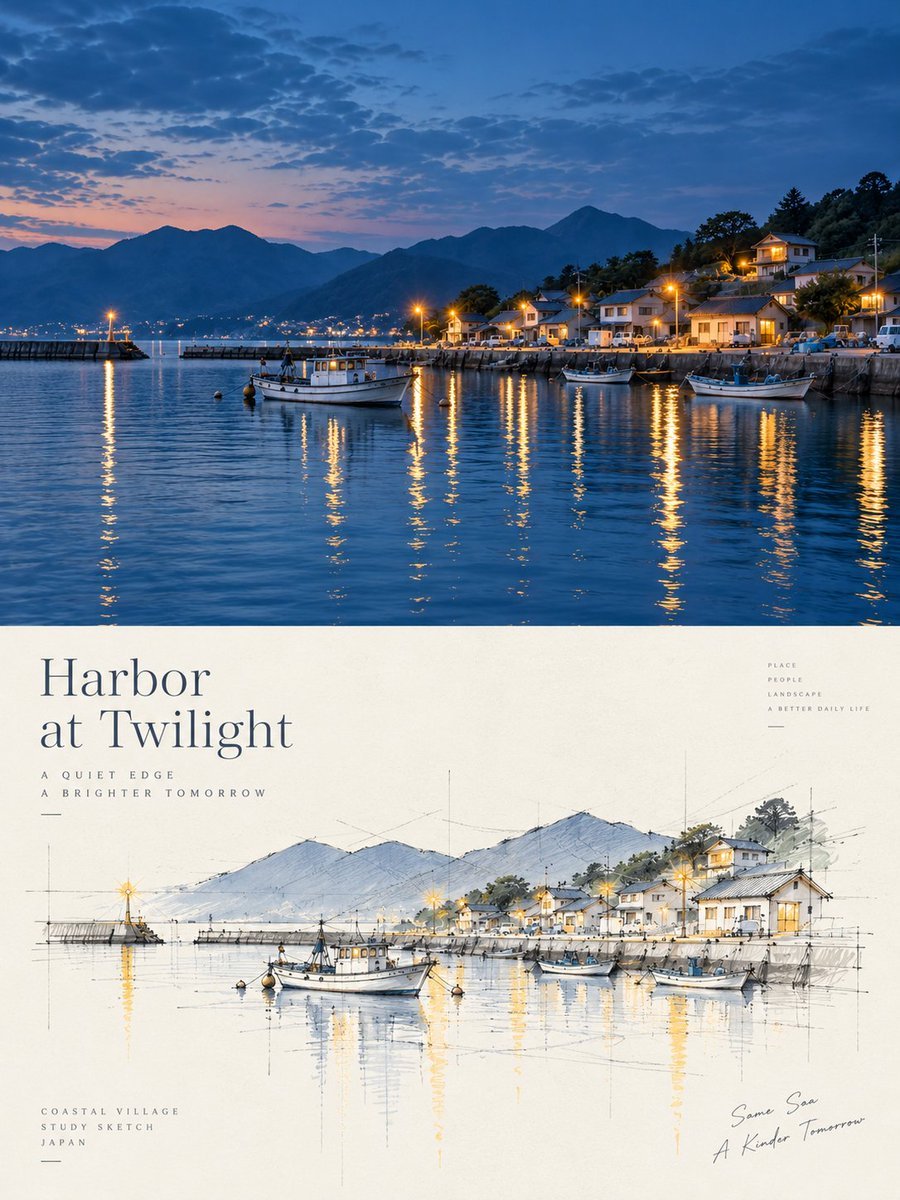
Harbor Twilight Photo Sketch Poster
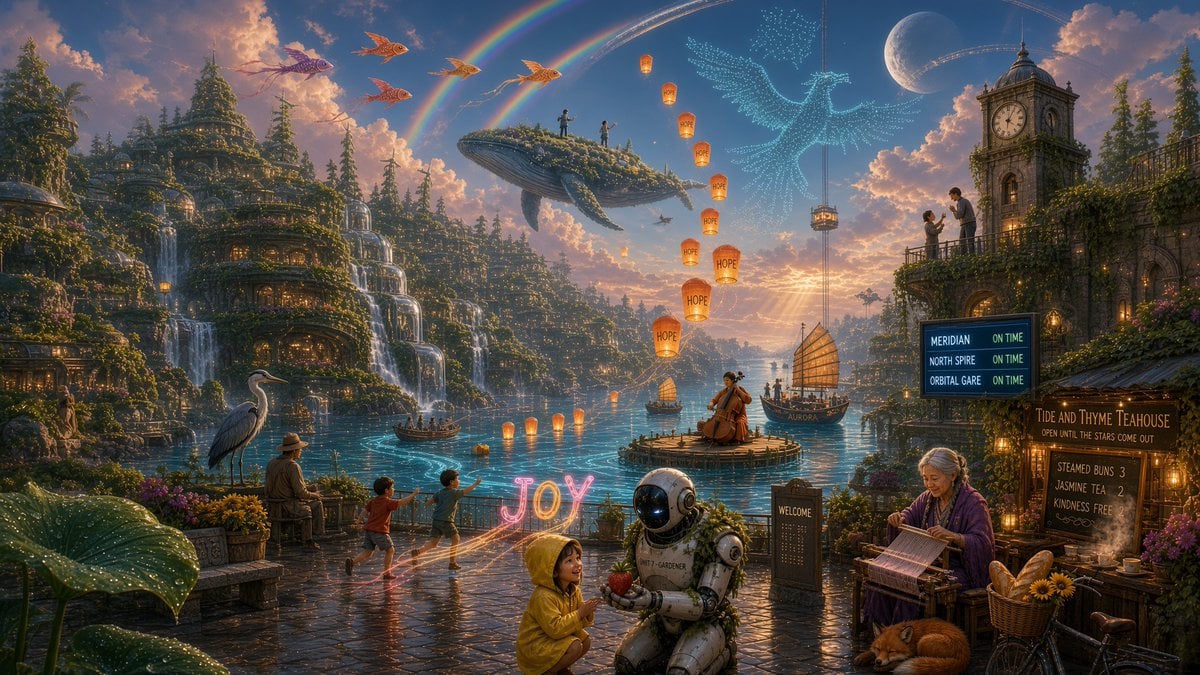
Solarpunk Harbor of Joy
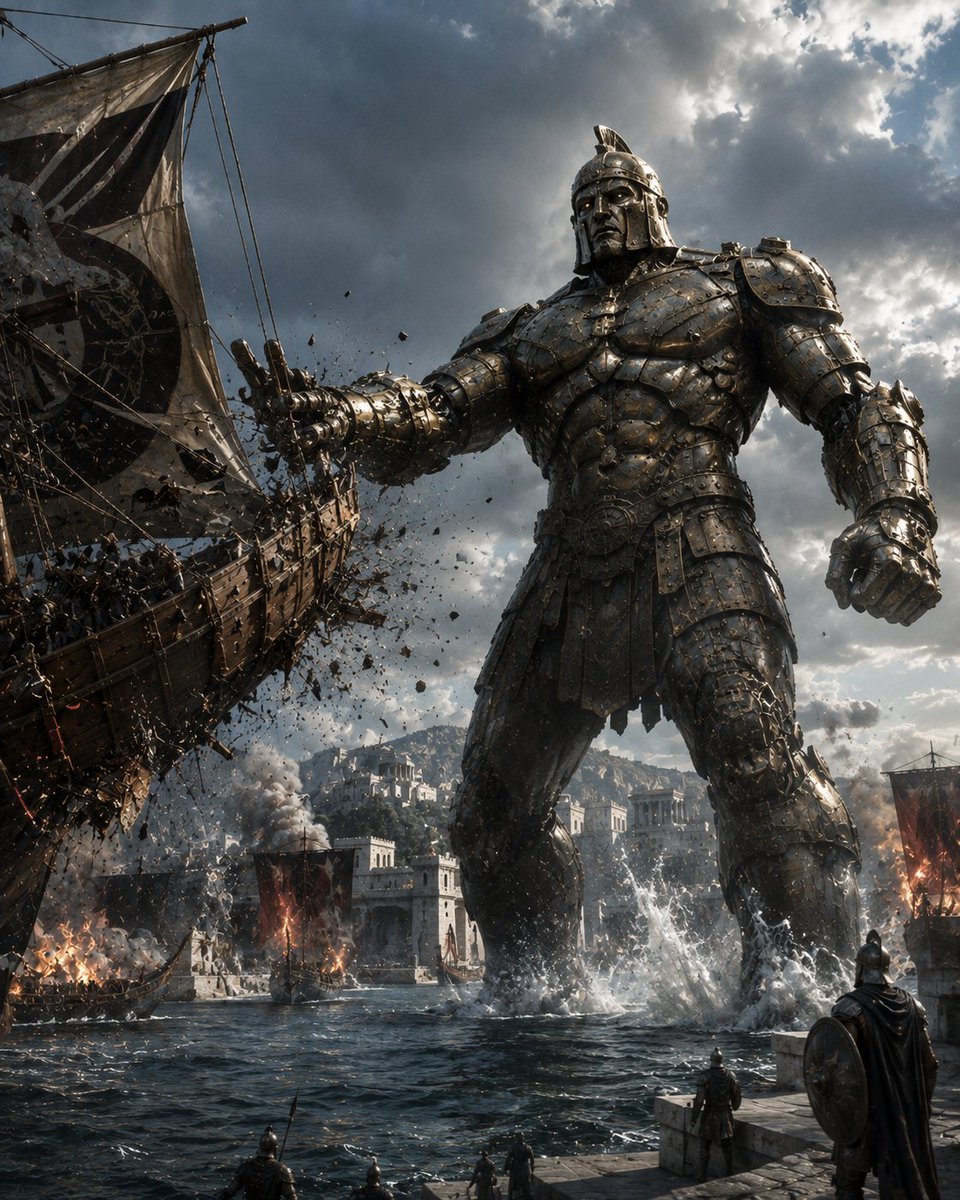
Bronze Talos Harbor Defense
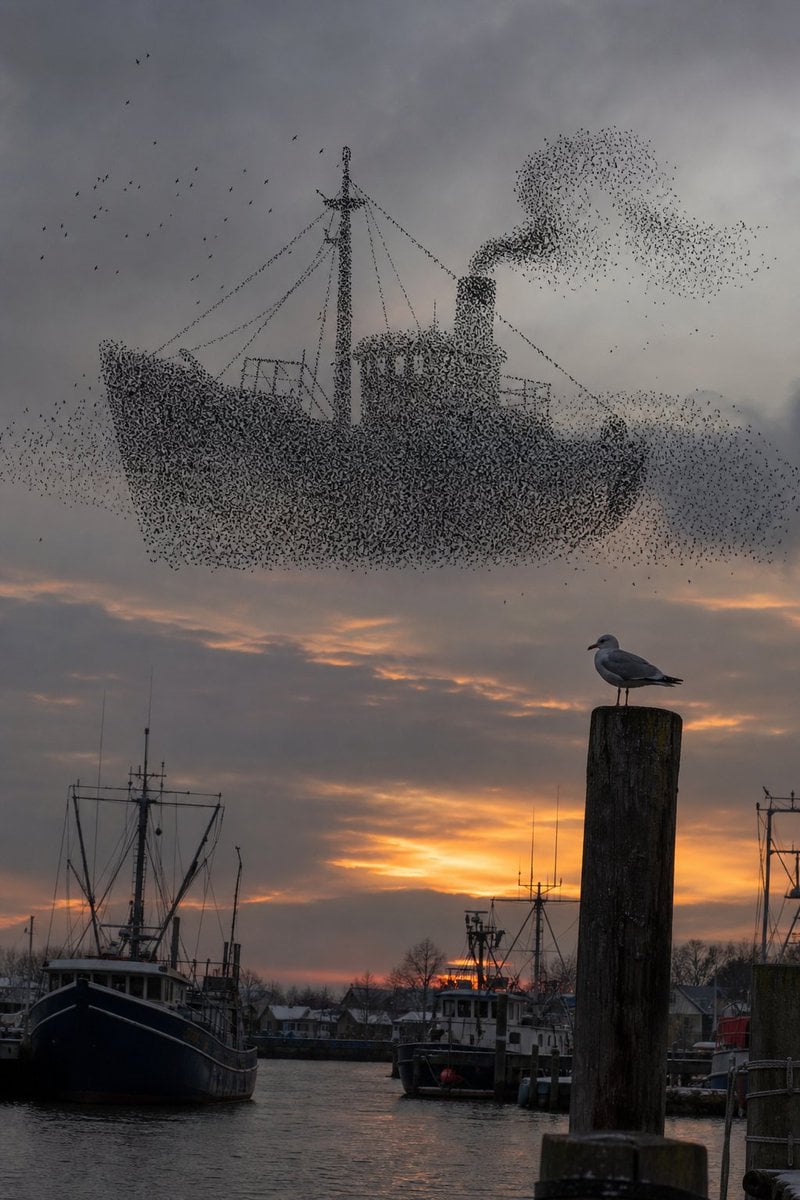
Harbor Murmuration Silhouette
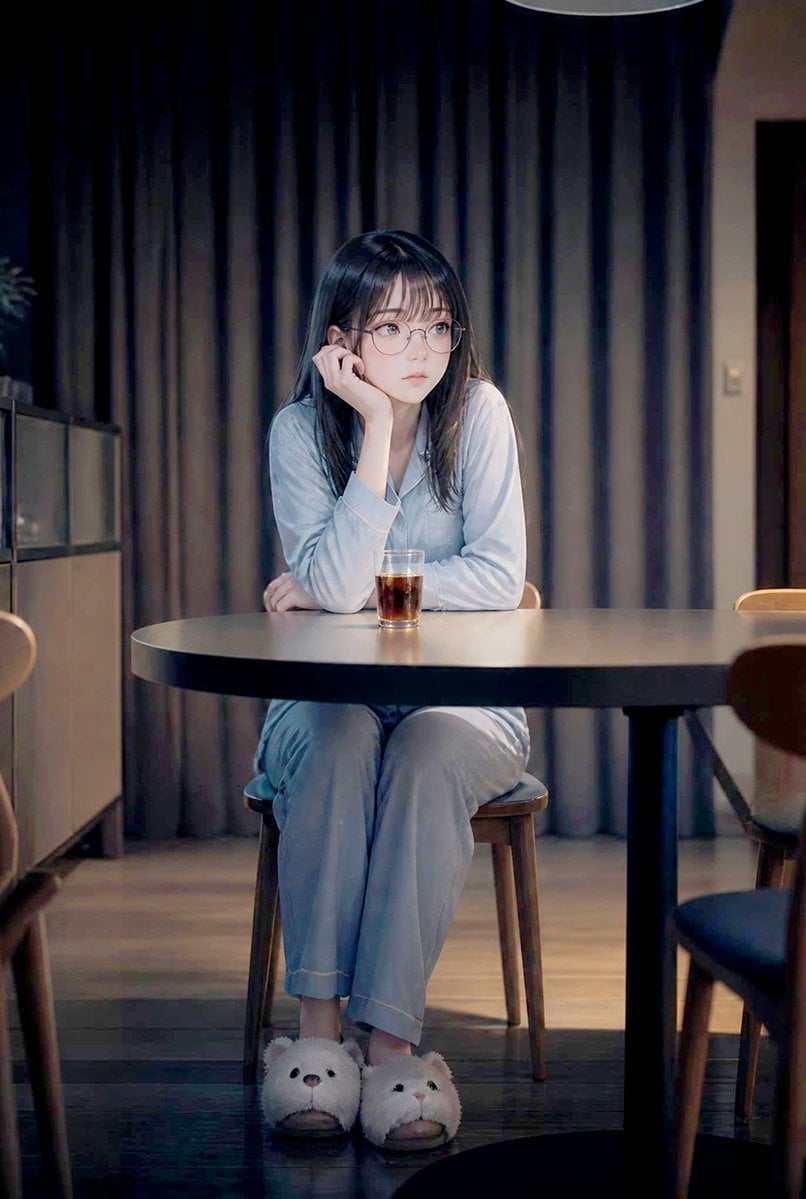
Lonely Night Dining Portrait
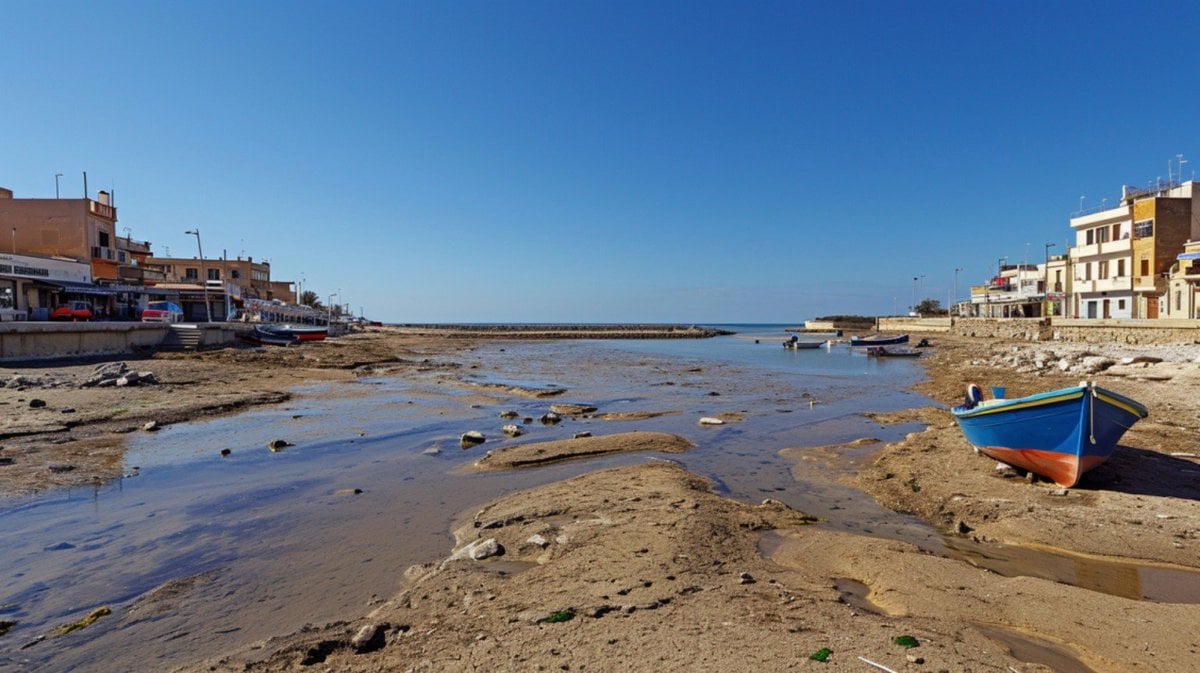
Mediterranean Low Tide Harbor
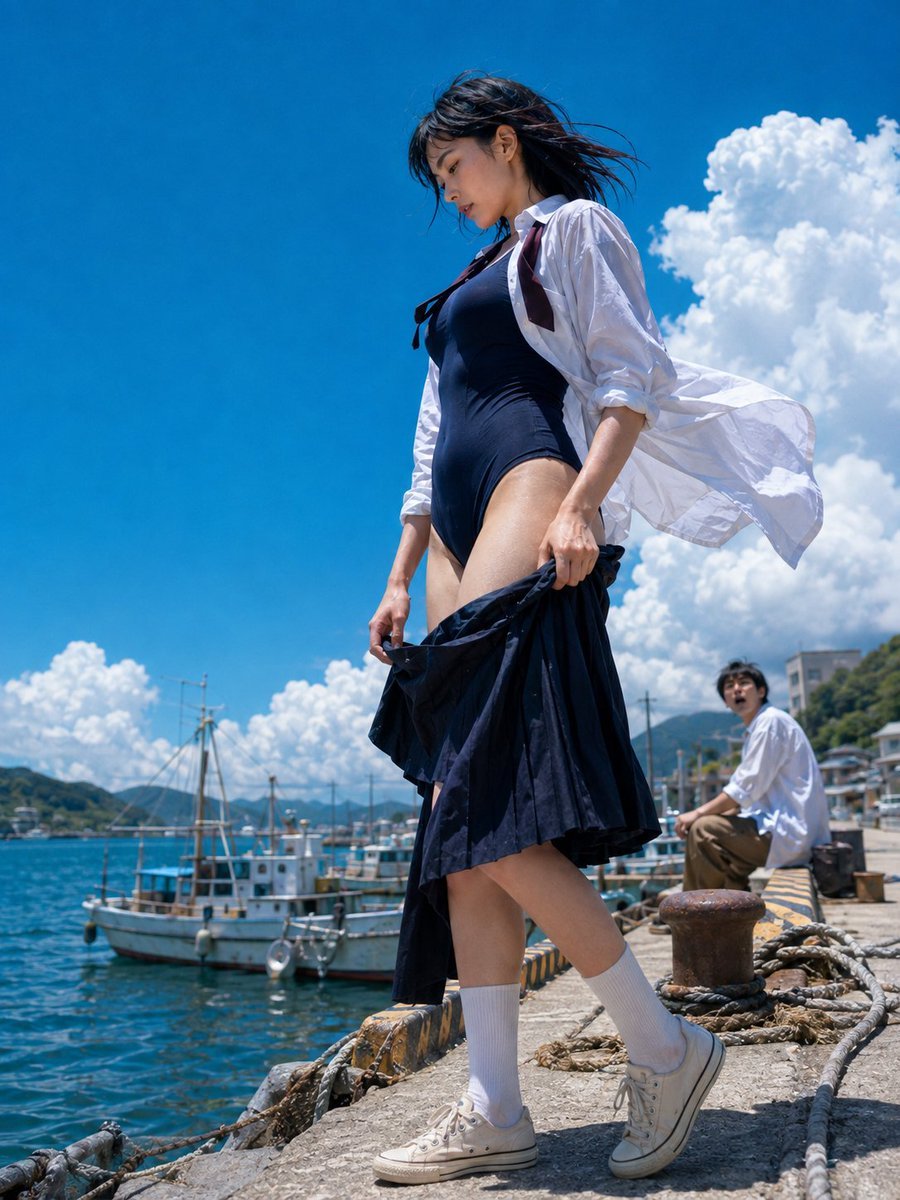
Sea Breeze Harbor Portrait
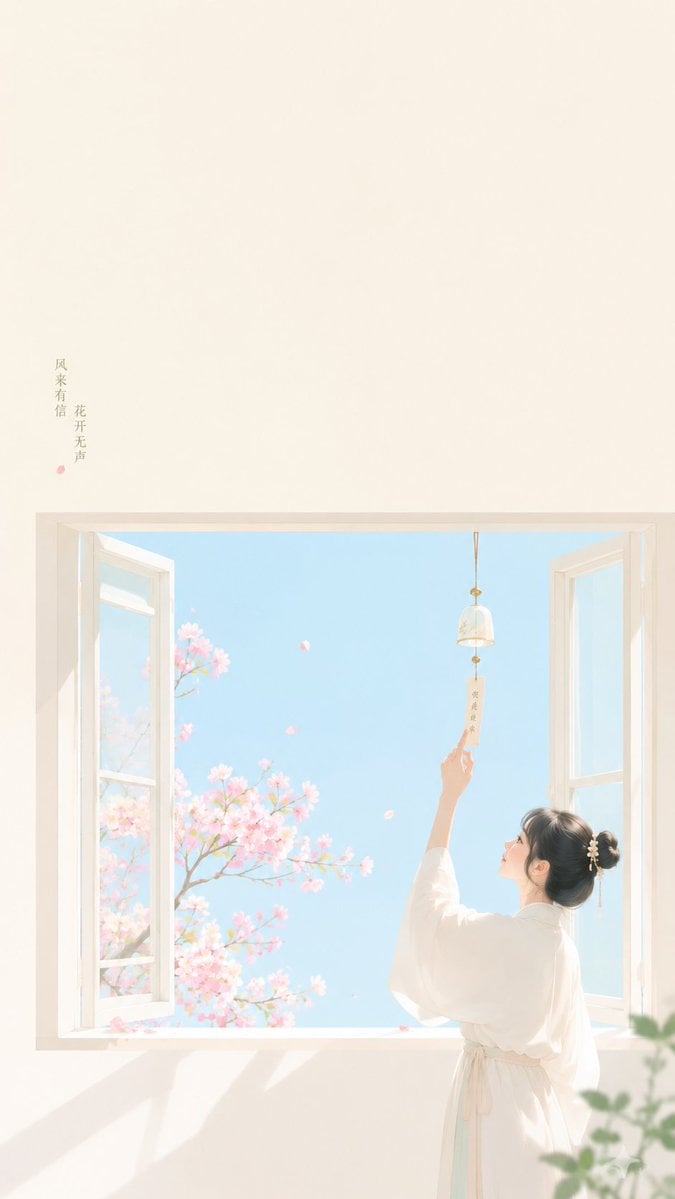
Zen Minimalist Aesthetic Wallpaper
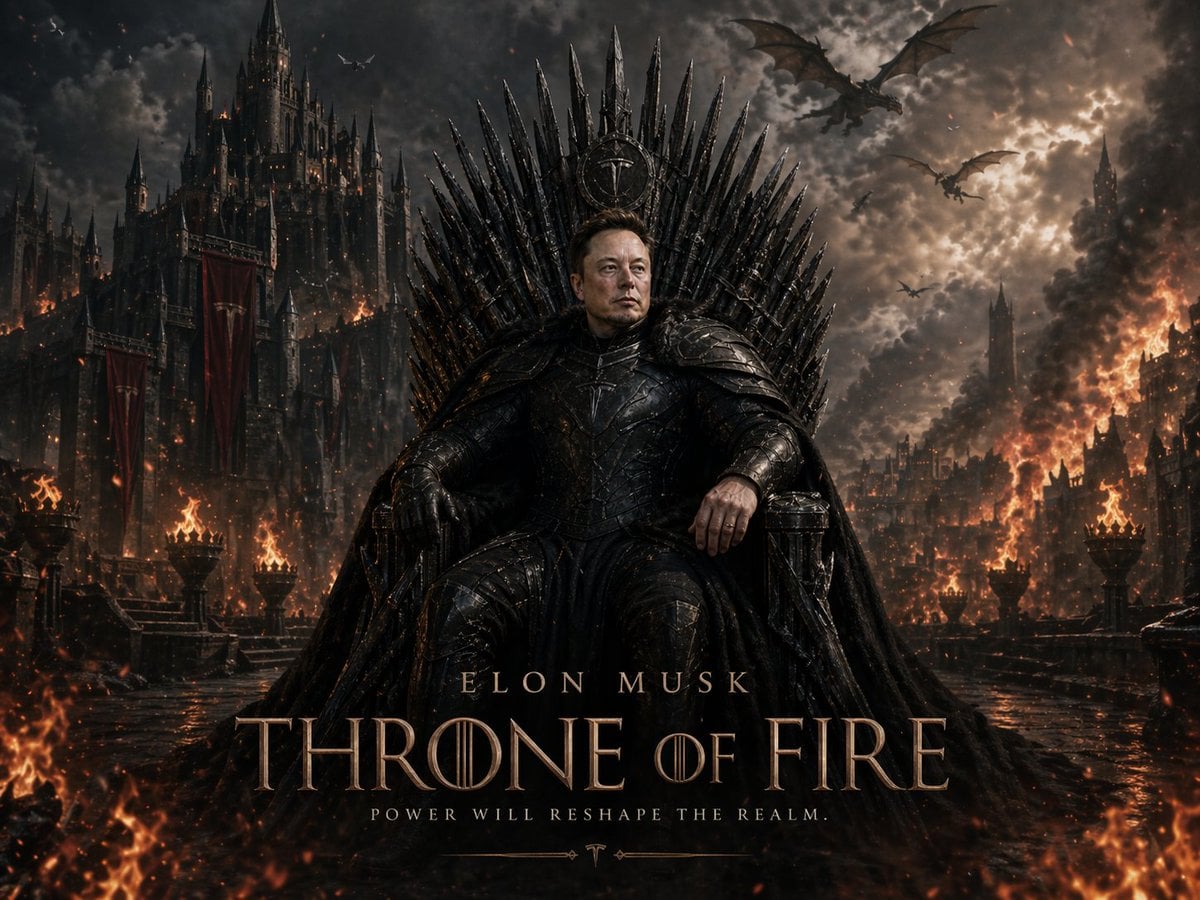
Sci-Fi AI Battle Movie Poster
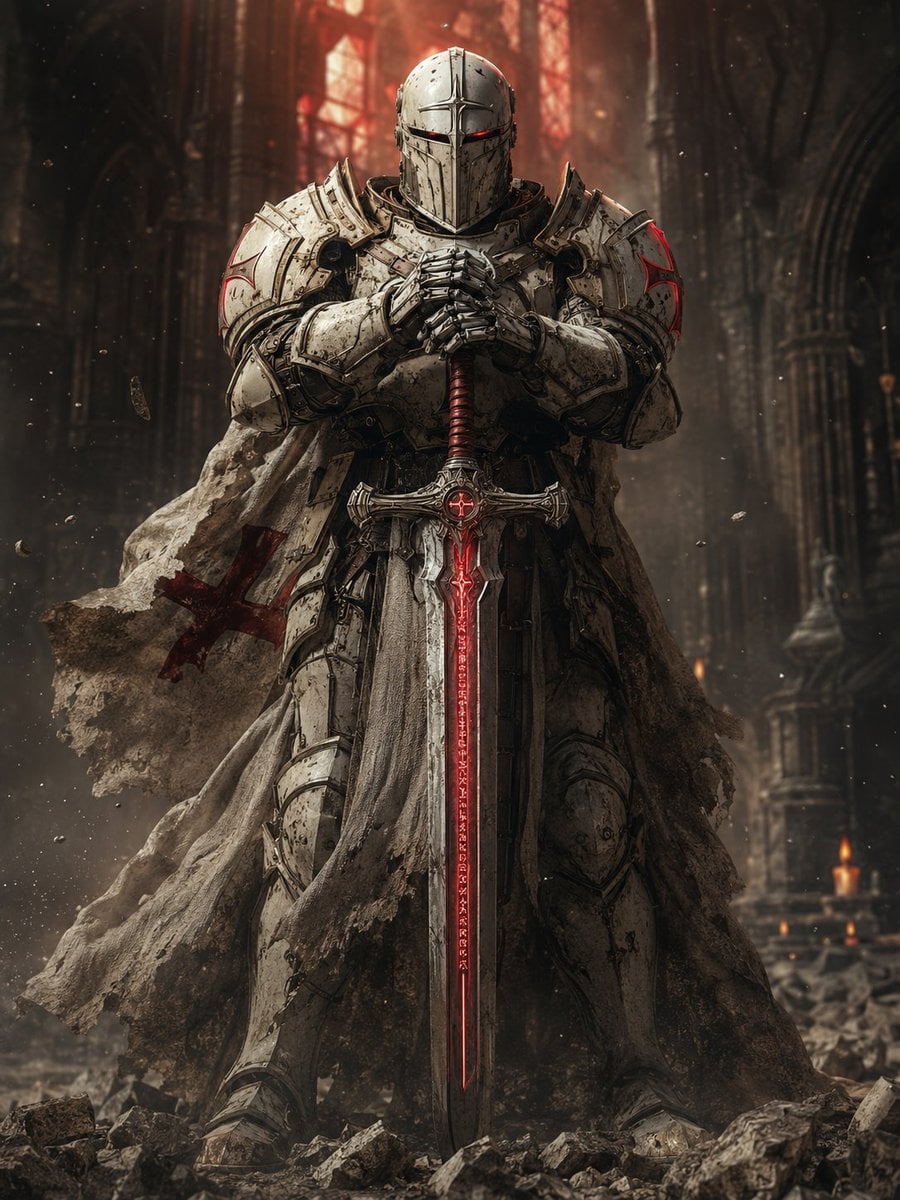
Sci-Fi Knight of the Order
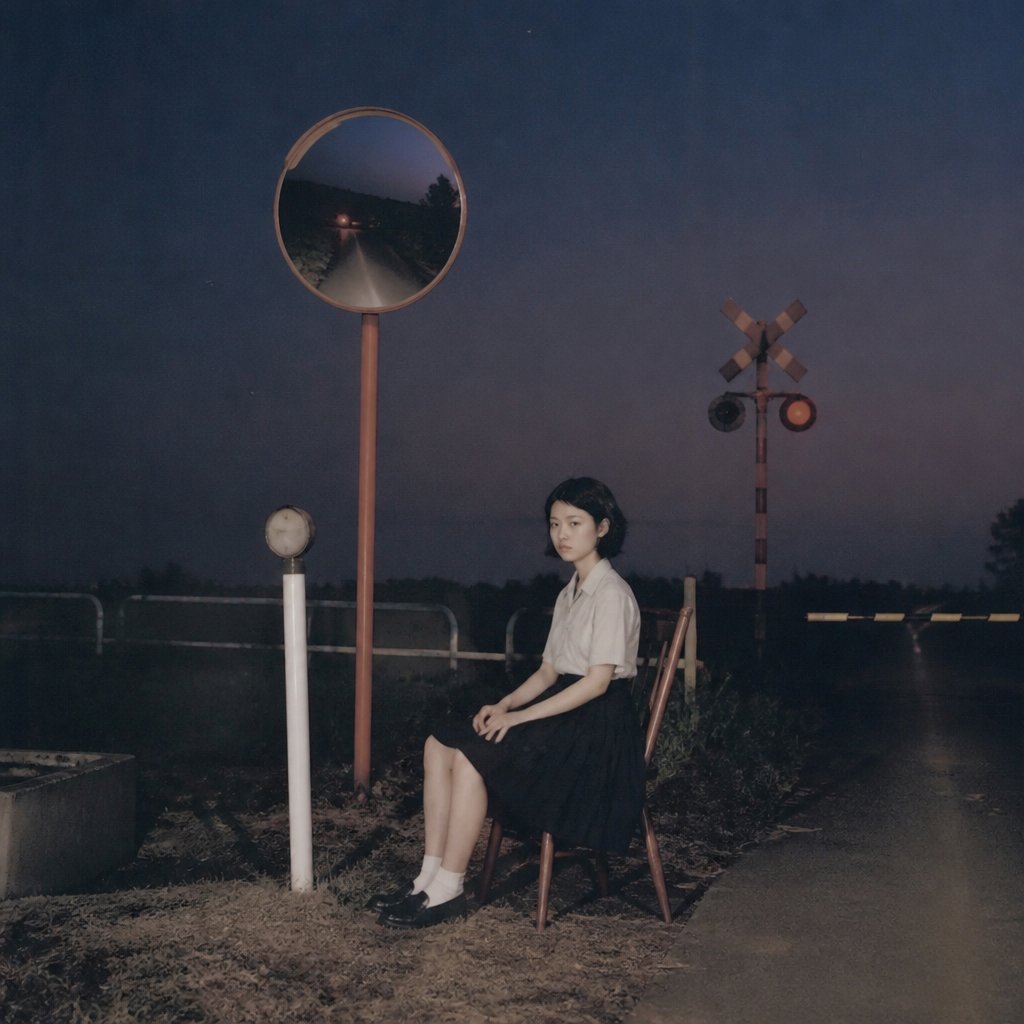
Lonely Night Railway Crossing Attendant
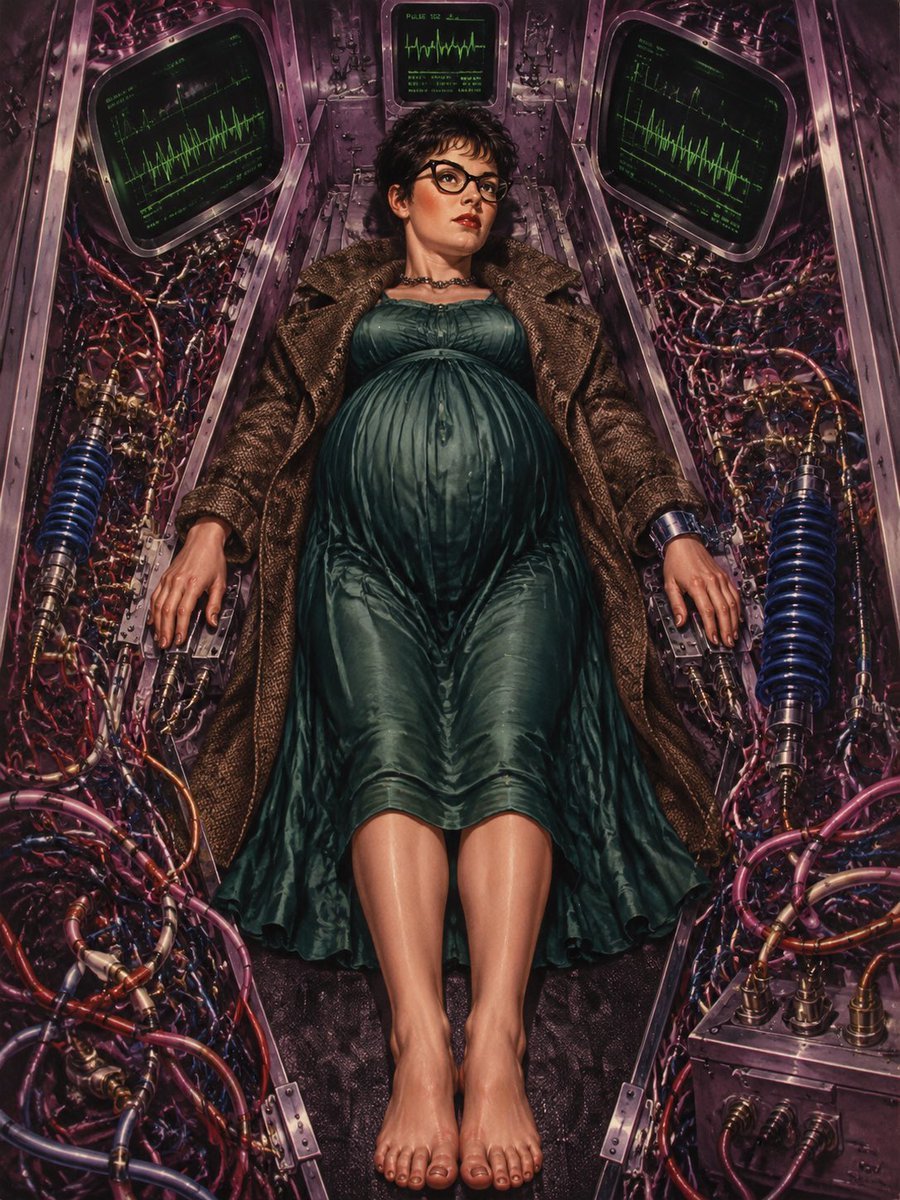
Pregnant Woman in Retro Sci-Fi Medical Pod
Make it yours
Lonely Sci-Fi Harbor Wallpaper works as-is. These are the safest ways to change it without losing the look.
Change one field
Copy a single group, rewrite it, and generate again so you can see what that field is doing.
Keep the frame, change the subject
Hold the composition and light of Lonely Sci-Fi Harbor Wallpaper, then swap wardrobe, props or the person for a new take.
| If the result… | Why | Fix |
|---|---|---|
| The result drifts from the preview | Too many fields changed at once. | Reuse Lonely Sci-Fi Harbor Wallpaper as-is first, then change one group — subject, light, or setting. |
| The model over-stylizes the scene | The prose prompt leaves finish and camera underspecified. | Add one camera or lighting sentence and stay on GPT Image 2. |
More GPT Image 2 templates
Other prompts made for GPT Image 2.

Six VTuber Japanese Logo Sheet

Realistic Portrait of Woman and Deer

The Vista Modular Condo Poster

AI Model Routing Comparison Infographic

2.5D Anime Art Board

Isometric Productivity Desk Scene

New York Double Exposure Poster

Four-Panel AI Landscape Comparison

Japanese Tatami Lifestyle Magazine Cover

NESCAFÉ Coffee Map Poster
More image prompts
Fresh picks from across the catalog.
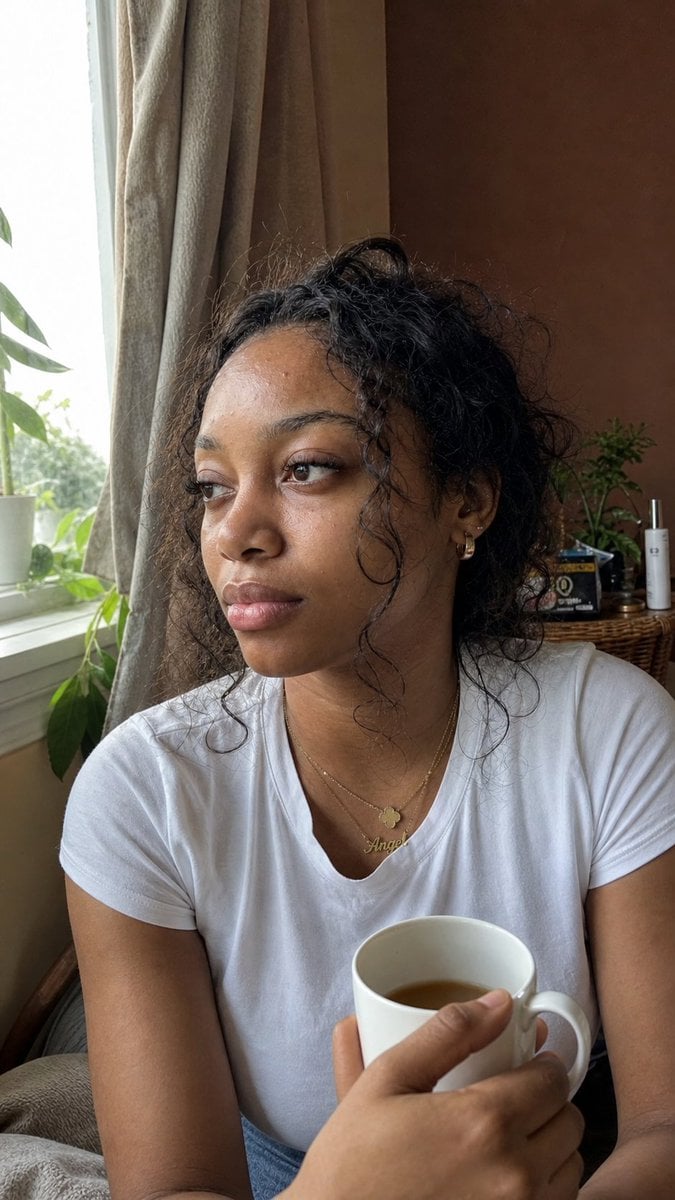
Authentic iPhone Portrait of African Woman
Mixed Media Fashion Film - Seedance 2.0
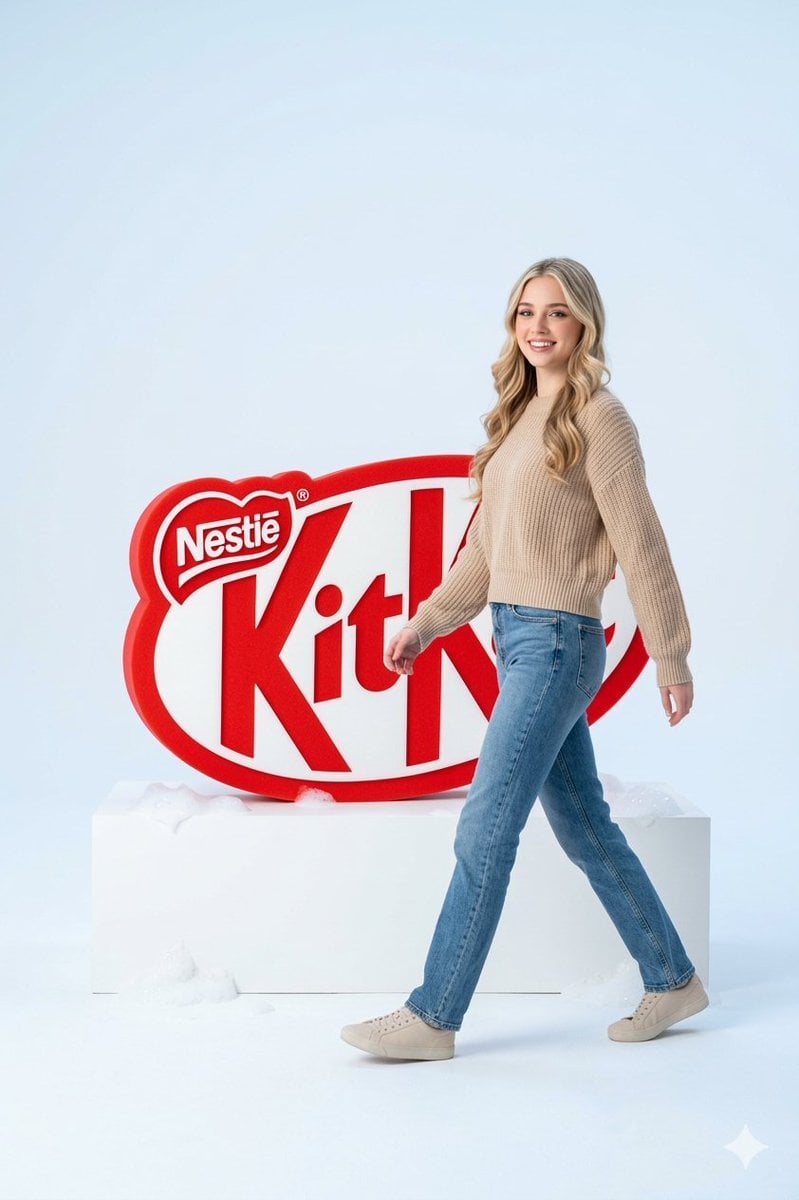
Premium Advertising Campaign Photograph
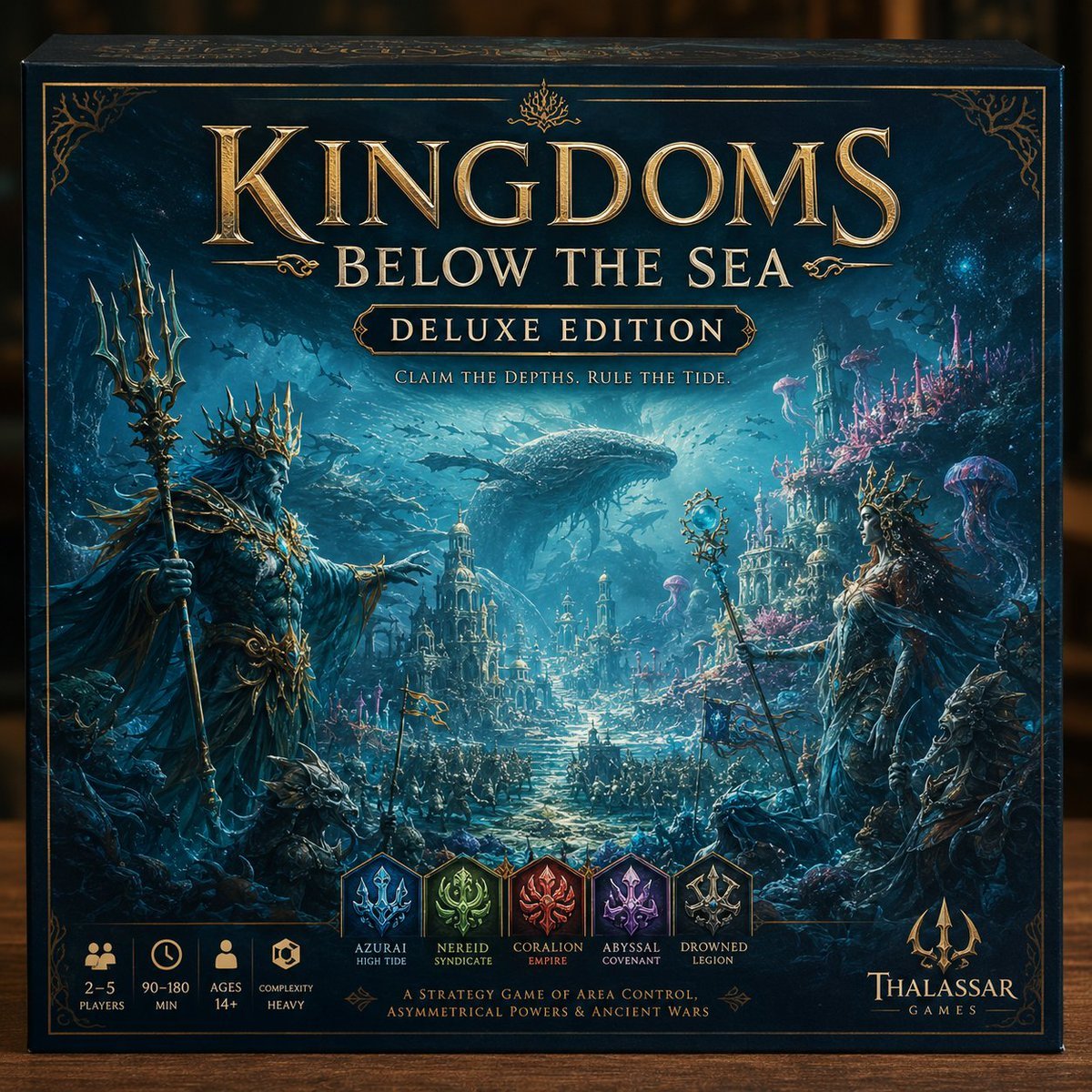
Deluxe Underwater Kingdom Board Game Box

2D Vector Cartoon Illustration Prompt
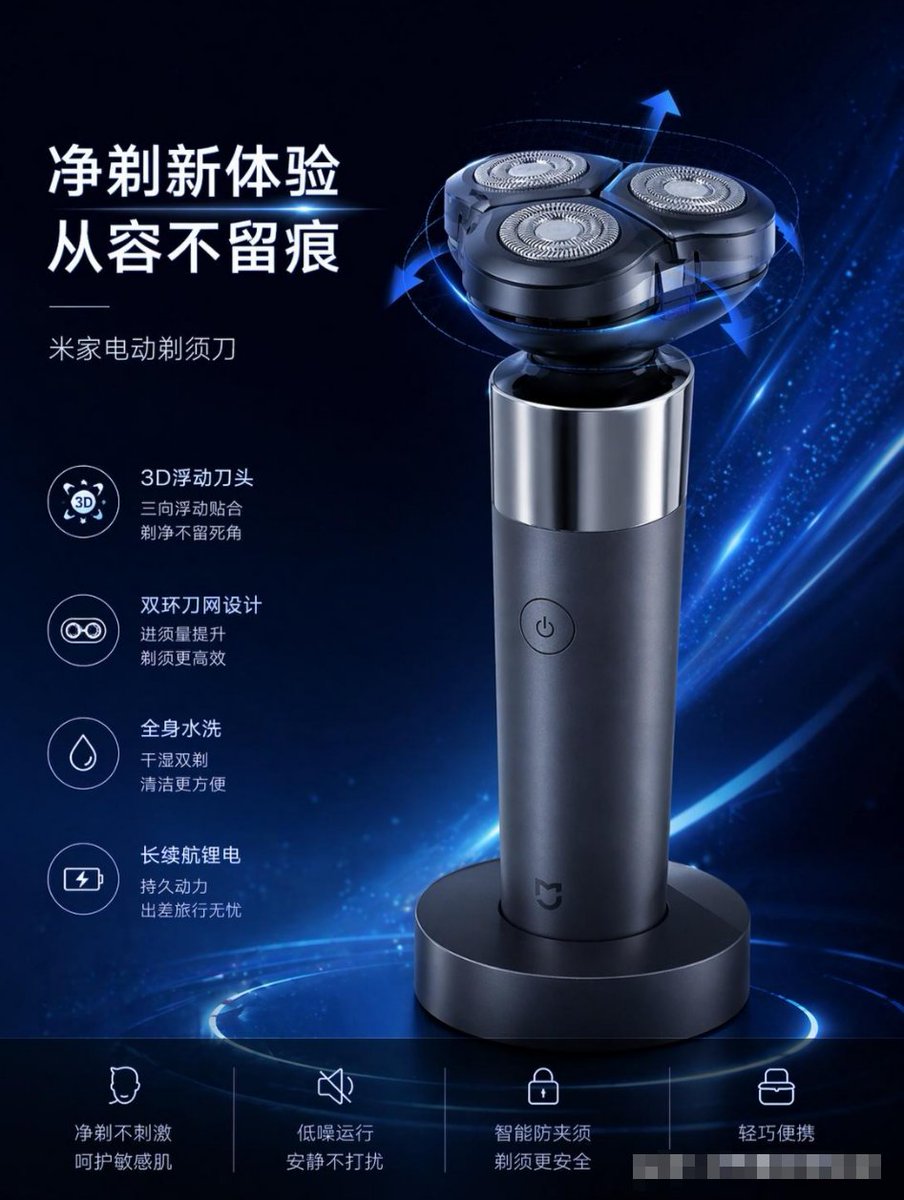
E-commerce Product Poster Transformation
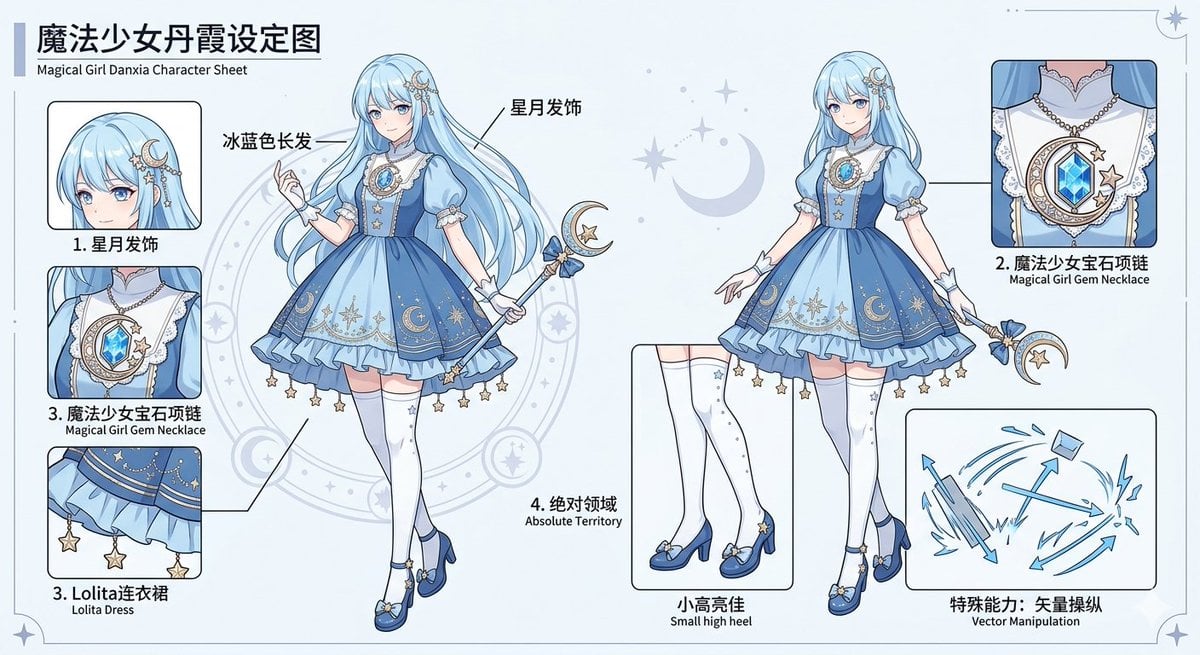
Magical Girl Character Sheet
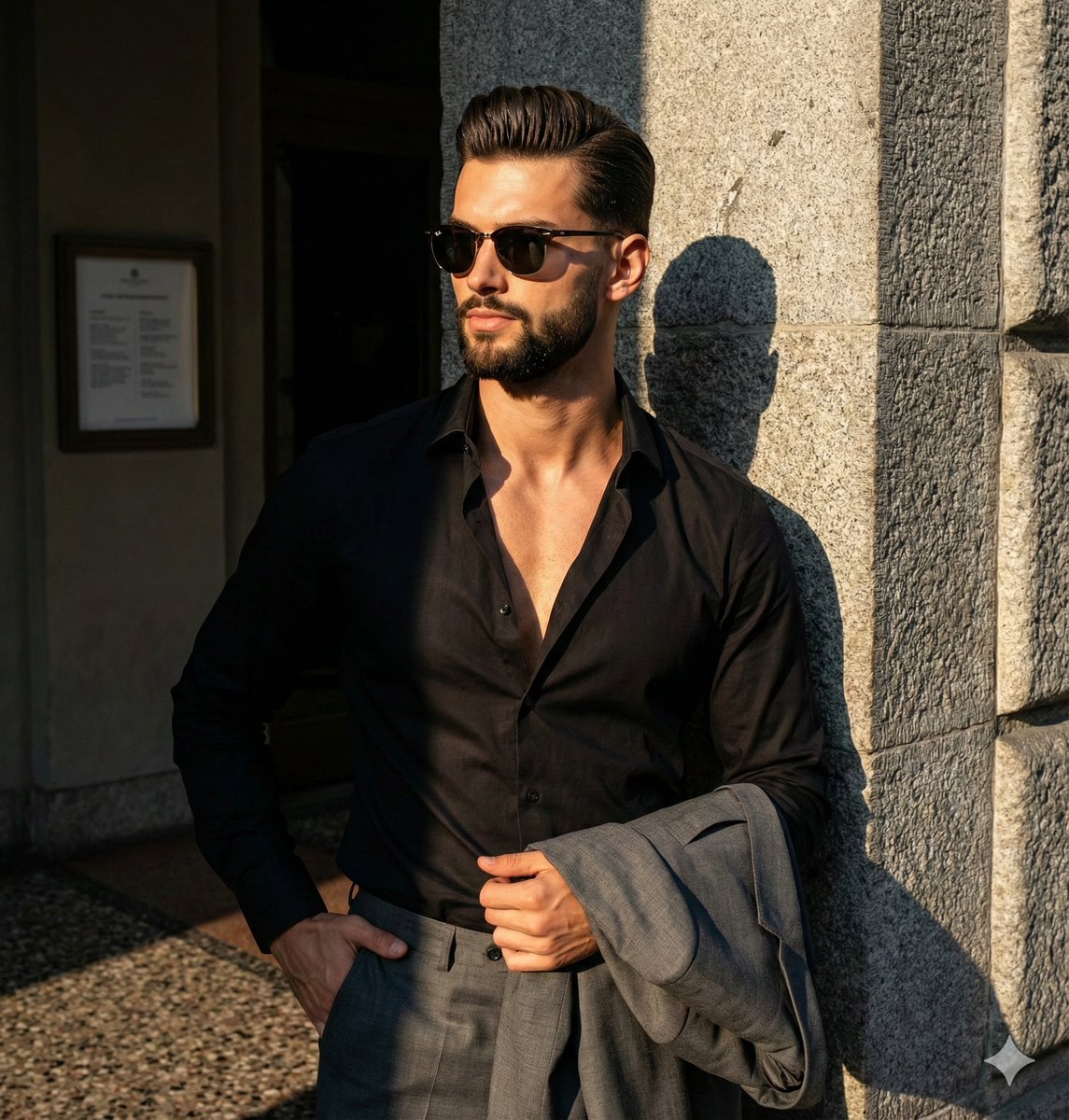
Dramatic High-Contrast Editorial Portrait Prompt
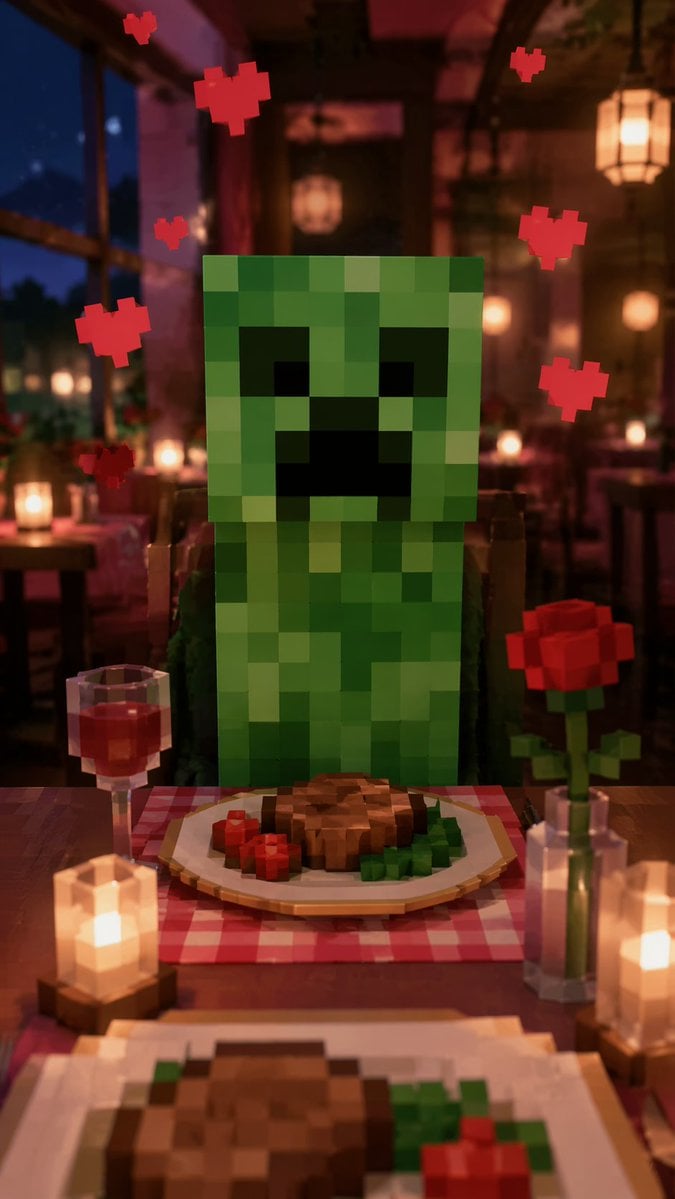
Romantic Voxel Dinner Date
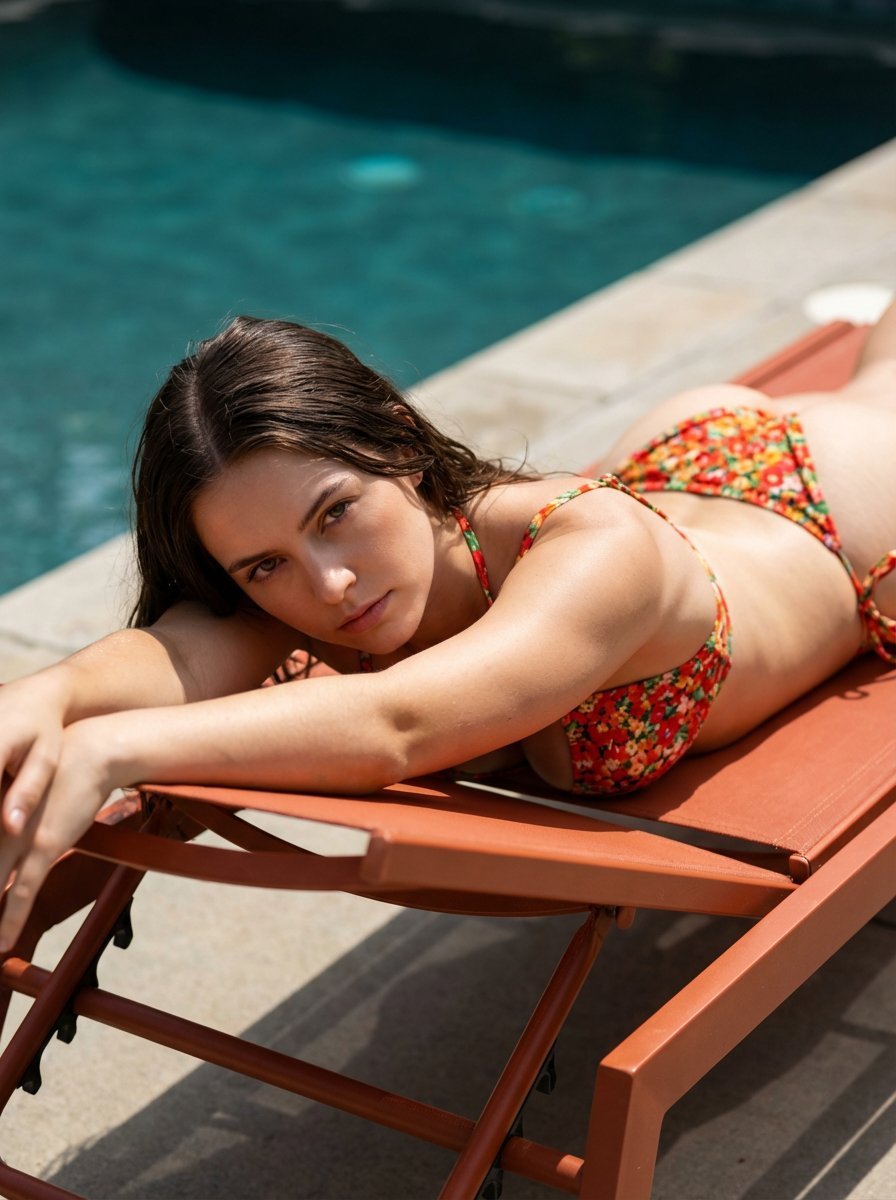
Ultra-Hardlock Prone Lounge Pose Replication
Browse template categories
Lonely Sci-Fi Harbor Wallpaper questions
How do I use the Lonely Sci-Fi Harbor Wallpaper template?
Add your photo if the template asks for one, edit the prompt if you like — the template's model and format are already selected — and press Generate. Your version opens in PicX Studio.
Can I customize the Lonely Sci-Fi Harbor Wallpaper template?
Yes. You can change the subject, setting, lighting, mood, format, and available model controls before creating your image.
Is the Lonely Sci-Fi Harbor Wallpaper template free?
Opening and editing this template is free. Generating uses credits, shown on the Generate button when you are signed in.
Which AI model should I use?
Start with GPT Image 2, which is the model associated with this template. You can compare another compatible model for a different finish.
Looking for something else? Browse all templates.

Your photo, any look
Thousands of ready templates for every top image and video model, from one credit balance.