
Harbor Twilight Photo Sketch Poster
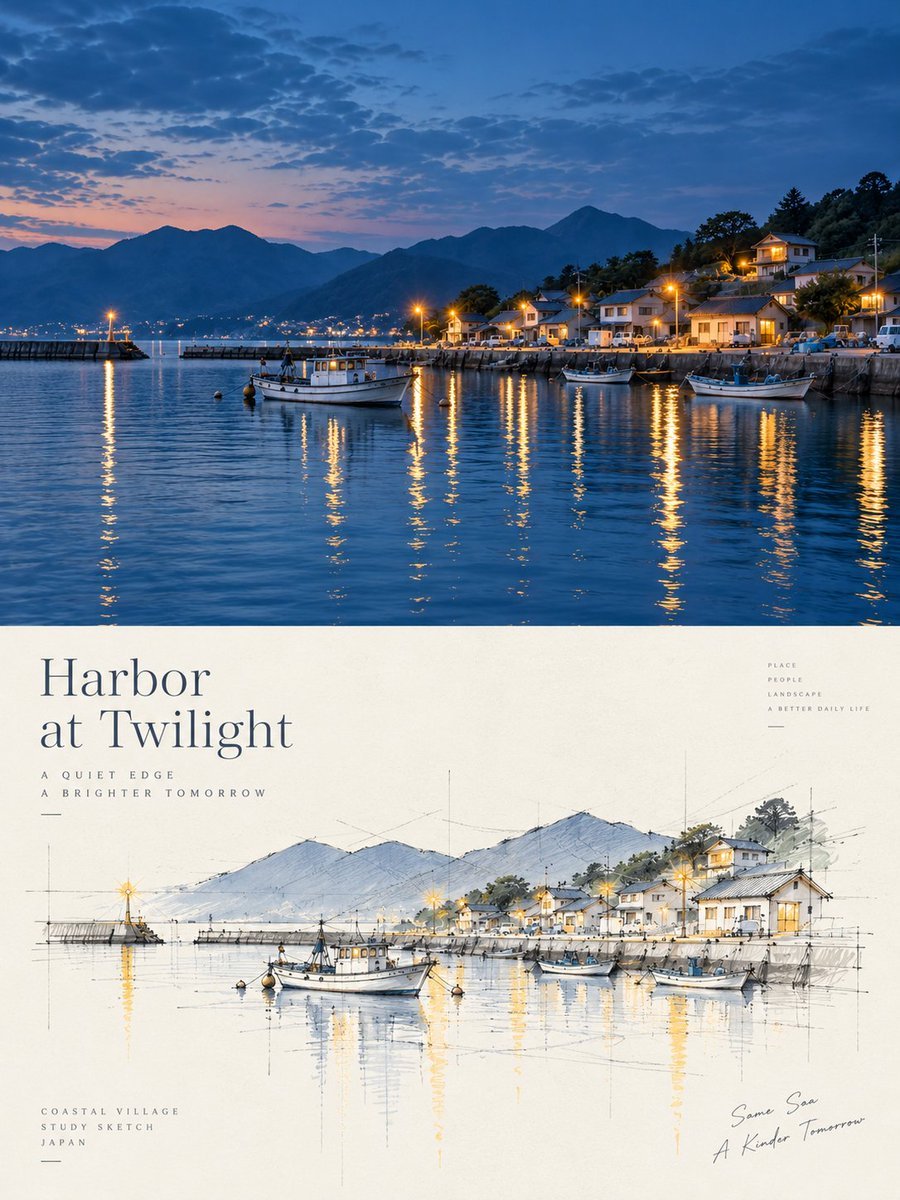
Creates a vertical poster pairing a twilight harbor photo with a matching architectural concept sketch for travel, architecture, or editorial design.
- Prompt included
- Model and format preset
- Free template
The prompt behind this image
Copy the exact prompt behind Harbor Twilight Photo Sketch Poster, or open it in the studio and make it yours.
Goal: Create a refined vertical travel-and-architecture poster that combines a realistic twilight harbor photograph on the top half with a hand-drawn architectural concept sketch of the same scene on the bottom half. Canvas: Portrait poster, 3:4 aspect ratio, clean editorial layout. Divide the image into 2 horizontal sections: the top photographic section occupies about the upper 52% of the canvas, and the bottom cream-paper sketch section occupies about the lower 48%. Top section: Show a serene {argument name="place description" default="small Japanese coastal harbor village at twilight"}. The scene includes calm blue water in the foreground, warm yellow streetlight reflections stretching vertically across the water, a stone harbor wall on the right, a pier and breakwater on the left, hillside houses with glowing windows and streetlamps, dark layered mountains in the background, and a deep blue dusk sky with scattered clouds and a faint pink sunset band near the horizon. Include exactly 3 visible boats in the harbor: 1 larger white fishing boat near the center-left foreground, 1 small boat moored near the center-right, and 1 white boat at the right foreground. Use realistic photography, cinematic blue-hour color grading, crisp detail, and tranquil atmosphere. Bottom section: On warm off-white textured paper, recreate the same harbor as an architect’s concept perspective sketch. Use fine graphite construction lines, loose ink outlines, watercolor washes in soft blues and grays, and selective warm golden highlights for lamps and reflections. Keep the sketch aligned with the photo above: mountains in the back, village and harbor wall on the right, breakwater on the left, and boats in the water. Include exactly 3 sketched boats matching the top section. Add thin vertical and horizontal perspective guide lines, measurement-like marks, and faint construction strokes around the buildings, boats, horizon, and reflections. Typography and text: In the lower section, place a large elegant serif title on the left reading “{argument name="poster title" default="Harbor\nat Twilight"}”. Beneath it, add small widely spaced uppercase subtitle text reading “{argument name="subtitle" default="A QUIET EDGE\nA BRIGHTER TOMORROW"}” with a short thin divider line. At bottom left, add small uppercase text reading “COASTAL VILLAGE\nSTUDY SKETCH\nJAPAN” with another short divider line. At upper right of the sketch area, add tiny stacked uppercase words reading “PLACE\nPEOPLE\nLANDSCAPE\nA BETTER DAILY LIFE”. At bottom right, add a loose handwritten signature-style note reading “Same Sea\nA Kinder Tomorrow”. Visual style: Sophisticated Japanese coastal poster design, calm minimal composition, premium paper texture, elegant negative space, architectural visualization aesthetic, natural perspective, delicate watercolor, warm lamp glow, and harmonious blue-and-cream palette. Constraints: Do not add extra boats beyond the 3 specified. Do not add people as major subjects. Keep all text legible and placed only in the bottom sketch section. The top must remain a realistic photo-like scene while the bottom must clearly be a concept sketch of the same view.
How to use Harbor Twilight Photo Sketch Poster in 3 steps
- 1Upload ImagePNG, JPG or paste
Add your photo
Upload the photo the template builds on. The prompt, model and format are already set.
- 2…a portrait of your subject in softgolden-hour light, 85mm…
Personalize
Edit the subject and creative details for your destination.
- 3Generate
Generate
Press Generate — your image is created in PicX Studio, so you can compare it with the original and refine one variable at a time.
More like this
Templates with the same subject, style or setup. Open one to see its prompt.
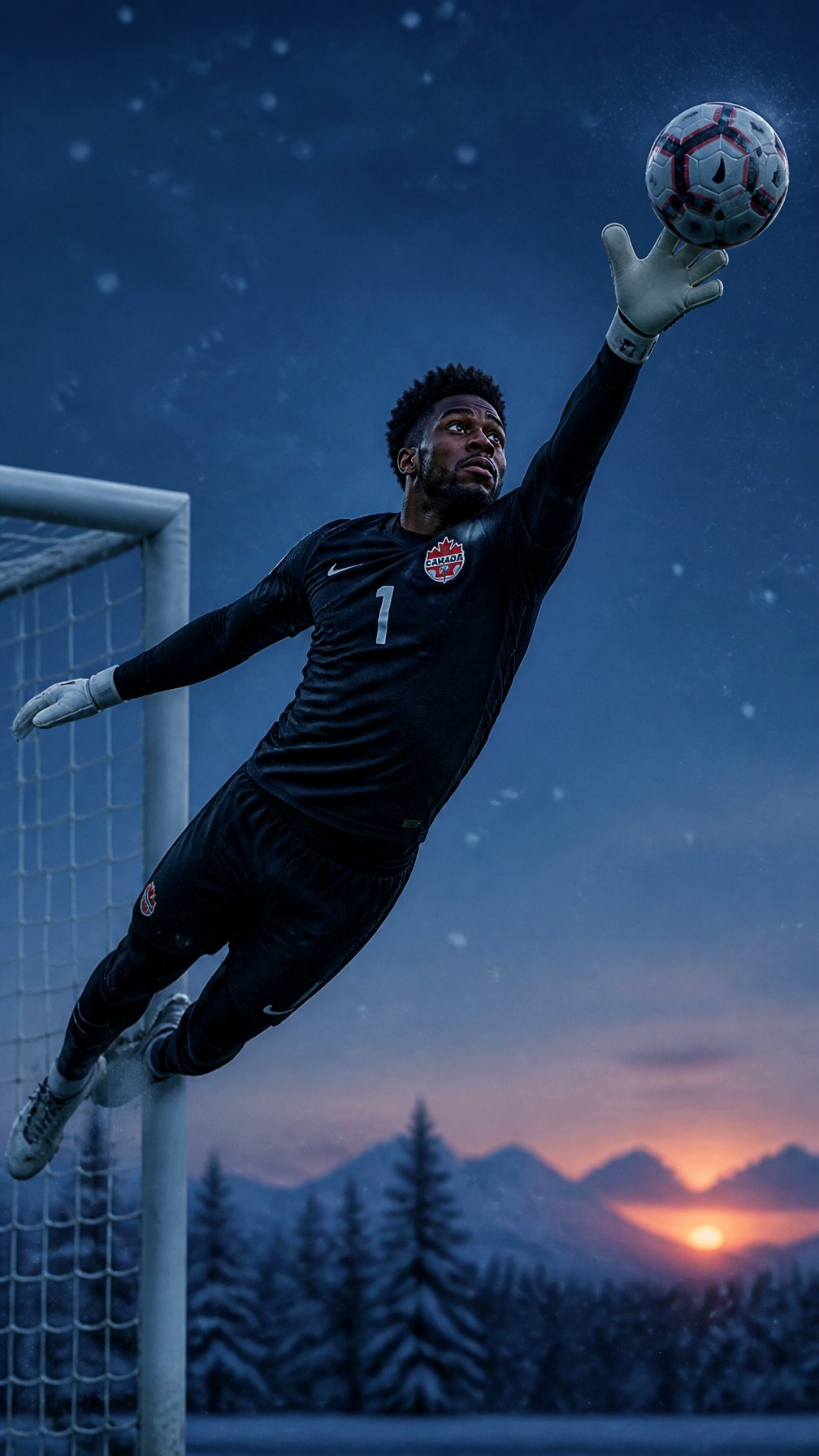
Canada Goalkeeper Twilight Editorial Portrait

Japan Travel Brochure Poster

Cartoon TV Show Poster Pack

Trendy Cafe Drink Promo Poster

Urban Fashion Editorial Collage Streetwear Poster

Premium Fashion Editorial Cover Layout System

Polo Ralph Lauren Luxury American Heritage Fashion Campaign

Monochrome Halftone Editorial Fashion Poster

Retro Mirror Luxury Fashion Campaign Poster

Luxury Fashion Campaign Typography Poster System

Premium Fashion Editorial Campaign Poster System

Ultra-Stylized High-Fashion Streetwear Poster
Make it yours
Harbor Twilight Photo Sketch Poster works as-is. These are the safest ways to change it without losing the look.
Change one field
Copy a single group, rewrite it, and generate again so you can see what that field is doing.
Keep the frame, change the subject
Hold the composition and light of Harbor Twilight Photo Sketch Poster, then swap wardrobe, props or the person for a new take.
| If the result… | Why | Fix |
|---|---|---|
| The result drifts from the preview | Too many fields changed at once. | Reuse Harbor Twilight Photo Sketch Poster as-is first, then change one group — subject, light, or setting. |
| The model over-stylizes the scene | The prose prompt leaves finish and camera underspecified. | Add one camera or lighting sentence and stay on GPT Image 2. |
More GPT Image 2 templates
Other prompts made for GPT Image 2.

Six VTuber Japanese Logo Sheet

Realistic Portrait of Woman and Deer

The Vista Modular Condo Poster

AI Model Routing Comparison Infographic

2.5D Anime Art Board

Isometric Productivity Desk Scene

New York Double Exposure Poster

Four-Panel AI Landscape Comparison

Japanese Tatami Lifestyle Magazine Cover

NESCAFÉ Coffee Map Poster
More image prompts
Fresh picks from across the catalog.
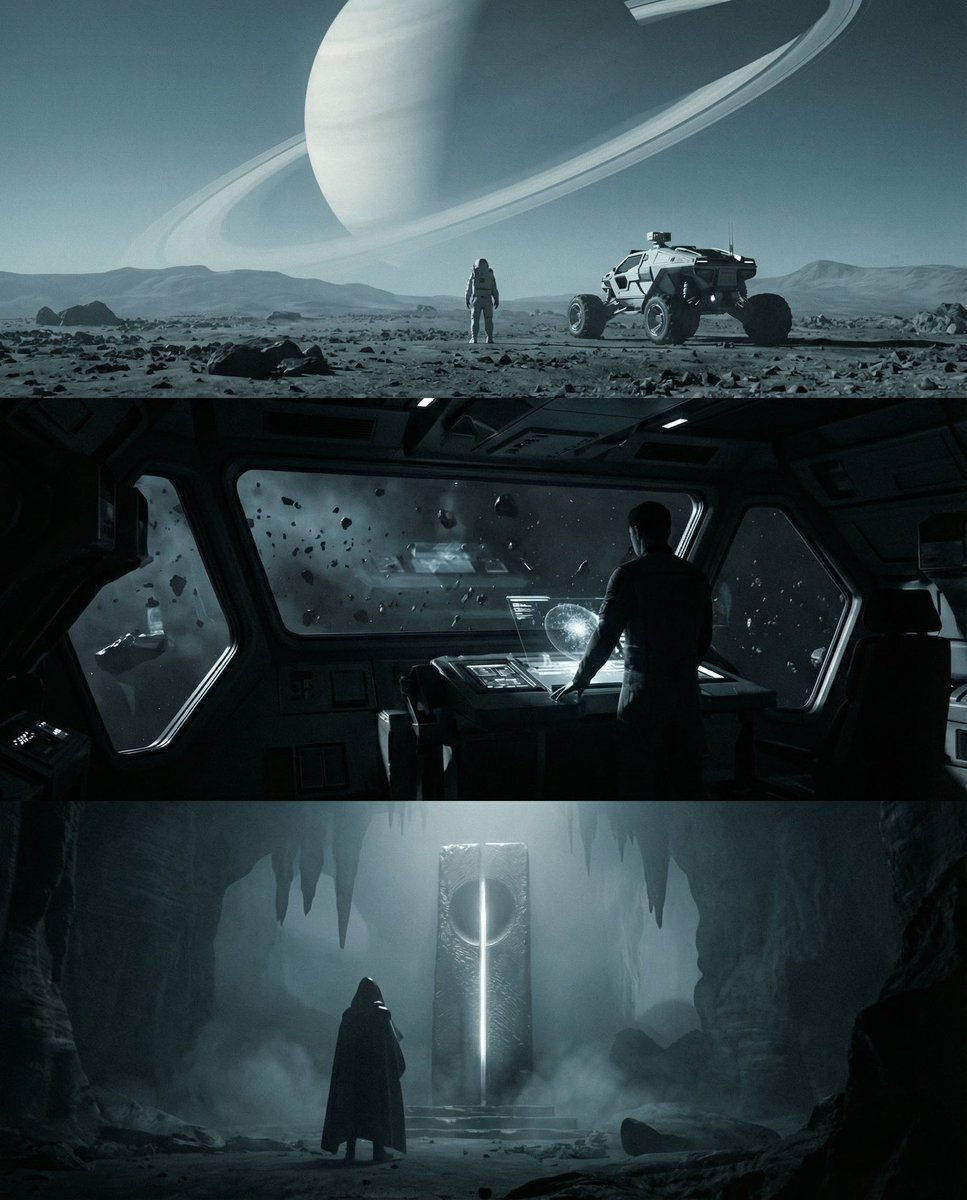
Sci-fi cinematic triptych and expansions
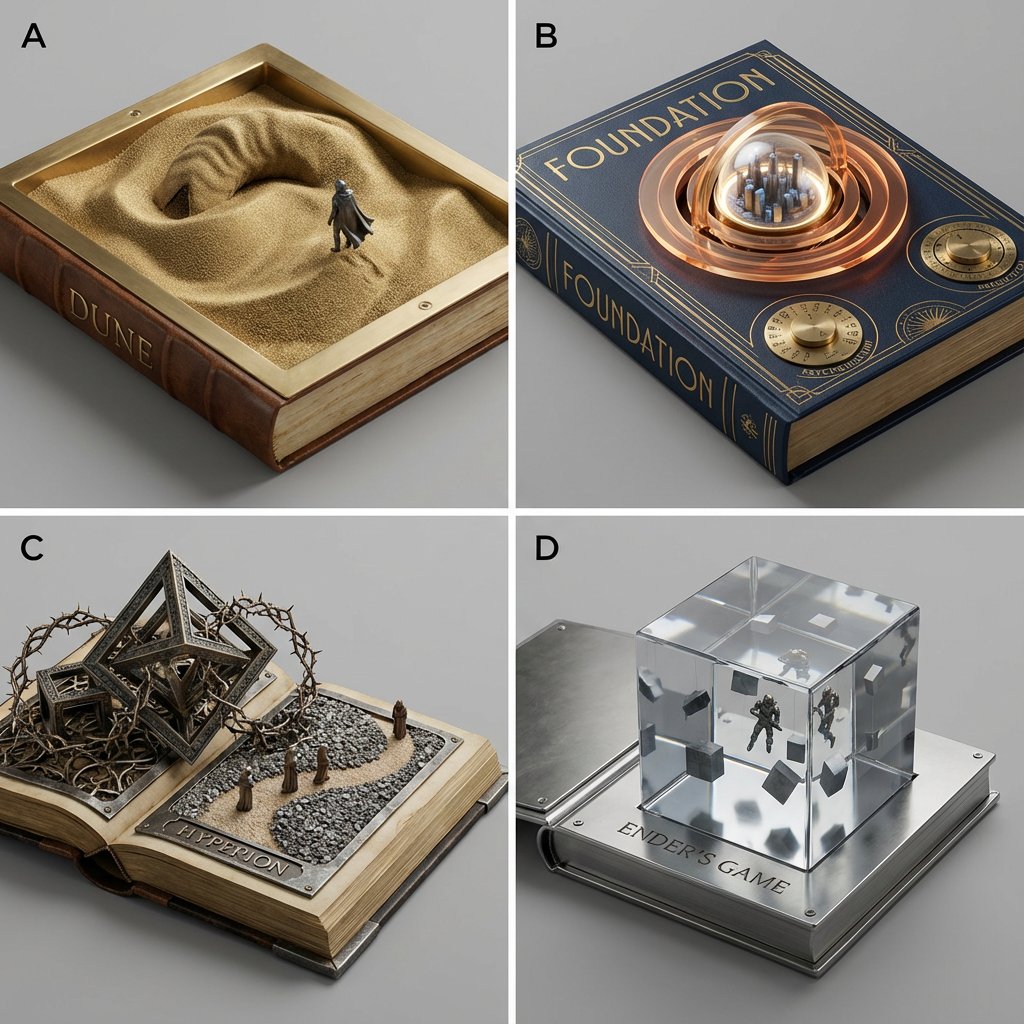
Sci-Fi Book Cover Diorama Grid Prompt
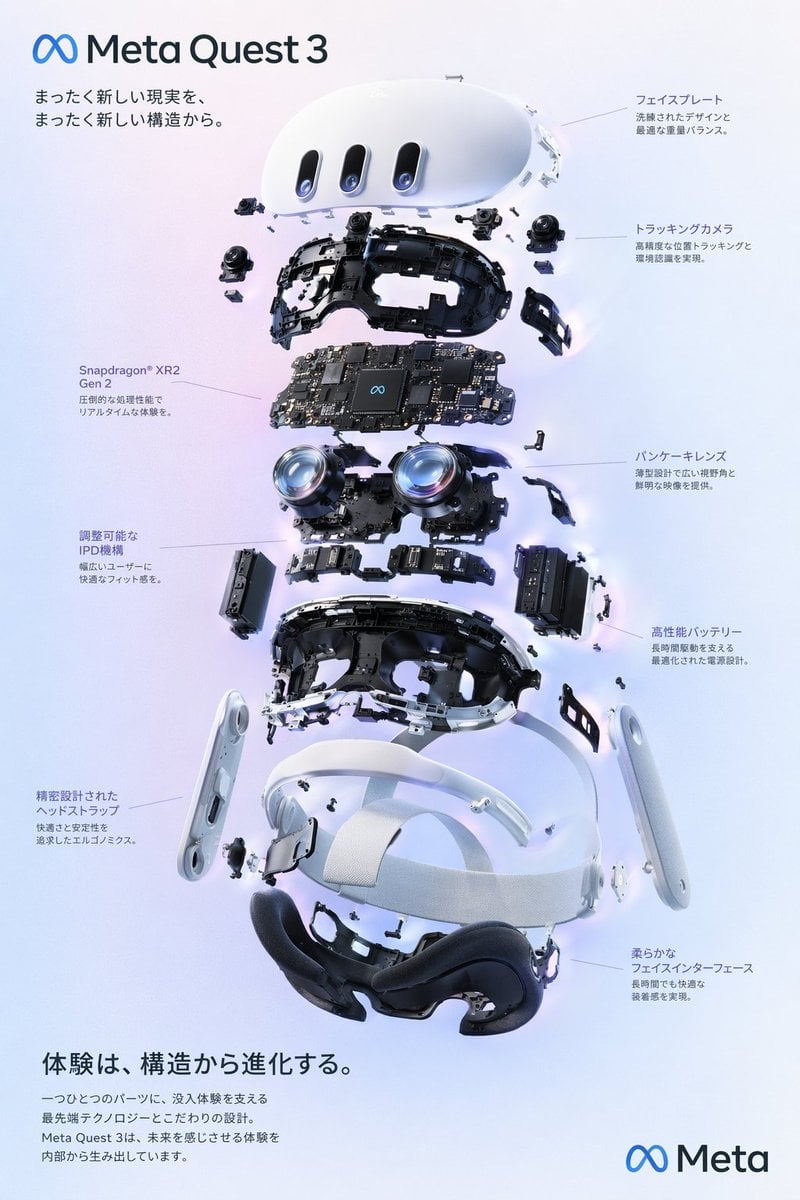
VR Headset Exploded View Poster
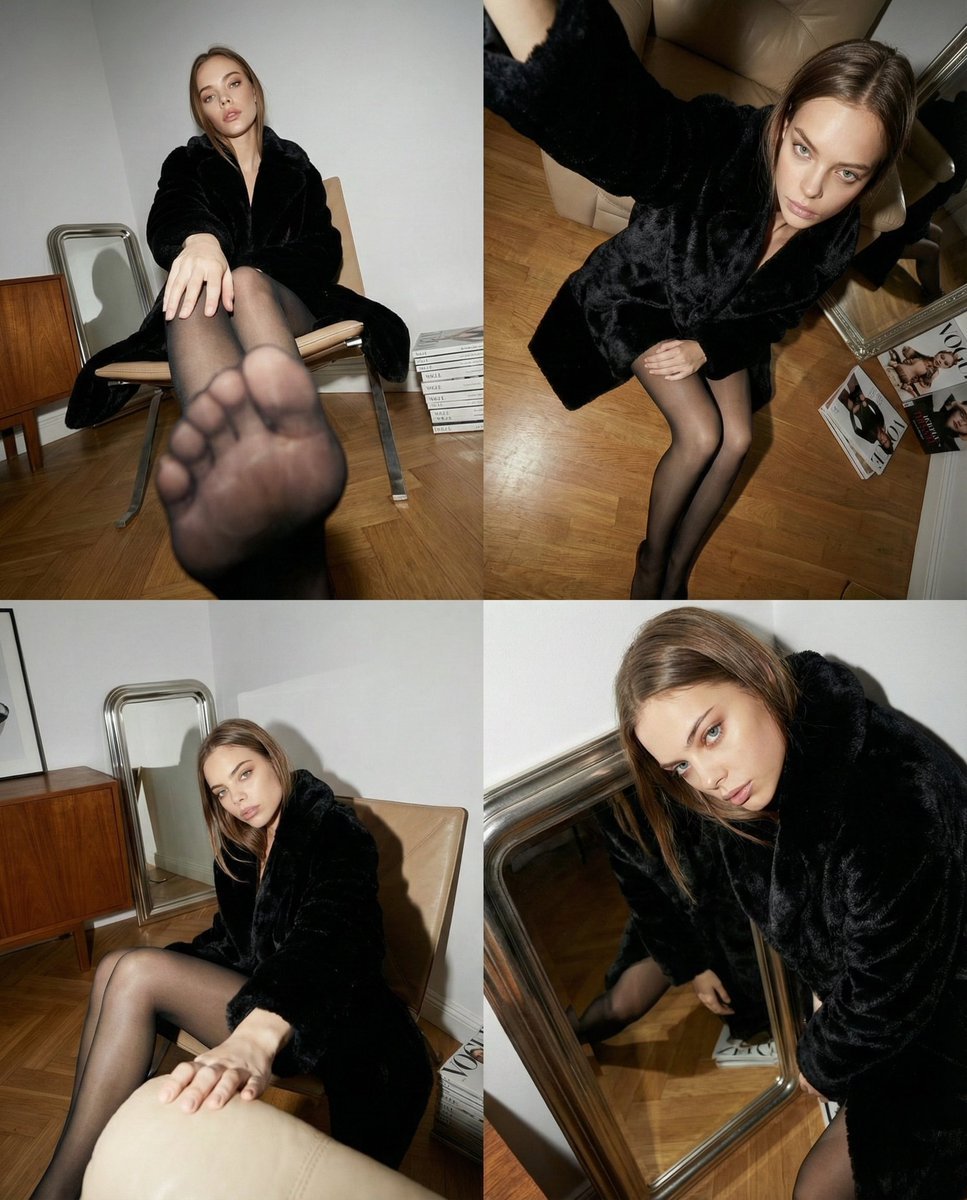
Dynamic Wide-Angle Perspective Transformation
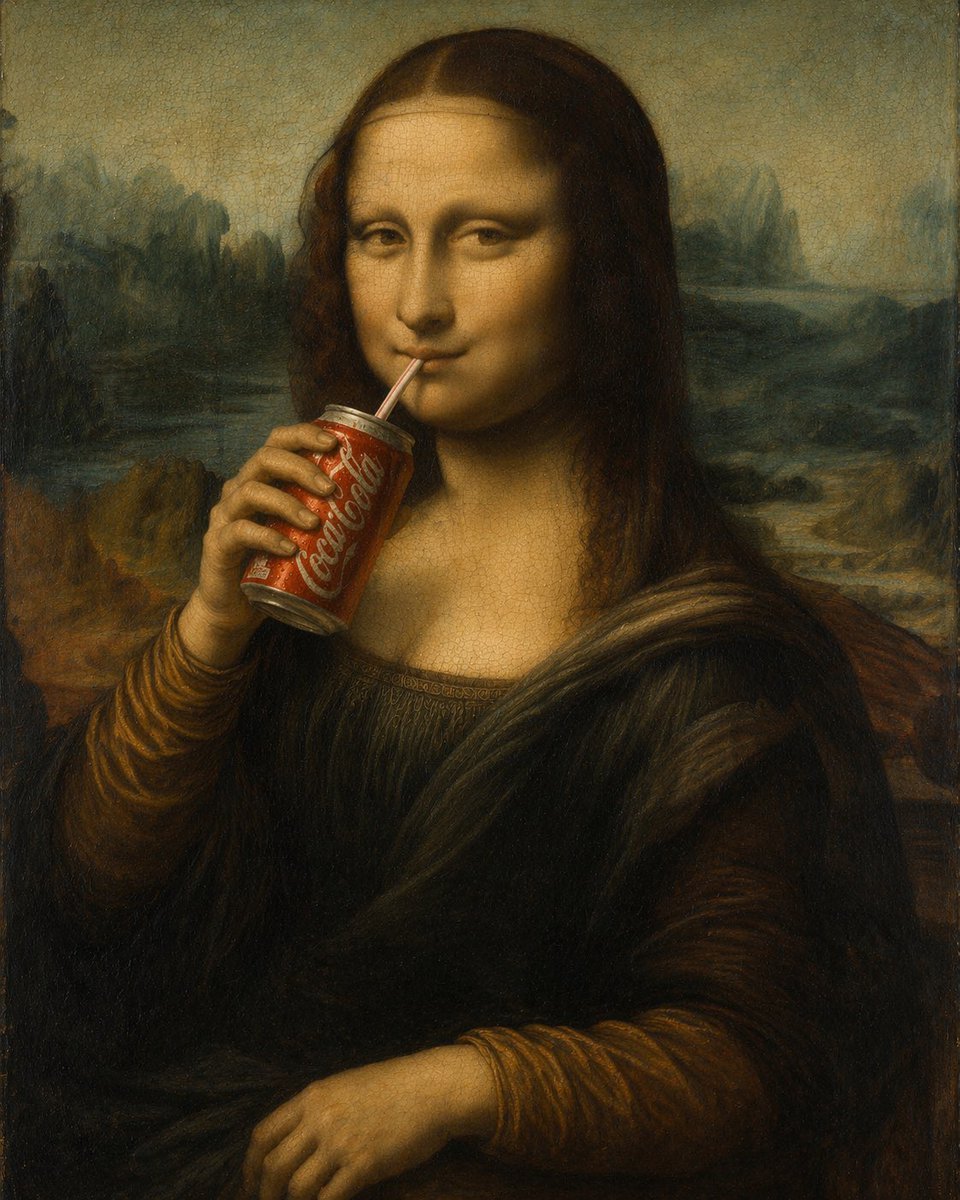
Mona Lisa Drinking Coke Oil Painting
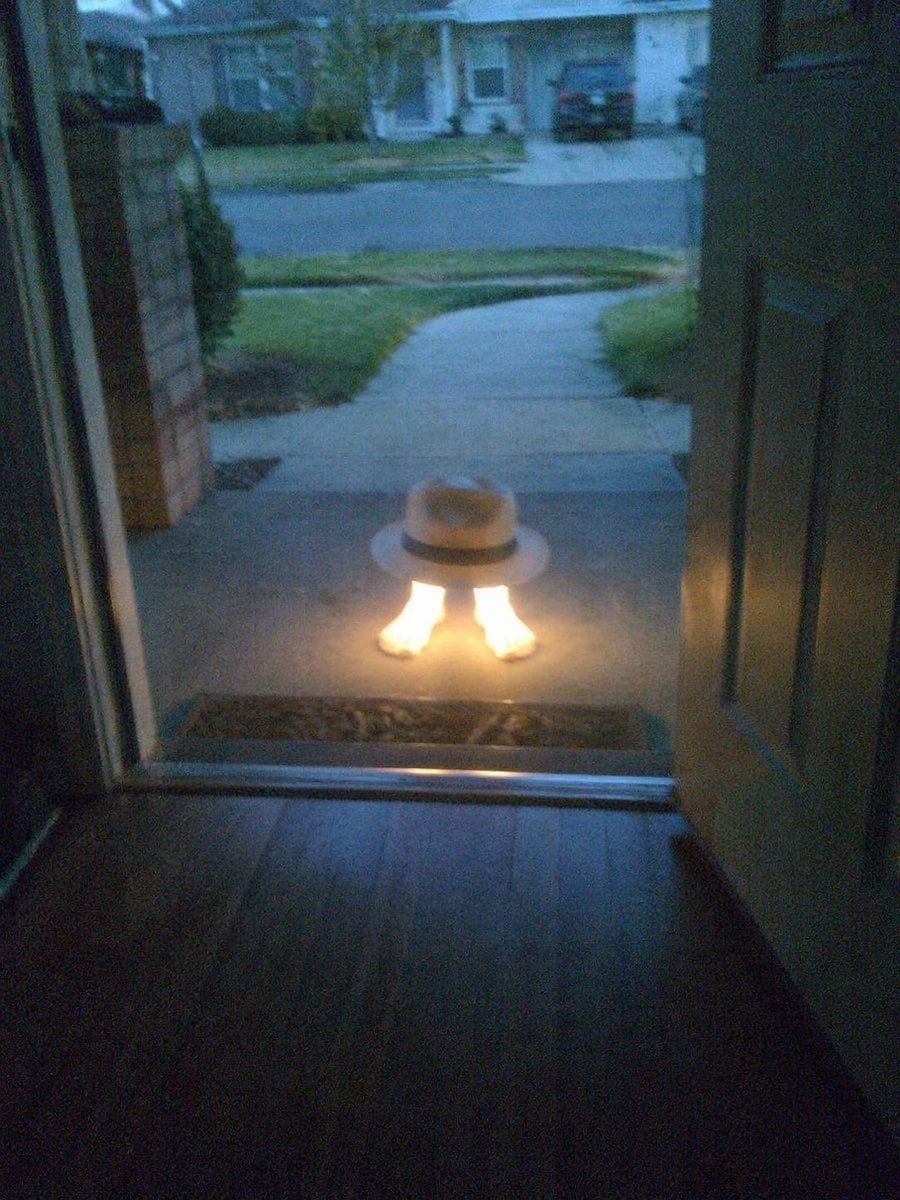
Subject Erasure and Hat Replacement
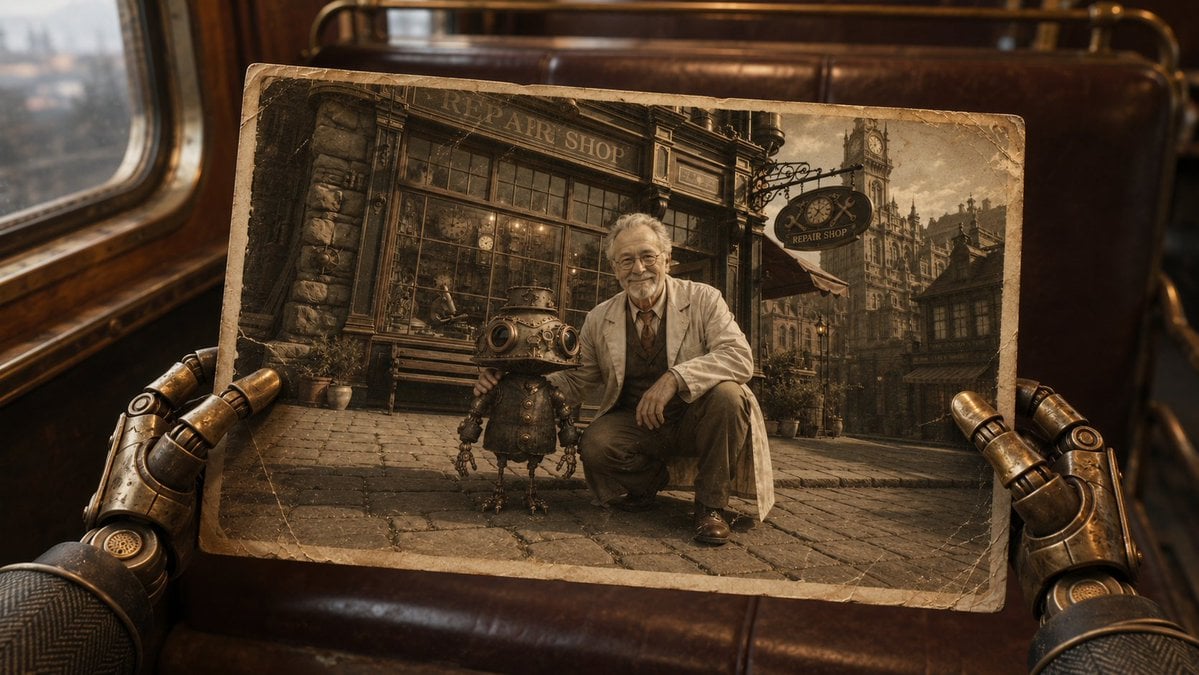
Steampunk Hands Holding Old Photo
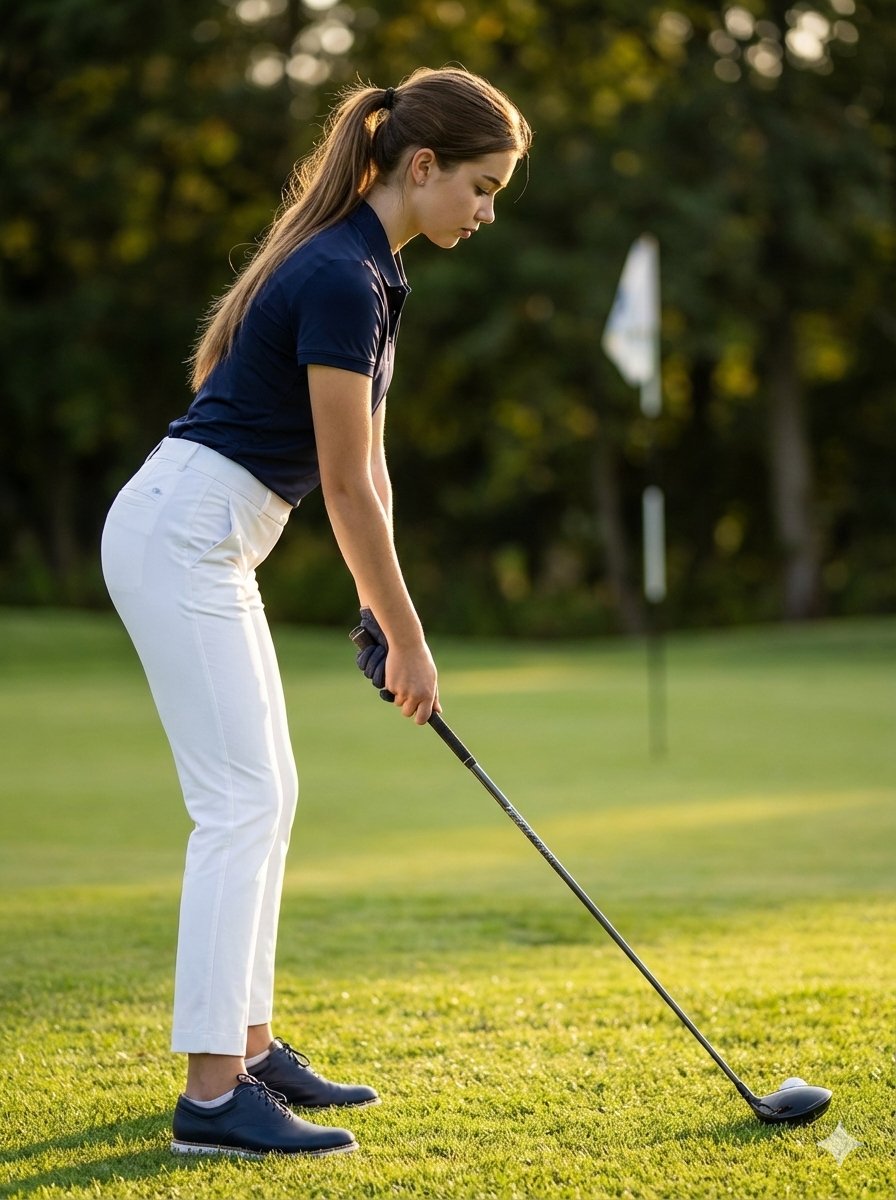
Ultra-Realistic Cinematic Female Golfer Portrait
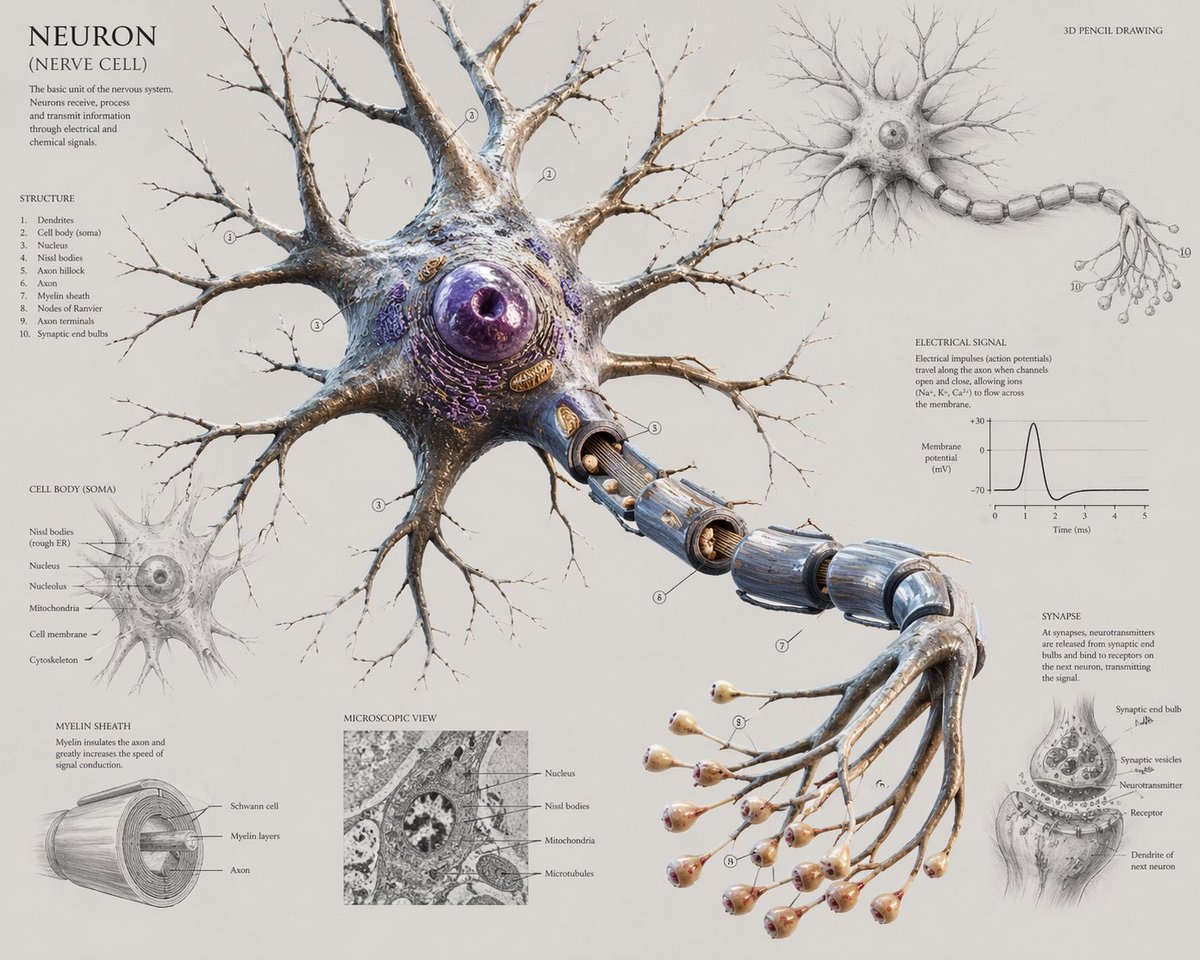
Scientific Neuron Anatomy Poster
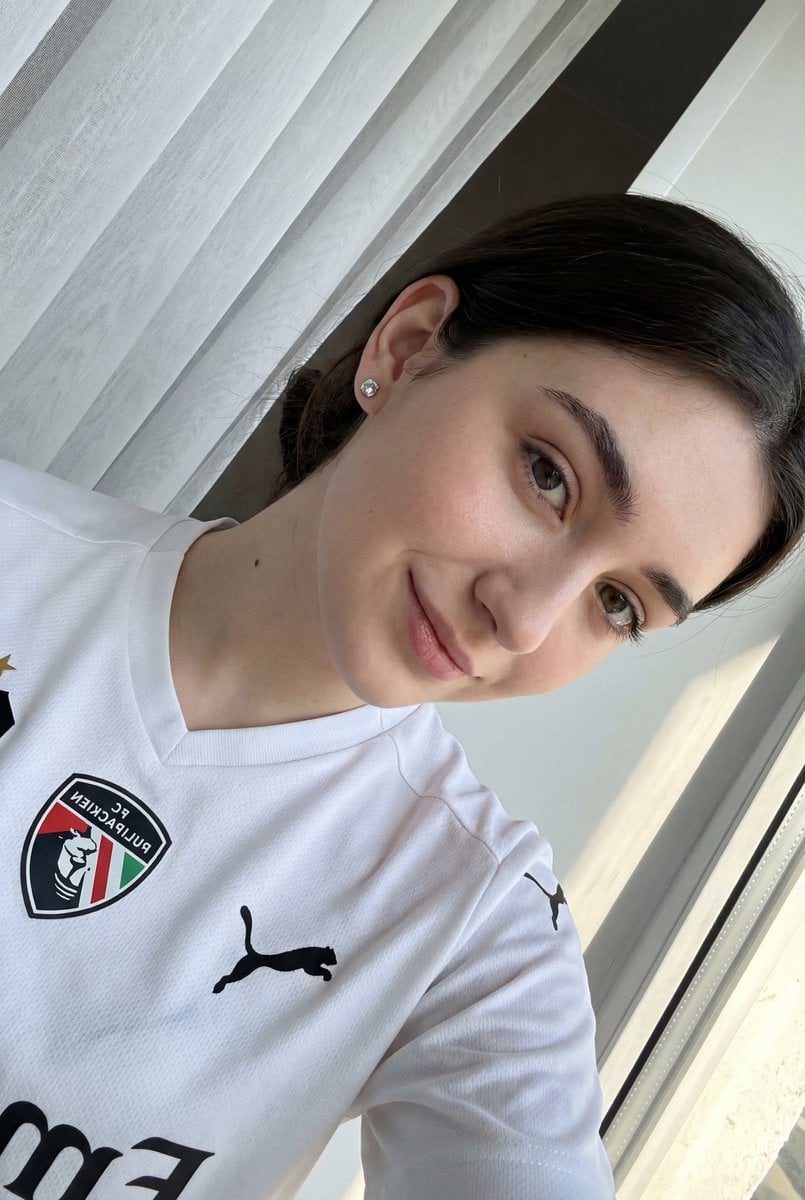
Detailed JSON prompt for a casual portrait of a young woman in a sports jersey
Browse template categories
Harbor Twilight Photo Sketch Poster questions
How do I use the Harbor Twilight Photo Sketch Poster template?
Add your photo if the template asks for one, edit the prompt if you like — the template's model and format are already selected — and press Generate. Your version opens in PicX Studio.
Can I customize the Harbor Twilight Photo Sketch Poster template?
Yes. You can change the subject, setting, lighting, mood, format, and available model controls before creating your image.
Is the Harbor Twilight Photo Sketch Poster template free?
Opening and editing this template is free. Generating uses credits, shown on the Generate button when you are signed in.
Which AI model should I use?
Start with GPT Image 2, which is the model associated with this template. You can compare another compatible model for a different finish.
Looking for something else? Browse all templates.

Your photo, any look
Thousands of ready templates for every top image and video model, from one credit balance.