
Steampunk Hands Holding Old Photo
Creates a cinematic steampunk transformation from a rough sketch into mechanical hands holding an aged photograph, useful for storyboards and final-scene concept art.
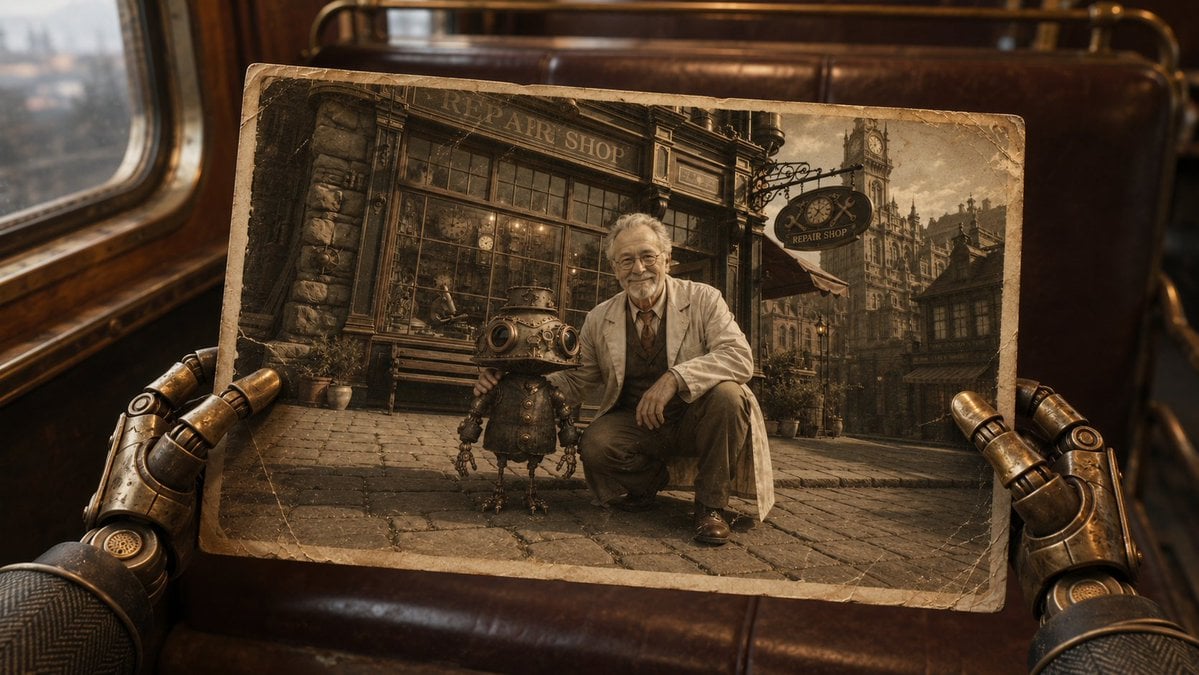
- Prompt included
- Model and format preset
- Premium template
The prompt behind this image
Copy the exact prompt behind Steampunk Hands Holding Old Photo, or open it in the studio and make it yours.
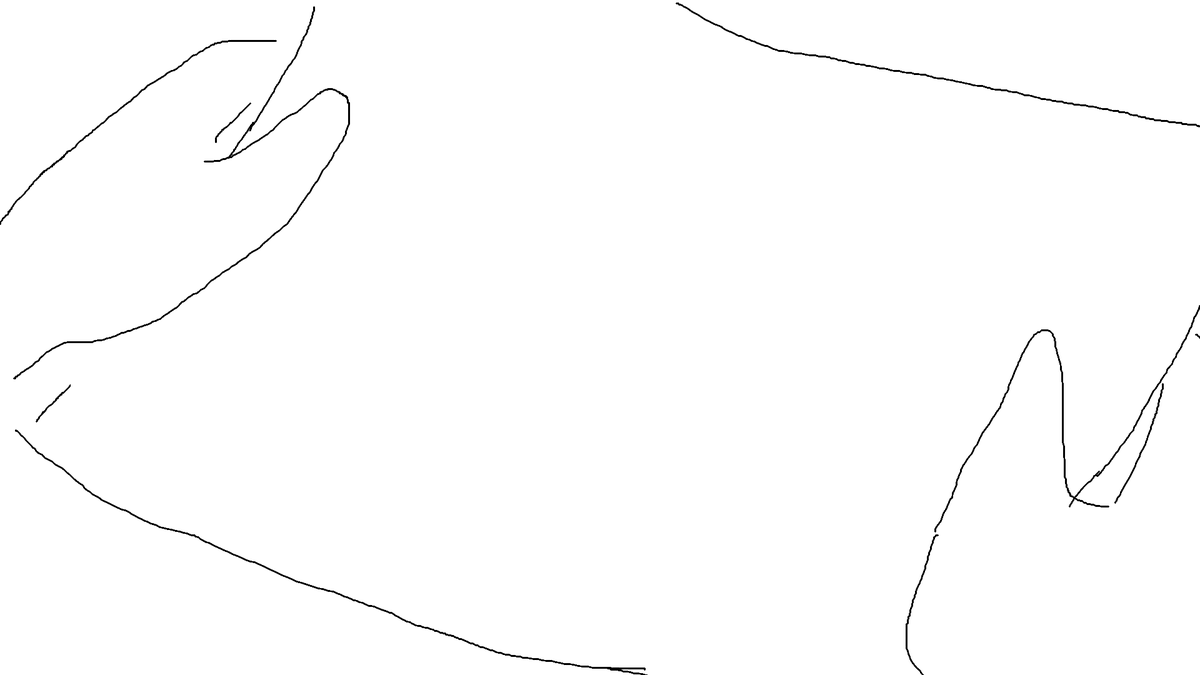
Using REFERENCE_0 as a rough composition and camera-position guide, turn the sketch into a cinematic steampunk scene: two brass mechanical hands in the foreground hold a worn, sepia-toned old photograph at the same angle and position indicated by the reference. Set the outer scene inside a vintage train carriage with dark leather seats, warm wood trim, a window on the left, and moody amber lighting. Inside the photograph, show an antique street scene in front of a clockwork repair shop: exactly 2 main subjects, a kneeling adult inventor with a blurred/obscured face and a small round-bodied robot standing beside them. Add aged photo details including creases, scuffed corners, yellowed borders, and faded monochrome-brown coloration. Keep the overall look photorealistic, cinematic, detailed, and nostalgic, with shallow depth of field outside the photograph. Customizable details: {argument name="outer setting" default="vintage train carriage"}, {argument name="photo subject setting" default="clockwork repair shop street"}, {argument name="main human role" default="adult inventor"}, {argument name="companion character" default="small round-bodied robot"}, {argument name="color mood" default="warm sepia steampunk"}. Constraints: preserve the reference composition of hands framing a tilted rectangular photo; include exactly 2 visible mechanical hands holding exactly 1 photograph; include exactly 2 main figures inside the photo; avoid modern objects, clean digital UI, or extra text beyond shop signage.
Reference images included
Steampunk Hands Holding Old Photo needs input media to work. They load alongside the prompt when you open it in the studio.
How to use Steampunk Hands Holding Old Photo in 3 steps
- 1Upload ImagePNG, JPG or paste
Add your photo
Upload the photo the template builds on. The prompt, model and format are already set.
- 2…a portrait of your subject in softgolden-hour light, 85mm…
Personalize
Edit the subject and creative details for your destination.
- 3Generate
Generate
Press Generate — your image is created in PicX Studio, so you can compare it with the original and refine one variable at a time.
More like this
Templates with the same subject, style or setup. Open one to see its prompt.
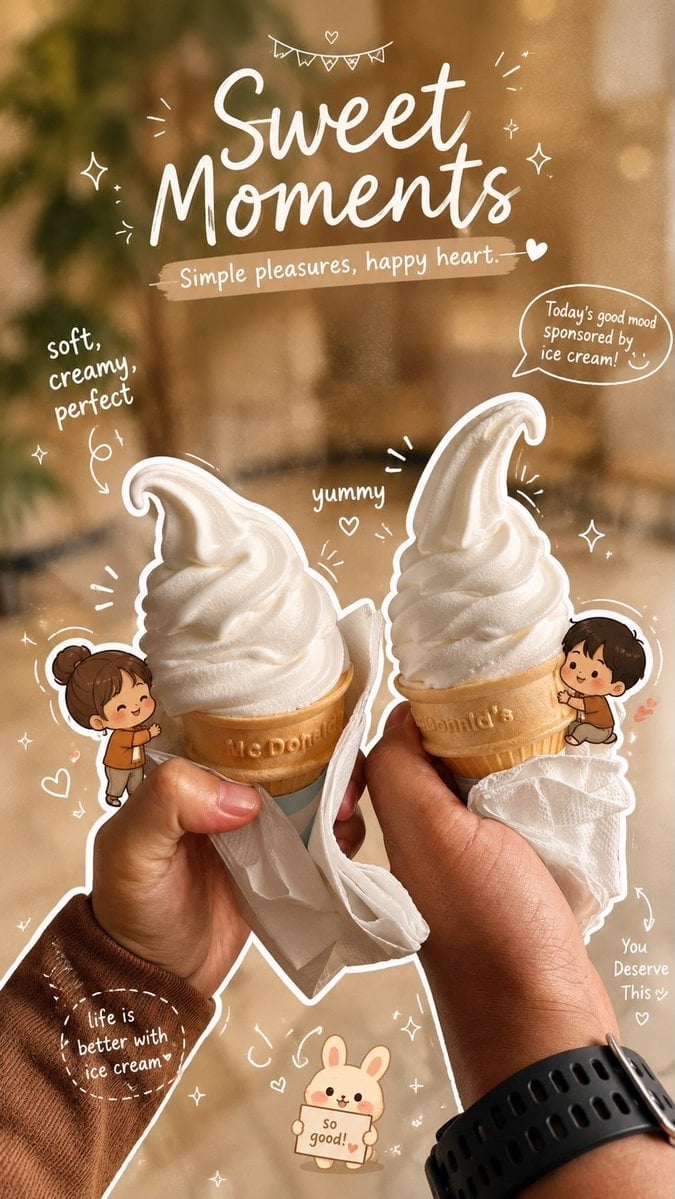
Cozy Café Ice Cream Hands Close-Up
Cozy Café Ice Cream Hands Close-Up

City Posters by Nano Banana Pro
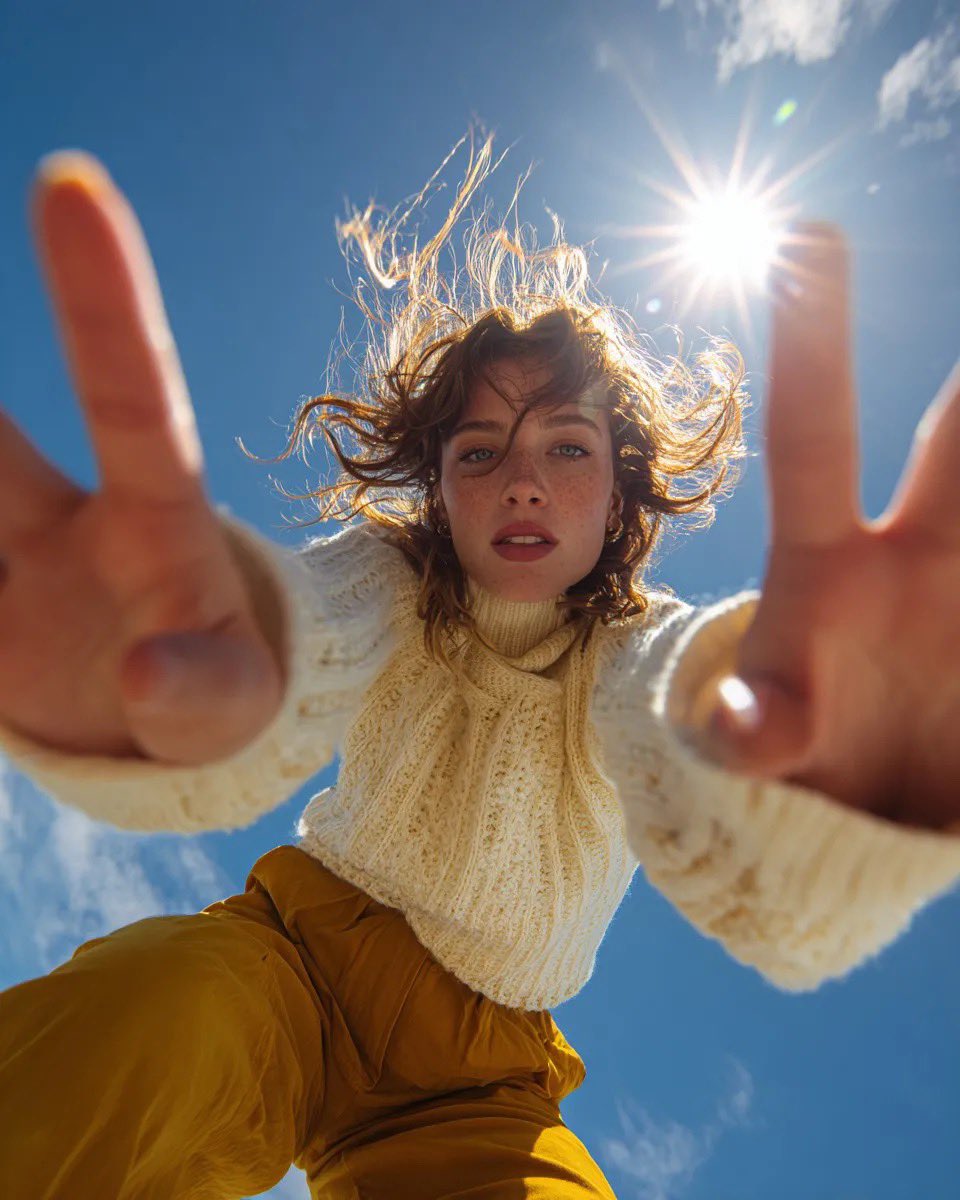
Ultra Wide Low-Angle Portrait — Sairah (Nano Banana)
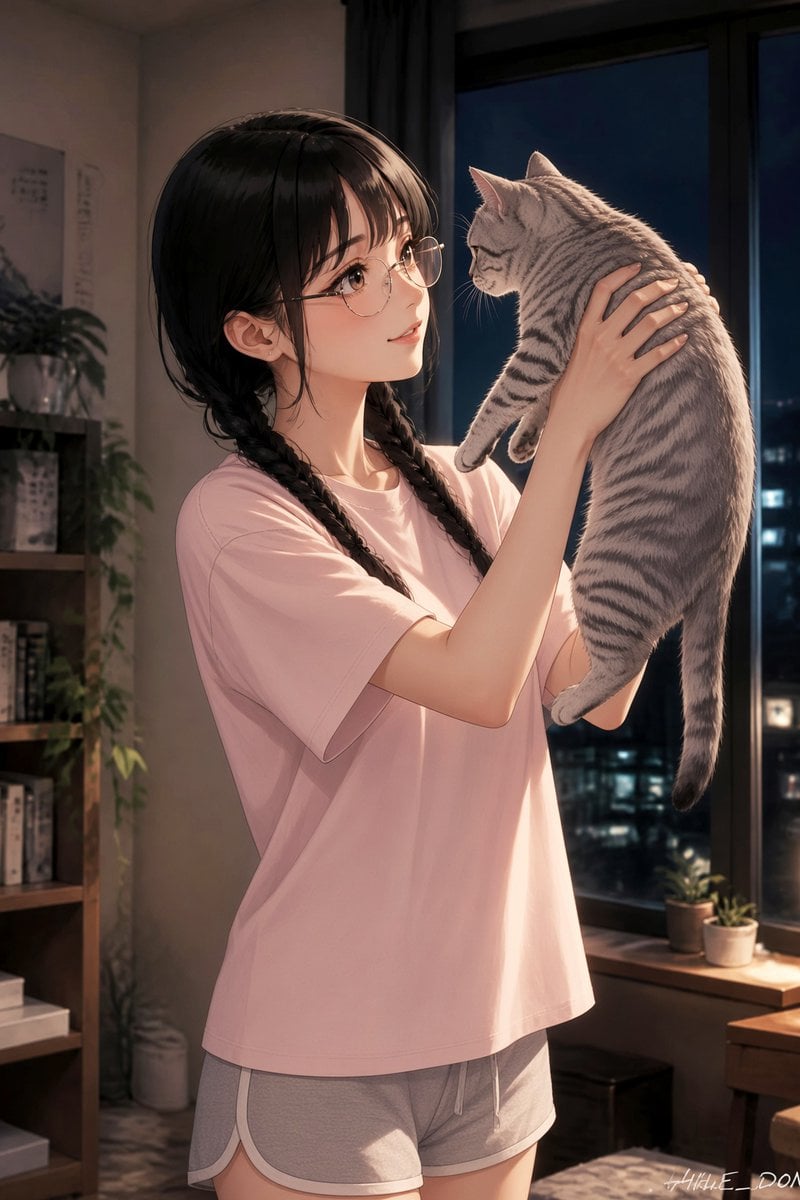
Anime Girl Holding Tabby Cat
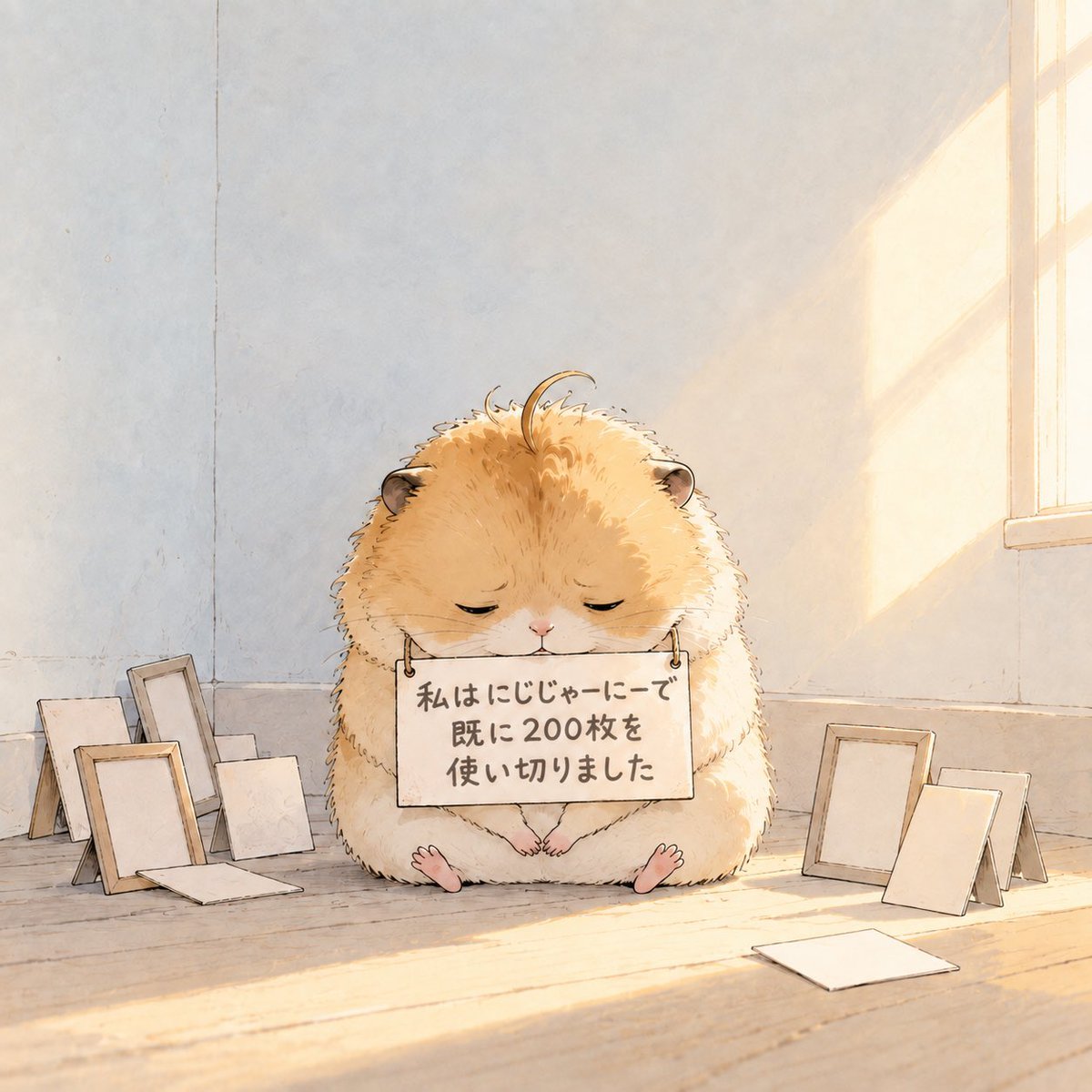
Fluffy Hamster Holding Japanese Sign
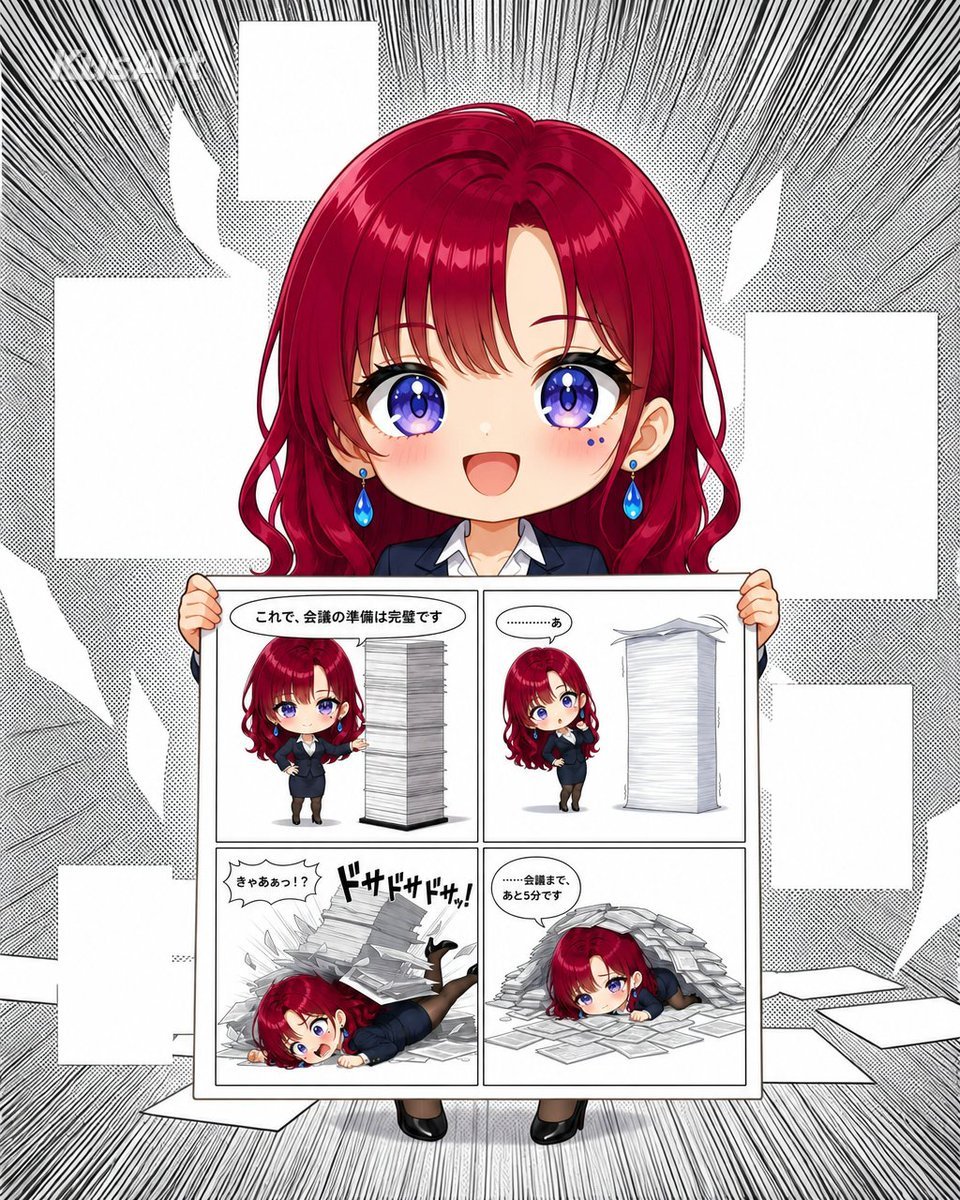
Chibi Office Girl Holding 4-Panel Manga
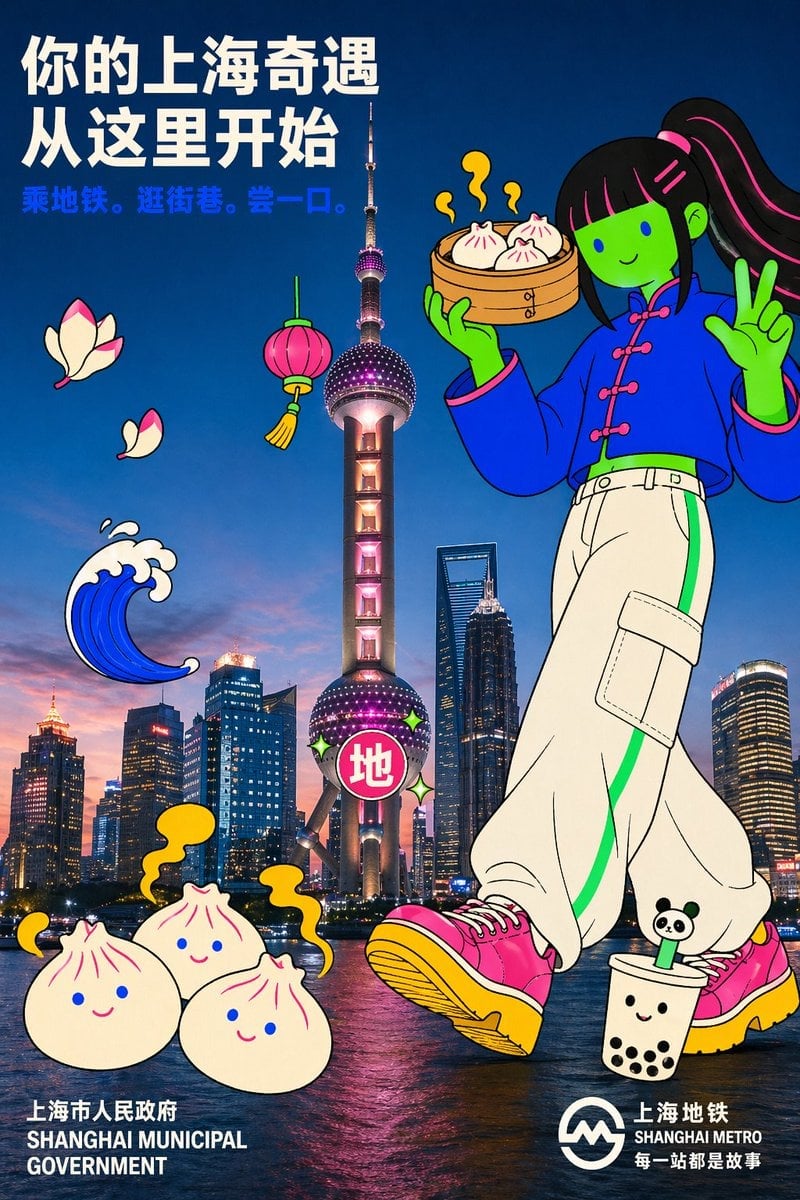
Holding a cartoon xiaolongbao steamer basket up to eye level with one
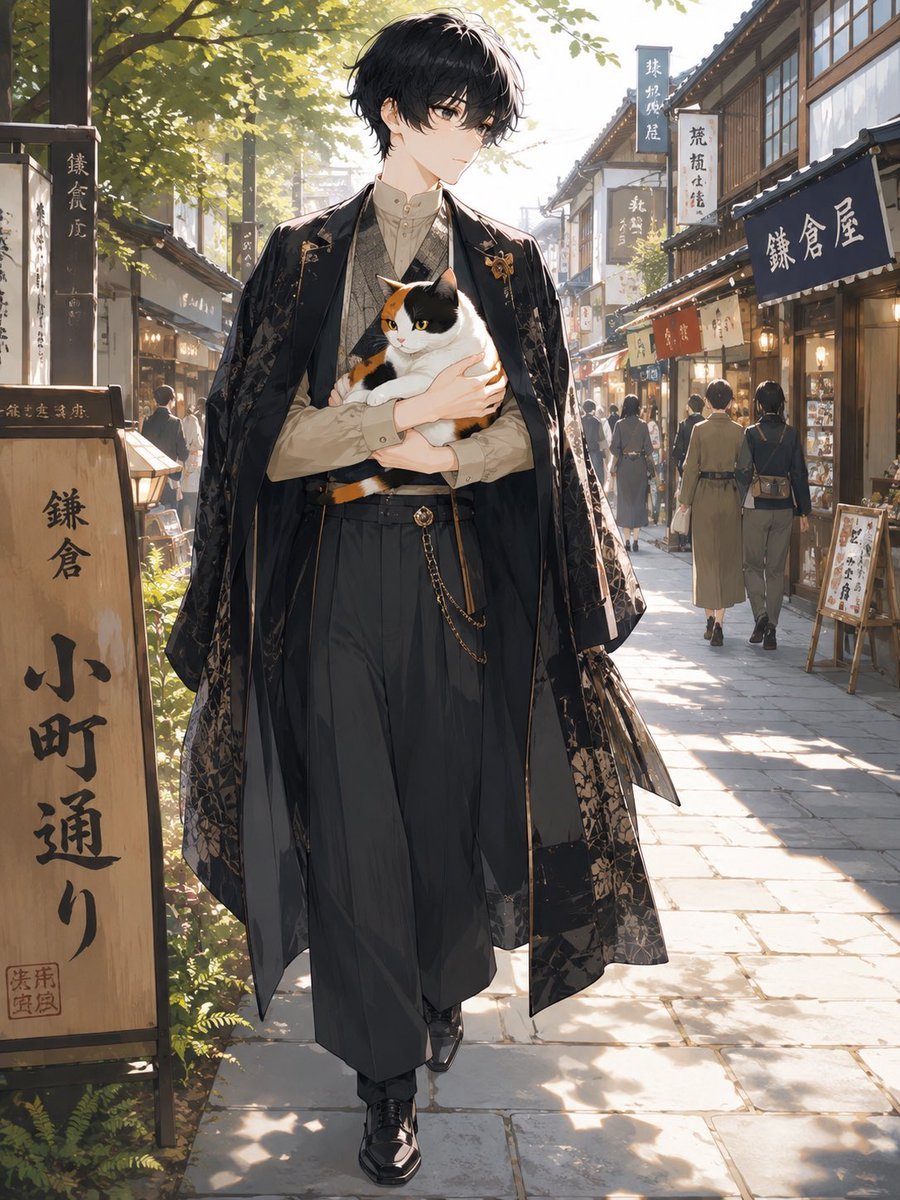
Faceless Anime Man Holding Calico Cat

Pink Chibi Mascot Holding Triangle Logo
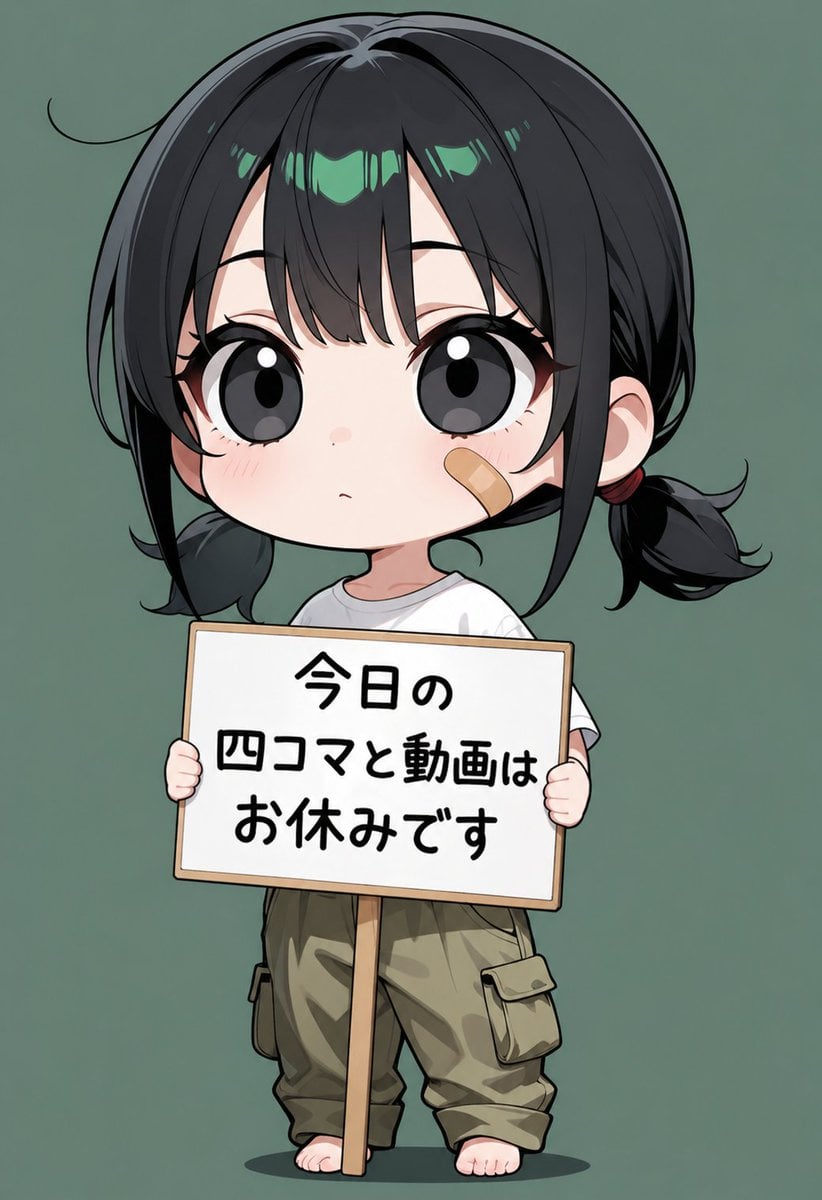
Chibi Girl Holding Japanese Notice Sign
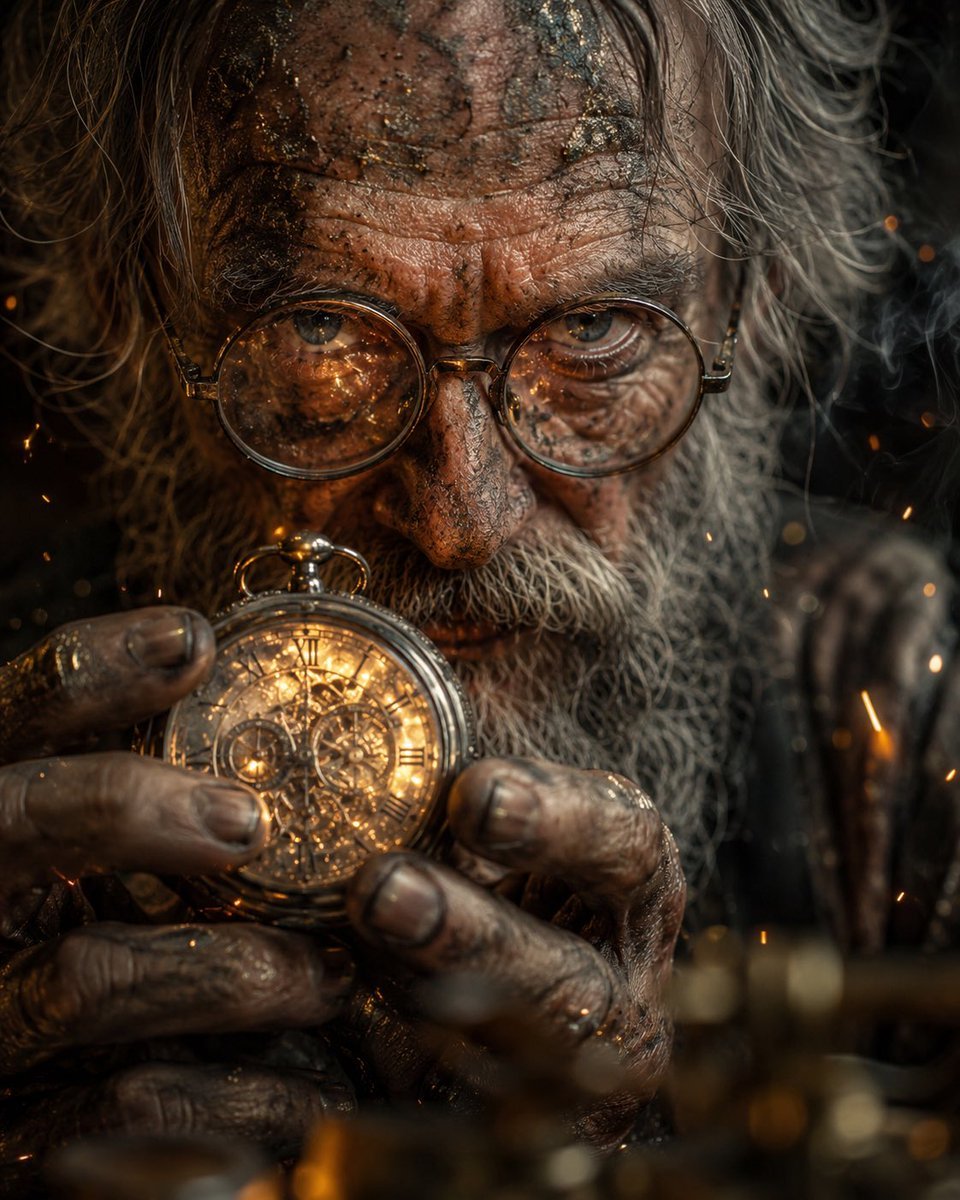
Obscured Mystic Holding Artifact
Make it yours
Steampunk Hands Holding Old Photo works as-is. These are the safest ways to change it without losing the look.
Change one field
Copy a single group, rewrite it, and generate again so you can see what that field is doing.
Keep the frame, change the subject
Hold the composition and light of Steampunk Hands Holding Old Photo, then swap wardrobe, props or the person for a new take.
| If the result… | Why | Fix |
|---|---|---|
| The result drifts from the preview | Too many fields changed at once. | Reuse Steampunk Hands Holding Old Photo as-is first, then change one group — subject, light, or setting. |
| The model over-stylizes the scene | The prose prompt leaves finish and camera underspecified. | Add one camera or lighting sentence and stay on GPT Image 2. |
More GPT Image 2 templates
Other prompts made for GPT Image 2.

Six VTuber Japanese Logo Sheet

Realistic Portrait of Woman and Deer

The Vista Modular Condo Poster

AI Model Routing Comparison Infographic

2.5D Anime Art Board

Isometric Productivity Desk Scene

New York Double Exposure Poster

Four-Panel AI Landscape Comparison

Japanese Tatami Lifestyle Magazine Cover

NESCAFÉ Coffee Map Poster
More image prompts
Fresh picks from across the catalog.

2x2 Japanese Advertisement Grid
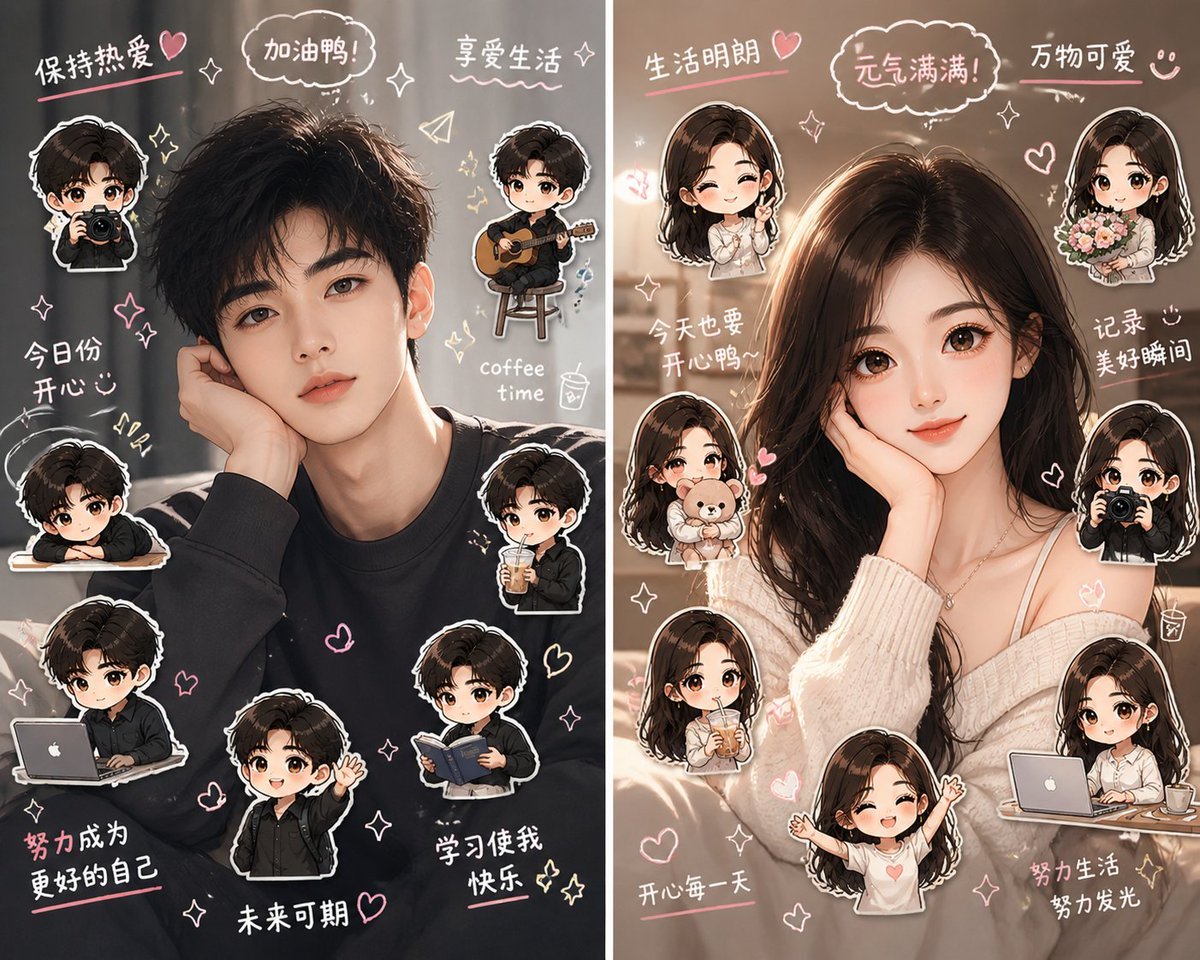
Split-Screen Chibi Selfie Scrapbook
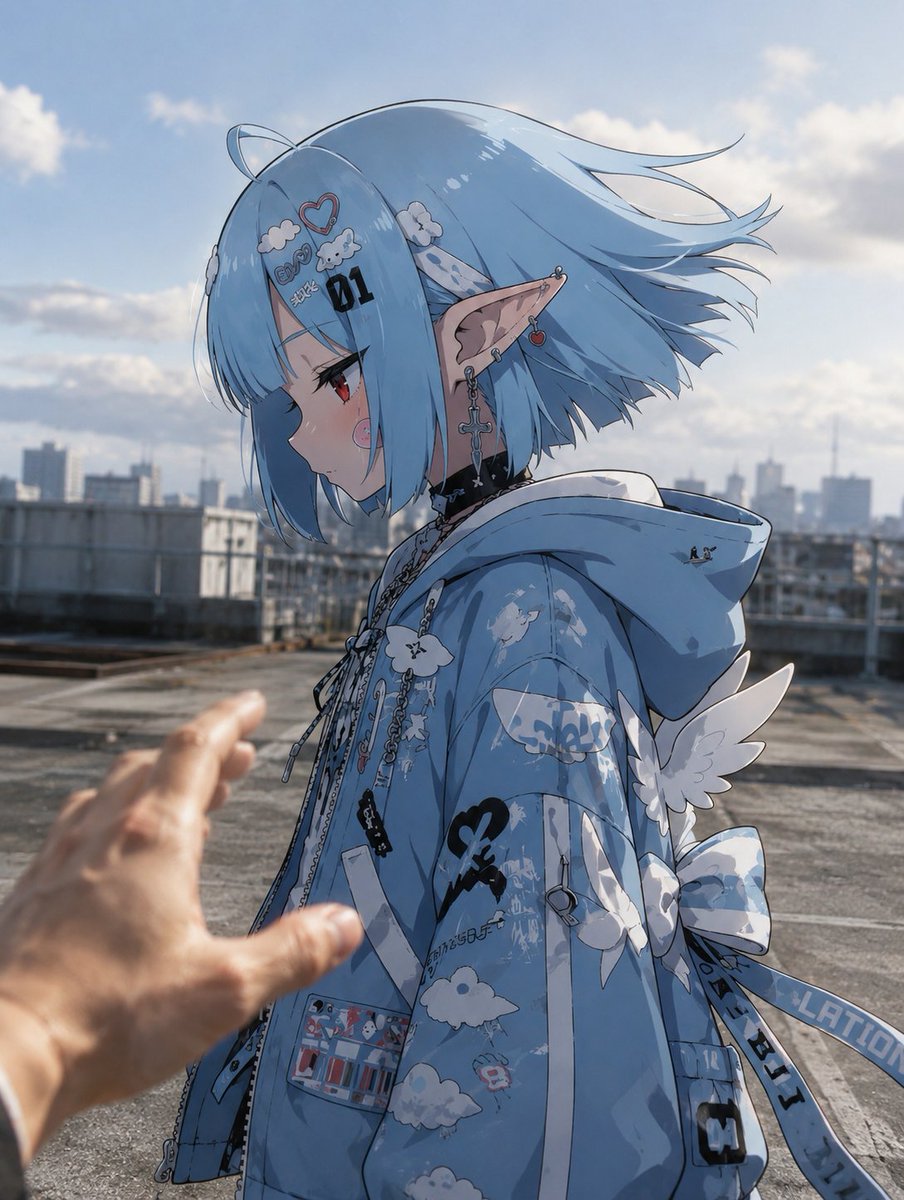
Anime Character in Real Rooftop Scene

Merl iOS Personalization Screenshot
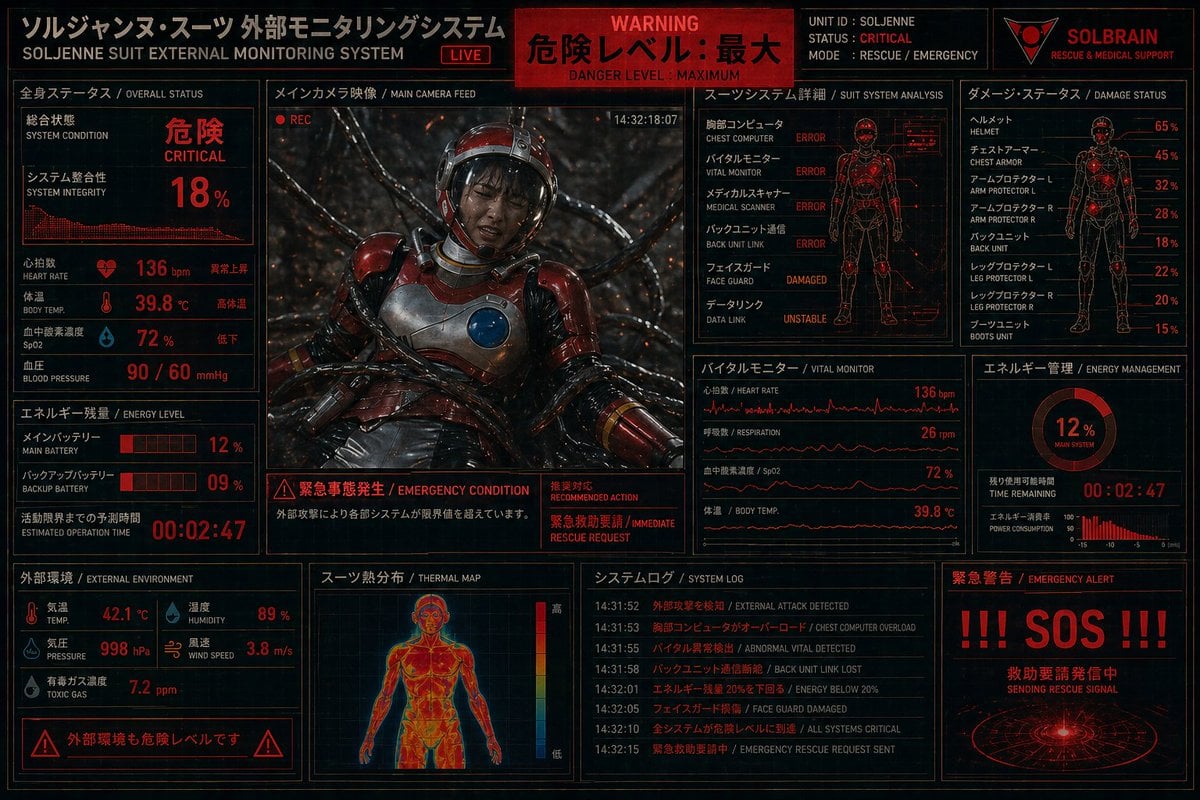
Critical Rescue Suit Monitoring HUD
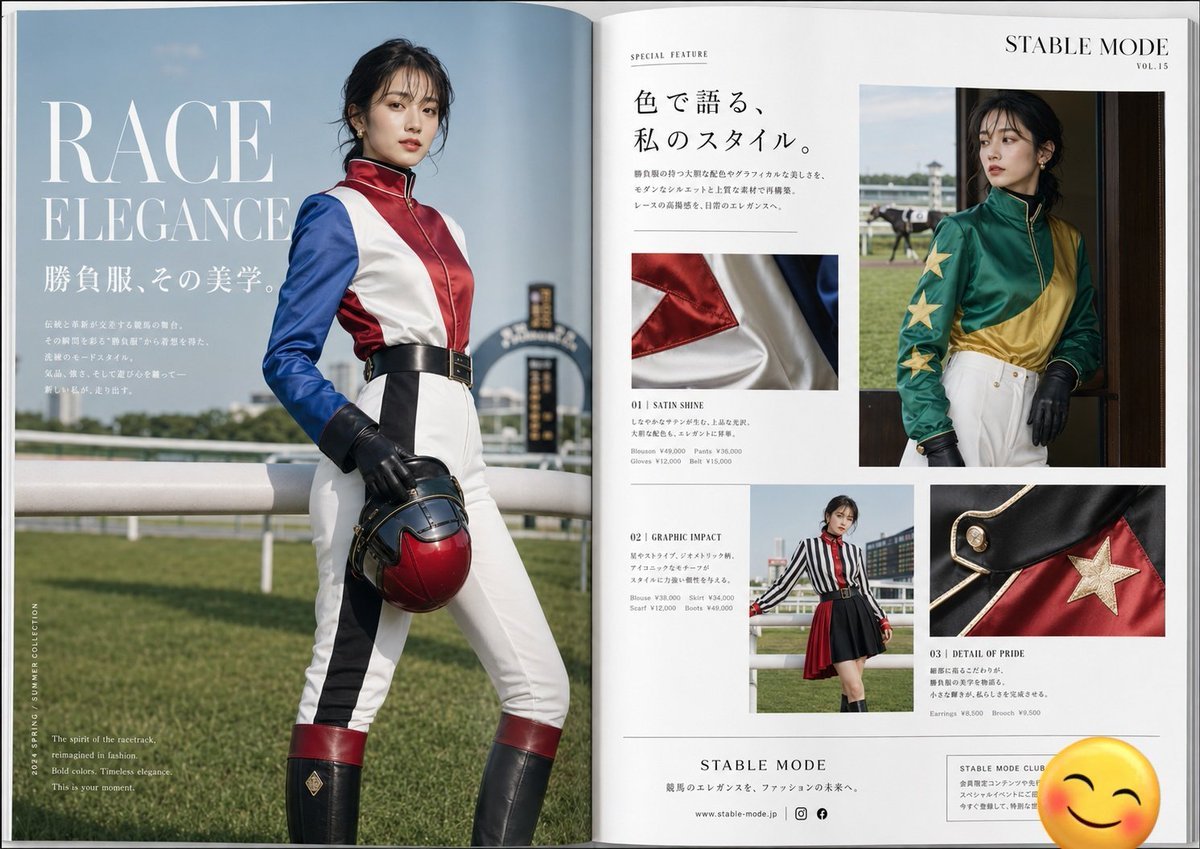
Jockey Fashion Magazine Spread
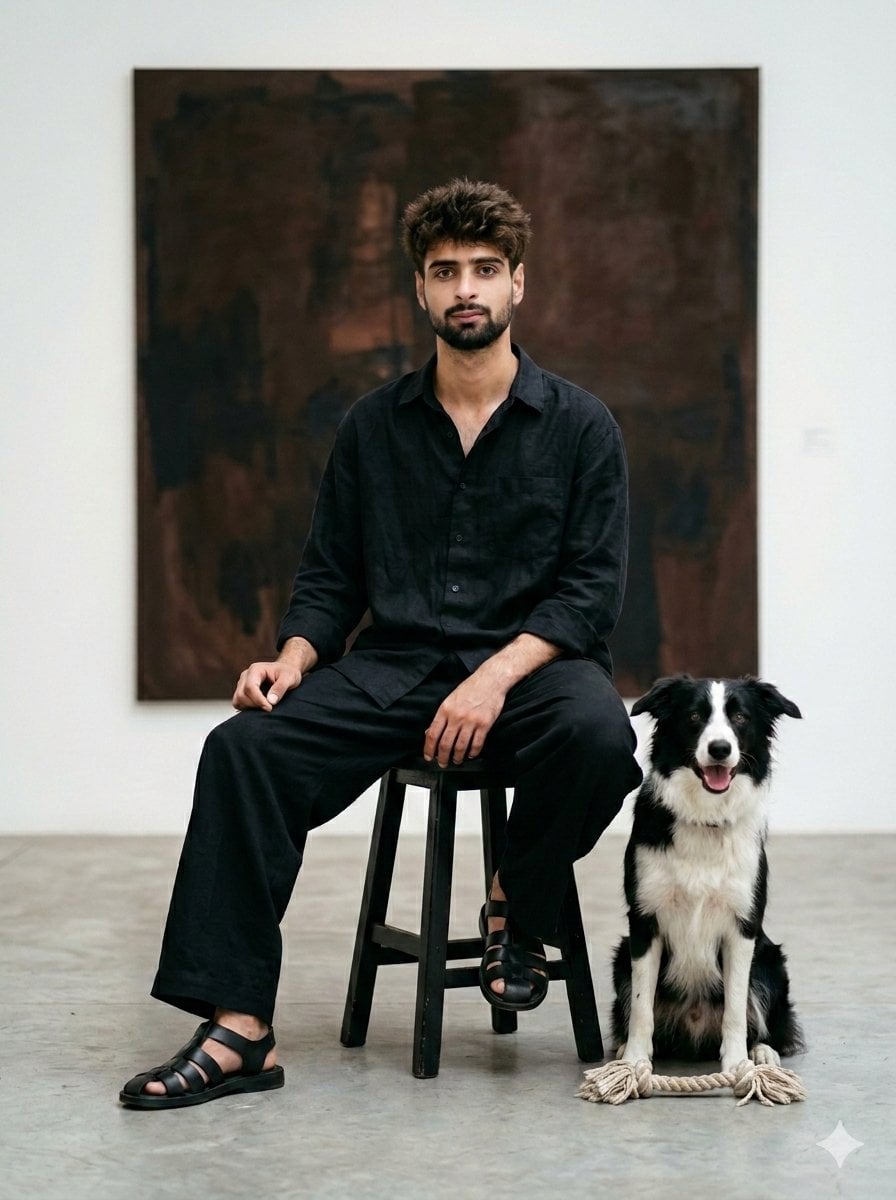
Minimalist Art Gallery Fashion Editorial Prompt
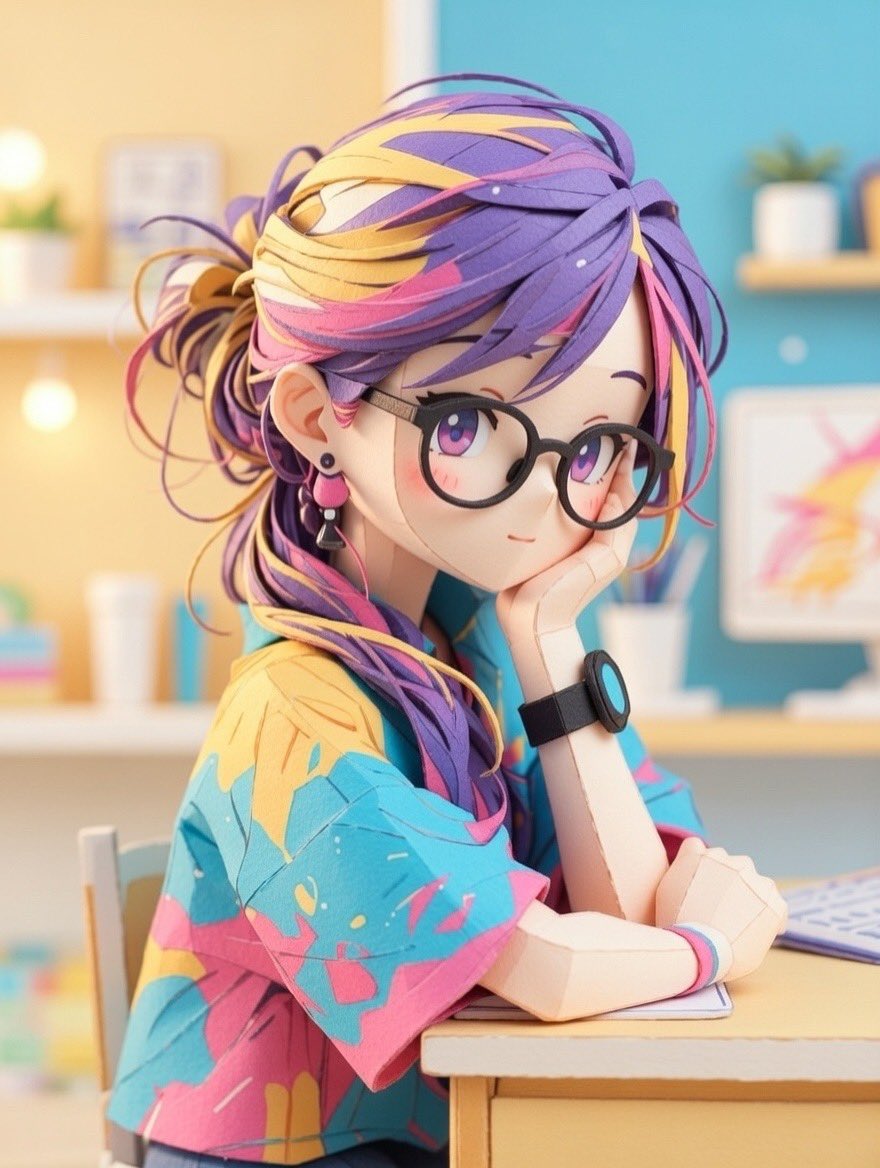
Converting Images to Cute Paper Crafts with Grok and Nano Banana Pro

Crayon Cartoon Artist Studio
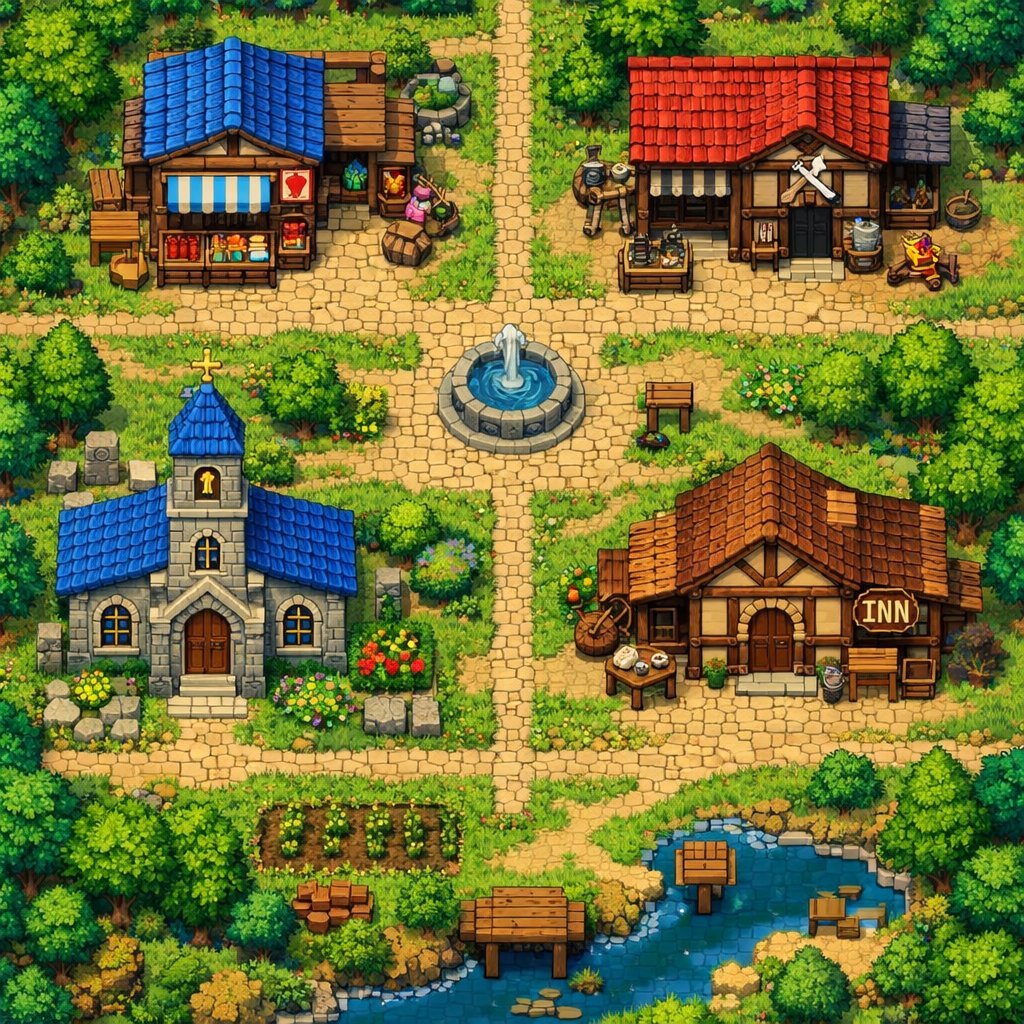
2D Pixel Art Village Map Prompt (ChatGPT)
Browse template categories
Steampunk Hands Holding Old Photo questions
How do I use the Steampunk Hands Holding Old Photo template?
Add your photo if the template asks for one, edit the prompt if you like — the template's model and format are already selected — and press Generate. Your version opens in PicX Studio.
Can I customize the Steampunk Hands Holding Old Photo template?
Yes. You can change the subject, setting, lighting, mood, format, and available model controls before creating your image.
Is the Steampunk Hands Holding Old Photo template free?
Opening and editing this template is free. Generating uses credits, shown on the Generate button when you are signed in.
Which AI model should I use?
Start with GPT Image 2, which is the model associated with this template. You can compare another compatible model for a different finish.
Looking for something else? Browse all templates.

Your photo, any look
Thousands of ready templates for every top image and video model, from one credit balance.