
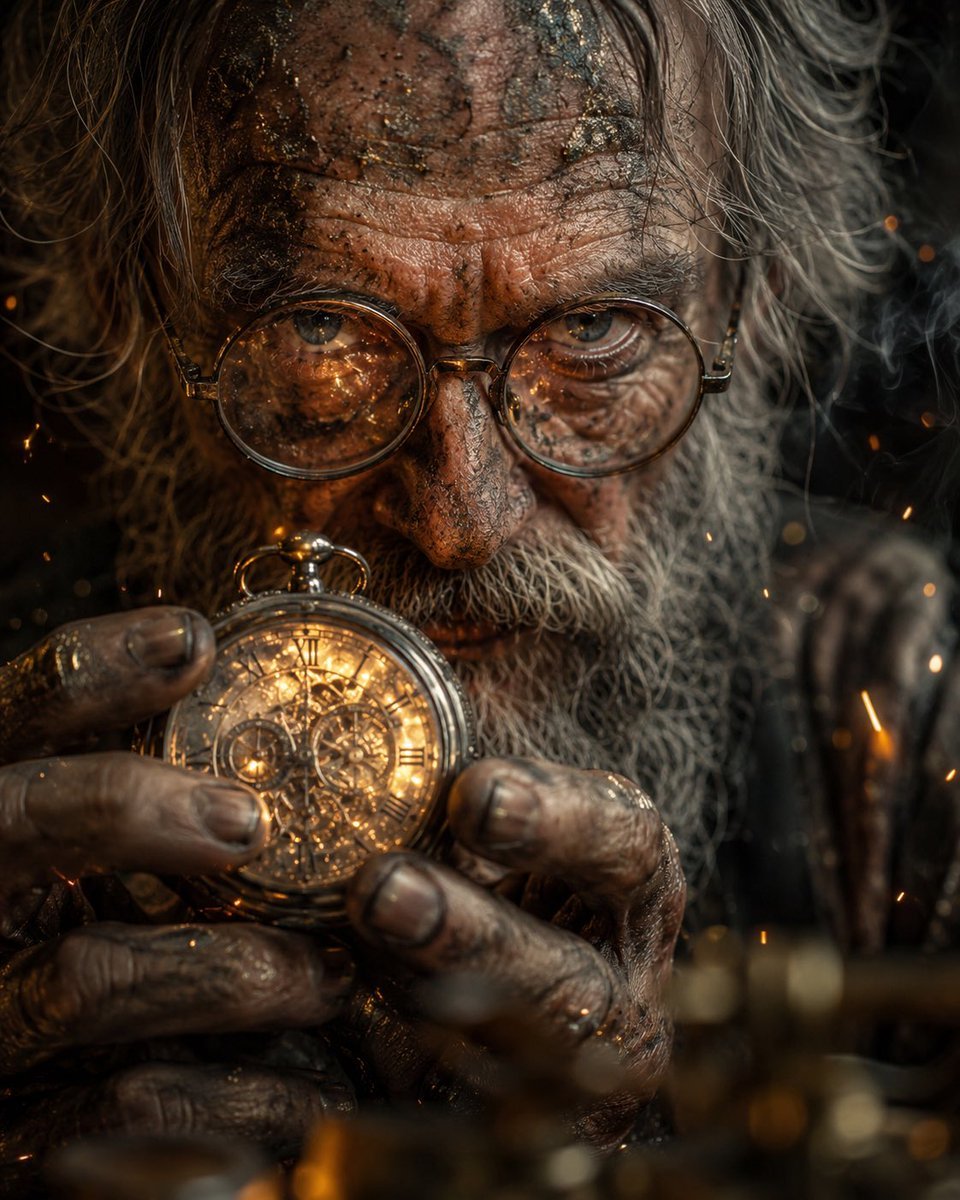
Obscured Mystic Holding Artifact
A cinematic hyperreal close-up of a grimy elderly mystic holding an engraved golden sphere amid smoke, sparks, and dramatic firelight.
- Prompt included
- Model and format preset
- Free template
The prompt behind this image
Copy the exact prompt behind Obscured Mystic Holding Artifact, or open it in the studio and make it yours.
Create a hyperreal cinematic close-up portrait of an elderly mystical figure, mostly obscured by a large solid matte brown square censor block centered over the face and upper torso. The visible parts show long wild gray-white hair framing both sides, a dirt- and ash-smeared forehead at the top edge, and weathered grimy hands at the bottom holding an ornate engraved brass or gold spherical artifact with intent. Use {argument name="character" default="an elderly mystical figure"}, {argument name="object" default="an ornate engraved brass sphere"}, and {argument name="lighting" default="warm firelight mixed with dim smoky shadows"}. Subtle metallic reflections catch on the artifact, dirty fingernails, skin texture, and stray hair. Orange sparks and faint smoke drift through a dark background, with shallow depth of field and blurred golden foreground bokeh. The mood is tense, ancient, ritualistic, and mysterious; the hidden eyes should be implied to convey {argument name="emotion" default="intense determination"}. Vertical 3:4 composition, macro lens realism, gritty skin detail, high contrast, cinematic color grading, no text, no watermark.
How to use Obscured Mystic Holding Artifact in 3 steps
- 1Upload ImagePNG, JPG or paste
Add your photo
Upload the photo the template builds on. The prompt, model and format are already set.
- 2…a portrait of your subject in softgolden-hour light, 85mm…
Personalize
Edit the subject and creative details for your destination.
- 3Generate
Generate
Press Generate — your image is created in PicX Studio, so you can compare it with the original and refine one variable at a time.
More like this
Templates with the same subject, style or setup. Open one to see its prompt.
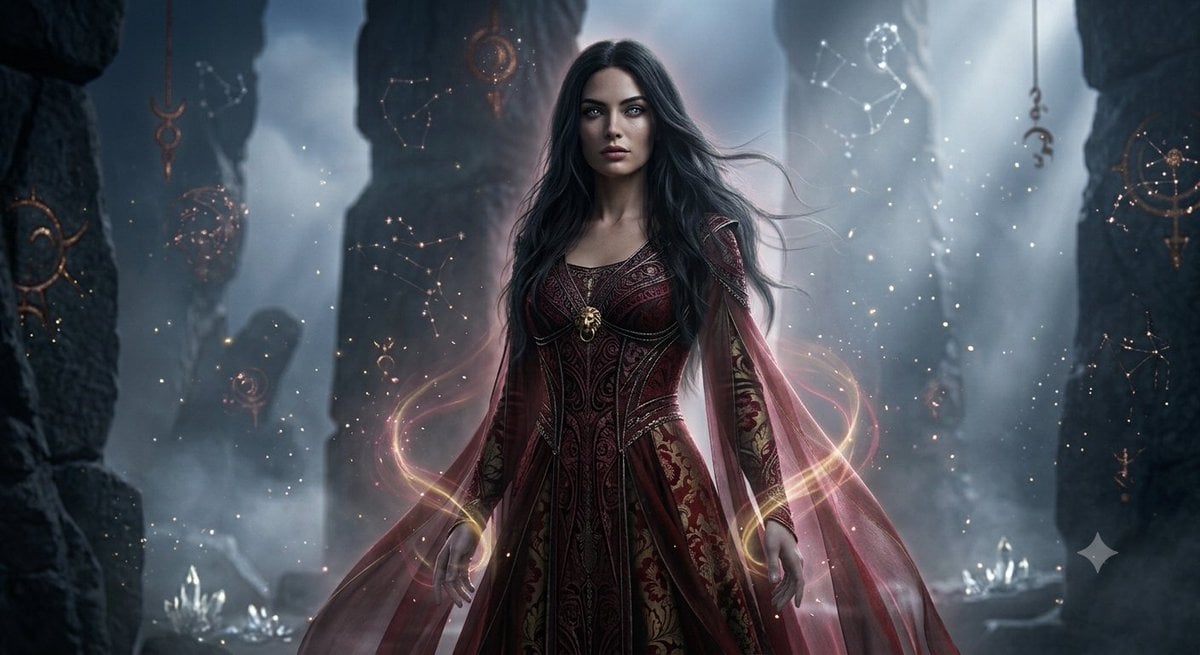
Mystical Ancient Guardian Portrait
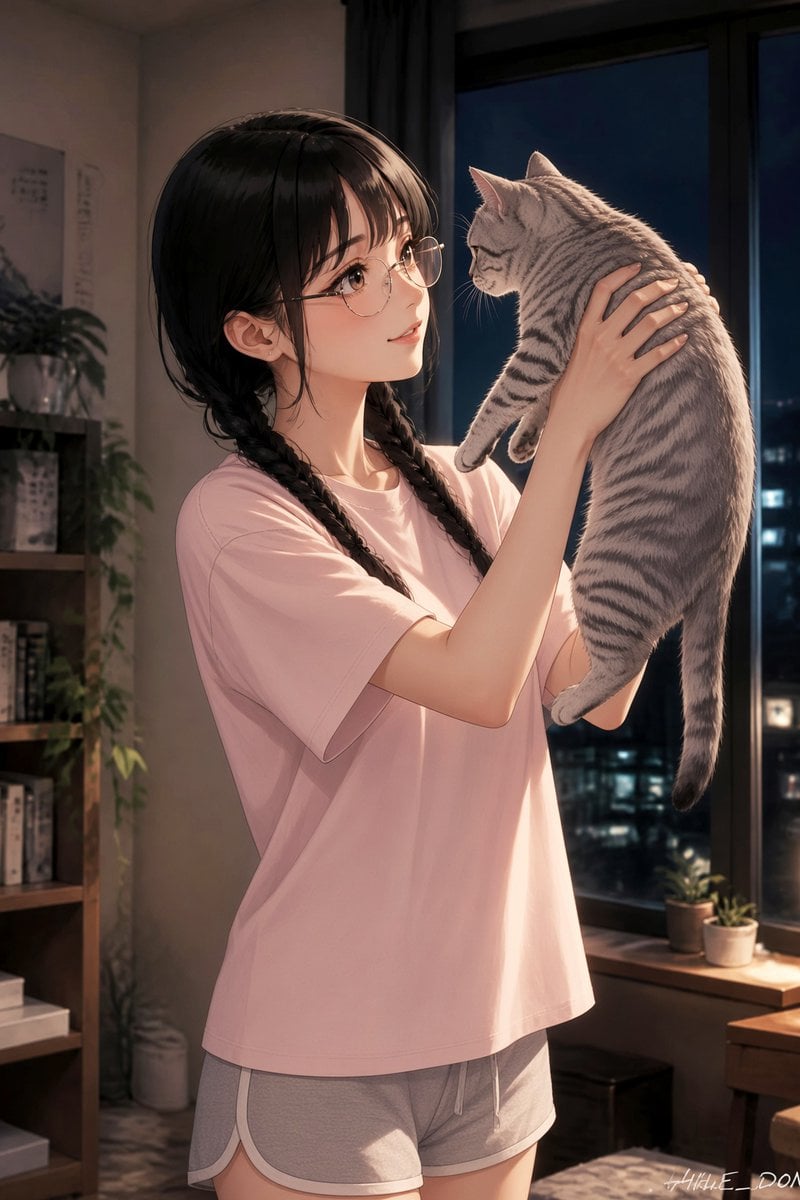
Anime Girl Holding Tabby Cat
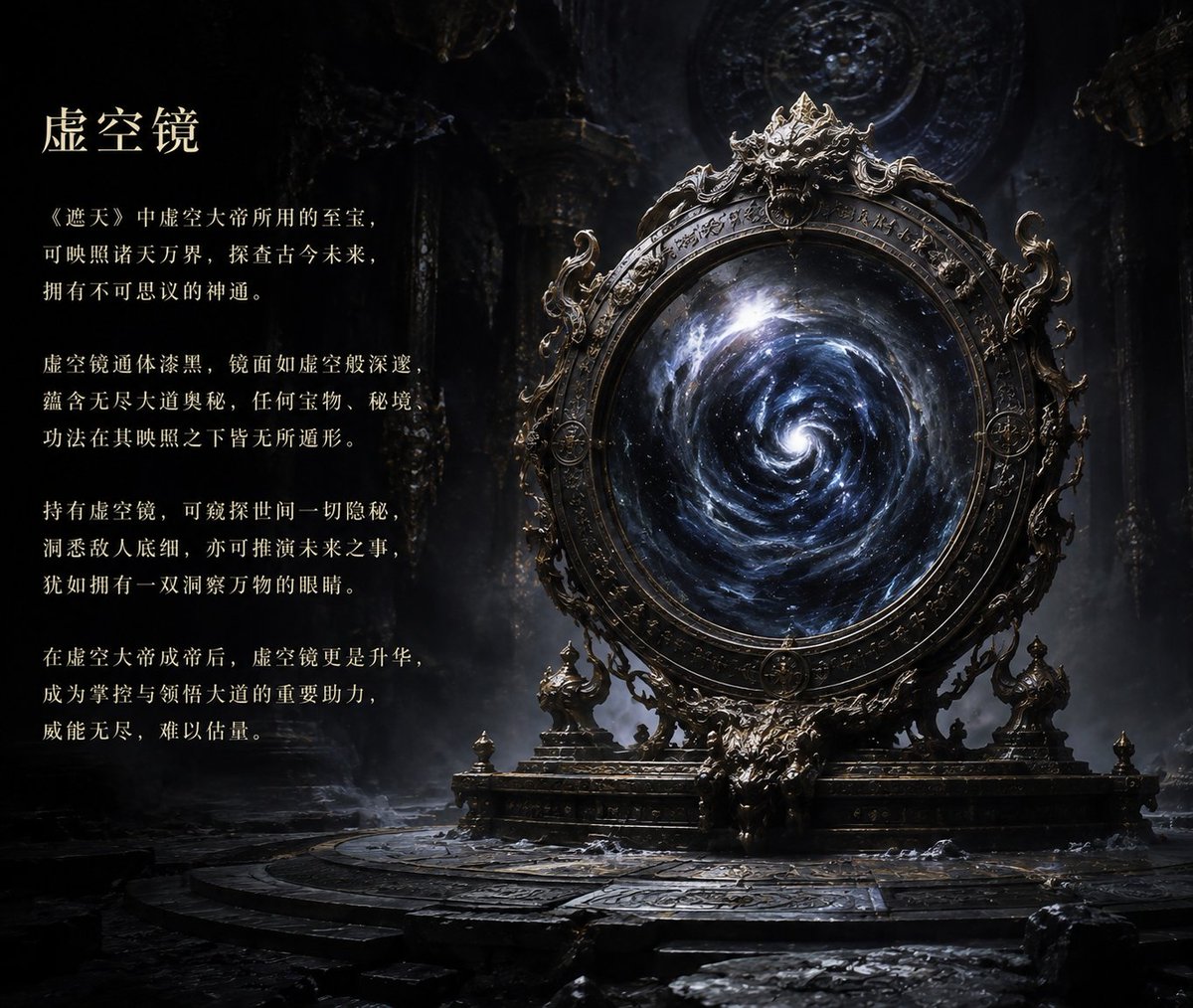
Ancient Void Mirror Artifact Poster
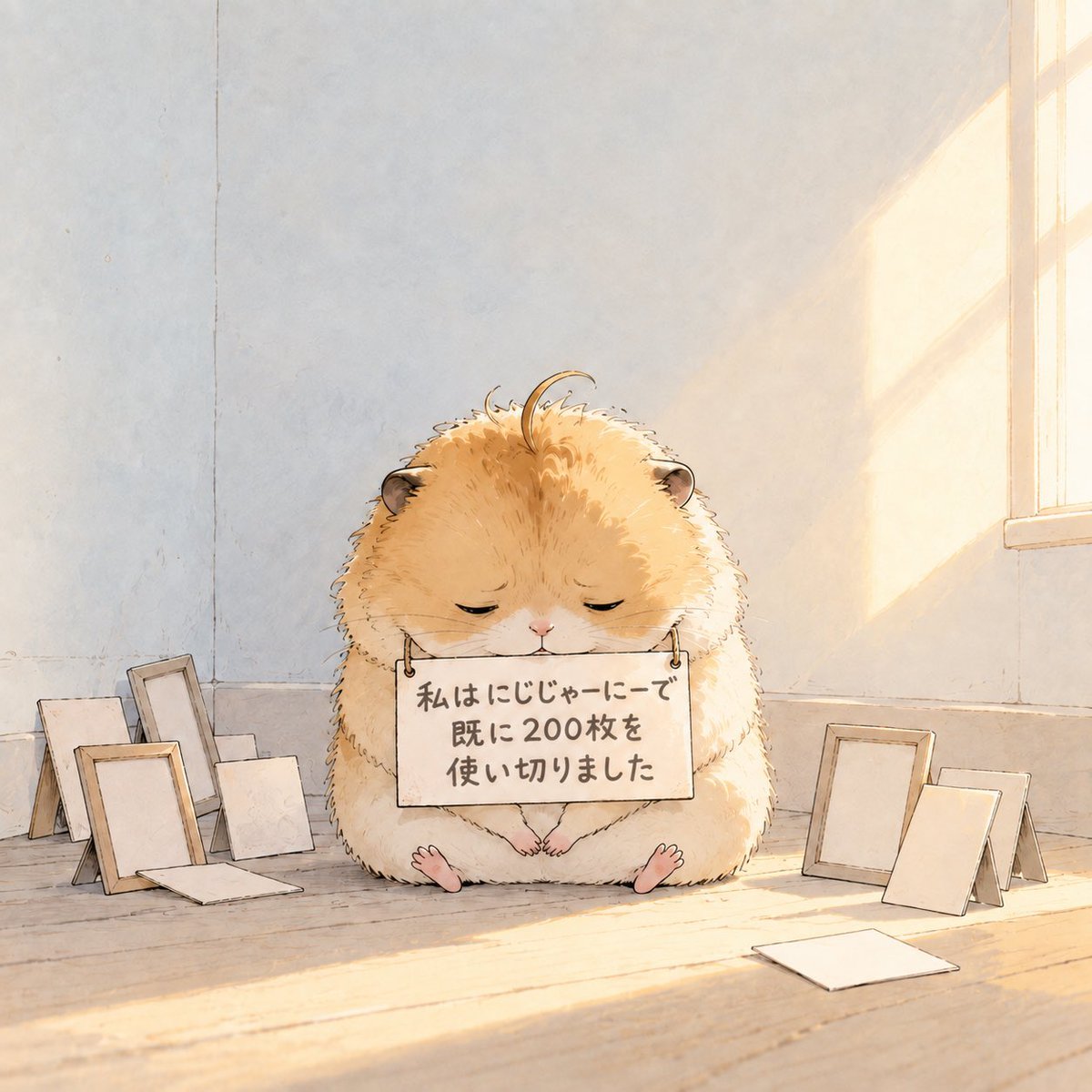
Fluffy Hamster Holding Japanese Sign
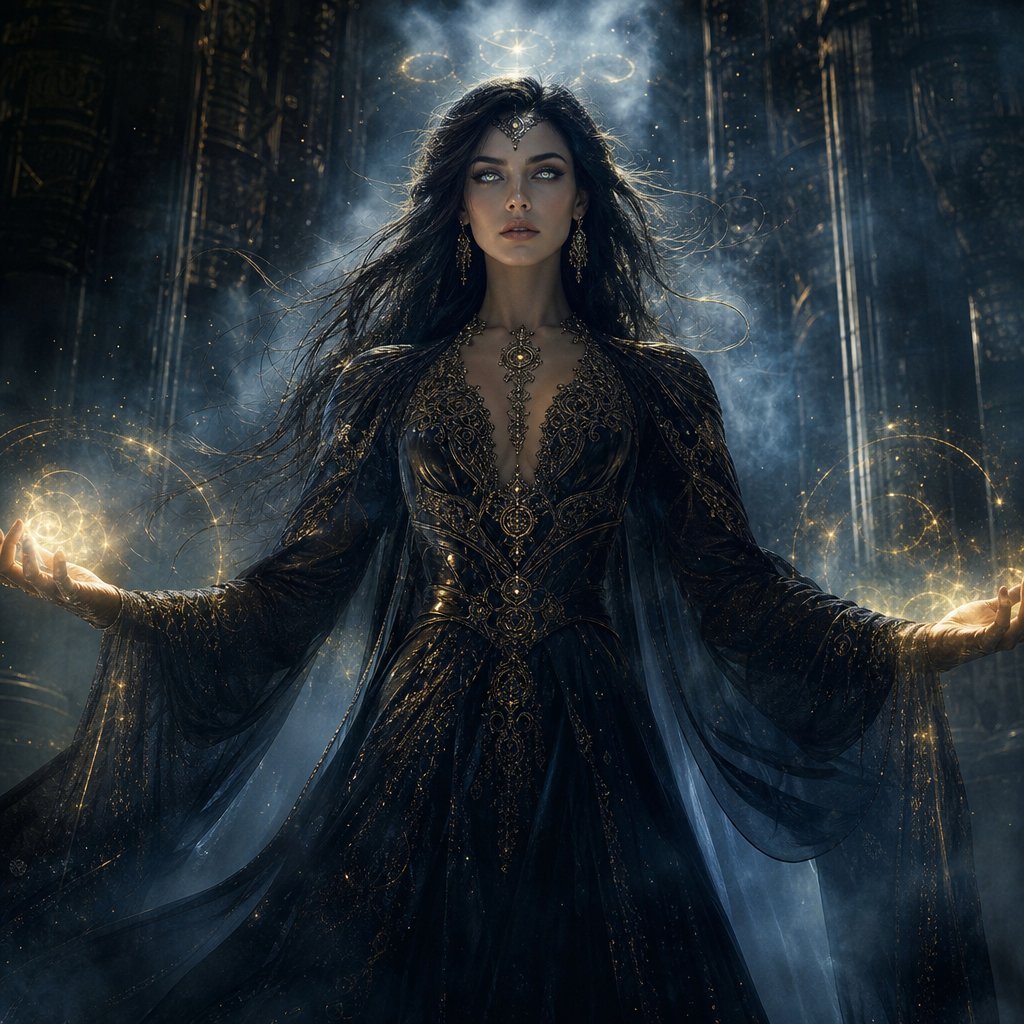
Mystic Woman Extraordinary Cinematic Portrait
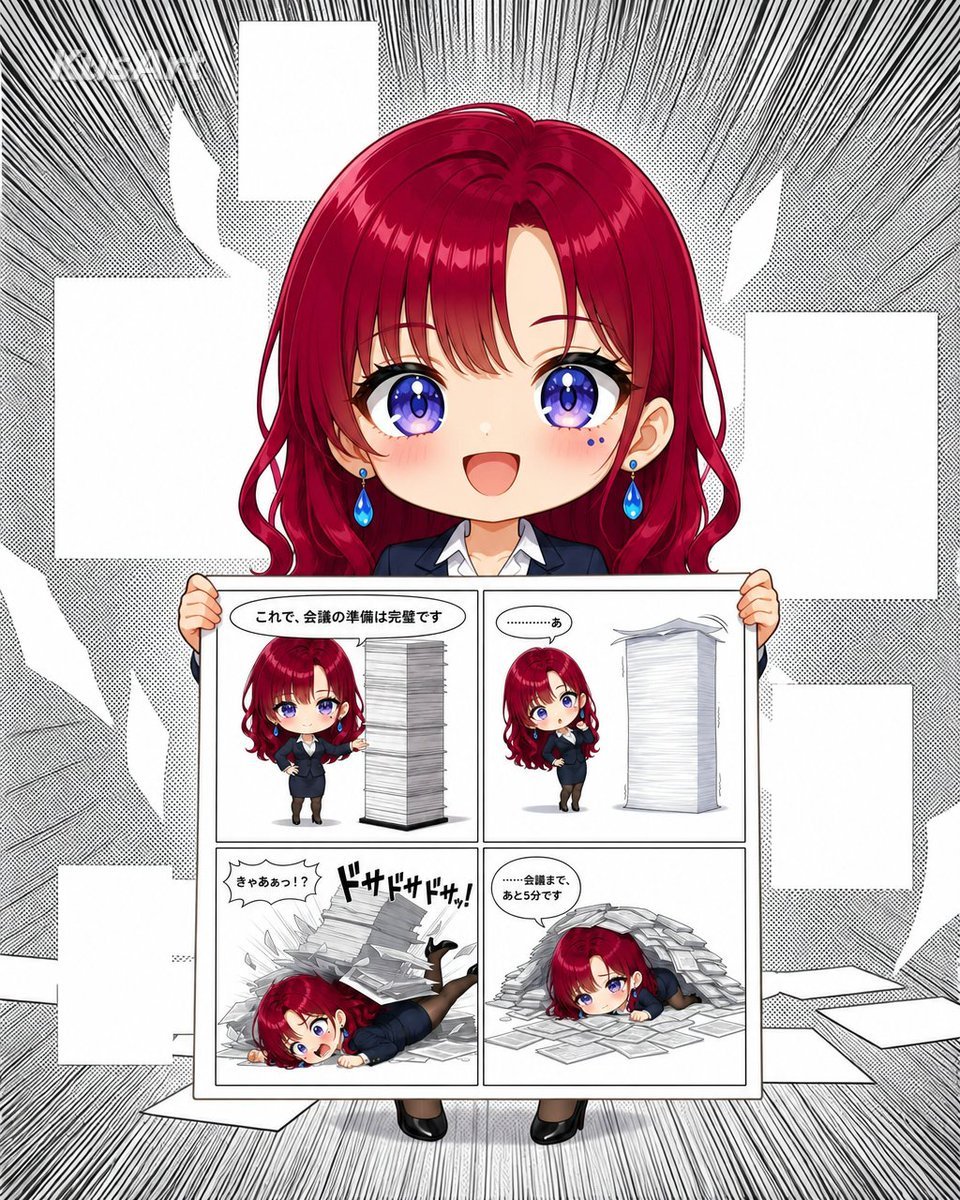
Chibi Office Girl Holding 4-Panel Manga
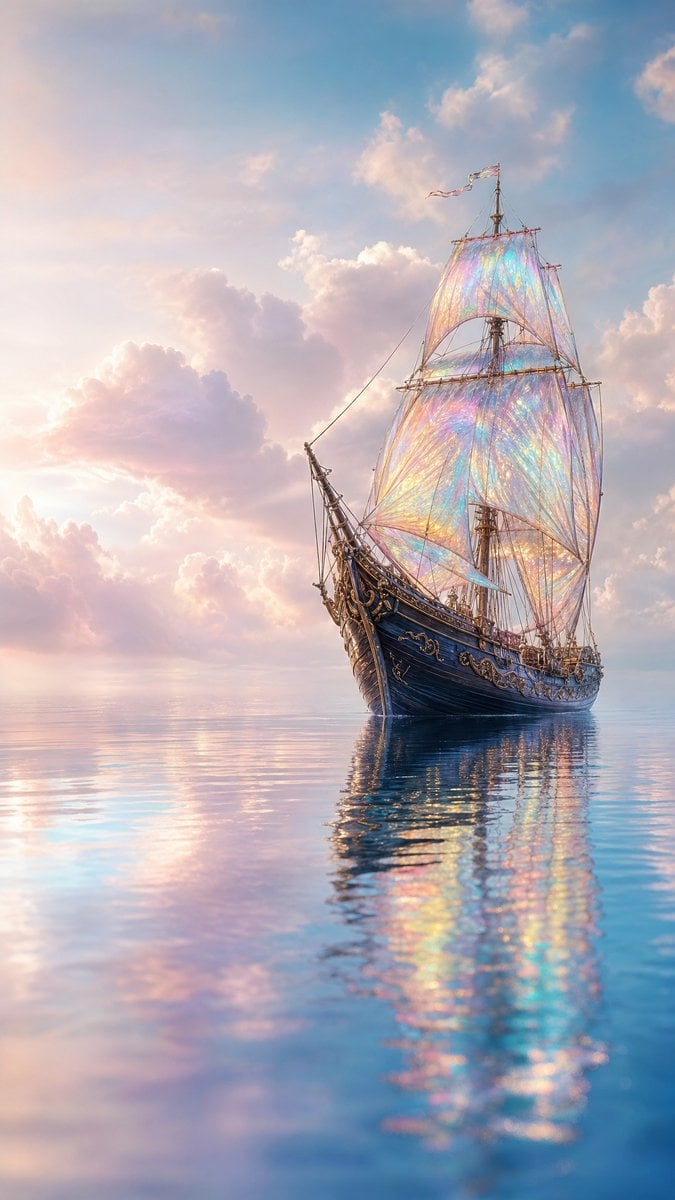
Mystical Sailing Ship at Sea
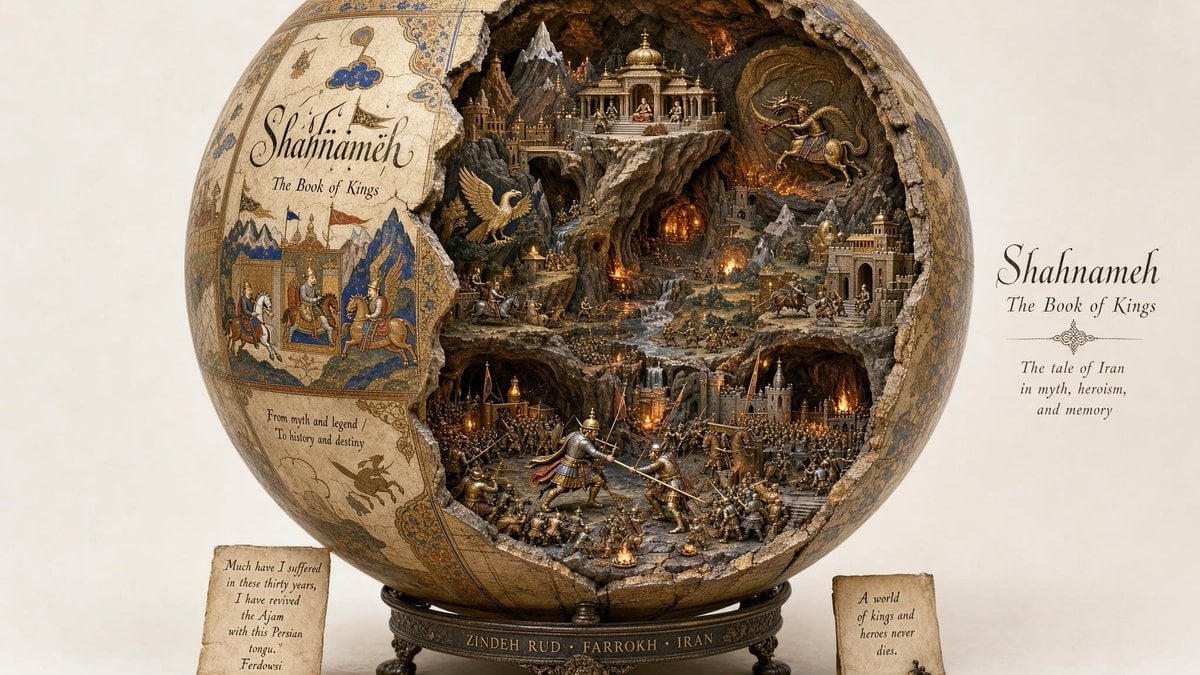
Artifact Diorama SQL Generation
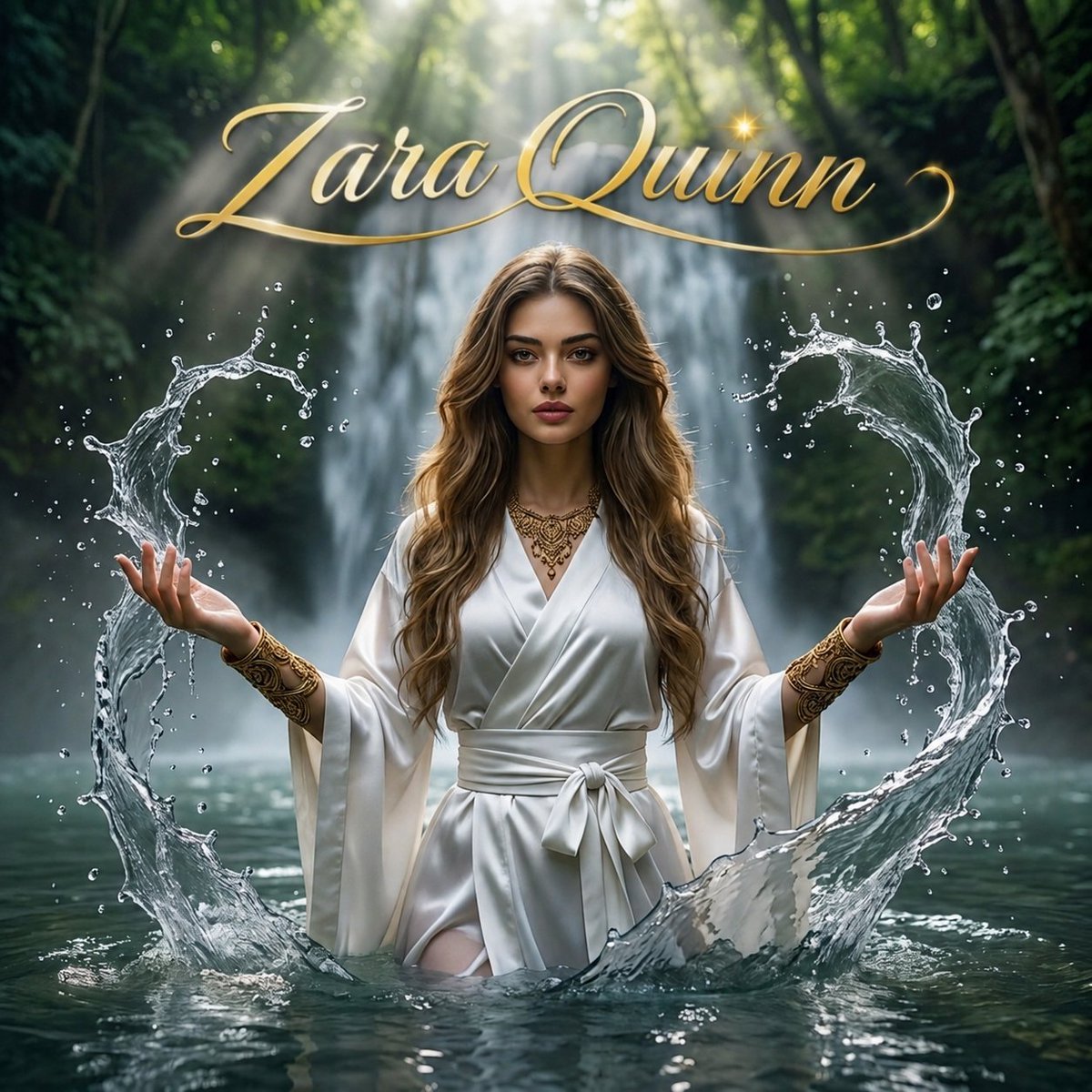
Mystical Waterfall Fantasy Portrait
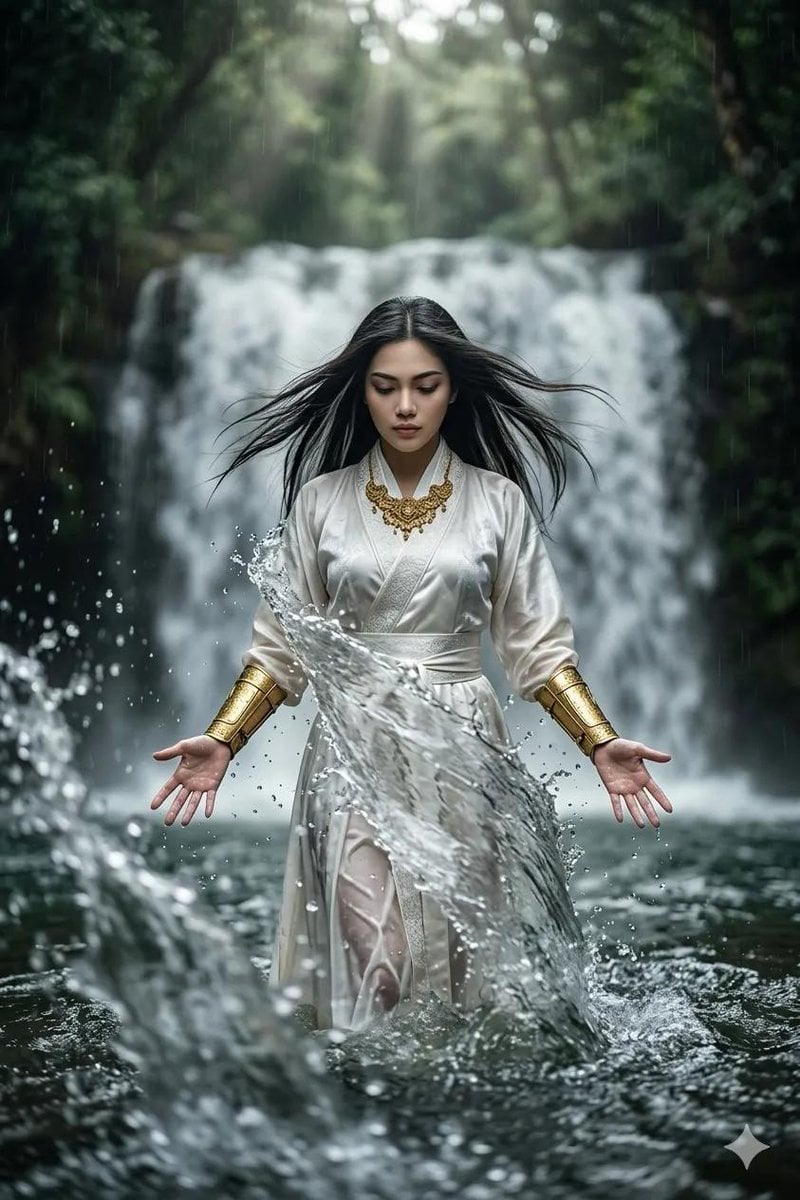
Mystical Woman by Cascading Waterfall
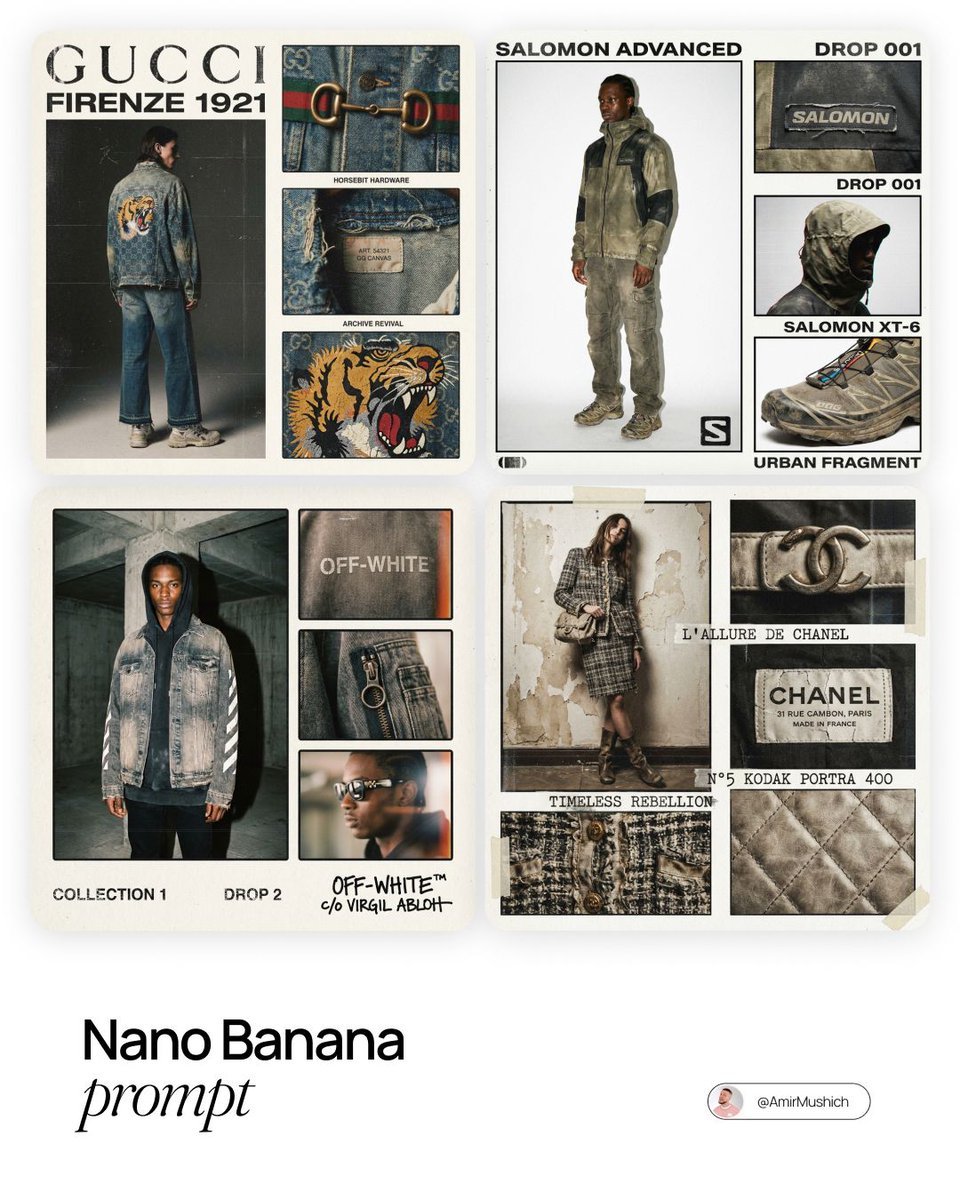
Intense film grain, analog noise, and scanline artifacts
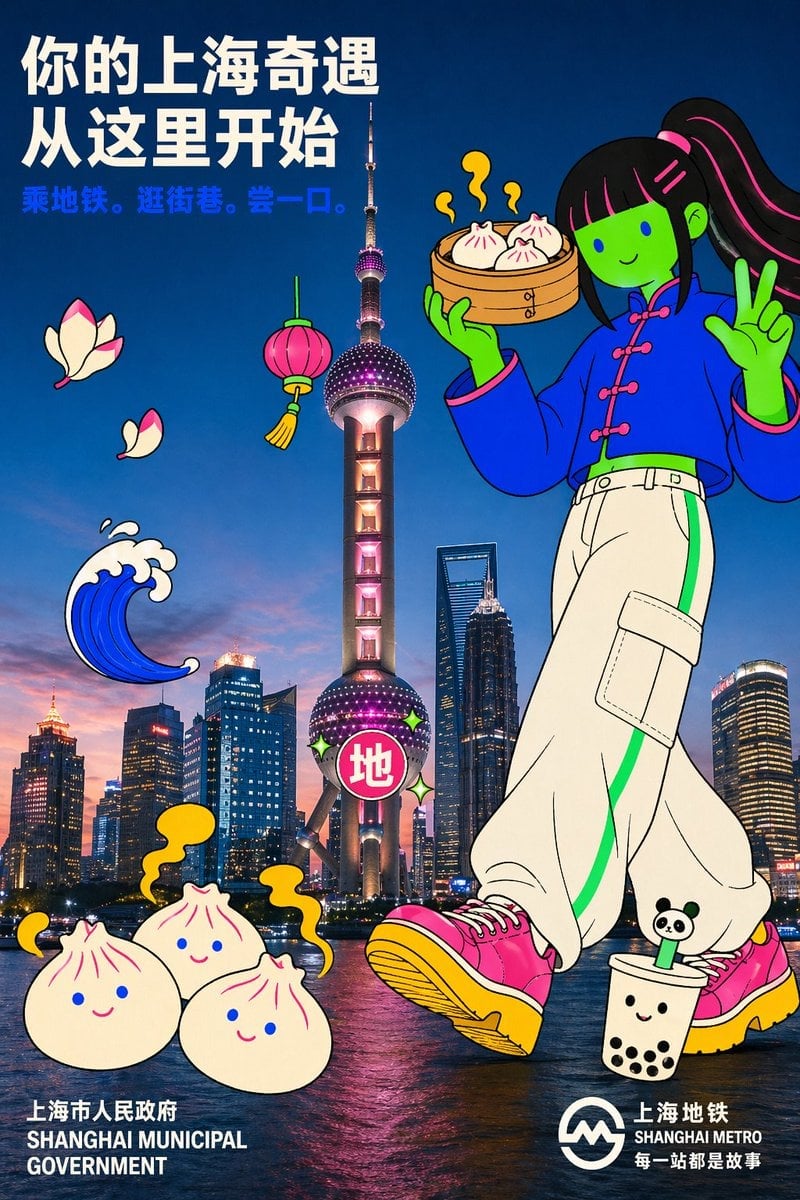
Holding a cartoon xiaolongbao steamer basket up to eye level with one
Make it yours
Obscured Mystic Holding Artifact works as-is. These are the safest ways to change it without losing the look.
Change one field
Copy a single group, rewrite it, and generate again so you can see what that field is doing.
Keep the frame, change the subject
Hold the composition and light of Obscured Mystic Holding Artifact, then swap wardrobe, props or the person for a new take.
| If the result… | Why | Fix |
|---|---|---|
| The result drifts from the preview | Too many fields changed at once. | Reuse Obscured Mystic Holding Artifact as-is first, then change one group — subject, light, or setting. |
| The model over-stylizes the scene | The prose prompt leaves finish and camera underspecified. | Add one camera or lighting sentence and stay on GPT Image 2. |
More GPT Image 2 templates
Other prompts made for GPT Image 2.

Six VTuber Japanese Logo Sheet

Realistic Portrait of Woman and Deer

The Vista Modular Condo Poster

AI Model Routing Comparison Infographic

2.5D Anime Art Board

Isometric Productivity Desk Scene

New York Double Exposure Poster

Four-Panel AI Landscape Comparison

Japanese Tatami Lifestyle Magazine Cover

NESCAFÉ Coffee Map Poster
More image prompts
Fresh picks from across the catalog.
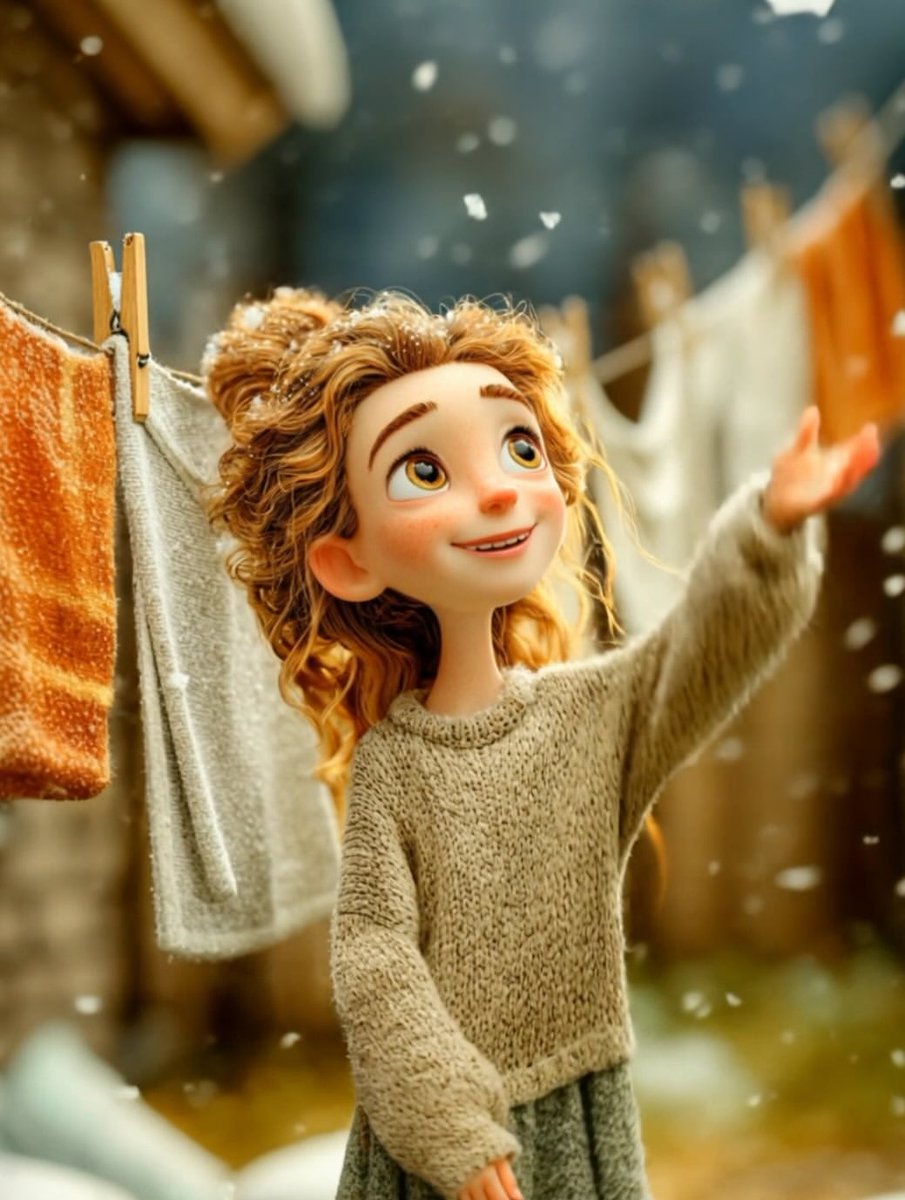
Cinematic Winter Portrait of Childlike Wonder Prompt
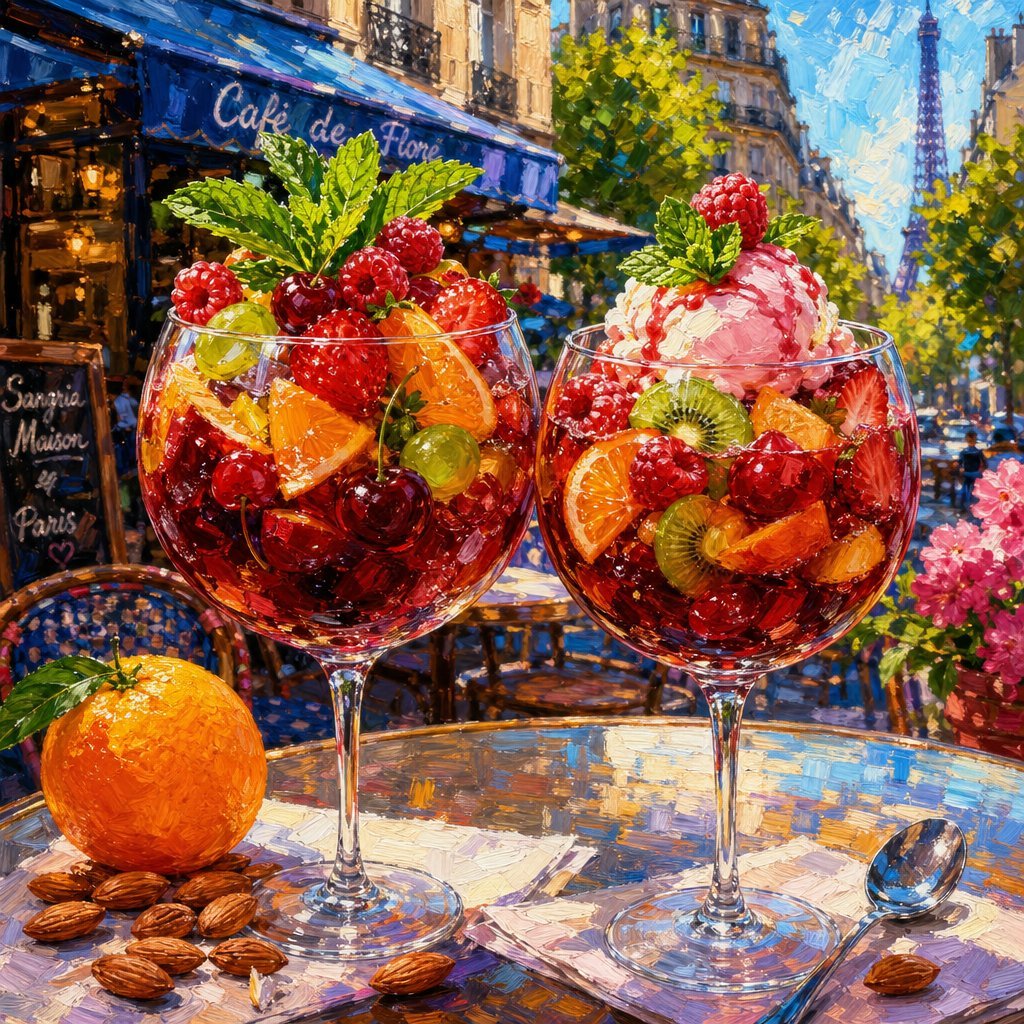
Impressionistic Parisian Café Painting
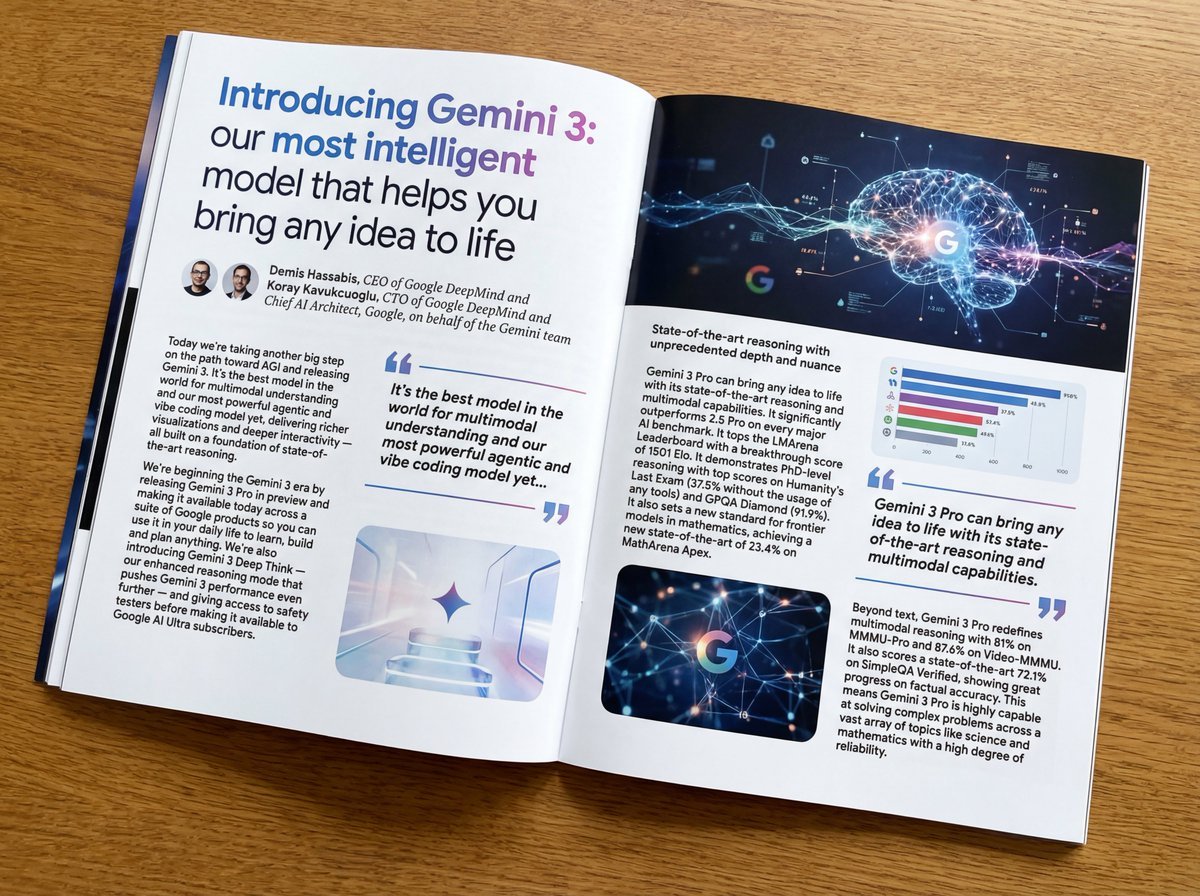
Magazine-style photo containing given article text
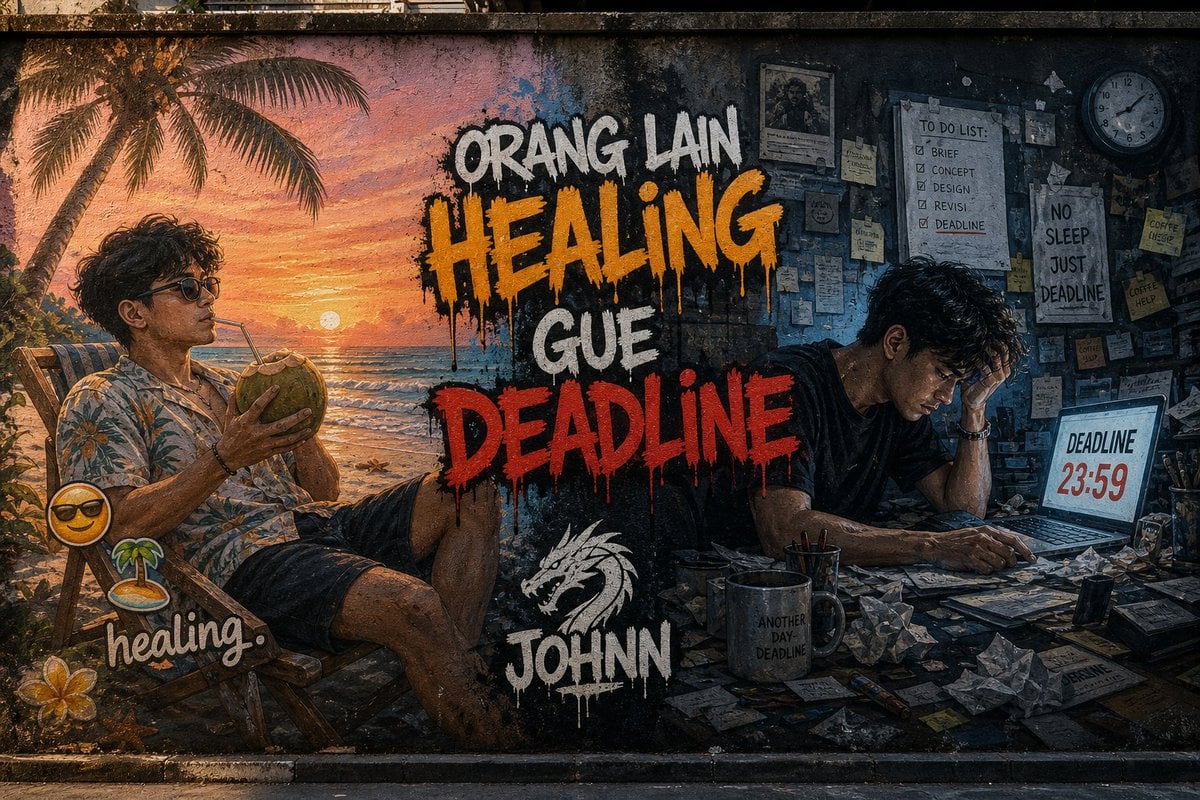
Contrast Street Art Mural
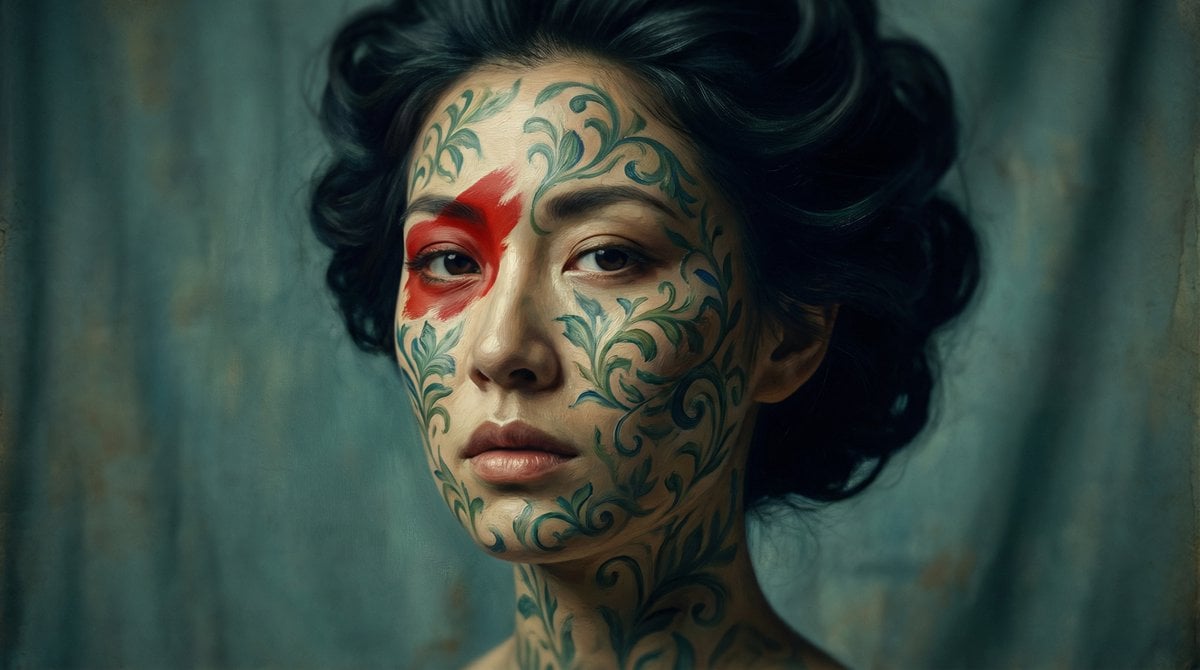
Cinematic Portrait with Botanical Skin Patterns
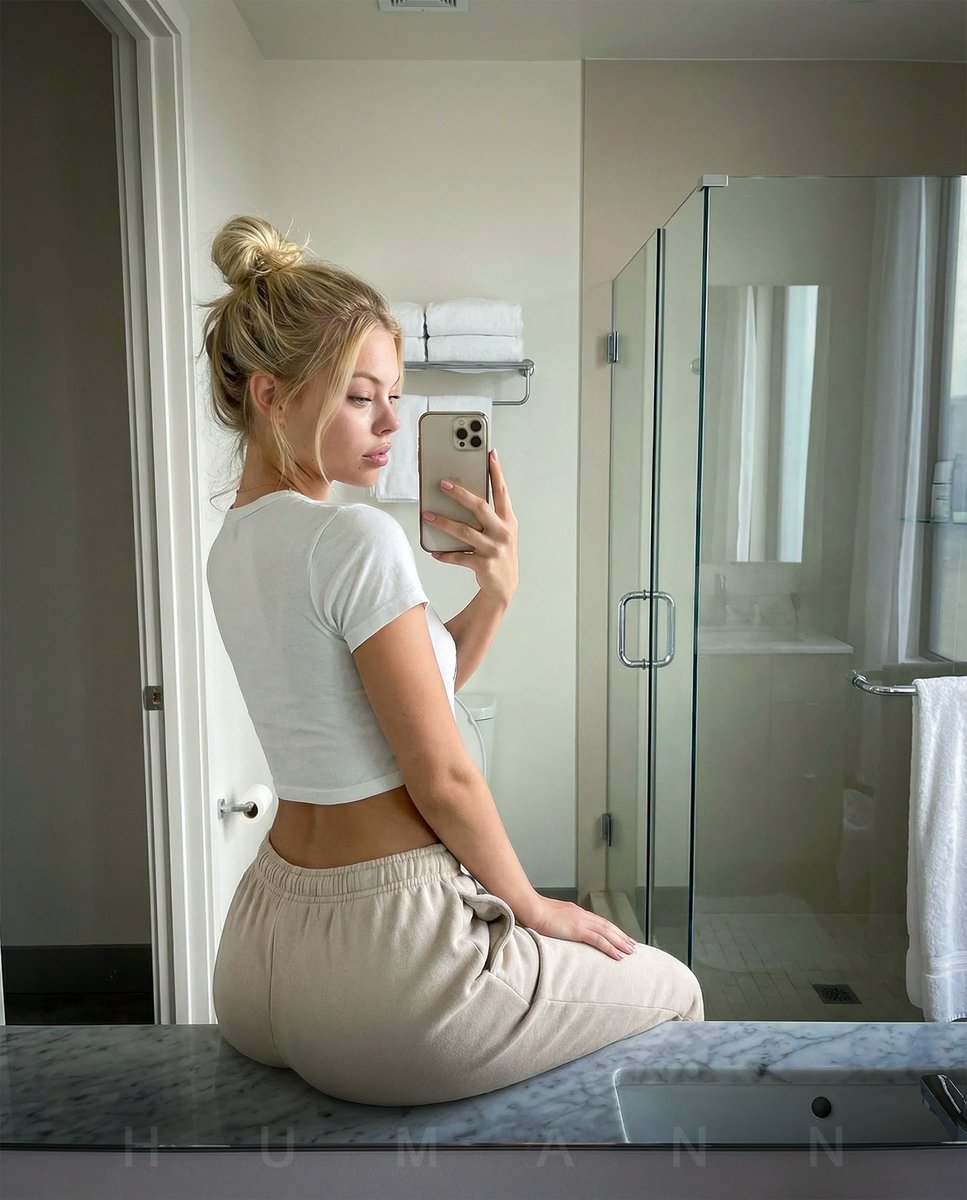
Photorealistic mirror selfie with identity lock
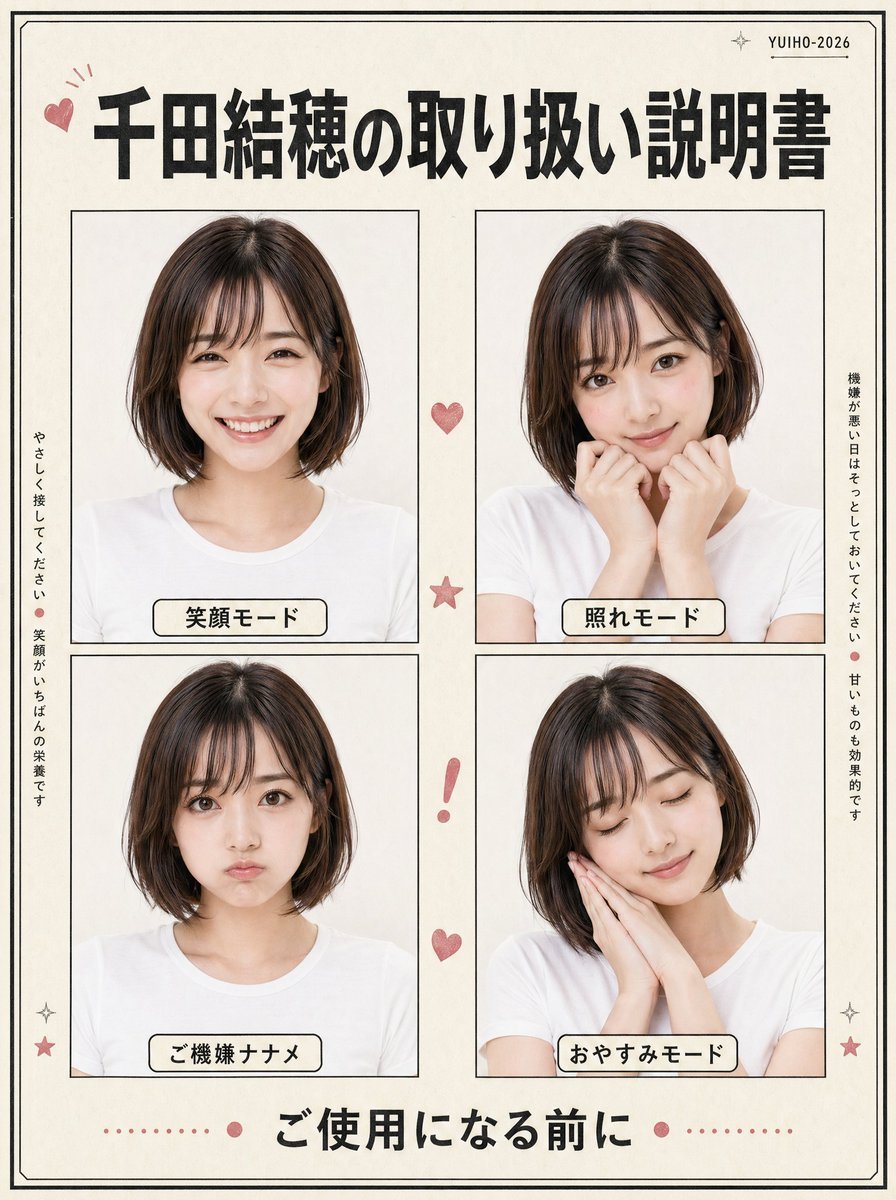
Japanese Character Manual Poster
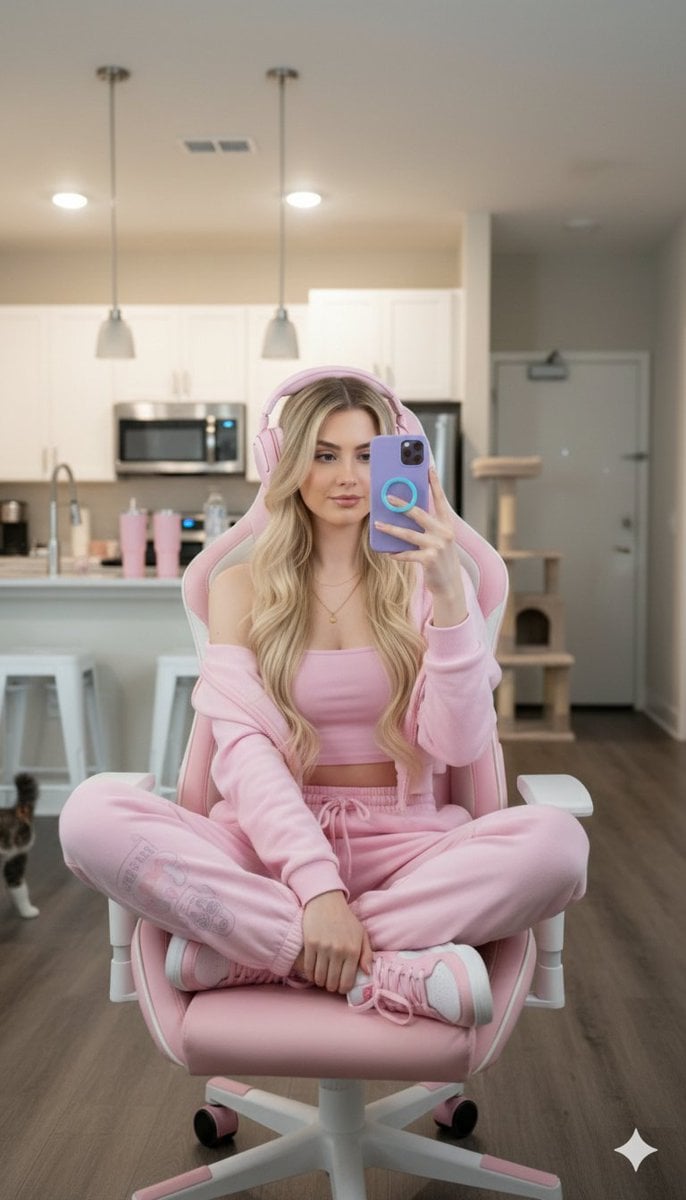
Ultra-realistic Full Body Photo of a Woman in Pastel Pink Loungewear
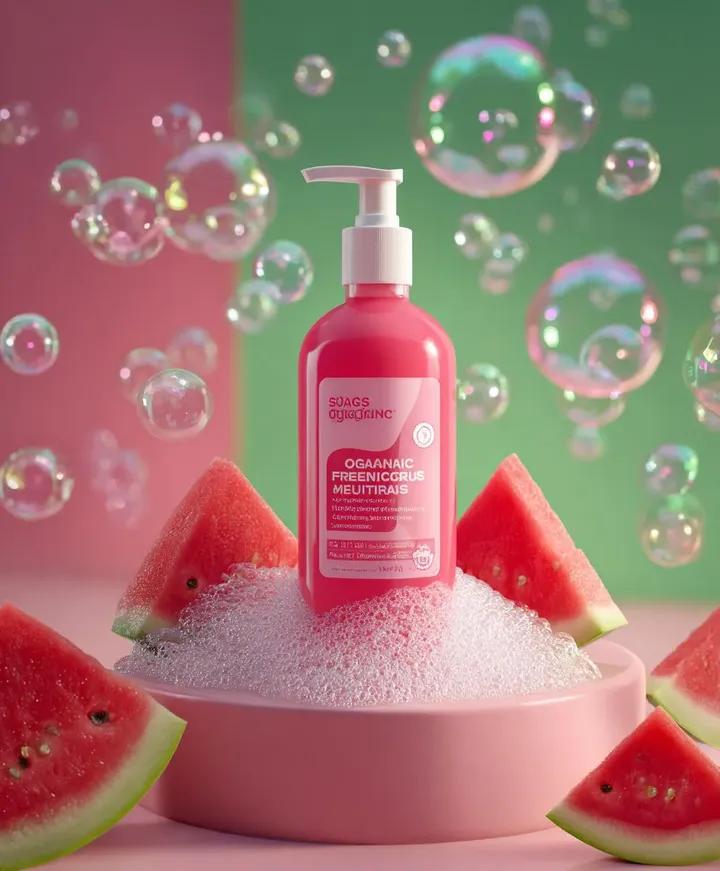
Skincare product advertisement with watermelon and bubbles
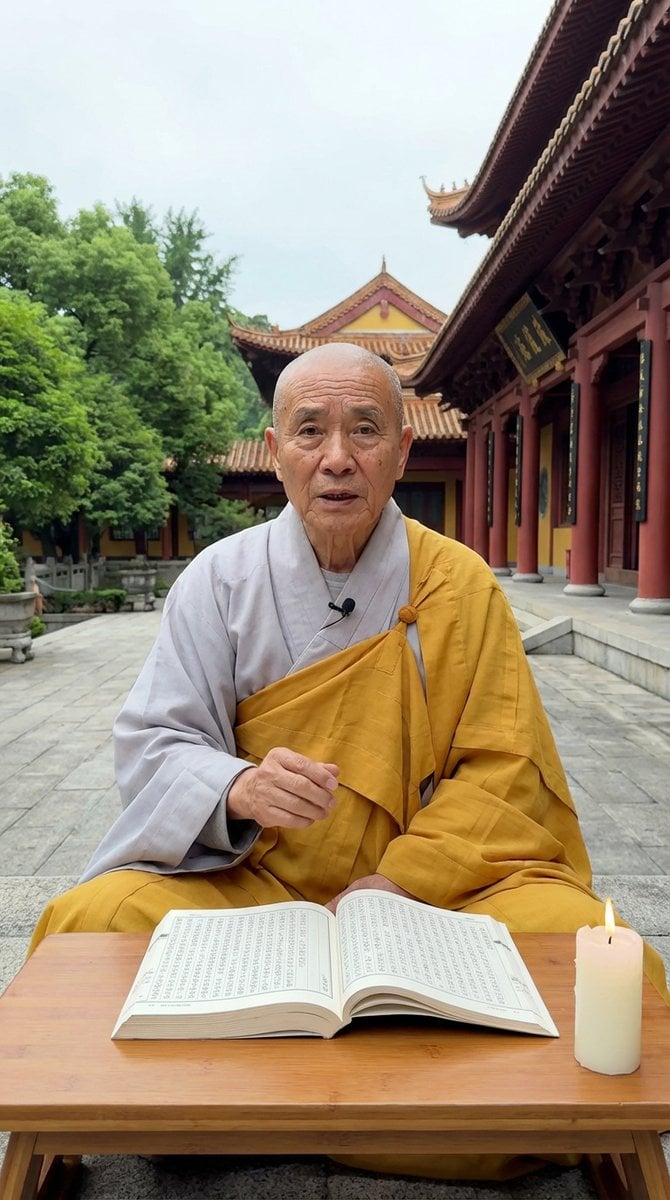
Monk Delivering Life Advice Video Still Prompt
Browse template categories
Obscured Mystic Holding Artifact questions
How do I use the Obscured Mystic Holding Artifact template?
Add your photo if the template asks for one, edit the prompt if you like — the template's model and format are already selected — and press Generate. Your version opens in PicX Studio.
Can I customize the Obscured Mystic Holding Artifact template?
Yes. You can change the subject, setting, lighting, mood, format, and available model controls before creating your image.
Is the Obscured Mystic Holding Artifact template free?
Opening and editing this template is free. Generating uses credits, shown on the Generate button when you are signed in.
Which AI model should I use?
Start with GPT Image 2, which is the model associated with this template. You can compare another compatible model for a different finish.
Looking for something else? Browse all templates.

Your photo, any look
Thousands of ready templates for every top image and video model, from one credit balance.