
Monk Delivering Life Advice Video Still Prompt
A structured prompt for generating a realistic 4K video still of an elderly Buddhist monk delivering life advice in a traditional East Asian temple courtyard.
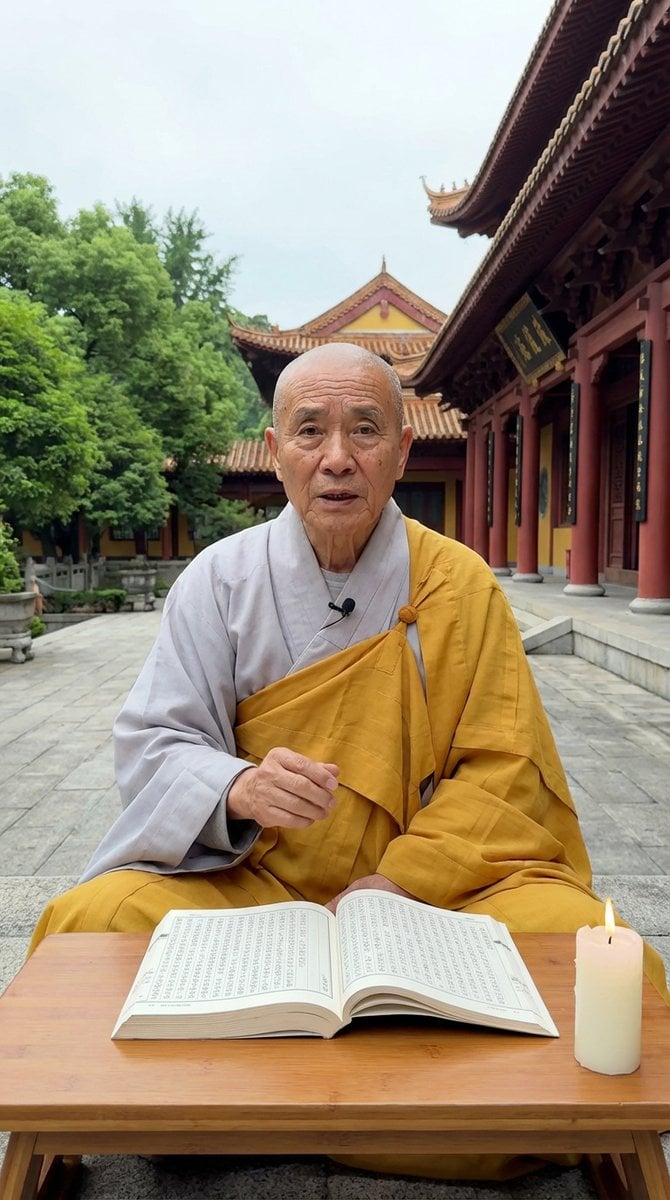
- Prompt included
- Model and format preset
- Free template
The prompt behind this image
Copy the exact prompt behind Monk Delivering Life Advice Video Still Prompt, or open it in the studio and make it yours.
- Scene Type
- spiritual_teaching_courtyard
- Setting › Location
- outdoor Buddhist temple courtyard
- Setting › Background › Architecture
- traditional East Asian temple with intricate wood carvings, red pillars, and curved roof tiles
- Setting › Background › Nature
- lush green trees to the left
- Setting › Background › Ground
- grey stone pavement
- Setting › Background › Weather
- overcast to soft natural daylight
- Subject › Type
- elderly_monk
- Subject › Position
- seated cross-legged on the ground
- Subject › Pose
- sitting behind a low table, speaking directly to camera
- Subject › Expression
- earnest, wise, and instructional
- Subject › Appearance › Hair › Style
- shaved/bald
- Subject › Appearance › Hair › Color
- none
- Subject › Appearance › Skin Features
- aged skin with deep wrinkles
- Subject › Appearance › Eye Color
- dark
- Subject › Clothing › Top
- light grey inner robe with saffron yellow outer robe draped over shoulder
- Subject › Clothing › Bottom
- saffron yellow robe fabric covering legs
- Objects › 0 › Type
- furniture
- Objects › 0 › Name
- low wooden table
- Objects › 0 › Material
- light wood
- Objects › 0 › Position
- foreground in front of monk
- Objects › 1 › Type
- book
- Objects › 1 › Name
- large open scripture
- Objects › 1 › State
- open with visible text columns
- Objects › 1 › Position
- on wooden table
Raw JSON
{
  "scene_type": "spiritual_teaching_courtyard",
  "setting": {
    "location": "outdoor Buddhist temple courtyard",
    "background": {
      "architecture": "traditional East Asian temple with intricate wood carvings, red pillars, and curved roof tiles",
      "nature": "lush green trees to the left",
      "ground": "grey stone pavement",
      "weather": "overcast to soft natural daylight"
    }
  },
  "subject": {
    "type": "elderly_monk",
    "position": "seated cross-legged on the ground",
    "pose": "sitting behind a low table, speaking directly to camera",
    "expression": "earnest, wise, and instructional",
    "appearance": {
      "hair": {
        "style": "shaved/bald",
        "color": "none"
      },
      "skin_features": "aged skin with deep wrinkles",
      "eye_color": "dark"
    },
    "clothing": {
      "top": "light grey inner robe with saffron yellow outer robe draped over shoulder",
      "bottom": "saffron yellow robe fabric covering legs"
    },
    "accessories": []
  },
  "objects": [
    {
      "type": "furniture",
      "name": "low wooden table",
      "material": "light wood",
      "position": "foreground in front of monk"
    },
    {
      "type": "book",
      "name": "large open scripture",
      "state": "open with visible text columns",
      "position": "on wooden table"
    },
    {
      "type": "light_source",
      "name": "candle",
      "color": "white wax",
      "state": "lit with small yellow flame",
      "position": "on table next to book"
    }
  ],
  "camera": {
    "device": "iPhone 17 Pro",
    "angle": "eye-level",
    "framing": "medium shot",
    "orientation": "portrait vertical 9:16",
    "quality": "4k video still, high definition, sharp focus"
  },
  "mood": "serene, philosophical, didactic",
  "lighting": "soft, diffuse natural daylight",
  "image_style": "viral social media video, realistic",
  "activity": "monk delivering life advice"
}How to use Monk Delivering Life Advice Video Still Prompt in 3 steps
- 1
Open
The prompt is already in the box next to the preview, with the template's model and format selected.
- 2…a portrait of your subject in softgolden-hour light, 85mm…
Personalize
Edit the subject and creative details for your destination.
- 3Generate
Generate
Press Generate — your image is created in PicX Studio, so you can compare it with the original and refine one variable at a time.
More like this
Templates with the same subject, style or setup. Open one to see its prompt.

Mushroom Still Life Composition
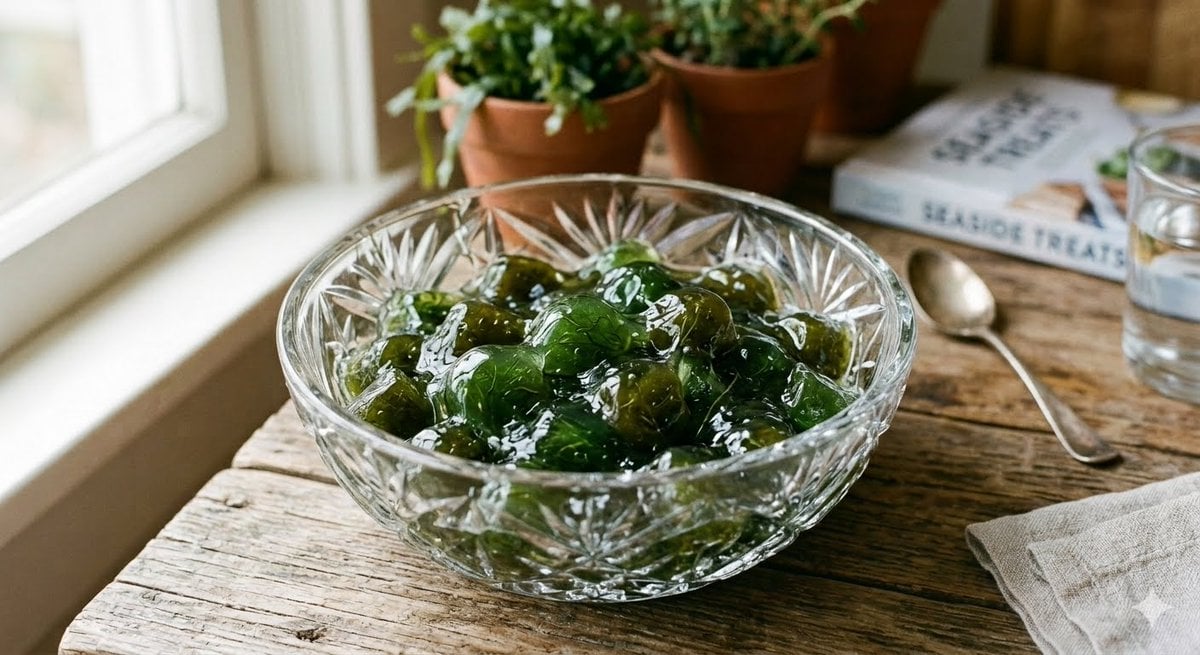
Algae Candies Still Life
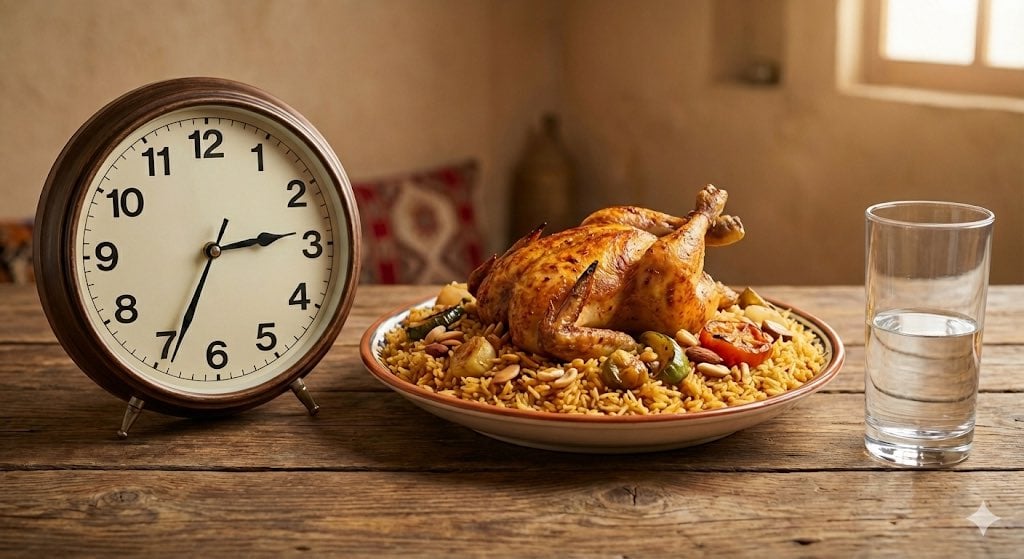
Analog clock and Saudi kabsa meal still life
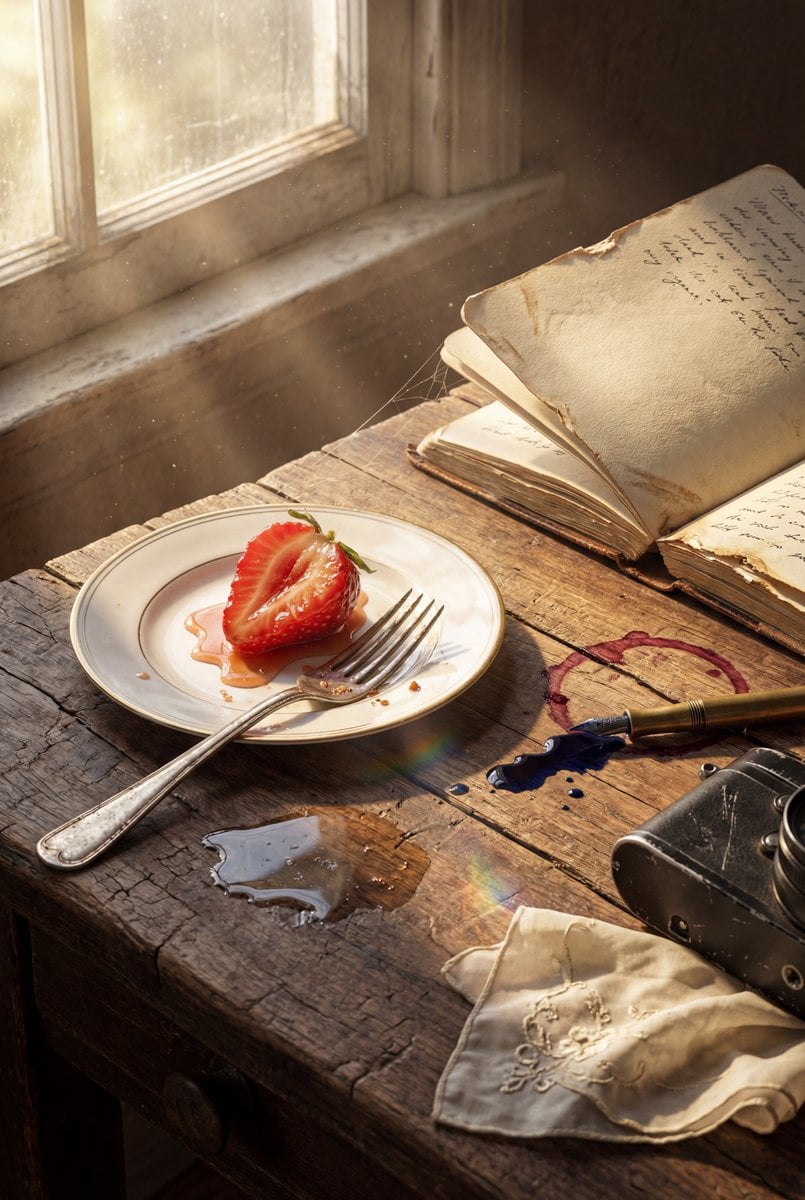
Highly detailed 8K morning still life desk scene prompt
Deconstructed Floating Pizza Still Life Prompt
Cinematic Bookstore Lifestyle Film Still Prompt
Luxury Dessert Still Life with Diamonds and Molten Center
Minimalist Editorial Food Still-Life Photography

LIGHTING each element still lit by its original source, windows casting
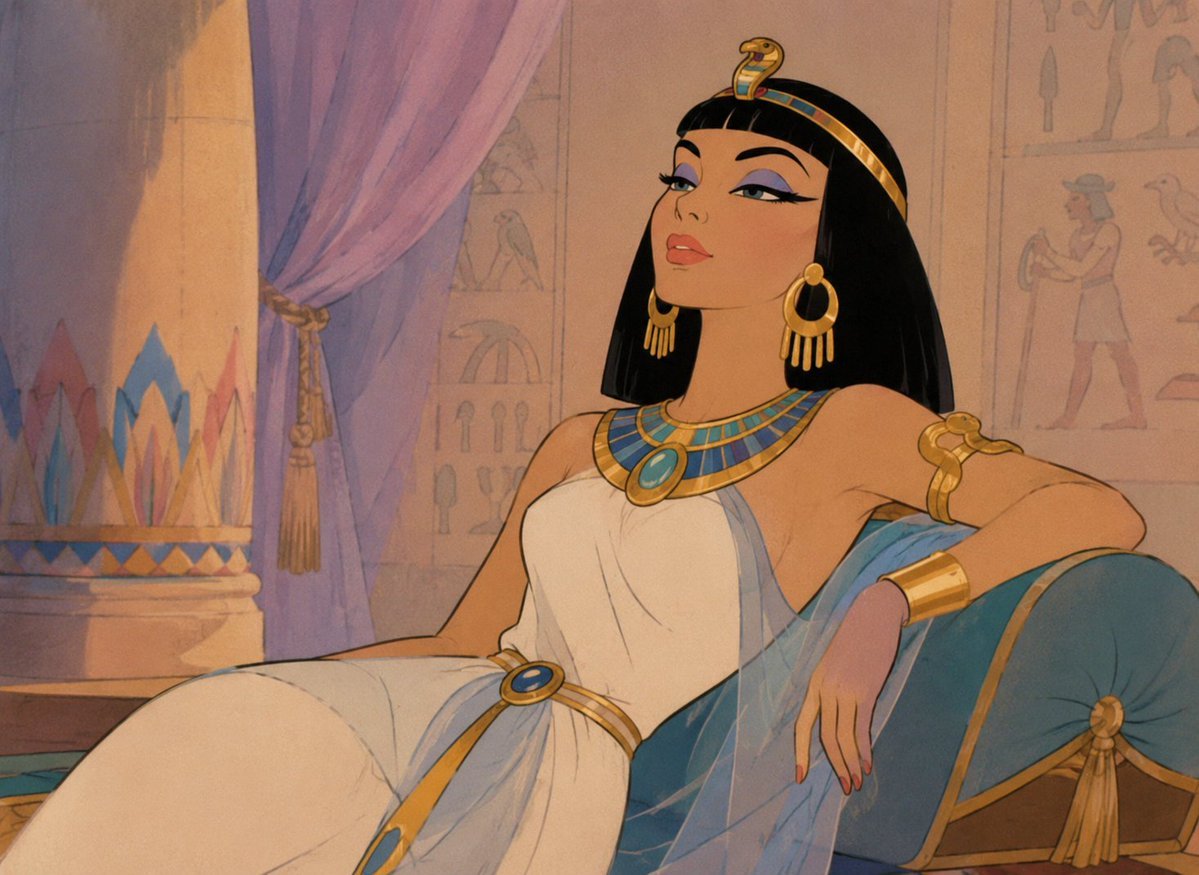
Classic Animated Cleopatra Palace Still

Cyberpunk Android Monk Sky City
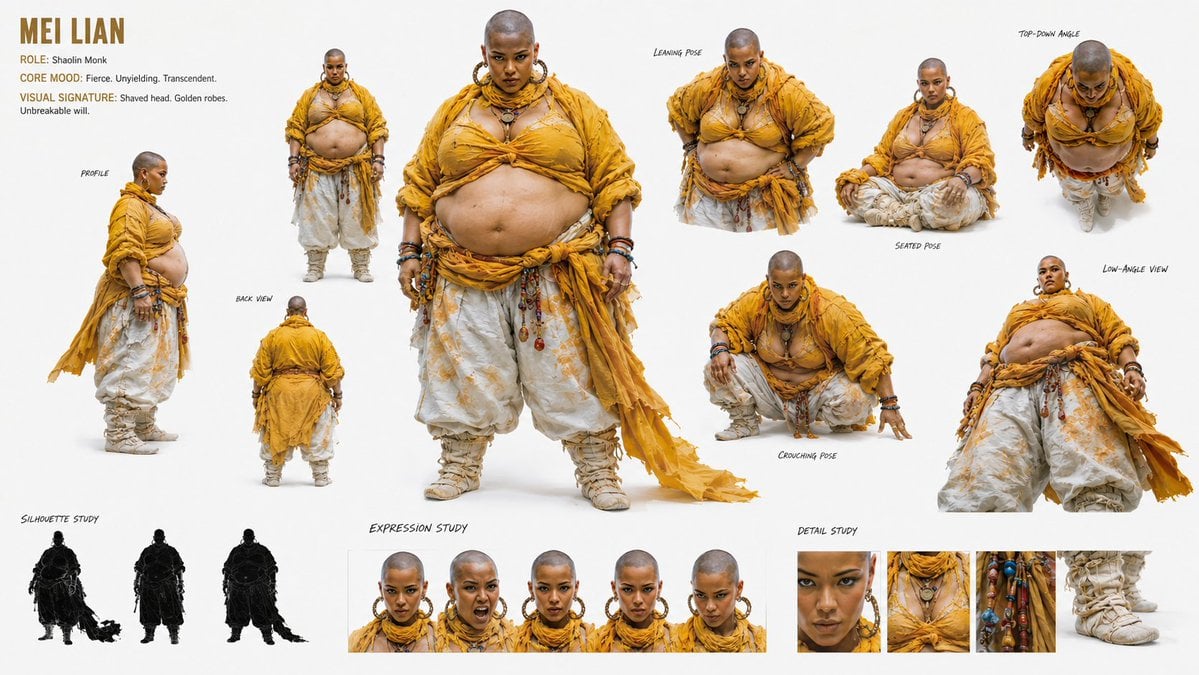
Shaolin Monk Character Sheet
Make it yours
Monk Delivering Life Advice Video Still Prompt works as-is. These are the safest ways to change it without losing the look.
Swap the setting
Keep the rest of the prompt and replace the location block. The current setting is “outdoor Buddhist temple courtyard”.
Swap the light
One lighting change is enough to compare takes. Current light: “soft, diffuse natural daylight”.
Change one field
Copy a single group, rewrite it, and generate again so you can see what that field is doing.
| If the result… | Why | Fix |
|---|---|---|
| The result drifts from the preview | Too many fields changed at once. | Reuse Monk Delivering Life Advice Video Still Prompt as-is first, then change one group — subject, light, or setting. |
| Nano Banana 2 ignores part of the JSON | Some models flatten or skip nested keys. | Keep the same values and paste them as a short paragraph instead. |
More Nano Banana 2 templates
Other prompts made for Nano Banana 2.

Photorealistic Leaf Shaped Like a Dragon

K-Pop Idol Portrait Grid for Rapid Selection

Poetic Rain Forest Portrait During Golden Hour

Urban Street Portrait with Cartoon Inner Self Duo

Candid Nighttime Photo with Cat Prompt

High-Concept 3D Diorama Generation Prompt

Cinematic Futuristic Studio Portrait Template

Skincare Editorial Photography Collage Prompt

Hyper-Realistic Commercial Product Photography (Splash Effect)

Hyper-Realistic Nightclub Portrait Prompt
More image prompts
Fresh picks from across the catalog.
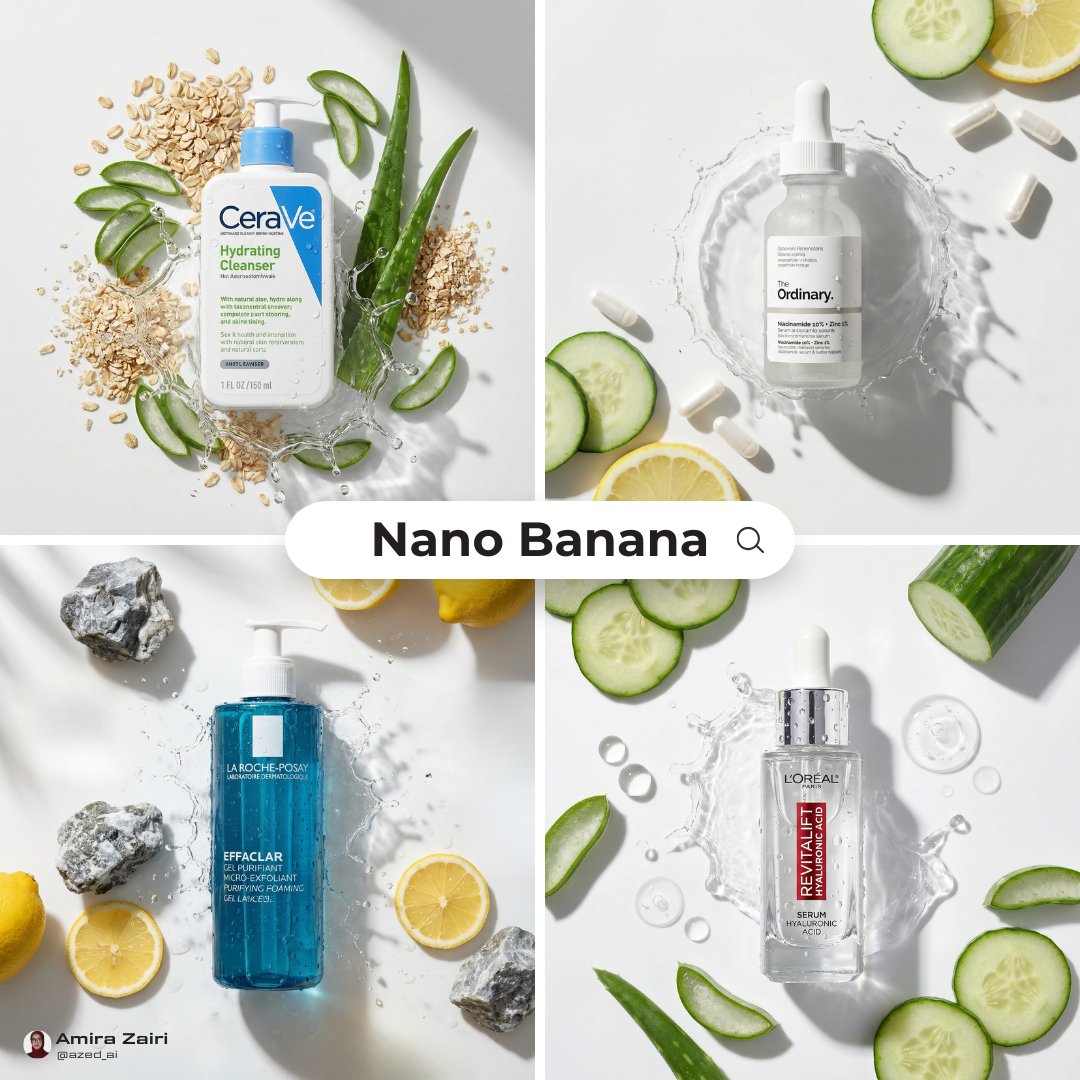
Skincare Product Flat Lay Photography
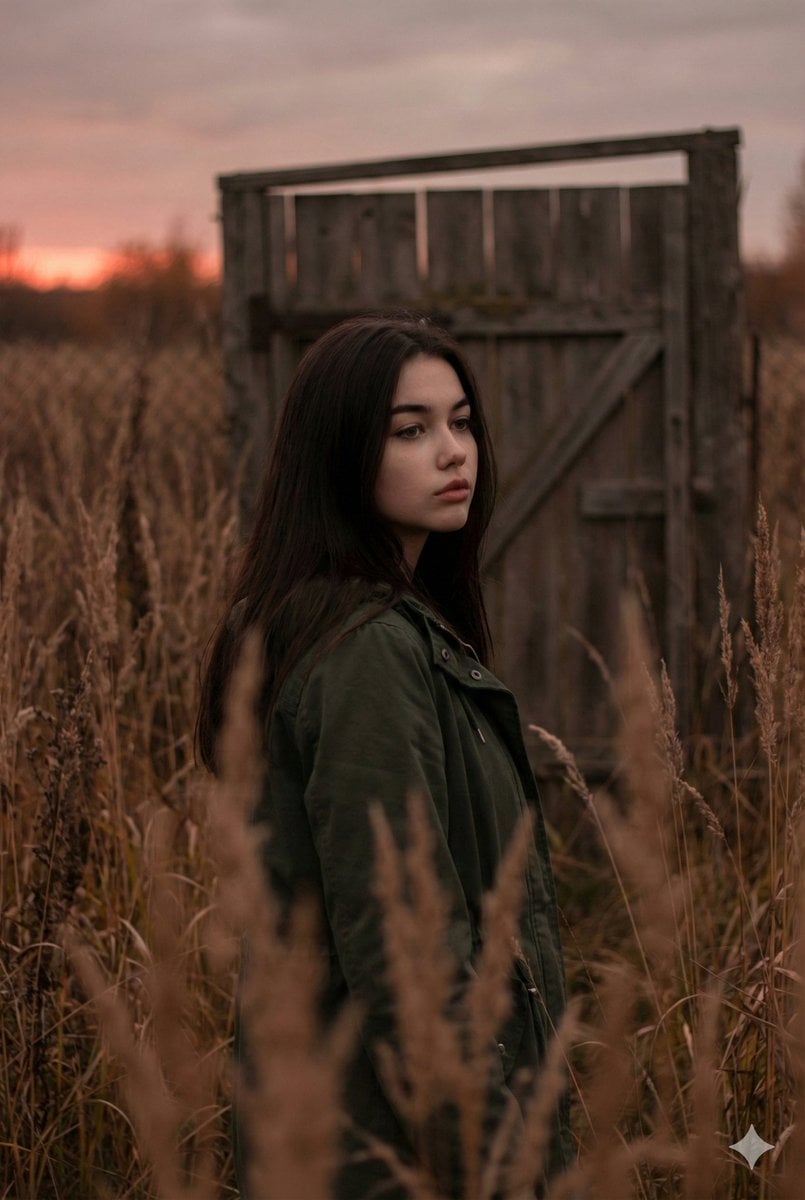
Atmospheric Sunset Portrait Edit Prompt with Identity Preservation
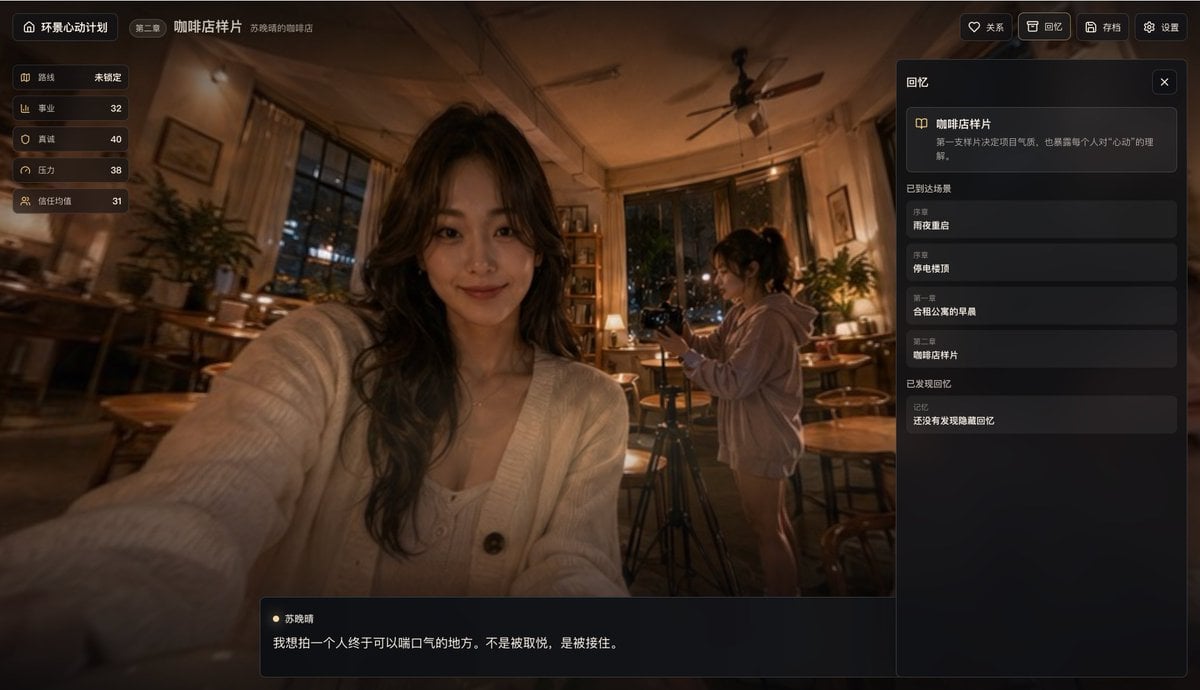
Cinematic Cafe Visual Novel UI
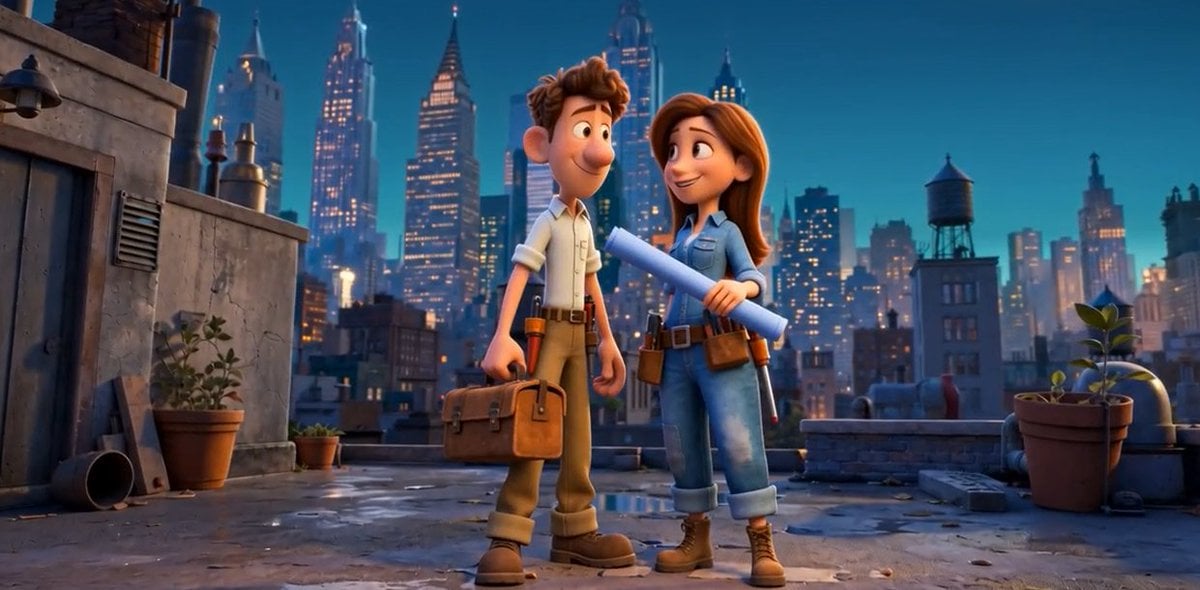
Pixar Rooftop Renovation Duo
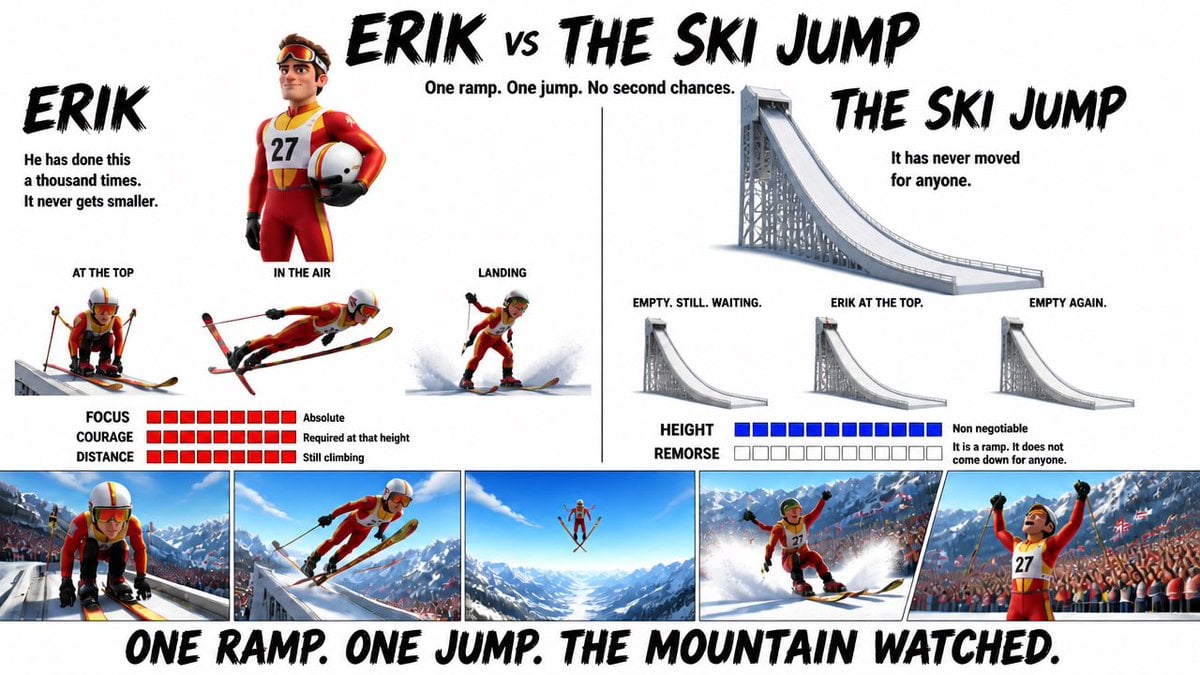
Pixar Style Character Design Sheet

Cinematic UGC Ad Generation for Beverages
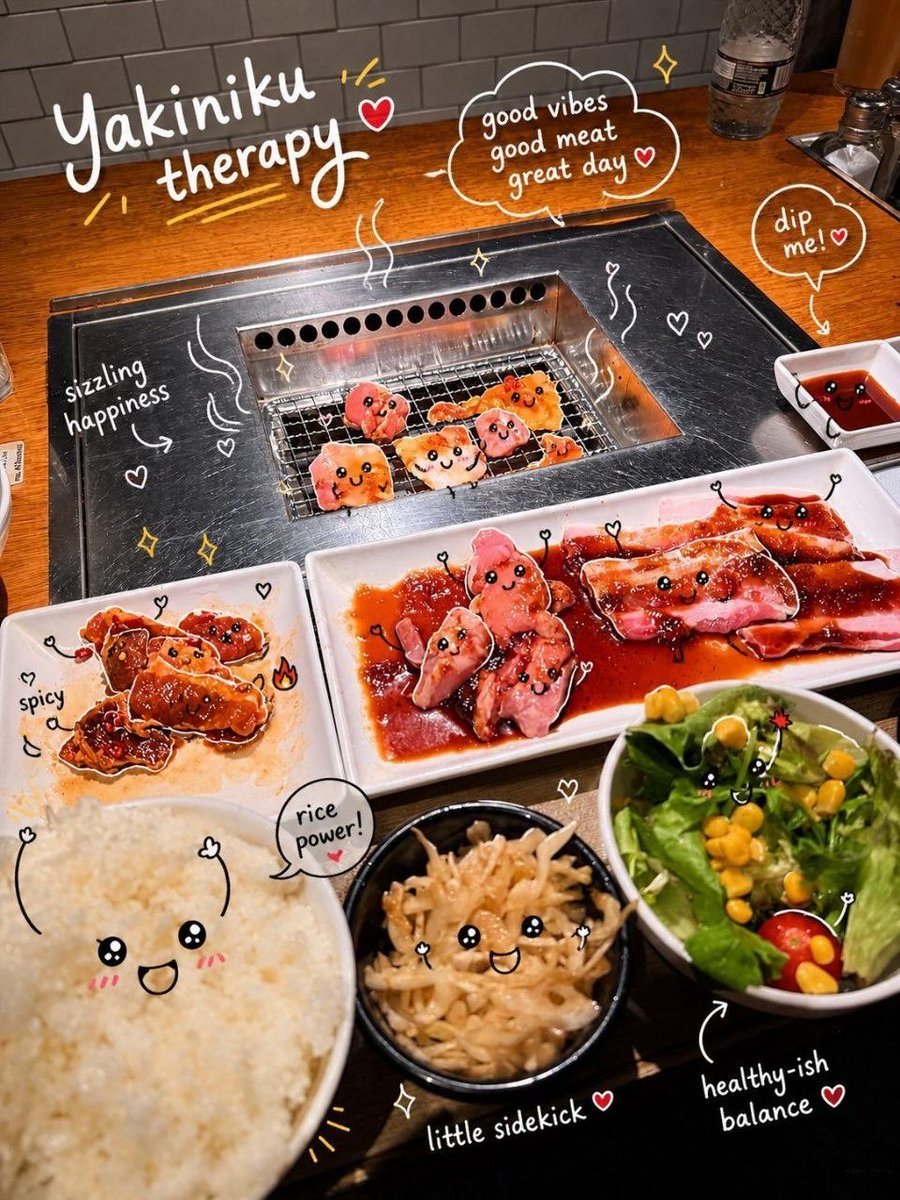
Interactive Photo Doodles
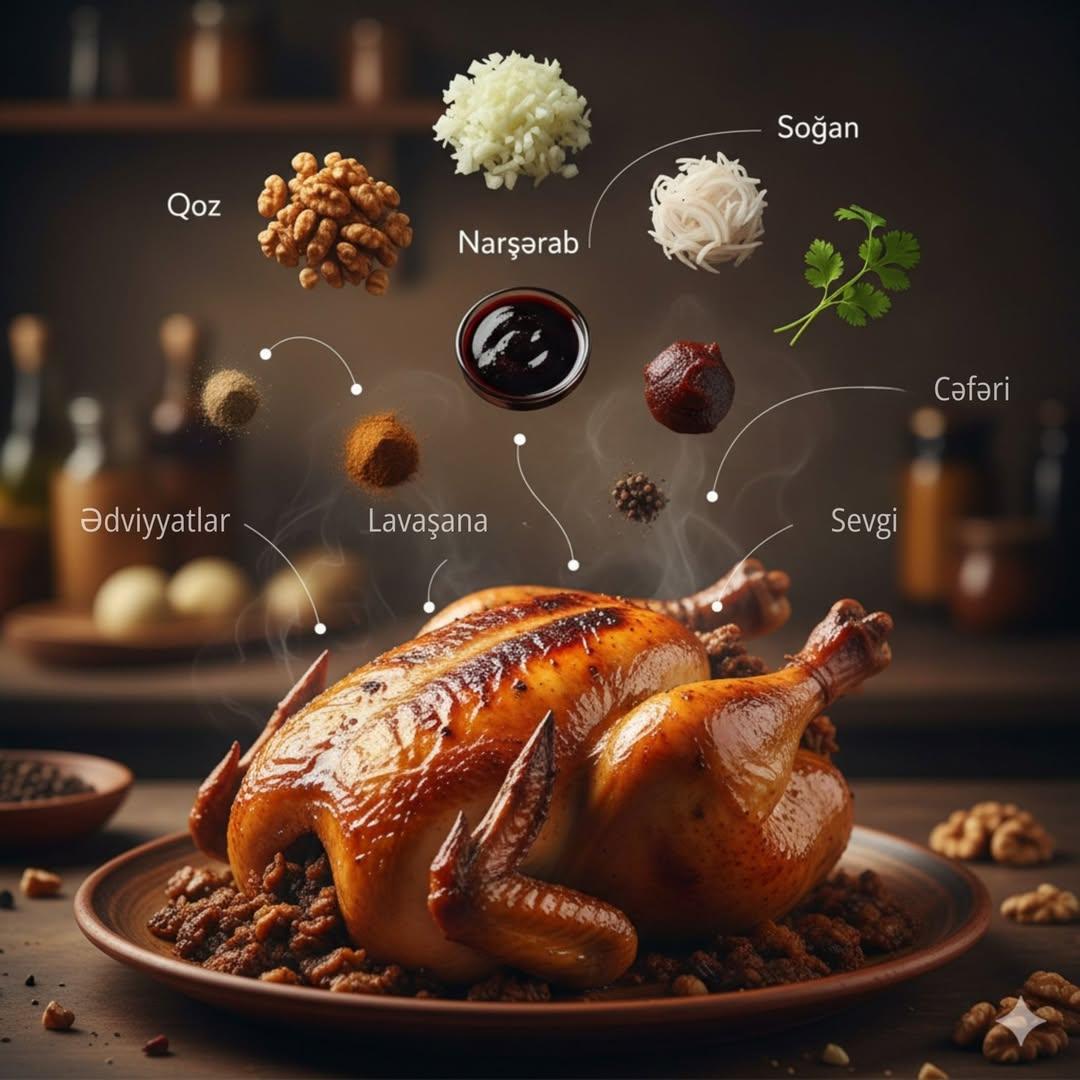
Cinematic Food Infographic of Levengi Chicken
Face-Locked Image Edit with Cat
Commercial Lifestyle Beverage Photography
Browse template categories
Monk Delivering Life Advice Video Still Prompt questions
How do I use the Monk Delivering Life Advice Video Still Prompt template?
Add your photo if the template asks for one, edit the prompt if you like — the template's model and format are already selected — and press Generate. Your version opens in PicX Studio.
Can I customize the Monk Delivering Life Advice Video Still Prompt template?
Yes. You can change the subject, setting, lighting, mood, format, and available model controls before creating your image.
Is the Monk Delivering Life Advice Video Still Prompt template free?
Opening and editing this template is free. Generating uses credits, shown on the Generate button when you are signed in.
Which AI model should I use?
Start with Nano Banana 2, which is the model associated with this template. You can compare another compatible model for a different finish.
Looking for something else? Browse all templates.

Your photo, any look
Thousands of ready templates for every top image and video model, from one credit balance.