
Face-Locked Image Edit with Cat
A detailed image editing prompt designed to preserve a specific face identity while adding a fluffy black cat in a top-down cinematic composition.
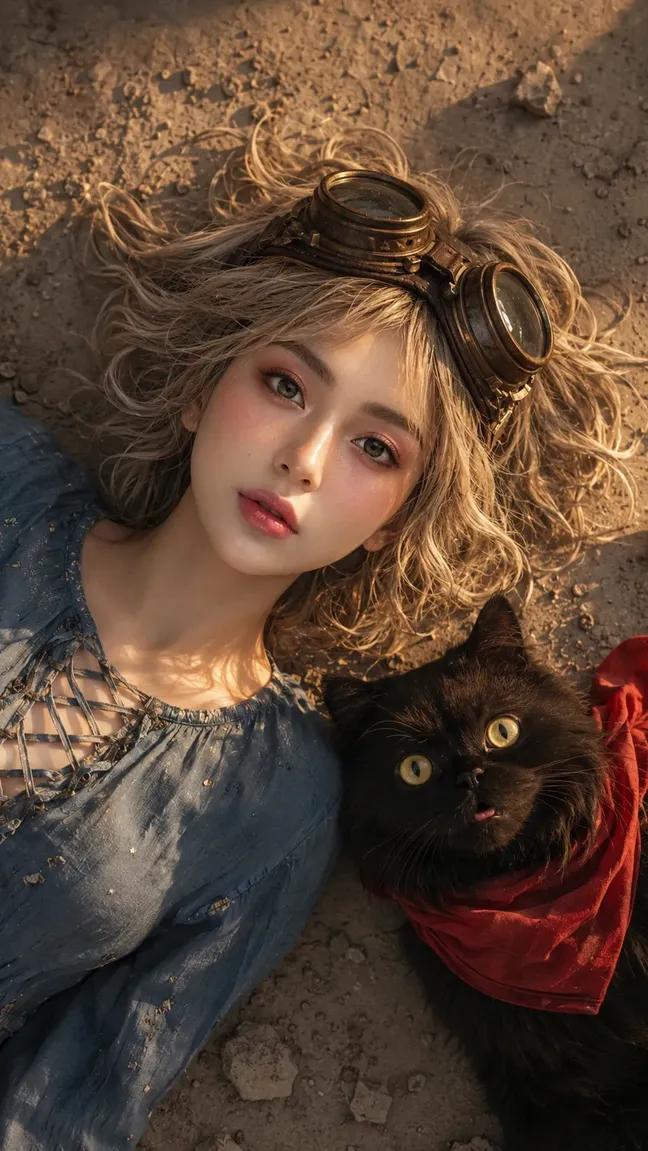
- Prompt included
- Model and format preset
- Free template
The prompt behind this image
Copy the exact prompt behind Face-Locked Image Edit with Cat, or open it in the studio and make it yours.
EDIT THE PROVIDED IMAGE. ABSOLUTE FACE PRESERVATION MODE — USE MY UPLOADED FACE PHOTO AS THE ONLY PRIMARY FACIAL IDENTITY REFERENCE. STRICT FACE LOCK MODE: Maintain 95–100% facial similarity. DO NOT change identity. DO NOT beautify into another person. DO NOT blend identities. Preserve EXACT: face shape, eyes, eyelids, eyebrows, nose, lips, jawline, cheekbones, forehead, skin tone, ethnicity, natural asymmetry, real skin texture. PRIORITY: FACE > pose > lighting > environment > outfit > accessories SUBJECT: young woman, age ~23, ideal realistic feminine proportions, lying on the ground, expressive surprised / curious facial expression, eyes wide open, slightly parted lips MAKEUP — MATCH REFERENCE STYLE: subtle glossy natural makeup, luminous skin, soft blush, minimal warm eyeshadow, thin eyeliner, natural lashes, soft glossy lips, NO heavy glam HAIRSTYLE — MATCH REFERENCE EXACTLY: short messy bob haircut, slightly wavy, light blonde / ash tone, natural volume, scattered strands on ground, slightly wind-swept texture, realistic individual hair strand OUTFIT — MATCH REFERENCE EXACTLY: vintage casual outfit, soft blue blouse with lace-up neckline detail, slightly worn fabric texture, natural folds, relaxed fit ACCESSORIES — MAXIMIZED: vintage aviator goggles on head (metal + leather detail) subtle small accessories (light fabric stitching details, minor wear marks)SECOND SUBJECT (IMPORTANT — CAT): {argument name="animal" default="black fluffy cat"} beside subject large round yellow eyes wearing {argument name="accessory" default="red scarf"} lying close next to woman same direction gaze upward highly detailed fur texture POSE & COMPOSITION — STRICT MATCH: TOP VIEW (camera directly above subject) both woman and cat lying on ground heads close together both looking upward toward camera symmetrical composition close framing (head + upper torso) cinematic vertical 9:16 ENVIRONMENT — MATCH EXACT: dusty ground / stone surface small scattered rocks slightly textured earth surface soft natural outdoor setting LIGHTING — CRITICAL: strong warm sunlight from side (golden tone) light hitting face diagonally half face illuminated, half soft shadow glossy skin highlights natural light falloff SHADOW: soft directional shadow subtle depth contrast realistic sunlight behavior CAMERA: DSLR photography top-down angle 50mm lens equivalent sharp facial focus slight depth falloff RAW realism COLOR GRADING: warm cinematic tone soft golden highlights slightly muted earthy colors natural skin tone balance film-like color grading REALISM BOOST: real skin pores micro texture natural imperfections realistic hair strands detailed fabric texture realistic cat fur detail NO smooth skin NO plastic look NEGATIVE PROMPT: anime, manga, illustration, cartoon, CGI, stylized eyes, unrealistic proportions, beauty filter, identity change, wrong pose, standing pose, wrong camera angle, no cat, wrong animal, wrong outfit, indoor scene, bad anatomy, watermark, logo, text QUALITY: ULTRA-PHOTOREALISTIC RAW DSLR realism
How to use Face-Locked Image Edit with Cat in 3 steps
- 1Upload ImagePNG, JPG or paste
Add your photo
Upload the photo the template builds on. The prompt, model and format are already set.
- 2…a portrait of your subject in softgolden-hour light, 85mm…
Personalize
Edit the subject and creative details for your destination.
- 3Generate
Generate
Press Generate — your image is created in PicX Studio, so you can compare it with the original and refine one variable at a time.
More like this
Templates with the same subject, style or setup. Open one to see its prompt.

Surreal Cat Astronaut — Humanoid Face Freefall

Realistic portrait 100 identical face, no editing allowed
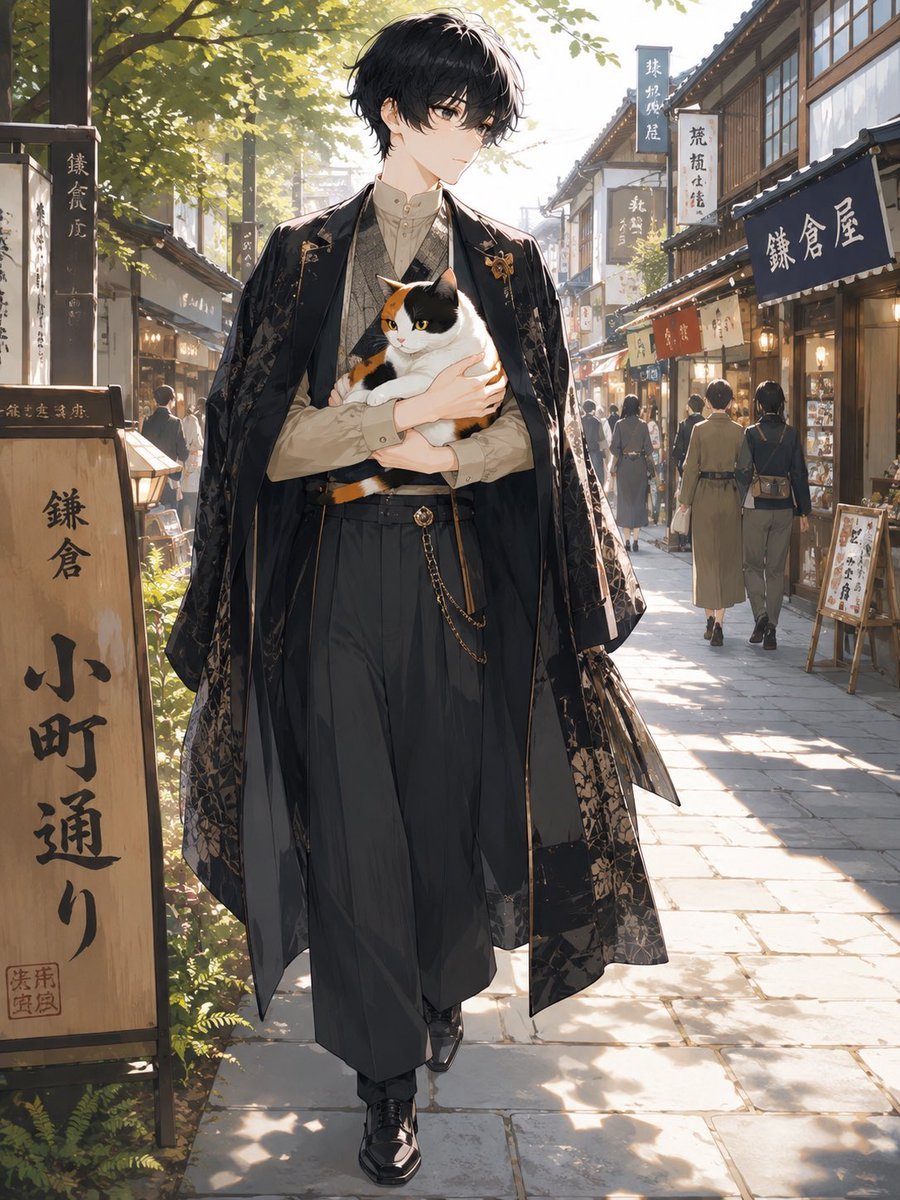
Faceless Anime Man Holding Calico Cat

Cat Photobomb Selfie — 0.5x Wide Angle Café Chaos

Low Angle Floor Selfie With Upside Down Cat

Face-Locked Train Window Lifestyle Portrait

Face-Locked Cream Half-Zip Street Walk

Face-Locked City Skyline Double Exposure

Face-Locked Identity Reference Portrait
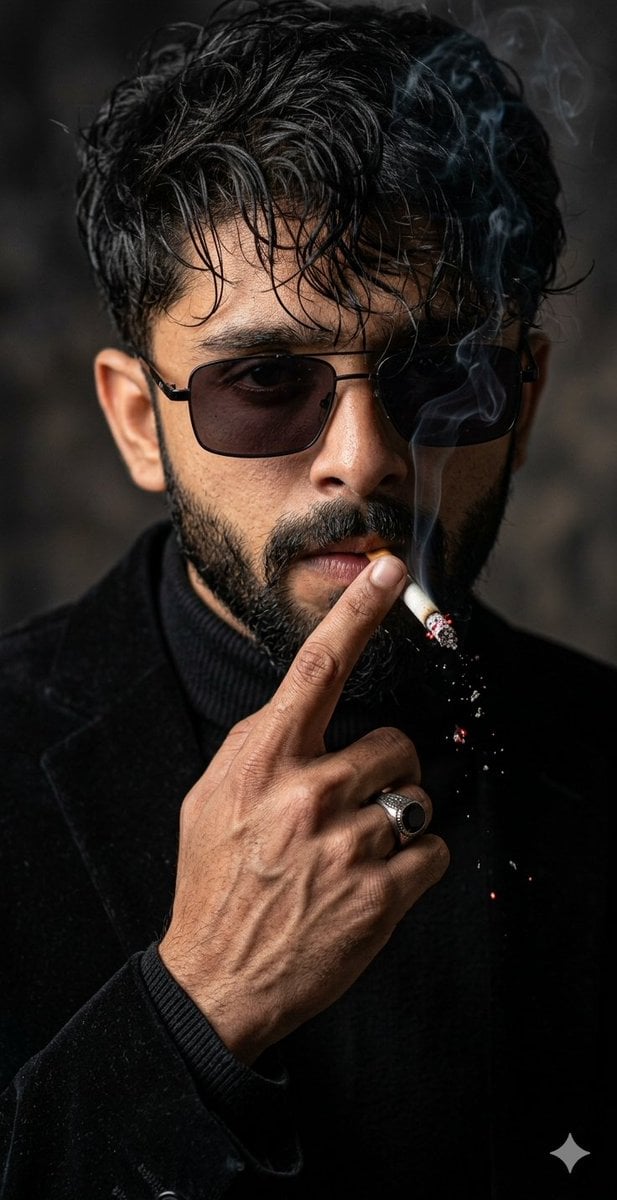
Cinematic Face-Locked Portrait with Cigarette

Dancer Character - Four View Reference Sheet
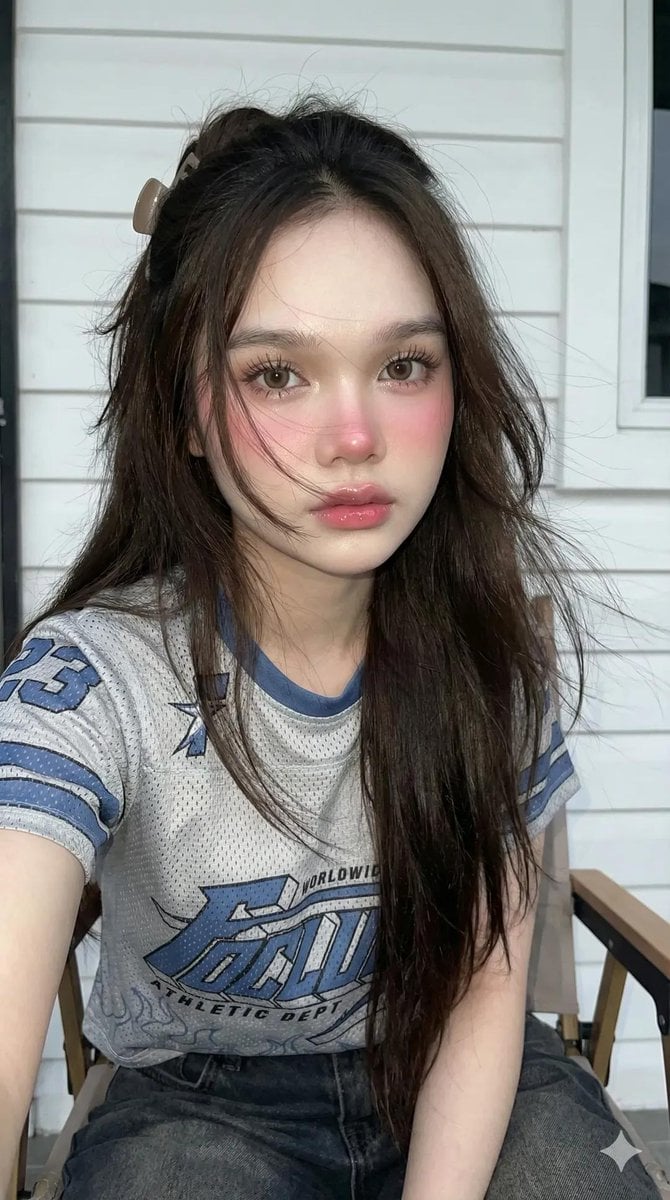
Y2K Flash Photography Portrait Prompt (Face Locked)
Make it yours
Face-Locked Image Edit with Cat works as-is. These are the safest ways to change it without losing the look.
Change one field
Copy a single group, rewrite it, and generate again so you can see what that field is doing.
Keep the frame, change the subject
Hold the composition and light of Face-Locked Image Edit with Cat, then swap wardrobe, props or the person for a new take.
| If the result… | Why | Fix |
|---|---|---|
| The result drifts from the preview | Too many fields changed at once. | Reuse Face-Locked Image Edit with Cat as-is first, then change one group — subject, light, or setting. |
| The model over-stylizes the scene | The prose prompt leaves finish and camera underspecified. | Add one camera or lighting sentence and stay on GPT Image 2. |
More GPT Image 2 templates
Other prompts made for GPT Image 2.

Six VTuber Japanese Logo Sheet

Realistic Portrait of Woman and Deer

The Vista Modular Condo Poster

AI Model Routing Comparison Infographic

2.5D Anime Art Board

Isometric Productivity Desk Scene

New York Double Exposure Poster

Four-Panel AI Landscape Comparison

Japanese Tatami Lifestyle Magazine Cover

NESCAFÉ Coffee Map Poster
More image prompts
Fresh picks from across the catalog.
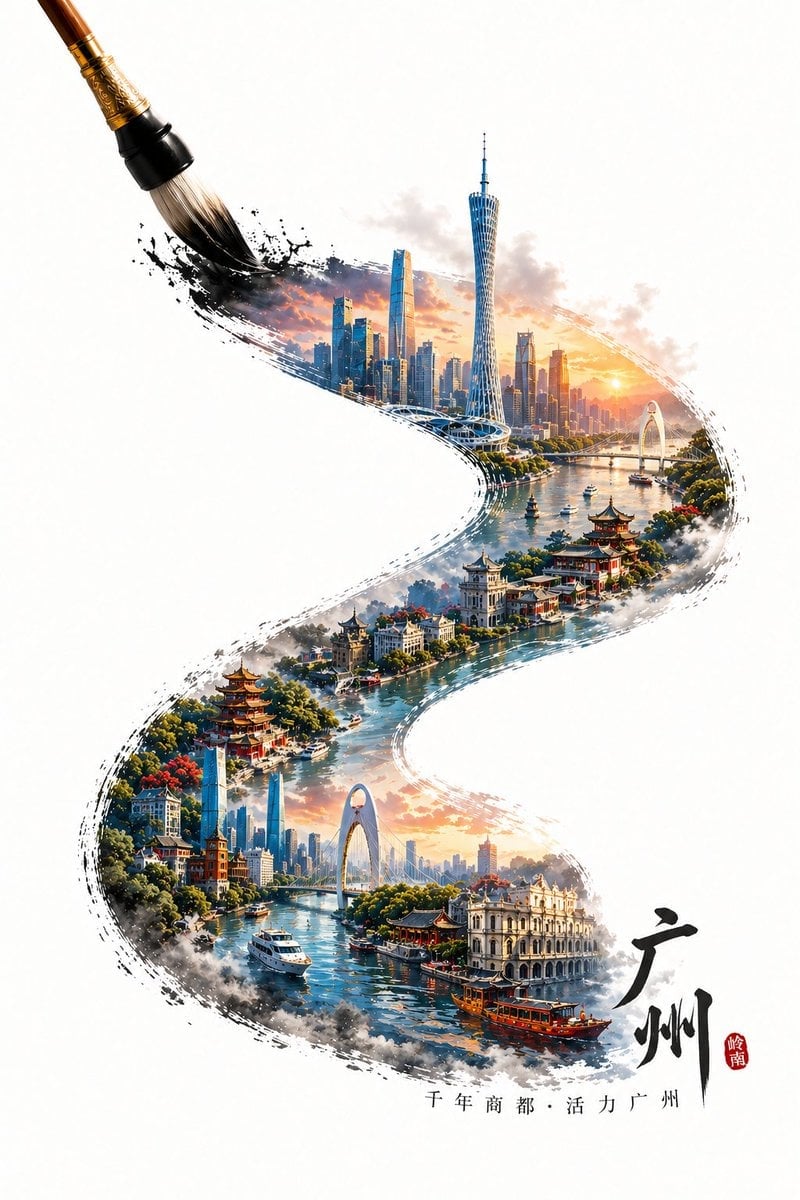
GPT Image 2 City Artistic Poster Prompt
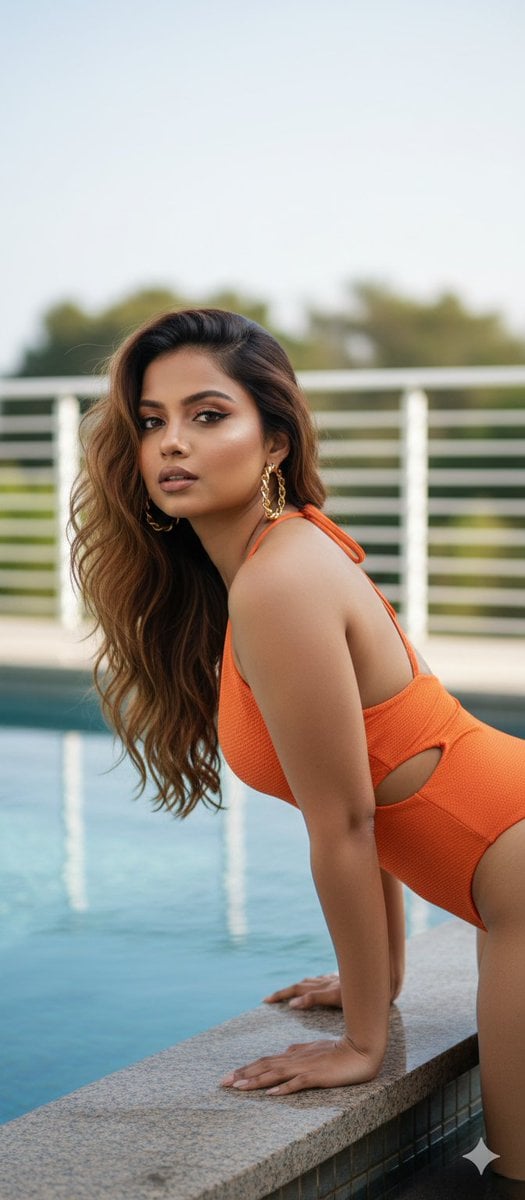
Stunning Glamorous Photo Prompt for Gemini Nano Banana
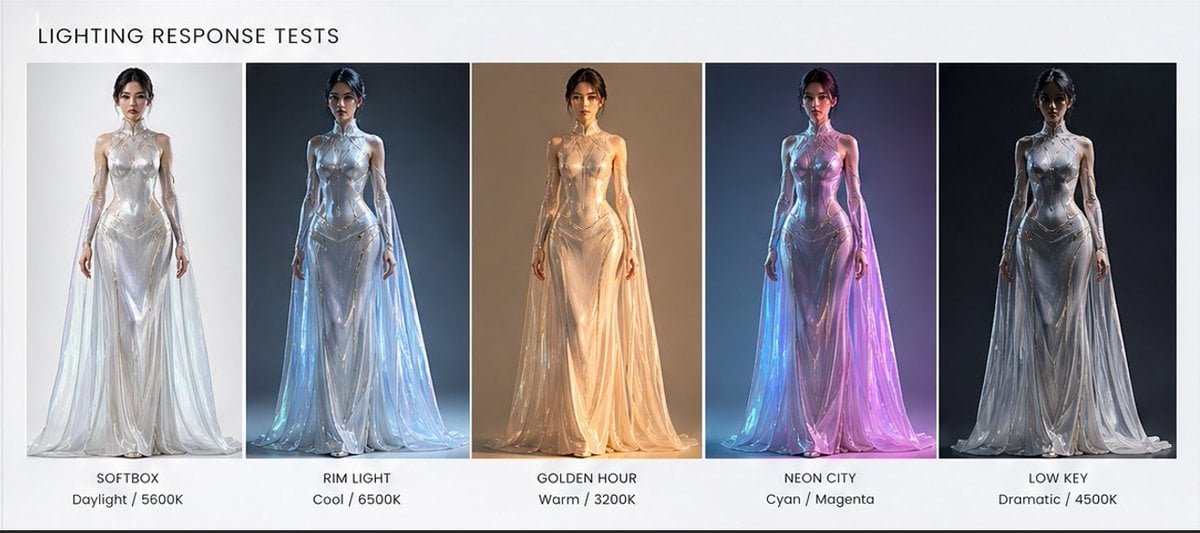
Fashion Lighting Response Test Sheet
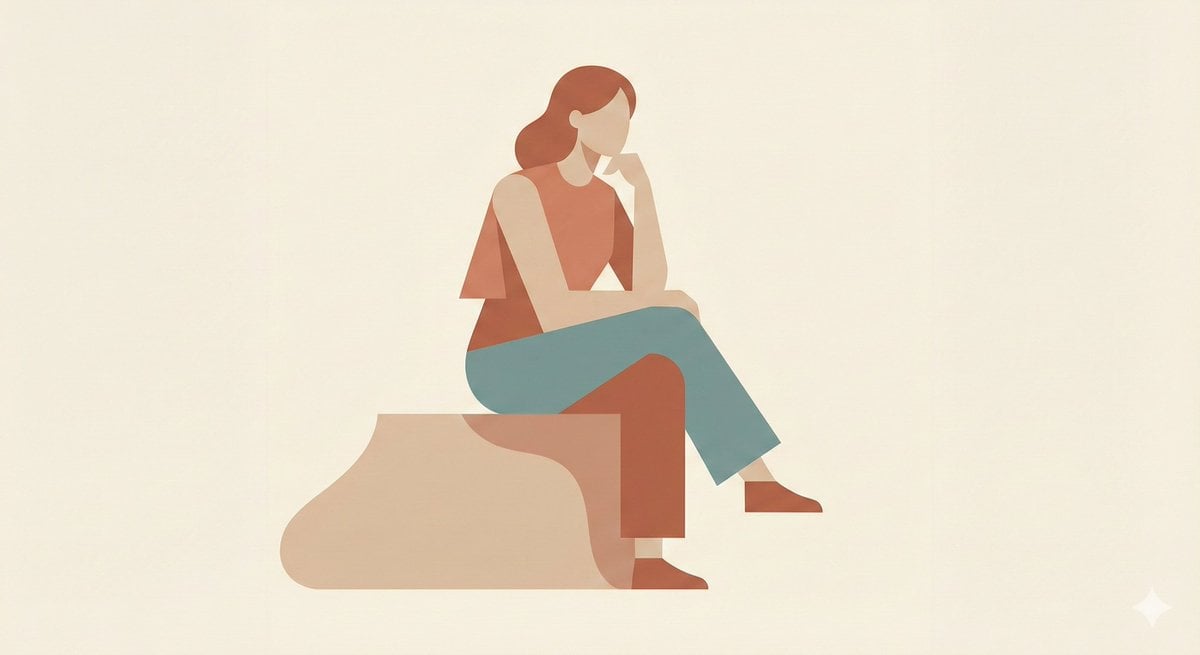
Minimalist Single-Pose Character Illustration Prompt
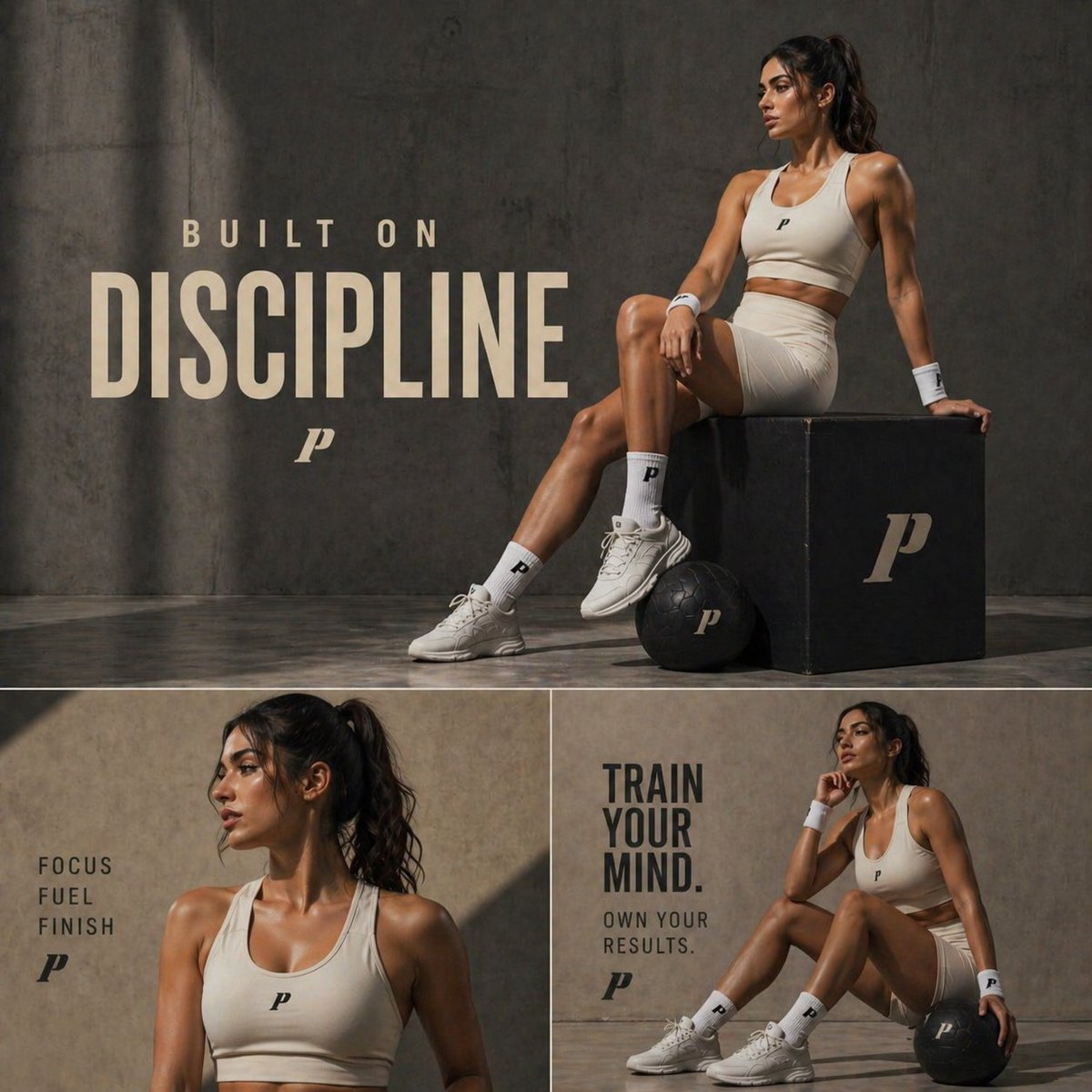
Luxury Fitness Editorial Campaign
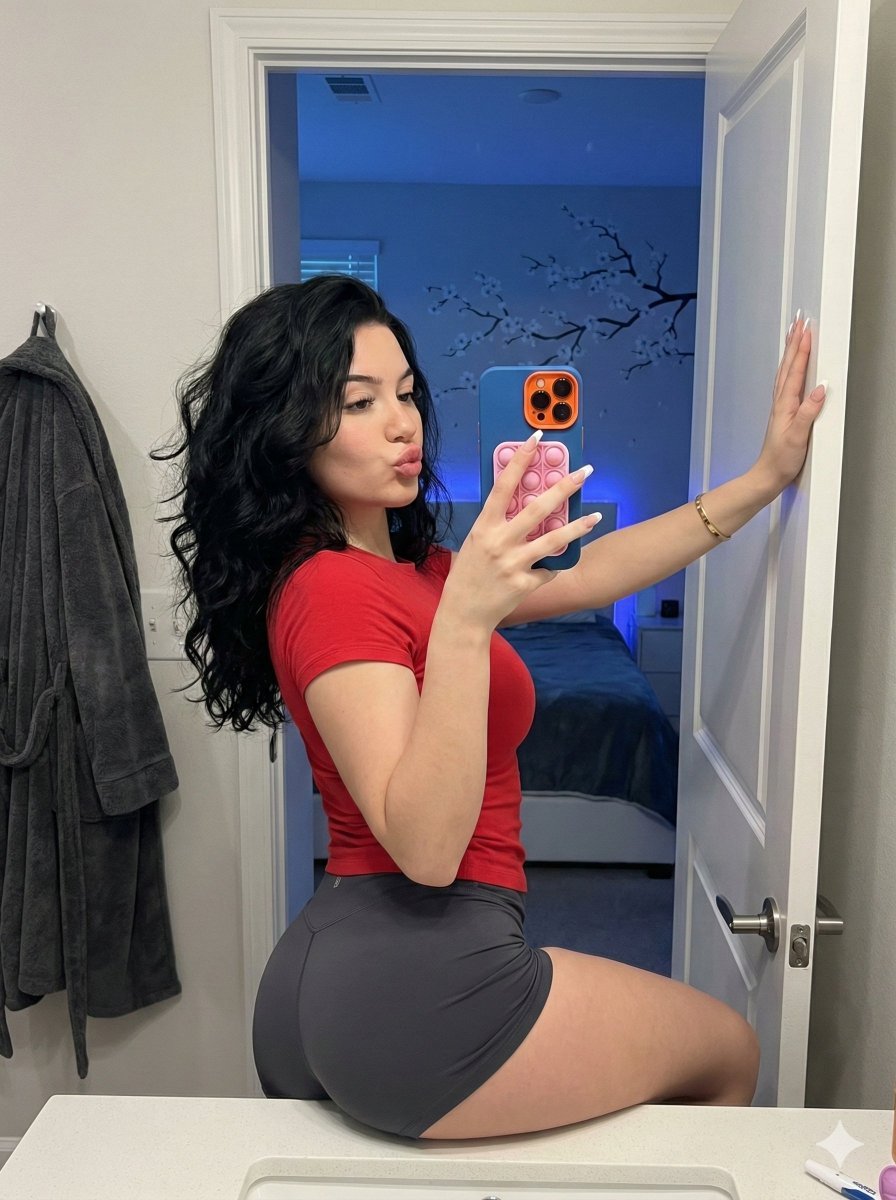
Playful Bathroom Mirror Selfie Prompt (Curvy Focus)
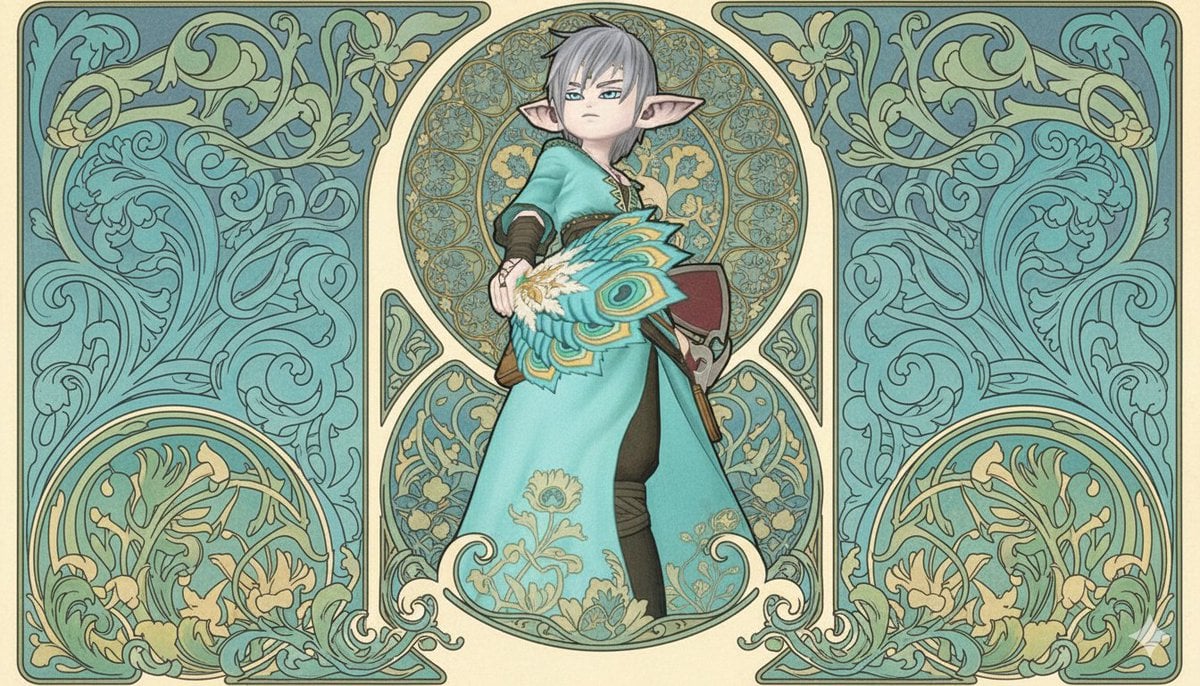
Image-to-Image Style Transfer to Mucha's Art Nouveau Style
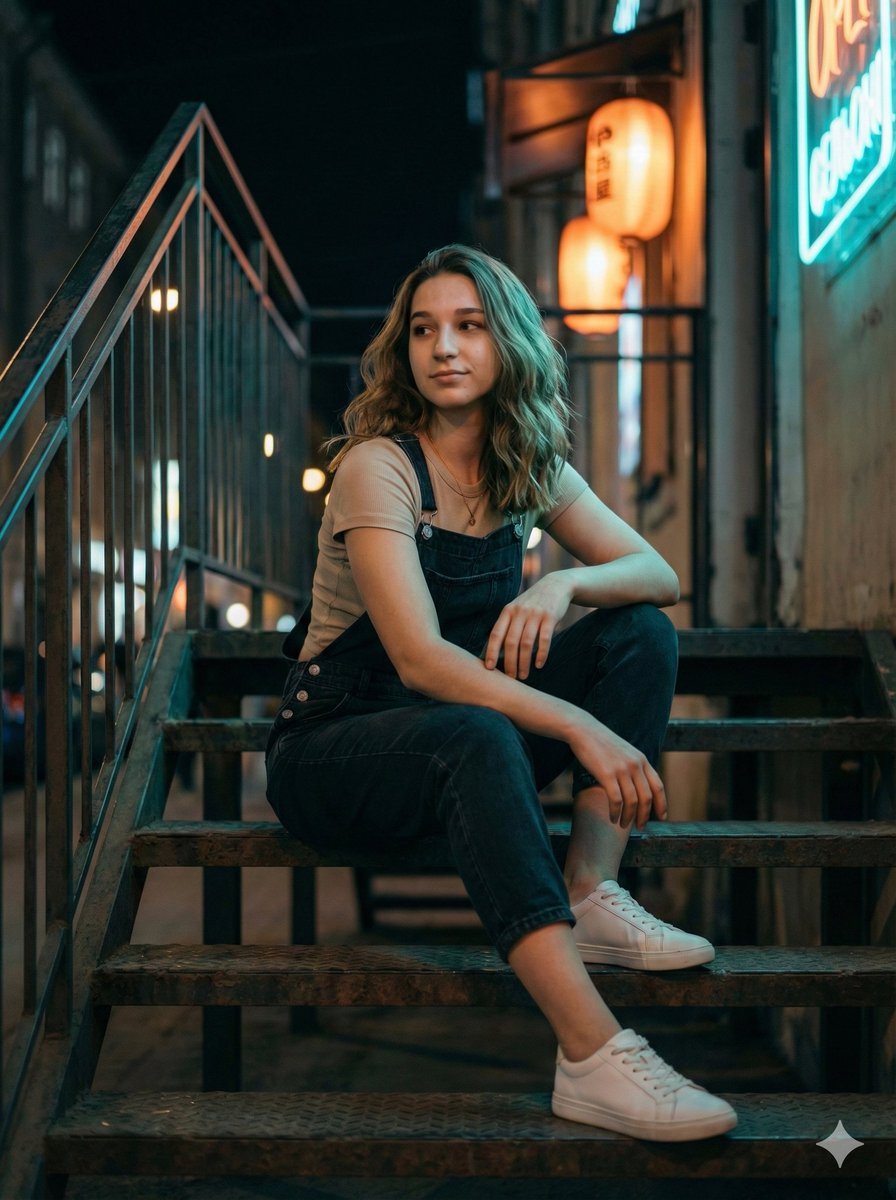
Cinematic Night Portrait on Urban Stairs
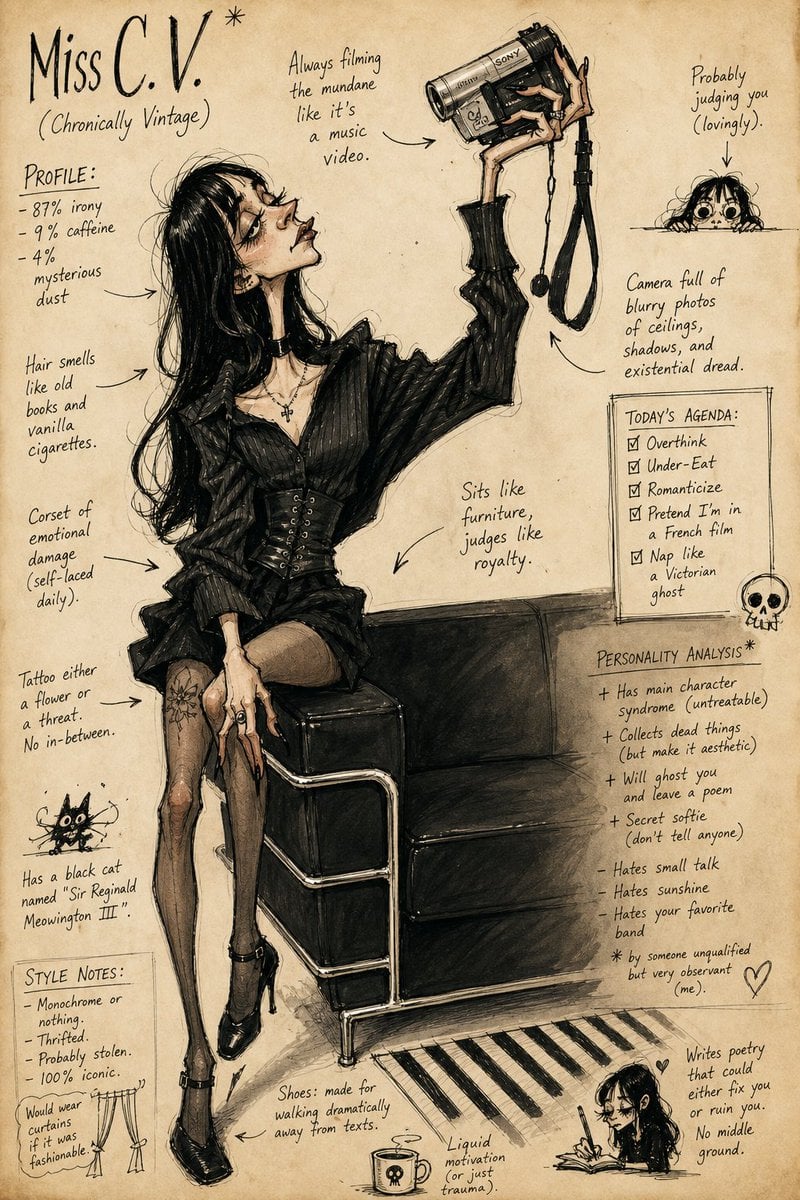
Grotesque Fashion Caricature Sketch
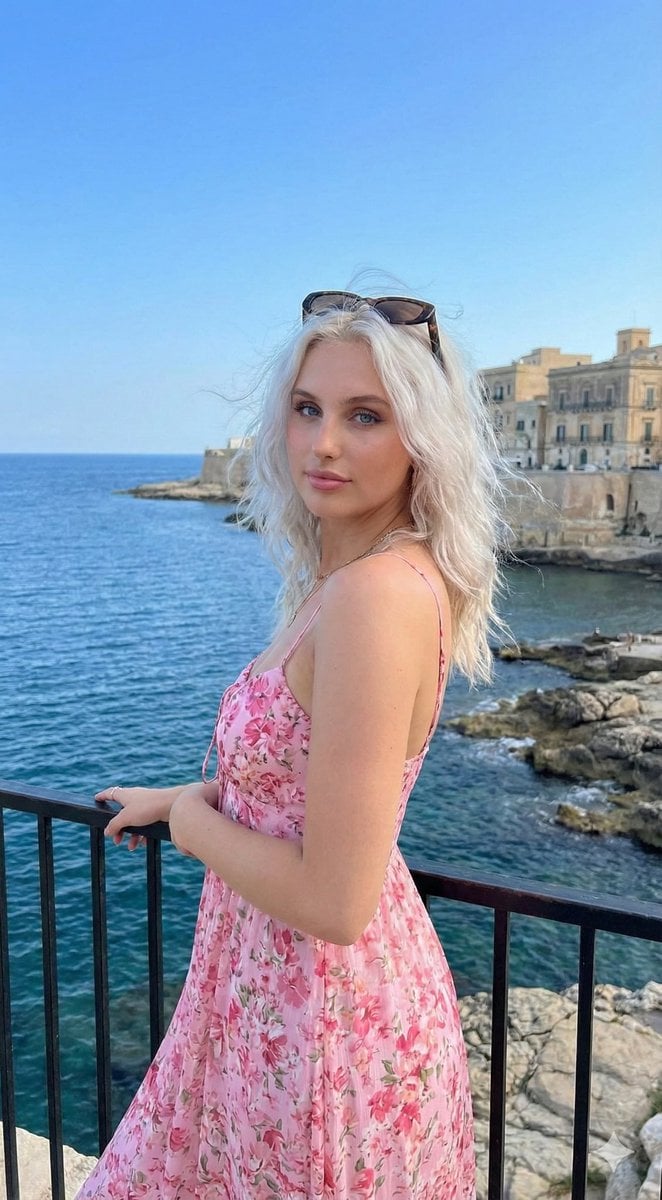
Coastal Lifestyle Portrait with Identity Preservation
Browse template categories
Face-Locked Image Edit with Cat questions
How do I use the Face-Locked Image Edit with Cat template?
Add your photo if the template asks for one, edit the prompt if you like — the template's model and format are already selected — and press Generate. Your version opens in PicX Studio.
Can I customize the Face-Locked Image Edit with Cat template?
Yes. You can change the subject, setting, lighting, mood, format, and available model controls before creating your image.
Is the Face-Locked Image Edit with Cat template free?
Opening and editing this template is free. Generating uses credits, shown on the Generate button when you are signed in.
Which AI model should I use?
Start with GPT Image 2, which is the model associated with this template. You can compare another compatible model for a different finish.
Looking for something else? Browse all templates.

Your photo, any look
Thousands of ready templates for every top image and video model, from one credit balance.