
GPT Image 2 City Artistic Poster Prompt
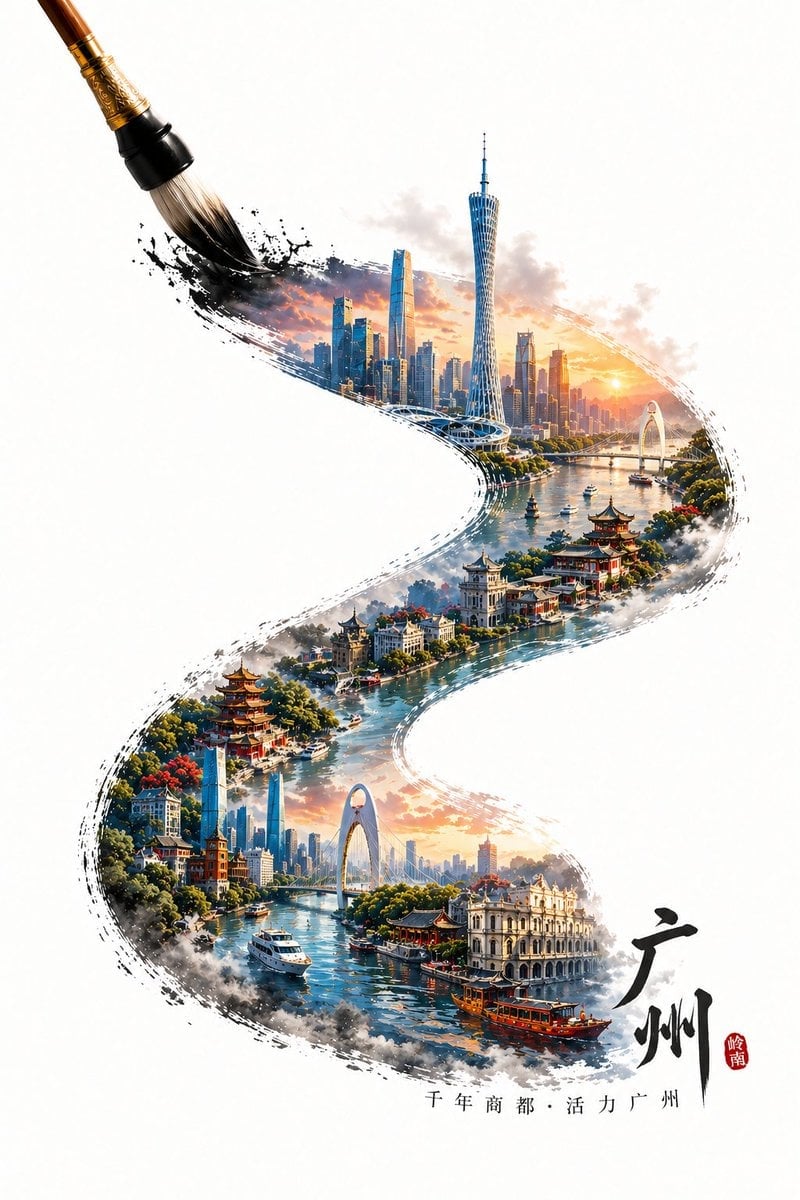
A sophisticated prompt for creating 3D high-saturation city posters that use a calligraphy brush stroke to frame a miniature landscape of urban landmarks and traditional architecture.
- Prompt included
- Model and format preset
- Free template
The prompt behind this image
Copy the exact prompt behind GPT Image 2 City Artistic Poster Prompt, or open it in the studio and make it yours.
A calligraphy brush in the act of painting traces an S-shaped calligraphic stroke running from the bottom right to the top left; within the brushstroke are miniature landmark views of {argument name="city name" default="Guangzhou"}, the whole rendered in a 3D, highly saturated poster style. The content within the brushstroke consists of {argument name="city name" default="Guangzhou"}'s iconic, representative buildings, blending the local traditional architectural style with local modern architecture to form a visual layering where old and new merge. If the city has a body of water (such as a river or bay), incorporate the corresponding water feature into the brushstroke, creating a hazy, mist-shrouded atmosphere over vast waters to enhance the sense of spatial depth. Overall, the brushstroke shows a natural ink-diffusion and broken-edge effect, while still keeping the city's structure clear and rich in detail. The tip of the brush sits at the end of the stroke in the upper-left corner, forming a dynamic moment of "currently being painted." Outside the brushstroke is a large area of pure, blank background, emphasizing an Eastern minimalist composition. At the start of the brushstroke, add the text: {argument name="city name" default="Guangzhou"} and a line reading {argument name="city slogan" default="a short slogan for the city"}, with the text arranged naturally along the direction of the stroke. Overall style: a fusion of traditional Chinese style and modern three-dimensional art, highly detailed, highly saturated yet clean, vivid colors, realistic physical lighting and shadow, HDR, 8K resolution, commercial-grade visual quality.
How to use GPT Image 2 City Artistic Poster Prompt in 3 steps
- 1
Open
The prompt is already in the box next to the preview, with the template's model and format selected.
- 2…a portrait of your subject in softgolden-hour light, 85mm…
Personalize
Edit the subject and creative details for your destination.
- 3Generate
Generate
Press Generate — your image is created in PicX Studio, so you can compare it with the original and refine one variable at a time.
More like this
Templates with the same subject, style or setup. Open one to see its prompt.

Japan Neon Speed City Racing Poster

Gpt2 Product Marketing Streetwear Sneaker Poster Ad

Gpt2 Youtube Thumbnail Wuxia Movie Character Posters

Gpt2 Youtube Thumbnail Anime Music Bootcamp Promo Poster

Gpt2 Infographic Edu Visual Ink Wash Tribute Poster for Chen Uen

Gpt2 Infographic Edu Visual Biomimetic Skyray Aircraft Poster

Gpt2 Social Media Post Cinematic Chicken Momos Ad Poster

Gpt2 Social Media Post Bmw Performance Social Poster

Japan Travel Brochure Poster

Cartoon TV Show Poster Pack

Trendy Cafe Drink Promo Poster

Urban Fashion Editorial Collage Streetwear Poster
Make it yours
GPT Image 2 City Artistic Poster Prompt works as-is. These are the safest ways to change it without losing the look.
Change one field
Copy a single group, rewrite it, and generate again so you can see what that field is doing.
Keep the frame, change the subject
Hold the composition and light of GPT Image 2 City Artistic Poster Prompt, then swap wardrobe, props or the person for a new take.
| If the result… | Why | Fix |
|---|---|---|
| The result drifts from the preview | Too many fields changed at once. | Reuse GPT Image 2 City Artistic Poster Prompt as-is first, then change one group — subject, light, or setting. |
| The model over-stylizes the scene | The prose prompt leaves finish and camera underspecified. | Add one camera or lighting sentence and stay on GPT Image 2. |
More GPT Image 2 templates
Other prompts made for GPT Image 2.

Six VTuber Japanese Logo Sheet

Realistic Portrait of Woman and Deer

The Vista Modular Condo Poster

AI Model Routing Comparison Infographic

2.5D Anime Art Board

Isometric Productivity Desk Scene

New York Double Exposure Poster

Four-Panel AI Landscape Comparison

Japanese Tatami Lifestyle Magazine Cover

NESCAFÉ Coffee Map Poster
More image prompts
Fresh picks from across the catalog.
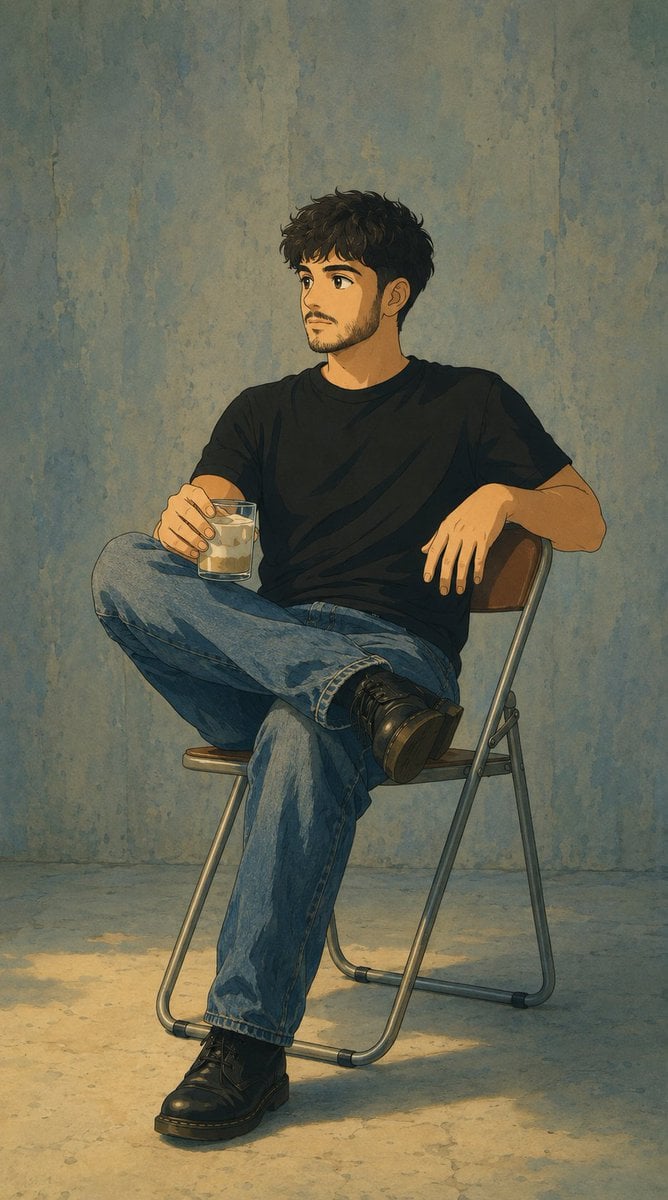
Studio Ghibli Photo Transformation
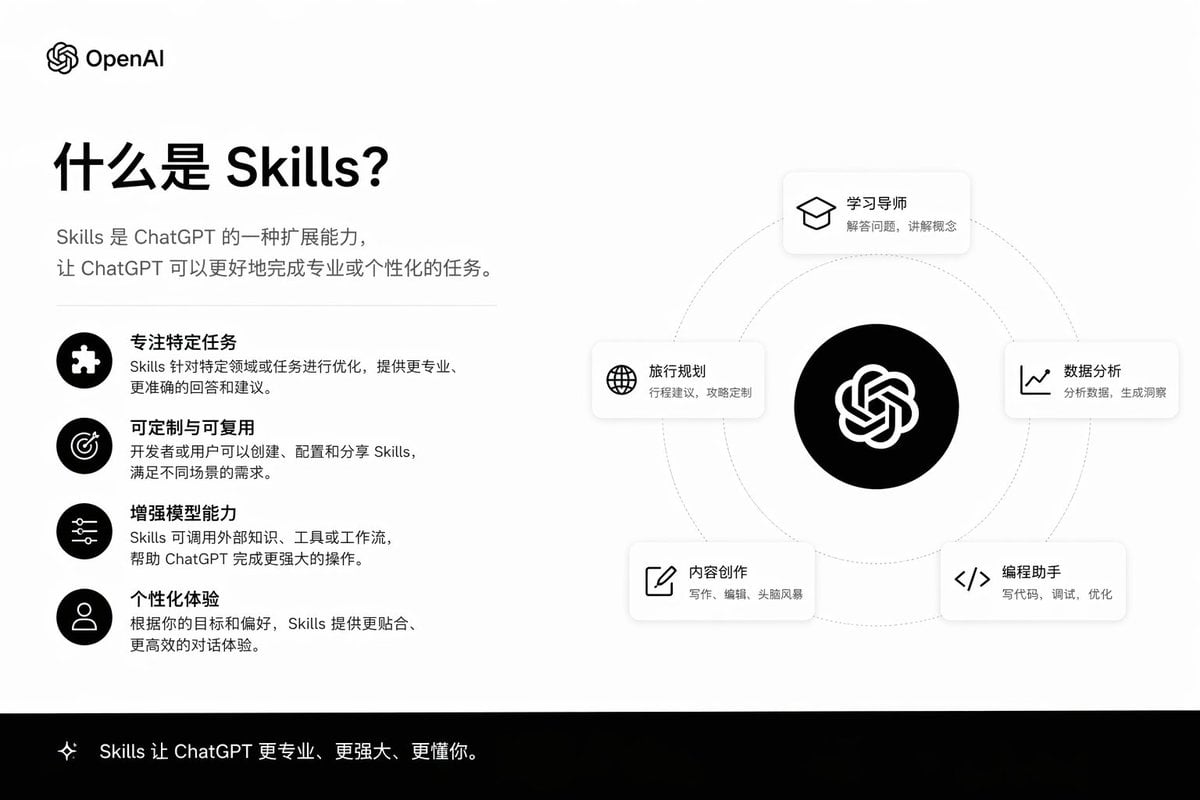
Skills Introduction PPT Slide
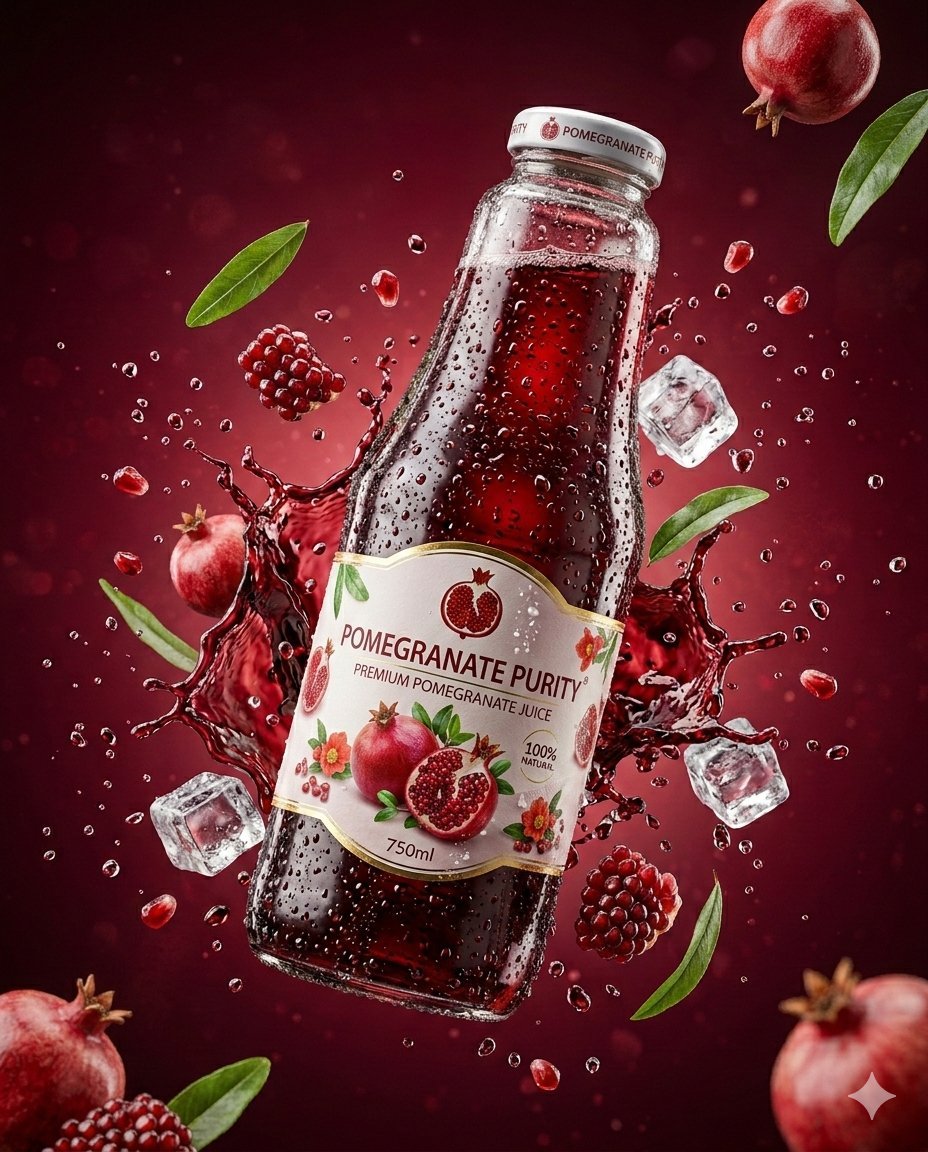
3D Commercial Shot of Cherry Juice Bottle
Steganographic Text Embedding Prompt
Structured Prompt for Coffee Shop Lifestyle Photo
Luxury Automotive Exploded Diagram
Debussy's 'En Bateau' in Monet Style Prompt
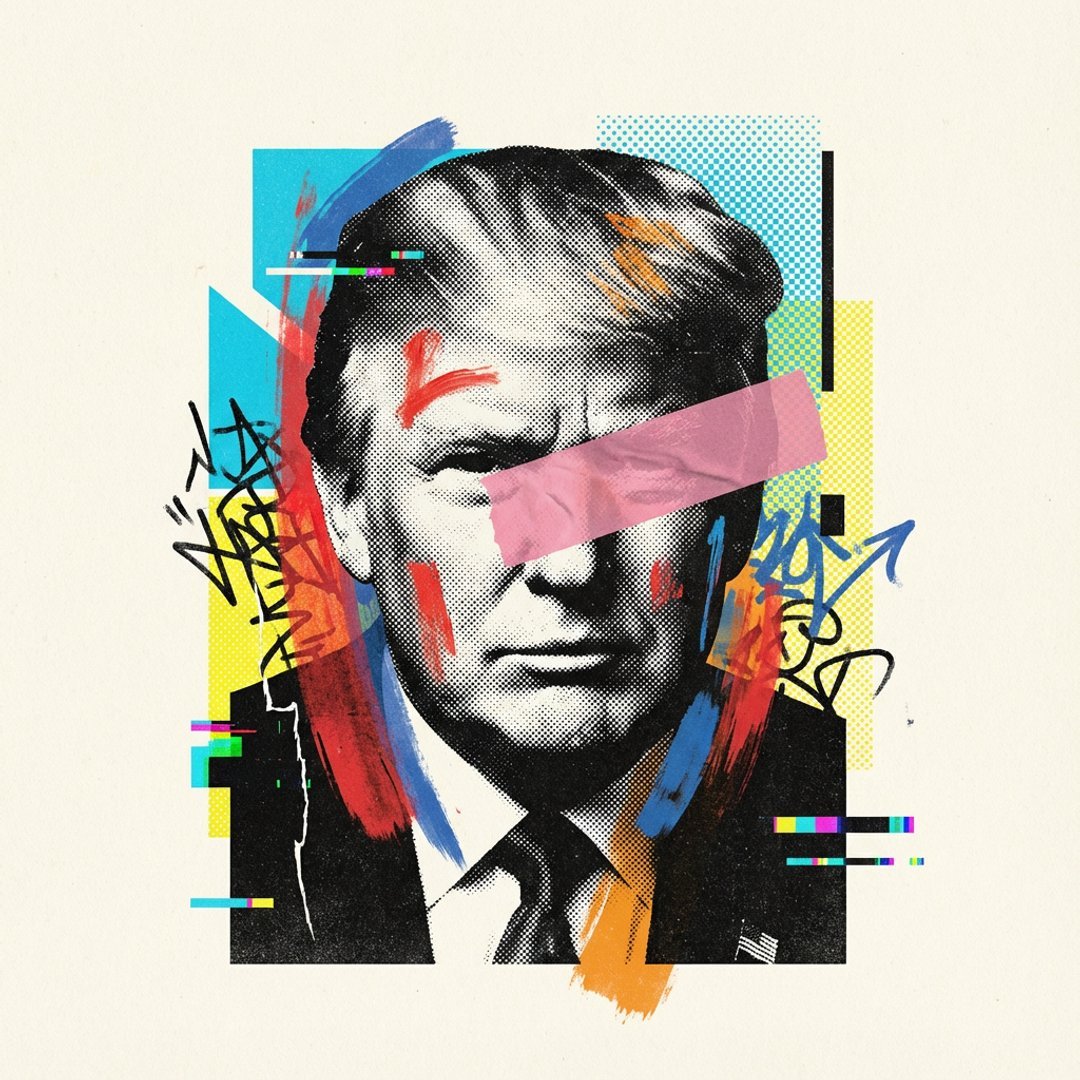
Avant-Garde Mixed Media Risograph Collage
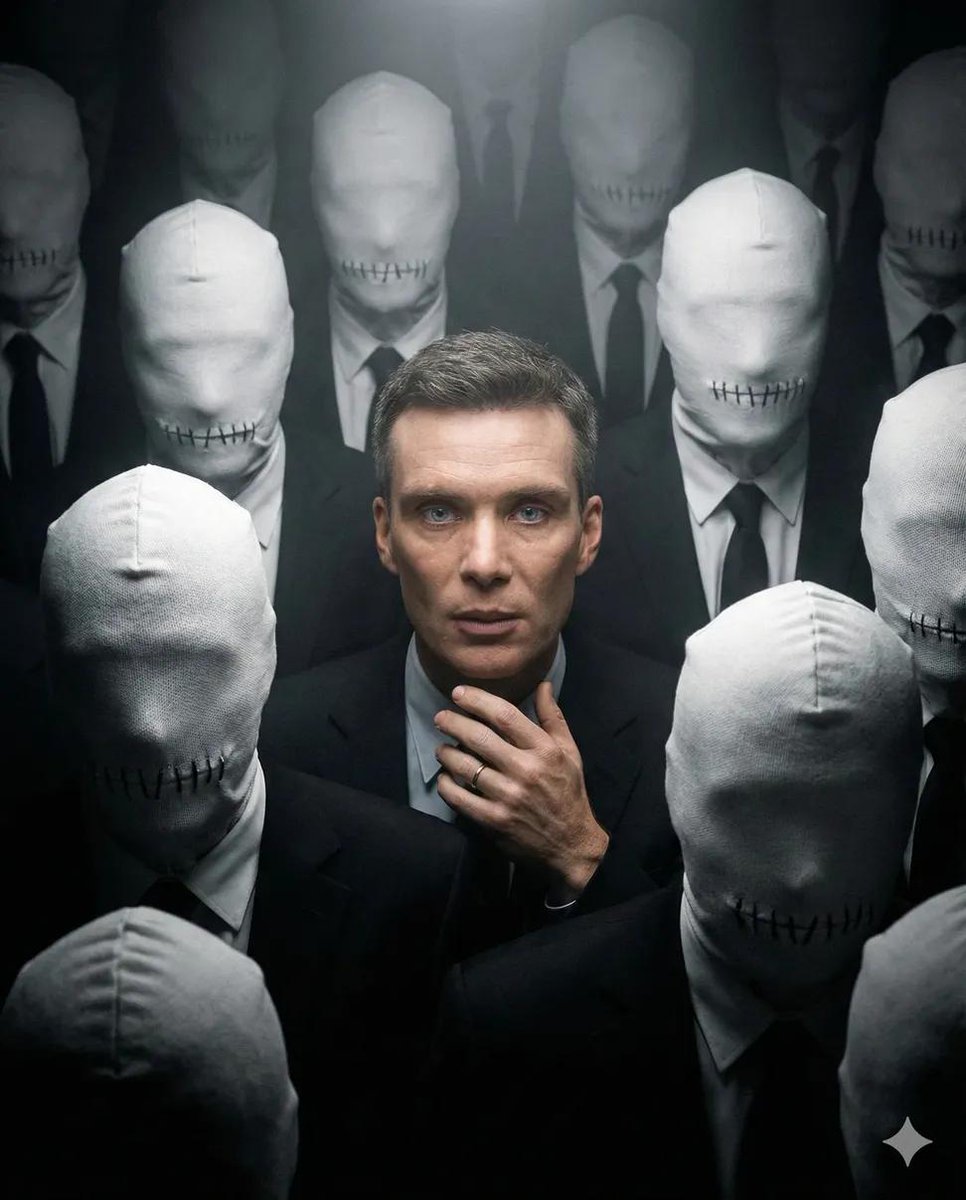
Surreal Dystopian Conceptual Portrait Prompt (Facial Lock)
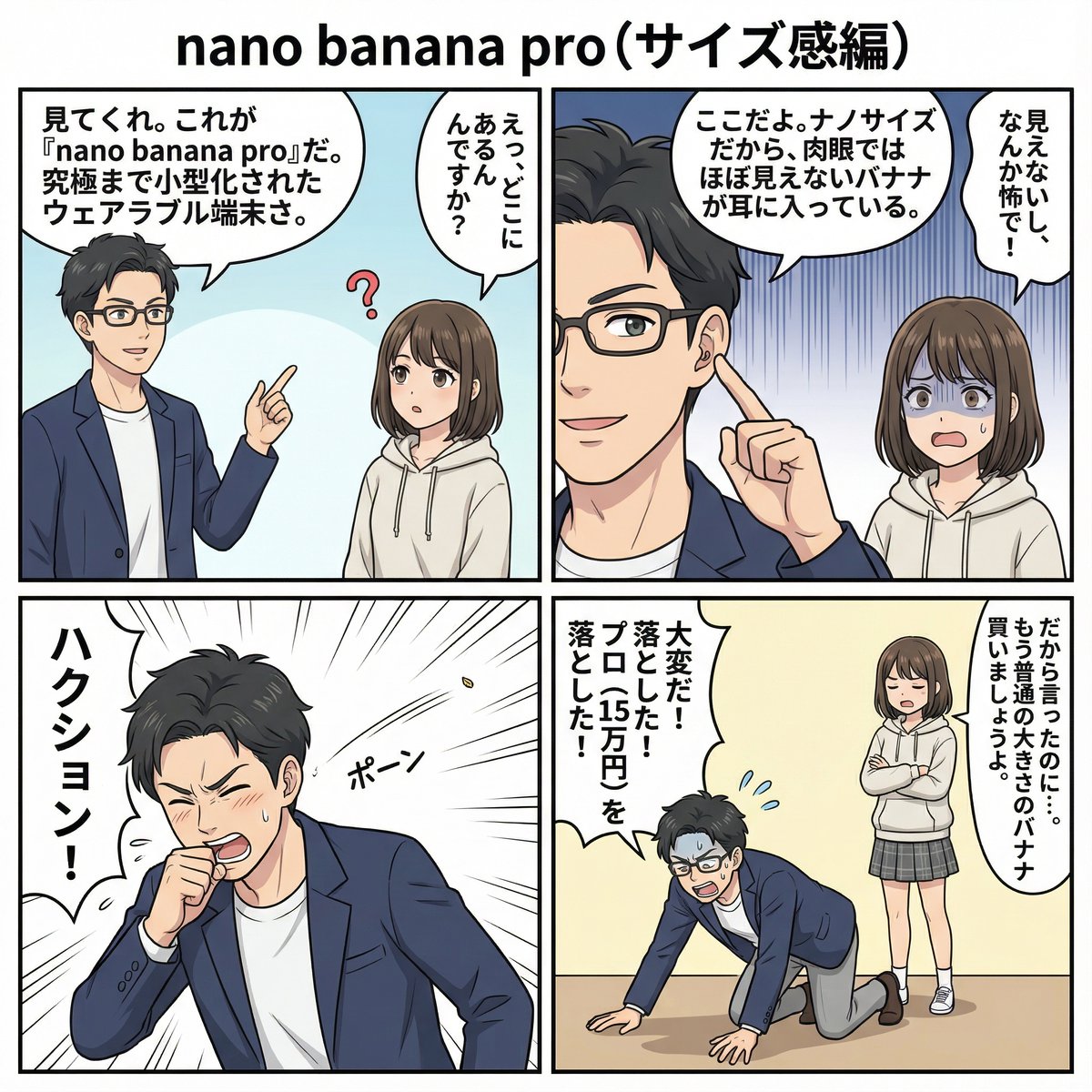
4 types of 4‑panel manga about Nano Banana Pro
Browse template categories
GPT Image 2 City Artistic Poster Prompt questions
How do I use the GPT Image 2 City Artistic Poster Prompt template?
Add your photo if the template asks for one, edit the prompt if you like — the template's model and format are already selected — and press Generate. Your version opens in PicX Studio.
Can I customize the GPT Image 2 City Artistic Poster Prompt template?
Yes. You can change the subject, setting, lighting, mood, format, and available model controls before creating your image.
Is the GPT Image 2 City Artistic Poster Prompt template free?
Opening and editing this template is free. Generating uses credits, shown on the Generate button when you are signed in.
Which AI model should I use?
Start with GPT Image 2, which is the model associated with this template. You can compare another compatible model for a different finish.
Looking for something else? Browse all templates.

Your photo, any look
Thousands of ready templates for every top image and video model, from one credit balance.