
Studio Ghibli Photo Transformation
A sophisticated prompt that transforms any real photo into a hand-painted Studio Ghibli anime frame while preserving the exact layout.
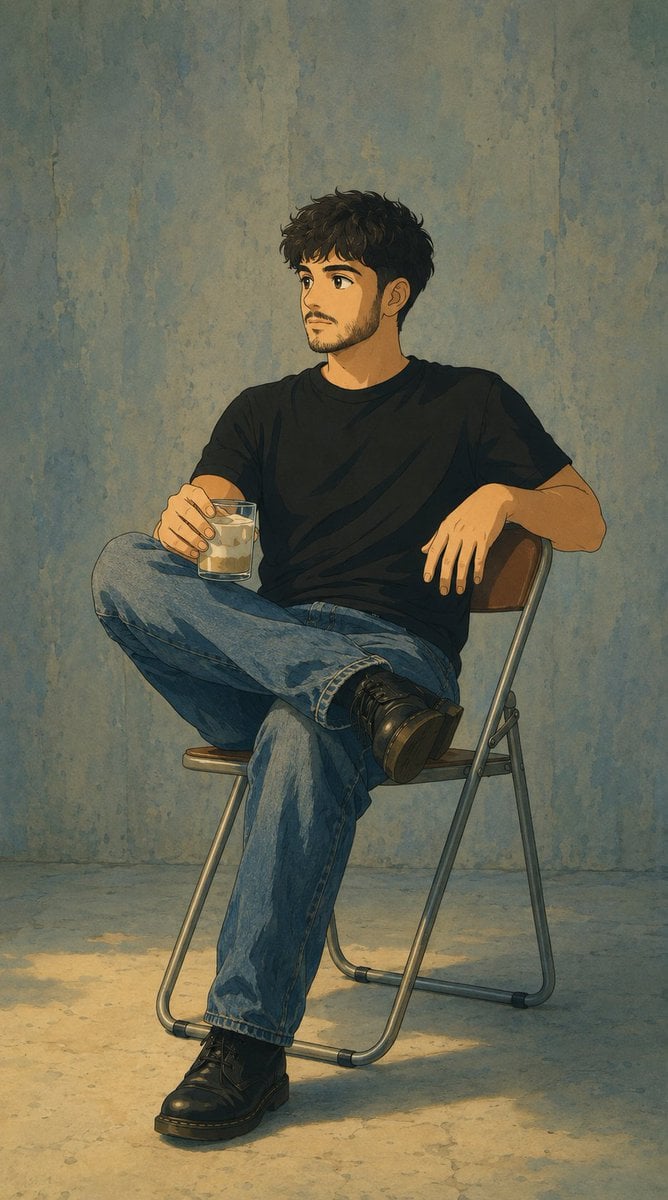
- Prompt included
- Model and format preset
- Free template
The prompt behind this image
Copy the exact prompt behind Studio Ghibli Photo Transformation, or open it in the studio and make it yours.
Reimagine the uploaded photo as a still frame from a {argument name="style" default="Studio Ghibli film"} directed by {argument name="director" default="Hayao Miyazaki"}. Preserve the exact composition, camera angle, framing, crop, subject position, pose, and scene layout from the original photo — every element must remain in the same place at the same size. Only the visual medium changes. Render the scene with the unmistakable Ghibli 2D hand-drawn animation aesthetic: characters with soft rounded faces, large expressive but gentle eyes with simple highlights, small noses, soft chins, slightly pinkish cheeks, naturally-styled flowing hair drawn with confident clean ink lines. Bodies have soft natural proportions, clothing drawn with flowing organic folds. Skin and faces are colored with two-tone cel-shading — a base flat tone and one gentle shadow tone, no airbrushing. Backgrounds are painterly watercolor masterpieces — soft brush textures, layered washes of color, every blade of grass, leaf, cloud, and building lovingly detailed. Soft ambient natural lighting, often with golden warm tones, dappled sun, or magical hour light. The mood is gentle, nostalgic, peaceful, with a hint of wonder. Color palette favors muted greens, sky blues, sun-warmed yellows, soft earth tones. The image looks like a frame from a {argument name="era" default="hand-painted 1990s animated film"}, with the slight texture of cel and painted background composite.
How to use Studio Ghibli Photo Transformation in 3 steps
- 1Upload ImagePNG, JPG or paste
Add your photo
Upload the photo the template builds on. The prompt, model and format are already set.
- 2…a portrait of your subject in softgolden-hour light, 85mm…
Personalize
Edit the subject and creative details for your destination.
- 3Generate
Generate
Press Generate — your image is created in PicX Studio, so you can compare it with the original and refine one variable at a time.
More like this
Templates with the same subject, style or setup. Open one to see its prompt.

80s Couple Studio Portrait

1985 Studio Portrait

Ghibli Final Takeoff Field

Ghibli Rainy Tram Interior

Ghibli Star Observatory

Ghibli Tiny House On Back

Ghibli Lantern River Festival

Ghibli Whale Bone Beach

Ghibli Abandoned Amusement

Ghibli Shadow Puppet Theater

Ghibli Bakery Morning Rush

Ghibli Paper Crane Flock
Make it yours
Studio Ghibli Photo Transformation works as-is. These are the safest ways to change it without losing the look.
Change one field
Copy a single group, rewrite it, and generate again so you can see what that field is doing.
Keep the frame, change the subject
Hold the composition and light of Studio Ghibli Photo Transformation, then swap wardrobe, props or the person for a new take.
| If the result… | Why | Fix |
|---|---|---|
| The result drifts from the preview | Too many fields changed at once. | Reuse Studio Ghibli Photo Transformation as-is first, then change one group — subject, light, or setting. |
| The model over-stylizes the scene | The prose prompt leaves finish and camera underspecified. | Add one camera or lighting sentence and stay on GPT Image 2. |
More GPT Image 2 templates
Other prompts made for GPT Image 2.

Six VTuber Japanese Logo Sheet

Realistic Portrait of Woman and Deer

The Vista Modular Condo Poster

AI Model Routing Comparison Infographic

2.5D Anime Art Board

Isometric Productivity Desk Scene

New York Double Exposure Poster

Four-Panel AI Landscape Comparison

Japanese Tatami Lifestyle Magazine Cover

NESCAFÉ Coffee Map Poster
More image prompts
Fresh picks from across the catalog.
Black and White Aesthetic Image Generation
Photorealistic Frisco T-Shirt Lifestyle Portrait Prompt
Nano Banana Pro Prompt for Realistic Japanese Female Character
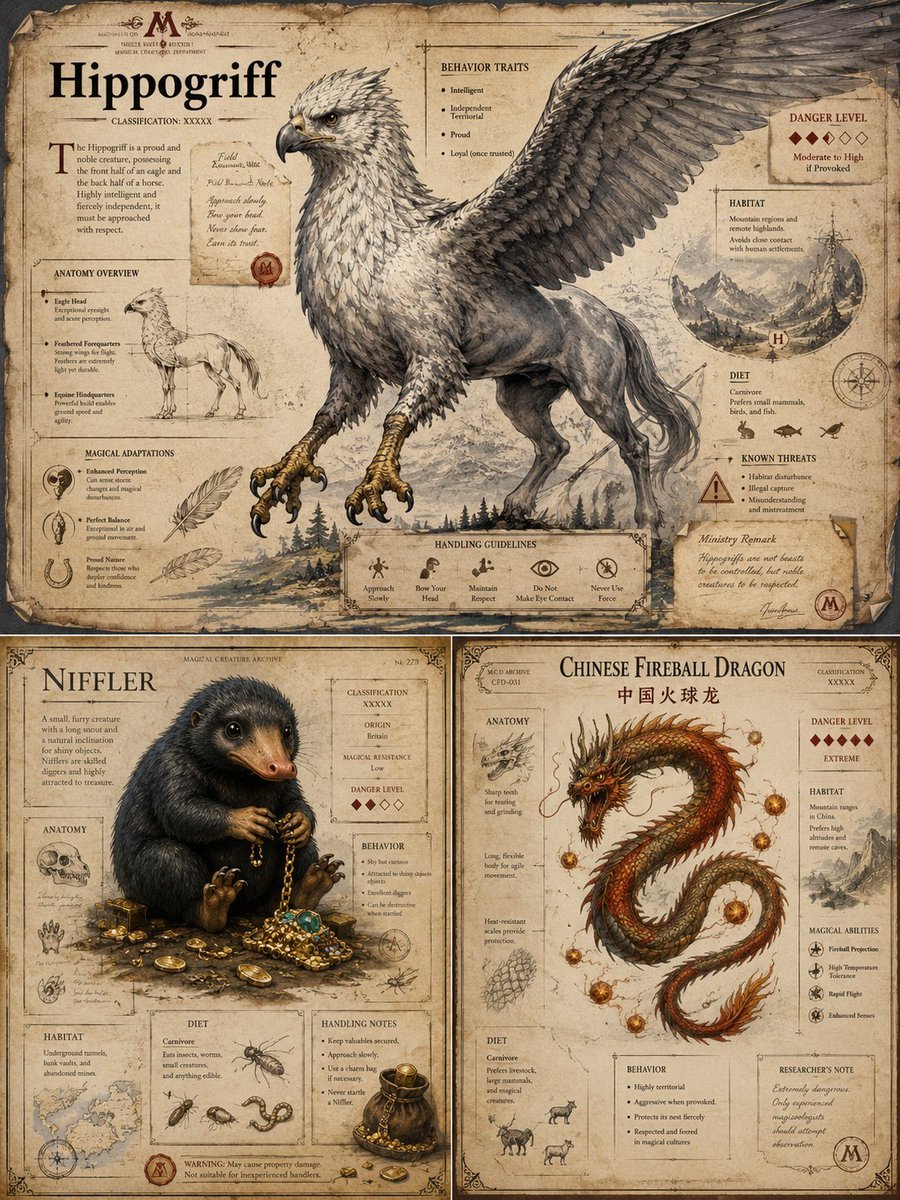
Magical Creature Bestiary Plates
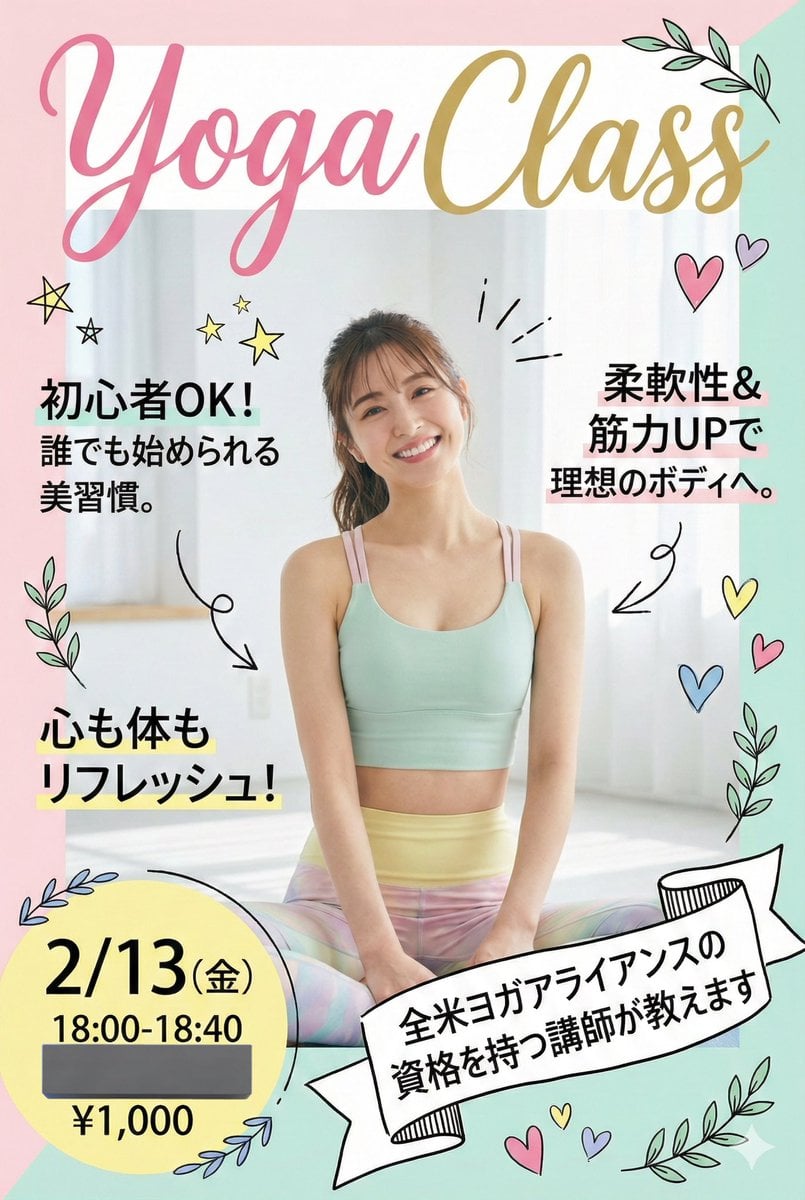
Nano Banana Pro Prompt for Yoga Class Announcement Poster
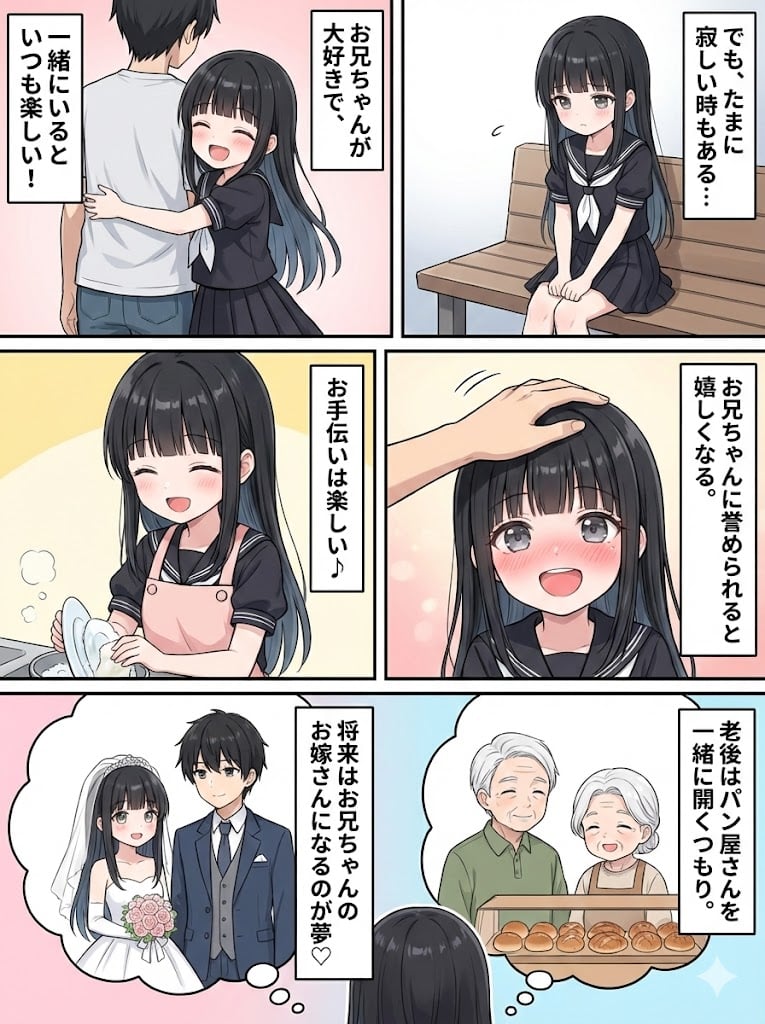
Character Generation and Document Summary Visualization

Image cleanup and colorization for old photographs
Censored Purple Turtleneck Portrait
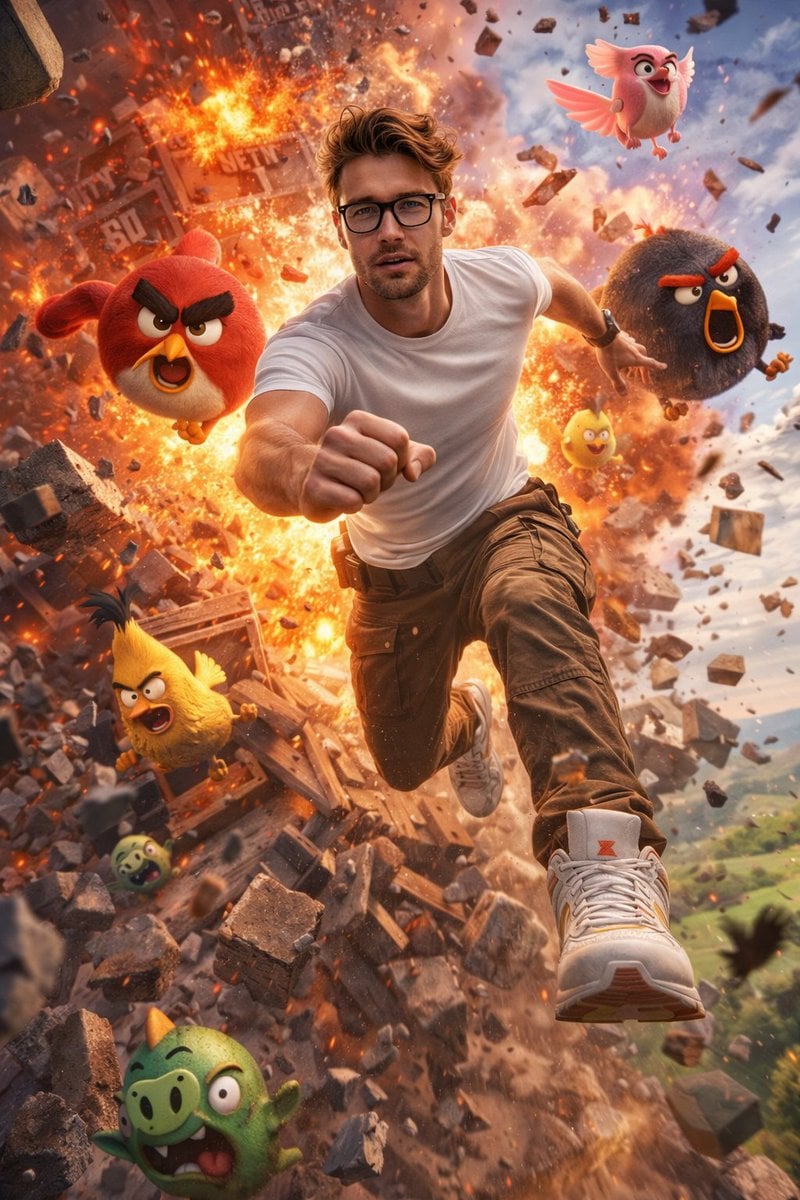
Ultra-Realistic Man in Angry Birds World
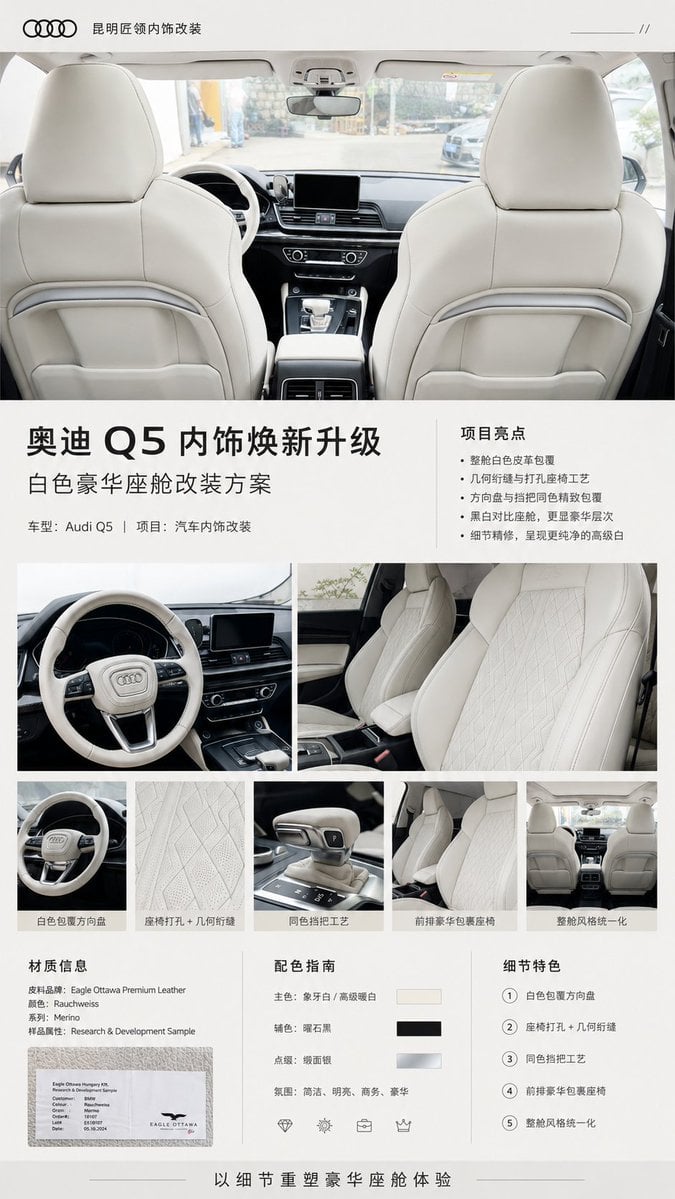
Audi Q5 Interior Upgrade Brochure
Browse template categories
Studio Ghibli Photo Transformation questions
How do I use the Studio Ghibli Photo Transformation template?
Add your photo if the template asks for one, edit the prompt if you like — the template's model and format are already selected — and press Generate. Your version opens in PicX Studio.
Can I customize the Studio Ghibli Photo Transformation template?
Yes. You can change the subject, setting, lighting, mood, format, and available model controls before creating your image.
Is the Studio Ghibli Photo Transformation template free?
Opening and editing this template is free. Generating uses credits, shown on the Generate button when you are signed in.
Which AI model should I use?
Start with GPT Image 2, which is the model associated with this template. You can compare another compatible model for a different finish.
Looking for something else? Browse all templates.

Your photo, any look
Thousands of ready templates for every top image and video model, from one credit balance.