
Audi Q5 Interior Upgrade Brochure
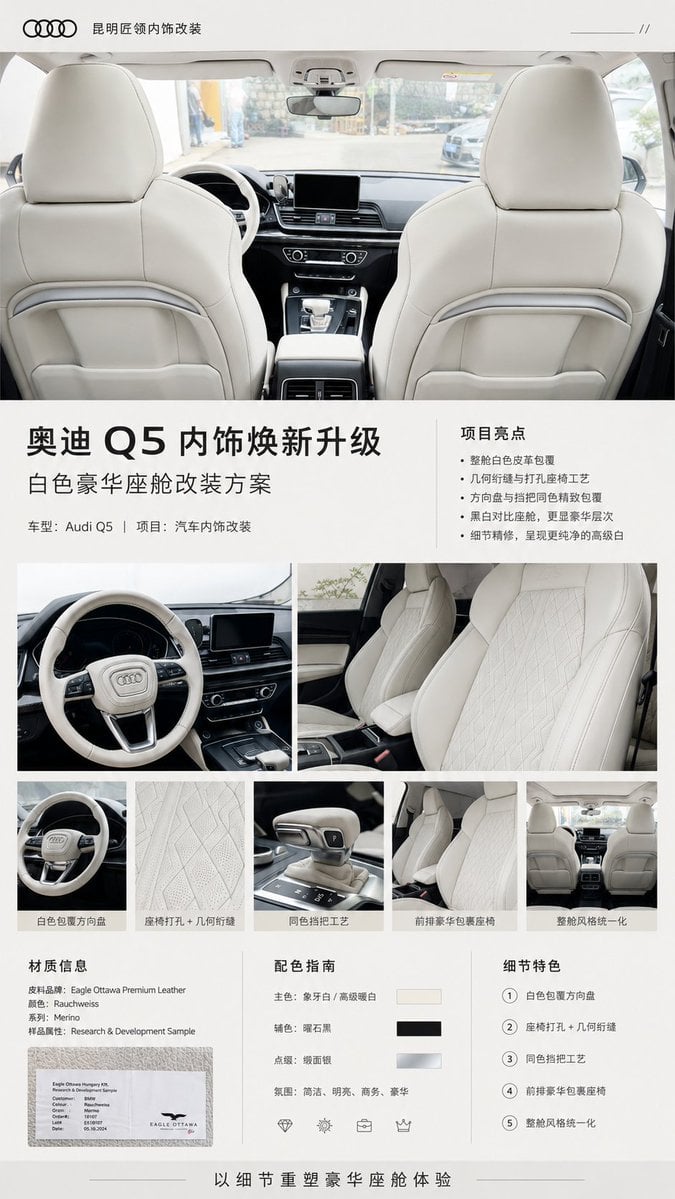
Generates a polished Chinese luxury brochure for an Audi Q5 white leather interior modification showcase.
- Prompt included
- Model and format preset
- Free template
The prompt behind this image
Copy the exact prompt behind Audi Q5 Interior Upgrade Brochure, or open it in the studio and make it yours.
- Type
- premium automotive interior modification brochure poster
- Format
- vertical A4 sales brochure, clean luxury editorial layout
- Brand › Logo
- Audi four-ring logo at top left
- Brand › Shop Name
- {argument name="shop name" default="昆明匠领内饰改装"}
- Headline
- {argument name="headline text" default="奥迪 Q5 内饰焕新升级"}
- Subheadline
- {argument name="subheadline text" default="白色豪华座舱改装方案"}
- Project Line
- 车型:Audi Q5 | 项目:汽车内饰改装
- Visual Style
- minimal white and light gray luxury catalog design, thin divider lines, generous margins, crisp black Chinese typography, high-end automotive brochure aesthetic, realistic photography, soft daylight, premium beige-white leather interior
- Main Image › Position
- top half full width
- Main Image › Description
- wide rear-seat viewpoint looking forward through an Audi Q5 cabin with two large cream-white leather front seat backs, dashboard, steering wheel, center screen and panoramic windshield visible; bright clean refurbished interior, symmetrical composition
- Layout › Sections › 0 › Title
- 项目亮点
- Layout › Sections › 0 › Position
- right of headline block
- Layout › Sections › 0 › Count
- 5
- Layout › Sections › 0 › Labels
- 整舱白色皮革包覆, 几何绗缝与打孔座椅工艺, 方向盘与挡把同色精致包覆, 黑白对比座舱,更显豪华层次, 细节精修,呈现更纯净的高级白
- Layout › Sections › 1 › Title
- detail photo grid
- Layout › Sections › 1 › Position
- middle section below headline
- Layout › Sections › 1 › Count
- 7
- Layout › Sections › 1 › Labels
- large left photo: white leather wrapped Audi steering wheel and cockpit, large right photo: two front seats in white leather with diamond geometric stitching and perforation, small photo 1: close-up white steering wheel, small photo 2: close-up perforated geometric seat leather texture, small photo 3: same-color wrapped gear selector, small photo 4: front-row luxury wrapped seat view, small photo 5: rear view of complete unified cabin style
- Layout › Sections › 2 › Title
- 材质信息
- Layout › Sections › 2 › Position
- bottom left
- Layout › Sections › 2 › Count
- 5
- Layout › Sections › 2 › Labels
- 皮料品牌:Eagle Ottawa Premium Leather, 颜色:Rauchweiss, 系列:Merino, 样品属性:Research & Development Sample, small photo of white leather sample card with Eagle Ottawa logo
- Layout › Sections › 3 › Title
- 配色指南
- Layout › Sections › 3 › Position
- bottom center
Raw JSON
{"type":"premium automotive interior modification brochure poster","format":"vertical A4 sales brochure, clean luxury editorial layout","brand":{"logo":"Audi four-ring logo at top left","shop_name":"{argument name=\"shop name\" default=\"昆明匠领内饰改装\"}"},"headline":"{argument name=\"headline text\" default=\"奥迪 Q5 内饰焕新升级\"}","subheadline":"{argument name=\"subheadline text\" default=\"白色豪华座舱改装方案\"}","project_line":"车型:Audi Q5 | 项目:汽车内饰改装","visual_style":"minimal white and light gray luxury catalog design, thin divider lines, generous margins, crisp black Chinese typography, high-end automotive brochure aesthetic, realistic photography, soft daylight, premium beige-white leather interior","main_image":{"position":"top half full width","description":"wide rear-seat viewpoint looking forward through an Audi Q5 cabin with two large cream-white leather front seat backs, dashboard, steering wheel, center screen and panoramic windshield visible; bright clean refurbished interior, symmetrical composition"},"layout":{"sections":[{"title":"项目亮点","position":"right of headline block","count":5,"labels":["整舱白色皮革包覆","几何绗缝与打孔座椅工艺","方向盘与挡把同色精致包覆","黑白对比座舱,更显豪华层次","细节精修,呈现更纯净的高级白"]},{"title":"detail photo grid","position":"middle section below headline","count":7,"labels":["large left photo: white leather wrapped Audi steering wheel and cockpit","large right photo: two front seats in white leather with diamond geometric stitching and perforation","small photo 1: close-up white steering wheel","small photo 2: close-up perforated geometric seat leather texture","small photo 3: same-color wrapped gear selector","small photo 4: front-row luxury wrapped seat view","small photo 5: rear view of complete unified cabin style"]},{"title":"材质信息","position":"bottom left","count":5,"labels":["皮料品牌:Eagle Ottawa Premium Leather","颜色:Rauchweiss","系列:Merino","样品属性:Research & Development Sample","small photo of white leather sample card with Eagle Ottawa logo"]},{"title":"配色指南","position":"bottom center","count":3,"labels":["主色:象牙白 / 高级暖白 with ivory swatch","辅色:曜石黑 with black swatch","点缀:银面银 with metallic silver swatch"]},{"title":"细节特色","position":"bottom right","count":5,"labels":["1 白色包覆方向盘","2 座椅打孔 + 几何绗缝","3 同色挡把工艺","4 前排豪华包裹座椅","5 整舱风格统一化"]}],"footer":"以细节重塑豪华座舱体验"},"car_model":"{argument name=\"car model\" default=\"Audi Q5\"}","interior_color":"{argument name=\"interior color\" default=\"warm ivory white leather\"}","typography":"modern sans-serif Chinese typography; bold large headline with oversized Q5; smaller regular-weight body text; numbered circles in details section","composition":"top logo bar, large hero cabin photo, headline and project highlights panel, 2-row photo collage, three-column specification area at bottom, centered slogan footer with thin horizontal lines","rendering_requirements":"make it look like a finished product promotion brochure, not a mockup; realistic automotive interior photos embedded in a clean graphic design; no people, no clutter, no cartoon style"}How to use Audi Q5 Interior Upgrade Brochure in 3 steps
- 1Upload ImagePNG, JPG or paste
Add your photo
Upload the photo the template builds on. The prompt, model and format are already set.
- 2…a portrait of your subject in softgolden-hour light, 85mm…
Personalize
Edit the subject and creative details for your destination.
- 3Generate
Generate
Press Generate — your image is created in PicX Studio, so you can compare it with the original and refine one variable at a time.
More like this
Templates with the same subject, style or setup. Open one to see its prompt.

City Posters by Nano Banana Pro

Futuristic Brand Upgrade Conference Poster

Japan Travel Brochure Poster
Japanese High School Brochure Design
Premium Loot App Screenshot Upgrade
Dark Yunnan Restaurant Brochure Deck
Corporate Meeting Photo Upgrade
Illustration Refinement and Quality Upgrade
Luxury Beijing Apartment Brochure
Audi S4 Promotional Poster
Tokyo Gallery Guide Brochure
Futuristic Audi Tron Concept Coupe
Make it yours
Audi Q5 Interior Upgrade Brochure works as-is. These are the safest ways to change it without losing the look.
Change one field
Copy a single group, rewrite it, and generate again so you can see what that field is doing.
Keep the frame, change the subject
Hold the composition and light of Audi Q5 Interior Upgrade Brochure, then swap wardrobe, props or the person for a new take.
| If the result… | Why | Fix |
|---|---|---|
| The result drifts from the preview | Too many fields changed at once. | Reuse Audi Q5 Interior Upgrade Brochure as-is first, then change one group — subject, light, or setting. |
| GPT Image 2 ignores part of the JSON | Some models flatten or skip nested keys. | Keep the same values and paste them as a short paragraph instead. |
More GPT Image 2 templates
Other prompts made for GPT Image 2.

Six VTuber Japanese Logo Sheet

Realistic Portrait of Woman and Deer

The Vista Modular Condo Poster

AI Model Routing Comparison Infographic

2.5D Anime Art Board

Isometric Productivity Desk Scene

New York Double Exposure Poster

Four-Panel AI Landscape Comparison

Japanese Tatami Lifestyle Magazine Cover

NESCAFÉ Coffee Map Poster
More image prompts
Fresh picks from across the catalog.

Sheep Good-Luck Charm Poster
Cinematic Close-Up in Formal Suit
Urban Streetwear Manga Cover

Ultra-Realistic 8K Candid Street Portrait Prompt
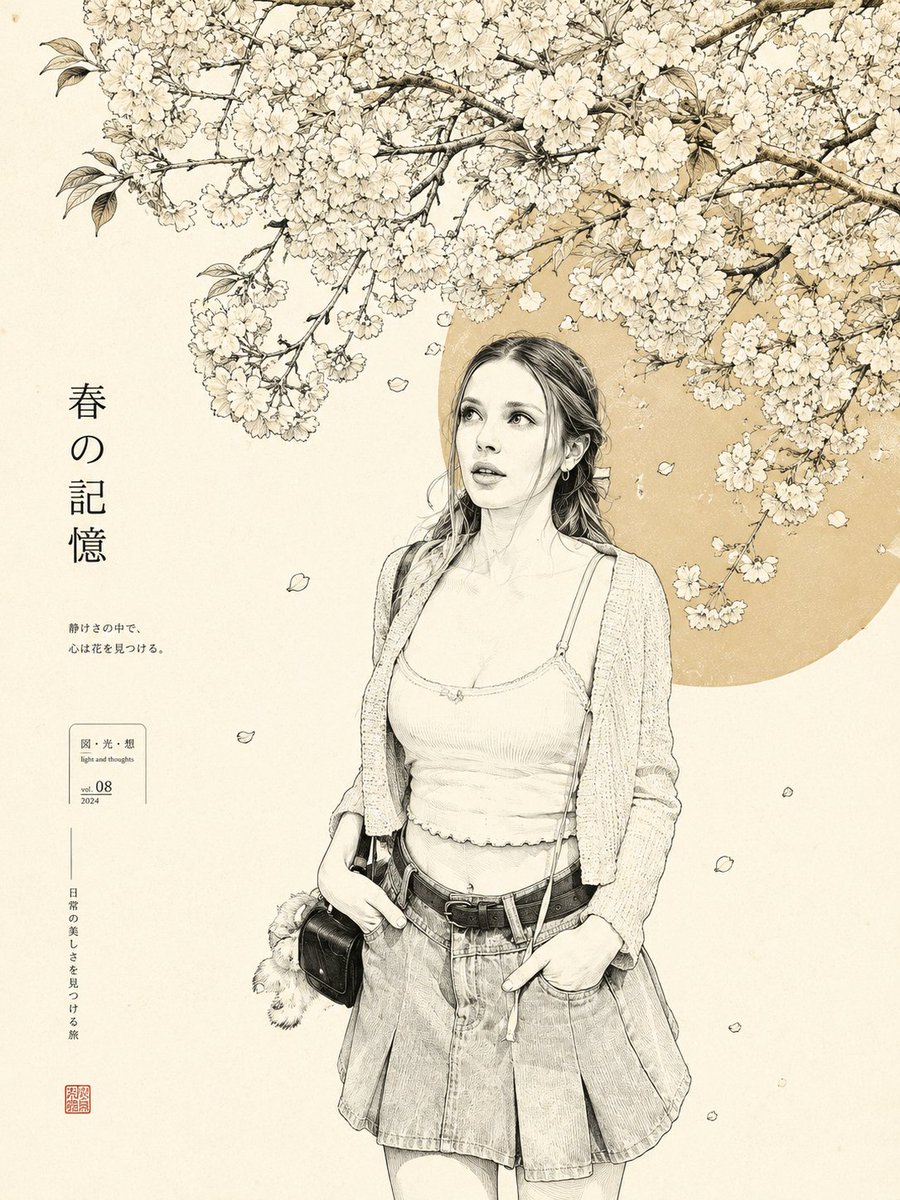
Minimalist Japanese Line Art Transformation

Dreamy Cinematic Portrait with Wild Bouquet in Golden Hour

Hyper-Realistic Portrait of a Woman in a Studio (from ALT text)
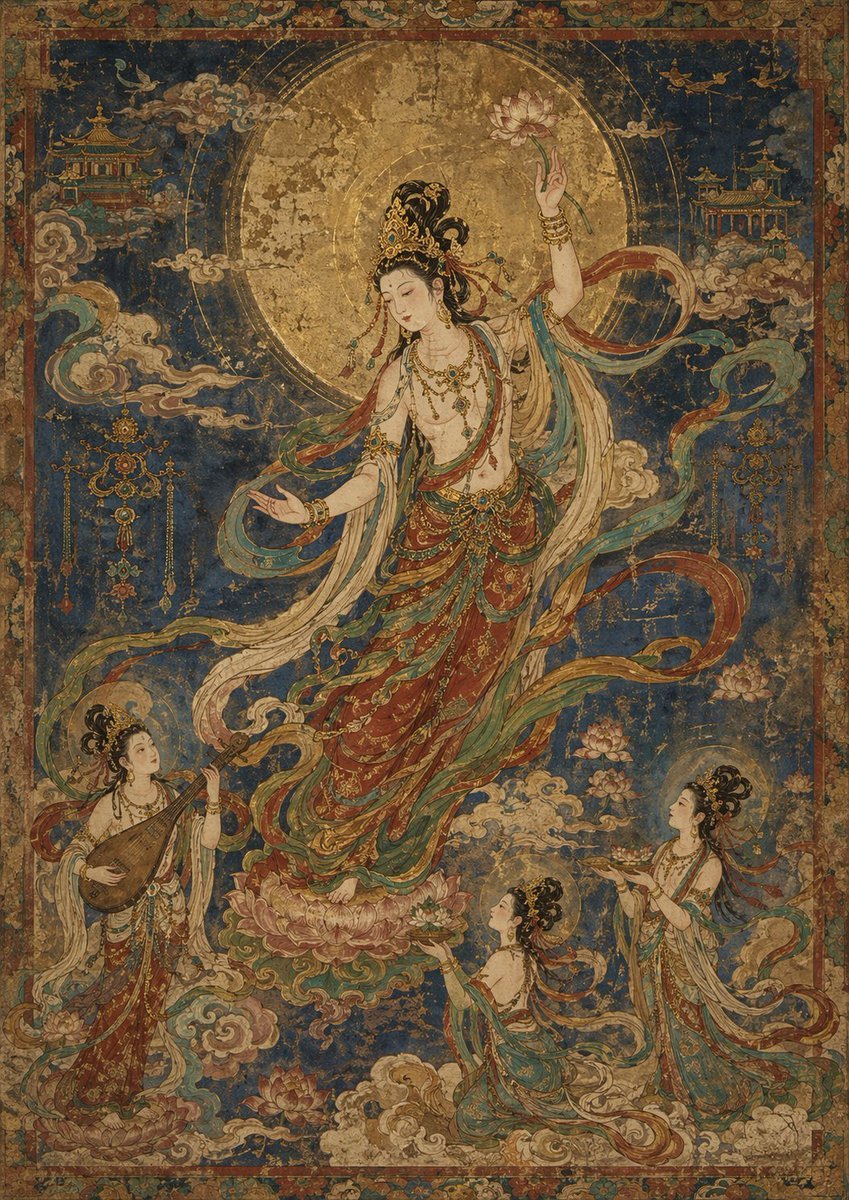
Antique Celestial Goddess Mural
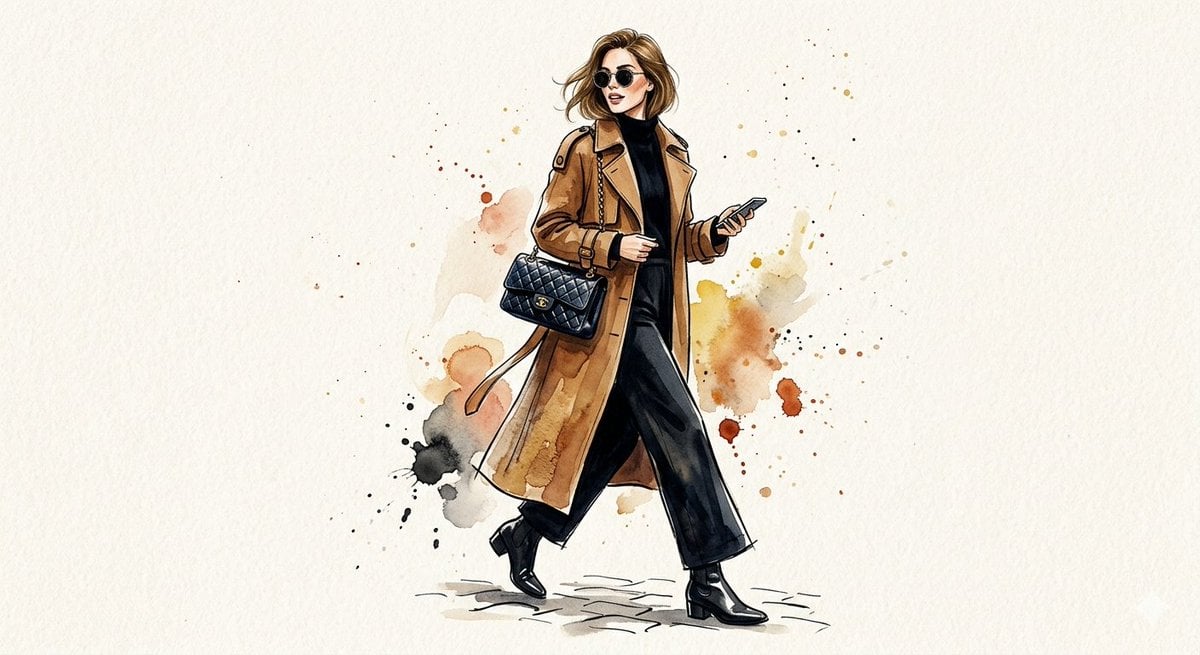
Watercolor Trench Coat Fashion Illustration
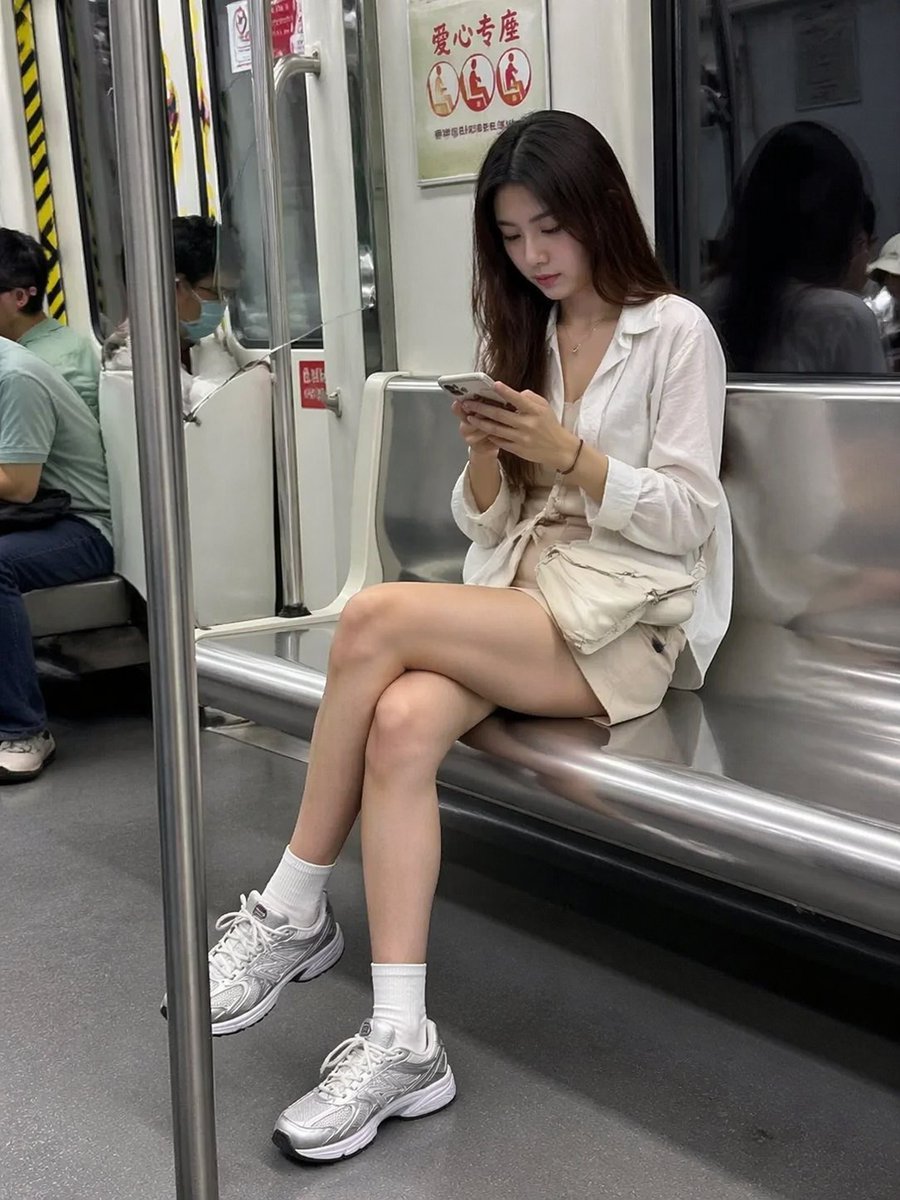
Candid Subway Smartphone Photography
Browse template categories
Audi Q5 Interior Upgrade Brochure questions
How do I use the Audi Q5 Interior Upgrade Brochure template?
Add your photo if the template asks for one, edit the prompt if you like — the template's model and format are already selected — and press Generate. Your version opens in PicX Studio.
Can I customize the Audi Q5 Interior Upgrade Brochure template?
Yes. You can change the subject, setting, lighting, mood, format, and available model controls before creating your image.
Is the Audi Q5 Interior Upgrade Brochure template free?
Opening and editing this template is free. Generating uses credits, shown on the Generate button when you are signed in.
Which AI model should I use?
Start with GPT Image 2, which is the model associated with this template. You can compare another compatible model for a different finish.
Looking for something else? Browse all templates.

Your photo, any look
Thousands of ready templates for every top image and video model, from one credit balance.