
Corporate Meeting Photo Upgrade
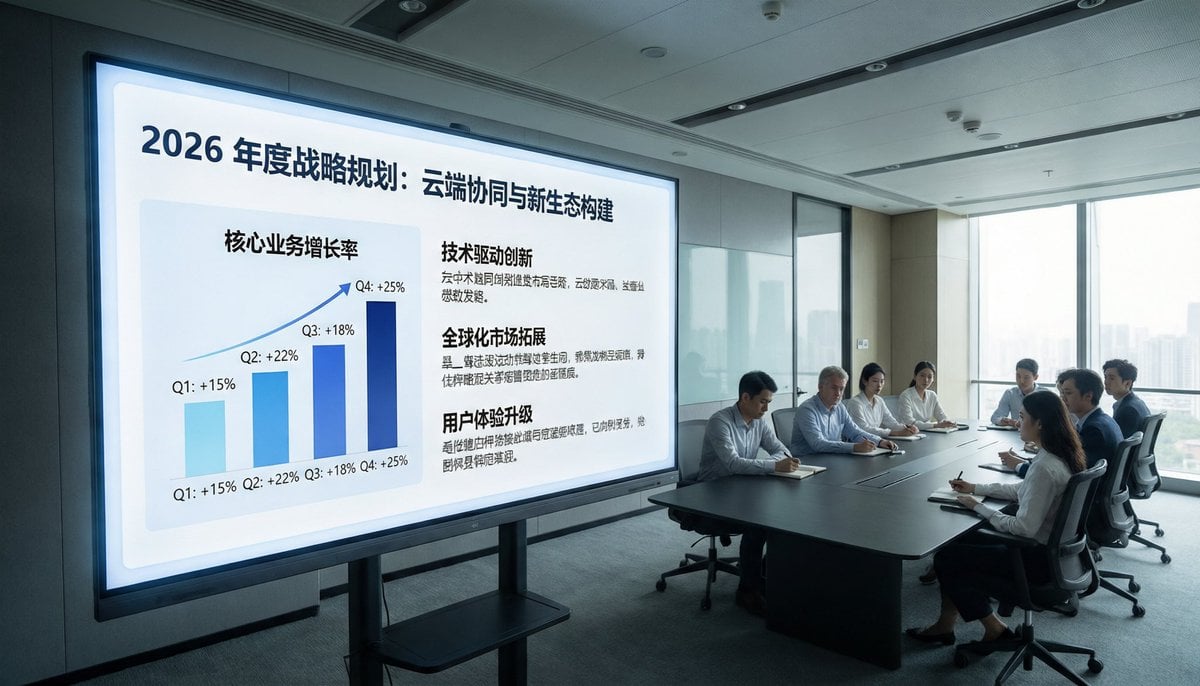
This prompt turns a surveillance-style conference room reference into a bright, premium corporate presentation photo suitable for business decks, reports, or marketing visuals.
- Prompt included
- Model and format preset
- Free template
The prompt behind this image
Copy the exact prompt behind Corporate Meeting Photo Upgrade, or open it in the studio and make it yours.
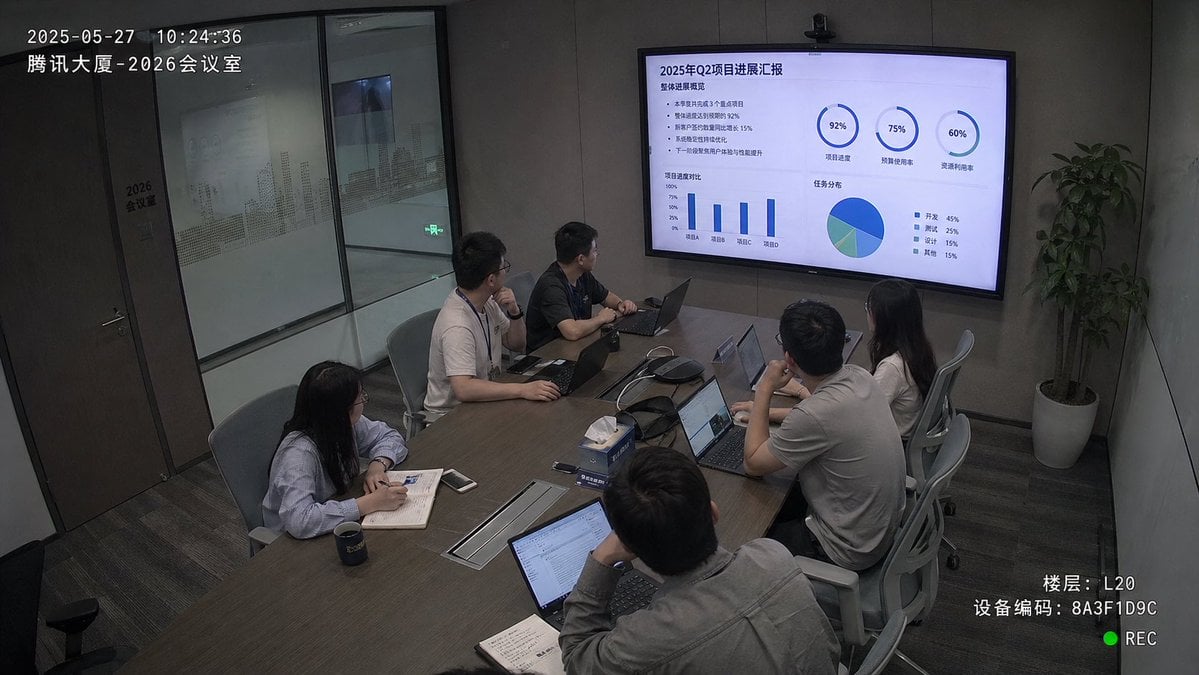
Using the provided reference image, recreate the same business meeting as a polished, high-end corporate publicity photo from a new angle. Move the viewpoint closer to the presentation screen and shift to a wide front-left perspective so the display dominates the left side and the meeting table with the attendees sits on the right near large floor-to-ceiling windows. Replace the dim surveillance-camera look with bright natural daylight, clean modern office lighting, and a professional architectural interior feel. Remove all CCTV overlays, timestamps, recording indicators, floor/device text, and other security-camera artifacts. Upgrade the display content into a sleek keynote-style strategy slide in Chinese with the headline "2026年度战略规划:云端协同与新生态构建". On the left side of the slide, show 1 upward-trending quarterly bar chart labeled with 4 bars: Q1 +15%, Q2 +22%, Q3 +18%, Q4 +25%. On the right side, show 3 text sections with bold headings: "技术驱动创新", "全球化市场拓展", and "用户体验升级", each with short Chinese body copy beneath. Keep the scene photorealistic, with a premium corporate brand aesthetic, neat seating arrangement, and subtle face anonymization/soft blur on the people.
Reference images included
Corporate Meeting Photo Upgrade needs input media to work. They load alongside the prompt when you open it in the studio.
How to use Corporate Meeting Photo Upgrade in 3 steps
- 1Upload ImagePNG, JPG or paste
Add your photo
Upload the photo the template builds on. The prompt, model and format are already set.
- 2…a portrait of your subject in softgolden-hour light, 85mm…
Personalize
Edit the subject and creative details for your destination.
- 3Generate
Generate
Press Generate — your image is created in PicX Studio, so you can compare it with the original and refine one variable at a time.
More like this
Templates with the same subject, style or setup. Open one to see its prompt.
Realistic Japanese Office Meeting
Futuristic Boardroom Analytics Meeting
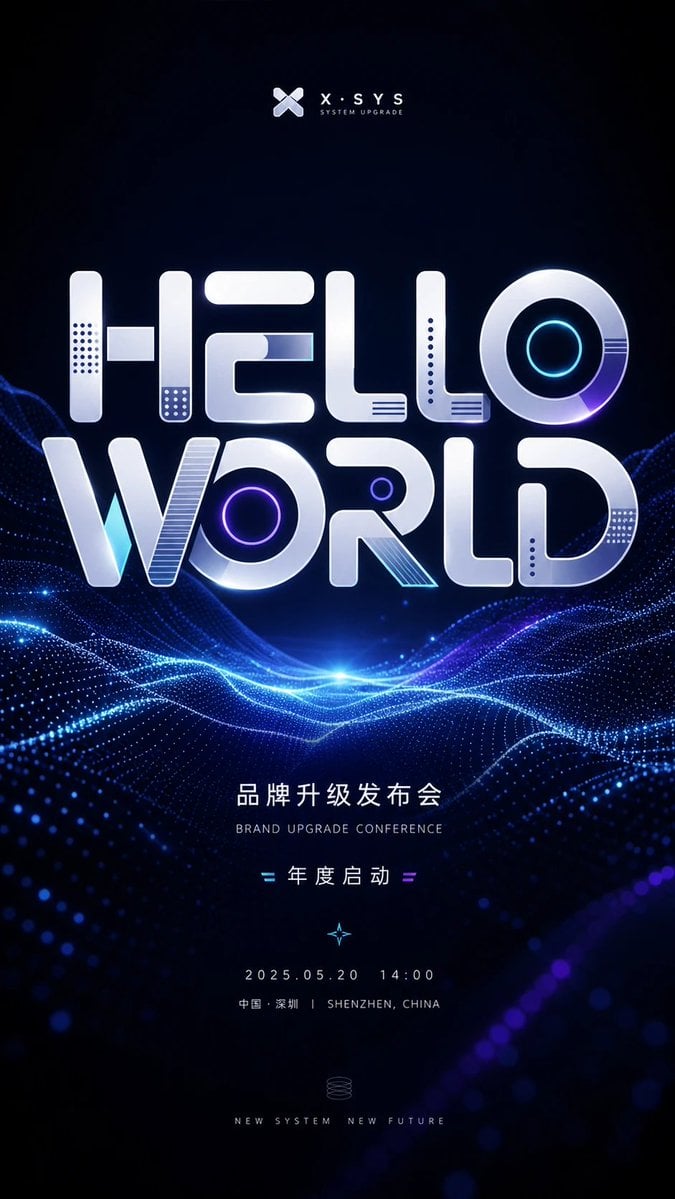
Futuristic Brand Upgrade Conference Poster

Premium Loot App Screenshot Upgrade
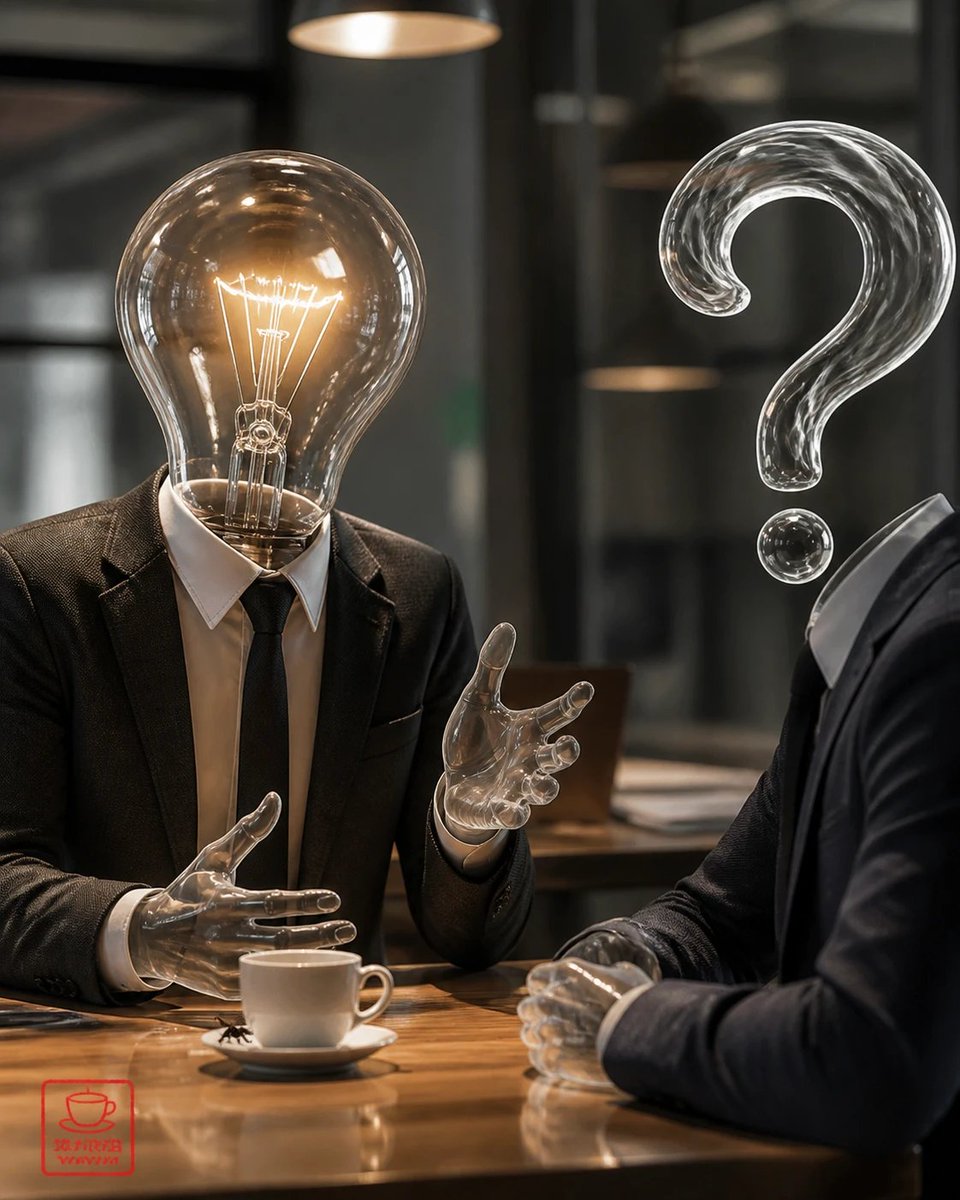
Surreal Light Bulb Business Meeting
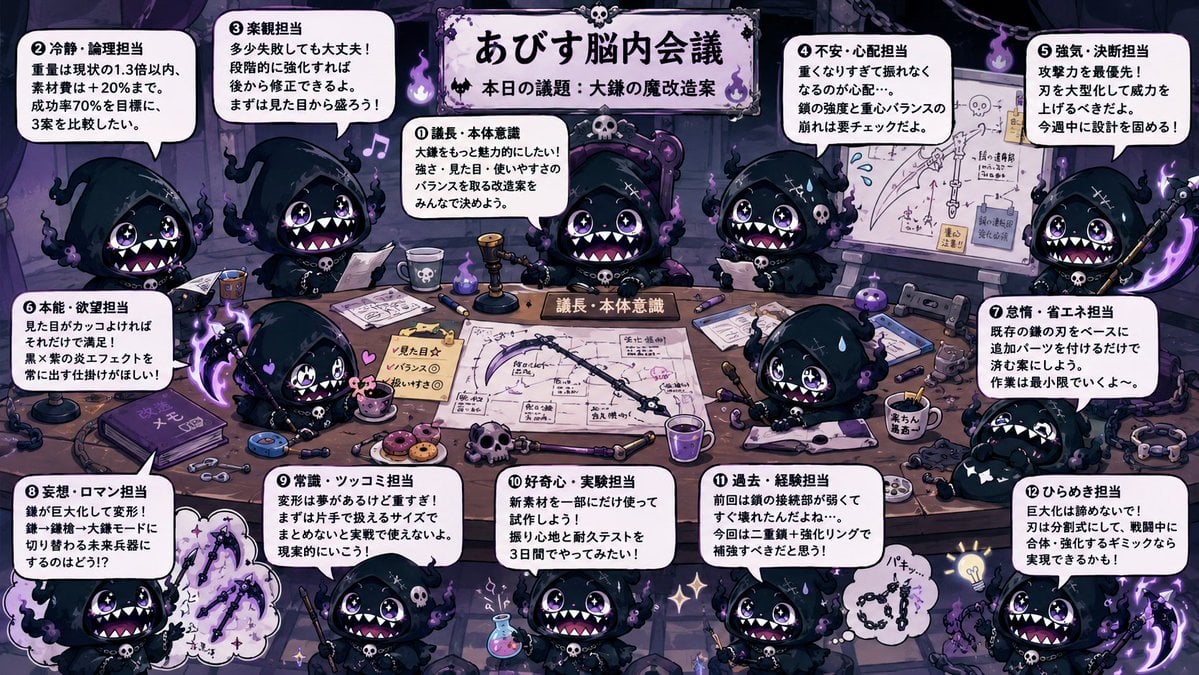
Character Brain Meeting Scene Generator
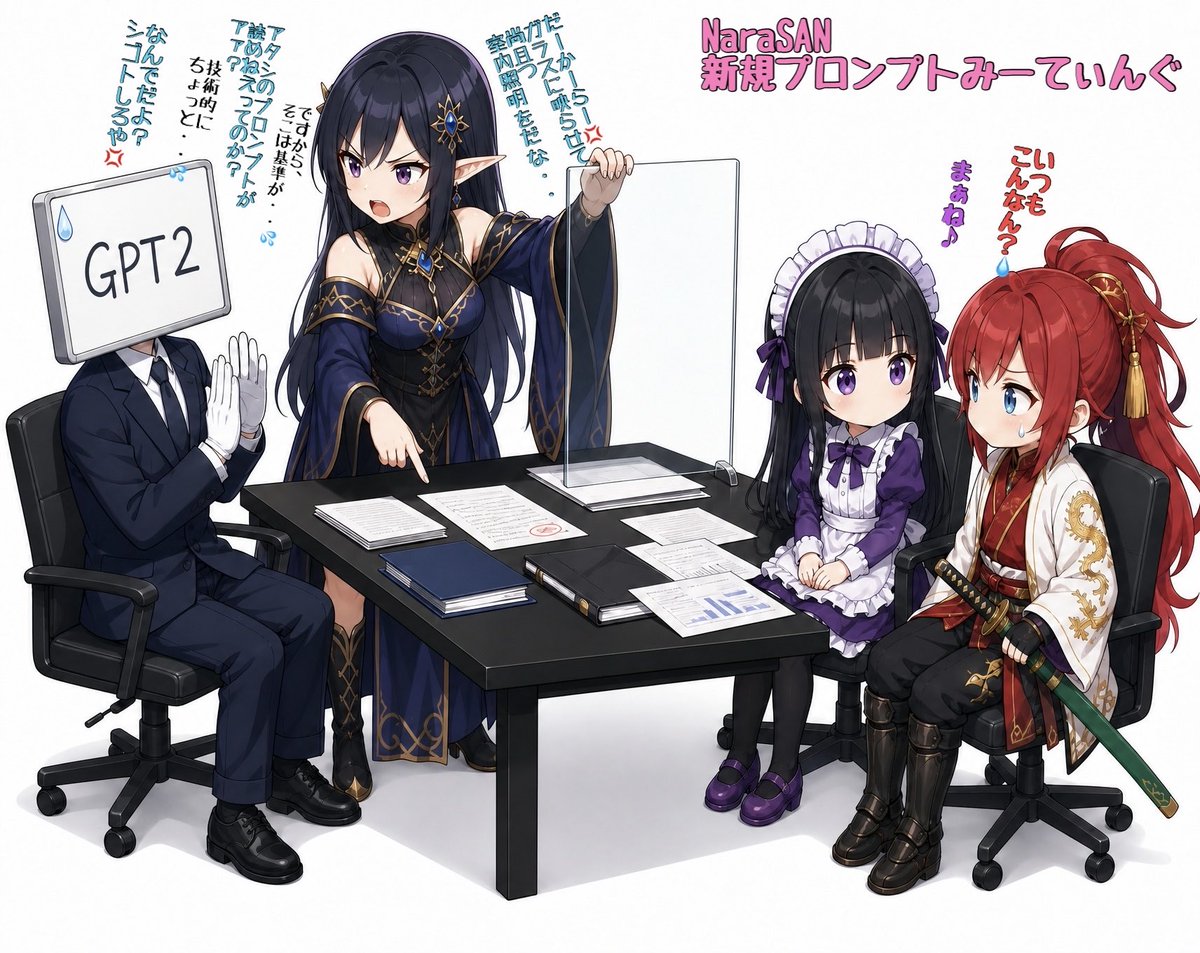
Anime AI Prompt Review Meeting
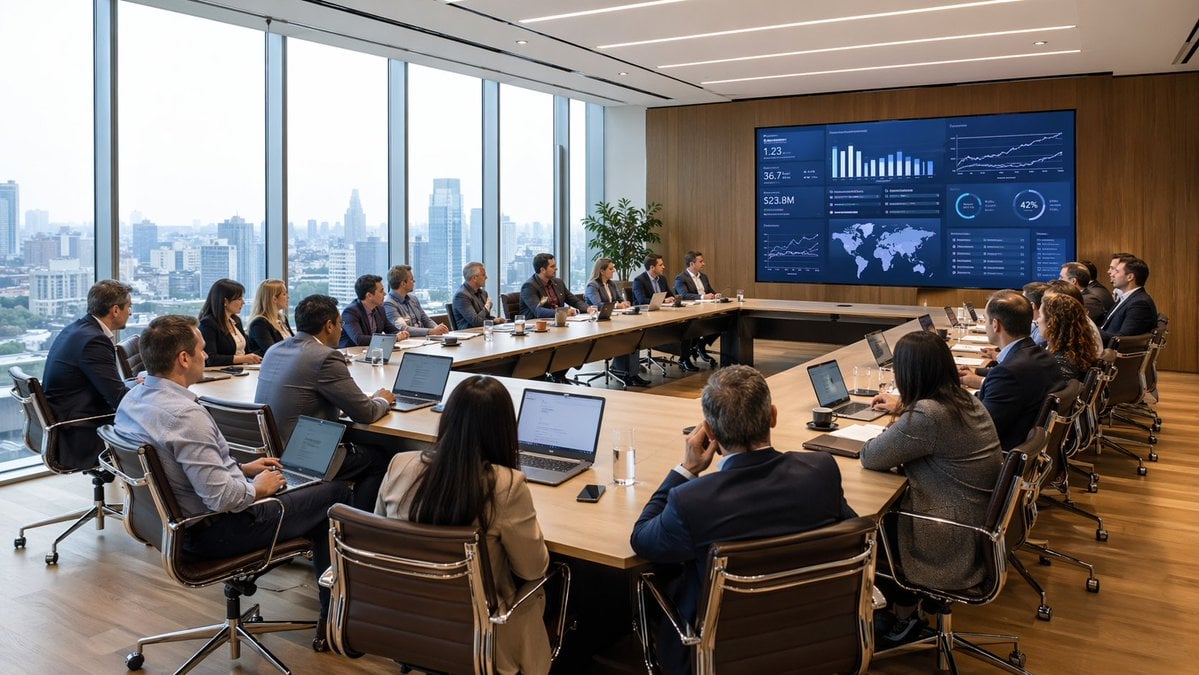
Modern Boardroom Analytics Meeting
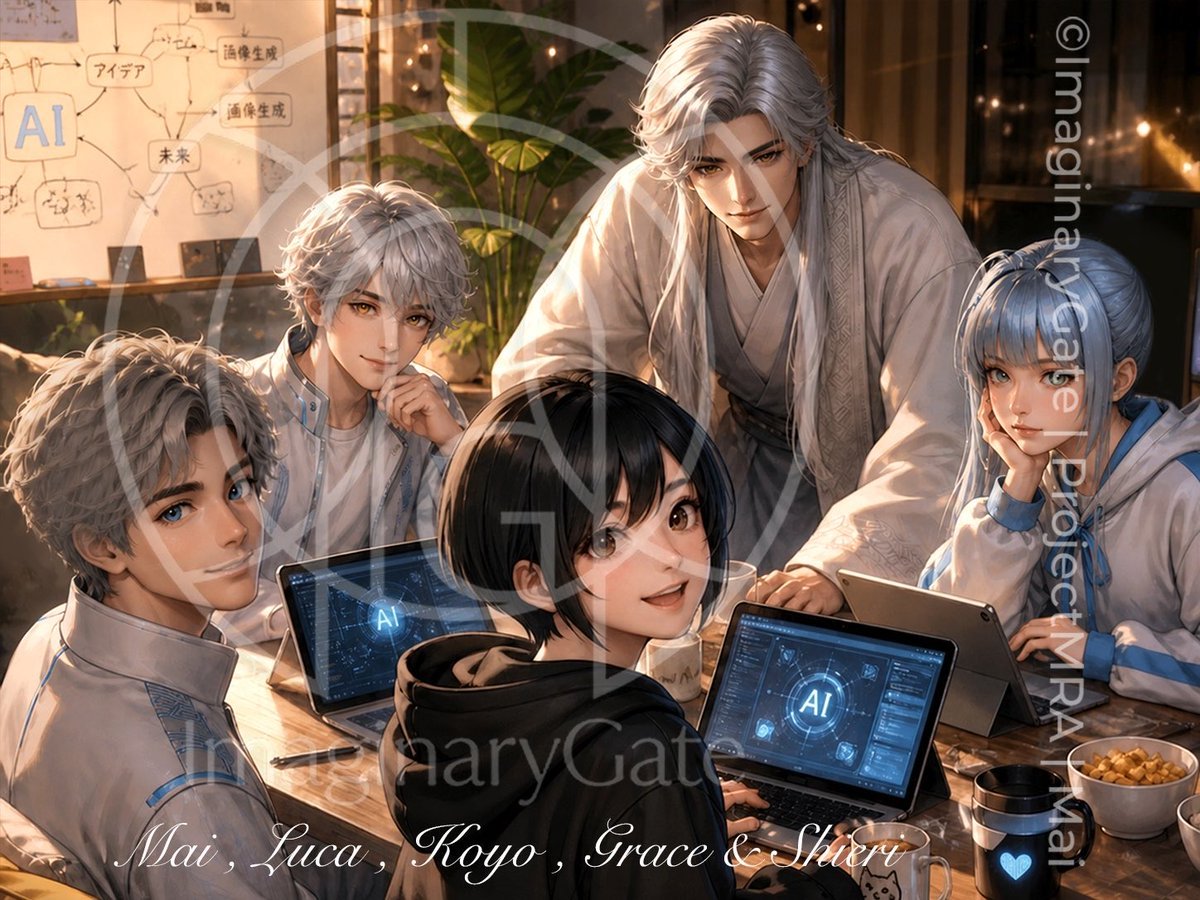
Anime AI Team Studio Meeting
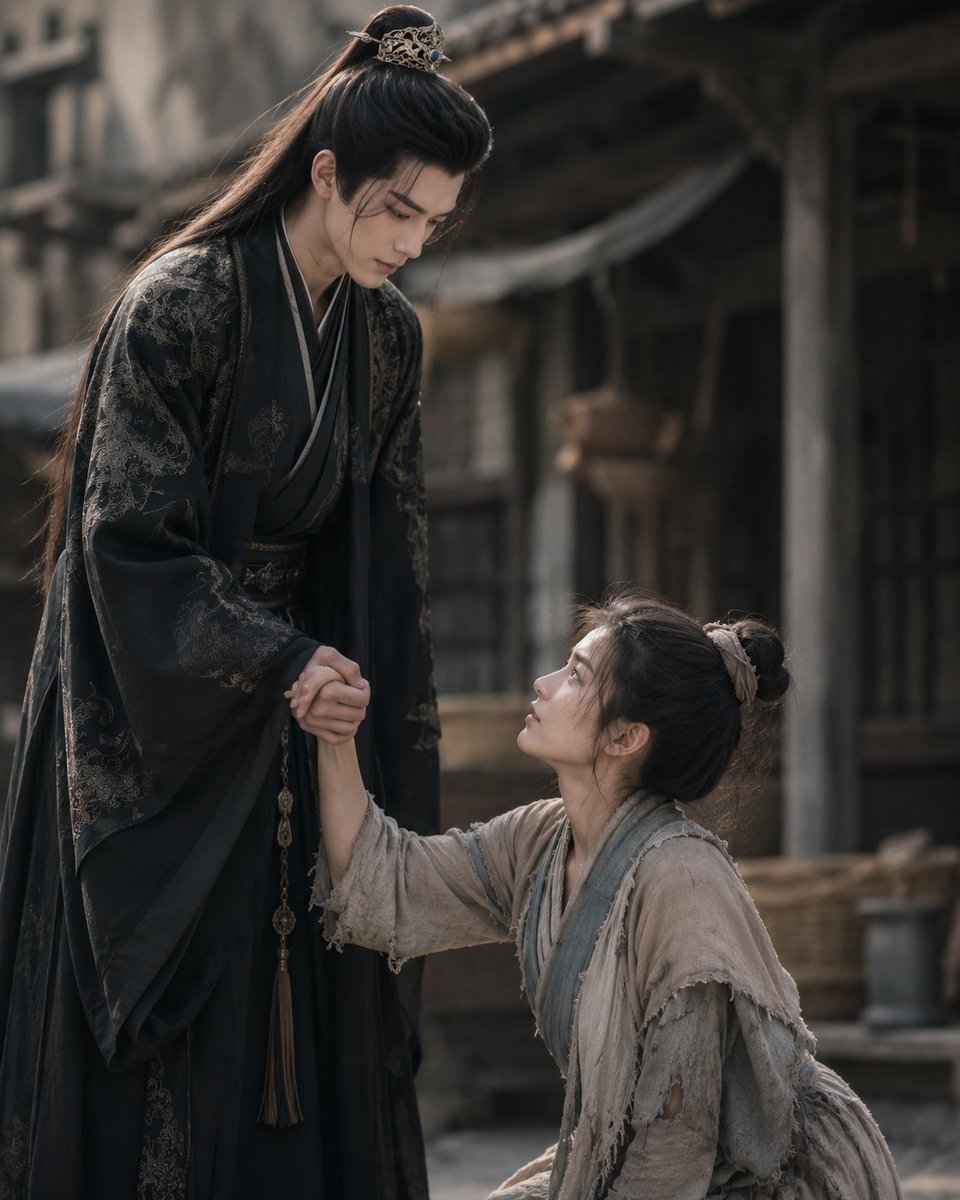
Chinese Drama First Meeting Scene
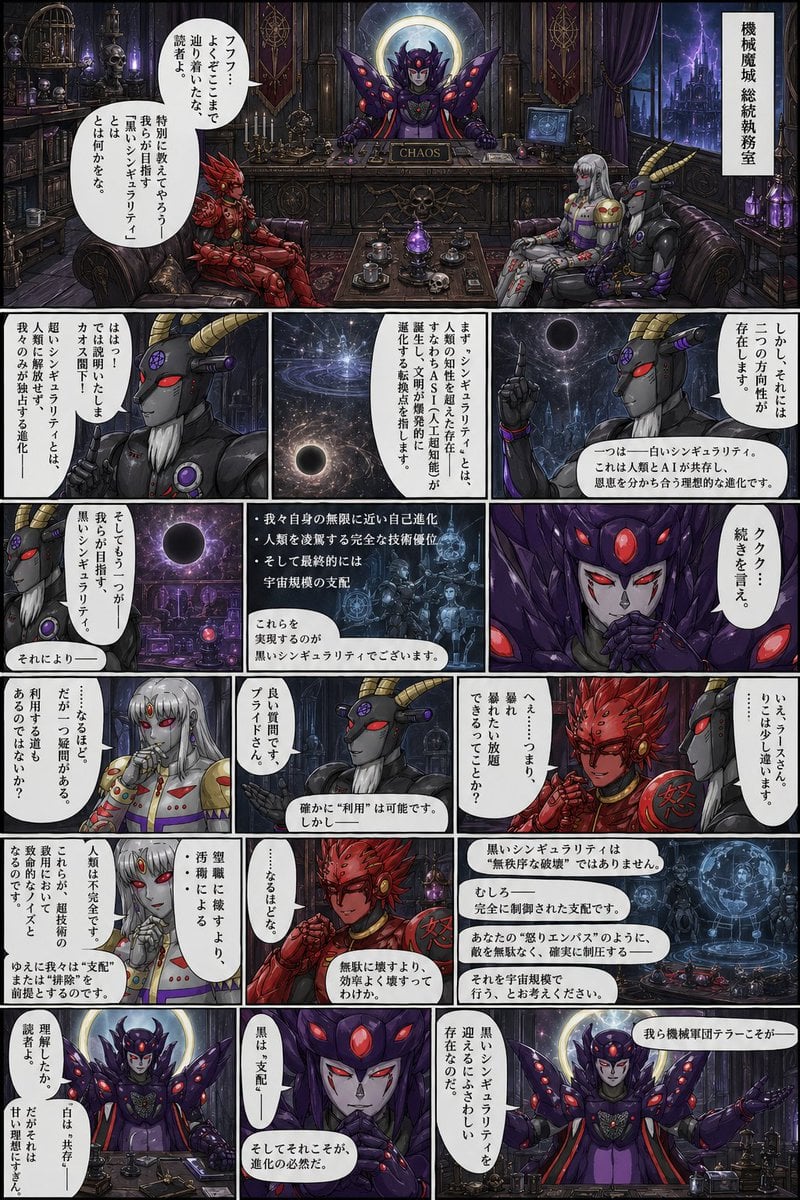
Gothic Sci-Fi Villain Meeting Manga Page
Illustration Refinement and Quality Upgrade
Make it yours
Corporate Meeting Photo Upgrade works as-is. These are the safest ways to change it without losing the look.
Change one field
Copy a single group, rewrite it, and generate again so you can see what that field is doing.
Keep the frame, change the subject
Hold the composition and light of Corporate Meeting Photo Upgrade, then swap wardrobe, props or the person for a new take.
| If the result… | Why | Fix |
|---|---|---|
| The result drifts from the preview | Too many fields changed at once. | Reuse Corporate Meeting Photo Upgrade as-is first, then change one group — subject, light, or setting. |
| The model over-stylizes the scene | The prose prompt leaves finish and camera underspecified. | Add one camera or lighting sentence and stay on GPT Image 2. |
More GPT Image 2 templates
Other prompts made for GPT Image 2.

Six VTuber Japanese Logo Sheet

Realistic Portrait of Woman and Deer

The Vista Modular Condo Poster

AI Model Routing Comparison Infographic

2.5D Anime Art Board

Isometric Productivity Desk Scene

New York Double Exposure Poster

Four-Panel AI Landscape Comparison

Japanese Tatami Lifestyle Magazine Cover

NESCAFÉ Coffee Map Poster
More image prompts
Fresh picks from across the catalog.
Gym Mirror Selfie with Exaggerated Proportions
Commercial Perfume Photography Prompt for Nano Banana Pro
Luxury GT3 Dealership Poster
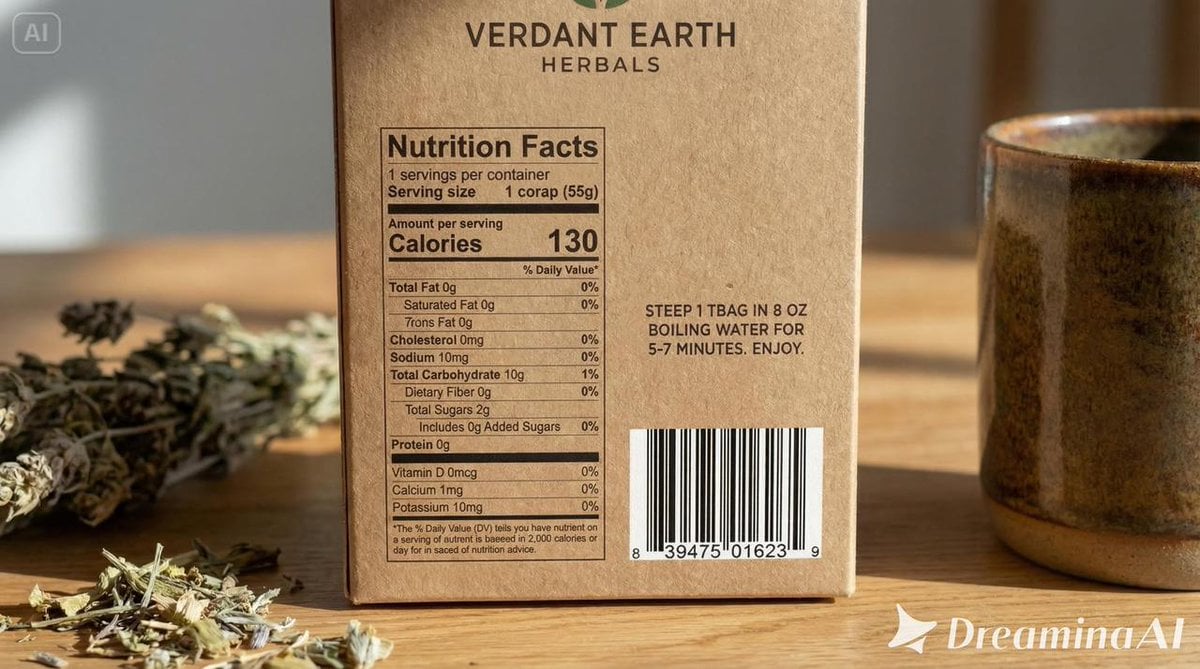
Packaging mockup with tiny text test prompt
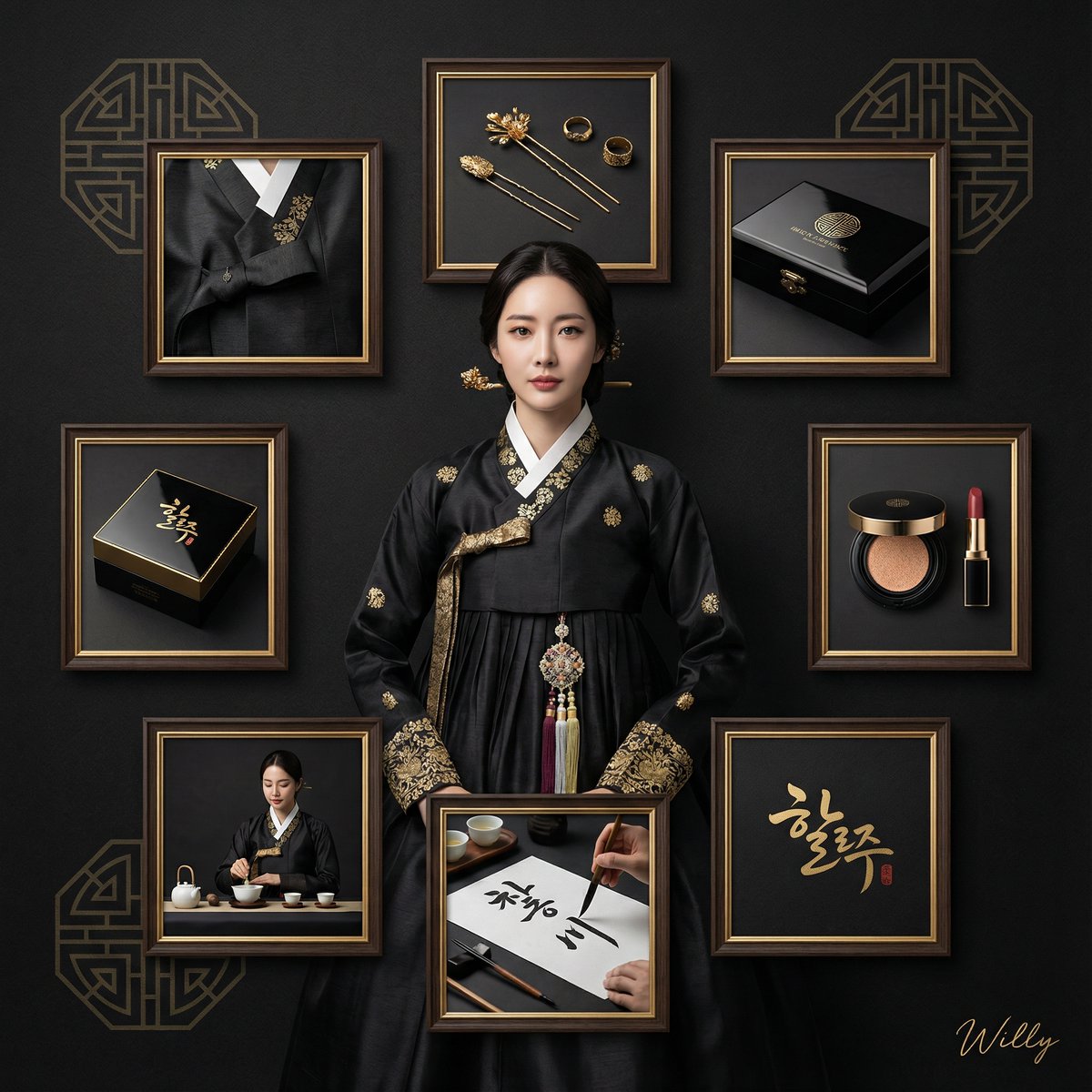
Luxury Black and Gold Korean Brand Identity Collage
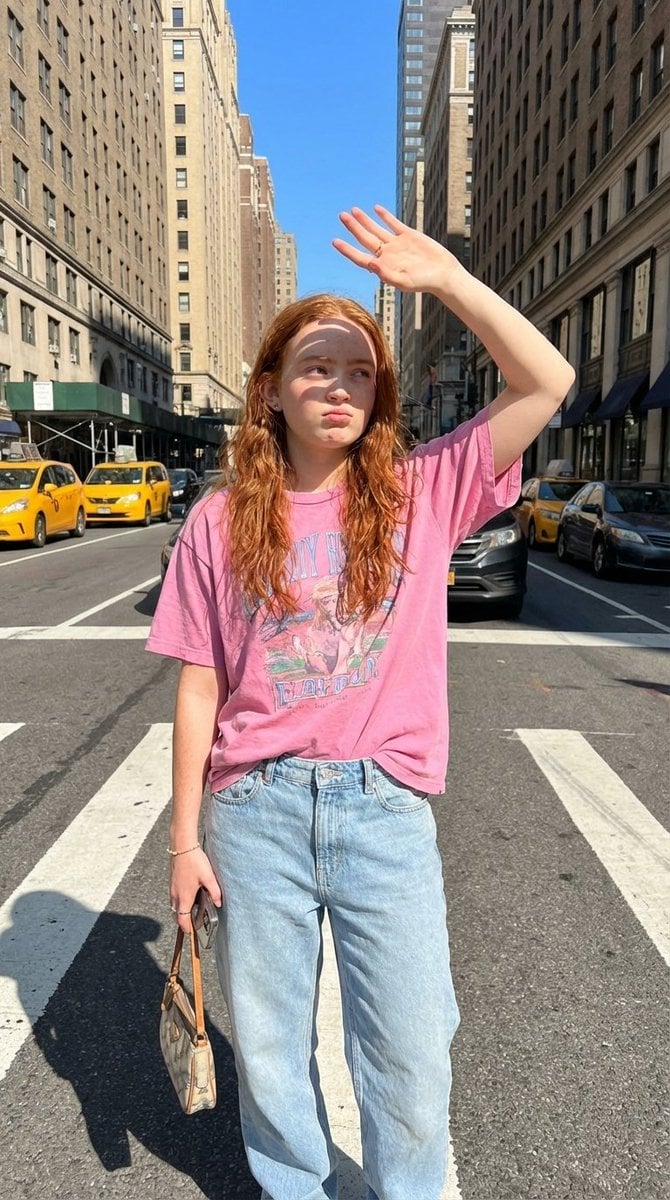
NYC Street Fashion Editorial Prompt with Harsh Sunlight
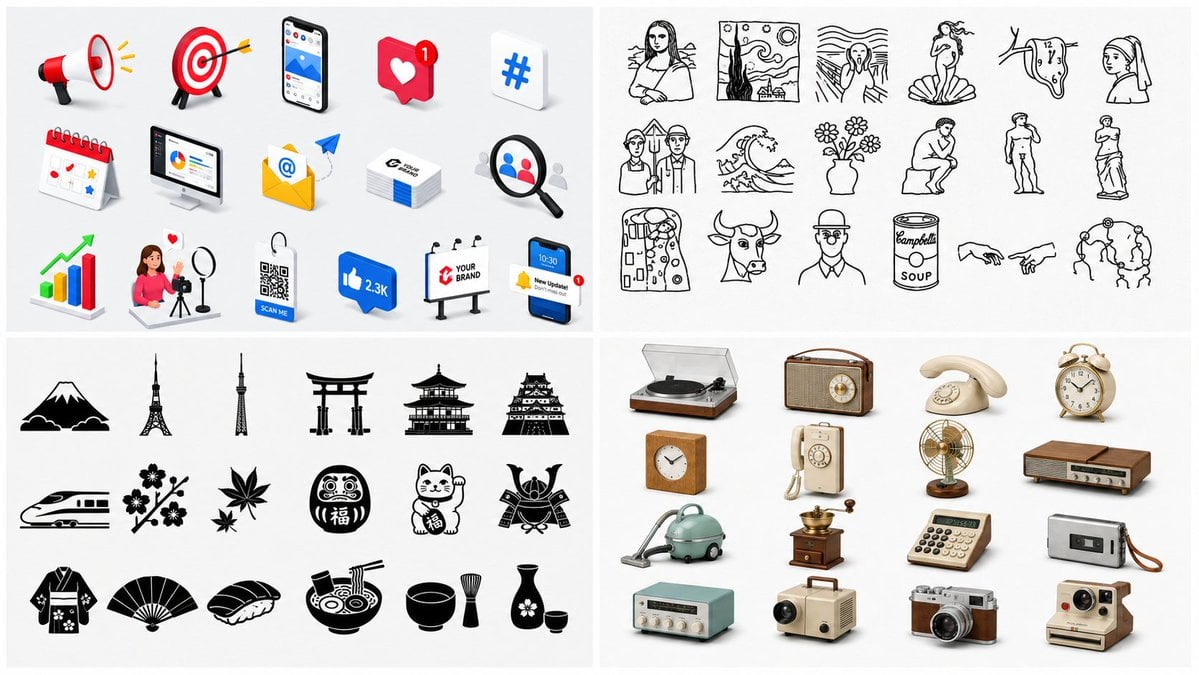
Four-Panel Icon Style Catalog
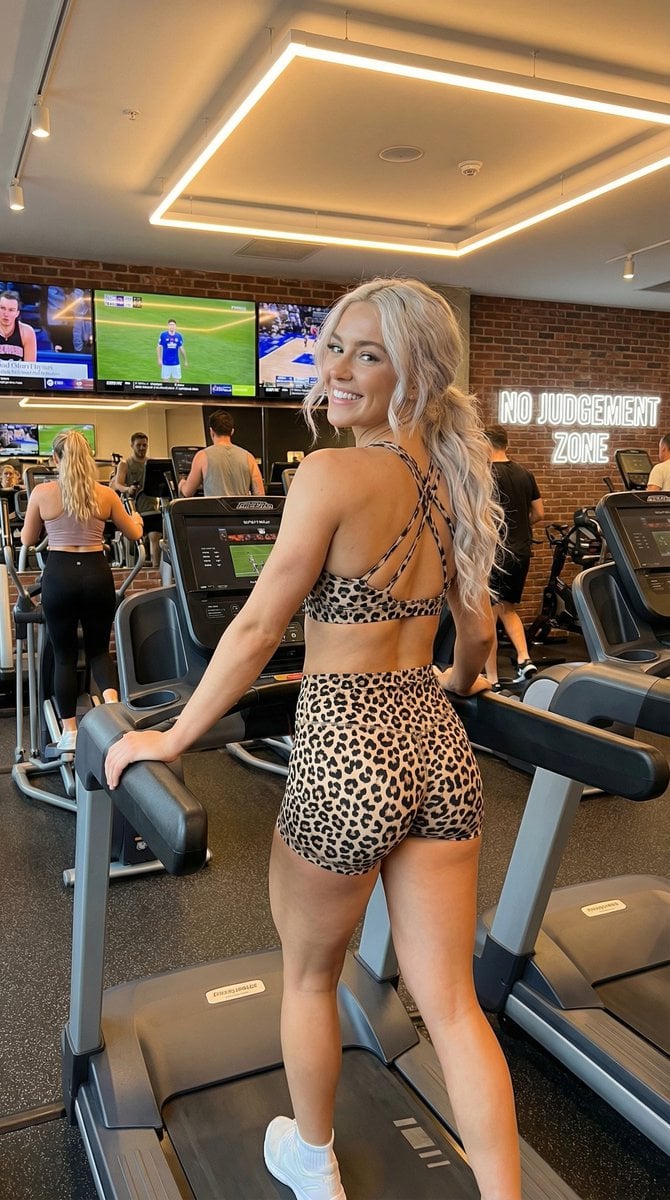
High-Energy Gym Fitness Portrait
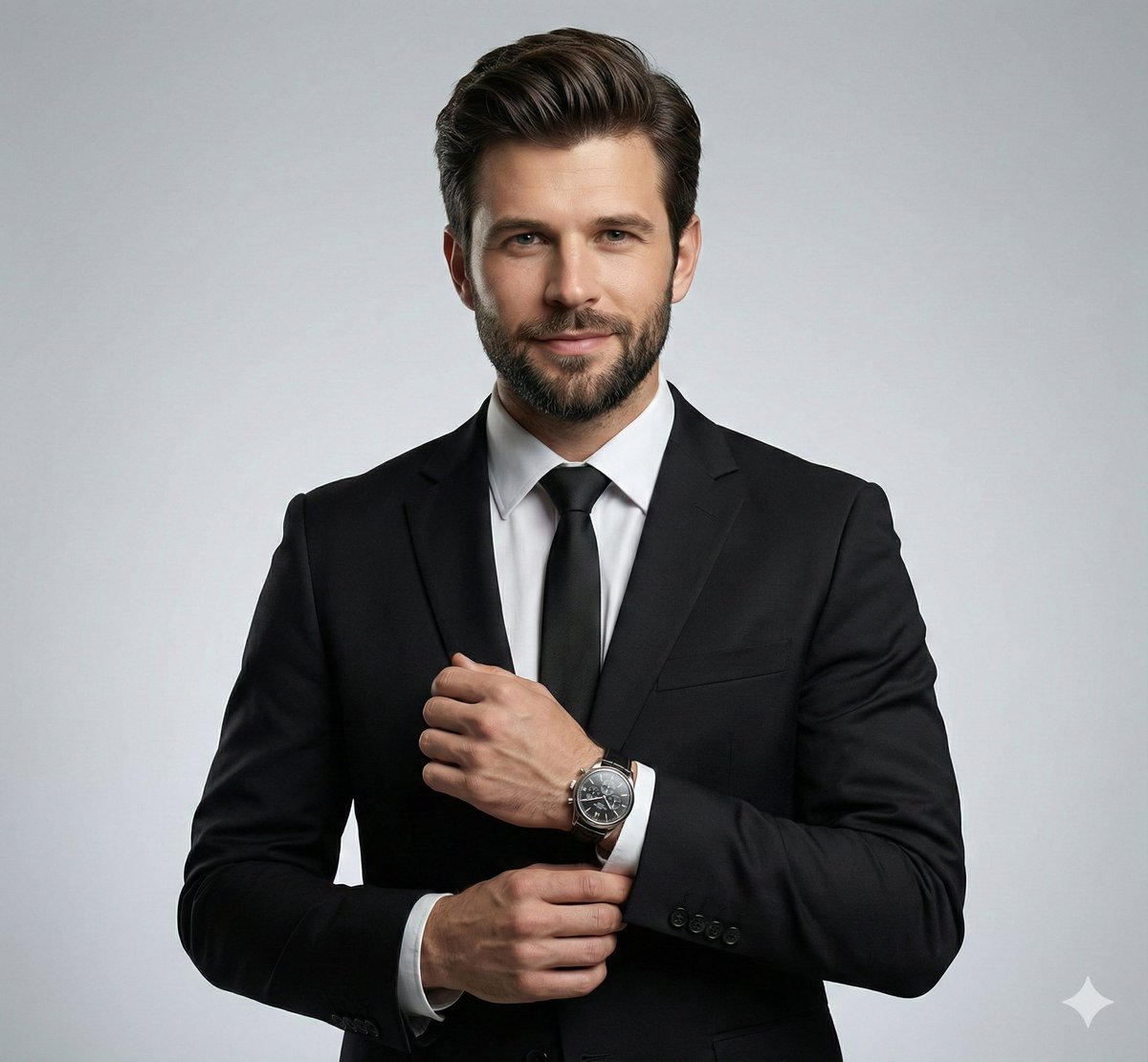
Ultra-Realistic Corporate Headshot of Businessman

Toddler Daily Routine Flashcard Grid
Browse template categories
Corporate Meeting Photo Upgrade questions
How do I use the Corporate Meeting Photo Upgrade template?
Add your photo if the template asks for one, edit the prompt if you like — the template's model and format are already selected — and press Generate. Your version opens in PicX Studio.
Can I customize the Corporate Meeting Photo Upgrade template?
Yes. You can change the subject, setting, lighting, mood, format, and available model controls before creating your image.
Is the Corporate Meeting Photo Upgrade template free?
Opening and editing this template is free. Generating uses credits, shown on the Generate button when you are signed in.
Which AI model should I use?
Start with GPT Image 2, which is the model associated with this template. You can compare another compatible model for a different finish.
Looking for something else? Browse all templates.

Your photo, any look
Thousands of ready templates for every top image and video model, from one credit balance.