
Modern Boardroom Analytics Meeting
A photorealistic executive boardroom meeting scene with a large team reviewing a data dashboard, ideal for business, consulting, finance, and corporate strategy visuals.

- Prompt included
- Model and format preset
- Free template
The prompt behind this image
Copy the exact prompt behind Modern Boardroom Analytics Meeting, or open it in the studio and make it yours.
A wide-angle photorealistic corporate boardroom scene during a high-level business meeting, viewed from the back corner of the room. Around {argument name="number of attendees" default="18"} professionals in business attire sit around a large U-shaped light wood conference table, most with open laptops, notebooks, coffee cups, glasses of water, and smartphones in front of them. The group includes men and women of varied ethnicities, all focused toward a huge wall-mounted digital presentation screen on a warm wood-paneled wall. The screen shows a dark blue analytics dashboard with multiple charts and data panels, including bar charts, line graphs, KPI tiles, a world map, percentage circles, and trend visuals, suggesting finance, operations, or executive reporting. A presenter sits near the center-right side facing the screen, while the rest of the team watches attentively in a formal strategy session. The office is a modern executive meeting room with floor-to-ceiling windows along the entire left side, revealing a hazy urban skyline of high-rise buildings in daylight. Include sleek black leather office chairs with chrome frames, a polished wood floor, recessed linear ceiling lights, and a tall green potted plant near the display wall. Natural daylight fills the room, balanced with clean architectural interior lighting. Emphasize realism, professional atmosphere, sharp detail, subtle reflections, believable skin tones, and premium corporate interior design. Shot in a cinematic architectural photography style, ultra-detailed, high resolution, wide composition.
How to use Modern Boardroom Analytics Meeting in 3 steps
- 1Upload ImagePNG, JPG or paste
Add your photo
Upload the photo the template builds on. The prompt, model and format are already set.
- 2…a portrait of your subject in softgolden-hour light, 85mm…
Personalize
Edit the subject and creative details for your destination.
- 3Generate
Generate
Press Generate — your image is created in PicX Studio, so you can compare it with the original and refine one variable at a time.
More like this
Templates with the same subject, style or setup. Open one to see its prompt.

Futuristic Boardroom Analytics Meeting

Paper Cut Craft Illustration

Premium Editorial Branding Poster Charcoal Green

Stylized Fashion Portrait Bold Color Contrast Editorial

Woman in Mall with Chanel Bag - Heart Gesture

Realistic Japanese Office Meeting

Surreal Light Bulb Business Meeting

Character Brain Meeting Scene Generator
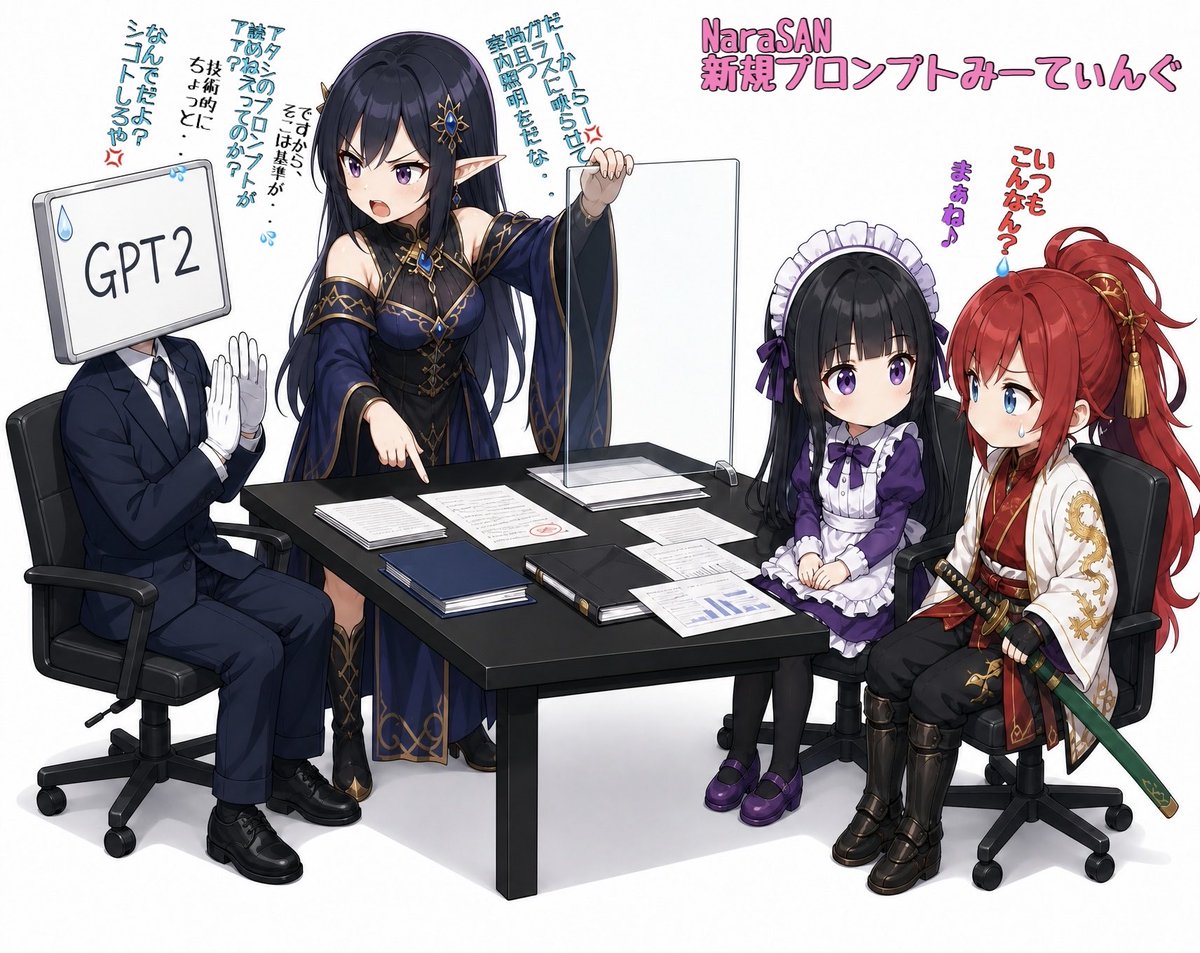
Anime AI Prompt Review Meeting

Cash Briefcase Boardroom
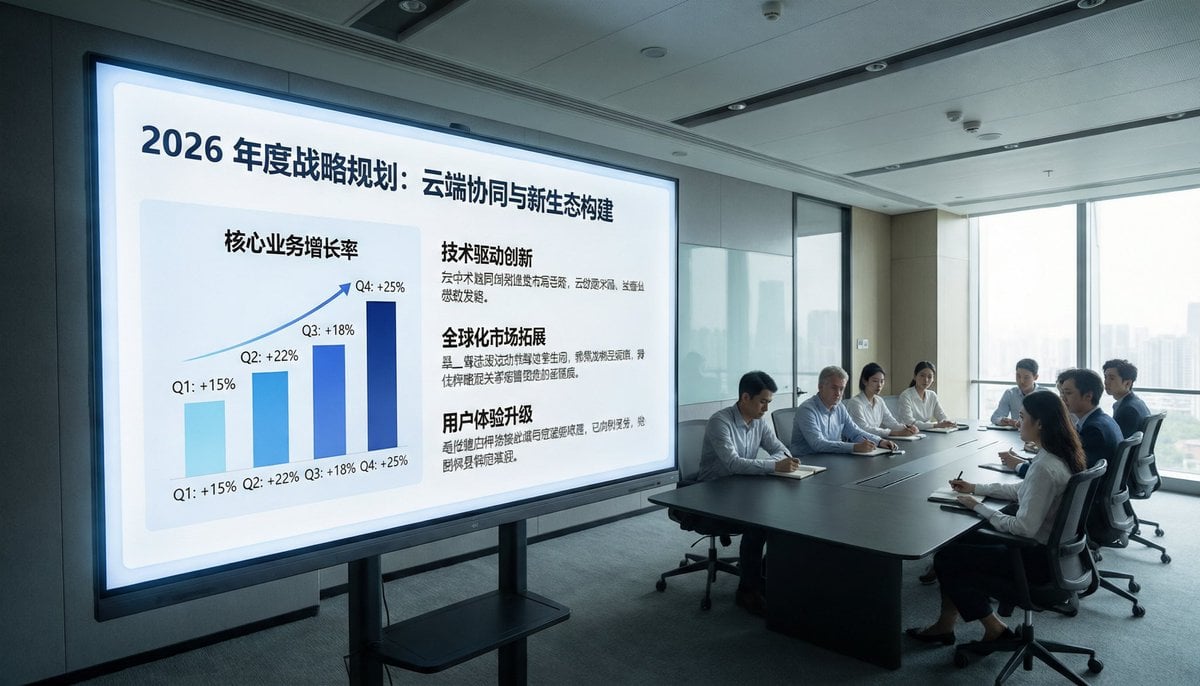
Corporate Meeting Photo Upgrade

Anime AI Team Studio Meeting
Make it yours
Modern Boardroom Analytics Meeting works as-is. These are the safest ways to change it without losing the look.
Change one field
Copy a single group, rewrite it, and generate again so you can see what that field is doing.
Keep the frame, change the subject
Hold the composition and light of Modern Boardroom Analytics Meeting, then swap wardrobe, props or the person for a new take.
| If the result… | Why | Fix |
|---|---|---|
| The result drifts from the preview | Too many fields changed at once. | Reuse Modern Boardroom Analytics Meeting as-is first, then change one group — subject, light, or setting. |
| The model over-stylizes the scene | The prose prompt leaves finish and camera underspecified. | Add one camera or lighting sentence and stay on GPT Image 2. |
More GPT Image 2 templates
Other prompts made for GPT Image 2.

Six VTuber Japanese Logo Sheet

Realistic Portrait of Woman and Deer

The Vista Modular Condo Poster

AI Model Routing Comparison Infographic

2.5D Anime Art Board

Isometric Productivity Desk Scene

New York Double Exposure Poster

Four-Panel AI Landscape Comparison

Japanese Tatami Lifestyle Magazine Cover

NESCAFÉ Coffee Map Poster
More image prompts
Fresh picks from across the catalog.
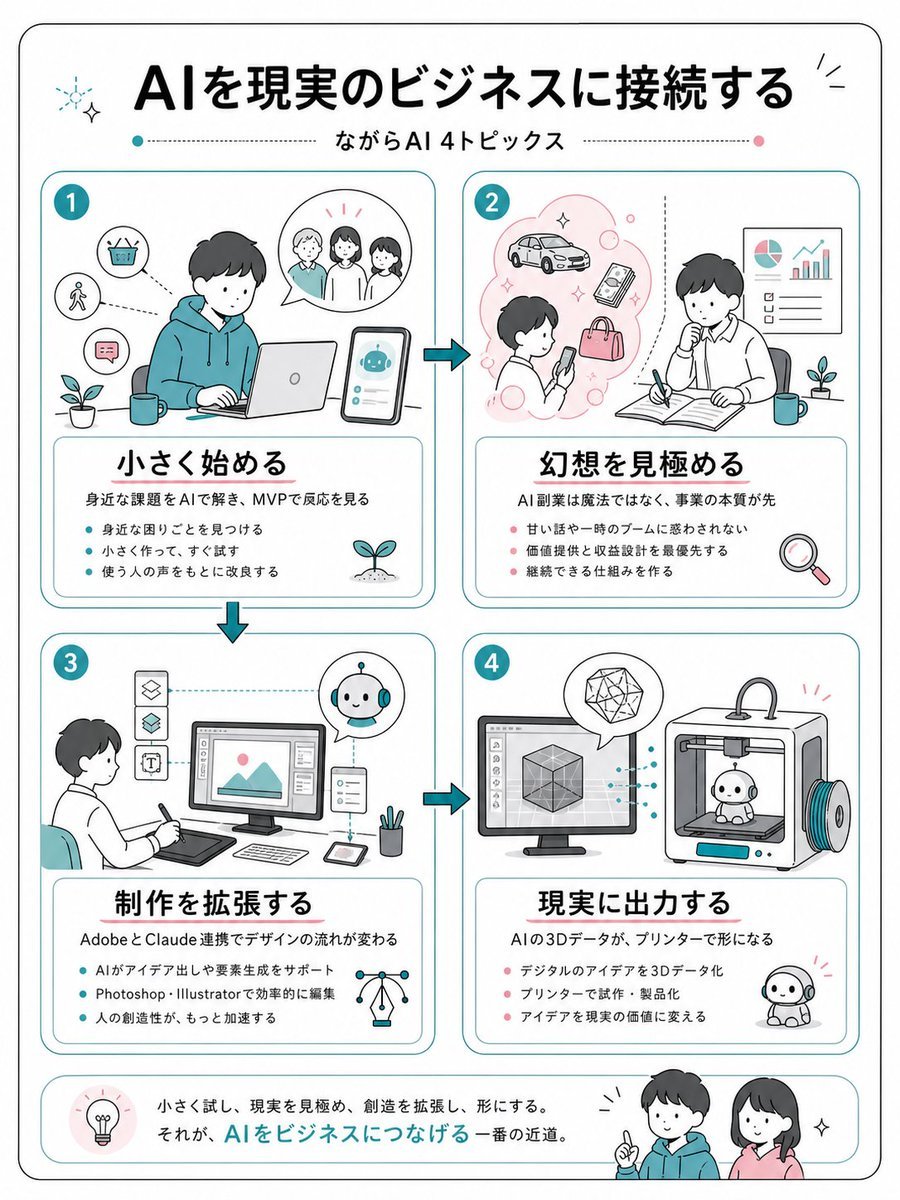
Japanese AI Business Infographic
Acrylic VoxCat Fashion Window Poster

Rainy Sakura Schoolgirl Portrait

Celestial Sorceress in Magical Library

Dramatic Film Filter Processing

Cinematic Portrait of Woman with Braids

Iridescent Glass Gothic Beauty Portrait
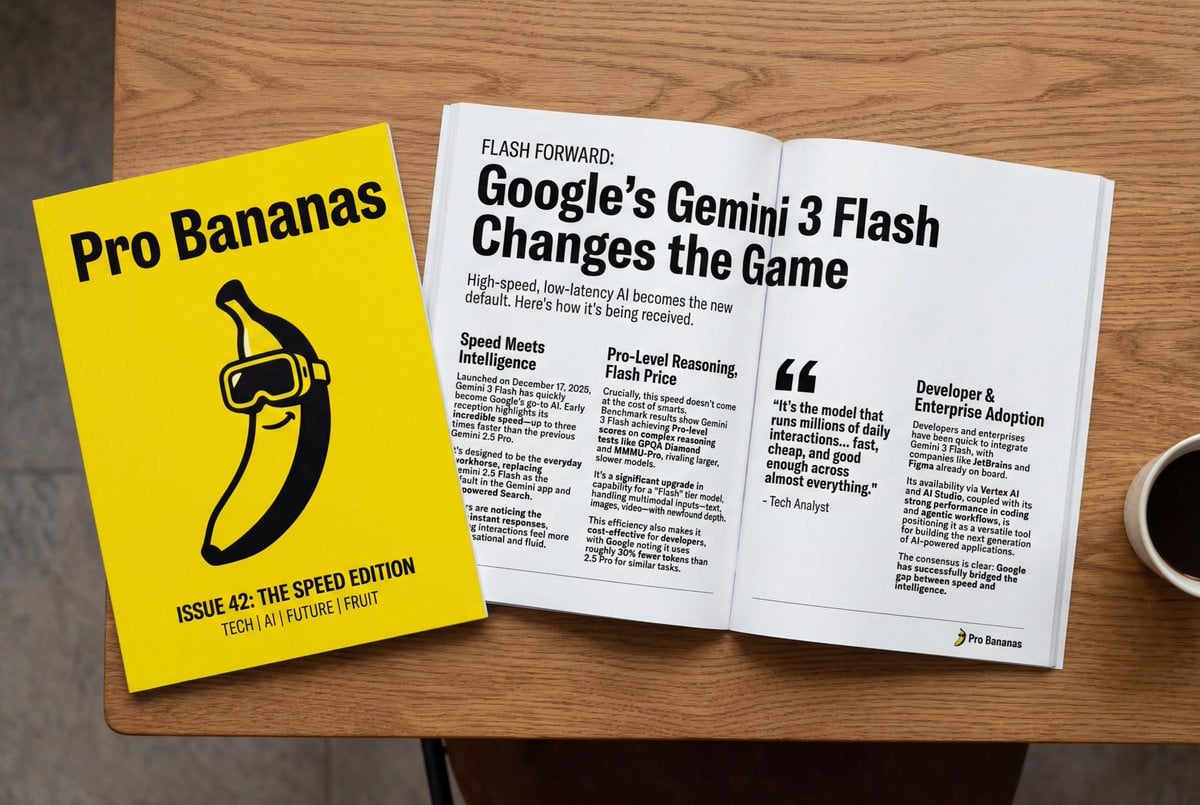
Generate Magazine Article and Cover (LLM/Image)

Natalie Portman School Locker Prompt

Minimalist Traveler Airport Scene
Browse template categories
Modern Boardroom Analytics Meeting questions
How do I use the Modern Boardroom Analytics Meeting template?
Add your photo if the template asks for one, edit the prompt if you like — the template's model and format are already selected — and press Generate. Your version opens in PicX Studio.
Can I customize the Modern Boardroom Analytics Meeting template?
Yes. You can change the subject, setting, lighting, mood, format, and available model controls before creating your image.
Is the Modern Boardroom Analytics Meeting template free?
Opening and editing this template is free. Generating uses credits, shown on the Generate button when you are signed in.
Which AI model should I use?
Start with GPT Image 2, which is the model associated with this template. You can compare another compatible model for a different finish.
Looking for something else? Browse all templates.

Your photo, any look
Thousands of ready templates for every top image and video model, from one credit balance.