
Realistic Japanese Office Meeting
A photorealistic business meeting scene for corporate, editorial, or workplace communication visuals.
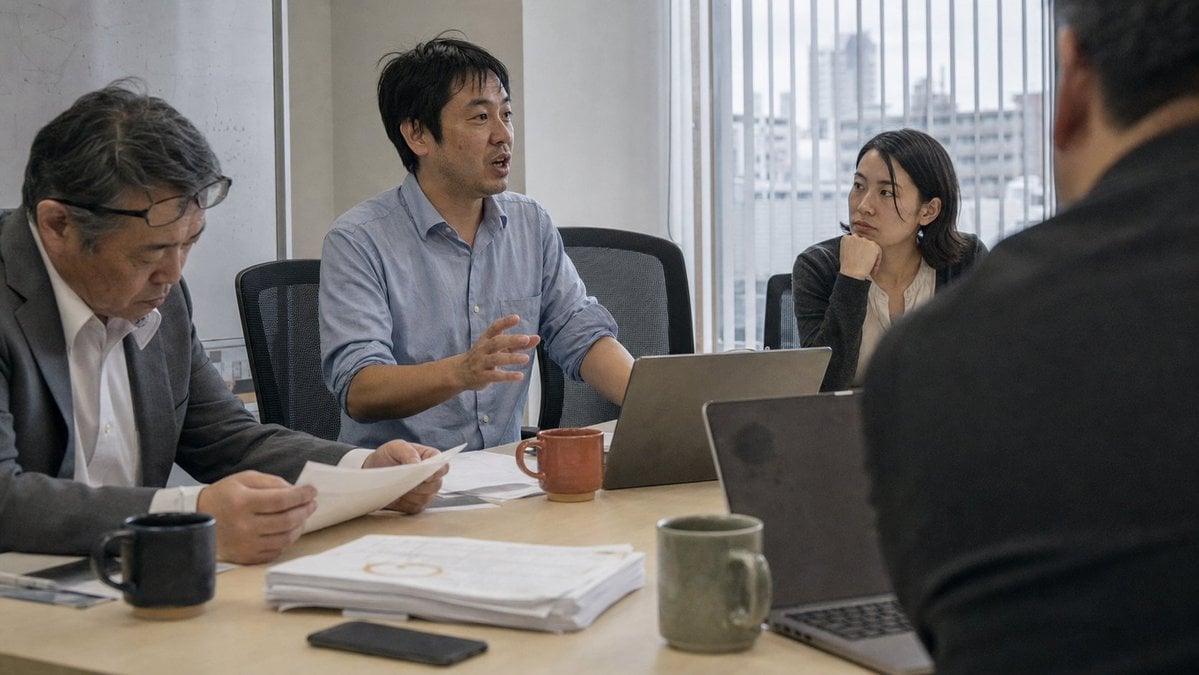
- Prompt included
- Model and format preset
- Free template
The prompt behind this image
Copy the exact prompt behind Realistic Japanese Office Meeting, or open it in the studio and make it yours.
Create a realistic documentary-style office meeting photograph in a modern Japanese conference room. Show exactly 4 people around a light wood meeting table: 1 older man on the left in a dark suit and glasses looking down while reading printed papers, 1 middle-aged man in the center wearing a pale blue button-up shirt speaking and gesturing with one hand, 1 young woman on the right-middle in a dark cardigan resting her chin on her hand and listening attentively, and 1 man in the extreme right foreground seen from behind as a blurred shoulder-and-head silhouette in a dark jacket. The speaker should be {argument name="main speaker" default="a Japanese middle-aged man in a pale blue shirt"}, and the meeting mood should feel {argument name="meeting mood" default="serious and focused"}. Include exactly 2 open laptops, one in front of the speaker and one in the right foreground, exactly 3 ceramic mugs in muted colors: black near the left man, reddish brown near the speaker, and olive green near the foreground laptop, plus a thick stack of printed documents and a dark smartphone on the table. Set the scene in a bright office with large vertical window blinds behind the group and a soft urban city view outside. Use natural overcast daylight, muted corporate colors, shallow depth of field, candid composition, 16:9 horizontal framing, eye-level camera angle from across the table, photorealistic texture, no visible logos, no text overlays, no exaggerated poses.
How to use Realistic Japanese Office Meeting in 3 steps
- 1Upload ImagePNG, JPG or paste
Add your photo
Upload the photo the template builds on. The prompt, model and format are already set.
- 2…a portrait of your subject in softgolden-hour light, 85mm…
Personalize
Edit the subject and creative details for your destination.
- 3Generate
Generate
Press Generate — your image is created in PicX Studio, so you can compare it with the original and refine one variable at a time.
More like this
Templates with the same subject, style or setup. Open one to see its prompt.

Minecraft Japanese Research Lab Exploration

Japanese Architectural Concrete Studio Fashion Campaign

Japanese Minimalist Concrete Studio Fashion Editorial

Blue Backdrop Luxury Fashion Portrait Campaign
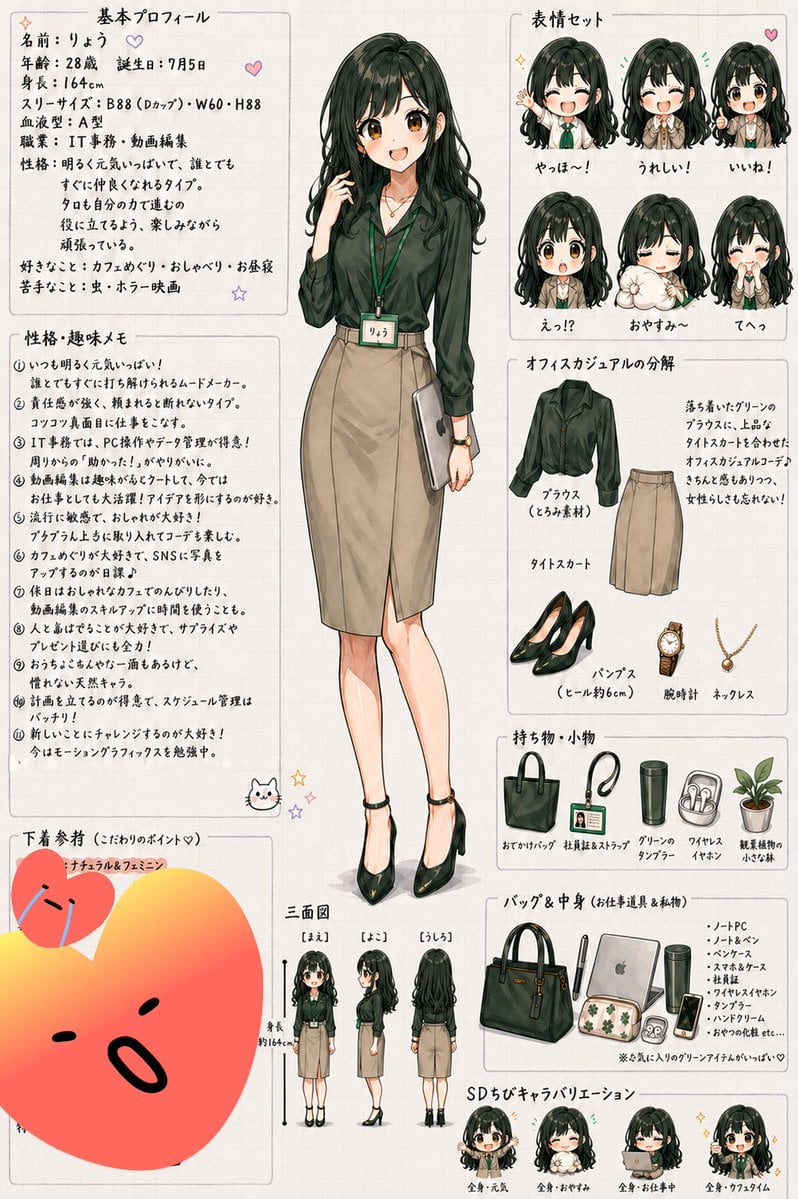
Japanese Office Lady Character Sheet

Japanese Film Reflection Idol
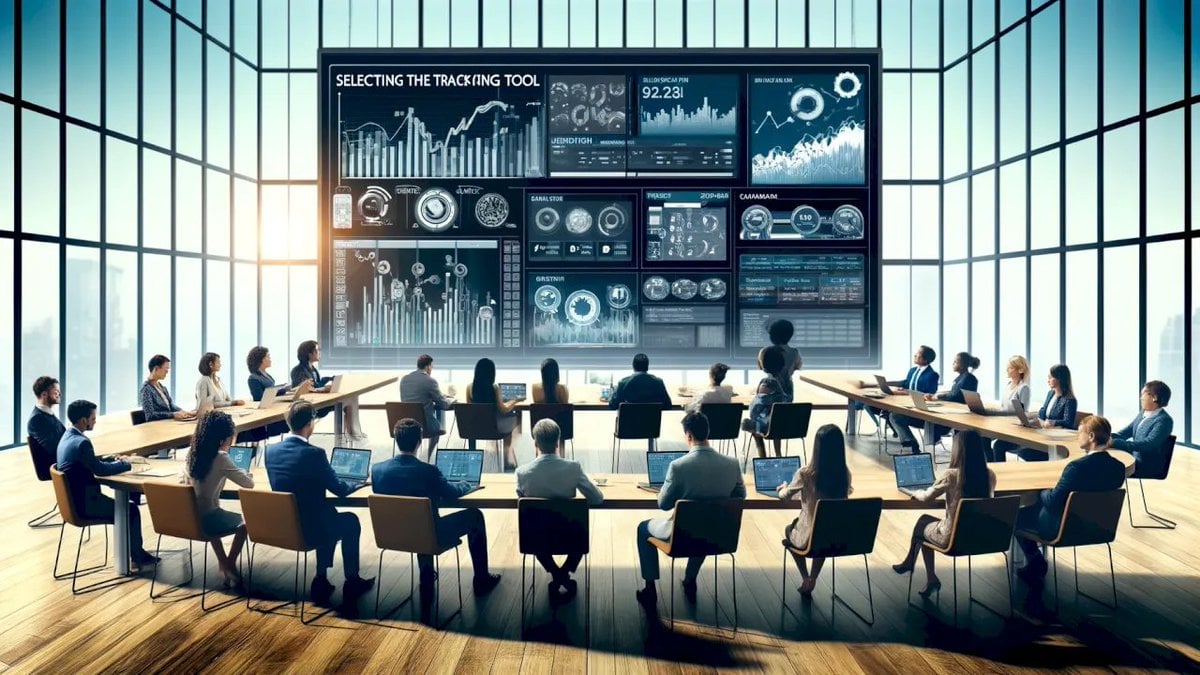
Futuristic Boardroom Analytics Meeting

Six VTuber Japanese Logo Sheet

Creative Character in Pink Office
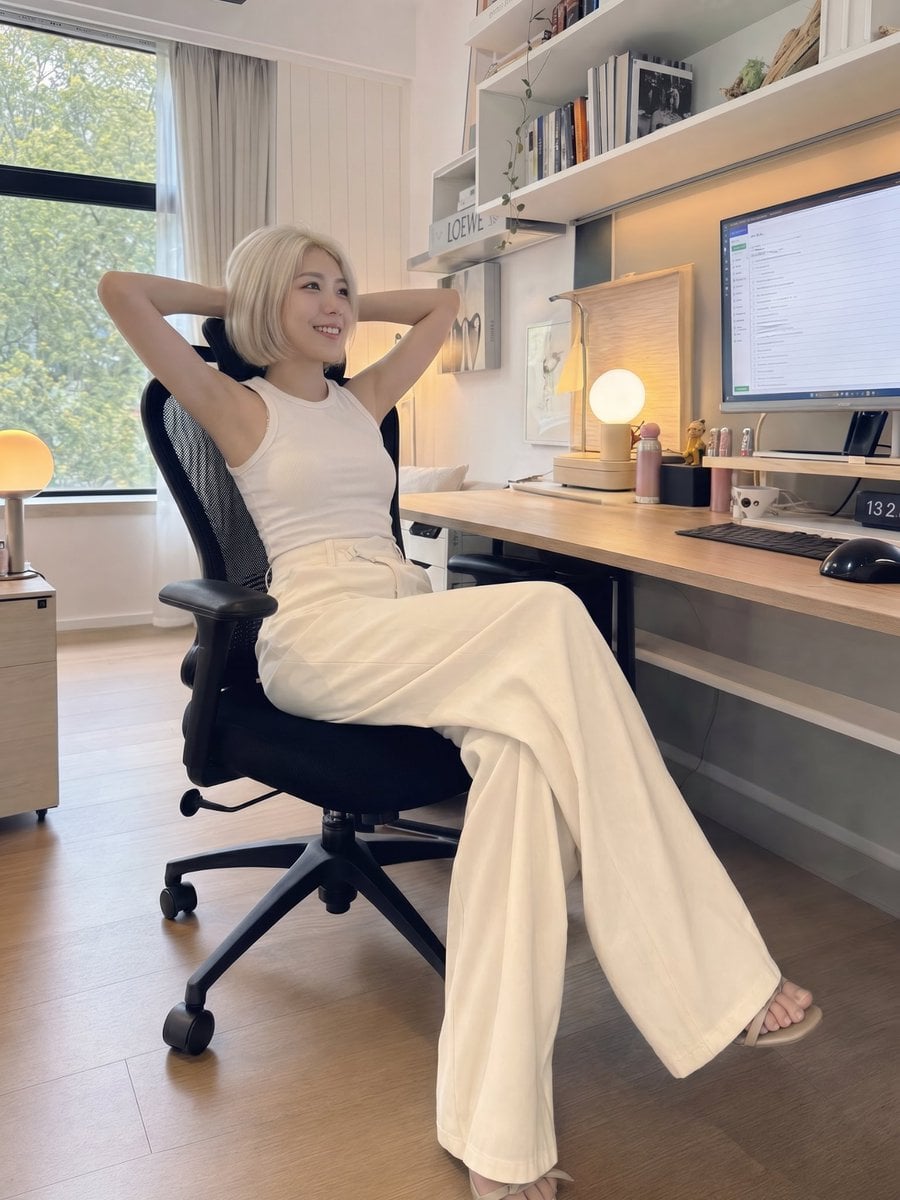
iPhone Style Minimalist Office Portrait
Surreal Light Bulb Business Meeting
Realistic Office Elevator Candid
Make it yours
Realistic Japanese Office Meeting works as-is. These are the safest ways to change it without losing the look.
Change one field
Copy a single group, rewrite it, and generate again so you can see what that field is doing.
Keep the frame, change the subject
Hold the composition and light of Realistic Japanese Office Meeting, then swap wardrobe, props or the person for a new take.
| If the result… | Why | Fix |
|---|---|---|
| The result drifts from the preview | Too many fields changed at once. | Reuse Realistic Japanese Office Meeting as-is first, then change one group — subject, light, or setting. |
| The model over-stylizes the scene | The prose prompt leaves finish and camera underspecified. | Add one camera or lighting sentence and stay on GPT Image 2. |
More GPT Image 2 templates
Other prompts made for GPT Image 2.

Realistic Portrait of Woman and Deer

The Vista Modular Condo Poster

AI Model Routing Comparison Infographic

2.5D Anime Art Board

Isometric Productivity Desk Scene

New York Double Exposure Poster

Four-Panel AI Landscape Comparison

NESCAFÉ Coffee Map Poster

Brutalist Cogito Chinese Typography Poster

Cinematic Luxury Terrace Portrait
More image prompts
Fresh picks from across the catalog.
Bold Winter Fashion Portrait (Ester Expósito)

Candlelit Darkwave Chiaroscuro Portrait
Bold Esports Editorial Poster

Anime Folding Bike Event Poster

Coca Cola Product Photography with Splashes
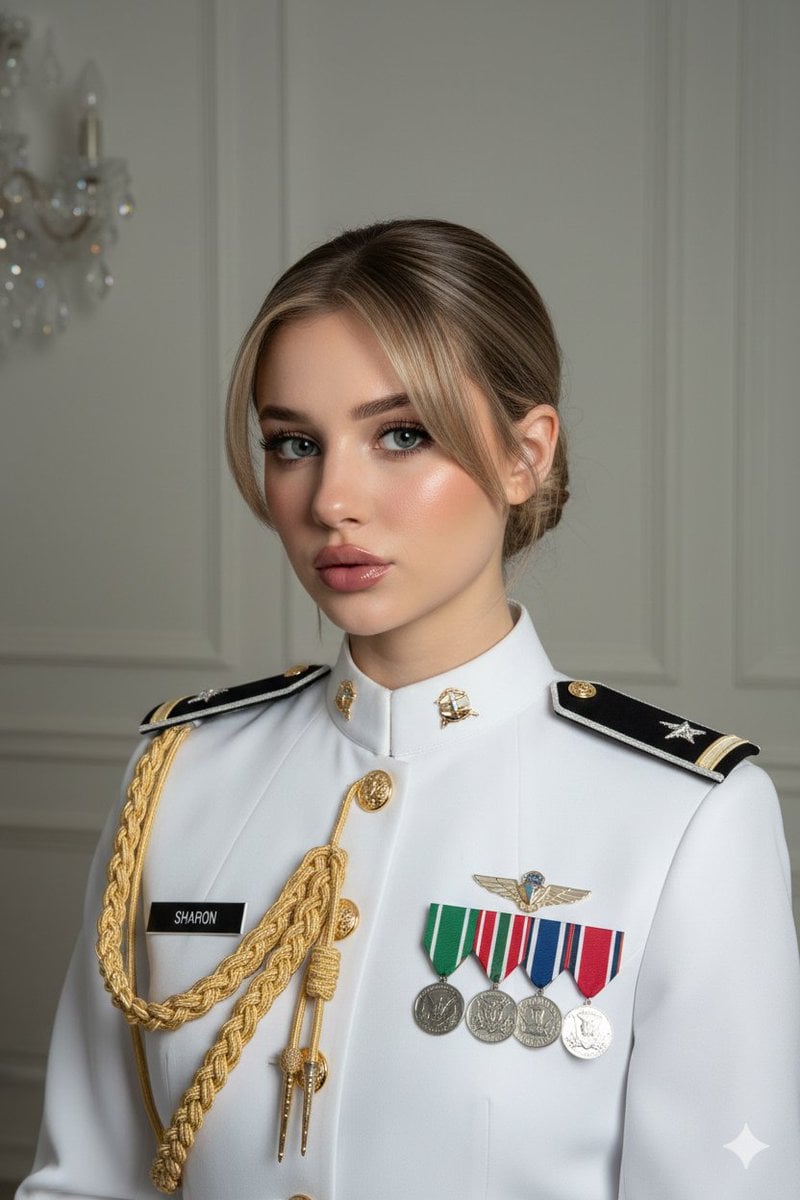
Formal Military Portrait with Identity Lock and Insignia

Photorealistic Influencer Lifestyle Portrait Prompt (Yellow Loungewear)
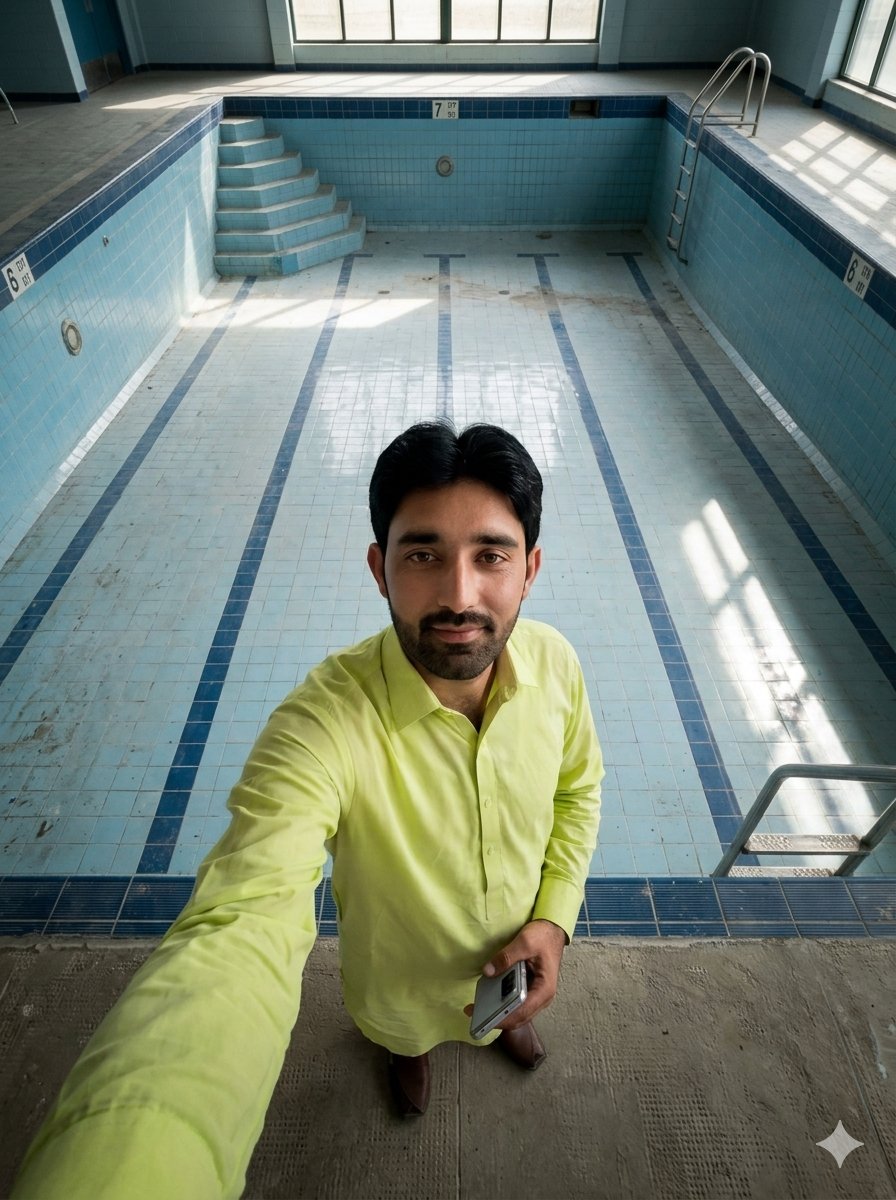
Top-Down Selfie in Empty Indoor Pool
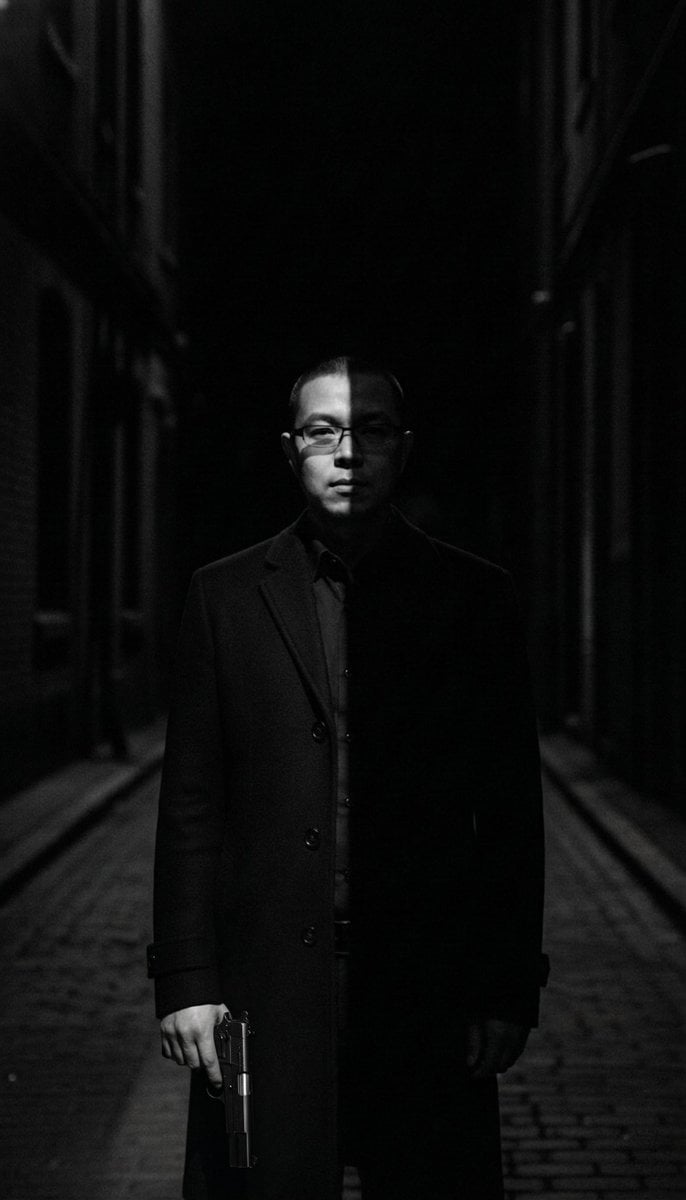
Film Noir Cleaner Portrait Prompt for Nano Banana Pro
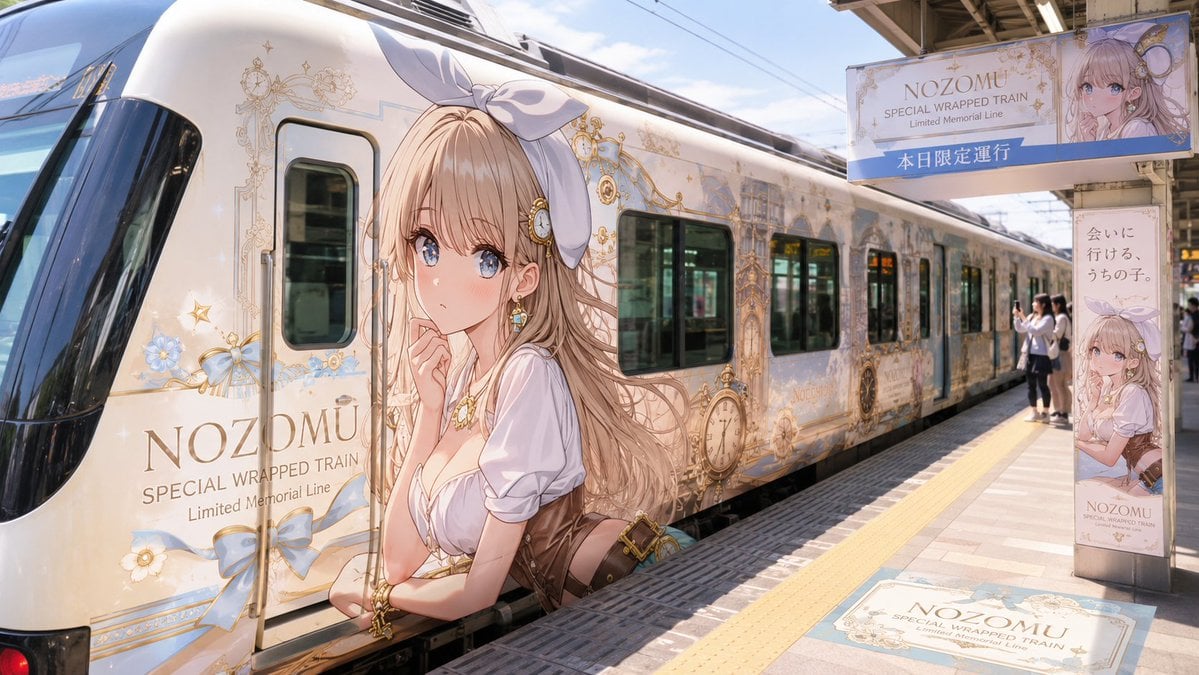
Anime Wrapped Train at Japanese Station
Browse template categories
Realistic Japanese Office Meeting questions
How do I use the Realistic Japanese Office Meeting template?
Add your photo if the template asks for one, edit the prompt if you like — the template's model and format are already selected — and press Generate. Your version opens in PicX Studio.
Can I customize the Realistic Japanese Office Meeting template?
Yes. You can change the subject, setting, lighting, mood, format, and available model controls before creating your image.
Is the Realistic Japanese Office Meeting template free?
Opening and editing this template is free. Generating uses credits, shown on the Generate button when you are signed in.
Which AI model should I use?
Start with GPT Image 2, which is the model associated with this template. You can compare another compatible model for a different finish.
Looking for something else? Browse all templates.

Your photo, any look
Thousands of ready templates for every top image and video model, from one credit balance.