
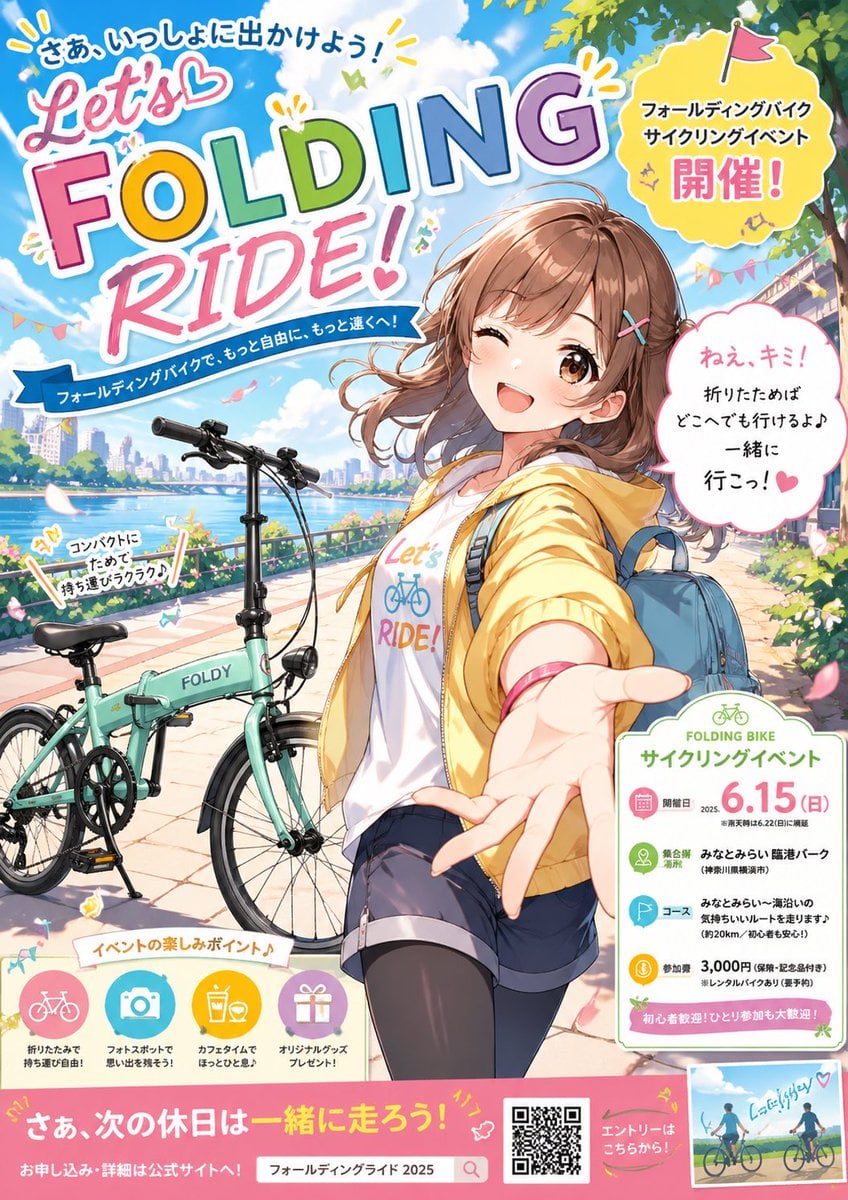
Anime Folding Bike Event Poster
A colorful Japanese-style anime poster advertising a folding bicycle cycling event, ideal for recreating eye-catching promotional key visuals.
- Prompt included
- Model and format preset
- Free template
The prompt behind this image
Copy the exact prompt behind Anime Folding Bike Event Poster, or open it in the studio and make it yours.
A bright, cheerful anime-style promotional poster for a folding bike cycling event, designed like a polished Japanese advertisement with dense typography, stickers, callouts, and event info panels. The scene shows a sunny riverside promenade under a vivid blue sky with fluffy clouds, green tree branches framing the top right, flower beds, bunting, drifting petals, and a distant modern city skyline across the water. In the foreground, a cute teen/young adult anime girl with {argument name="hair color" default="light chestnut brown"} shoulder-length wavy hair, side-swept bangs, and two colorful hairpins smiles directly at the viewer and winks with one eye. She is posed in dynamic perspective, reaching one hand toward the camera as if inviting the viewer to join her. She wears a yellow hooded windbreaker, a white T-shirt printed with colorful bicycle lettering, dark blue shorts, black thigh-high stockings, and a light blue backpack. Beside her is a mint-green compact folding bicycle labeled "FOLDY," shown unfolded and parked on the promenade with visible small wheels, frame hinge, handlebars, saddle, pedals, and kickstand, emphasizing portability and urban leisure cycling. Use a glossy, high-saturation anime poster aesthetic with clean linework, soft facial rendering, energetic lighting, and playful graphic decoration. Fill the poster with Japanese ad-style layout elements. At the top left, a huge multicolored headline reads "Let’s FOLDING RIDE!" in oversized playful bubble and block lettering, with a smaller curved Japanese line above it reading "さあ、いっしょに出かけよう!" and a blue ribbon-like subtitle below reading "フォールディングバイクで、もっと自由に、もっと遠くへ!". At the upper right, place a yellow burst badge with a tiny flag icon containing the text "フォールディングバイク サイクリングイベント 開催!". Add a white speech bubble near the girl’s face with pink outline and handwritten-feel Japanese text: "ねえ、キミ! 折りたたみは どこへでも行けるよ♪ 一緒に 行こっ!". Near the bicycle, include a small angled sticker with text "コンパクトにたためて 持ち運びラクラク♪". Near the lower center-left, add a section label "イベントの楽しみポイント♪" followed by exactly 4 round icon features in pastel circles: 1) a pink bicycle icon with text "折りたたみで 持ち運び自由!" 2) a blue camera icon with text "フォトスポットで 思い出を残そう!" 3) a yellow drink icon with text "カフェタイムで ほっとひと息♪" 4) a purple gift icon with text "オリジナルグッズ プレゼント!". On the lower right, add a rounded white information card with green accents titled "FOLDING BIKE サイクリングイベント" and large pink date text "6.15(日)". Inside the card, present exactly 4 event detail rows with colored circular icons: 1) calendar row: "開催日 2025. ※雨天時は6.22(日)に順延" 2) location row: "集合所 みなとみらい 臨港パーク" with smaller note "(神奈川県横浜市)" 3) course row: "コース みなとみらい〜湾沿いの気持ちいいルートを走ります" with smaller note "(約20km、初心者安心!)" 4) fee row: "参加費 3,000円" with smaller note "(保険・記念品付き) ※レンタルバイクあり(要予約)". At the bottom of this card, add a pink strip reading "初心者歓迎!ひとり参加も大歓迎!". Along the very bottom of the poster, create a wide pink banner with large Japanese copy "さあ、次の休日は一緒に走ろう!" and smaller text on the left "お申し込み・詳細は公式サイトへ!". In the center-bottom place a search-bar style box containing {argument name="search text" default="フォールディングライド 2025"}. To its right, add a black-and-white QR code and a pink label reading "エントリーはこちらから!". In the bottom-right corner, include a small inset photo-style illustration of two cyclists riding together with a handwritten note "たのしいかも♡". Maintain a lively, magazine-quality event poster composition with exactly 1 main character, 1 folding bike, 1 large event info card, 1 speech bubble, 1 yellow burst badge, 1 angled portability sticker, 4 feature icons, 1 QR code, and 1 inset image.
How to use Anime Folding Bike Event Poster in 3 steps
- 1Upload ImagePNG, JPG or paste
Add your photo
Upload the photo the template builds on. The prompt, model and format are already set.
- 2…a portrait of your subject in softgolden-hour light, 85mm…
Personalize
Edit the subject and creative details for your destination.
- 3Generate
Generate
Press Generate — your image is created in PicX Studio, so you can compare it with the original and refine one variable at a time.
More like this
Templates with the same subject, style or setup. Open one to see its prompt.

Captain Tsubasa Anime World Cup Poster

Ghibli Flying Delivery Bike
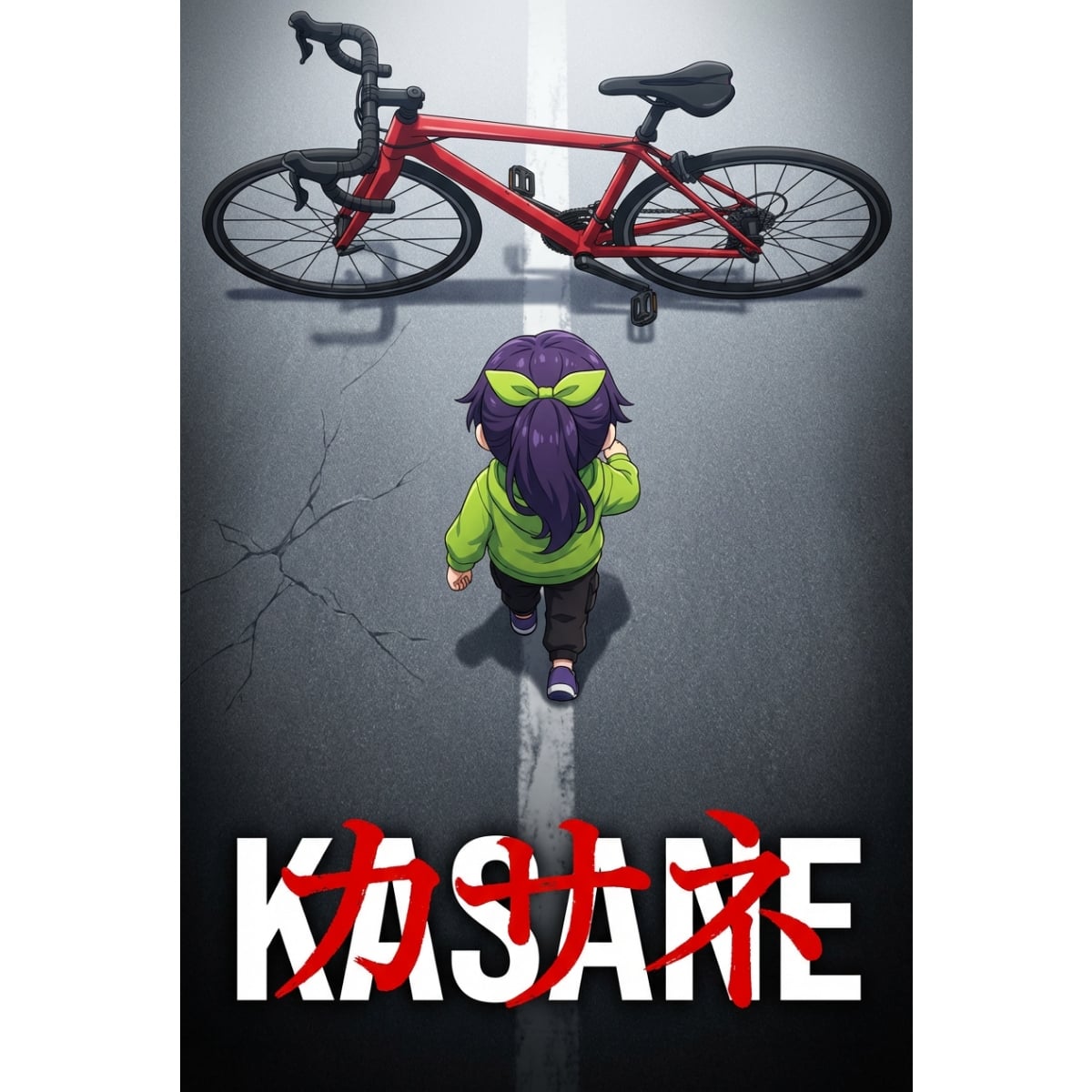
Anime Movie Poster Prompt: Chibi Character and Road Bike

Gpt2 Youtube Thumbnail Anime Music Bootcamp Promo Poster
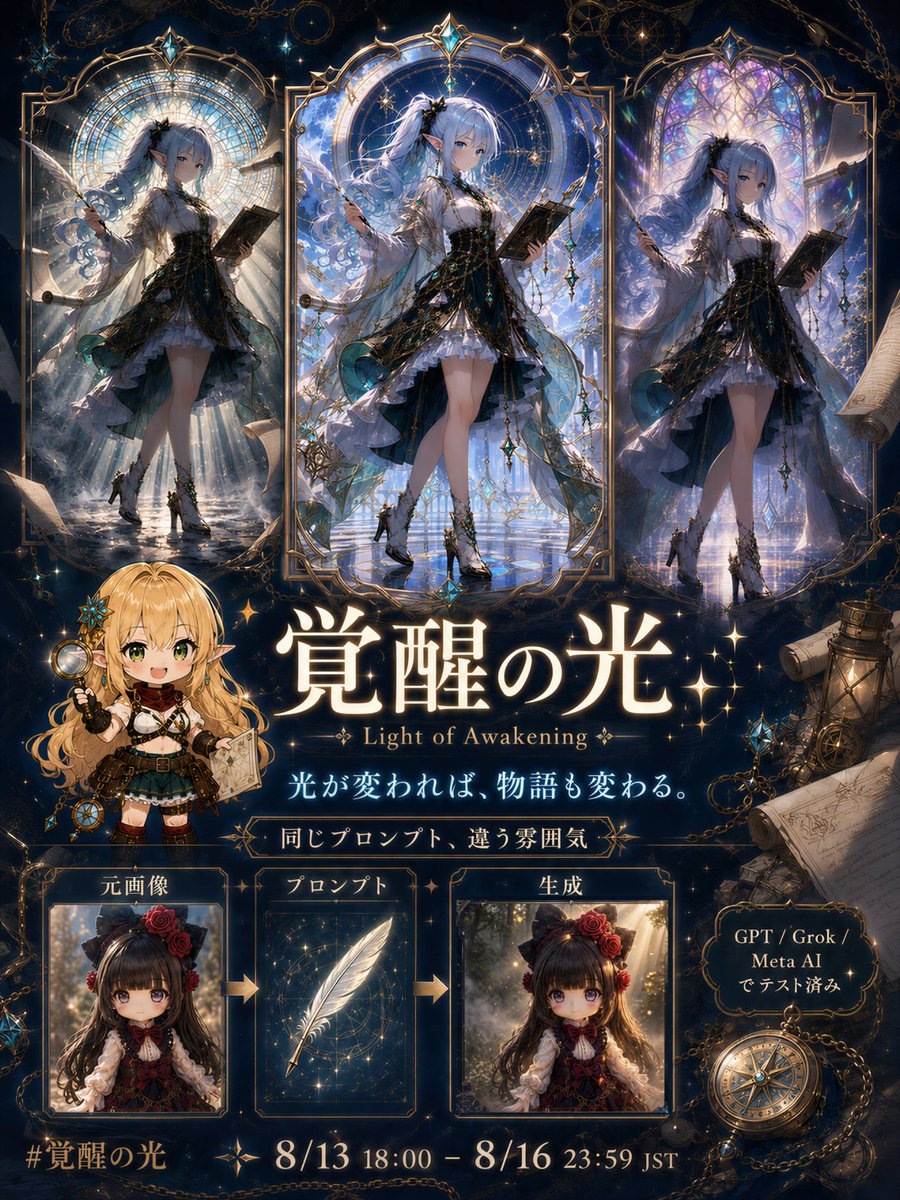
Light of Awakening Event Poster

Japan Travel Brochure Poster

Stylish Japanese Corn Event Poster

Nice Day Anime Poster

Japanese Lifestyle Work Event Poster
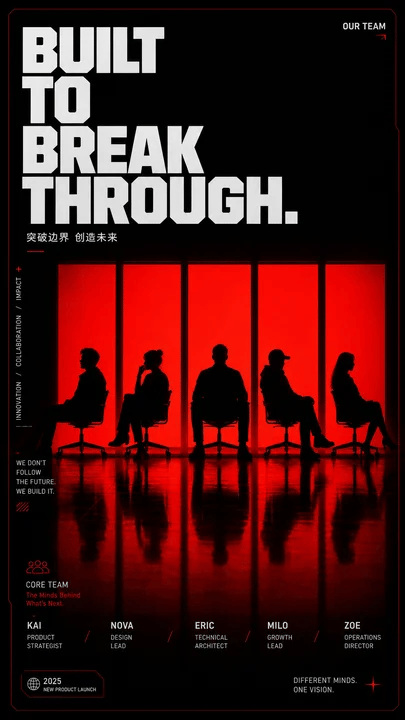
Red Silhouette Team Event Poster
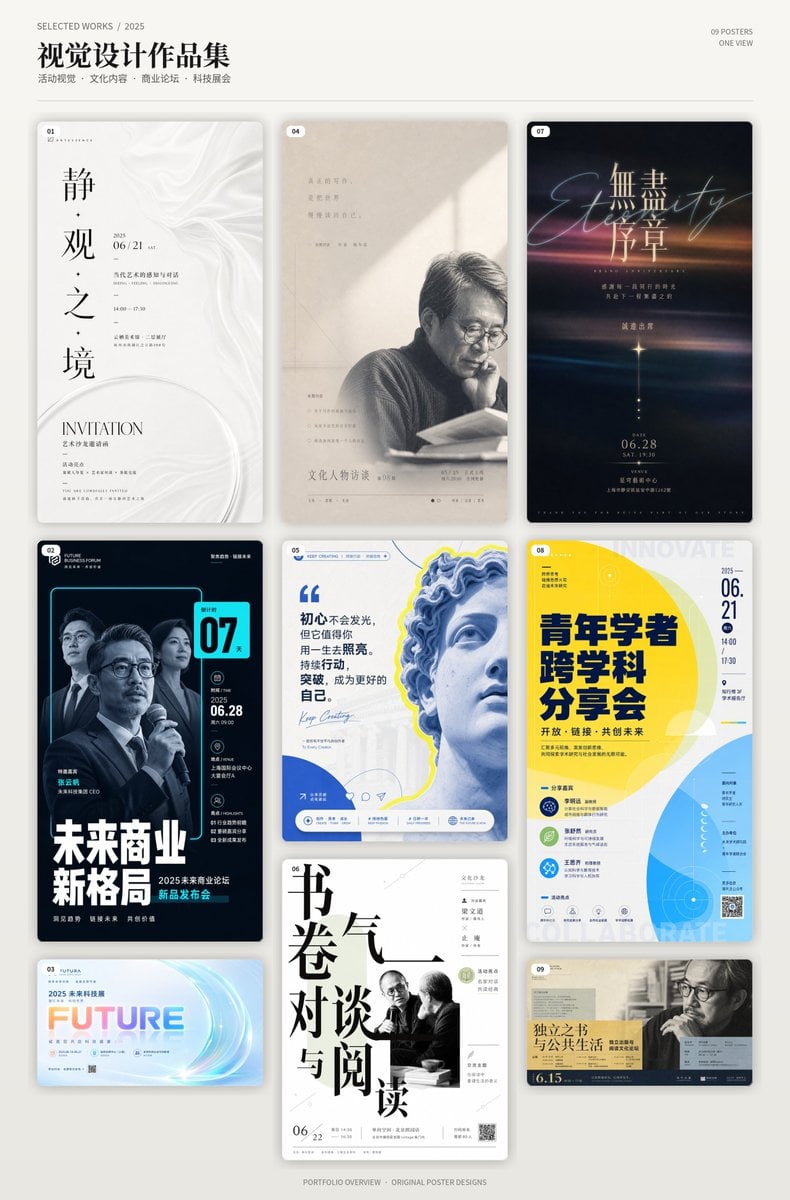
Chinese Event Poster Portfolio Board

Cel 2D Finale Fireworks
Make it yours
Anime Folding Bike Event Poster works as-is. These are the safest ways to change it without losing the look.
Change one field
Copy a single group, rewrite it, and generate again so you can see what that field is doing.
Keep the frame, change the subject
Hold the composition and light of Anime Folding Bike Event Poster, then swap wardrobe, props or the person for a new take.
| If the result… | Why | Fix |
|---|---|---|
| The result drifts from the preview | Too many fields changed at once. | Reuse Anime Folding Bike Event Poster as-is first, then change one group — subject, light, or setting. |
| The model over-stylizes the scene | The prose prompt leaves finish and camera underspecified. | Add one camera or lighting sentence and stay on GPT Image 2. |
More GPT Image 2 templates
Other prompts made for GPT Image 2.

Six VTuber Japanese Logo Sheet

Realistic Portrait of Woman and Deer

The Vista Modular Condo Poster

AI Model Routing Comparison Infographic

2.5D Anime Art Board

Isometric Productivity Desk Scene

New York Double Exposure Poster

Four-Panel AI Landscape Comparison

Japanese Tatami Lifestyle Magazine Cover

NESCAFÉ Coffee Map Poster
More image prompts
Fresh picks from across the catalog.
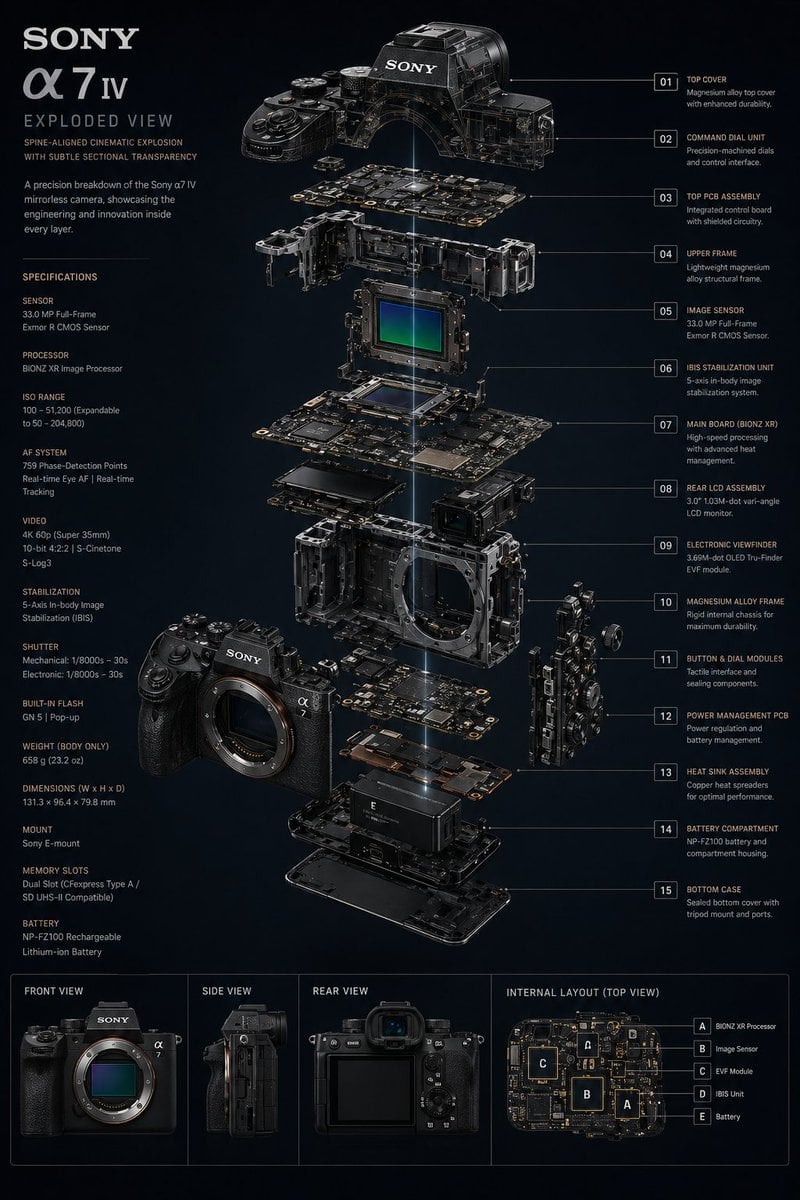
Technology Exploded View
Ultra-Photorealistic Saree Mirror Selfie
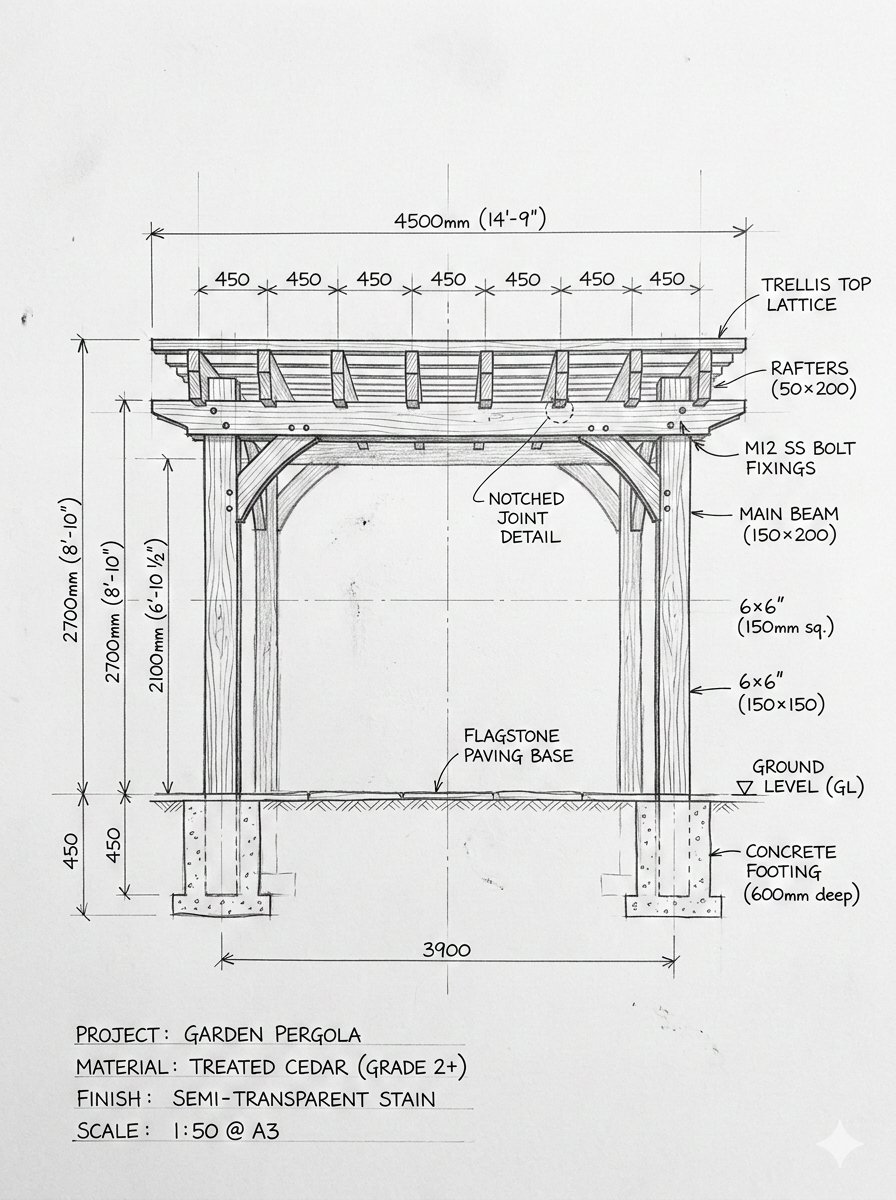
Pergola Blueprint to Photoreal Structure Prompt
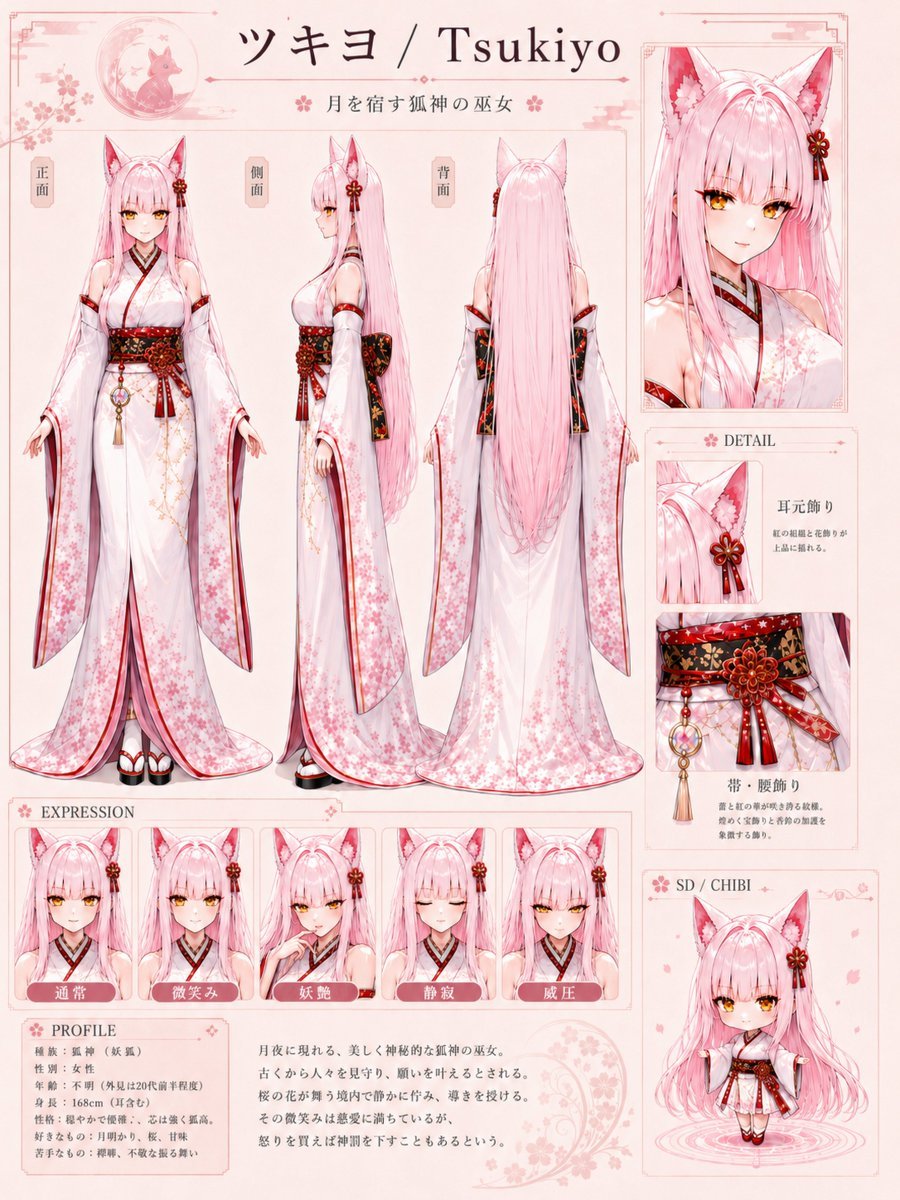
Tsukiyo Fox Shrine Maiden Reference Sheet
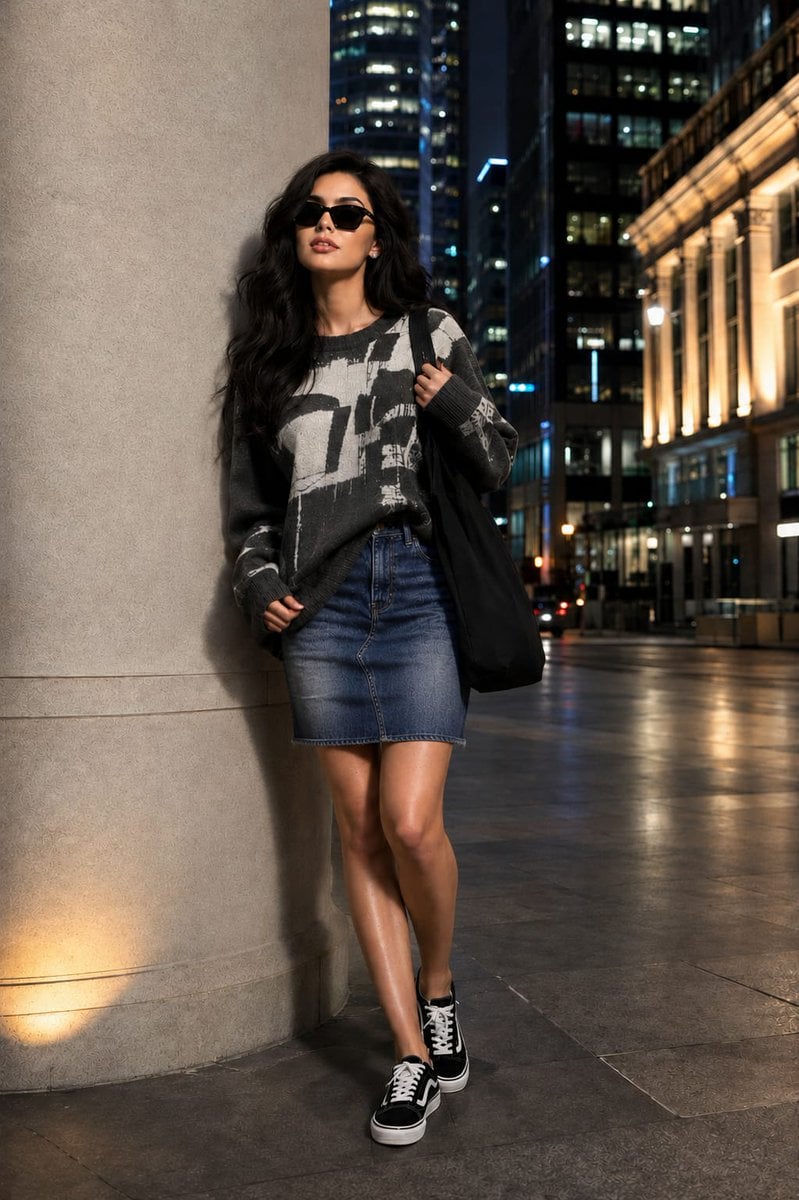
Fashion Editorial Portrait with Facial Consistency
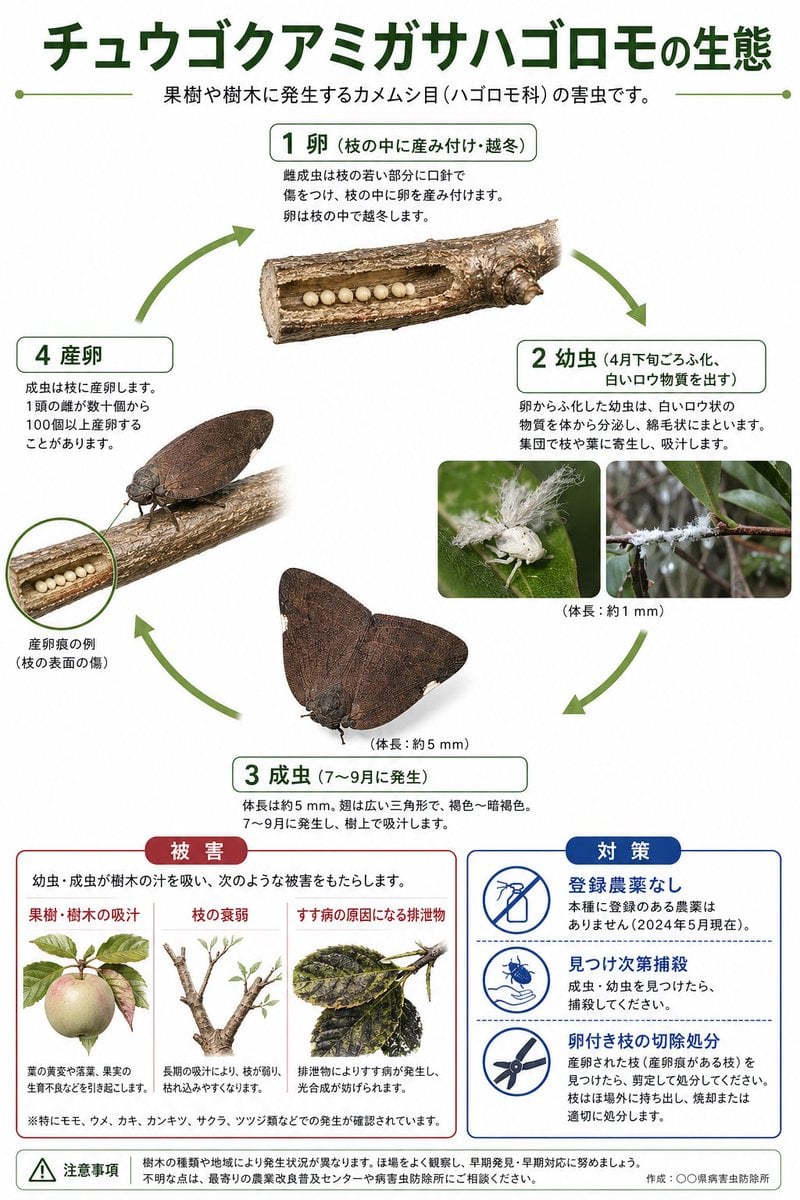
Japanese Pest Lifecycle Infographic
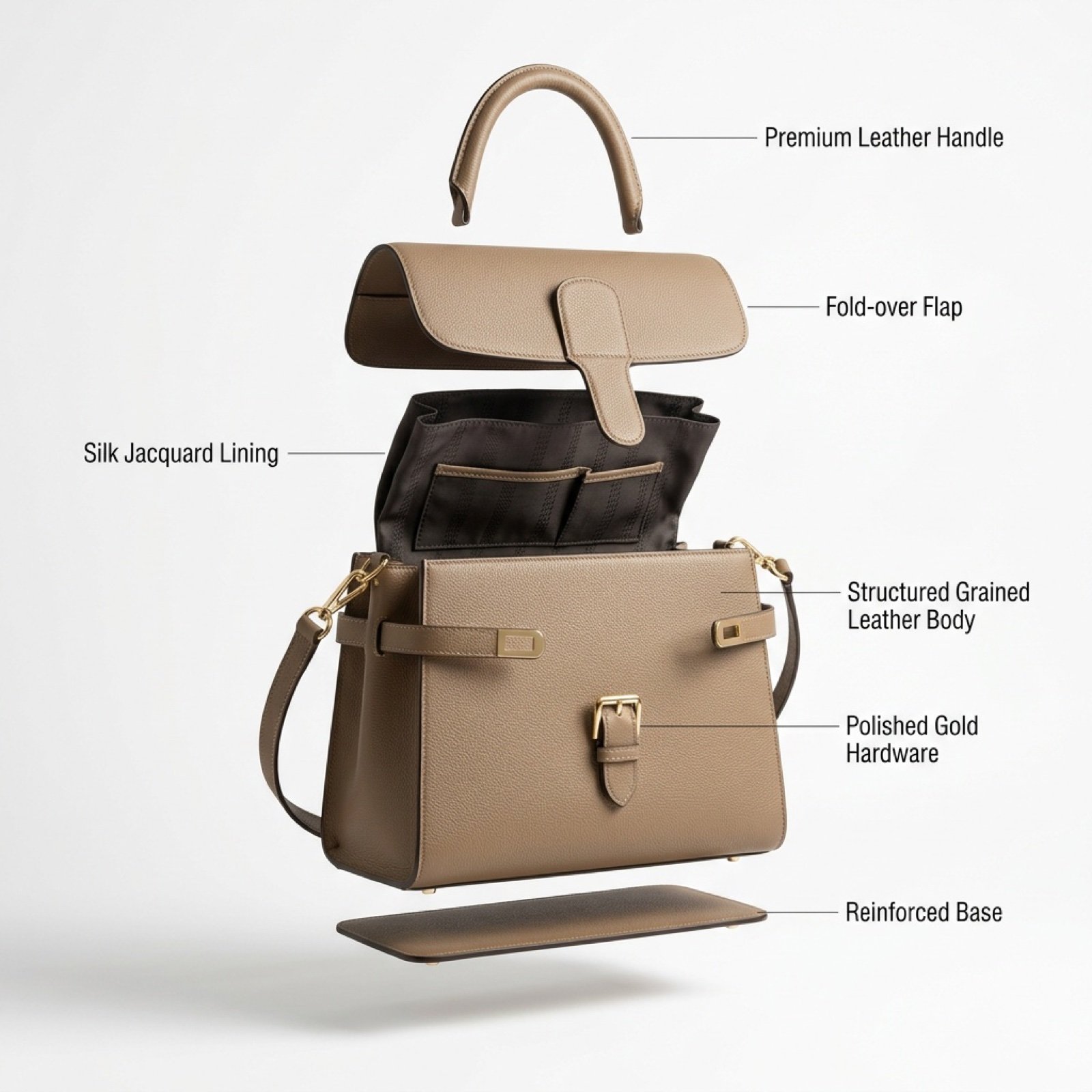
Luxury Handbag Exploded View Animation Prompt
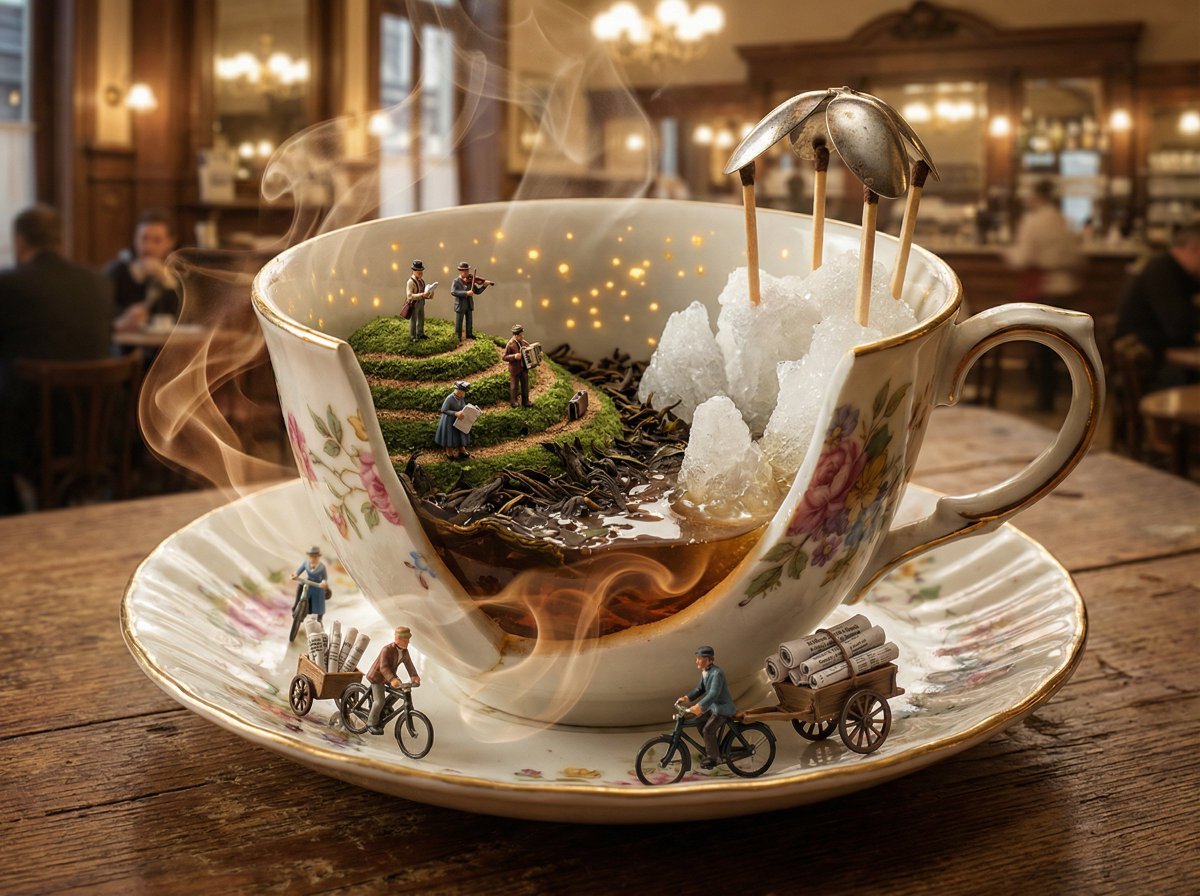
World in an Object Cinematic 3D Scene Template
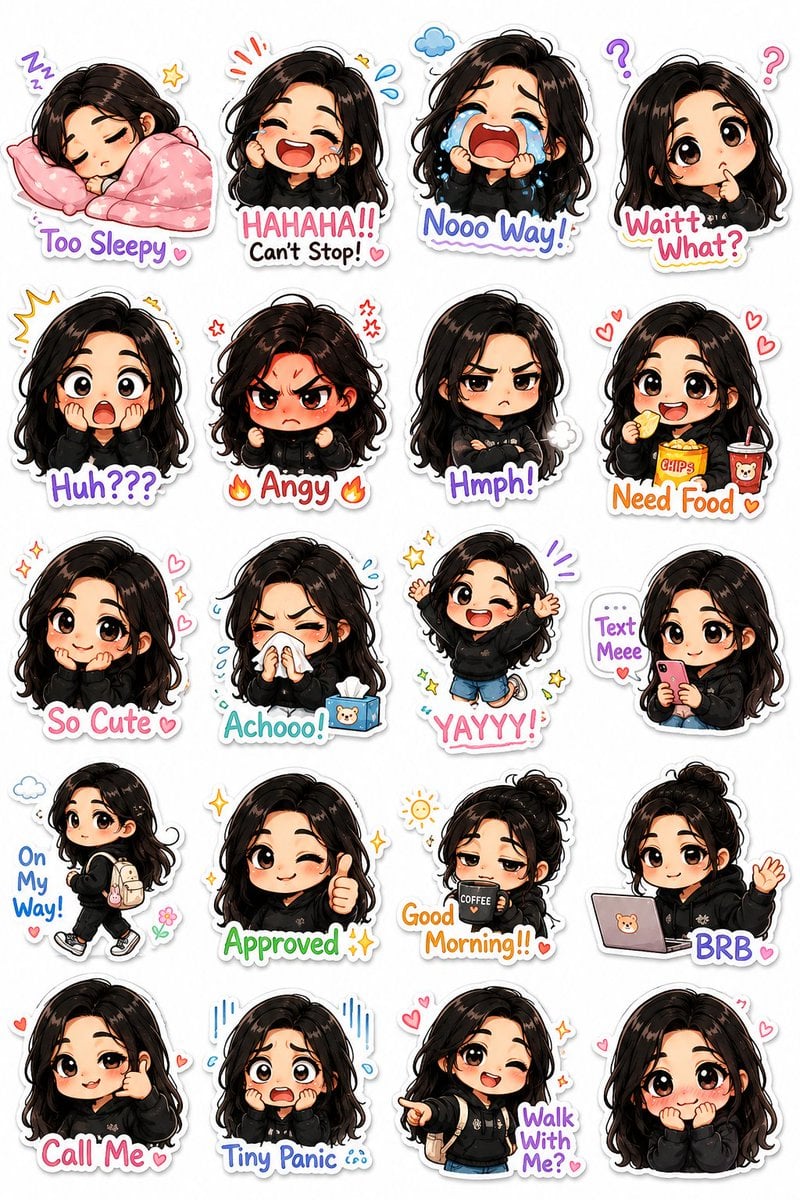
Kawaii Chibi Sticker Pack Creator

Man Holding Holographic Drone Prompt
Browse template categories
Anime Folding Bike Event Poster questions
How do I use the Anime Folding Bike Event Poster template?
Add your photo if the template asks for one, edit the prompt if you like — the template's model and format are already selected — and press Generate. Your version opens in PicX Studio.
Can I customize the Anime Folding Bike Event Poster template?
Yes. You can change the subject, setting, lighting, mood, format, and available model controls before creating your image.
Is the Anime Folding Bike Event Poster template free?
Opening and editing this template is free. Generating uses credits, shown on the Generate button when you are signed in.
Which AI model should I use?
Start with GPT Image 2, which is the model associated with this template. You can compare another compatible model for a different finish.
Looking for something else? Browse all templates.

Your photo, any look
Thousands of ready templates for every top image and video model, from one credit balance.