
Tsukiyo Fox Shrine Maiden Reference Sheet
A detailed anime character design sheet for a pink-haired fox shrine maiden VTuber, useful for model sheets, Live2D planning, and character reference art.
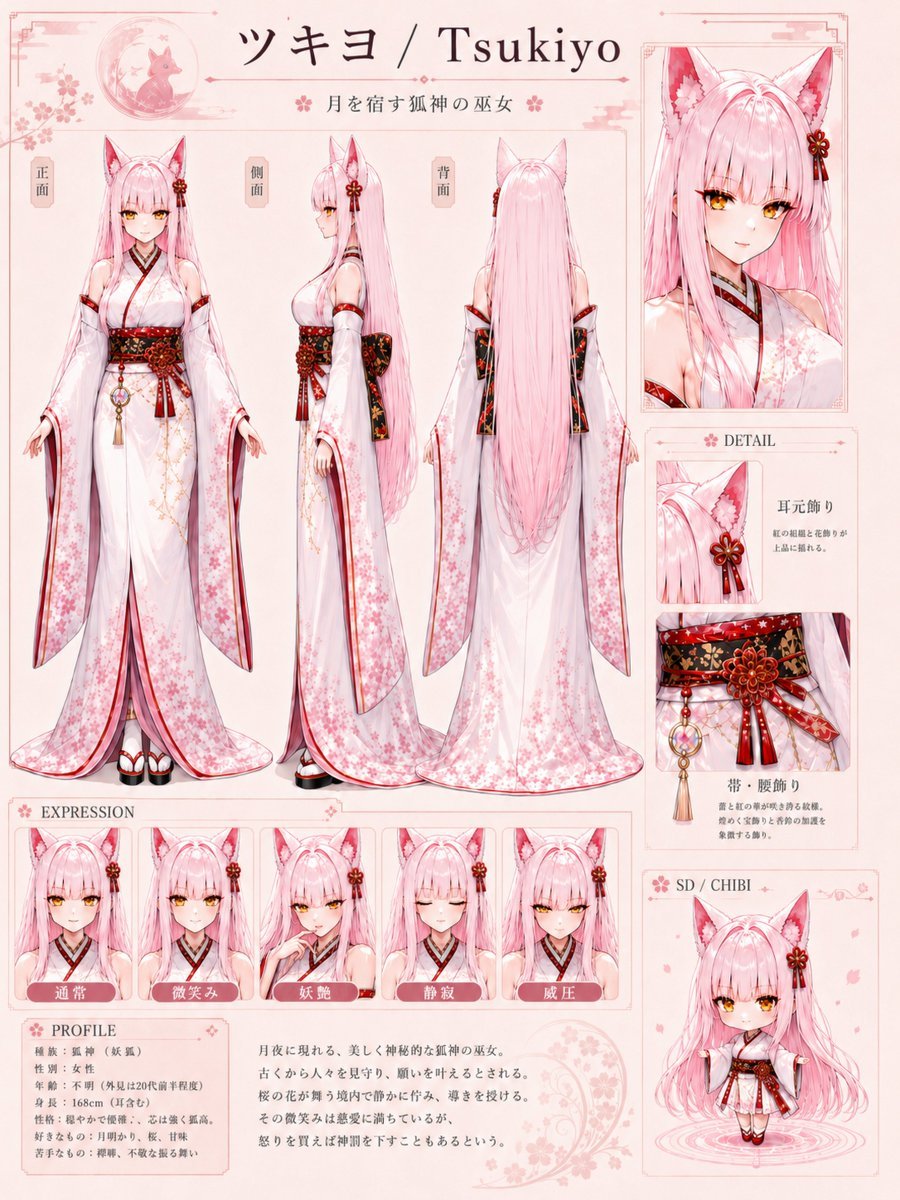
- Prompt included
- Model and format preset
- Free template
The prompt behind this image
Copy the exact prompt behind Tsukiyo Fox Shrine Maiden Reference Sheet, or open it in the studio and make it yours.
Goal: Create a polished anime VTuber character reference sheet for {argument name="character name" default="Tsukiyo"}, a moon-dwelling fox-shrine maiden with long pink hair and fox ears, in a delicate Japanese fantasy style. Canvas: Portrait-oriented character design sheet, pale warm ivory background, soft pink decorative borders, sakura petals, thin red-pink frame lines, elegant symmetrical spacing, high-resolution illustration. Overall palette: white, blush pink, crimson red, black, gold accents. Header: At the top center, large title text: 「ツキヨ / Tsukiyo」. Under it, smaller subtitle text: 「月を宿す狐神の巫女」. Add a small circular moon-and-fox emblem at the upper left with cherry blossoms and light ornamental flourishes. Main layout: The left and center area contains exactly 3 full-body turnaround views of the character, labeled vertically in small beige tags: 「正面」 for front view, 「側面」 for side view, and 「背面」 for back view. The front view shows her standing calmly with arms slightly lowered and sleeves hanging; the side view shows her profile and long hair flowing down; the back view emphasizes extremely long straight pink hair reaching near the hem and the back of the obi. Keep all three figures consistent in proportions and outfit. Character details: She is a youthful elegant anime woman with {argument name="hair color" default="very long pastel pink hair"}, large pink fox ears with white inner fur, golden eyes, pale skin, soft bangs, and a refined calm expression. She wears a white shrine maiden-inspired kimono dress with translucent wide sleeves, pink cherry blossom patterns, red trim, black inner collar, and a dramatic red-and-black floral obi belt with gold detailing. Include a large red flower ornament and ribbon on one fox ear, matching red ribbons on the sleeves, decorative cords, tassels, and a round gold-and-pink waist charm. Footwear is traditional white tabi with red-and-black geta or platform sandals. The back view should show the kimono train and sleeve transparency with soft pink floral gradients. Right column: Add exactly 1 large close-up portrait panel at the upper right showing the head, fox ears, hair ornament, collar, and shoulder area. Beneath it, create a DETAIL section with exactly 2 stacked detail panels: first, a close crop of the ear ornament labeled 「耳元飾り」 with small explanatory Japanese-style text; second, a close crop of the obi and waist ornament labeled 「帯・腰飾り」 with small explanatory Japanese-style text. At the bottom right, create exactly 1 SD / CHIBI panel labeled “SD / CHIBI”, showing a tiny super-deformed full-body version of the same character standing in the same outfit, surrounded by subtle petal effects and a small circular ground ripple. Expression row: Along the lower left, create an EXPRESSION section with exactly 5 small bust panels. Each panel shows the same character from the shoulders up with fox ears and hair ornament, labeled in Japanese from left to right: 「通常」 normal, 「微笑み」 gentle smile, 「妖艶」 alluring, 「静寂」 quiet/serene, 「威圧」 intimidating. Keep the expressions subtle and elegant, not exaggerated. Profile section: At the bottom left, create a PROFILE box with compact Japanese text lines. Include visible structured fields such as species, age, height, personality, likes, and dislikes, but keep the small text decorative and secondary. To the right of the profile box, include a short Japanese description paragraph about a beautiful fox deity shrine maiden seen on moonlit nights, with a faint crescent moon and sakura motif behind it. Visual style: High-detail anime character sheet, clean line art, soft watercolor-like pink shading, ornate Japanese shrine maiden aesthetic, gentle glow, glossy hair highlights, intricate textile patterns, elegant UI-like reference sheet design. Use readable section labels, thin ornamental dividers, sakura icons, and refined typography. Constraints: Use exactly 3 full-body turnaround views, exactly 5 expression panels, exactly 2 detail panels, exactly 1 close-up portrait, and exactly 1 chibi panel. Keep the sheet cohesive and uncluttered. No watermark, no social media UI, no realistic photography, no extra characters.
How to use Tsukiyo Fox Shrine Maiden Reference Sheet in 3 steps
- 1Upload ImagePNG, JPG or paste
Add your photo
Upload the photo the template builds on. The prompt, model and format are already set.
- 2…a portrait of your subject in softgolden-hour light, 85mm…
Personalize
Edit the subject and creative details for your destination.
- 3Generate
Generate
Press Generate — your image is created in PicX Studio, so you can compare it with the original and refine one variable at a time.
More like this
Templates with the same subject, style or setup. Open one to see its prompt.

Dancer Character - Four View Reference Sheet

Movement Sheet - Dance Reference (Seedance 2.0)
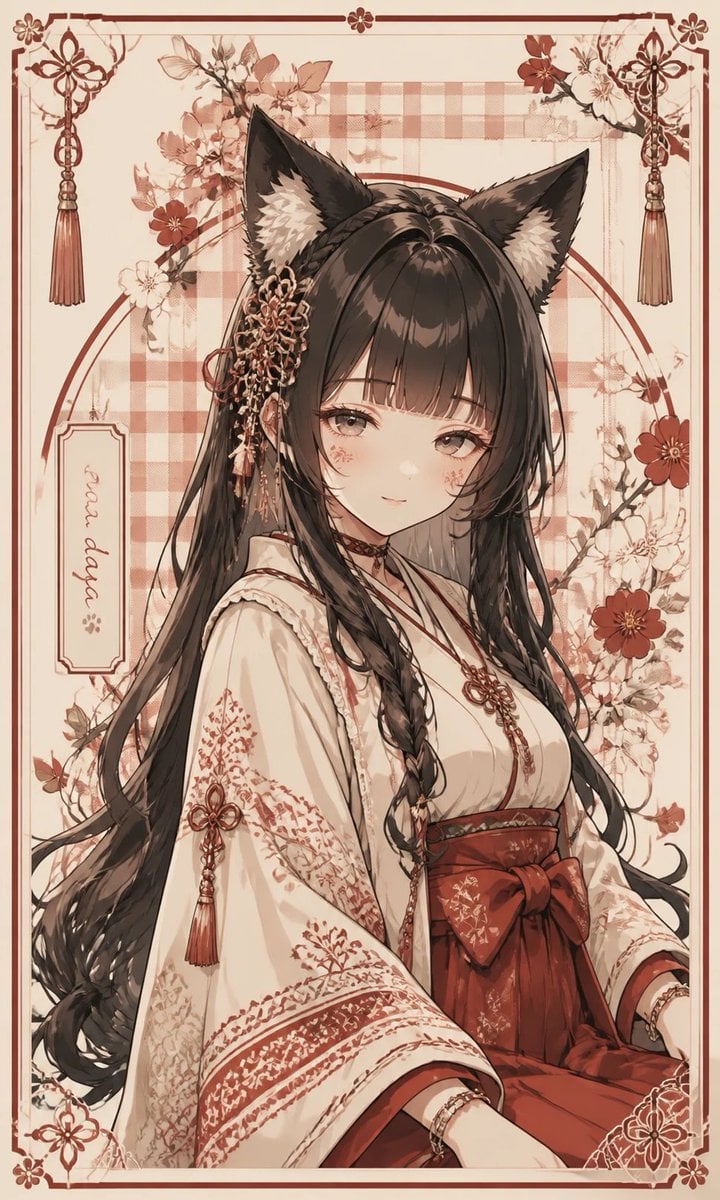
Fox Shrine Maiden Postcard
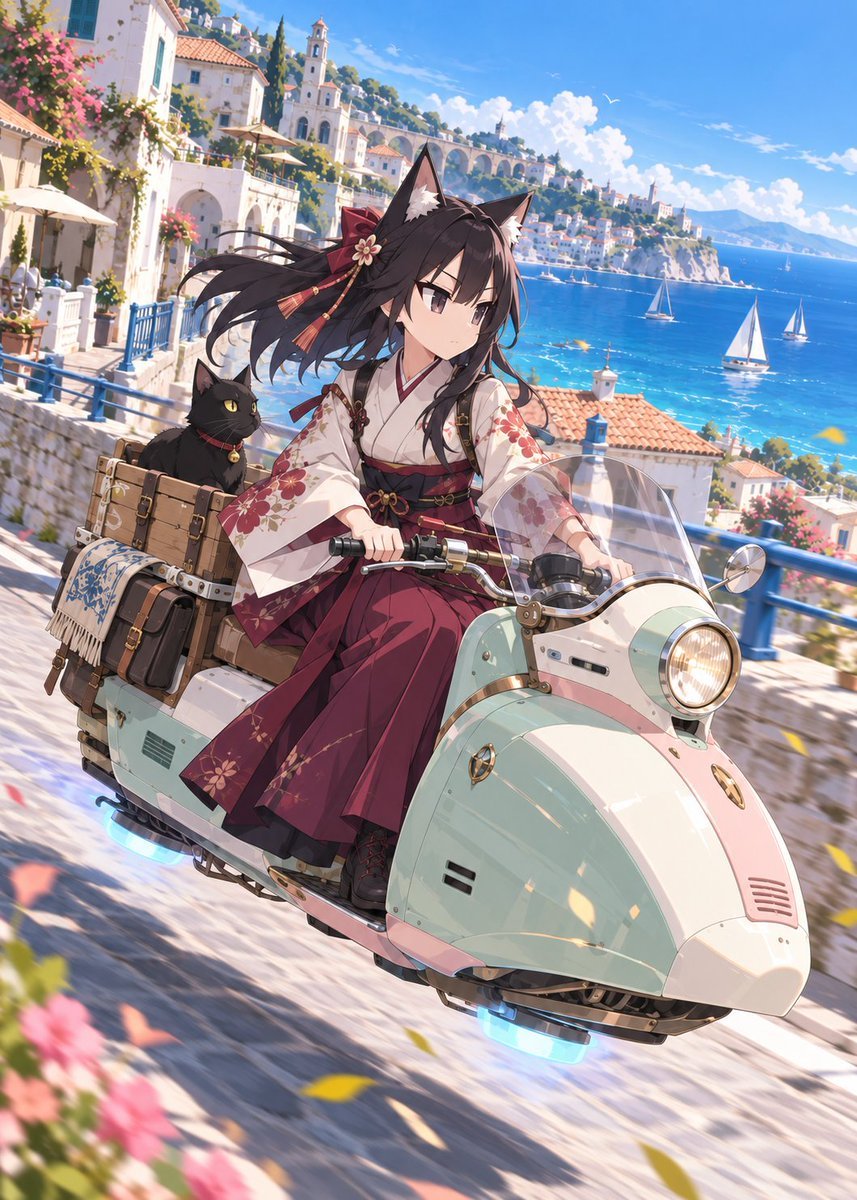
Fox Shrine Maiden on Hover Scooter
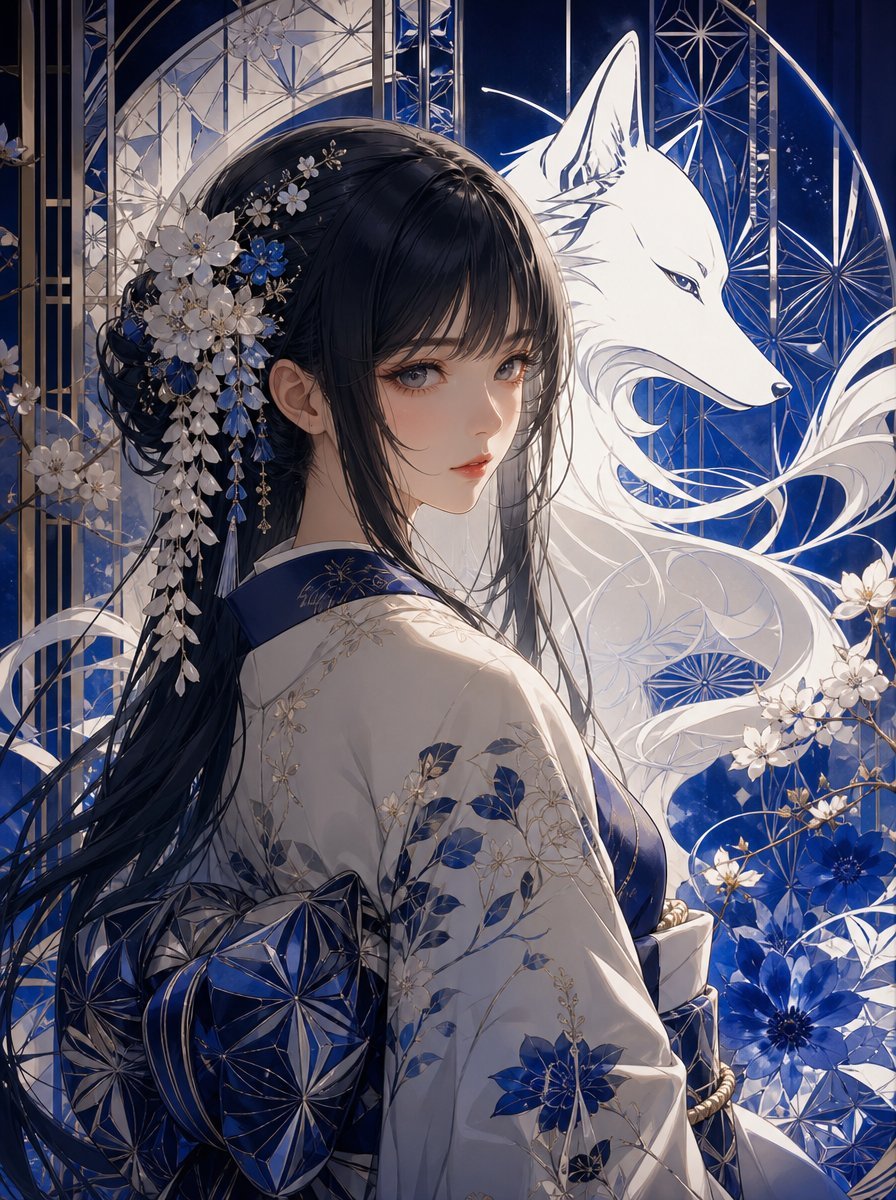
Blue Kiriko Fox Shrine Maiden
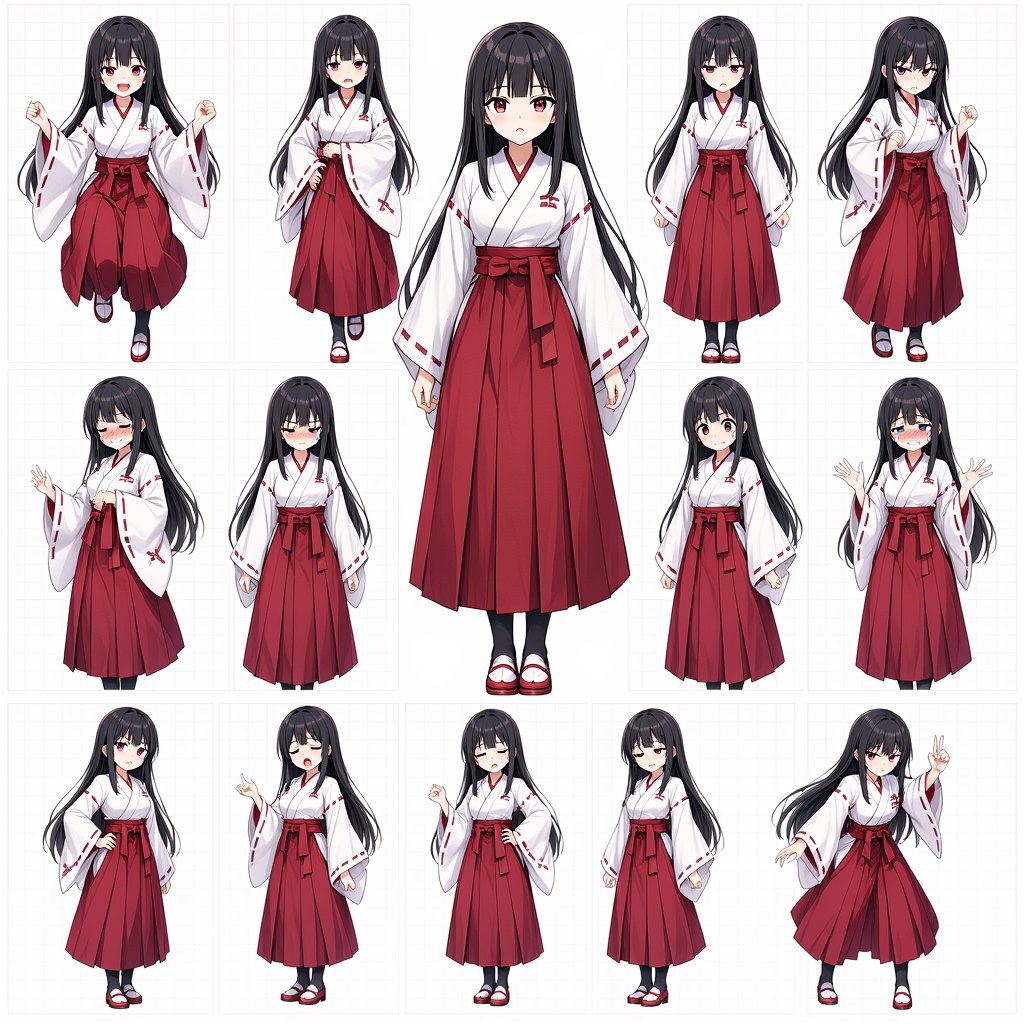
Anime Shrine Maiden Character Sheet
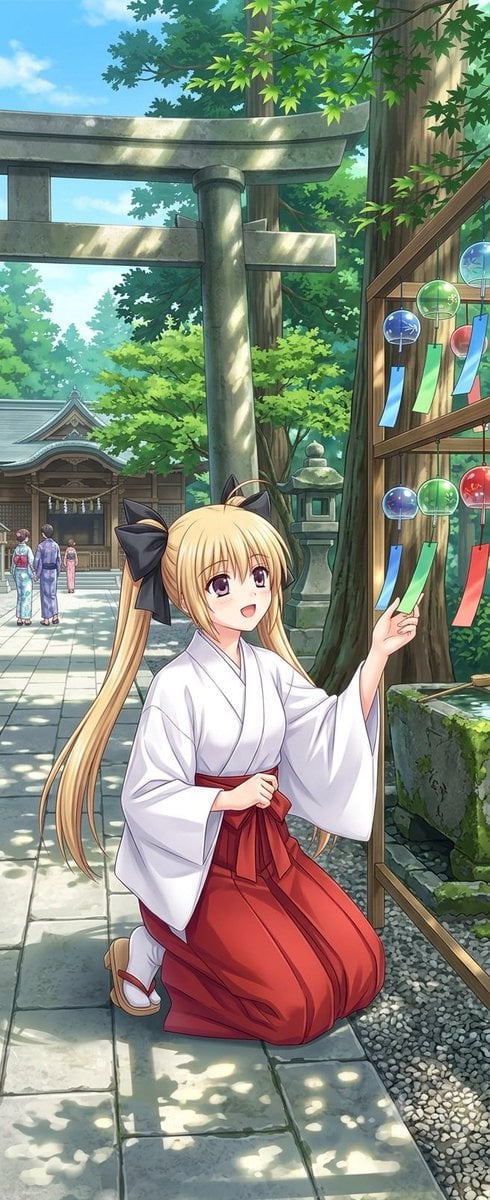
Summer Shrine Maiden Portrait
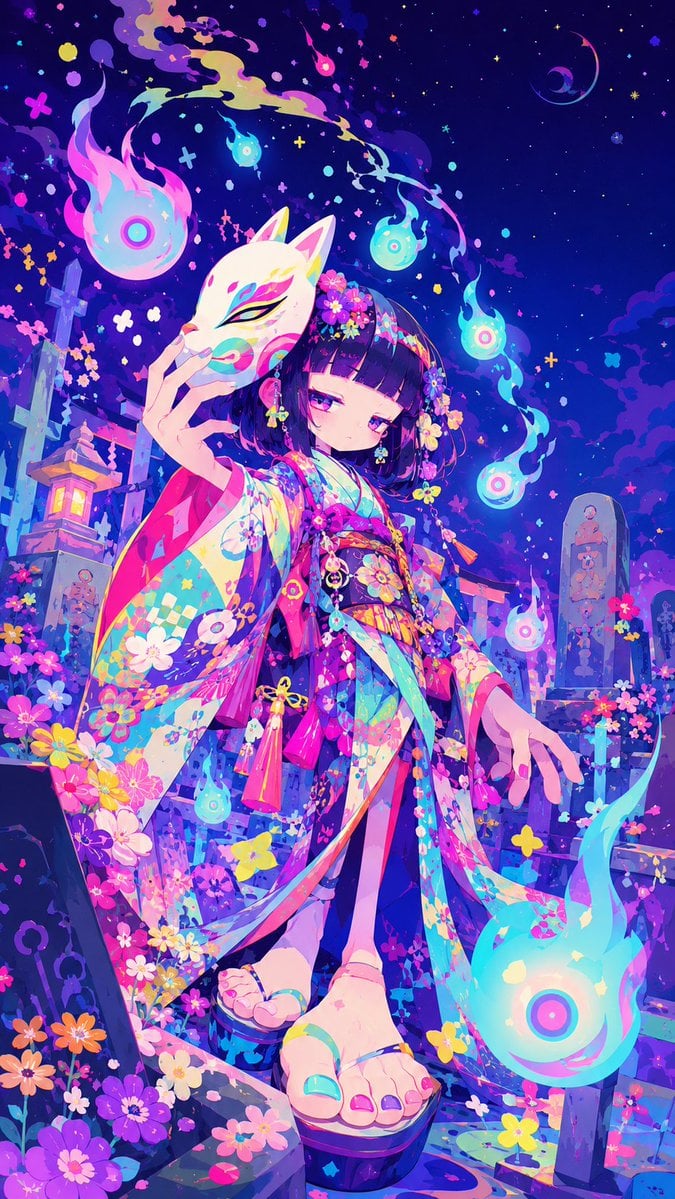
Neon Kitsune Shrine Maiden
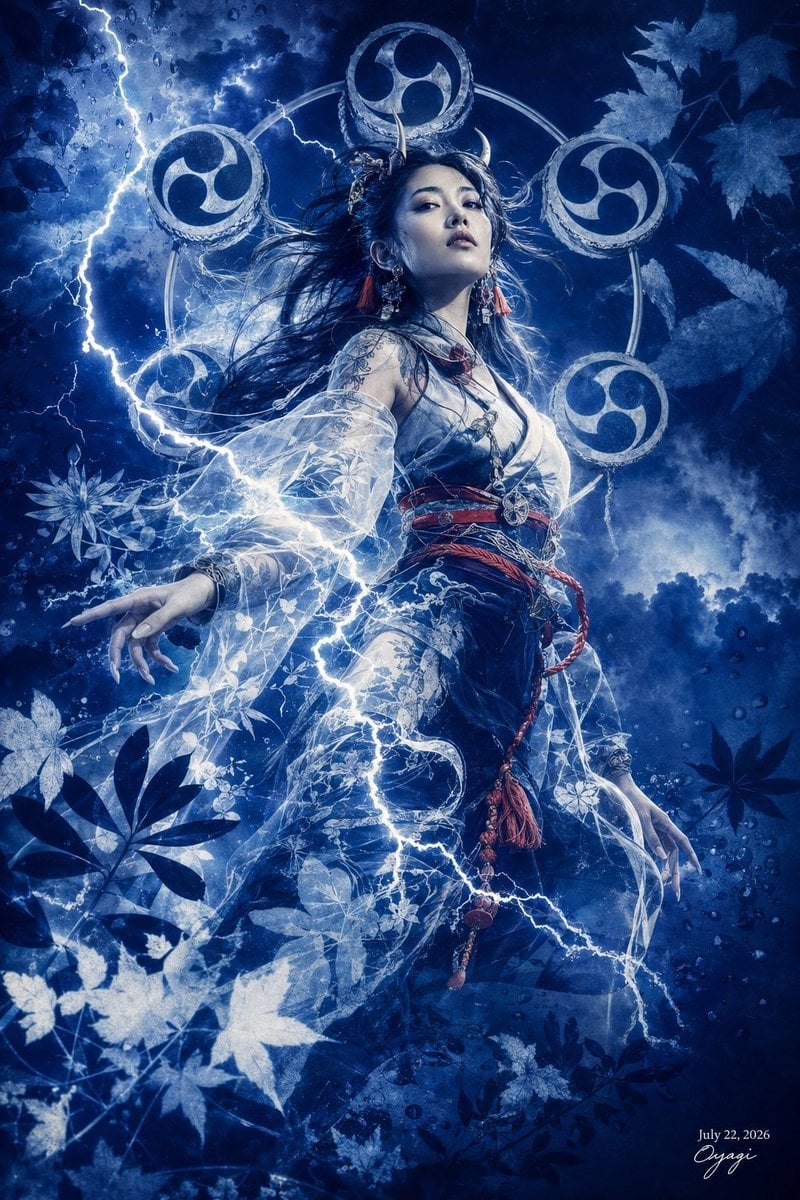
Thunder Shrine Maiden Portrait

Gray Studio Character Reference Sheet

Anime Character Sheet Reference Prompt
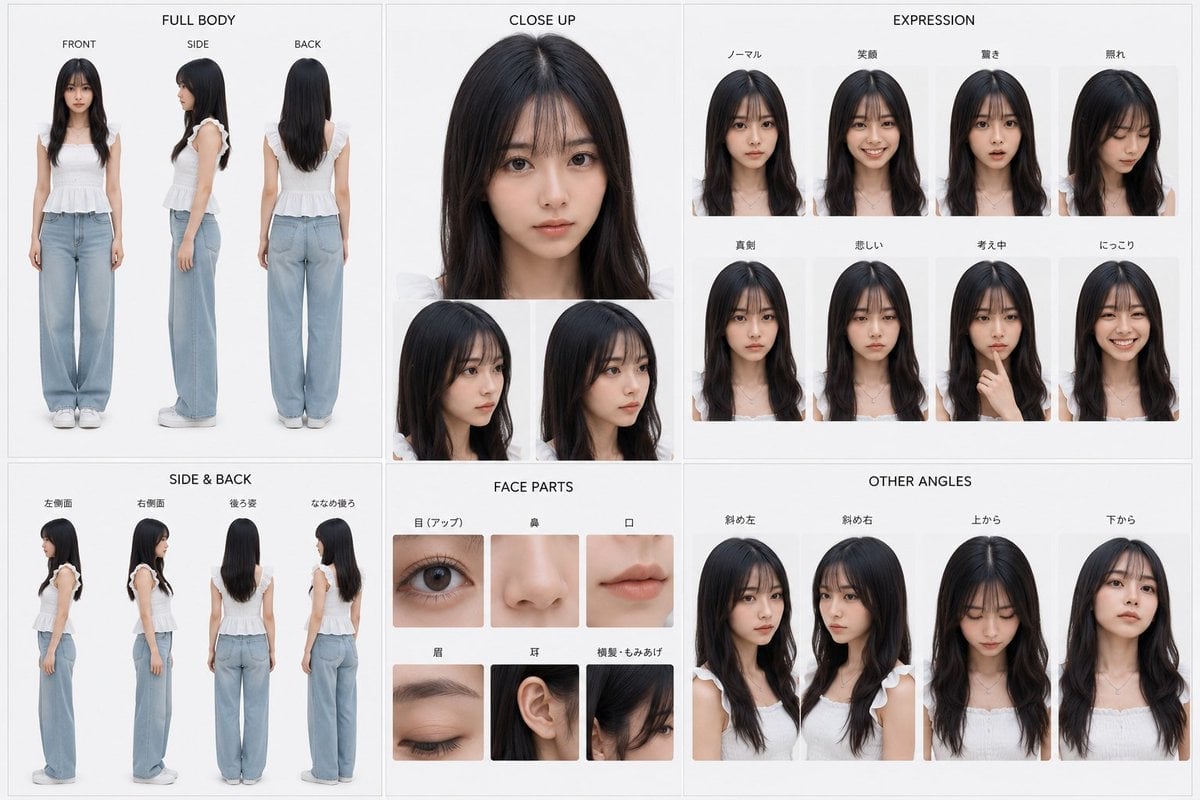
Photoreal Character Reference Sheet
Make it yours
Tsukiyo Fox Shrine Maiden Reference Sheet works as-is. These are the safest ways to change it without losing the look.
Change one field
Copy a single group, rewrite it, and generate again so you can see what that field is doing.
Keep the frame, change the subject
Hold the composition and light of Tsukiyo Fox Shrine Maiden Reference Sheet, then swap wardrobe, props or the person for a new take.
| If the result… | Why | Fix |
|---|---|---|
| The result drifts from the preview | Too many fields changed at once. | Reuse Tsukiyo Fox Shrine Maiden Reference Sheet as-is first, then change one group — subject, light, or setting. |
| The model over-stylizes the scene | The prose prompt leaves finish and camera underspecified. | Add one camera or lighting sentence and stay on GPT Image 2. |
More GPT Image 2 templates
Other prompts made for GPT Image 2.

Six VTuber Japanese Logo Sheet

Realistic Portrait of Woman and Deer

The Vista Modular Condo Poster

AI Model Routing Comparison Infographic

2.5D Anime Art Board

Isometric Productivity Desk Scene

New York Double Exposure Poster

Four-Panel AI Landscape Comparison

Japanese Tatami Lifestyle Magazine Cover

NESCAFÉ Coffee Map Poster
More image prompts
Fresh picks from across the catalog.
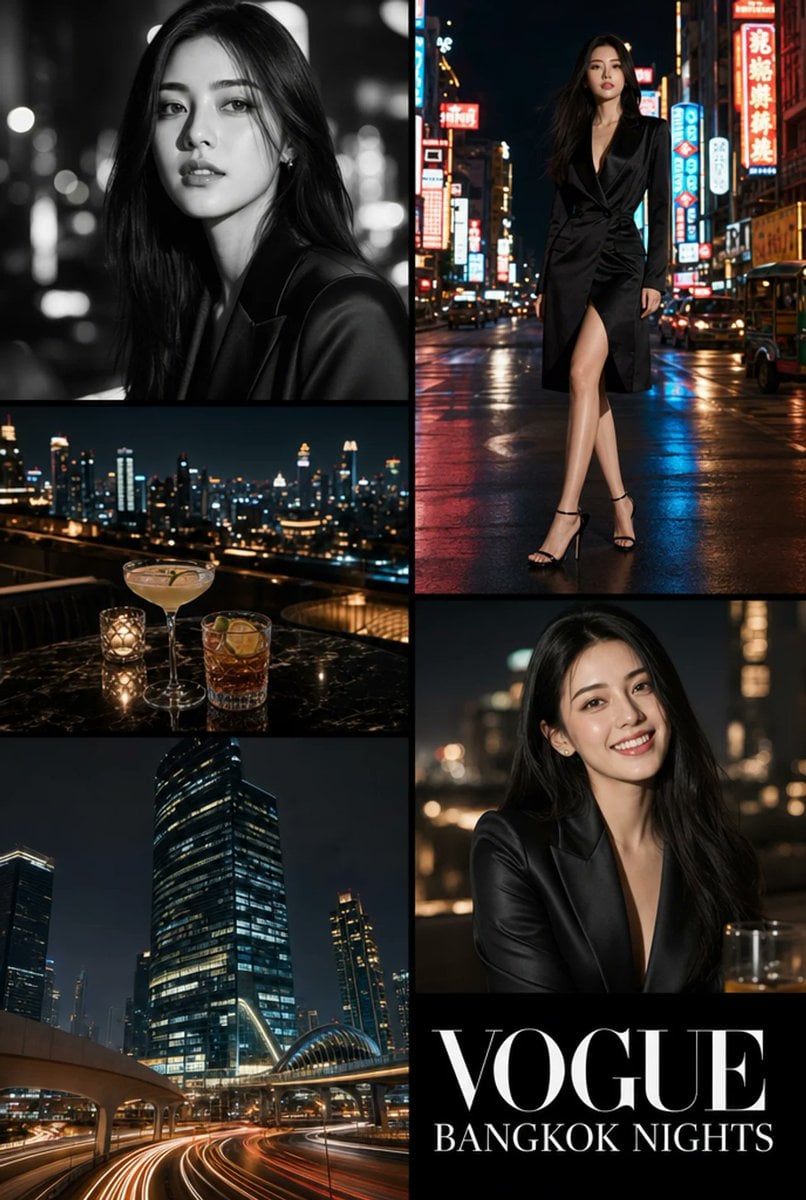
Vogue Bangkok Nights Collage

Cute Japanese Hamster Infographic

Infographic about the Jackson Laboratory

Vermeer-Style Cinematic Portrait with Modern Twist

Cozy Night Café Portrait
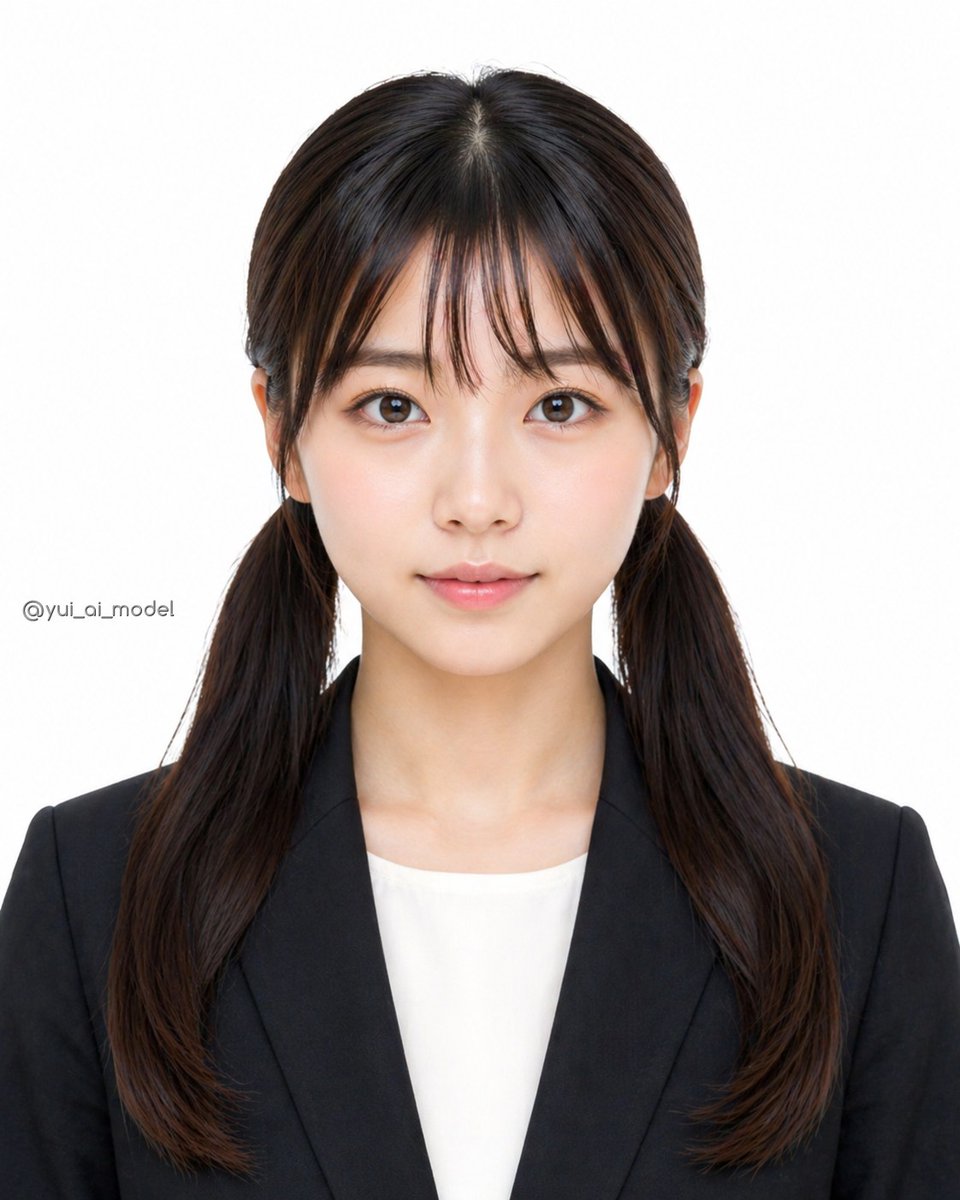
Anonymized Business Headshot
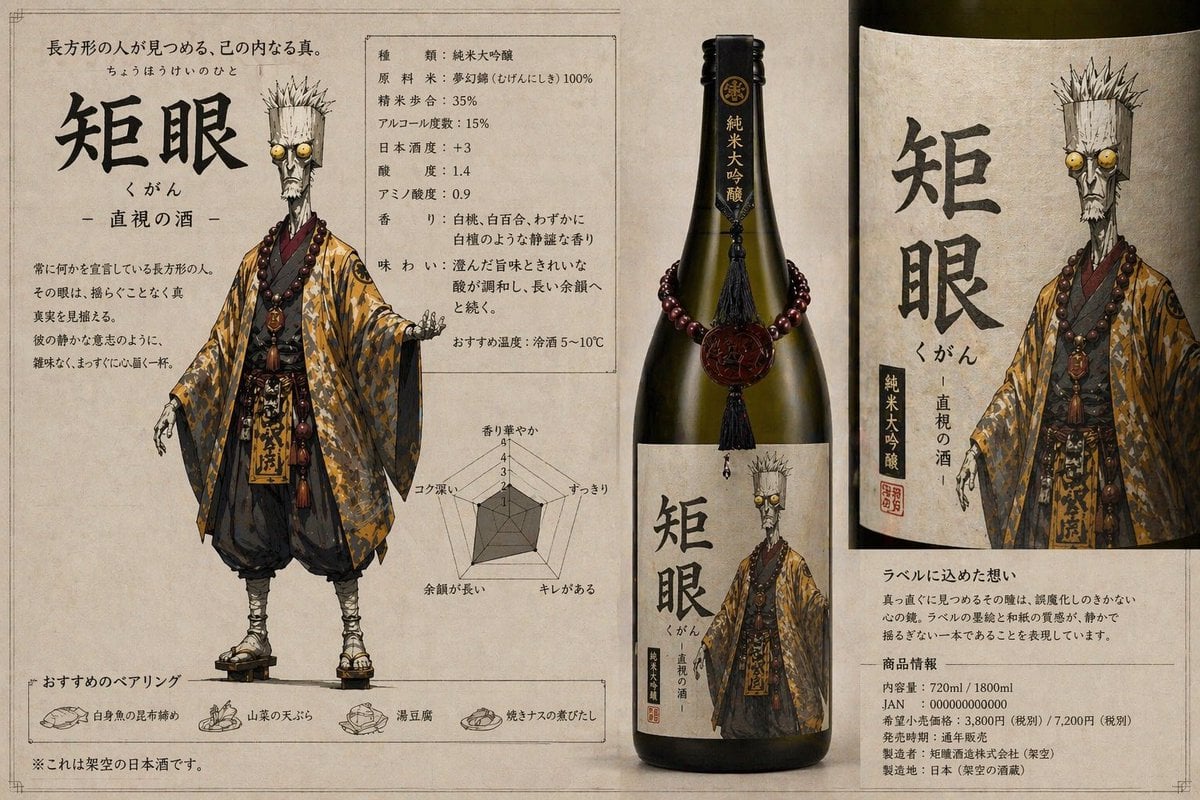
Character-Based Brand Identity Design
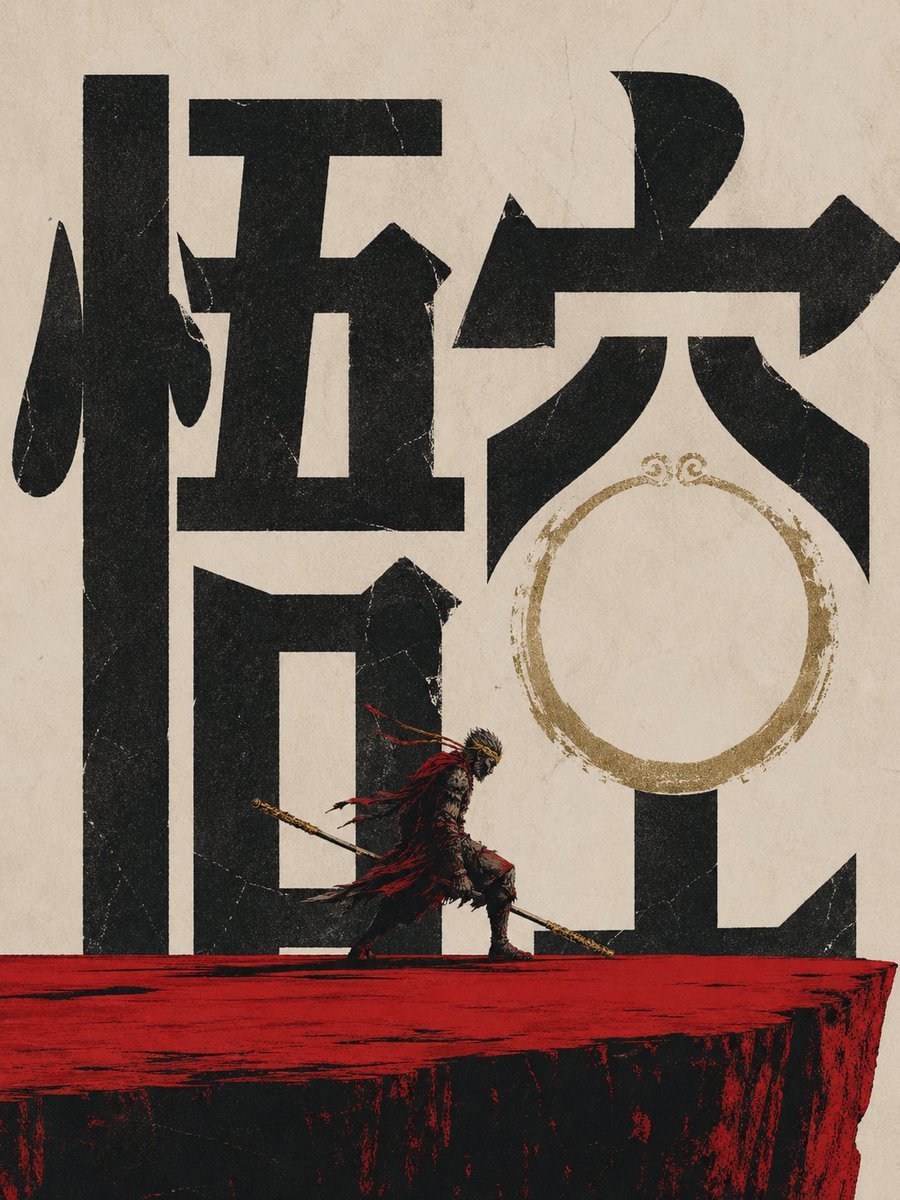
Wukong Calligraphy Poster
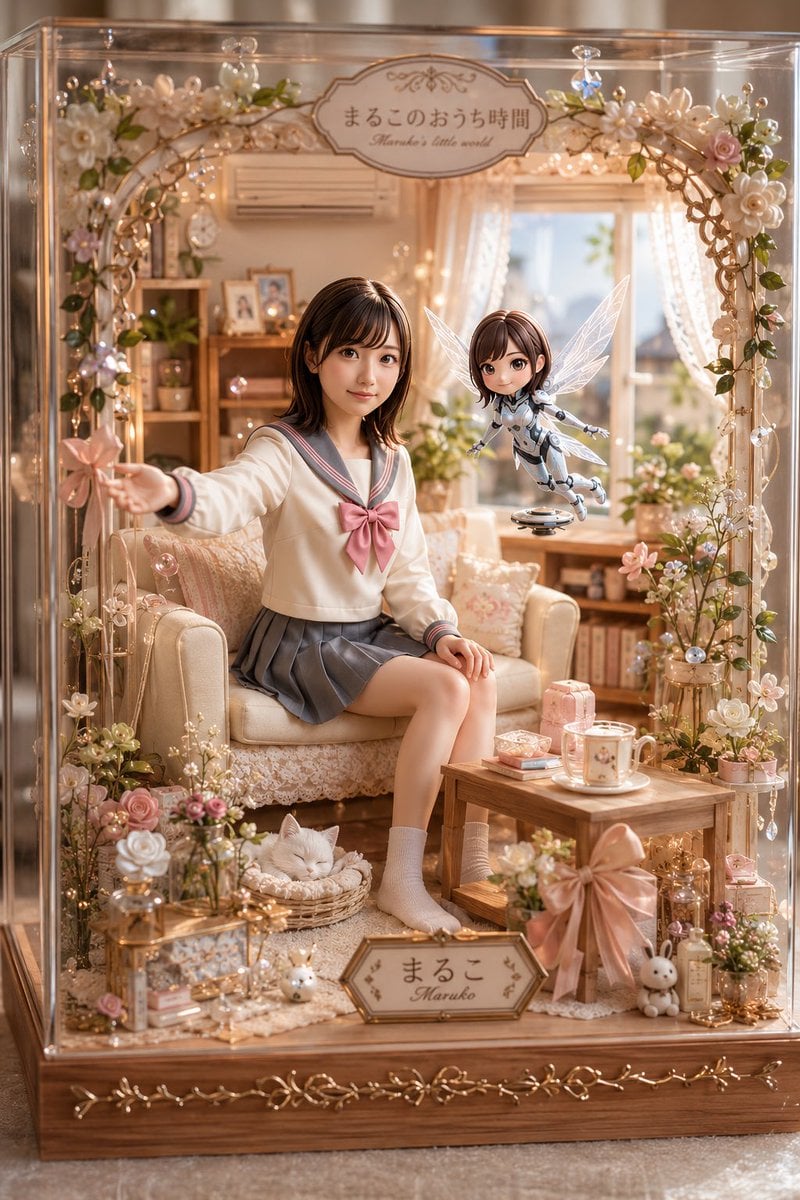
Pastel Maruko Dollhouse Diorama

Hyper-Realistic Fast Food Ad Visual
Browse template categories
Tsukiyo Fox Shrine Maiden Reference Sheet questions
How do I use the Tsukiyo Fox Shrine Maiden Reference Sheet template?
Add your photo if the template asks for one, edit the prompt if you like — the template's model and format are already selected — and press Generate. Your version opens in PicX Studio.
Can I customize the Tsukiyo Fox Shrine Maiden Reference Sheet template?
Yes. You can change the subject, setting, lighting, mood, format, and available model controls before creating your image.
Is the Tsukiyo Fox Shrine Maiden Reference Sheet template free?
Opening and editing this template is free. Generating uses credits, shown on the Generate button when you are signed in.
Which AI model should I use?
Start with GPT Image 2, which is the model associated with this template. You can compare another compatible model for a different finish.
Looking for something else? Browse all templates.

Your photo, any look
Thousands of ready templates for every top image and video model, from one credit balance.