
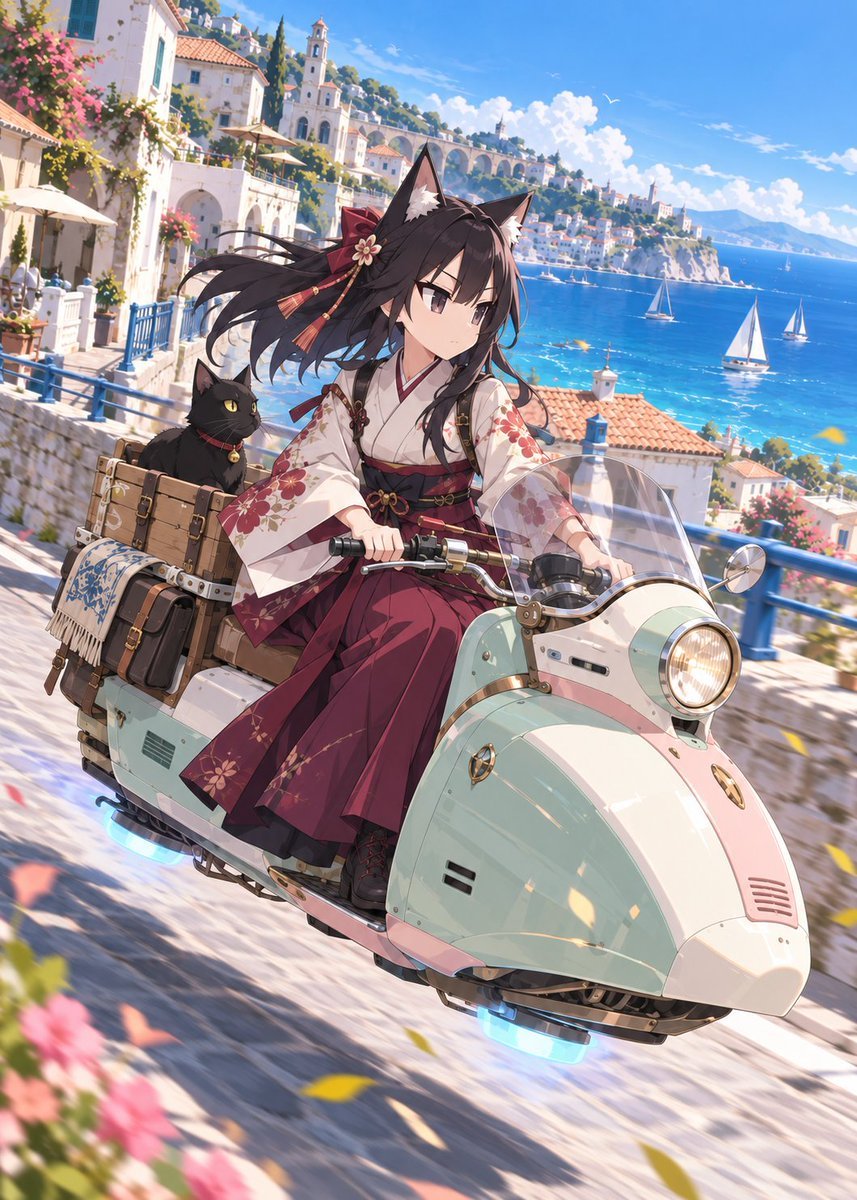
Fox Shrine Maiden on Hover Scooter
A detailed anime illustration prompt for creating a fox-eared shrine maiden riding a hovering vintage scooter through a sunny Mediterranean seaside town.
- Prompt included
- Model and format preset
- Free template
The prompt behind this image
Copy the exact prompt behind Fox Shrine Maiden on Hover Scooter, or open it in the studio and make it yours.
Create a polished anime-style vertical illustration of {argument name="character name" default="an original fox-eared shrine maiden girl"} riding a retro-futuristic mint-and-cream Vespa-like hover scooter down a sunlit Mediterranean coastal road. The main subject is a teenage anime girl with long flowing {argument name="hair color" default="black"} hair, large black fox ears with pale inner fur, a red side ribbon with tassels and a small flower ornament, calm serious eyes, and a composed expression. She wears a white kimono top with red floral patterns, wide translucent sleeves, a dark red hakama skirt, a black-and-red obi with small gold details, and black lace-up boots. The scooter has a rounded vintage body, chrome handlebars, a clear curved windshield, one large glowing headlight, a small round side mirror, metallic trim, and two visible blue anti-gravity glow units underneath, making it appear to hover just above the stone street. Behind her on the scooter is one black cat with yellow eyes and a red collar with a gold bell, sitting among travel gear. Include exactly three prominent luggage pieces attached to the rear: one large wooden crate strapped on top, one dark leather suitcase, and one rolled blue-and-white patterned blanket or mat. Set the scene in {argument name="location" default="a bright Amalfi Coast inspired seaside town"}: white stucco houses with terracotta roofs, blue railings, stone walls, flower-covered balconies, café umbrellas, cypress trees, a church bell tower, arched aqueduct-like bridges, cliffside buildings, and vivid turquoise sea. In the background, include exactly three visible white sailboats on the water, distant mountains, fluffy white clouds, and a few small birds in a clear blue sky. Use dynamic three-quarter perspective from slightly above and in front, with the scooter angled diagonally from lower right toward upper left, suggesting fast motion along a curved coastal road. Add wind-blown hair and sleeves, warm sunlight, crisp highlights, soft shadows, motion blur on the road and foreground flowers, and scattered yellow and pink flower petals flying through the air. The mood should feel cinematic, adventurous, luxurious, and summery, with extremely detailed anime rendering, clean linework, saturated colors, high depth, and no text or watermark.
How to use Fox Shrine Maiden on Hover Scooter in 3 steps
- 1Upload ImagePNG, JPG or paste
Add your photo
Upload the photo the template builds on. The prompt, model and format are already set.
- 2…a portrait of your subject in softgolden-hour light, 85mm…
Personalize
Edit the subject and creative details for your destination.
- 3Generate
Generate
Press Generate — your image is created in PicX Studio, so you can compare it with the original and refine one variable at a time.
More like this
Templates with the same subject, style or setup. Open one to see its prompt.
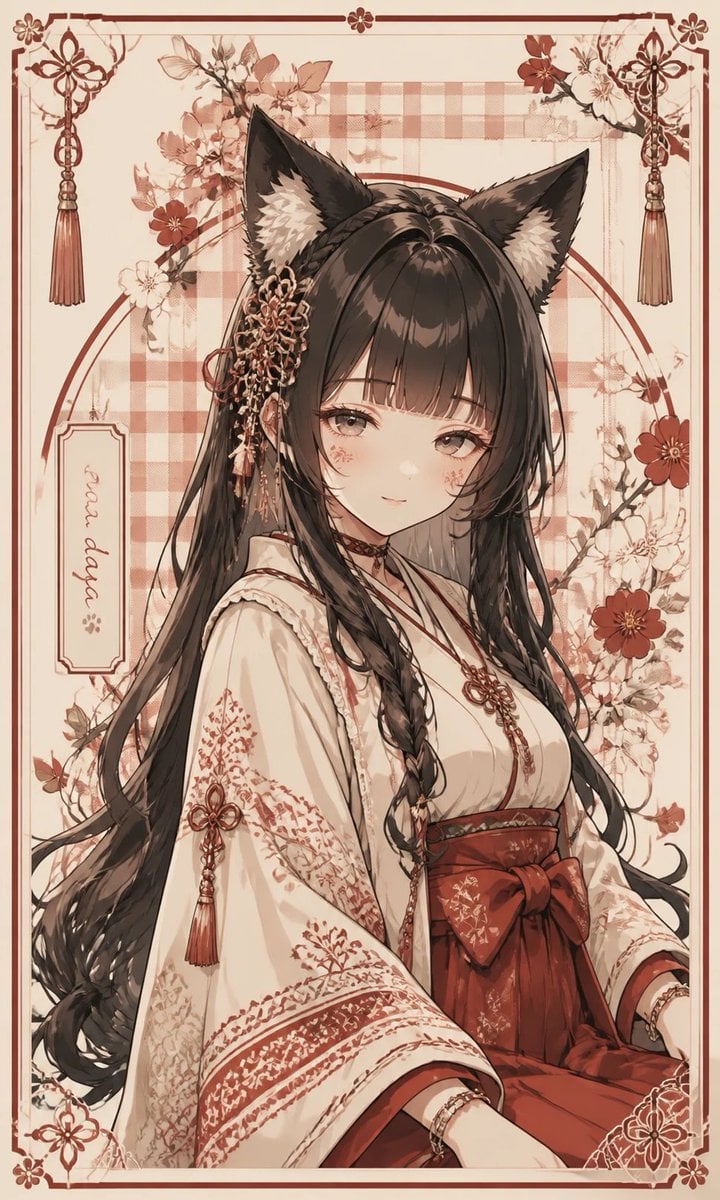
Fox Shrine Maiden Postcard
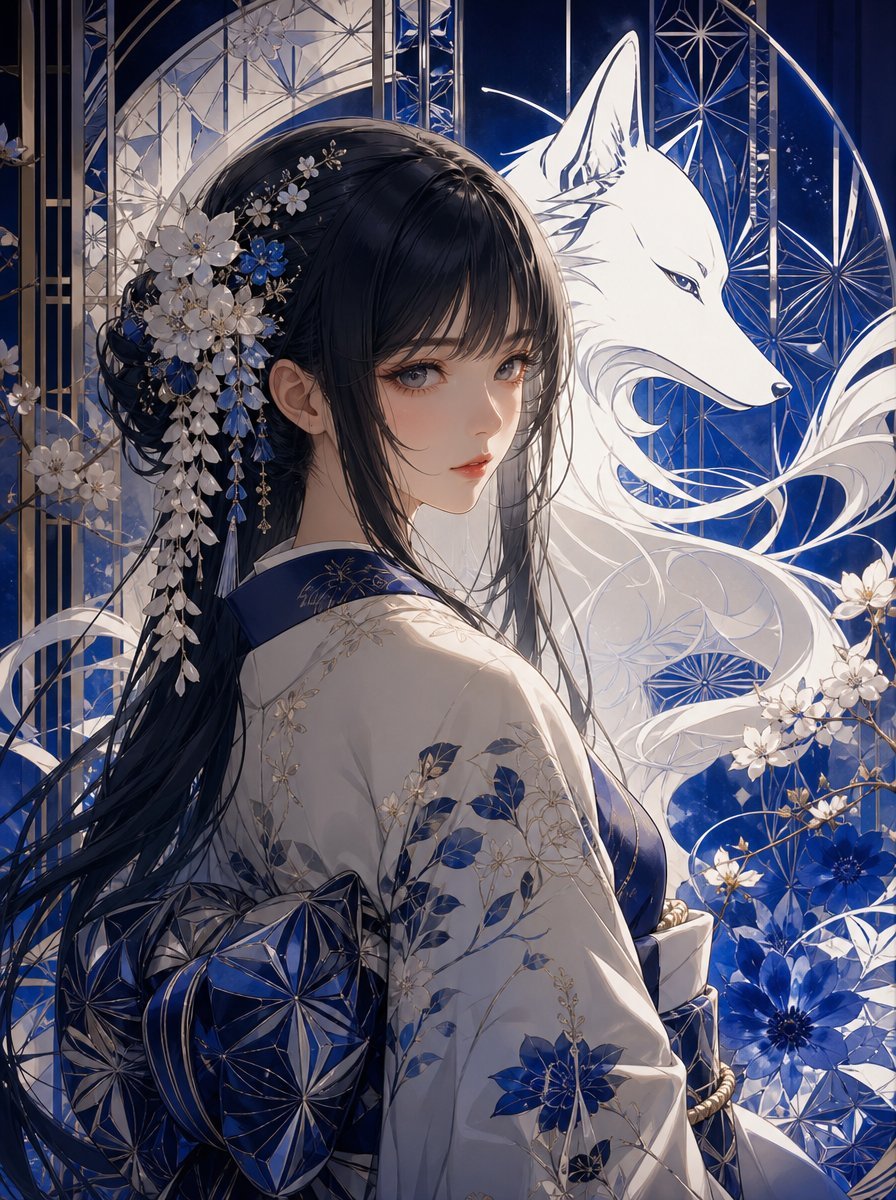
Blue Kiriko Fox Shrine Maiden
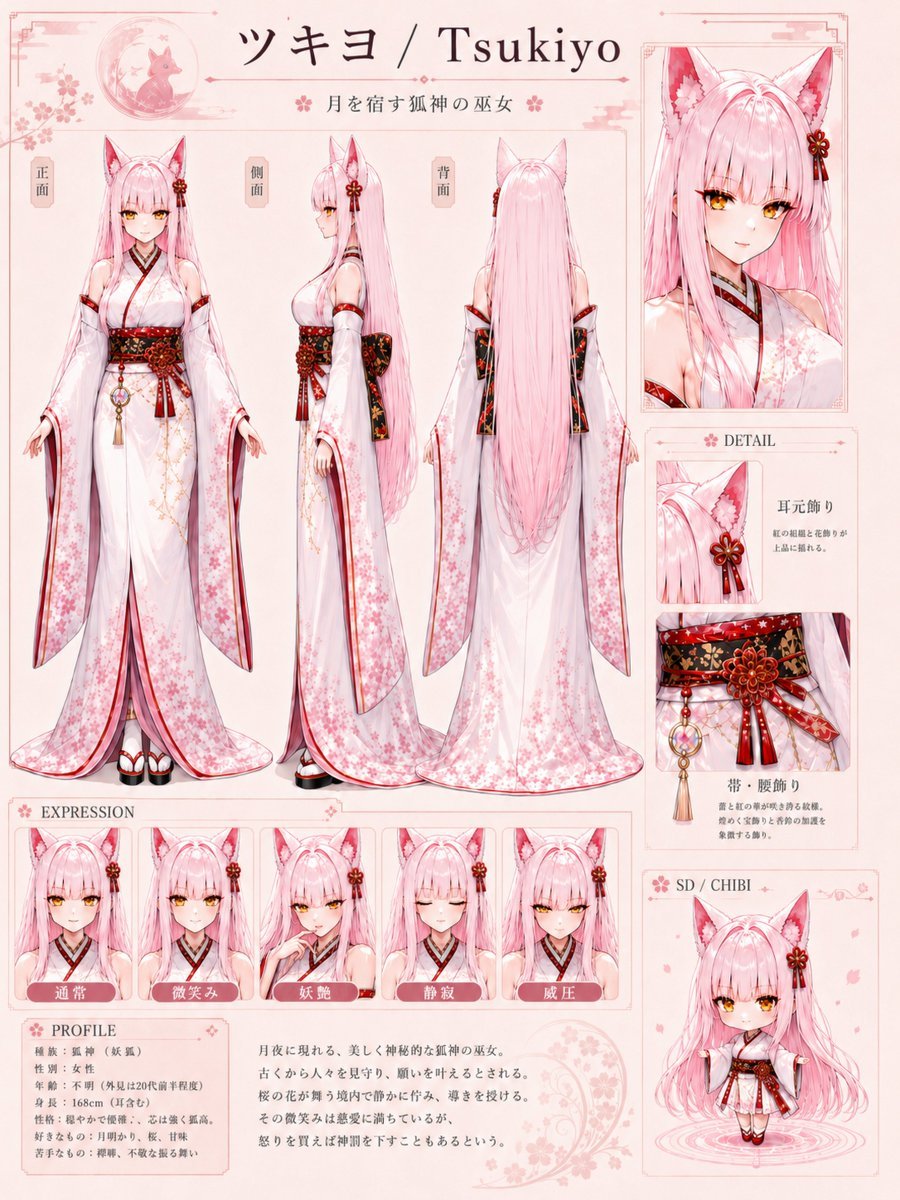
Tsukiyo Fox Shrine Maiden Reference Sheet

Two Hearts. One Scooter.
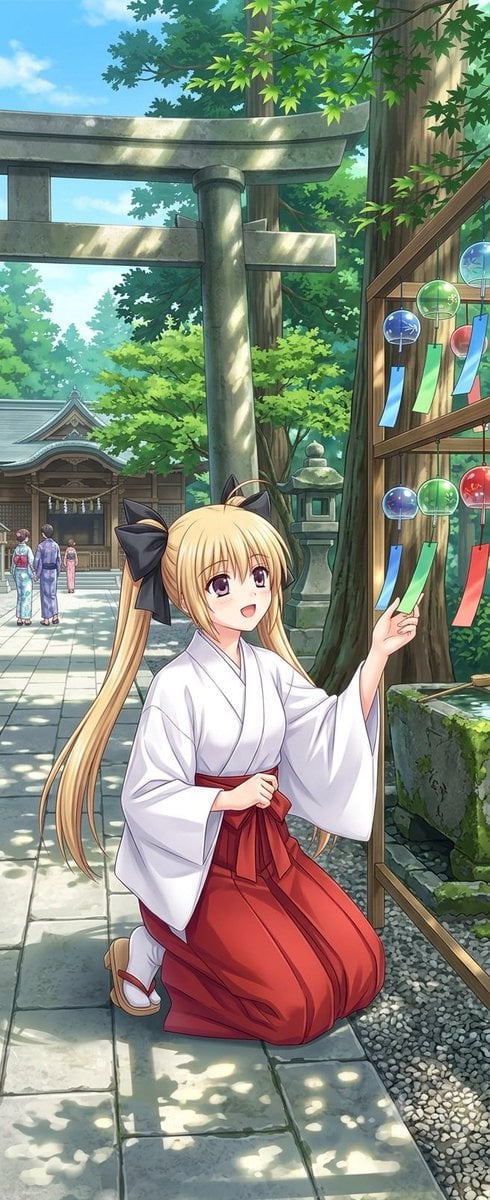
Summer Shrine Maiden Portrait
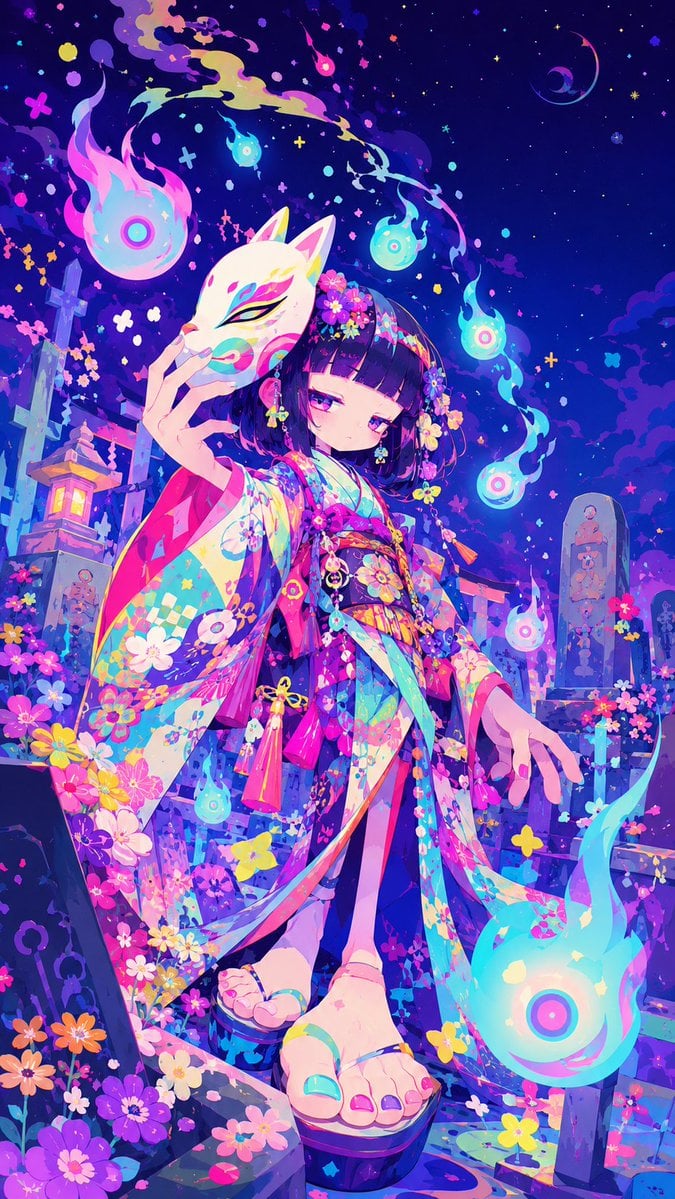
Neon Kitsune Shrine Maiden
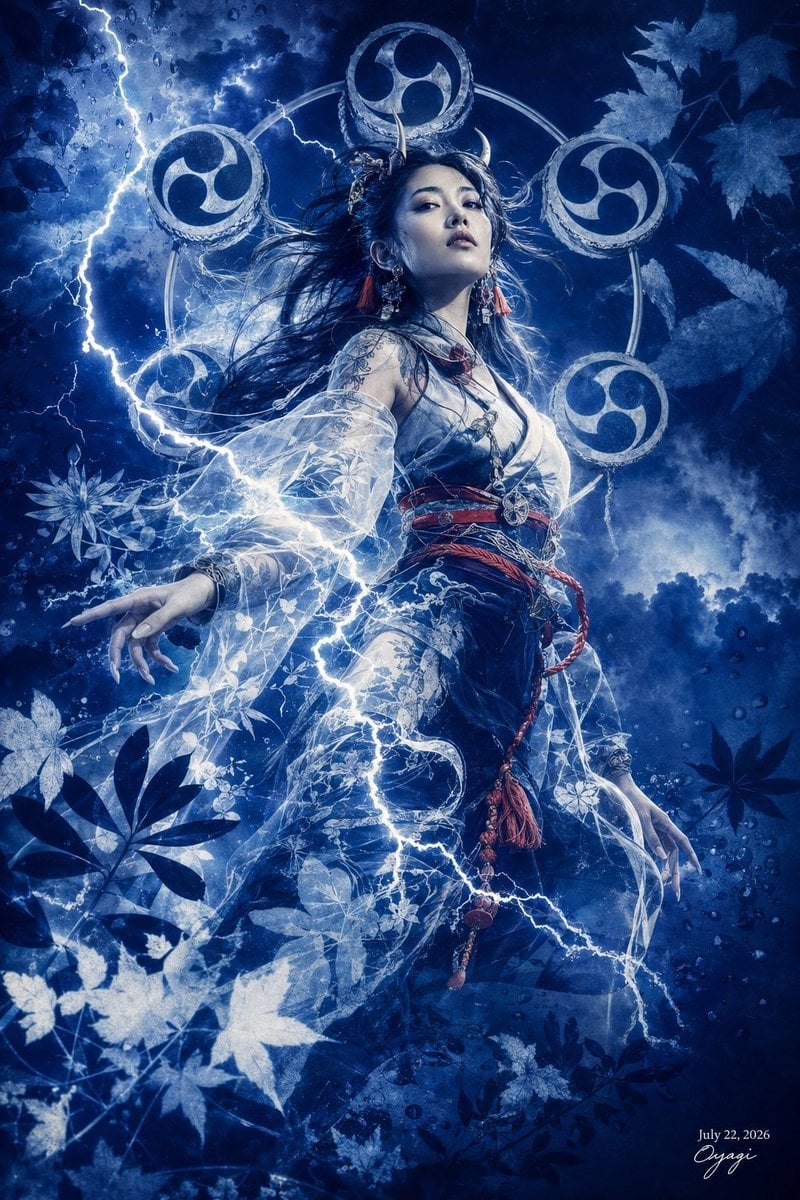
Thunder Shrine Maiden Portrait
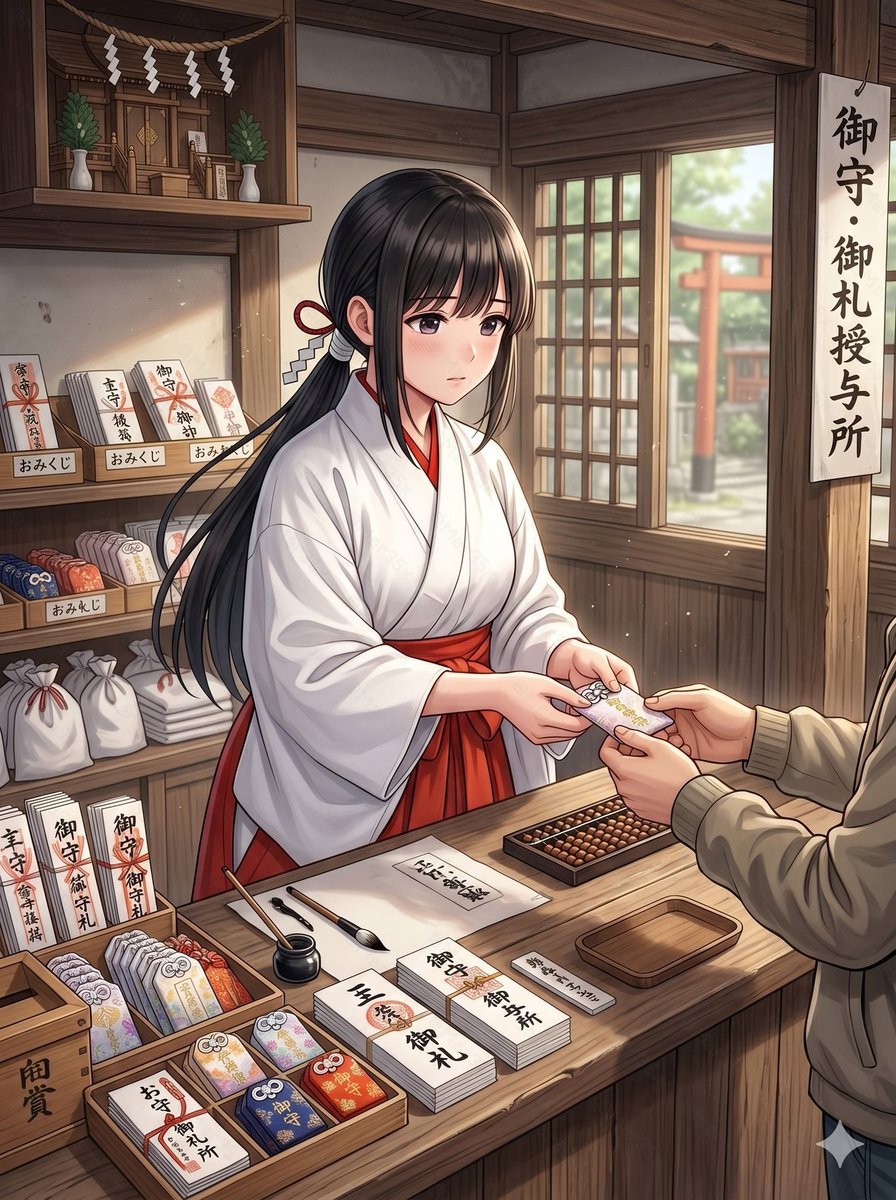
Anime Shrine Maiden Omamori Counter
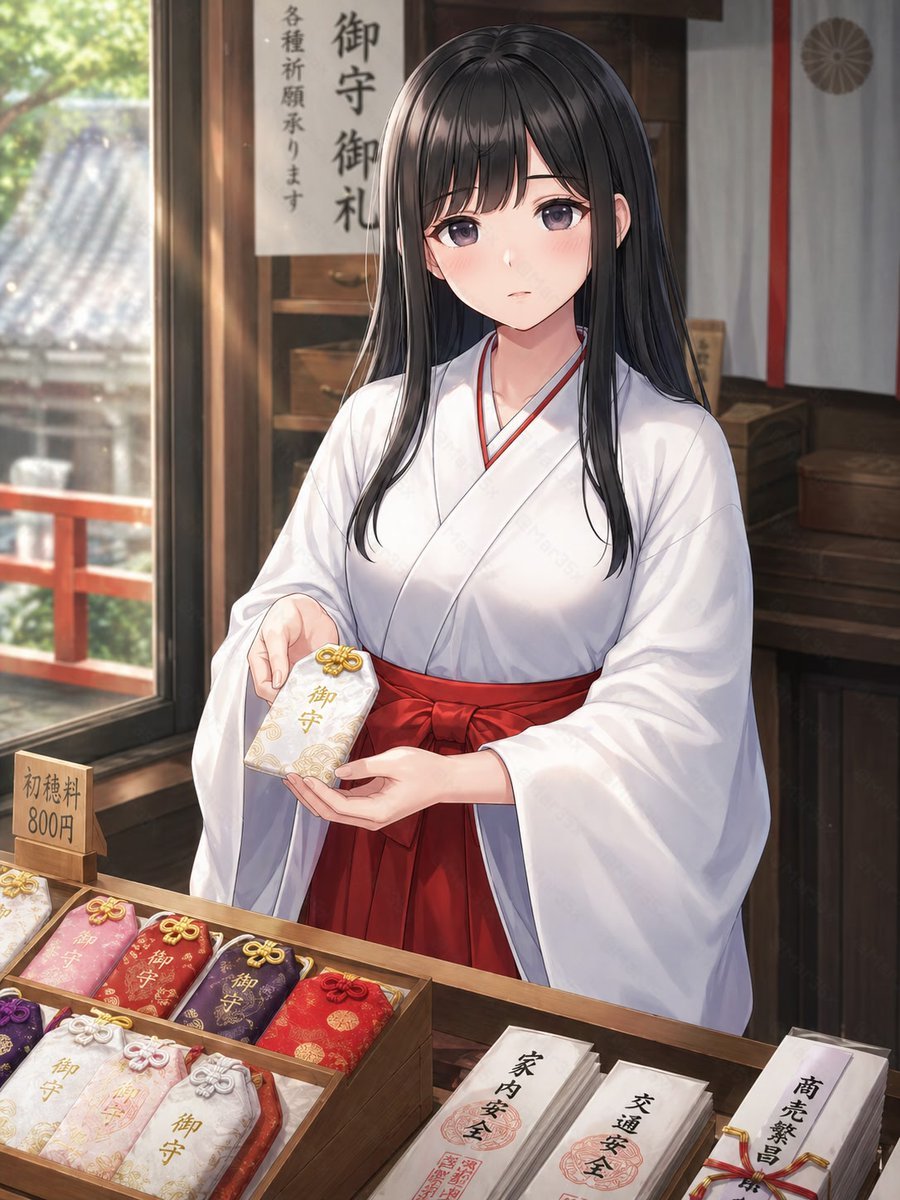
Shrine Maiden Offering an Omamori
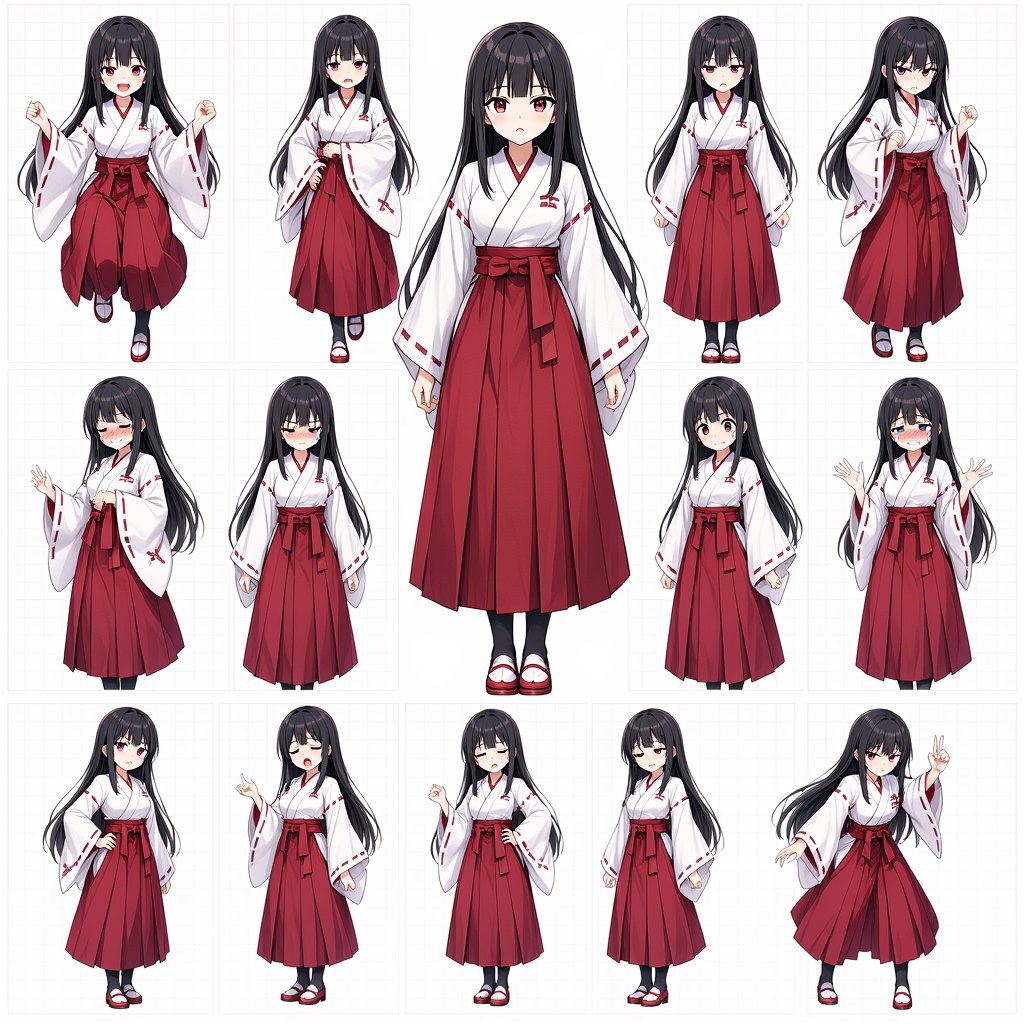
Anime Shrine Maiden Character Sheet
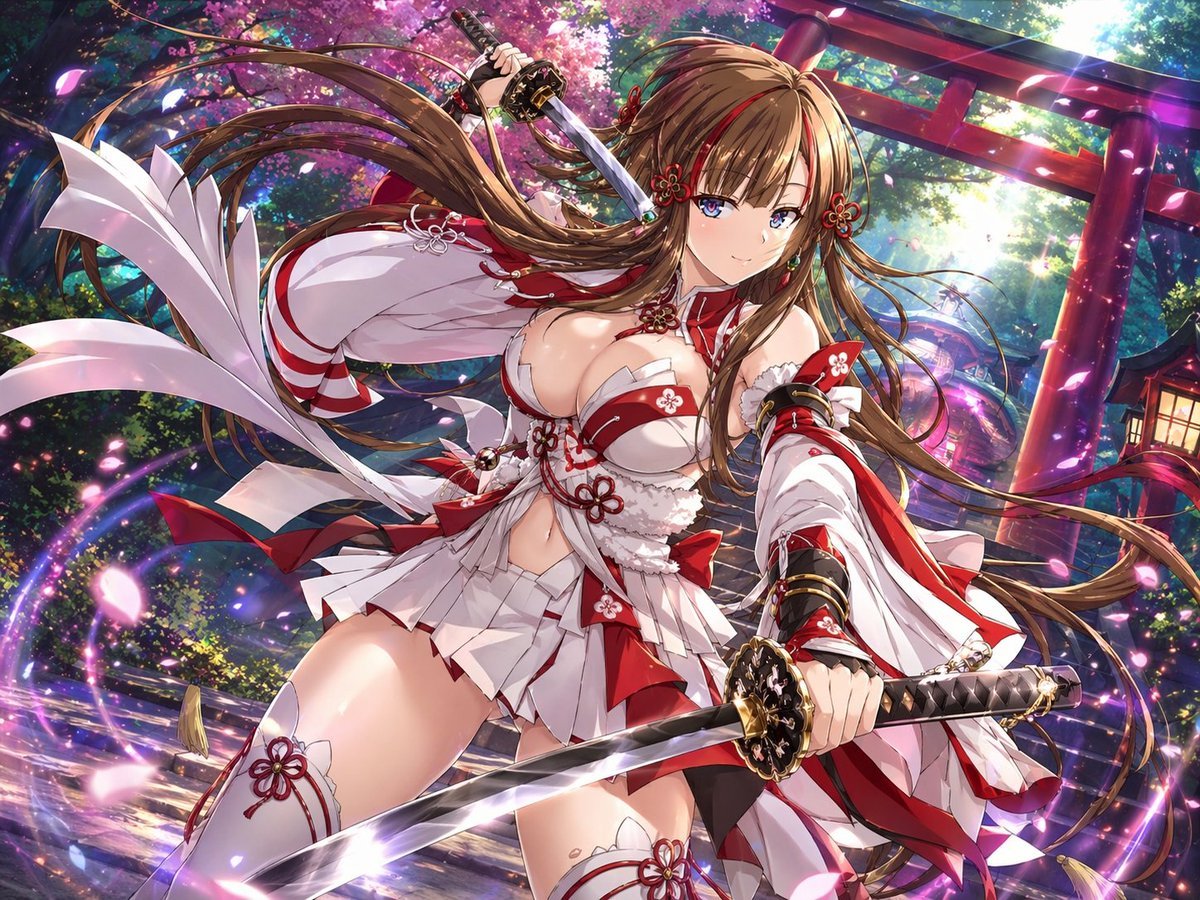
Anime Shrine Maiden Dual Katana
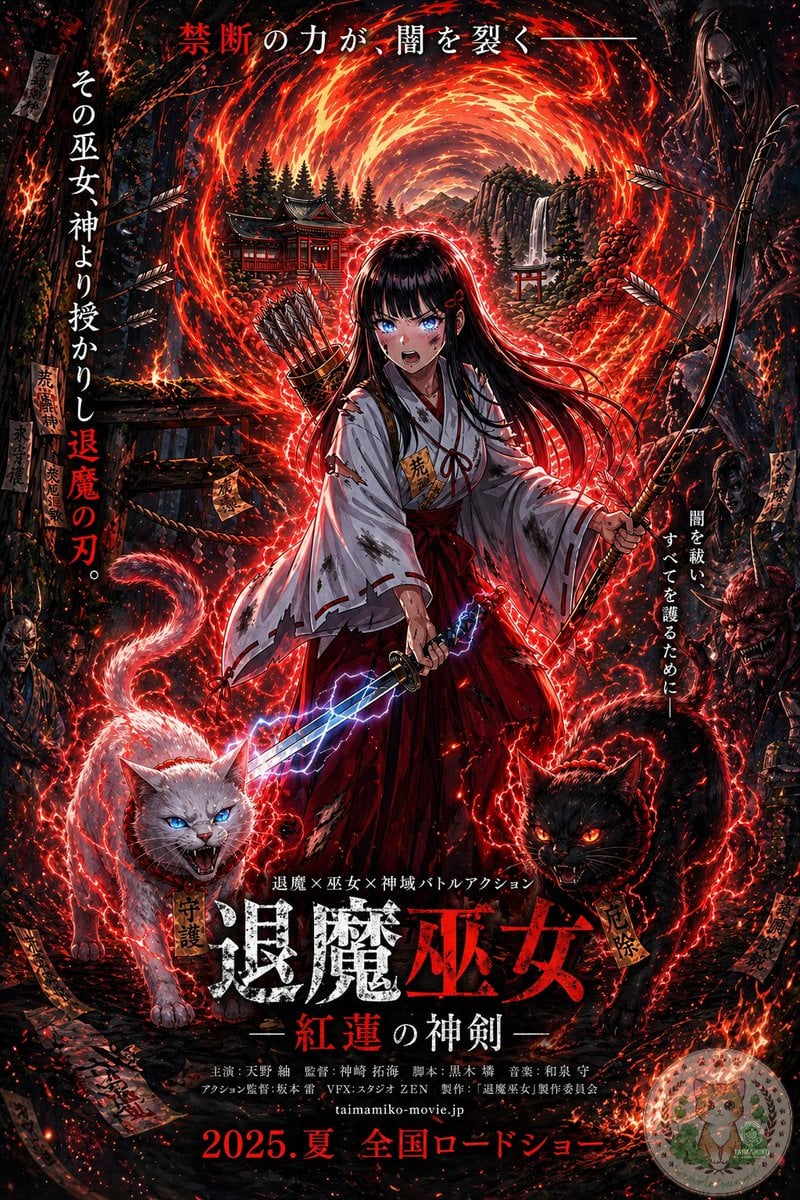
Anime Shrine Maiden Movie Poster
Make it yours
Fox Shrine Maiden on Hover Scooter works as-is. These are the safest ways to change it without losing the look.
Change one field
Copy a single group, rewrite it, and generate again so you can see what that field is doing.
Keep the frame, change the subject
Hold the composition and light of Fox Shrine Maiden on Hover Scooter, then swap wardrobe, props or the person for a new take.
| If the result… | Why | Fix |
|---|---|---|
| The result drifts from the preview | Too many fields changed at once. | Reuse Fox Shrine Maiden on Hover Scooter as-is first, then change one group — subject, light, or setting. |
| The model over-stylizes the scene | The prose prompt leaves finish and camera underspecified. | Add one camera or lighting sentence and stay on GPT Image 2. |
More GPT Image 2 templates
Other prompts made for GPT Image 2.

Six VTuber Japanese Logo Sheet

Realistic Portrait of Woman and Deer

The Vista Modular Condo Poster

AI Model Routing Comparison Infographic

2.5D Anime Art Board

Isometric Productivity Desk Scene

New York Double Exposure Poster

Four-Panel AI Landscape Comparison

Japanese Tatami Lifestyle Magazine Cover

NESCAFÉ Coffee Map Poster
More image prompts
Fresh picks from across the catalog.
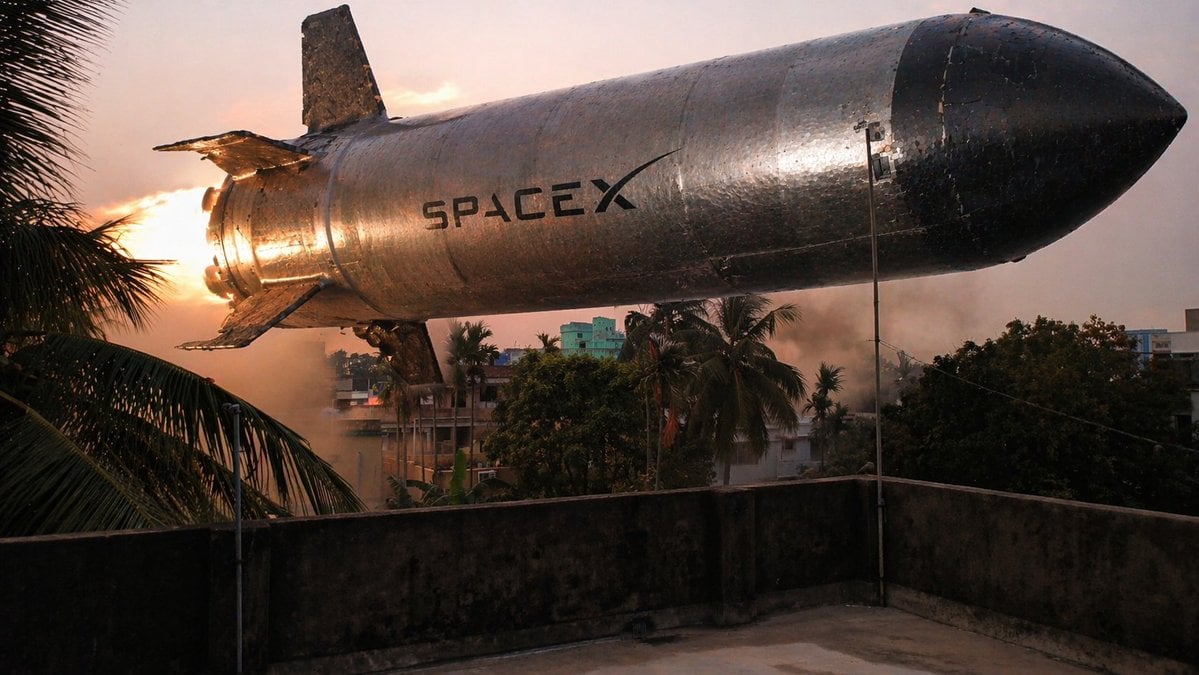
Low-Hovering Spacecraft Over Neighborhood
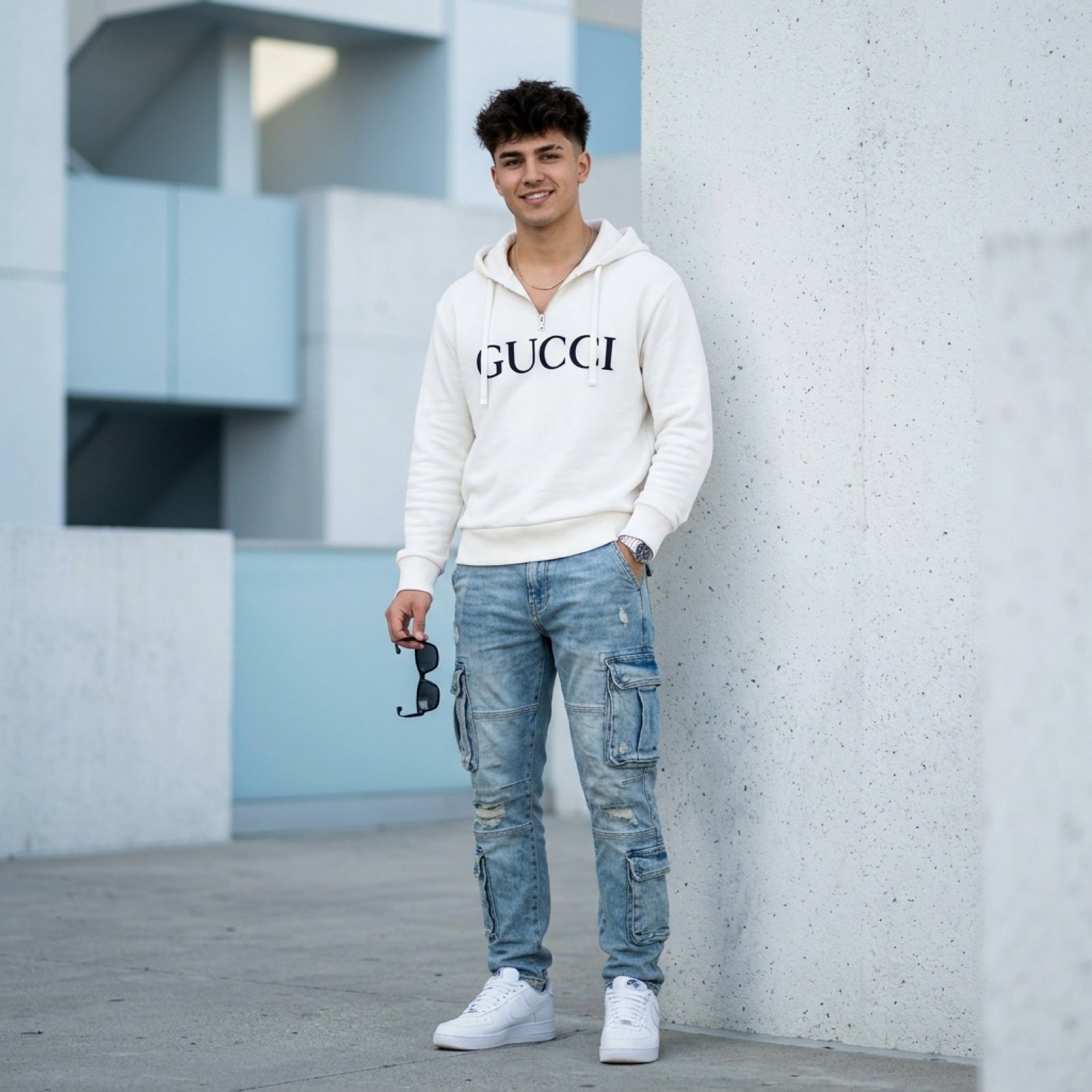
Ultra-Realistic Fashion Photo with Exact Face Match Prompt
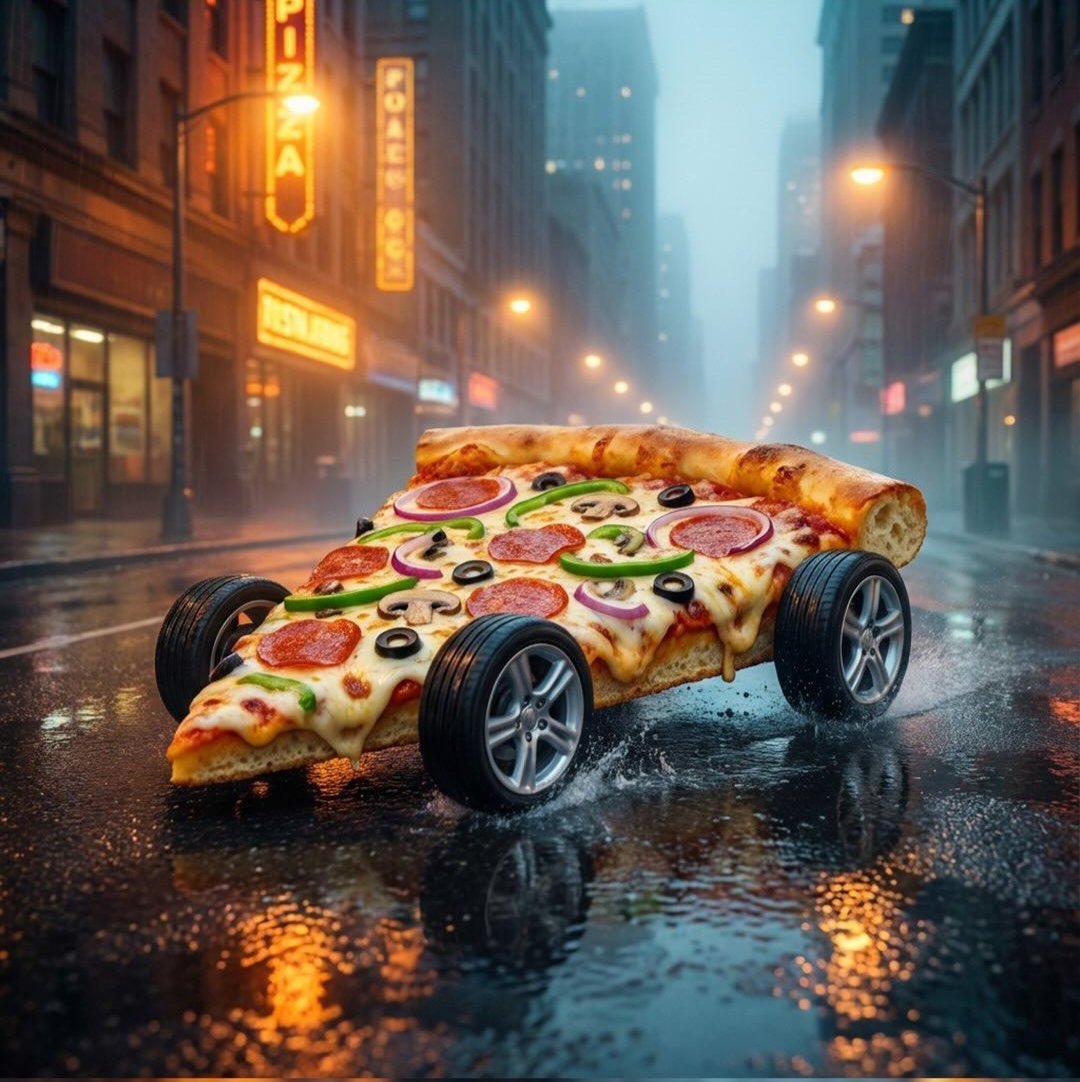
Surreal Pizza Landscapes and Cyberpunk Cars
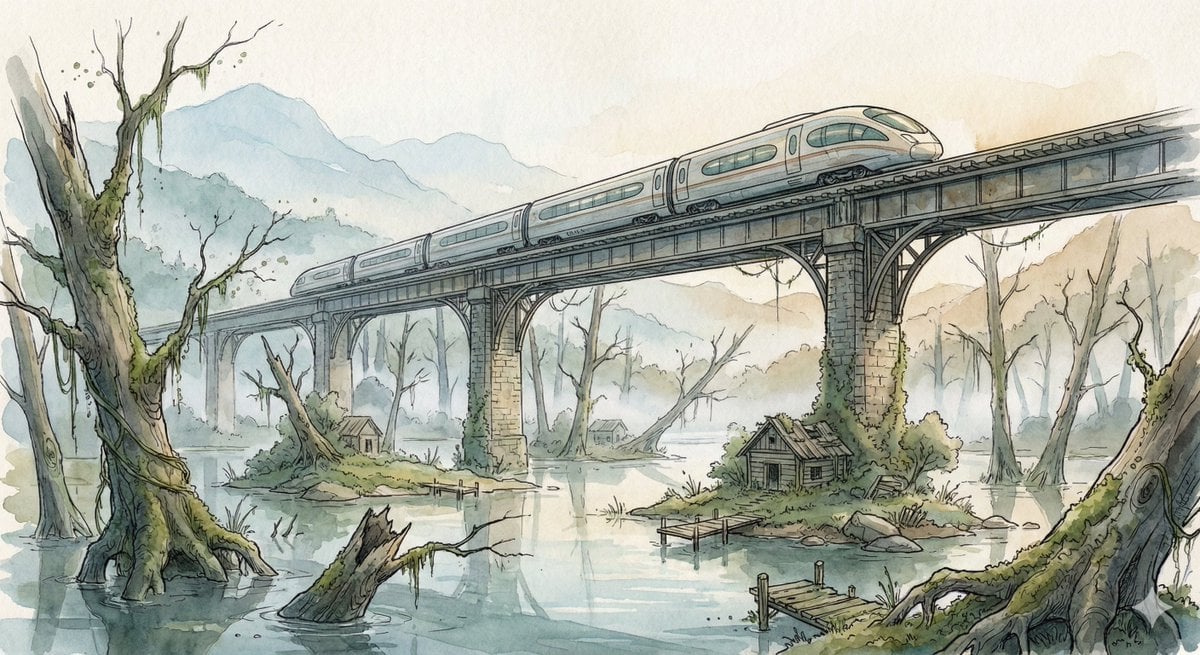
Fantasy Watercolor Illustration of an Elevated Rail Bridge over Flooded Forest
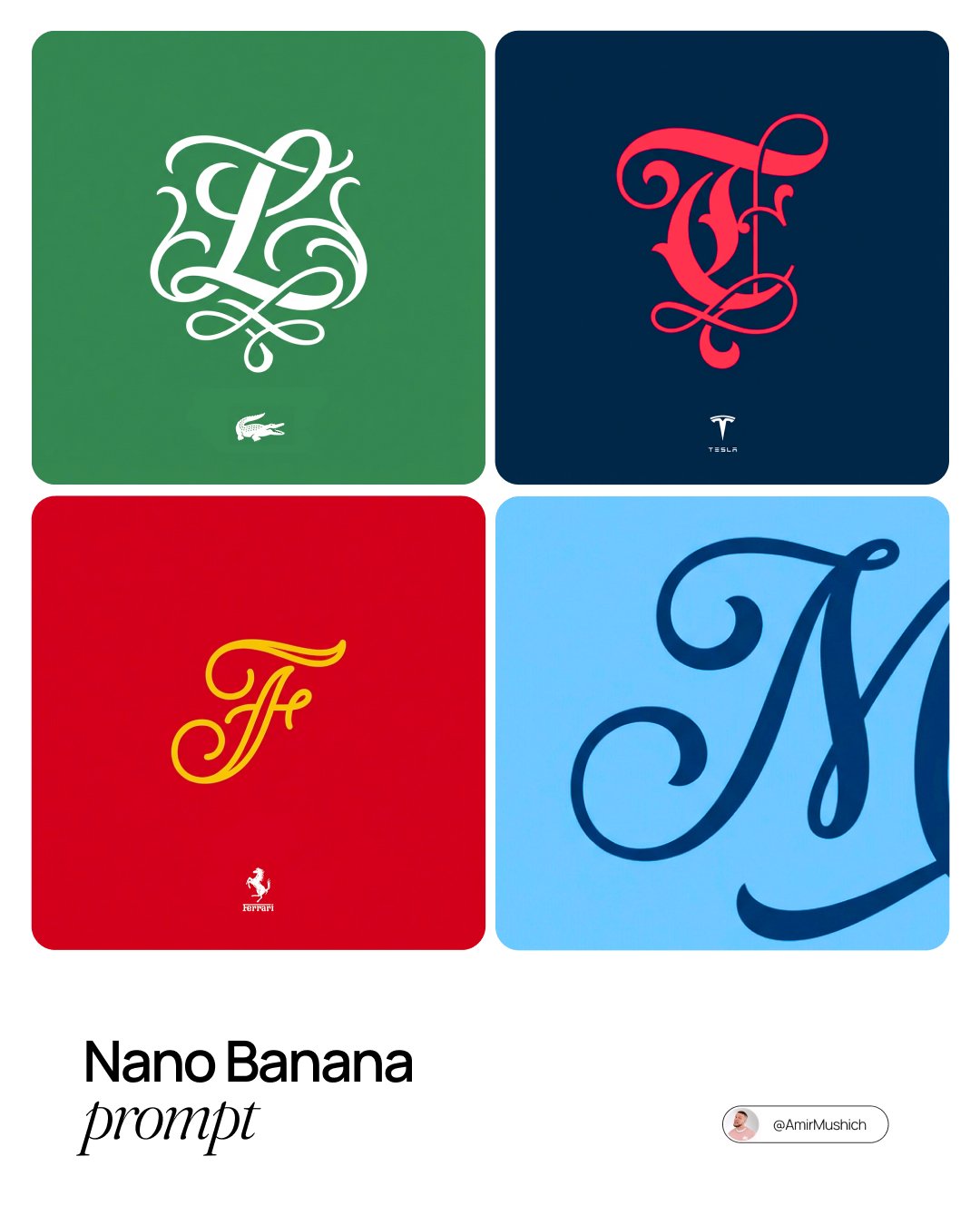
Turn Any Logo Into a Calligraphic Monogr

Bitter Melon Lemon Soda Poster
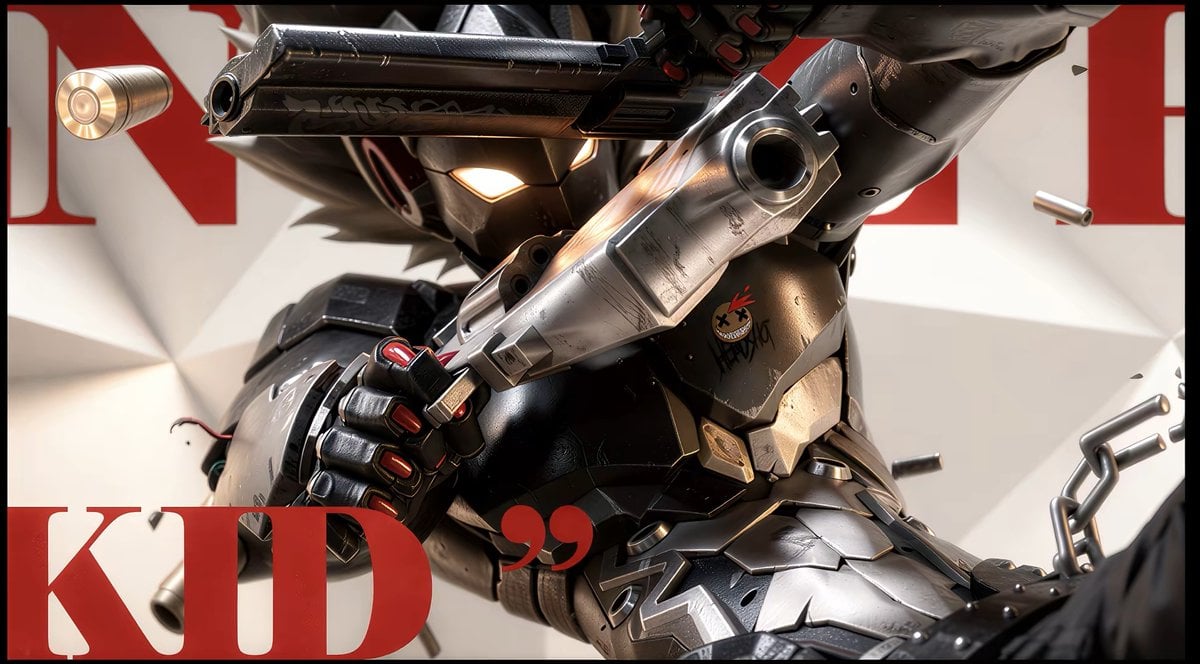
Anime Illustration to Hyperreal Photo

Color Grading Trick Using Nano Banana Pr

Luis Miguel as a Russian Man in Red Square
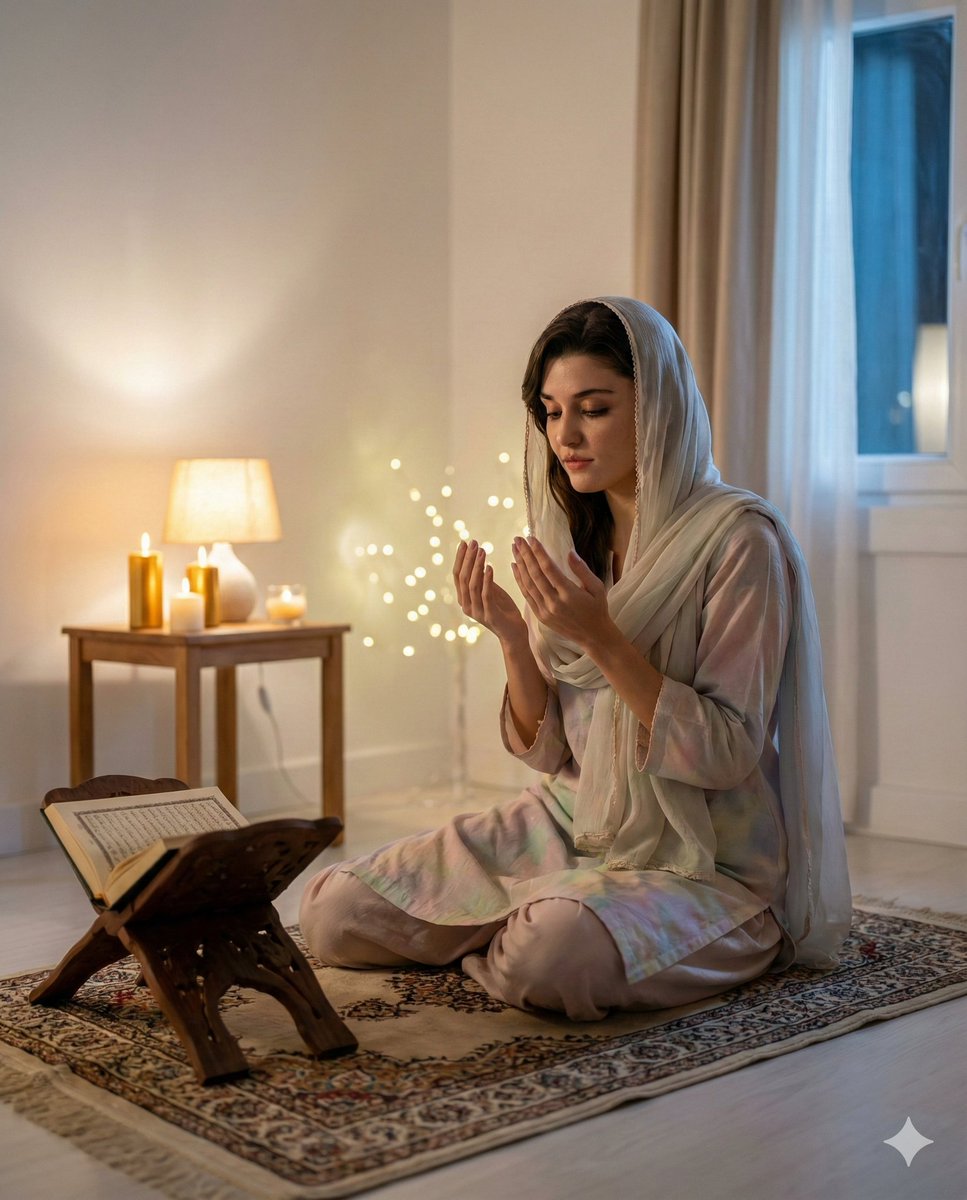
Hande Erçel in Prayer for Shab-e-Barat
Browse template categories
Fox Shrine Maiden on Hover Scooter questions
How do I use the Fox Shrine Maiden on Hover Scooter template?
Add your photo if the template asks for one, edit the prompt if you like — the template's model and format are already selected — and press Generate. Your version opens in PicX Studio.
Can I customize the Fox Shrine Maiden on Hover Scooter template?
Yes. You can change the subject, setting, lighting, mood, format, and available model controls before creating your image.
Is the Fox Shrine Maiden on Hover Scooter template free?
Opening and editing this template is free. Generating uses credits, shown on the Generate button when you are signed in.
Which AI model should I use?
Start with GPT Image 2, which is the model associated with this template. You can compare another compatible model for a different finish.
Looking for something else? Browse all templates.

Your photo, any look
Thousands of ready templates for every top image and video model, from one credit balance.