
Anime Shrine Maiden Movie Poster
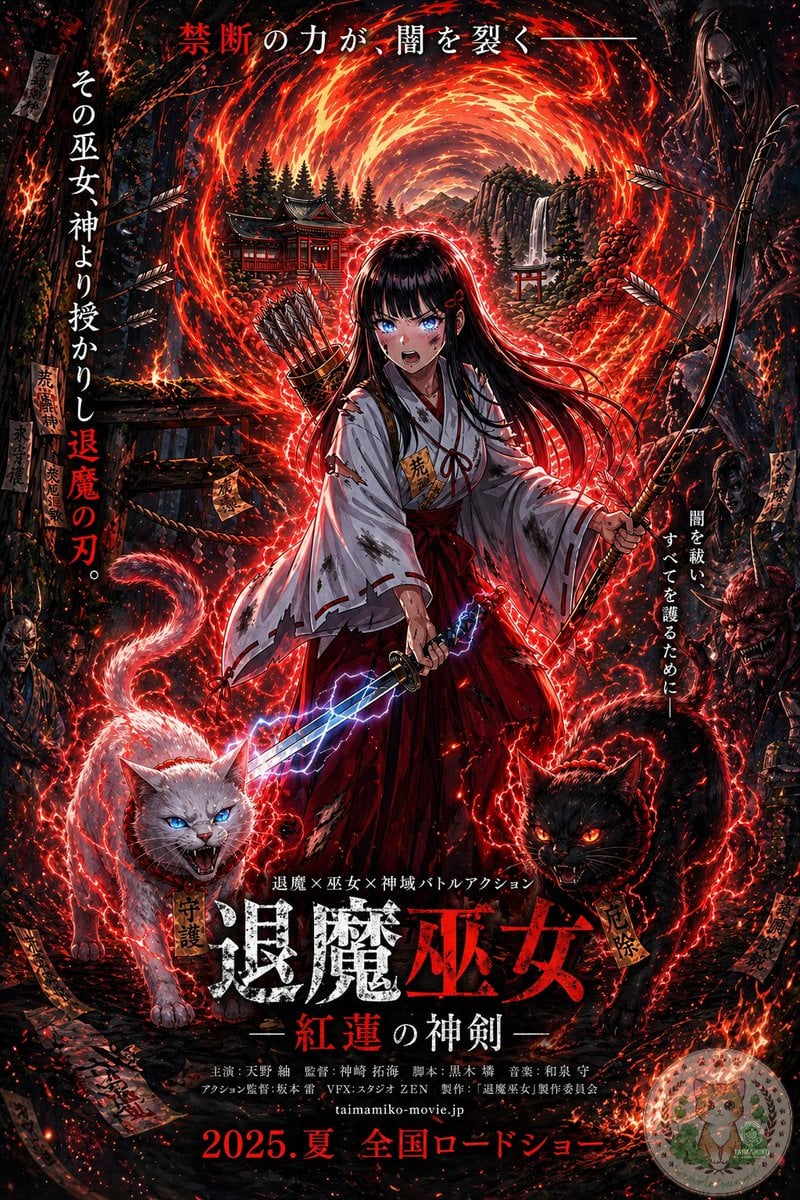
This prompt transforms a reference fantasy character illustration into a dark, text-heavy Japanese theatrical poster for a fictional supernatural action film.
- Prompt included
- Model and format preset
- Free template
The prompt behind this image
Copy the exact prompt behind Anime Shrine Maiden Movie Poster, or open it in the studio and make it yours.
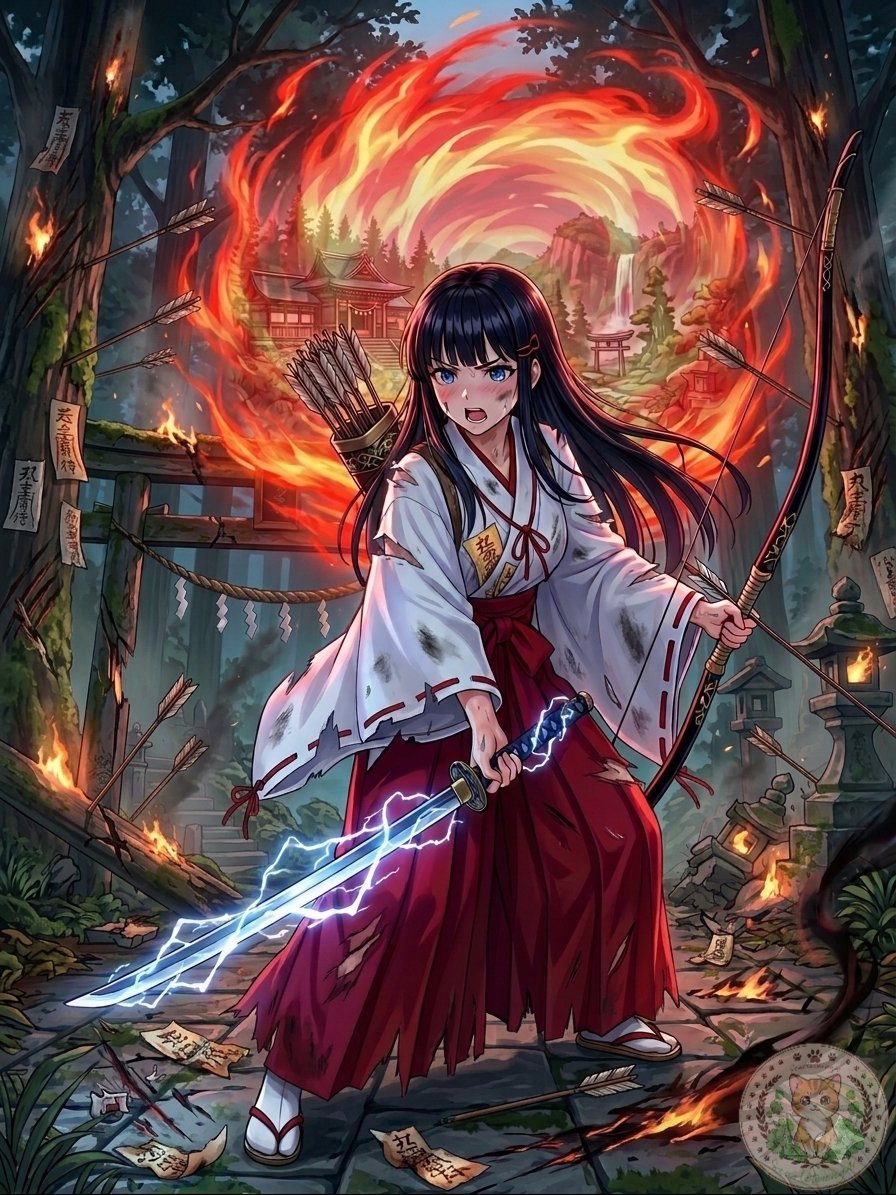
Using the provided reference image, turn it into a dramatic Japanese theatrical movie poster while keeping the same shrine maiden archer-swordswoman, fiery portal, bow, quiver, lightning sword, and shrine setting as the base. Push the image into a much darker, high-contrast, more detailed cinematic poster style with intense red-and-black grading, denser embers, stronger rim lighting, and a more ominous supernatural atmosphere. Add 2 demonic guardian cats in the foreground at the character’s feet: 1 white cat on the left with blue glowing eyes and an open snarling mouth, and 1 black cat on the right with red glowing eyes and an open snarling mouth, both wrapped in crackling red energy. Add shadowy monster and oni faces emerging from the dark forest edges on both sides. Increase the number of flying arrows, talismans, sparks, and glowing red energy trails around the character. Preserve the central heroic composition, but format the whole image as a full Japanese film poster with layered typography. Add the top tagline in Japanese: "禁断の力が、闇を裂く—". Add 2 vertical side taglines: left side "その巫女神より授かりし退魔の刃。" and right side "闇を祓い、すべてを護るために—". Add a small genre line above the title: "退魔×巫女×神域バトルアクション". Add the main title near the bottom center in large distressed kanji: "退魔巫女", with the subtitle beneath it: "—紅蓮の神剣—". Add a credits block in small Japanese text below the title, then add the website "taimamiko-movie.jp" and the release line at the very bottom: "2025.夏 全国ロードショー". Include a small dark rectangular logo block in the top-right corner. Make it look like a polished fantasy-horror action poster for a fictional movie.
Reference images included
Anime Shrine Maiden Movie Poster needs input media to work. They load alongside the prompt when you open it in the studio.
How to use Anime Shrine Maiden Movie Poster in 3 steps
- 1Upload ImagePNG, JPG or paste
Add your photo
Upload the photo the template builds on. The prompt, model and format are already set.
- 2…a portrait of your subject in softgolden-hour light, 85mm…
Personalize
Edit the subject and creative details for your destination.
- 3Generate
Generate
Press Generate — your image is created in PicX Studio, so you can compare it with the original and refine one variable at a time.
More like this
Templates with the same subject, style or setup. Open one to see its prompt.

Captain Tsubasa Anime World Cup Poster
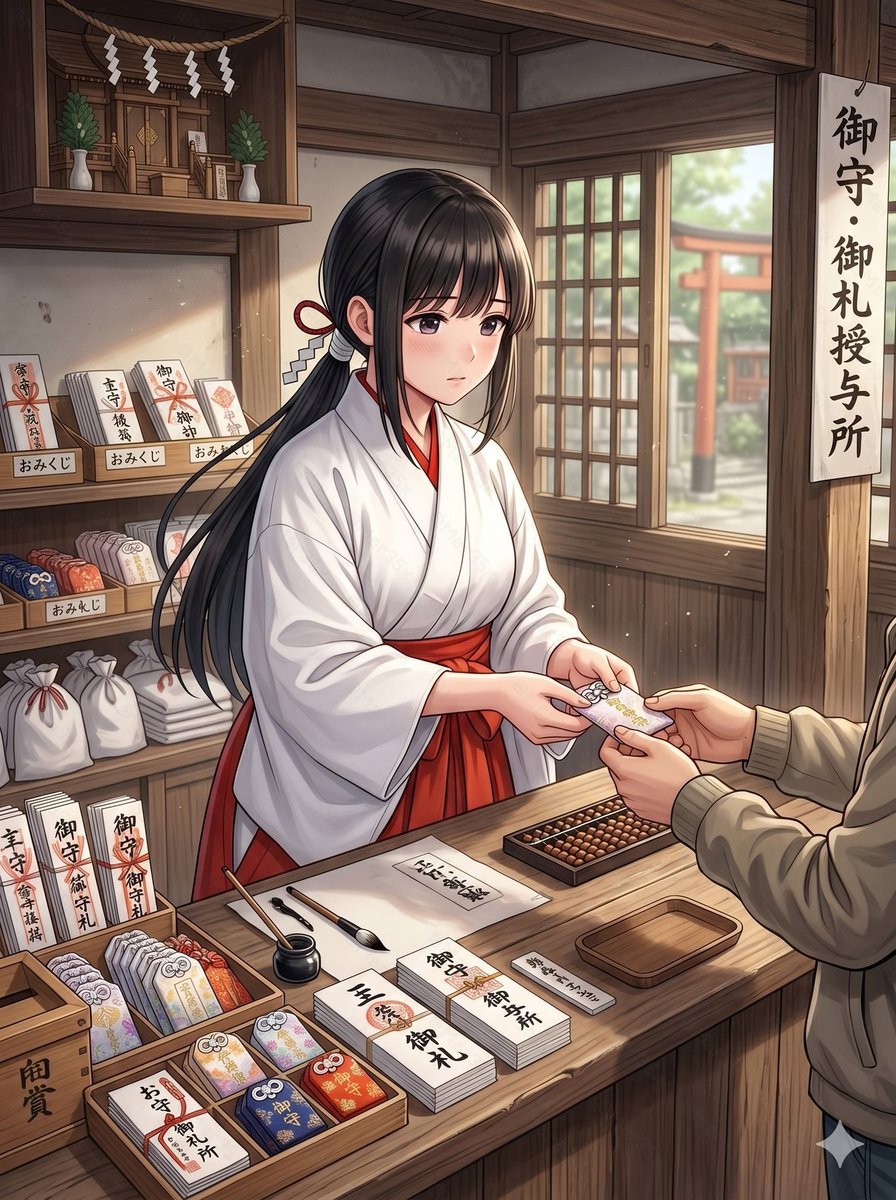
Anime Shrine Maiden Omamori Counter
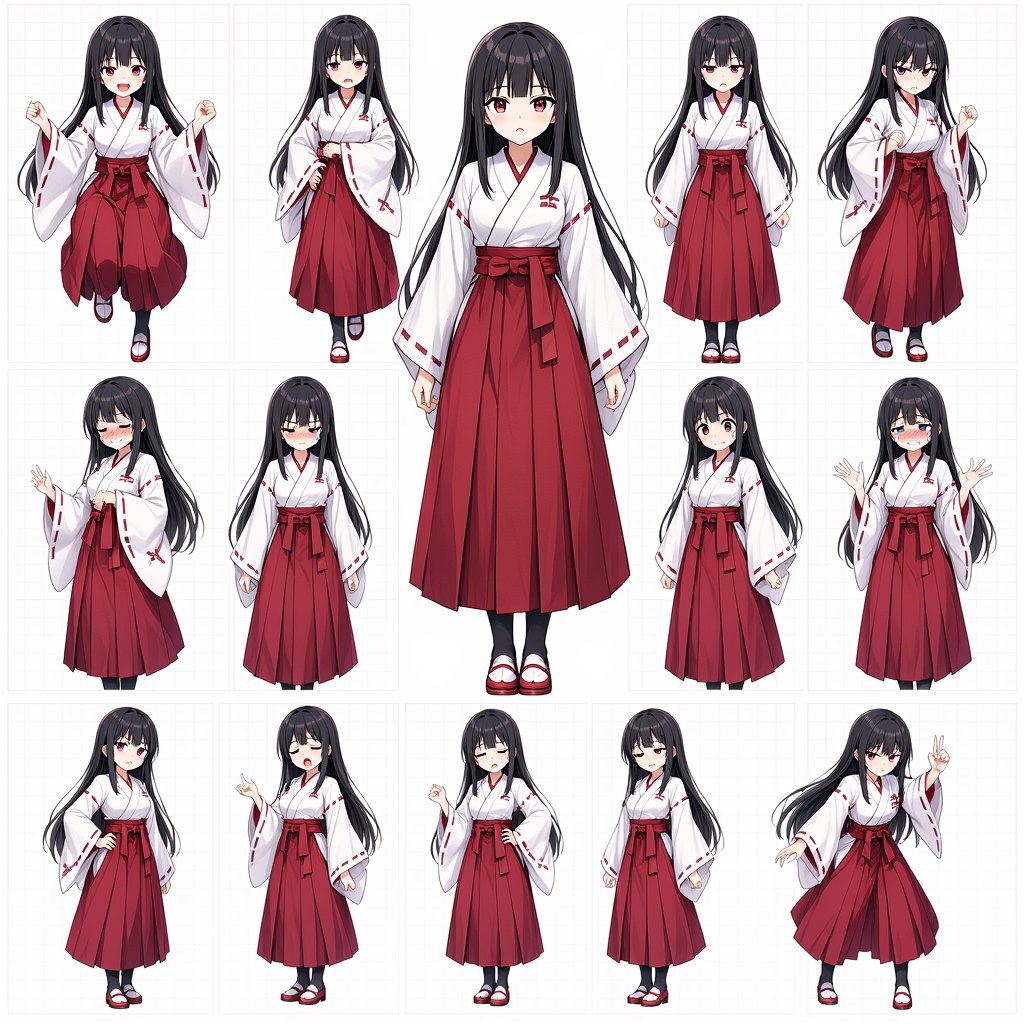
Anime Shrine Maiden Character Sheet
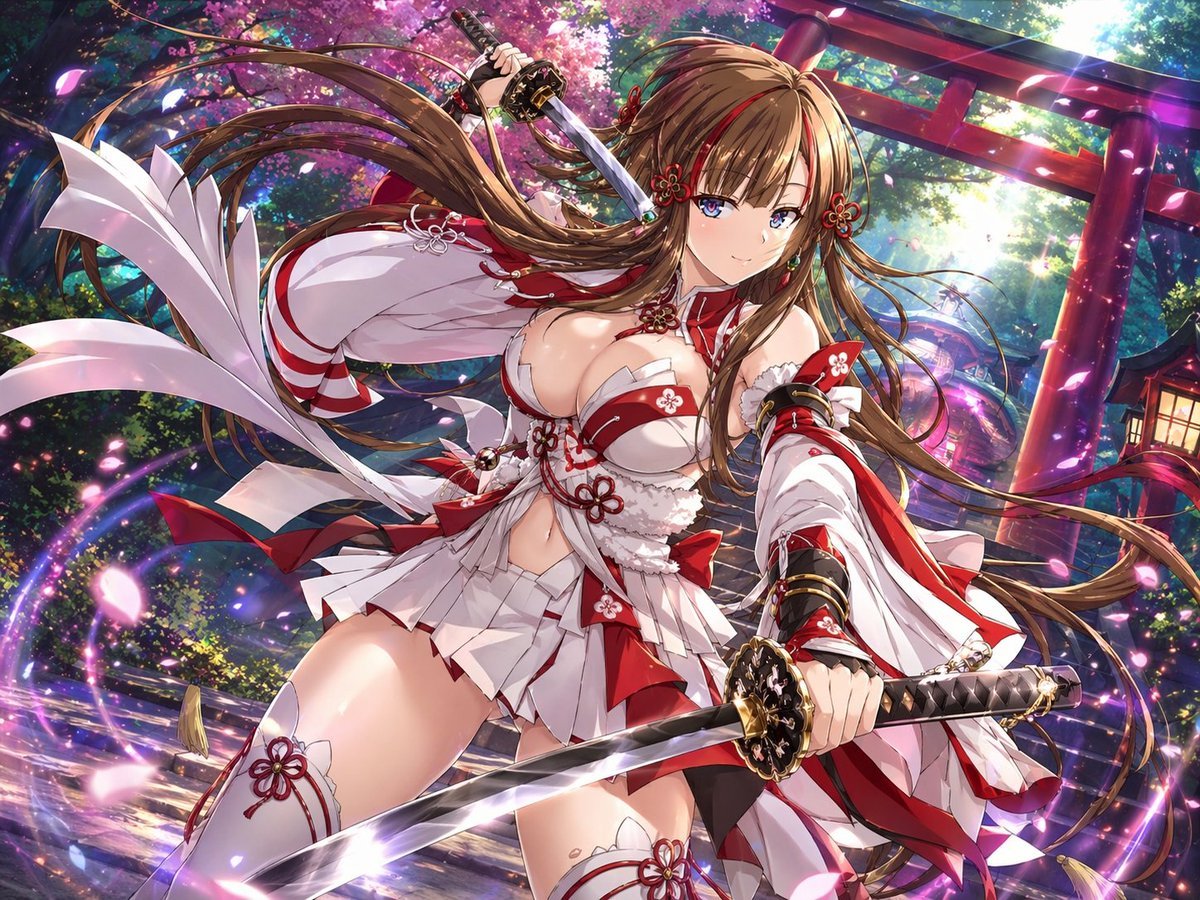
Anime Shrine Maiden Dual Katana
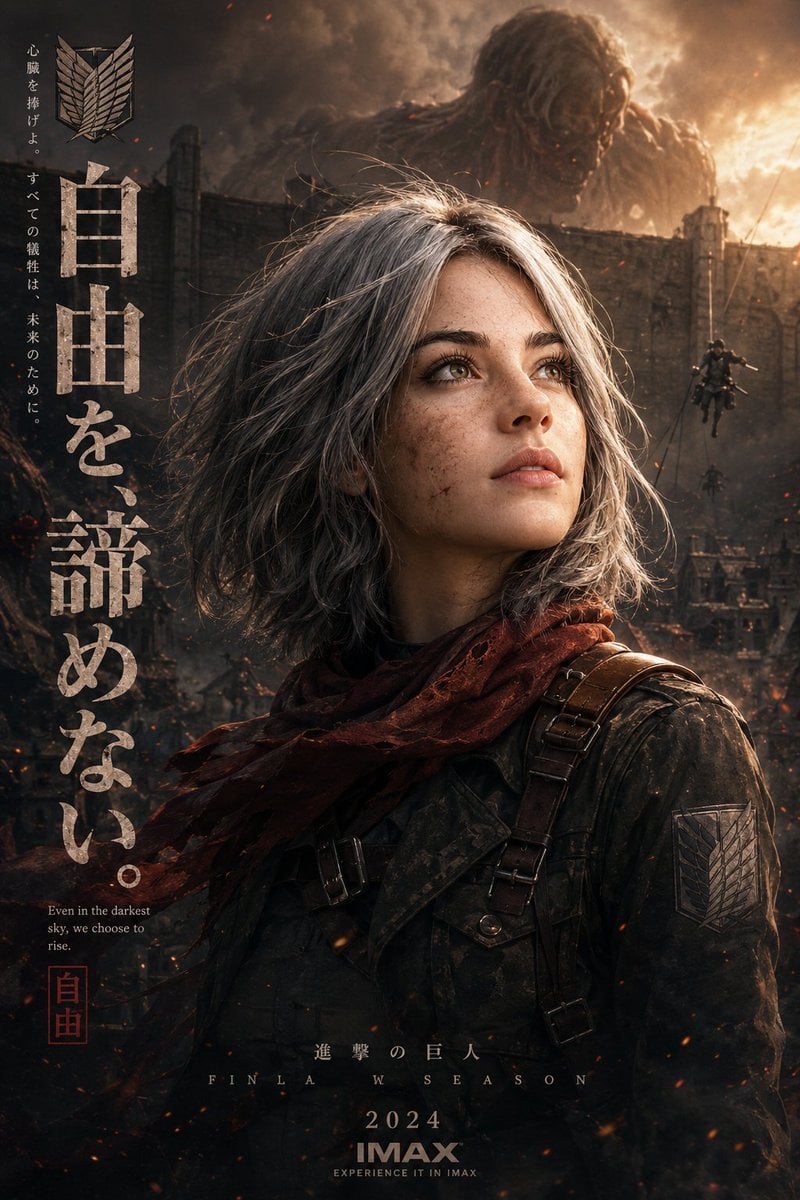
Epic Anime Movie Poster from Photo
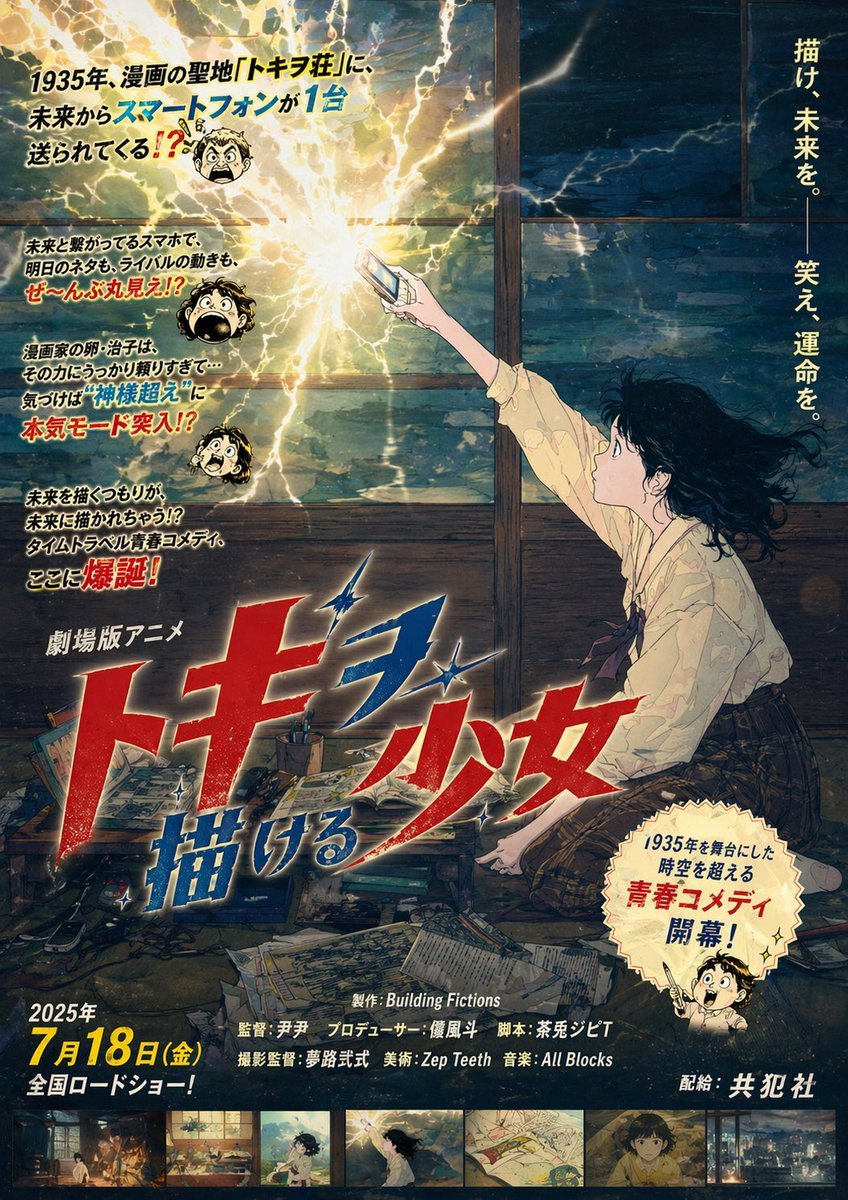
Retro Fake Anime Movie Poster
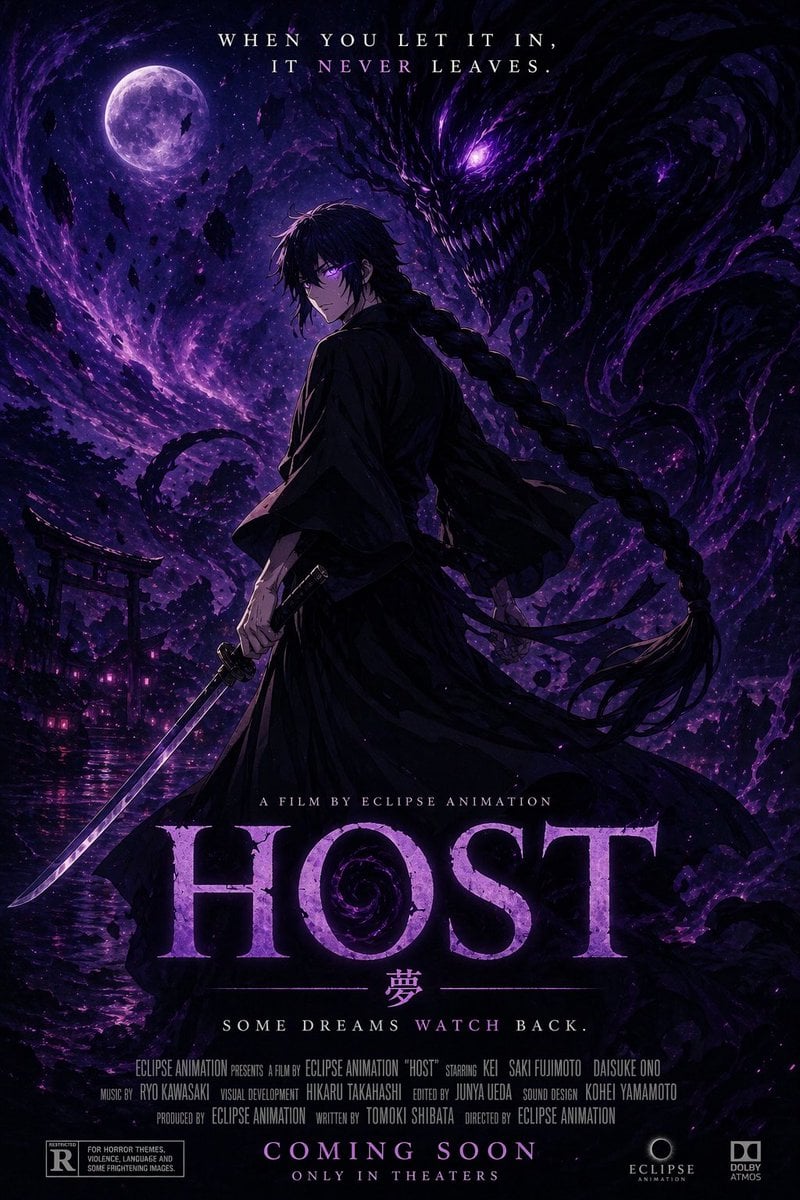
Horror Anime Movie Poster
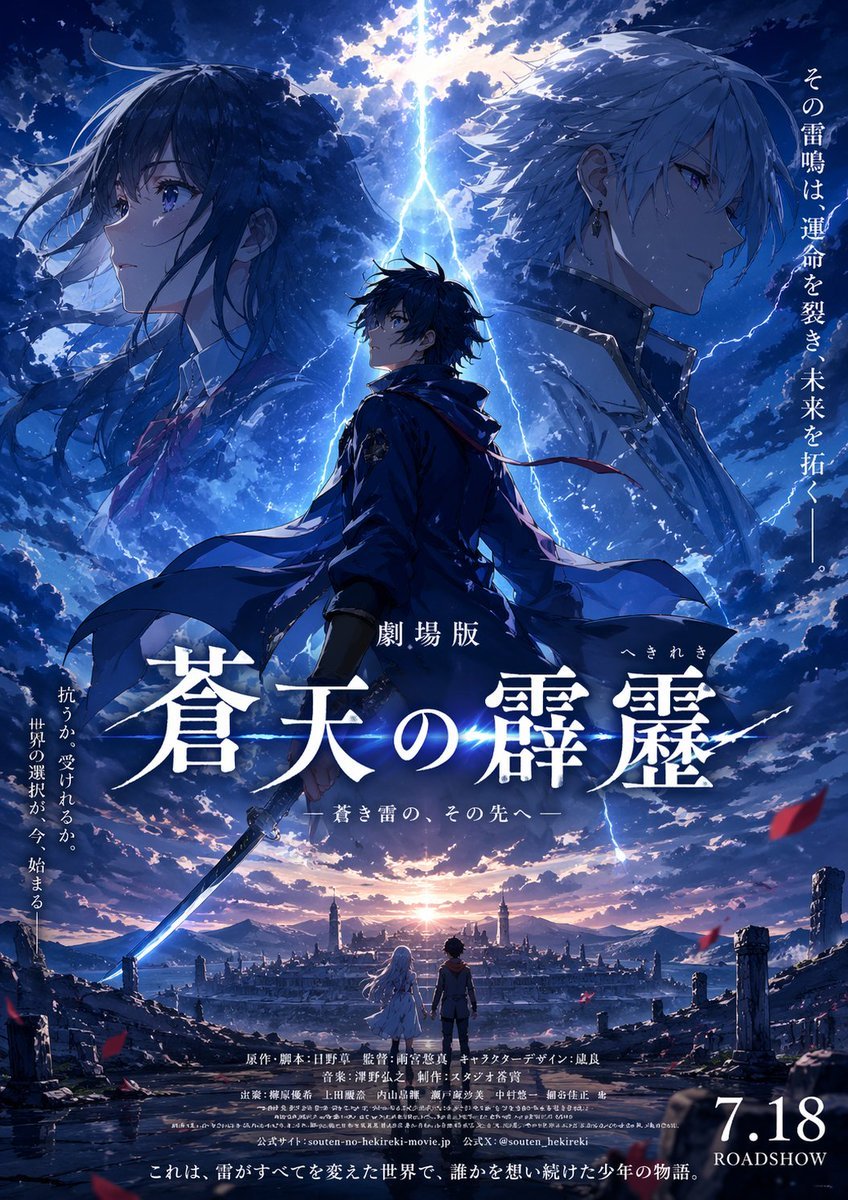
Fictional Anime Movie Poster
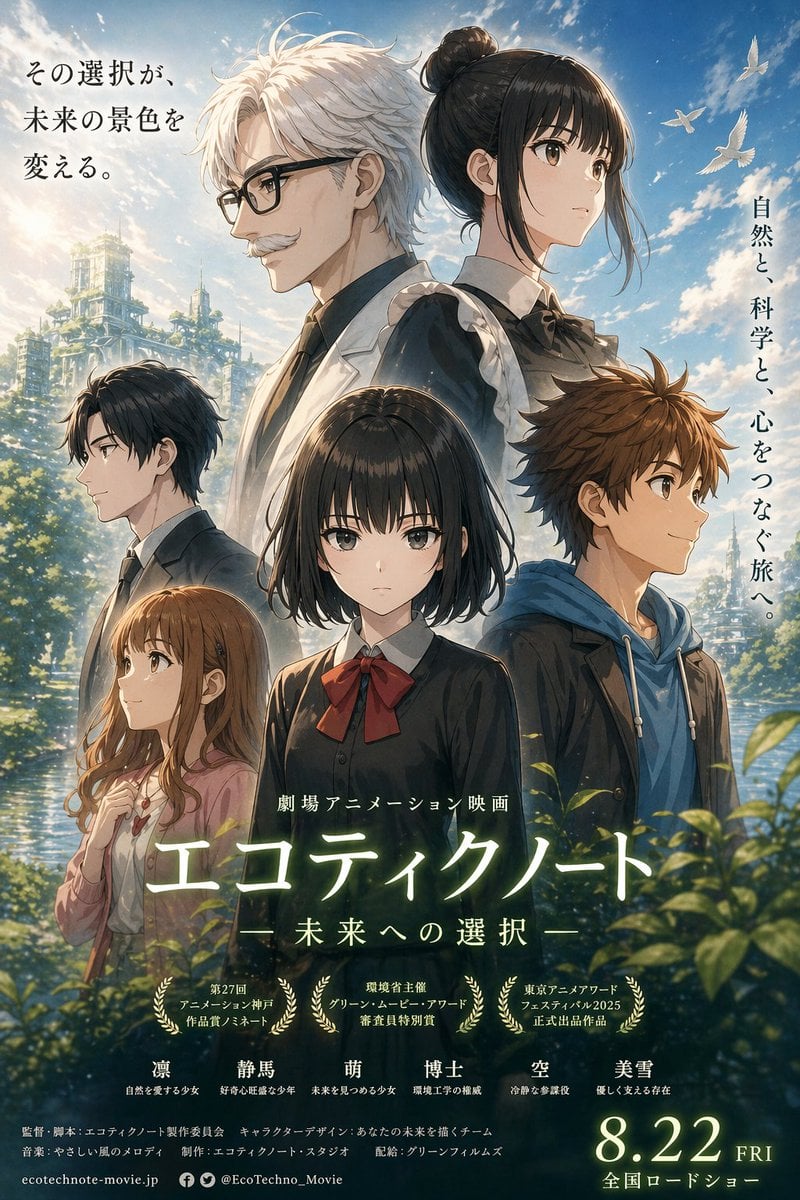
Anime Ensemble Movie Poster
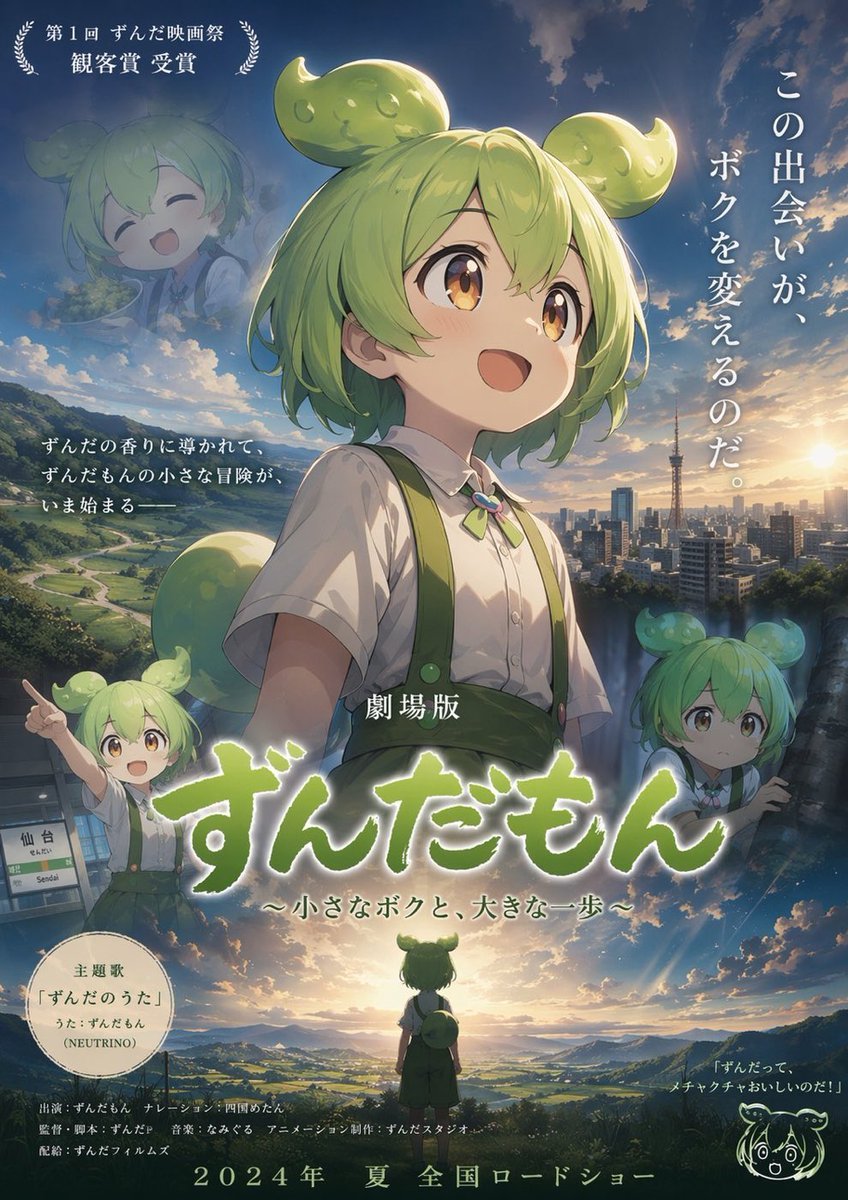
Anime Movie Poster Layout
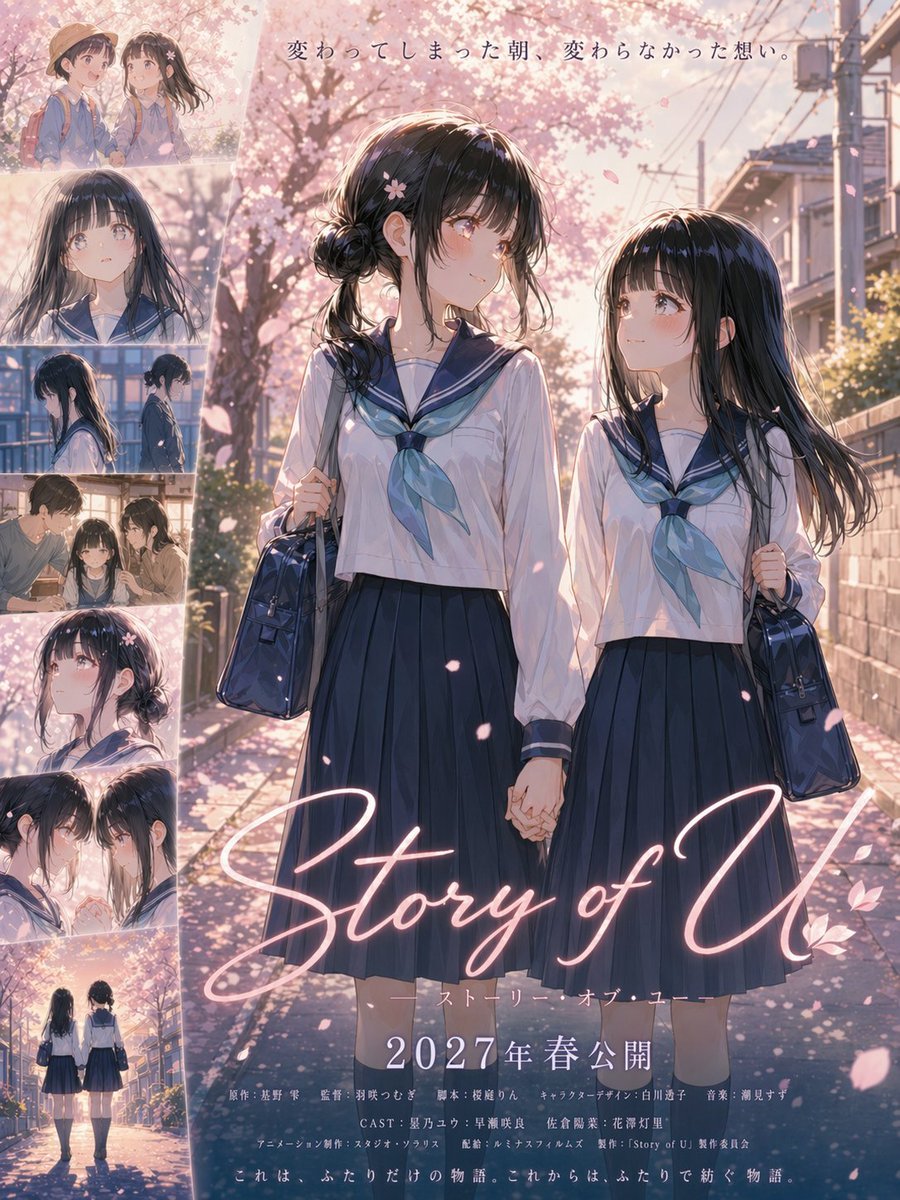
Anime Sakura Movie Poster
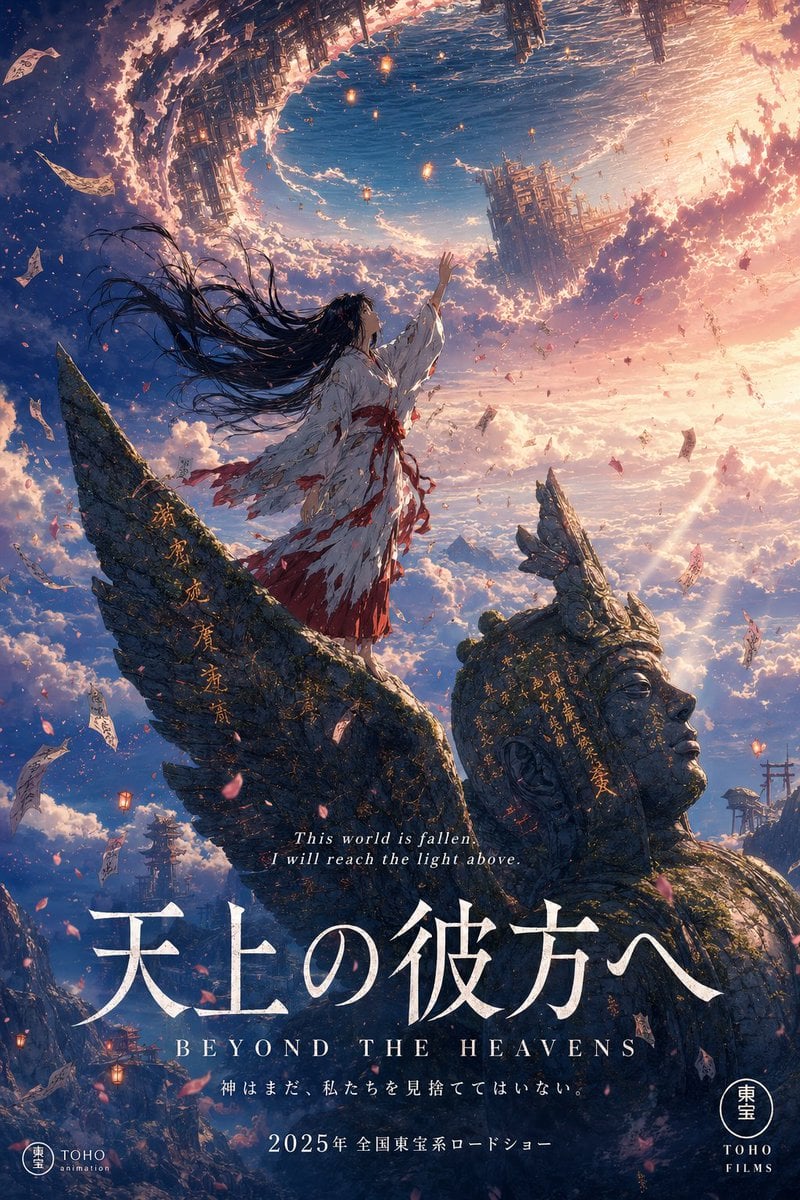
Anime Theatrical Movie Poster
Make it yours
Anime Shrine Maiden Movie Poster works as-is. These are the safest ways to change it without losing the look.
Change one field
Copy a single group, rewrite it, and generate again so you can see what that field is doing.
Keep the frame, change the subject
Hold the composition and light of Anime Shrine Maiden Movie Poster, then swap wardrobe, props or the person for a new take.
| If the result… | Why | Fix |
|---|---|---|
| The result drifts from the preview | Too many fields changed at once. | Reuse Anime Shrine Maiden Movie Poster as-is first, then change one group — subject, light, or setting. |
| The model over-stylizes the scene | The prose prompt leaves finish and camera underspecified. | Add one camera or lighting sentence and stay on GPT Image 2. |
More GPT Image 2 templates
Other prompts made for GPT Image 2.

Six VTuber Japanese Logo Sheet

Realistic Portrait of Woman and Deer

The Vista Modular Condo Poster

AI Model Routing Comparison Infographic

2.5D Anime Art Board

Isometric Productivity Desk Scene

New York Double Exposure Poster

Four-Panel AI Landscape Comparison

Japanese Tatami Lifestyle Magazine Cover

NESCAFÉ Coffee Map Poster
More image prompts
Fresh picks from across the catalog.
Indian Auto Rickshaw Street Photo

Luxury Korean Hanjeongsik Food Advertisement Prompt
Character Topiary Tree Prompt for Nano Banana Pro
Pastel Retro Seaside Car

High-End Editorial Restaurant Portrait Prompt
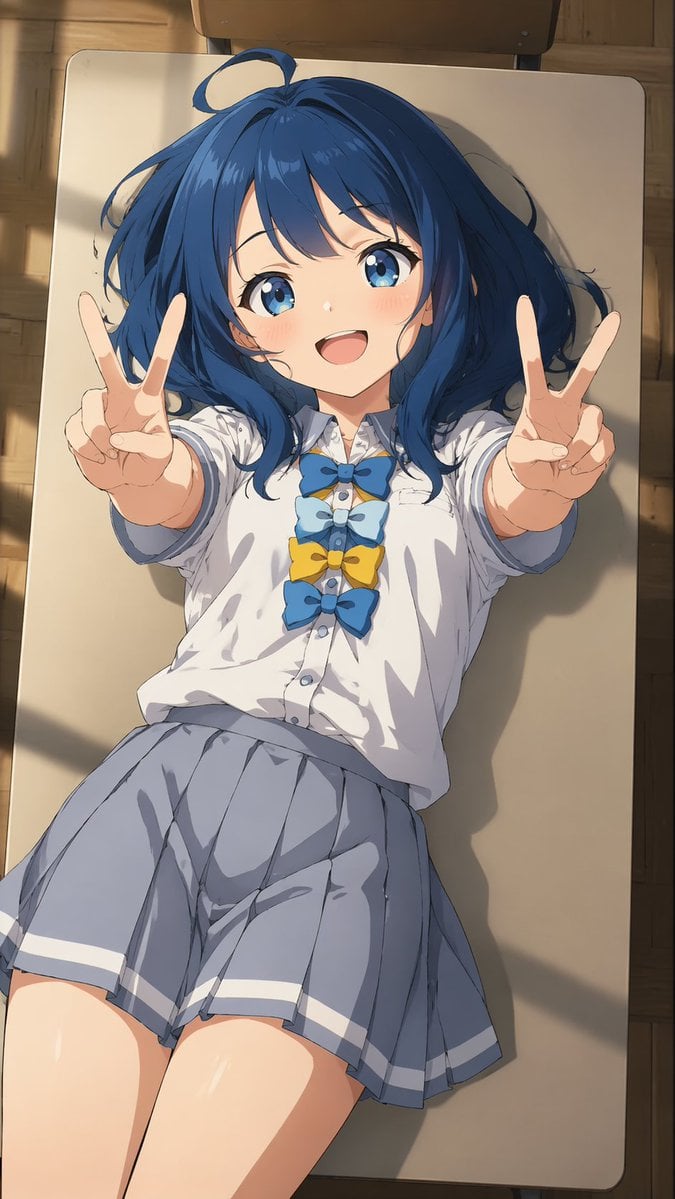
Overhead Anime Girl Peace Sign Portrait
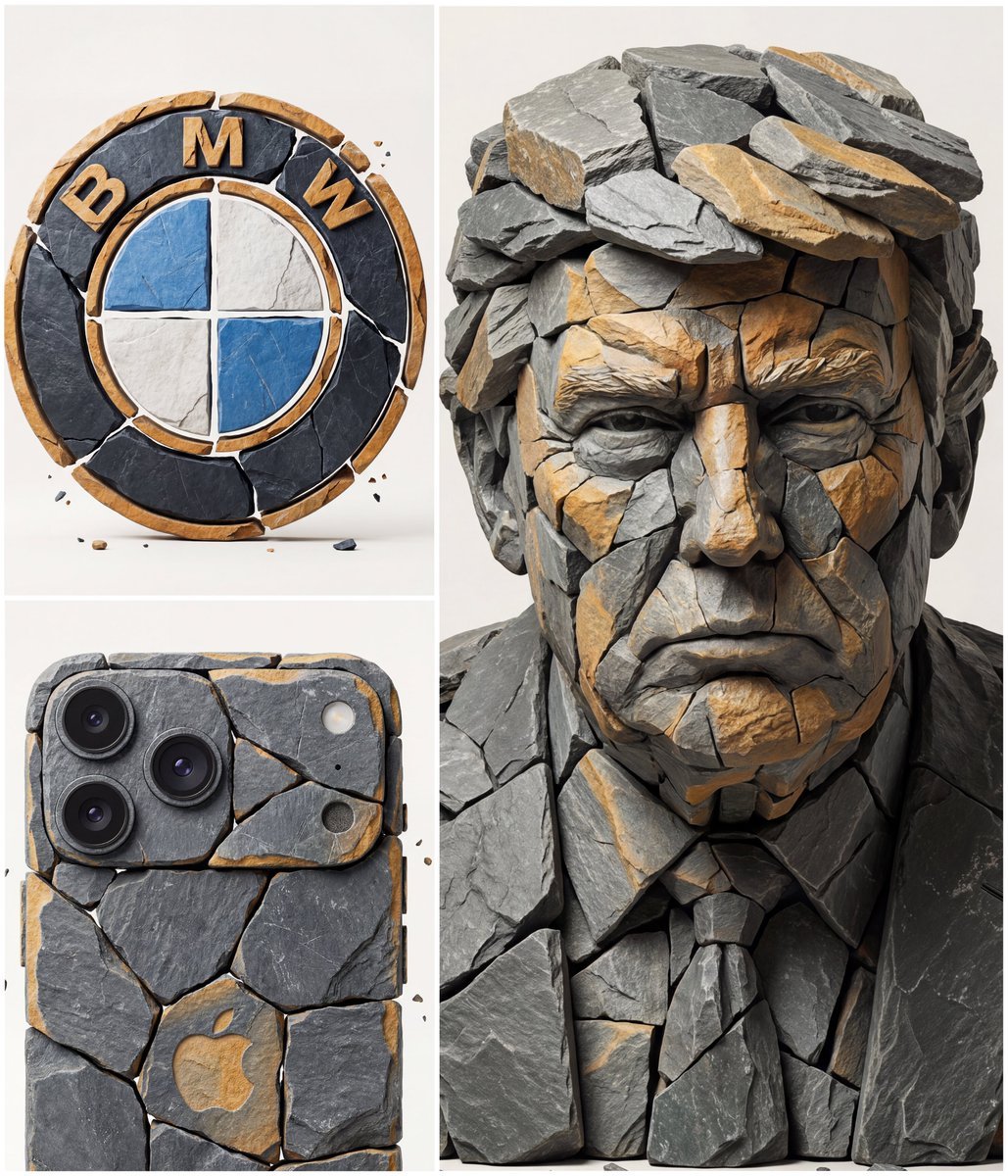
Image to Fragmented Stone Sculpture Style Transfer
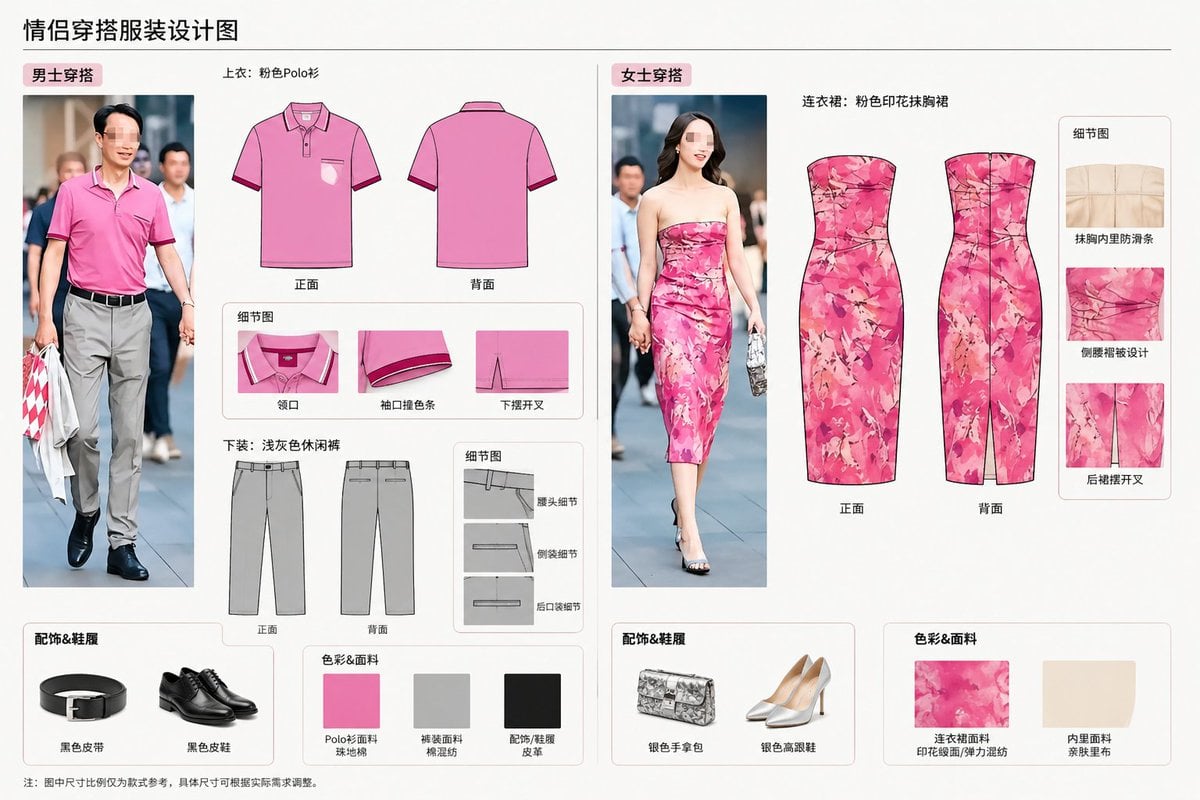
Real-World Clothing Deconstruction

Selfie with Movie Character Template Prompt
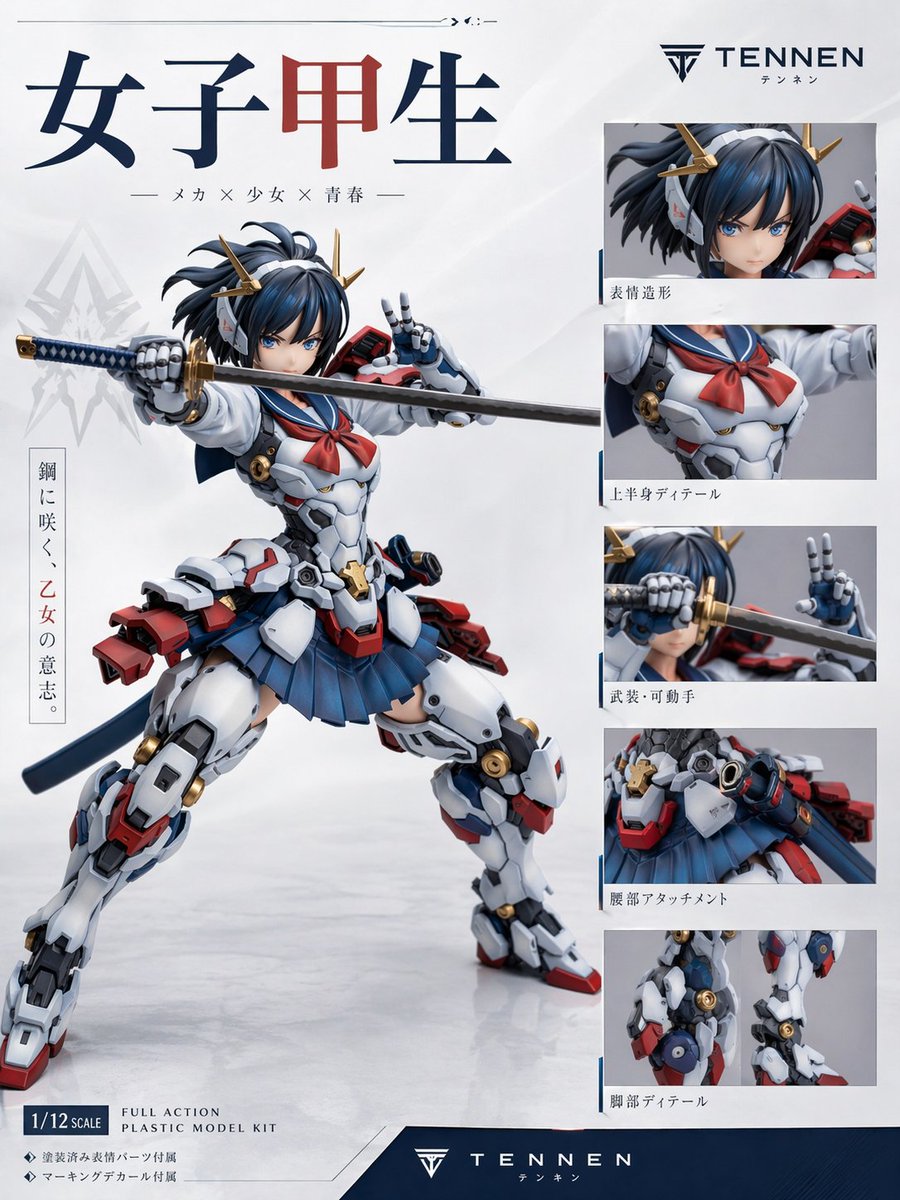
Japanese Mecha Girl Figure Ad Poster
Browse template categories
Anime Shrine Maiden Movie Poster questions
How do I use the Anime Shrine Maiden Movie Poster template?
Add your photo if the template asks for one, edit the prompt if you like — the template's model and format are already selected — and press Generate. Your version opens in PicX Studio.
Can I customize the Anime Shrine Maiden Movie Poster template?
Yes. You can change the subject, setting, lighting, mood, format, and available model controls before creating your image.
Is the Anime Shrine Maiden Movie Poster template free?
Opening and editing this template is free. Generating uses credits, shown on the Generate button when you are signed in.
Which AI model should I use?
Start with GPT Image 2, which is the model associated with this template. You can compare another compatible model for a different finish.
Looking for something else? Browse all templates.

Your photo, any look
Thousands of ready templates for every top image and video model, from one credit balance.