
Character Topiary Tree Prompt for Nano Banana Pro
A detailed Japanese prompt for Nano Banana Pro to create a photorealistic image of a life-sized topiary tree modeled after a specific character (brown hair, twin tails, red eyes, sharp teeth).
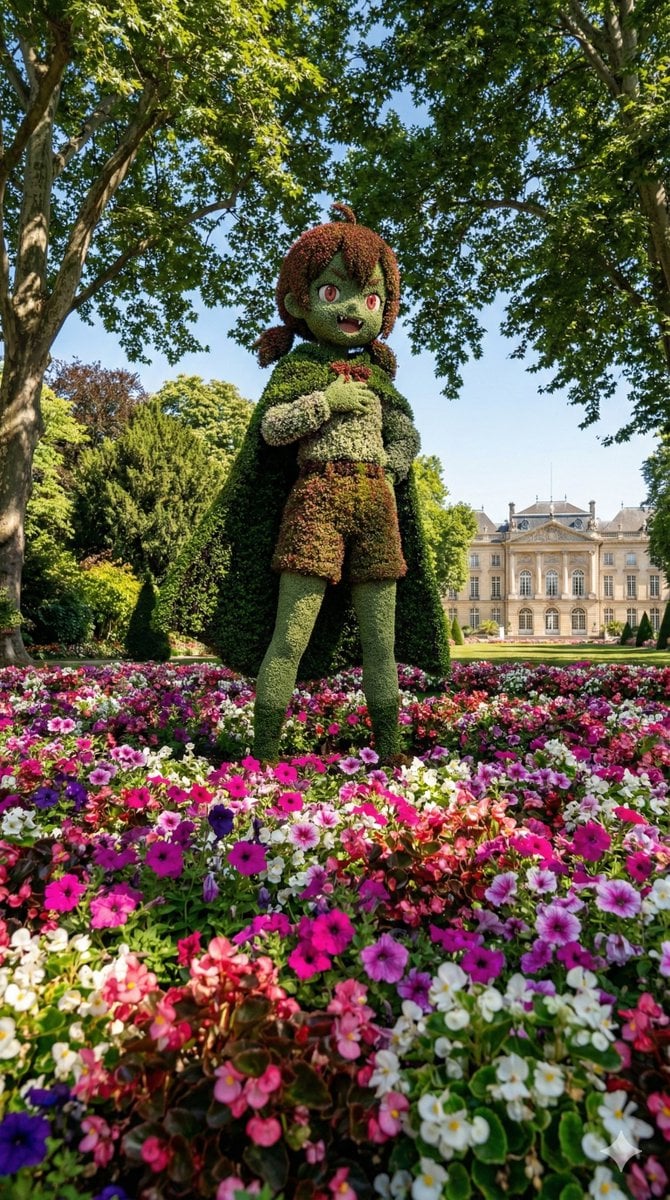
- Prompt included
- Model and format preset
- Premium template
The prompt behind this image
Copy the exact prompt behind Character Topiary Tree Prompt for Nano Banana Pro, or open it in the studio and make it yours.
[キャラクター設定部分] {argument name="キャラクター設定" default="茶色の髪、短いツインテール、赤い瞳、少し尖った歯(ギザ歯)"}。 [固定部分] 上記のキャラクターを模した、高さ2~3メートル程度の実物大トピアリー。 テーマパークの植え込みの中に設置されており、周囲の植物と一体化している。 足元と前景: トピアリーの足元は、ピンク、紫、白などの色鮮やかなペチュニアやベゴニアのような花々で埋め尽くされている。土の地面は見えず、花の絨毯の中からトピアリーが立っているように見える。 周囲の環境と背景: トピアリーのすぐ背後や横には、緑豊かな大きな広葉樹が植えられており、背景を覆っている。 広大な広場にポツンとあるのではなく、木々と花に囲まれた密度のある空間。 豪華でクラシックなヨーロッパ風の宮殿または大邸宅。建物はトピアリーの後ろに適切な距離感で配置されている。 光と影: 晴天。頭上の樹木を通した**「木漏れ日(Dappled sunlight)」**がトピアリーや足元の花壇に落ちており、実在感を強調している。 構図: 大人の目線の高さから、花壇越しに見上げるアングル。 手前の花々、中景のトピアリー、背景の樹木が重なり合い、奥行きと没入感がある。 スタイル: 高解像度の実写写真。鮮やかな色彩。8k、フォトリアル。 画像サイズ: 縦長(Vertical aspect ratio 9:16) 入力画像 アイコンの女の子 出力結果
How to use Character Topiary Tree Prompt for Nano Banana Pro in 3 steps
- 1
Open
The prompt is already in the box next to the preview, with the template's model and format selected.
- 2…a portrait of your subject in softgolden-hour light, 85mm…
Personalize
Edit the subject and creative details for your destination.
- 3Generate
Generate
Press Generate — your image is created in PicX Studio, so you can compare it with the original and refine one variable at a time.
More like this
Templates with the same subject, style or setup. Open one to see its prompt.

Woman in Mall with Chanel Bag - Heart Gesture

Nano Banana - Street Paris T-Shirt

VFX Comparison Image Prompt (Before/After) for Nano Banana Pro

Nano Banana Prompt for Consistent Character Jumpshots

Cinematic Camera Instructions for Nano Banana Pro

Manga Generation Prompt Template for Nano Banana Pro

Hyper-Realistic Commercial Food Photography Prompt for Gemini Nano Banana Pro
Cinematic Portrait Prompt for Google Nano Banana Pro

Multi-Frame Lifestyle Portrait Prompt for Nano Banana Pro

Low-Key Product Photography Prompt for Gemini Nano Banana Pro
Masterpiece Political Caricature Prompt for Nano Banana 2
Commercial Perfume Photography Prompt for Nano Banana Pro
Make it yours
Character Topiary Tree Prompt for Nano Banana Pro works as-is. These are the safest ways to change it without losing the look.
Change one field
Copy a single group, rewrite it, and generate again so you can see what that field is doing.
Keep the frame, change the subject
Hold the composition and light of Character Topiary Tree Prompt for Nano Banana Pro, then swap wardrobe, props or the person for a new take.
| If the result… | Why | Fix |
|---|---|---|
| The result drifts from the preview | Too many fields changed at once. | Reuse Character Topiary Tree Prompt for Nano Banana Pro as-is first, then change one group — subject, light, or setting. |
| The model over-stylizes the scene | The prose prompt leaves finish and camera underspecified. | Add one camera or lighting sentence and stay on Nano Banana 2. |
More Nano Banana 2 templates
Other prompts made for Nano Banana 2.

Photorealistic Leaf Shaped Like a Dragon

K-Pop Idol Portrait Grid for Rapid Selection

Poetic Rain Forest Portrait During Golden Hour

Urban Street Portrait with Cartoon Inner Self Duo

Candid Nighttime Photo with Cat Prompt

High-Concept 3D Diorama Generation Prompt

Cinematic Futuristic Studio Portrait Template

Skincare Editorial Photography Collage Prompt

Hyper-Realistic Commercial Product Photography (Splash Effect)

Hyper-Realistic Nightclub Portrait Prompt
More image prompts
Fresh picks from across the catalog.
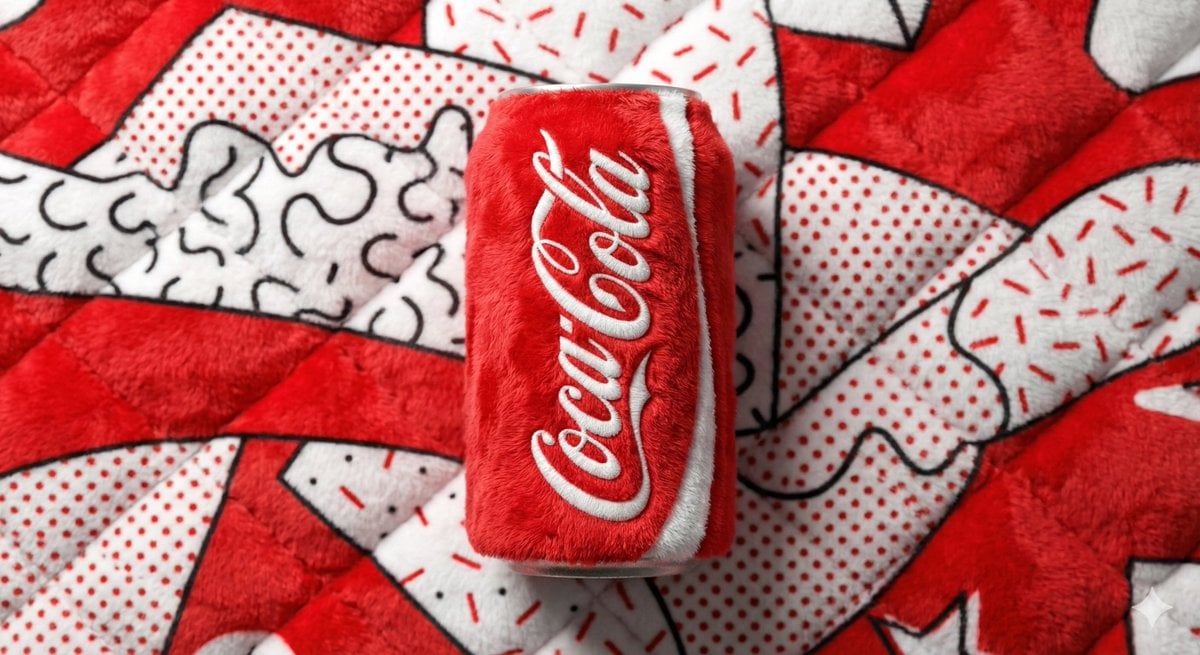
Pop Art Plush Product Shot of a Beverage Can
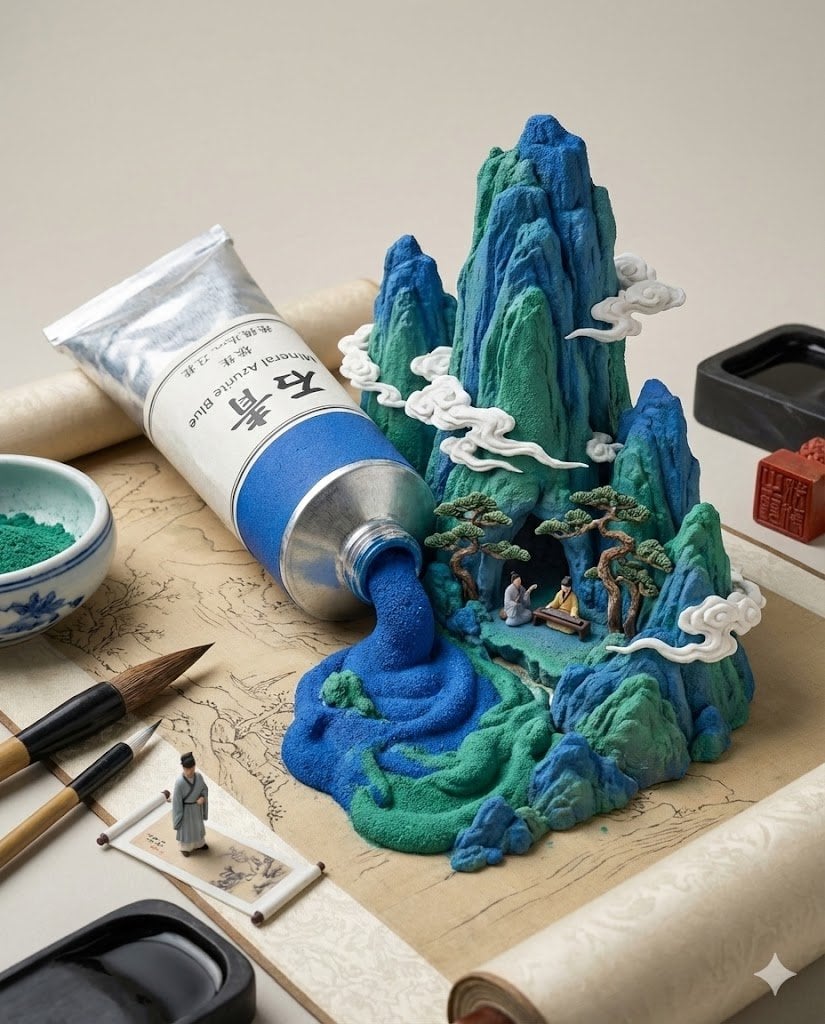
Chinese Landscape Painting Pigment Squeeze
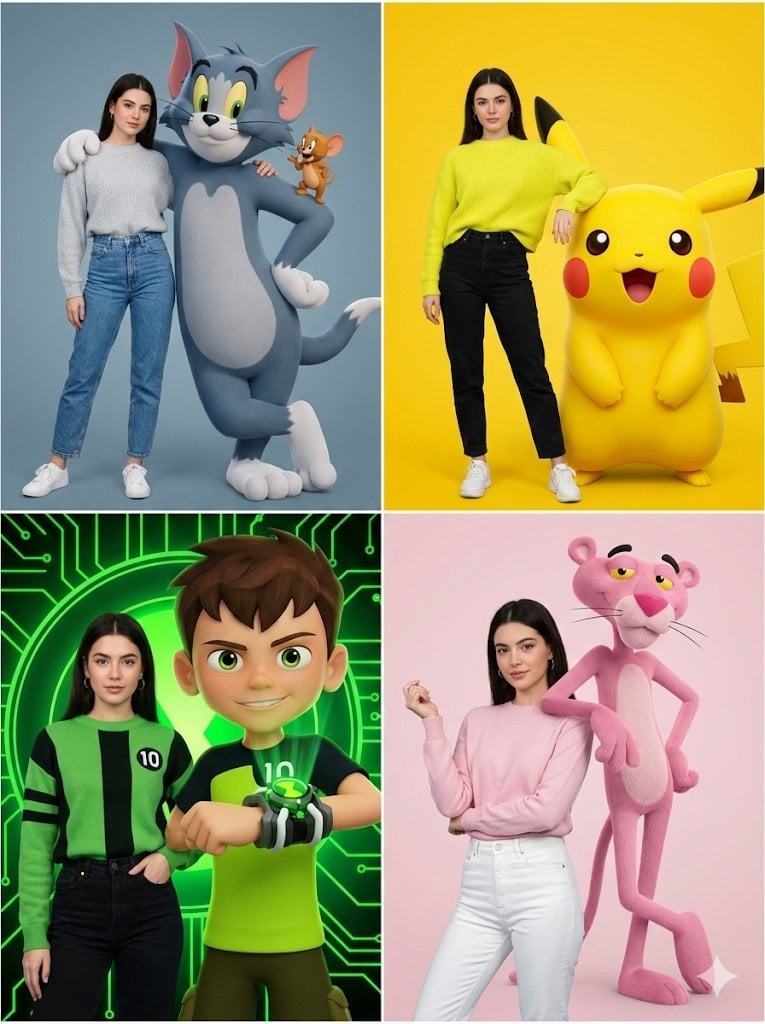
Hyper-realistic Childhood Cartoon Fashion Shoot
3D Camera Position Control Prompt
Old Photo Restoration to DSLR Quality
Barcelona Fans Stadium Broadcast Photo
Candid 35mm Concert Romance Film Still
3D Advertising Poster Template Prompt

Mixed Reality Café Illustration
Jade Texture Application
Browse template categories
Character Topiary Tree Prompt for Nano Banana Pro questions
How do I use the Character Topiary Tree Prompt for Nano Banana Pro template?
Add your photo if the template asks for one, edit the prompt if you like — the template's model and format are already selected — and press Generate. Your version opens in PicX Studio.
Can I customize the Character Topiary Tree Prompt for Nano Banana Pro template?
Yes. You can change the subject, setting, lighting, mood, format, and available model controls before creating your image.
Is the Character Topiary Tree Prompt for Nano Banana Pro template free?
Opening and editing this template is free. Generating uses credits, shown on the Generate button when you are signed in.
Which AI model should I use?
Start with Nano Banana 2, which is the model associated with this template. You can compare another compatible model for a different finish.
Looking for something else? Browse all templates.

Your photo, any look
Thousands of ready templates for every top image and video model, from one credit balance.