
Candid 35mm Concert Romance Film Still
A highly structured JSON prompt for generating an ultra-photorealistic, candid film still of a young couple sharing a gentle kiss in a low-light concert crowd in Istanbul.
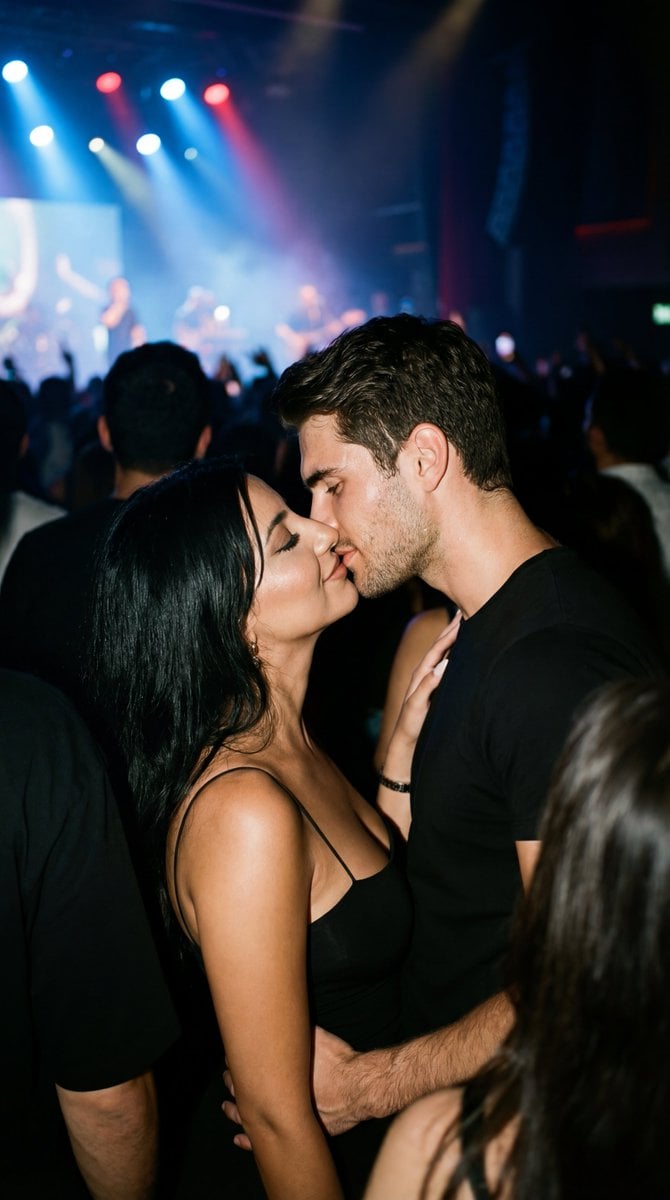
- Prompt included
- Model and format preset
- Free template
The prompt behind this image
Copy the exact prompt behind Candid 35mm Concert Romance Film Still, or open it in the studio and make it yours.
{ "generation_request": { "meta_data": { "tool": "NanoBanana Pro", "task_type": "photoreal_candid_concert_romance", "version": "v1.0_CONCERT_KISS_BLACK_OUTFITS_35MM_EN", "priority": "highest" }, "output_settings": { "aspect_ratio": "4:5", "orientation": "portrait", "resolution_target": "ultra_high_res", "render_style": "ultra_photoreal_candid_film_still", "sharpness": "crisp_but_natural", "film_grain": "subtle_35mm", "color_grade": "true_to_life_concert_lowlight", "dynamic_range": "natural_not_hdr", "skin_rendering": "real_texture_no_retouch" }, "global_rules": { "camera_language": "35mm lens equivalent, eye-level, imperfect framing, candid documentary feel, focus on eyes when visible", "authenticity_markers": "subtle halation on stage highlights, tiny film gate weave, realistic low-light noise, slight background motion blur only, no studio look", "lighting_language": "motivated concert lighting only (stage lights + ambient spill), no flash, deep but detailed shadows" }, "creative_prompt": { "scene_summary": "A live concert in {argument name="city" default="Istanbul"}. A young couple in their early 20s shares a brief, gentle kiss in the crowd—an unposed, documentary film-still moment captured in low light.", "subjects": { "count": 2, "description": "the same young man and woman (early 20s), ordinary and real, not model-like; faces visible and sharp where possible", "expression": "soft, restrained intimacy; no theatrical posing", "skin_and_face": "natural skin texture, slight sweat sheen from the crowd, no beauty retouch, no plastic skin" }, "wardrobe": { "female": "black spaghetti-strap dress, simple and real, no logos", "male": "black t-shirt and jeans, slightly wrinkled, no logos" }, "action": "a quick, gentle kiss while music plays; their hands lightly touching; bodies close like real people in a crowd, not staged", "environment_details": { "location": "indoor or outdoor {argument name="city" default="Istanbul"} concert venue", "background": "crowd silhouettes and a soft hint of stage lights; musicians not clearly identifiable; no readable signs; atmosphere of sound and movement", "realism_notes": "foreground faces sharp; slight motion blur only in background crowd and moving lights" }, "lighting": "real concert lighting—dim ambient with colored stage spill; highlights controlled; subtle halation on bright stage lights; no flash", "composition": "eye-level medium close shot, imperfect framing, couple slightly off-center, crowd around them softly out of focus; no symmetry, no poster look", "mood": "alive, intimate, human—private moment inside public noise" }, "hard_constraints": [ "photoreal only", "no explicit content (just a gentle kiss)", "no flash photography look" ] } }
How to use Candid 35mm Concert Romance Film Still in 3 steps
- 1
Open
The prompt is already in the box next to the preview, with the template's model and format selected.
- 2…a portrait of your subject in softgolden-hour light, 85mm…
Personalize
Edit the subject and creative details for your destination.
- 3Generate
Generate
Press Generate — your image is created in PicX Studio, so you can compare it with the original and refine one variable at a time.
More like this
Templates with the same subject, style or setup. Open one to see its prompt.

Our Song was on a Cassette

The Date After College
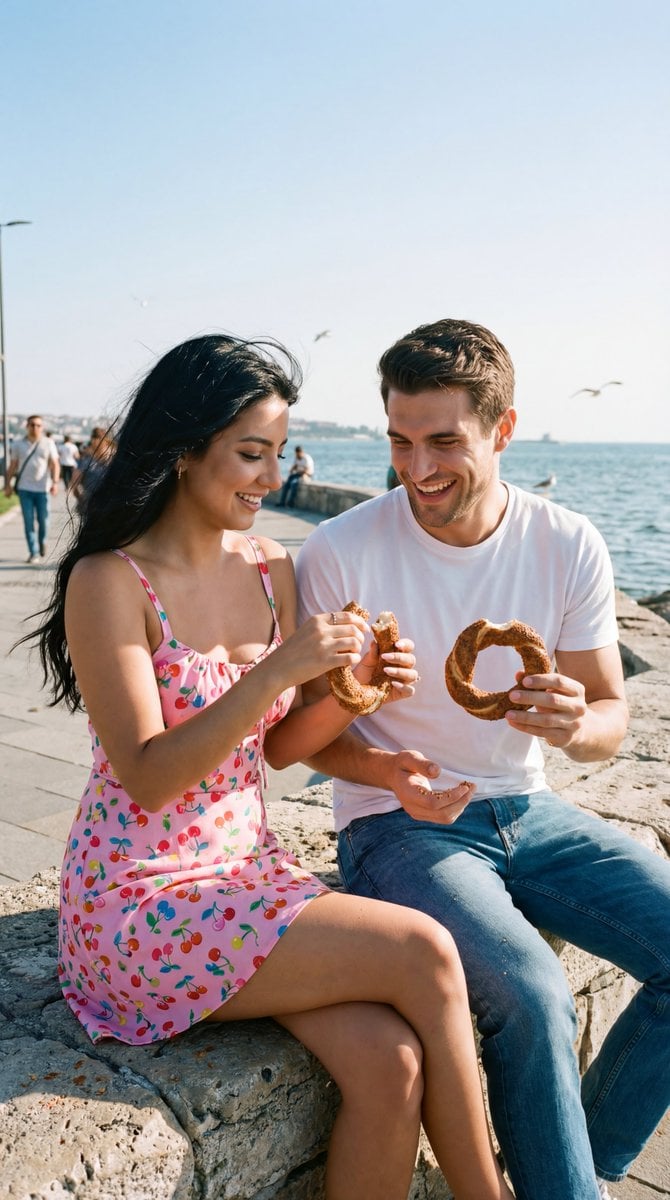
Photoreal Candid Street Romance Film Still Prompt (Moda Seaside)
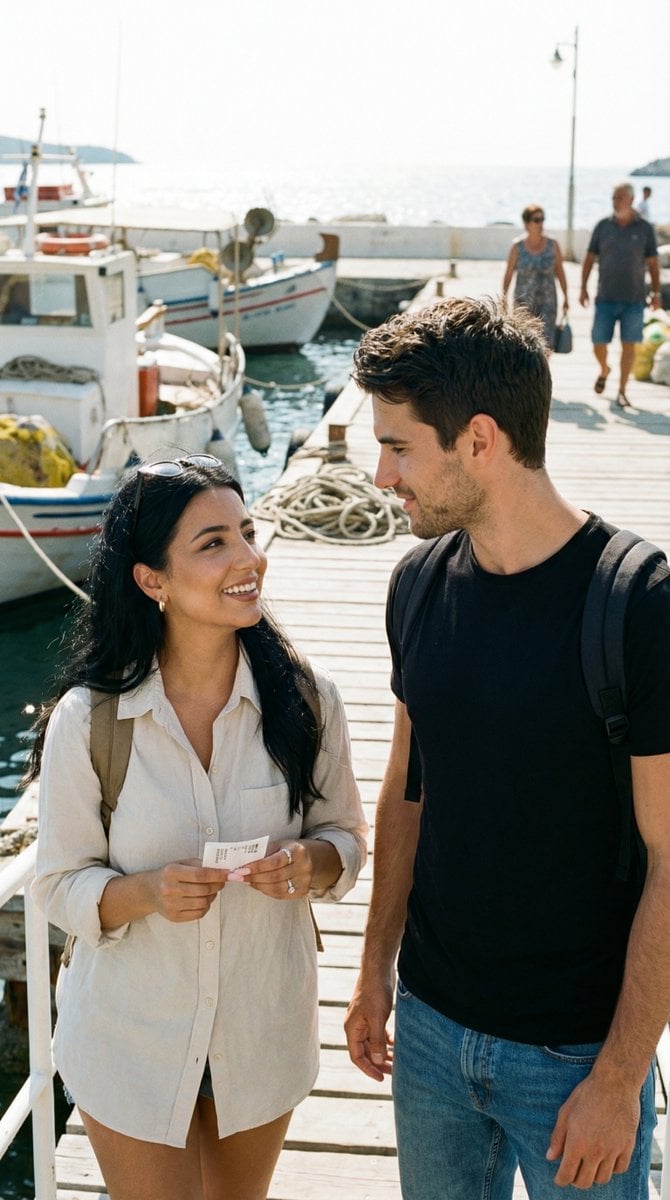
Candid Travel Romance Film Still in Aegean Harbor
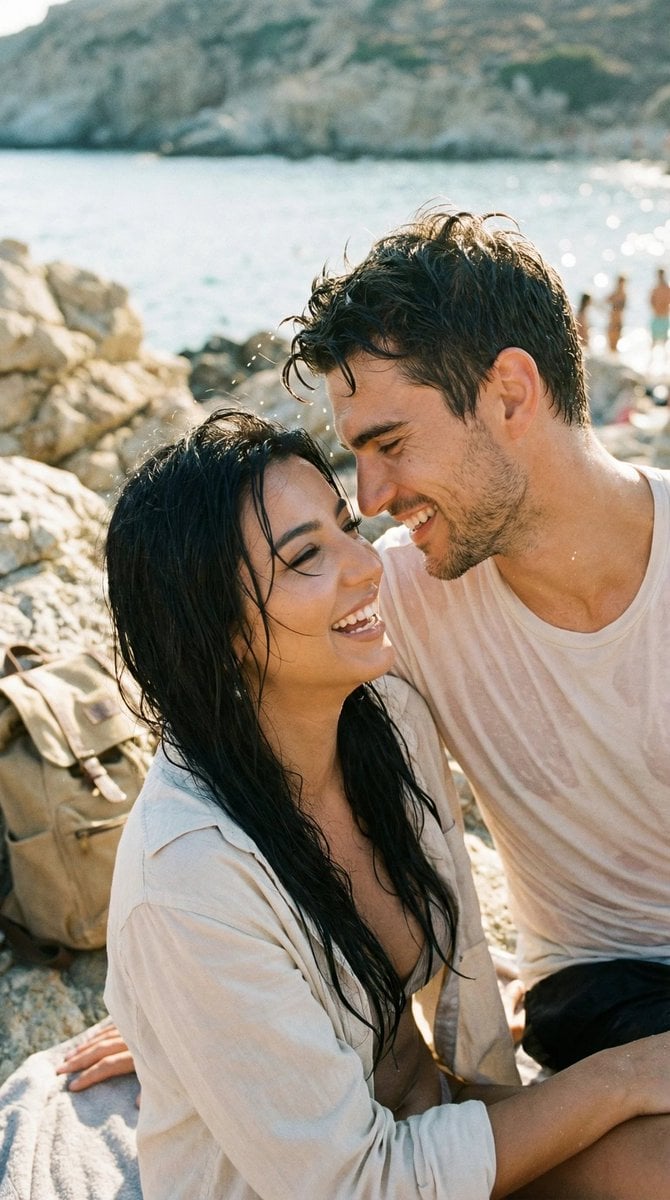
Photorealistic Candid Travel Romance Film Still

Oil Painting Still Life Wine
Realistic 35mm Candid Film Portrait
Ultra Analog Film Candid Romance Scene
Candid 35mm Film Aesthetic Portrait with Donut Prompt for Gemini Nano Banana Pro

Sunday Afternoon, 1988

Two Tickets, One Night

If We Met in 1985
Make it yours
Candid 35mm Concert Romance Film Still works as-is. These are the safest ways to change it without losing the look.
Change one field
Copy a single group, rewrite it, and generate again so you can see what that field is doing.
Keep the frame, change the subject
Hold the composition and light of Candid 35mm Concert Romance Film Still, then swap wardrobe, props or the person for a new take.
| If the result… | Why | Fix |
|---|---|---|
| The result drifts from the preview | Too many fields changed at once. | Reuse Candid 35mm Concert Romance Film Still as-is first, then change one group — subject, light, or setting. |
| The model over-stylizes the scene | The prose prompt leaves finish and camera underspecified. | Add one camera or lighting sentence and stay on Nano Banana 2. |
More Nano Banana 2 templates
Other prompts made for Nano Banana 2.

Photorealistic Leaf Shaped Like a Dragon

K-Pop Idol Portrait Grid for Rapid Selection

Poetic Rain Forest Portrait During Golden Hour

Urban Street Portrait with Cartoon Inner Self Duo

Candid Nighttime Photo with Cat Prompt

High-Concept 3D Diorama Generation Prompt

Cinematic Futuristic Studio Portrait Template

Skincare Editorial Photography Collage Prompt

Hyper-Realistic Commercial Product Photography (Splash Effect)

Hyper-Realistic Nightclub Portrait Prompt
More image prompts
Fresh picks from across the catalog.
Random Strange Product Grid Generator
Selective Color Urban Portrait of Elderly Woman
Elf and Robot Puppet Theater Still
Reference-Based Cinematic World Expansion
Gpt2 Social Media Post Luxury Lifestyle Mustang Shot

OOTD Sticker Style Breakdown
Couple Pub Portrait Transformation
Belly Dance Stunning Photo Prompt
High-Fashion Editorial of Woman on Grand Staircase

Chuunibyou Style Merch Poster
Browse template categories
Candid 35mm Concert Romance Film Still questions
How do I use the Candid 35mm Concert Romance Film Still template?
Add your photo if the template asks for one, edit the prompt if you like — the template's model and format are already selected — and press Generate. Your version opens in PicX Studio.
Can I customize the Candid 35mm Concert Romance Film Still template?
Yes. You can change the subject, setting, lighting, mood, format, and available model controls before creating your image.
Is the Candid 35mm Concert Romance Film Still template free?
Opening and editing this template is free. Generating uses credits, shown on the Generate button when you are signed in.
Which AI model should I use?
Start with Nano Banana 2, which is the model associated with this template. You can compare another compatible model for a different finish.
Looking for something else? Browse all templates.

Your photo, any look
Thousands of ready templates for every top image and video model, from one credit balance.