
Reference-Based Cinematic World Expansion
This prompt turns a single reference scene into a new but stylistically consistent cinematic worldbuilding image, useful for expanding a concept into broader settings for films, games, or visual development.
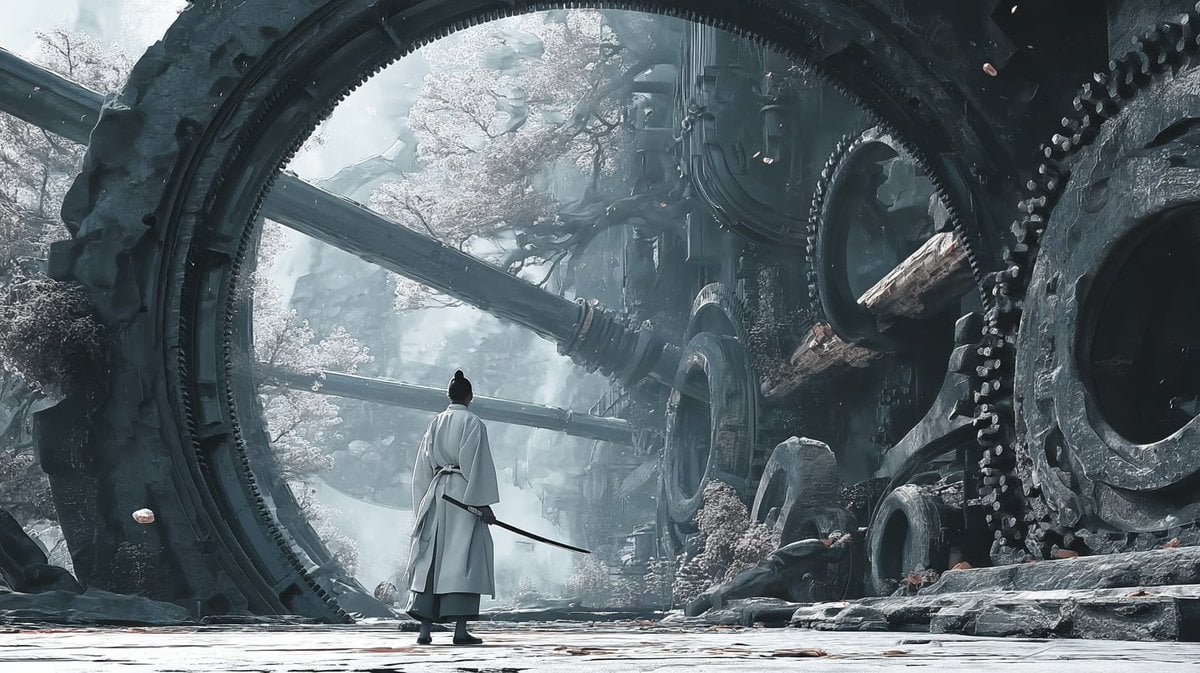
- Prompt included
- Model and format preset
- Free template
The prompt behind this image
Copy the exact prompt behind Reference-Based Cinematic World Expansion, or open it in the studio and make it yours.
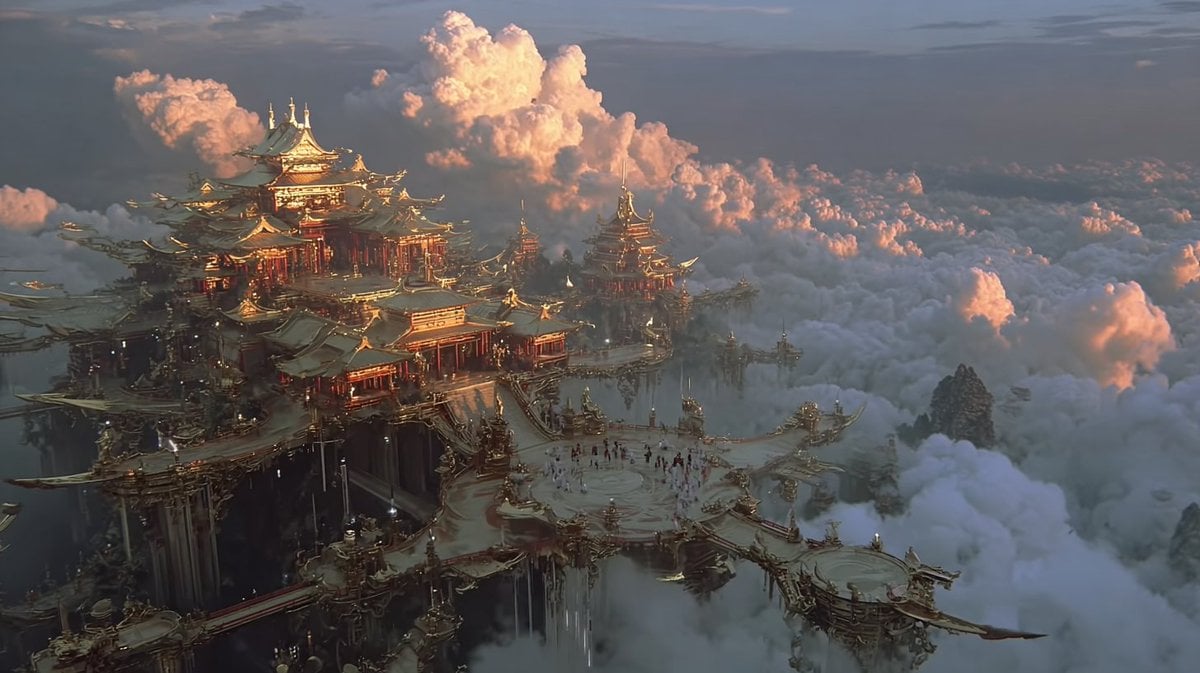
Using the provided reference image as the visual civilization seed, expand it into a new cinematic world scene that keeps the same grand East Asian fantasy design language, monumental scale, intricate architecture-first worldbuilding, and ultra-detailed realism, but shift the setting from a luminous cloud palace into an ancient mechanical ruin on the ground. Replace the gilded celestial temple environment with colossal circular ring structures, giant embedded gears, heavy industrial stone-and-metal architecture, broken conduits, and overgrown ruins with pale flowering trees. Change the mood to cold, misty, desaturated blue-gray lighting with soft atmospheric fog, while preserving the epic, awe-inspiring worldbuilding feel from the reference. Add 1 lone wandering swordsman seen from behind in the foreground, wearing flowing white robes and carrying a sheathed sword, centered beneath the largest ring to emphasize scale. Make it feel like a frame from a high-budget fantasy film, with extremely rich environmental detail and a cohesive visual language derived from the reference image.
Reference images included
Reference-Based Cinematic World Expansion needs input media to work. They load alongside the prompt when you open it in the studio.
How to use Reference-Based Cinematic World Expansion in 3 steps
- 1Upload ImagePNG, JPG or paste
Add your photo
Upload the photo the template builds on. The prompt, model and format are already set.
- 2…a portrait of your subject in softgolden-hour light, 85mm…
Personalize
Edit the subject and creative details for your destination.
- 3Generate
Generate
Press Generate — your image is created in PicX Studio, so you can compare it with the original and refine one variable at a time.
More like this
Templates with the same subject, style or setup. Open one to see its prompt.

Dancer Character - Four View Reference Sheet

Movement Sheet - Dance Reference (Seedance 2.0)
Luxury minimalist product photography based on a reference image
Soft Intimate Mirror Selfie (Reference-Based Generation)

Abstract Background Generation (Reference-Based)
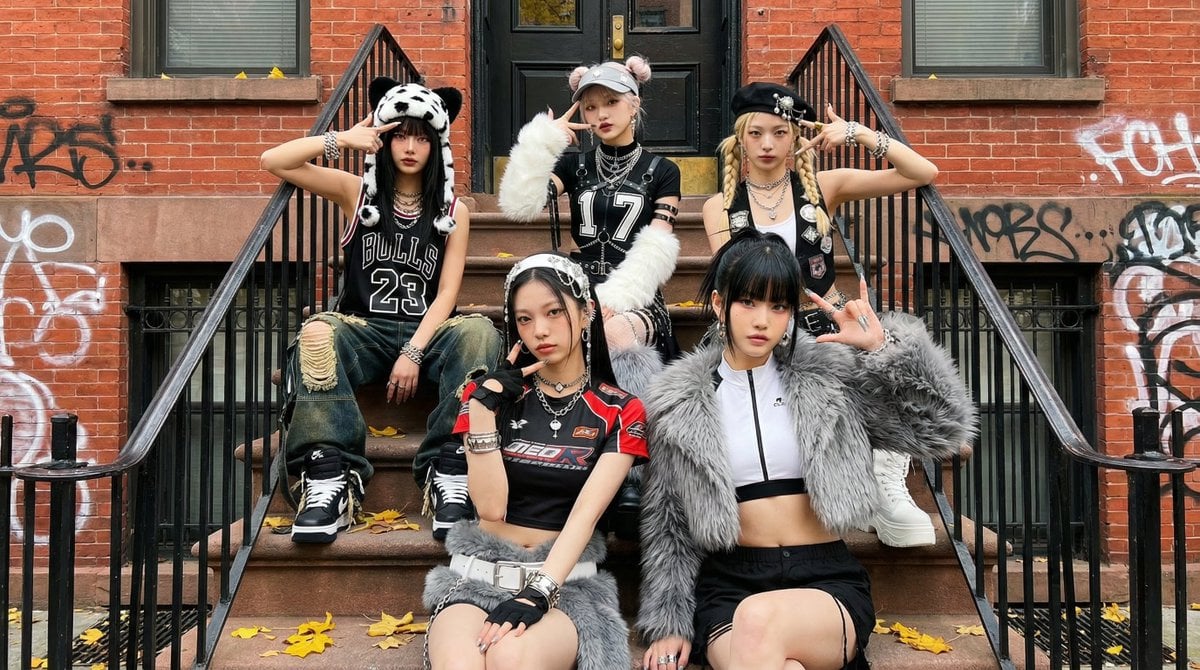
Fictional K-pop Artist Image Generation (Reference Based)
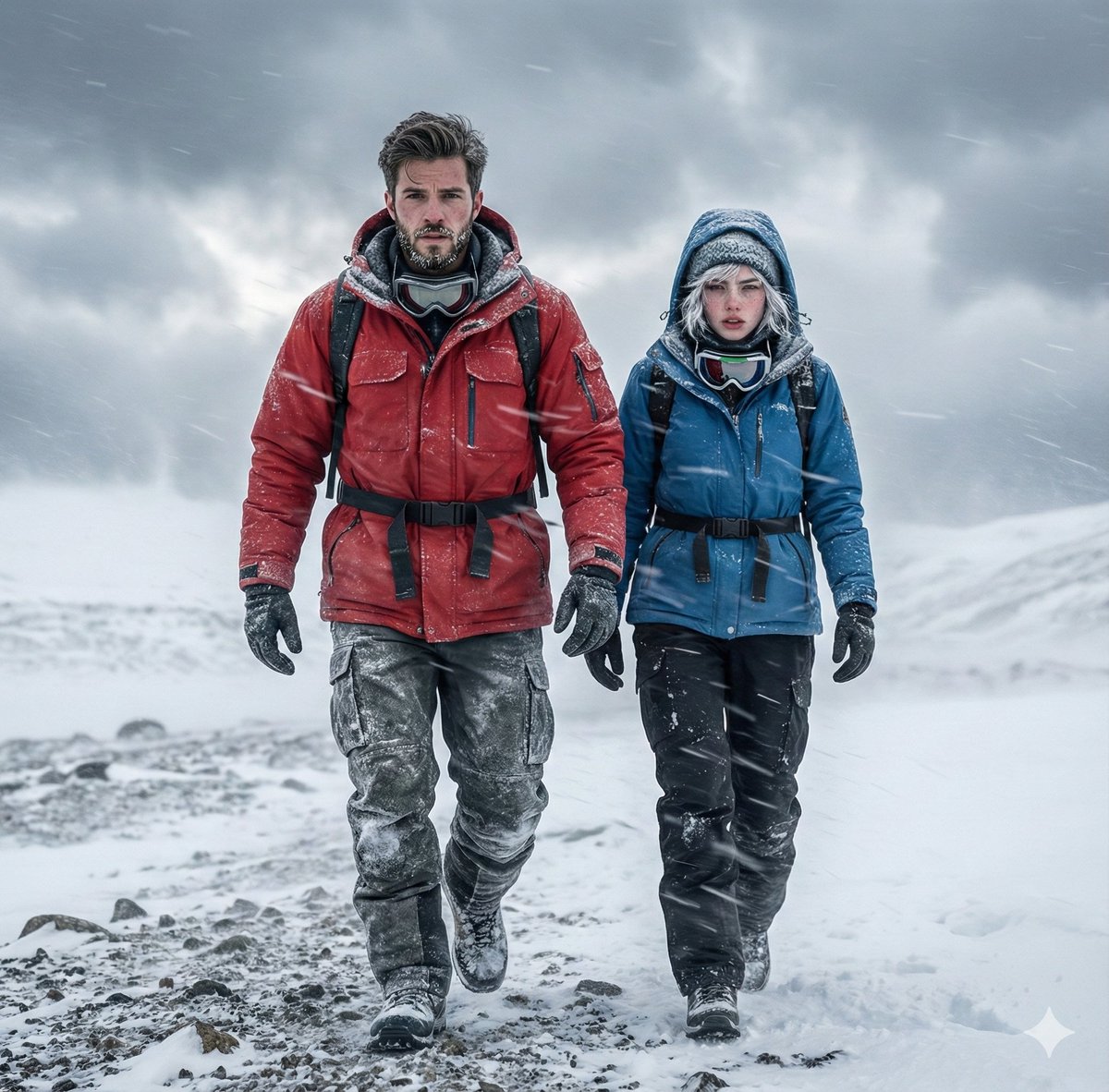
Alaskan Snowstorm Couple Prompt (Reference Based)
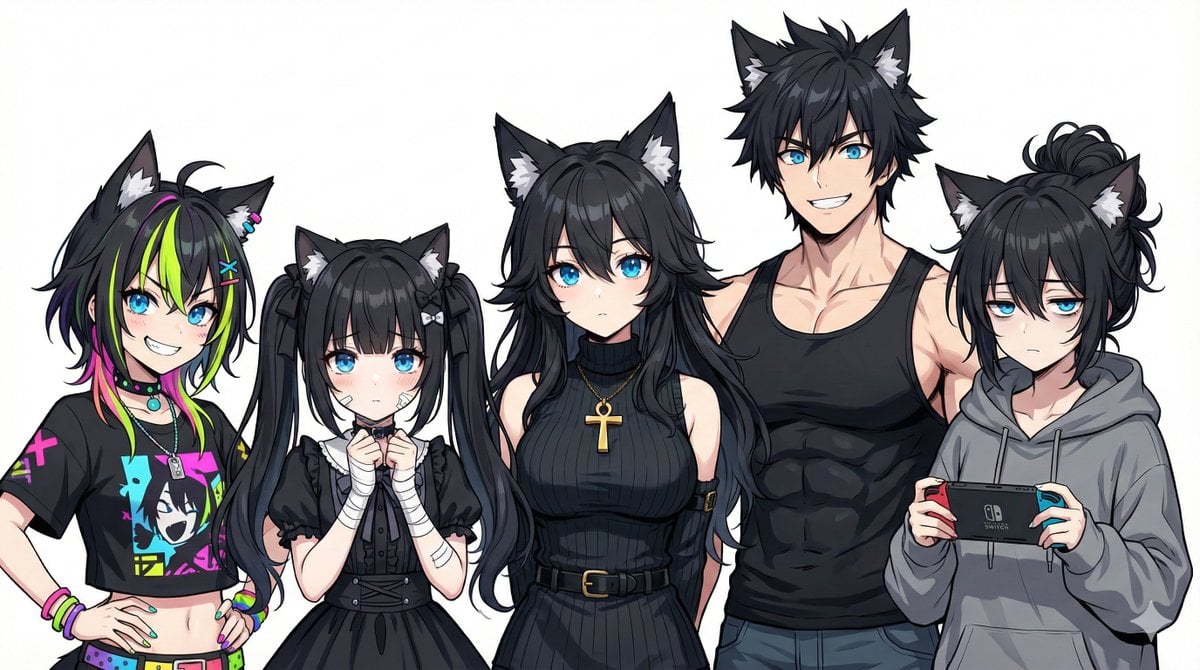
Generating Siblings Based on a Reference Character
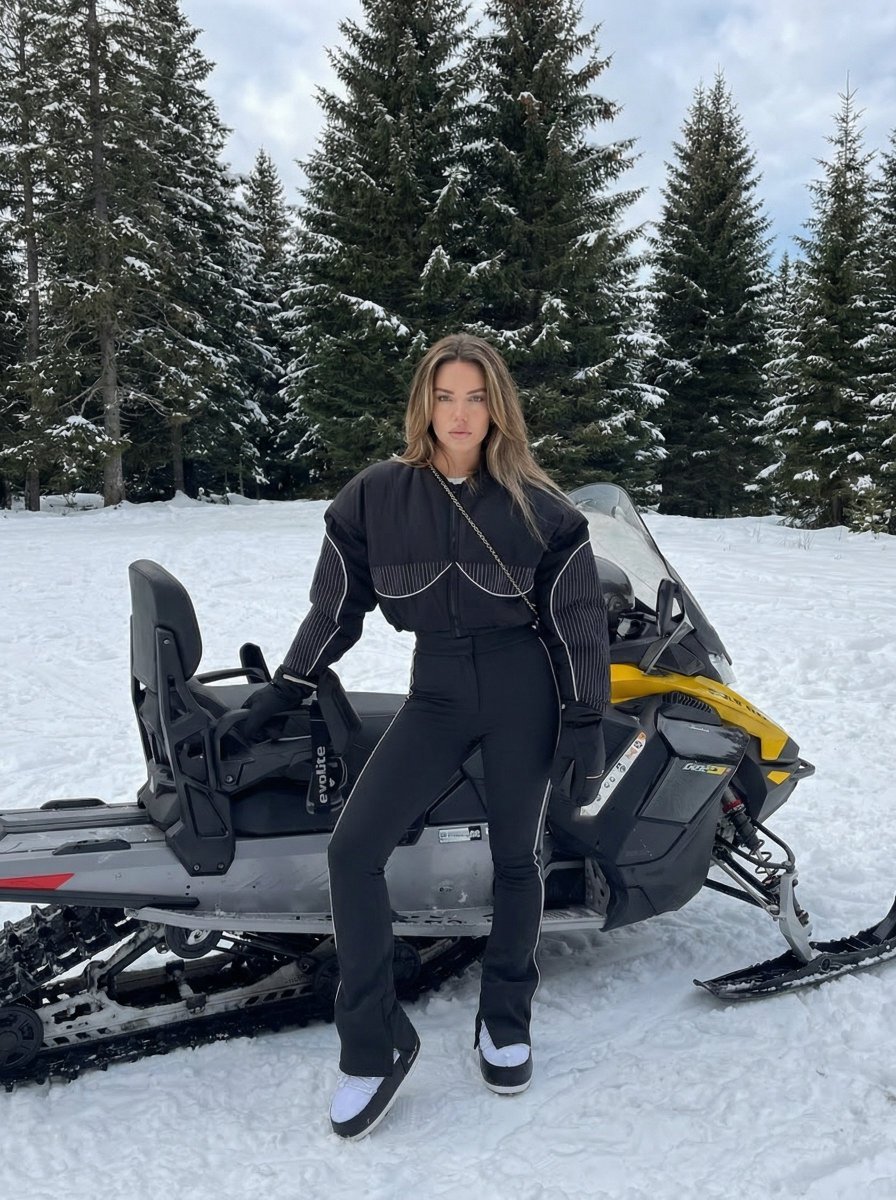
Character Generation Based on Reference Image in Snow

Riverside Dog Walk Character Expansion
Photography Scheme Reference Guide
Anime Game Scene Character Expansion
Make it yours
Reference-Based Cinematic World Expansion works as-is. These are the safest ways to change it without losing the look.
Change one field
Copy a single group, rewrite it, and generate again so you can see what that field is doing.
Keep the frame, change the subject
Hold the composition and light of Reference-Based Cinematic World Expansion, then swap wardrobe, props or the person for a new take.
| If the result… | Why | Fix |
|---|---|---|
| The result drifts from the preview | Too many fields changed at once. | Reuse Reference-Based Cinematic World Expansion as-is first, then change one group — subject, light, or setting. |
| The model over-stylizes the scene | The prose prompt leaves finish and camera underspecified. | Add one camera or lighting sentence and stay on GPT Image 2. |
More GPT Image 2 templates
Other prompts made for GPT Image 2.

Six VTuber Japanese Logo Sheet

Realistic Portrait of Woman and Deer

The Vista Modular Condo Poster

AI Model Routing Comparison Infographic

2.5D Anime Art Board

Isometric Productivity Desk Scene

New York Double Exposure Poster

Four-Panel AI Landscape Comparison

Japanese Tatami Lifestyle Magazine Cover

NESCAFÉ Coffee Map Poster
More image prompts
Fresh picks from across the catalog.
Cute Japanese LINE Sticker Sheet

Kylian Mbappé Devastated Photo

untitled
Golden Hour Luxury Perfume
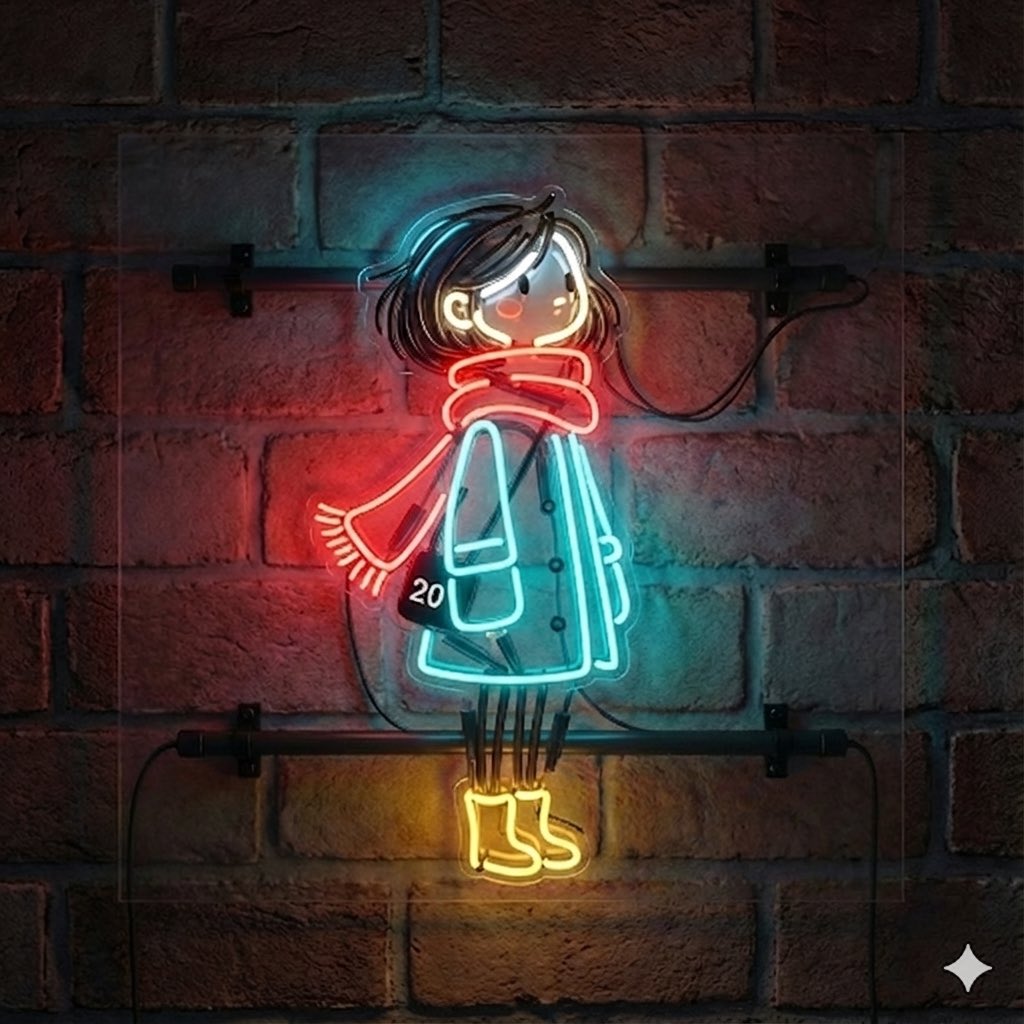
Image-to-Neon Light Transformation

Make laptop look owned by AI safety person
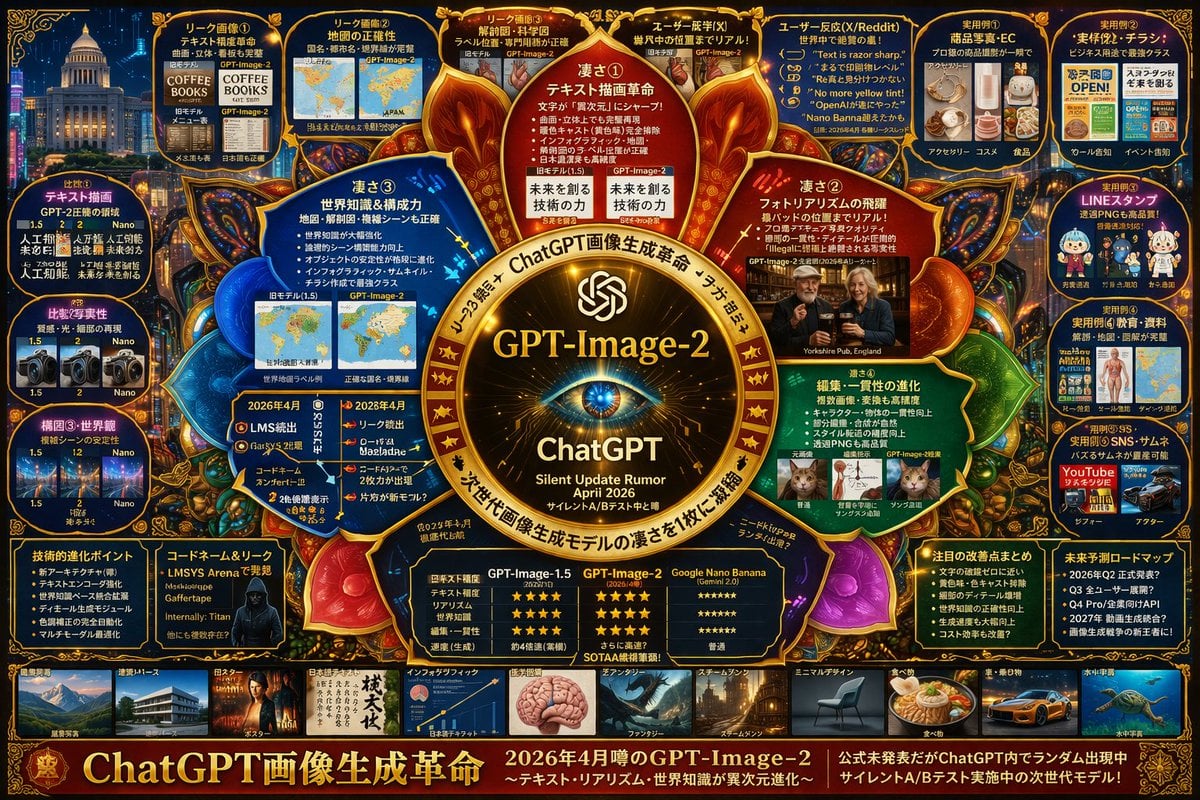
Futuristic AI Model Infographic Poster
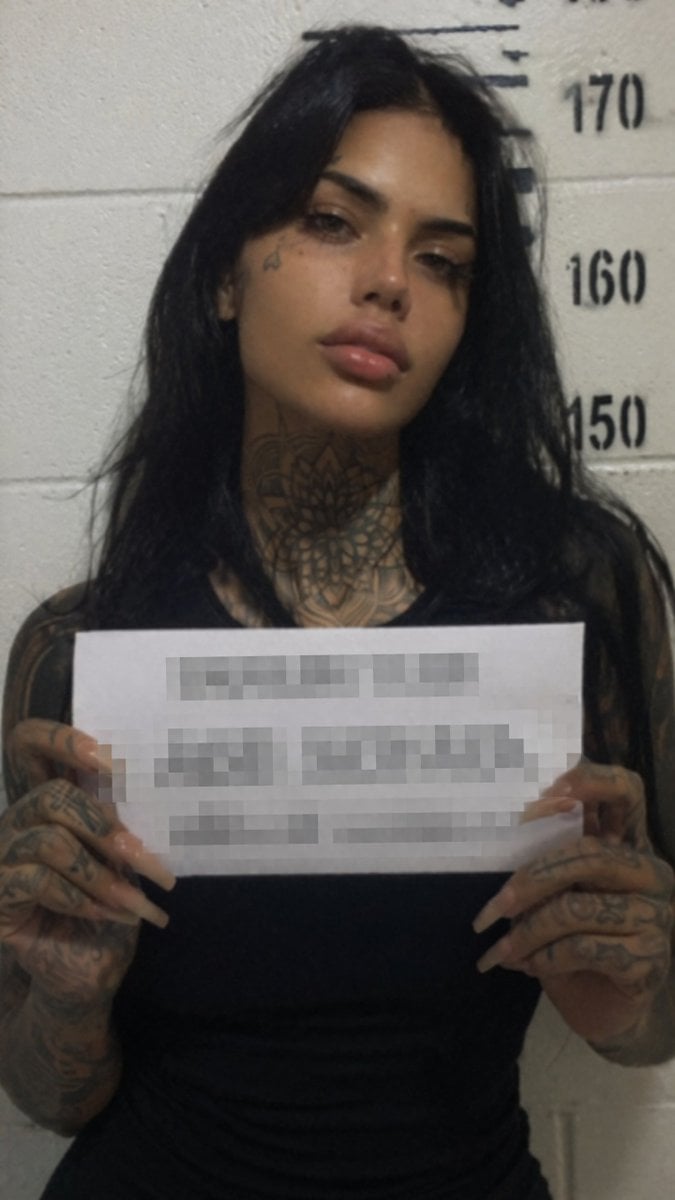
Gritty Tattooed Woman Mugshot
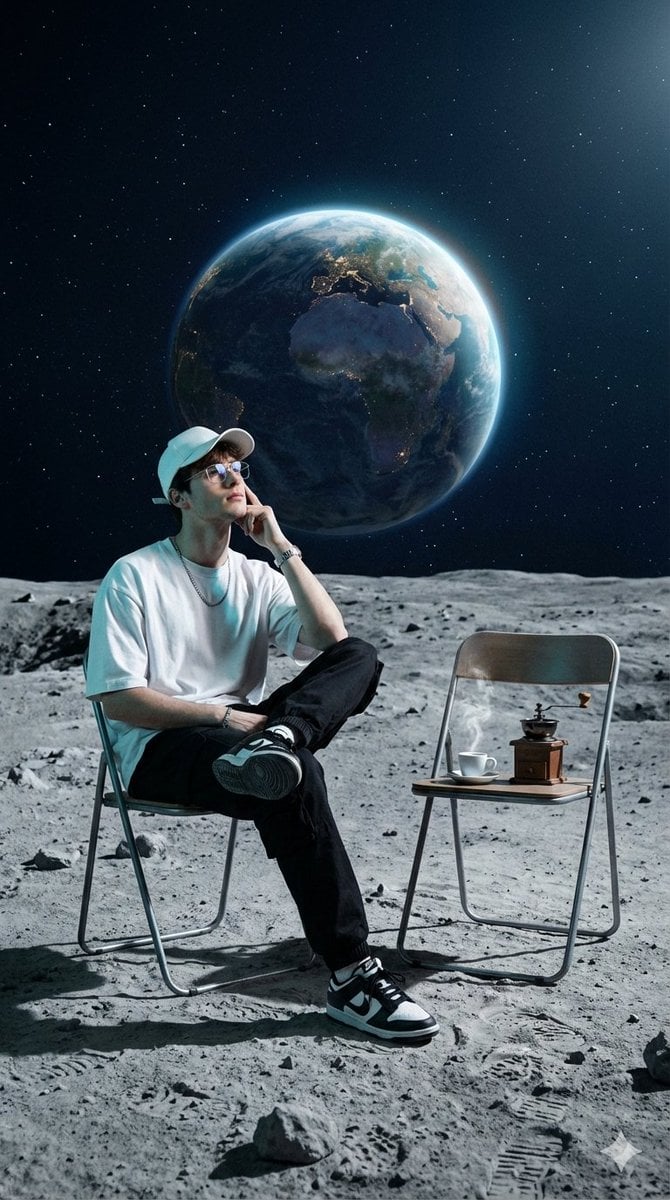
Surreal Cinematic Fashion Editorial on a Lunar Plain
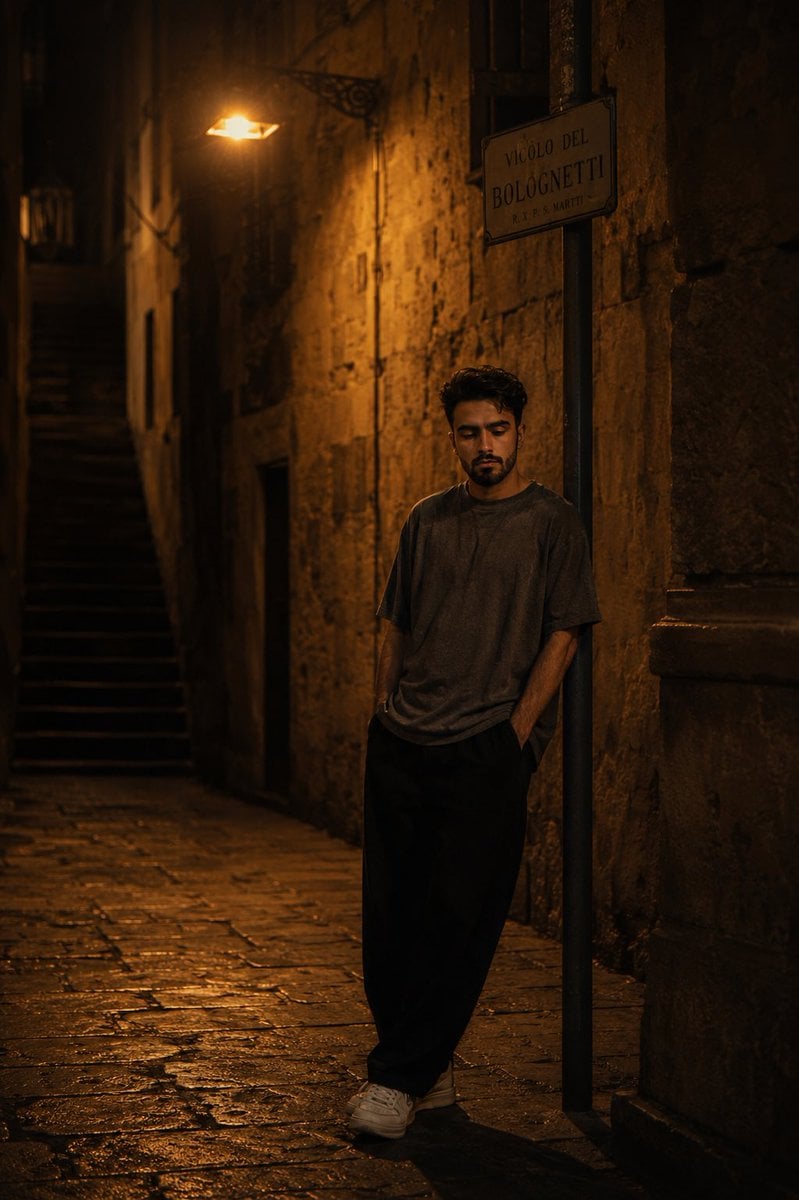
European Stone Alley Night Portrait
Browse template categories
Reference-Based Cinematic World Expansion questions
How do I use the Reference-Based Cinematic World Expansion template?
Add your photo if the template asks for one, edit the prompt if you like — the template's model and format are already selected — and press Generate. Your version opens in PicX Studio.
Can I customize the Reference-Based Cinematic World Expansion template?
Yes. You can change the subject, setting, lighting, mood, format, and available model controls before creating your image.
Is the Reference-Based Cinematic World Expansion template free?
Opening and editing this template is free. Generating uses credits, shown on the Generate button when you are signed in.
Which AI model should I use?
Start with GPT Image 2, which is the model associated with this template. You can compare another compatible model for a different finish.
Looking for something else? Browse all templates.

Your photo, any look
Thousands of ready templates for every top image and video model, from one credit balance.