
Riverside Dog Walk Character Expansion
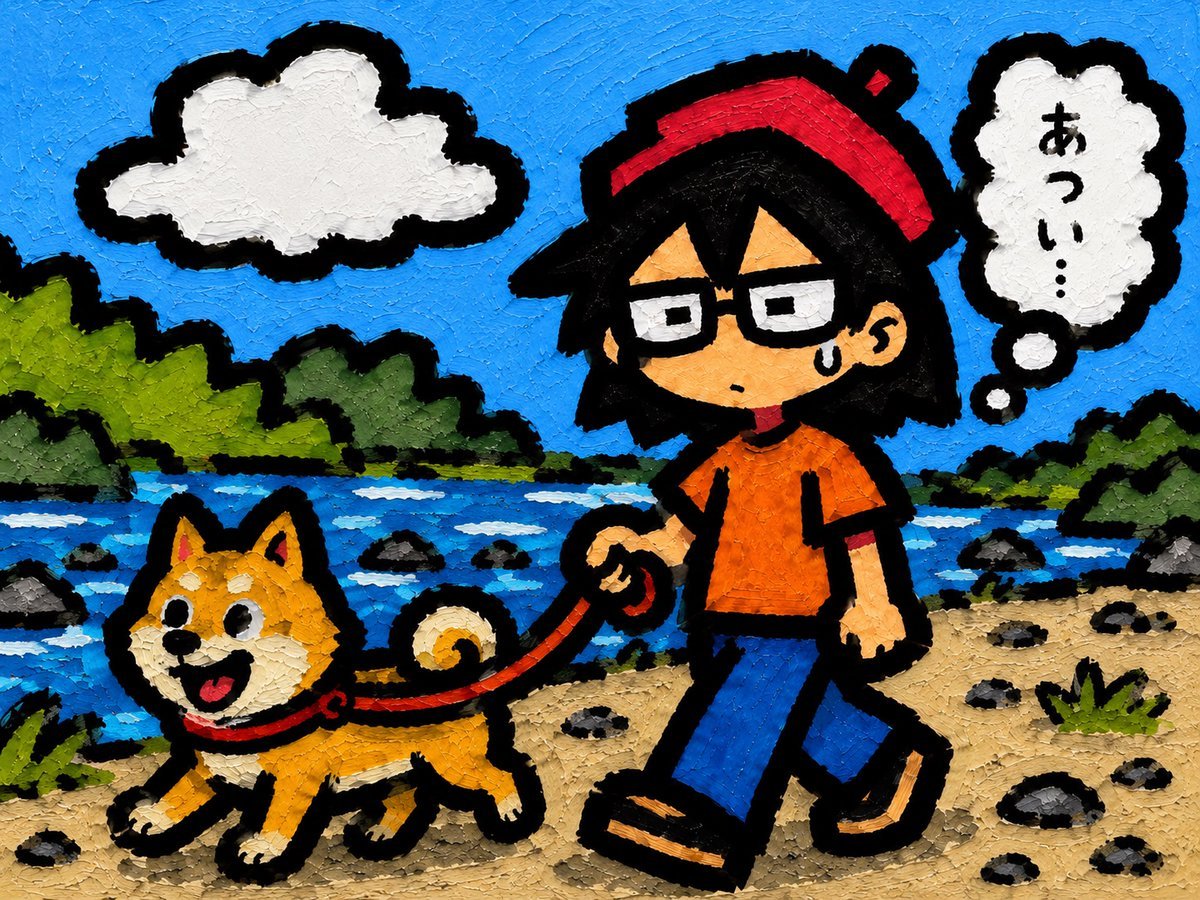
Transforms a simple character reference into a textured cartoon scene of the character walking a dog by a sunny riverside.
- Prompt included
- Model and format preset
- Free template
The prompt behind this image
Copy the exact prompt behind Riverside Dog Walk Character Expansion, or open it in the studio and make it yours.
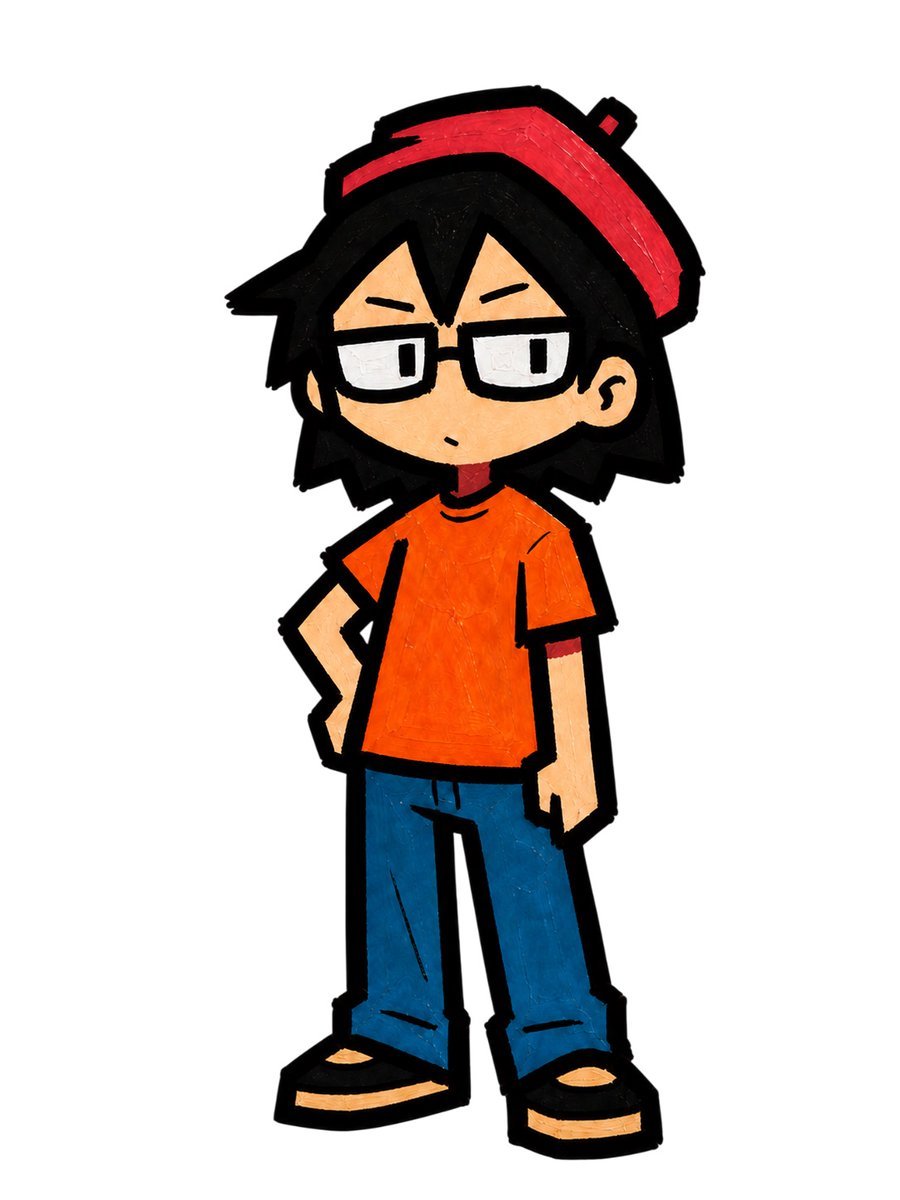
Using REFERENCE_0 as the character base, expand it into a full illustrated outdoor scene while keeping the same bold black outline, hand-painted texture, and recognizable character design. Change the character from a static standing pose into a walking pose, holding exactly 1 red leash in their right hand, with exactly 1 sweat drop on the face and a slightly tired expression. Add exactly 1 small dog, {argument name="dog breed" default="Shiba Inu"}, walking in front of the character on the leash, happy and energetic with its mouth open and curled tail. Place them in {argument name="setting" default="a sunny riverside path"}: blue river behind them, green trees along the banks, sandy ground with scattered dark stones, and a bright blue sky. Add exactly 1 white cartoon cloud in the upper left. Add exactly 1 white thought bubble in the upper right with exactly 2 small connector dots, containing vertical Japanese text {argument name="thought bubble text" default="あつい..."}. Keep the composition landscape-oriented, with the dog on the left and the character on the right, both facing left as if walking together. Maintain a chunky oil-paint/impasto surface texture, vivid colors, simple cartoon shapes, thick black borders, and no photorealism.
Reference images included
Riverside Dog Walk Character Expansion needs input media to work. They load alongside the prompt when you open it in the studio.
How to use Riverside Dog Walk Character Expansion in 3 steps
- 1Upload ImagePNG, JPG or paste
Add your photo
Upload the photo the template builds on. The prompt, model and format are already set.
- 2…a portrait of your subject in softgolden-hour light, 85mm…
Personalize
Edit the subject and creative details for your destination.
- 3Generate
Generate
Press Generate — your image is created in PicX Studio, so you can compare it with the original and refine one variable at a time.
More like this
Templates with the same subject, style or setup. Open one to see its prompt.
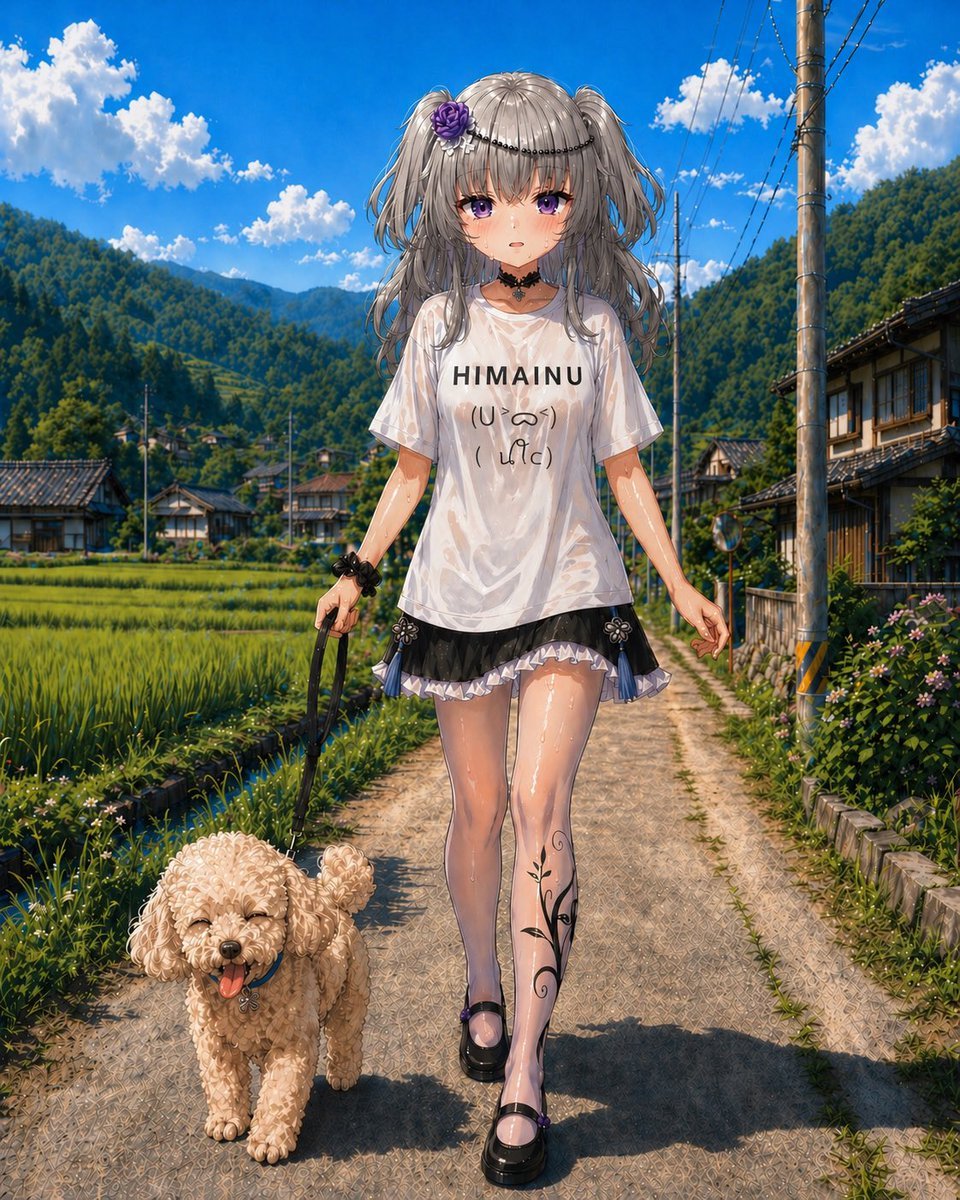
Anime Countryside Dog Walk T-Shirt Scene
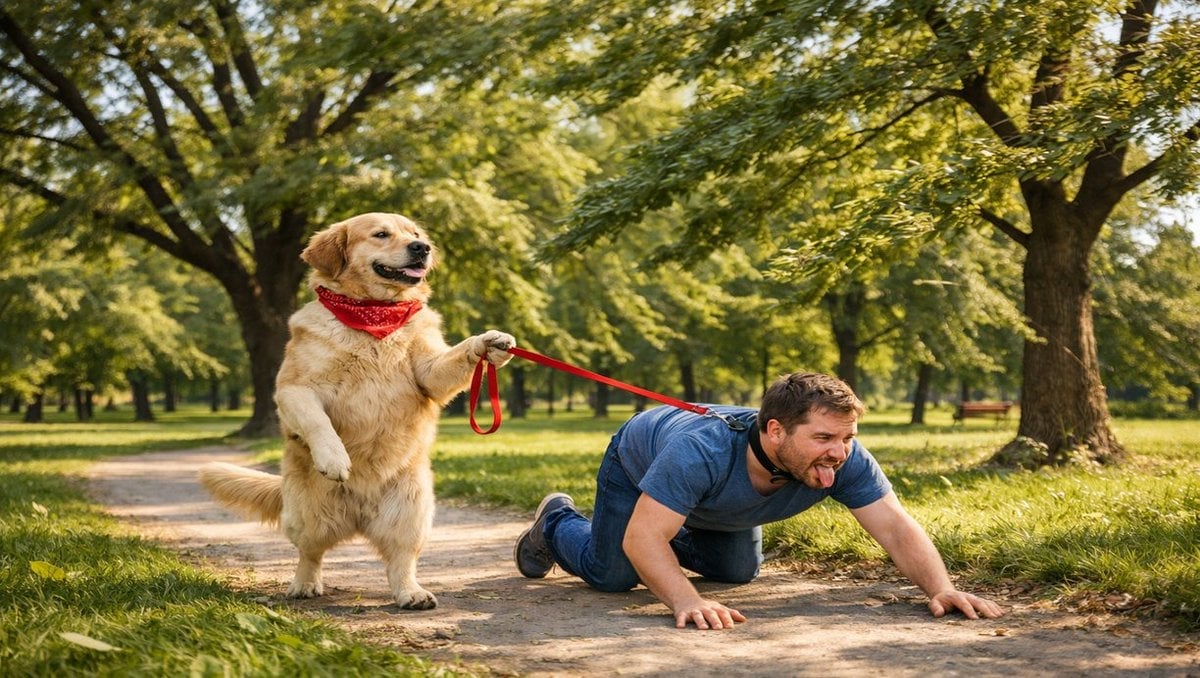
Opposite of Normal Relations: Dog Walking a Human
Nano Banana Pet Portrait Dog
Walking in Track
Puppy and Robot Dog Cyber Portal
Anime Game Scene Character Expansion
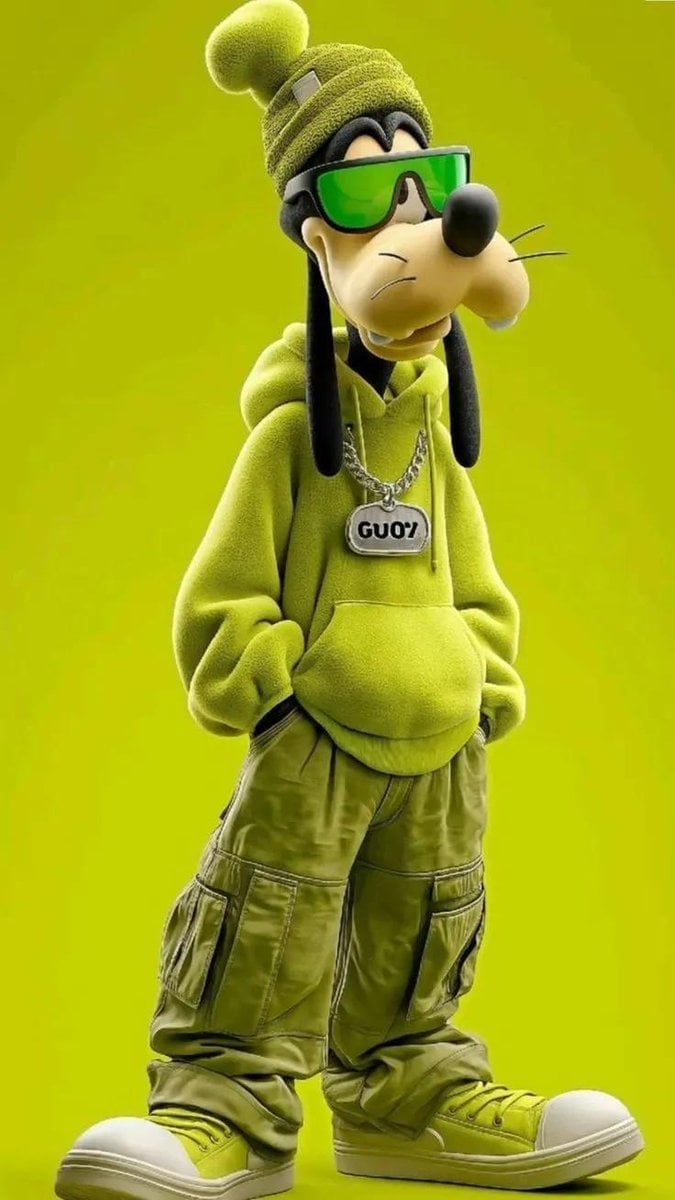
Anthropomorphic Dog Streetwear Character

Portrait of a young woman in her early 20s walking calmly on a beautiful
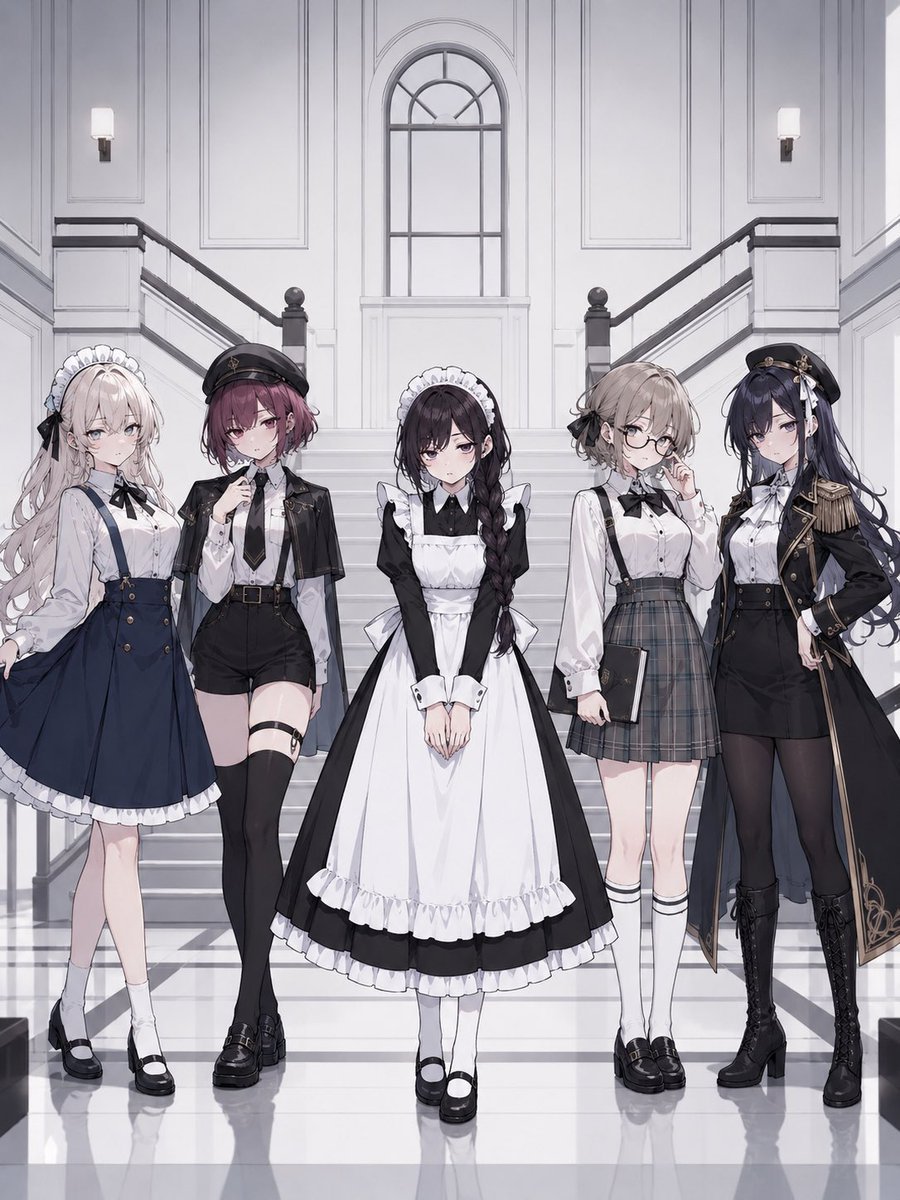
Consistent Game Character Expansion
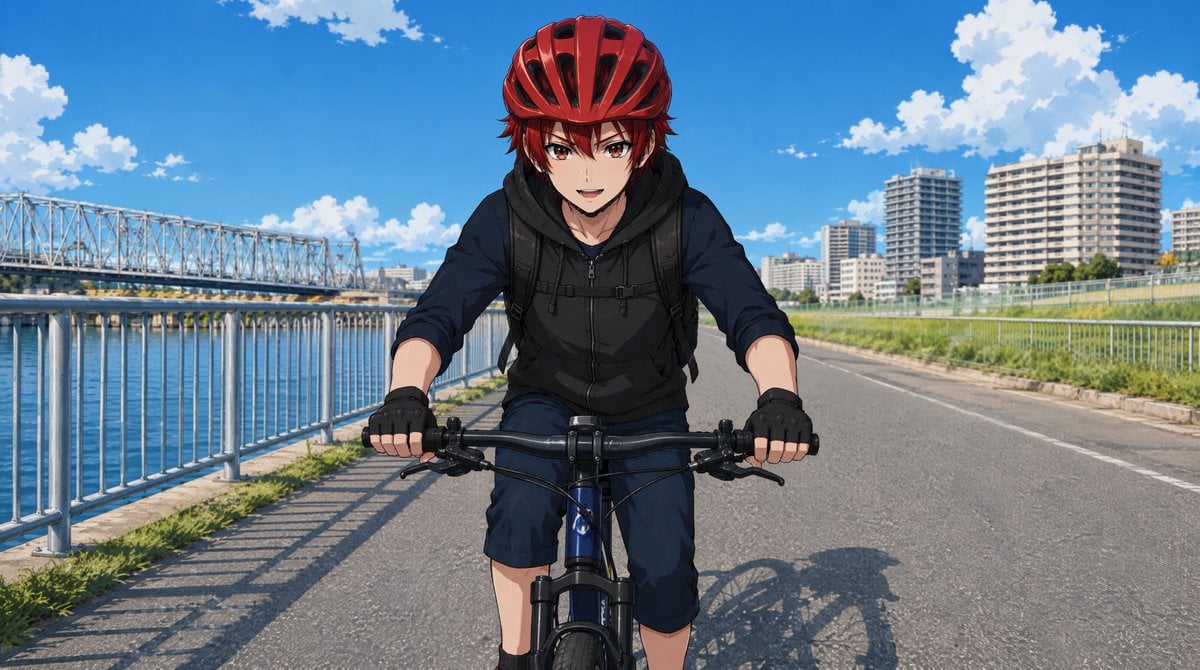
Anime Cyclist on Riverside Road
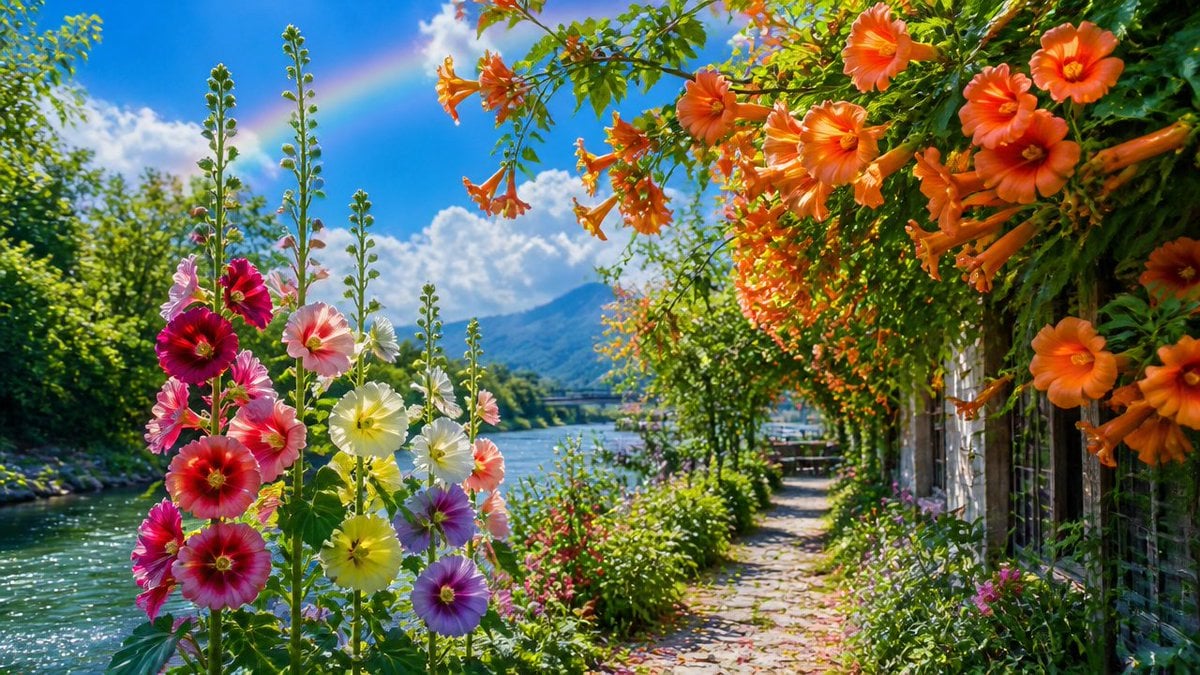
June Flower Riverside Garden
Puppy and Robot Dog Ice Cream Scene
Make it yours
Riverside Dog Walk Character Expansion works as-is. These are the safest ways to change it without losing the look.
Change one field
Copy a single group, rewrite it, and generate again so you can see what that field is doing.
Keep the frame, change the subject
Hold the composition and light of Riverside Dog Walk Character Expansion, then swap wardrobe, props or the person for a new take.
| If the result… | Why | Fix |
|---|---|---|
| The result drifts from the preview | Too many fields changed at once. | Reuse Riverside Dog Walk Character Expansion as-is first, then change one group — subject, light, or setting. |
| The model over-stylizes the scene | The prose prompt leaves finish and camera underspecified. | Add one camera or lighting sentence and stay on GPT Image 2. |
More GPT Image 2 templates
Other prompts made for GPT Image 2.

Six VTuber Japanese Logo Sheet

Realistic Portrait of Woman and Deer

The Vista Modular Condo Poster

AI Model Routing Comparison Infographic

2.5D Anime Art Board

Isometric Productivity Desk Scene

New York Double Exposure Poster

Four-Panel AI Landscape Comparison

Japanese Tatami Lifestyle Magazine Cover

NESCAFÉ Coffee Map Poster
More image prompts
Fresh picks from across the catalog.
Albedo Cosplay Instagram Story
SRK Alpha Pose Walk Away from Explosion Prompt
Image Editing and Cleanup Prompt
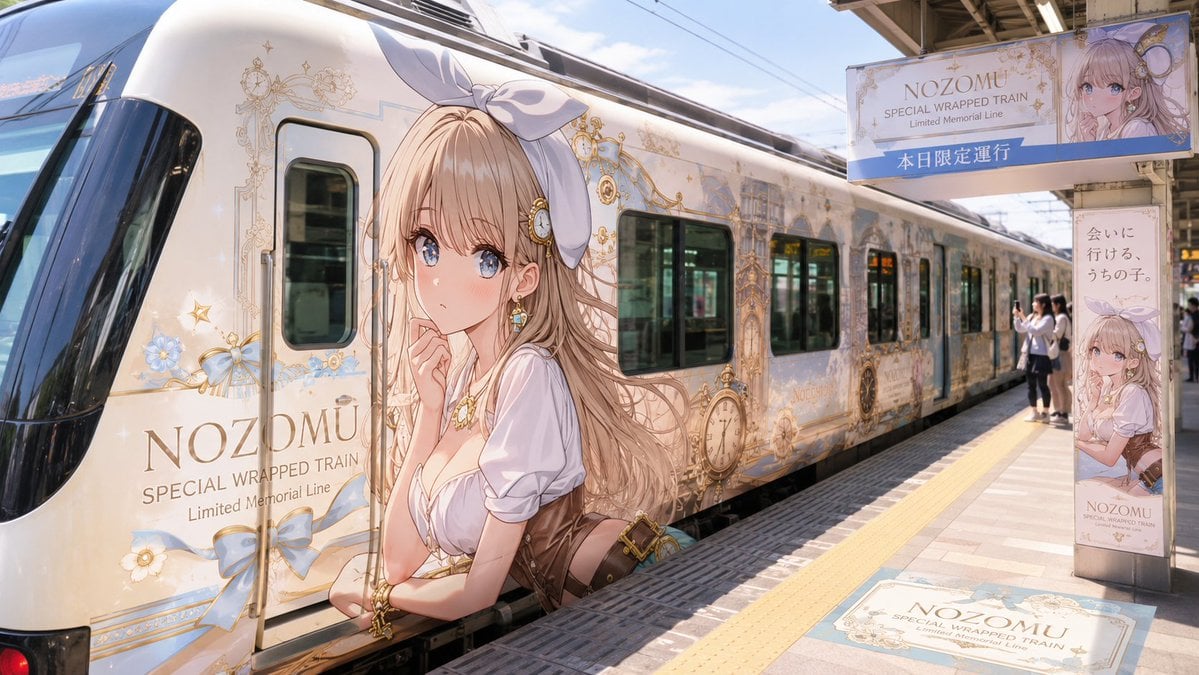
Anime Wrapped Train at Japanese Station
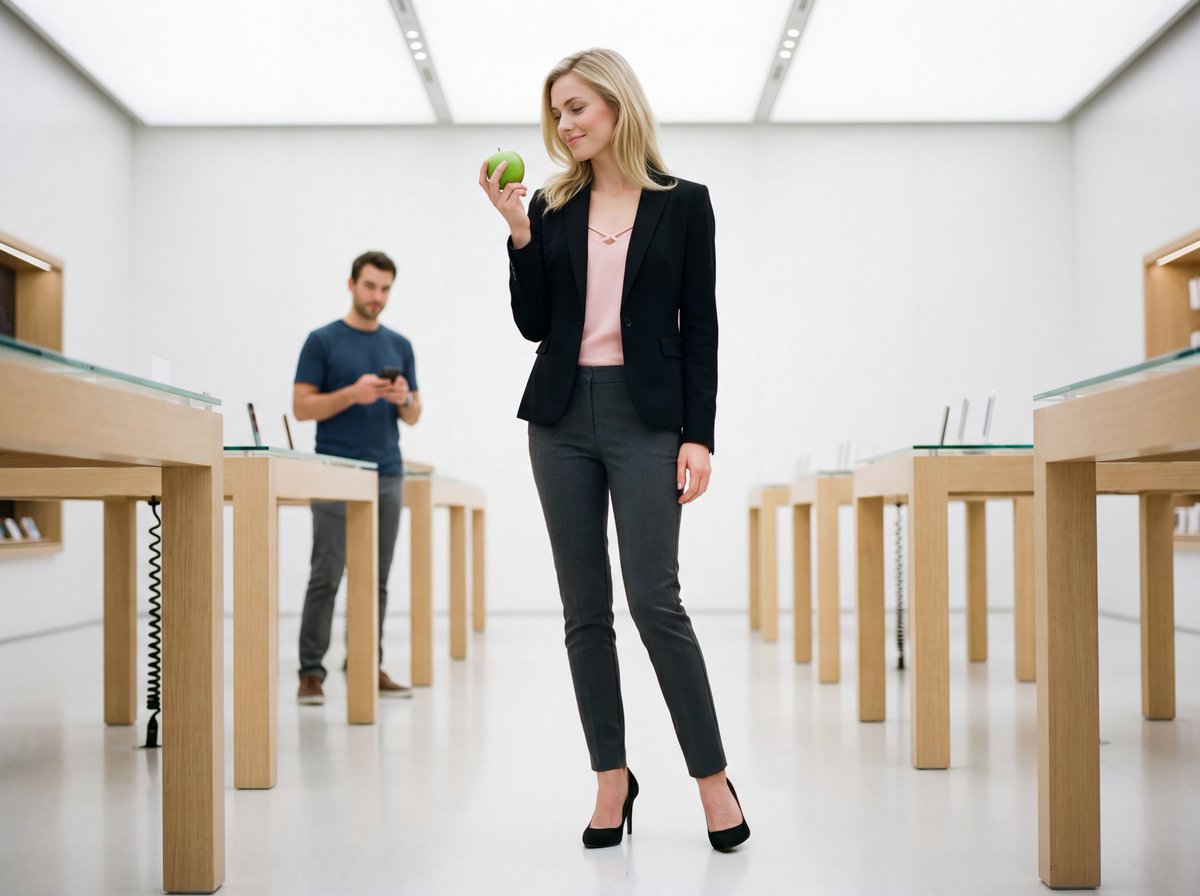
Luxury Retail Editorial Scene with Symbolic Apple
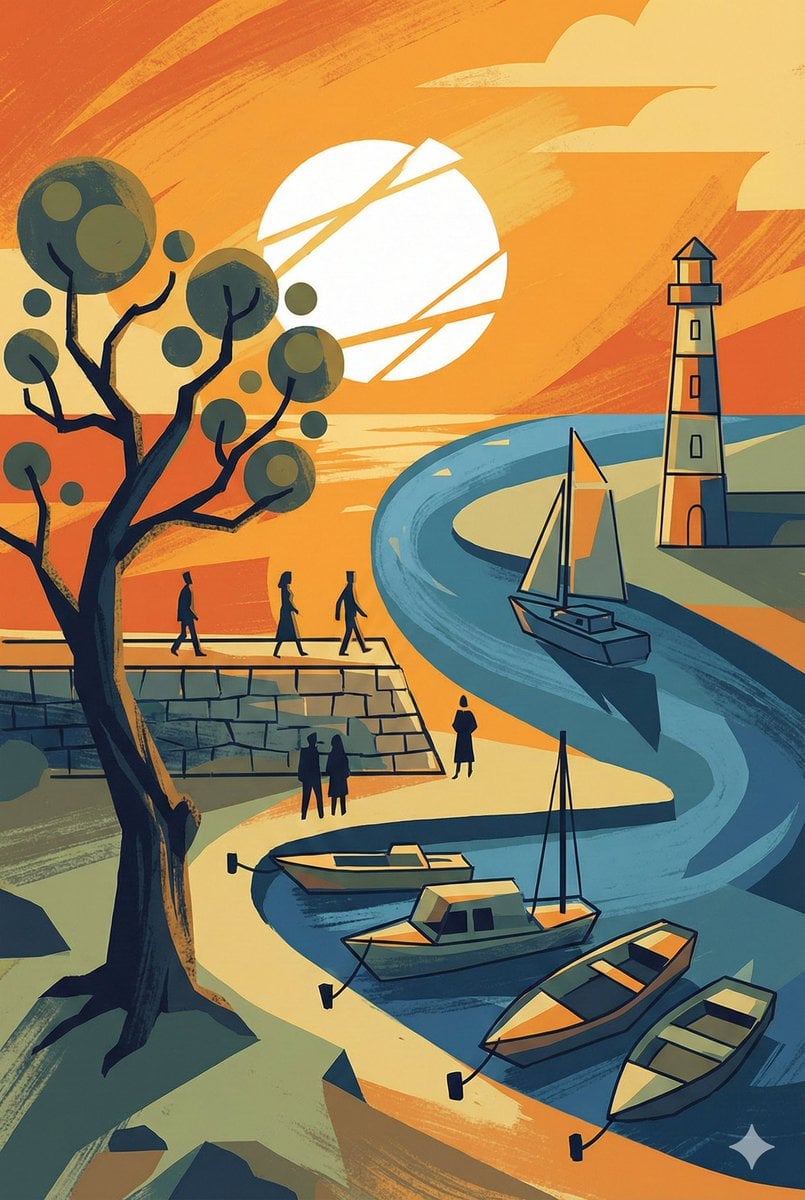
Abstract Drawing of Lighthouse and Sailboat Prompt
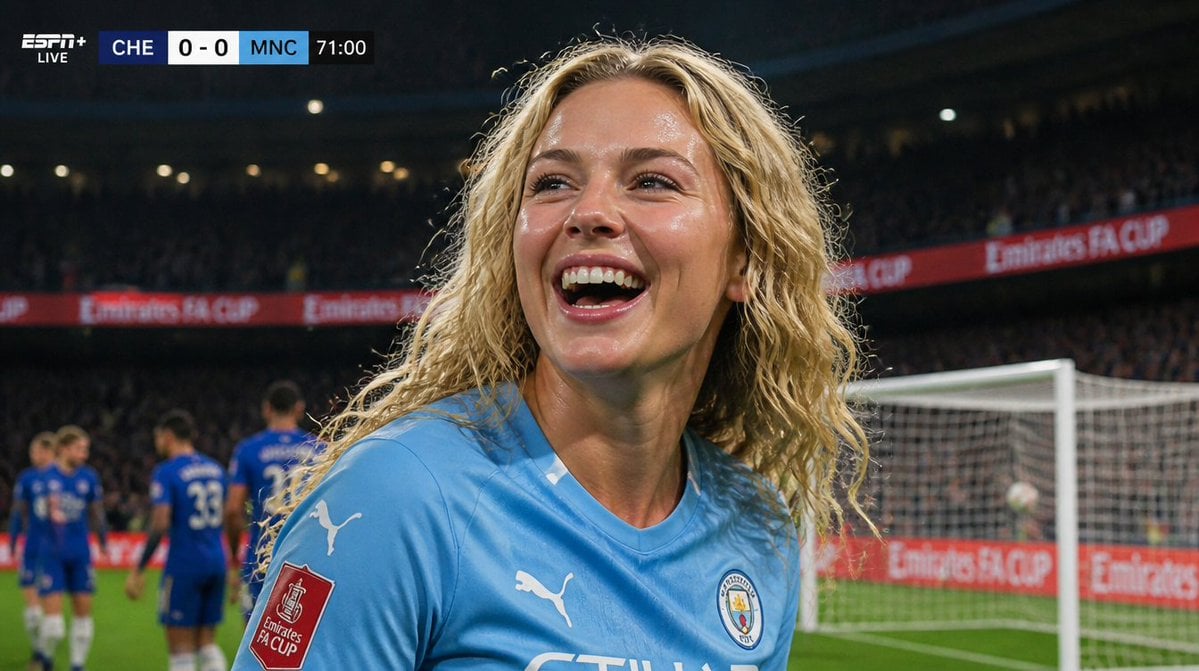
Hyper-Realistic Football Broadcast Still
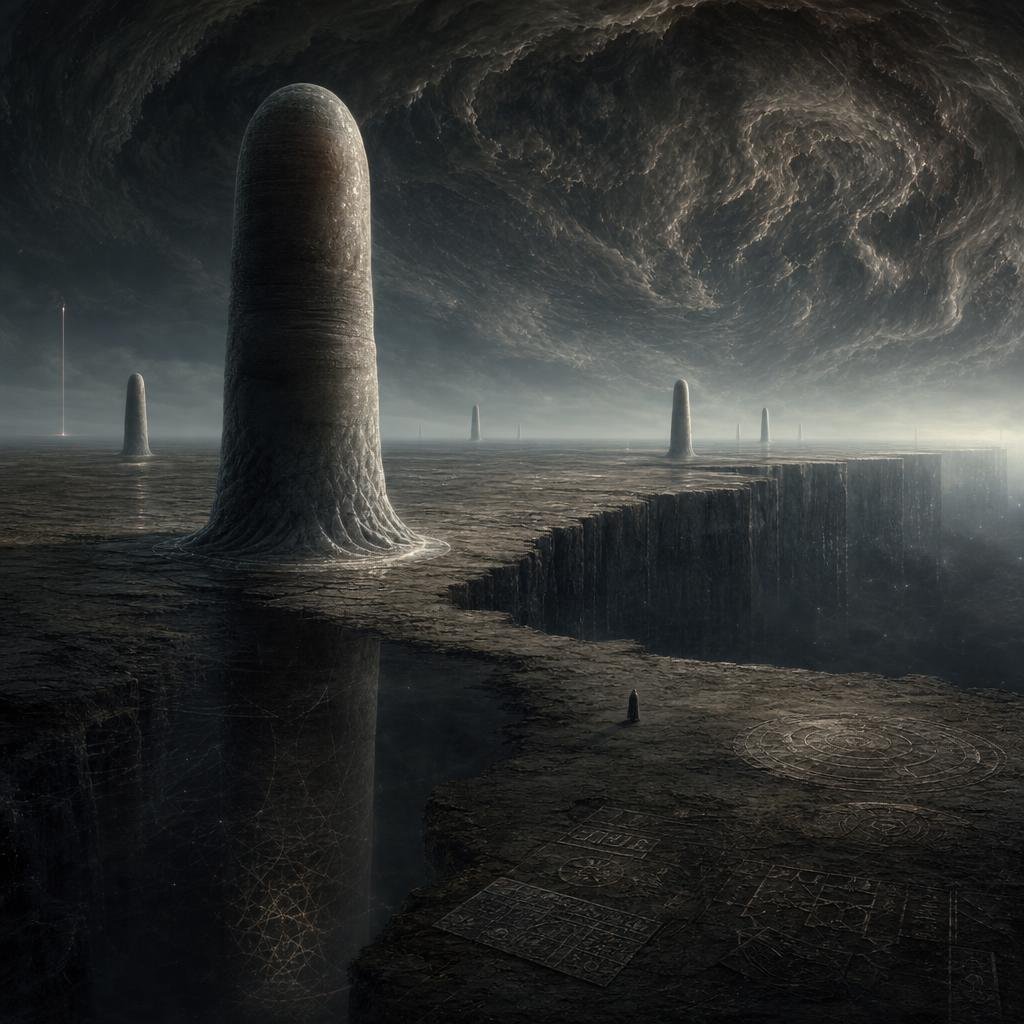
Cosmic Horror Monolith Landscape
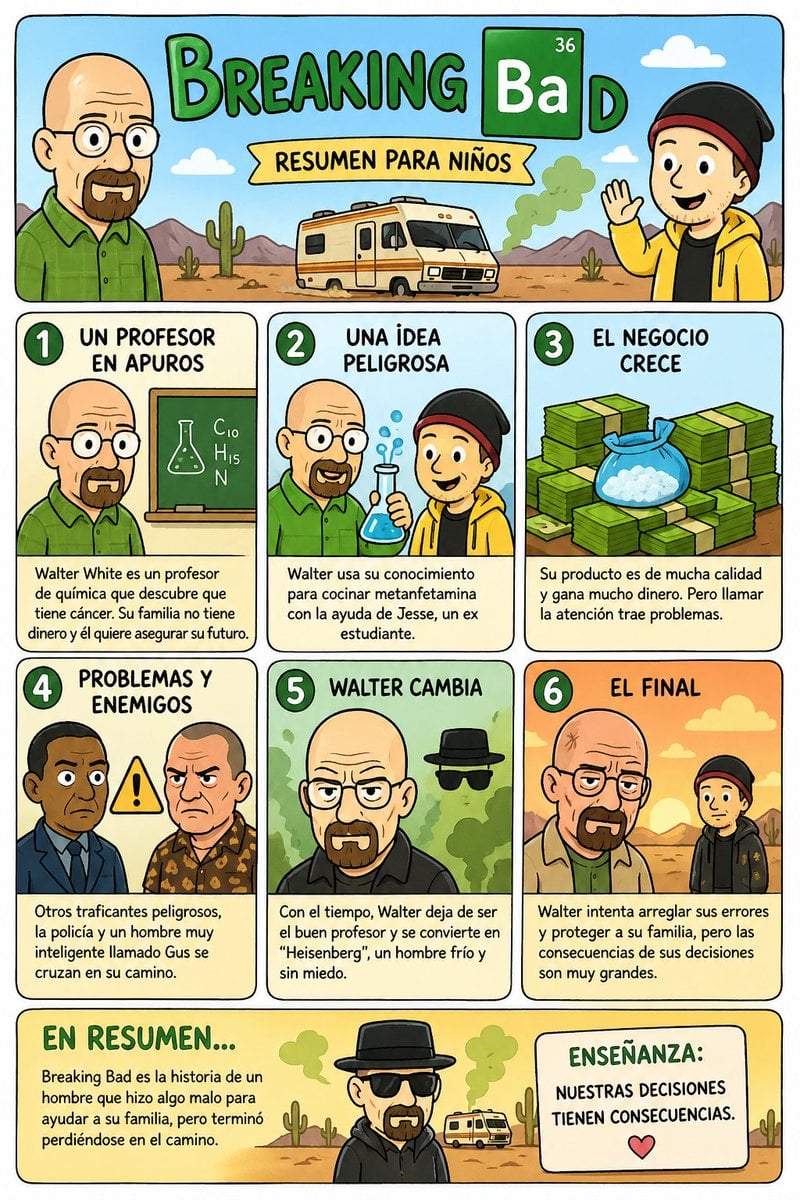
Kids' Breaking Bad Summary Poster
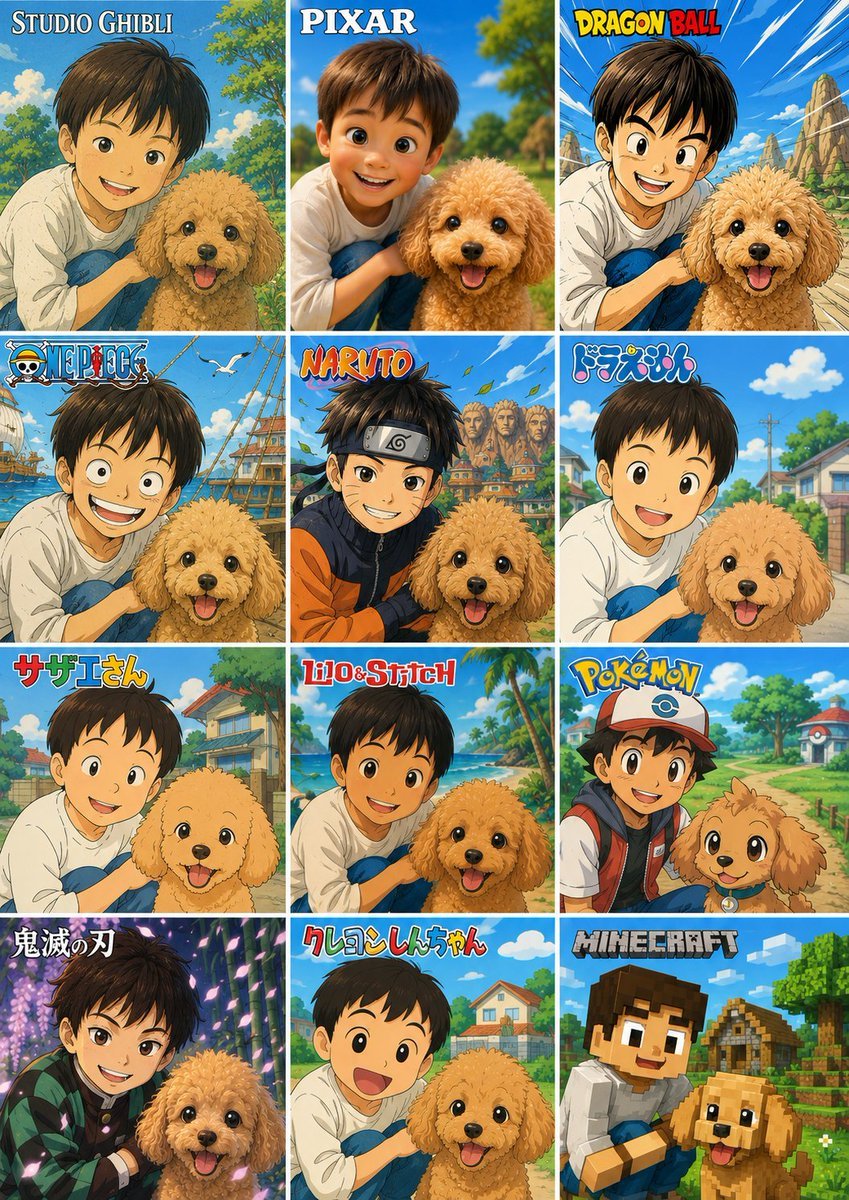
Style Anime Photo Transformation Grid
Browse template categories
Riverside Dog Walk Character Expansion questions
How do I use the Riverside Dog Walk Character Expansion template?
Add your photo if the template asks for one, edit the prompt if you like — the template's model and format are already selected — and press Generate. Your version opens in PicX Studio.
Can I customize the Riverside Dog Walk Character Expansion template?
Yes. You can change the subject, setting, lighting, mood, format, and available model controls before creating your image.
Is the Riverside Dog Walk Character Expansion template free?
Opening and editing this template is free. Generating uses credits, shown on the Generate button when you are signed in.
Which AI model should I use?
Start with GPT Image 2, which is the model associated with this template. You can compare another compatible model for a different finish.
Looking for something else? Browse all templates.

Your photo, any look
Thousands of ready templates for every top image and video model, from one credit balance.