How do I use the Anime Countryside Dog Walk T-Shirt Scene template?
Edit the prompt in the box under the preview — the template's model and format are already selected — and press Generate. Your version appears right on this page.
Generates a vibrant anime illustration of a fashionable girl in a custom T-shirt walking a small dog through a sunny rural Japanese village.

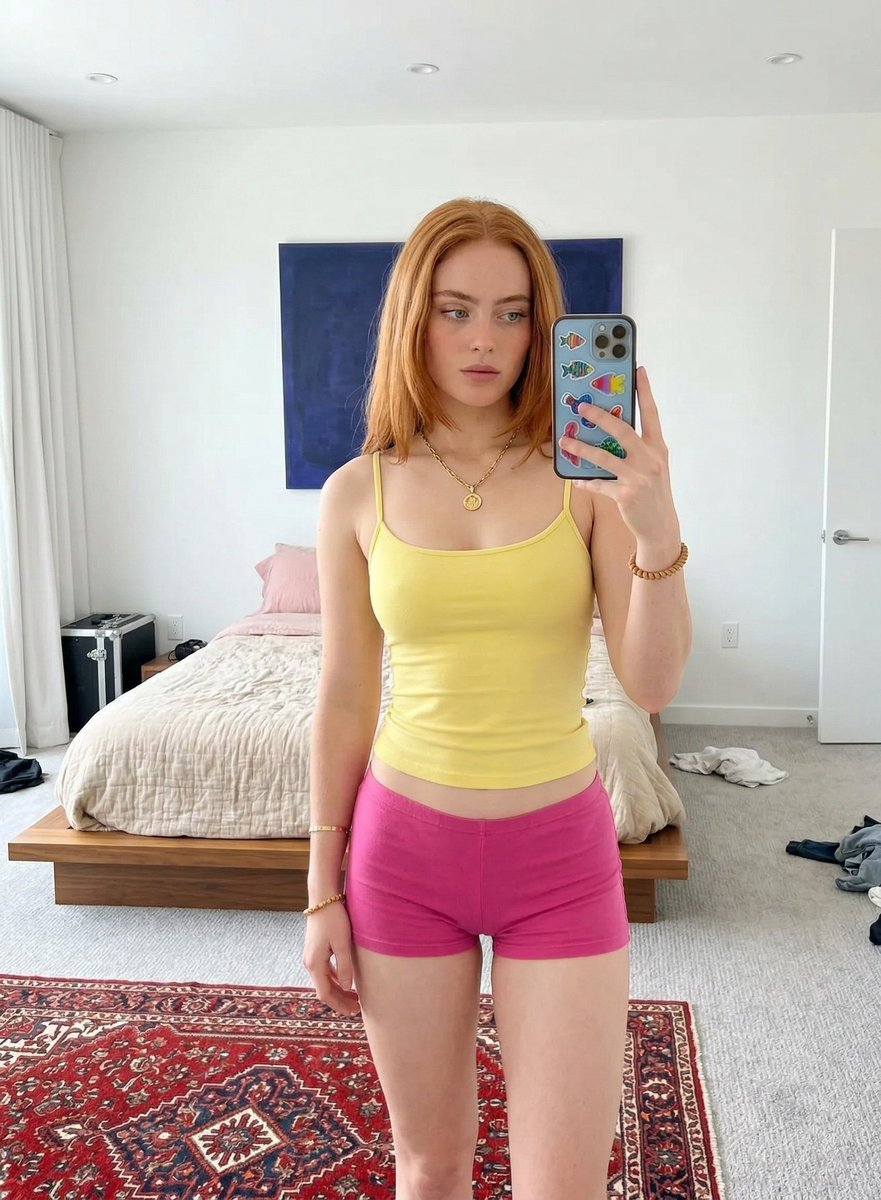
This template uses your photo — add one with the + button.
Create a polished anime-style full-body illustration of {argument name="character description" default="a fashionable young woman with long silvery-gray twin-tails"} walking toward the viewer on a narrow rural village road on a bright summer day, with her face intentionally obscured by a soft square blur. She has voluminous wavy twin-tails tied high, a purple rose hair accessory, pale skin, a black choker, a black scrunchie bracelet, and glossy legs with a black floral vine tattoo on one calf. She wears an oversized slightly translucent wet-look white T-shirt with the bold text {argument name="shirt text" default="HIMAINU"} printed across the chest and a simple emoticon-style face underneath, paired with a short black frilly skirt with pale lavender ruffle trim and black Mary Jane platform shoes. In her left hand she holds a black leash attached to {argument name="dog description" default="a small cream-colored curly toy poodle"} walking beside her, tongue out and looking cheerful. The setting is {argument name="setting" default="a scenic Japanese countryside village with rice fields, traditional wooden houses, roadside flowers, utility poles, and forested mountains"}; include a dirt-and-gravel path, irrigation channels, lush green fields, deep blue sky, bright white cumulus clouds, strong midday sunlight, crisp shadows, vibrant saturated colors, and highly detailed anime background art. Use a vertical composition, eye-level perspective, centered character, dog in the lower left foreground, cinematic summer atmosphere, clean linework, delicate fabric highlights, detailed hair strands, and rich environmental depth.
Create a polished anime-style full-body illustration of {argument name="character description" default="a fashionable young woman with long silvery-gray twin-tails"} walking toward the viewer on a narrow rural village road on a bright summer day, with her face intentionally obscured by a soft square blur. She has voluminous wavy twin-tails tied high, a purple rose hair accessory, pale skin, a black choker, a black scrunchie bracelet, and glossy legs with a black floral vine tattoo on one calf. She wears an oversized slightly translucent wet-look white T-shirt with the bold text {argument name="shirt text" default="HIMAINU"} printed across the chest and a simple emoticon-style face underneath, paired with a short black frilly skirt with pale lavender ruffle trim and black Mary Jane platform shoes. In her left hand she holds a black leash attached to {argument name="dog description" default="a small cream-colored curly toy poodle"} walking beside her, tongue out and looking cheerful. The setting is {argument name="setting" default="a scenic Japanese countryside village with rice fields, traditional wooden houses, roadside flowers, utility poles, and forested mountains"}; include a dirt-and-gravel path, irrigation channels, lush green fields, deep blue sky, bright white cumulus clouds, strong midday sunlight, crisp shadows, vibrant saturated colors, and highly detailed anime background art. Use a vertical composition, eye-level perspective, centered character, dog in the lower left foreground, cinematic summer atmosphere, clean linework, delicate fabric highlights, detailed hair strands, and rich environmental depth.
Edit the prompt in the box under the preview — the template's model and format are already selected — and press Generate. Your version appears right on this page.
Yes. You can change the subject, setting, lighting, mood, format, and available model controls before creating your image.
Opening and editing this template is free. Generating uses credits, shown on the Generate button when you are signed in.
Start with GPT Image 2, which is the model associated with this template. You can compare another compatible model for a different finish.
Follow a topic to a crawlable collection of related PicX Studio templates.