
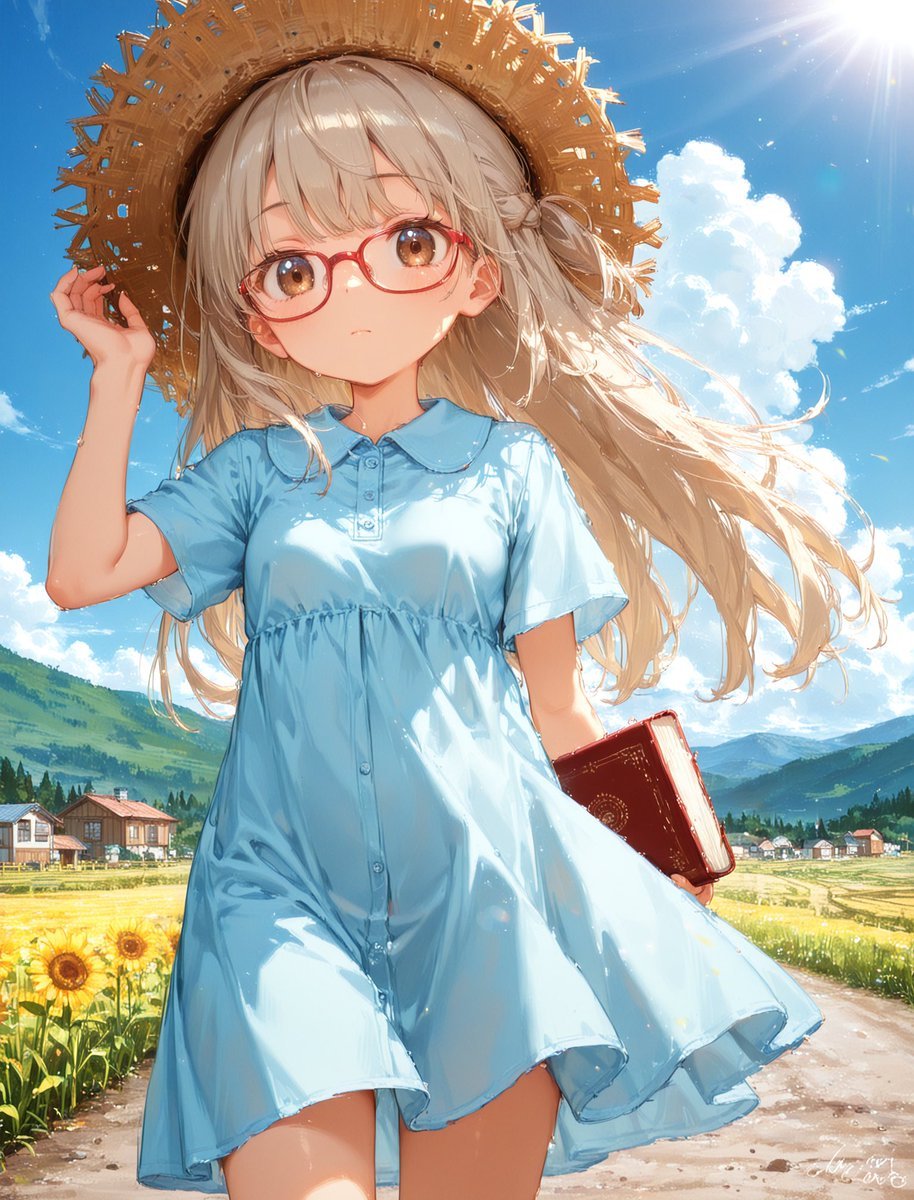
Sunny Countryside Anime Girl
Generates a bright anime countryside key visual of a girl in a blue dress with a straw hat, glasses, and a book.
- Prompt included
- Model and format preset
- Premium template
The prompt behind this image
Copy the exact prompt behind Sunny Countryside Anime Girl, or open it in the studio and make it yours.
Create a bright, high-detail anime illustration of {argument name="character name" default="a young girl"} standing in a sunny countryside road, viewed from a low slightly wide-angle perspective, centered full body from thighs up. She has long flowing {argument name="hair color" default="pale ash-blonde"} hair blowing dramatically to the right, large amber-brown eyes, a calm slightly blank expression, and wears red round glasses. She is dressed in a loose light sky-blue short-sleeved shirt dress with a rounded collar, front buttons, gathered waist seam, and fluttering hem. Add exactly 4 main personal items/outfit elements: one oversized woven straw sun hat with ragged decorative edges held by her raised left hand, one pair of red round eyeglasses, one pale blue dress, and one dark red hardcover book tucked under her right arm. The background is a vivid summer rural landscape with a dirt path, green hills and distant blue mountains, a small village with exactly 6 visible houses, and a sunflower patch on the left foreground with exactly 5 clearly visible sunflower heads. Use a clear blue sky with towering white cumulus clouds and a strong sun flare in the upper right corner. Style should be polished Japanese anime key visual art with luminous backlighting, glossy highlights on hair and fabric, soft painterly clouds, saturated summer colors, delicate linework, and slight imperfect AI-art roughness in hair strands and outlines. Add a tiny unreadable white artist-signature scribble in the lower right corner, but no other text. Mood: {argument name="mood" default="dizzy summer daydream, gentle and wistful"}.
How to use Sunny Countryside Anime Girl in 3 steps
- 1Upload ImagePNG, JPG or paste
Add your photo
Upload the photo the template builds on. The prompt, model and format are already set.
- 2…a portrait of your subject in softgolden-hour light, 85mm…
Personalize
Edit the subject and creative details for your destination.
- 3Generate
Generate
Press Generate — your image is created in PicX Studio, so you can compare it with the original and refine one variable at a time.
More like this
Templates with the same subject, style or setup. Open one to see its prompt.









Make it yours
Sunny Countryside Anime Girl works as-is. These are the safest ways to change it without losing the look.
Change one field
Copy a single group, rewrite it, and generate again so you can see what that field is doing.
Keep the frame, change the subject
Hold the composition and light of Sunny Countryside Anime Girl, then swap wardrobe, props or the person for a new take.
| If the result… | Why | Fix |
|---|---|---|
| The result drifts from the preview | Too many fields changed at once. | Reuse Sunny Countryside Anime Girl as-is first, then change one group — subject, light, or setting. |
| The model over-stylizes the scene | The prose prompt leaves finish and camera underspecified. | Add one camera or lighting sentence and stay on GPT Image 2. |
More GPT Image 2 templates
Other prompts made for GPT Image 2.

Six VTuber Japanese Logo Sheet

Realistic Portrait of Woman and Deer

The Vista Modular Condo Poster

AI Model Routing Comparison Infographic

2.5D Anime Art Board

Isometric Productivity Desk Scene

New York Double Exposure Poster

Four-Panel AI Landscape Comparison

Japanese Tatami Lifestyle Magazine Cover

NESCAFÉ Coffee Map Poster
More image prompts
Fresh picks from across the catalog.
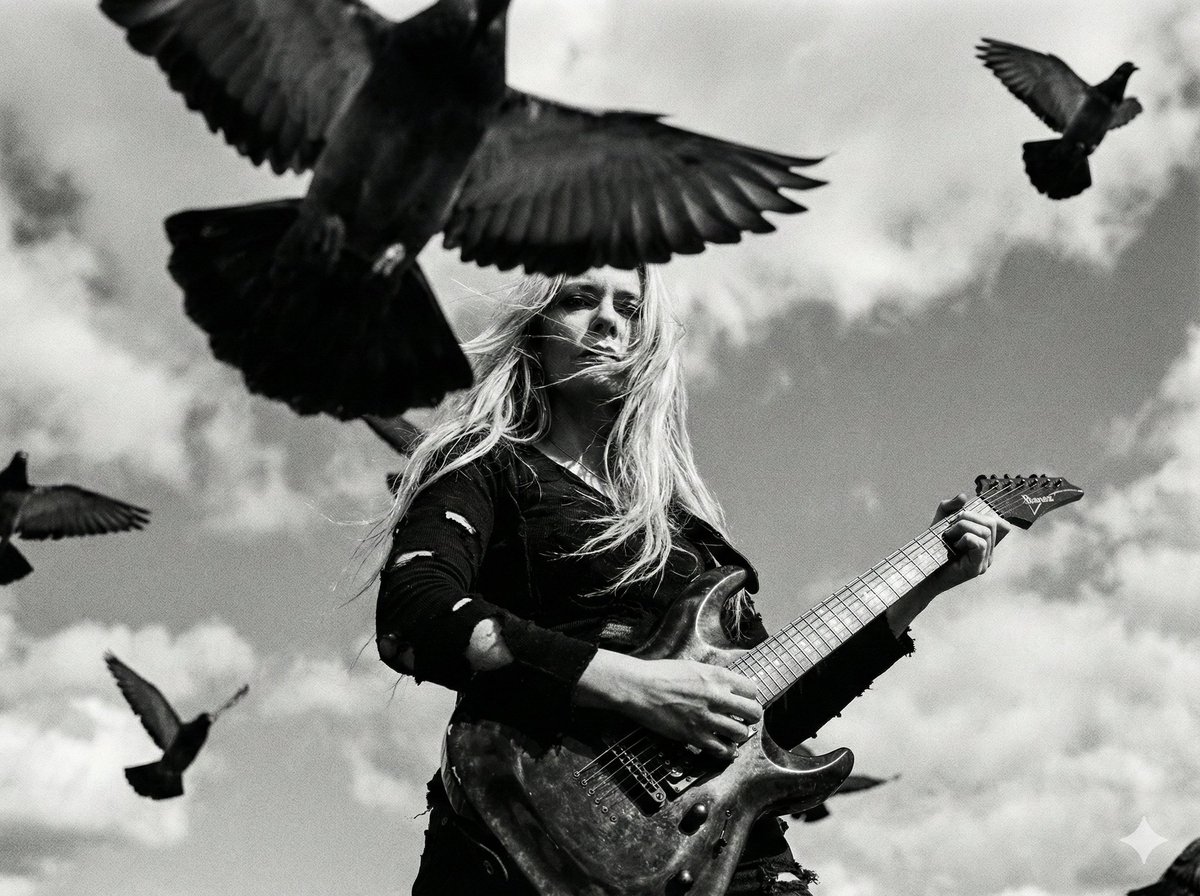
Cinematic Black and White Photo of Woman with Guitar and Pigeons
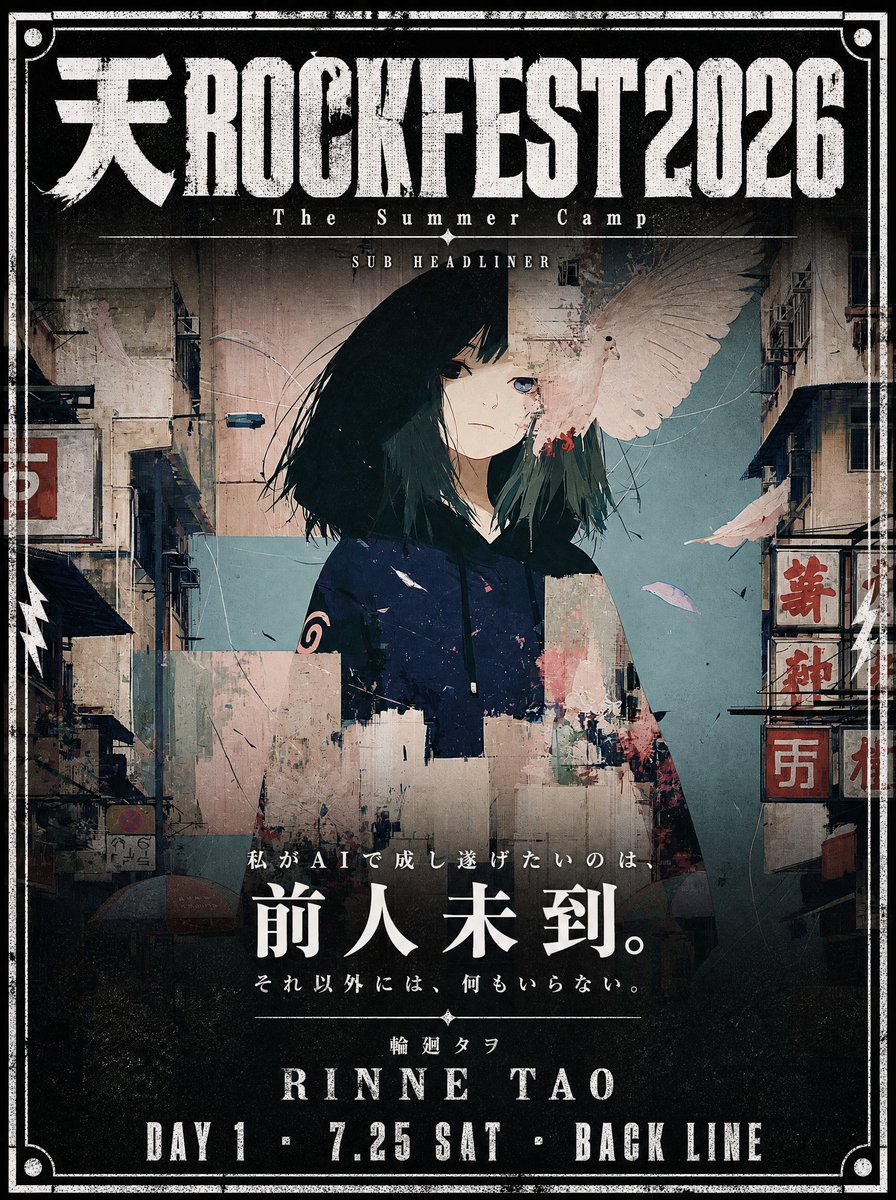
Cinematic Music Festival Poster
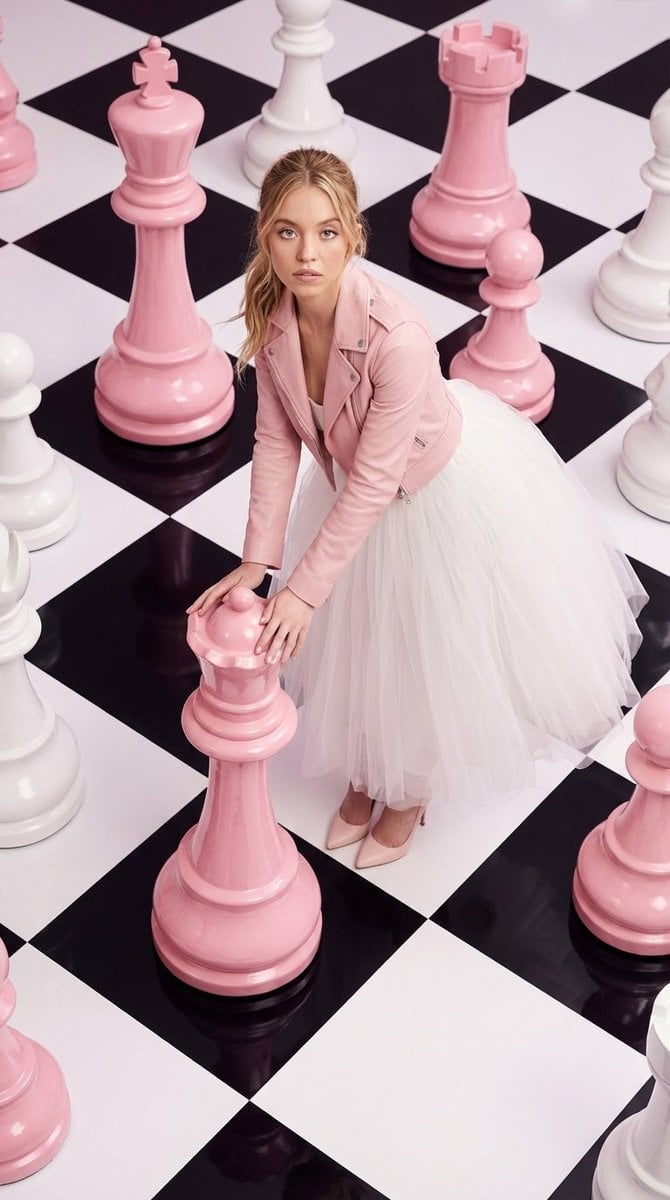
High-Fashion Surreal Chessboard Editorial
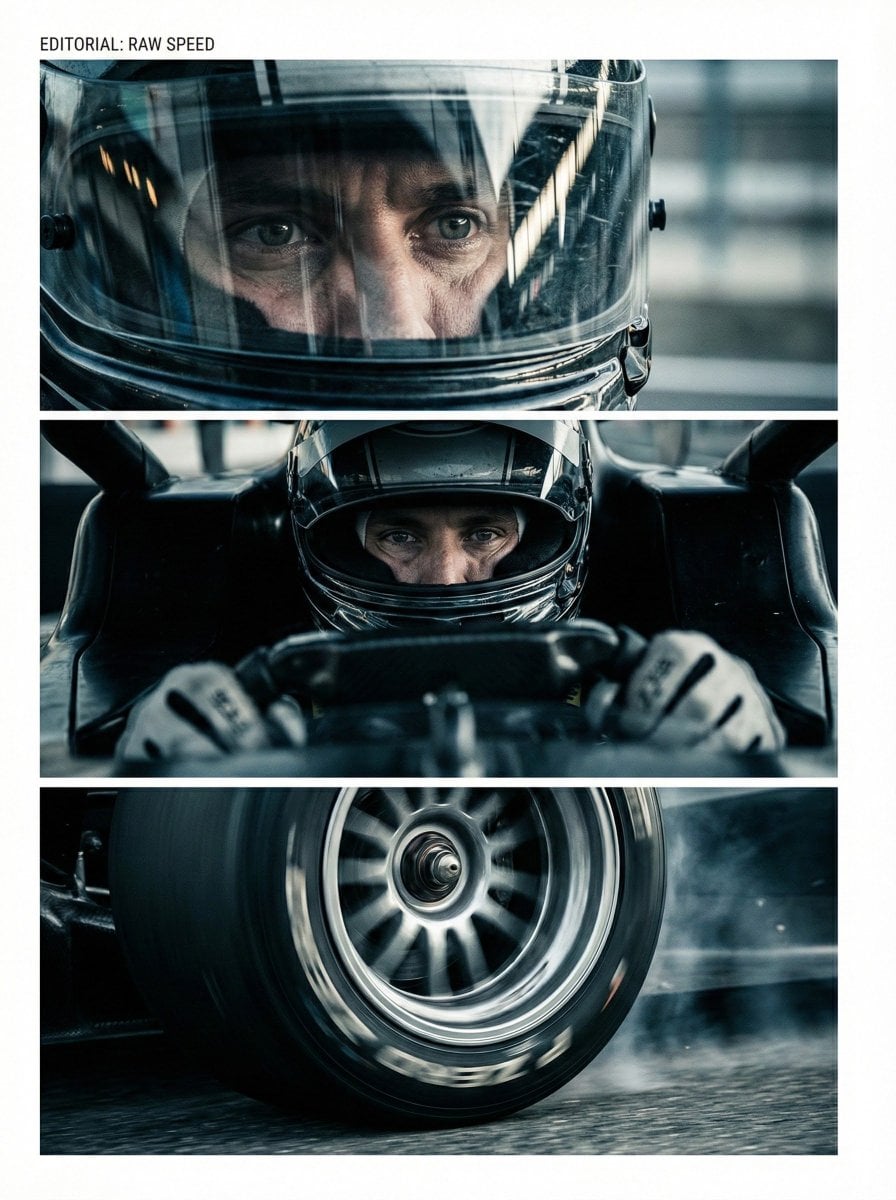
Nano Banana Pro Storyboard Prompt Pattern
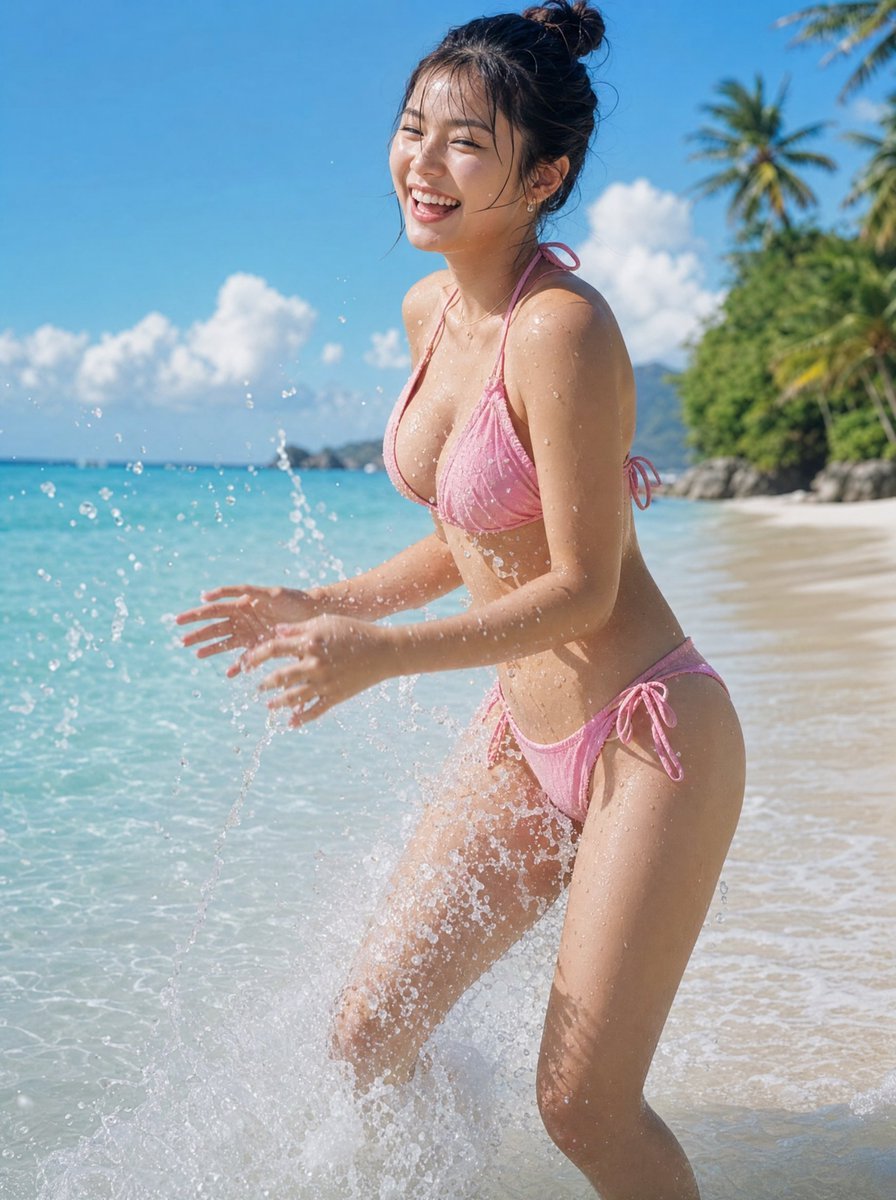
Natural Japanese Woman at Beach
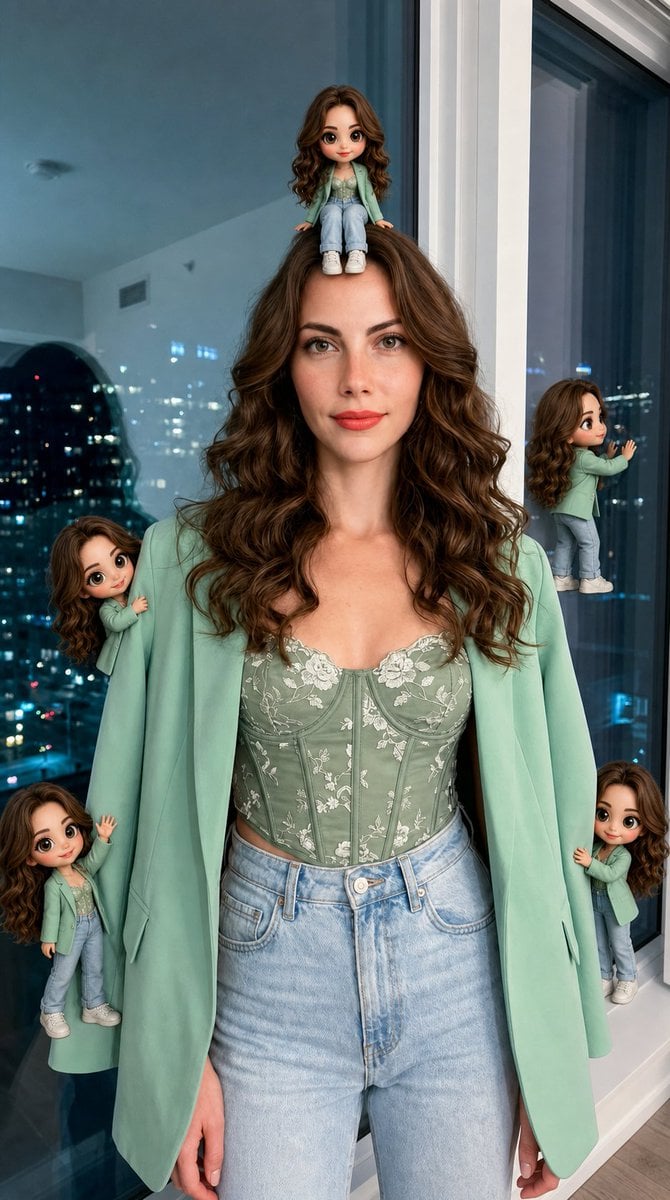
Hyper-Realistic Subject with Mini Chibi Clones
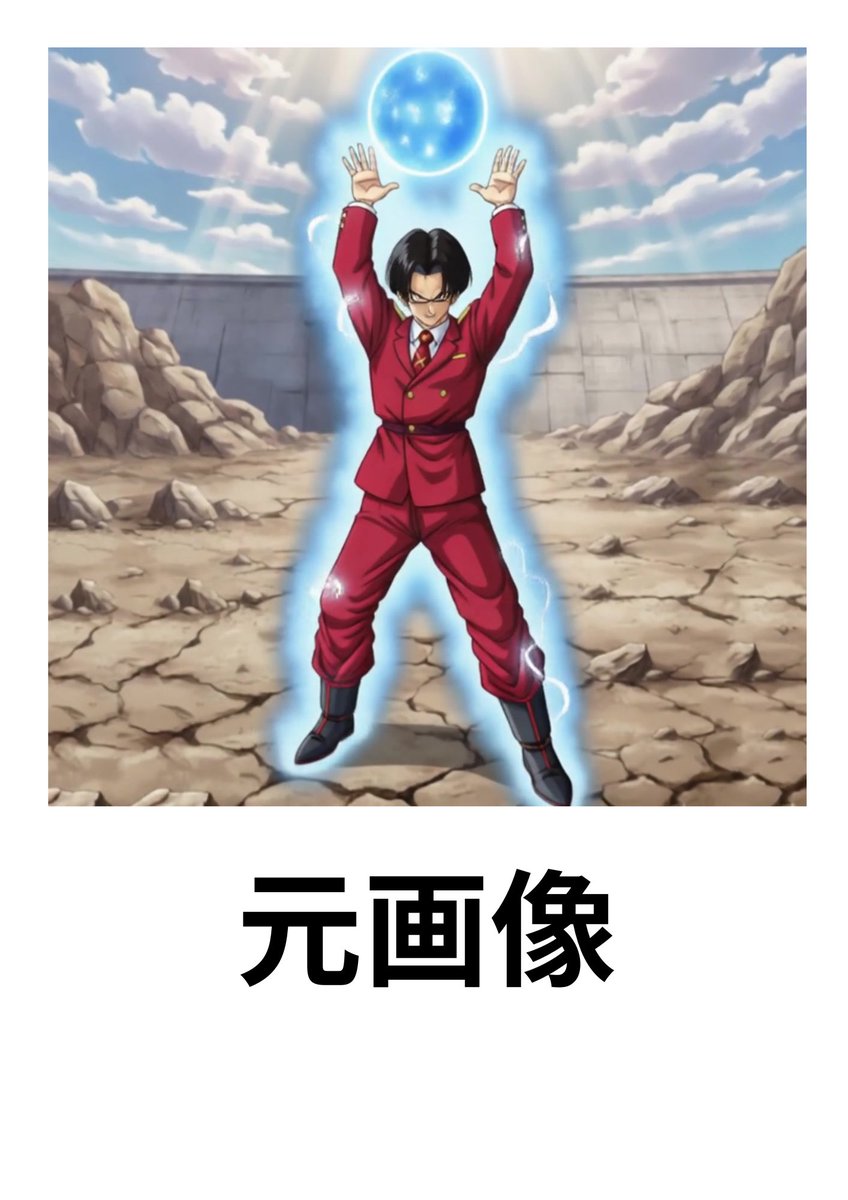
Character Headshot Comparison Prompt
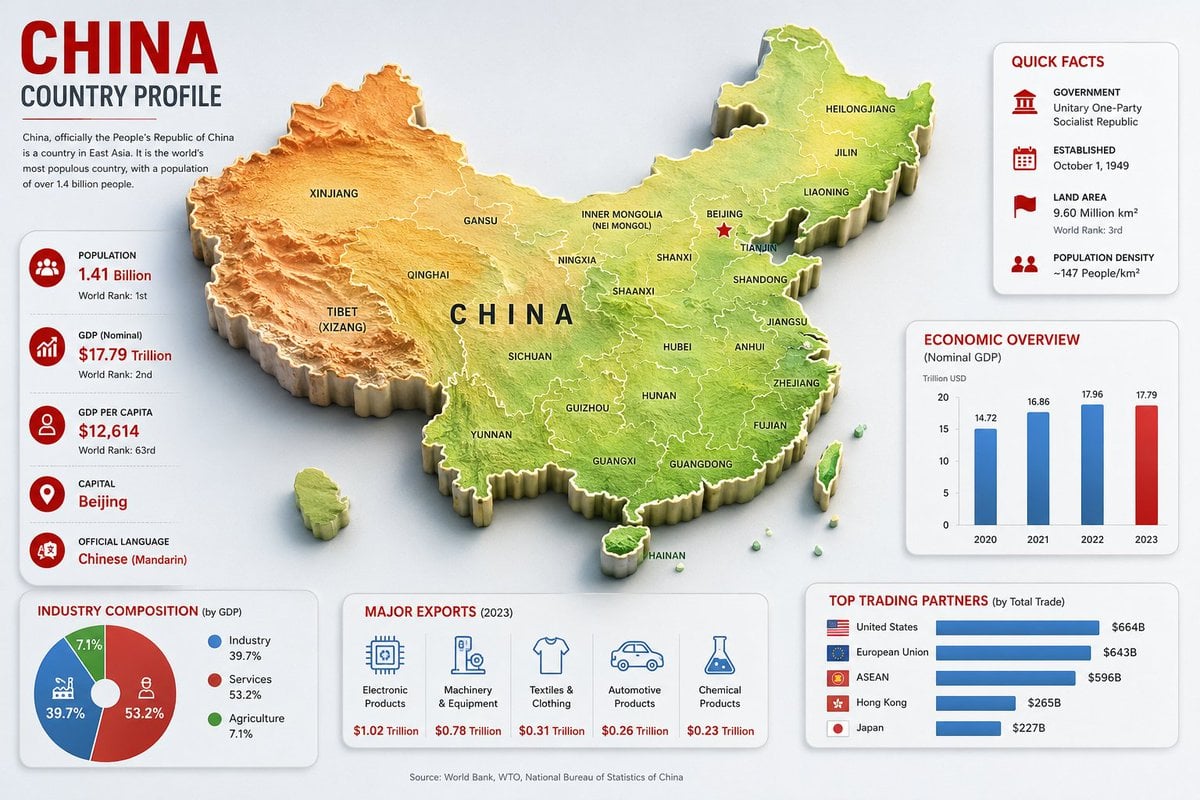
China Country Profile Infographic
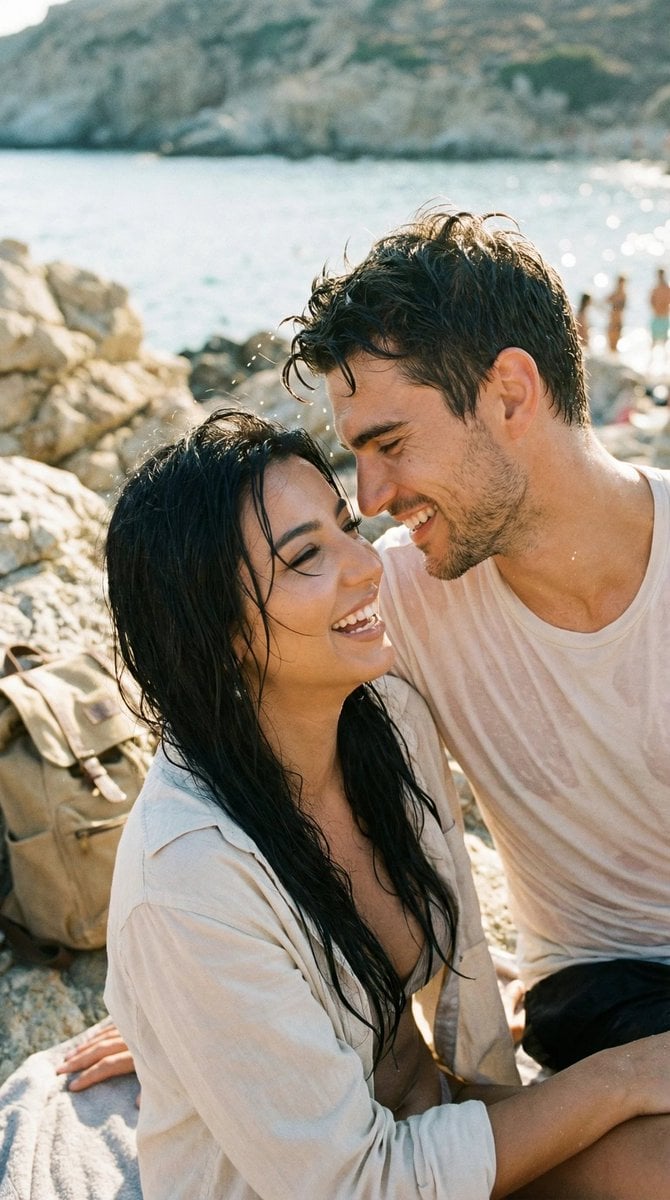
Photorealistic Candid Travel Romance Film Still
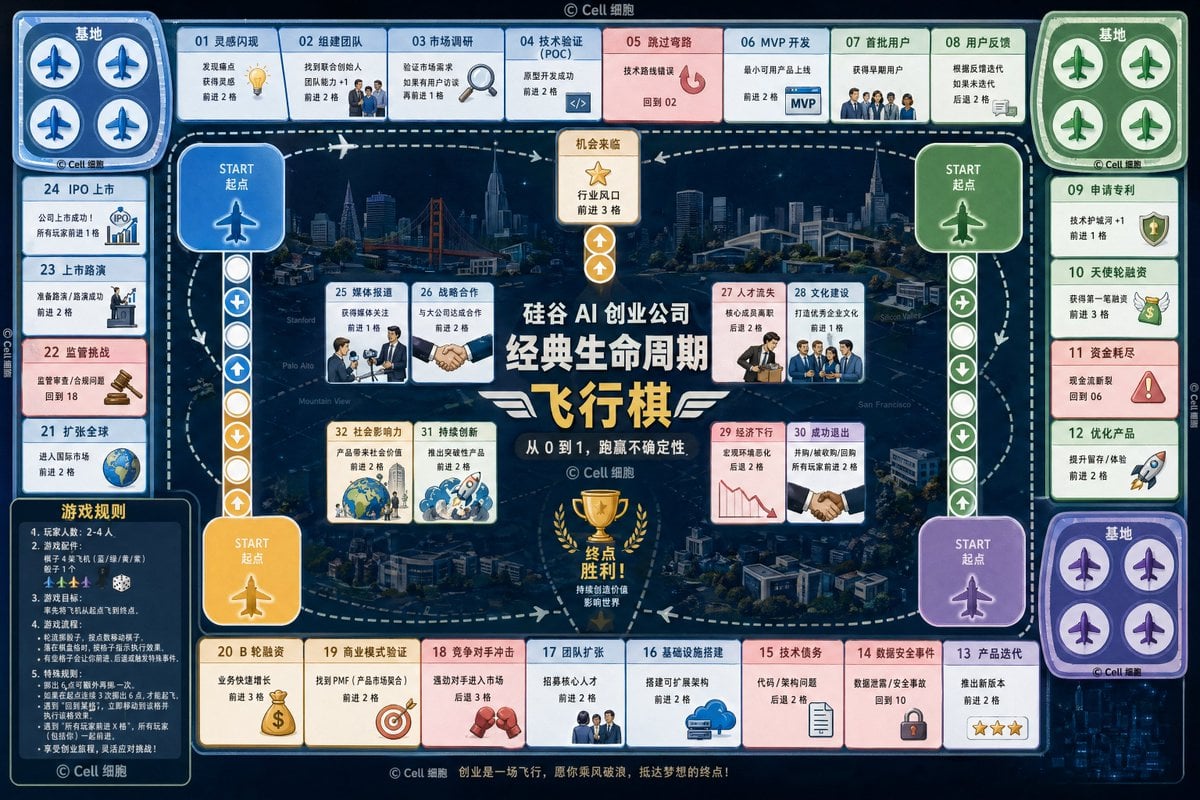
AI Startup lifecycle game prompt
Browse template categories
Sunny Countryside Anime Girl questions
How do I use the Sunny Countryside Anime Girl template?
Add your photo if the template asks for one, edit the prompt if you like — the template's model and format are already selected — and press Generate. Your version opens in PicX Studio.
Can I customize the Sunny Countryside Anime Girl template?
Yes. You can change the subject, setting, lighting, mood, format, and available model controls before creating your image.
Is the Sunny Countryside Anime Girl template free?
Opening and editing this template is free. Generating uses credits, shown on the Generate button when you are signed in.
Which AI model should I use?
Start with GPT Image 2, which is the model associated with this template. You can compare another compatible model for a different finish.
Looking for something else? Browse all templates.

Your photo, any look
Thousands of ready templates for every top image and video model, from one credit balance.