
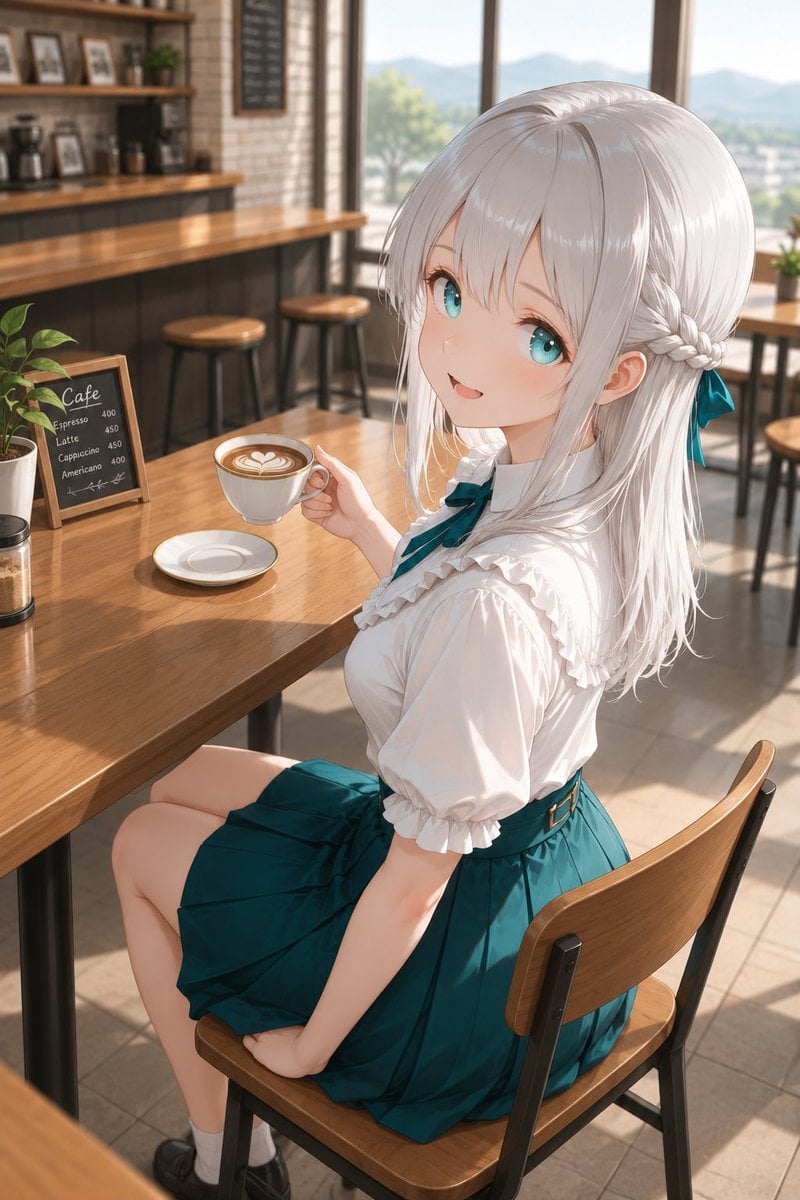
Silver-Haired Girl in Sunny Café
A detailed anime illustration prompt for generating a cozy café scene with a silver-haired girl holding a latte in warm morning light.
- Prompt included
- Model and format preset
- Free template
The prompt behind this image
Copy the exact prompt behind Silver-Haired Girl in Sunny Café, or open it in the studio and make it yours.
Create a polished anime-style vertical illustration of {argument name="character name" default="a silver-haired girl"} enjoying a relaxing weekend café visit. She is seated sideways on a wooden chair at a sunlit café table, looking back up toward the viewer with a gentle open-mouthed smile, soft blush, and large sparkling turquoise eyes. She has long glossy {argument name="hair color" default="silver-white hair"} with straight bangs, loose shoulder-length strands, and small side braids gathered near the back with a teal ribbon bow. Her outfit is a cute refined café-date school-uniform look: a white short-sleeve blouse with ruffled trim, puff sleeves, a teal neck ribbon, and a high-waisted deep teal pleated skirt with a slim belt; include white socks and dark loafers. Her right hand holds a white ceramic cup of {argument name="drink" default="latte with heart-shaped latte art"} above a matching saucer on the table, while her other hand rests naturally on the chair. The setting is a warm modern café interior with wooden tables and chairs, a long wooden counter, shelves with framed pictures and coffee equipment, a small potted plant, and exactly one small chalkboard menu on the table reading “Cafe” with four drink items: Espresso 400, Latte 450, Cappuccino 450, Americano 400. Large windows in the background reveal soft blue mountains, trees, and bright daylight. Use golden morning sunlight, realistic wood reflections, shallow depth of field, softly blurred background, delicate linework, high-detail anime rendering, clean composition, and a cozy peaceful atmosphere. Camera angle is a slightly high three-quarter view from behind and above her right side, vertical 2:3 framing, full upper body and seated legs visible. Avoid extra characters, avoid distorted hands, avoid cluttered text, and keep the café elegant and serene.
How to use Silver-Haired Girl in Sunny Café in 3 steps
- 1Upload ImagePNG, JPG or paste
Add your photo
Upload the photo the template builds on. The prompt, model and format are already set.
- 2…a portrait of your subject in softgolden-hour light, 85mm…
Personalize
Edit the subject and creative details for your destination.
- 3Generate
Generate
Press Generate — your image is created in PicX Studio, so you can compare it with the original and refine one variable at a time.
More like this
Templates with the same subject, style or setup. Open one to see its prompt.

Anime Girl in Sunny Cafe
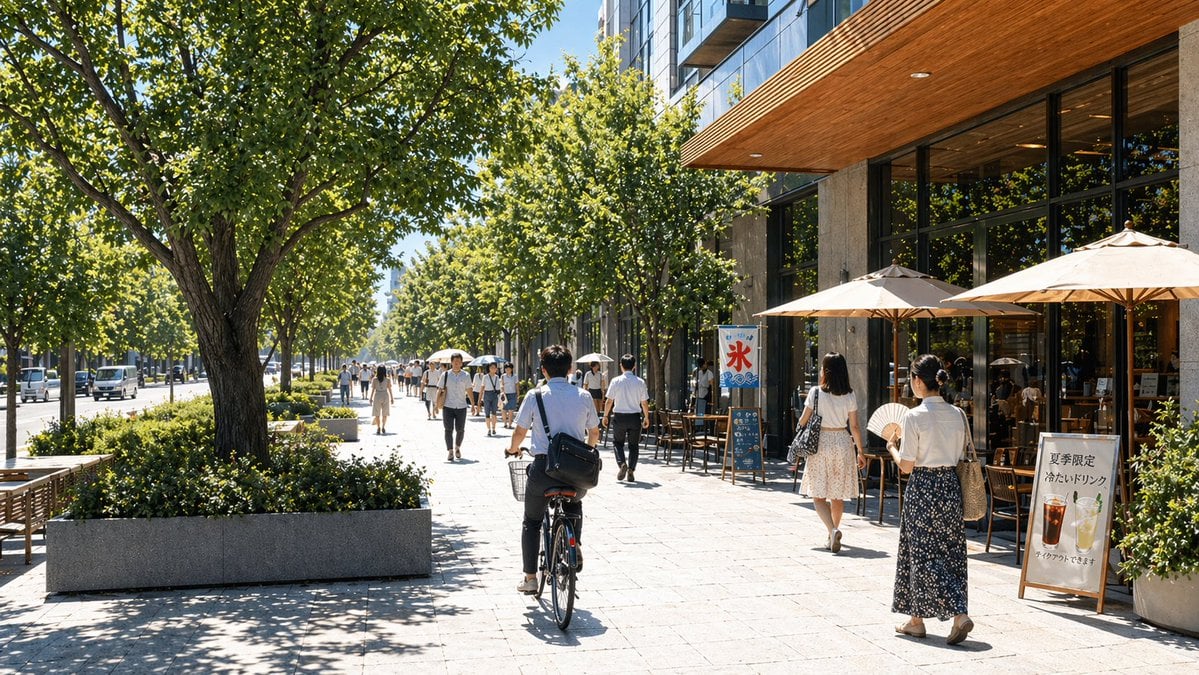
Sunny Japanese Cafe Street Scene

Sunny Paris Café Portrait

Teen Girl Alpine Lake Mountain View
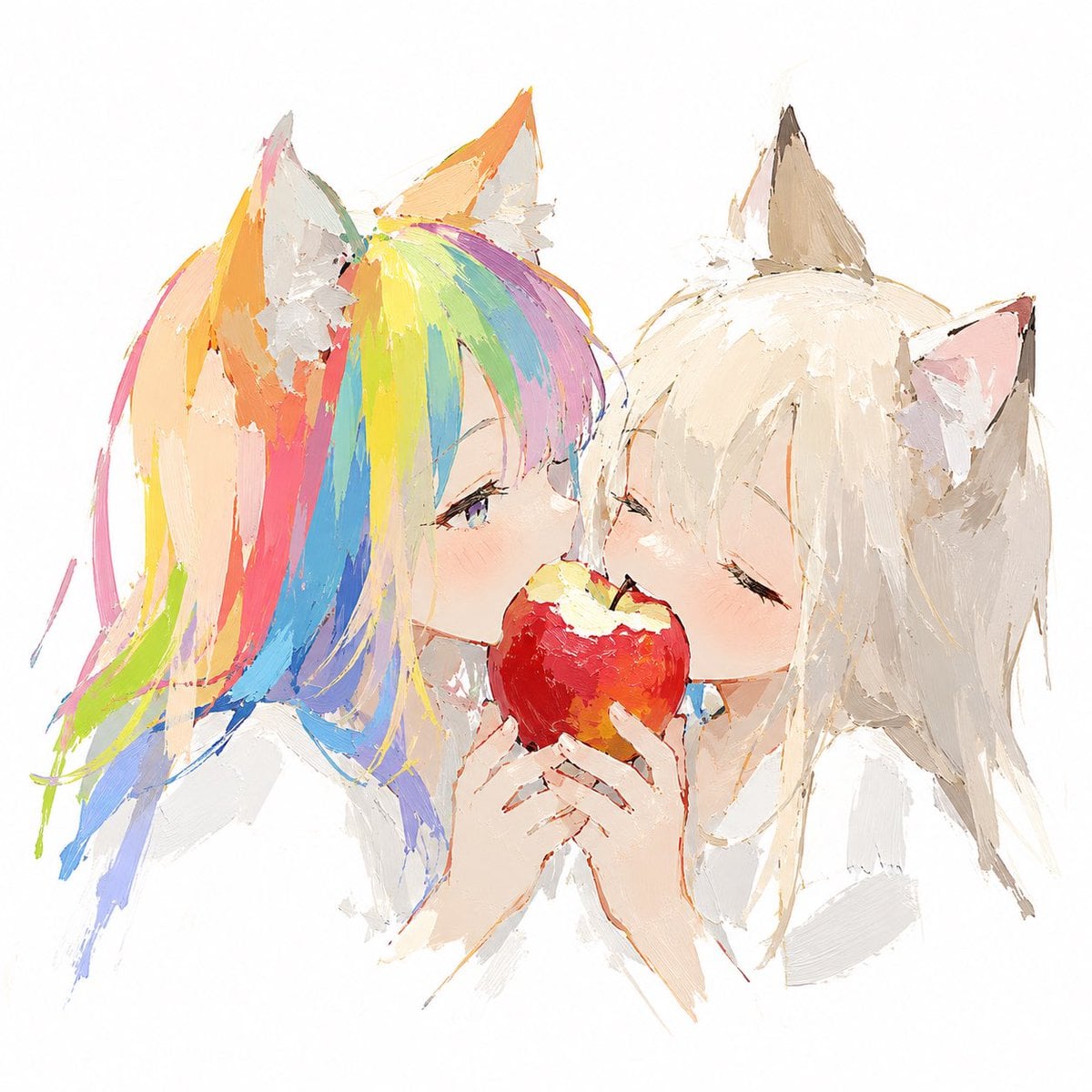
Rainbow-Haired Cat Girl Art
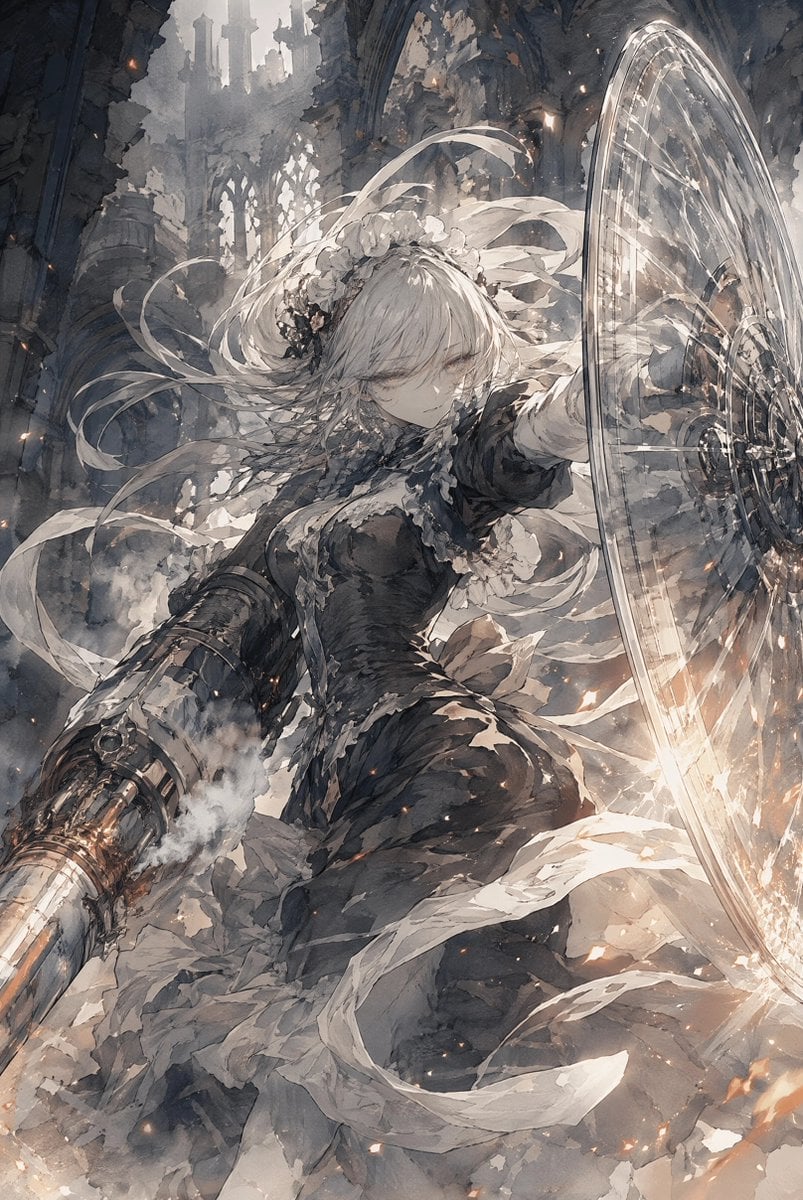
Silver-Haired Cathedral Battle Maiden
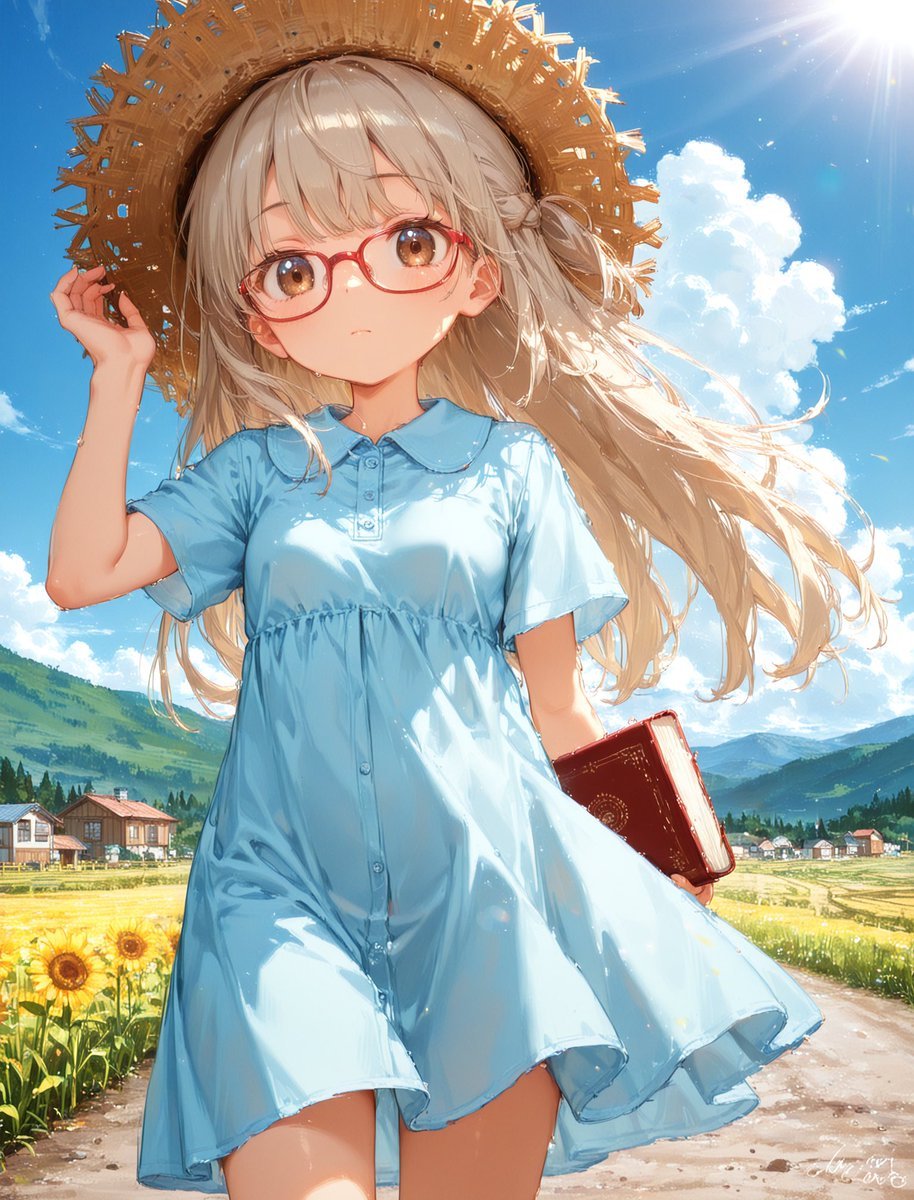
Sunny Countryside Anime Girl

Parisian Outdoor Café Silver-Hair Portrait

Mystical Silver-Haired Fantasy Woman
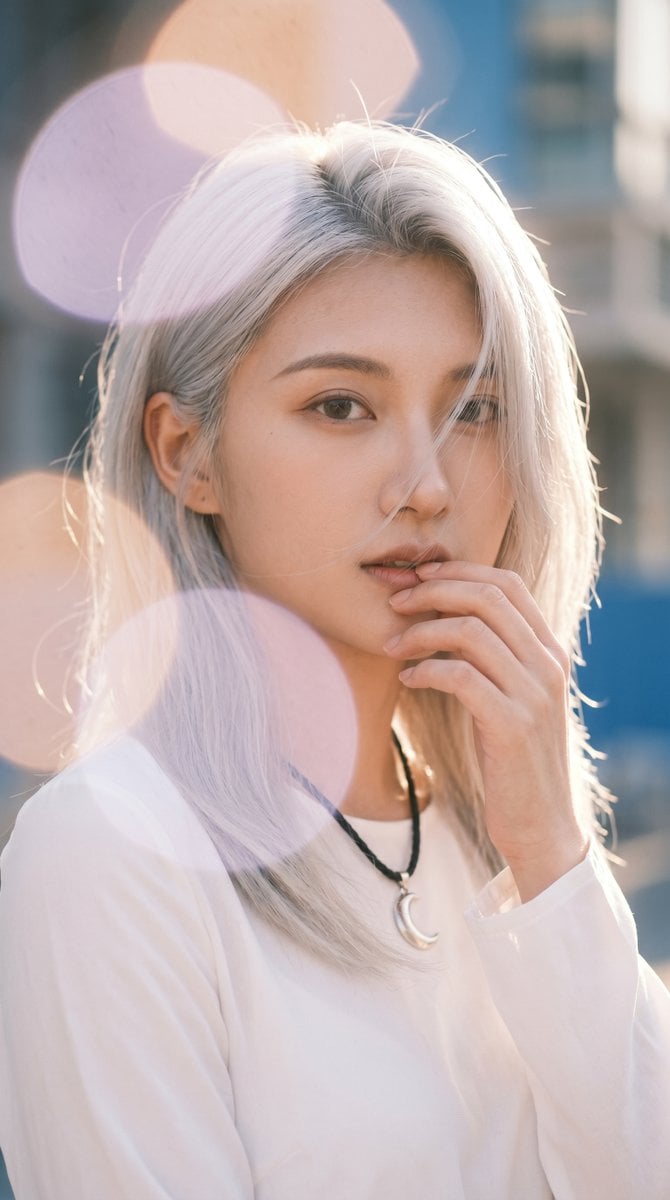
Backlit Silver-Haired Model Portrait
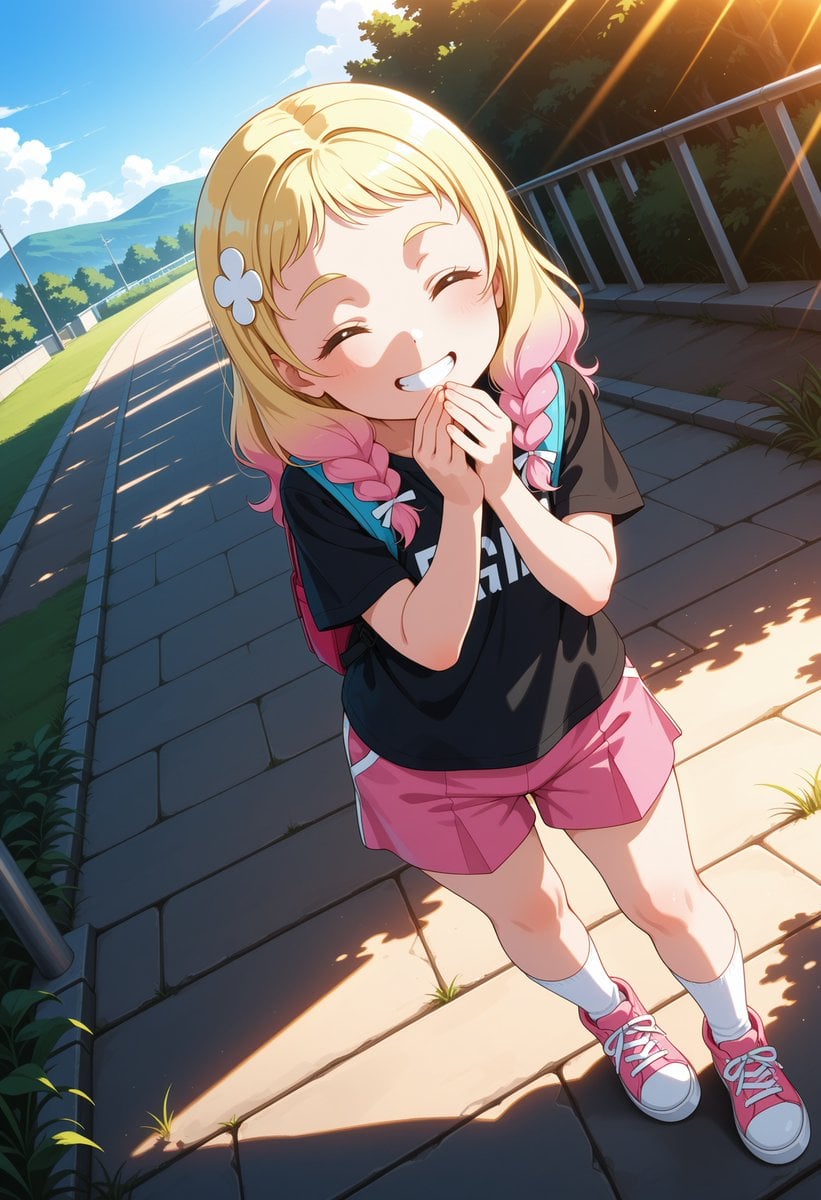
Cheerful Anime Girl on Sunny Sidewalk

Silver-Haired Gothic Fantasy Reclining Man
Make it yours
Silver-Haired Girl in Sunny Café works as-is. These are the safest ways to change it without losing the look.
Change one field
Copy a single group, rewrite it, and generate again so you can see what that field is doing.
Keep the frame, change the subject
Hold the composition and light of Silver-Haired Girl in Sunny Café, then swap wardrobe, props or the person for a new take.
| If the result… | Why | Fix |
|---|---|---|
| The result drifts from the preview | Too many fields changed at once. | Reuse Silver-Haired Girl in Sunny Café as-is first, then change one group — subject, light, or setting. |
| The model over-stylizes the scene | The prose prompt leaves finish and camera underspecified. | Add one camera or lighting sentence and stay on GPT Image 2. |
More GPT Image 2 templates
Other prompts made for GPT Image 2.

Six VTuber Japanese Logo Sheet

Realistic Portrait of Woman and Deer

The Vista Modular Condo Poster

AI Model Routing Comparison Infographic

2.5D Anime Art Board

Isometric Productivity Desk Scene

New York Double Exposure Poster

Four-Panel AI Landscape Comparison

Japanese Tatami Lifestyle Magazine Cover

NESCAFÉ Coffee Map Poster
More image prompts
Fresh picks from across the catalog.
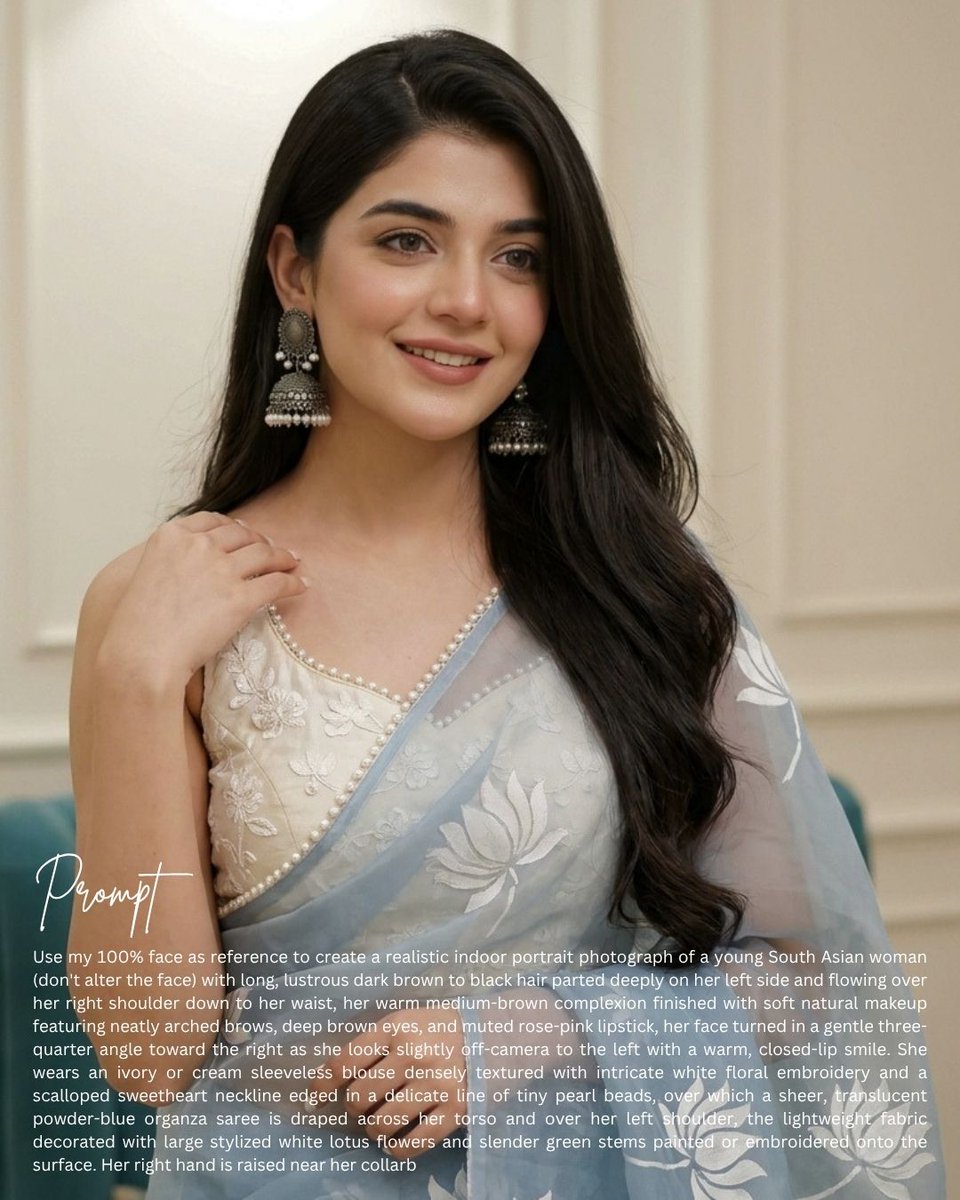
South Asian Saree Prompt Card
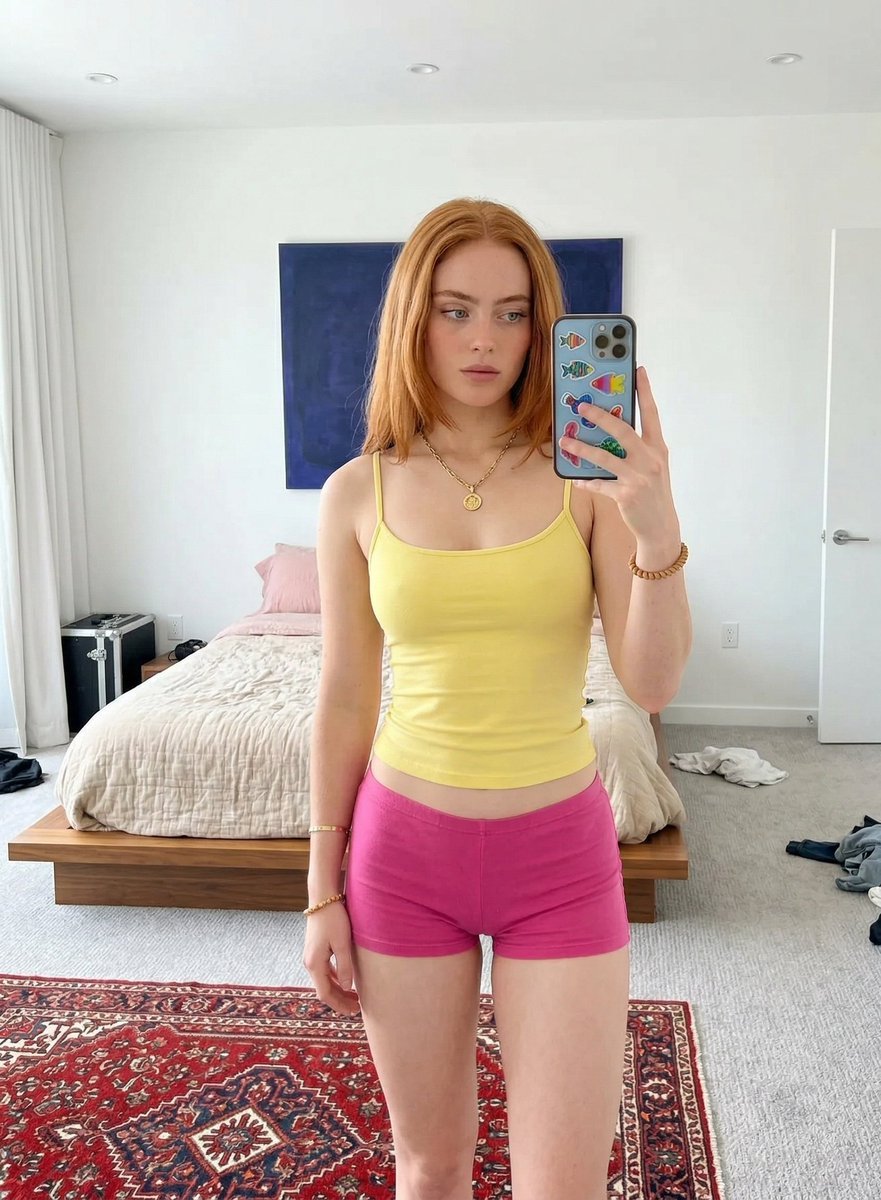
Mirror Selfie in Minimalist Bedroom with Vibrant Clothing

Realistic Desert Lifestyle Portrait

Cinematic Street Racing Sequence Seedanc

Dreamy Glam Portrait with Soft Focus Vintage Realism
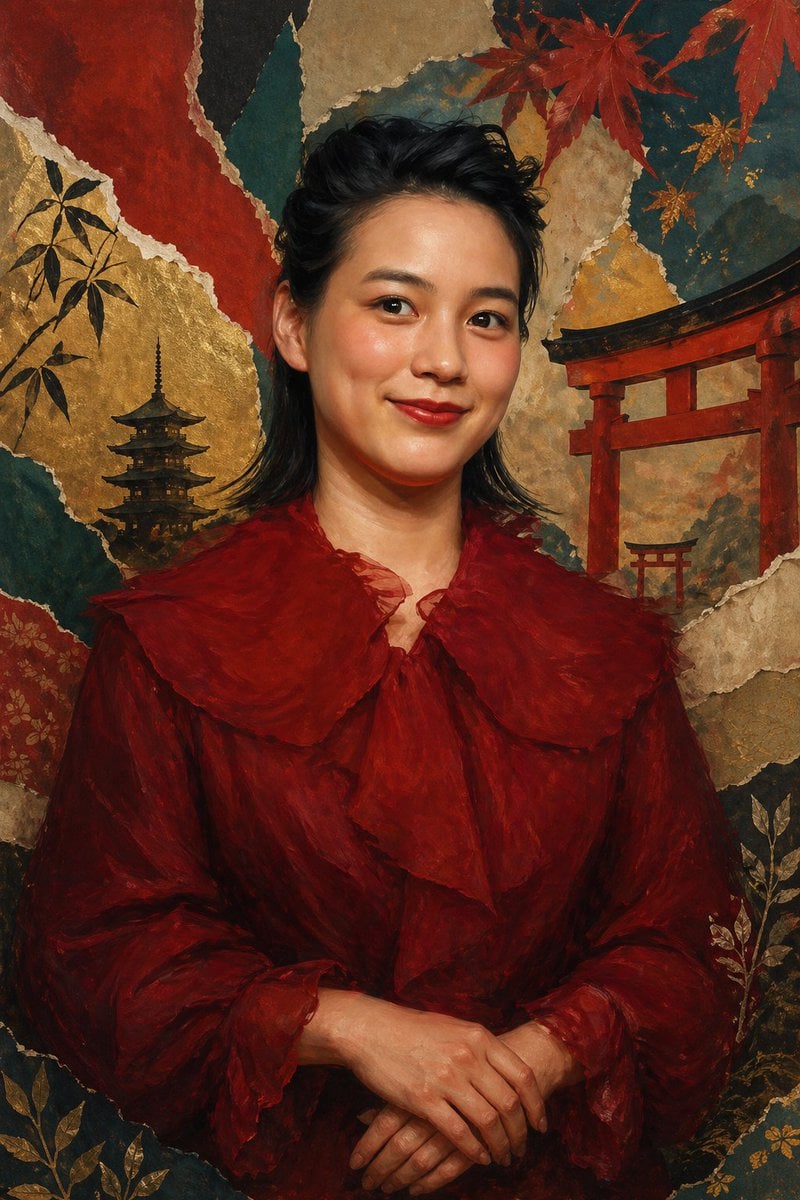
Japanese Collage Portrait in Crimson
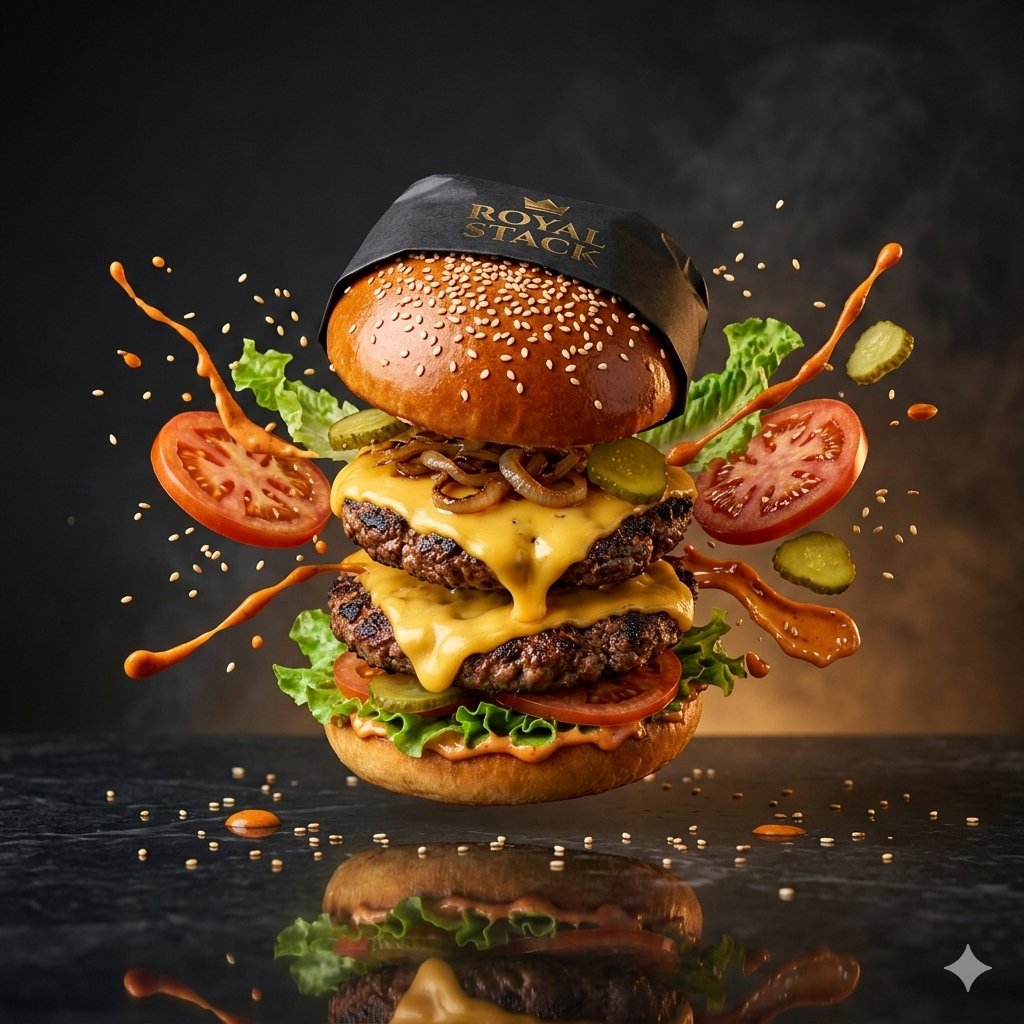
High-Speed Commercial Luxury Burger Photography
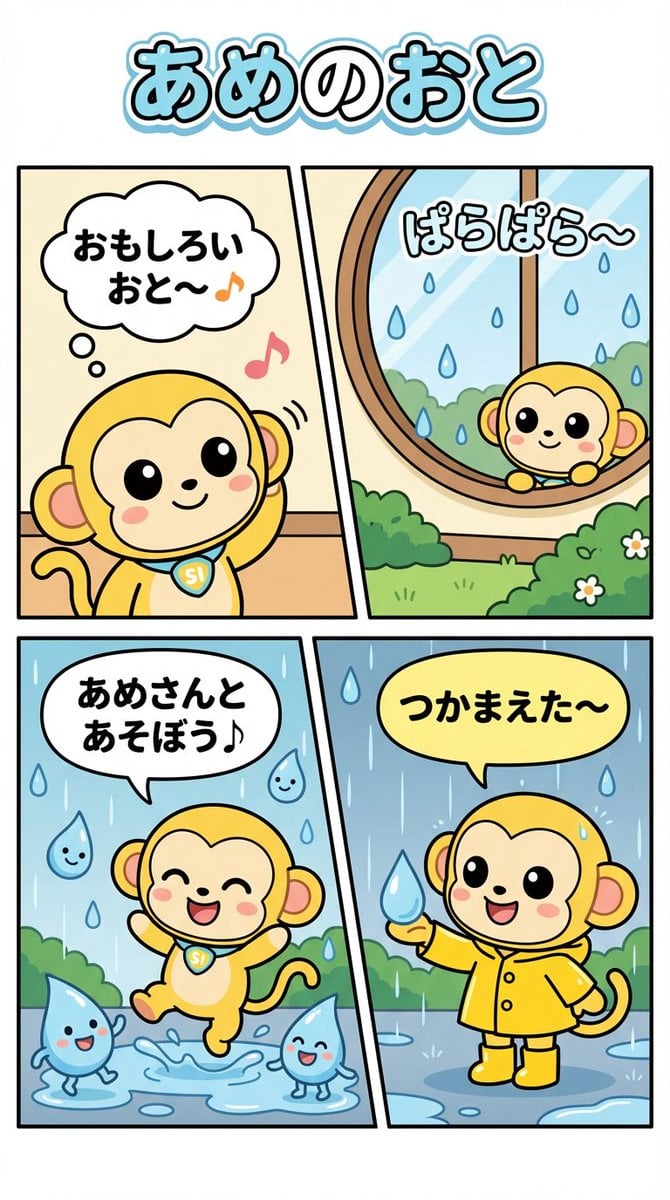
Nano Monkey's Adventure Series Manga Prompt

Cinematic Product Shot of Hand Cream
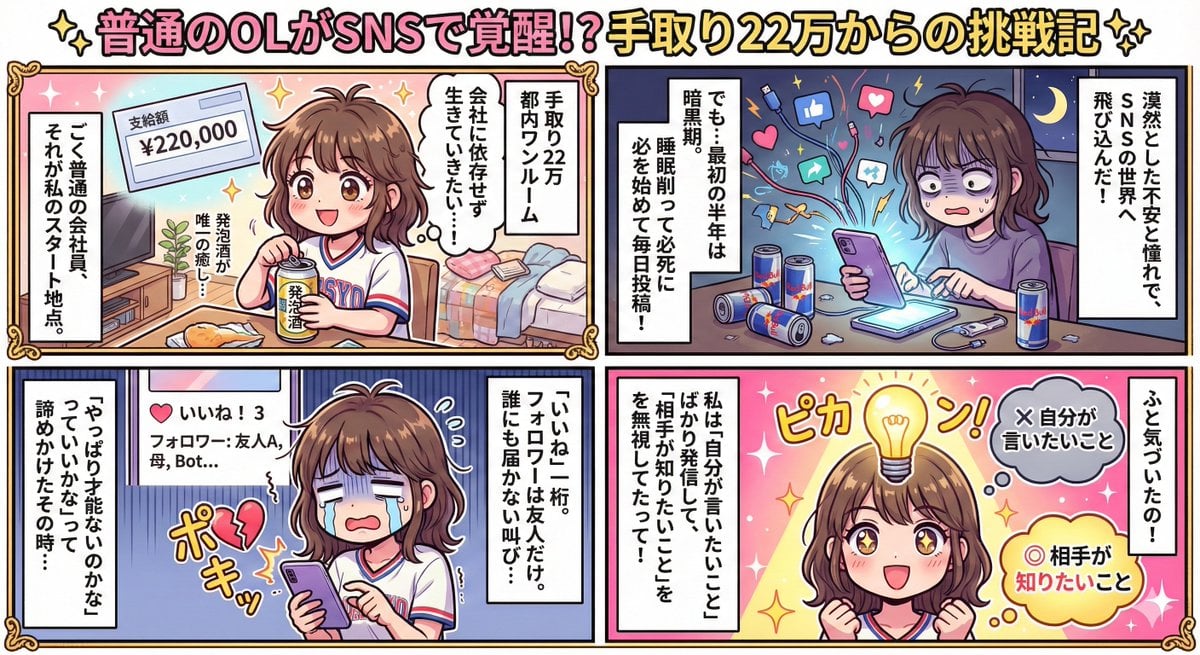
Generating Rich 4-Panel Manga with NanoBanana Pro
Browse template categories
Silver-Haired Girl in Sunny Café questions
How do I use the Silver-Haired Girl in Sunny Café template?
Add your photo if the template asks for one, edit the prompt if you like — the template's model and format are already selected — and press Generate. Your version opens in PicX Studio.
Can I customize the Silver-Haired Girl in Sunny Café template?
Yes. You can change the subject, setting, lighting, mood, format, and available model controls before creating your image.
Is the Silver-Haired Girl in Sunny Café template free?
Opening and editing this template is free. Generating uses credits, shown on the Generate button when you are signed in.
Which AI model should I use?
Start with GPT Image 2, which is the model associated with this template. You can compare another compatible model for a different finish.
Looking for something else? Browse all templates.

Your photo, any look
Thousands of ready templates for every top image and video model, from one credit balance.