
Silver-Haired Cathedral Battle Maiden
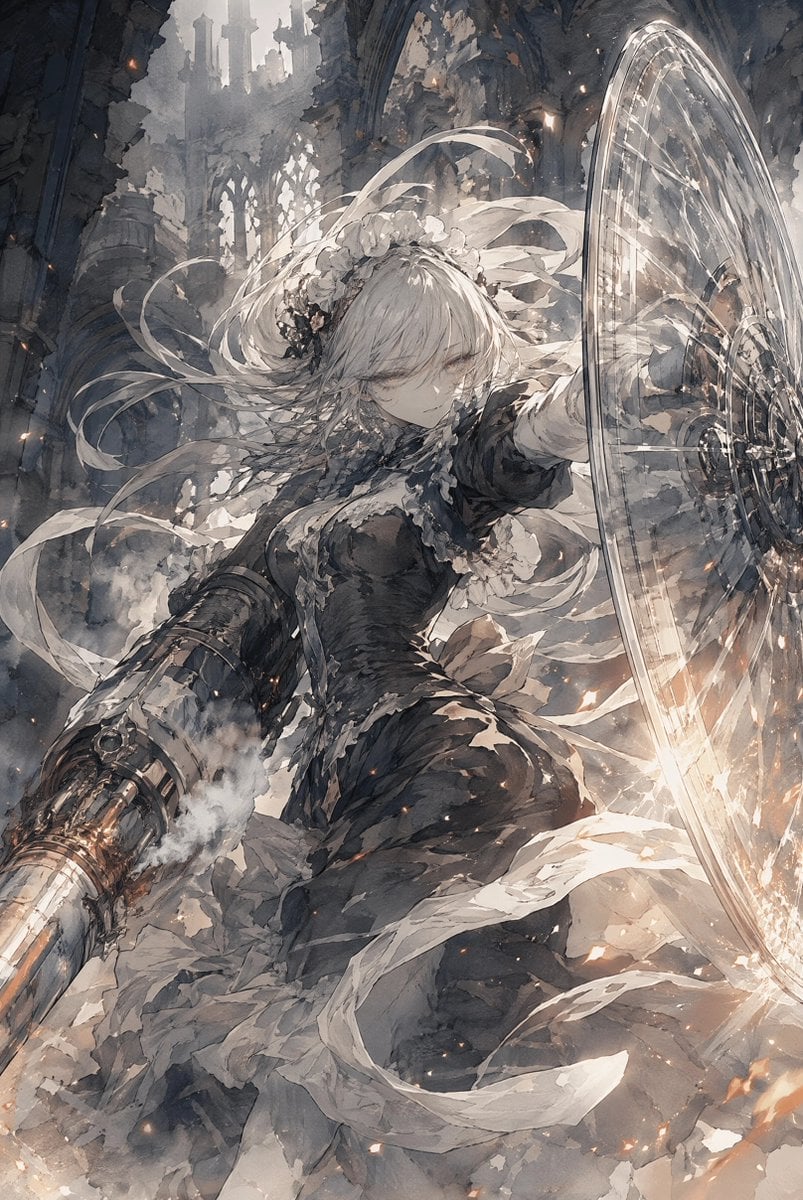
A cinematic anime fantasy prompt for generating a silver-haired gothic warrior defending herself with a glass-like shield in a ruined cathedral.
- Prompt included
- Model and format preset
- Free template
The prompt behind this image
Copy the exact prompt behind Silver-Haired Cathedral Battle Maiden, or open it in the studio and make it yours.
Create a vertical 2:3 high-detail anime fantasy illustration of {argument name="character name" default="a silver-haired battle maiden"} in a ruined gothic cathedral during combat. The character is centered in a dynamic low-angle three-quarter pose, leaning forward with one arm extended to the right holding a huge translucent circular shield or magical glass barrier, and the other arm lowered to the left with a heavy mechanical gauntlet cannon emitting smoke and orange heat. She has long flowing {argument name="hair color" default="silver-white"} hair, pale skin, a calm serious expression with half-lidded eyes, and delicate white floral head ornaments with ribbon-like streamers whipping through the air. Her outfit is a dark, ornate, tattered gothic dress with lace trim, layered white underskirt, black bodice, armored sleeves, and frayed cloth strips swirling around her. The environment is a vast collapsed stone cathedral with pointed arches, broken stained-glass windows, crumbling walls, distant ruined towers, dust, fog, rubble, and shafts of cold daylight. The shield is an oversized oval disk of clear glass-like energy with etched concentric circles and radial patterns, catching bright highlights on the right side of the image. Use a monochrome gray, ash, ivory, and charcoal palette with small warm ember sparks and glowing orange accents. Style should be painterly Japanese anime concept art, extremely detailed linework, dramatic motion, cinematic lighting, high contrast, watercolor-and-ink texture, atmospheric smoke, flying debris, no visible text, no watermark, no border.
How to use Silver-Haired Cathedral Battle Maiden in 3 steps
- 1Upload ImagePNG, JPG or paste
Add your photo
Upload the photo the template builds on. The prompt, model and format are already set.
- 2…a portrait of your subject in softgolden-hour light, 85mm…
Personalize
Edit the subject and creative details for your destination.
- 3Generate
Generate
Press Generate — your image is created in PicX Studio, so you can compare it with the original and refine one variable at a time.
More like this
Templates with the same subject, style or setup. Open one to see its prompt.
Silver-Haired Girl in Sunny Café
Battle Maid in Ruined Cathedral
Mystical Silver-Haired Fantasy Woman
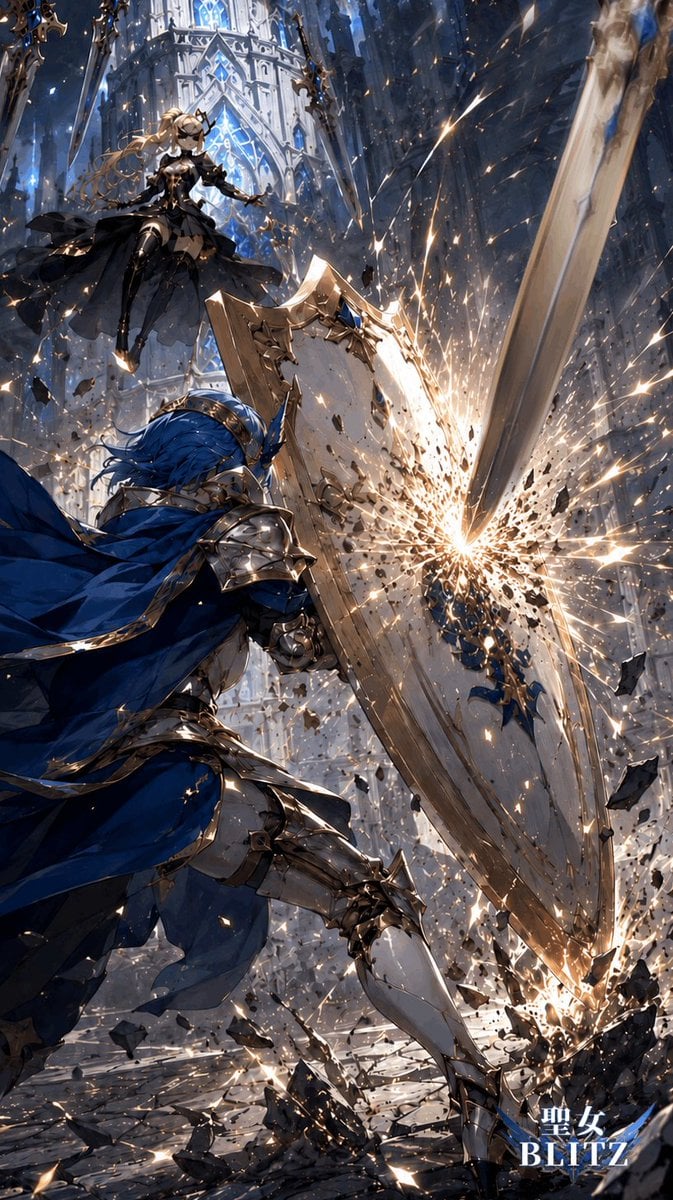
Gothic Cathedral Anime Battle
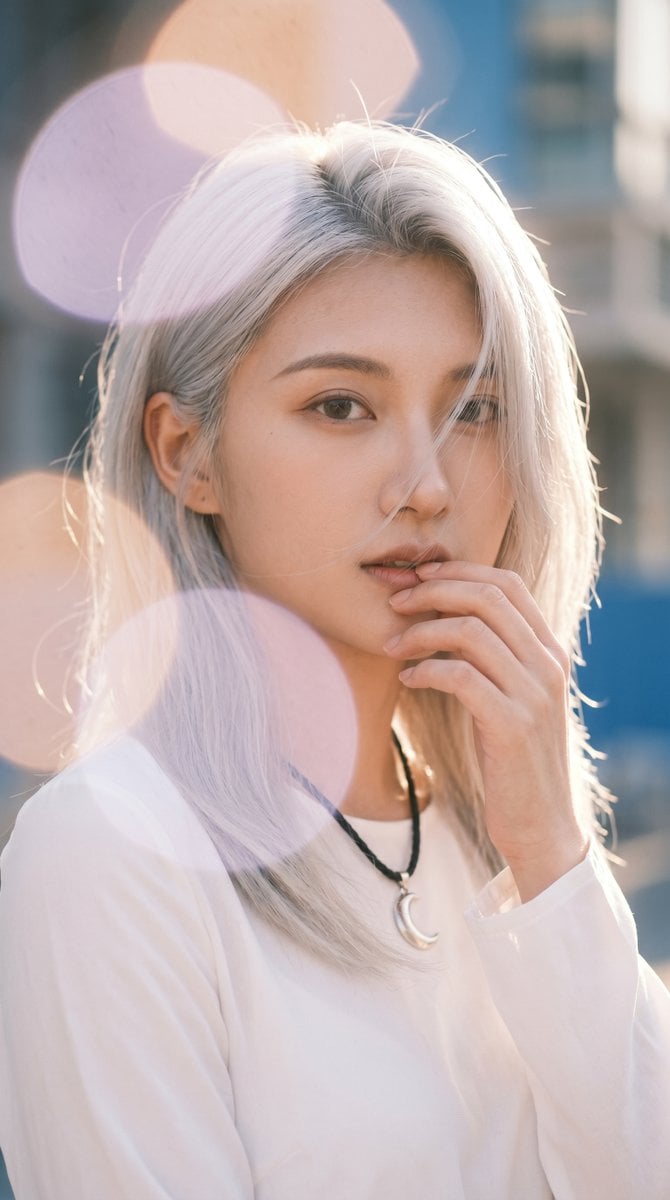
Backlit Silver-Haired Model Portrait
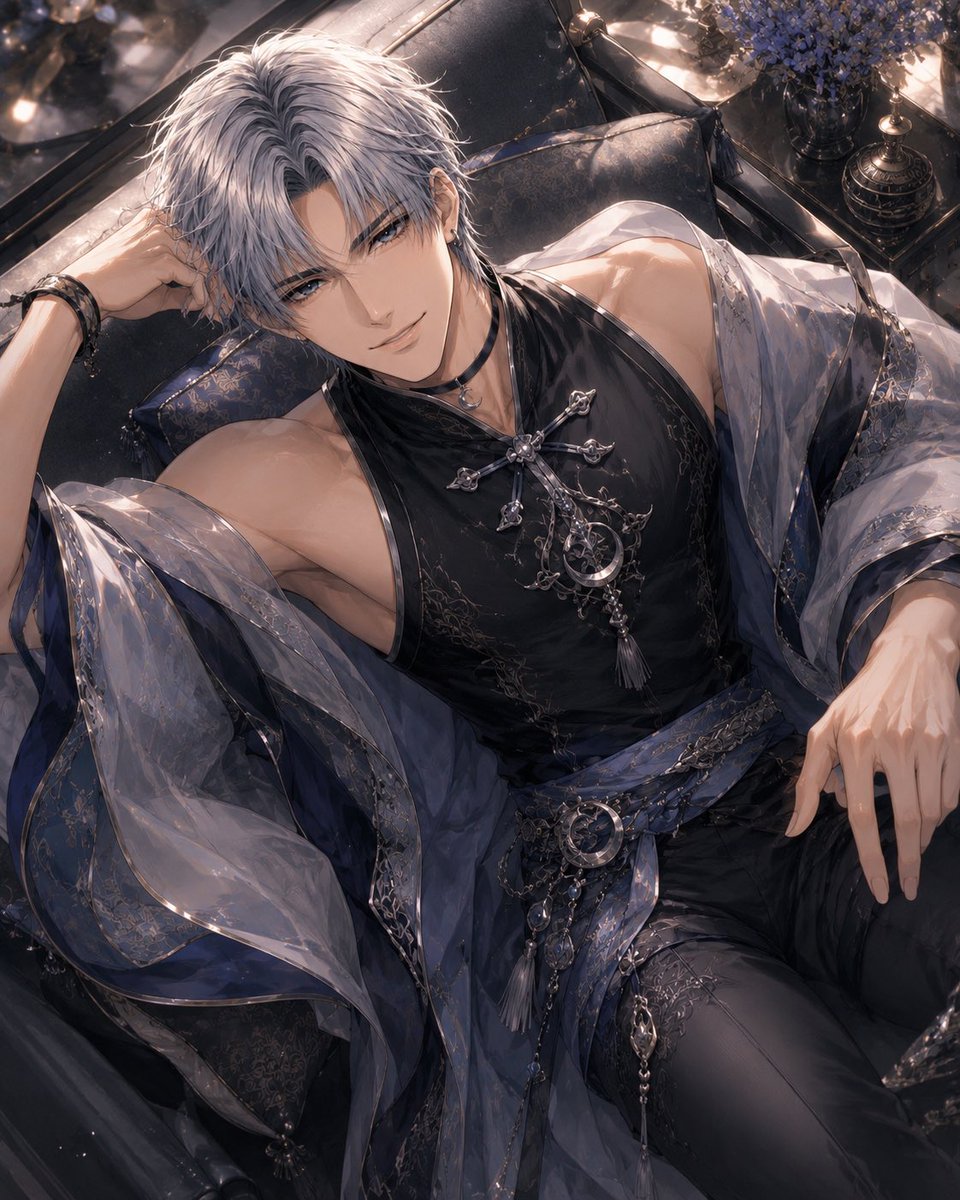
Silver-Haired Gothic Fantasy Reclining Man
Seedance - Dragon vs Python Battle
Seedance - Arrow Microscopic Battle
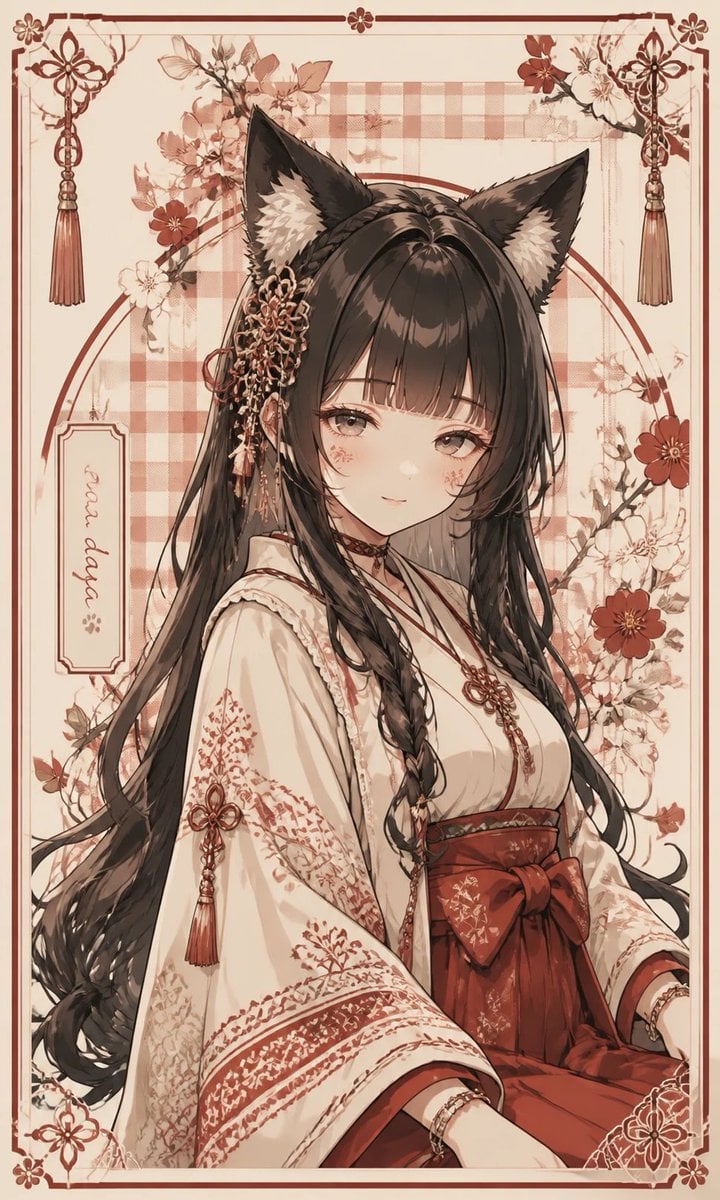
Fox Shrine Maiden Postcard
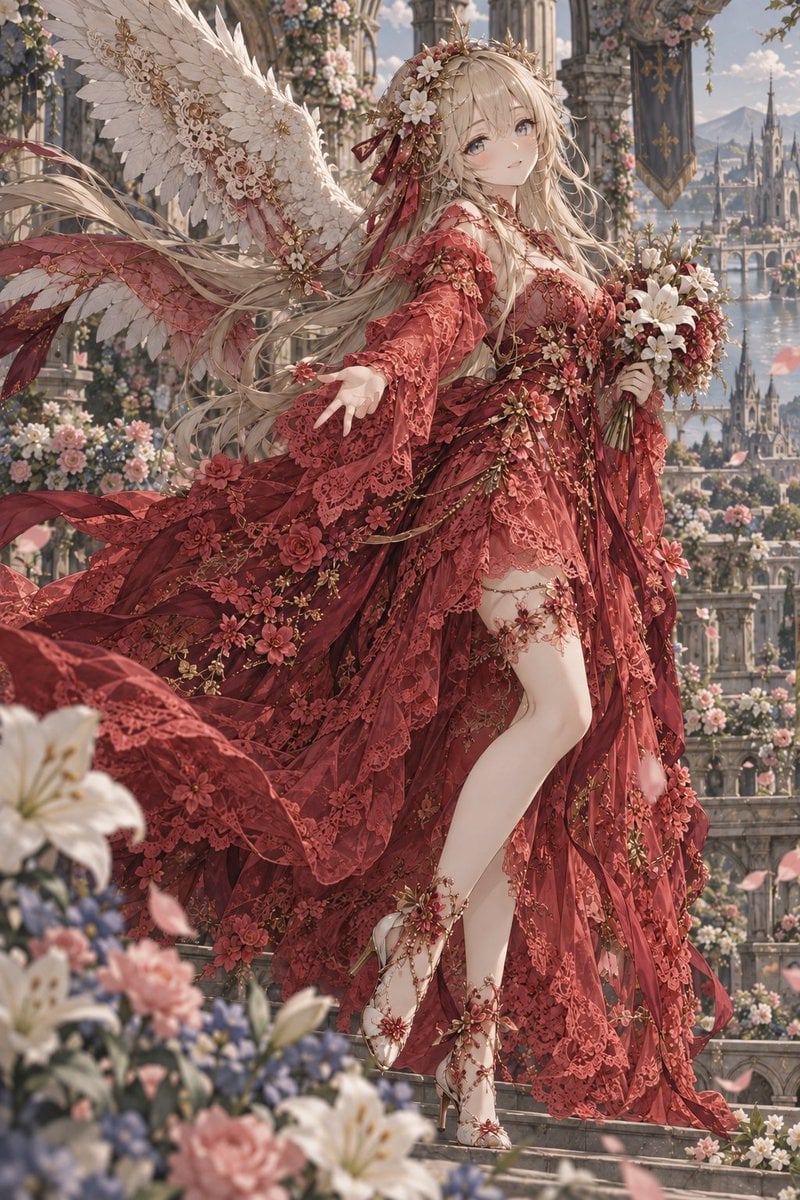
Crimson Angel Princess in Floral Cathedral
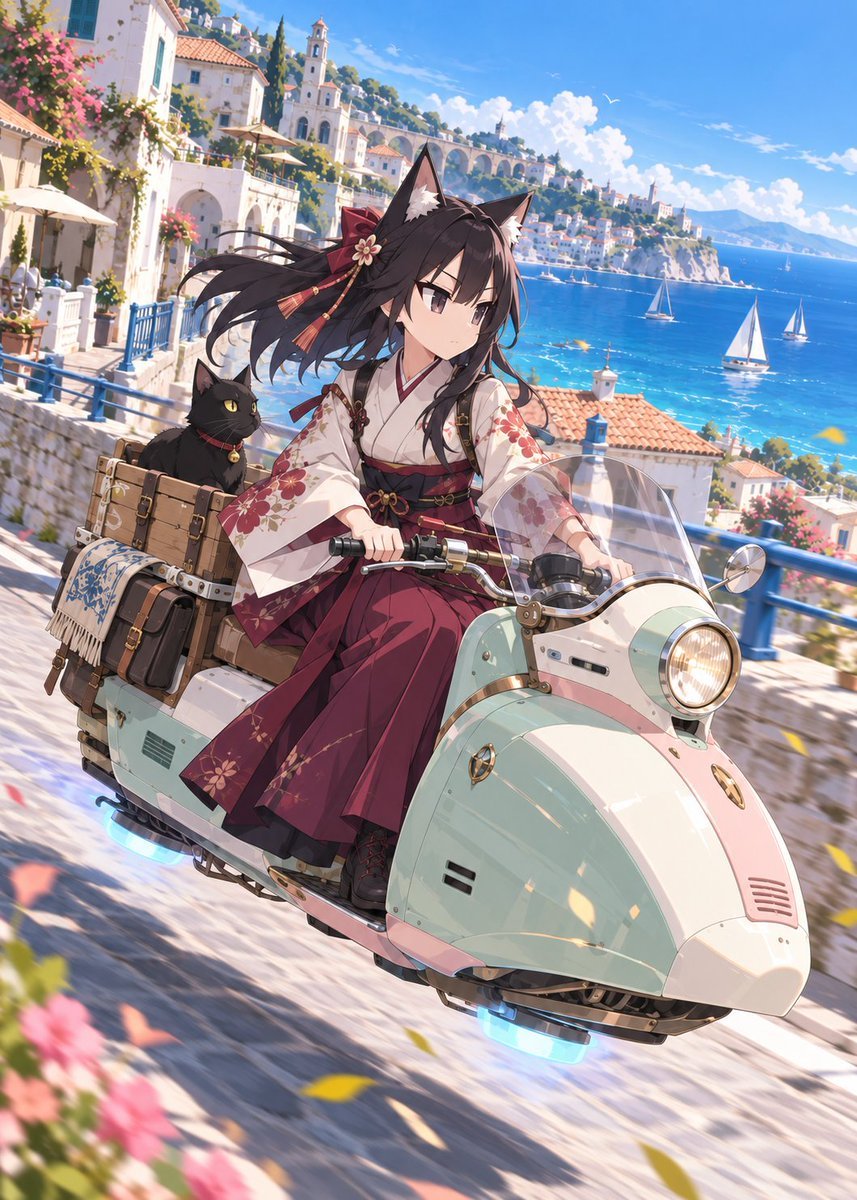
Fox Shrine Maiden on Hover Scooter
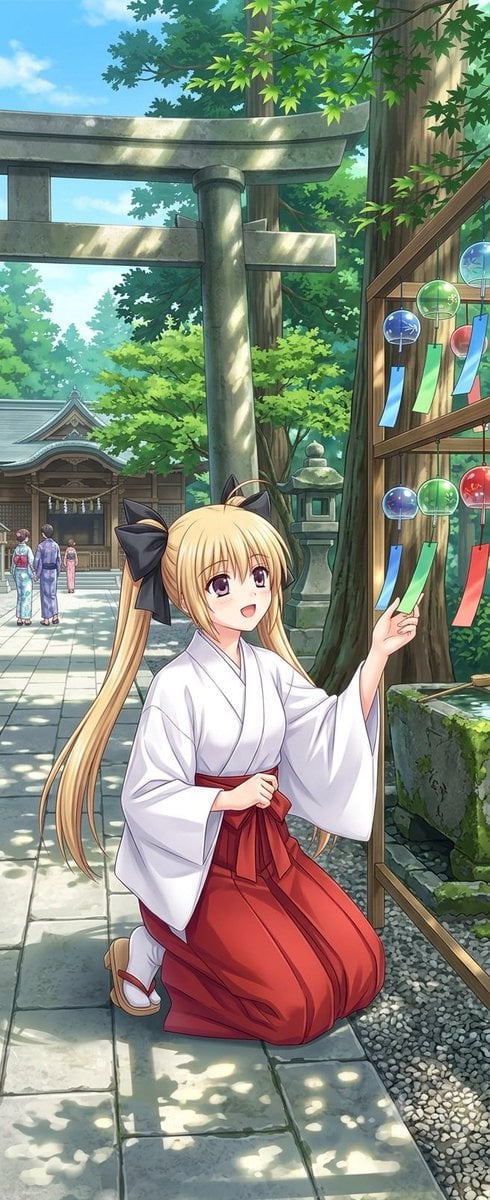
Summer Shrine Maiden Portrait
Make it yours
Silver-Haired Cathedral Battle Maiden works as-is. These are the safest ways to change it without losing the look.
Change one field
Copy a single group, rewrite it, and generate again so you can see what that field is doing.
Keep the frame, change the subject
Hold the composition and light of Silver-Haired Cathedral Battle Maiden, then swap wardrobe, props or the person for a new take.
| If the result… | Why | Fix |
|---|---|---|
| The result drifts from the preview | Too many fields changed at once. | Reuse Silver-Haired Cathedral Battle Maiden as-is first, then change one group — subject, light, or setting. |
| The model over-stylizes the scene | The prose prompt leaves finish and camera underspecified. | Add one camera or lighting sentence and stay on GPT Image 2. |
More GPT Image 2 templates
Other prompts made for GPT Image 2.

Six VTuber Japanese Logo Sheet

Realistic Portrait of Woman and Deer

The Vista Modular Condo Poster

AI Model Routing Comparison Infographic

2.5D Anime Art Board

Isometric Productivity Desk Scene

New York Double Exposure Poster

Four-Panel AI Landscape Comparison

Japanese Tatami Lifestyle Magazine Cover

NESCAFÉ Coffee Map Poster
More image prompts
Fresh picks from across the catalog.

Japanese Educational Promo Banner
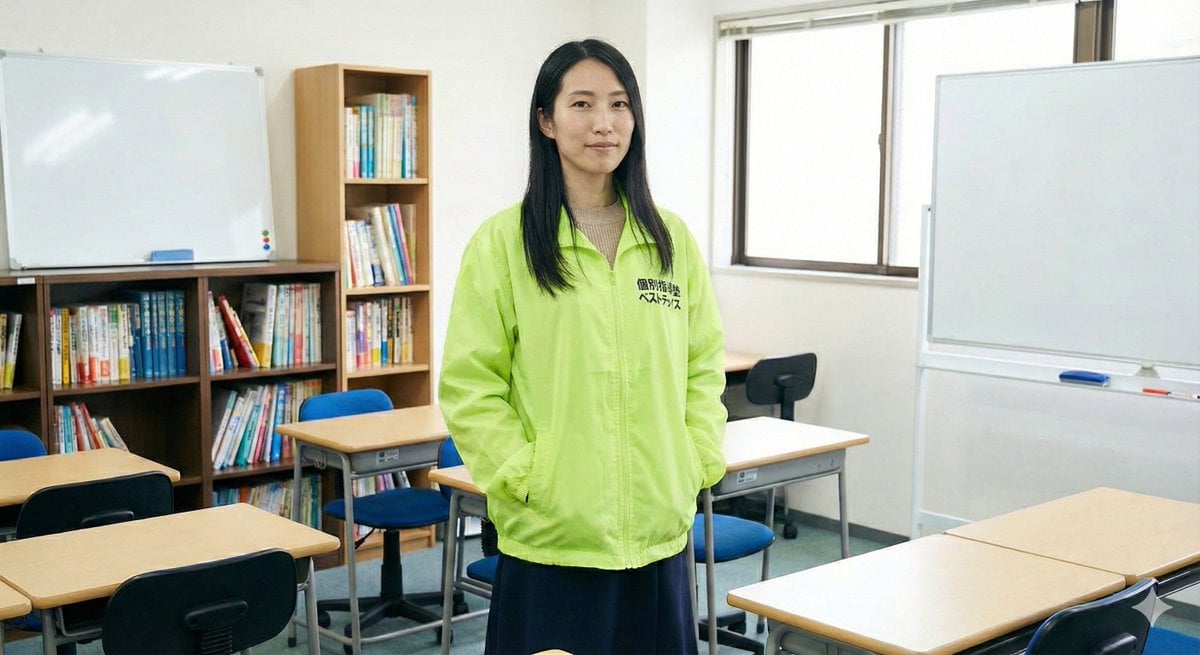
Character Generation Based on Literary Description
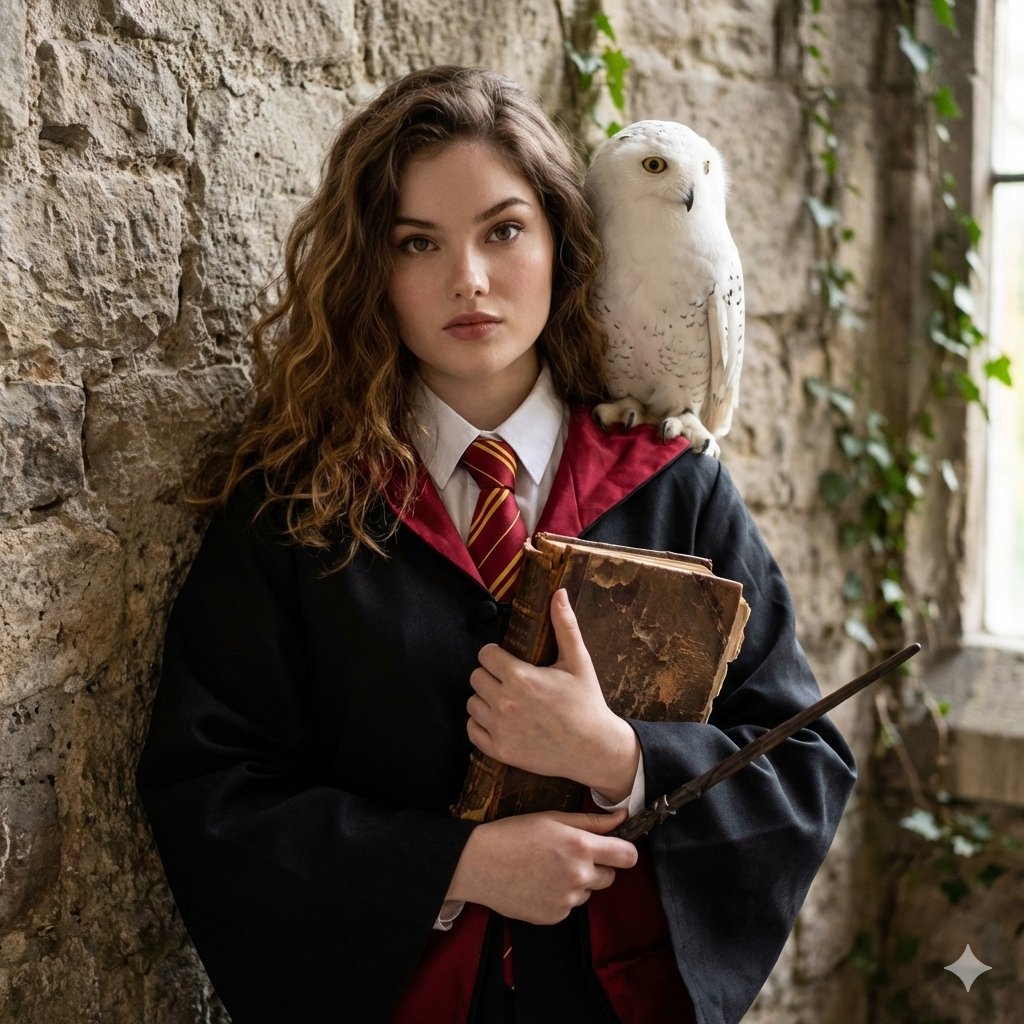
Hogwarts-Style Photoshoot Portrait

Ultra-Realistic Professional Headshot for Creator Economy
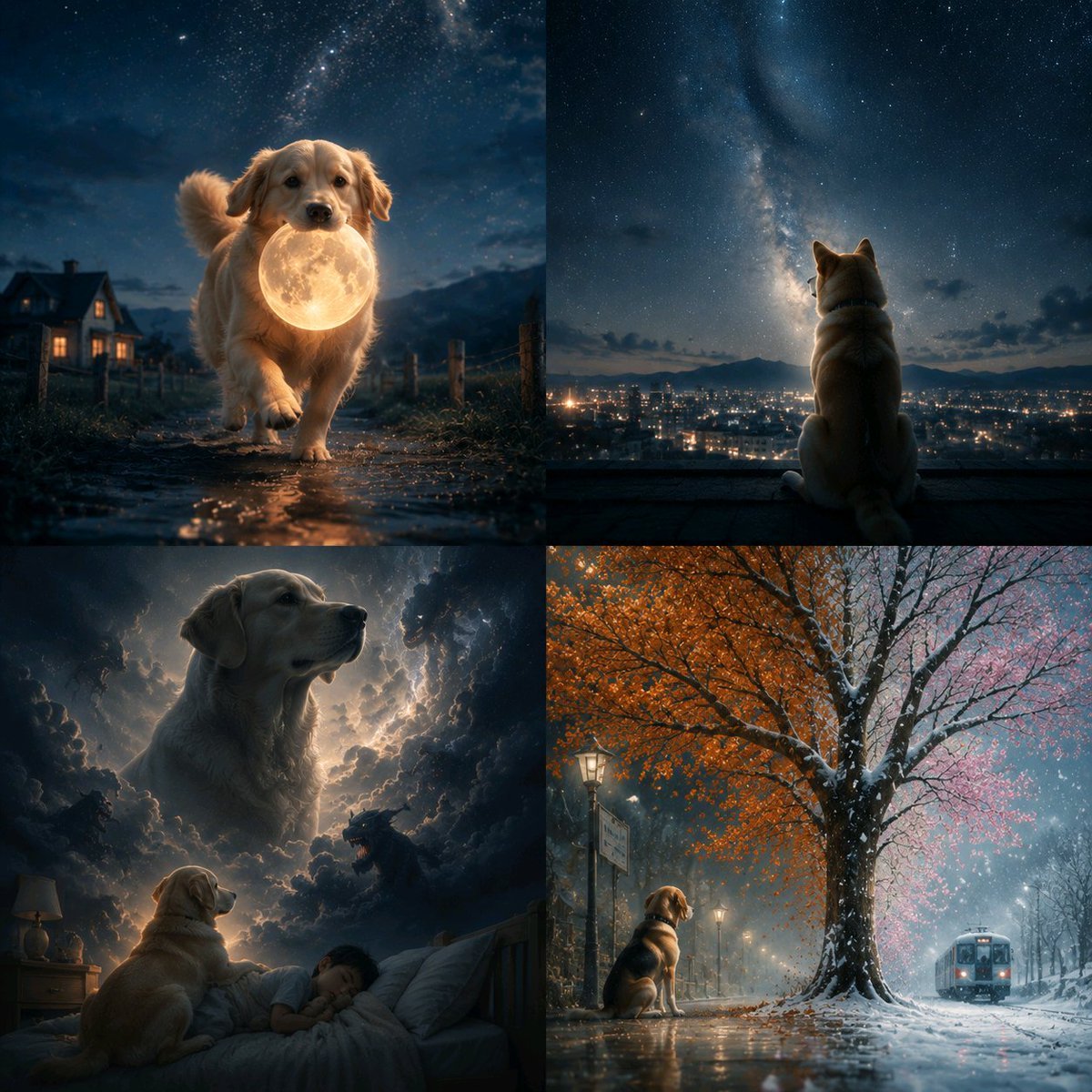
Abstract Surreal Visual Metaphor
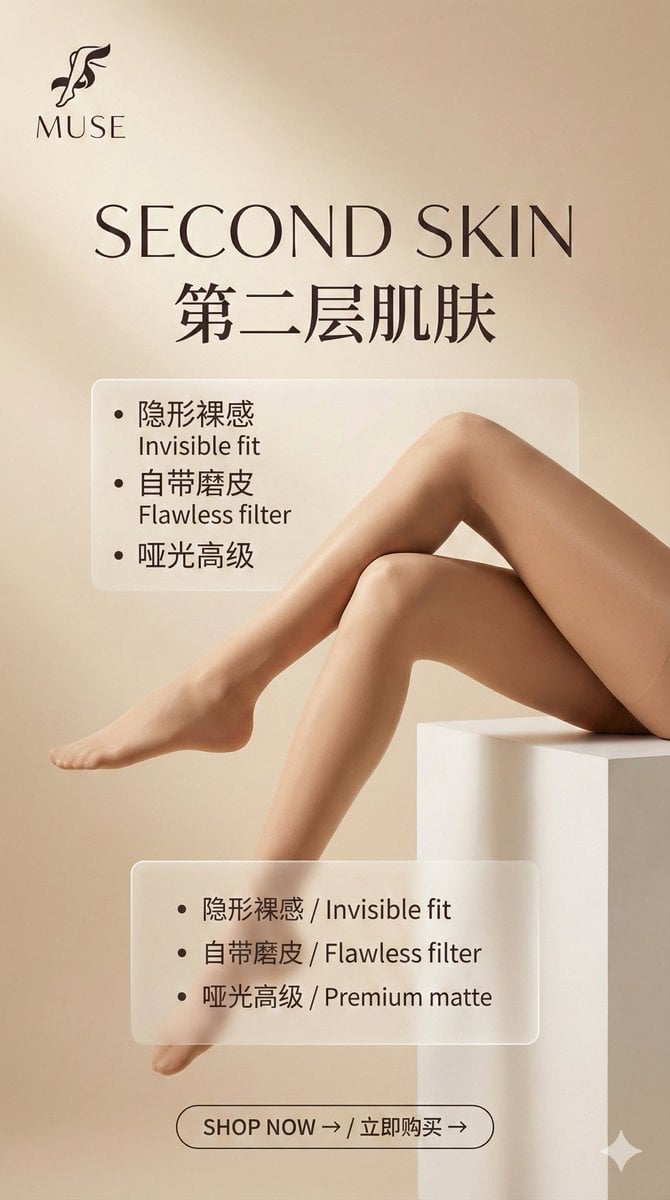
Multi-Step Prompt Generation Workflow for Product Posters
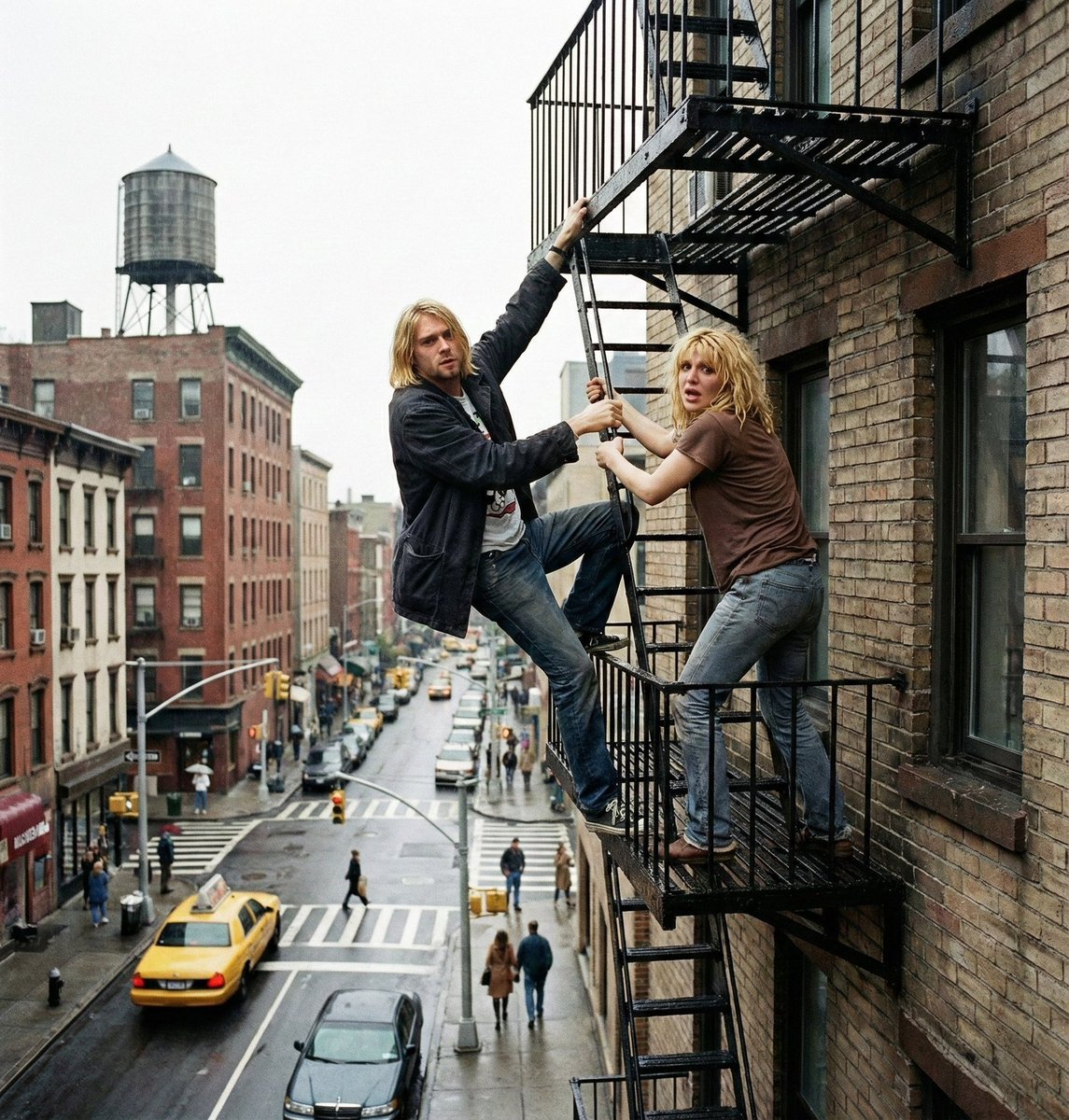
Action scene from reference photos and sketch
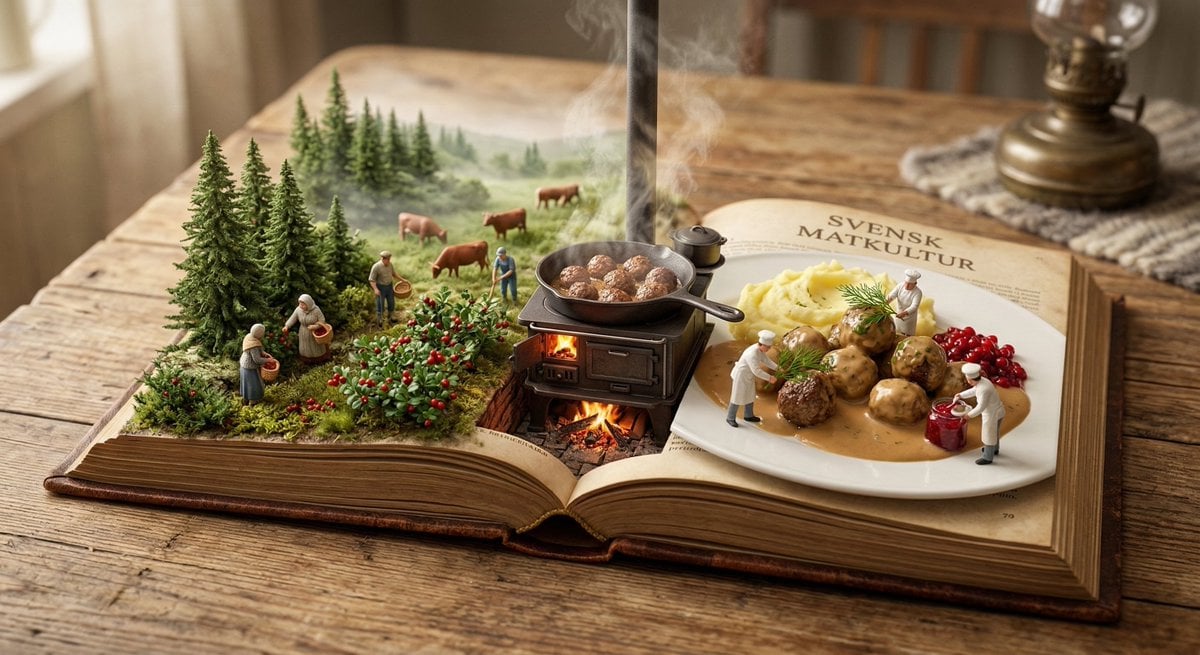
Culinary Pop-Up Book Diorama of Swedish Meatballs
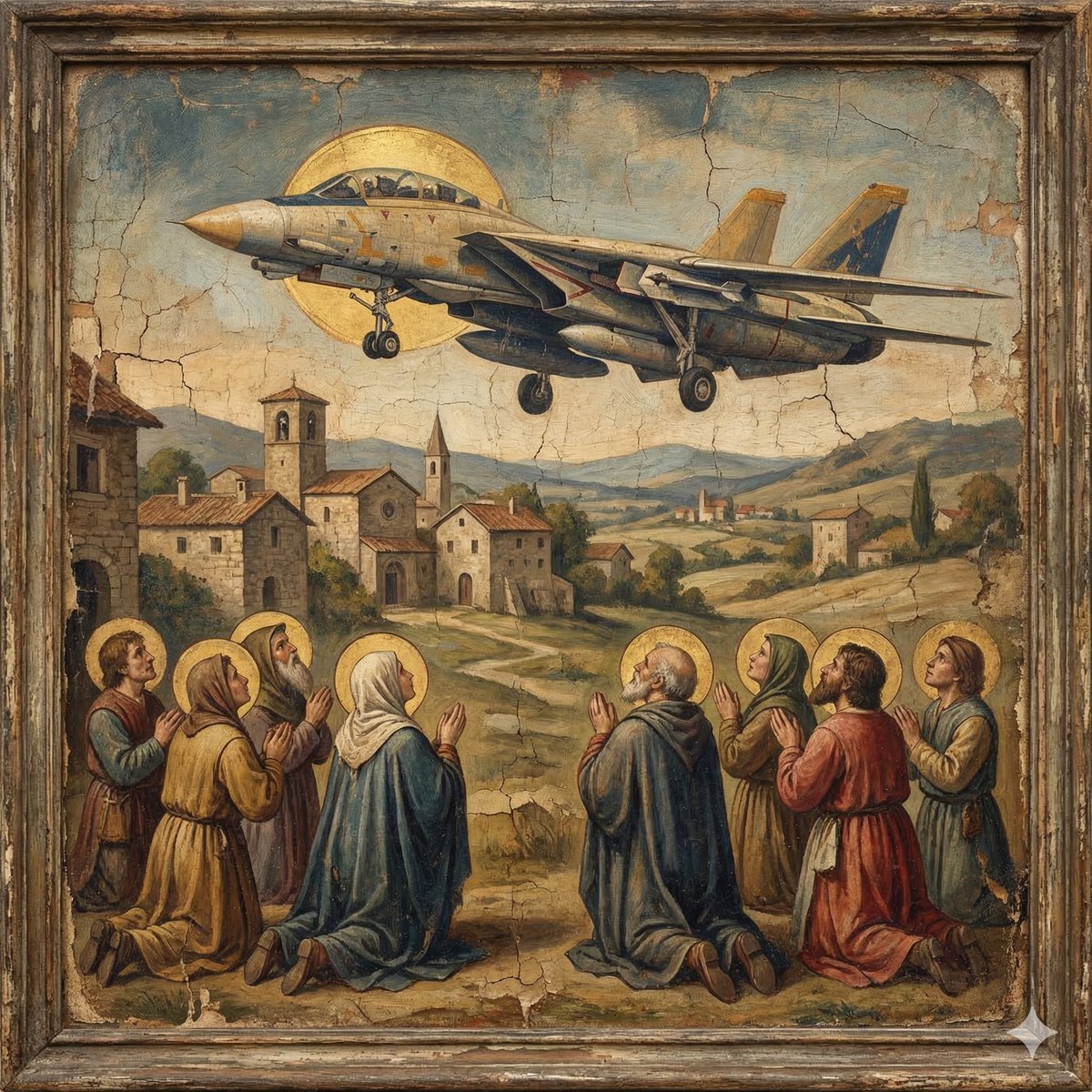
F-14D in the Style of a Western Religious Painting
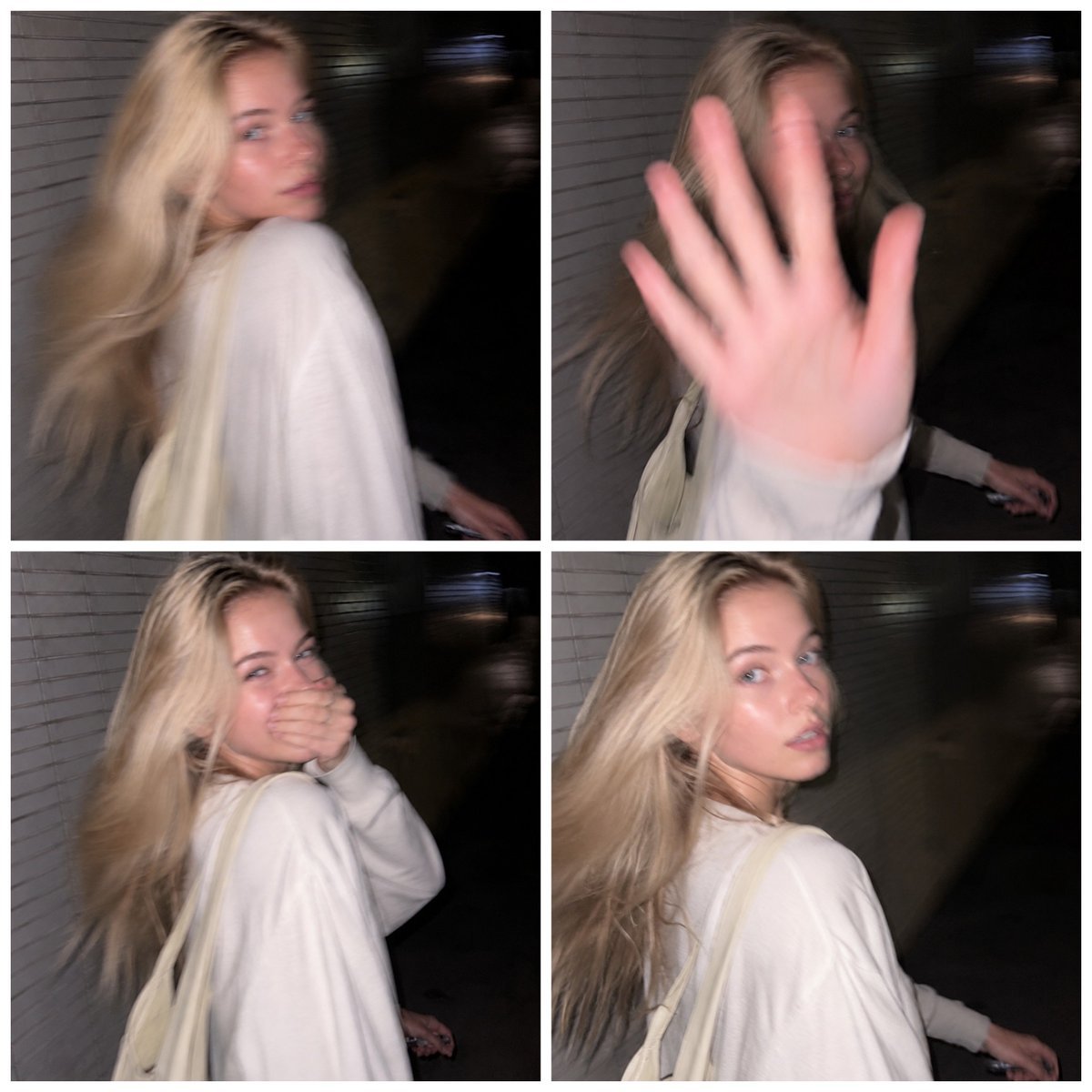
Tokyo Candid Smartphone Photography
Browse template categories
Silver-Haired Cathedral Battle Maiden questions
How do I use the Silver-Haired Cathedral Battle Maiden template?
Add your photo if the template asks for one, edit the prompt if you like — the template's model and format are already selected — and press Generate. Your version opens in PicX Studio.
Can I customize the Silver-Haired Cathedral Battle Maiden template?
Yes. You can change the subject, setting, lighting, mood, format, and available model controls before creating your image.
Is the Silver-Haired Cathedral Battle Maiden template free?
Opening and editing this template is free. Generating uses credits, shown on the Generate button when you are signed in.
Which AI model should I use?
Start with GPT Image 2, which is the model associated with this template. You can compare another compatible model for a different finish.
Looking for something else? Browse all templates.

Your photo, any look
Thousands of ready templates for every top image and video model, from one credit balance.