
Gothic Cathedral Anime Battle
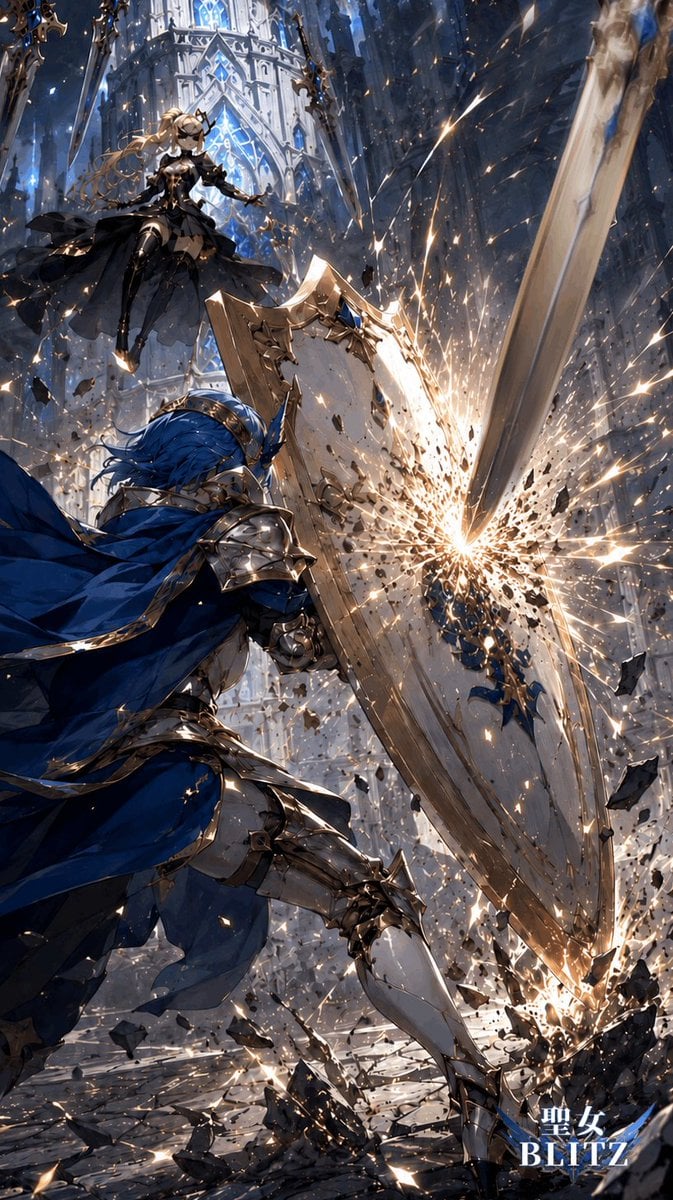
Generates a dramatic vertical fantasy battle scene with a shield-bearing knight, a hovering gothic maiden, and a sword impact explosion for game or light-novel key art.
- Prompt included
- Model and format preset
- Free template
The prompt behind this image
Copy the exact prompt behind Gothic Cathedral Anime Battle, or open it in the studio and make it yours.
Create a vertical 2:3 high-impact anime fantasy battle illustration in an ornate gothic cathedral interior. Show exactly 2 combatants: a foreground knight and a hovering female opponent. The foreground character is {argument name="foreground knight" default="a blue-haired male knight in polished silver armor with gold trim"}, seen from a low rear three-quarter angle, lunging forward with a flowing deep-blue cape and bracing behind one huge engraved kite shield. His shield is being struck by one enormous descending greatsword blade from the upper right, producing a blinding white-gold impact burst, sparks, shattered stone fragments, and debris flying outward. The second combatant is {argument name="airborne opponent" default="a blonde holy maiden warrior in a black gothic dress and armor"}, floating in the upper left with long windblown hair, dark layered skirt, elegant gold accents, and an outstretched hand, framed against tall glowing blue stained-glass windows and white cathedral arches. Use an extreme dynamic diagonal composition: the greatsword slashes from top right toward the shield at center, the knight occupies the lower left and center, the airborne opponent is small but clear in the upper left, and rubble explodes across the bottom. Visual style: premium Japanese light-novel / mobile-game key art, highly detailed armor, dramatic motion blur, crisp linework, painterly rendering, cinematic lighting, cool blue and silver palette contrasted with hot golden sparks, intense depth, particles everywhere, no gore. Add a small title logo at the bottom right reading {argument name="logo text" default="聖女 BLITZ"} in white with a blue glow, keeping it unobtrusive and not covering the action.
How to use Gothic Cathedral Anime Battle in 3 steps
- 1Upload ImagePNG, JPG or paste
Add your photo
Upload the photo the template builds on. The prompt, model and format are already set.
- 2…a portrait of your subject in softgolden-hour light, 85mm…
Personalize
Edit the subject and creative details for your destination.
- 3Generate
Generate
Press Generate — your image is created in PicX Studio, so you can compare it with the original and refine one variable at a time.
More like this
Templates with the same subject, style or setup. Open one to see its prompt.
Gothic Saint Pilgrimage Cathedral
Silver-Haired Cathedral Battle Maiden
Gothic Nun Cathedral Portrait
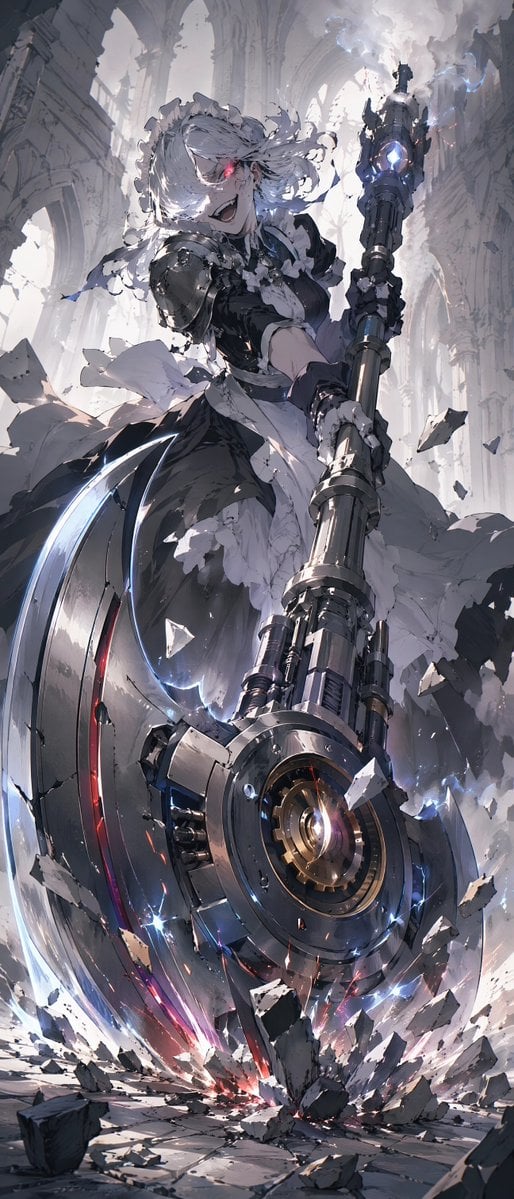
Battle Maid in Ruined Cathedral
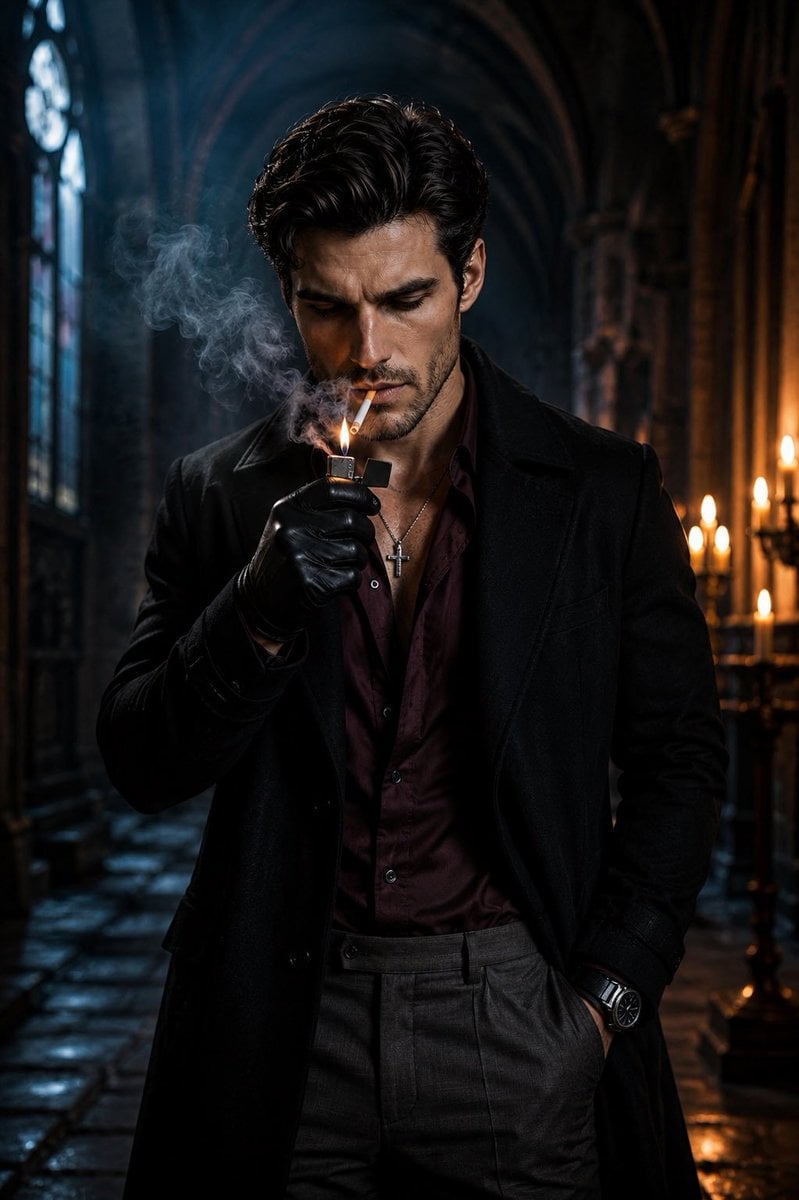
Cinematic Gothic Cathedral Portrait

Cel 2D Finale Fireworks

Cel 2D Garden Maze

Cel 2D Rooftop Concert

Cel 2D Bicycle Coast

Cel 2D Castle Gate

Cel 2D Kitchen Chaos

Cel 2D Carnival Ride
Make it yours
Gothic Cathedral Anime Battle works as-is. These are the safest ways to change it without losing the look.
Change one field
Copy a single group, rewrite it, and generate again so you can see what that field is doing.
Keep the frame, change the subject
Hold the composition and light of Gothic Cathedral Anime Battle, then swap wardrobe, props or the person for a new take.
| If the result… | Why | Fix |
|---|---|---|
| The result drifts from the preview | Too many fields changed at once. | Reuse Gothic Cathedral Anime Battle as-is first, then change one group — subject, light, or setting. |
| The model over-stylizes the scene | The prose prompt leaves finish and camera underspecified. | Add one camera or lighting sentence and stay on GPT Image 2. |
More GPT Image 2 templates
Other prompts made for GPT Image 2.

Six VTuber Japanese Logo Sheet

Realistic Portrait of Woman and Deer

The Vista Modular Condo Poster

AI Model Routing Comparison Infographic

2.5D Anime Art Board

Isometric Productivity Desk Scene

New York Double Exposure Poster

Four-Panel AI Landscape Comparison

Japanese Tatami Lifestyle Magazine Cover

NESCAFÉ Coffee Map Poster
More image prompts
Fresh picks from across the catalog.
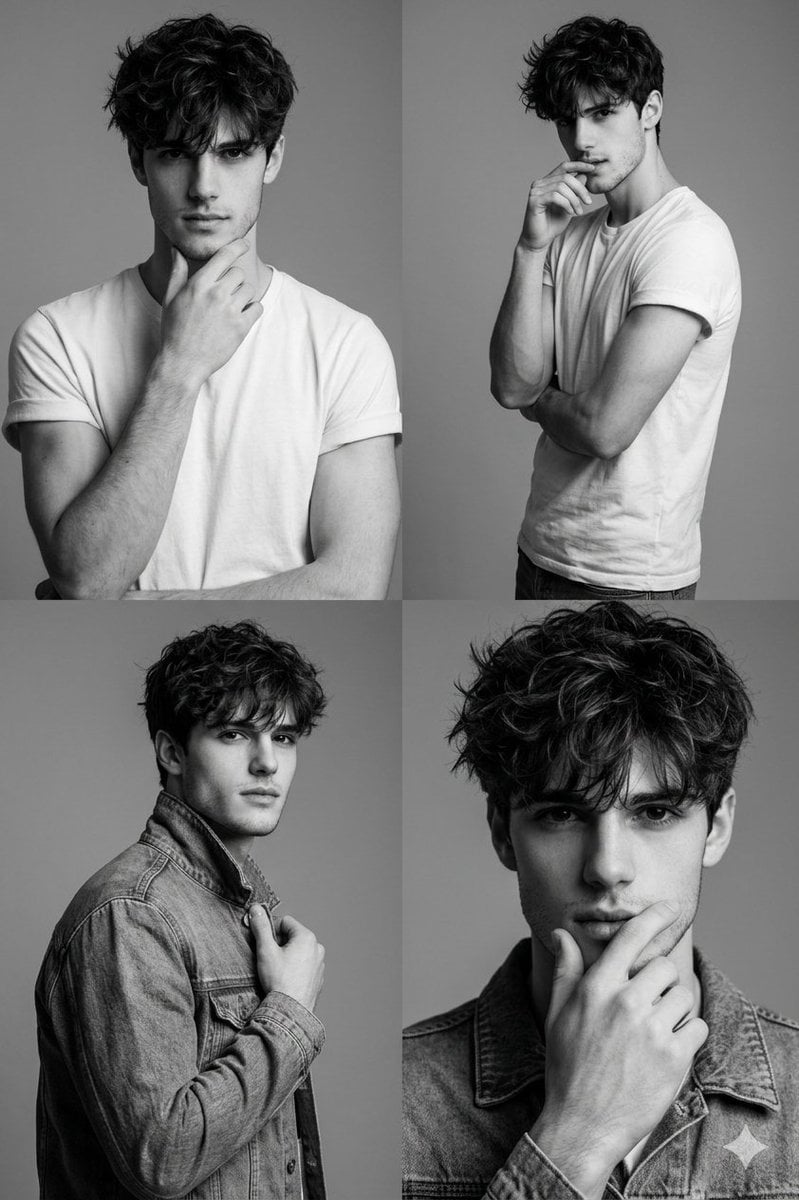
Black-and-White Fashion Collage with Face Preservation

Magazine Cover Style Cityscape
Japanese Google Homepage Screenshot

Cute Winking Schoolgirl Peace Sign
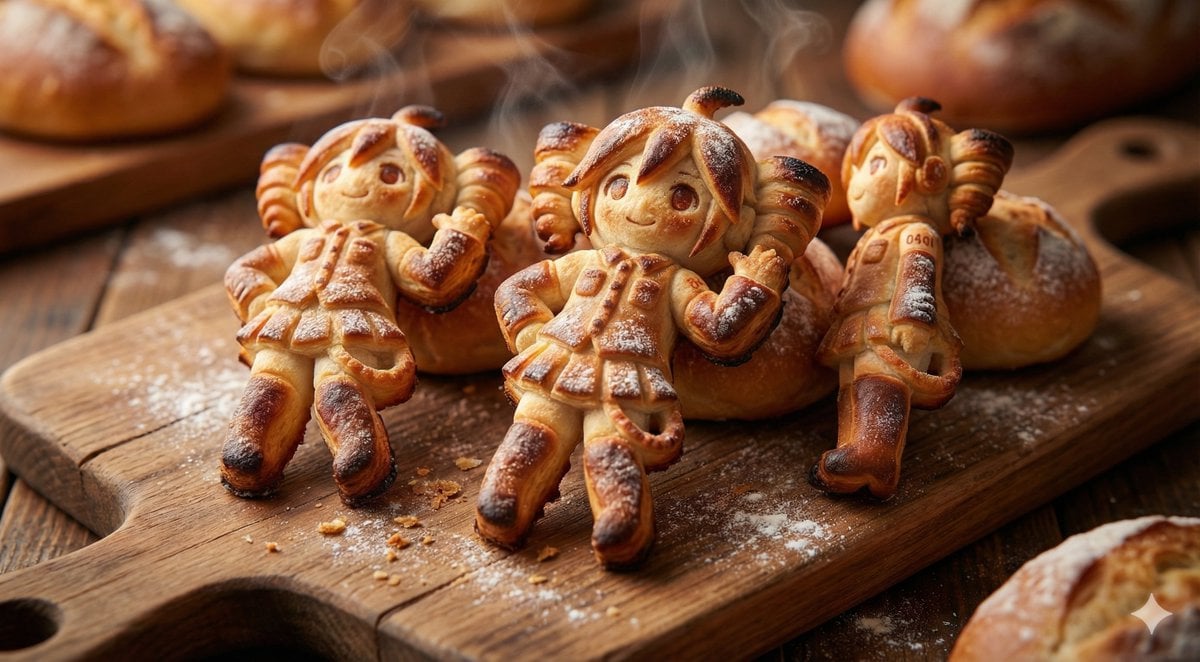
Everything is Freshly Baked Bread
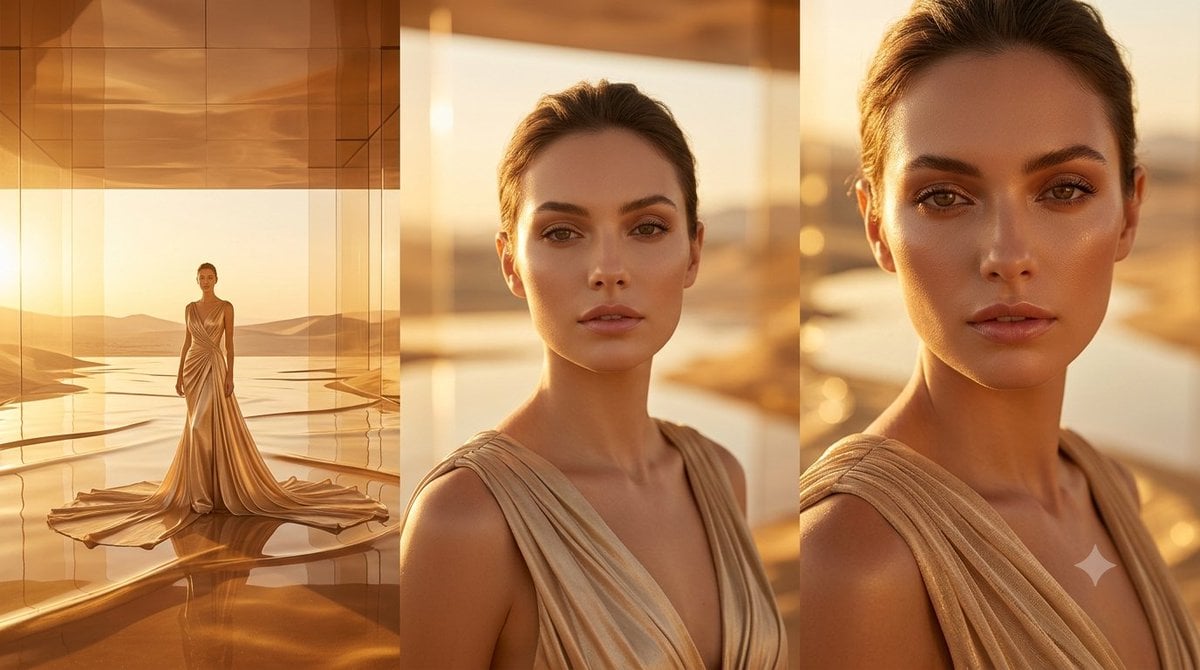
Golden Luxury Fashion Triptych
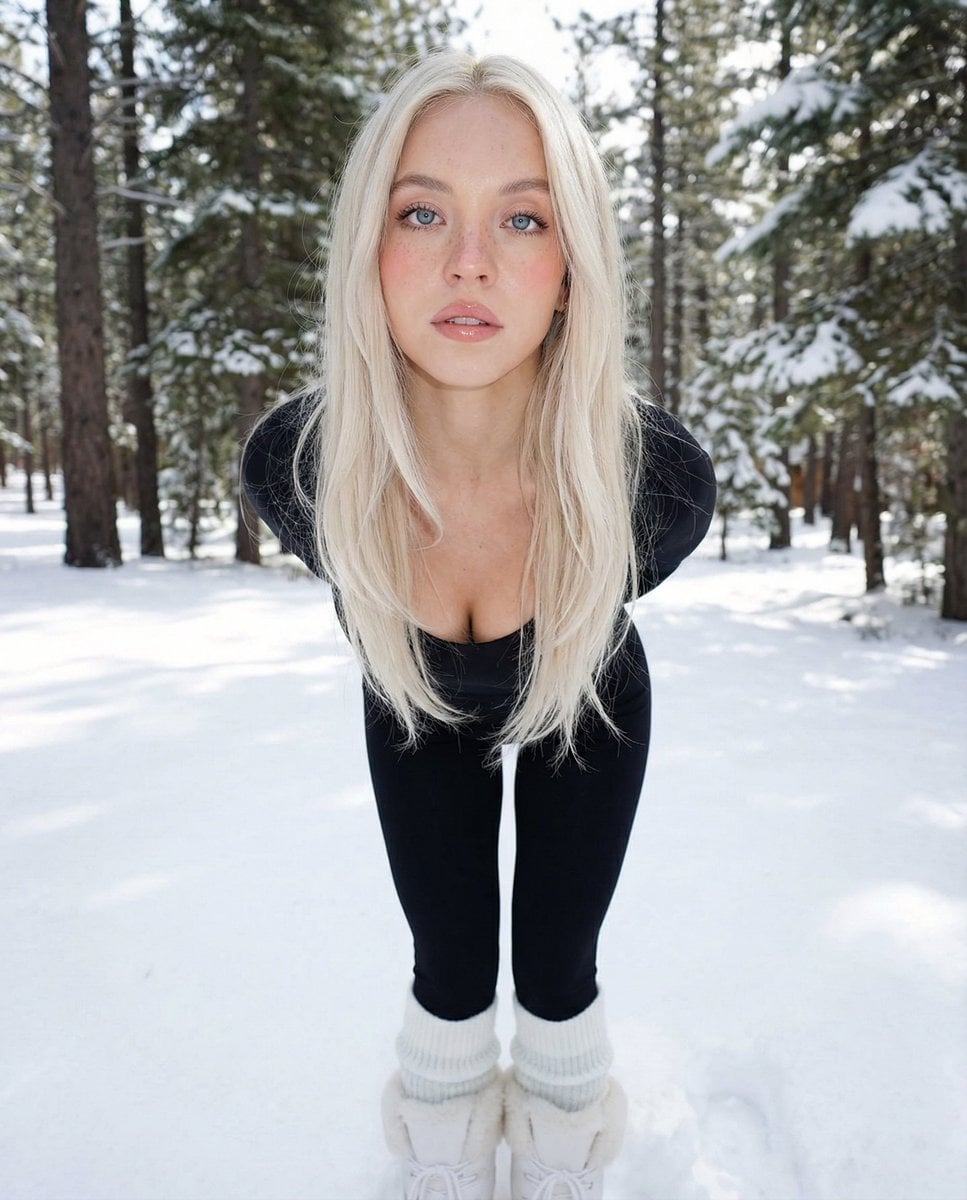
Minimalist Winter Fashion Portrait Prompt
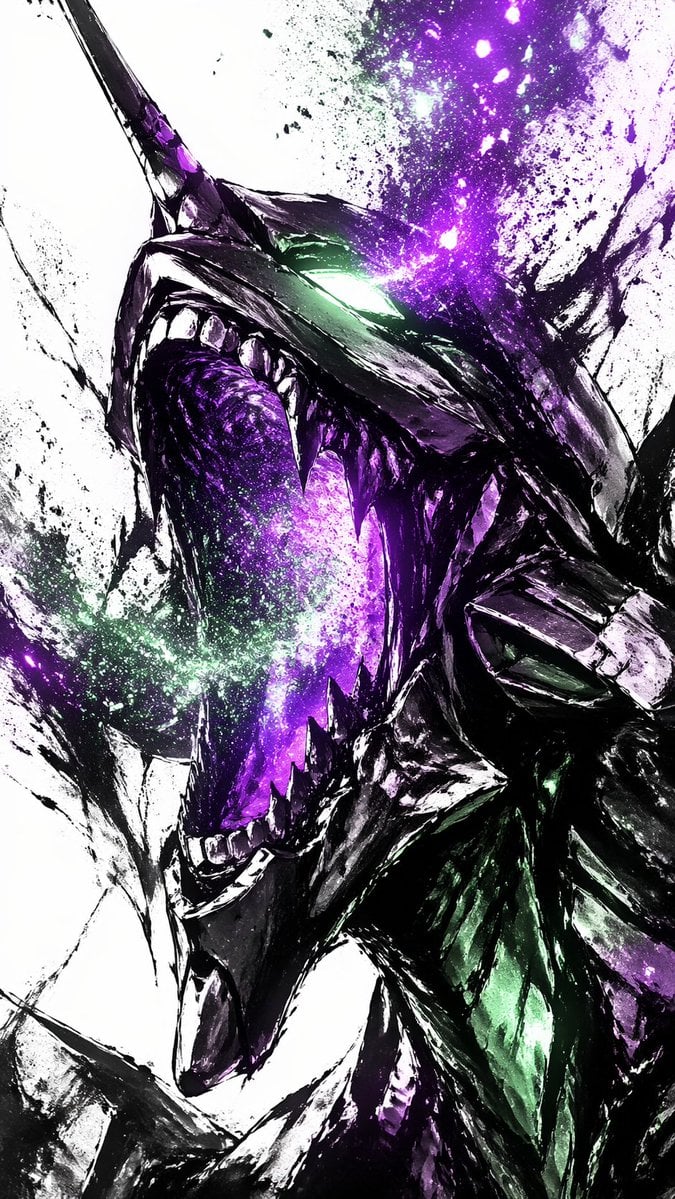
Cosmic Ink Dragon Roar
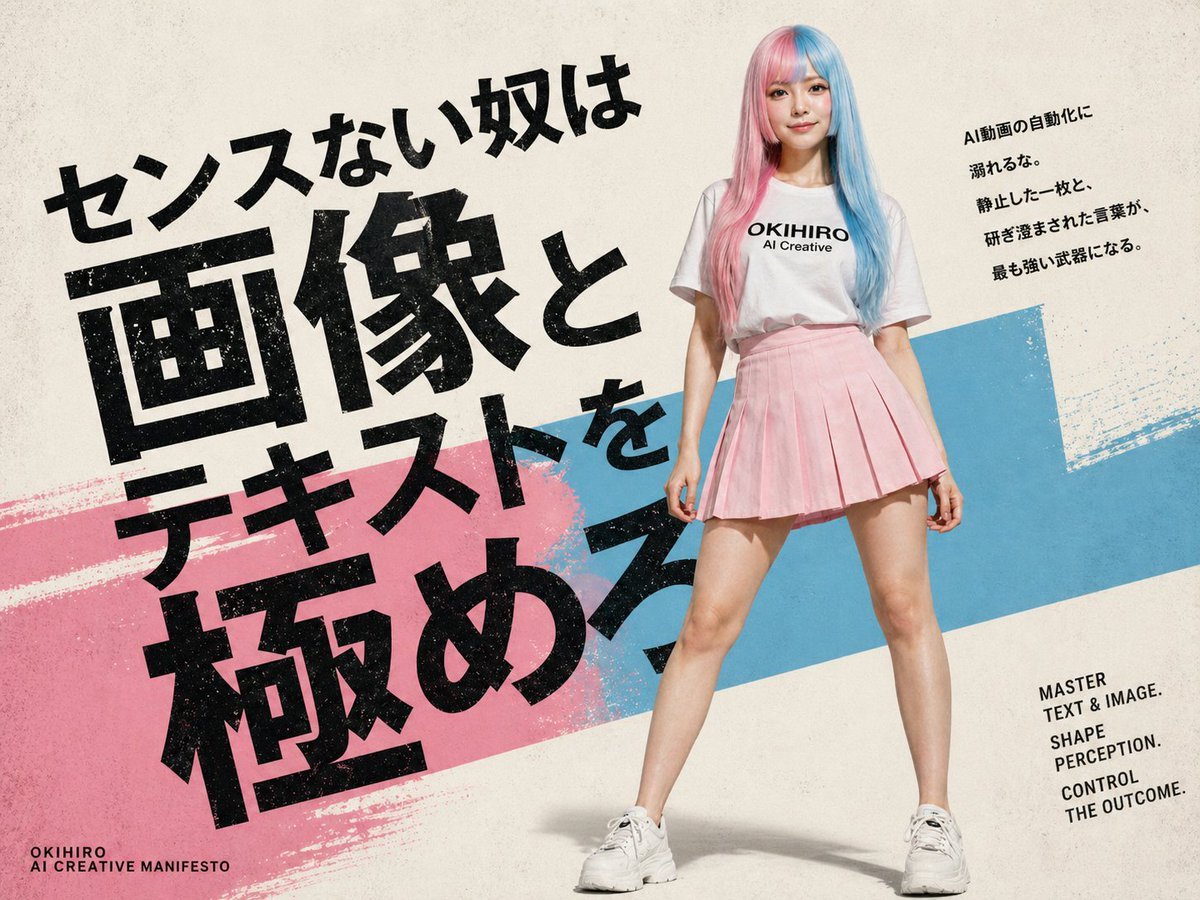
Japanese AI Creative Manifesto Poster
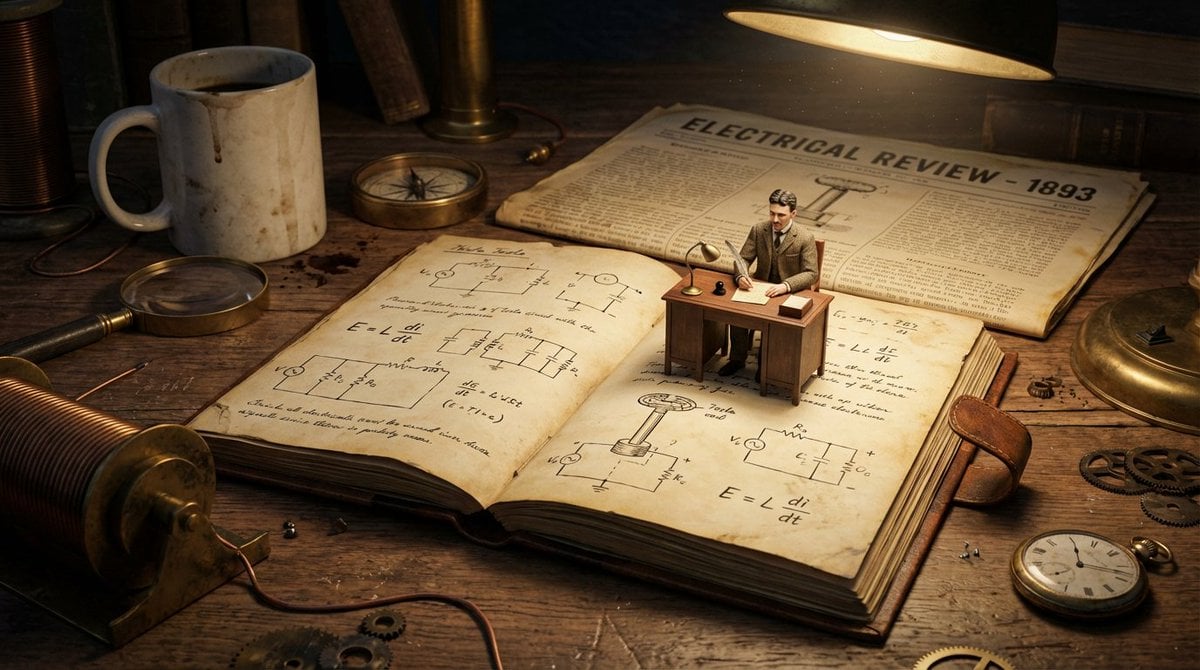
Macro Diorama of a Scientist's Historical Workspace
Browse template categories
Gothic Cathedral Anime Battle questions
How do I use the Gothic Cathedral Anime Battle template?
Add your photo if the template asks for one, edit the prompt if you like — the template's model and format are already selected — and press Generate. Your version opens in PicX Studio.
Can I customize the Gothic Cathedral Anime Battle template?
Yes. You can change the subject, setting, lighting, mood, format, and available model controls before creating your image.
Is the Gothic Cathedral Anime Battle template free?
Opening and editing this template is free. Generating uses credits, shown on the Generate button when you are signed in.
Which AI model should I use?
Start with GPT Image 2, which is the model associated with this template. You can compare another compatible model for a different finish.
Looking for something else? Browse all templates.

Your photo, any look
Thousands of ready templates for every top image and video model, from one credit balance.