
Gothic Saint Pilgrimage Cathedral
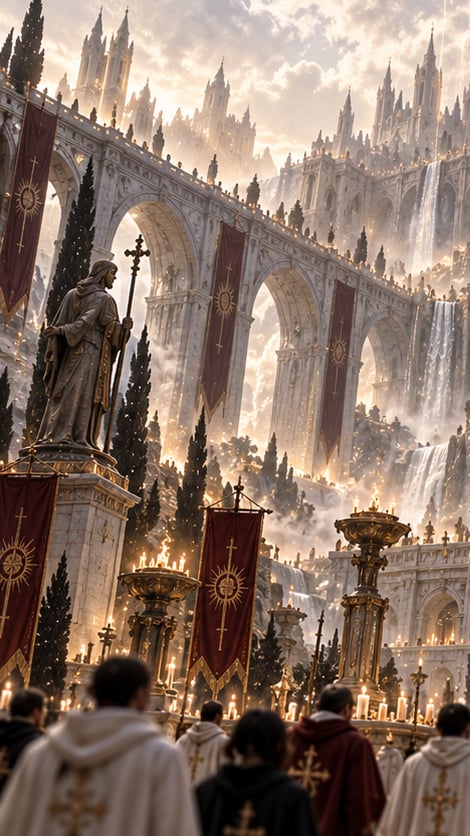
A cinematic dark fantasy prompt for generating an immense Gothic pilgrimage scene with saint statues, worshippers, banners, candles, waterfalls, and overwhelming sacred architecture.
- Prompt included
- Model and format preset
- Free template
The prompt behind this image
Copy the exact prompt behind Gothic Saint Pilgrimage Cathedral, or open it in the studio and make it yours.
Create a vertical dark fantasy sacred pilgrimage scene in an impossibly vast Gothic cathedral-city carved into a mountainside, with no modern elements. The foreground shows the backs of exactly 5 prominent worshippers walking willingly forward: 2 in cream hooded robes with gold cross embroidery, 1 central figure in a black cloak, 1 in a deep red robe with gold embroidery, and 1 partially visible dark-clothed figure; their heads are slightly out of focus for cinematic depth. Beyond them, an enormous stone saint statue stands on a pedestal at lower left, holding a tall cross staff, facing toward the monumental architecture. The setting is filled with countless lit candles, golden braziers, incense haze, and solemn ceremonial banners. Use exactly 4 clearly visible tall crimson hanging banners with gold sun-cross emblems: 1 large banner on the far left edge, 1 suspended from the upper viaduct near center-left, 1 suspended from the upper viaduct near center-right, and 1 freestanding processional banner in the lower center foreground. Architecture: towering pale marble Gothic bridges and aqueduct-like arches stacked in layers, needle spires, flying buttresses, ornate cathedral towers, narrow cypress trees, tiny silhouetted pilgrims lining the bridge parapets as scale references, and waterfalls pouring down the right side and through the terraces. The central upper background should feel like a colossal holy complex receding into mist, as if the sacred city itself has opened a passage for the faithful. Lighting should be warm dawn or sunset, with god rays through dramatic clouds, glowing candlelight, white-gold mist, and high contrast between sacred radiance and ominous scale. Style: ultra-detailed cinematic fantasy concept art, photorealistic painterly rendering, vertical 9:16 composition, epic scale, solemn and unsettling religious atmosphere, intricate stone carvings, volumetric fog, shallow depth of field in the nearest crowd, no text, no watermark.
How to use Gothic Saint Pilgrimage Cathedral in 3 steps
- 1Upload ImagePNG, JPG or paste
Add your photo
Upload the photo the template builds on. The prompt, model and format are already set.
- 2…a portrait of your subject in softgolden-hour light, 85mm…
Personalize
Edit the subject and creative details for your destination.
- 3Generate
Generate
Press Generate — your image is created in PicX Studio, so you can compare it with the original and refine one variable at a time.
More like this
Templates with the same subject, style or setup. Open one to see its prompt.
Gothic Nun Cathedral Portrait
Cinematic Gothic Cathedral Portrait
Gothic Cathedral Anime Battle
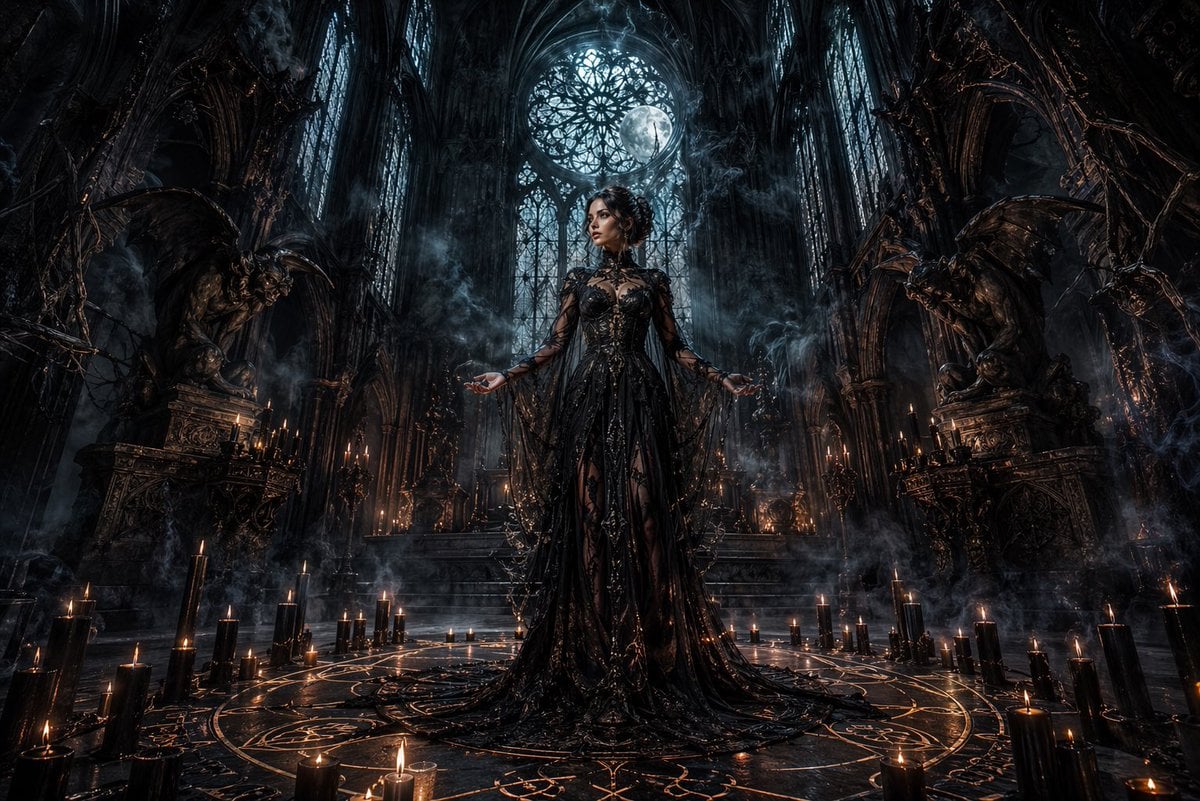
Dark Gothic Ritual in Cathedral
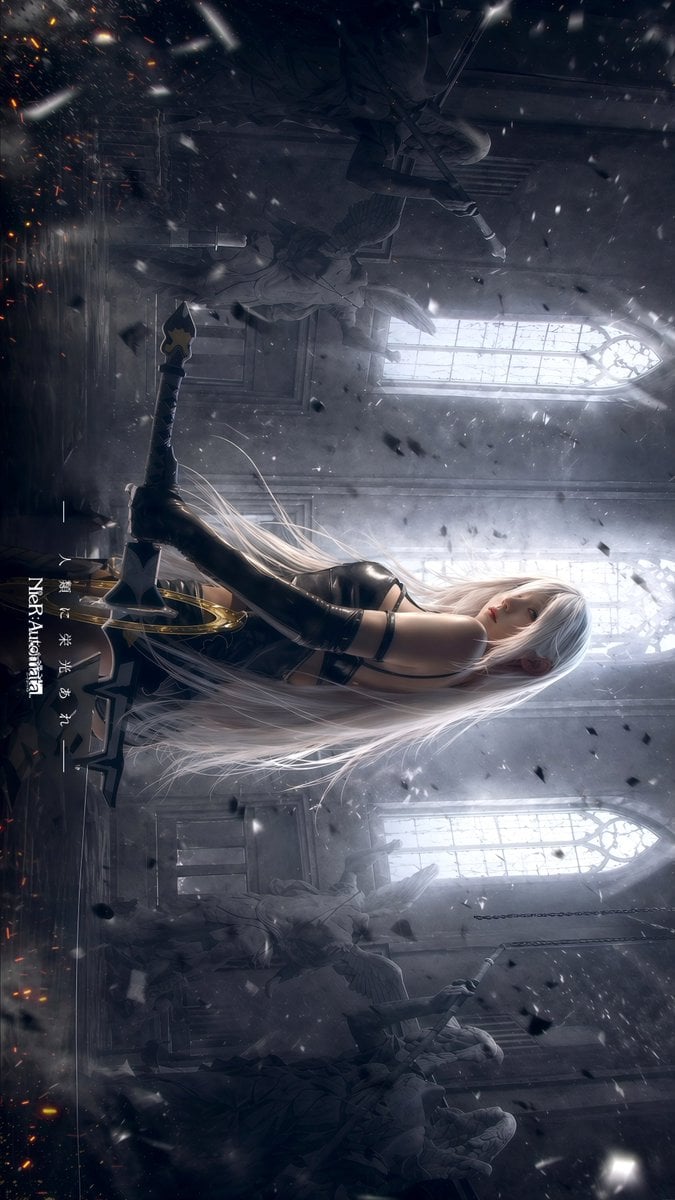
Gothic Android Warrior Cathedral Key Art
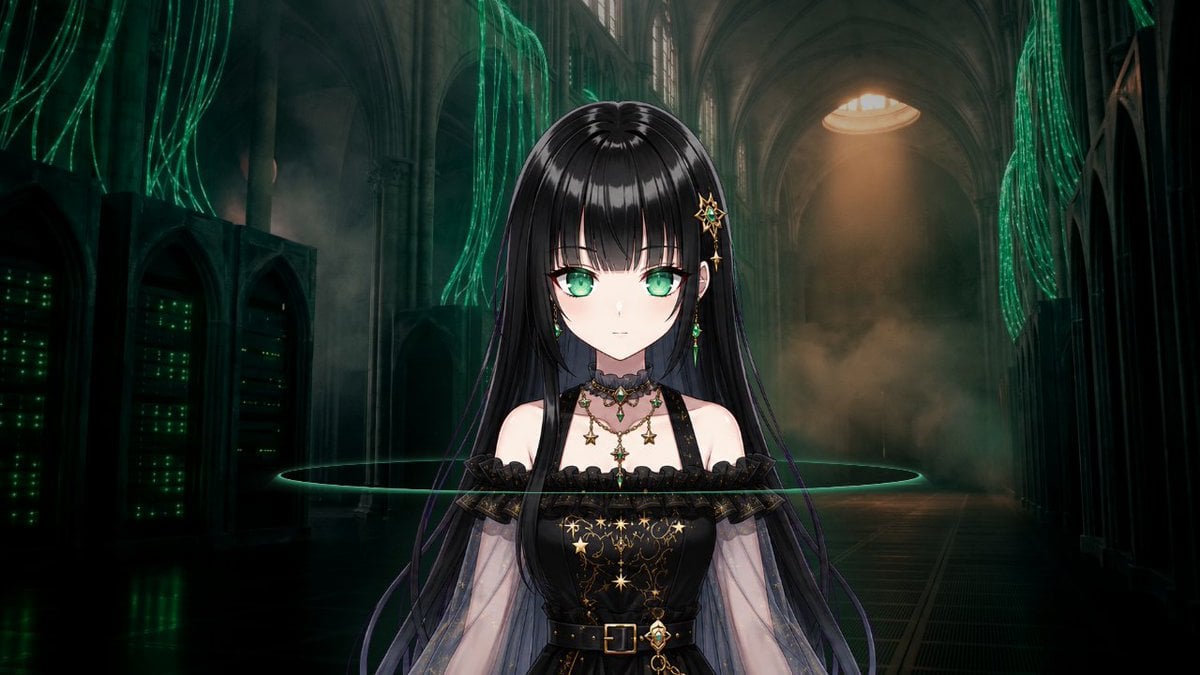
Gothic Cyber VTuber Cathedral Portrait
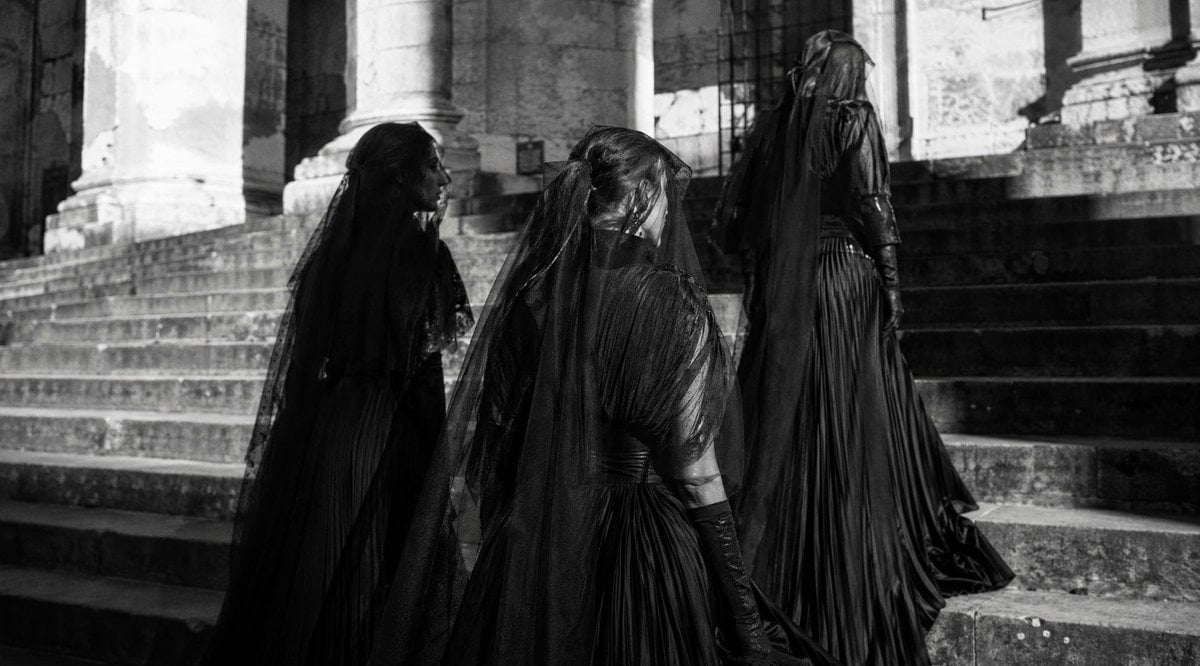
Gothic Mourners on Cathedral Steps
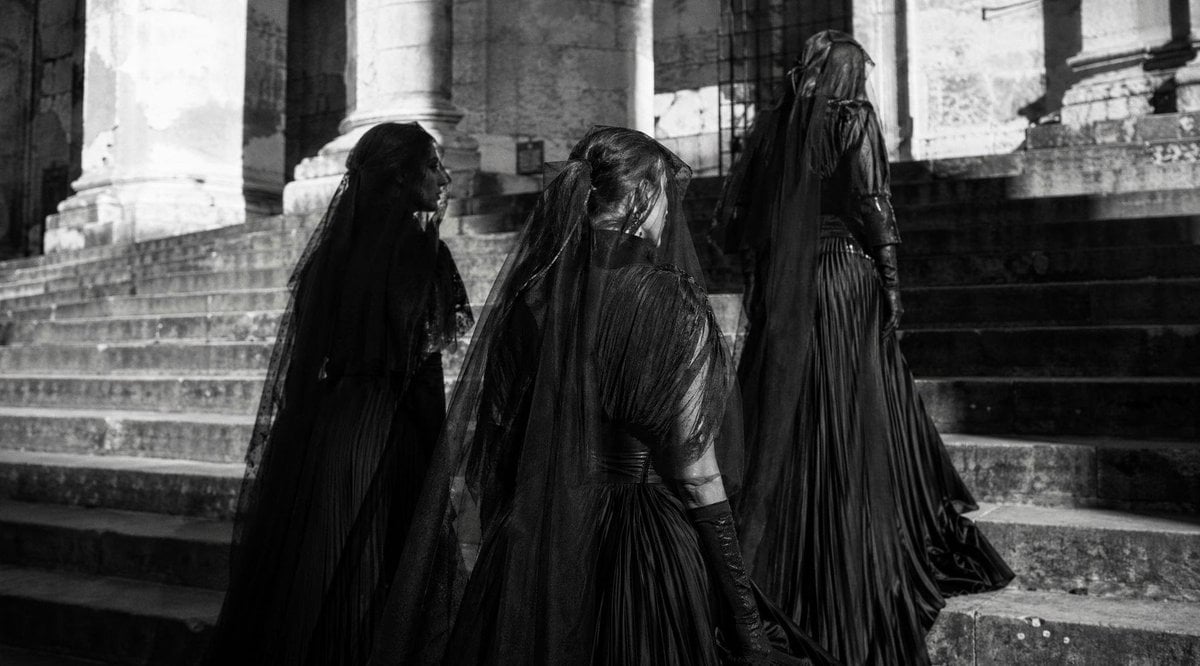
Gothic Mourning Women on Cathedral Steps
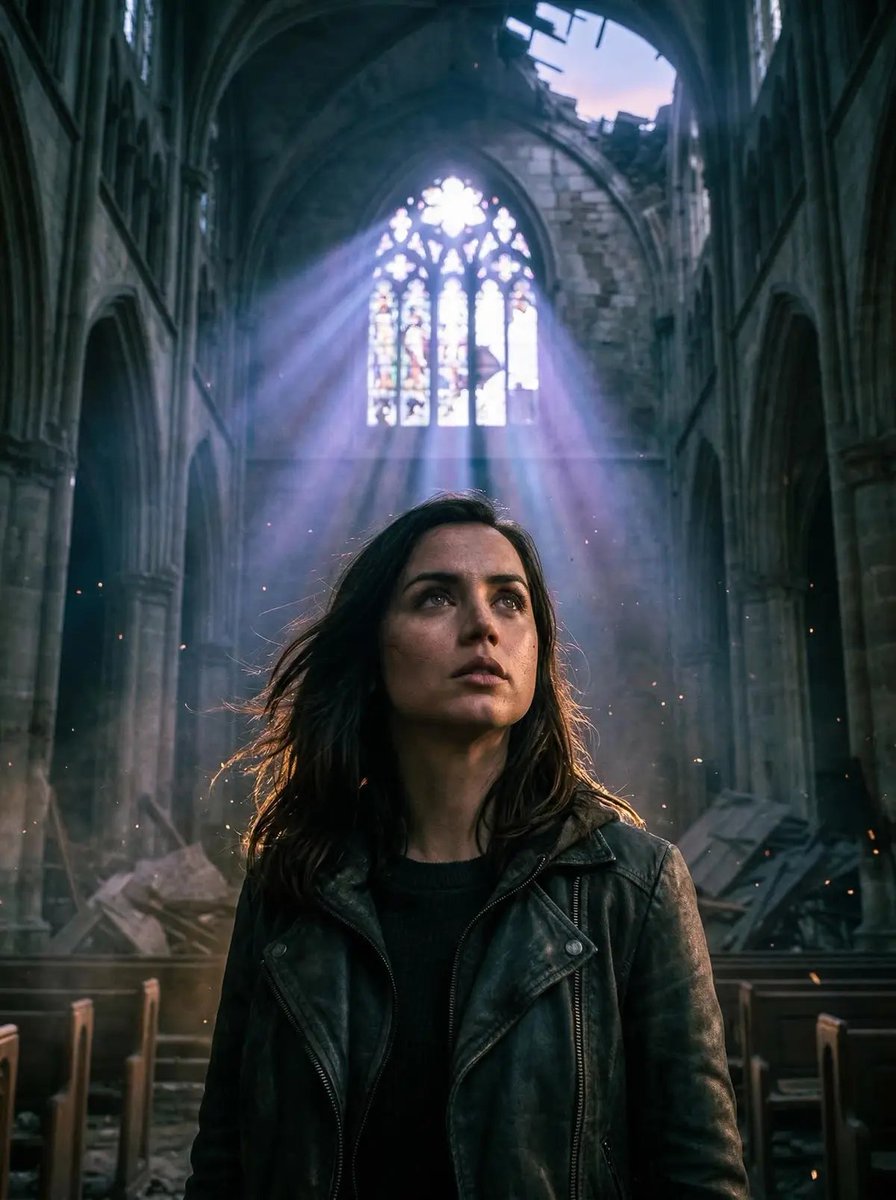
Cinematic Portrait in Ruined Gothic Cathedral
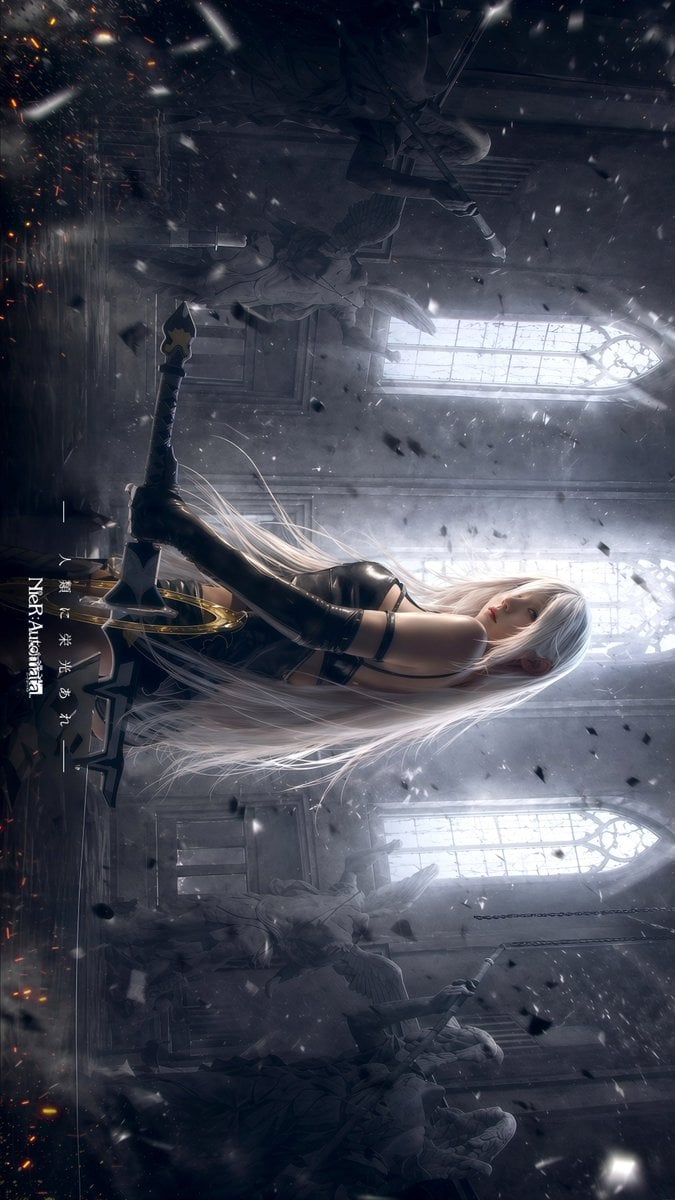
Gpt2 Social Media Post Gothic Android Warrior Cathedral Key Art
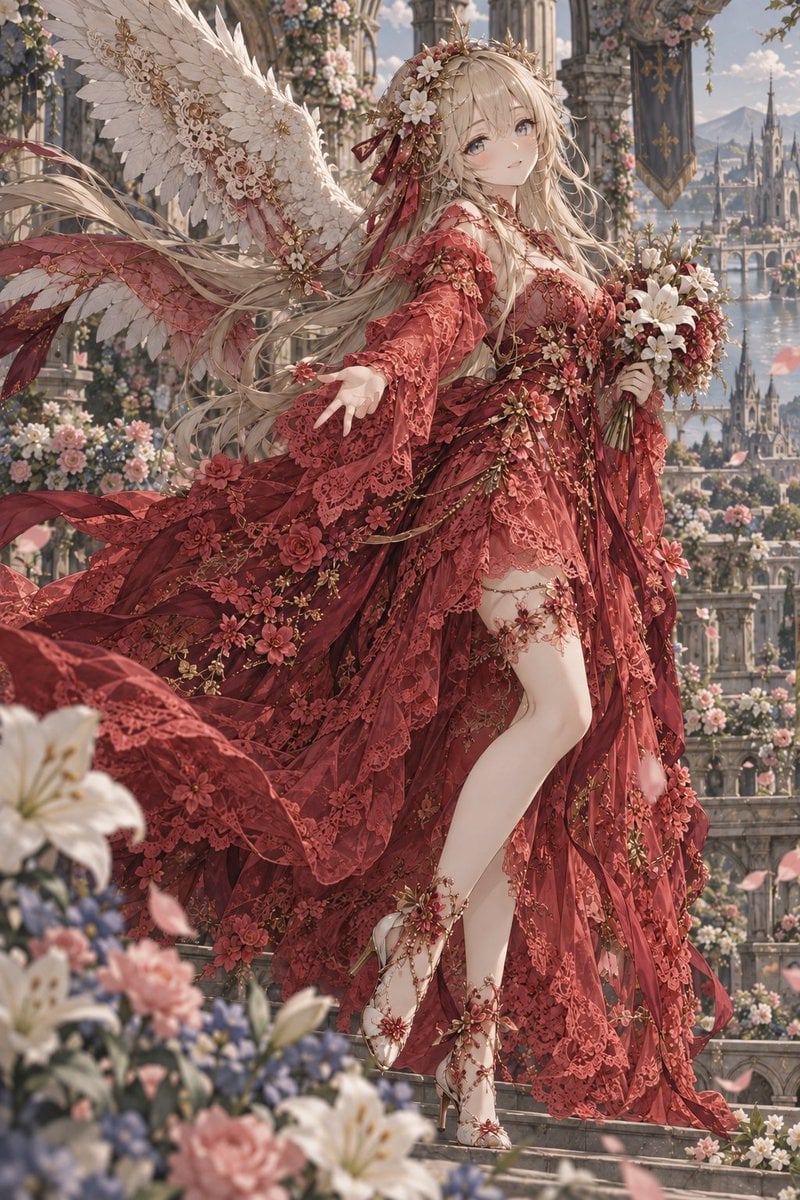
Crimson Angel Princess in Floral Cathedral
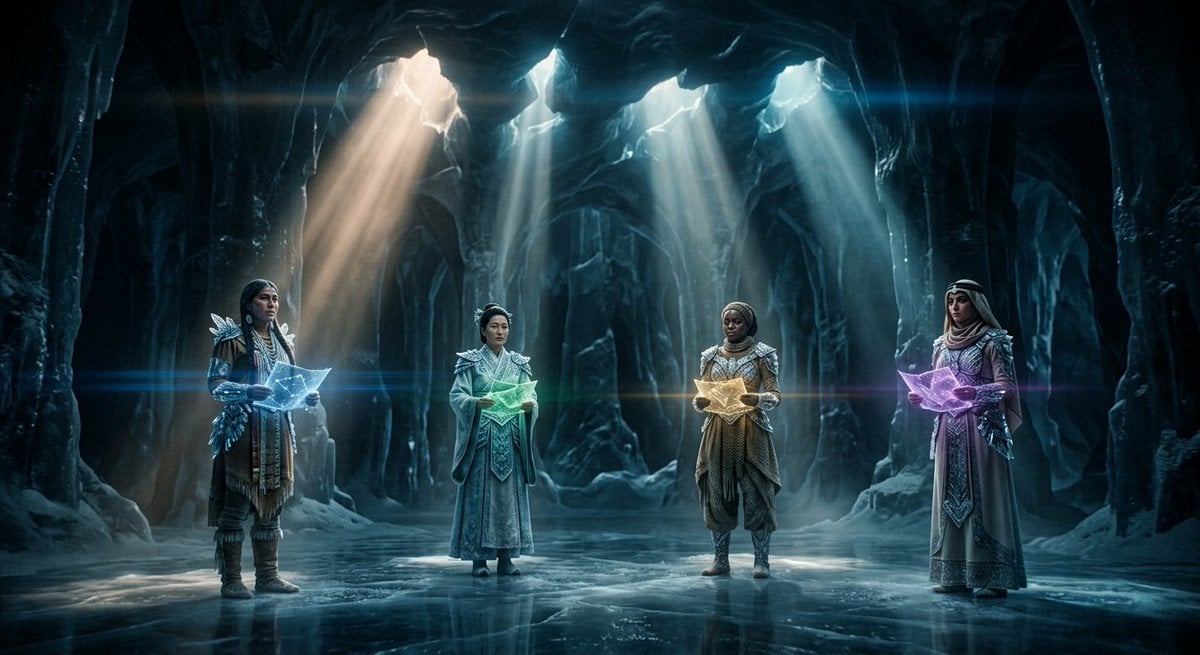
Subterranean Cathedral and Mechanical Whale
Make it yours
Gothic Saint Pilgrimage Cathedral works as-is. These are the safest ways to change it without losing the look.
Change one field
Copy a single group, rewrite it, and generate again so you can see what that field is doing.
Keep the frame, change the subject
Hold the composition and light of Gothic Saint Pilgrimage Cathedral, then swap wardrobe, props or the person for a new take.
| If the result… | Why | Fix |
|---|---|---|
| The result drifts from the preview | Too many fields changed at once. | Reuse Gothic Saint Pilgrimage Cathedral as-is first, then change one group — subject, light, or setting. |
| The model over-stylizes the scene | The prose prompt leaves finish and camera underspecified. | Add one camera or lighting sentence and stay on GPT Image 2. |
More GPT Image 2 templates
Other prompts made for GPT Image 2.

Six VTuber Japanese Logo Sheet

Realistic Portrait of Woman and Deer

The Vista Modular Condo Poster

AI Model Routing Comparison Infographic

2.5D Anime Art Board

Isometric Productivity Desk Scene

New York Double Exposure Poster

Four-Panel AI Landscape Comparison

Japanese Tatami Lifestyle Magazine Cover

NESCAFÉ Coffee Map Poster
More image prompts
Fresh picks from across the catalog.

3D Luxury Creator Workspace Poster

Abstract Expressionist Portrait with Orange Glasses

Maverick Aviator Lifestyle Poster

敦煌纸雕飞天 — 3D Layered Paper Cutout
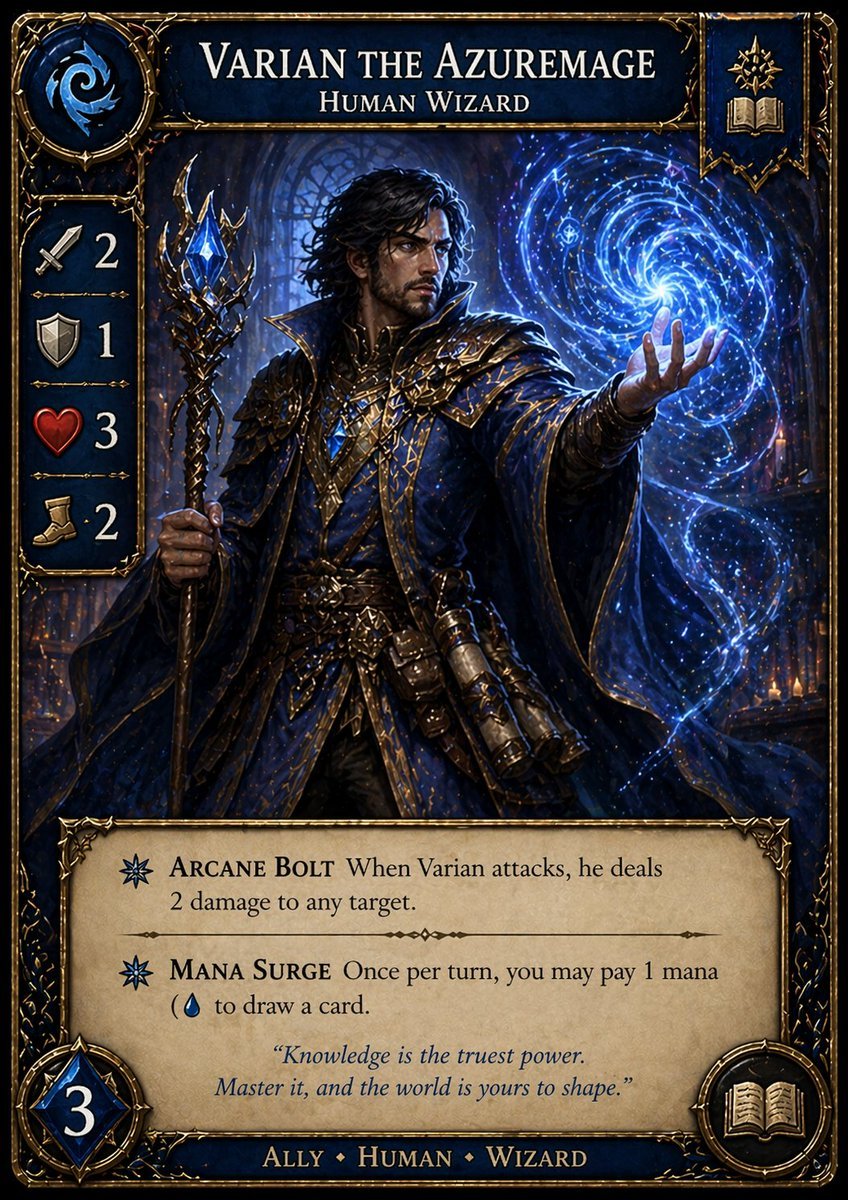
Fantasy Wizard Trading Card

ChatGPT Prompt for Nano Banana Pro Image Generation
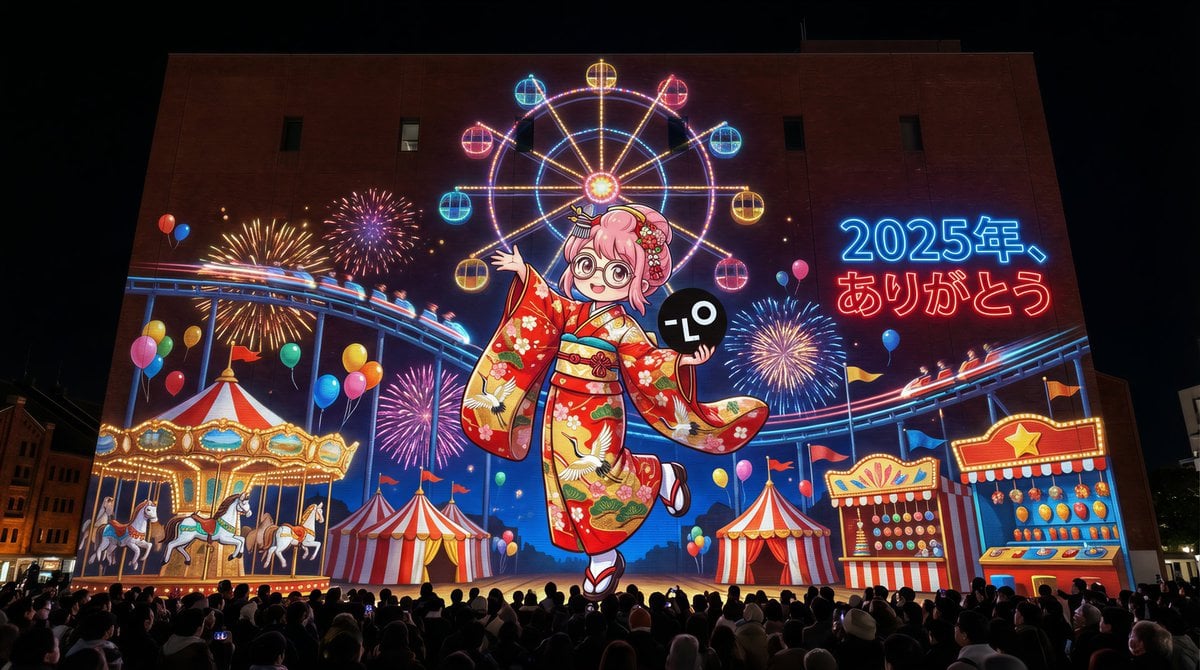
New Year's Eve Projection Mapping on Skyscraper Prompt
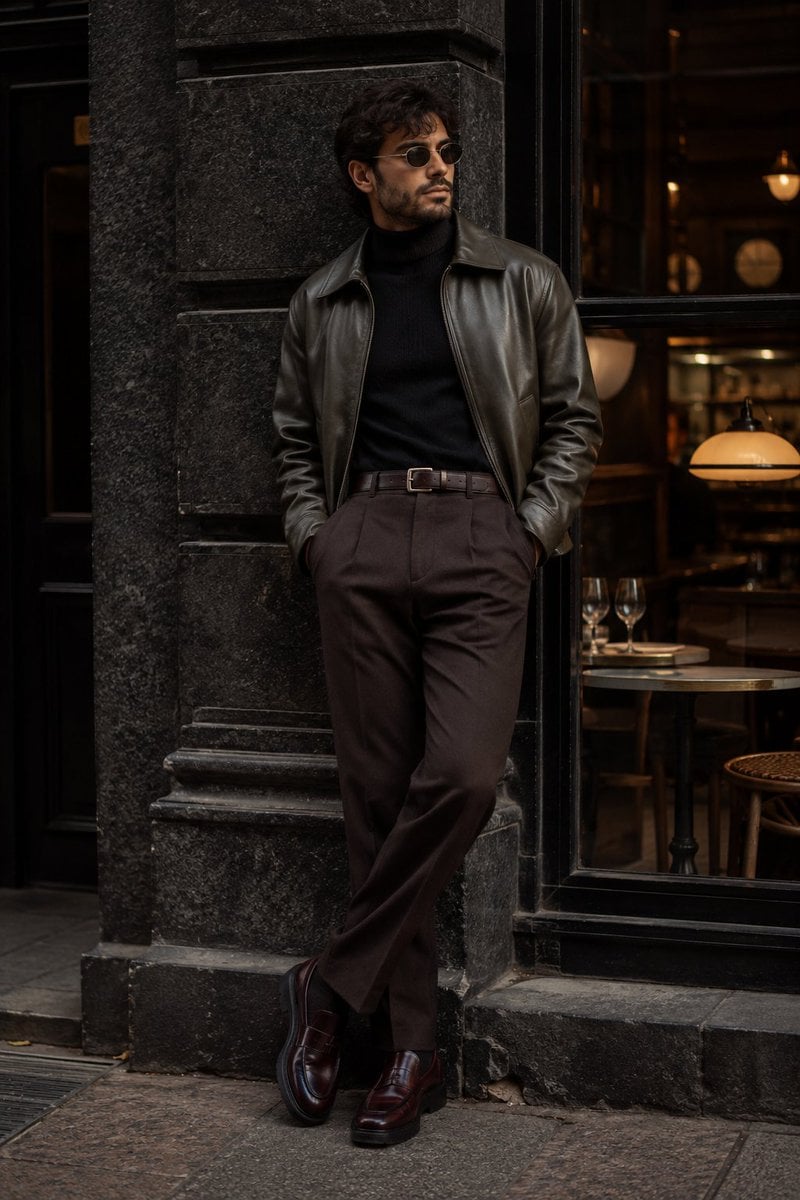
Cinematic Urban Menswear Portrait

Infographic about the Jackson Laboratory
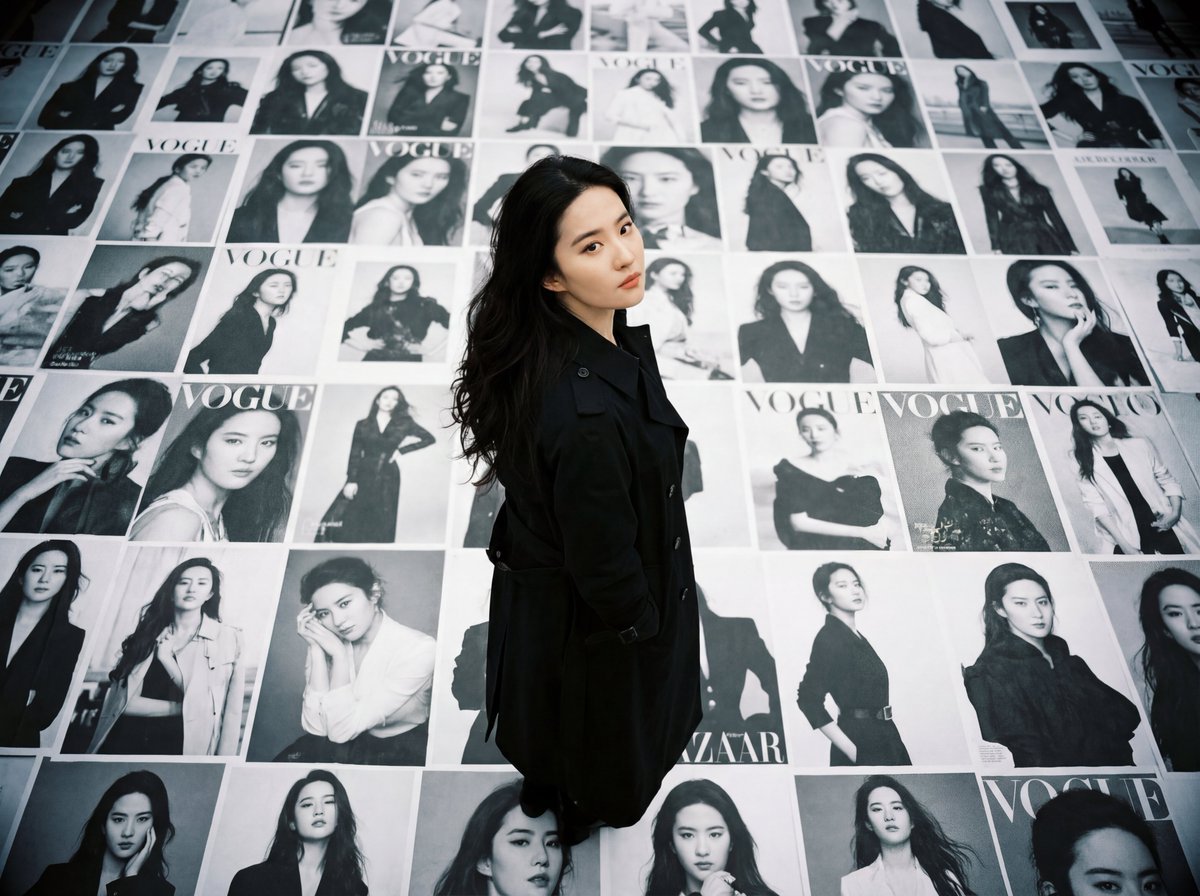
LOMO Ic-a Style Japanese Actress Portrait
Browse template categories
Gothic Saint Pilgrimage Cathedral questions
How do I use the Gothic Saint Pilgrimage Cathedral template?
Add your photo if the template asks for one, edit the prompt if you like — the template's model and format are already selected — and press Generate. Your version opens in PicX Studio.
Can I customize the Gothic Saint Pilgrimage Cathedral template?
Yes. You can change the subject, setting, lighting, mood, format, and available model controls before creating your image.
Is the Gothic Saint Pilgrimage Cathedral template free?
Opening and editing this template is free. Generating uses credits, shown on the Generate button when you are signed in.
Which AI model should I use?
Start with GPT Image 2, which is the model associated with this template. You can compare another compatible model for a different finish.
Looking for something else? Browse all templates.

Your photo, any look
Thousands of ready templates for every top image and video model, from one credit balance.