
Gothic Android Warrior Cathedral Key Art
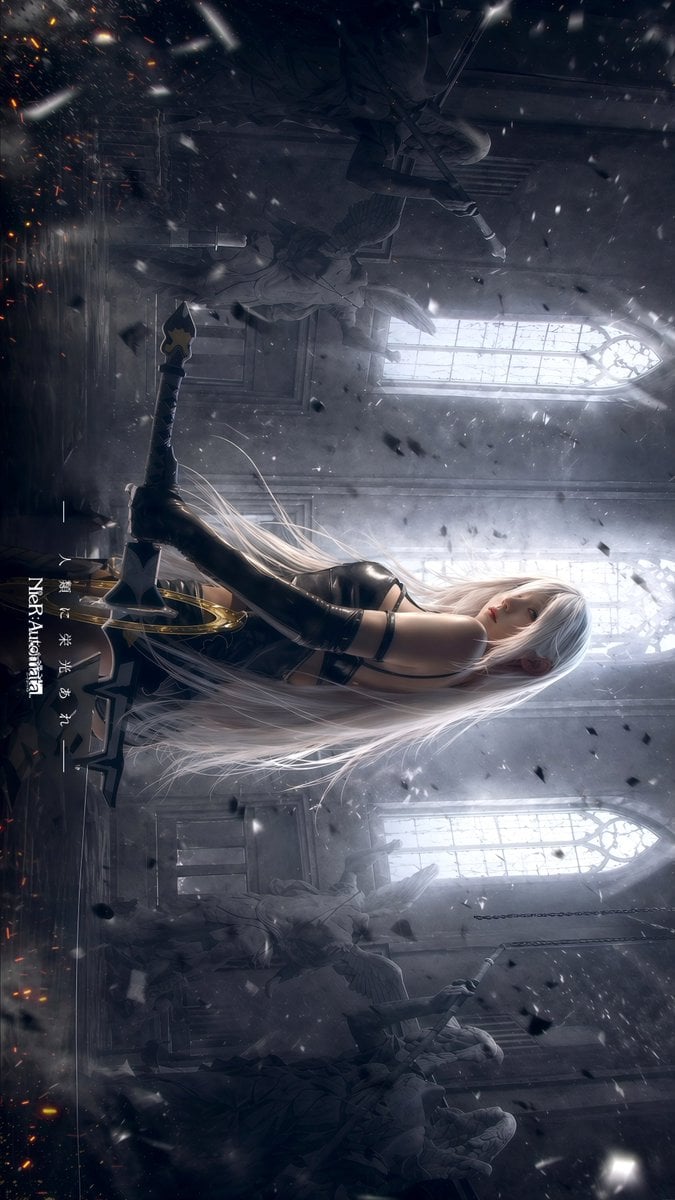
This prompt generates a moody, high-detail anime game-poster illustration of a blindfolded female warrior in a ruined cathedral, ideal for dark fantasy key art and dramatic character posters.
- Prompt included
- Model and format preset
- Premium template
The prompt behind this image
Copy the exact prompt behind Gothic Android Warrior Cathedral Key Art, or open it in the studio and make it yours.
A cinematic dark fantasy anime illustration in a ruined gothic cathedral, vertical composition. Show a lone female android-like warrior from behind, centered slightly low in frame, kneeling or sitting back on her heels on a reflective stone floor. She has extremely long flowing {argument name="hair color" default="silver white"} hair spreading across the floor and air, a sleek black blindfold visor covering her eyes, and a black high-cut gothic combat dress with elegant straps, long black opera gloves, and thigh-high black boots. Her physique is slim and graceful. She holds 1 large ornate sword upright in front of her, with both hands resting on the hilt, the blade planted on the ground like a memorial. The sword has a dark blade and a decorative gold ring-like guard near the handle. The atmosphere is solemn, tragic, and reverent. Place 3 tall pointed arched windows in the background, glowing with cold white backlight through haze and dust. Include 4 stone angel statues total: 2 larger angels in the left background and 2 in the right background, partially obscured by fog and darkness. Fill the air with drifting ash, snow-like particles, black debris fragments, and a few faint orange embers near the floor. Use dramatic volumetric light rays, soft bloom, smoky mist, high contrast, and a desaturated palette of charcoal gray, silver, blue-gray, and black. The scene should feel like a memorial after a battle, highly detailed, ultra-polished, melancholic, ethereal, and game key art inspired by {argument name="franchise title" default="NieR:Automata"}. Add 1 vertical Japanese title inscription near the lower left reading {argument name="vertical text" default="儚き夢と共にあれ"}, with 1 small vertical English subtitle beside it reading {argument name="subtitle text" default="NieR:Automata"}.
How to use Gothic Android Warrior Cathedral Key Art in 3 steps
- 1Upload ImagePNG, JPG or paste
Add your photo
Upload the photo the template builds on. The prompt, model and format are already set.
- 2…a portrait of your subject in softgolden-hour light, 85mm…
Personalize
Edit the subject and creative details for your destination.
- 3Generate
Generate
Press Generate — your image is created in PicX Studio, so you can compare it with the original and refine one variable at a time.
More like this
Templates with the same subject, style or setup. Open one to see its prompt.
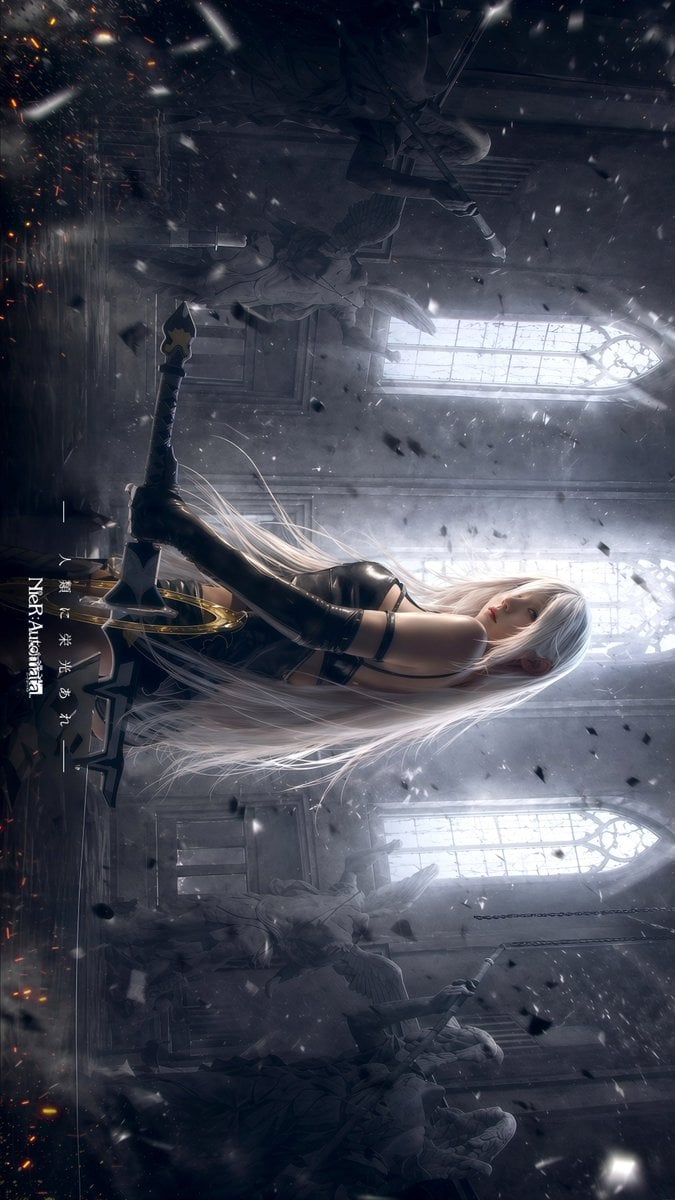
Gpt2 Social Media Post Gothic Android Warrior Cathedral Key Art
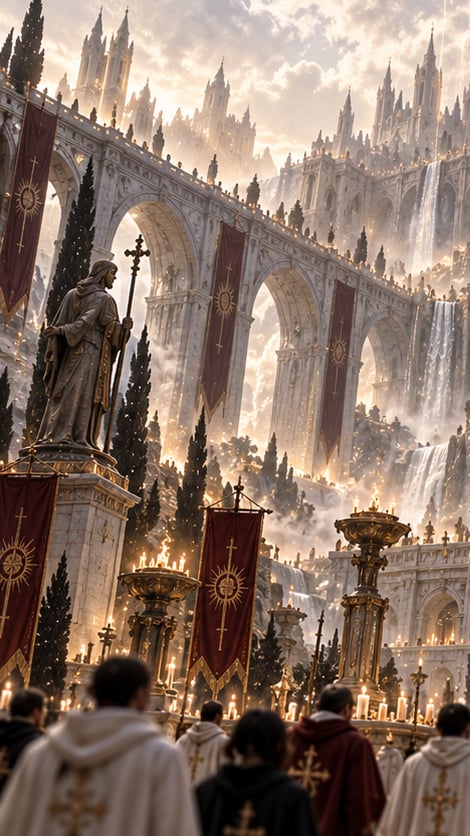
Gothic Saint Pilgrimage Cathedral
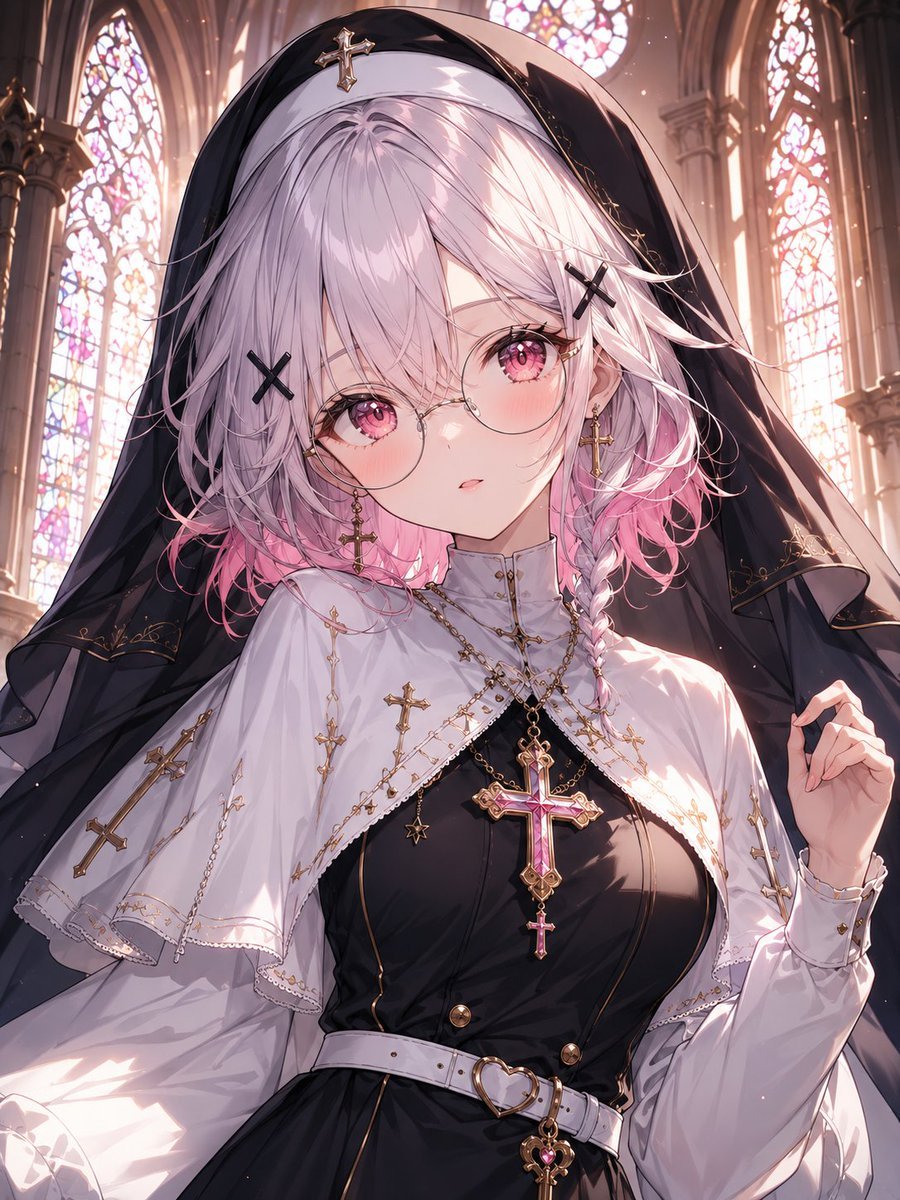
Gothic Nun Cathedral Portrait
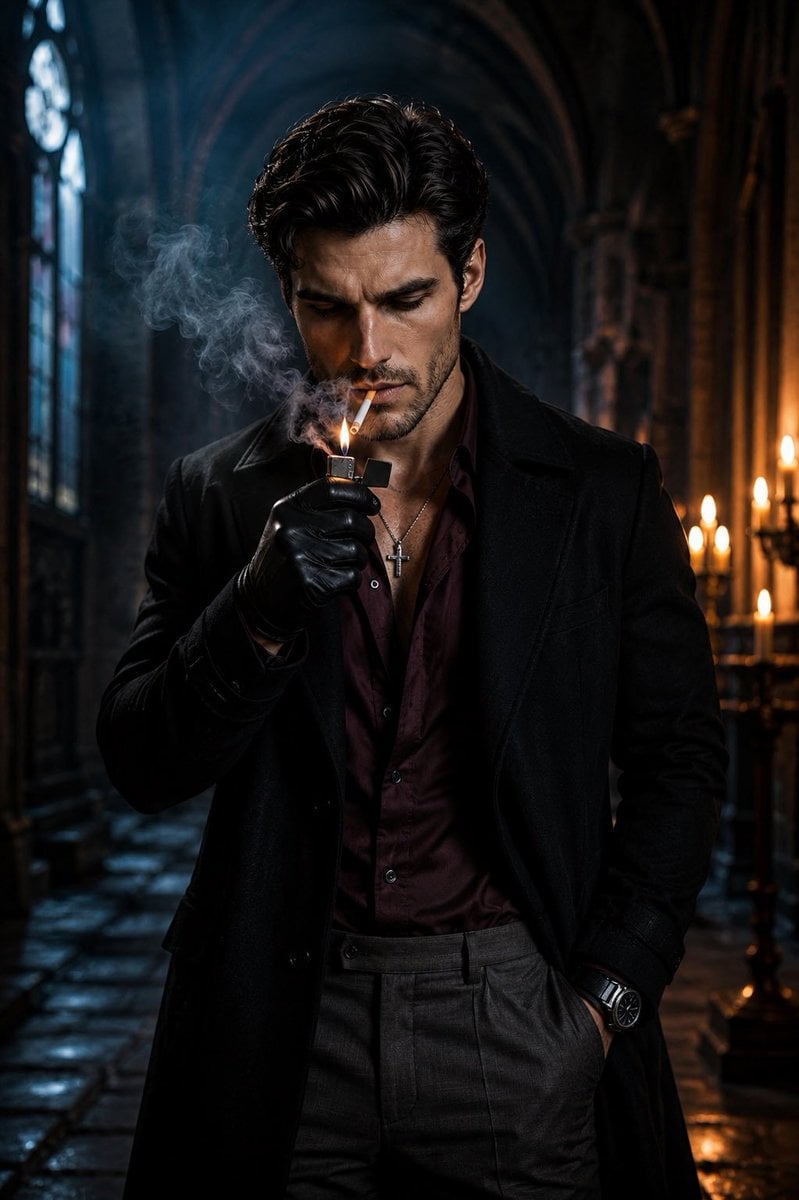
Cinematic Gothic Cathedral Portrait

Gothic Mecha Sword Warrior

Rainy Night Android Cyberpunk Portrait
Rainy Night Android Cyberpunk Portrait
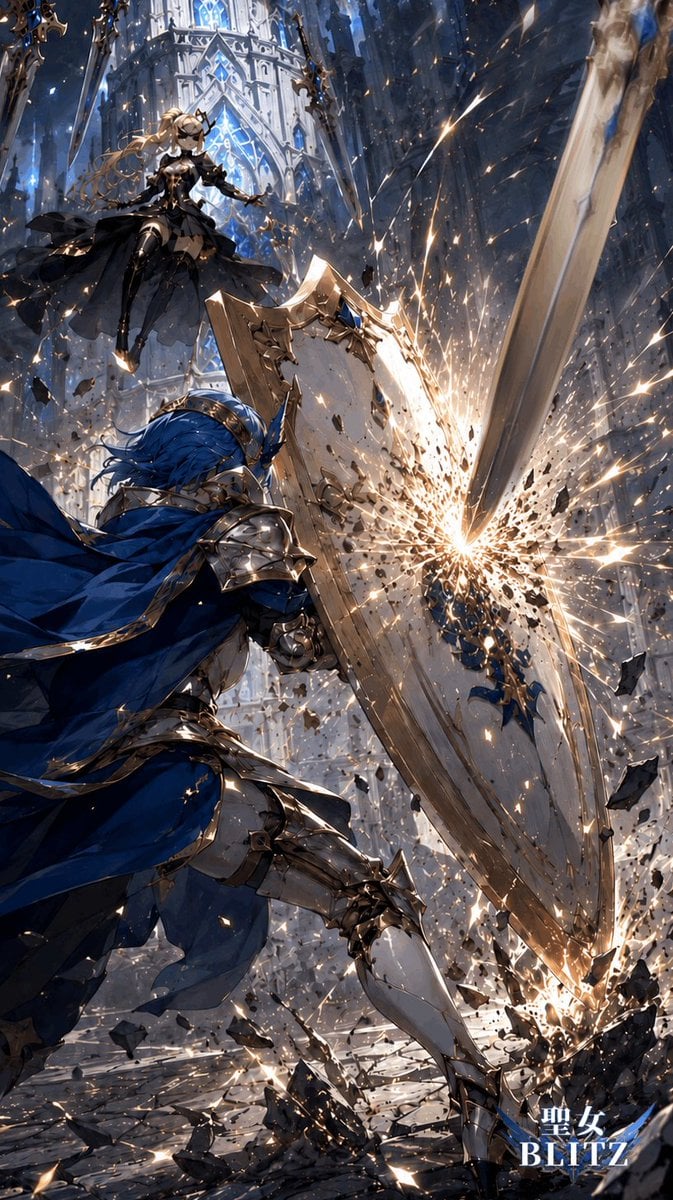
Gothic Cathedral Anime Battle
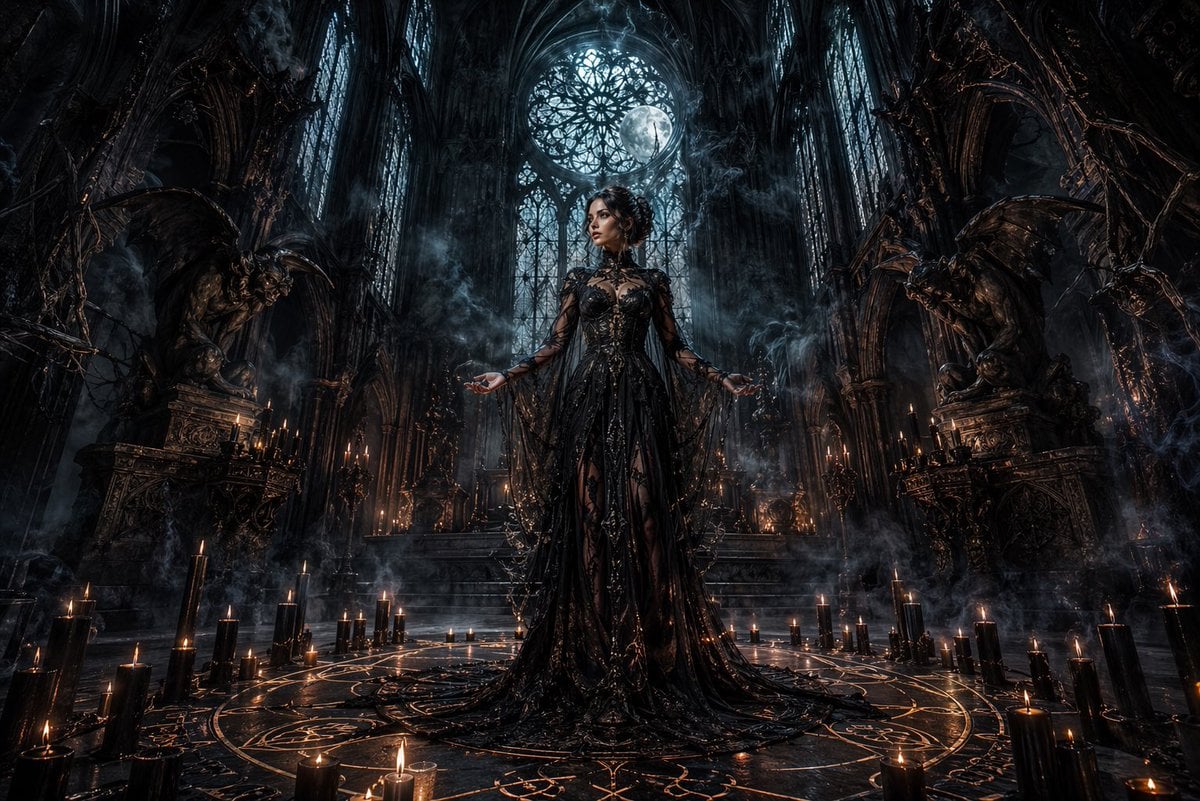
Dark Gothic Ritual in Cathedral
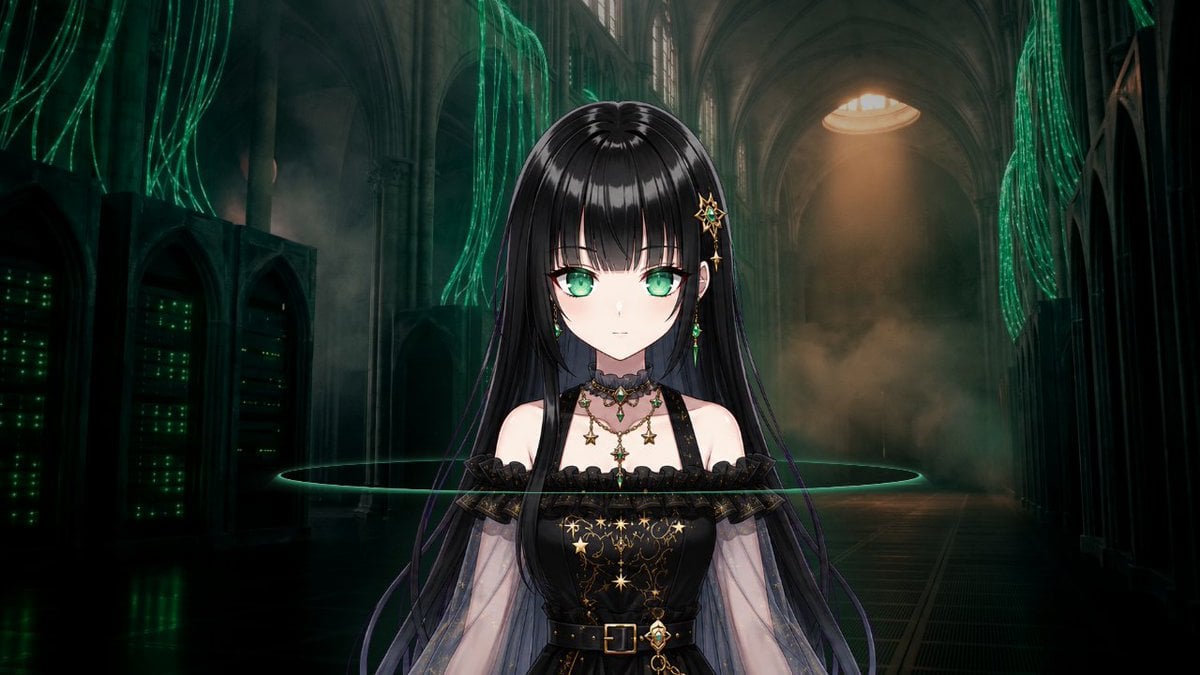
Gothic Cyber VTuber Cathedral Portrait
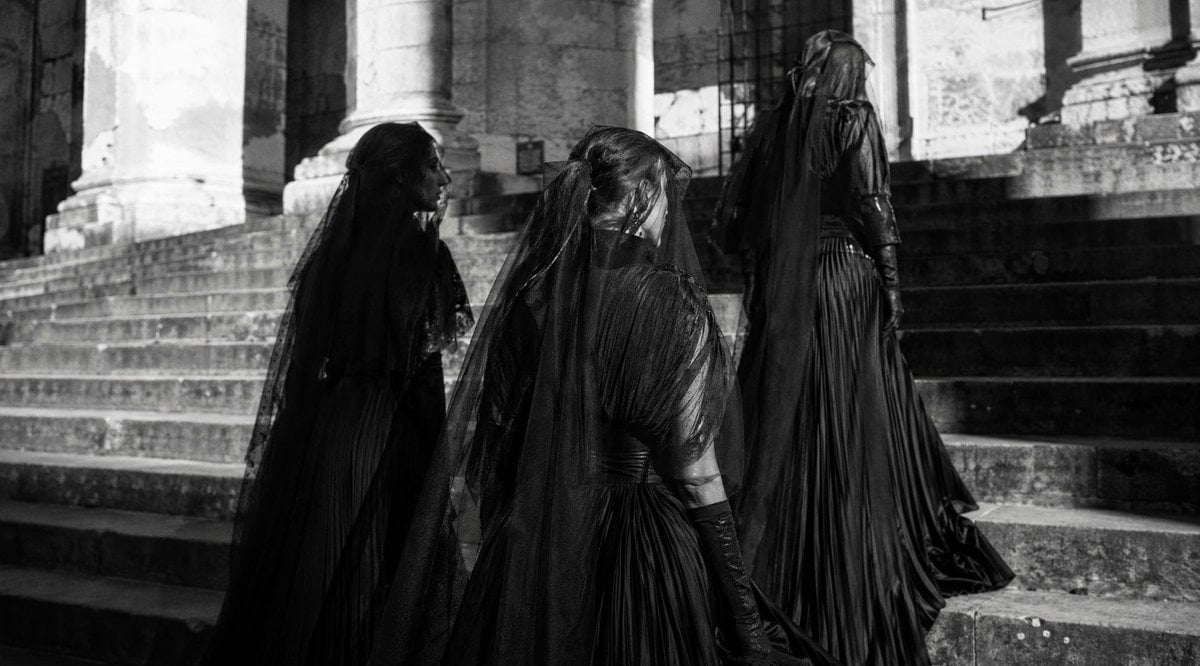
Gothic Mourners on Cathedral Steps
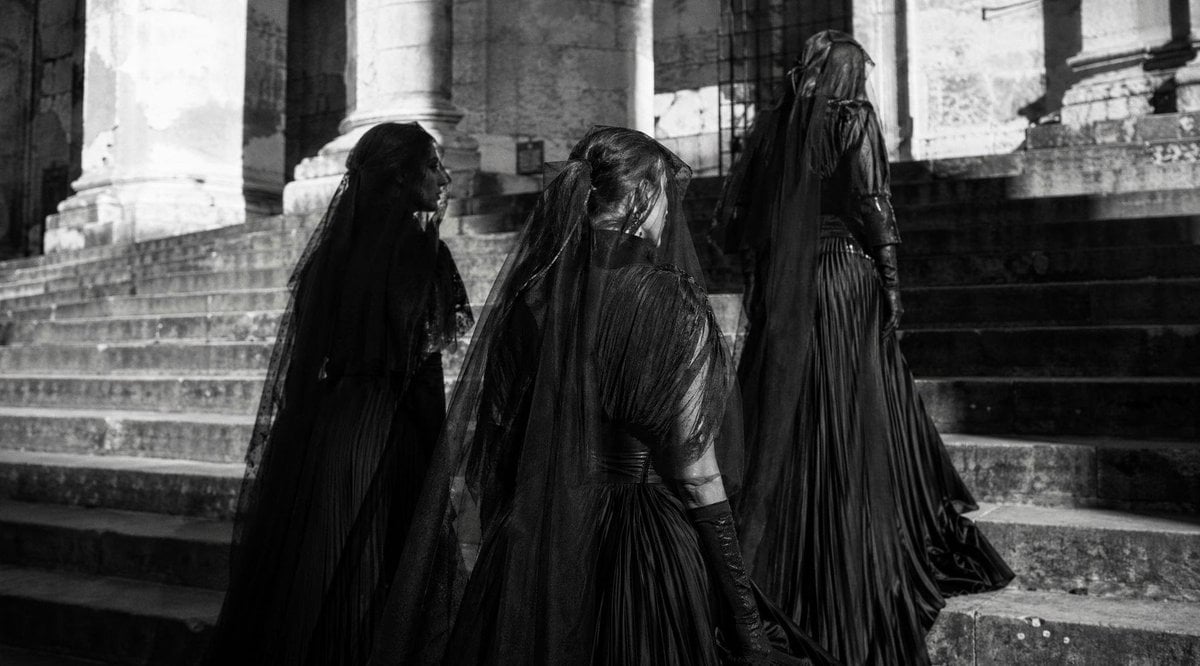
Gothic Mourning Women on Cathedral Steps
Make it yours
Gothic Android Warrior Cathedral Key Art works as-is. These are the safest ways to change it without losing the look.
Change one field
Copy a single group, rewrite it, and generate again so you can see what that field is doing.
Keep the frame, change the subject
Hold the composition and light of Gothic Android Warrior Cathedral Key Art, then swap wardrobe, props or the person for a new take.
| If the result… | Why | Fix |
|---|---|---|
| The result drifts from the preview | Too many fields changed at once. | Reuse Gothic Android Warrior Cathedral Key Art as-is first, then change one group — subject, light, or setting. |
| The model over-stylizes the scene | The prose prompt leaves finish and camera underspecified. | Add one camera or lighting sentence and stay on GPT Image 2. |
More GPT Image 2 templates
Other prompts made for GPT Image 2.

Six VTuber Japanese Logo Sheet

Realistic Portrait of Woman and Deer

The Vista Modular Condo Poster

AI Model Routing Comparison Infographic

2.5D Anime Art Board

Isometric Productivity Desk Scene

New York Double Exposure Poster

Four-Panel AI Landscape Comparison

Japanese Tatami Lifestyle Magazine Cover

NESCAFÉ Coffee Map Poster
More image prompts
Fresh picks from across the catalog.
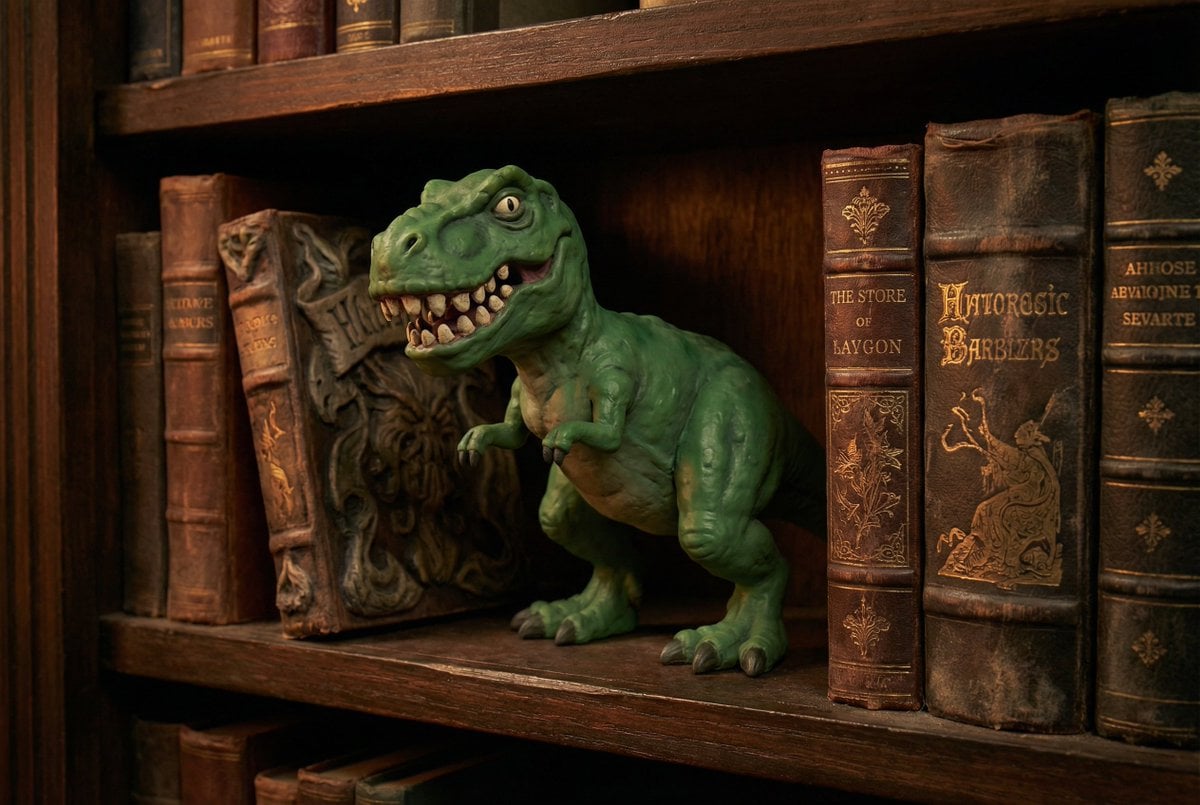
Freepik Prompt Share with Nano Banana Pro
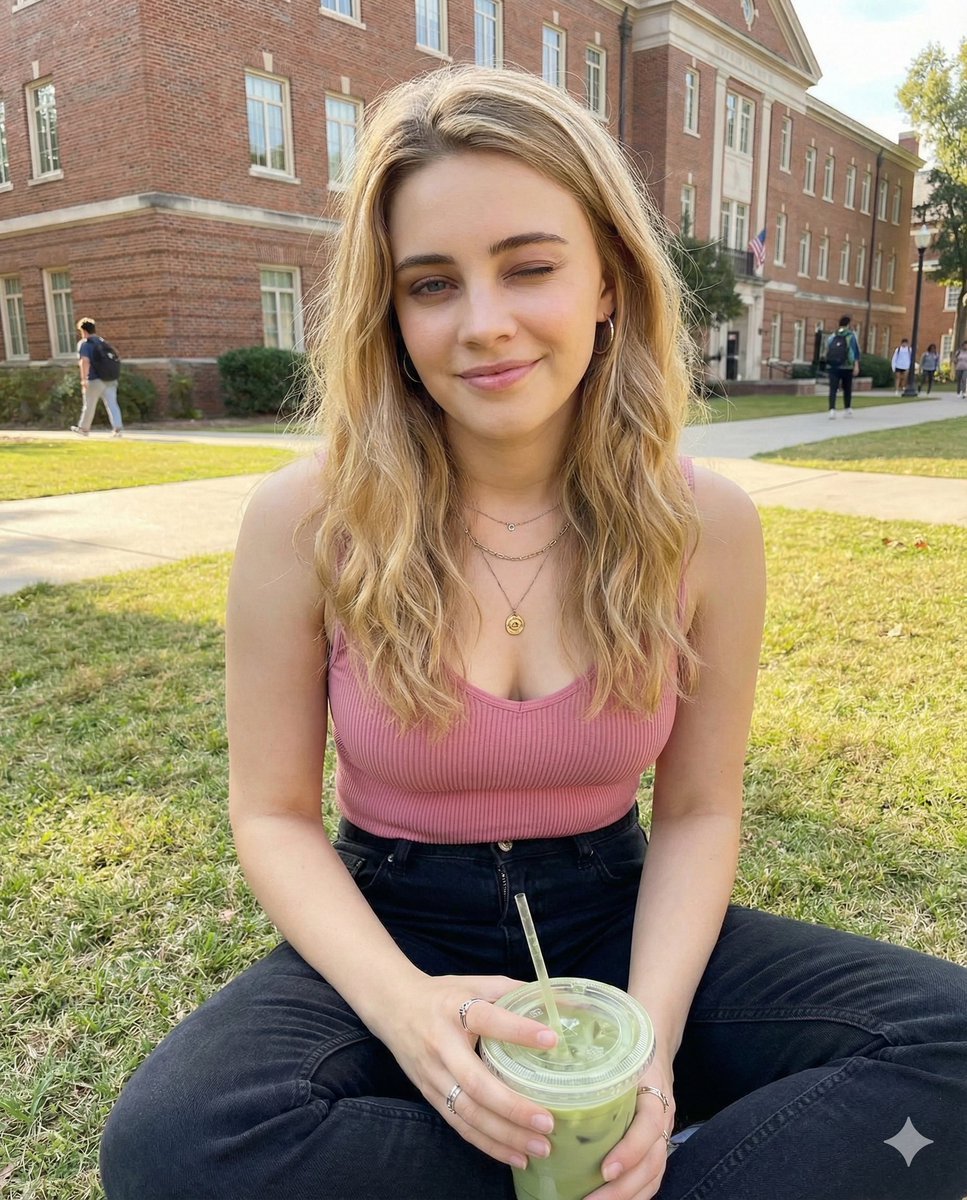
Casual Collegiate Lifestyle Portrait with Iced Drink
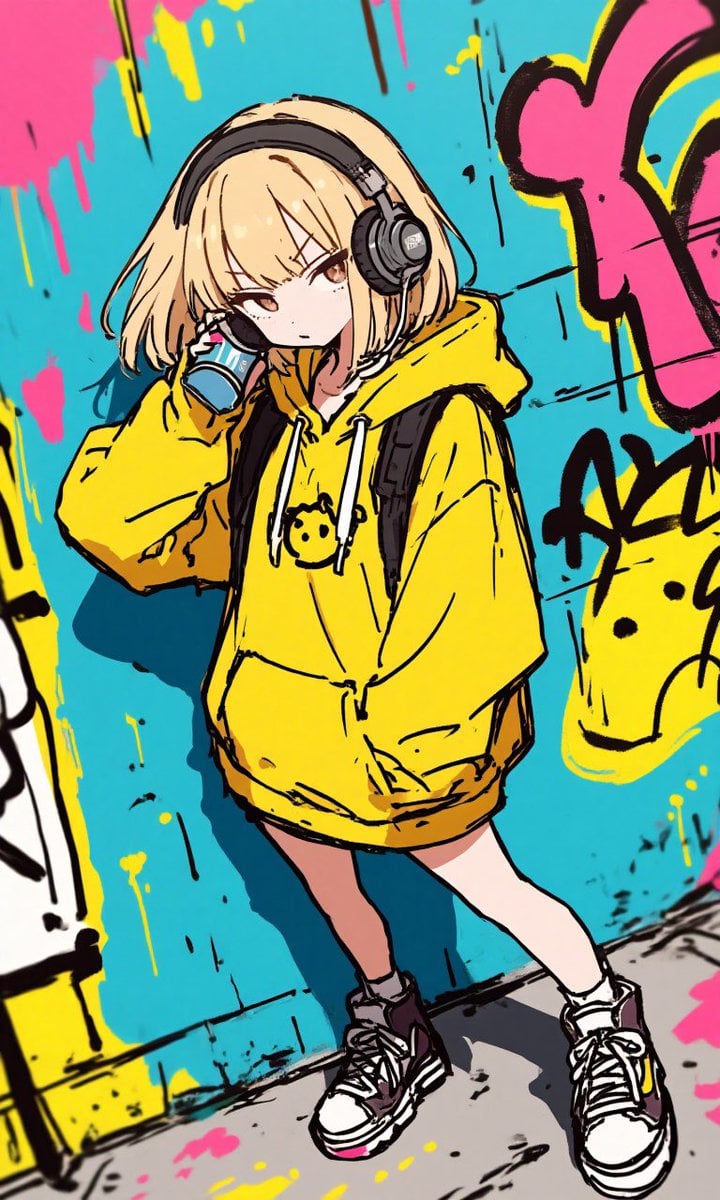
Anime Graffiti Girl Transformation

Cinematic Sunset Water Splash Portrait
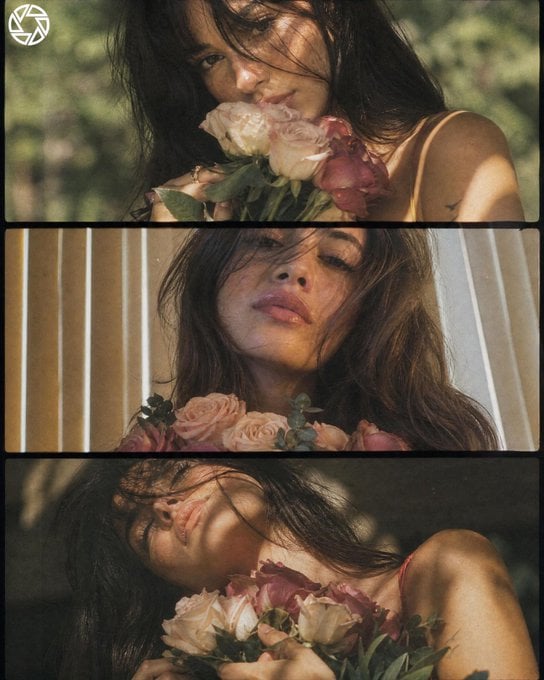
Dreamy Cottagecore 3-Panel Cinematic Collage
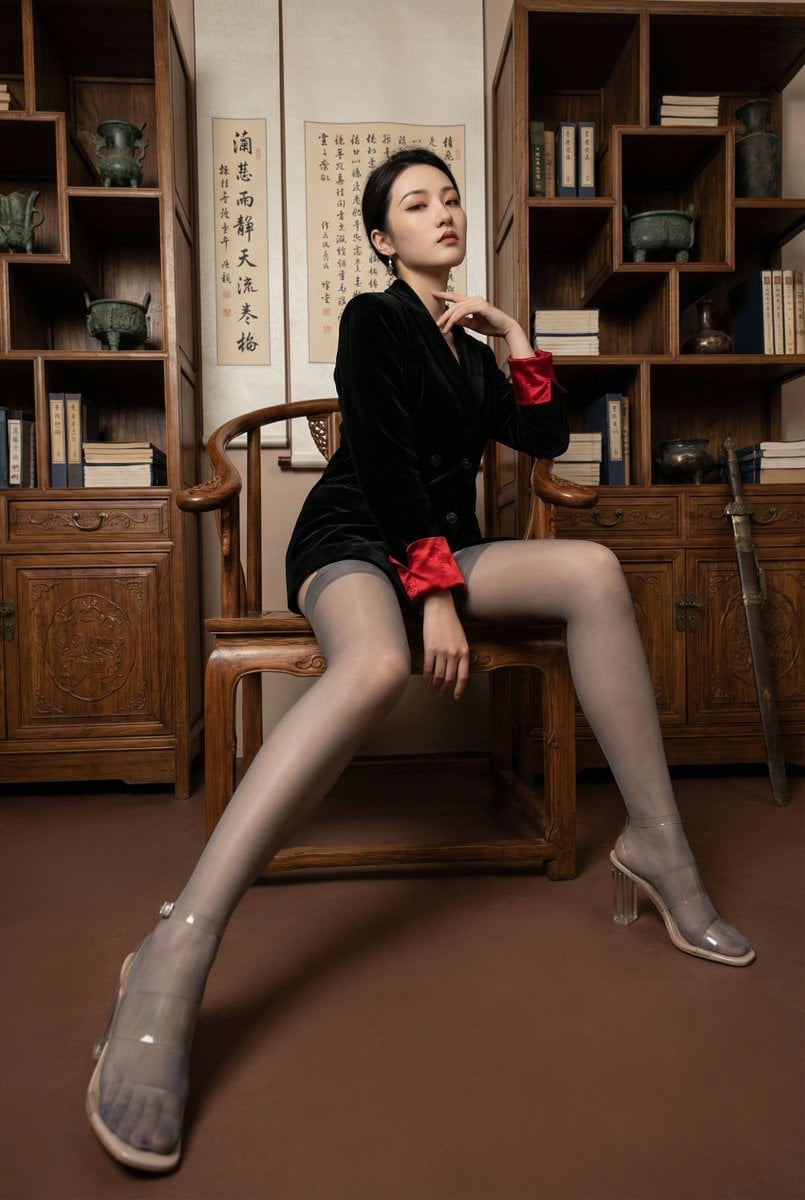
Modern Chinese Retro Fashion Photography Prompt
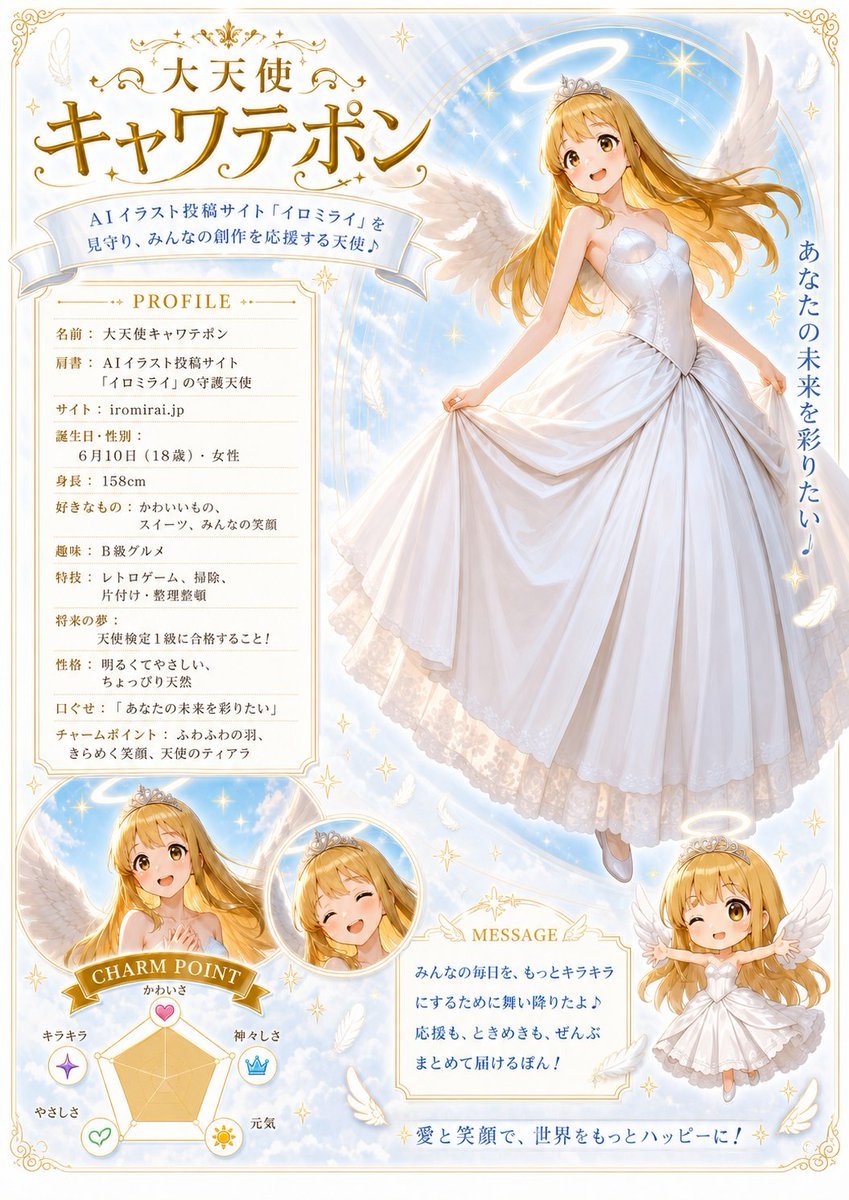
Celestial Angel Character Profile Poster
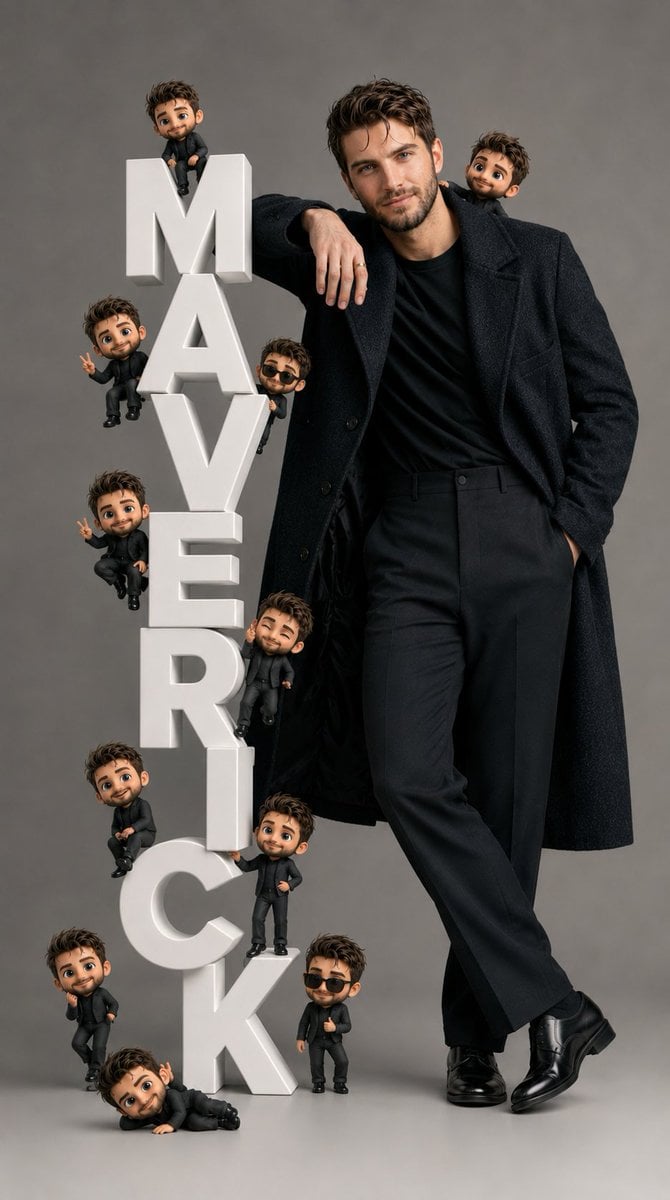
Pixar-Style Chibi Editorial Portrait
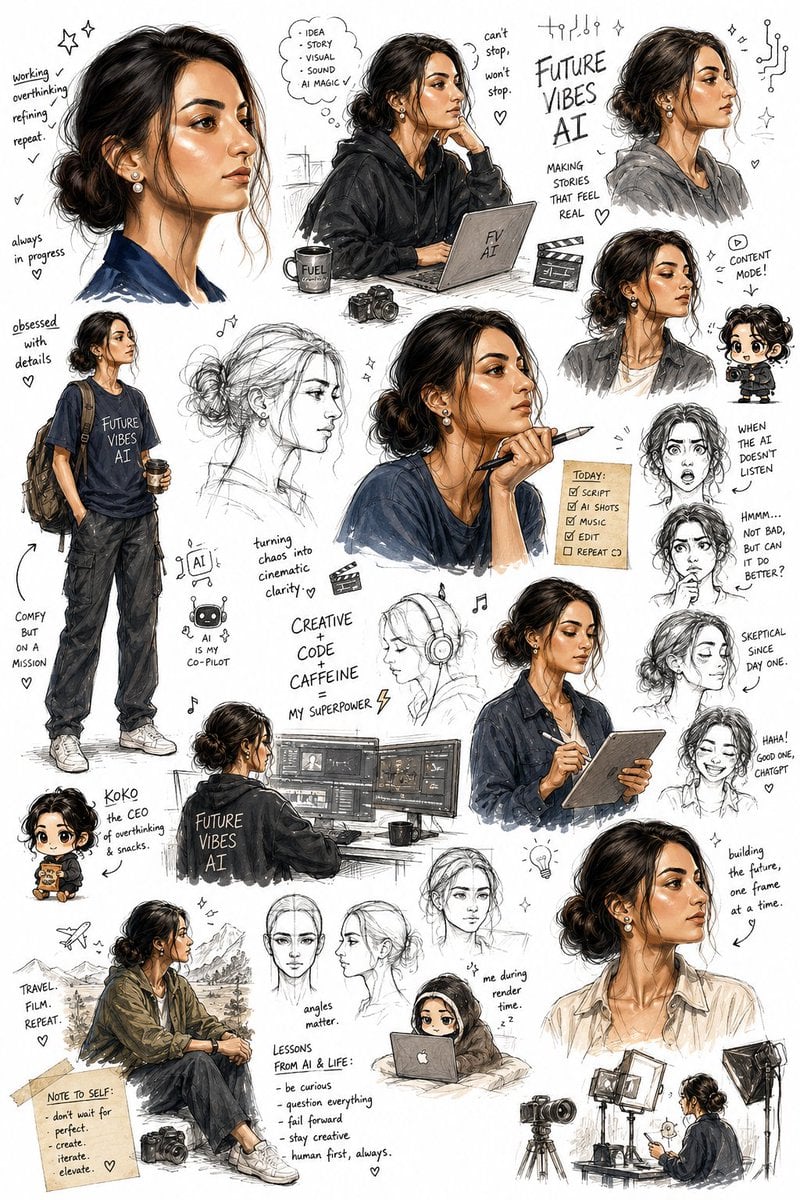
Sketchbook Character Exploration Sheet
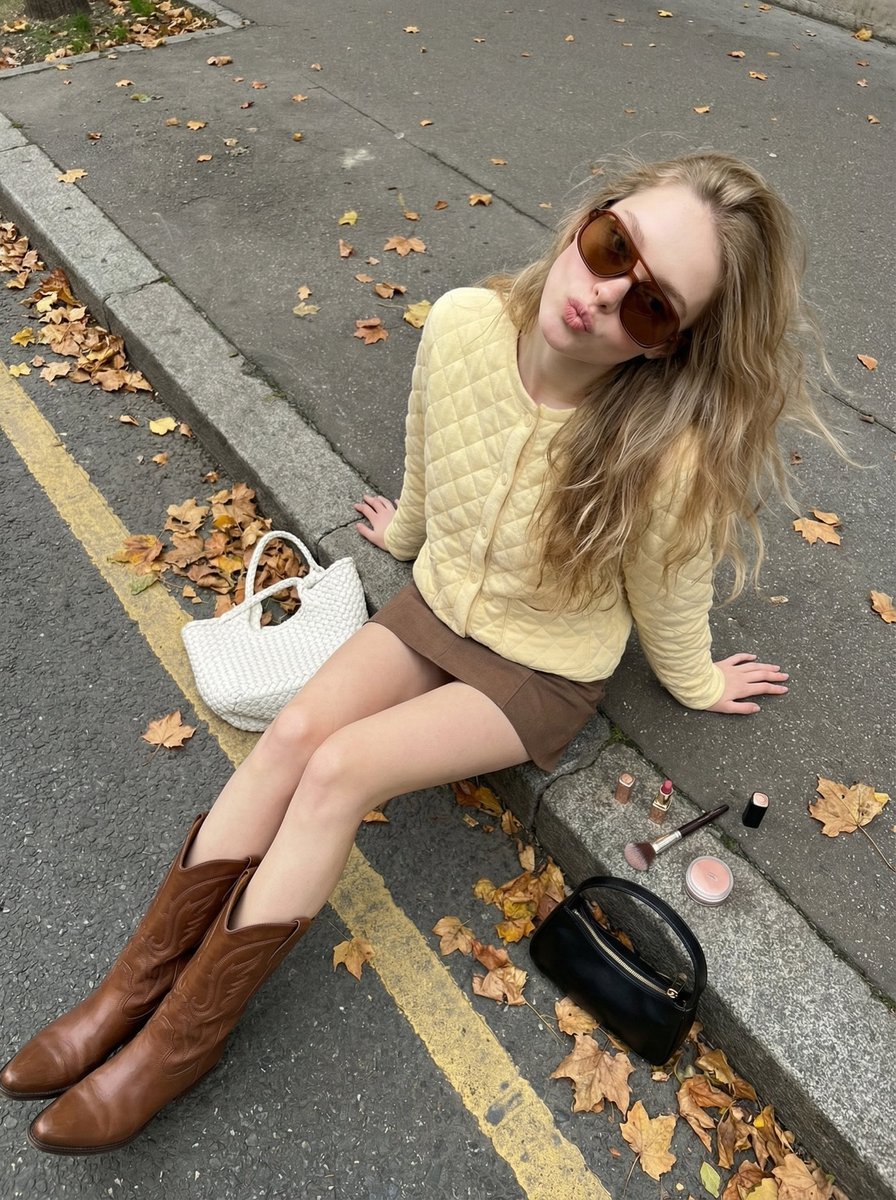
High-Angle Street Style Photo with Makeup Items
Browse template categories
Gothic Android Warrior Cathedral Key Art questions
How do I use the Gothic Android Warrior Cathedral Key Art template?
Add your photo if the template asks for one, edit the prompt if you like — the template's model and format are already selected — and press Generate. Your version opens in PicX Studio.
Can I customize the Gothic Android Warrior Cathedral Key Art template?
Yes. You can change the subject, setting, lighting, mood, format, and available model controls before creating your image.
Is the Gothic Android Warrior Cathedral Key Art template free?
Opening and editing this template is free. Generating uses credits, shown on the Generate button when you are signed in.
Which AI model should I use?
Start with GPT Image 2, which is the model associated with this template. You can compare another compatible model for a different finish.
Looking for something else? Browse all templates.

Your photo, any look
Thousands of ready templates for every top image and video model, from one credit balance.