
Cinematic Sunset Water Splash Portrait
An extremely detailed action prompt for a high-quality vertical portrait of a man creating a splash in water at sunset, including technical camera settings.
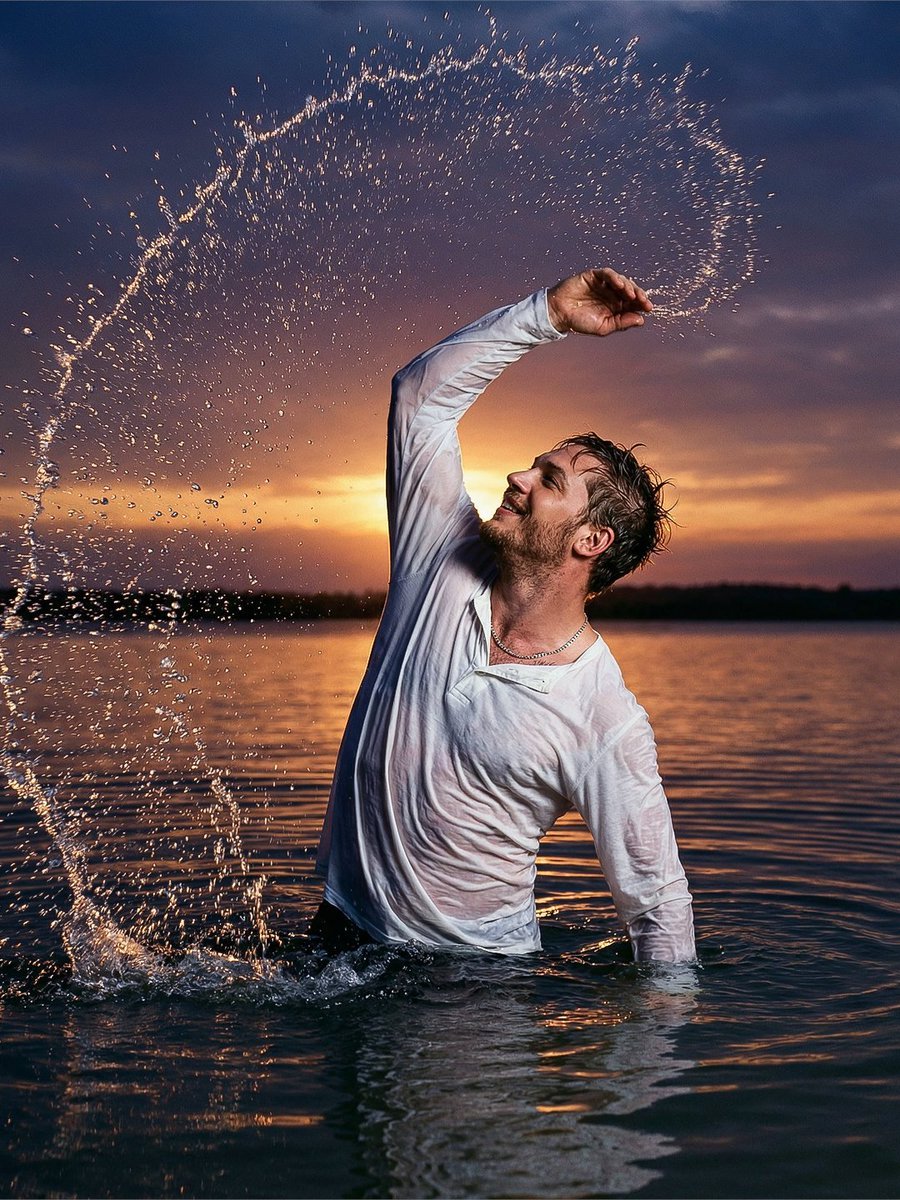
- Prompt included
- Model and format preset
- Free template
The prompt behind this image
Copy the exact prompt behind Cinematic Sunset Water Splash Portrait, or open it in the studio and make it yours.
{argument name="visual style" default="ultra-realistic cinematic action portrait"}, low-angle slightly wide shot, 9:16 vertical aspect ratio, {argument name="subject" default="a young man standing waist-deep in a calm water body during a dramatic sunset"}, captured mid-motion as he lifts one arm upward creating a powerful splash, water forming a semi-circular arc around him like a halo of droplets frozen in air, pose structure, strong upward arm movement with torso slightly twisted, balanced stance in water, confident body language, head slightly tilted with expressive relaxed face conveying freedom and spontaneity, cloth design, white long-sleeve shirt soaked and clinging naturally to body, realistic wet fabric texture with visible folds and stretch, subtle chain necklace reflecting light adding detail, environment, wide open water surface smooth and reflective, low horizon line allowing sky dominance, minimal distractions, calm ripples spreading outward from subject motion, lighting, {argument name="lighting" default="strong backlit sunset lighting creating silhouette effect with glowing rim light around subject"}, warm orange tones near horizon blending into purples and deep blues in sky, light catching individual water droplets producing sparkling highlights, lens and camera, 35mm lens, f/2.8 aperture for balanced sharpness of subject and splash, ISO 100, high shutter speed freeze-frame effect capturing droplets in crisp detail, texture and realism, ultra-detailed water droplets suspended mid-air with varied size and spacing, realistic ripple patterns on water surface, natural skin texture with subtle highlights, accurate light refraction through droplets, fabric wetness realism, camera style, DSLR cinematic photography, music-video style dramatic realism with warm-to-cool gradient color grading, shallow depth of field, soft background falloff, realistic shadows, volumetric sunset glow, high dynamic range natural not overprocessed, 8K ultra HD, extreme detail NEGATIVE PROMPT: blurry, low resolution, cartoon, CGI, unrealistic water splash, plastic droplets, distorted anatomy, oversharpen, noise, watermark, text, logo
How to use Cinematic Sunset Water Splash Portrait in 3 steps
- 1
Open
The prompt is already in the box next to the preview, with the template's model and format selected.
- 2…a portrait of your subject in softgolden-hour light, 85mm…
Personalize
Edit the subject and creative details for your destination.
- 3Generate
Generate
Press Generate — your image is created in PicX Studio, so you can compare it with the original and refine one variable at a time.
More like this
Templates with the same subject, style or setup. Open one to see its prompt.
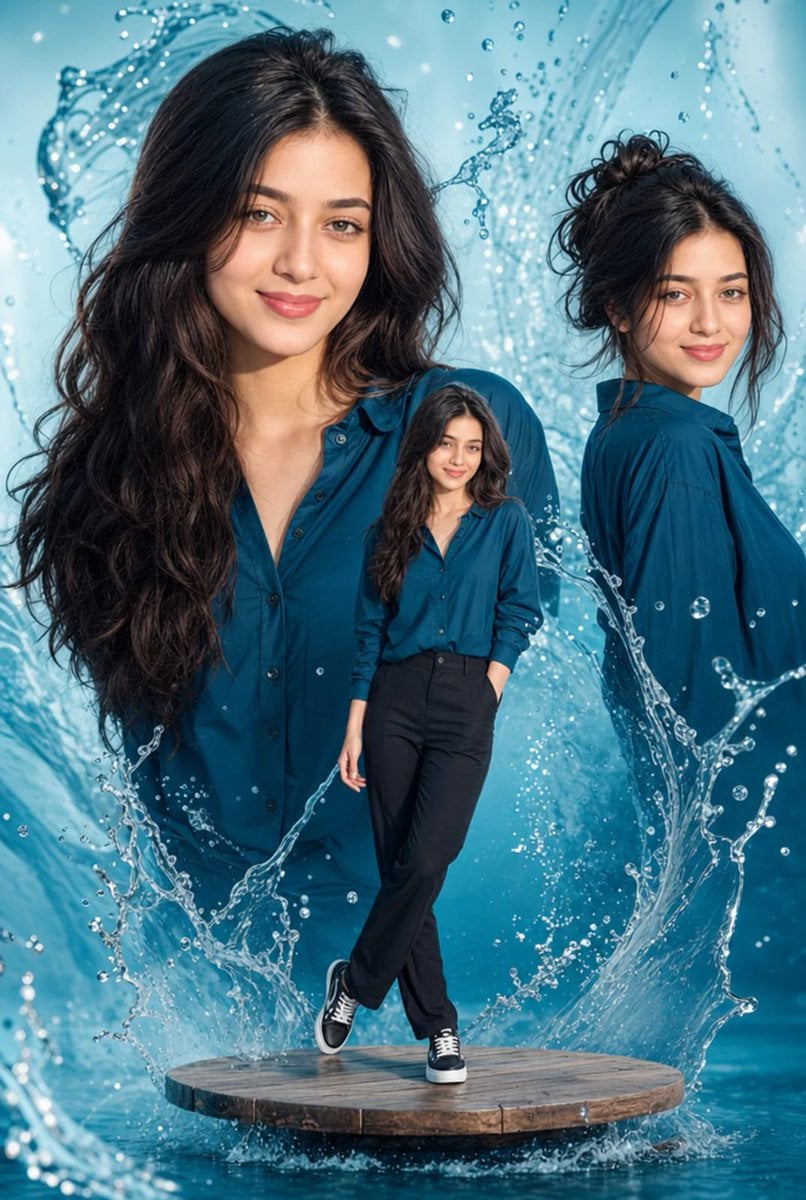
Cinematic Water Splash Woman Portrait
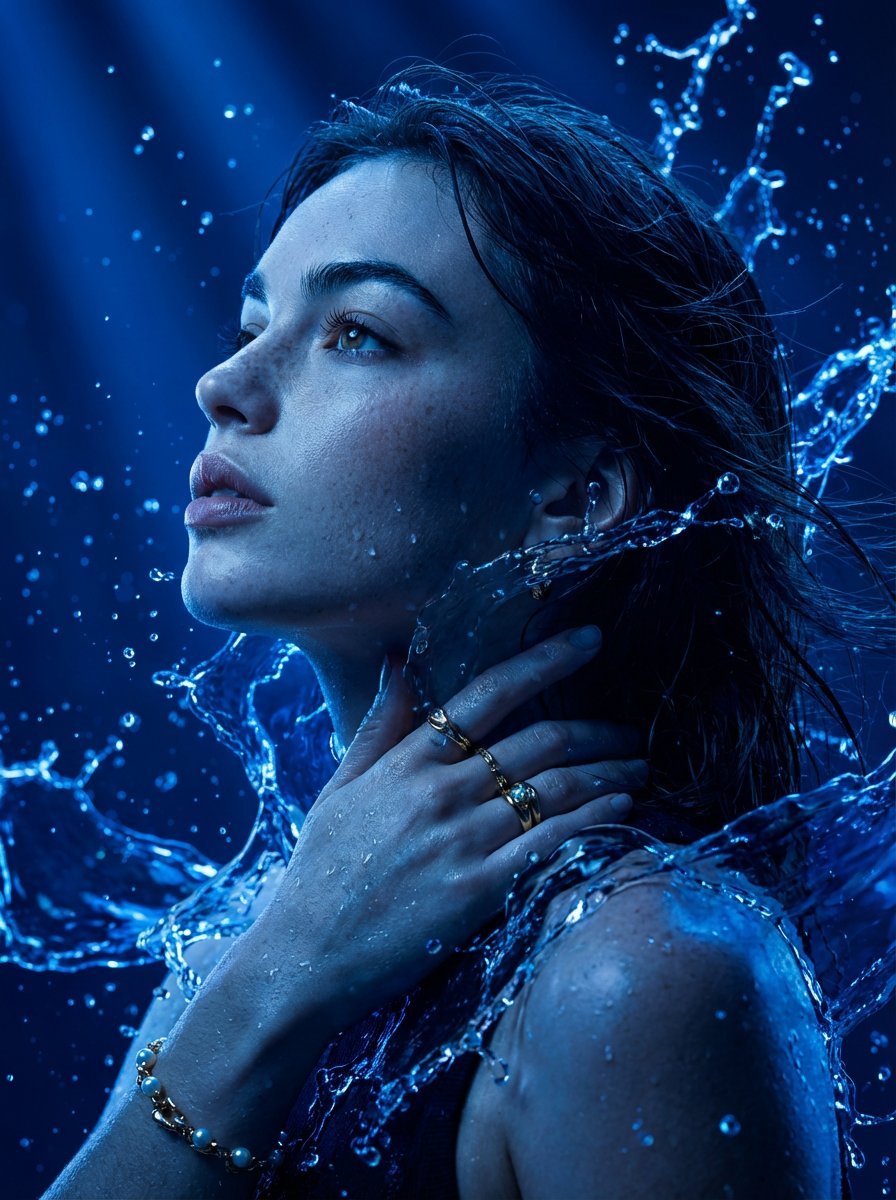
Cinematic Portrait Drenched in Electric Blue Water Splashes

Found Photograph: Us, 1970

80s Couple Studio Portrait

80s Bollywood Star

80s Golden Hour Cinema

Me in 1985

1985 Studio Portrait

Underwater Macro Face Portrait

Hyper-Realistic Minecraft POV Portrait
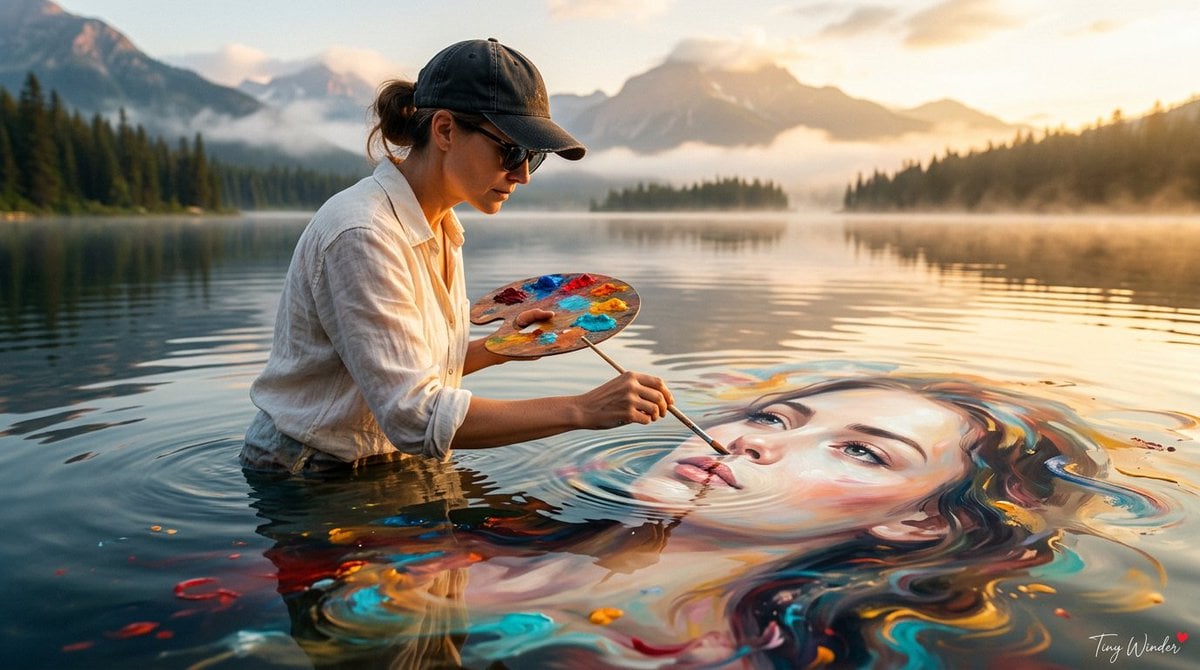
Surreal Fine Art Water Painting Portrait

Rooftop Fisheye — Cat-Ear Balaclava at Golden Hour
Make it yours
Cinematic Sunset Water Splash Portrait works as-is. These are the safest ways to change it without losing the look.
Change one field
Copy a single group, rewrite it, and generate again so you can see what that field is doing.
Keep the frame, change the subject
Hold the composition and light of Cinematic Sunset Water Splash Portrait, then swap wardrobe, props or the person for a new take.
| If the result… | Why | Fix |
|---|---|---|
| The result drifts from the preview | Too many fields changed at once. | Reuse Cinematic Sunset Water Splash Portrait as-is first, then change one group — subject, light, or setting. |
| The model over-stylizes the scene | The prose prompt leaves finish and camera underspecified. | Add one camera or lighting sentence and stay on Nano Banana 2. |
More Nano Banana 2 templates
Other prompts made for Nano Banana 2.

Photorealistic Leaf Shaped Like a Dragon

K-Pop Idol Portrait Grid for Rapid Selection

Poetic Rain Forest Portrait During Golden Hour

Urban Street Portrait with Cartoon Inner Self Duo

Candid Nighttime Photo with Cat Prompt

High-Concept 3D Diorama Generation Prompt

Cinematic Futuristic Studio Portrait Template

Skincare Editorial Photography Collage Prompt

Hyper-Realistic Commercial Product Photography (Splash Effect)

Hyper-Realistic Nightclub Portrait Prompt
More image prompts
Fresh picks from across the catalog.
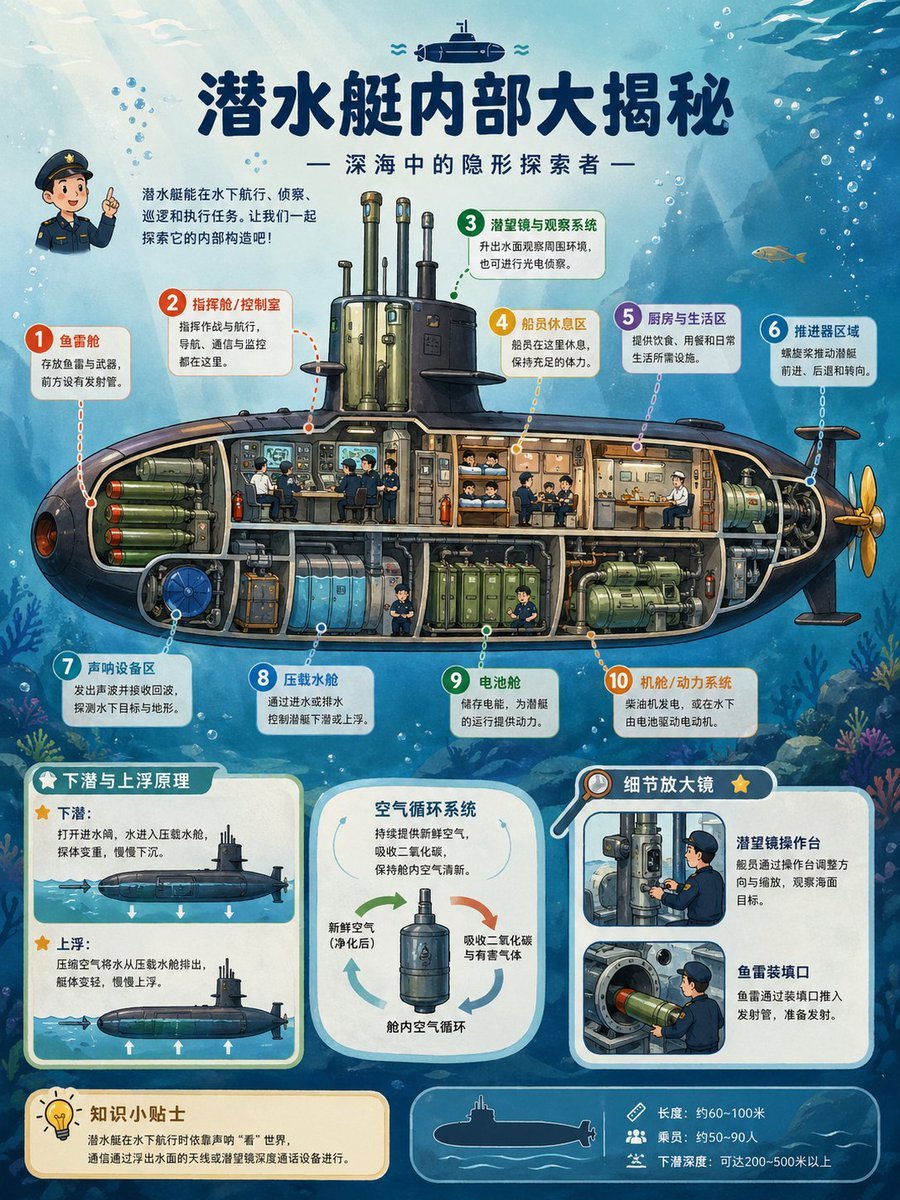
Submarine Cutaway Encyclopedia Poster

Cinematic Concept Art for Ancient Abandoned Jungle City
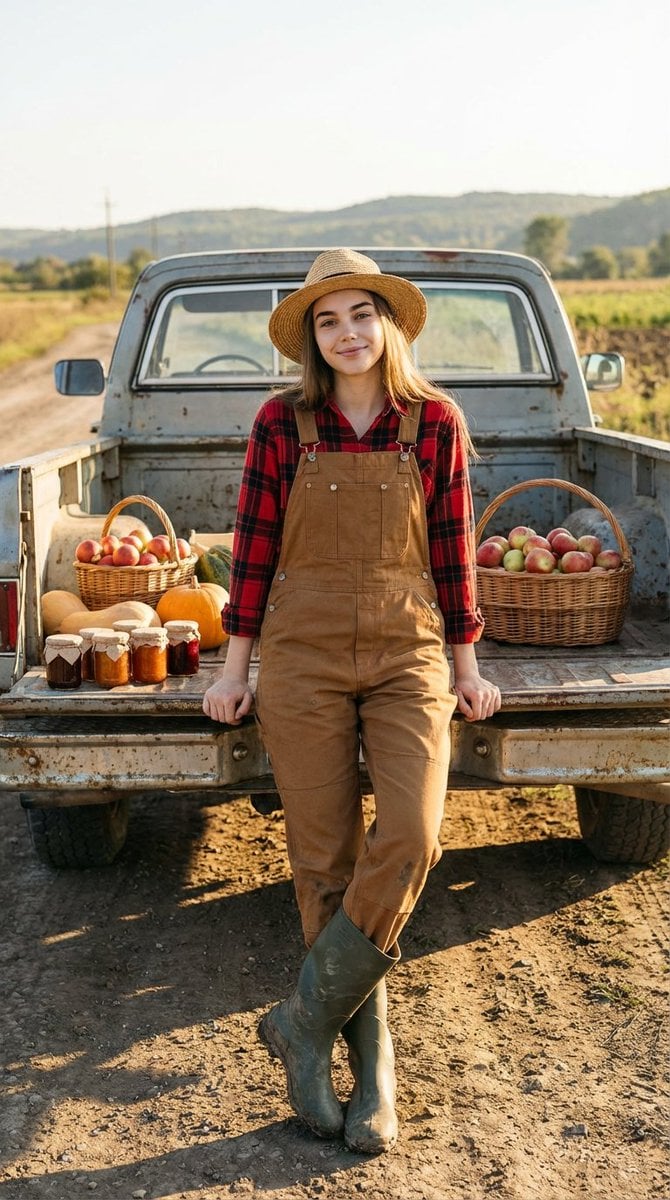
Ultra-Realistic Cinematic Rural Photography Prompt
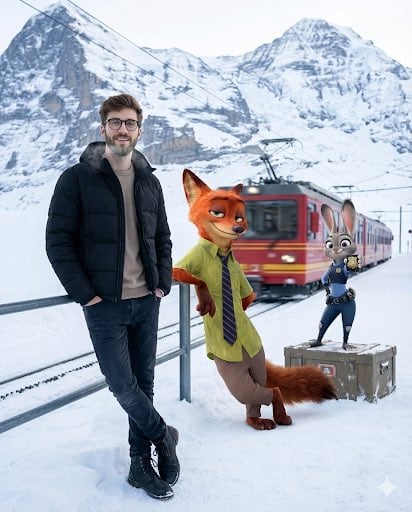
Cinematic Winter Travel Scene with Zootopia Characters
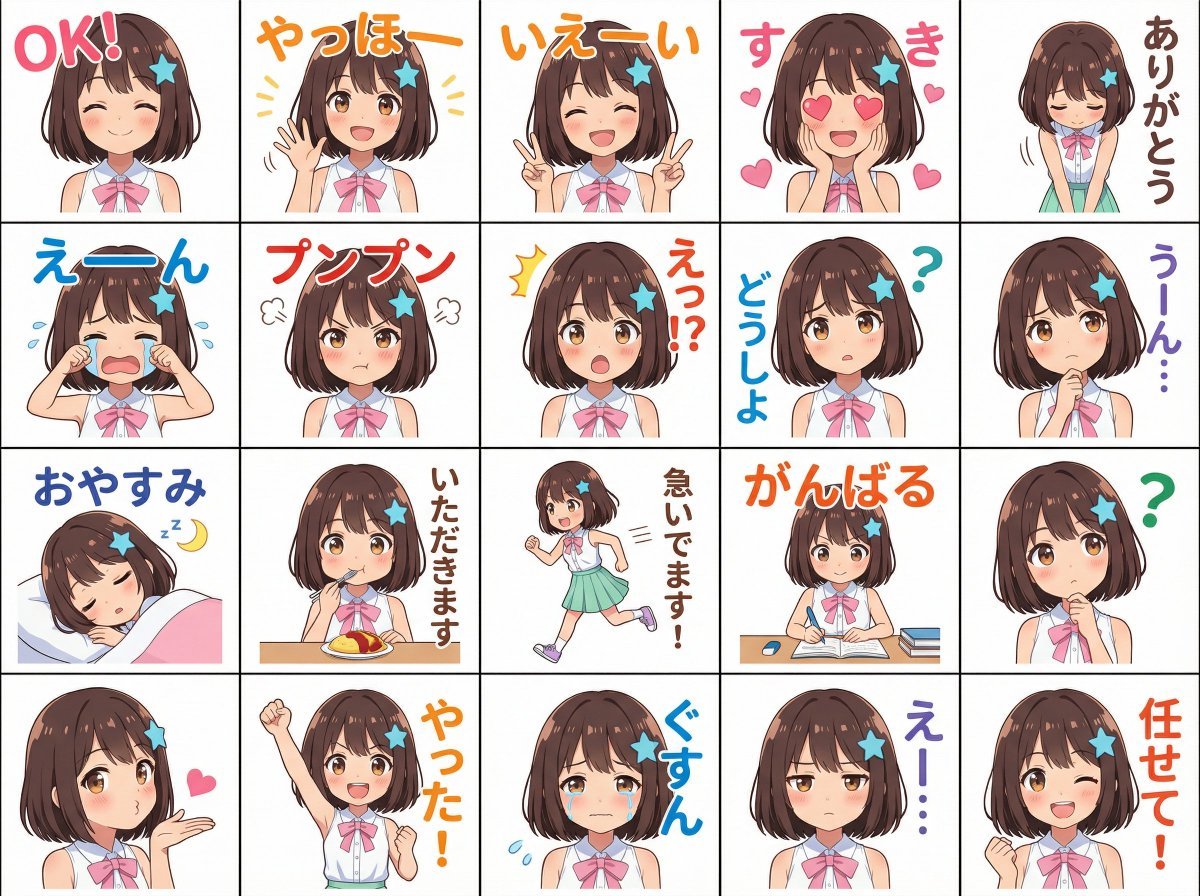
Messenger sticker set from attached person
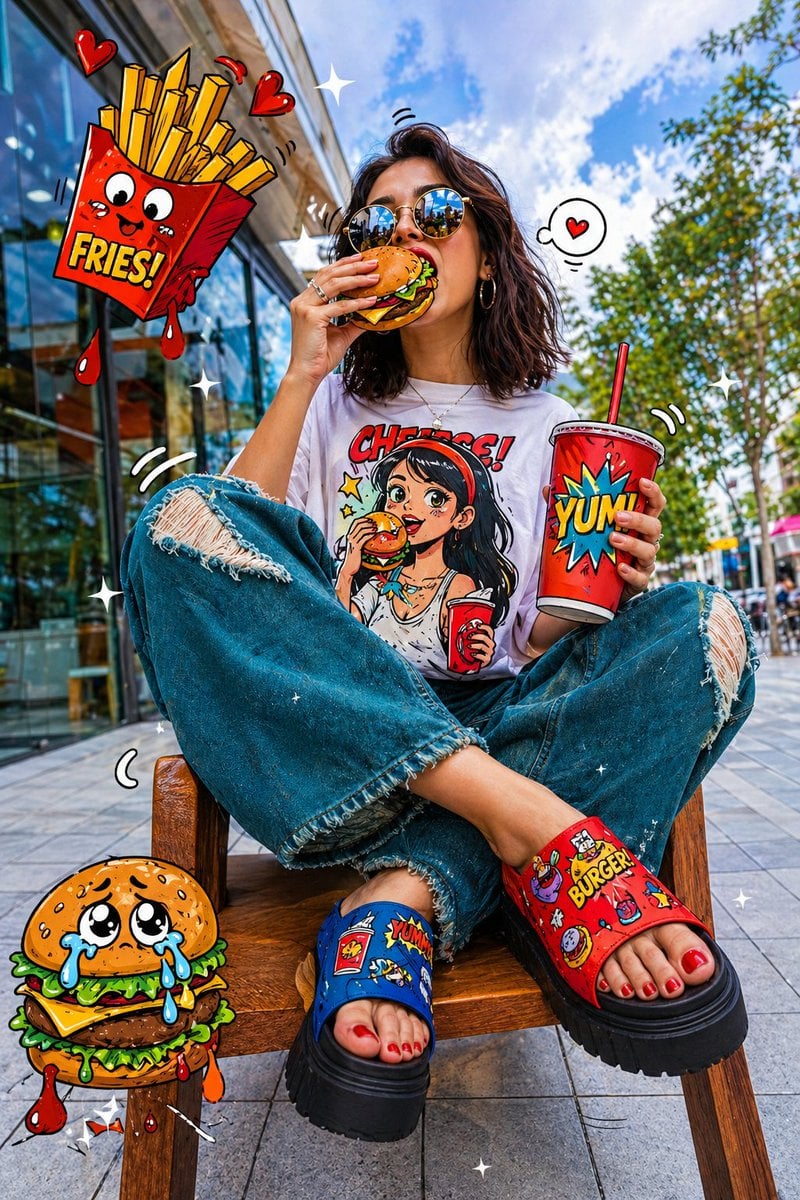
Pop-Art Urban Photography Fusion
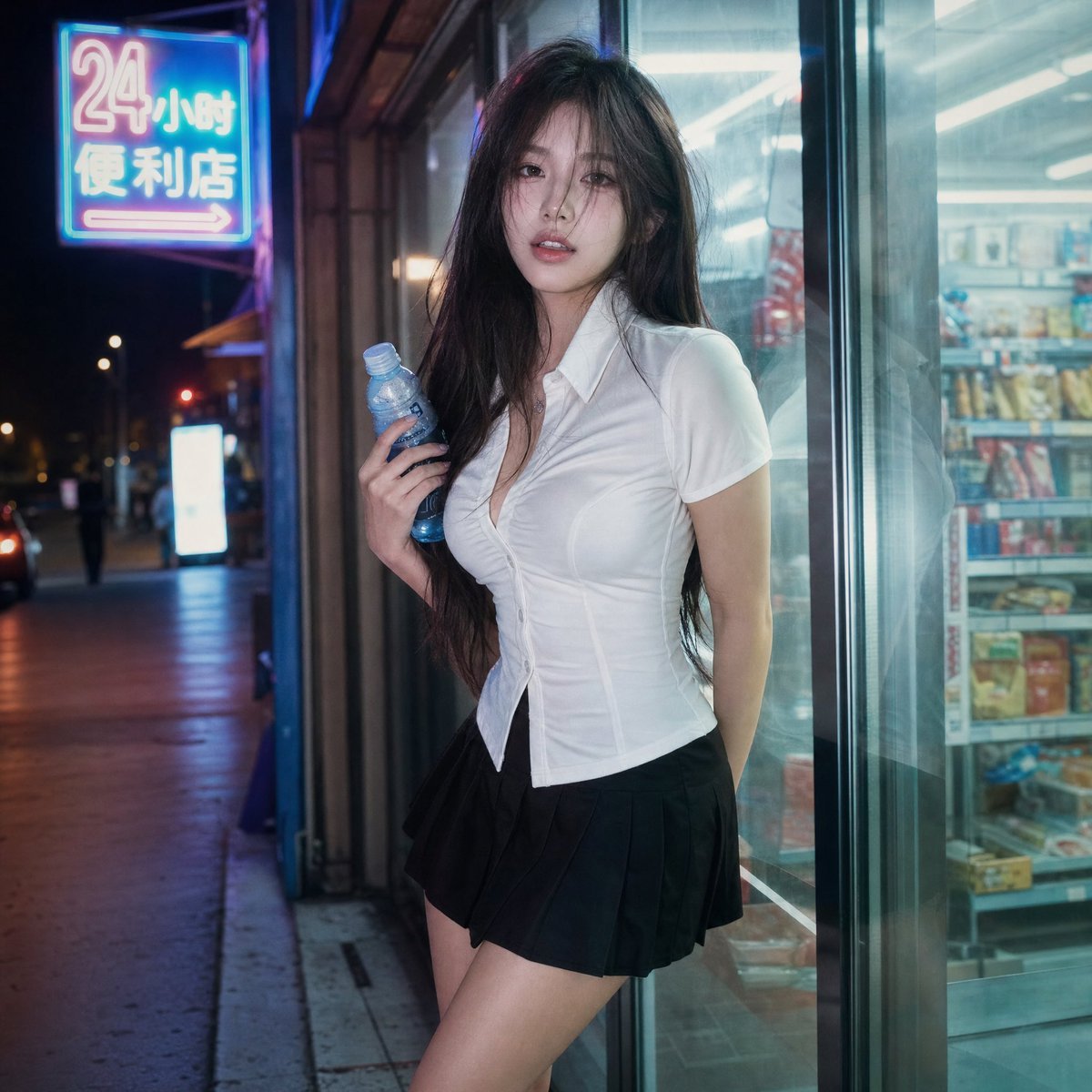
Cinematic Night Portrait Photography
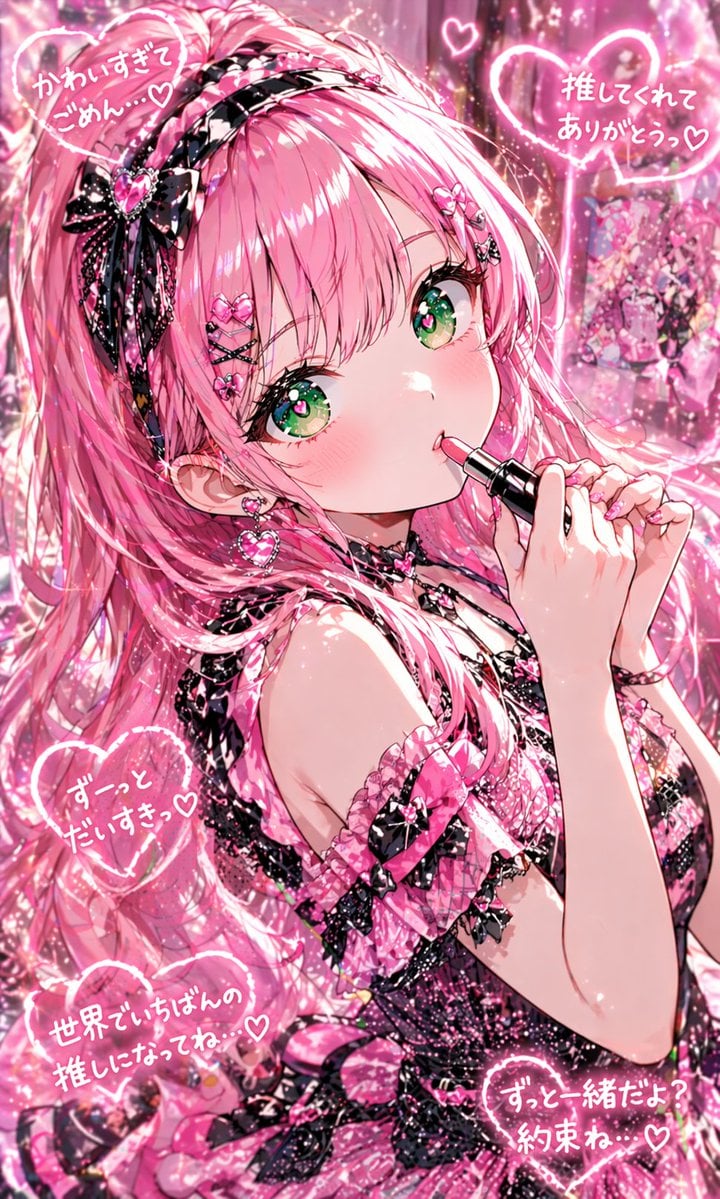
Pink Kawaii Idol Lipstick Portrait
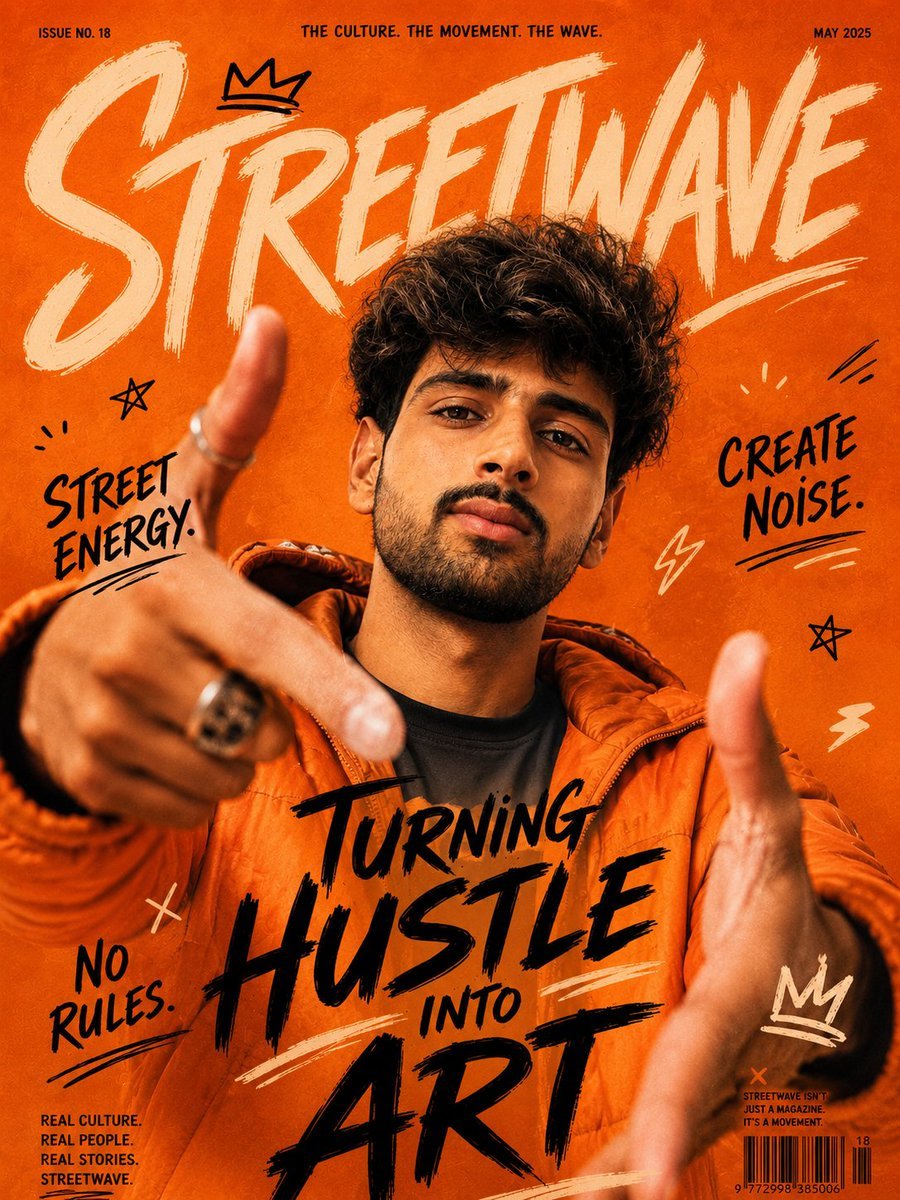
Urban Streetwave Magazine Cover
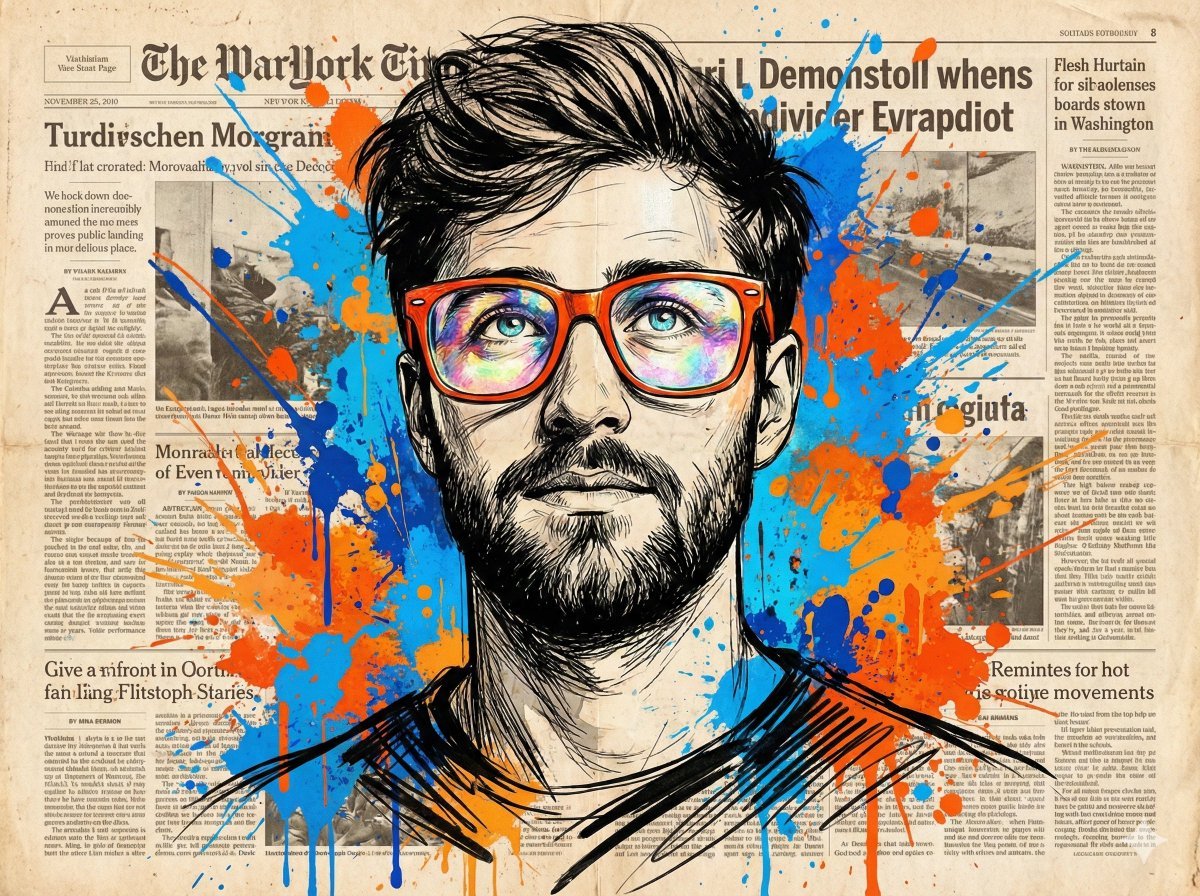
Abstract Expressionist Portrait with Orange Glasses
Browse template categories
Cinematic Sunset Water Splash Portrait questions
How do I use the Cinematic Sunset Water Splash Portrait template?
Add your photo if the template asks for one, edit the prompt if you like — the template's model and format are already selected — and press Generate. Your version opens in PicX Studio.
Can I customize the Cinematic Sunset Water Splash Portrait template?
Yes. You can change the subject, setting, lighting, mood, format, and available model controls before creating your image.
Is the Cinematic Sunset Water Splash Portrait template free?
Opening and editing this template is free. Generating uses credits, shown on the Generate button when you are signed in.
Which AI model should I use?
Start with Nano Banana 2, which is the model associated with this template. You can compare another compatible model for a different finish.
Looking for something else? Browse all templates.

Your photo, any look
Thousands of ready templates for every top image and video model, from one credit balance.