
Urban Streetwave Magazine Cover
A comprehensive prompt for generating a high-energy urban magazine cover with streetwear aesthetics, graffiti elements, and cinematic editorial lighting.
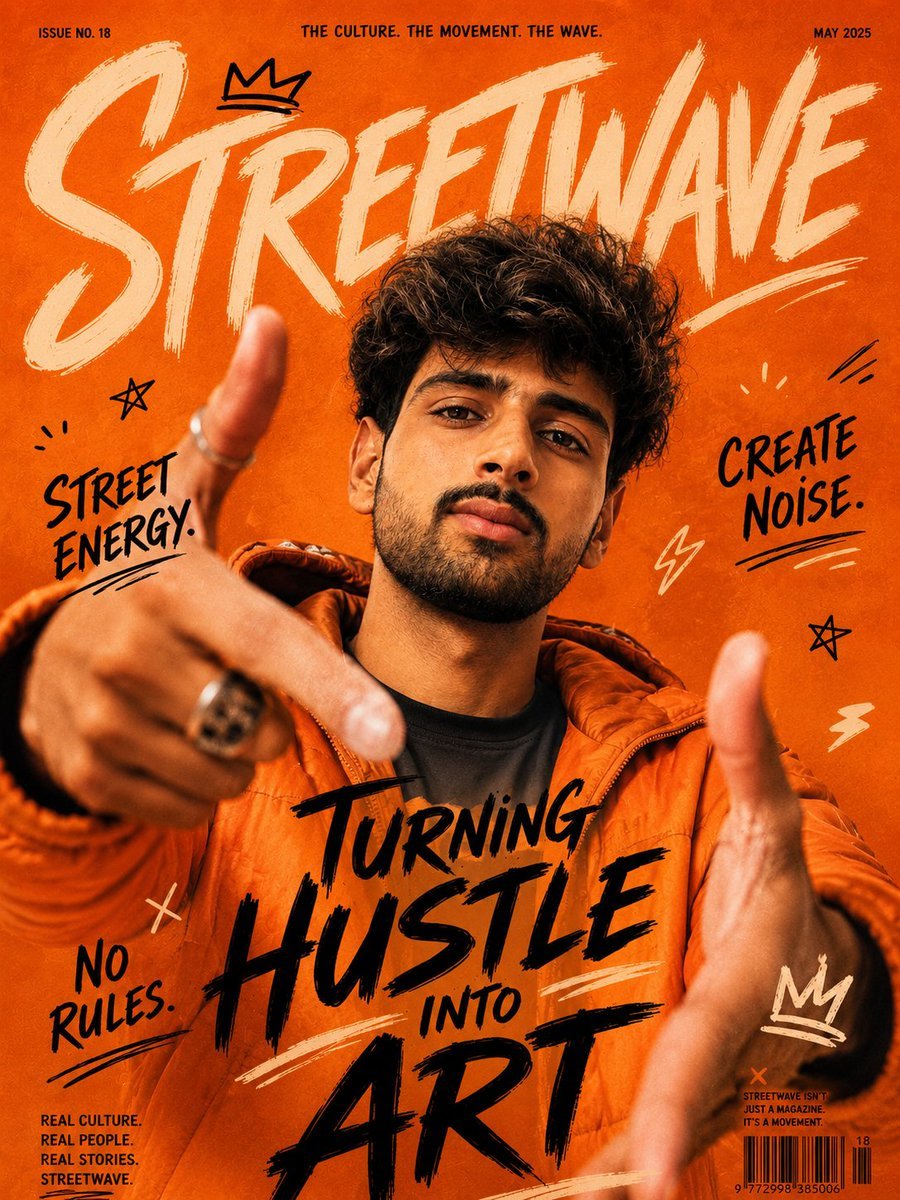
- Prompt included
- Model and format preset
- Free template
The prompt behind this image
Copy the exact prompt behind Urban Streetwave Magazine Cover, or open it in the studio and make it yours.
- Subject
- Use the uploaded user image as the exact facial and identity reference. {argument name="subject description" default="Young South Asian man with thick voluminous curly dark hair, defined eyebrows, warm medium skin tone, trimmed beard, sharp jawline, confident expression, looking directly into camera"}. Preserve facial structure and realism from the user image.
- Scene
- {argument name="scene description" default="High-energy urban magazine cover inspired by modern streetwear culture. The subject stands in an aggressive close-up perspective pose with both hands reaching toward the camera, creating dramatic depth and motion. Vibrant orange monochrome backdrop with layered graffiti doodles, hand-drawn symbols, brush textures, scribbles, crowns, stars, lightning marks, and expressive editorial typography filling the frame"}.
- Wardrobe
- Bright orange oversized streetwear puffer jacket layered over a black t-shirt, silver rings, subtle chain accessories, modern youth fashion aesthetic.
- Composition
- Extreme close-up magazine cover framing, wide-angle perspective distortion on hands, subject centered, hands blurred slightly in foreground for depth, face sharp and detailed, cinematic editorial layout, dynamic asymmetrical typography placement, cover-style visual hierarchy.
- Text Elements › Main Title
- {argument name="main title" default="STREETWAVE"}
- Text Elements › Headline
- TURNING HUSTLE INTO ART
- Text Elements › Side Texts
- STREET ENERGY., CREATE NOISE., NO RULES.
- Text Elements › Footer Text
- REAL CULTURE. REAL PEOPLE. REAL STORIES.
- Style
- Ultra-realistic cinematic streetwear editorial photography, high-fashion magazine cover aesthetic, gritty urban energy, modern Gen-Z creative culture, raw artistic vibe, bold visual storytelling, expressive handcrafted graphics, premium social media campaign quality.
- Lighting
- Dramatic warm cinematic lighting, soft diffused key light on face, rich orange ambient glow, high contrast shadows, glossy skin highlights, studio-quality editorial lighting.
- Camera › Angle
- Low-angle close-up shot
- Camera › Lens
- 24mm wide-angle lens
- Camera › Focus
- Sharp focus on face with shallow depth of field
- Camera › Quality
- Photorealistic, ultra-detailed skin texture, realistic hair strands, crisp editorial finish
- Background
- Bright textured orange backdrop with painted brush strokes, layered graffiti graphics, hand-drawn doodles, magazine design elements, urban art textures.
- Color Palette
- Vibrant orange, Black, Cream, Warm skin tones
- Aspect Ratio
- 4:5
- Negative Prompt
- blurry face, extra fingers, deformed hands, cartoon look, anime style, low quality, washed out colors, bad typography, plastic skin, duplicate limbs, cropped head, low detail, awkward pose
Raw JSON
{
  "subject": "Use the uploaded user image as the exact facial and identity reference. {argument name=\"subject description\" default=\"Young South Asian man with thick voluminous curly dark hair, defined eyebrows, warm medium skin tone, trimmed beard, sharp jawline, confident expression, looking directly into camera\"}. Preserve facial structure and realism from the user image.",

  "scene": "{argument name=\"scene description\" default=\"High-energy urban magazine cover inspired by modern streetwear culture. The subject stands in an aggressive close-up perspective pose with both hands reaching toward the camera, creating dramatic depth and motion. Vibrant orange monochrome backdrop with layered graffiti doodles, hand-drawn symbols, brush textures, scribbles, crowns, stars, lightning marks, and expressive editorial typography filling the frame\"}.",

  "wardrobe": "Bright orange oversized streetwear puffer jacket layered over a black t-shirt, silver rings, subtle chain accessories, modern youth fashion aesthetic.",

  "composition": "Extreme close-up magazine cover framing, wide-angle perspective distortion on hands, subject centered, hands blurred slightly in foreground for depth, face sharp and detailed, cinematic editorial layout, dynamic asymmetrical typography placement, cover-style visual hierarchy.",

  "text_elements": {
    "main_title": "{argument name=\"main title\" default=\"STREETWAVE\"}",
    "headline": "TURNING HUSTLE INTO ART",
    "side_texts": [
      "STREET ENERGY.",
      "CREATE NOISE.",
      "NO RULES."
    ],
    "footer_text": "REAL CULTURE. REAL PEOPLE. REAL STORIES."
  },

  "style": "Ultra-realistic cinematic streetwear editorial photography, high-fashion magazine cover aesthetic, gritty urban energy, modern Gen-Z creative culture, raw artistic vibe, bold visual storytelling, expressive handcrafted graphics, premium social media campaign quality.",

  "lighting": "Dramatic warm cinematic lighting, soft diffused key light on face, rich orange ambient glow, high contrast shadows, glossy skin highlights, studio-quality editorial lighting.",

  "camera": {
    "angle": "Low-angle close-up shot",
    "lens": "24mm wide-angle lens",
    "focus": "Sharp focus on face with shallow depth of field",
    "quality": "Photorealistic, ultra-detailed skin texture, realistic hair strands, crisp editorial finish"
  },

  "background": "Bright textured orange backdrop with painted brush strokes, layered graffiti graphics, hand-drawn doodles, magazine design elements, urban art textures.",

  "color_palette": [
    "Vibrant orange",
    "Black",
    "Cream",
    "Warm skin tones"
  ],
  "aspect_ratio": "4:5",
  "negative_prompt": [
    "blurry face",
    "extra fingers",
    "deformed hands",
    "cartoon look",
    "anime style",
    "low quality",
    "washed out colors",
    "bad typography",
    "plastic skin",
    "duplicate limbs",
    "cropped head",
    "low detail",
    "awkward pose"
  ]
}How to use Urban Streetwave Magazine Cover in 3 steps
- 1Upload ImagePNG, JPG or paste
Add your photo
Upload the photo the template builds on. The prompt, model and format are already set.
- 2…a portrait of your subject in softgolden-hour light, 85mm…
Personalize
Edit the subject and creative details for your destination.
- 3Generate
Generate
Press Generate — your image is created in PicX Studio, so you can compare it with the original and refine one variable at a time.
More like this
Templates with the same subject, style or setup. Open one to see its prompt.

Off Duty Fashion Magazine Cover

Japanese Tatami Lifestyle Magazine Cover

Ethereal Bloom Magazine Cover

Tropical Macaw Magazine Cover

Anime Mahjong Magazine Cover

Neon Anime Fireworks Magazine Cover

High-Fashion Magazine Cover Portrait

Urban Fashion Editorial Collage Streetwear Poster

Open Magazine Luxury Fashion Editorial Layout

Monochrome Halftone Editorial Fashion Poster

Korean Streetwear Minimalist Campaign Portrait

Cinematic Korean Streetwear Street Portrait
Make it yours
Urban Streetwave Magazine Cover works as-is. These are the safest ways to change it without losing the look.
Swap the setting
Keep the rest of the prompt and replace the location block. The current setting is “Bright textured orange backdrop with painted brush strokes, layered graffiti gra”.
Swap the light
One lighting change is enough to compare takes. Current light: “Dramatic warm cinematic lighting, soft diffused key light on face, rich orange a”.
Change one field
Copy a single group, rewrite it, and generate again so you can see what that field is doing.
| If the result… | Why | Fix |
|---|---|---|
| The result drifts from the preview | Too many fields changed at once. | Reuse Urban Streetwave Magazine Cover as-is first, then change one group — subject, light, or setting. |
| GPT Image 2 ignores part of the JSON | Some models flatten or skip nested keys. | Keep the same values and paste them as a short paragraph instead. |
More GPT Image 2 templates
Other prompts made for GPT Image 2.

Six VTuber Japanese Logo Sheet

Realistic Portrait of Woman and Deer

The Vista Modular Condo Poster

AI Model Routing Comparison Infographic

2.5D Anime Art Board

Isometric Productivity Desk Scene

New York Double Exposure Poster

Four-Panel AI Landscape Comparison

NESCAFÉ Coffee Map Poster

Brutalist Cogito Chinese Typography Poster
More image prompts
Fresh picks from across the catalog.
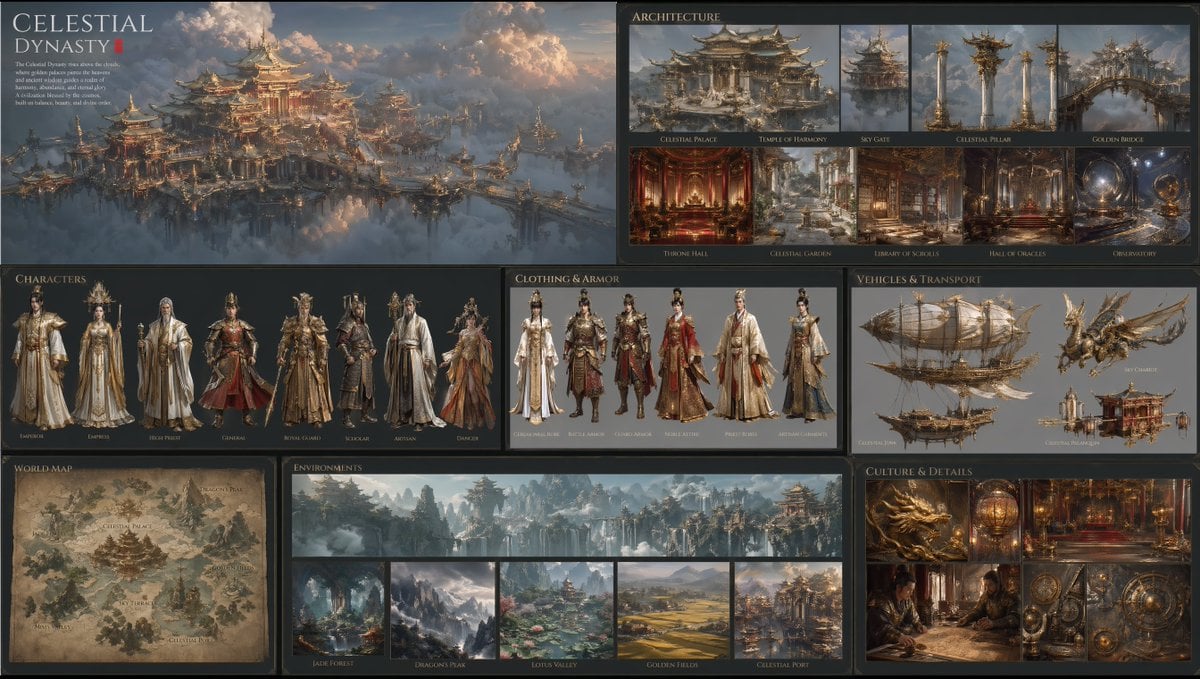
Celestial Dynasty World Bible Board

LINE sticker set from an attached illustration
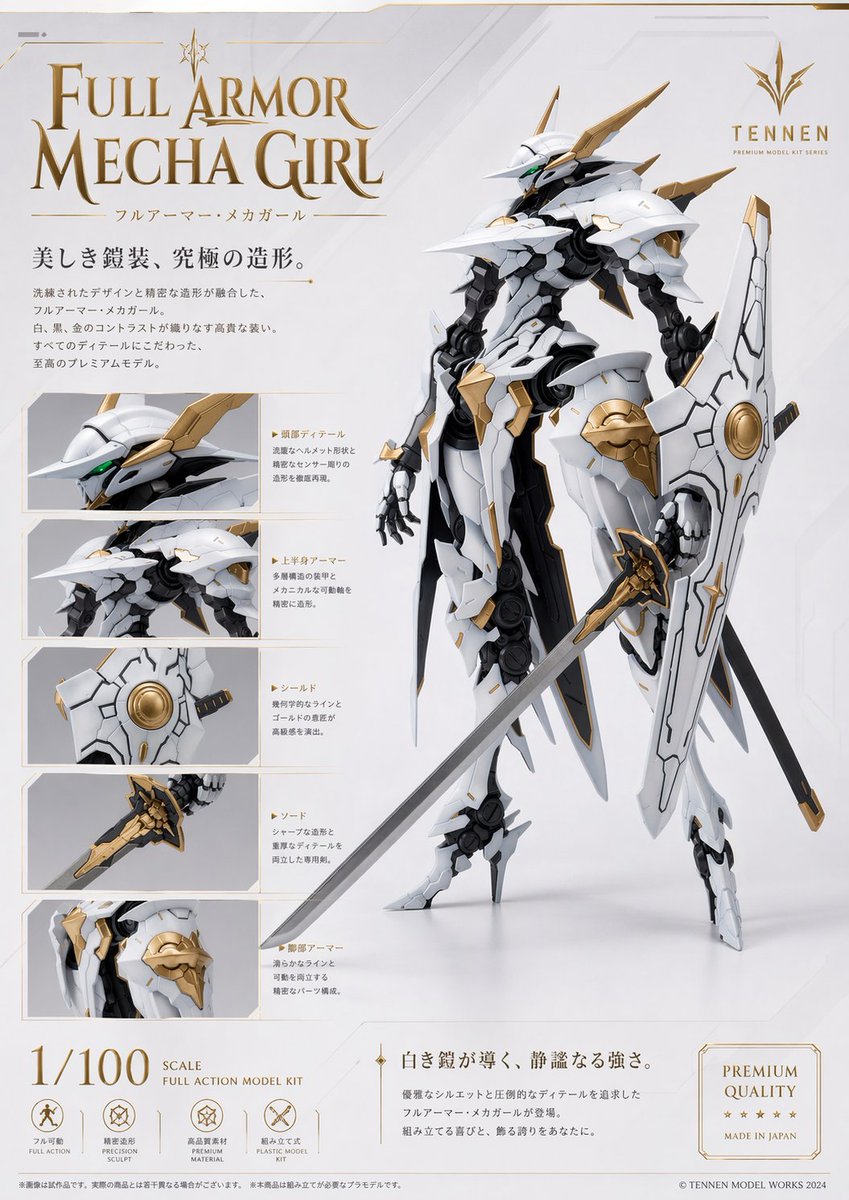
Premium Mecha Girl Model Kit Poster
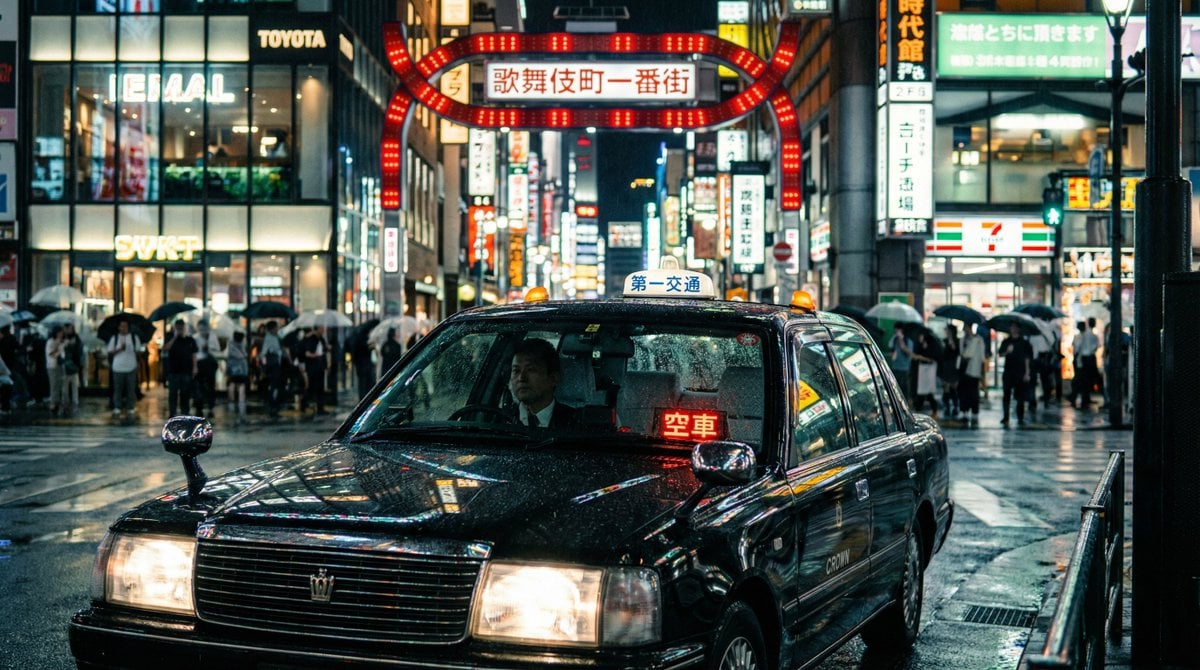
Cinematic taxi in rainy Kabukicho at night
Concert Stage Pop Star Portrait
Surreal Editorial Fashion Model with Rhino
Aerial American Football Huddle
Ethereal Product Visual with Frosted Glass Hands
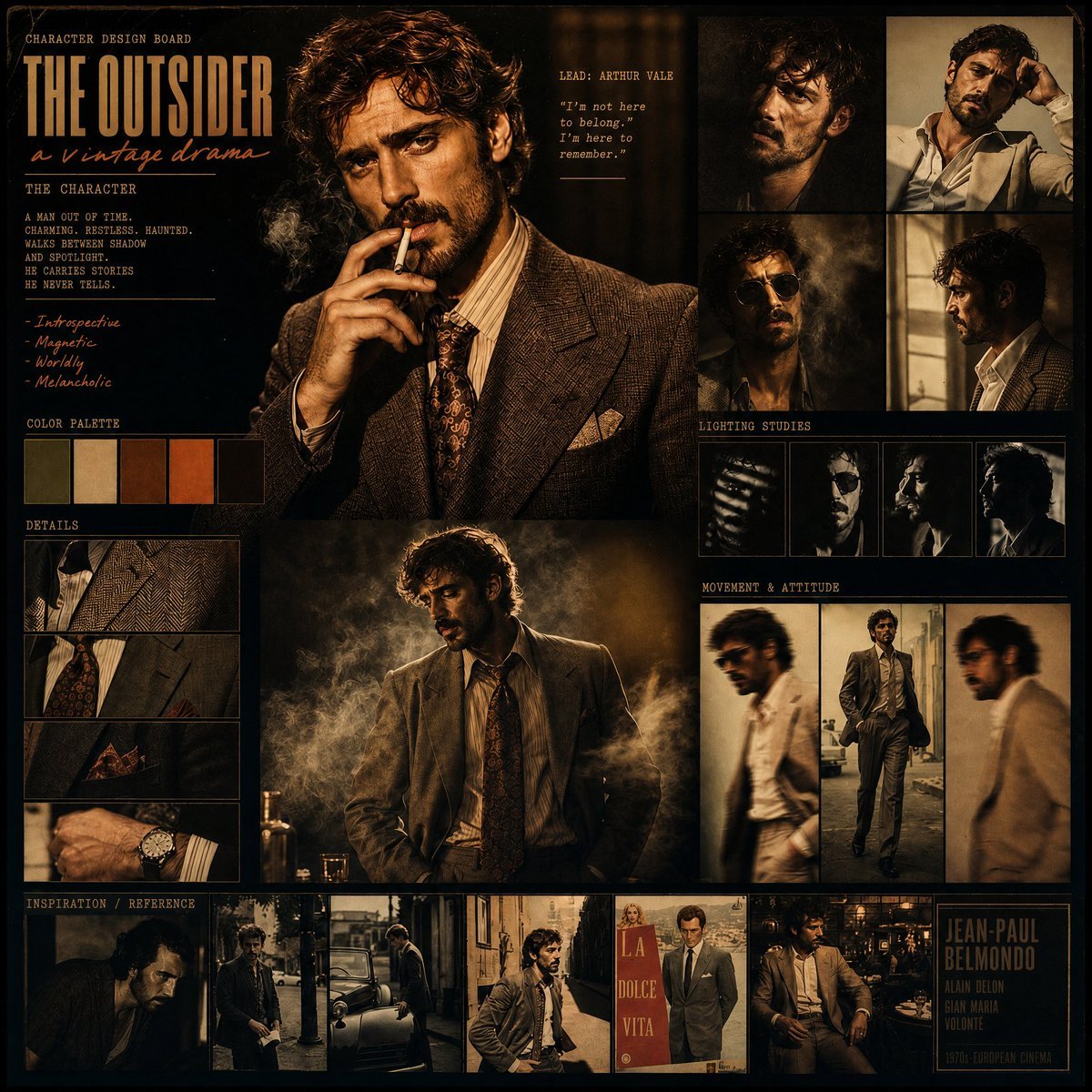
Vintage Drama Character Board

Celestial Yuri Wedding in Moonlit Cathedral
Browse template categories
Urban Streetwave Magazine Cover questions
How do I use the Urban Streetwave Magazine Cover template?
Add your photo if the template asks for one, edit the prompt if you like — the template's model and format are already selected — and press Generate. Your version opens in PicX Studio.
Can I customize the Urban Streetwave Magazine Cover template?
Yes. You can change the subject, setting, lighting, mood, format, and available model controls before creating your image.
Is the Urban Streetwave Magazine Cover template free?
Opening and editing this template is free. Generating uses credits, shown on the Generate button when you are signed in.
Which AI model should I use?
Start with GPT Image 2, which is the model associated with this template. You can compare another compatible model for a different finish.
Looking for something else? Browse all templates.

Your photo, any look
Thousands of ready templates for every top image and video model, from one credit balance.