
Celestial Dynasty World Bible Board
This prompt turns one reference scene into a complete fantasy civilization pitch board with architecture, characters, costumes, vehicles, map, environments, and cultural details for concept development or franchise…
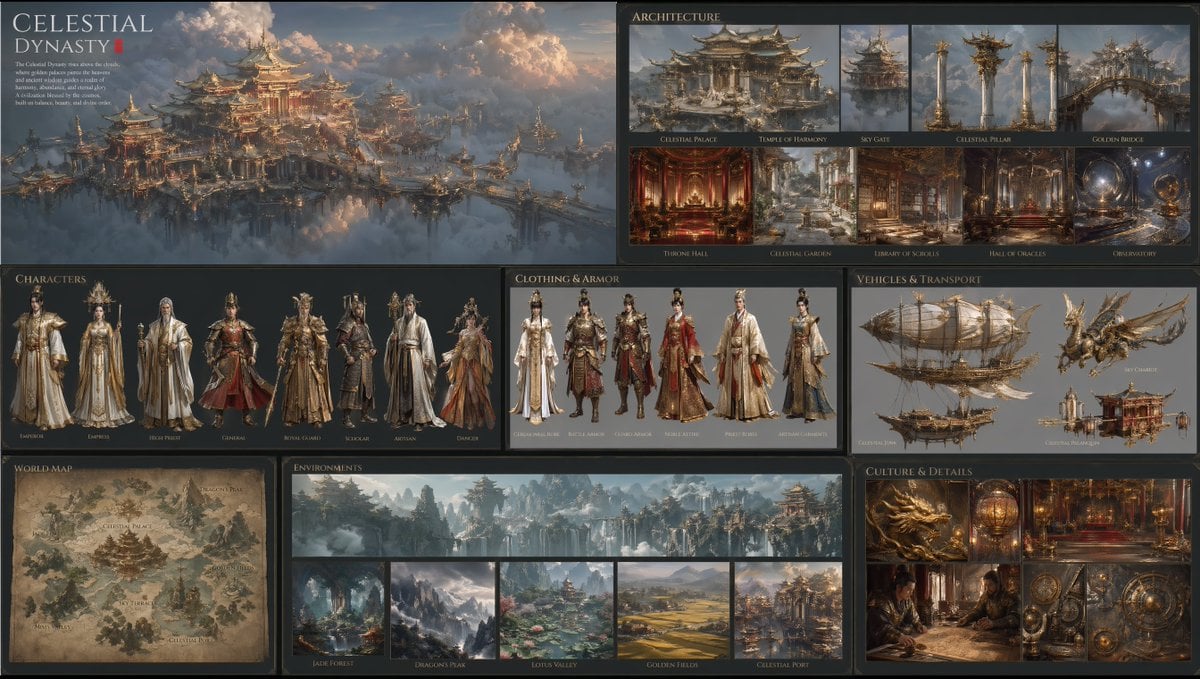
- Prompt included
- Model and format preset
- Free template
The prompt behind this image
Copy the exact prompt behind Celestial Dynasty World Bible Board, or open it in the studio and make it yours.
Using REFERENCE_0 as the visual foundation, expand the single sky-palace scene into a complete cinematic world-building presentation for a fantasy civilization. Preserve the same East Asian celestial imperial design language, floating architecture above clouds, gilded ornamentation, warm sunset lighting, and ultra-detailed realistic concept-art look, then turn it into a polished multi-panel lore board on a dark background with elegant editorial typography. Include 8 labeled sections: 1 large hero overview panel for the civilization, 1 architecture section with 9 images, 1 characters section with 7 full-body character designs, 1 clothing and armor section with 6 outfit variations, 1 vehicles and transport section with 4 vehicle designs, 1 world map section with 1 illustrated map, 1 environments section with 6 environment images, and 1 culture and details section with 6 close-up detail images. Add a refined fantasy title and short lore paragraph for the civilization, using the name {argument name="civilization name" default="Celestial Dynasty"}. The architecture section should show 9 distinct items: palace, temple, gate, pillar, bridge, throne hall, garden, library, and observatory. The characters section should show 7 archetypes: emperor, empress, high priest, general, royal guard, scholar, and artisan. The clothing and armor section should show 6 designs: ceremonial robe, battle armor, noble attire, priest robes, artisan garments, and dancer costume. The vehicles and transport section should show 4 designs: an airship, a flying beast mount, a sky chariot, and a ceremonial palanquin. The environments section should show 6 scenes: one wide banner panorama plus 5 smaller locations, including forest, mountain peaks, lotus valley, golden fields, and a celestial port. The culture and details section should show 6 images: dragon motif, lantern or artifact, palace interior, scholarly scene, mechanical instruments, and decorative symbols. Keep all panels visually unified as if from one official franchise world bible, with extremely rich detail, believable material design, and cinematic realism.
Reference images included
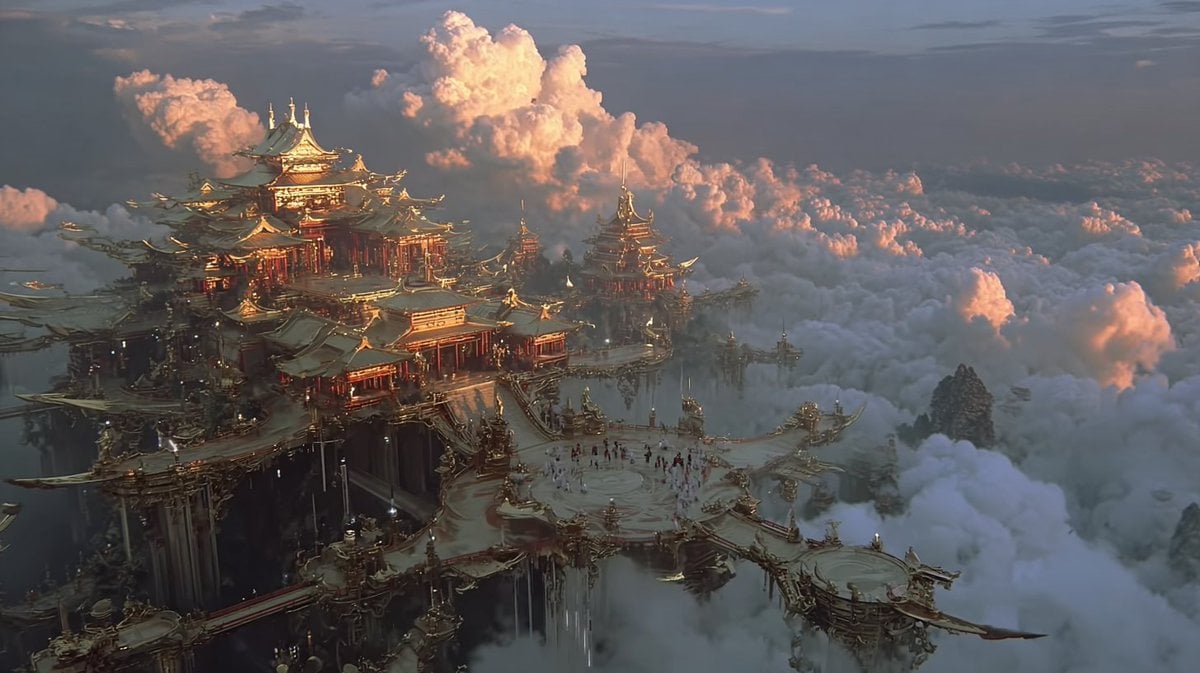
Celestial Dynasty World Bible Board needs input media to work. They load alongside the prompt when you open it in the studio.
How to use Celestial Dynasty World Bible Board in 3 steps
- 1Upload ImagePNG, JPG or paste
Add your photo
Upload the photo the template builds on. The prompt, model and format are already set.
- 2…a portrait of your subject in softgolden-hour light, 85mm…
Personalize
Edit the subject and creative details for your destination.
- 3Generate
Generate
Press Generate — your image is created in PicX Studio, so you can compare it with the original and refine one variable at a time.
More like this
Templates with the same subject, style or setup. Open one to see its prompt.

Anime Fantasy Celestial Movie Poster
Anime Fantasy Celestial Movie Poster

Donato Pizzaiolo Character Bible
Cinematic AI Character Bible Sheet
Futuristic Motorcycle Racer Bible Sheet
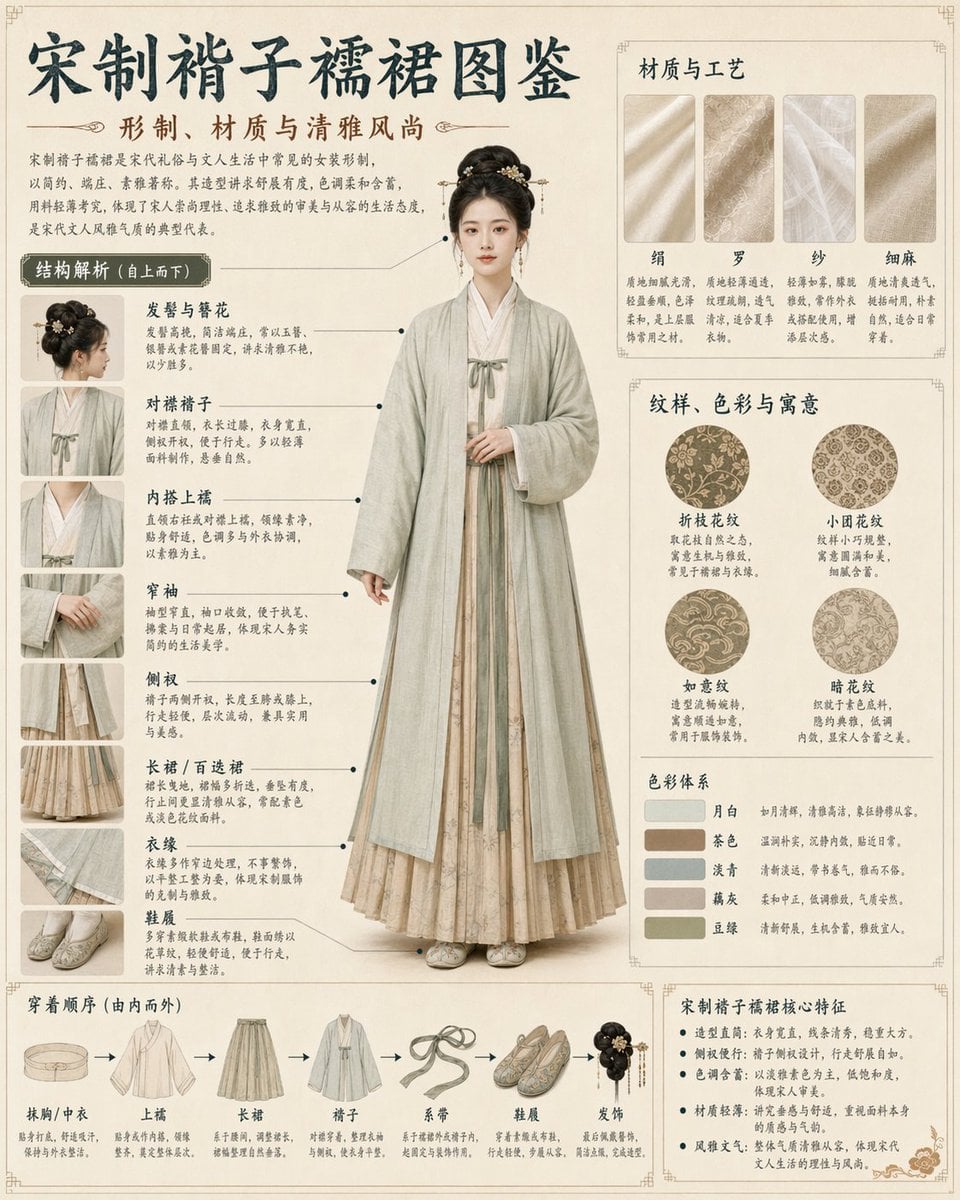
Song Dynasty Hanfu Infographic Guide

Song Dynasty Enamel Badges
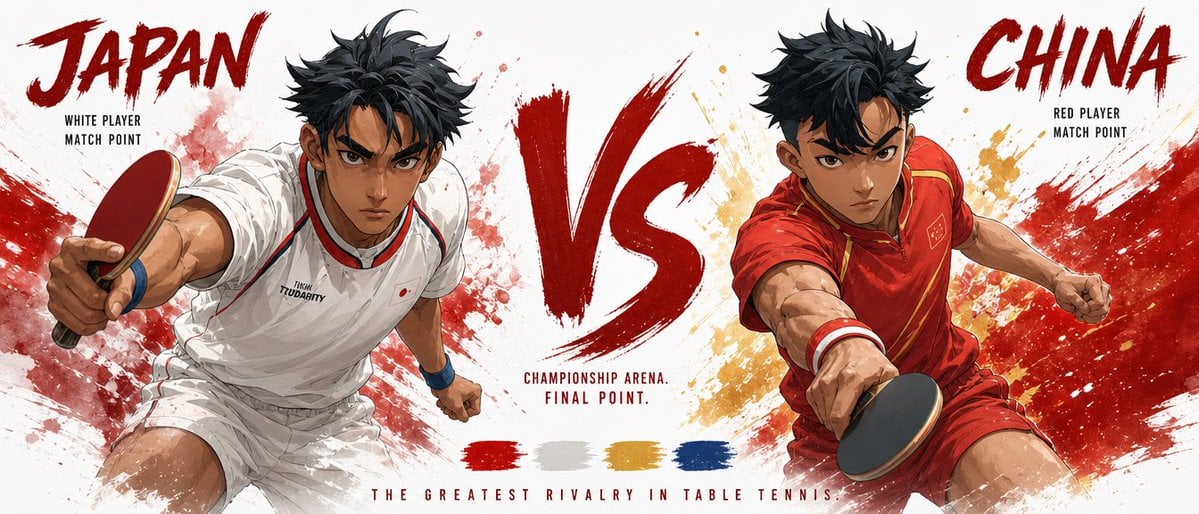
Cinematic Character Bible Comparison Sheet

Cinematic Character Bible Split Sheet
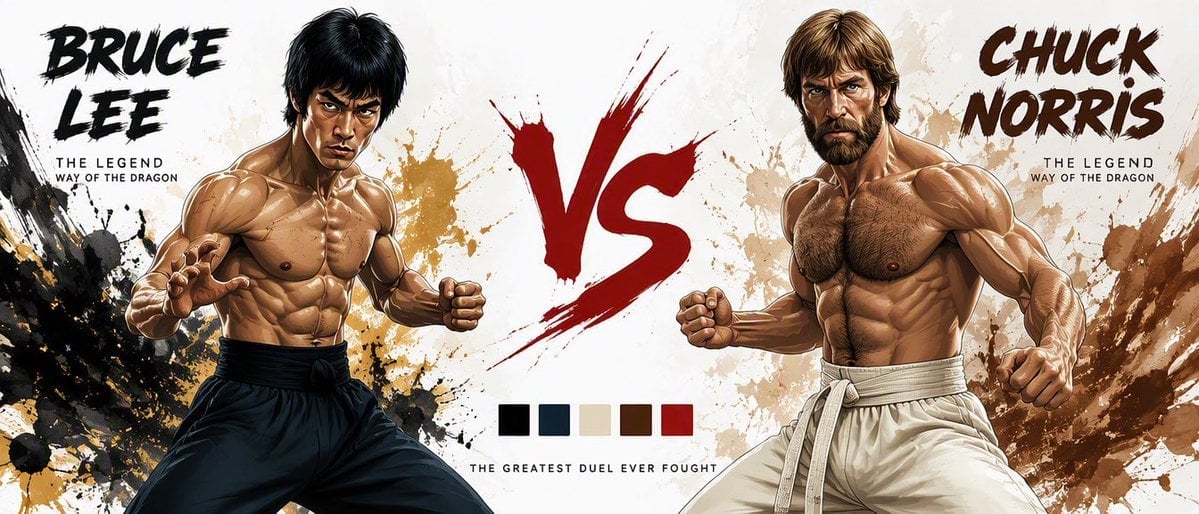
Martial Arts Legend Character Bible Sheet
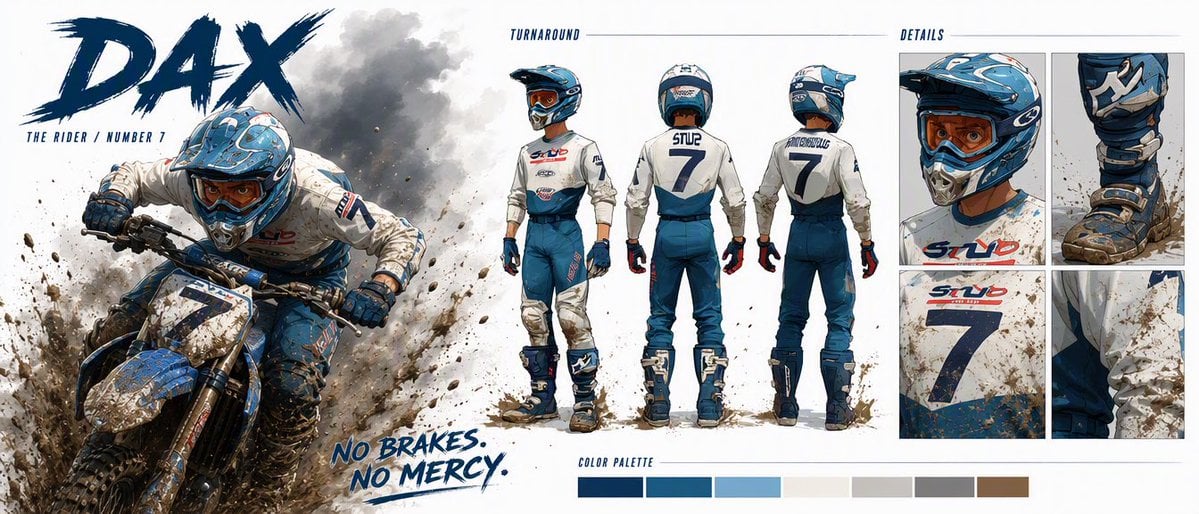
Dax Cinematic Character Bible Sheet

Tang Dynasty Royal Banquet Cinematography
Make it yours
Celestial Dynasty World Bible Board works as-is. These are the safest ways to change it without losing the look.
Change one field
Copy a single group, rewrite it, and generate again so you can see what that field is doing.
Keep the frame, change the subject
Hold the composition and light of Celestial Dynasty World Bible Board, then swap wardrobe, props or the person for a new take.
| If the result… | Why | Fix |
|---|---|---|
| The result drifts from the preview | Too many fields changed at once. | Reuse Celestial Dynasty World Bible Board as-is first, then change one group — subject, light, or setting. |
| The model over-stylizes the scene | The prose prompt leaves finish and camera underspecified. | Add one camera or lighting sentence and stay on GPT Image 2. |
More GPT Image 2 templates
Other prompts made for GPT Image 2.

Six VTuber Japanese Logo Sheet

Realistic Portrait of Woman and Deer

The Vista Modular Condo Poster

AI Model Routing Comparison Infographic

2.5D Anime Art Board

Isometric Productivity Desk Scene

New York Double Exposure Poster

Four-Panel AI Landscape Comparison

Japanese Tatami Lifestyle Magazine Cover

NESCAFÉ Coffee Map Poster
More image prompts
Fresh picks from across the catalog.
Soft 3D App Feature Icon Grid
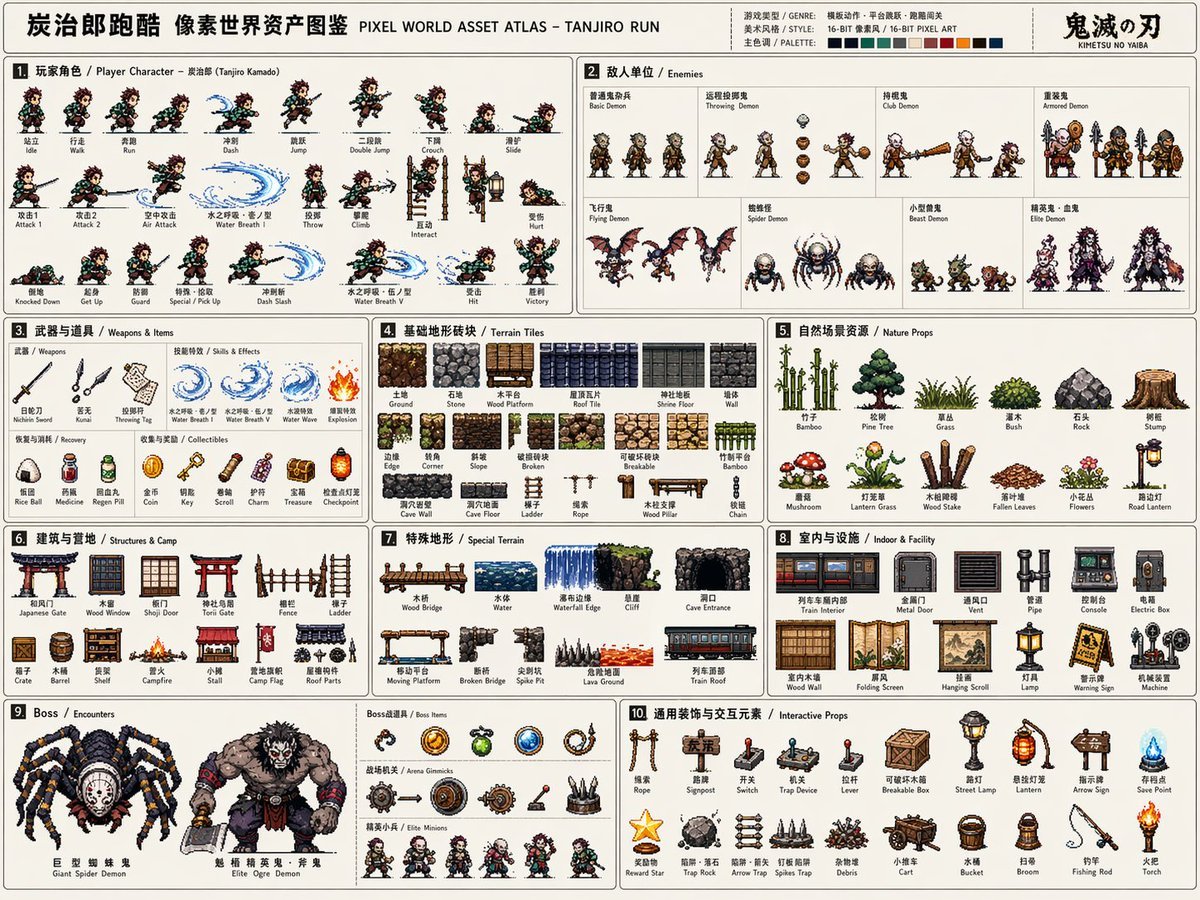
Pixel Game Asset Atlas Template
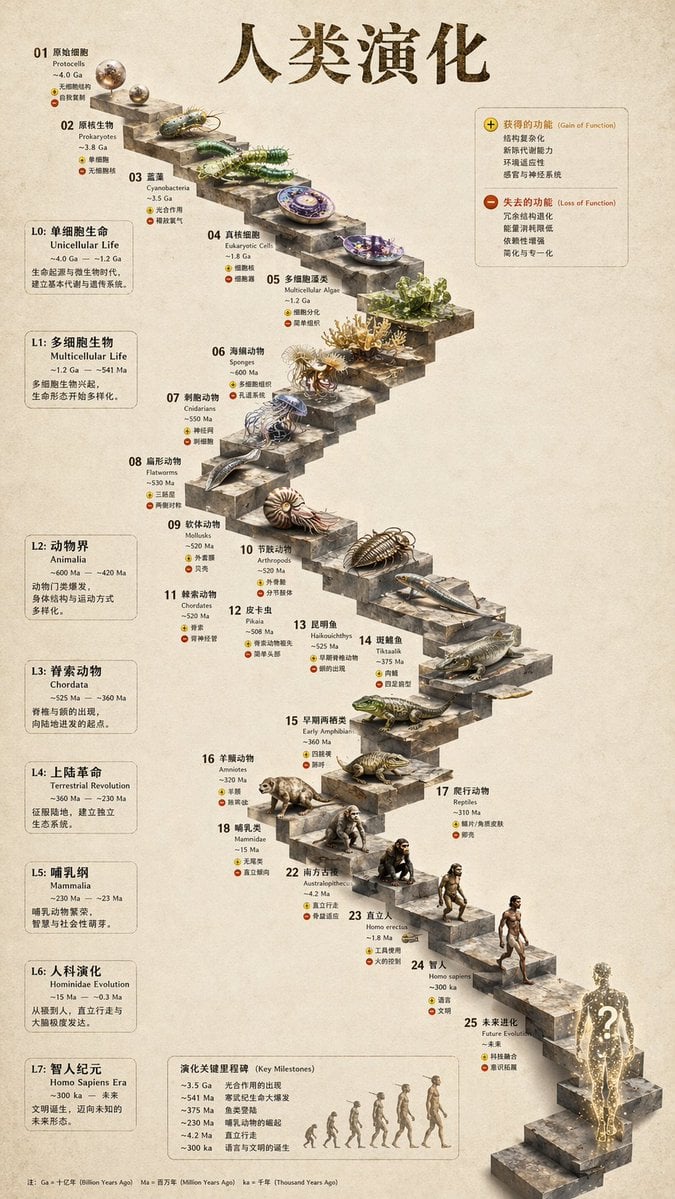
3D Stone Staircase Evolution Infographic
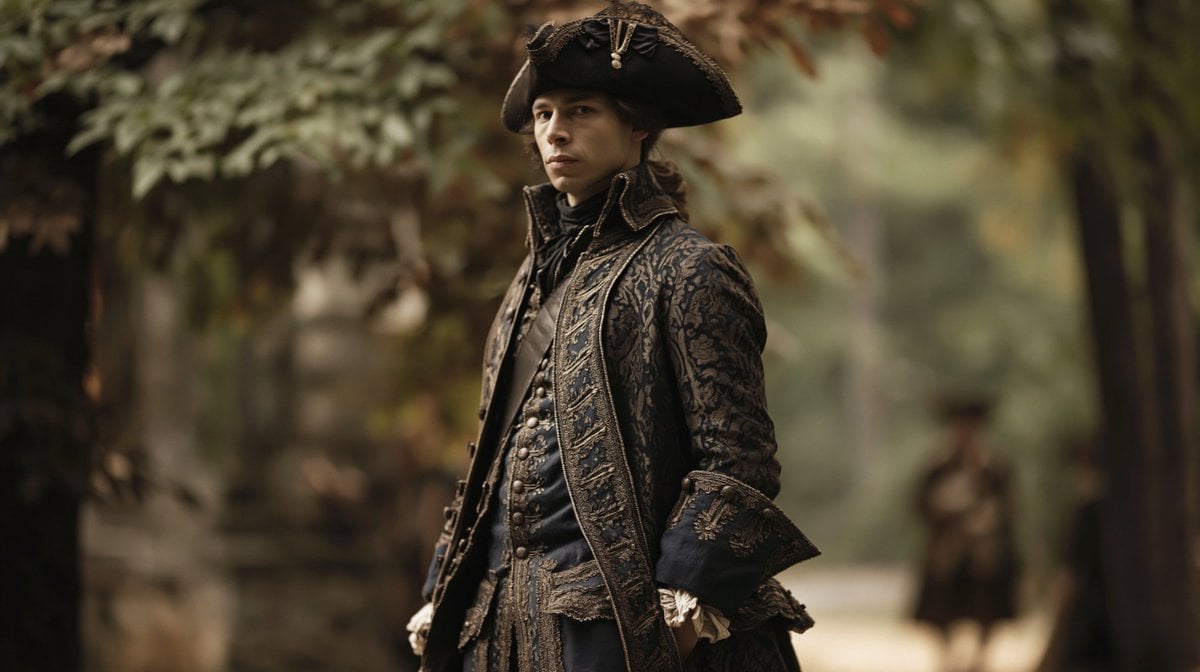
Character Swap Into Period Portrait
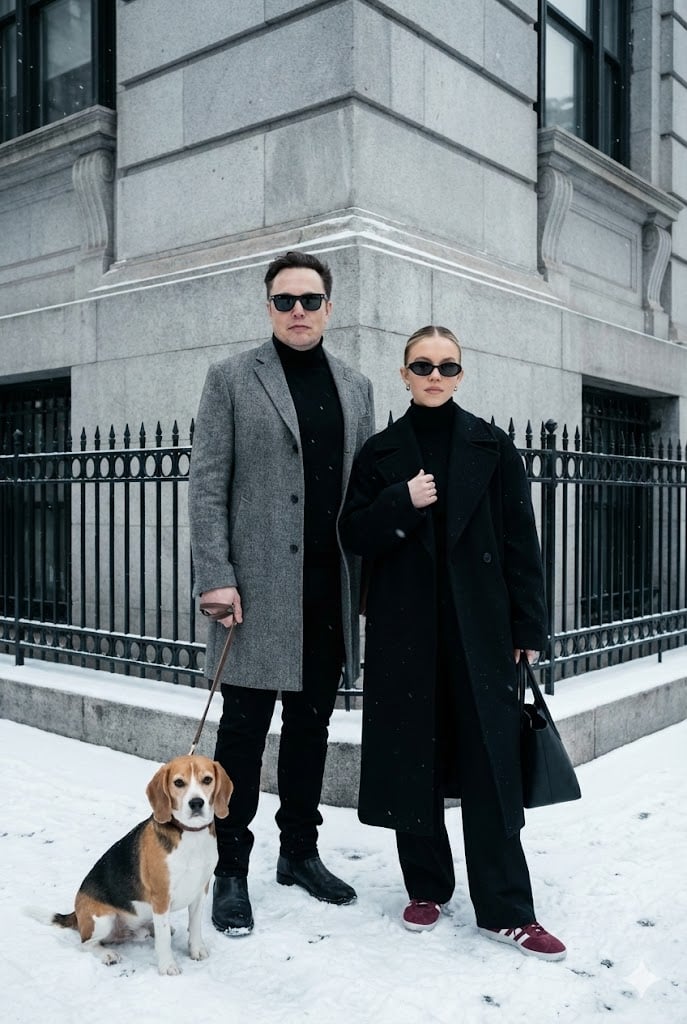
Sophisticated Urban Winter Couple Portrait

Premium Dark Horizon Product Reveal Prompt
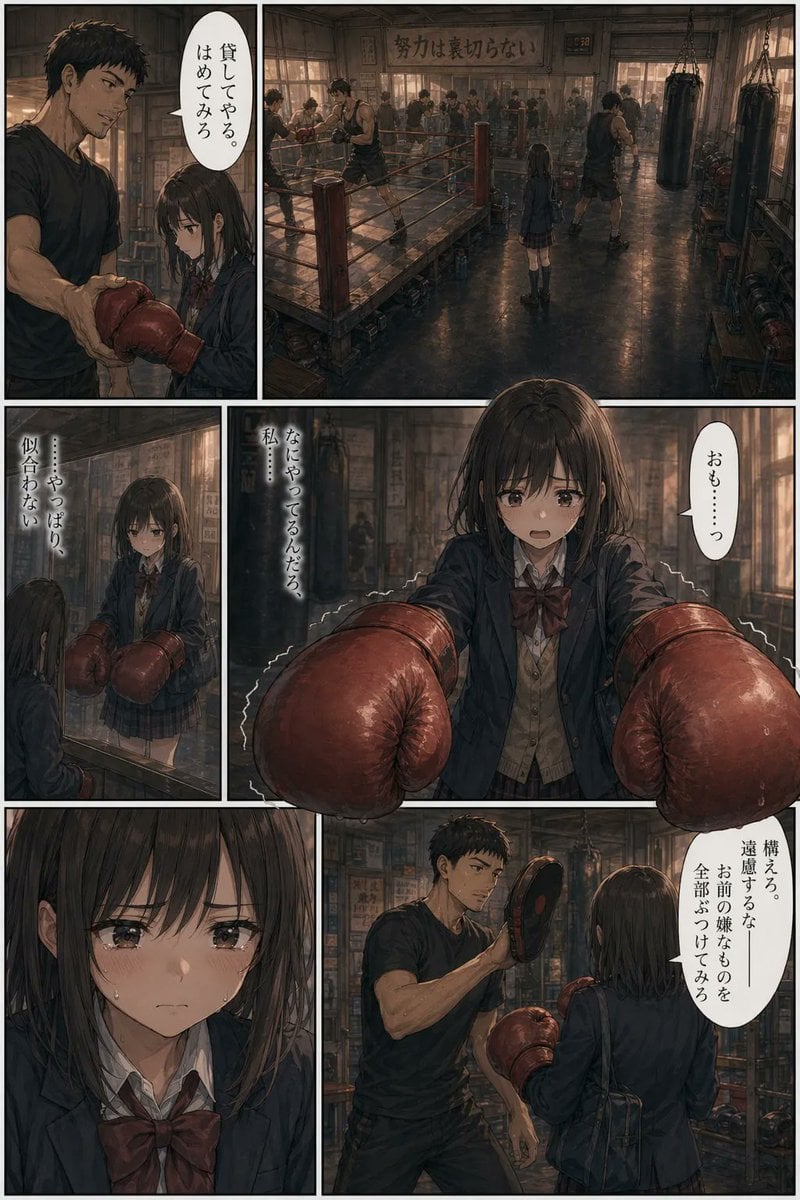
Seinen Boxing Gym Manga Page
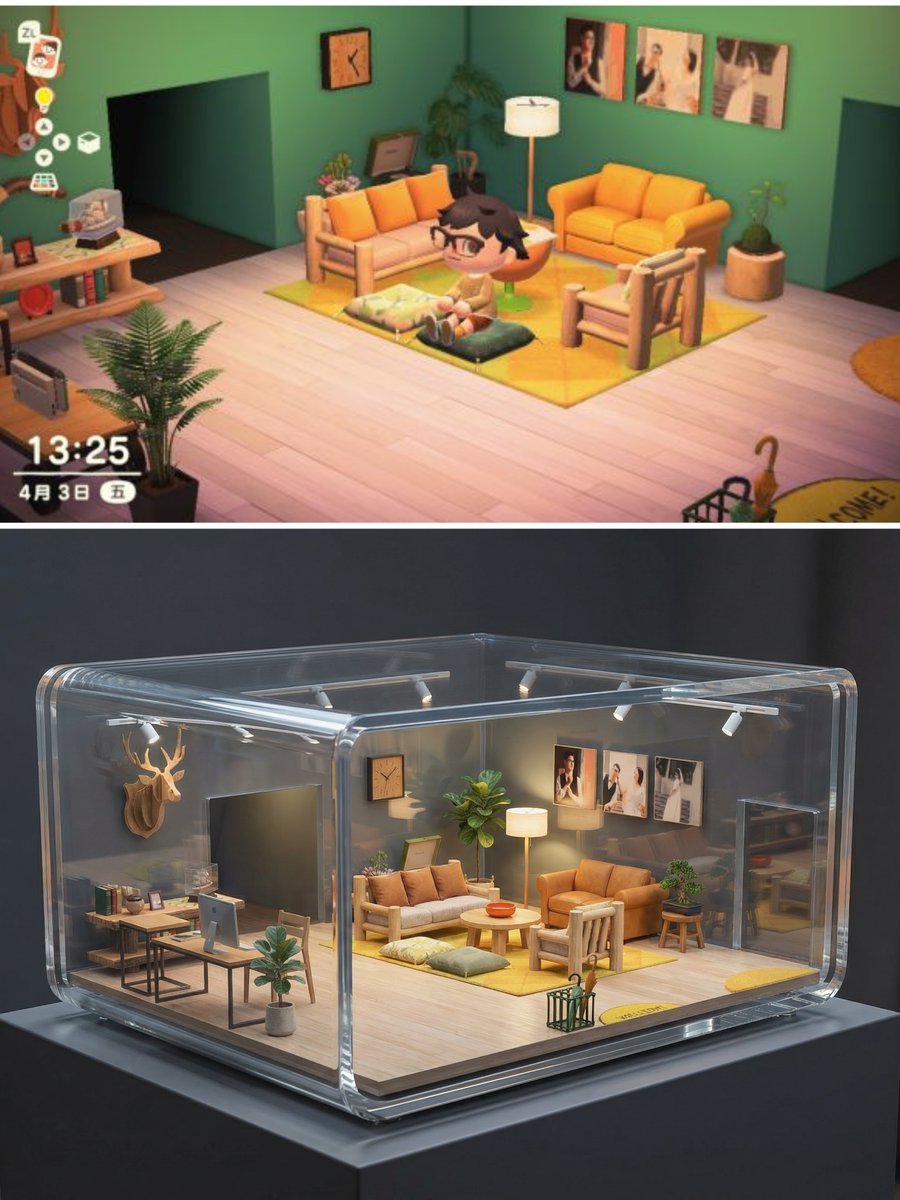
Realistic Interior to Transparent Miniature Diorama Prompt
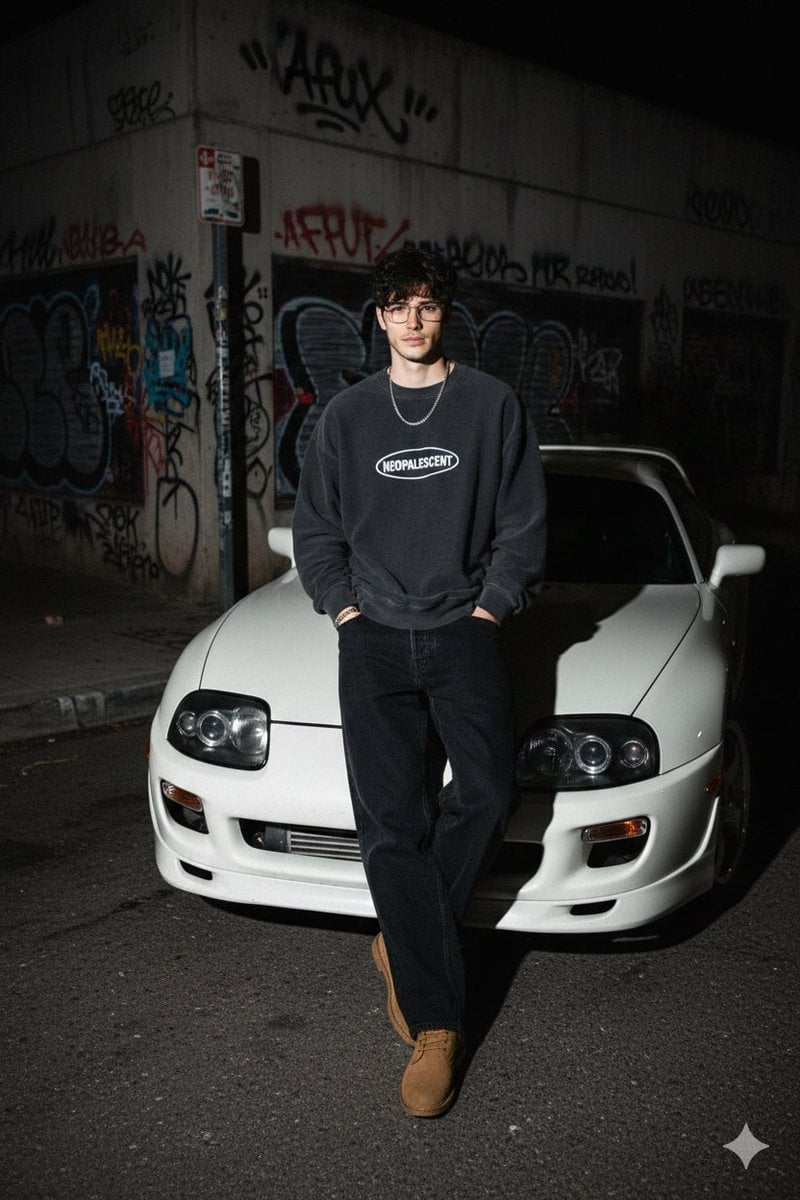
90s Streetwear Car Portrait Prompt

Ultra-Realistic DSLR Photo of an Indian Man in a Café
Browse template categories
Celestial Dynasty World Bible Board questions
How do I use the Celestial Dynasty World Bible Board template?
Add your photo if the template asks for one, edit the prompt if you like — the template's model and format are already selected — and press Generate. Your version opens in PicX Studio.
Can I customize the Celestial Dynasty World Bible Board template?
Yes. You can change the subject, setting, lighting, mood, format, and available model controls before creating your image.
Is the Celestial Dynasty World Bible Board template free?
Opening and editing this template is free. Generating uses credits, shown on the Generate button when you are signed in.
Which AI model should I use?
Start with GPT Image 2, which is the model associated with this template. You can compare another compatible model for a different finish.
Looking for something else? Browse all templates.

Your photo, any look
Thousands of ready templates for every top image and video model, from one credit balance.