
Donato Pizzaiolo Character Bible
A hyper-realistic editorial character reference sheet for a Neapolitan pizzaiolo with turnaround poses, detail panels, typography, and color palette.

- Prompt included
- Model and format preset
- Free template
The prompt behind this image
Copy the exact prompt behind Donato Pizzaiolo Character Bible, or open it in the studio and make it yours.
Goal: Create a hyper-realistic, high-fashion editorial character bible sheet for {argument name="character name" default="DONATO"}, a Neapolitan pizzaiolo, presented like a premium fashion campaign and film character reference. Canvas: Wide horizontal 16:9 white studio layout, clean magazine look, crisp cutout photography, soft shadows, high-resolution editorial lighting. Layout: On the left, place massive bold black condensed sans-serif typography reading "{argument name="main title" default="DONATO"}" at the top. Directly below it, add the subtitle "{argument name="subtitle" default="THE PIZZAIOLO / NAPLES"}" in smaller bold black uppercase. Beneath the title area, show a large action portrait of the chef tossing stretched pizza dough, lit with a warm terracotta glow and flour dust in the air. In the center, display a full-body turnaround lineup with exactly 3 standing views of the same man: front view, side profile view, and back view. Along the right edge, stack exactly 4 rectangular close-up detail panels vertically: 1 close-up of intense brown eyes and flour-dusted face, 1 close-up of navy pinstripe apron tie and brass ring detail, 1 close-up of floury hand pressing dough on marble, and 1 close-up of worn black leather chef shoes. Character details: Handsome Mediterranean man in his late 30s to early 40s, olive skin, wavy dark brown hair swept back, light stubble, strong nose, athletic average build, serious focused expression. He wears a white button-up shirt with sleeves rolled to the forearms, a dark navy charcoal pinstripe apron tied at the waist, black tailored trousers, and worn dark leather shoes. Keep the same facial features and body structure across all views. Color system: Include exactly 4 circular color swatches near the lower-left/center area, each with small black labels and hex codes: Terracotta Ember #C85A32, Flour Dust White #F7F4EE, Fresh Basil #2E5A36, Hearth Charcoal #1F1E20. Text content: Add the bottom-center tagline in bold uppercase black: "{argument name="tagline" default="90 SECONDS AT 900 DEGREES."}". Keep all typography sharp, editorial, and aligned with generous white space. Visual style: Hyper-realistic studio photography mixed with luxury fashion reference sheet design, clean white background, premium culinary branding, dramatic but controlled lighting, subtle grain, no illustration style, no cartoon effects. Constraints: Use exactly 1 large action portrait, exactly 3 full-body turnaround figures, exactly 4 right-side close-up panels, and exactly 4 color swatches. Do not add extra characters, props, logos, watermarks, or additional text.
How to use Donato Pizzaiolo Character Bible in 3 steps
- 1Upload ImagePNG, JPG or paste
Add your photo
Upload the photo the template builds on. The prompt, model and format are already set.
- 2…a portrait of your subject in softgolden-hour light, 85mm…
Personalize
Edit the subject and creative details for your destination.
- 3Generate
Generate
Press Generate — your image is created in PicX Studio, so you can compare it with the original and refine one variable at a time.
More like this
Templates with the same subject, style or setup. Open one to see its prompt.
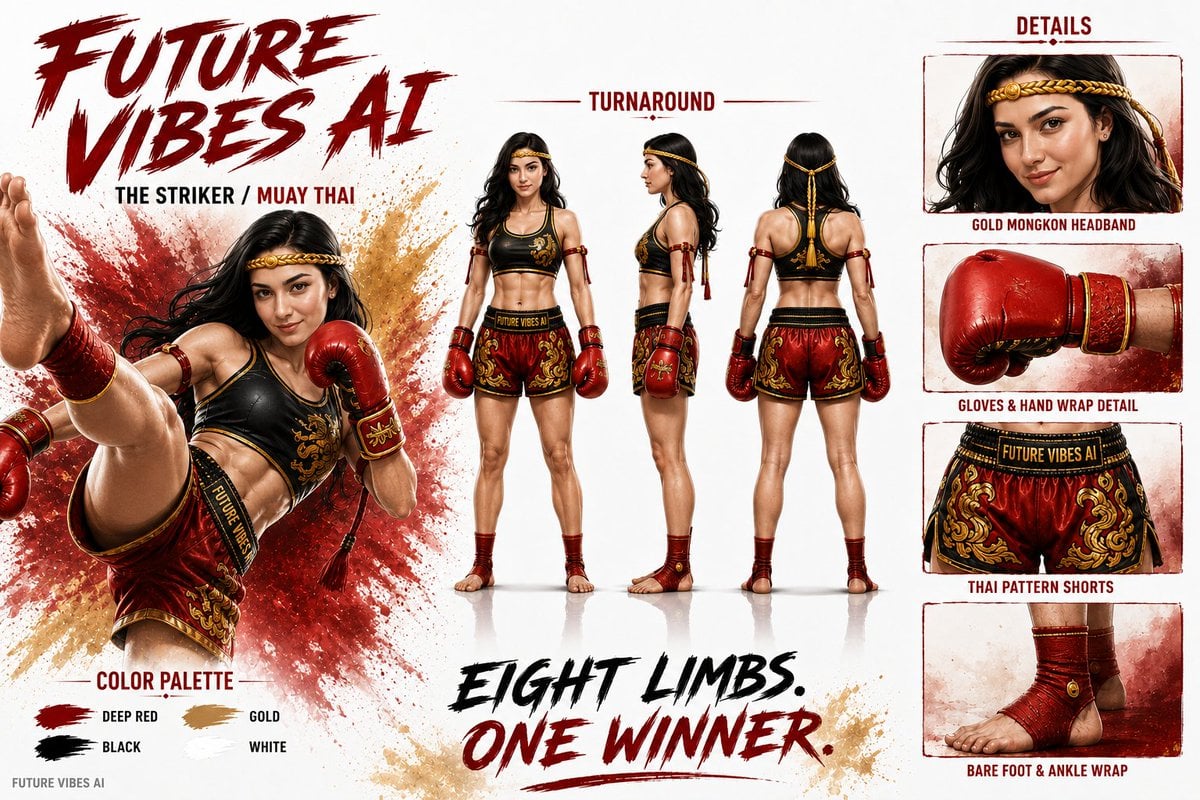
Cinematic AI Character Bible Sheet
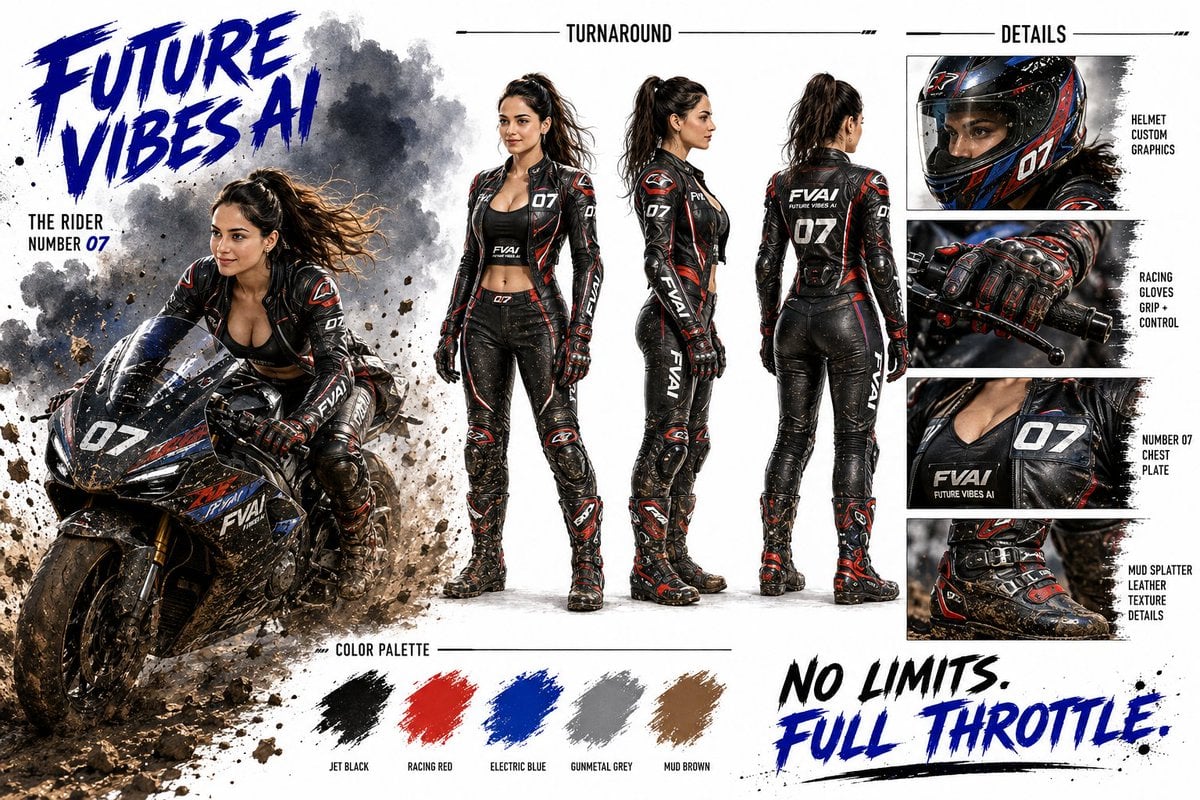
Futuristic Motorcycle Racer Bible Sheet
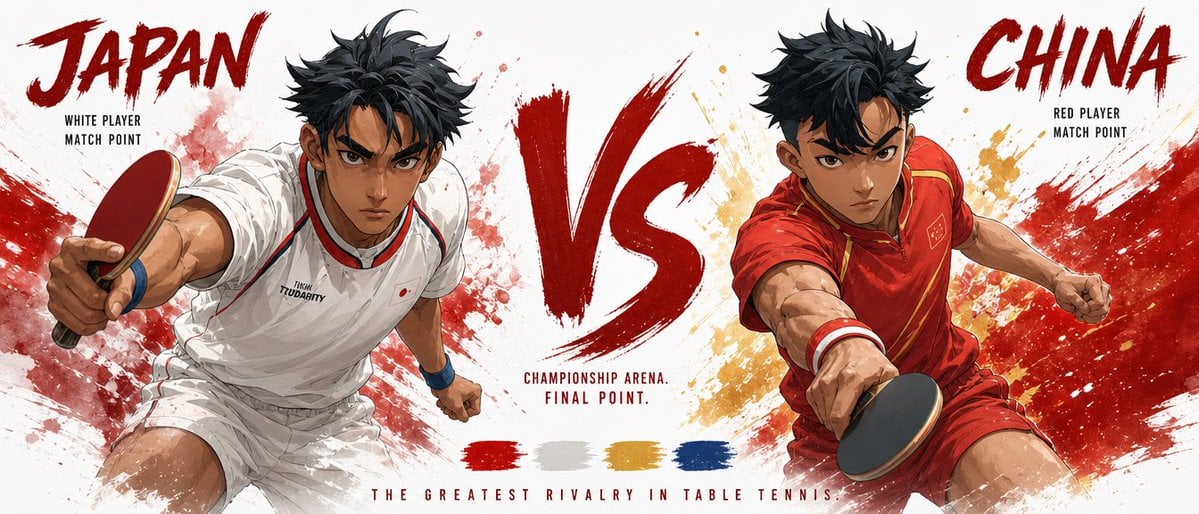
Cinematic Character Bible Comparison Sheet

Cinematic Character Bible Split Sheet
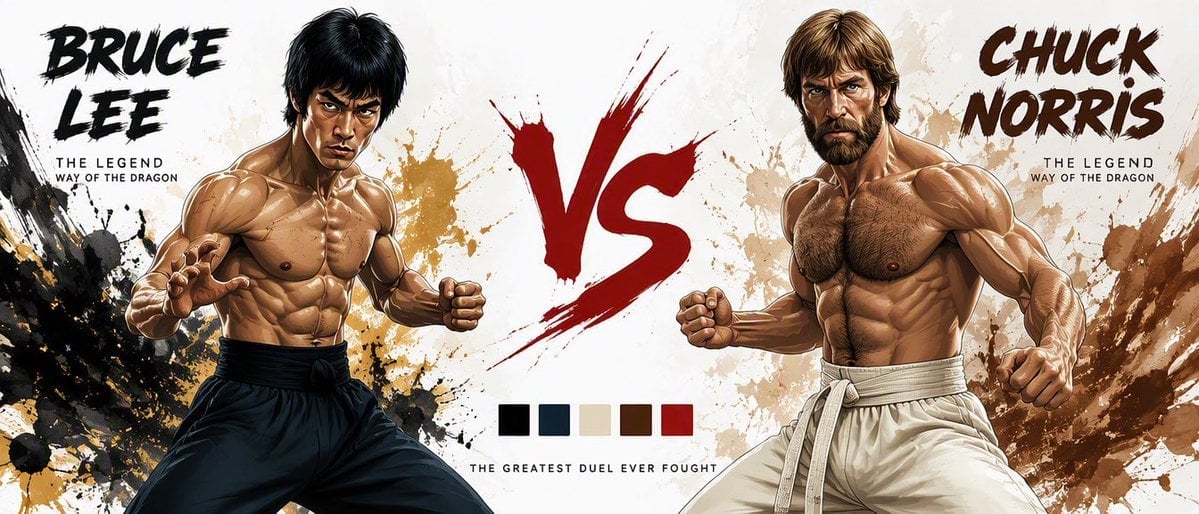
Martial Arts Legend Character Bible Sheet
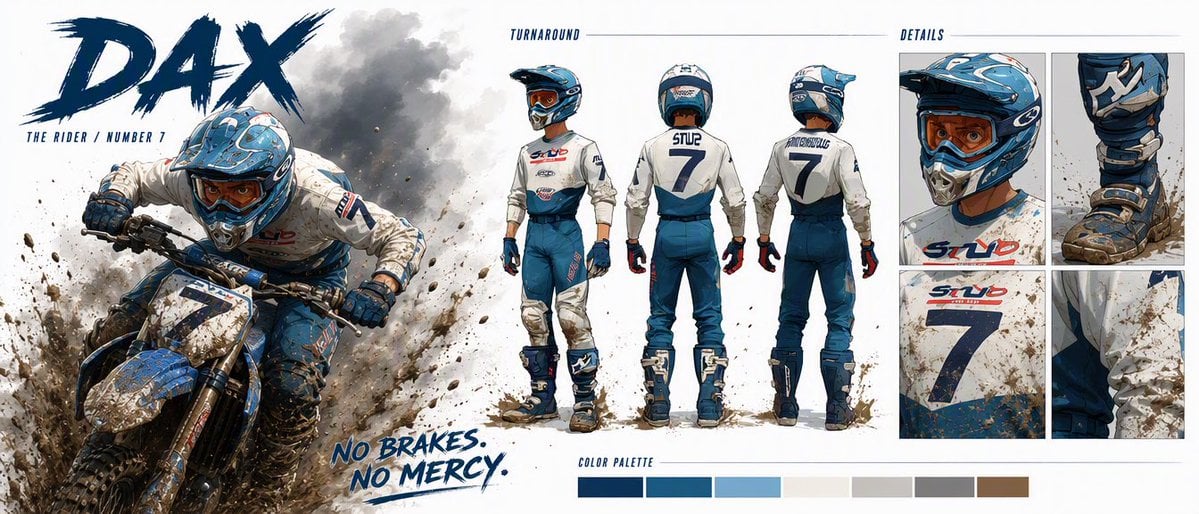
Dax Cinematic Character Bible Sheet
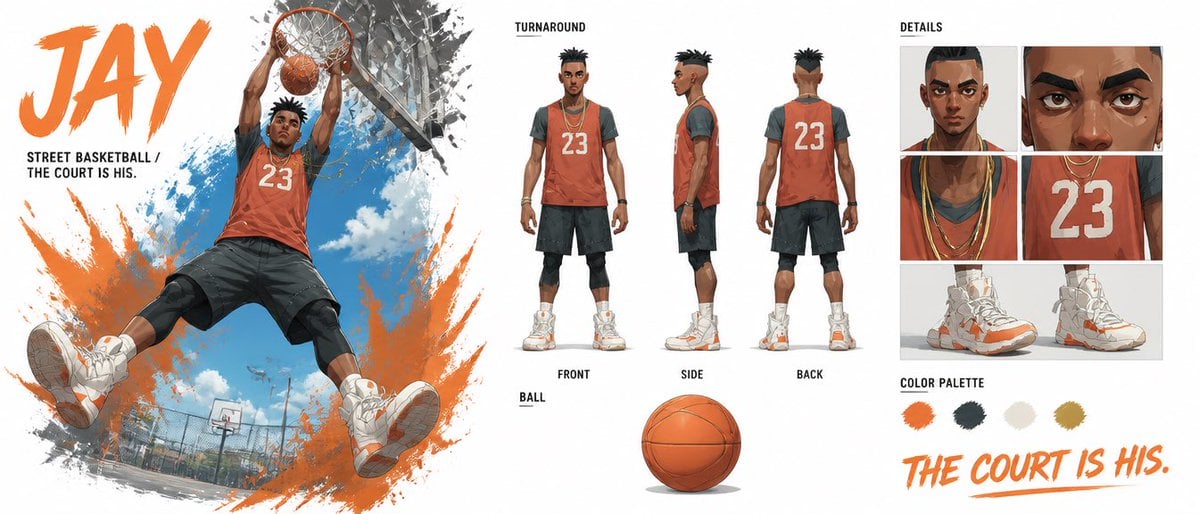
Basketball Character Bible Sheet
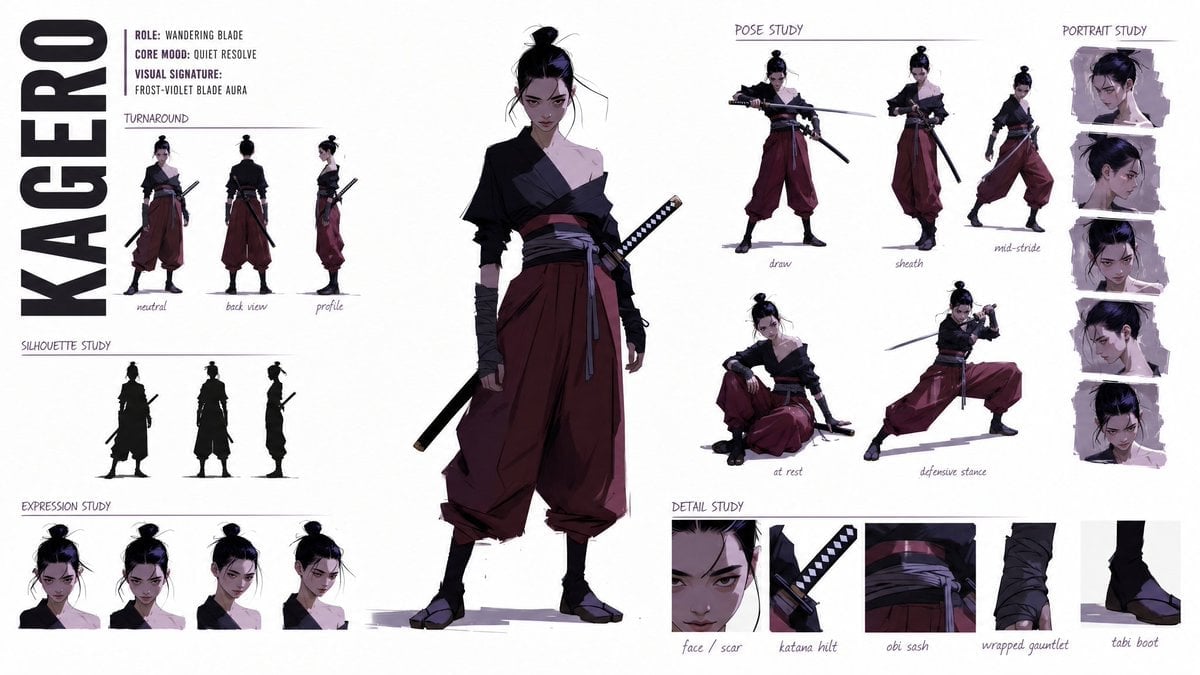
High-Fashion Character Style Bible
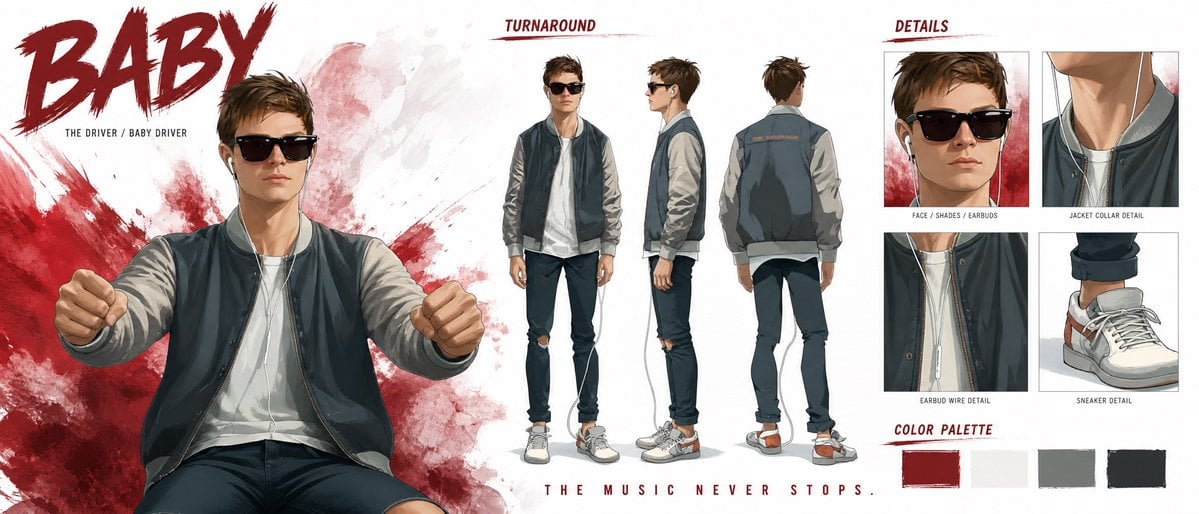
Cinematic Character Profile Bible Sheet
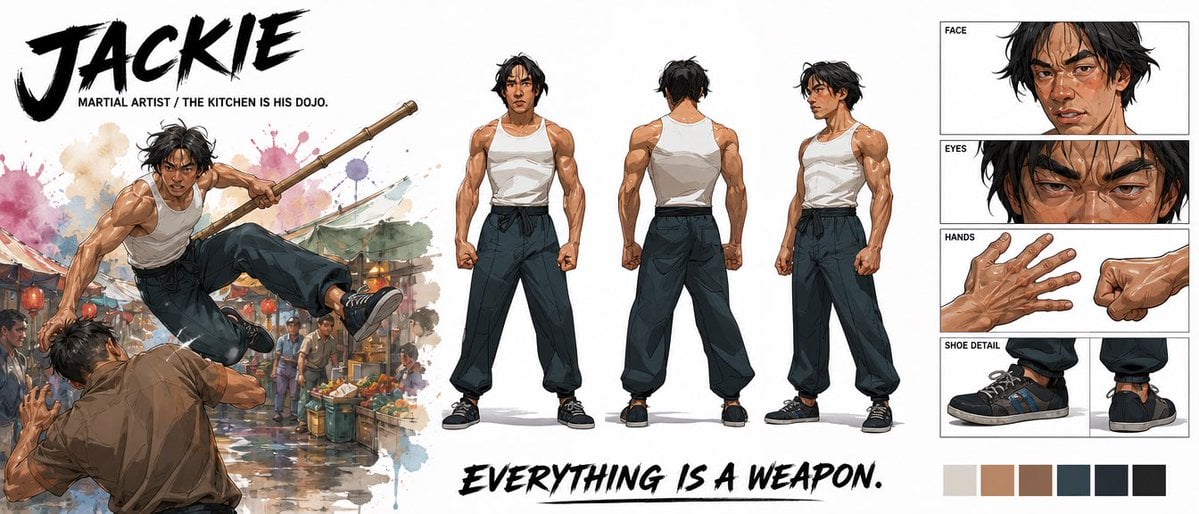
Cinematic Martial Artist Character Bible
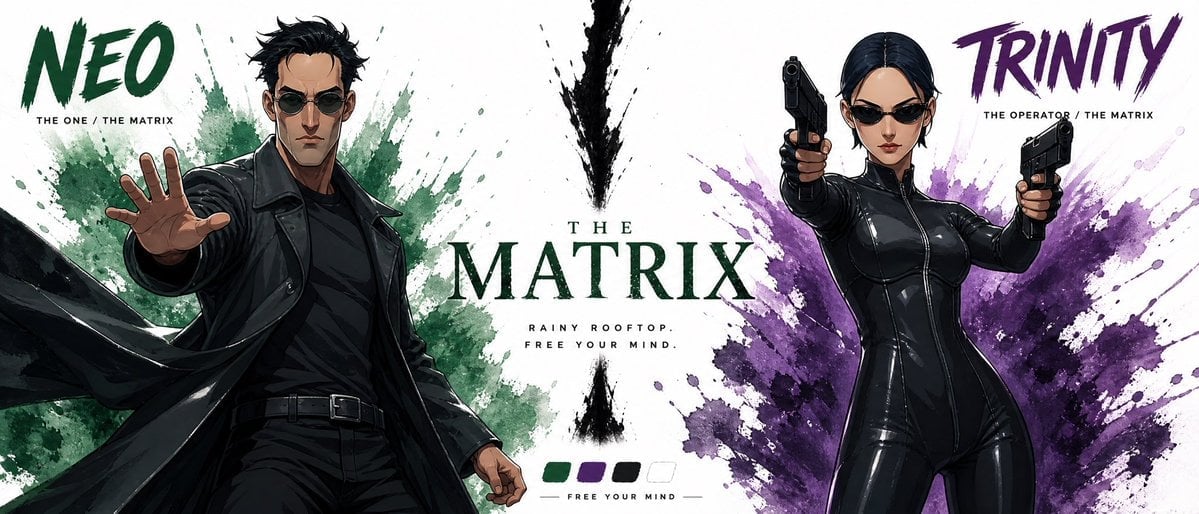
Cinematic Character Bible Sheet
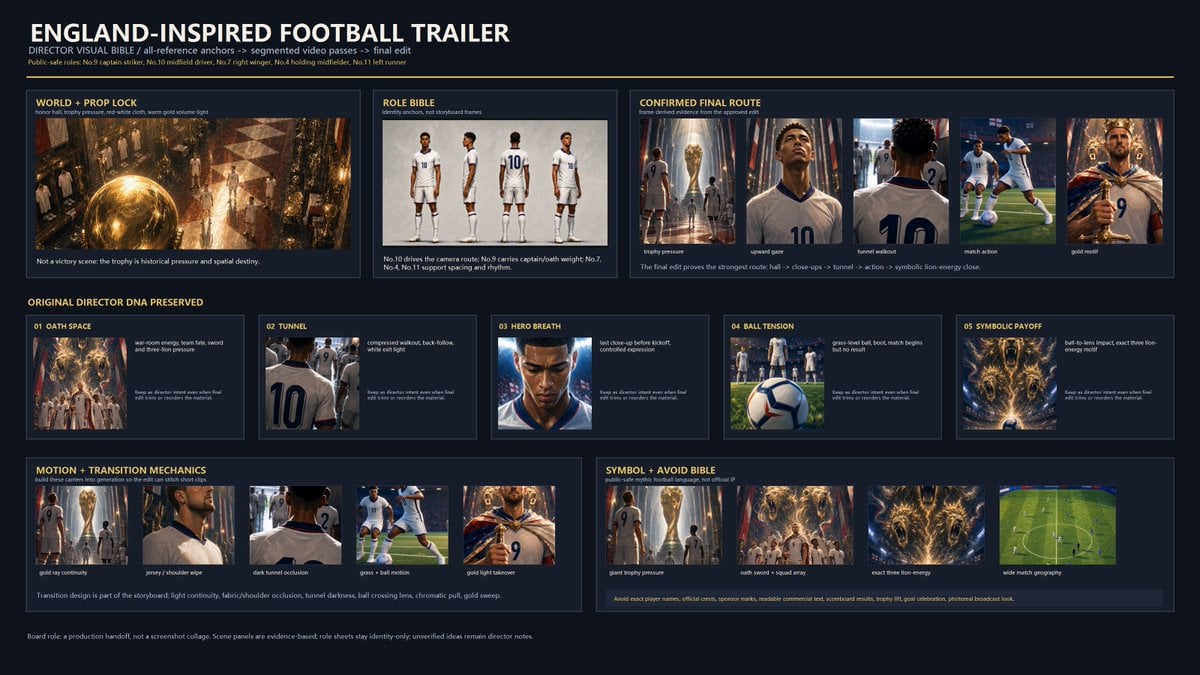
Cinematic Football Trailer Visual Bible
Make it yours
Donato Pizzaiolo Character Bible works as-is. These are the safest ways to change it without losing the look.
Change one field
Copy a single group, rewrite it, and generate again so you can see what that field is doing.
Keep the frame, change the subject
Hold the composition and light of Donato Pizzaiolo Character Bible, then swap wardrobe, props or the person for a new take.
| If the result… | Why | Fix |
|---|---|---|
| The result drifts from the preview | Too many fields changed at once. | Reuse Donato Pizzaiolo Character Bible as-is first, then change one group — subject, light, or setting. |
| The model over-stylizes the scene | The prose prompt leaves finish and camera underspecified. | Add one camera or lighting sentence and stay on GPT Image 2. |
More GPT Image 2 templates
Other prompts made for GPT Image 2.

Six VTuber Japanese Logo Sheet

Realistic Portrait of Woman and Deer

The Vista Modular Condo Poster

AI Model Routing Comparison Infographic

2.5D Anime Art Board

Isometric Productivity Desk Scene

New York Double Exposure Poster

Four-Panel AI Landscape Comparison

Japanese Tatami Lifestyle Magazine Cover

NESCAFÉ Coffee Map Poster
More image prompts
Fresh picks from across the catalog.
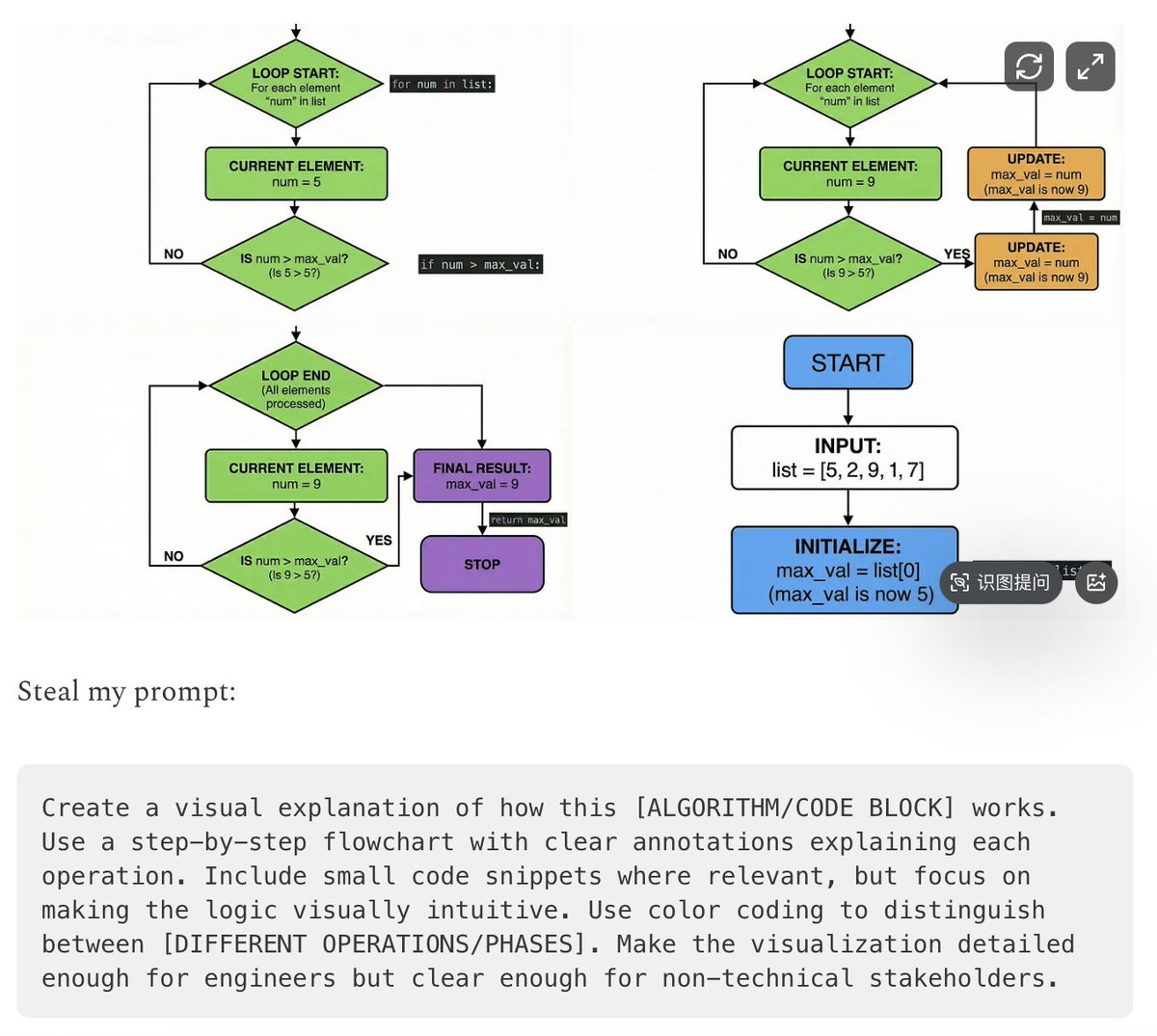
Five High-Efficiency Nano Banana Pro Prompts for Business Graphics

Photorealistic Leaf Shaped Like a Lion
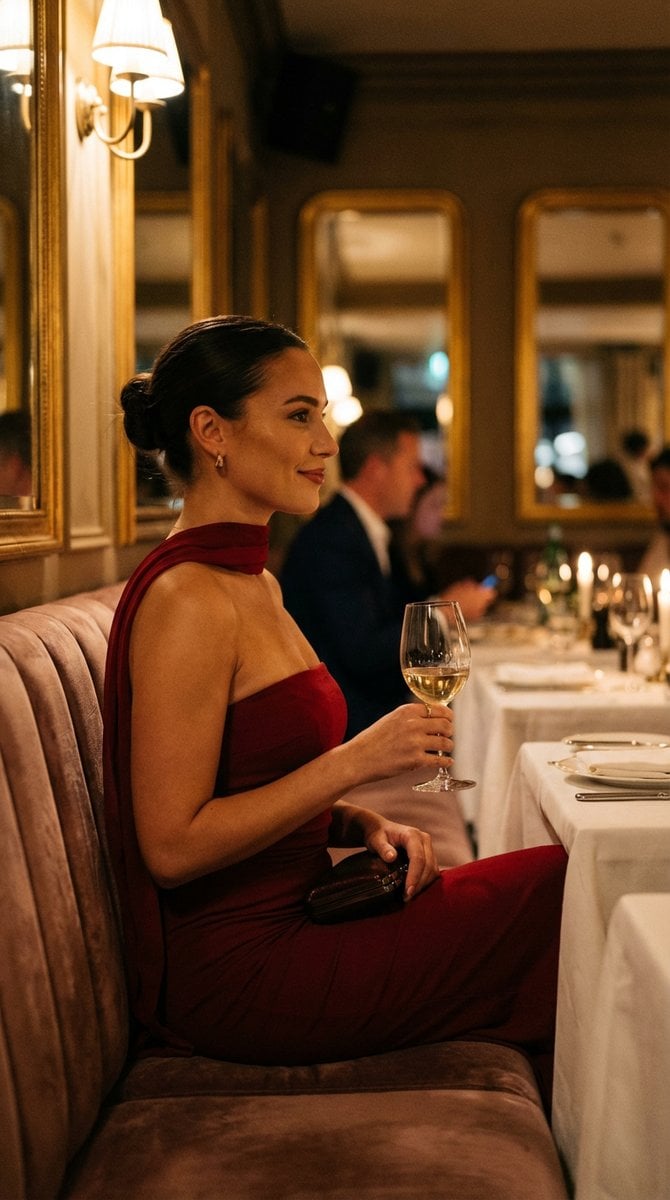
High-End Editorial Restaurant Portrait Prompt

Cinema Date Popcorn Realistic By Nano Ba
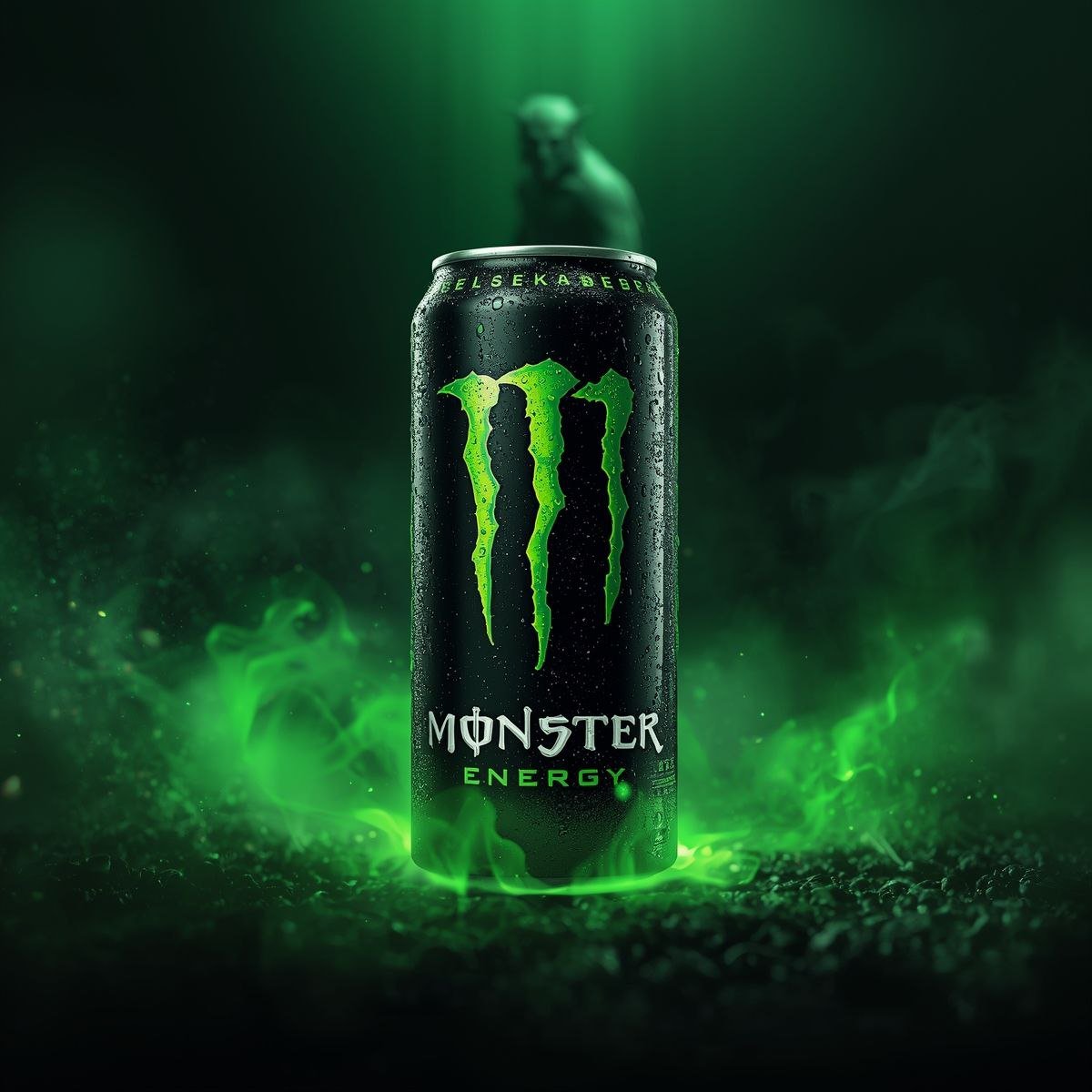
Hyper-realistic Action Video Generation from Image Reference
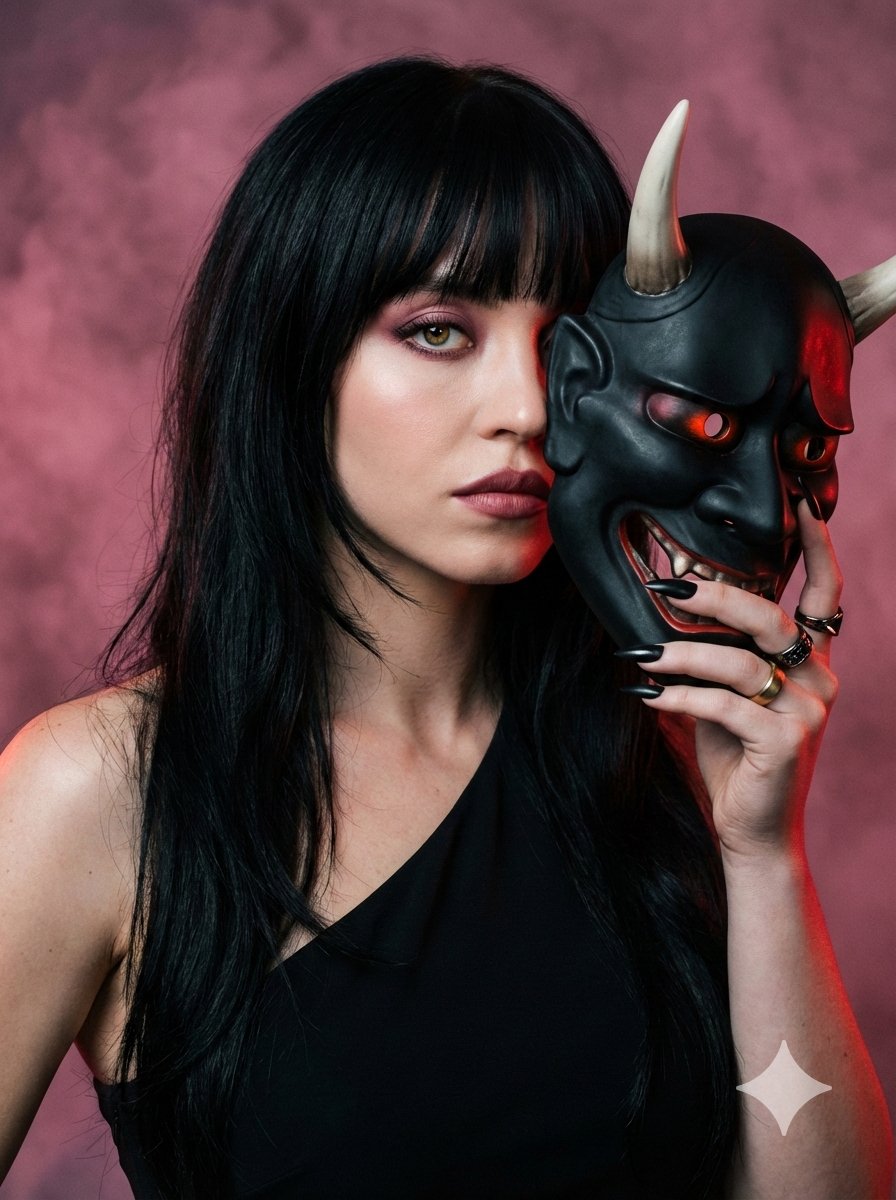
Ultra-Realistic Portrait with Oni Mask and Cinematic Lighting
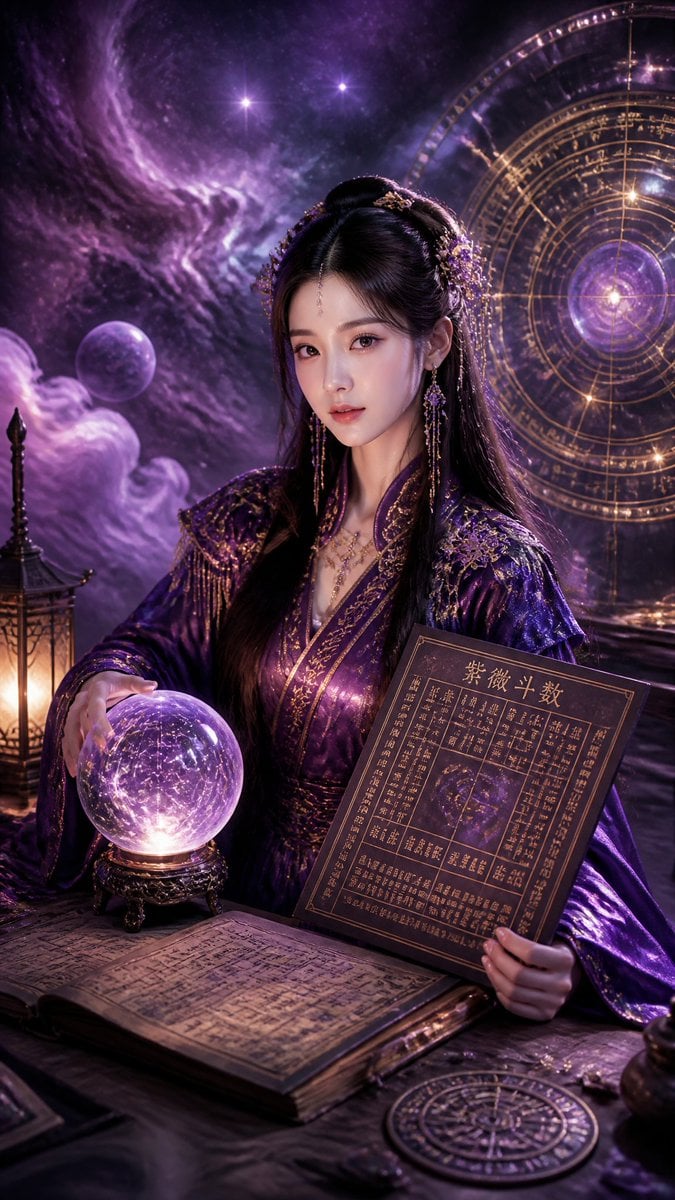
Cyberpunk Hanfu Mystic Diviner
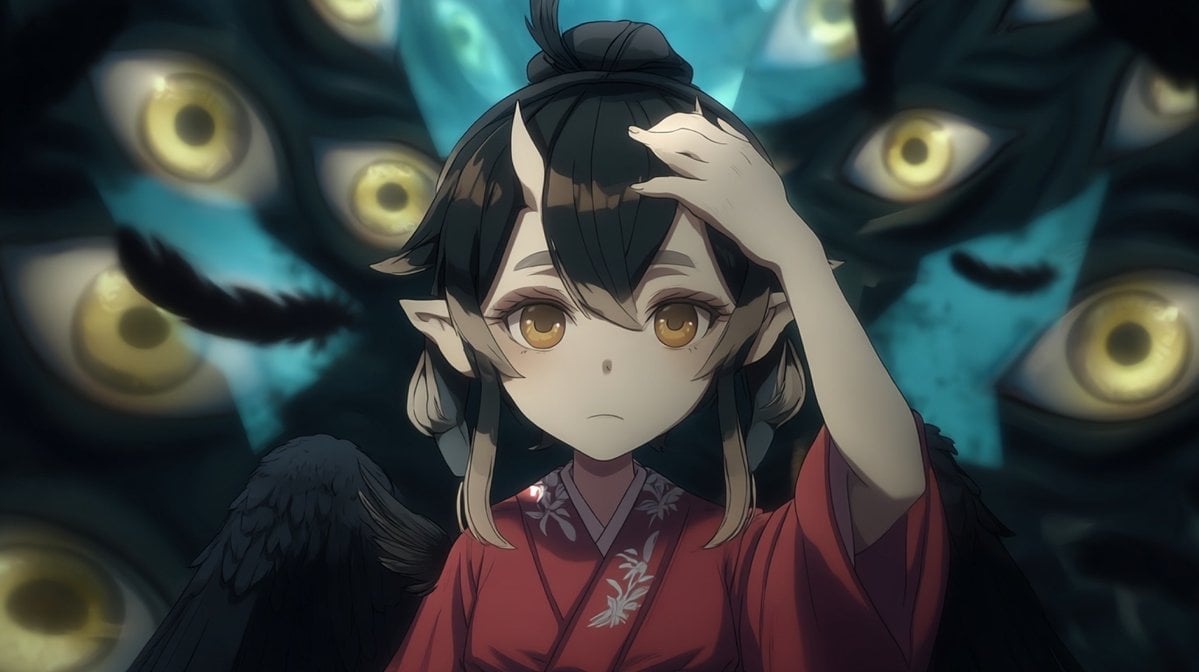
Censored Tengu Girl Among Eyes
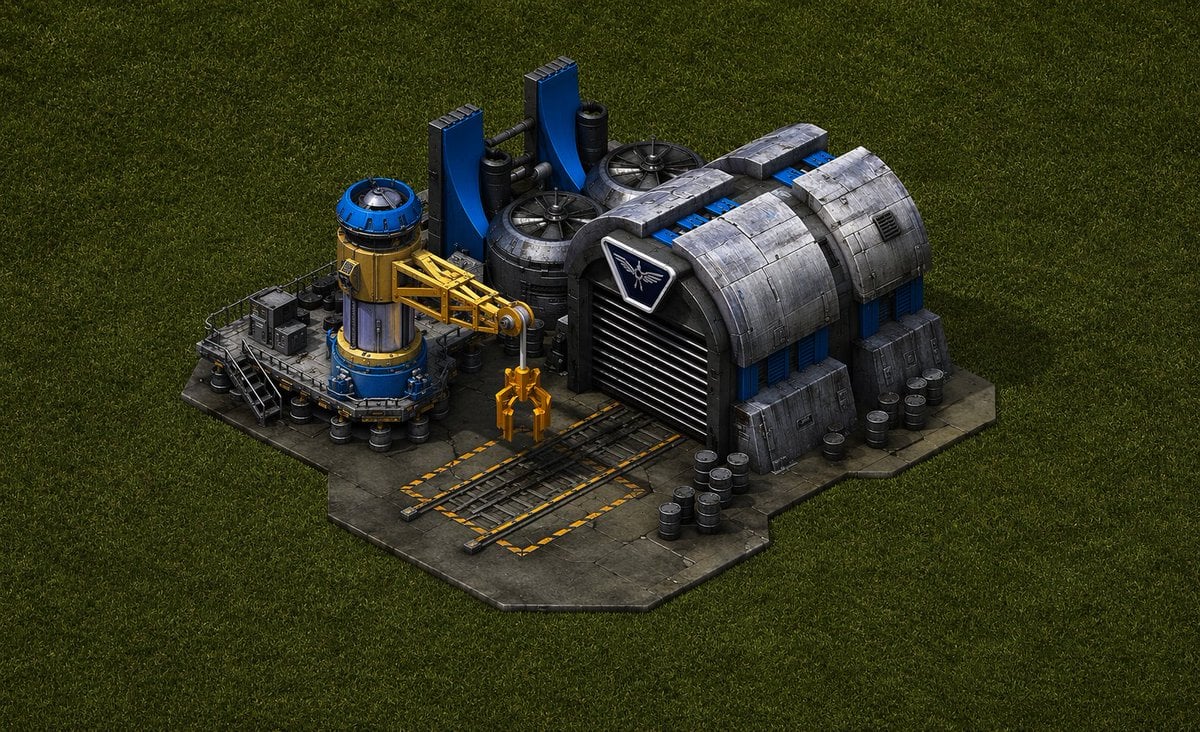
Game-Inspired Architectural Prompt
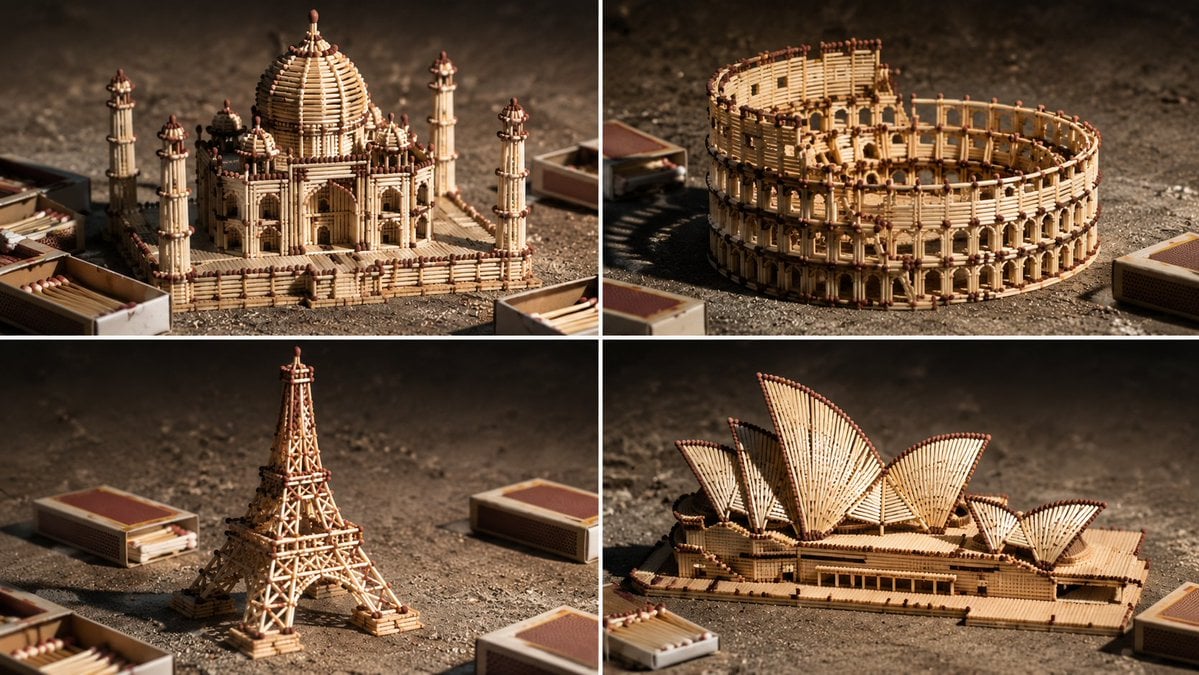
Matchstick Architectural Models
Browse template categories
Donato Pizzaiolo Character Bible questions
How do I use the Donato Pizzaiolo Character Bible template?
Add your photo if the template asks for one, edit the prompt if you like — the template's model and format are already selected — and press Generate. Your version opens in PicX Studio.
Can I customize the Donato Pizzaiolo Character Bible template?
Yes. You can change the subject, setting, lighting, mood, format, and available model controls before creating your image.
Is the Donato Pizzaiolo Character Bible template free?
Opening and editing this template is free. Generating uses credits, shown on the Generate button when you are signed in.
Which AI model should I use?
Start with GPT Image 2, which is the model associated with this template. You can compare another compatible model for a different finish.
Looking for something else? Browse all templates.

Your photo, any look
Thousands of ready templates for every top image and video model, from one credit balance.