
Cinematic Martial Artist Character Bible
Generates a wide premium character design sheet with action art, turnaround poses, detail panels, typography, and palette swatches for a martial artist hero.
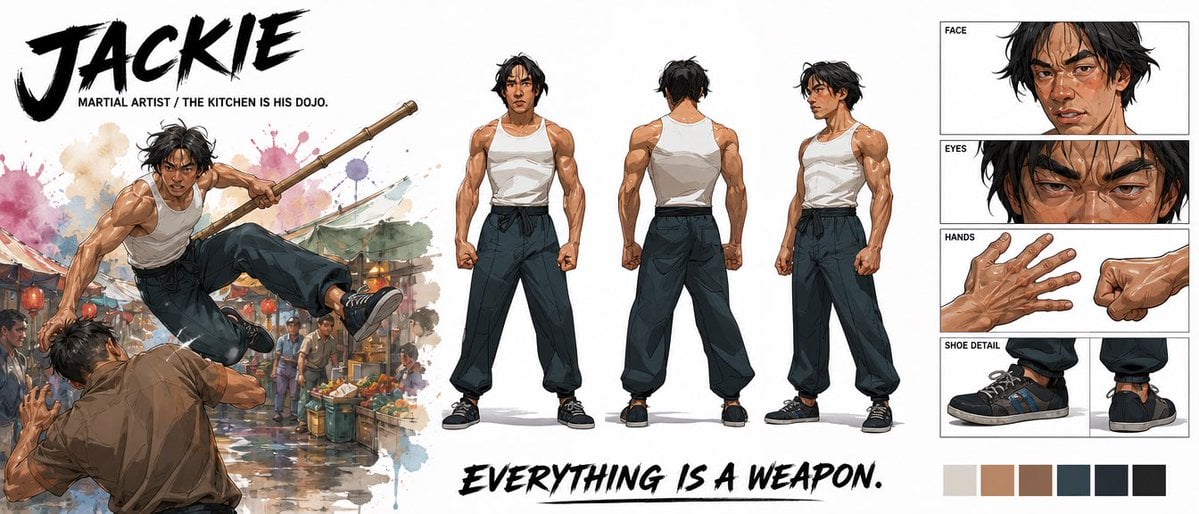
- Prompt included
- Model and format preset
- Free template
The prompt behind this image
Copy the exact prompt behind Cinematic Martial Artist Character Bible, or open it in the studio and make it yours.
Goal: Create a premium cinematic character bible sheet for a martial artist named {argument name="character name" default="JACKIE"}, presented as a wide professional concept-art reference board. Canvas: Extra-wide horizontal white canvas, roughly 21:9 aspect ratio, clean negative space, polished entertainment-design layout. Visual style: High-end illustrated character design, semi-realistic anime/comic concept art with painterly shading, crisp ink accents, athletic anatomy, dramatic brush textures, watercolor splashes, and cinematic action energy. Use a mostly neutral palette with warm skin tones, black hair, white tank top, dark loose pants, black sneakers, and subtle market-scene colors. Top-left text: Huge black dry-brush title reading {argument name="character name" default="JACKIE"}. Beneath it, small uppercase subtitle: {argument name="subtitle text" default="MARTIAL ARTIST / THE KITCHEN IS HIS DOJO."} Left action illustration: One large dynamic action scene of the same martial artist leaping through the air in a crowded wet street market, holding a long wooden staff with both hands, kicking over an opponent in a brown shirt. Add colorful produce stalls, hanging market lights, blurred bystanders, puddle reflections, and watercolor splashes behind the action. The pose should feel explosive and acrobatic. Center character turnaround: Show exactly 3 full-body standing reference poses of the martial artist on a white background: 1 front view, 1 back view, and 1 three-quarter side view. He is lean but muscular, with tousled medium-length black hair, tan skin, a serious focused expression, a white sleeveless tank top, dark high-waisted loose martial-arts pants tied with a black sash, and black low-top sneakers. Keep proportions and outfit consistent across all three views. Right-side detail panels: Create exactly 4 boxed detail sections stacked vertically with thin black borders and small uppercase labels: 1 FACE panel showing a close-up of his head and shoulders with sweat, cuts, messy hair, and intense expression; 1 EYES panel showing an extreme close-up of narrowed eyes and brows; 1 HANDS panel showing two hand studies, one open veiny hand and one clenched fist; 1 SHOE DETAIL panel showing two sneaker studies, one side view and one rear/heel view. Bottom text: Large black dry-brush slogan across the lower middle reading {argument name="slogan text" default="EVERYTHING IS A WEAPON."} Color swatches: Add exactly 6 square palette swatches along the bottom right: 1 light warm gray, 1 tan skin tone, 1 medium brown, 1 dark blue-gray, 1 near-black navy, and 1 black. Constraints: Maintain a clean premium character-sheet composition, no extra characters outside the left action scene, no additional labels beyond the specified title, subtitle, panel labels, slogan, and swatches. Make the image look like a finished studio character bible page.
How to use Cinematic Martial Artist Character Bible in 3 steps
- 1Upload ImagePNG, JPG or paste
Add your photo
Upload the photo the template builds on. The prompt, model and format are already set.
- 2…a portrait of your subject in softgolden-hour light, 85mm…
Personalize
Edit the subject and creative details for your destination.
- 3Generate
Generate
Press Generate — your image is created in PicX Studio, so you can compare it with the original and refine one variable at a time.
More like this
Templates with the same subject, style or setup. Open one to see its prompt.
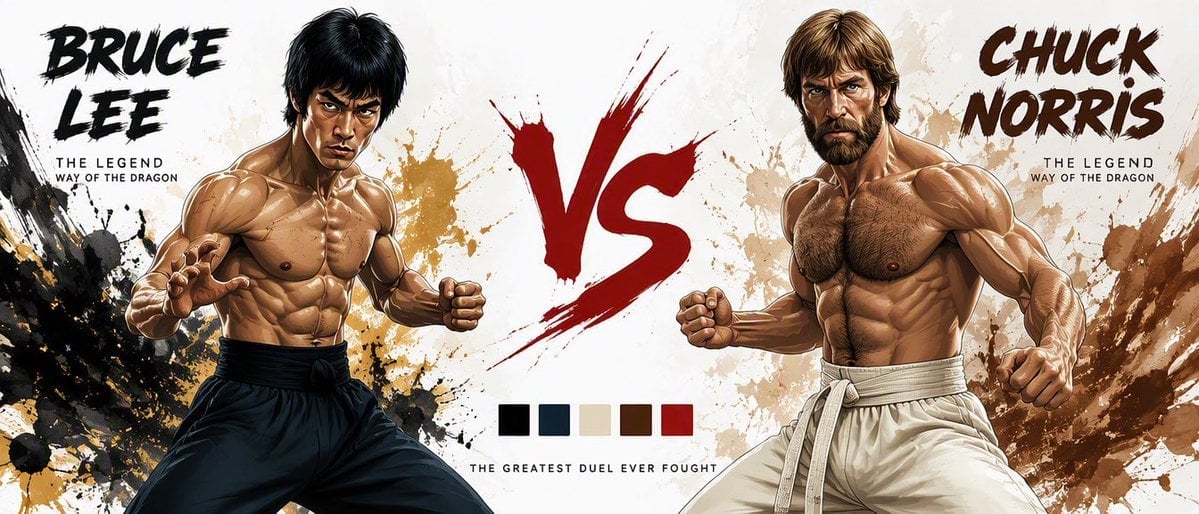
Martial Arts Legend Character Bible Sheet
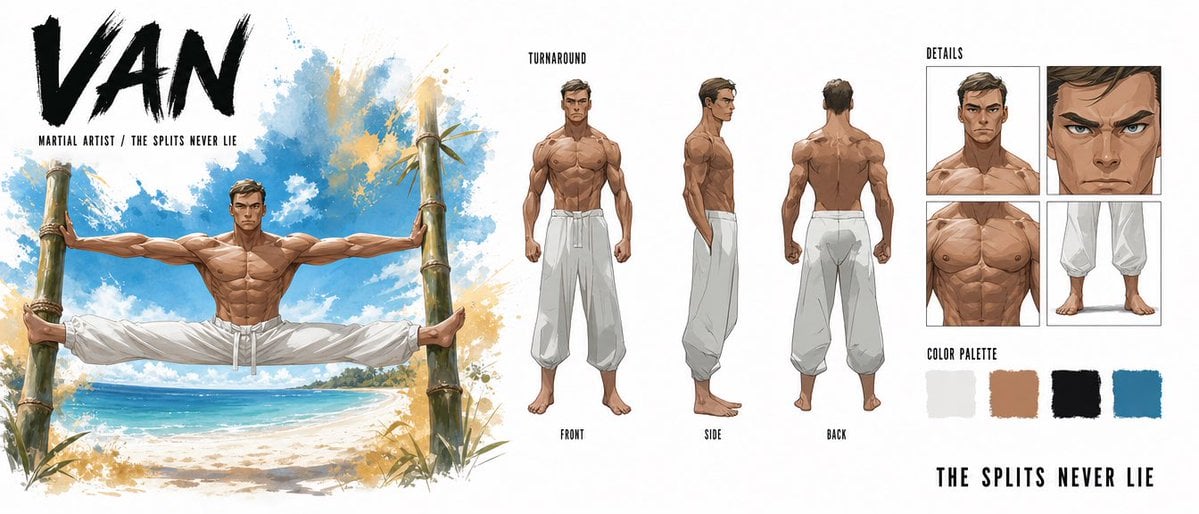
Martial Artist Character Design Sheet
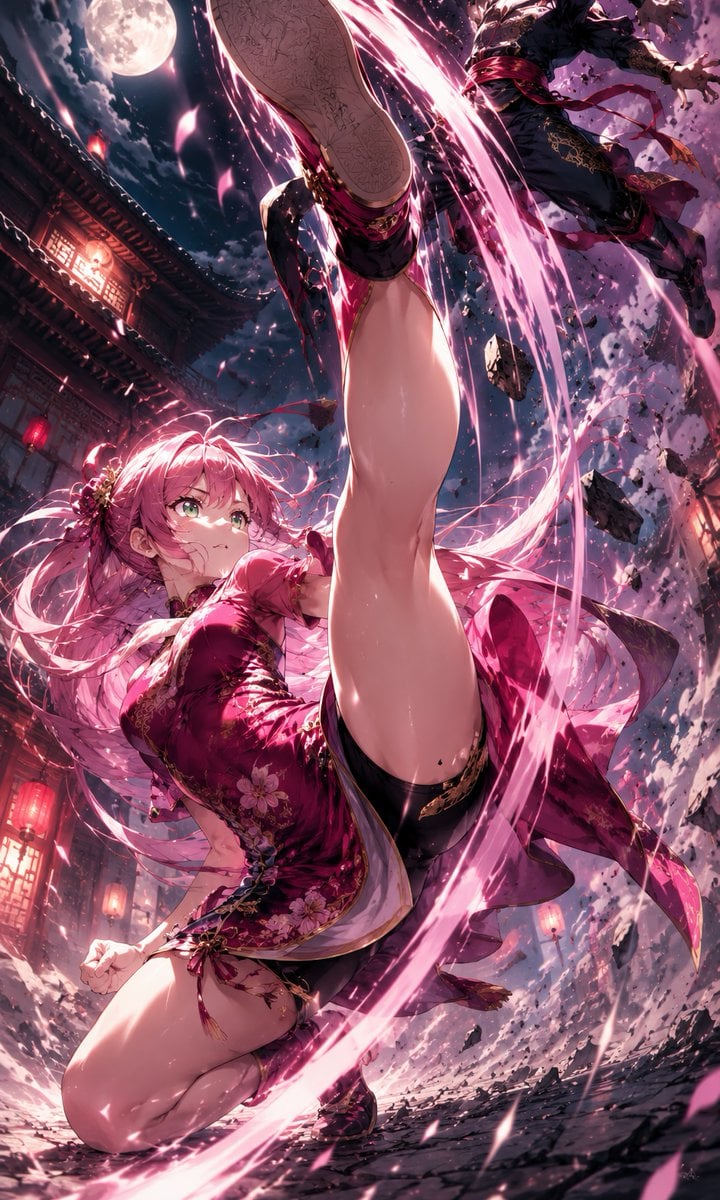
Moonlit Anime Martial Artist Kick
Pink-Haired Dojo Martial Artist
Crimson Xianxia Martial Training

Donato Pizzaiolo Character Bible
Cinematic AI Character Bible Sheet
Futuristic Motorcycle Racer Bible Sheet

Chinese Martial Arts Beauty Portrait
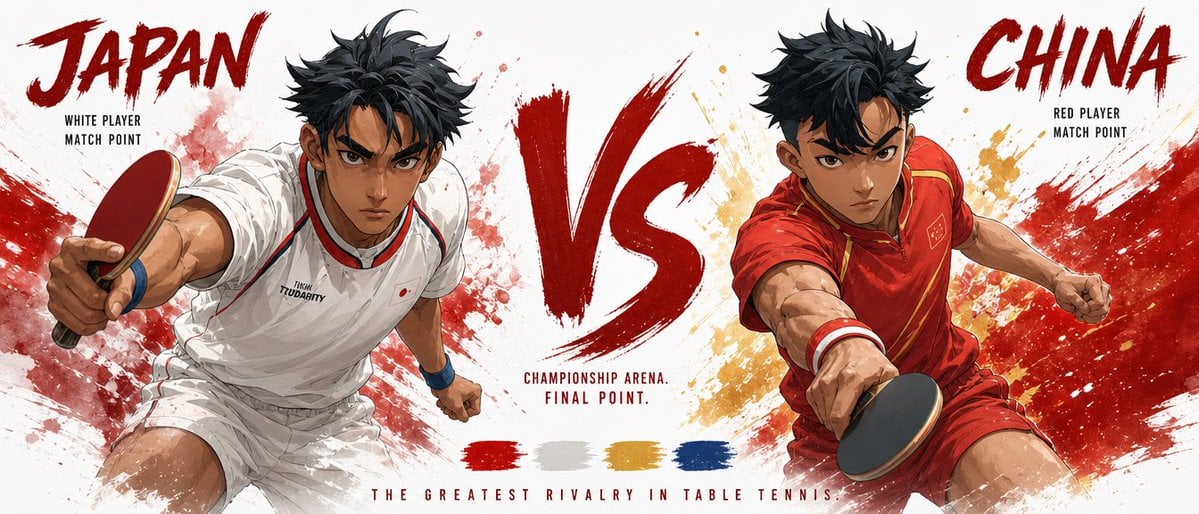
Cinematic Character Bible Comparison Sheet

Cinematic Character Bible Split Sheet
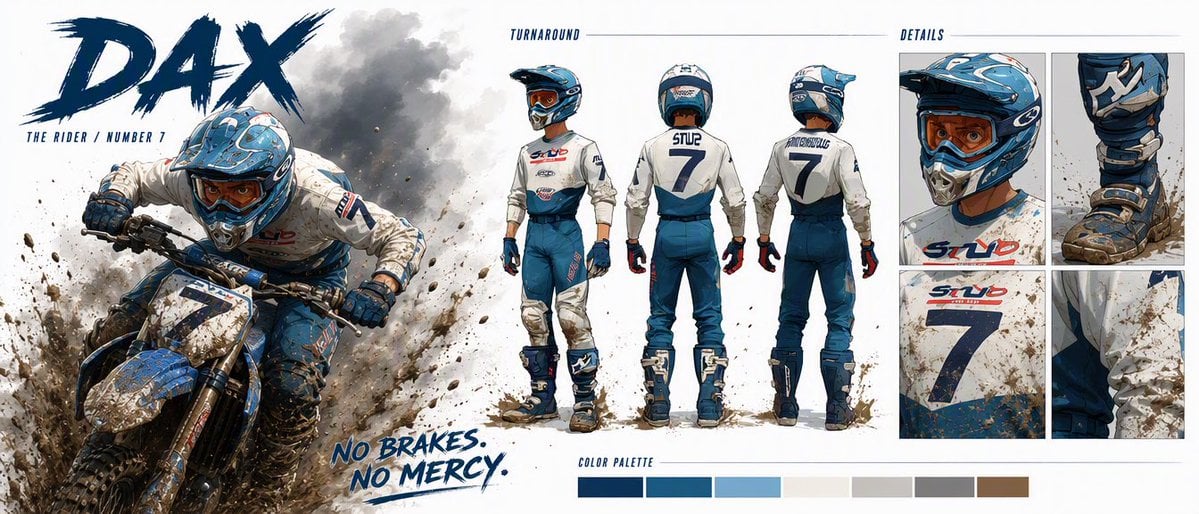
Dax Cinematic Character Bible Sheet
Make it yours
Cinematic Martial Artist Character Bible works as-is. These are the safest ways to change it without losing the look.
Change one field
Copy a single group, rewrite it, and generate again so you can see what that field is doing.
Keep the frame, change the subject
Hold the composition and light of Cinematic Martial Artist Character Bible, then swap wardrobe, props or the person for a new take.
| If the result… | Why | Fix |
|---|---|---|
| The result drifts from the preview | Too many fields changed at once. | Reuse Cinematic Martial Artist Character Bible as-is first, then change one group — subject, light, or setting. |
| The model over-stylizes the scene | The prose prompt leaves finish and camera underspecified. | Add one camera or lighting sentence and stay on GPT Image 2. |
More GPT Image 2 templates
Other prompts made for GPT Image 2.

Six VTuber Japanese Logo Sheet

Realistic Portrait of Woman and Deer

The Vista Modular Condo Poster

AI Model Routing Comparison Infographic

2.5D Anime Art Board

Isometric Productivity Desk Scene

New York Double Exposure Poster

Four-Panel AI Landscape Comparison

Japanese Tatami Lifestyle Magazine Cover

NESCAFÉ Coffee Map Poster
More image prompts
Fresh picks from across the catalog.
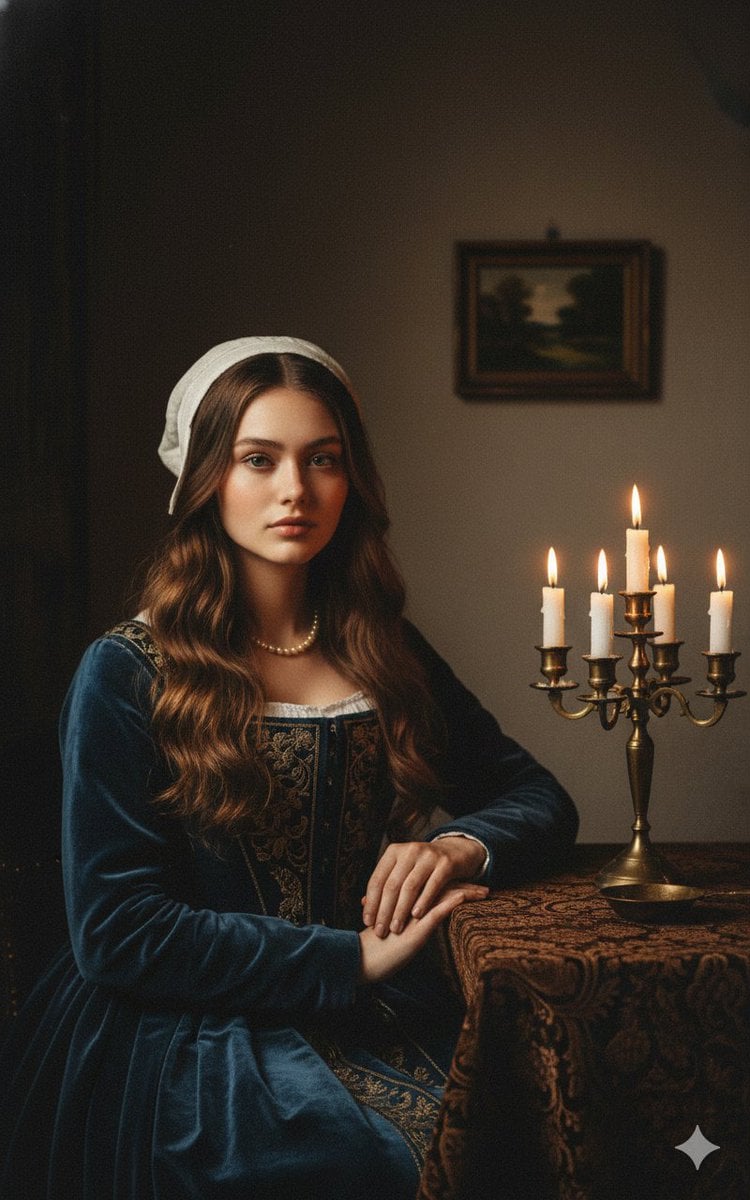
Vermeer-Style Cinematic Portrait with Modern Twist
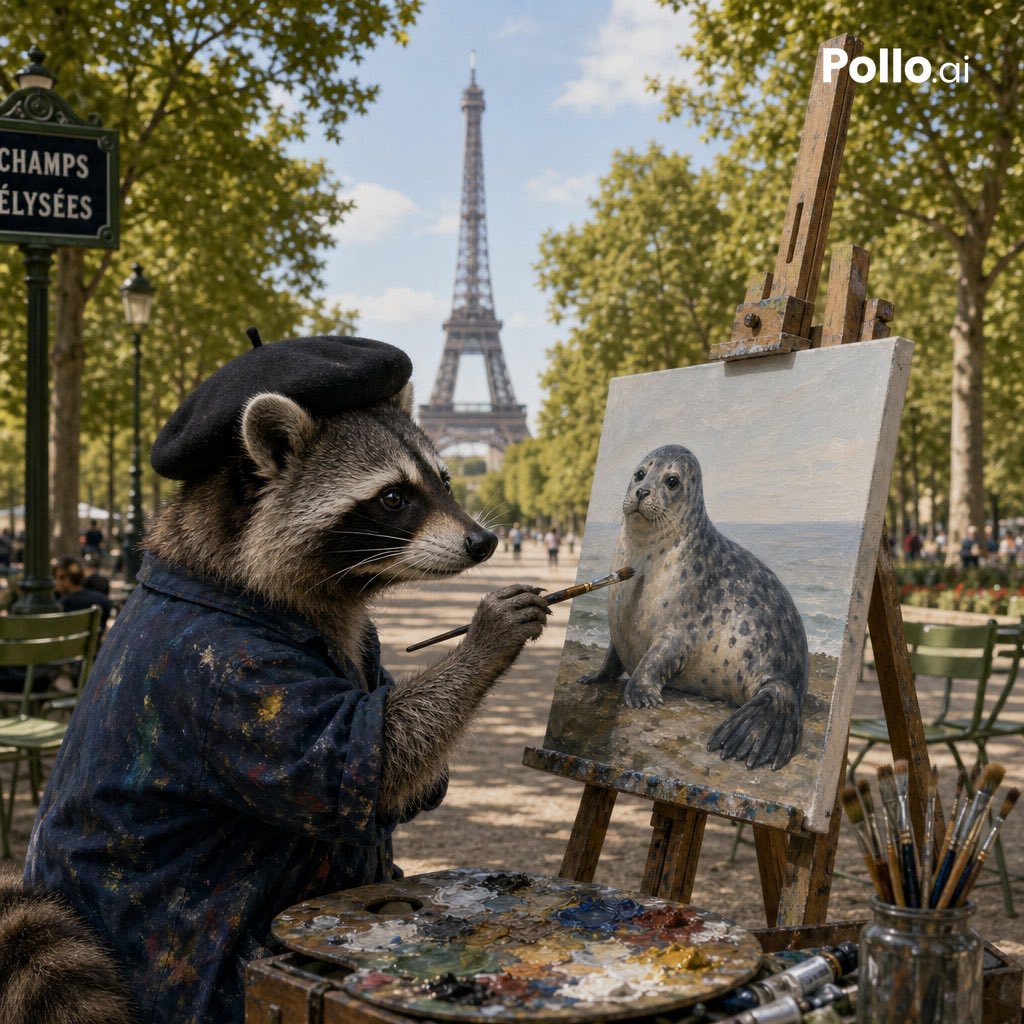
Photorealistic Raccoon Painter in Paris

Lone Traveler in Saharan Dunes Prompt
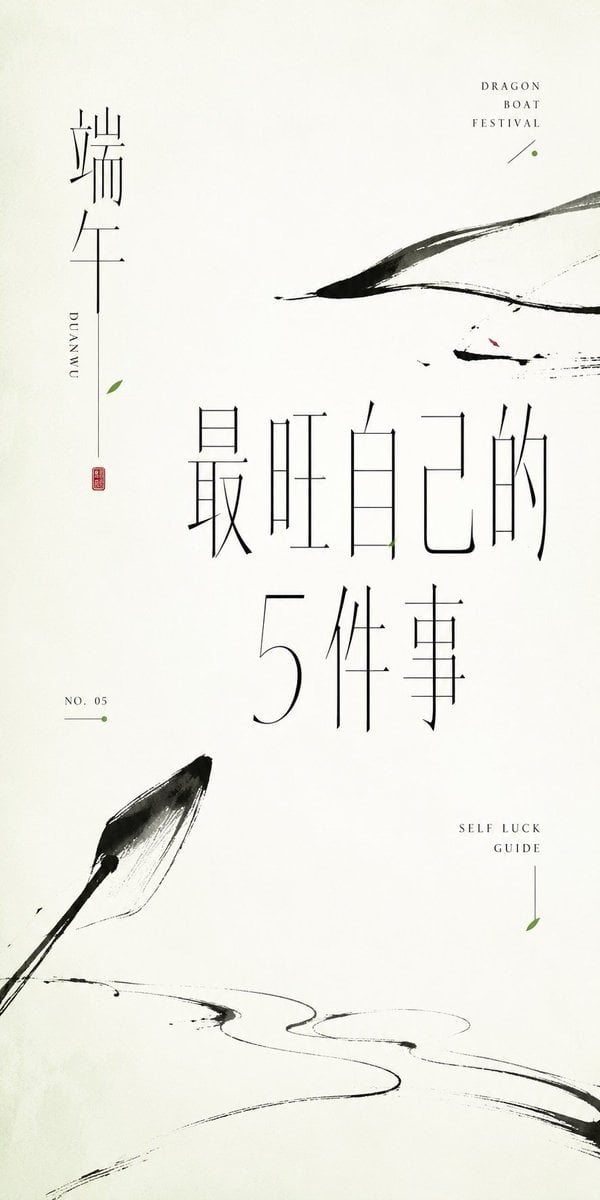
Minimalist Oriental Ink Typography Poster
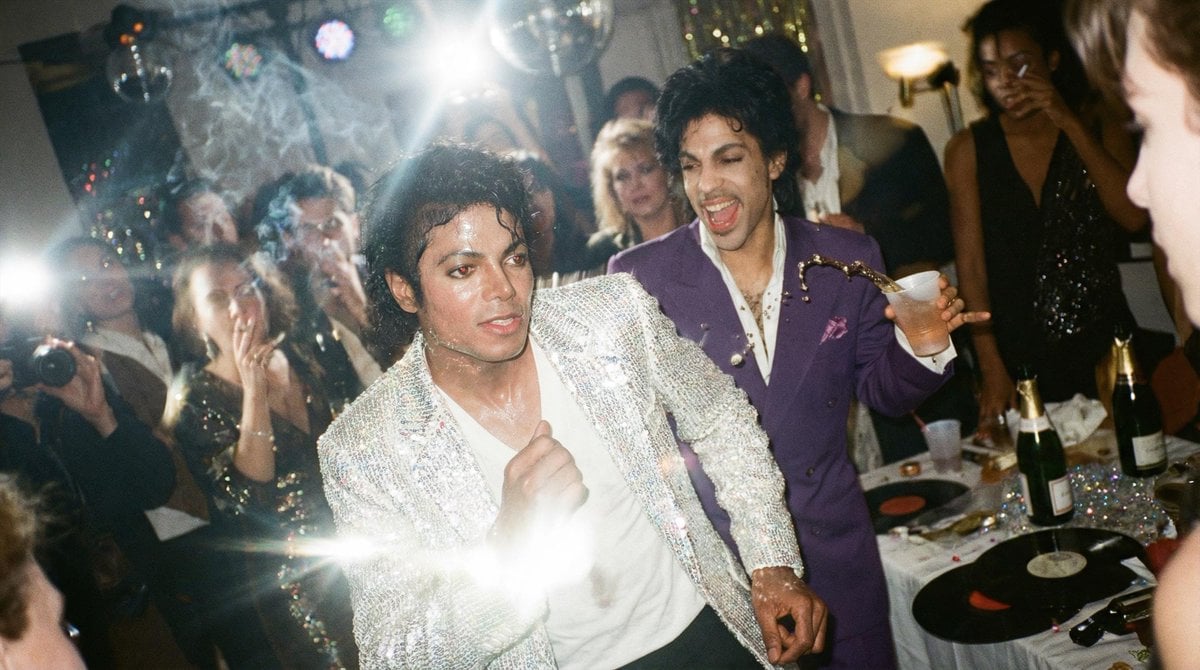
Messy Disposable Camera Party Shot Prompt
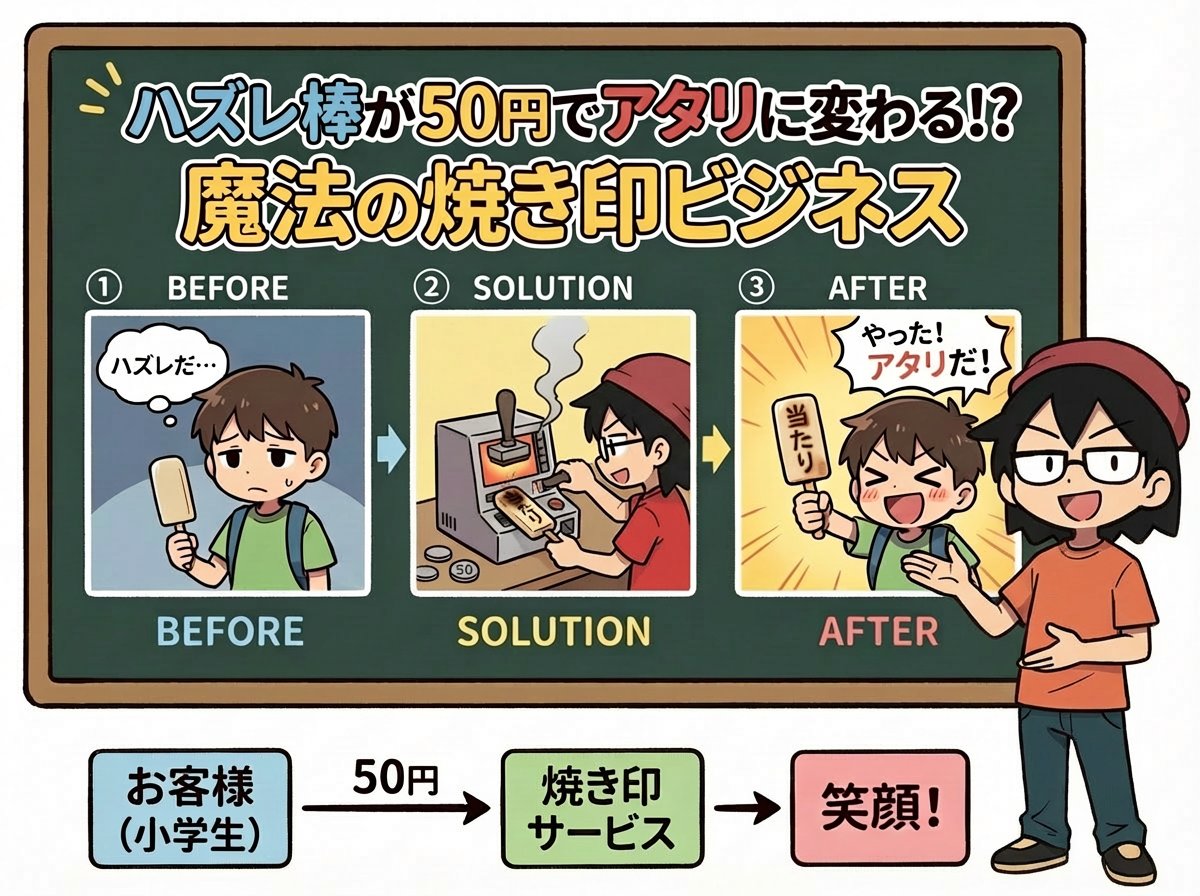
Nano Banana Pro Prompt for Fictional Business Idea
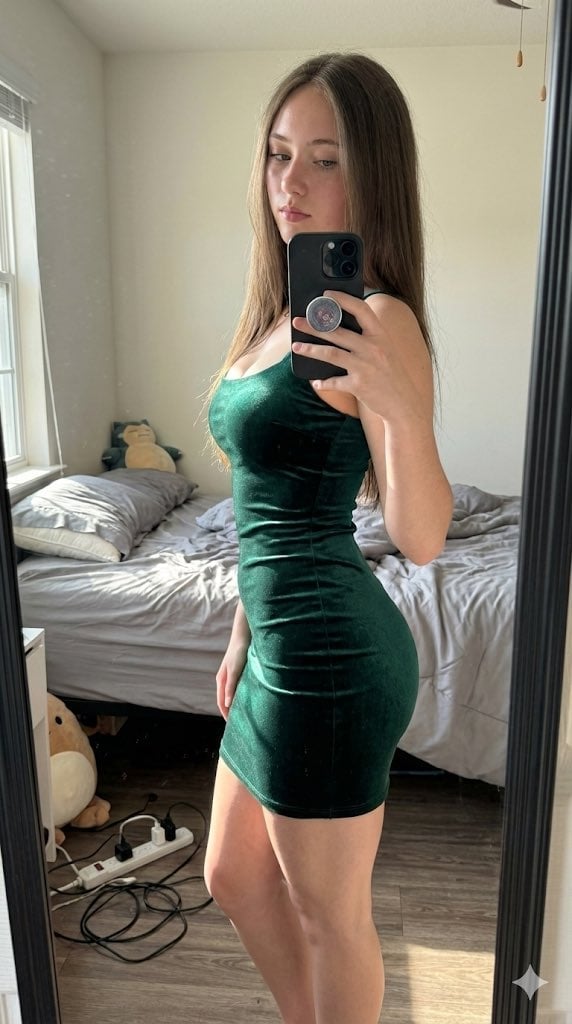
Hyper-Realistic High-Contrast Mirror Selfie Prompt
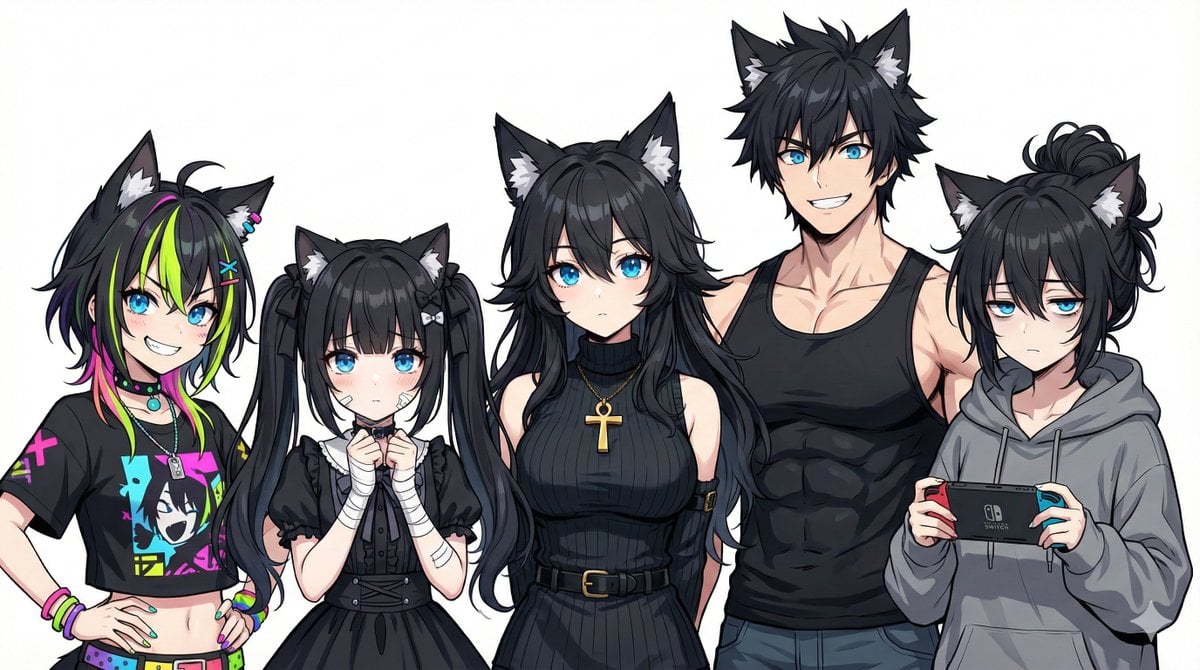
Generating Siblings Based on a Reference Character
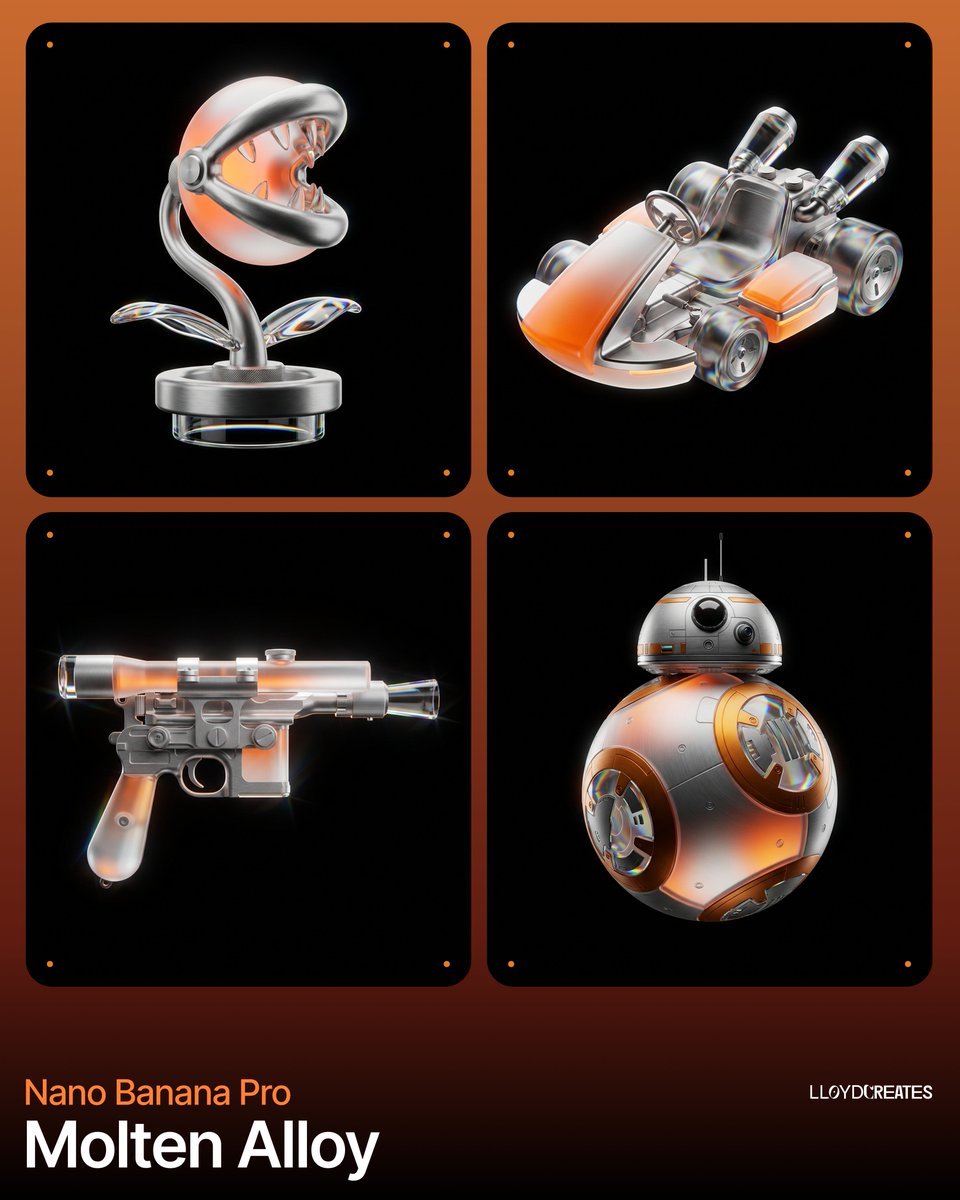
Molten Alloy Product Photography Prompt (JSON)

Japanese AI Creator Studio Banner
Browse template categories
Cinematic Martial Artist Character Bible questions
How do I use the Cinematic Martial Artist Character Bible template?
Add your photo if the template asks for one, edit the prompt if you like — the template's model and format are already selected — and press Generate. Your version opens in PicX Studio.
Can I customize the Cinematic Martial Artist Character Bible template?
Yes. You can change the subject, setting, lighting, mood, format, and available model controls before creating your image.
Is the Cinematic Martial Artist Character Bible template free?
Opening and editing this template is free. Generating uses credits, shown on the Generate button when you are signed in.
Which AI model should I use?
Start with GPT Image 2, which is the model associated with this template. You can compare another compatible model for a different finish.
Looking for something else? Browse all templates.

Your photo, any look
Thousands of ready templates for every top image and video model, from one credit balance.