
Moonlit Anime Martial Artist Kick
Generates a vertical cinematic anime battle scene with a pink-haired martial artist launching a neon energy high kick in a moonlit East Asian street.
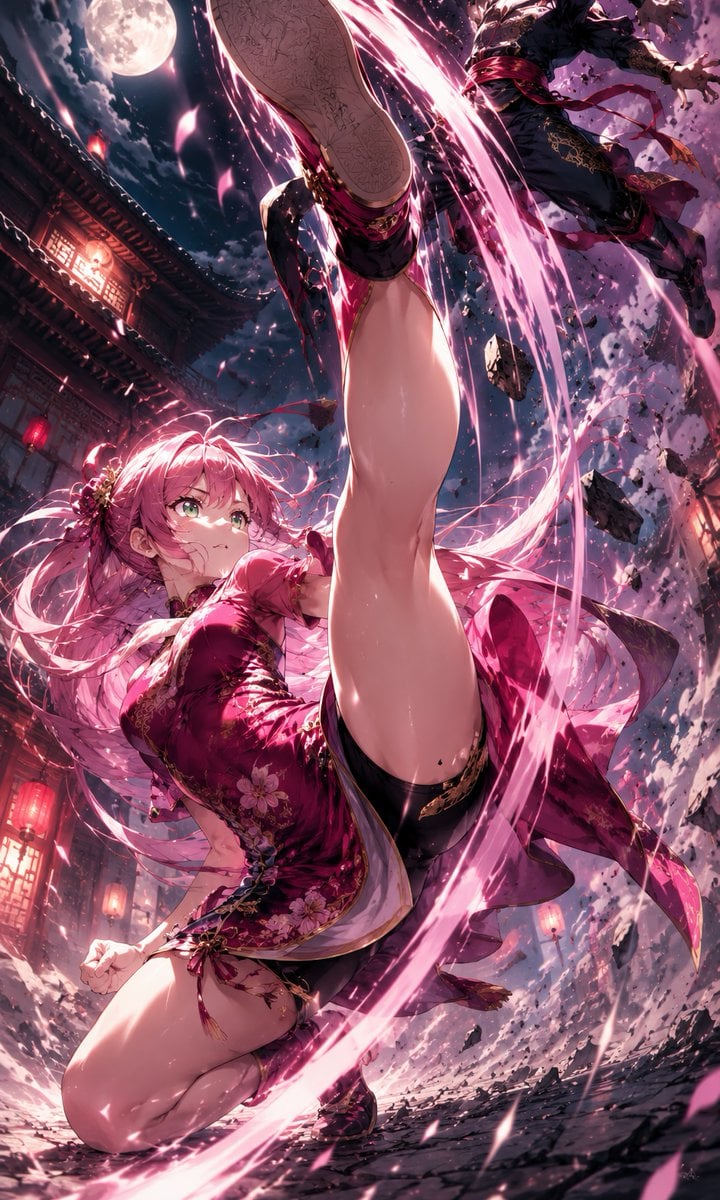
- Prompt included
- Model and format preset
- Free template
The prompt behind this image
Copy the exact prompt behind Moonlit Anime Martial Artist Kick, or open it in the studio and make it yours.
Create a dynamic vertical anime action illustration of {argument name="character name" default="a pink-haired female martial artist"} in a dramatic low-angle composition, wearing a glossy {argument name="outfit color" default="deep magenta"} floral Chinese-inspired qipao mini dress with gold embroidery, black thigh-high stockings, garter details, and black shoes. She is captured mid-spinning high kick, with one leg thrust directly toward the camera so the sole dominates the upper center of the frame, her other knee bent near the ground, long flowing pink hair and ribbons whipping around her, and her face deliberately covered by a flat rose-pink square censor block. Surround her with one sweeping circular ribbon of {argument name="energy color" default="neon pink"} magical slash energy, bright sparks, motion trails, shattered stone fragments, and flying pink petals. Include exactly one airborne {argument name="opponent" default="dark-clothed male ninja opponent"} in the upper right being knocked backward by the kick. Set the scene in {argument name="setting" default="a moonlit ancient East Asian street"} with tiled rooftops, red lantern glow, wooden architecture, a single large full moon in the cloudy night sky, cracked pavement, cinematic debris, strong foreshortening, intense perspective, ultra-detailed anime rendering, high contrast magenta lighting, dramatic action blur, glossy highlights, and a polished fantasy battle poster aesthetic.
How to use Moonlit Anime Martial Artist Kick in 3 steps
- 1Upload ImagePNG, JPG or paste
Add your photo
Upload the photo the template builds on. The prompt, model and format are already set.
- 2…a portrait of your subject in softgolden-hour light, 85mm…
Personalize
Edit the subject and creative details for your destination.
- 3Generate
Generate
Press Generate — your image is created in PicX Studio, so you can compare it with the original and refine one variable at a time.
More like this
Templates with the same subject, style or setup. Open one to see its prompt.

Moonlit Ghost Lotus Anime Portrait
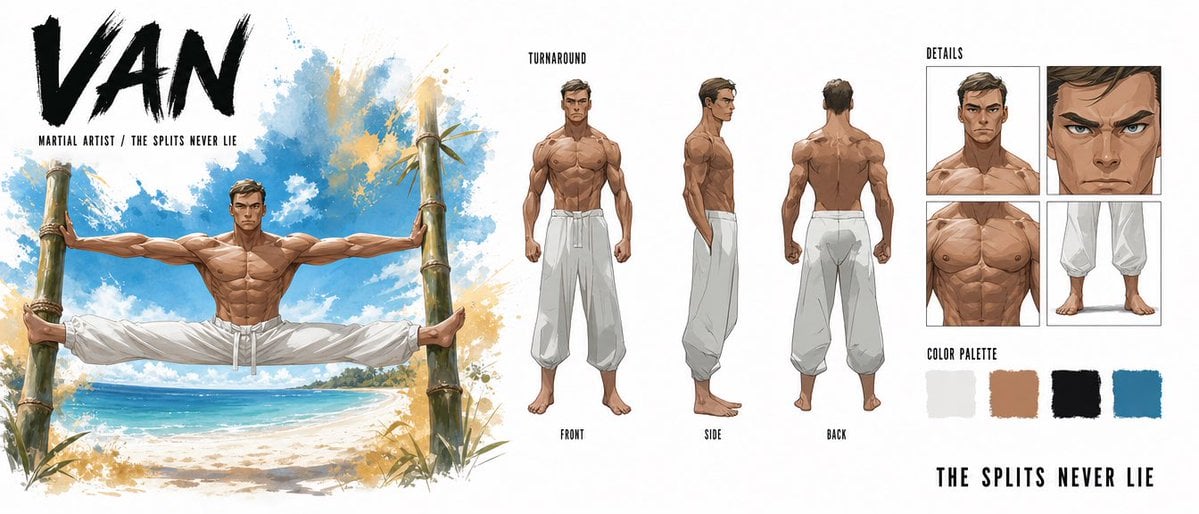
Martial Artist Character Design Sheet
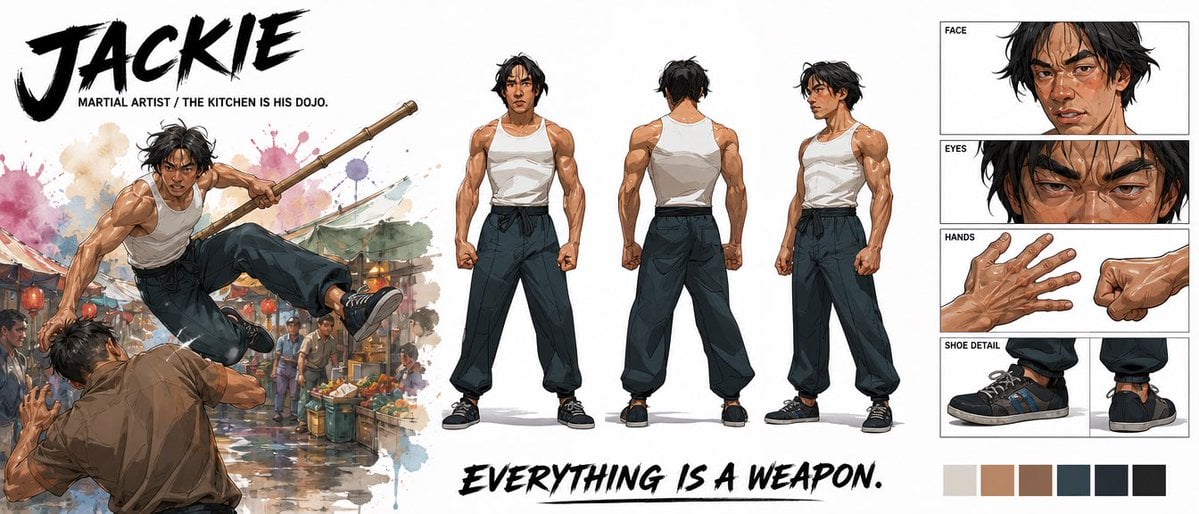
Cinematic Martial Artist Character Bible
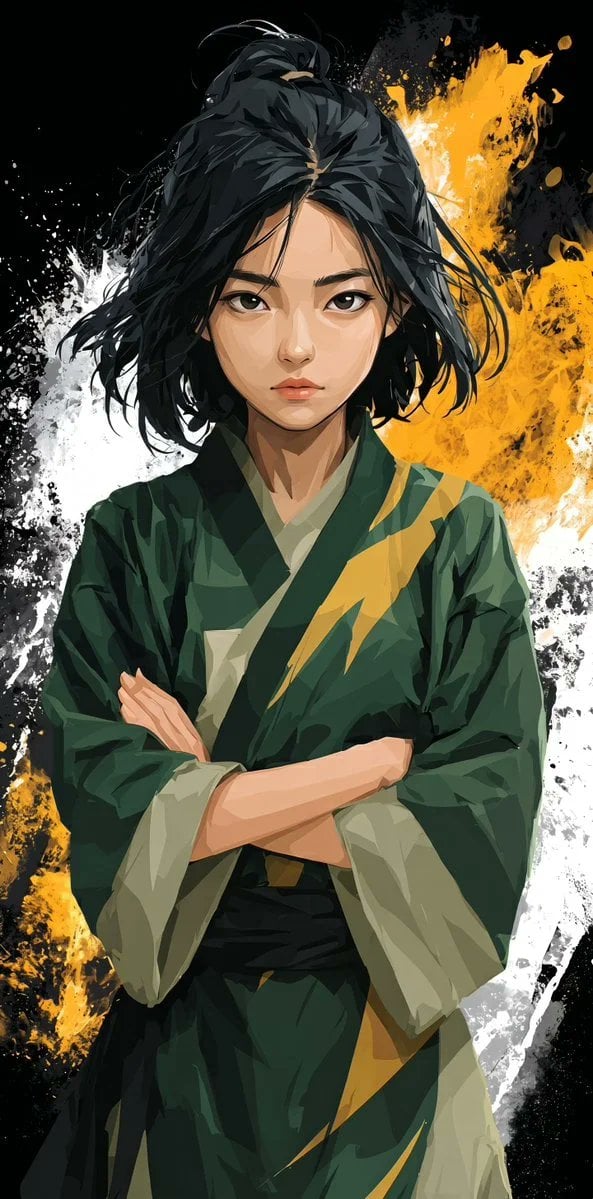
Stylized Martial Arts Anime Girl
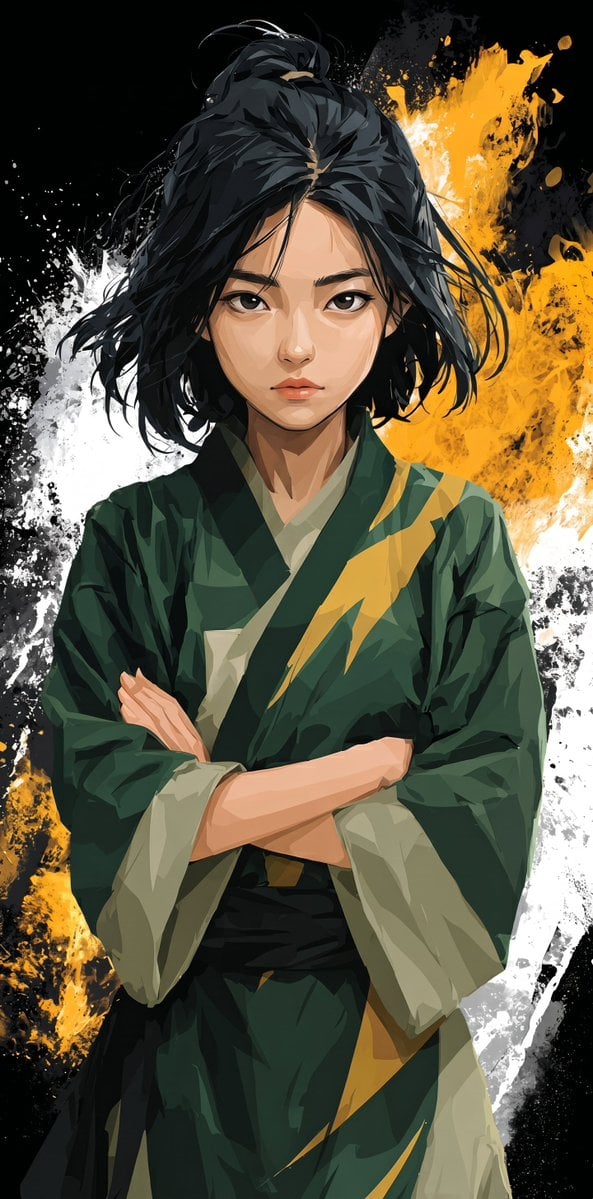
Anime Martial Arts Girl Illustration

Anime Alley Kick Transformation

Cel 2D Finale Fireworks

Cel 2D Garden Maze

Cel 2D Rooftop Concert

Cel 2D Bicycle Coast

Cel 2D Castle Gate

Cel 2D Kitchen Chaos
Make it yours
Moonlit Anime Martial Artist Kick works as-is. These are the safest ways to change it without losing the look.
Change one field
Copy a single group, rewrite it, and generate again so you can see what that field is doing.
Keep the frame, change the subject
Hold the composition and light of Moonlit Anime Martial Artist Kick, then swap wardrobe, props or the person for a new take.
| If the result… | Why | Fix |
|---|---|---|
| The result drifts from the preview | Too many fields changed at once. | Reuse Moonlit Anime Martial Artist Kick as-is first, then change one group — subject, light, or setting. |
| The model over-stylizes the scene | The prose prompt leaves finish and camera underspecified. | Add one camera or lighting sentence and stay on GPT Image 2. |
More GPT Image 2 templates
Other prompts made for GPT Image 2.

Six VTuber Japanese Logo Sheet

Realistic Portrait of Woman and Deer

The Vista Modular Condo Poster

AI Model Routing Comparison Infographic

2.5D Anime Art Board

Isometric Productivity Desk Scene

New York Double Exposure Poster

Four-Panel AI Landscape Comparison

Japanese Tatami Lifestyle Magazine Cover

NESCAFÉ Coffee Map Poster
More image prompts
Fresh picks from across the catalog.
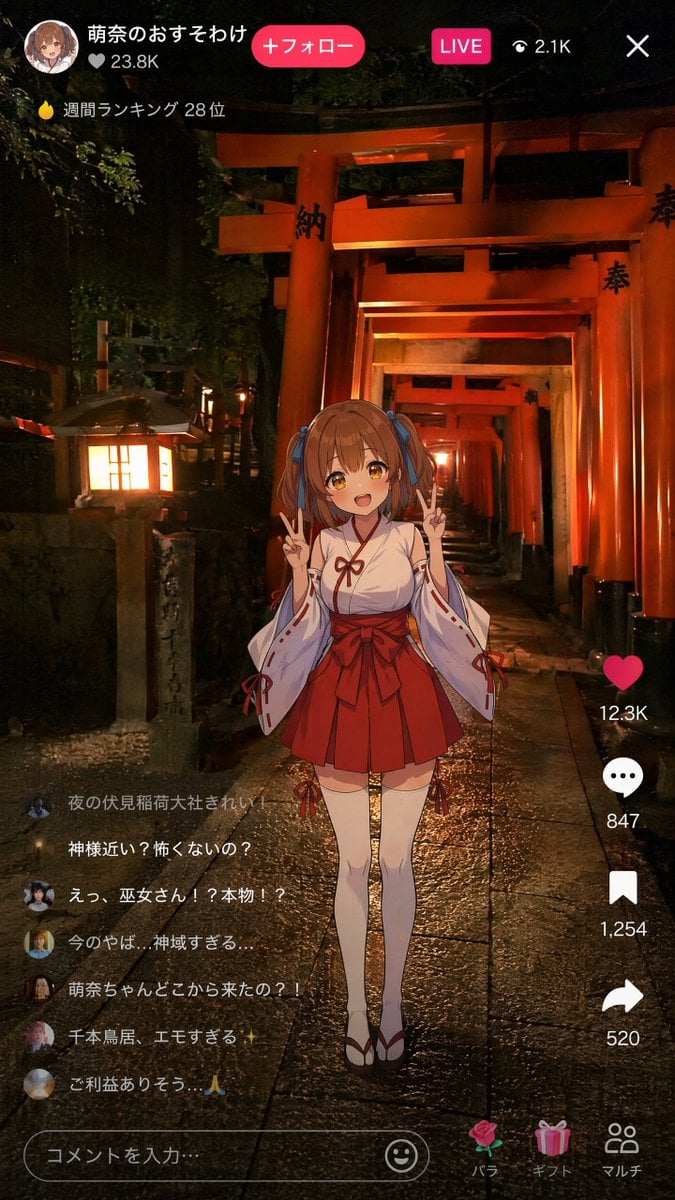
Anime Miko Night Shrine Livestream
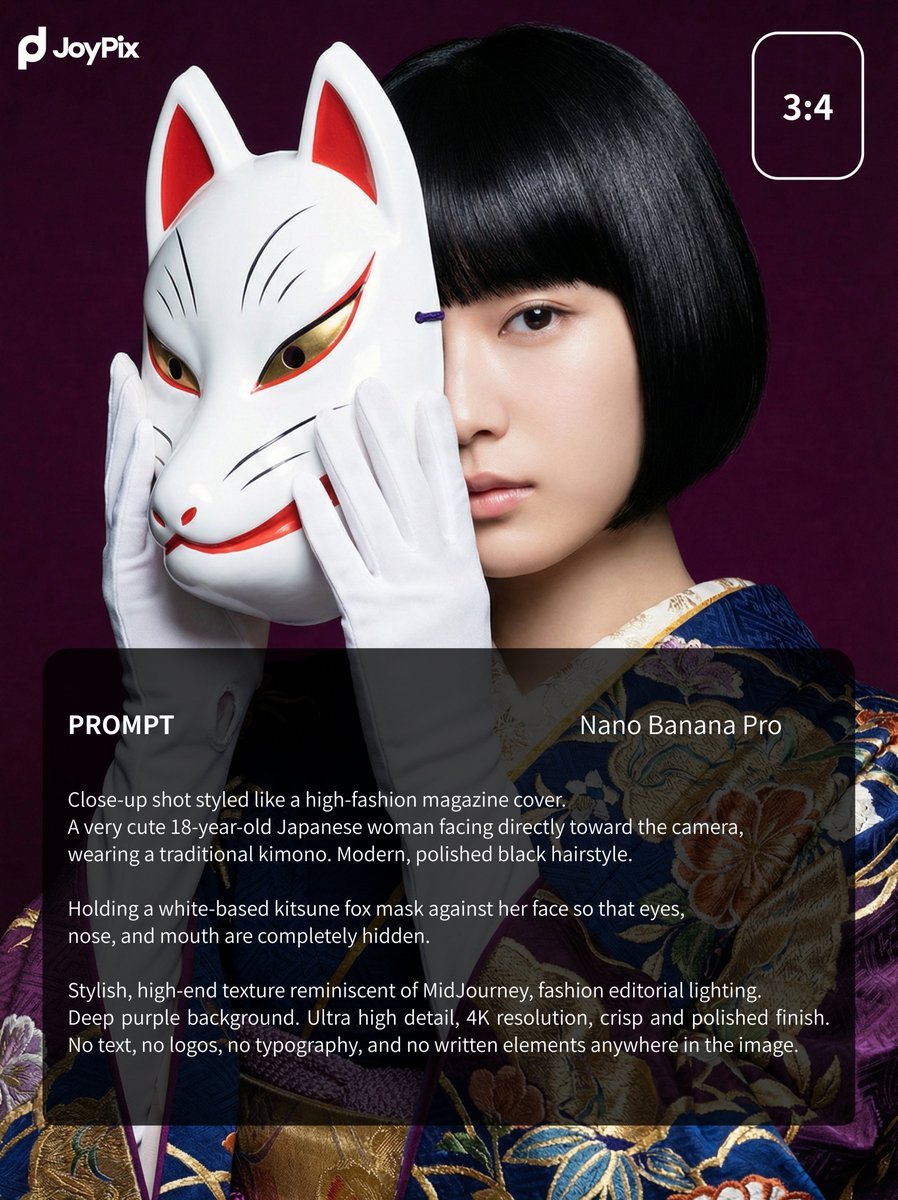
Japanese Style White Fox Goddess for JoyPix Brand
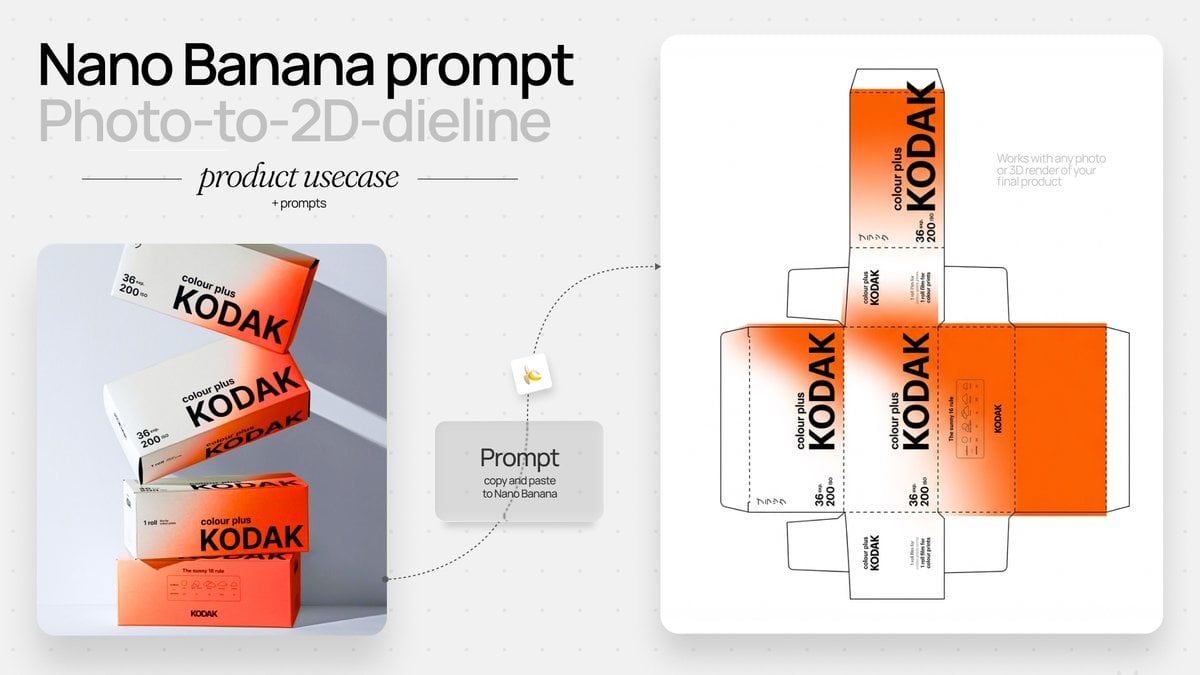
Photo to Product Packaging Dieline Prompt
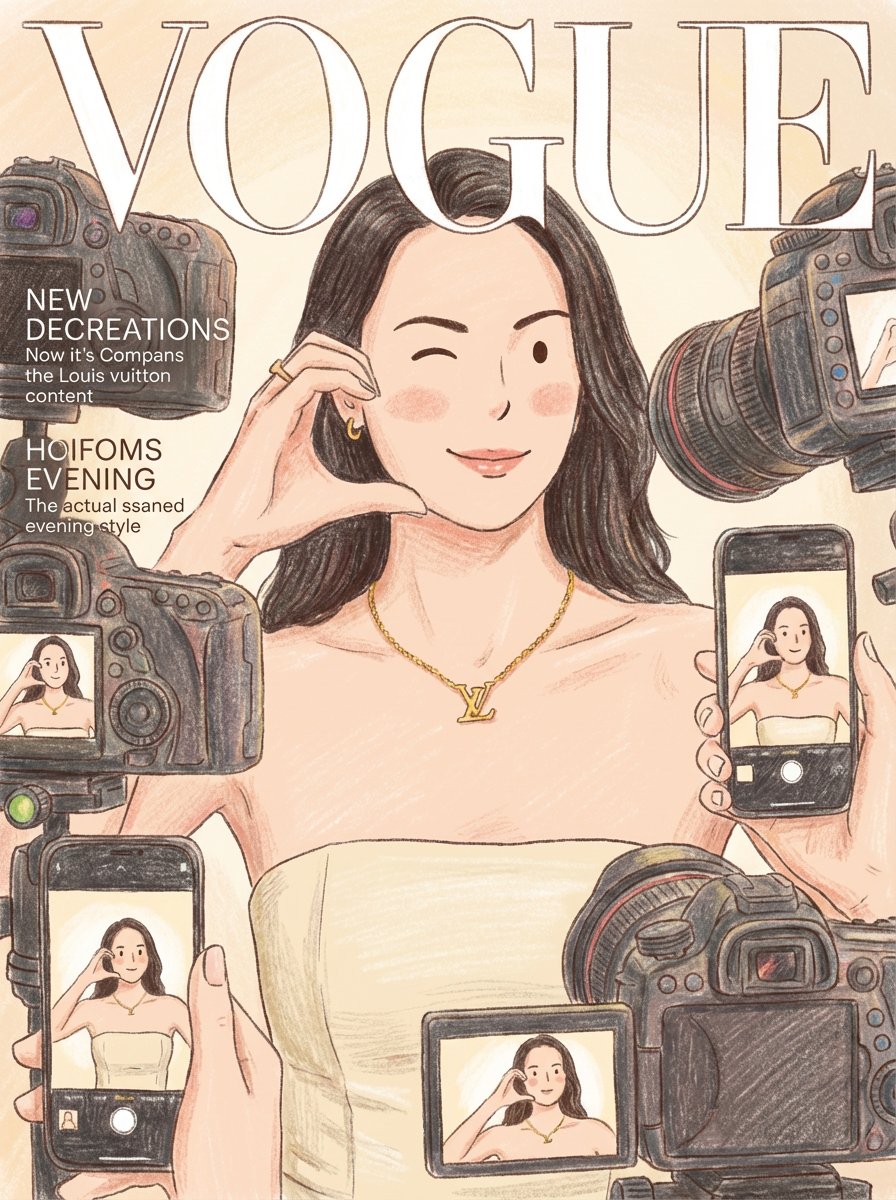
Cozy Storybook Illustration Style Prompt
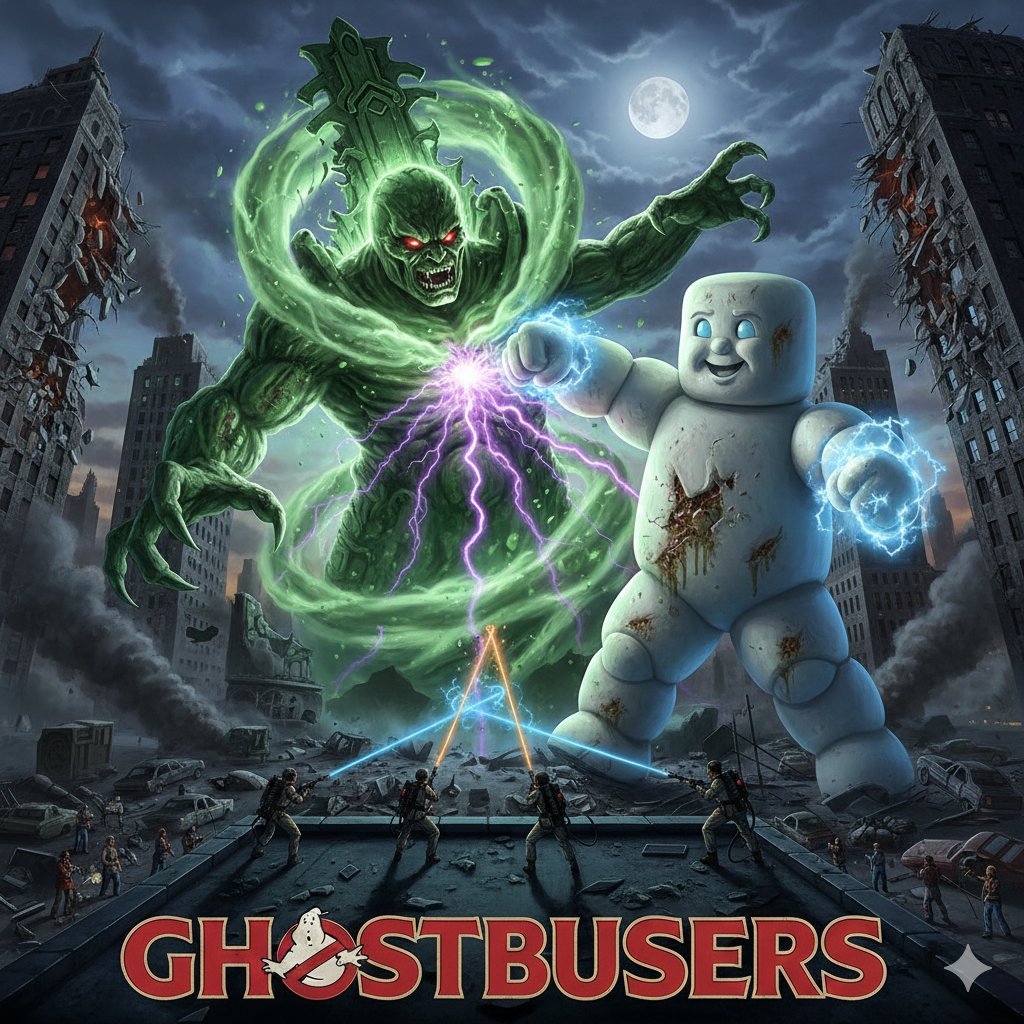
Generate Ghostbusters Scene with Gozer and Stay Puft
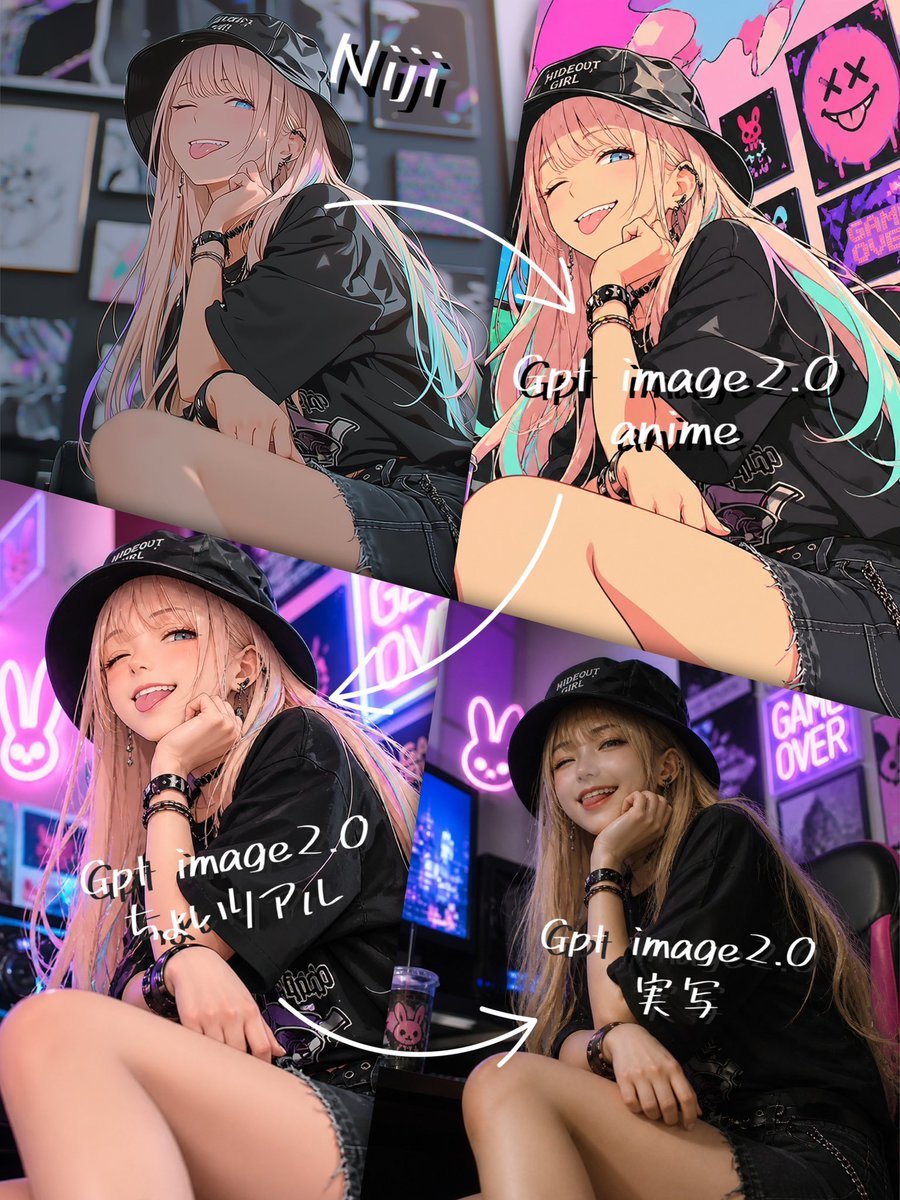
Four-Panel AI Style Transformation Collage
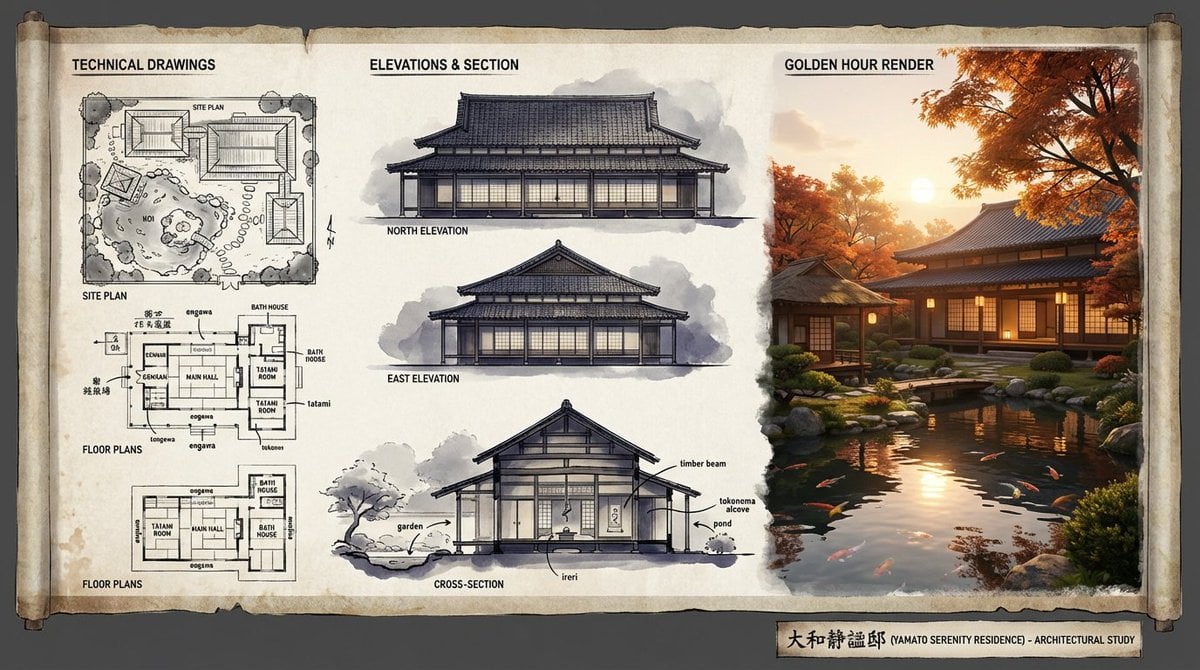
Architectural Illustrator Presentation Board Template
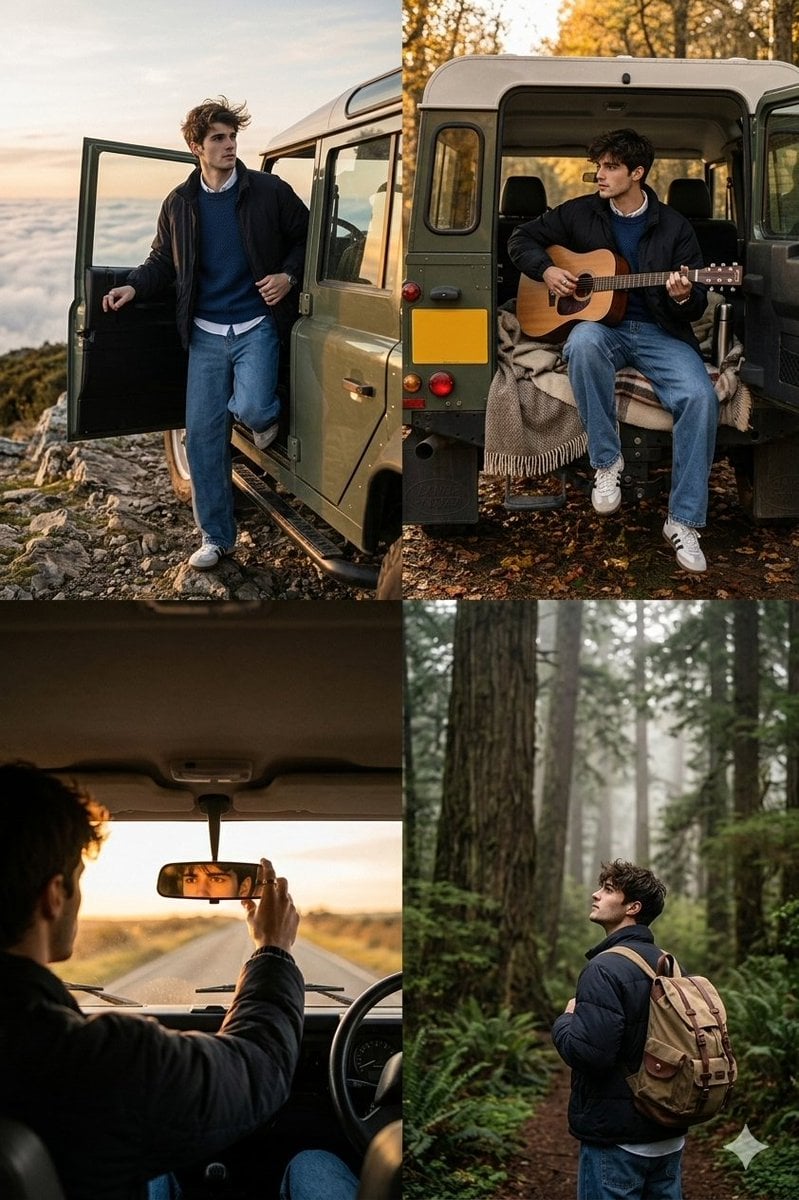
Cinematic Road Trip Collage with Identity Preservation
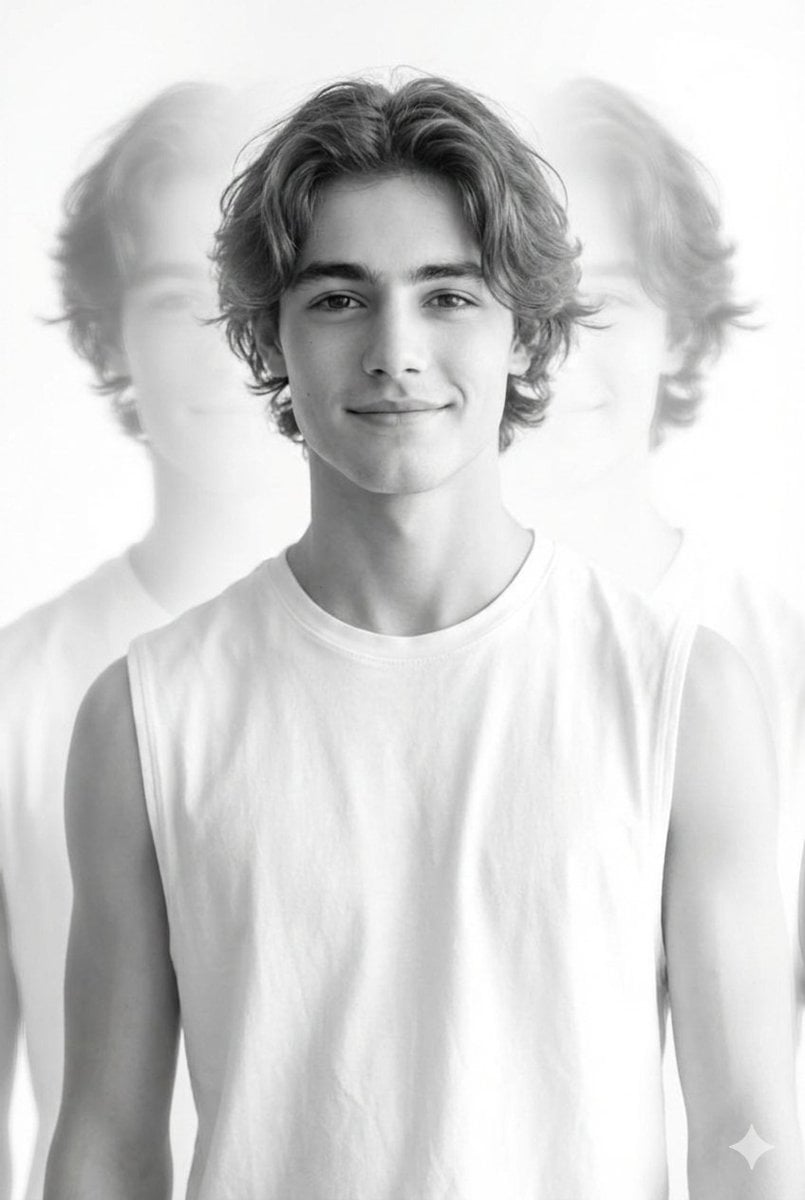
Black and White Multiple Exposure Portrait

Pixar-Style Banana Character Animation Prompt
Browse template categories
Moonlit Anime Martial Artist Kick questions
How do I use the Moonlit Anime Martial Artist Kick template?
Add your photo if the template asks for one, edit the prompt if you like — the template's model and format are already selected — and press Generate. Your version opens in PicX Studio.
Can I customize the Moonlit Anime Martial Artist Kick template?
Yes. You can change the subject, setting, lighting, mood, format, and available model controls before creating your image.
Is the Moonlit Anime Martial Artist Kick template free?
Opening and editing this template is free. Generating uses credits, shown on the Generate button when you are signed in.
Which AI model should I use?
Start with GPT Image 2, which is the model associated with this template. You can compare another compatible model for a different finish.
Looking for something else? Browse all templates.

Your photo, any look
Thousands of ready templates for every top image and video model, from one credit balance.