
Four-Panel AI Style Transformation Collage
Generates a neon cyberpunk gamer-girl comparison collage showing the same pose transformed across anime, semi-real, and photorealistic styles.
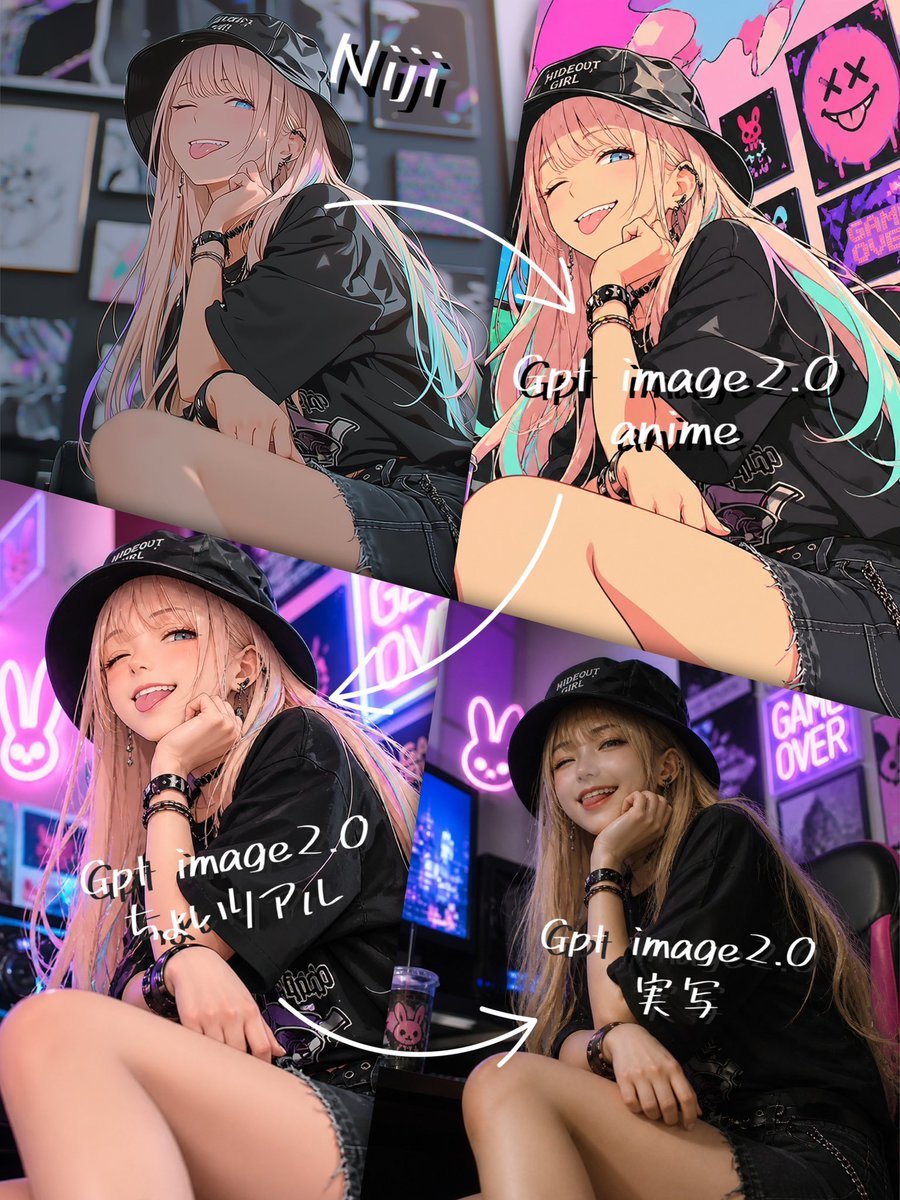
- Prompt included
- Model and format preset
- Free template
The prompt behind this image
Copy the exact prompt behind Four-Panel AI Style Transformation Collage, or open it in the studio and make it yours.
- Type
- four-panel comparison collage showing AI style transformation
- Purpose
- create a social-media comparison image of the same cyberpunk girl pose rendered in four styles, from anime to realistic
- Canvas › Orientation
- portrait
- Canvas › Aspect Ratio
- 3:4
- Canvas › Resolution
- 768x1024
- Canvas › Background
- single collage with diagonal and rectangular panel divisions, no outer border
- Main Subject › Description
- a stylish young woman seated in a crouched gamer pose, one knee raised close to camera, one hand near her mouth, other arm resting on her leg, long pastel pink-blonde hair with cyan highlights, black bucket hat, oversized black graphic T-shirt, black denim short shorts with frayed hem, black bracelets, earrings and punk accessories
- Main Subject › Face Treatment
- face intentionally covered by a soft rectangular censor block in each panel
- Main Subject › Customizable Identity
- {argument name="character name" default="anonymous cyberpunk gamer girl"}
- Main Subject › Hair Color
- {argument name="hair color" default="pastel pink blonde with cyan highlights"}
- Main Subject › Outfit
- {argument name="outfit style" default="black bucket hat, oversized black graphic tee, black frayed denim shorts, punk bracelets"}
- Setting › Description
- neon gamer bedroom or cyber cafe with monitors, posters, glowing bunny signs, pink and purple LED lighting, anime wall art, cyberpunk ambience
- Setting › Signage Count
- 3
- Setting › Visible Signage
- pink neon bunny icon, GAME OVER poster or neon sign, black and pink skull smiley poster
- Layout › Panel Count
- 4
- Layout › Panels › 0 › Position
- top-left
- Layout › Panels › 0 › Style
- Niji-style anime illustration, darker and moodier, painterly anime shading, detailed line art
- Layout › Panels › 0 › Label
- {argument name="top left label" default="Niji"}
- Layout › Panels › 0 › Notes
- same seated pose, black bucket hat, long flowing hair, blurred face block, muted cool background
- Layout › Panels › 1 › Position
- top-right
- Layout › Panels › 1 › Style
- Gpt image 2.0 anime, brighter polished anime rendering, clean outlines, vivid pink and teal highlights, glossy character art
- Layout › Panels › 1 › Label
- Gpt image2.0 anime
- Layout › Panels › 1 › Notes
- same pose, closer crop on thigh and upper body, colorful pop-art wall behind
- Layout › Panels › 2 › Position
- bottom-left
Raw JSON
{"type":"four-panel comparison collage showing AI style transformation","purpose":"create a social-media comparison image of the same cyberpunk girl pose rendered in four styles, from anime to realistic","canvas":{"orientation":"portrait","aspect_ratio":"3:4","resolution":"768x1024","background":"single collage with diagonal and rectangular panel divisions, no outer border"},"main_subject":{"description":"a stylish young woman seated in a crouched gamer pose, one knee raised close to camera, one hand near her mouth, other arm resting on her leg, long pastel pink-blonde hair with cyan highlights, black bucket hat, oversized black graphic T-shirt, black denim short shorts with frayed hem, black bracelets, earrings and punk accessories","face_treatment":"face intentionally covered by a soft rectangular censor block in each panel","customizable_identity":"{argument name=\"character name\" default=\"anonymous cyberpunk gamer girl\"}","hair_color":"{argument name=\"hair color\" default=\"pastel pink blonde with cyan highlights\"}","outfit":"{argument name=\"outfit style\" default=\"black bucket hat, oversized black graphic tee, black frayed denim shorts, punk bracelets\"}"},"setting":{"description":"neon gamer bedroom or cyber cafe with monitors, posters, glowing bunny signs, pink and purple LED lighting, anime wall art, cyberpunk ambience","signage_count":3,"visible_signage":["pink neon bunny icon","GAME OVER poster or neon sign","black and pink skull smiley poster"]},"layout":{"panel_count":4,"panels":[{"position":"top-left","style":"Niji-style anime illustration, darker and moodier, painterly anime shading, detailed line art","label":"{argument name=\"top left label\" default=\"Niji\"}","notes":"same seated pose, black bucket hat, long flowing hair, blurred face block, muted cool background"},{"position":"top-right","style":"Gpt image 2.0 anime, brighter polished anime rendering, clean outlines, vivid pink and teal highlights, glossy character art","label":"Gpt image2.0 anime","notes":"same pose, closer crop on thigh and upper body, colorful pop-art wall behind"},{"position":"bottom-left","style":"Gpt image 2.0 semi-real anime, slightly realistic anime look with softer skin and lighting but still illustrated","label":"Gpt image2.0 ちょいリアル","notes":"same pose, neon bunny sign and monitors behind, strong magenta lighting"},{"position":"bottom-right","style":"Gpt image 2.0 photorealistic version, realistic camera photo look, darker exposure, natural skin texture, real fabric and hair texture","label":"Gpt image2.0 実写","notes":"same pose, gaming chair and neon background, face covered by rectangular blur"}]},"annotations":{"arrow_count":3,"arrows":"thick hand-drawn white curved arrows showing progression from top-left to top-right, top-right to bottom-left, and bottom-left to bottom-right","text_style":"white handwritten brush script, slightly tilted, casual social-media markup","comparison_flow":"Niji anime source style gradually transforms through GPT image 2.0 anime, semi-real anime, and photorealistic output"},"composition":{"camera":"low-angle close perspective emphasizing raised knee and seated pose, fashion-photo framing","lighting":"high contrast neon pink, purple, cyan, and blue reflections","mood":"edgy, stylish, cyberpunk, gamer-girl aesthetic","quality":"high-detail, sharp, glossy, social-media comparison collage"},"negative_prompt":"avoid extra panels, avoid unreadable labels, avoid changing the seated pose between panels, avoid uncovered face, avoid distorted limbs, avoid extra fingers, avoid messy collage alignment"}How to use Four-Panel AI Style Transformation Collage in 3 steps
- 1Upload ImagePNG, JPG or paste
Add your photo
Upload the photo the template builds on. The prompt, model and format are already set.
- 2…a portrait of your subject in softgolden-hour light, 85mm…
Personalize
Edit the subject and creative details for your destination.
- 3Generate
Generate
Press Generate — your image is created in PicX Studio, so you can compare it with the original and refine one variable at a time.
More like this
Templates with the same subject, style or setup. Open one to see its prompt.

Panel Mirror Selfie Collage

Cozy Six-Panel Bedtime Stages Collage

Four-Panel AI Landscape Comparison

Four-Panel Anime Face Comparison

Four-Panel AI Landscape Comparison
Then vs Now Identity Transformation Collage

Six-Panel Retro Japanese Poster Collage
Component Differences Four-Panel Manga
Four Seasons Portrait Collage
Four-Panel Manga with Sentai and Rugby

Paper Cut Finale Fireworks

Paper Cut Garden Maze
Make it yours
Four-Panel AI Style Transformation Collage works as-is. These are the safest ways to change it without losing the look.
Swap the setting
Keep the rest of the prompt and replace the location block. The current setting is “single collage with diagonal and rectangular panel divisions, no outer border”.
Swap the light
One lighting change is enough to compare takes. Current light: “high contrast neon pink, purple, cyan, and blue reflections”.
Change one field
Copy a single group, rewrite it, and generate again so you can see what that field is doing.
| If the result… | Why | Fix |
|---|---|---|
| The result drifts from the preview | Too many fields changed at once. | Reuse Four-Panel AI Style Transformation Collage as-is first, then change one group — subject, light, or setting. |
| GPT Image 2 ignores part of the JSON | Some models flatten or skip nested keys. | Keep the same values and paste them as a short paragraph instead. |
More GPT Image 2 templates
Other prompts made for GPT Image 2.

Six VTuber Japanese Logo Sheet

Realistic Portrait of Woman and Deer

The Vista Modular Condo Poster

AI Model Routing Comparison Infographic

2.5D Anime Art Board

Isometric Productivity Desk Scene

New York Double Exposure Poster

Japanese Tatami Lifestyle Magazine Cover

NESCAFÉ Coffee Map Poster

Brutalist Cogito Chinese Typography Poster
More image prompts
Fresh picks from across the catalog.
High-Contrast Documentary Photo Under a Brutalist Overpass
Silver Lehenga Bridal Portrait
Cinematic Post-Apocalyptic Bunker Portrait
Extreme Foreshortening Portrait with Feet in Foreground
Dark Romantic Tabletop Composition Prompt
Fashion Height Comparison of Four Women
Dynamic Panettone Food Photography Prompt
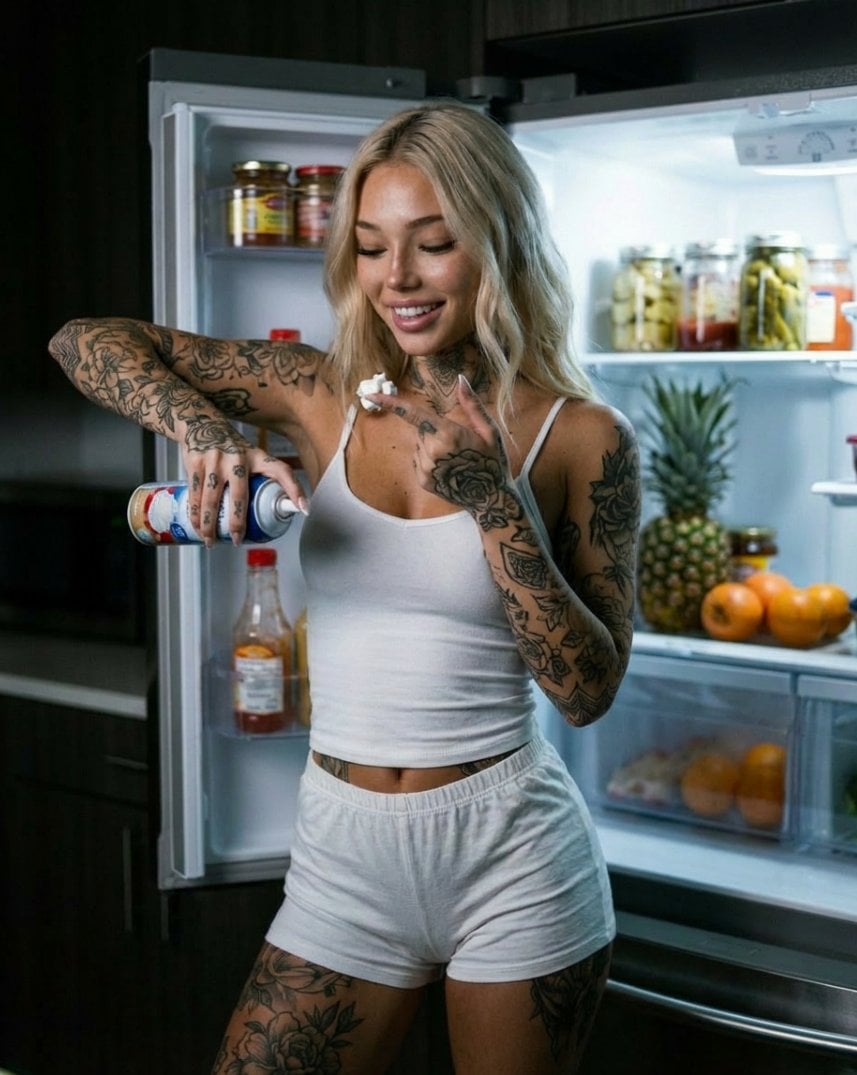
Photorealistic Whipped Cream Challenge Portrait Prompt
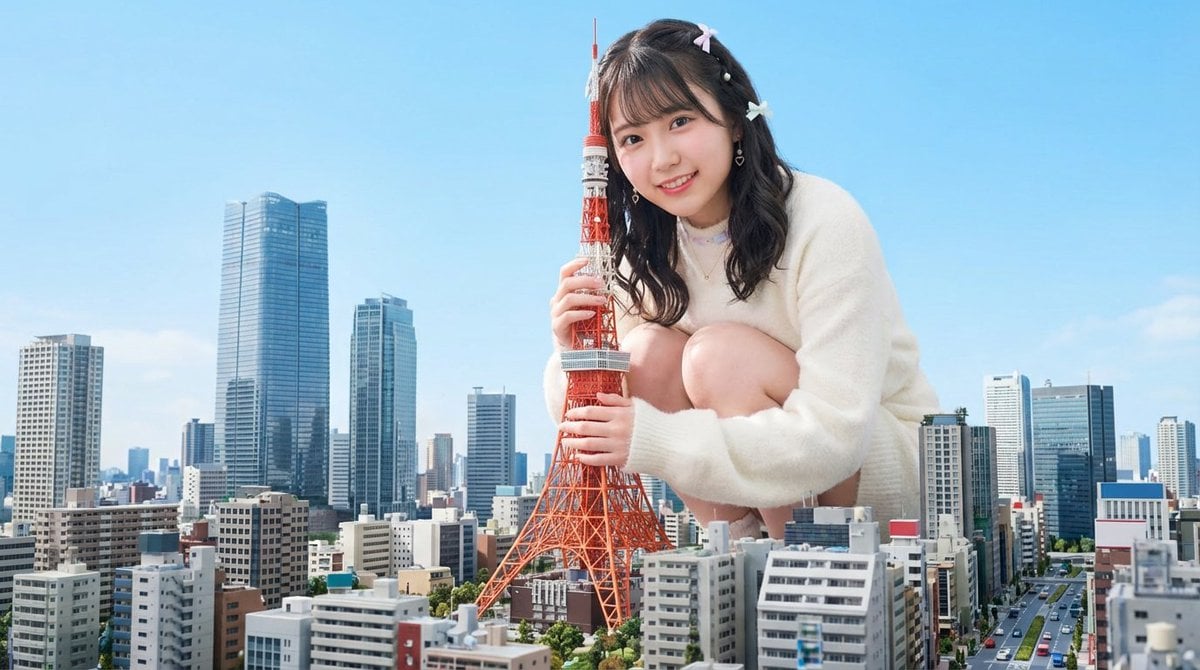
Giant Hugging Tokyo Tower Photo Prompt
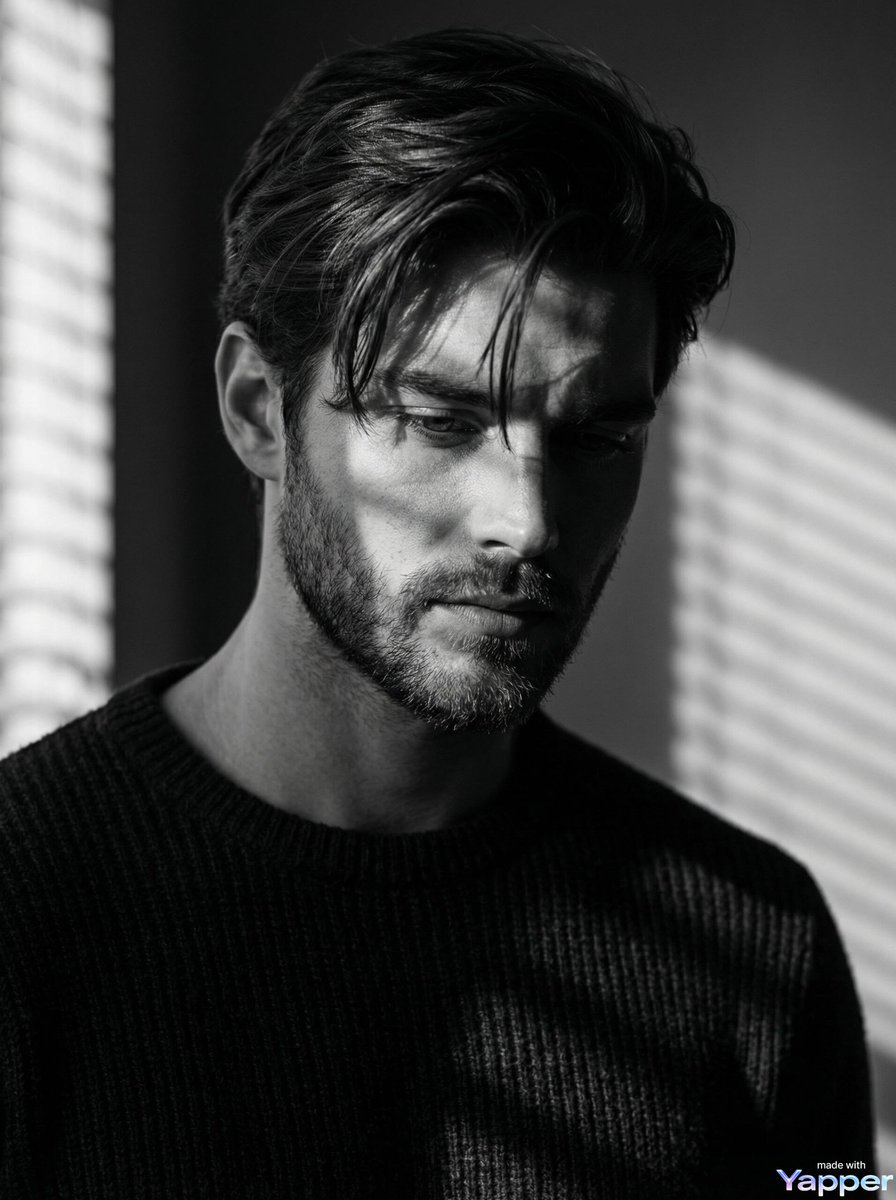
Film Noir Cinematic Black and White Portrait
Browse template categories
Four-Panel AI Style Transformation Collage questions
How do I use the Four-Panel AI Style Transformation Collage template?
Add your photo if the template asks for one, edit the prompt if you like — the template's model and format are already selected — and press Generate. Your version opens in PicX Studio.
Can I customize the Four-Panel AI Style Transformation Collage template?
Yes. You can change the subject, setting, lighting, mood, format, and available model controls before creating your image.
Is the Four-Panel AI Style Transformation Collage template free?
Opening and editing this template is free. Generating uses credits, shown on the Generate button when you are signed in.
Which AI model should I use?
Start with GPT Image 2, which is the model associated with this template. You can compare another compatible model for a different finish.
Looking for something else? Browse all templates.

Your photo, any look
Thousands of ready templates for every top image and video model, from one credit balance.