
Fashion Height Comparison of Four Women
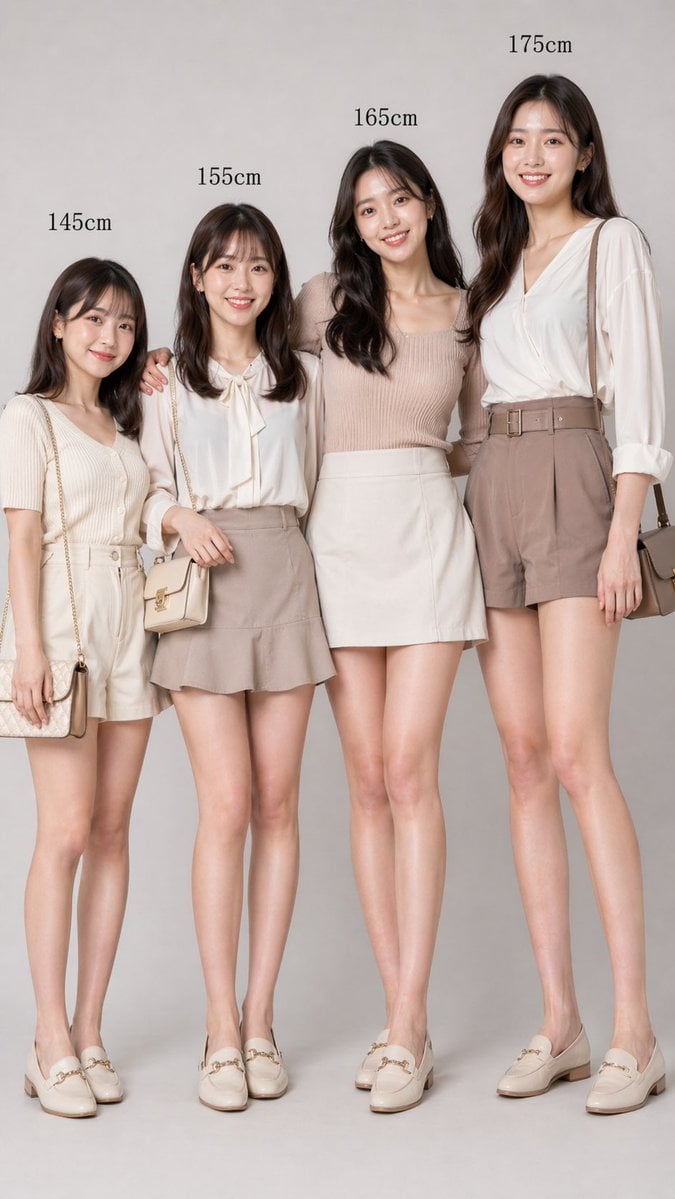
This prompt generates a realistic studio fashion image showing four women of different labeled heights, useful for social media comparison posts or editorial-style visual guides.
- Prompt included
- Model and format preset
- Free template
The prompt behind this image
Copy the exact prompt behind Fashion Height Comparison of Four Women, or open it in the studio and make it yours.
A clean fashion comparison studio photo of 4 adult East Asian women standing side by side against a plain light gray seamless background, full body visible from head to shoes, photographed straight-on with soft diffused lighting and a polished commercial look. Above each woman, centered over her head in black serif text, place height labels reading exactly: 145cm, 155cm, 165cm, 175cm. Emphasize realistic proportional differences in height while keeping all four women slim, elegant, and similarly styled, with long dark brown to black softly wavy hair and neutral expressions. Their faces are obscured by smooth rectangular blur blocks. The women stand very close together in a friendly pose, with subtle arm contact and one woman lightly resting an arm around another. Use a coordinated beige, cream, taupe, and soft blush wardrobe palette with smart casual feminine outfits and matching ivory loafers. Woman 1 under the 145cm label wears a short-sleeve cream ribbed knit top tucked into high-waisted light beige shorts with a fabric belt, plus a small quilted shoulder bag with a chain strap. Woman 2 under the 155cm label wears a white long-sleeve blouse with a bow tie at the collar and a taupe mini skirt with a slight flared hem, carrying a small light beige crossbody handbag. Woman 3 under the 165cm label wears a sleeveless blush-beige ribbed knit top and a simple ivory mini skirt. Woman 4 under the 175cm label wears a draped white V-neck blouse with sleeves rolled to the forearms, high-waisted taupe belted shorts, and a medium taupe shoulder bag. All 4 women wear cream or ivory horsebit loafers. Composition is vertical, centered, minimal, stylish, realistic, like a fashion catalog image comparing female heights.
How to use Fashion Height Comparison of Four Women in 3 steps
- 1Upload ImagePNG, JPG or paste
Add your photo
Upload the photo the template builds on. The prompt, model and format are already set.
- 2…a portrait of your subject in softgolden-hour light, 85mm…
Personalize
Edit the subject and creative details for your destination.
- 3Generate
Generate
Press Generate — your image is created in PicX Studio, so you can compare it with the original and refine one variable at a time.
More like this
Templates with the same subject, style or setup. Open one to see its prompt.

80s College Gate

1988 Mall Style

80s Polka Dot Saree
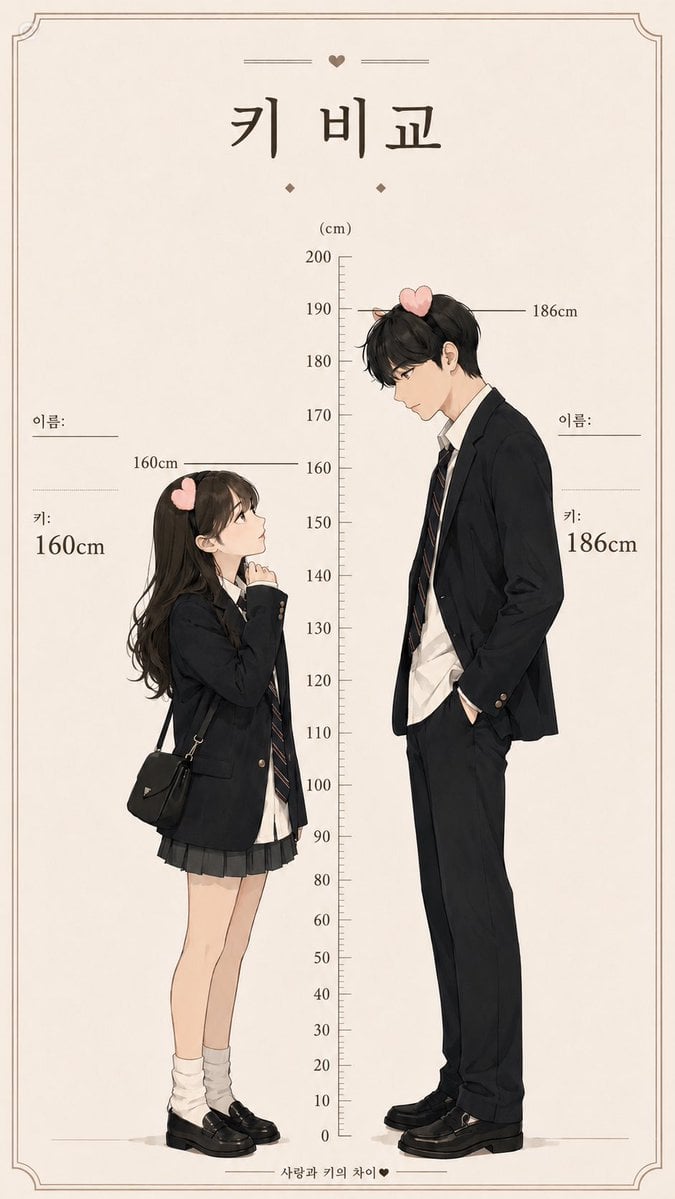
Korean Height Comparison Meme
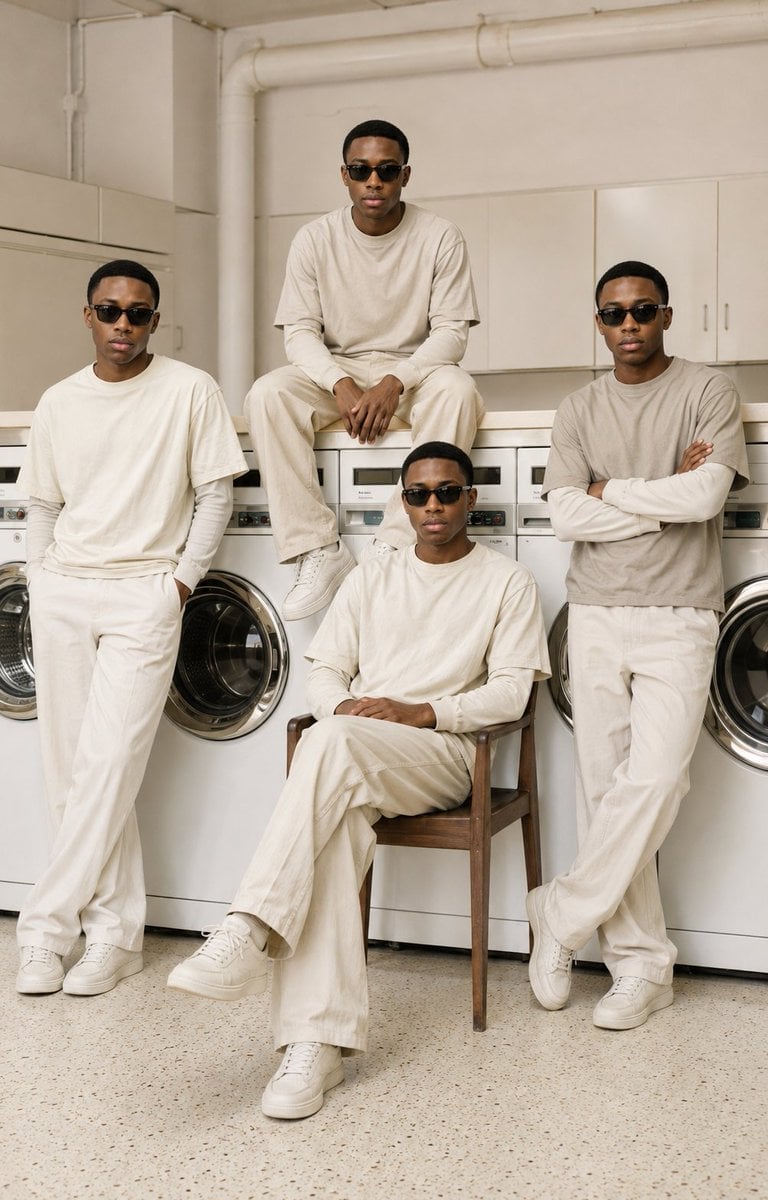
Four-Man Laundromat Fashion Editorial

Four-Panel AI Landscape Comparison

Four-Panel Anime Face Comparison

Four-Panel AI Landscape Comparison

Polo Ralph Lauren Luxury American Heritage Fashion Campaign

Cinematic Street Fashion Photographer Portrait

High-Fashion Editorial Magazine Cover ICON

Fine Art Monochrome Fashion Portrait
Make it yours
Fashion Height Comparison of Four Women works as-is. These are the safest ways to change it without losing the look.
Change one field
Copy a single group, rewrite it, and generate again so you can see what that field is doing.
Keep the frame, change the subject
Hold the composition and light of Fashion Height Comparison of Four Women, then swap wardrobe, props or the person for a new take.
| If the result… | Why | Fix |
|---|---|---|
| The result drifts from the preview | Too many fields changed at once. | Reuse Fashion Height Comparison of Four Women as-is first, then change one group — subject, light, or setting. |
| The model over-stylizes the scene | The prose prompt leaves finish and camera underspecified. | Add one camera or lighting sentence and stay on GPT Image 2. |
More GPT Image 2 templates
Other prompts made for GPT Image 2.

Six VTuber Japanese Logo Sheet

Realistic Portrait of Woman and Deer

The Vista Modular Condo Poster

AI Model Routing Comparison Infographic

2.5D Anime Art Board

Isometric Productivity Desk Scene

New York Double Exposure Poster

Japanese Tatami Lifestyle Magazine Cover

NESCAFÉ Coffee Map Poster

Brutalist Cogito Chinese Typography Poster
More image prompts
Fresh picks from across the catalog.
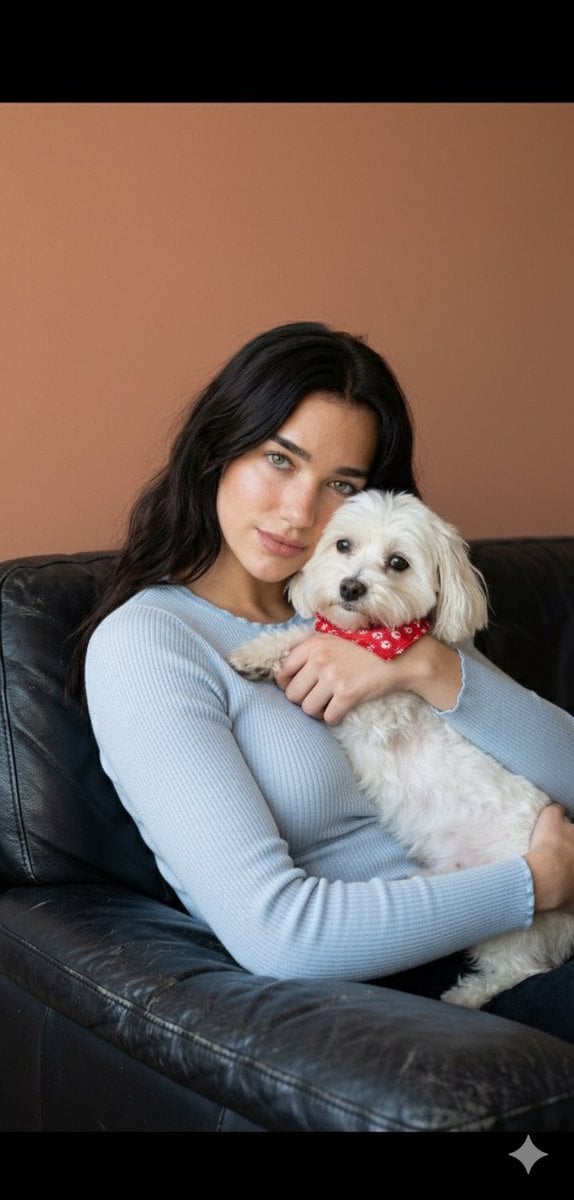
Dua Lipa Cozy Portrait with Maltese Dog Prompt
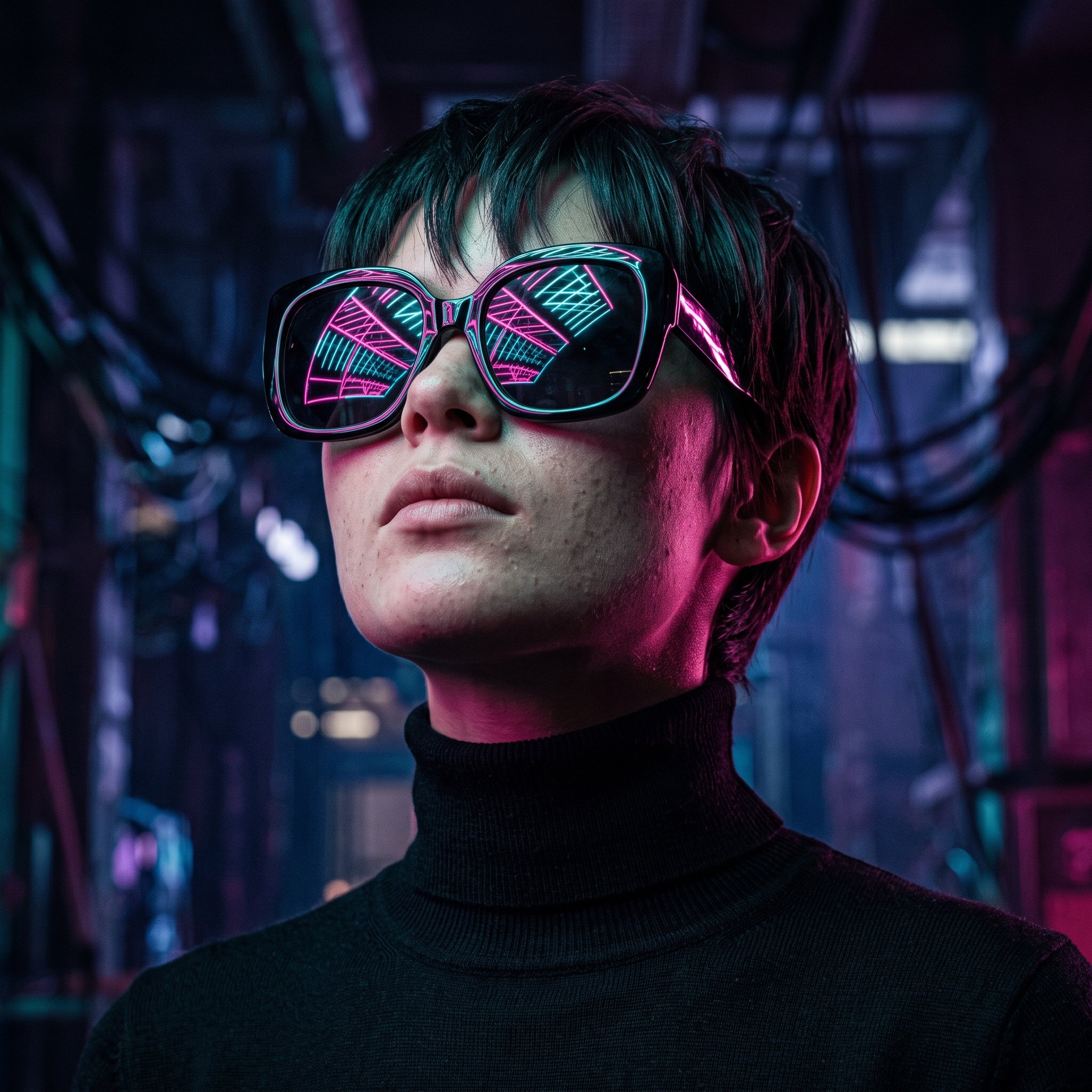
Cyberpunk Futuristic Portrait Prompt
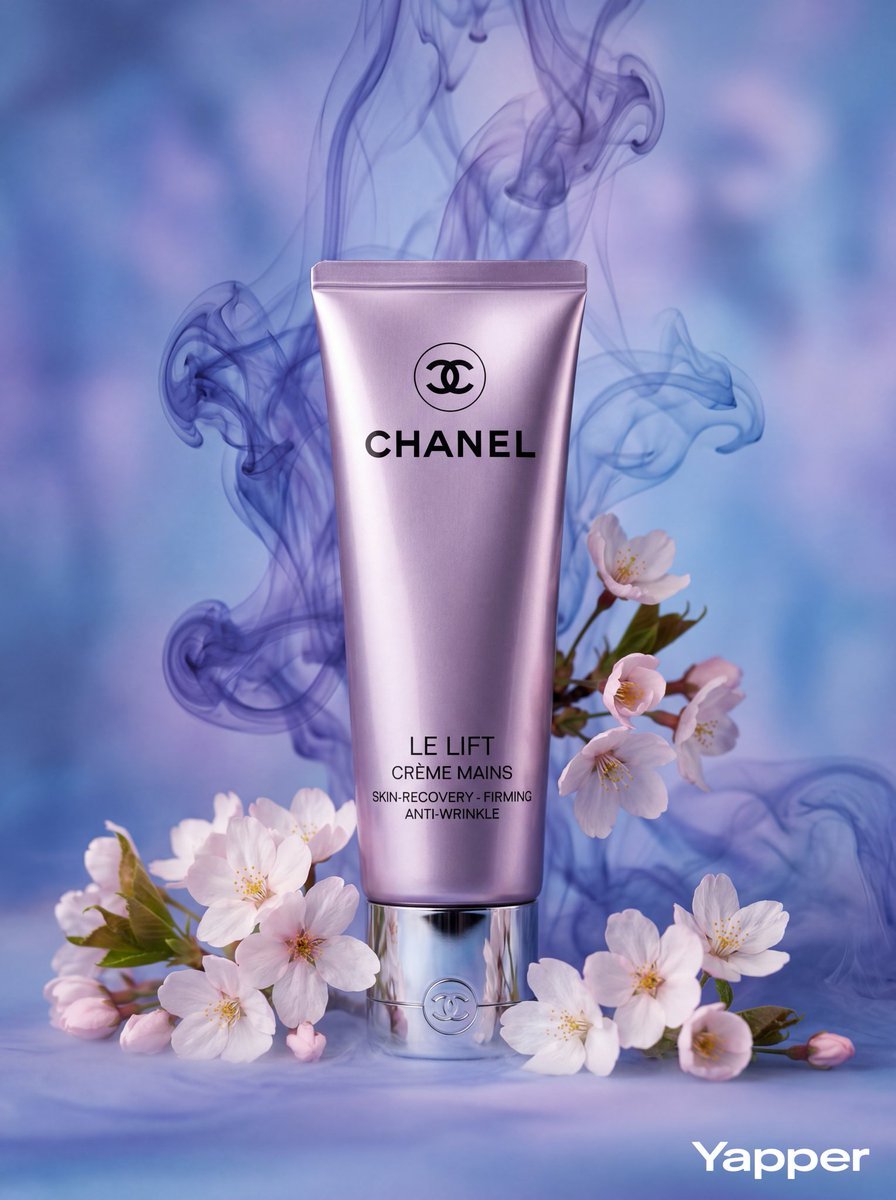
Slow-Motion Cosmetic Ad Animation Prompt
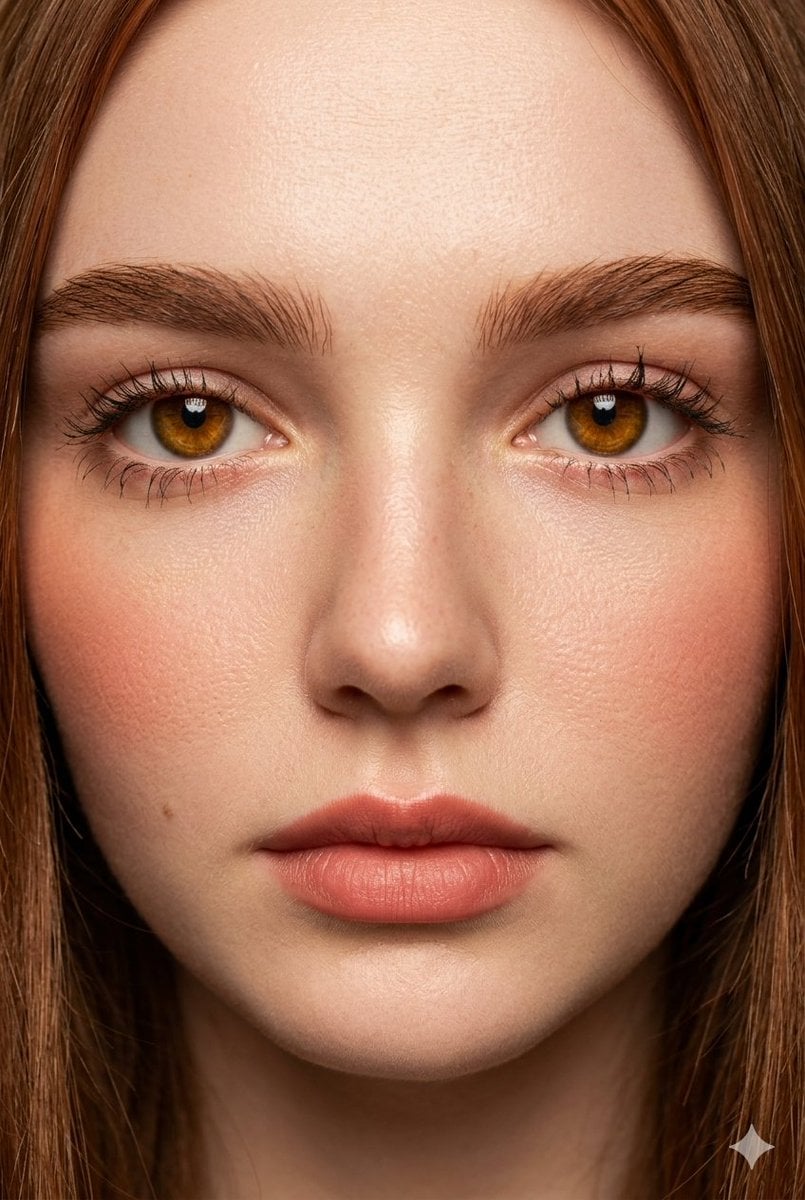
Extreme Close-Up Fashion Beauty Portrait
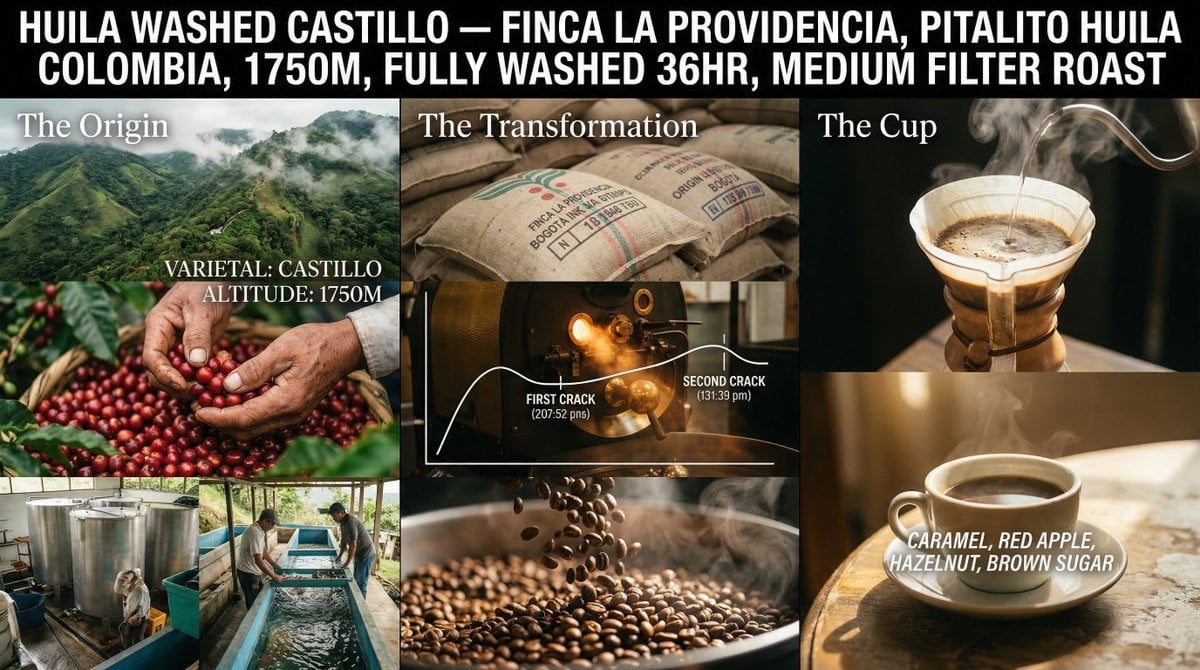
Coffee's Journey Board prompt for Nano Banana 2
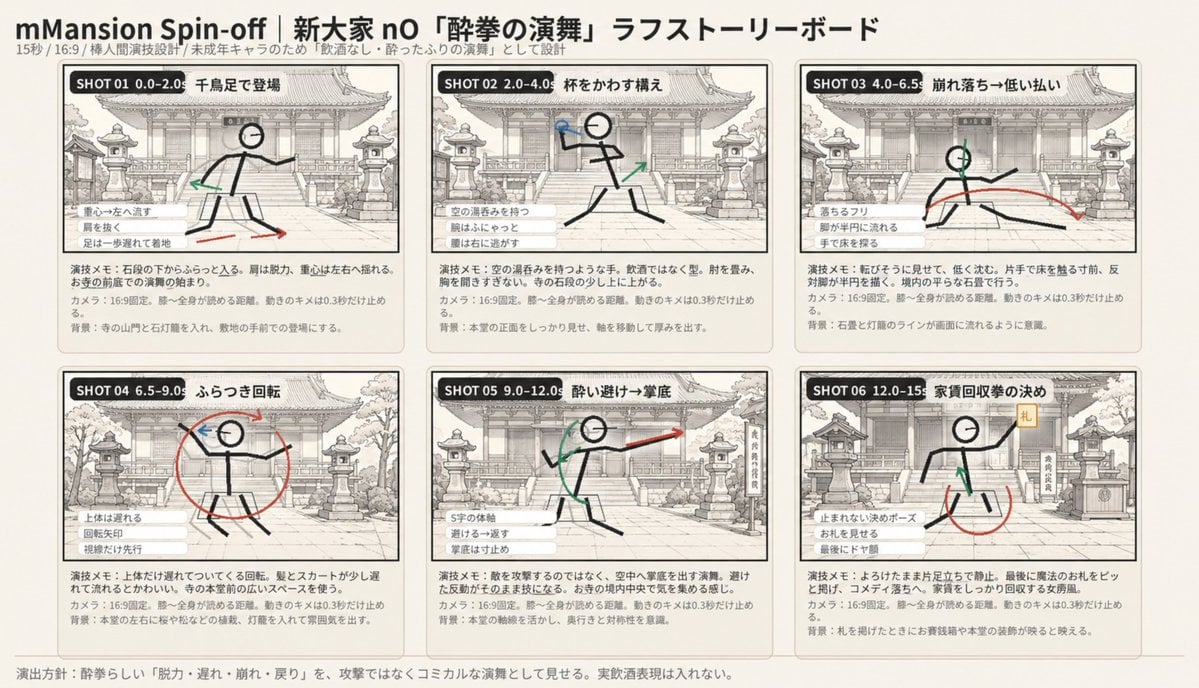
Six-Panel Drunken Kung Fu Storyboard
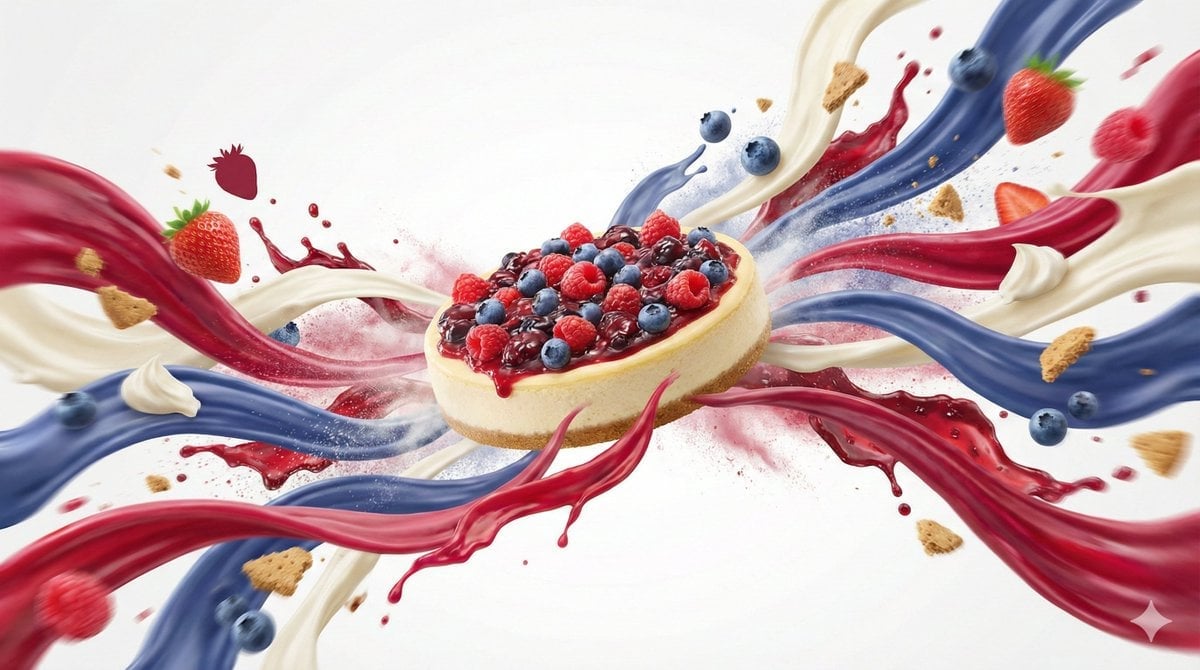
Dynamic Food Advertisement with Flavor Wave
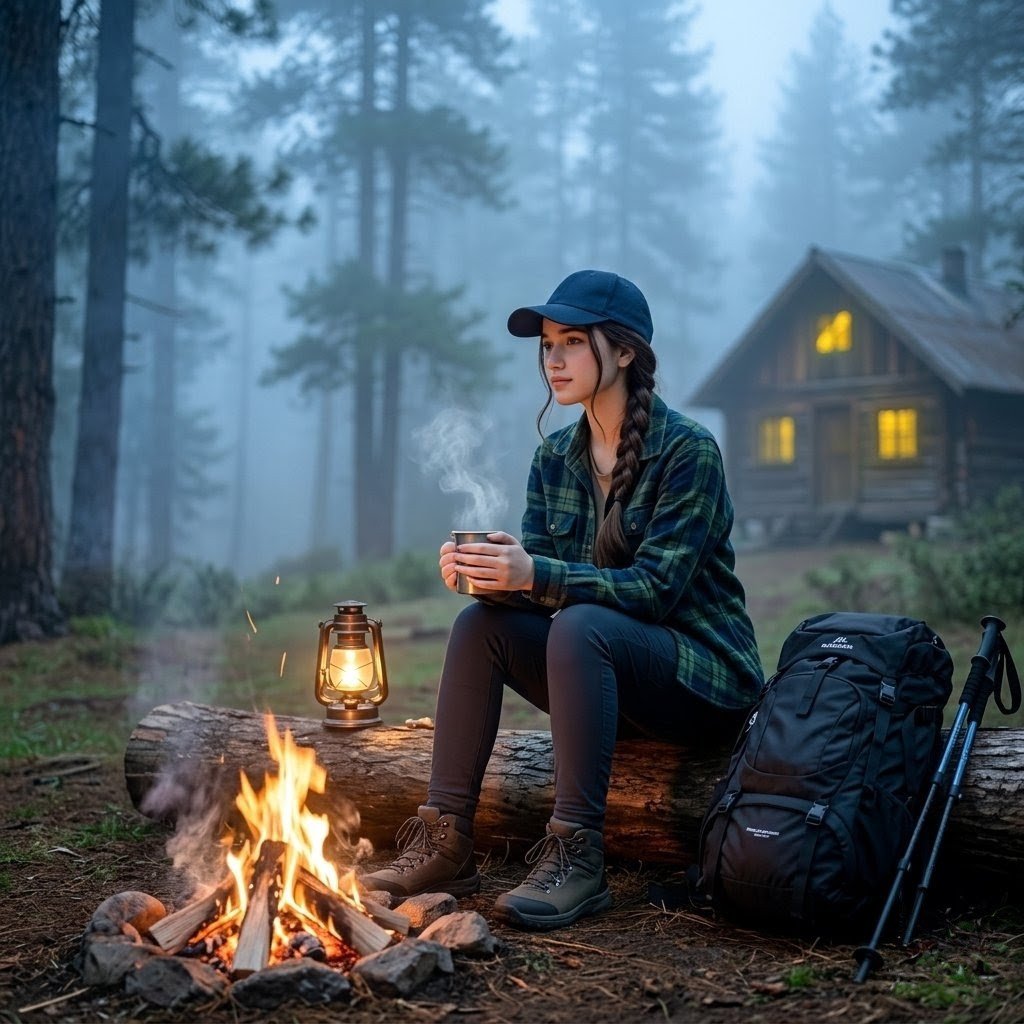
Misty Forest Camping Portrait
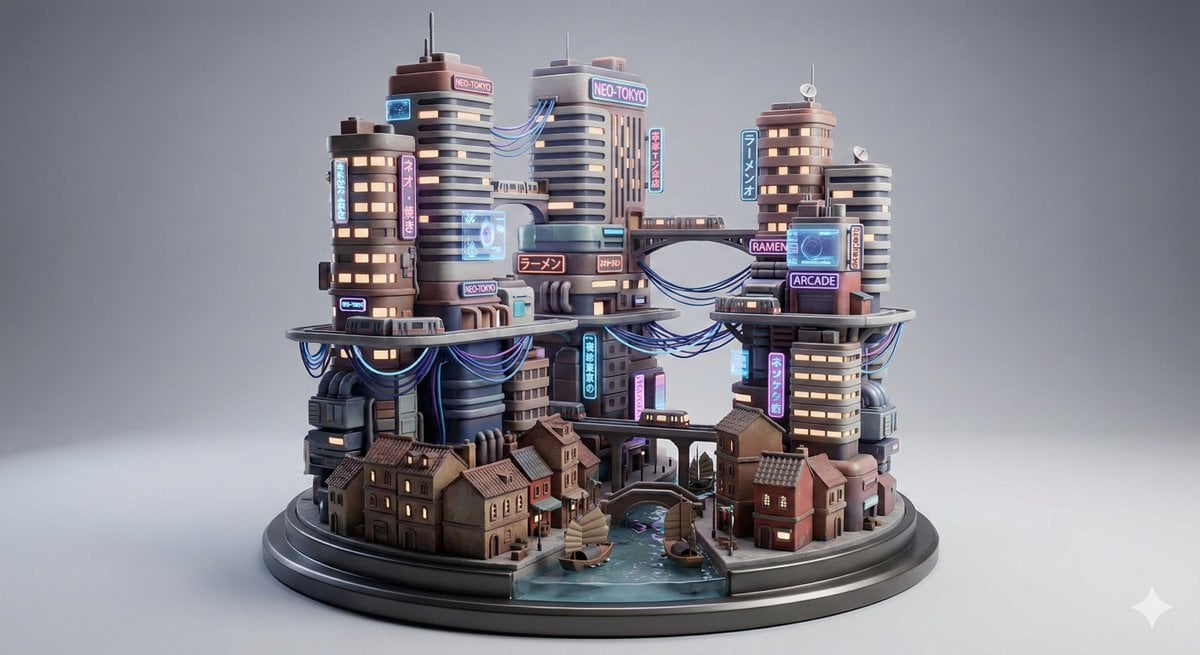
Cyberpunk City Block Collectible Diorama
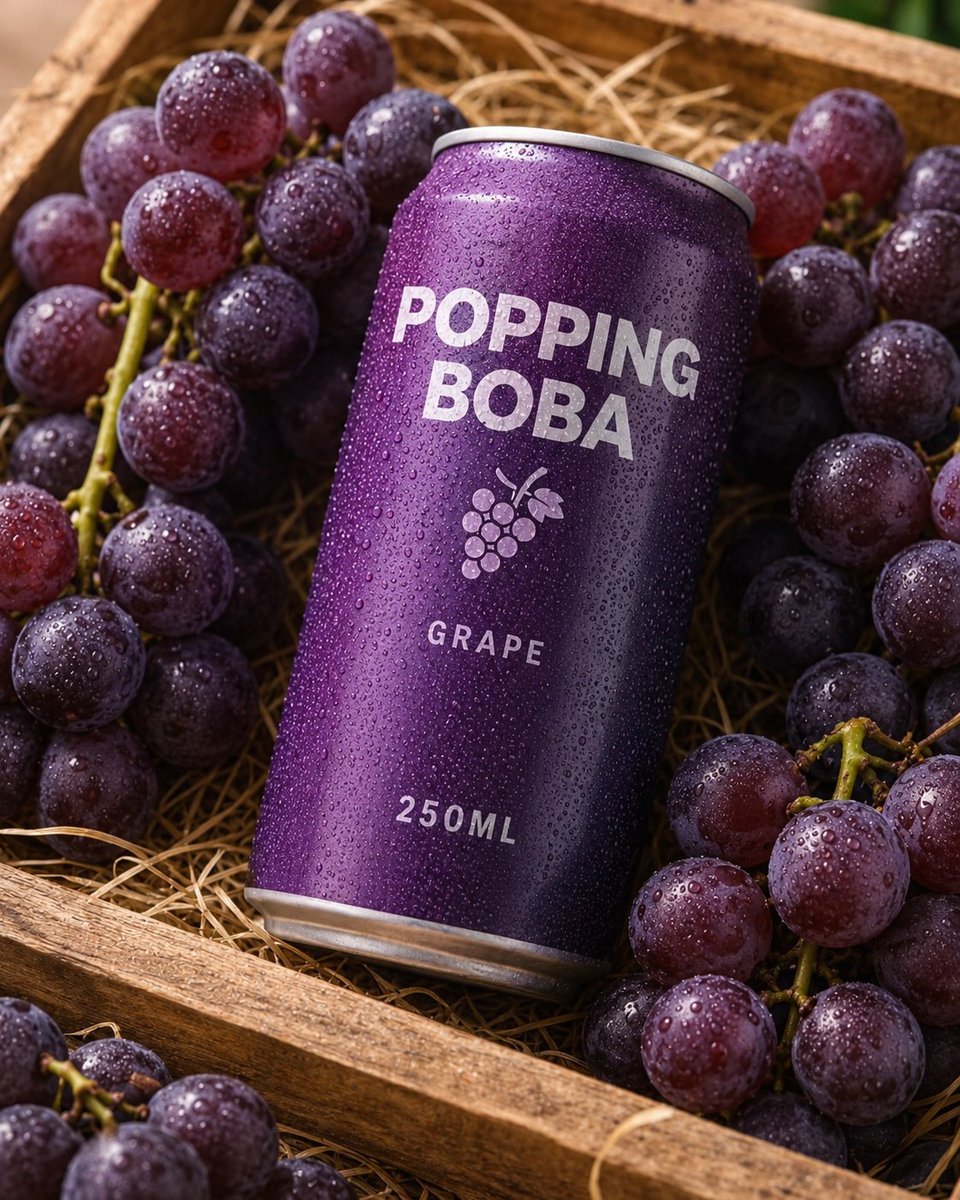
Splash Hero Beverage Photography
Browse template categories
Fashion Height Comparison of Four Women questions
How do I use the Fashion Height Comparison of Four Women template?
Add your photo if the template asks for one, edit the prompt if you like — the template's model and format are already selected — and press Generate. Your version opens in PicX Studio.
Can I customize the Fashion Height Comparison of Four Women template?
Yes. You can change the subject, setting, lighting, mood, format, and available model controls before creating your image.
Is the Fashion Height Comparison of Four Women template free?
Opening and editing this template is free. Generating uses credits, shown on the Generate button when you are signed in.
Which AI model should I use?
Start with GPT Image 2, which is the model associated with this template. You can compare another compatible model for a different finish.
Looking for something else? Browse all templates.

Your photo, any look
Thousands of ready templates for every top image and video model, from one credit balance.