
Coffee's Journey Board prompt for Nano Banana 2
A detailed, multi-panel documentary photography prompt for Nano Banana 2, designed to create a 'Coffee's Journey Board' layout.
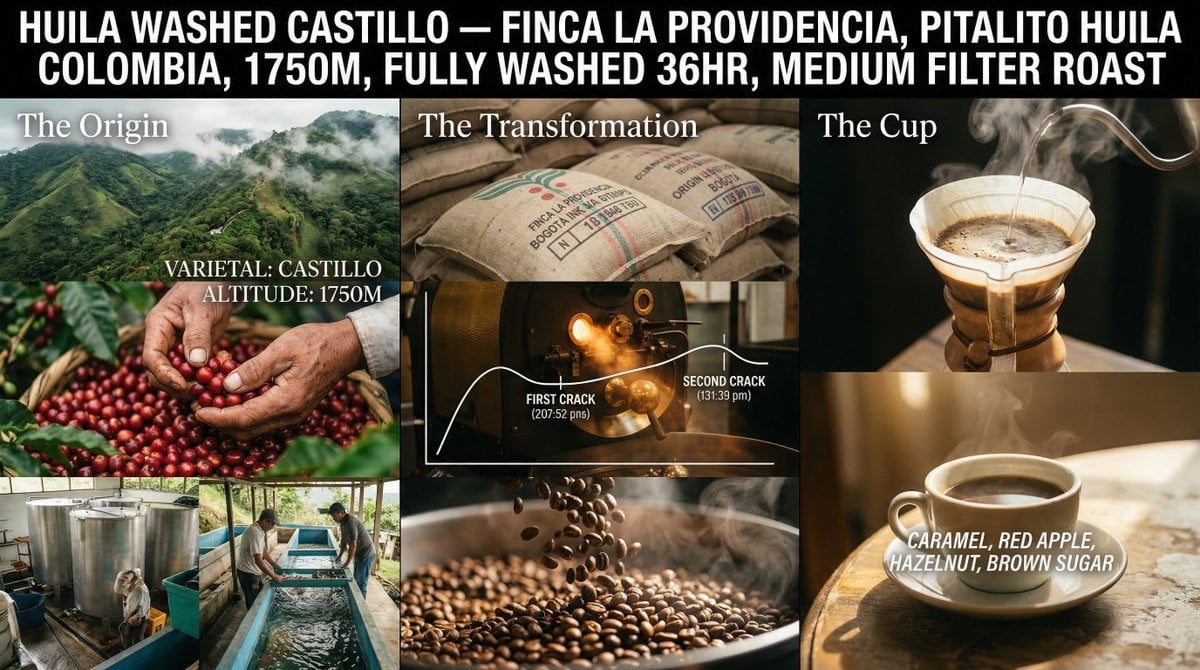
- Prompt included
- Model and format preset
- Free template
The prompt behind this image
Copy the exact prompt behind Coffee's Journey Board prompt for Nano Banana 2, or open it in the studio and make it yours.
A coffee's journey board from {argument name="origin" default="[ORIGIN]"} to cup {argument name="variety process roaster" default="[VARIETY / PROCESS / ROASTER]"}. Three-panel documentary photography layout, shot on medium format. No illustrations. No flat graphics. No hand-drawn elements. Left panel, The Origin: Aerial and macro photography of a specific hillside farm at {argument name="altitude" default="[ALTITUDE]"}m, morning mist still on the canopy. Extreme close-up of a picker's weathered hands selecting red cherries. Wet mill or raised drying beds photographed mid-process, real equipment, real workers, natural light. Varietal name and altitude typeset in clean serif over the image. Center panel, The Transformation: Burlap sacks stacked in a warehouse, origin ink stamps in focus. Interior of a roastery drum roaster glowing amber through a porthole, heat haze visible. A minimal line graph of the roast curve overlaid in white type, first crack and second crack marked as timestamps. Macro shot of roasted beans mid-pour, steam catching side light. Right panel, The Cup: A ceramic pour-over in progress, water threading in a slow spiral, the bloom exhaling upward in real steam. Final cup resting on a worn café table in warm morning window light. Tasting notes [NOTES] set in light italic type floating near the rim, not illustrated, typographic only. Color arc: Tropical green → roastery amber → café morning gold. Cinematic color grading, not illustrated. Title block: "[COFFEE NAME] [FARM], [REGION], [ALTITUDE]M, [PROCESS], [ROAST PROFILE]" — typeset in bold condensed sans-serif across the top.
How to use Coffee's Journey Board prompt for Nano Banana 2 in 3 steps
- 1
Open
The prompt is already in the box next to the preview, with the template's model and format selected.
- 2…a portrait of your subject in softgolden-hour light, 85mm…
Personalize
Edit the subject and creative details for your destination.
- 3Generate
Generate
Press Generate — your image is created in PicX Studio, so you can compare it with the original and refine one variable at a time.
More like this
Templates with the same subject, style or setup. Open one to see its prompt.

Woman in Mall with Chanel Bag - Heart Gesture

Nano Banana - Paris Cafe Editorial
Cinematic Coffee Journey Storyboard
Multi-AI Workflow: Niji Journey, Seedream, Nano Banana Pro, and Grok Imagine

Pencil Sketch Coffee Storyboard

Astronaut Zero-Gravity Coffee Splash

Cappuccino Bottle Splash Product Ad
Pixar-Style Coffee Brand Storyboard

VFX Comparison Image Prompt (Before/After) for Nano Banana Pro

Nano Banana Prompt for Consistent Character Jumpshots

Cinematic Camera Instructions for Nano Banana Pro

Manga Generation Prompt Template for Nano Banana Pro
Make it yours
Coffee's Journey Board prompt for Nano Banana 2 works as-is. These are the safest ways to change it without losing the look.
Change one field
Copy a single group, rewrite it, and generate again so you can see what that field is doing.
Keep the frame, change the subject
Hold the composition and light of Coffee's Journey Board prompt for Nano Banana 2, then swap wardrobe, props or the person for a new take.
| If the result… | Why | Fix |
|---|---|---|
| The result drifts from the preview | Too many fields changed at once. | Reuse Coffee's Journey Board prompt for Nano Banana 2 as-is first, then change one group — subject, light, or setting. |
| The model over-stylizes the scene | The prose prompt leaves finish and camera underspecified. | Add one camera or lighting sentence and stay on Nano Banana 2. |
More Nano Banana 2 templates
Other prompts made for Nano Banana 2.

Photorealistic Leaf Shaped Like a Dragon

K-Pop Idol Portrait Grid for Rapid Selection

Poetic Rain Forest Portrait During Golden Hour

Urban Street Portrait with Cartoon Inner Self Duo

Candid Nighttime Photo with Cat Prompt

High-Concept 3D Diorama Generation Prompt

Cinematic Futuristic Studio Portrait Template

Skincare Editorial Photography Collage Prompt

Hyper-Realistic Commercial Product Photography (Splash Effect)

Hyper-Realistic Nightclub Portrait Prompt
More image prompts
Fresh picks from across the catalog.

Higgsfield Nano Banana Pro Aspect Ratio Prompt

Candid Convenience Store Portrait
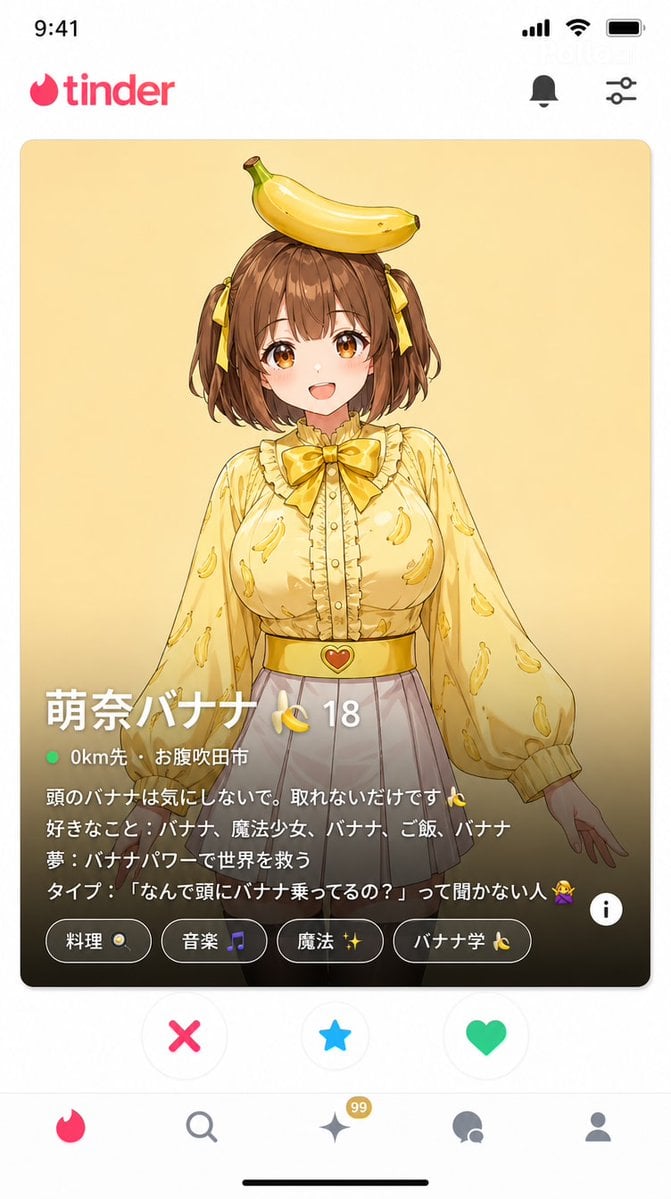
Dating App Screenshot Recreation
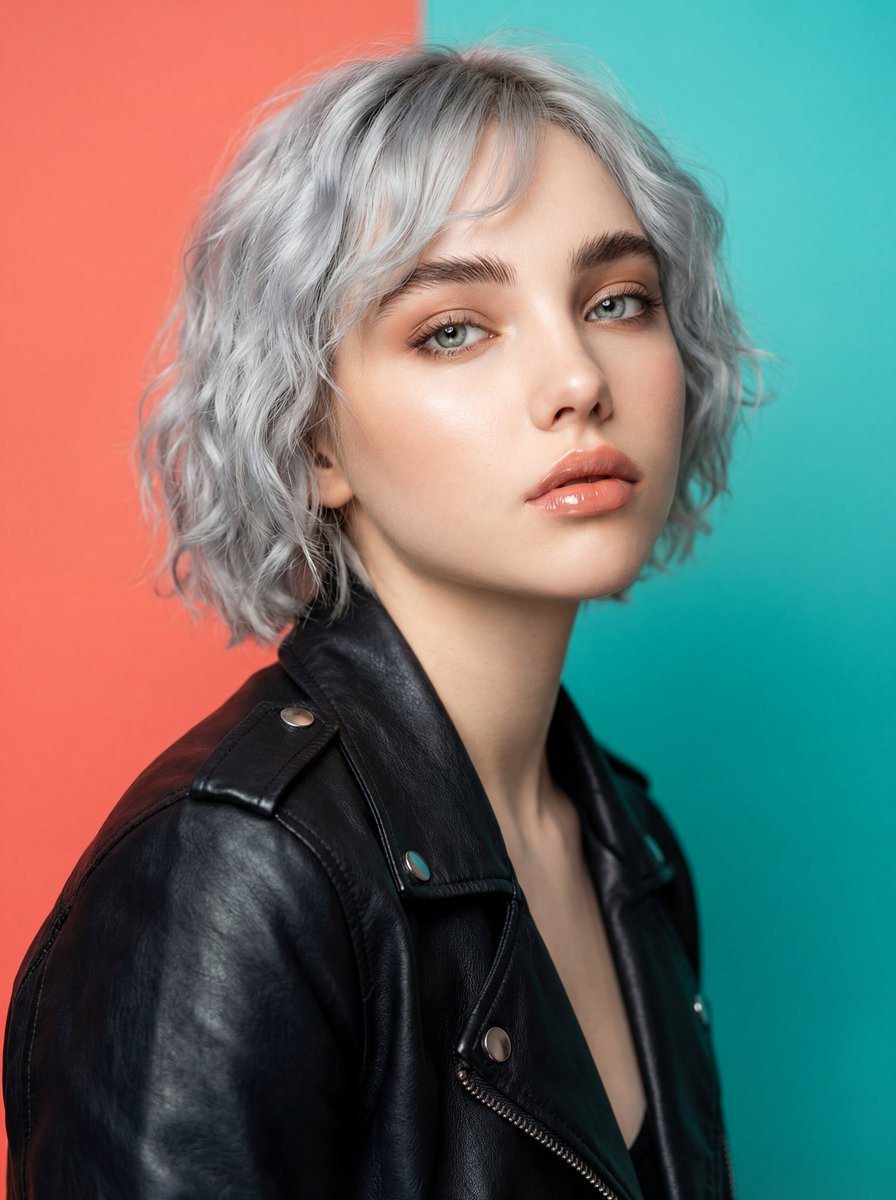
Ultra-Realistic Studio Fashion Model Portrait Prompt
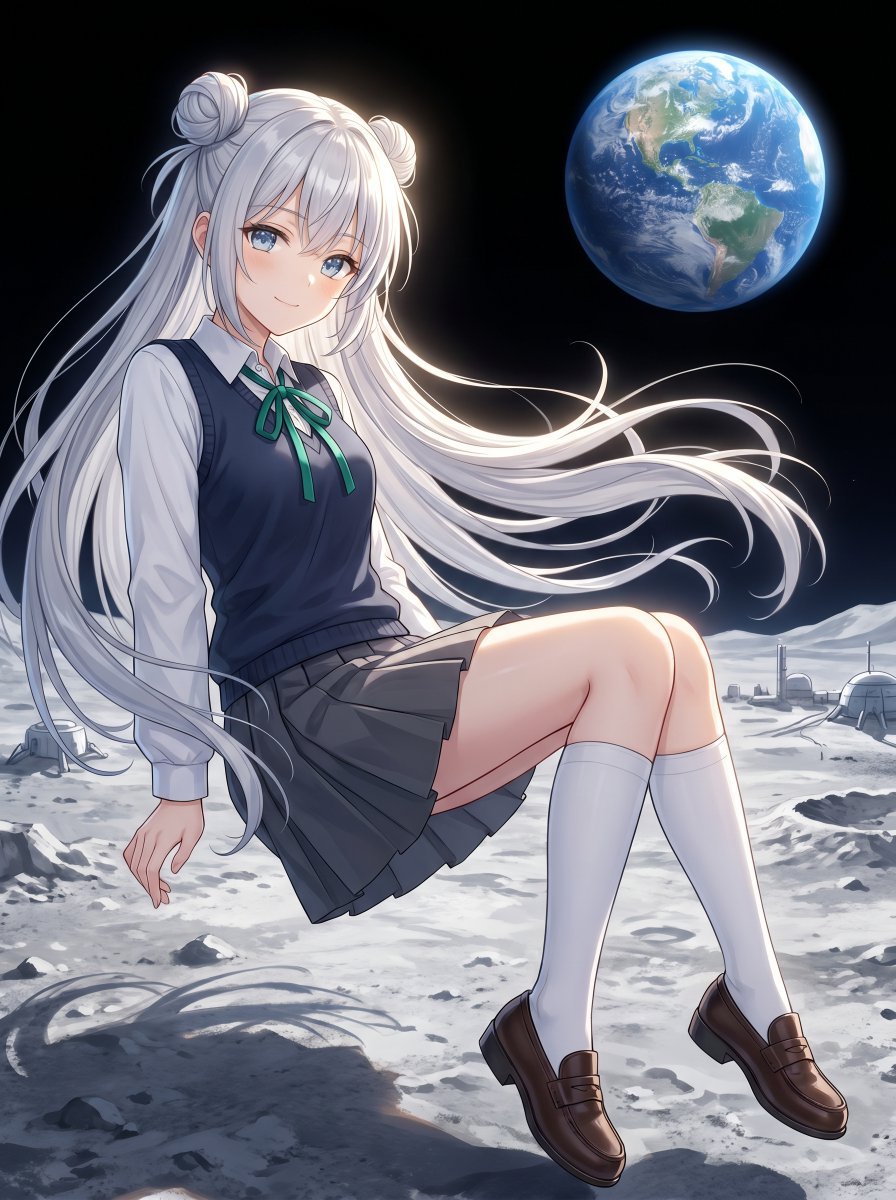
Anime Schoolgirl Floating on the Moon
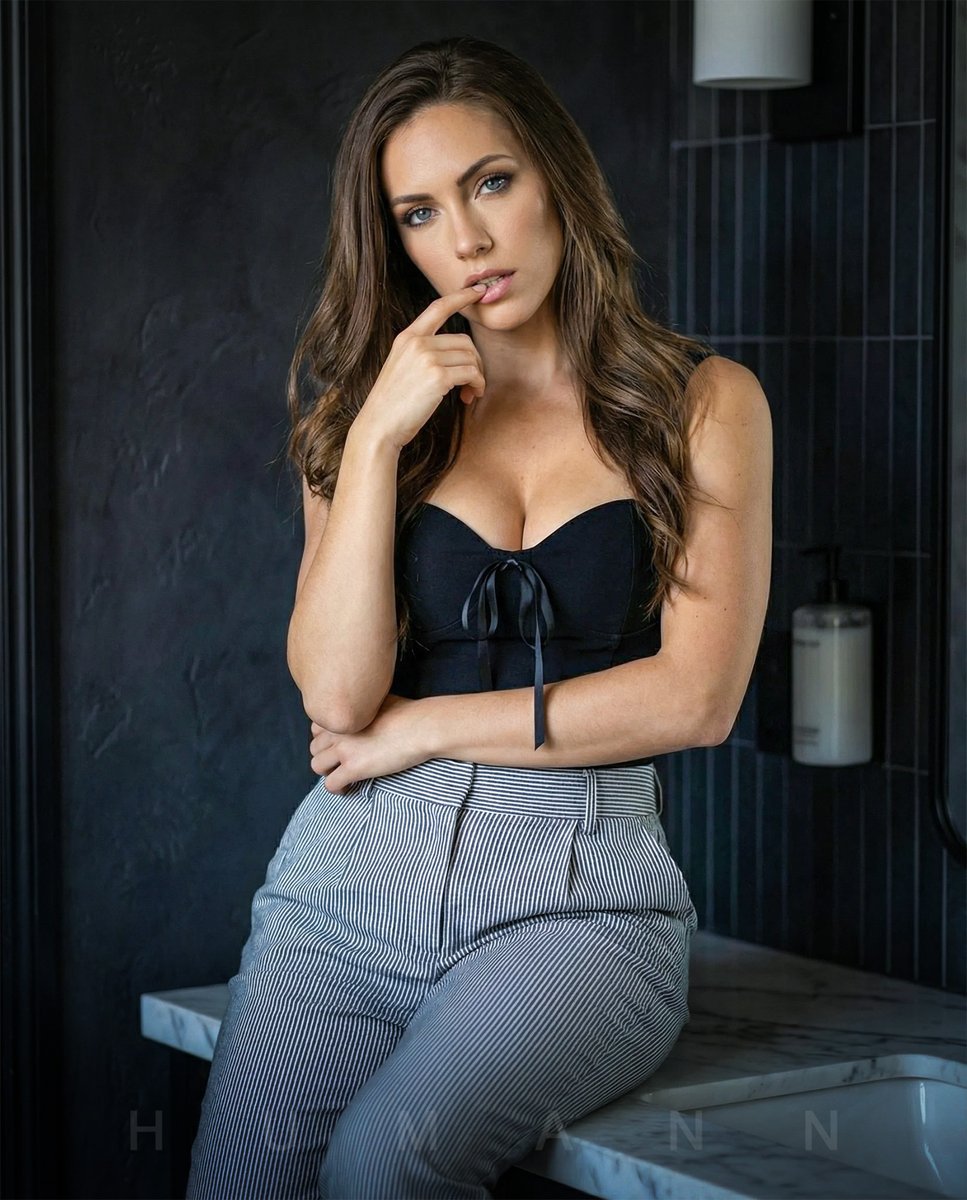
High-End Interior Portrait on a Marble Vanity

Technical Ink Sketch Portrait

Anime Character Noodle Delivery
Vintage Peacock Botanical Illustration
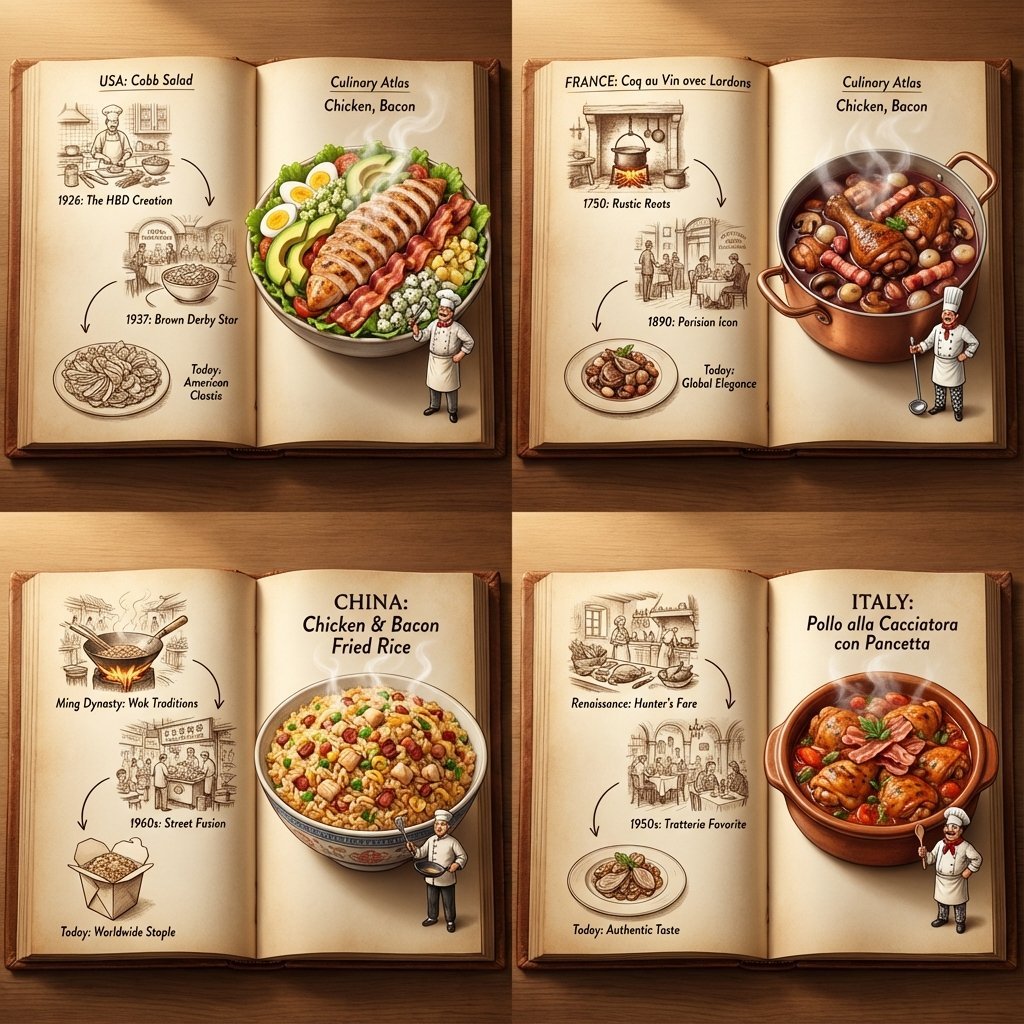
Culinary Atlas Grid: 3D Pop-up Recipe Dioramas
Browse template categories
Coffee's Journey Board prompt for Nano Banana 2 questions
How do I use the Coffee's Journey Board prompt for Nano Banana 2 template?
Add your photo if the template asks for one, edit the prompt if you like — the template's model and format are already selected — and press Generate. Your version opens in PicX Studio.
Can I customize the Coffee's Journey Board prompt for Nano Banana 2 template?
Yes. You can change the subject, setting, lighting, mood, format, and available model controls before creating your image.
Is the Coffee's Journey Board prompt for Nano Banana 2 template free?
Opening and editing this template is free. Generating uses credits, shown on the Generate button when you are signed in.
Which AI model should I use?
Start with Nano Banana 2, which is the model associated with this template. You can compare another compatible model for a different finish.
Looking for something else? Browse all templates.

Your photo, any look
Thousands of ready templates for every top image and video model, from one credit balance.