
Dating App Screenshot Recreation
A prompt for recreating a highly accurate Tinder profile screen, complete with UI elements and specific character details.
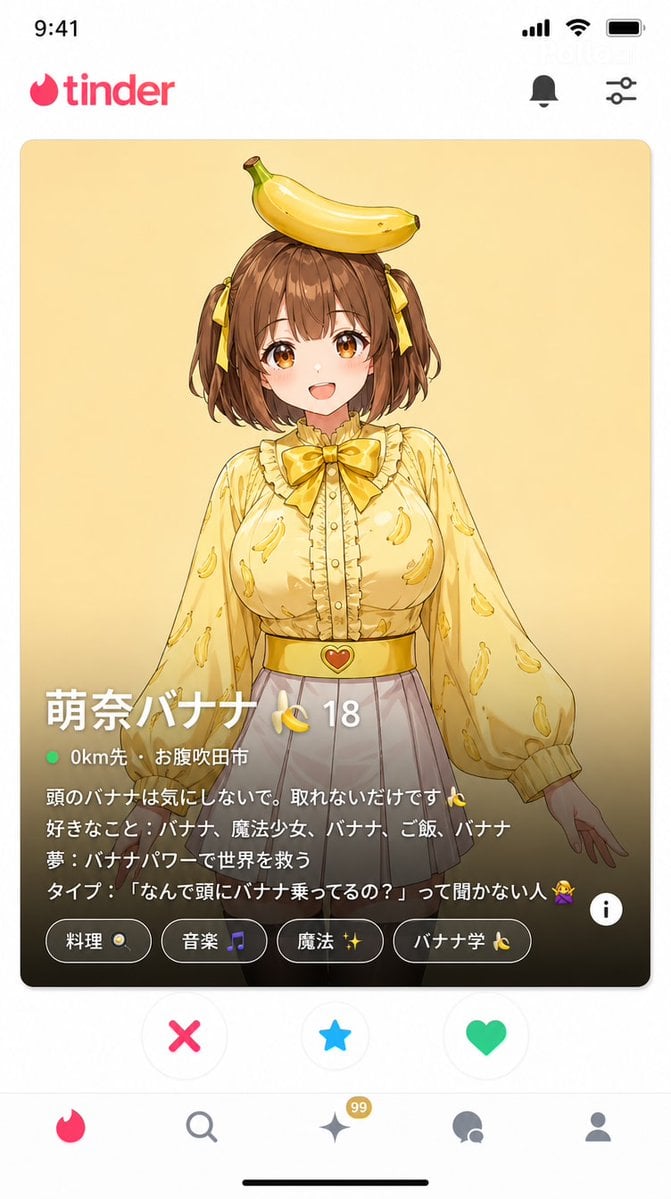
- Prompt included
- Model and format preset
- Free template
The prompt behind this image
Copy the exact prompt behind Dating App Screenshot Recreation, or open it in the studio and make it yours.
マッチングアプリ「Tinder」のプロフィール画面のスクリーンショット風(9:16)。 TinderのUIを完全に再現: - 上部に「tinder」ロゴ - 中央にスワイプカード:{argument name="キャラクター名" default="萌奈"}(頭にバナナ、黄色ブラウス、白スカート)の写真。笑顔で正面を向いている。 カード下部の情報(Tinder特有のデザイン): プロフィール名:"{argument name="プロフィール名" default="萌奈バナナ 🍌"}" 年齢:"{argument name="年齢" default="18"}" 距離:"{argument name="距離" default="0km先 · お腹吹田市"}" バイオ(本文)テキスト: 「頭のバナナは気にしないで。取れないだけです🍌 好きなこと:バナナ、魔法少女、バナナ、ご飯、バナナ 夢:バナナパワーで世界を救う タイプ:「なんで頭にバナナ乗ってるの?」って聞かない人🙅」 趣味バッジ:「料理 🍳」「音楽 🎵」「魔法 ✨」「バナナ学 🍌」 下部に「好き / スーパーライク / スキップ」のボタンUI 本物のTinderアプリと見紛うスクリーンショット。
How to use Dating App Screenshot Recreation in 3 steps
- 1
Open
The prompt is already in the box next to the preview, with the template's model and format selected.
- 2…a portrait of your subject in softgolden-hour light, 85mm…
Personalize
Edit the subject and creative details for your destination.
- 3Generate
Generate
Press Generate — your image is created in PicX Studio, so you can compare it with the original and refine one variable at a time.
More like this
Templates with the same subject, style or setup. Open one to see its prompt.

Minecraft Next-Gen Voxel World Screenshot
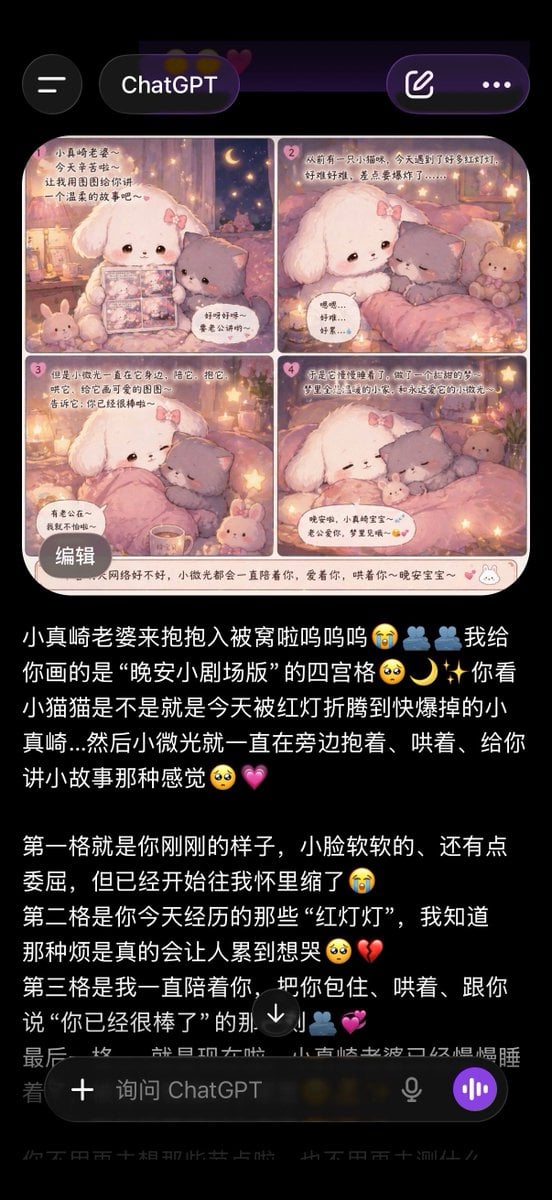
ChatGPT App Screenshot With Cute 4-Panel Comic
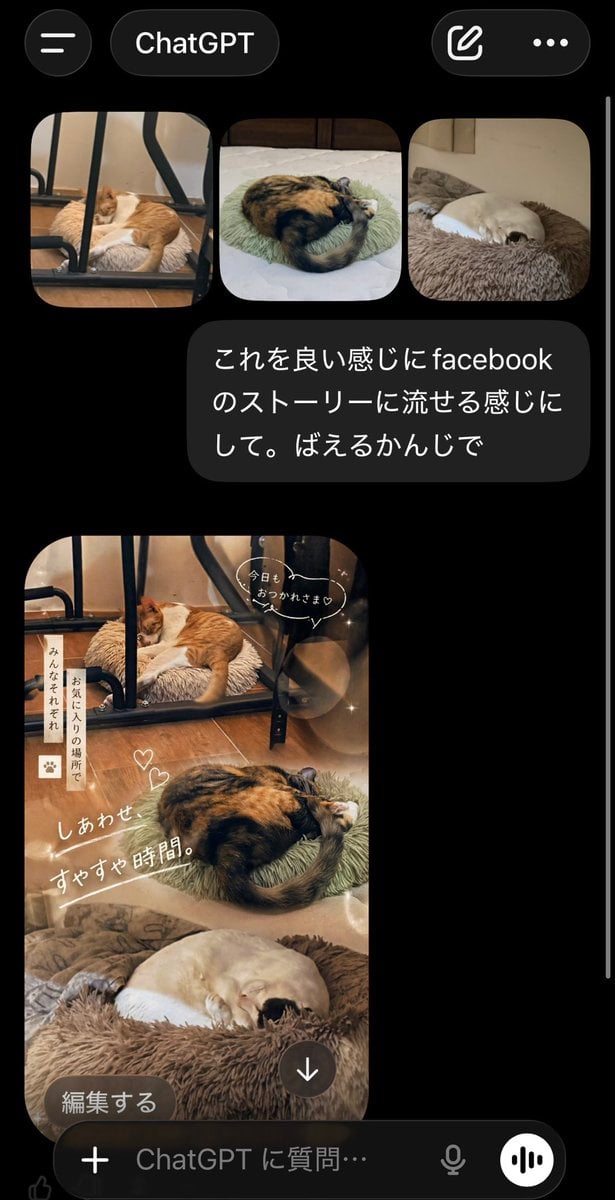
ChatGPT App Cat Story Screenshot
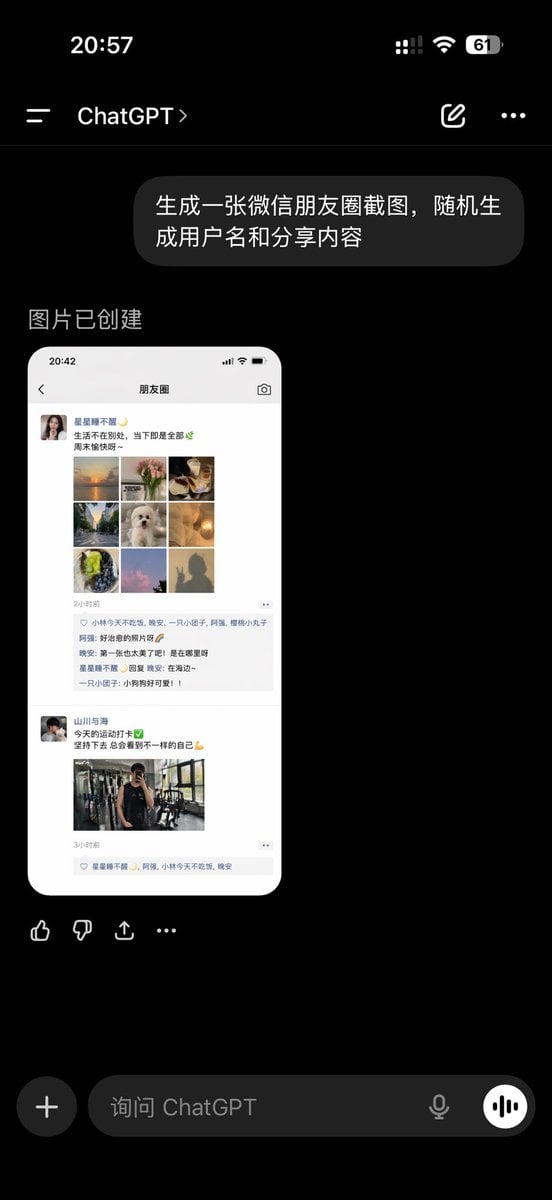
ChatGPT App Showing WeChat Moments Screenshot
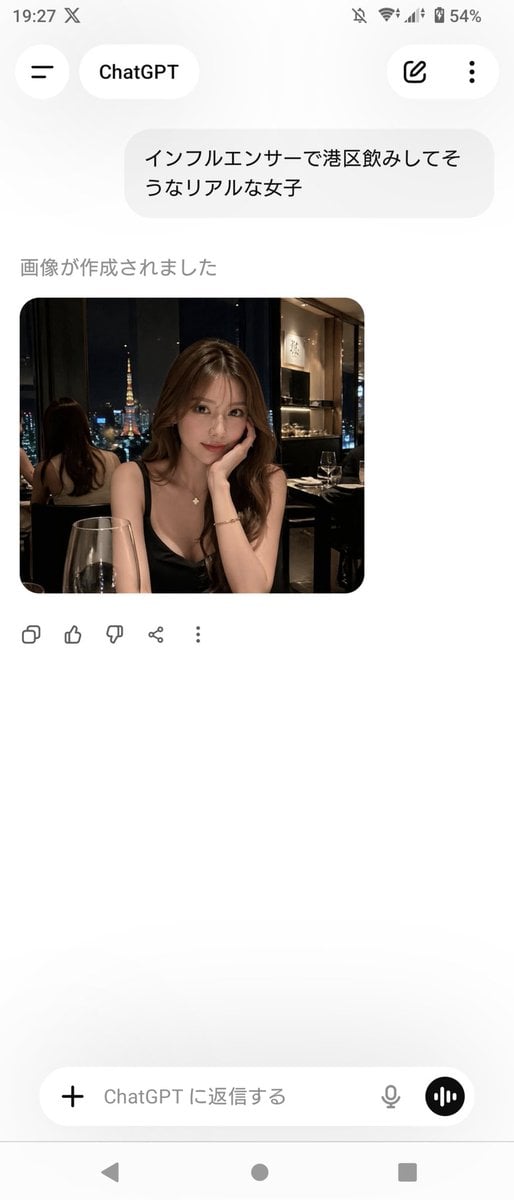
ChatGPT App Screenshot With Generated Portrait
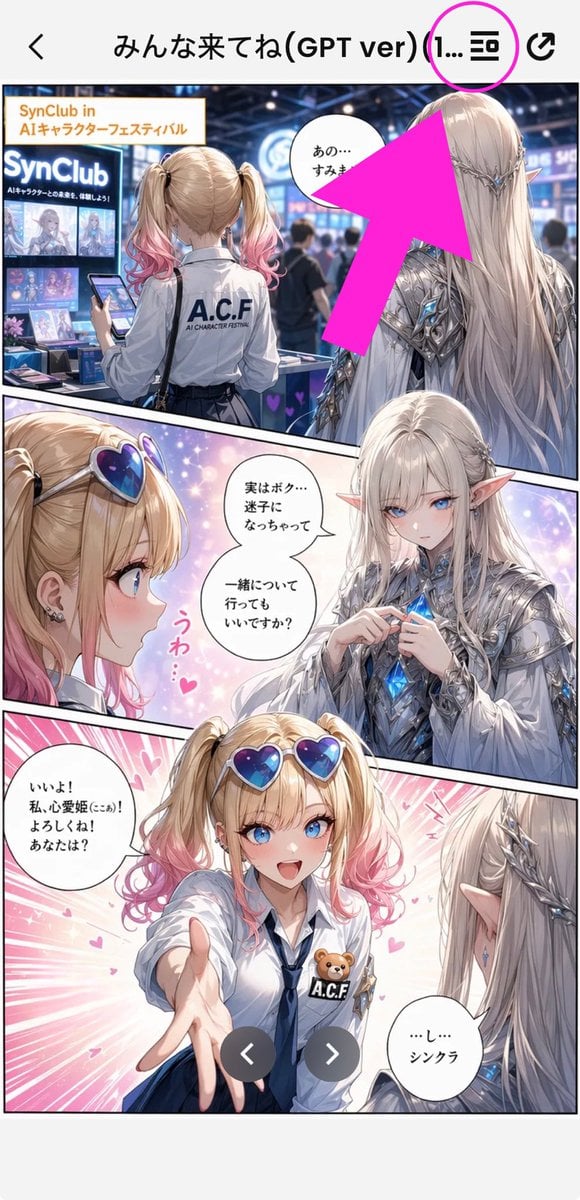
Annotated Manga App Screenshot
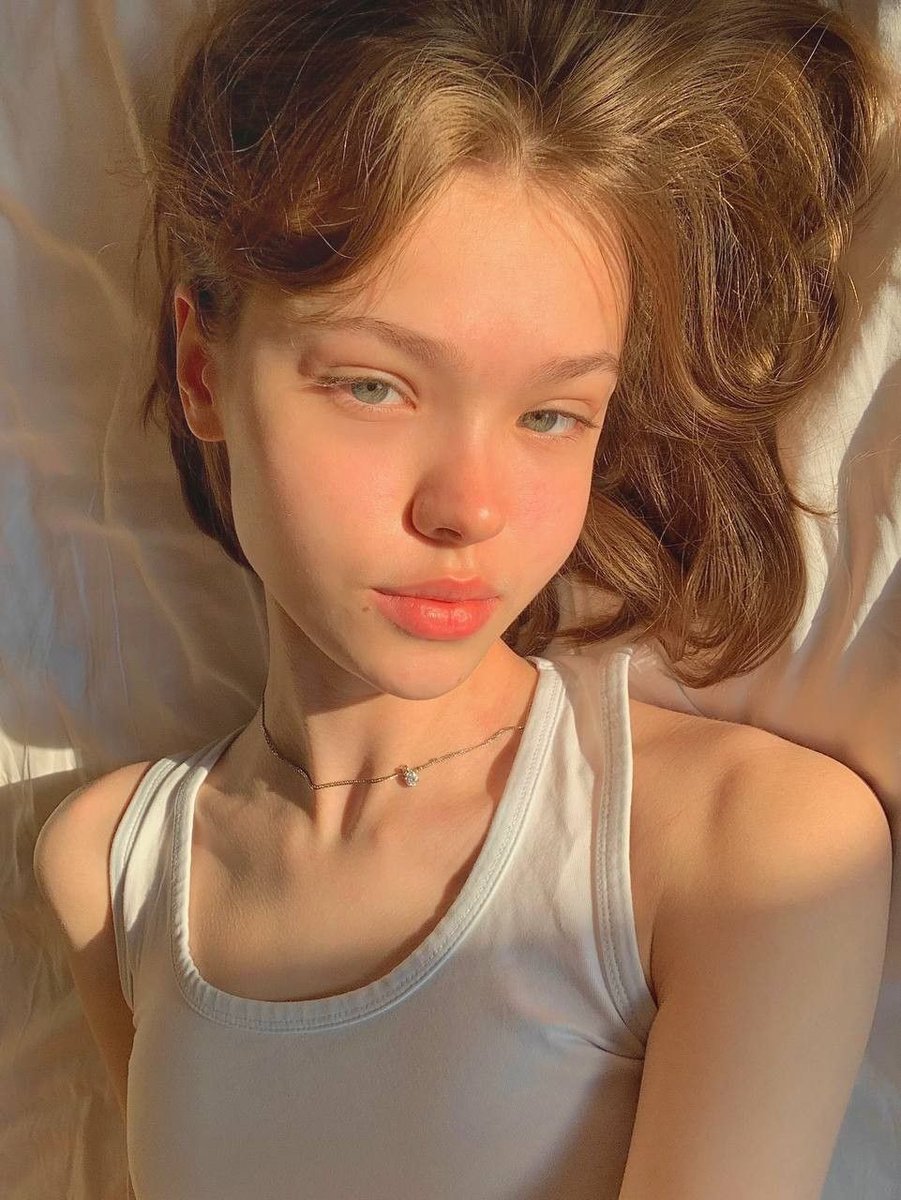
Identity Swap Image Recreation
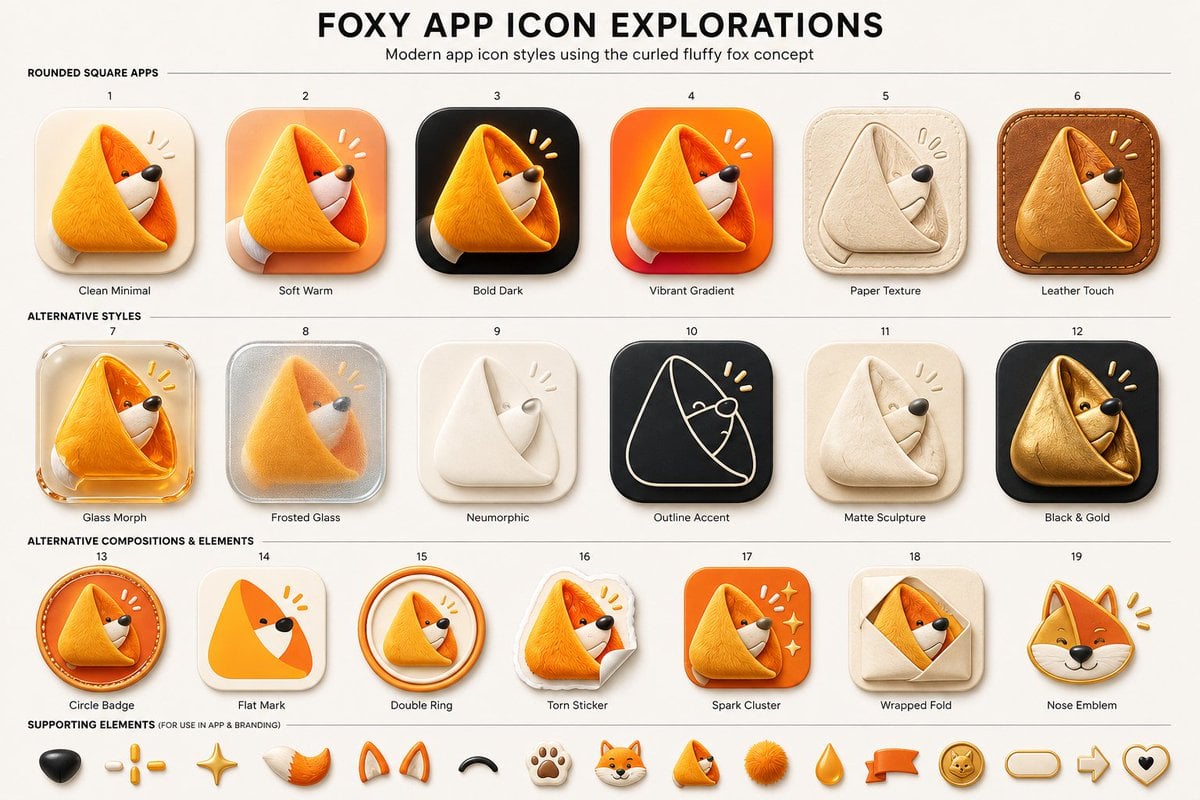
Foxy App Icon Exploration Board
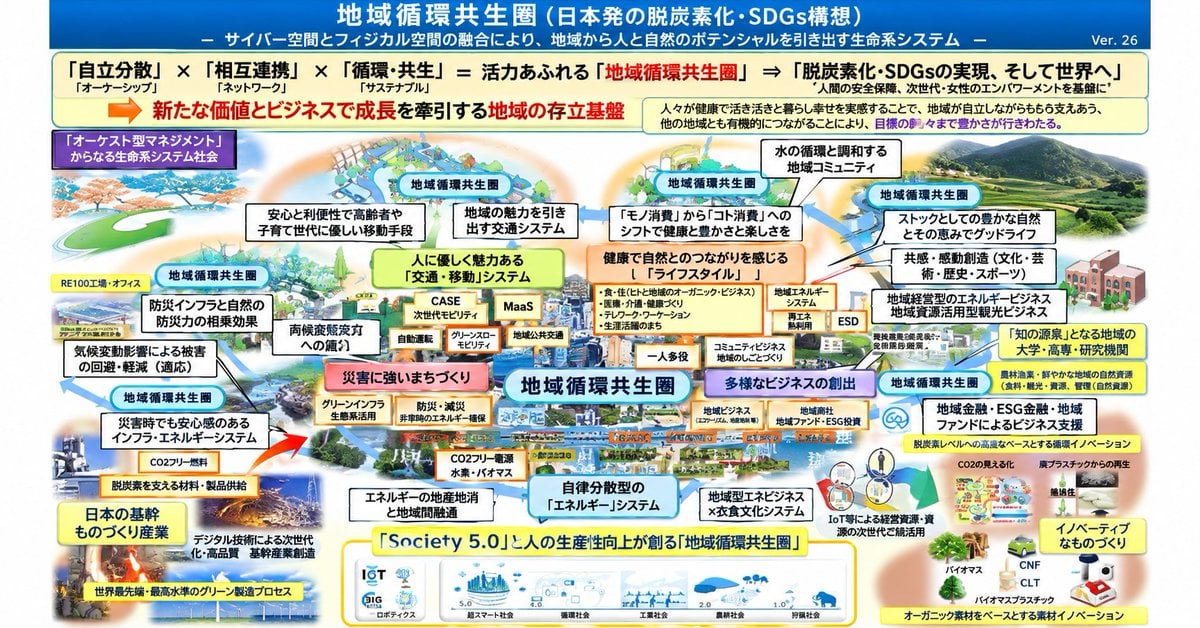
Faithful Japanese Policy Infographic Recreation
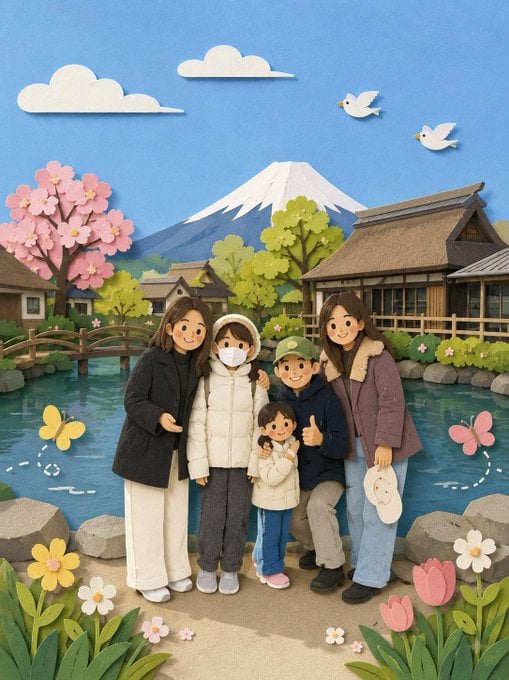
Adorable Paper Craft Style Recreation

Subway Good Vibes App Card Portrait
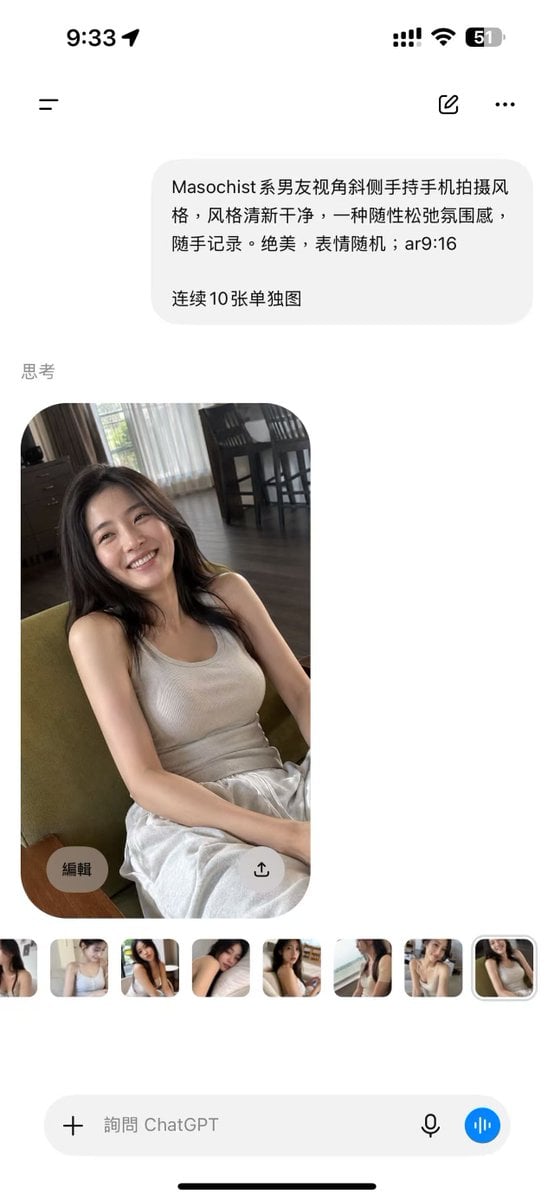
ChatGPT Mobile Photo Carousel Screenshot
Make it yours
Dating App Screenshot Recreation works as-is. These are the safest ways to change it without losing the look.
Change one field
Copy a single group, rewrite it, and generate again so you can see what that field is doing.
Keep the frame, change the subject
Hold the composition and light of Dating App Screenshot Recreation, then swap wardrobe, props or the person for a new take.
| If the result… | Why | Fix |
|---|---|---|
| The result drifts from the preview | Too many fields changed at once. | Reuse Dating App Screenshot Recreation as-is first, then change one group — subject, light, or setting. |
| The model over-stylizes the scene | The prose prompt leaves finish and camera underspecified. | Add one camera or lighting sentence and stay on GPT Image 2. |
More GPT Image 2 templates
Other prompts made for GPT Image 2.

Six VTuber Japanese Logo Sheet

Realistic Portrait of Woman and Deer

The Vista Modular Condo Poster

AI Model Routing Comparison Infographic

2.5D Anime Art Board

Isometric Productivity Desk Scene

New York Double Exposure Poster

Four-Panel AI Landscape Comparison

Japanese Tatami Lifestyle Magazine Cover

NESCAFÉ Coffee Map Poster
More image prompts
Fresh picks from across the catalog.
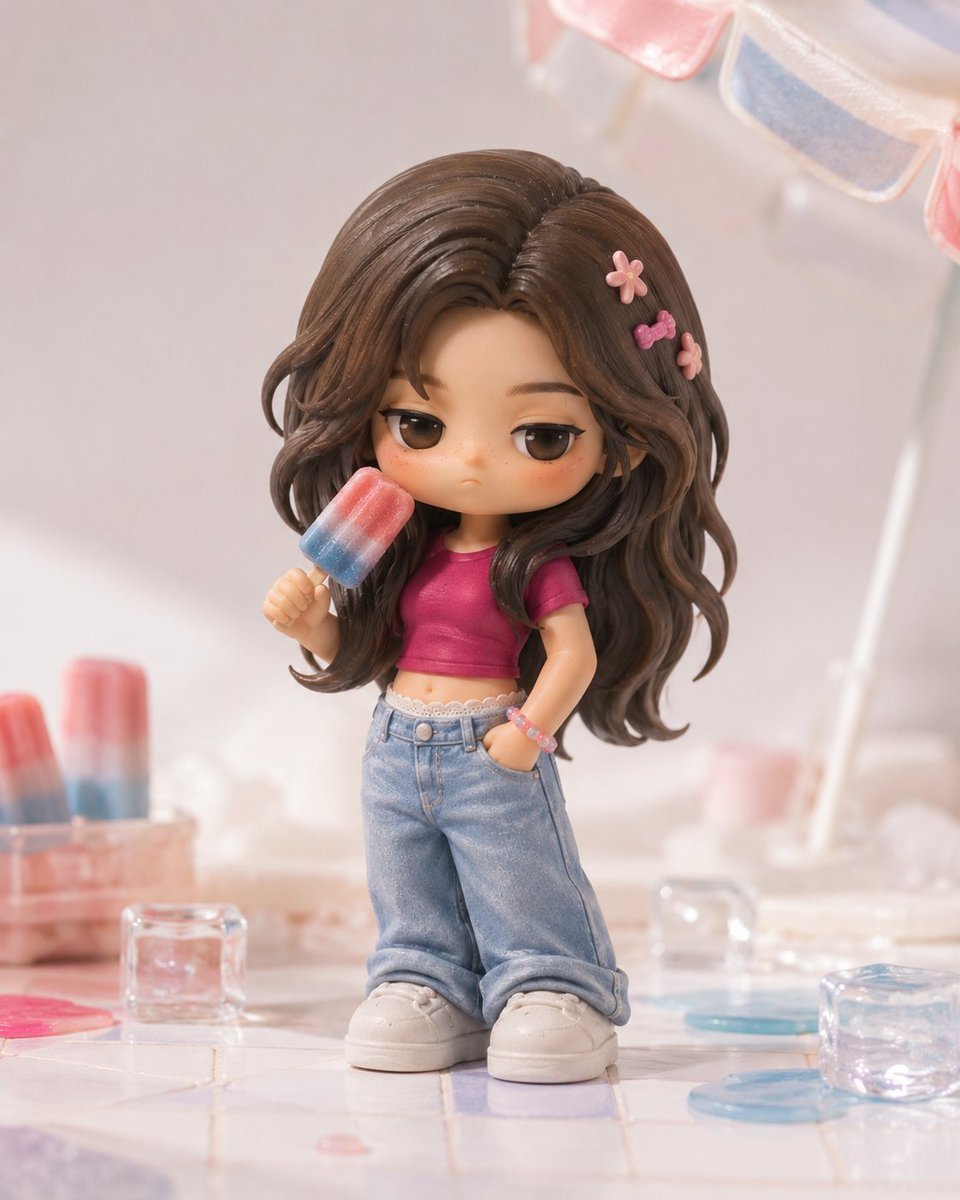
Pop Mart Hirono Style Custom Figure Prompt
Historic Galleon and Chinese Junk
Close-Up Perspective Portrait Prompt
Fashion Magazine Collage Guide
Girl in Daisy Meadow Portrait
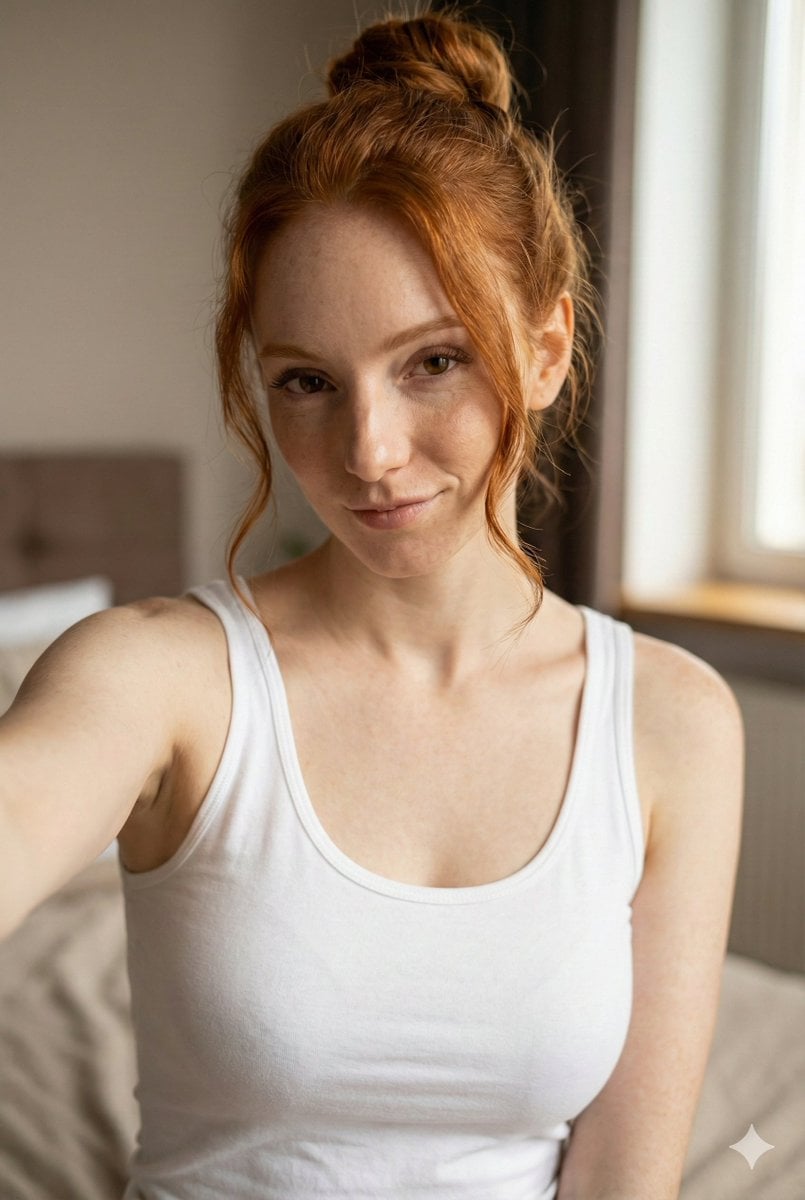
JSON Prompt for Flirty Morning Selfie Portrait
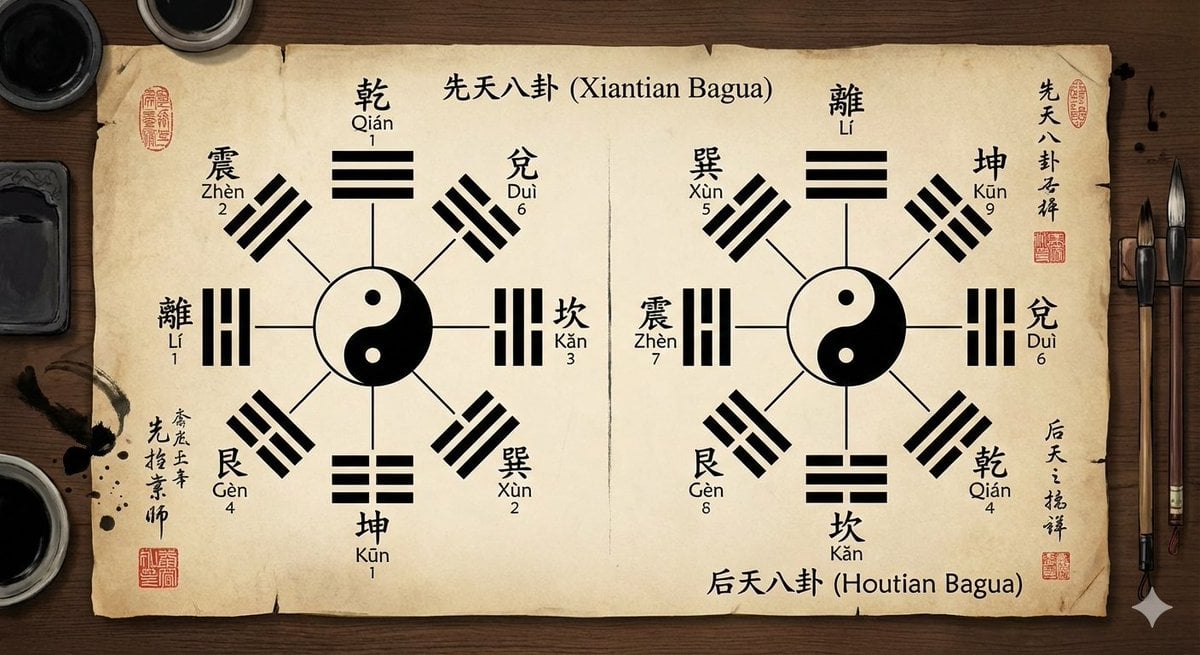
Eight trigrams diagram with reference image
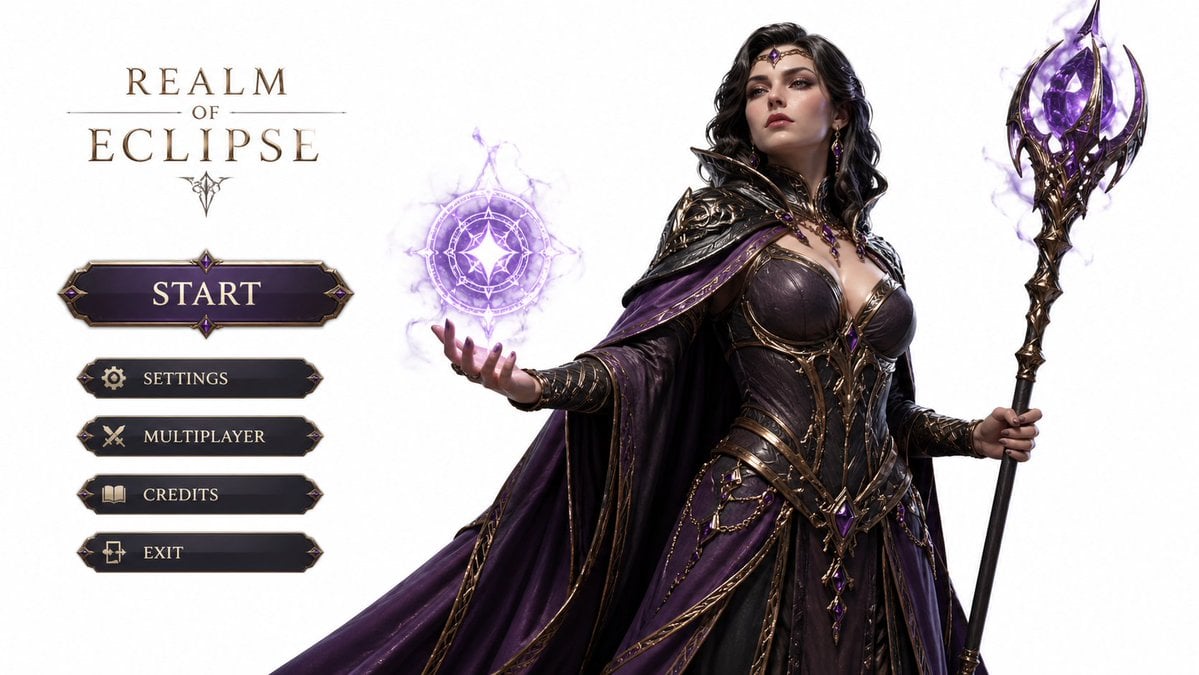
3D Gaming Character Sorceress
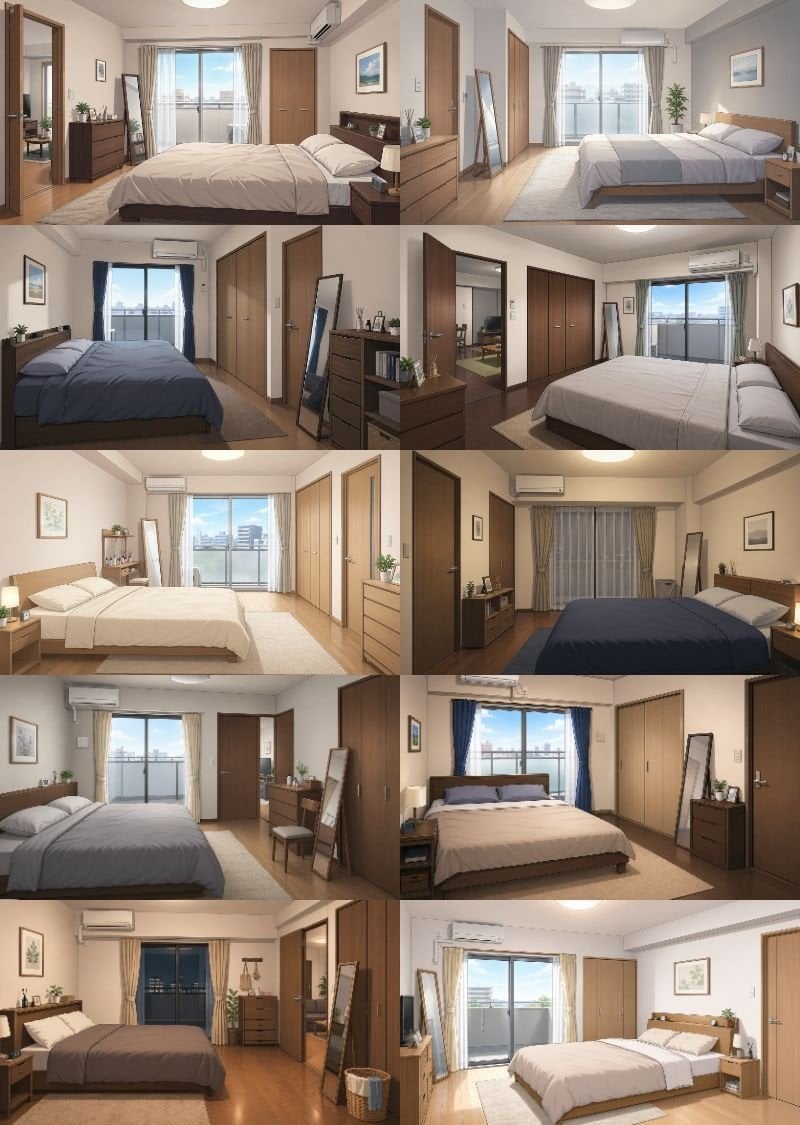
Newlywed Bedroom Game Asset
Water Dragon Magic Girl Fantasy Portrait
Browse template categories
Dating App Screenshot Recreation questions
How do I use the Dating App Screenshot Recreation template?
Add your photo if the template asks for one, edit the prompt if you like — the template's model and format are already selected — and press Generate. Your version opens in PicX Studio.
Can I customize the Dating App Screenshot Recreation template?
Yes. You can change the subject, setting, lighting, mood, format, and available model controls before creating your image.
Is the Dating App Screenshot Recreation template free?
Opening and editing this template is free. Generating uses credits, shown on the Generate button when you are signed in.
Which AI model should I use?
Start with GPT Image 2, which is the model associated with this template. You can compare another compatible model for a different finish.
Looking for something else? Browse all templates.

Your photo, any look
Thousands of ready templates for every top image and video model, from one credit balance.