
Water Dragon Magic Girl Fantasy Portrait
A comprehensive fantasy prompt for a Japanese-style magical girl summoning a water dragon at a rain-washed shrine, featuring cinematic lighting and high-detail textures.
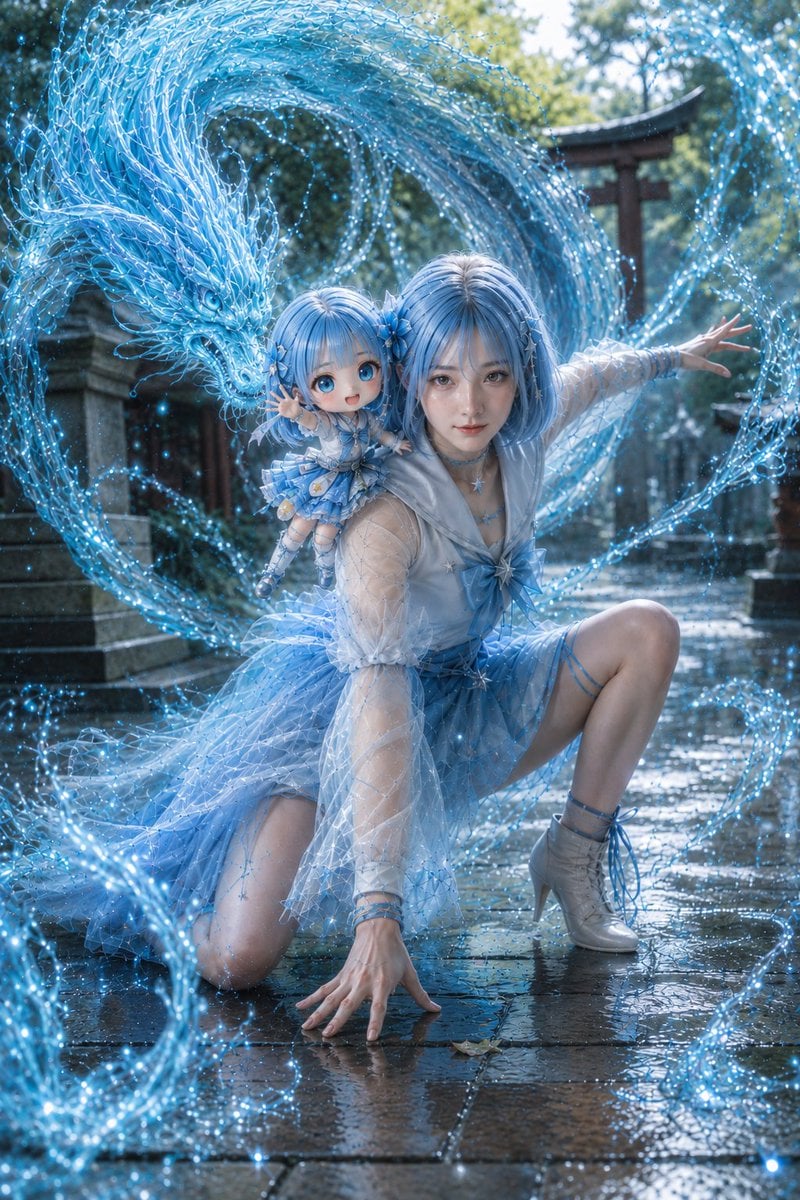
- Prompt included
- Model and format preset
- Free template
The prompt behind this image
Copy the exact prompt behind Water Dragon Magic Girl Fantasy Portrait, or open it in the studio and make it yours.
Theme: {argument name="theme" default="a magical girl who commands a water dragon / water dragon magic"} Character & Expression: A woman with {argument name="hairstyle" default="pale blue short bob hair"}, translucent-looking skin, delicate eyes, a cute expression with a soft smile, a calm and confident gaze toward the camera, blue flower ornaments and star-motif accessories in her hair Outfit & Pose: A Japanese-style magical-girl outfit based in white and pale blue, a sailor-collar-style top, a large ribbon at the chest, star-motif decorations, sheer sleeves, a light layered skirt, short boots with blue ribbons, a low pose kneeling on one knee with one hand pressed against the wet stone pavement, the other hand extended, commanding water magic Background & Light: {argument name="location" default="the grounds of a Japanese shrine just after rain"}, wet stone paving, a blurred torii gate and stone lanterns in the background, early-summer greenery, soft natural light, a fantastical atmosphere with water and light reflecting on the ground, vivid seawater-blue currents swirling around her, an intricate dragon formed of water emerging large from behind her Composition & Camera: A vertical composition, a fantasy portrait at a low angle including the full body, the subject centered, with the water dragon and currents composed to swirl around her in a circle, a natural 35-50mm field of view, shallow depth of field, the shrine elements in the background softly blurred, the subject and water magic rendered sharply Texture & Style: High detail, 4K quality, realistic skin texture with natural-looking pores and grain, a photorealistic Japanese fantasy portrait, translucent water currents, a deep seawater blue, fine water droplets and sparkling particles, reflections on the wet stone paving, delicately rendered sheer fabric and ribbon texture in the costume, cinematic lighting, a magazine-photo-like finish Negative: Low image quality, unnatural face, unnatural hands, extra fingers, missing fingers, distorted fingers, strange gaze, asymmetrical eyes, distorted face, distorted body, broken clothing, broken shoes, unnatural water currents, messy water splashes, malformed dragon shape, duplicated subject, over-processing, excessive skin-smoothing, unnatural AI-specific texture, text, logos, watermarks
How to use Water Dragon Magic Girl Fantasy Portrait in 3 steps
- 1
Open
The prompt is already in the box next to the preview, with the template's model and format selected.
- 2…a portrait of your subject in softgolden-hour light, 85mm…
Personalize
Edit the subject and creative details for your destination.
- 3Generate
Generate
Press Generate — your image is created in PicX Studio, so you can compare it with the original and refine one variable at a time.
More like this
Templates with the same subject, style or setup. Open one to see its prompt.

Festive Couple Holiday Magic Template

Found Photograph: Us, 1970

80s Couple Studio Portrait

80s Bollywood Star

80s Golden Hour Cinema

Me in 1985

1985 Studio Portrait

Underwater Macro Face Portrait

Hyper-Realistic Minecraft POV Portrait

Teen Girl Alpine Lake Mountain View
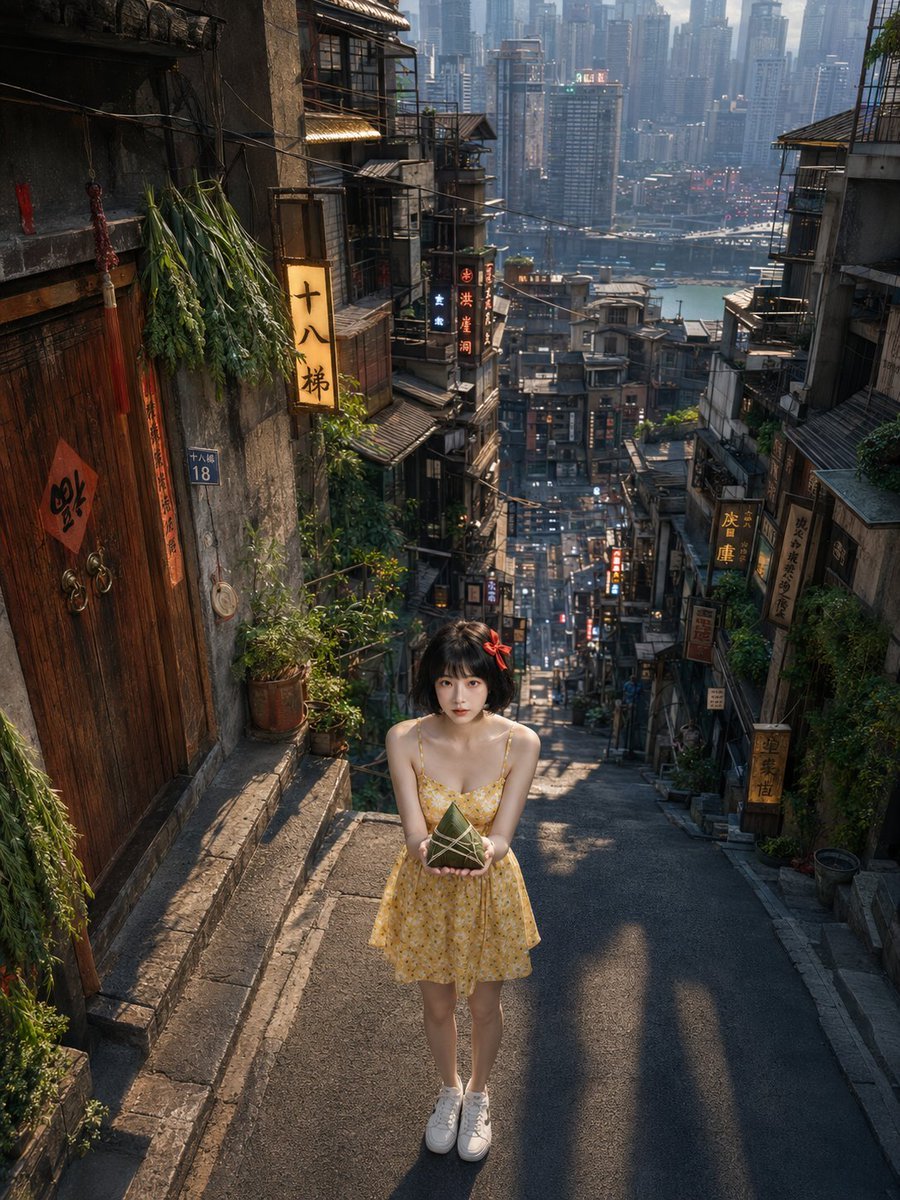
Dragon Boat Festival Chongqing Street Portrait
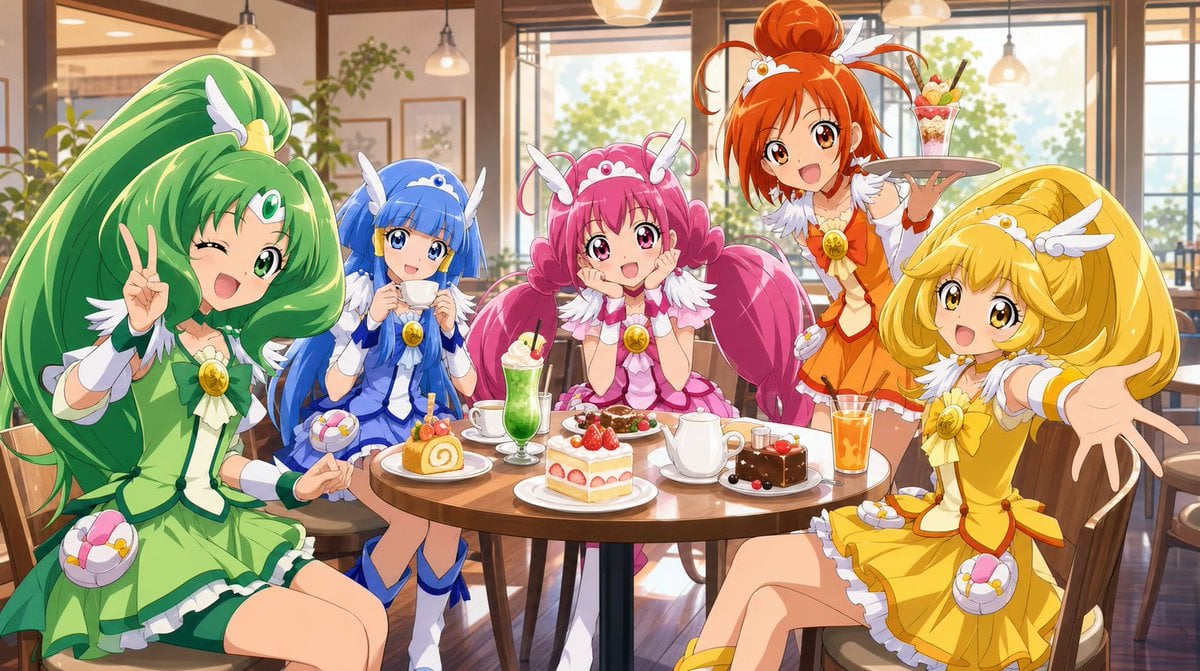
Magical Girls Dessert Café Scene
Make it yours
Water Dragon Magic Girl Fantasy Portrait works as-is. These are the safest ways to change it without losing the look.
Change one field
Copy a single group, rewrite it, and generate again so you can see what that field is doing.
Keep the frame, change the subject
Hold the composition and light of Water Dragon Magic Girl Fantasy Portrait, then swap wardrobe, props or the person for a new take.
| If the result… | Why | Fix |
|---|---|---|
| The result drifts from the preview | Too many fields changed at once. | Reuse Water Dragon Magic Girl Fantasy Portrait as-is first, then change one group — subject, light, or setting. |
| The model over-stylizes the scene | The prose prompt leaves finish and camera underspecified. | Add one camera or lighting sentence and stay on GPT Image 2. |
More GPT Image 2 templates
Other prompts made for GPT Image 2.

Six VTuber Japanese Logo Sheet

Realistic Portrait of Woman and Deer

The Vista Modular Condo Poster

AI Model Routing Comparison Infographic

2.5D Anime Art Board

Isometric Productivity Desk Scene

New York Double Exposure Poster

Four-Panel AI Landscape Comparison

Japanese Tatami Lifestyle Magazine Cover

NESCAFÉ Coffee Map Poster
More image prompts
Fresh picks from across the catalog.
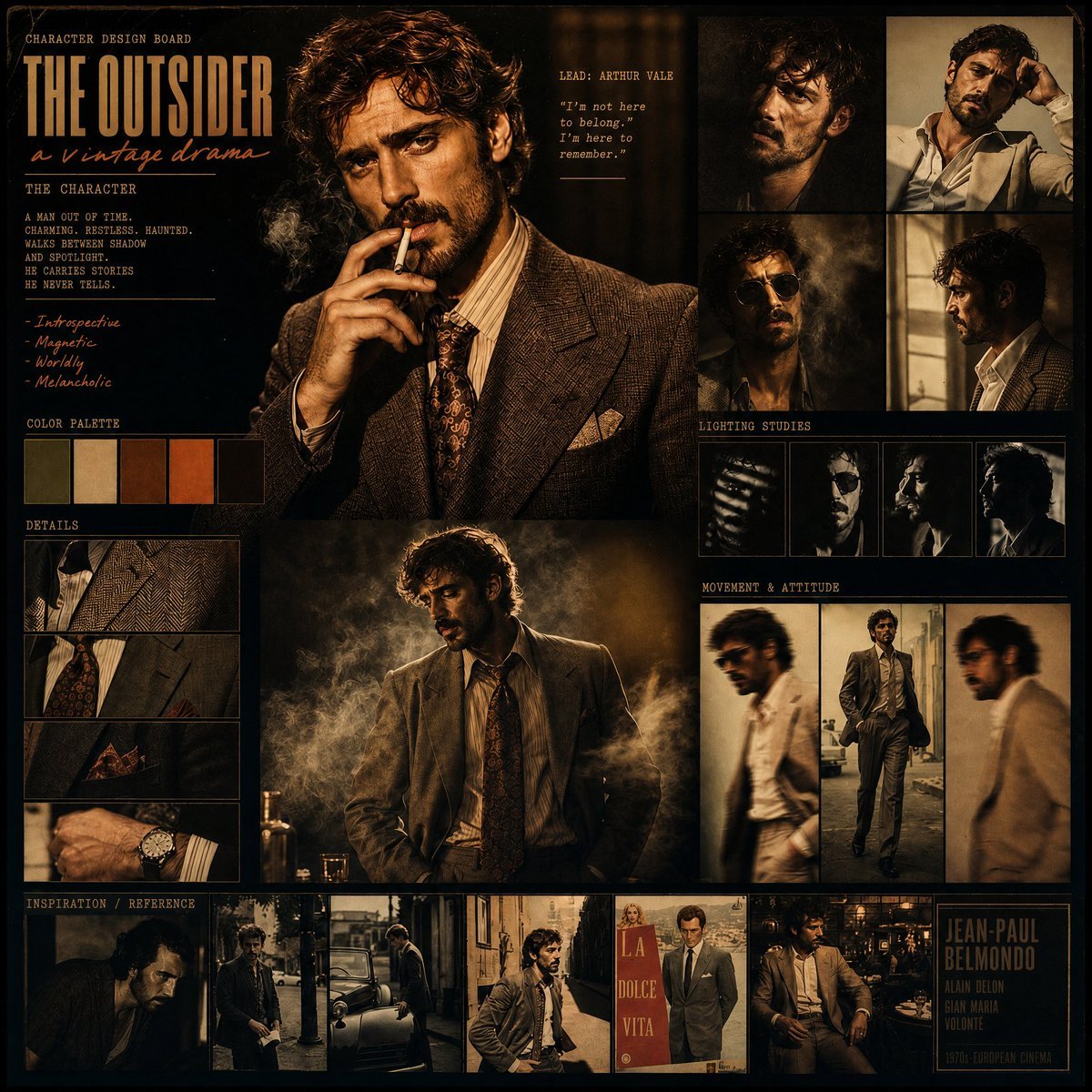
Vintage Drama Character Board
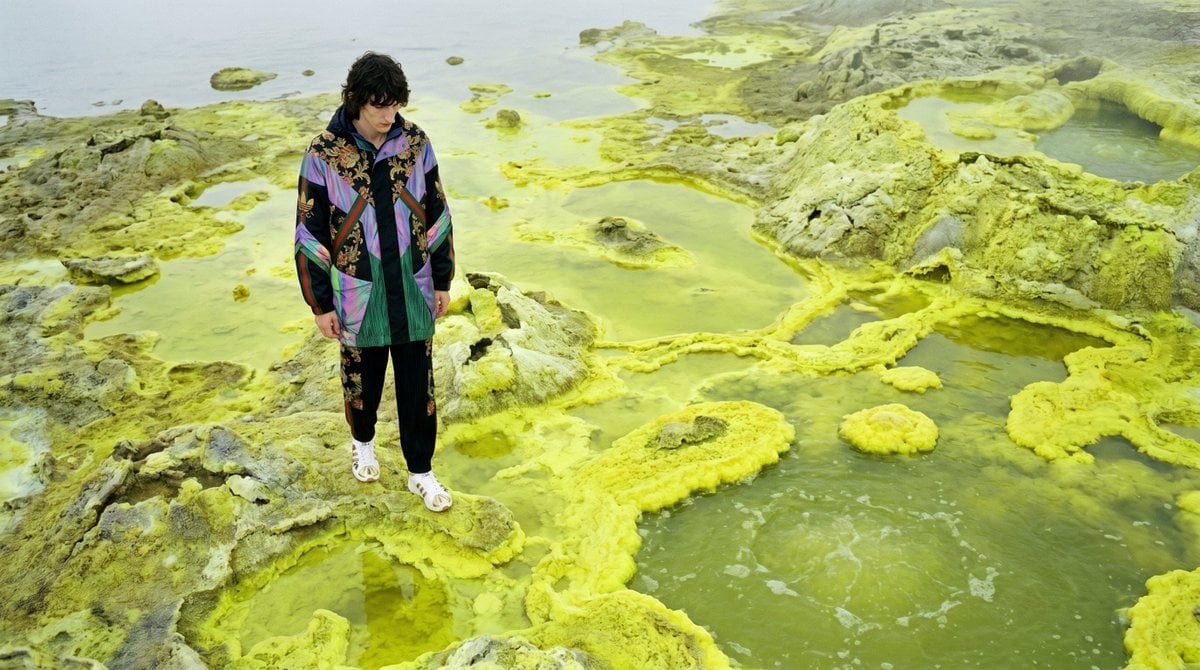
Surreal Sulfur Hot Spring Explorer
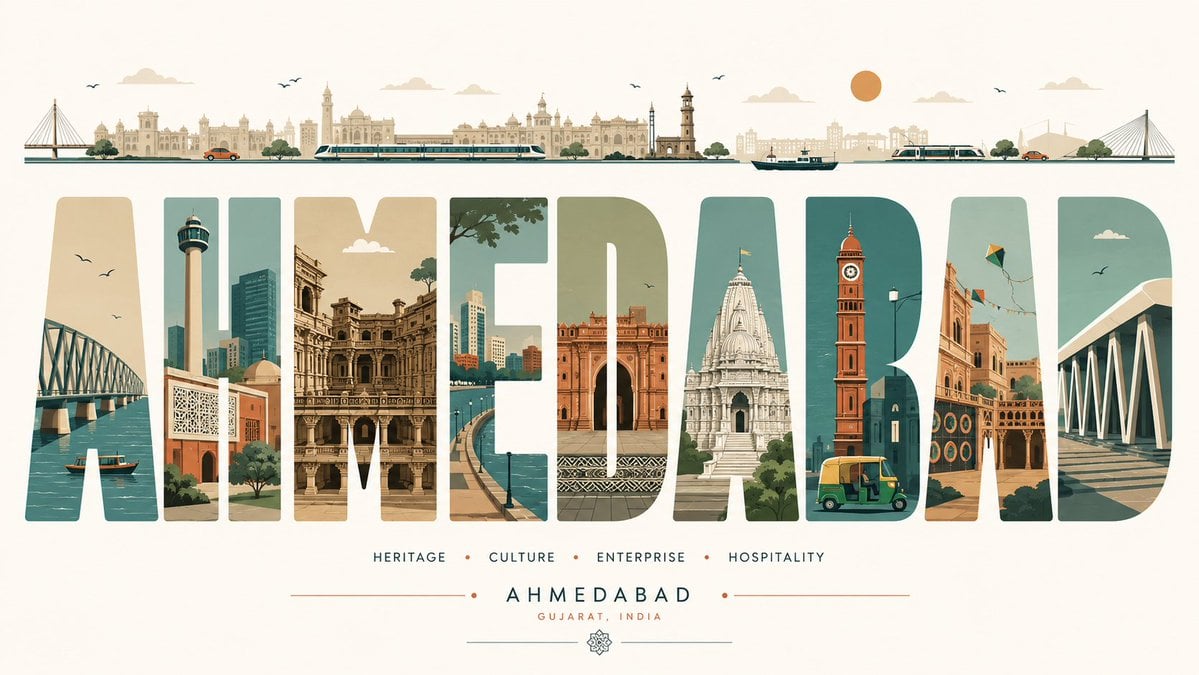
Minimalist Typography Travel Poster
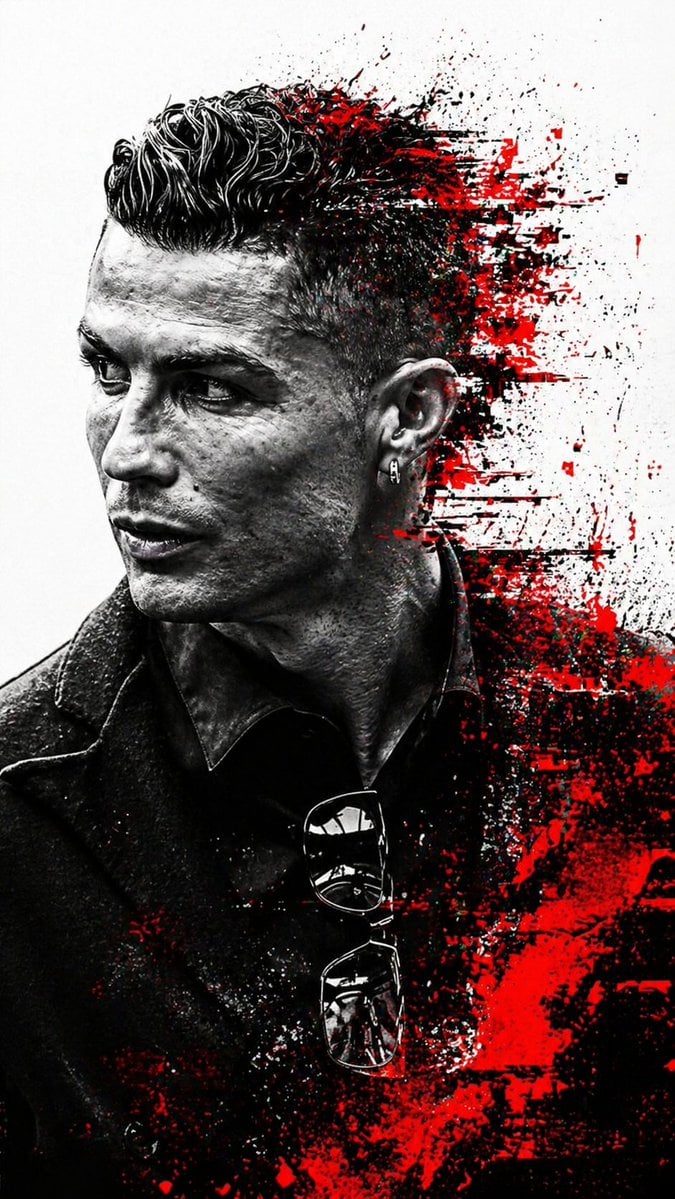
Cyberpunk Glitch Art Portrait
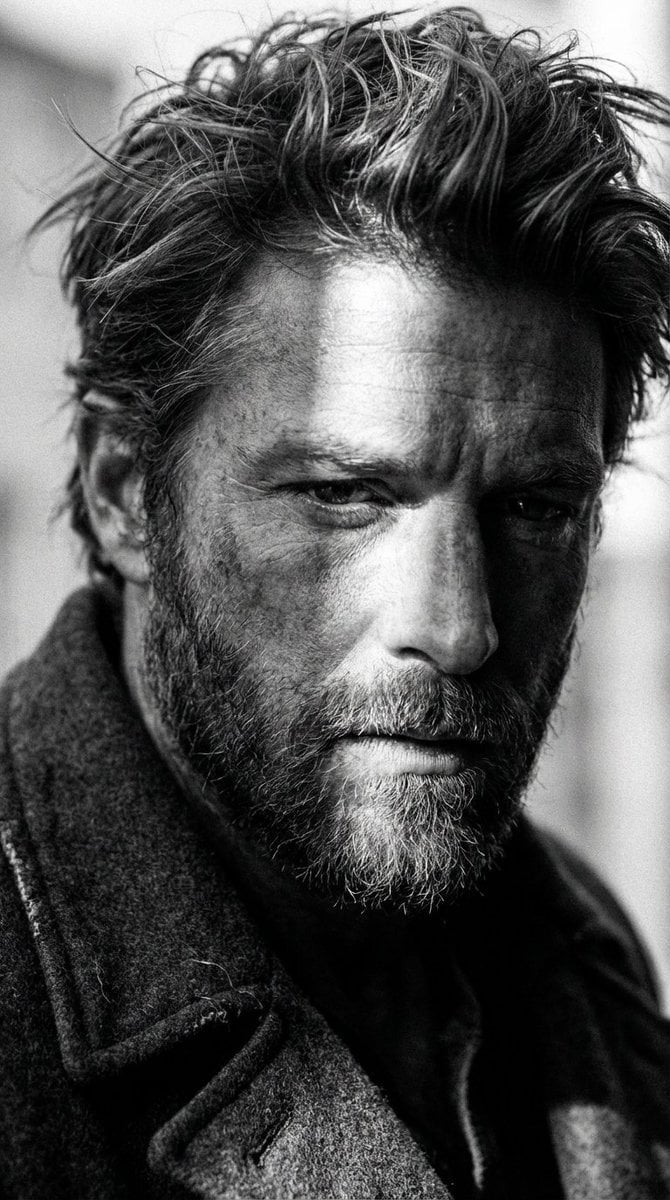
High-Contrast Cinematic Portrait of a Rugged Man
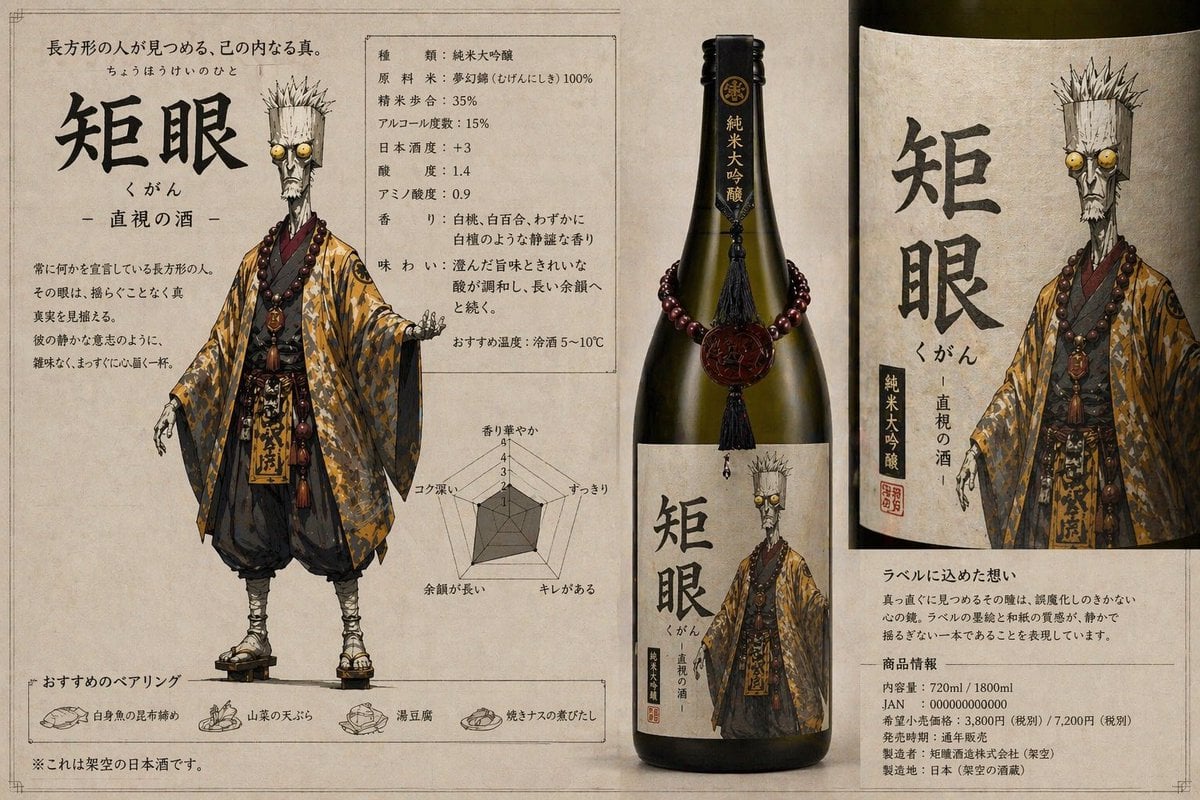
Character-Based Brand Identity Design
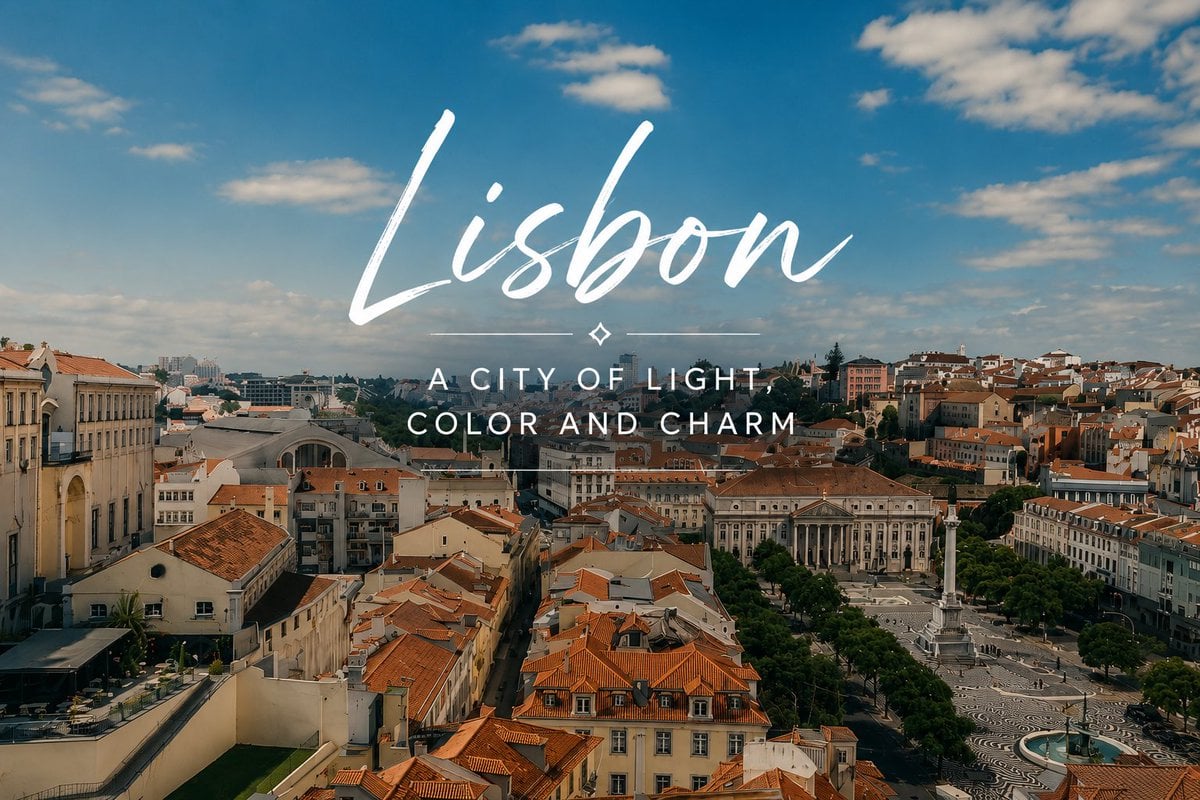
Lisbon Travel Poster

Nano Banana Pro Thumbnail Generation: Geometric Pop and Speech Bubbles
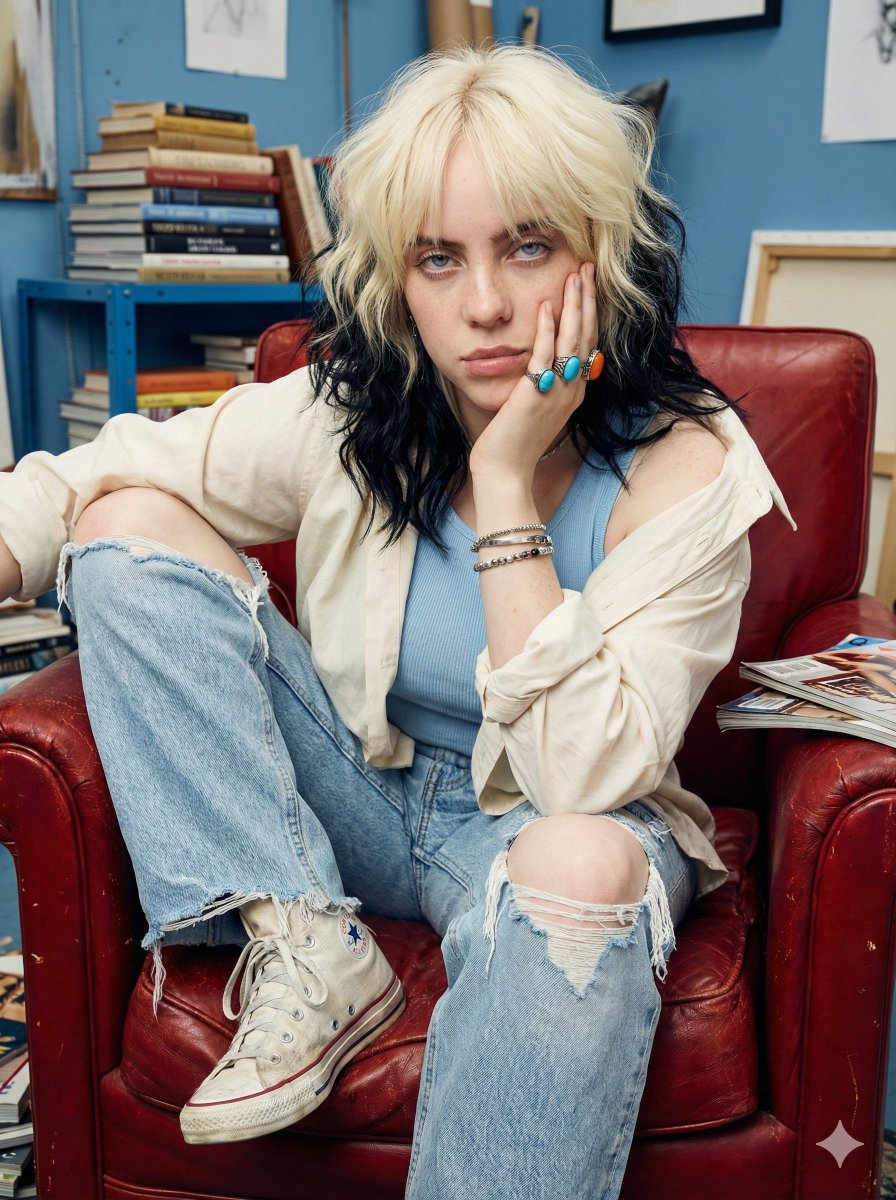
Raw street photography portrait with film aesthetic
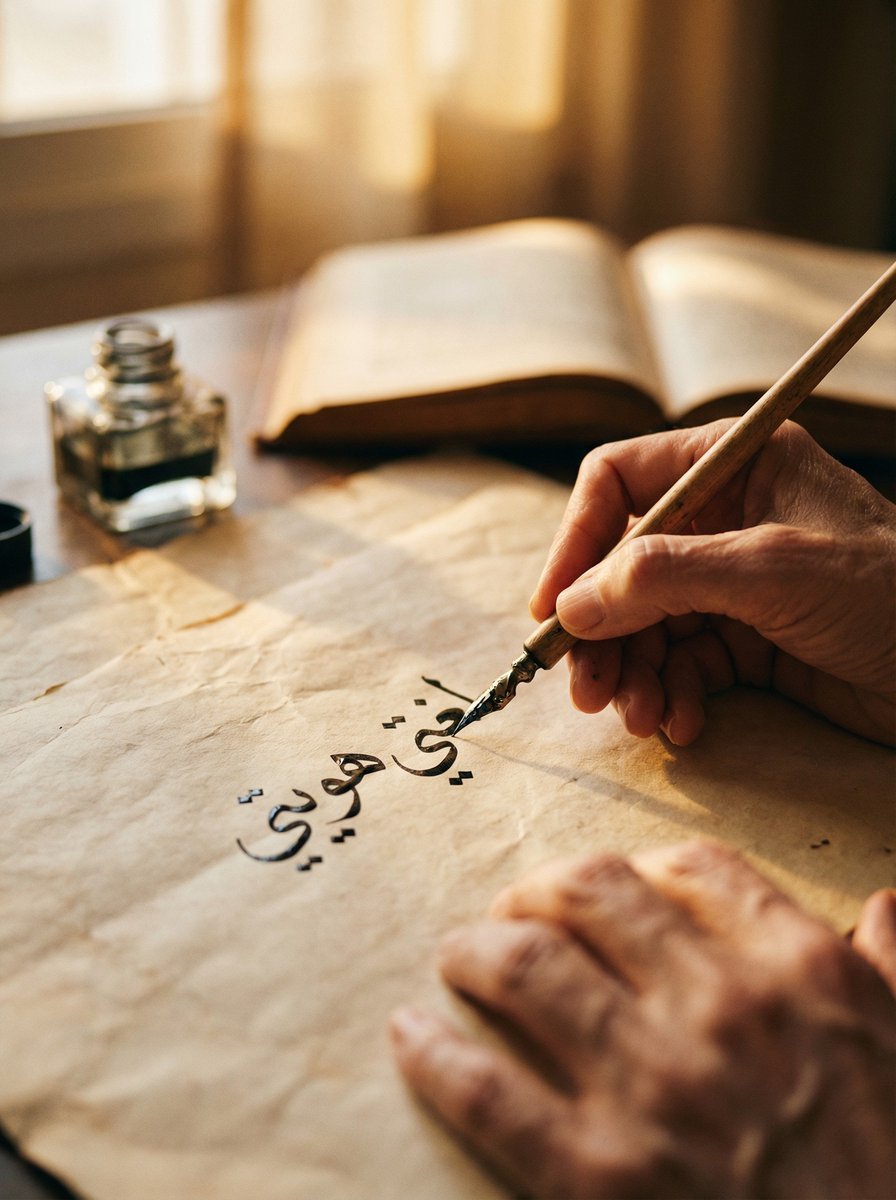
Cinematic Arabic Calligraphy Image Generation Prompt
Browse template categories
Water Dragon Magic Girl Fantasy Portrait questions
How do I use the Water Dragon Magic Girl Fantasy Portrait template?
Add your photo if the template asks for one, edit the prompt if you like — the template's model and format are already selected — and press Generate. Your version opens in PicX Studio.
Can I customize the Water Dragon Magic Girl Fantasy Portrait template?
Yes. You can change the subject, setting, lighting, mood, format, and available model controls before creating your image.
Is the Water Dragon Magic Girl Fantasy Portrait template free?
Opening and editing this template is free. Generating uses credits, shown on the Generate button when you are signed in.
Which AI model should I use?
Start with GPT Image 2, which is the model associated with this template. You can compare another compatible model for a different finish.
Looking for something else? Browse all templates.

Your photo, any look
Thousands of ready templates for every top image and video model, from one credit balance.