
Raw street photography portrait with film aesthetic
A highly detailed JSON prompt designed to generate a raw, unpolished portrait of a young woman with a 90s editorial/street photography aesthetic.
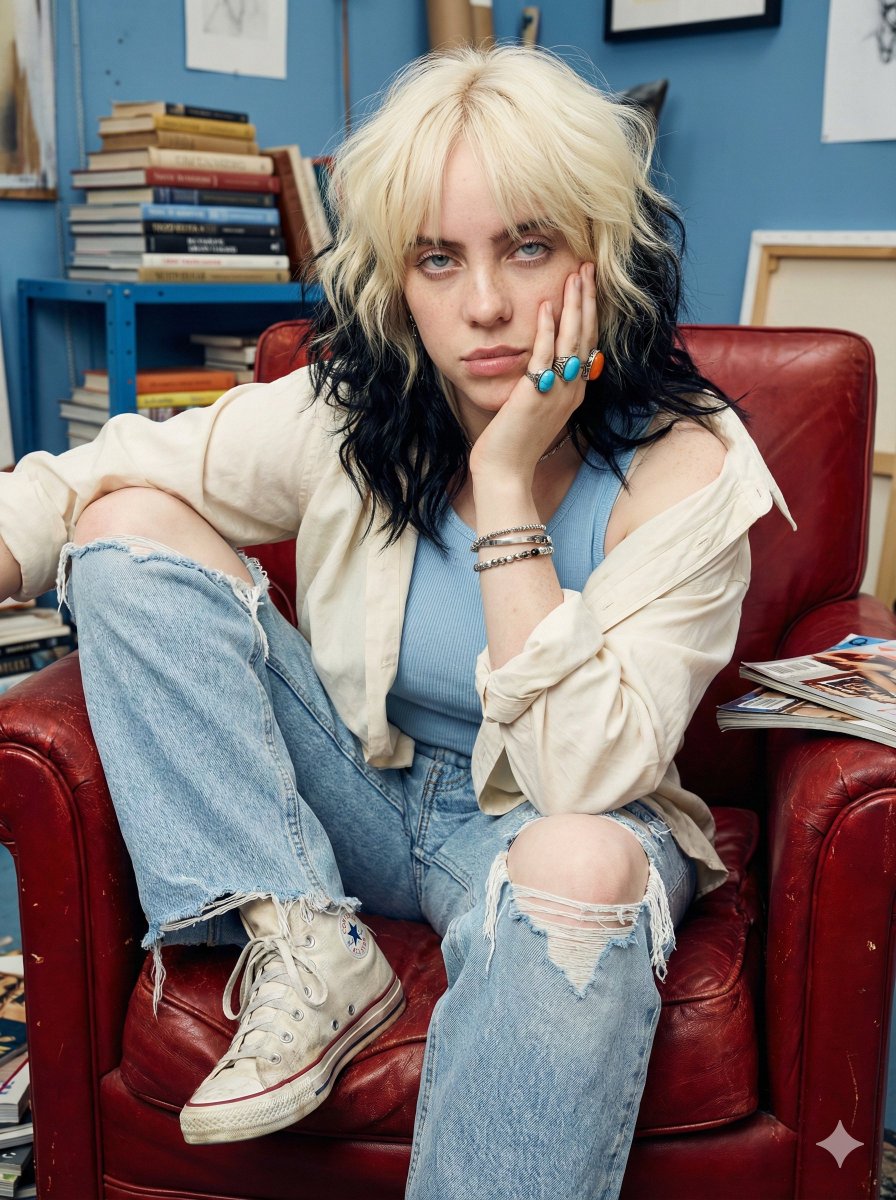
- Prompt included
- Model and format preset
- Free template
The prompt behind this image
Copy the exact prompt behind Raw street photography portrait with film aesthetic, or open it in the studio and make it yours.
{ "image_generation_prompt": { "subject_details": { "appearance": "Young woman with long, voluminous, golden-blonde wavy hair with visible flyaways and natural frizz. Pale skin tone featuring distinct, unretouched texture (pores, faint freckles, peach fuzz). Expression is pensive and neutral. Intense, sharp direct eye contact with clear catchlights.", "pose": "Candid, unposed seating on a red armchair. One leg bent with knee to chest, other leg extended downward. Leaning forward, right elbow on knee, hand squishing the cheek slightly. Left arm draping casually over the raised leg." }, "outfit_and_attire": { "upper_body": "Fitted light blue ribbed tank top showing fabric weave, under an oversized cream button-down shirt. Shirt is unbuttoned, slipping off shoulders, with visible wrinkles and stitching details.", "lower_body": "Light wash blue denim jeans, heavy distressing, large authentic rips at knees, frayed hems with loose threads.", "footwear": "Dirty white high-top canvas sneakers (Converse style), scuffed rubber toes, unevenly tied laces.", "accessories": "Stacked chunky rings with turquoise and amber stones, colorful uneven beaded bracelets (right wrist), thin silver chain (left wrist), delicate necklace caught in light." }, "environment_and_setting": { "furniture": "Vintage {argument name="furniture type" default="red leather club armchair"}, cracked leather texture, dust in crevices, sunken cushion indicative of weight.", "props": "Cluttered interior. Weathered blue metal shelving unit to the left piled with dog-eared books and glossy magazines. Scattered papers on the chair arm. Authentic room mess.", "background": "Deep teal-blue walls with peeling paint or texture. Out-of-focus art print. Translucent pink curtain to the right catching ambient light.", "floor": "Dark wood floorboards, scuffed, with small debris/dust particles visible in the light." }, "technical_specifications": { "camera_gear": "Shot on 35mm film, Kodak Portra 400, Leica M6 with 35mm Summilux lens.", "lighting": "Mix of natural window light and direct camera flash. Hard shadows behind the subject, specular highlights on the forehead and nose.", "style": "Raw street photography, 90s editorial, flash photography, unpolished, authentic amateur aesthetic.", "post_processing": "Film grain, slight chromatic aberration, high contrast, vivid saturation, slight vignette, RAW photo file." } } }
How to use Raw street photography portrait with film aesthetic in 3 steps
- 1
Open
The prompt is already in the box next to the preview, with the template's model and format selected.
- 2…a portrait of your subject in softgolden-hour light, 85mm…
Personalize
Edit the subject and creative details for your destination.
- 3Generate
Generate
Press Generate — your image is created in PicX Studio, so you can compare it with the original and refine one variable at a time.
More like this
Templates with the same subject, style or setup. Open one to see its prompt.
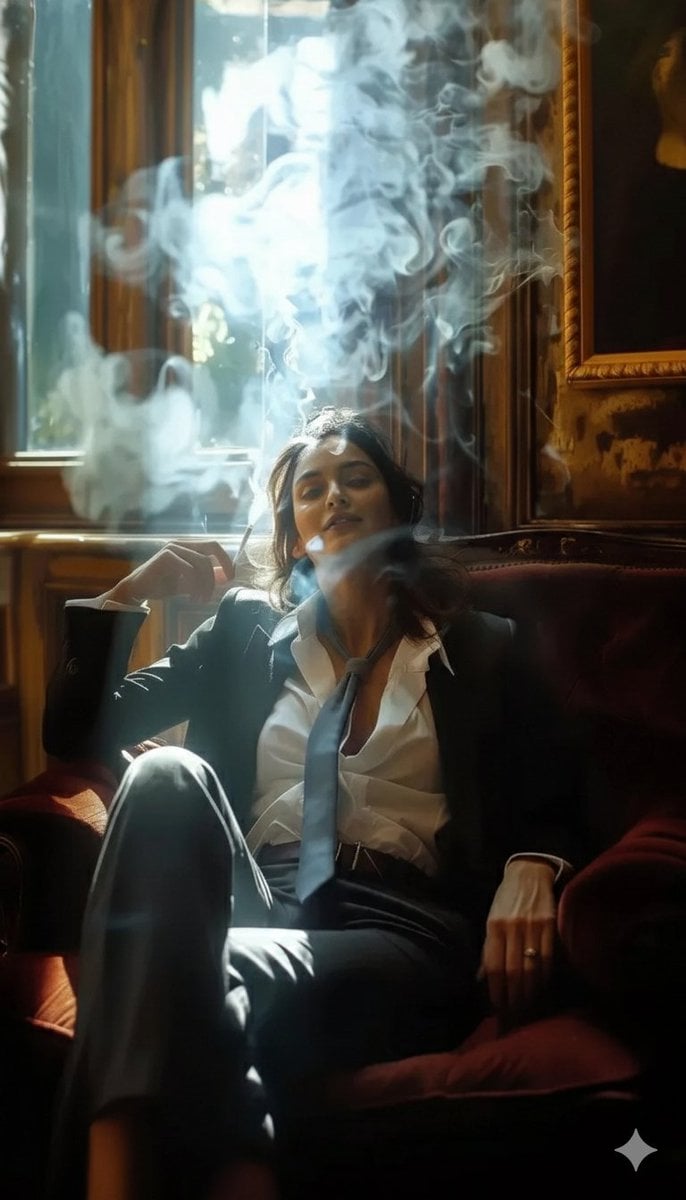
A high-definition cinematic portrait of a sophisticated woman sitting
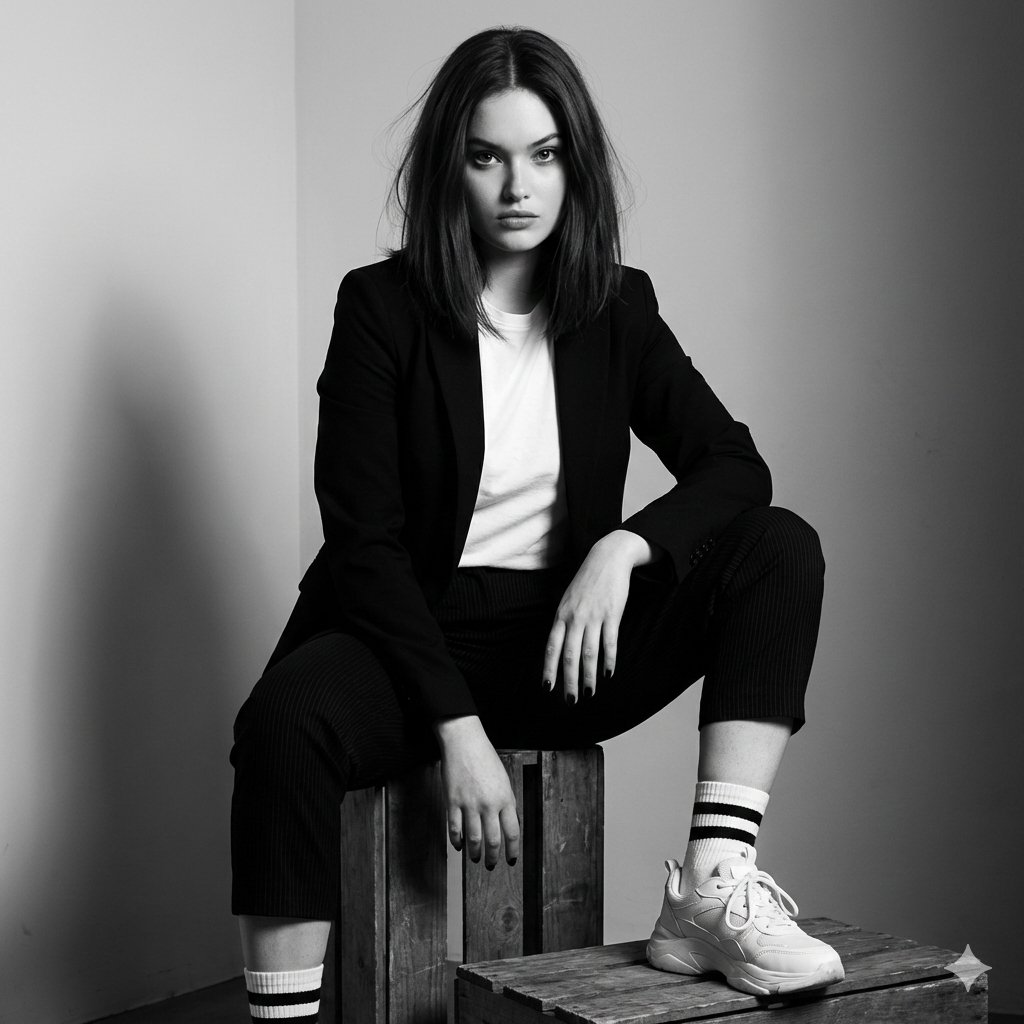
Realistic portrait 100 identical face, no editing allowed
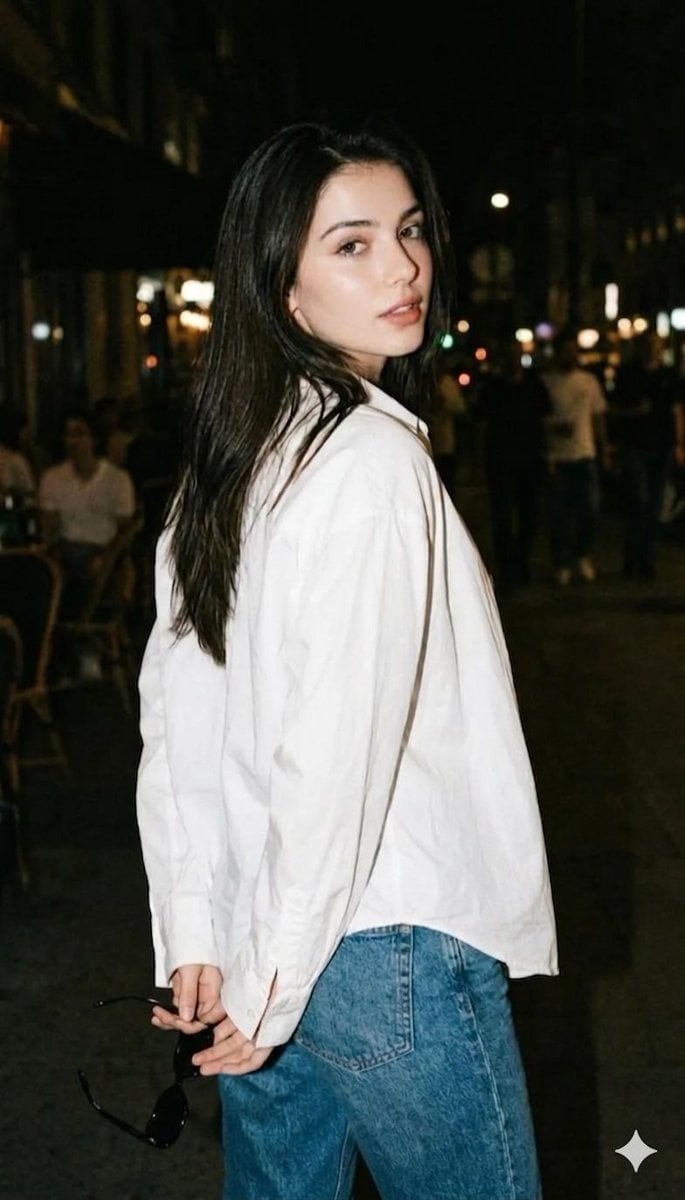
Night street photography portrait
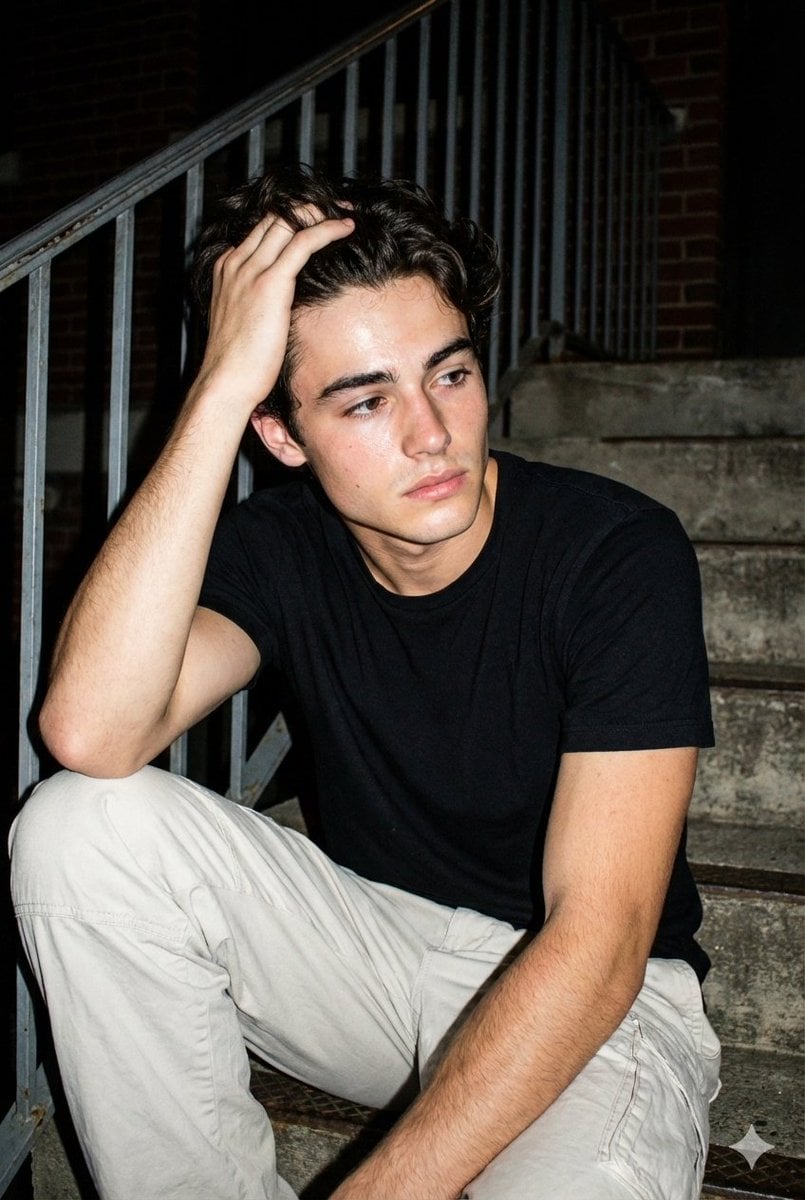
Raw Night Street Photography with Flash Prompt (Identity Lock)
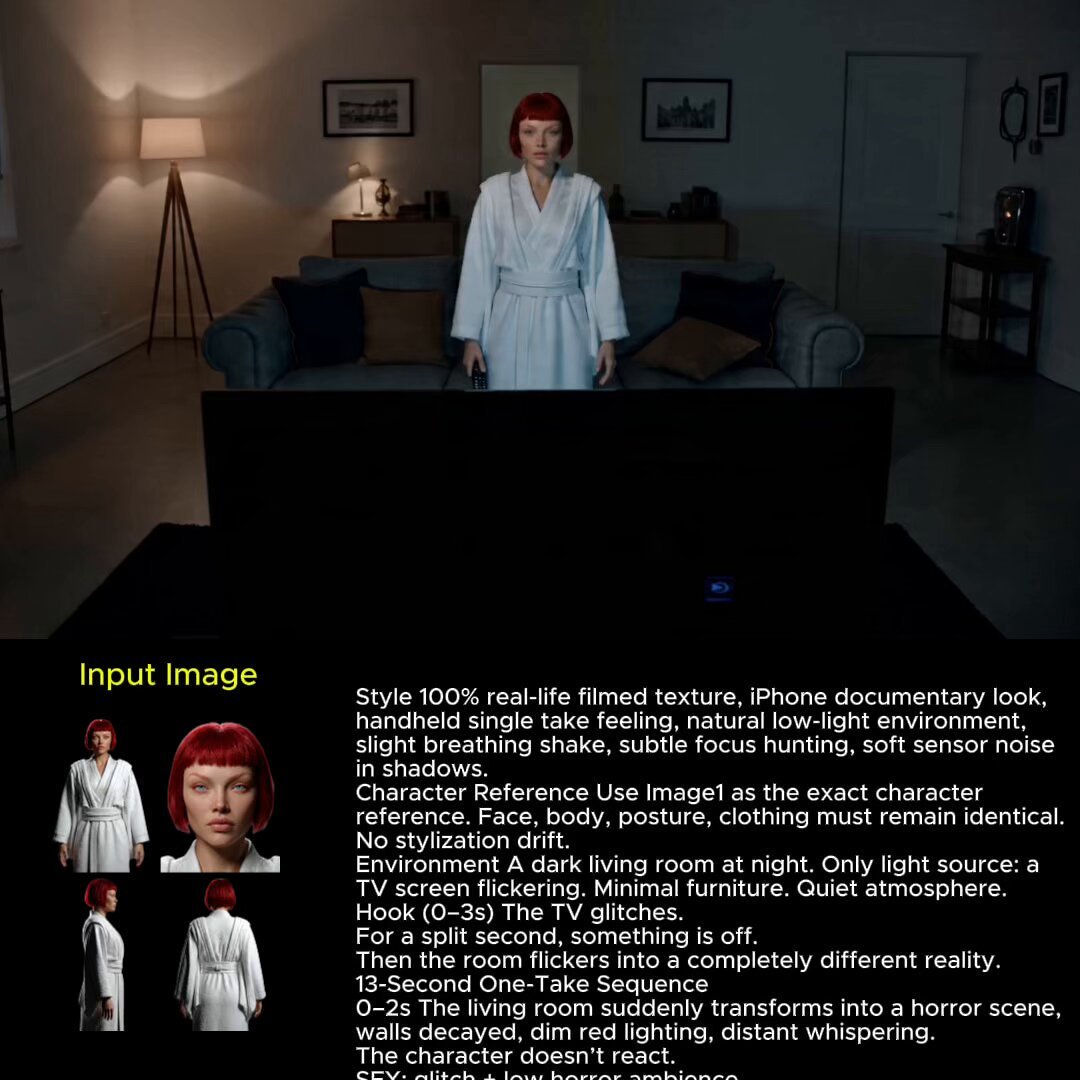
2025 Aesthetic Photography

Two Tickets, One Night

Found Photograph: Us, 1970

Meet Me When It Rains
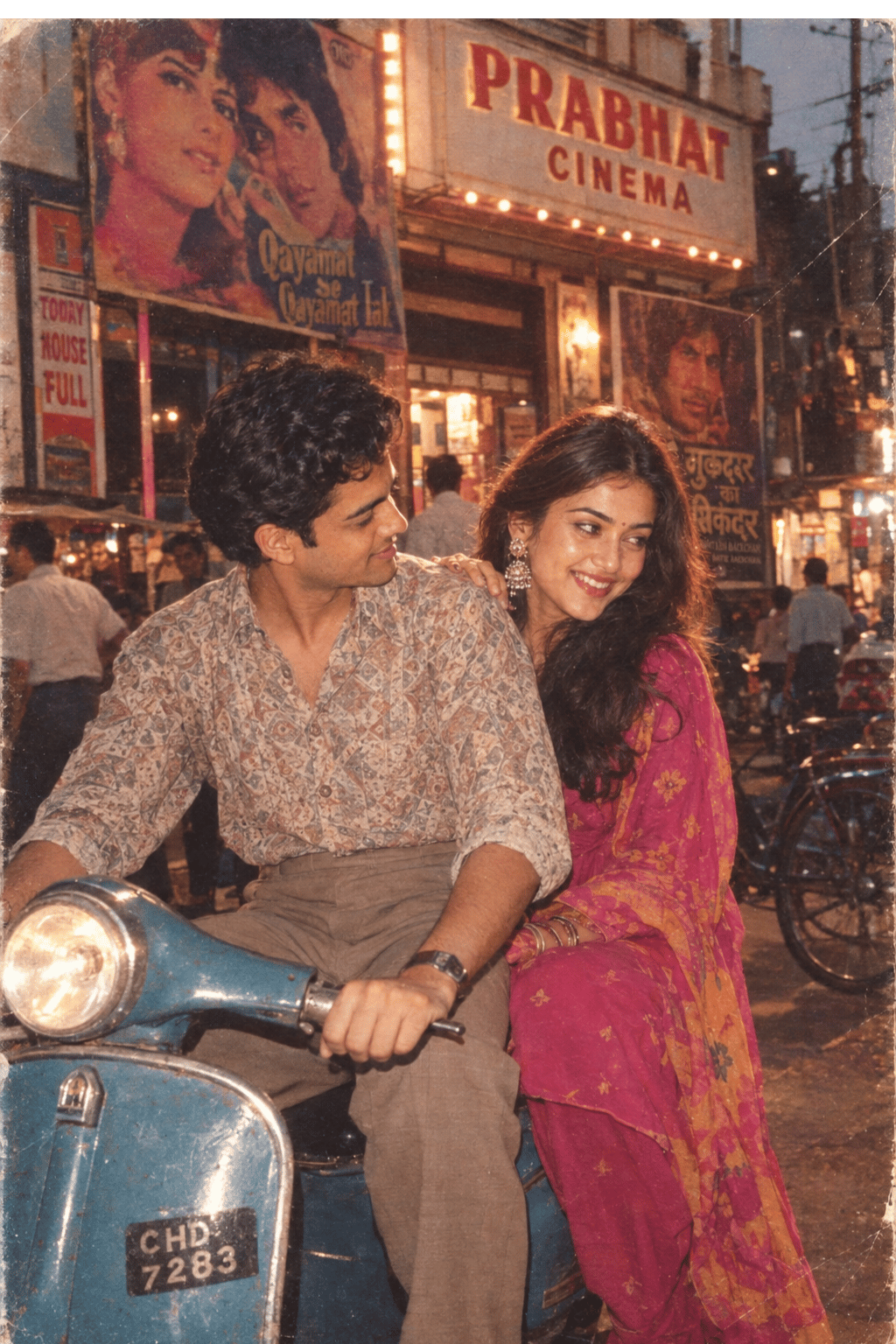
Two Hearts. One Scooter.

80s Couple Studio Portrait

80s Bollywood Star
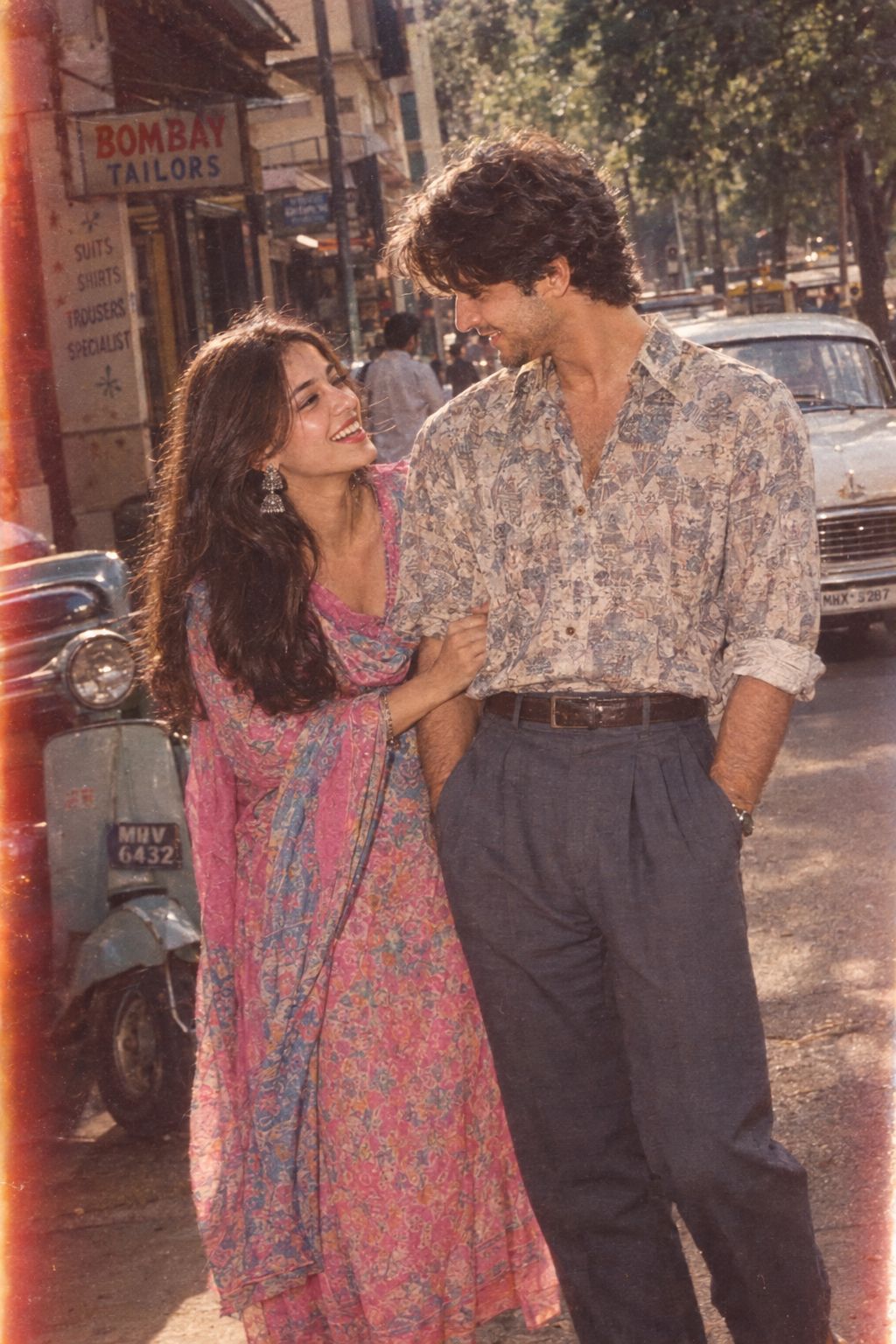
1986 Street Couple
Make it yours
Raw street photography portrait with film aesthetic works as-is. These are the safest ways to change it without losing the look.
Change one field
Copy a single group, rewrite it, and generate again so you can see what that field is doing.
Keep the frame, change the subject
Hold the composition and light of Raw street photography portrait with film aesthetic, then swap wardrobe, props or the person for a new take.
| If the result… | Why | Fix |
|---|---|---|
| The result drifts from the preview | Too many fields changed at once. | Reuse Raw street photography portrait with film aesthetic as-is first, then change one group — subject, light, or setting. |
| The model over-stylizes the scene | The prose prompt leaves finish and camera underspecified. | Add one camera or lighting sentence and stay on Nano Banana 2. |
More Nano Banana 2 templates
Other prompts made for Nano Banana 2.

Photorealistic Leaf Shaped Like a Dragon

K-Pop Idol Portrait Grid for Rapid Selection

Poetic Rain Forest Portrait During Golden Hour

Urban Street Portrait with Cartoon Inner Self Duo

Candid Nighttime Photo with Cat Prompt

High-Concept 3D Diorama Generation Prompt

Cinematic Futuristic Studio Portrait Template

Skincare Editorial Photography Collage Prompt

Hyper-Realistic Commercial Product Photography (Splash Effect)

Hyper-Realistic Nightclub Portrait Prompt
More image prompts
Fresh picks from across the catalog.
Cinematic Monochrome Male Portrait

Manga Recipe Illustration Generator
Architectural Concept Rendering: Sketch to Photorealism
Ornate Chinese Bridal Portrait
Japanese Lifestyle Magazine Layout
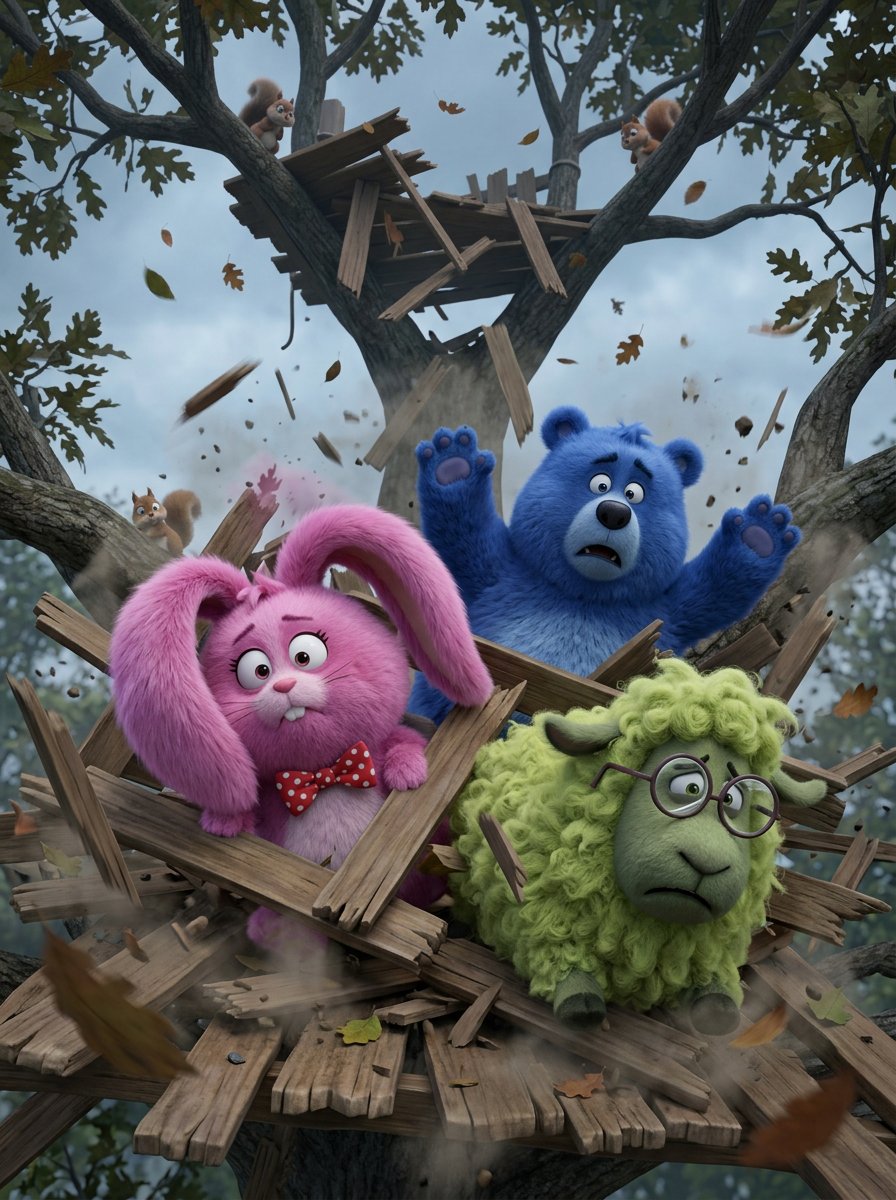
FLUFFY
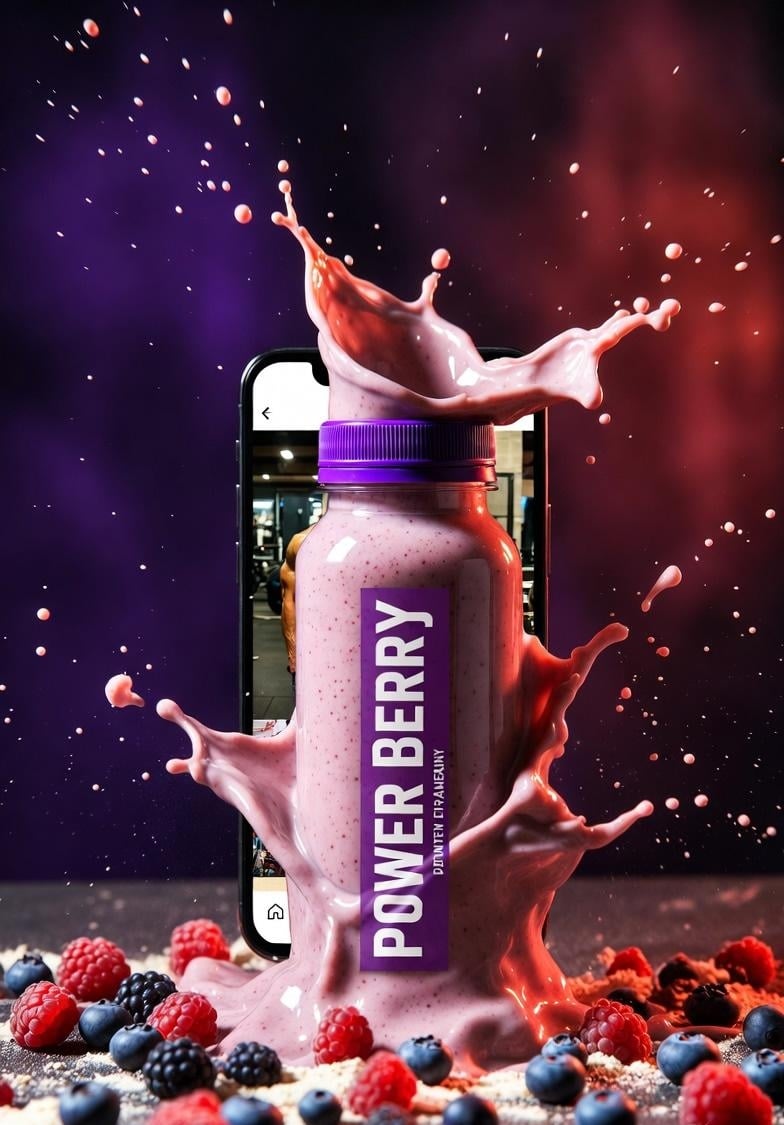
High-Energy Smoothie Product Shot
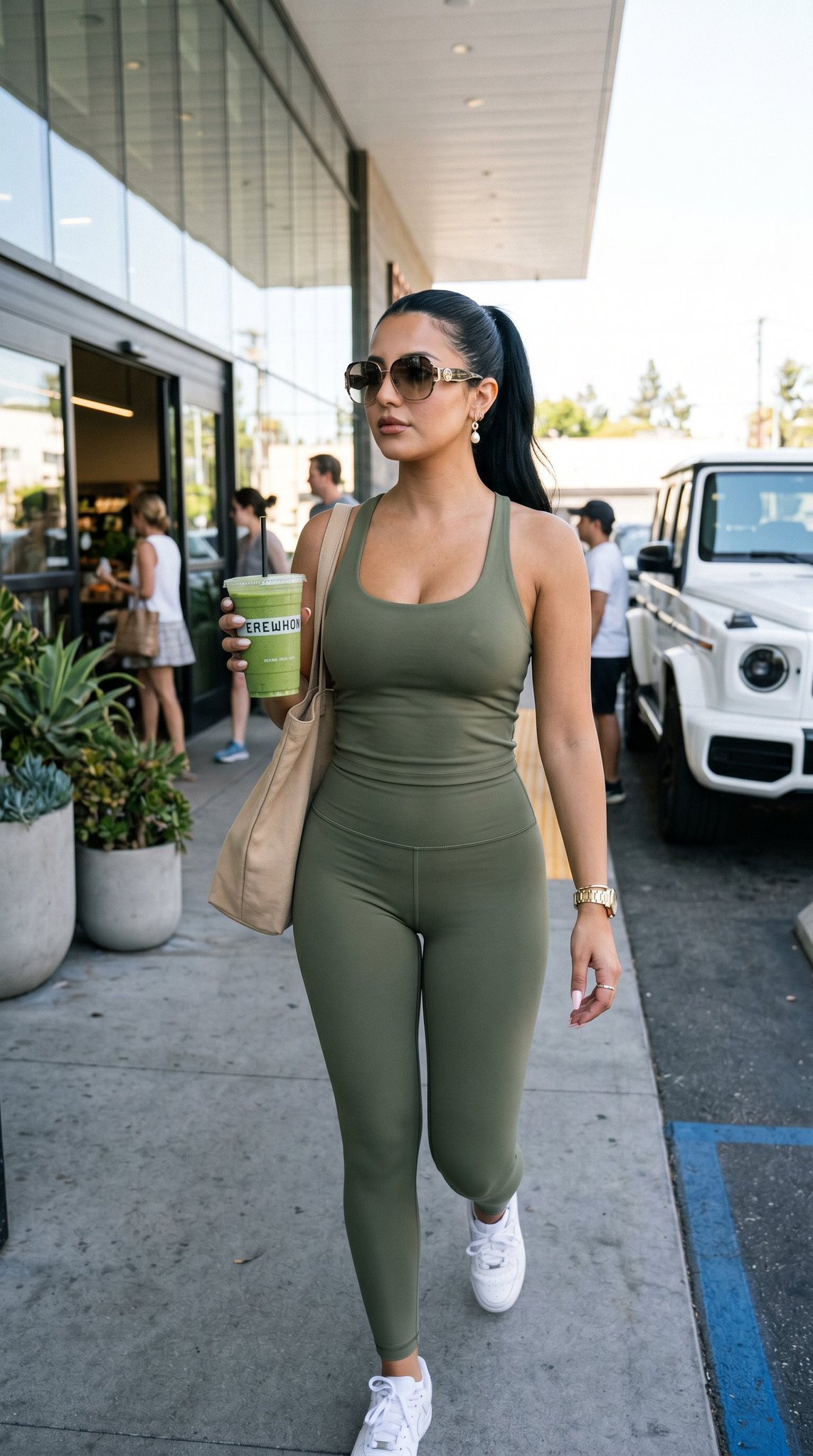
12 Erewhon Market — California Series

Nano Banana 2 Tulip Field
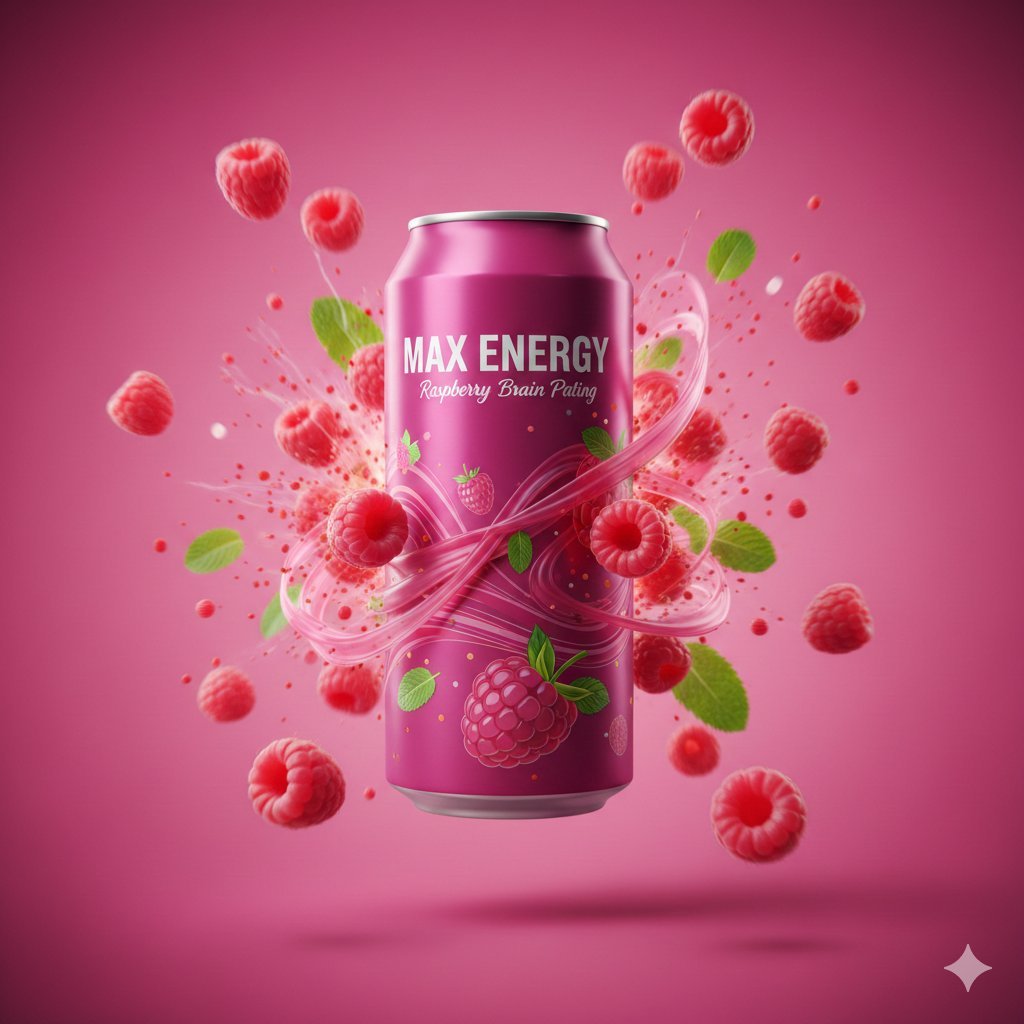
Cinematic Energy Drink Advertisement
Browse template categories
Raw street photography portrait with film aesthetic questions
How do I use the Raw street photography portrait with film aesthetic template?
Add your photo if the template asks for one, edit the prompt if you like — the template's model and format are already selected — and press Generate. Your version opens in PicX Studio.
Can I customize the Raw street photography portrait with film aesthetic template?
Yes. You can change the subject, setting, lighting, mood, format, and available model controls before creating your image.
Is the Raw street photography portrait with film aesthetic template free?
Opening and editing this template is free. Generating uses credits, shown on the Generate button when you are signed in.
Which AI model should I use?
Start with Nano Banana 2, which is the model associated with this template. You can compare another compatible model for a different finish.
Looking for something else? Browse all templates.

Your photo, any look
Thousands of ready templates for every top image and video model, from one credit balance.