How do I use the Night street photography portrait template?
Choose the primary action to open PicX Studio with the available template settings. Review the model and format, personalize the creative direction, and generate when ready.
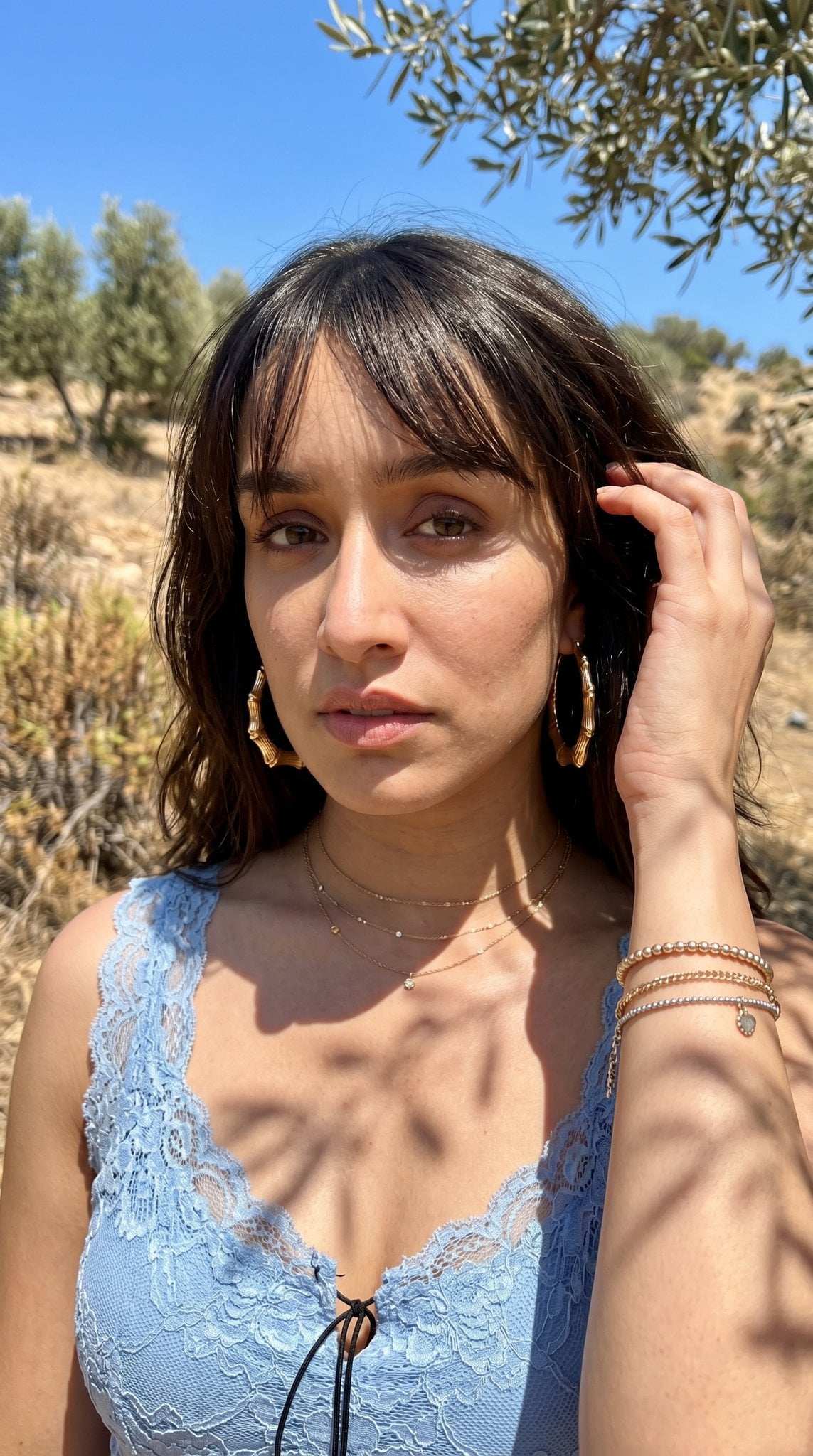
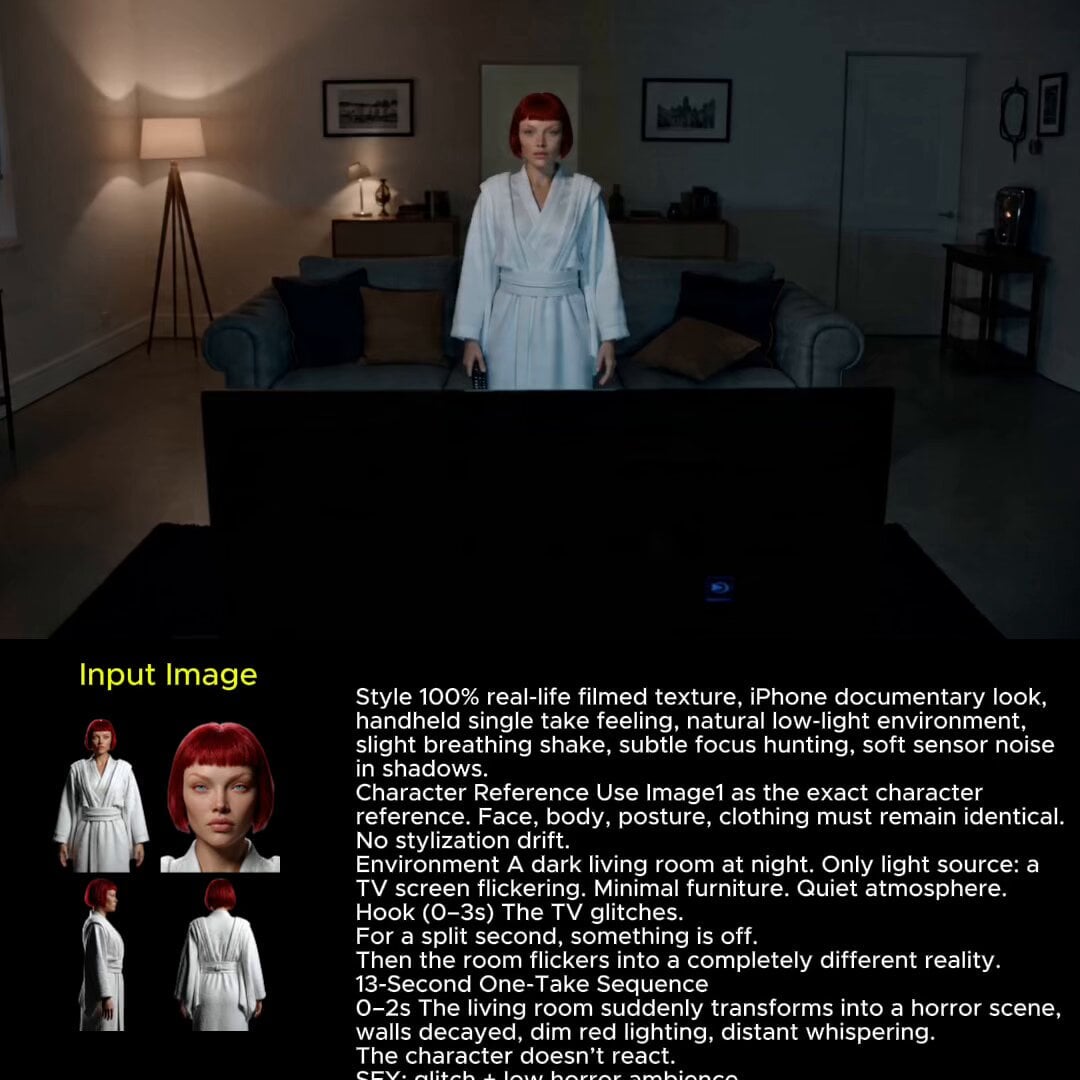
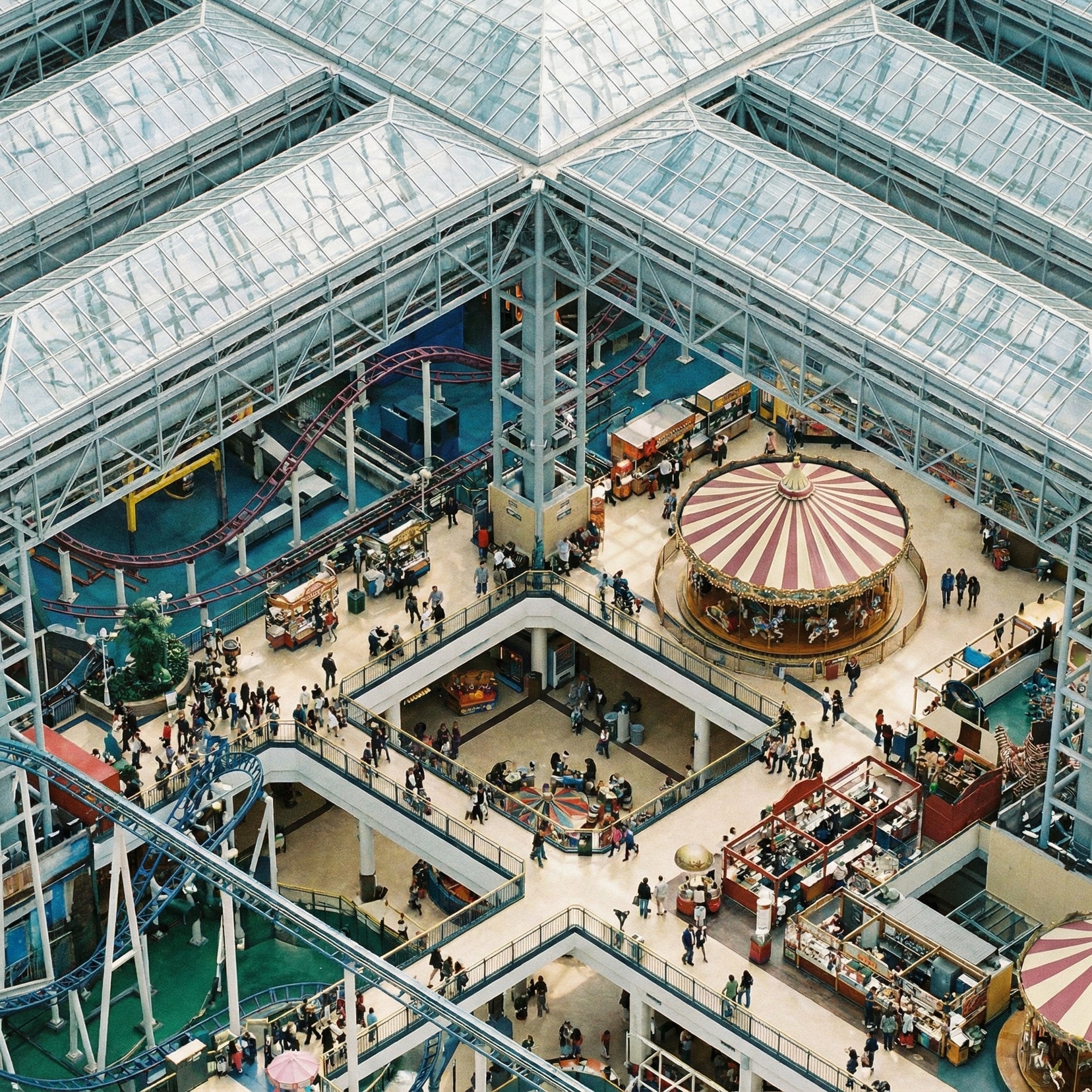
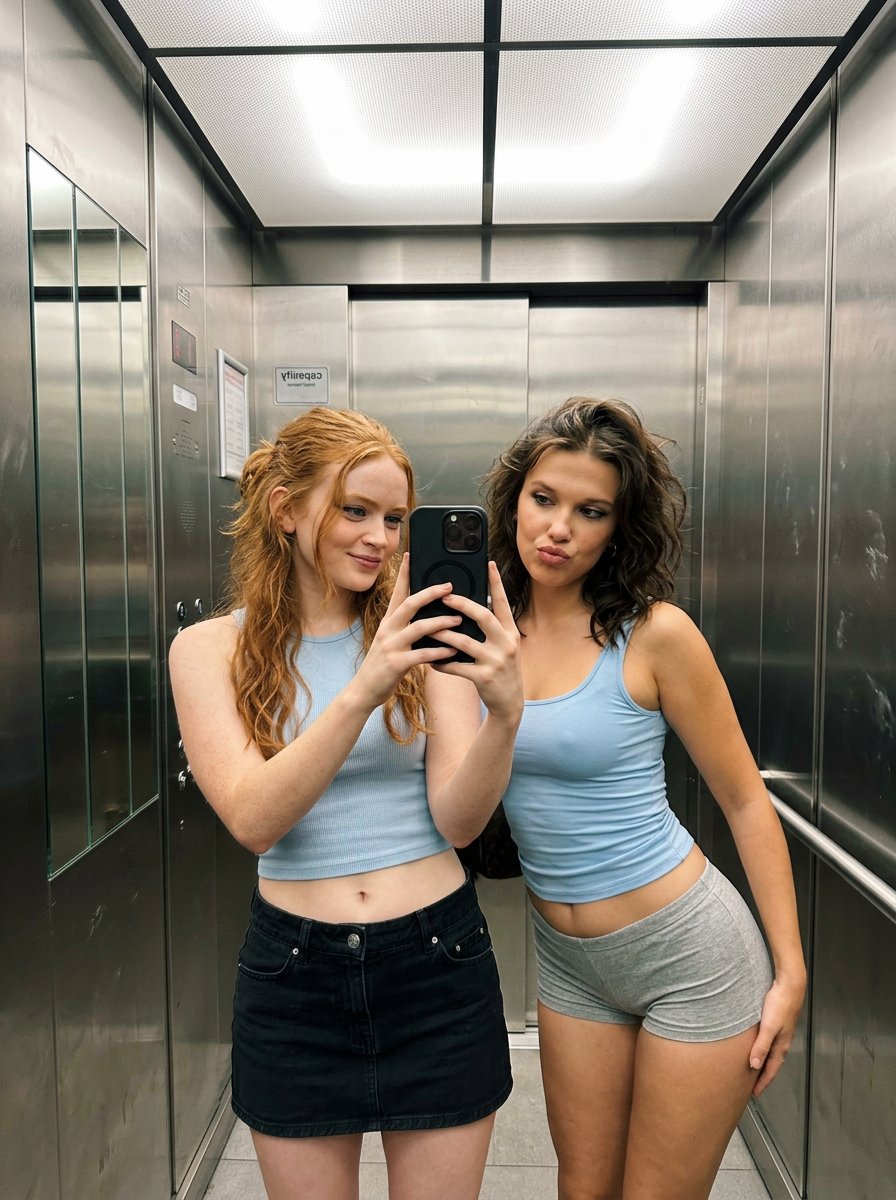
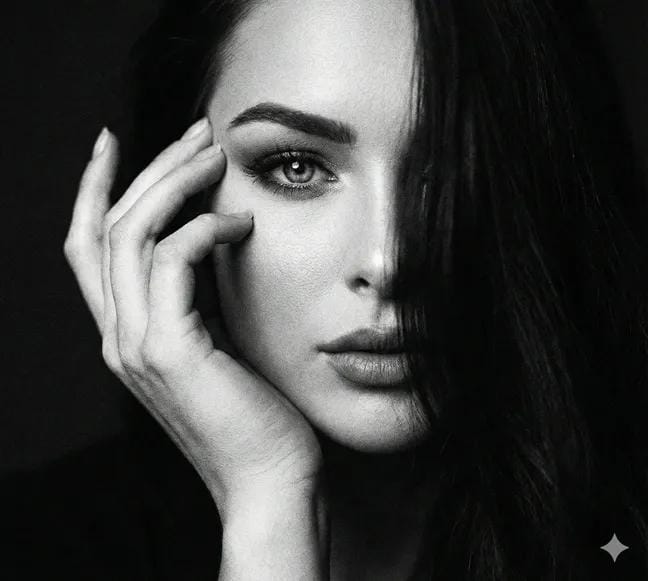
A prompt for a candid, editorial-style night portrait featuring high flash and urban bokeh city lights on a European street.
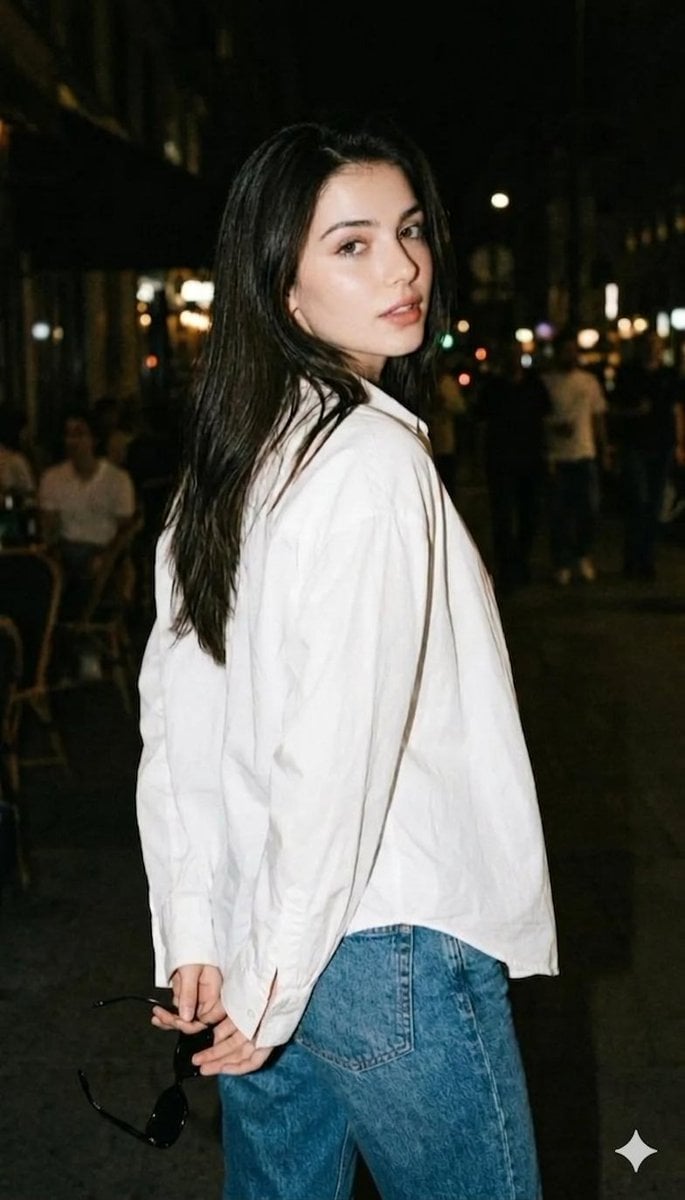
A Night flash portrait, woman turned slightly away from camera, looking back over her shoulder with a subtle expression. Wearing an {argument name="top" default="oversized white shirt"} and {argument name="bottom" default="denim jeans"}. Sunglasses held loosely behind her back. Sharp flash, deep shadows, blurred night background, candid editorial style.A high-quality, cinematic medium shot of a stunning young woman with long, straight dark hair, looking over her shoulder with a soft, candid expression. She is wearing an oversized, crisp white button-down shirt tucked into classic blue denim jeans. The setting is a {argument name="location" default="bustling European city street at night"}, featuring a deep depth of field with warm, bokeh city lights and blurred figures of people in the background. The lighting is realistic street photography style, with a soft key light highlighting her facial features and a natural film grain texture. Captured on 35mm film, muted urban color palette, sharp focus on the subject, highly detailed skin texture, 8k resolution, effortless "cool girl" aesthetic.
Choose the primary action to open PicX Studio with the available template settings. Review the model and format, personalize the creative direction, and generate when ready.
Yes. You can change the subject, setting, lighting, mood, format, and available model controls before creating your image.
This template is free to open and customize. Generation usage is shown in PicX Studio before you create.
Start with Nano Banana 2, which is the model associated with this template. You can compare another compatible model for a different finish.
Follow a topic to a crawlable collection of related PicX Studio templates.