
Minimalist AI Fashion Comparison Board
A clean editorial comparison layout showing four stylized male portrait panels with sportswear branding, useful for moodboards, AI concept consistency presentations, and fashion aesthetic studies.
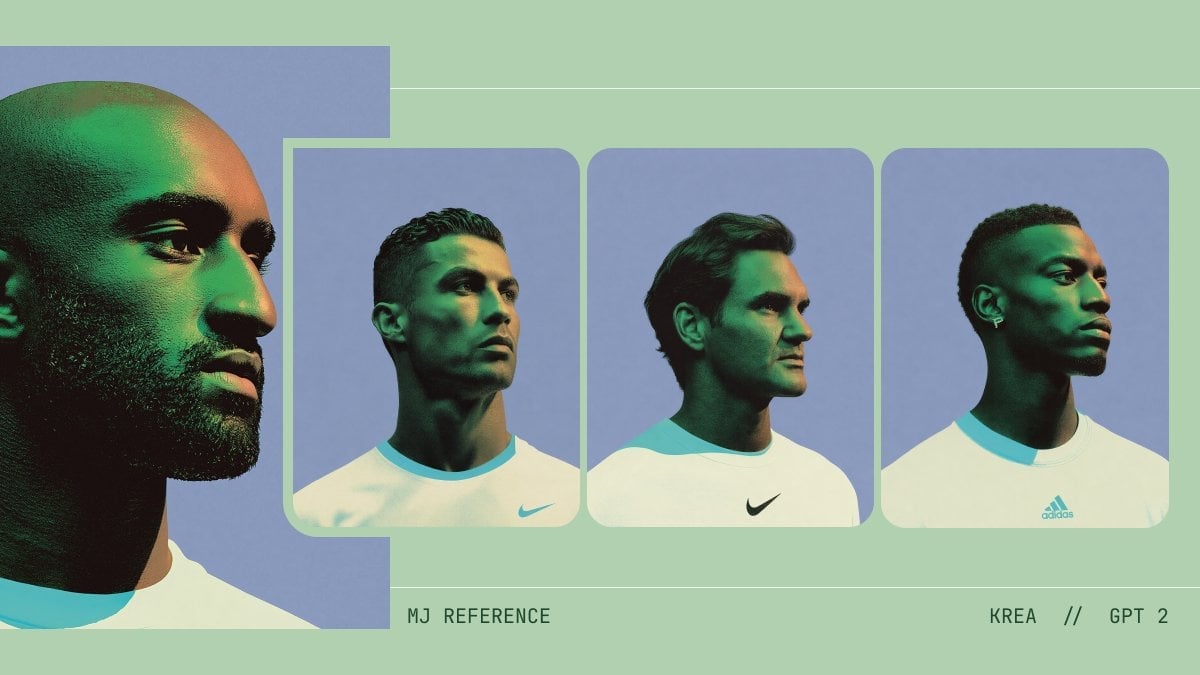
- Prompt included
- Model and format preset
- Free template
The prompt behind this image
Copy the exact prompt behind Minimalist AI Fashion Comparison Board, or open it in the studio and make it yours.
A minimalist fashion moodboard on a pale sage green background, laid out as a wide horizontal comparison sheet with four portrait panels of young male models wearing oversized white sports T-shirts. Use a soft editorial studio look with cool periwinkle-blue backdrops inside the portrait frames, subtle film grain, muted contrast, and a highly consistent color palette of sage green, cyan trim, off-white, deep shadow, and blue-lavender. On the far left, include 1 large cropped reference portrait that is partially cut off by the canvas edge, showing the left side of a dark-skinned male model’s shaved or closely buzzed head, ear, jawline, neck, and shoulder in profile, wearing a white shirt with a bright aqua ribbed collar; place 2 overlapping semi-opaque rectangular blocks over the face area, creating a graphic censorship/collage effect. To the right, place 3 rounded-corner portrait cards in a row, evenly spaced, each featuring a different young male model from the chest up against the same blue studio background: card 1 shows a light- to medium-skinned man with short slicked-back dark hair, facing slightly left, wearing a white athletic shirt with aqua collar trim and a small Nike swoosh on the lower right chest; card 2 shows a light-skinned man with medium dark hair swept back, turned three-quarters left, wearing a white Nike shirt with a black swoosh centered on the chest; card 3 shows a dark-skinned man with a short fade haircut, turned three-quarters right, wearing a white Adidas shirt with a cyan Adidas logo centered on the chest and a small hoop or cross earring. Add 3 face-obscuring gradient rectangles, one over each smaller portrait face, in dark green fading to gray-green, aligned vertically like graphic overlays. Include 2 thin horizontal divider lines across the full composition, one near the top and one near the lower third, in a slightly lighter sage tone. At the bottom, add small uppercase monospaced editorial text: near the lower center-left write "MJ REFERENCE" and near the lower right write "KREA // GPT 2". The overall image should feel like a premium AI-fashion comparison board, graphic design presentation, or concept consistency sheet, with clean spacing, flat background, and polished art-direction.
How to use Minimalist AI Fashion Comparison Board in 3 steps
- 1Upload ImagePNG, JPG or paste
Add your photo
Upload the photo the template builds on. The prompt, model and format are already set.
- 2…a portrait of your subject in softgolden-hour light, 85mm…
Personalize
Edit the subject and creative details for your destination.
- 3Generate
Generate
Press Generate — your image is created in PicX Studio, so you can compare it with the original and refine one variable at a time.
More like this
Templates with the same subject, style or setup. Open one to see its prompt.

Korean Streetwear Minimalist Campaign Portrait

Futuristic Studio Neon Ring Minimalist Portrait

80s College Gate

1988 Mall Style

80s Polka Dot Saree

Clean, minimalist fashion infographic from an uploaded reference photo
Minimalist High-Fashion Studio Portrait

Minimalist Studio Fashion Portrait Grid

Modern Korean Fashion Editorial Board
Japanese Minimalist Editorial Fashion Poster
Minimalist Personal Color Analysis Board
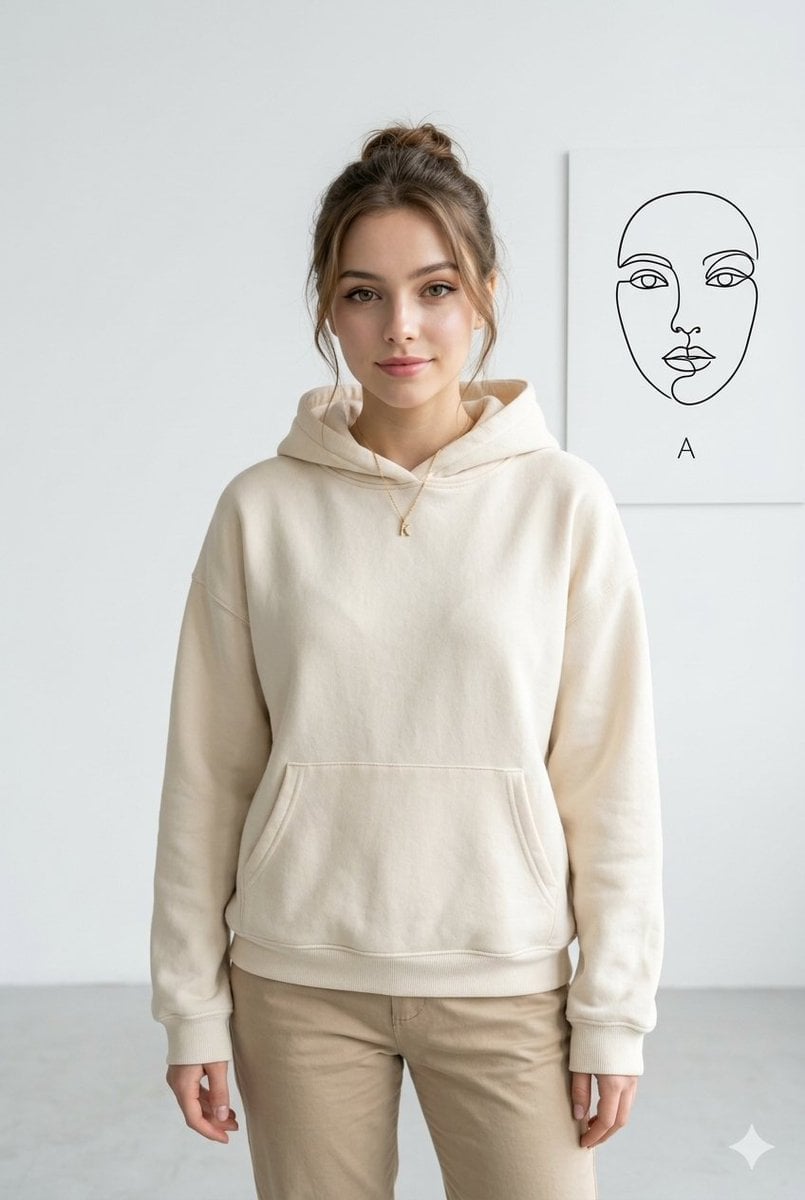
Minimalist Studio Fashion Portrait
Make it yours
Minimalist AI Fashion Comparison Board works as-is. These are the safest ways to change it without losing the look.
Change one field
Copy a single group, rewrite it, and generate again so you can see what that field is doing.
Keep the frame, change the subject
Hold the composition and light of Minimalist AI Fashion Comparison Board, then swap wardrobe, props or the person for a new take.
| If the result… | Why | Fix |
|---|---|---|
| The result drifts from the preview | Too many fields changed at once. | Reuse Minimalist AI Fashion Comparison Board as-is first, then change one group — subject, light, or setting. |
| The model over-stylizes the scene | The prose prompt leaves finish and camera underspecified. | Add one camera or lighting sentence and stay on GPT Image 2. |
More GPT Image 2 templates
Other prompts made for GPT Image 2.

Six VTuber Japanese Logo Sheet

Realistic Portrait of Woman and Deer

The Vista Modular Condo Poster

AI Model Routing Comparison Infographic

2.5D Anime Art Board

Isometric Productivity Desk Scene

New York Double Exposure Poster

Four-Panel AI Landscape Comparison

Japanese Tatami Lifestyle Magazine Cover

NESCAFÉ Coffee Map Poster
More image prompts
Fresh picks from across the catalog.
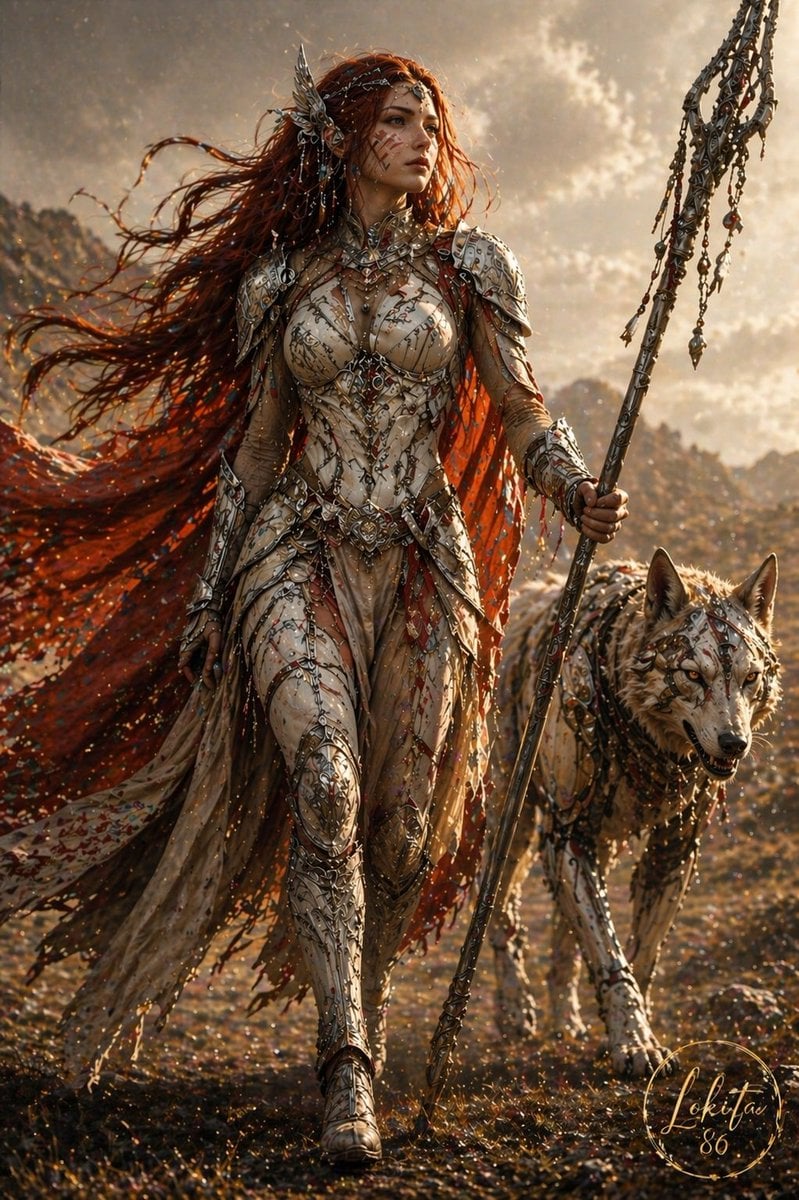
Epic Fantasy Warrior and Wolf
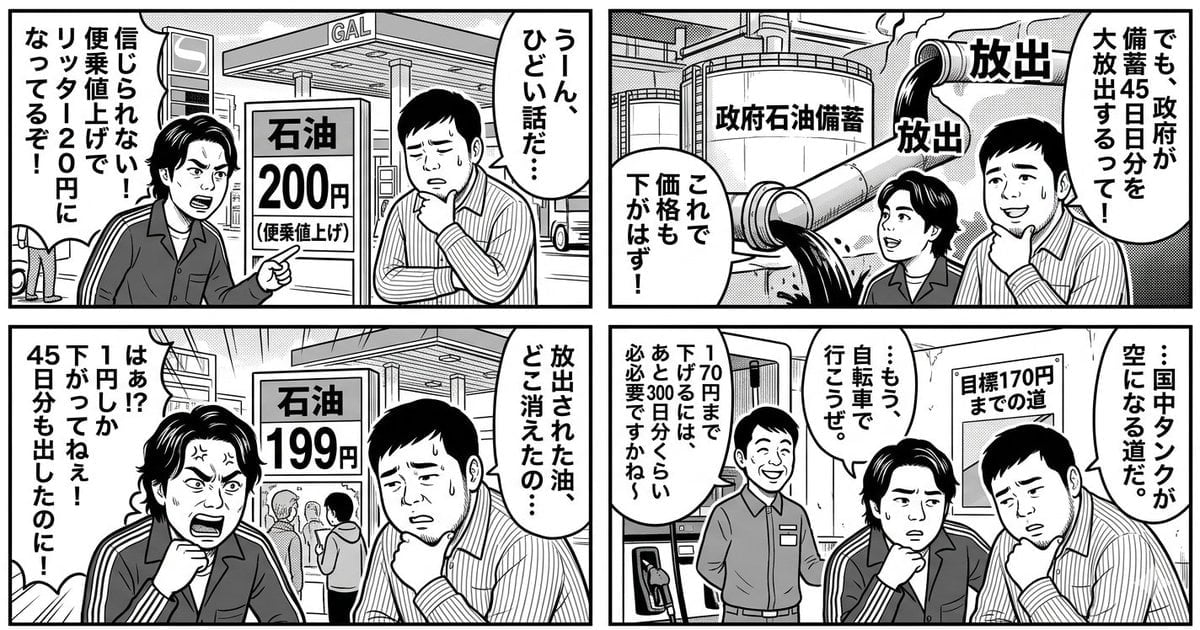
Panel Manga: The Long Road to 170 Yen Gasoline Price
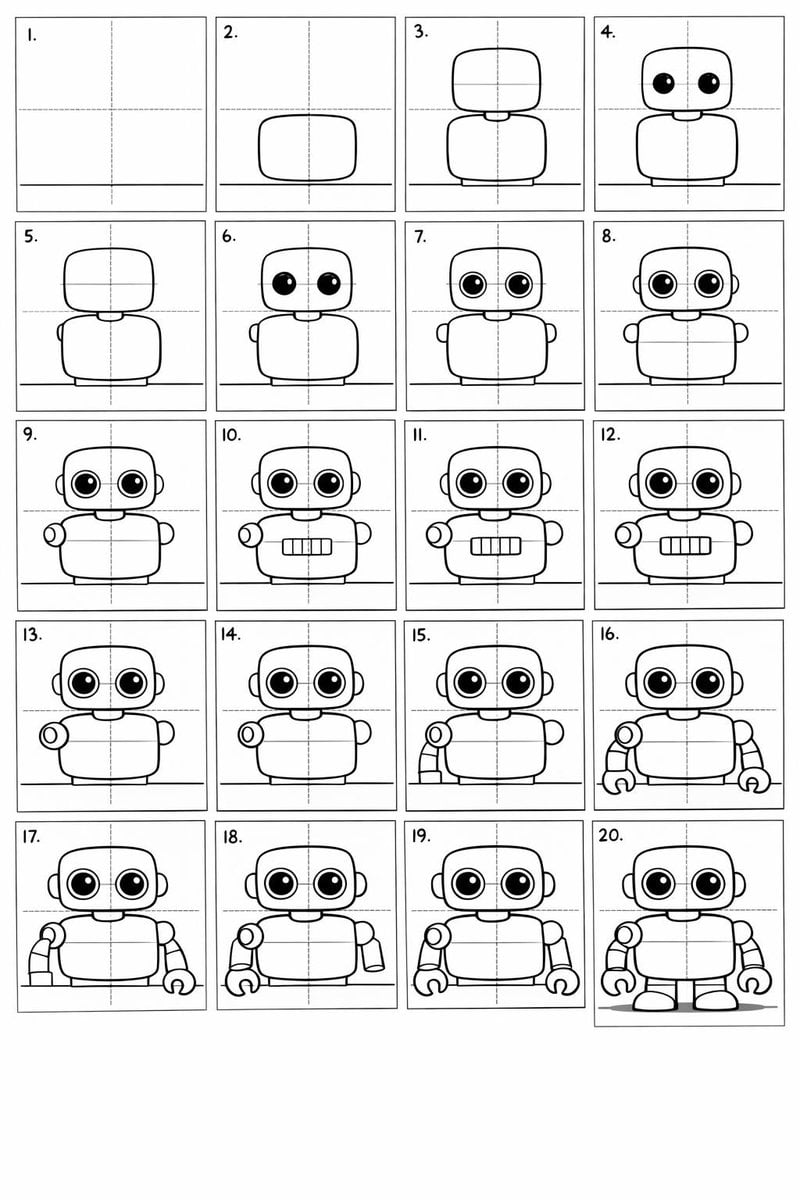
Panel Cartoon Robot Drawing Guide Prompt
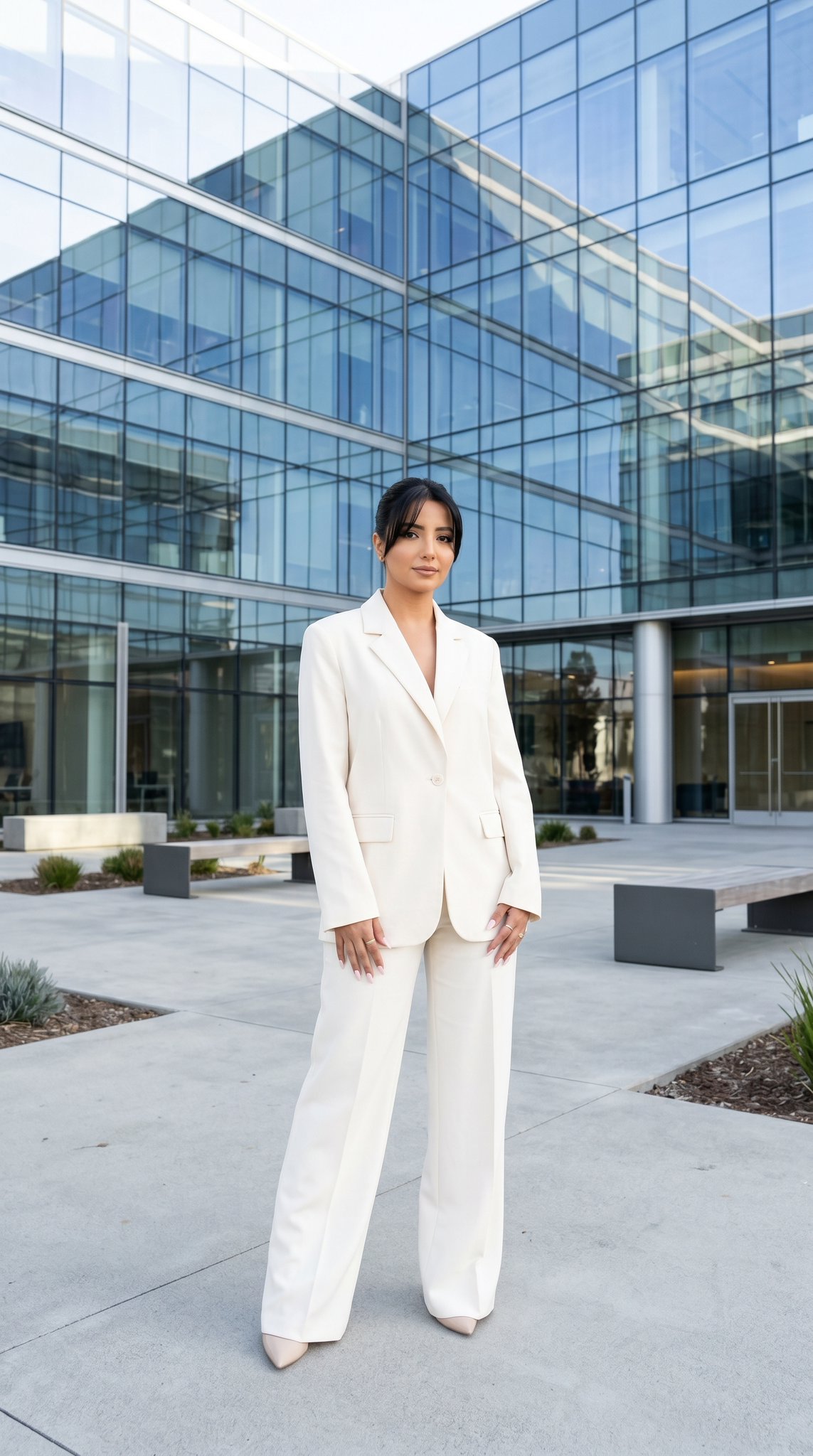
10 Modern Glass HQ Building — California Series
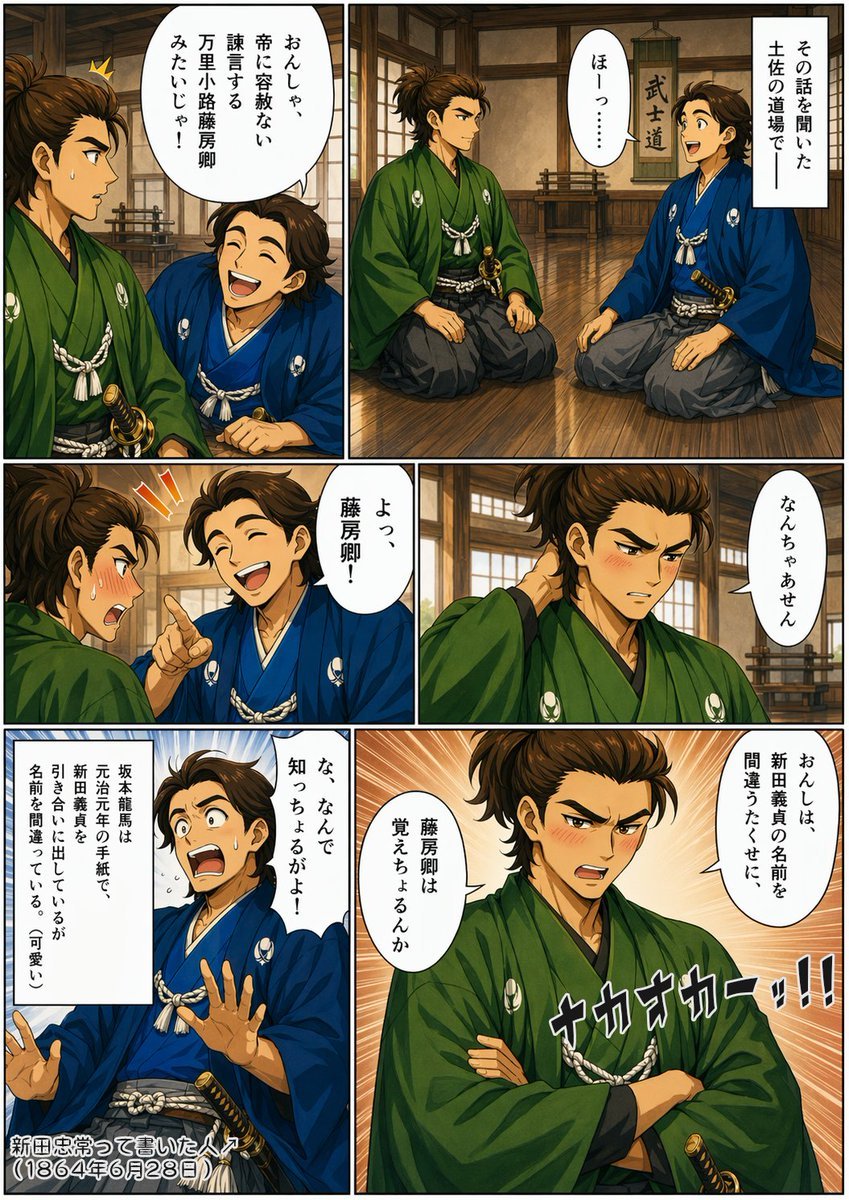
Bakumatsu Samurai Dojo Manga Page
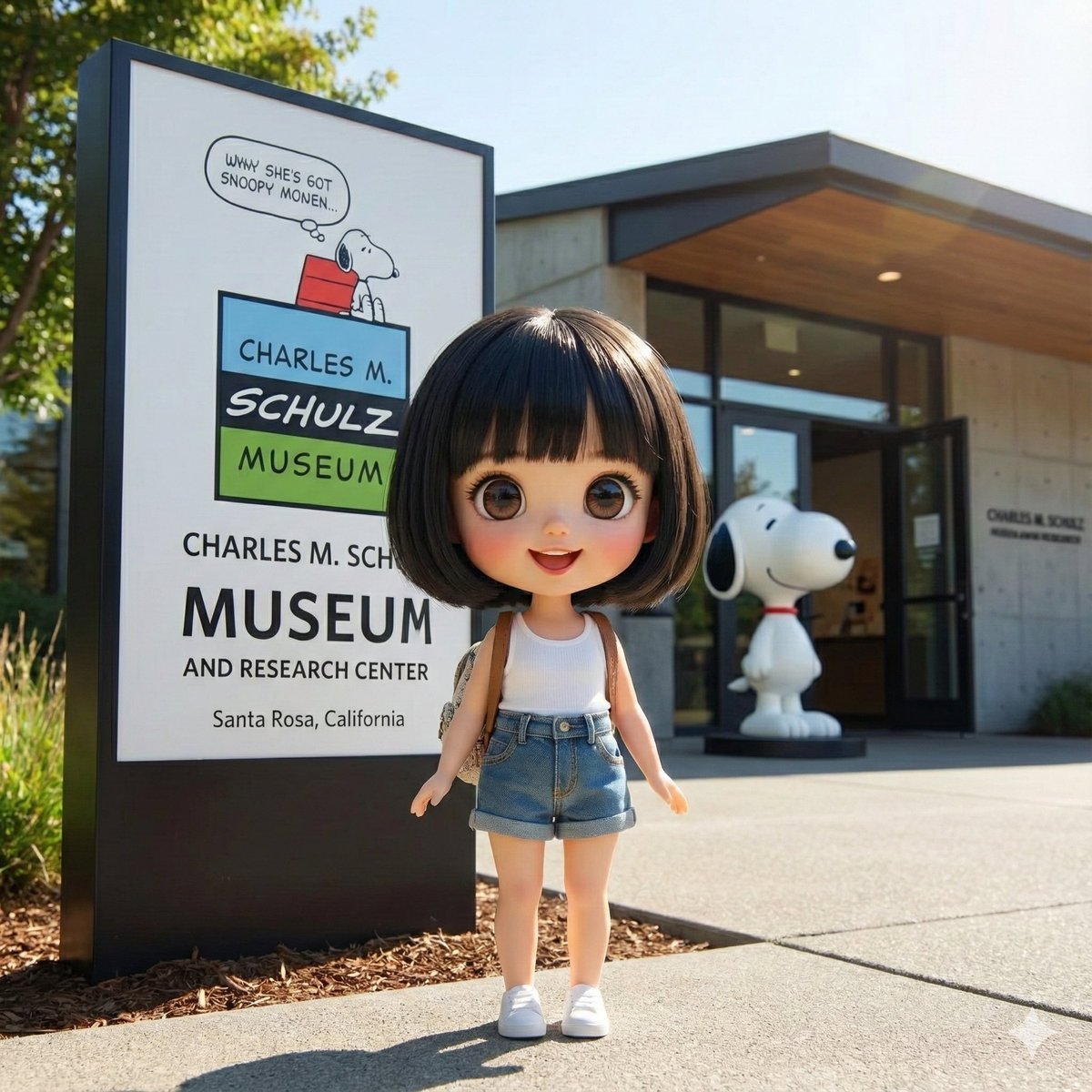
Character Visiting a Museum
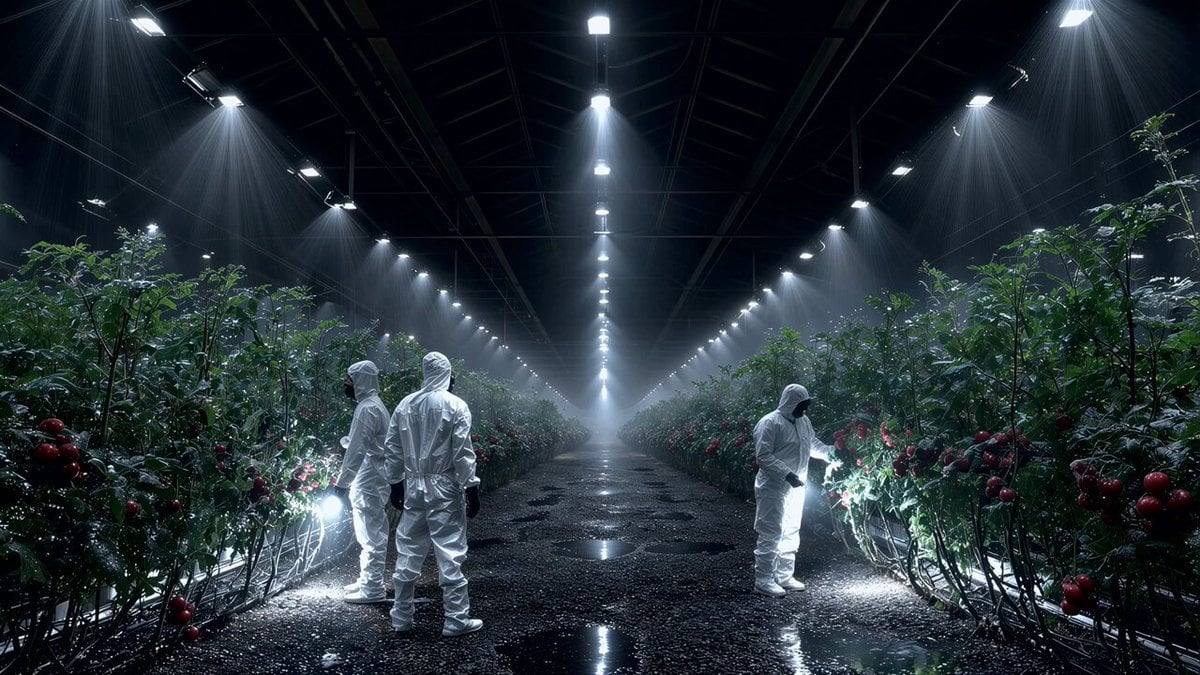
Seedance 2.0 on Runway - Heather Cooper
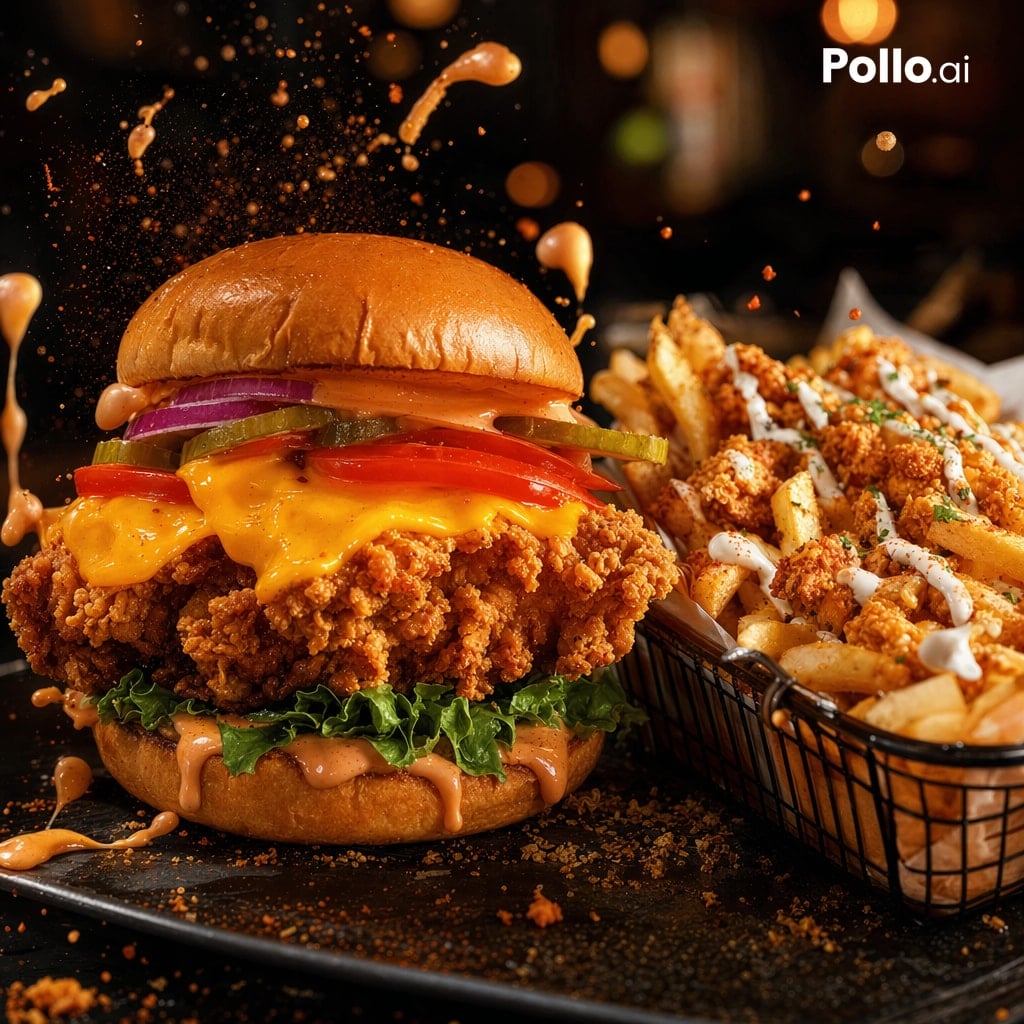
Cinematic Fried Chicken Burger Ad
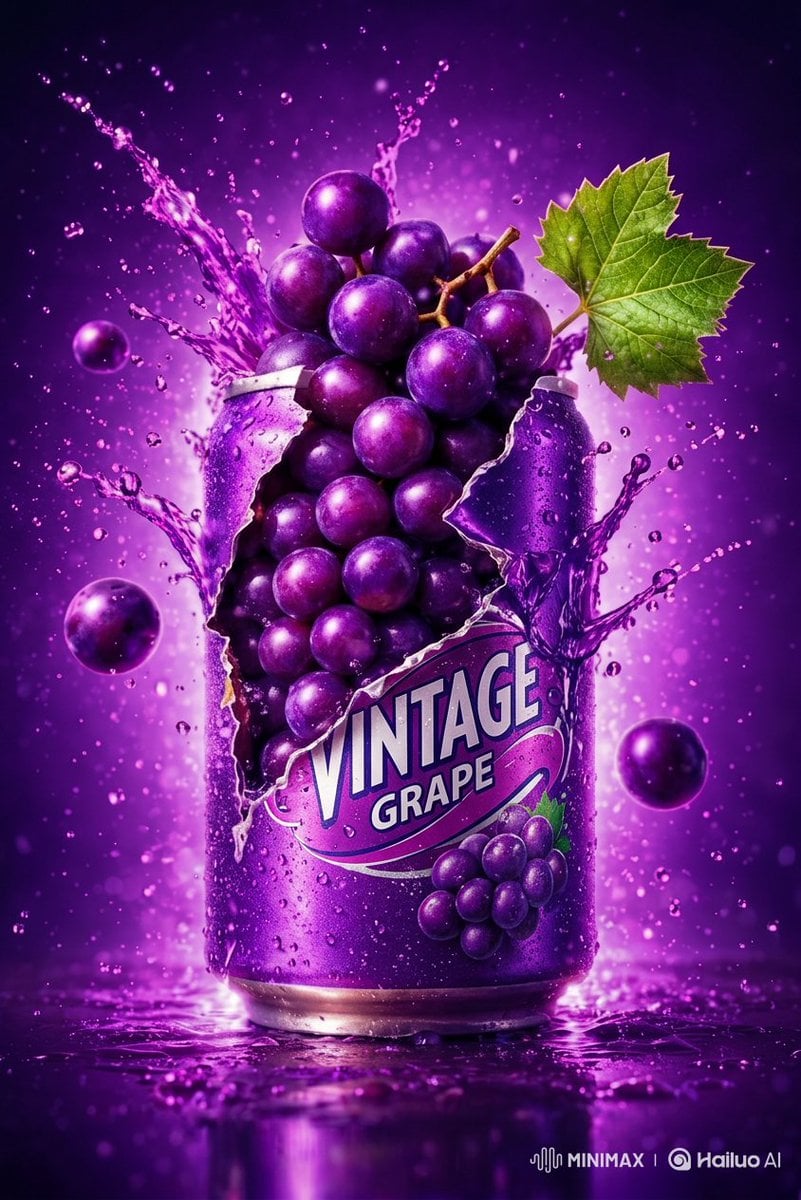
Commercial Product Photography: Soda Splash Series
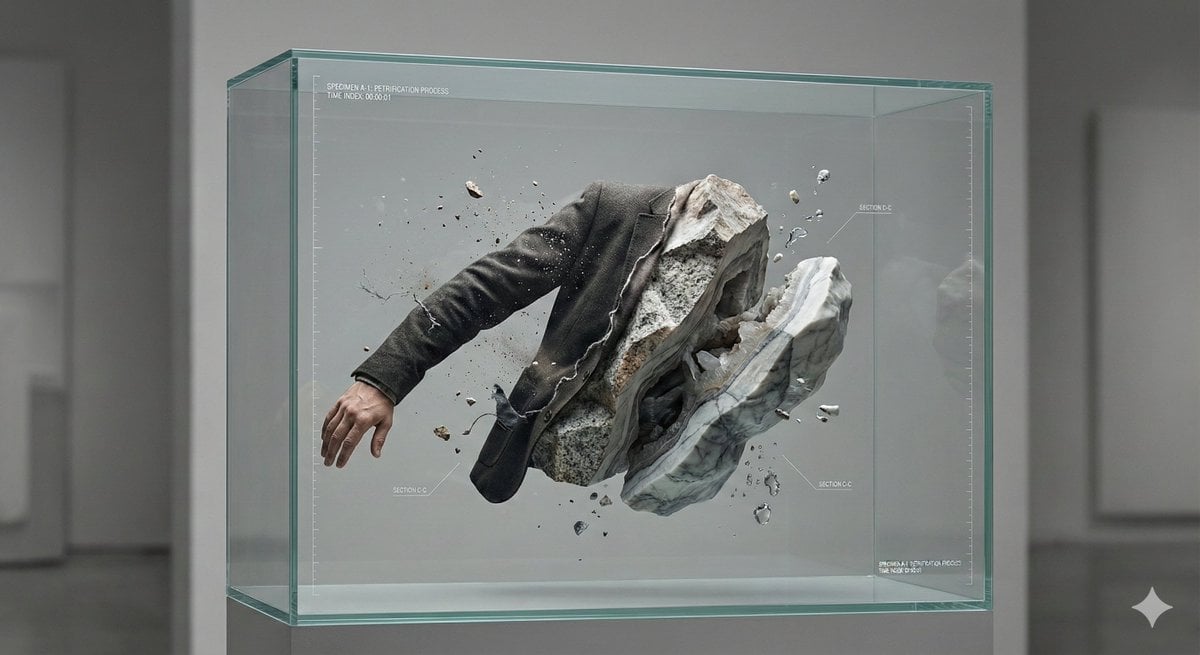
Surreal Abstract Concept Contained in a Display Case
Browse template categories
Minimalist AI Fashion Comparison Board questions
How do I use the Minimalist AI Fashion Comparison Board template?
Add your photo if the template asks for one, edit the prompt if you like — the template's model and format are already selected — and press Generate. Your version opens in PicX Studio.
Can I customize the Minimalist AI Fashion Comparison Board template?
Yes. You can change the subject, setting, lighting, mood, format, and available model controls before creating your image.
Is the Minimalist AI Fashion Comparison Board template free?
Opening and editing this template is free. Generating uses credits, shown on the Generate button when you are signed in.
Which AI model should I use?
Start with GPT Image 2, which is the model associated with this template. You can compare another compatible model for a different finish.
Looking for something else? Browse all templates.

Your photo, any look
Thousands of ready templates for every top image and video model, from one credit balance.