
Cinematic Fried Chicken Burger Ad
This prompt generates a photorealistic restaurant-style advertising image of a crispy chicken burger with loaded fries, ideal for fast-food branding and promotional social media posts.
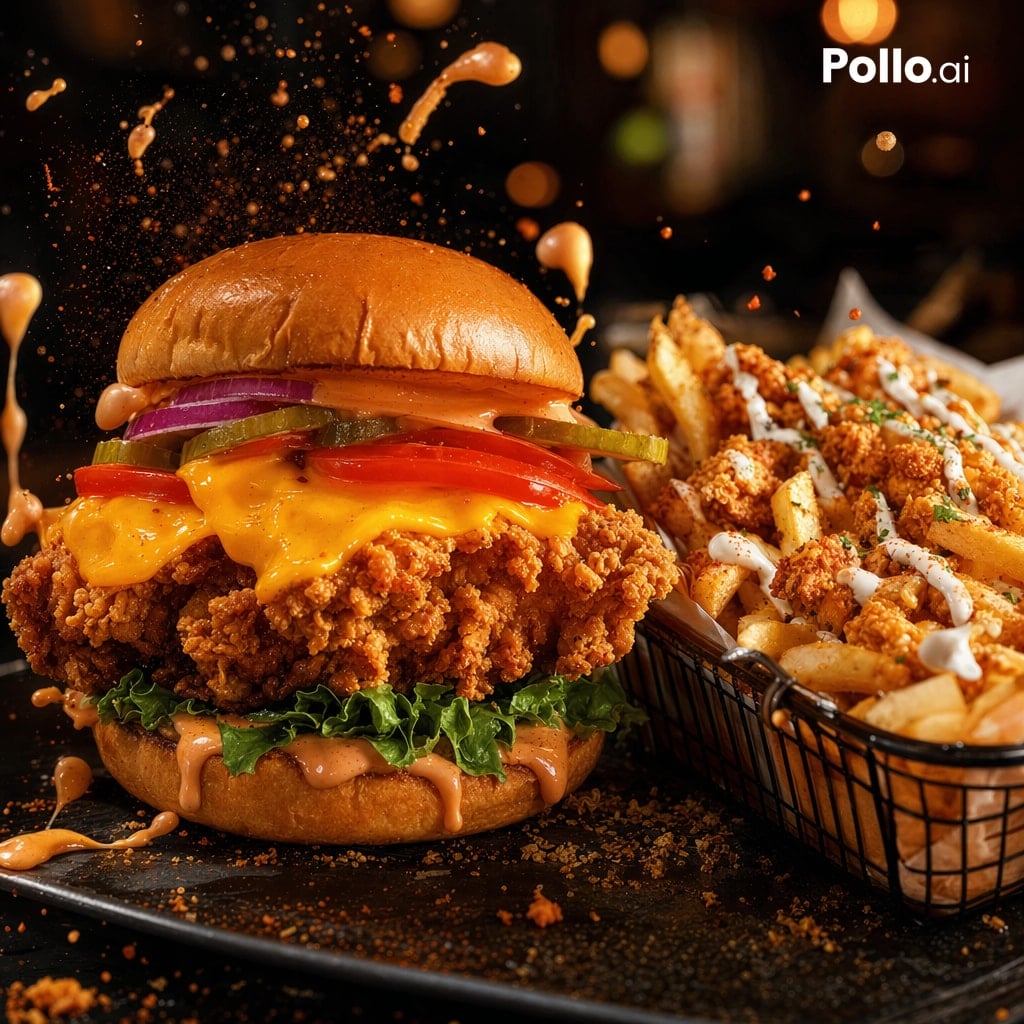
- Prompt included
- Model and format preset
- Free template
The prompt behind this image
Copy the exact prompt behind Cinematic Fried Chicken Burger Ad, or open it in the studio and make it yours.
A dramatic photorealistic fast-food hero shot of a giant crispy fried chicken sandwich and a side basket of loaded fries on a dark restaurant table. The sandwich is centered slightly left and stacked tall with a glossy brioche bun, spicy orange sauce on the top bun, 2 purple-red onion rings, 3 pickle slices, 2 tomato slices, melted cheddar cheese dripping over an extra-crunchy fried chicken fillet, curly green leaf lettuce, and more creamy orange sauce dripping from the bottom bun. To the right, show a black wire basket filled with thick-cut fries topped with crunchy fried chicken bites, white drizzle sauce, and small green herb garnish. Freeze motion with multiple splashes and droplets of orange sauce exploding upward and around the burger, plus floating crumbs and seasoning particles in the air. Use warm cinematic lighting, deep shadows, high contrast, shallow depth of field, rich golden-brown textures, glossy highlights on the bun and sauce, and a moody blurred bokeh background in an upscale casual restaurant setting. Camera angle is low and close, 3/4 front view, sharp focus on the burger, fries slightly secondary but still detailed. Dark slate serving plate, scattered crumbs and sauce drips on the surface. Add a clean white {argument name="brand text" default="Pollo.ai"} logo in the top-right corner.
How to use Cinematic Fried Chicken Burger Ad in 3 steps
- 1Upload ImagePNG, JPG or paste
Add your photo
Upload the photo the template builds on. The prompt, model and format are already set.
- 2…a portrait of your subject in softgolden-hour light, 85mm…
Personalize
Edit the subject and creative details for your destination.
- 3Generate
Generate
Press Generate — your image is created in PicX Studio, so you can compare it with the original and refine one variable at a time.
More like this
Templates with the same subject, style or setup. Open one to see its prompt.
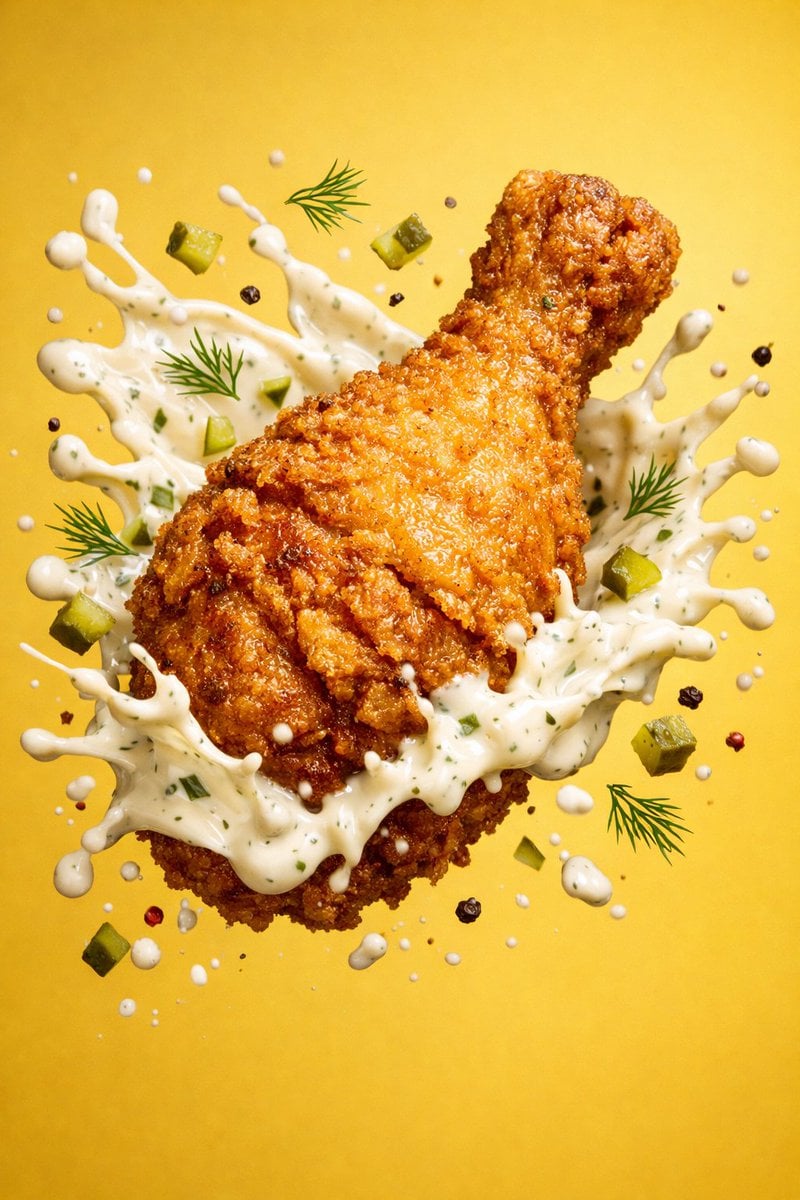
Epic 8K cinematic fantasy food scene a colossal crispy fried chicken leg
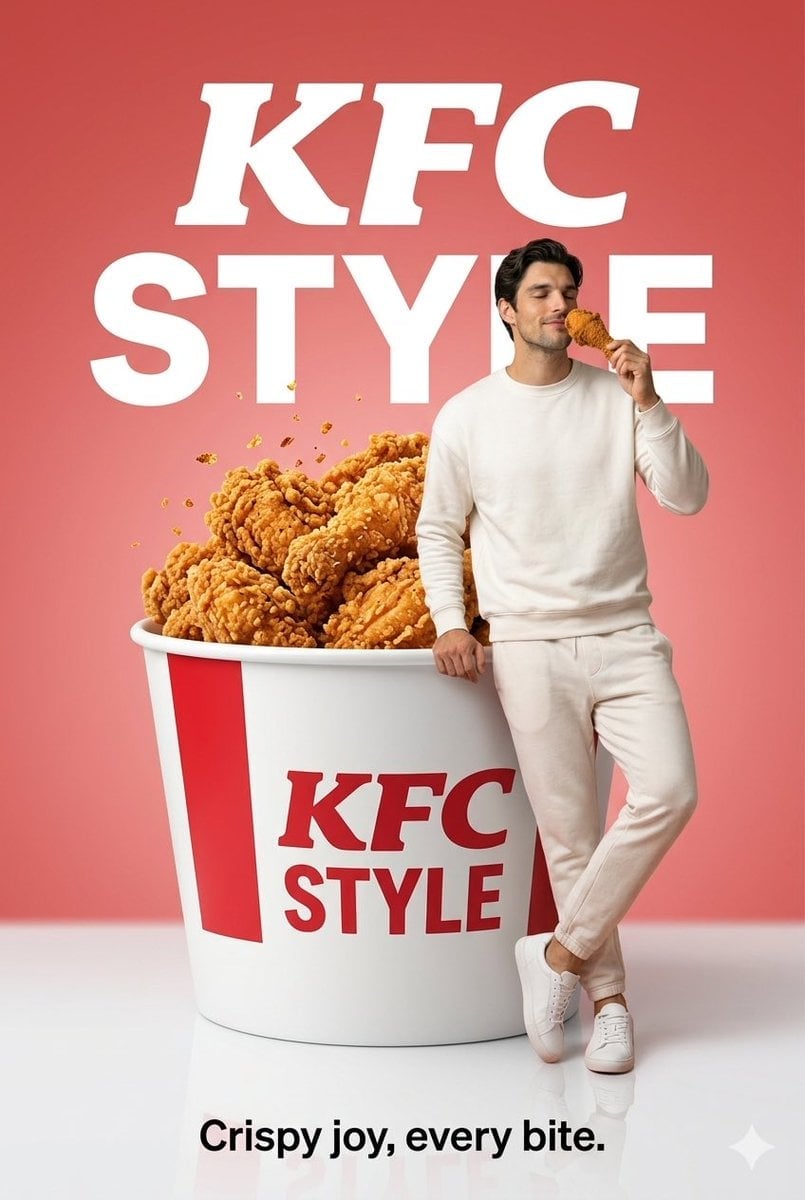
Surreal Fried Chicken Commercial
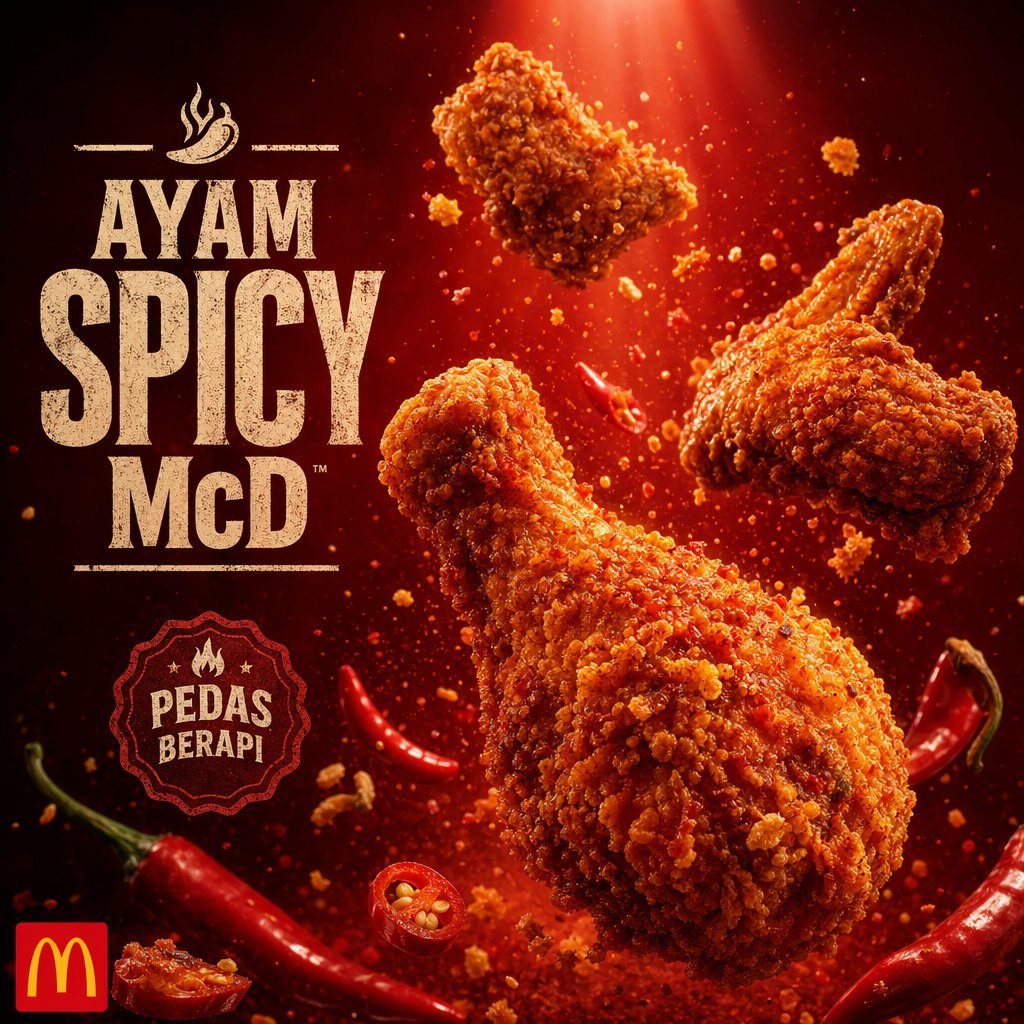
Explosive Fried Chicken Advertisement
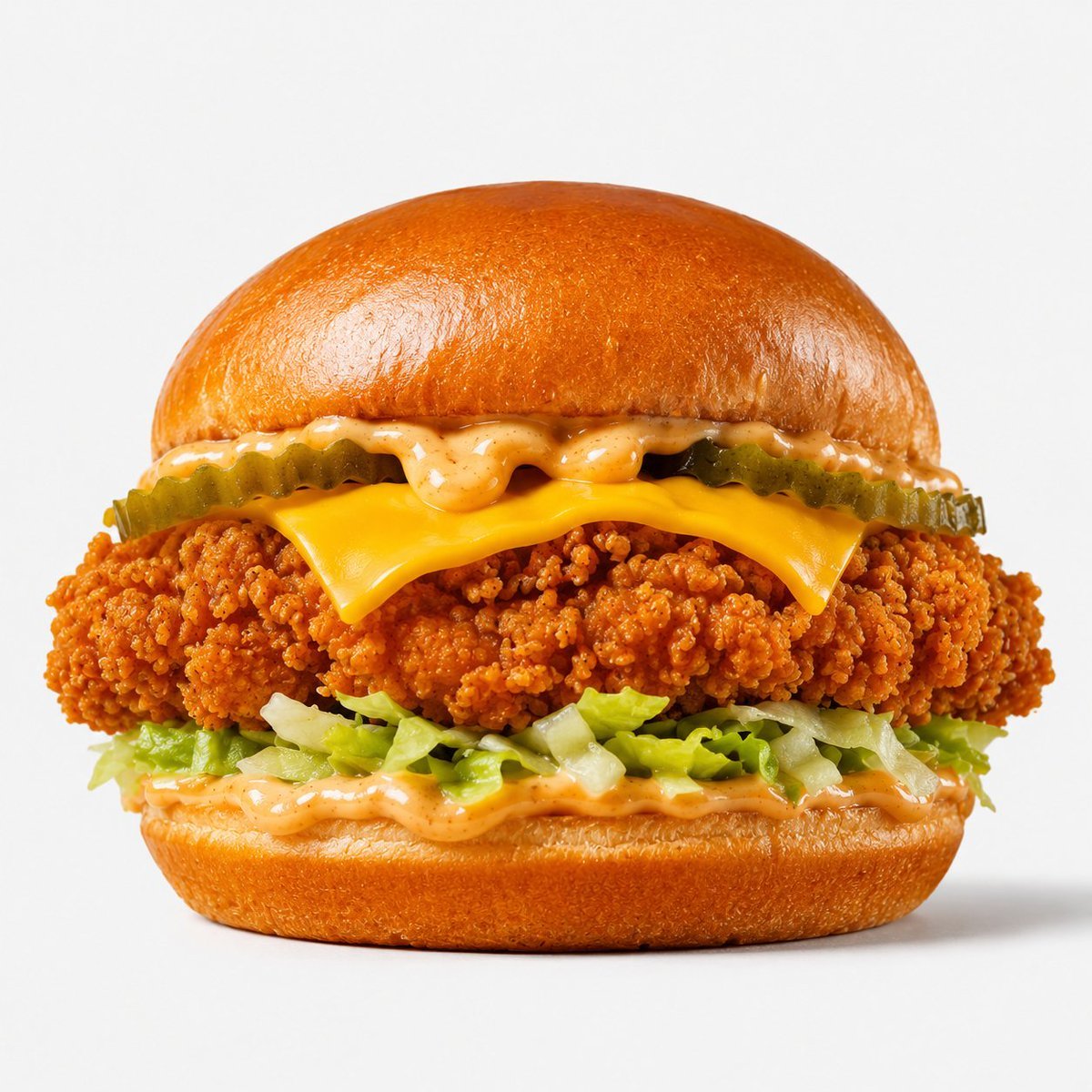
Crispy Chicken Burger Product Photo
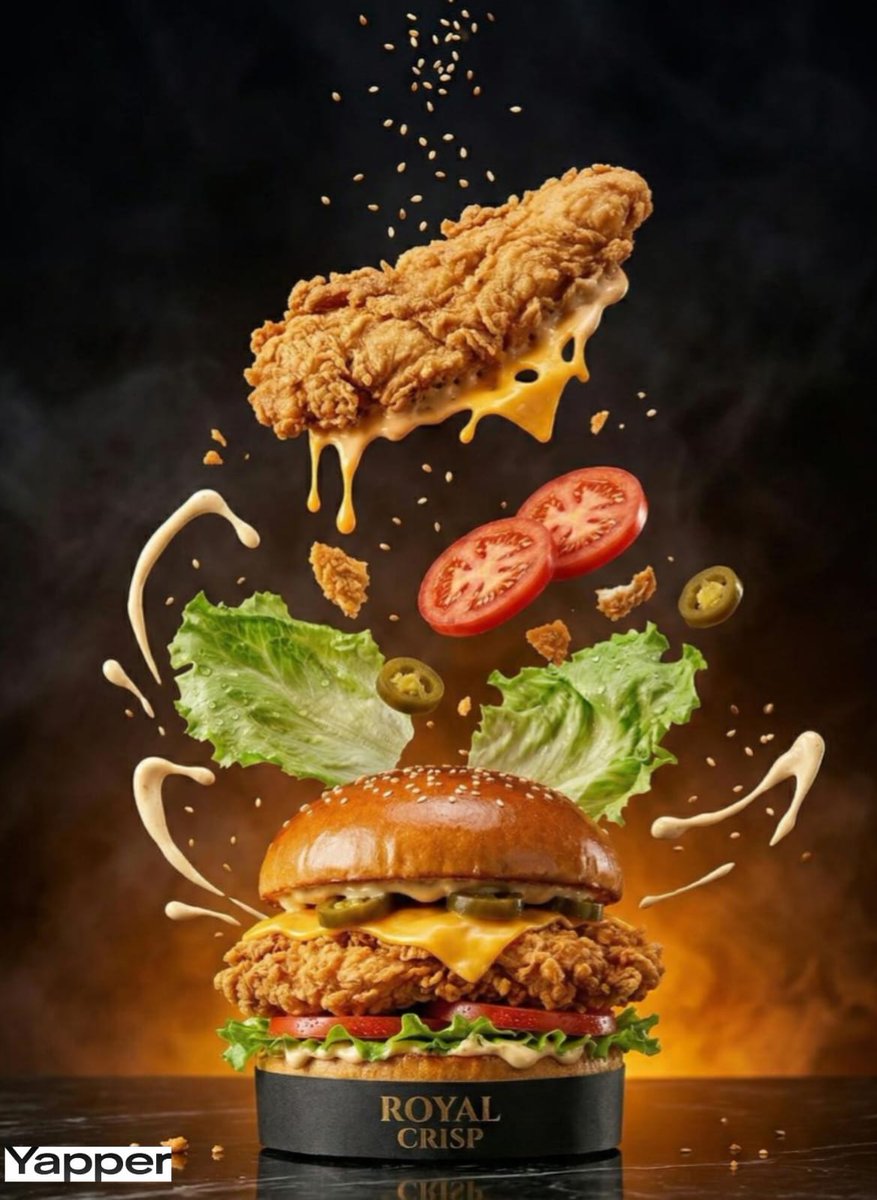
Luxury Chicken Burger Ingredient Explosion Commercial
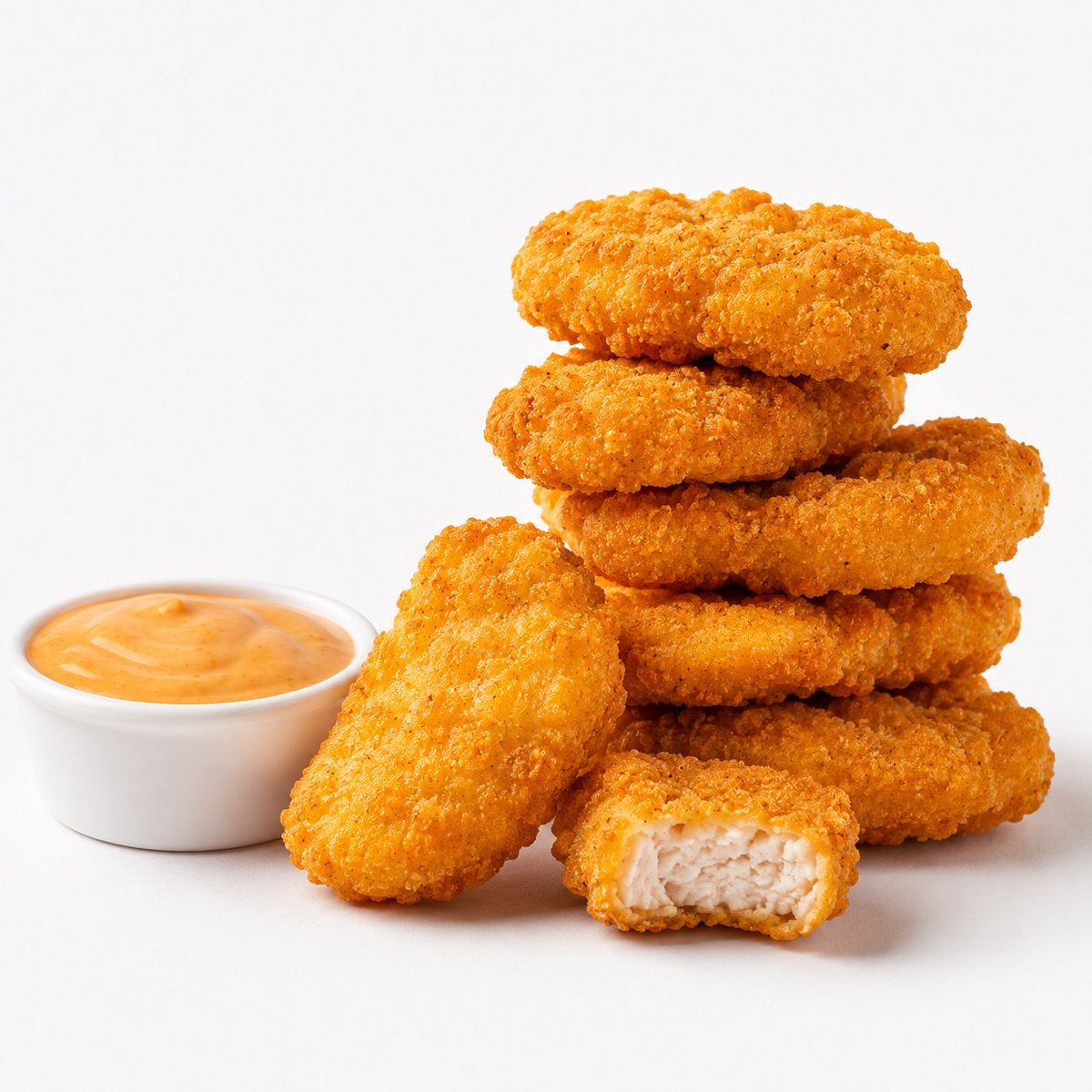
Crispy Chicken Nuggets Product Photo
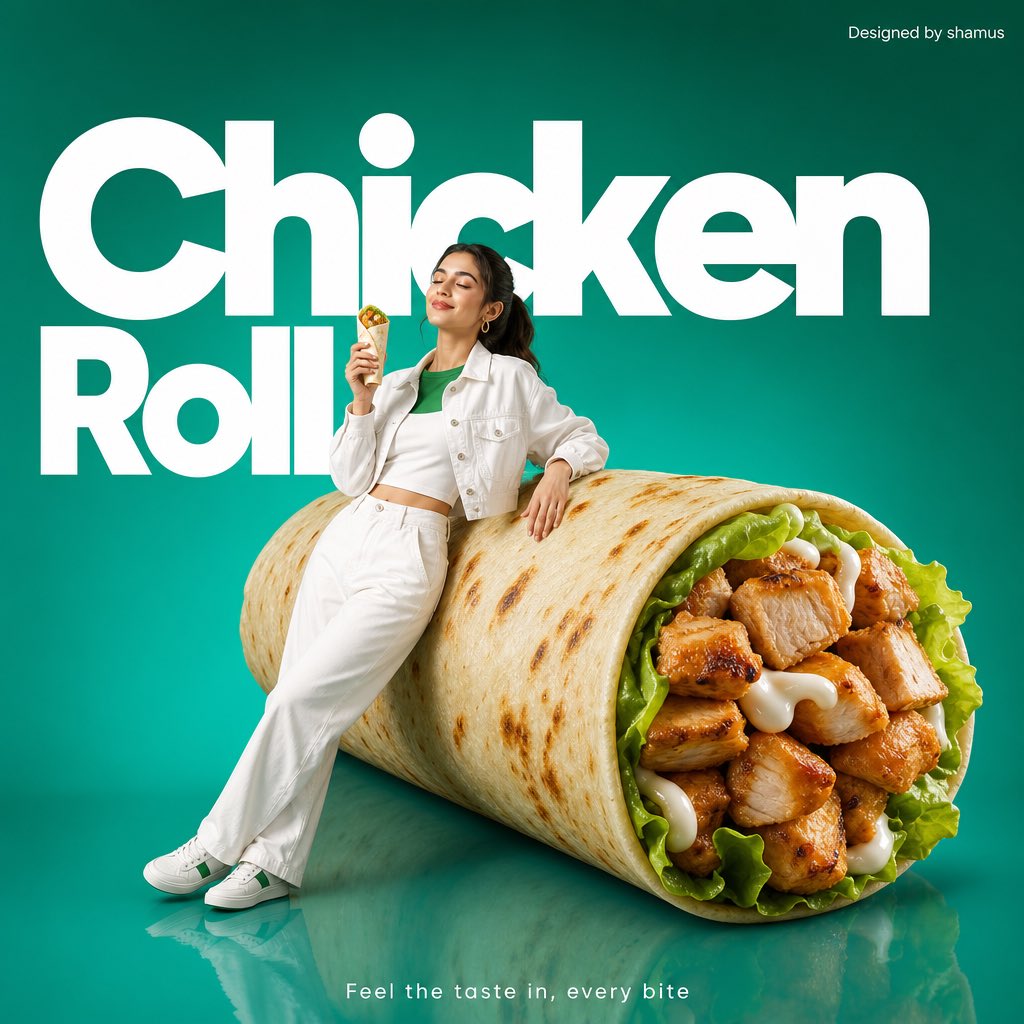
Minimalist Chicken Roll Commercial
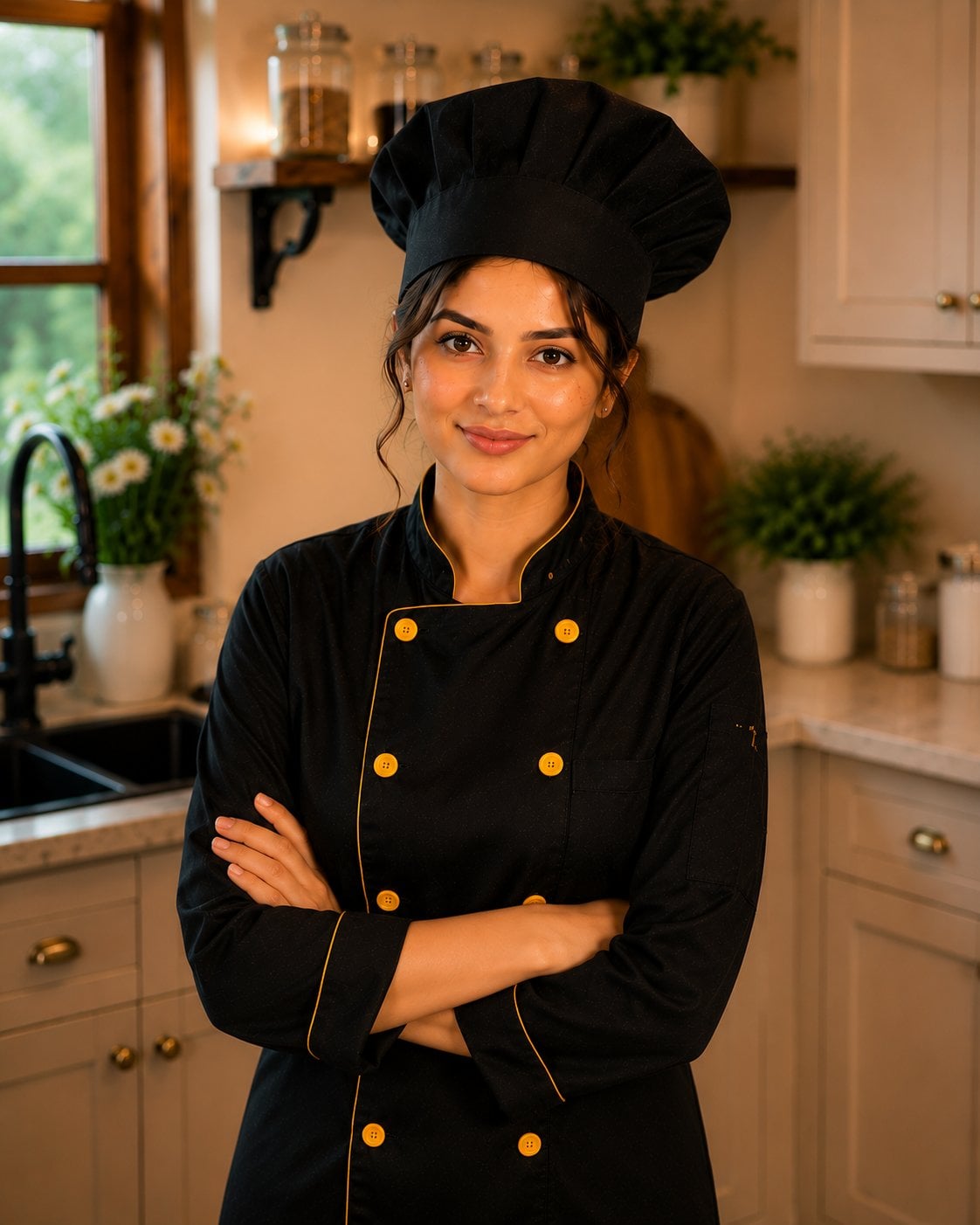
Female Chef Chicken Biryani Luxury Kitchen
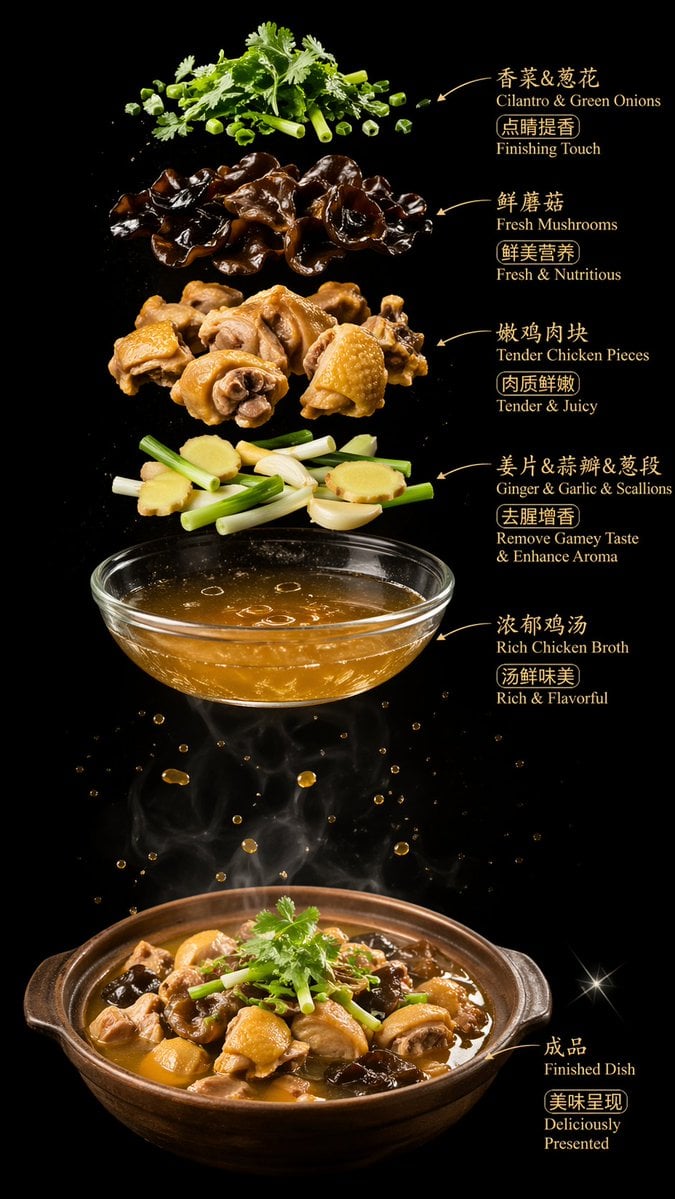
Luxury Chicken Soup Ingredient Poster
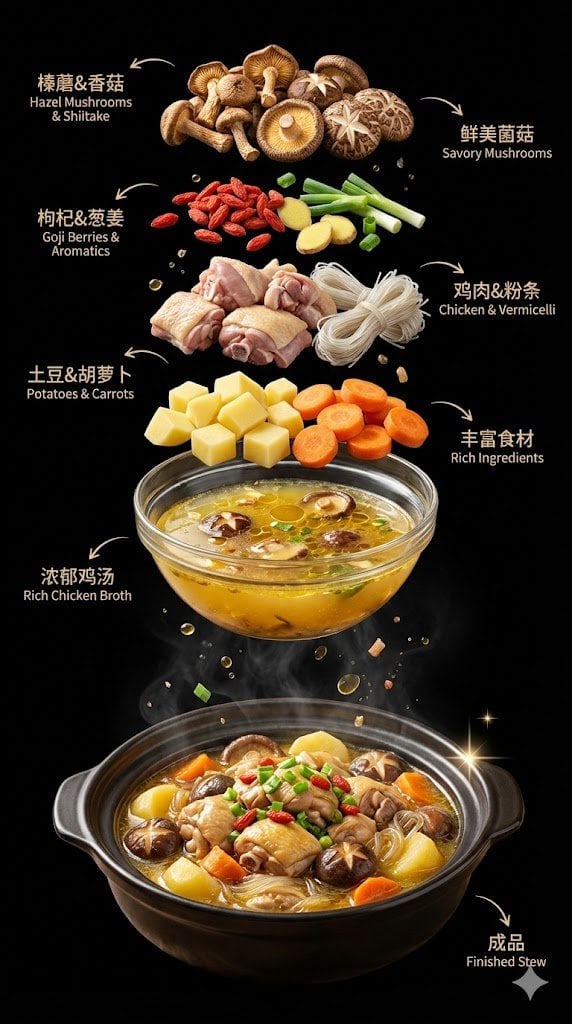
Exploded Chicken Mushroom Stew Ad

Herbal Chicken Soup Label Transformation
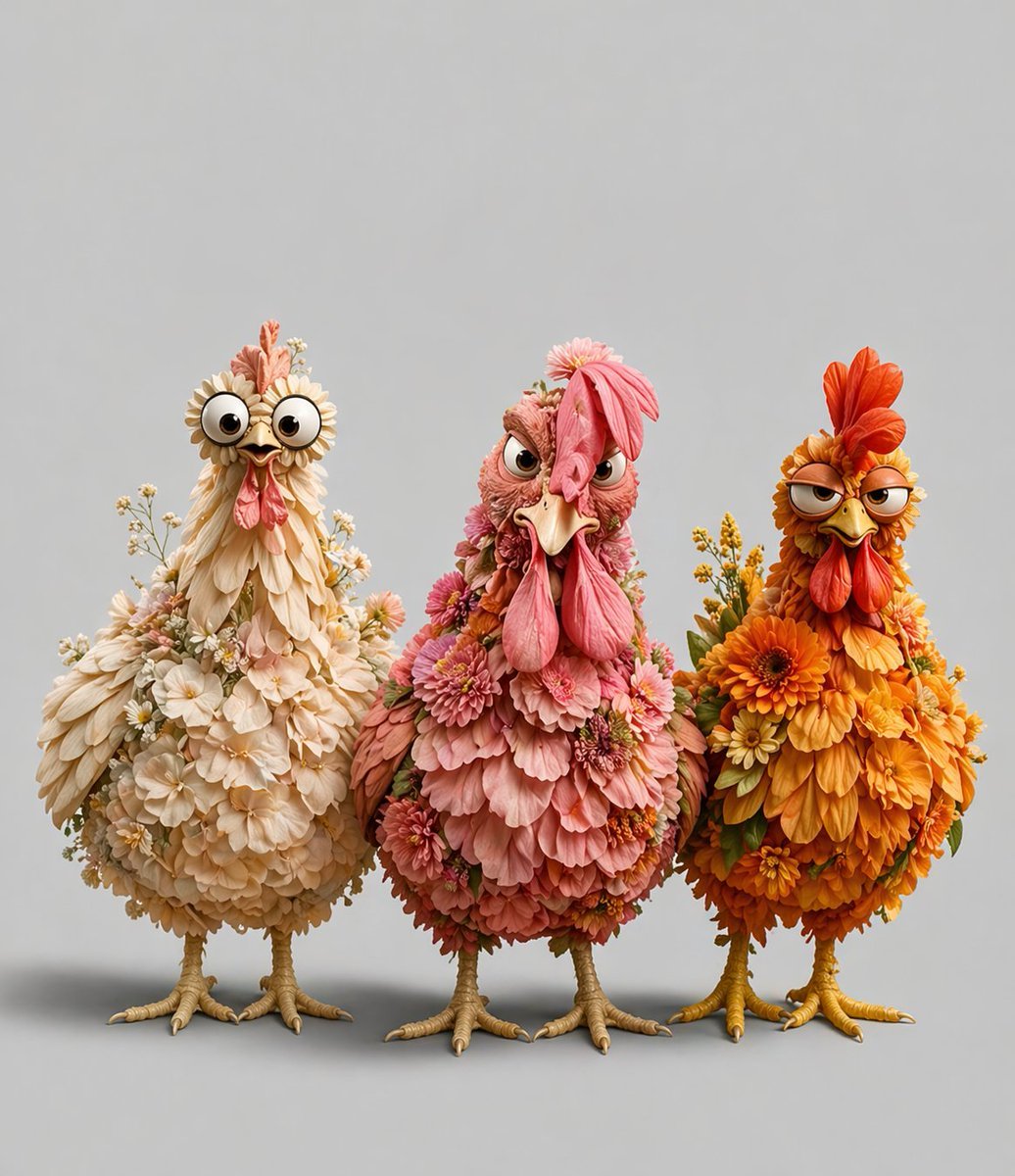
Three Floral Chickens Portrait
Make it yours
Cinematic Fried Chicken Burger Ad works as-is. These are the safest ways to change it without losing the look.
Change one field
Copy a single group, rewrite it, and generate again so you can see what that field is doing.
Keep the frame, change the subject
Hold the composition and light of Cinematic Fried Chicken Burger Ad, then swap wardrobe, props or the person for a new take.
| If the result… | Why | Fix |
|---|---|---|
| The result drifts from the preview | Too many fields changed at once. | Reuse Cinematic Fried Chicken Burger Ad as-is first, then change one group — subject, light, or setting. |
| The model over-stylizes the scene | The prose prompt leaves finish and camera underspecified. | Add one camera or lighting sentence and stay on GPT Image 2. |
More GPT Image 2 templates
Other prompts made for GPT Image 2.

Six VTuber Japanese Logo Sheet

Realistic Portrait of Woman and Deer

The Vista Modular Condo Poster

AI Model Routing Comparison Infographic

2.5D Anime Art Board

Isometric Productivity Desk Scene

New York Double Exposure Poster

Four-Panel AI Landscape Comparison

Japanese Tatami Lifestyle Magazine Cover

NESCAFÉ Coffee Map Poster
More image prompts
Fresh picks from across the catalog.
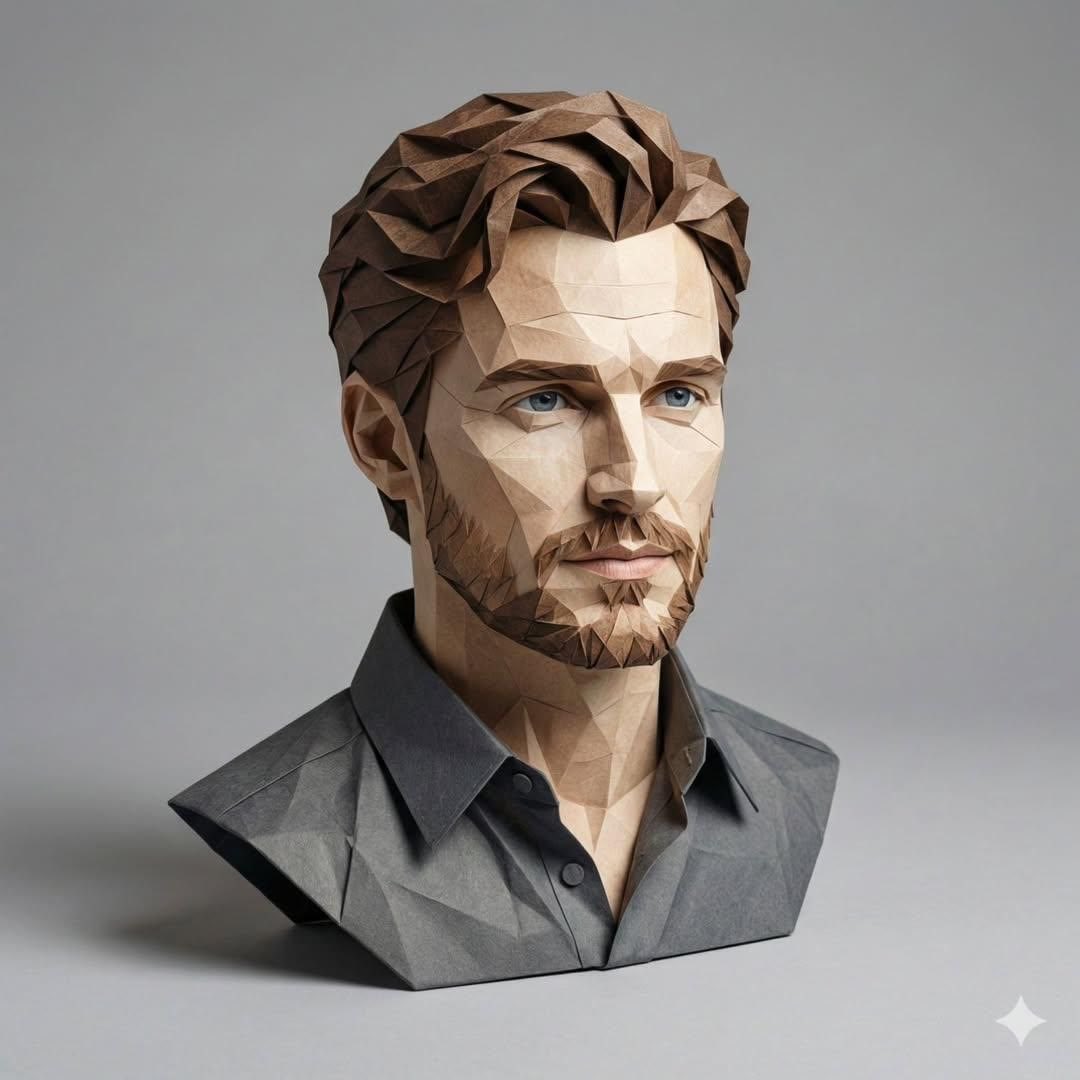
3D Paper-Craft Portrait with Low-Poly Aesthetic
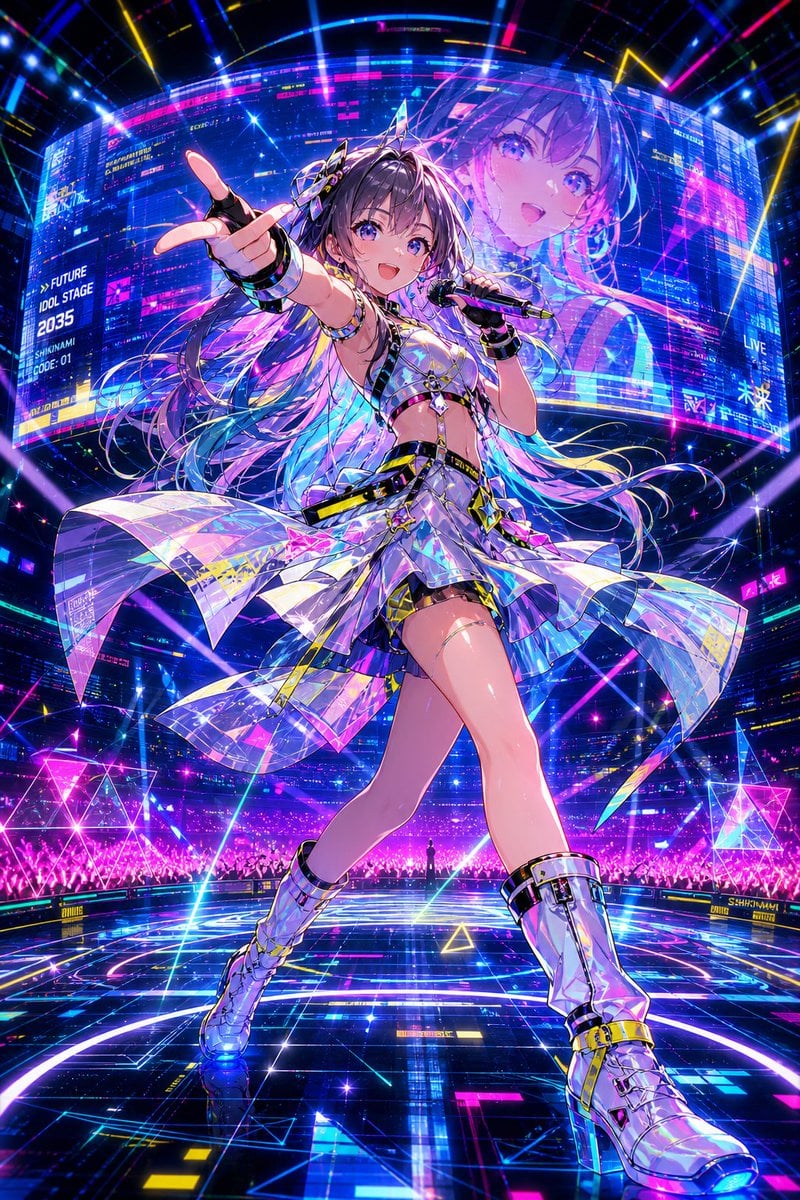
Cyberpunk Future Idol Concert
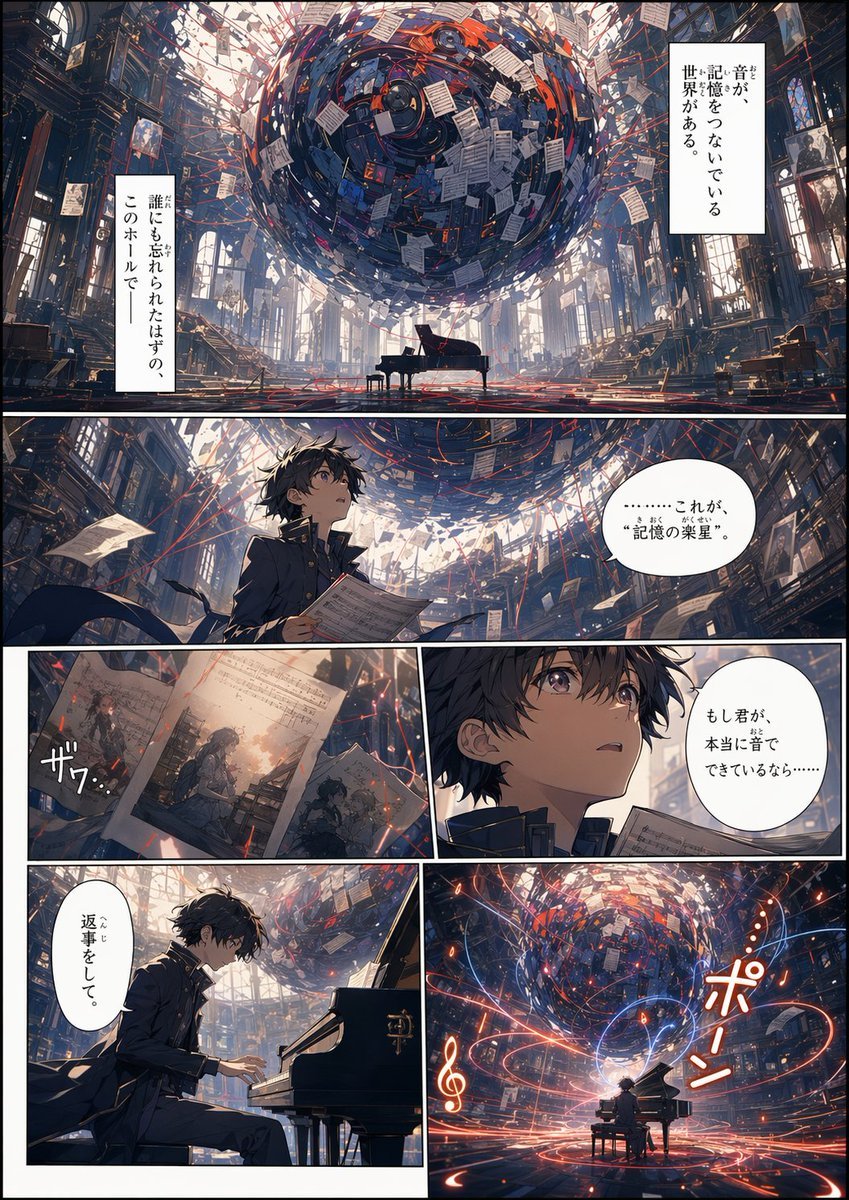
Memory Archive Manga Page
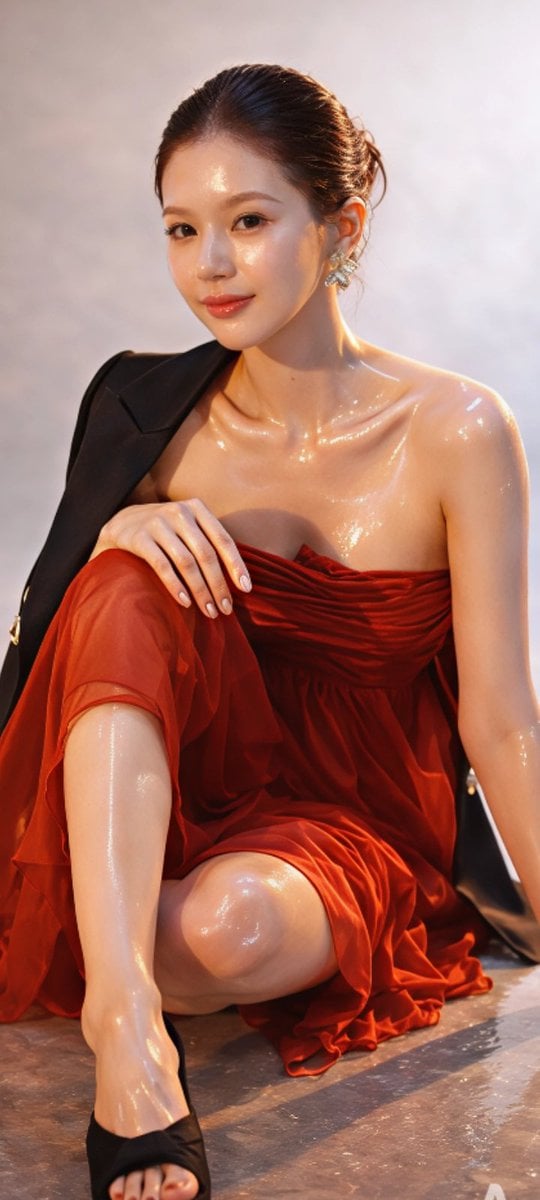
Zhao Lusi High-Fashion Editorial Prompt
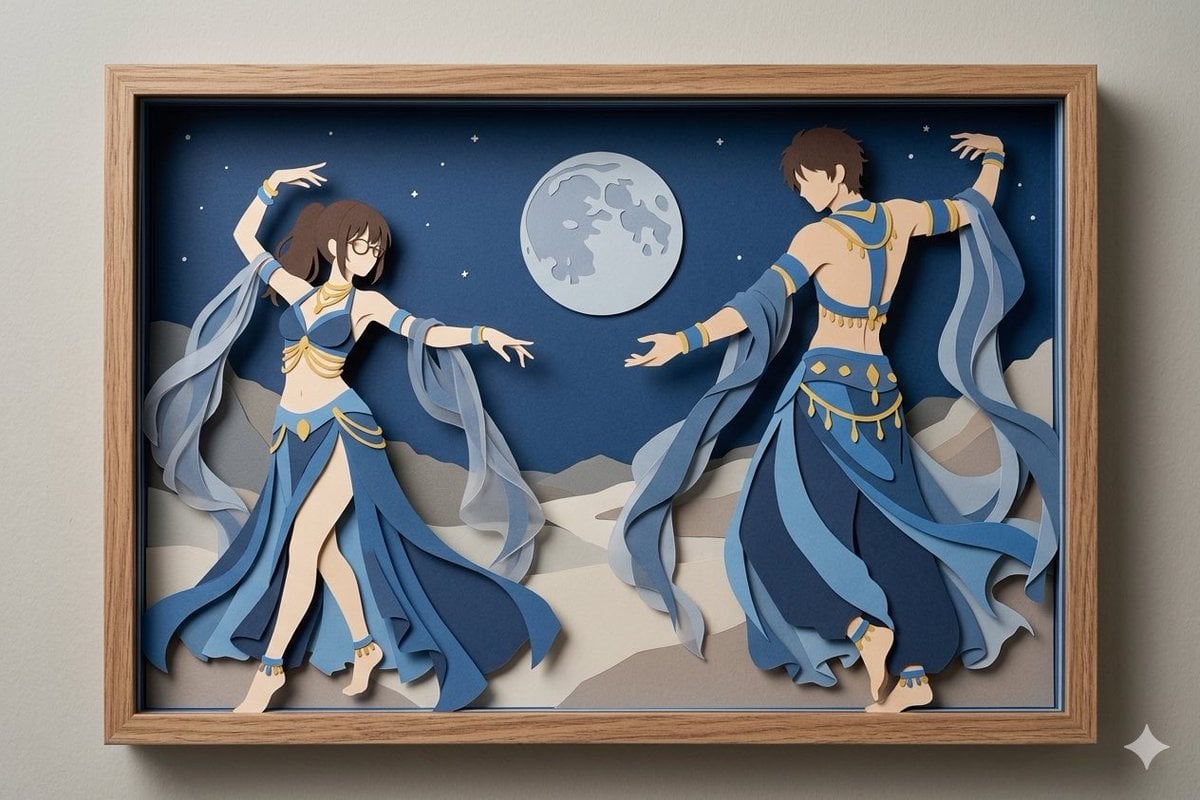
Moonlit Dancer Shadow Box
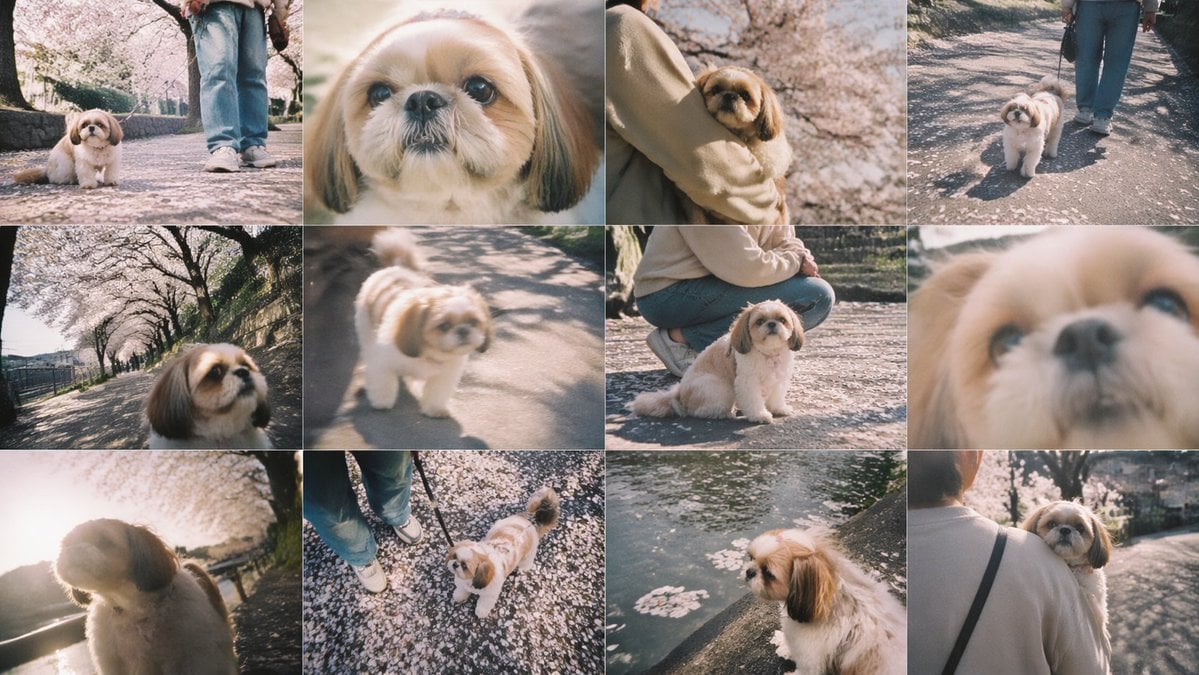
Cherry Blossom Shih Tzu Photo Collage
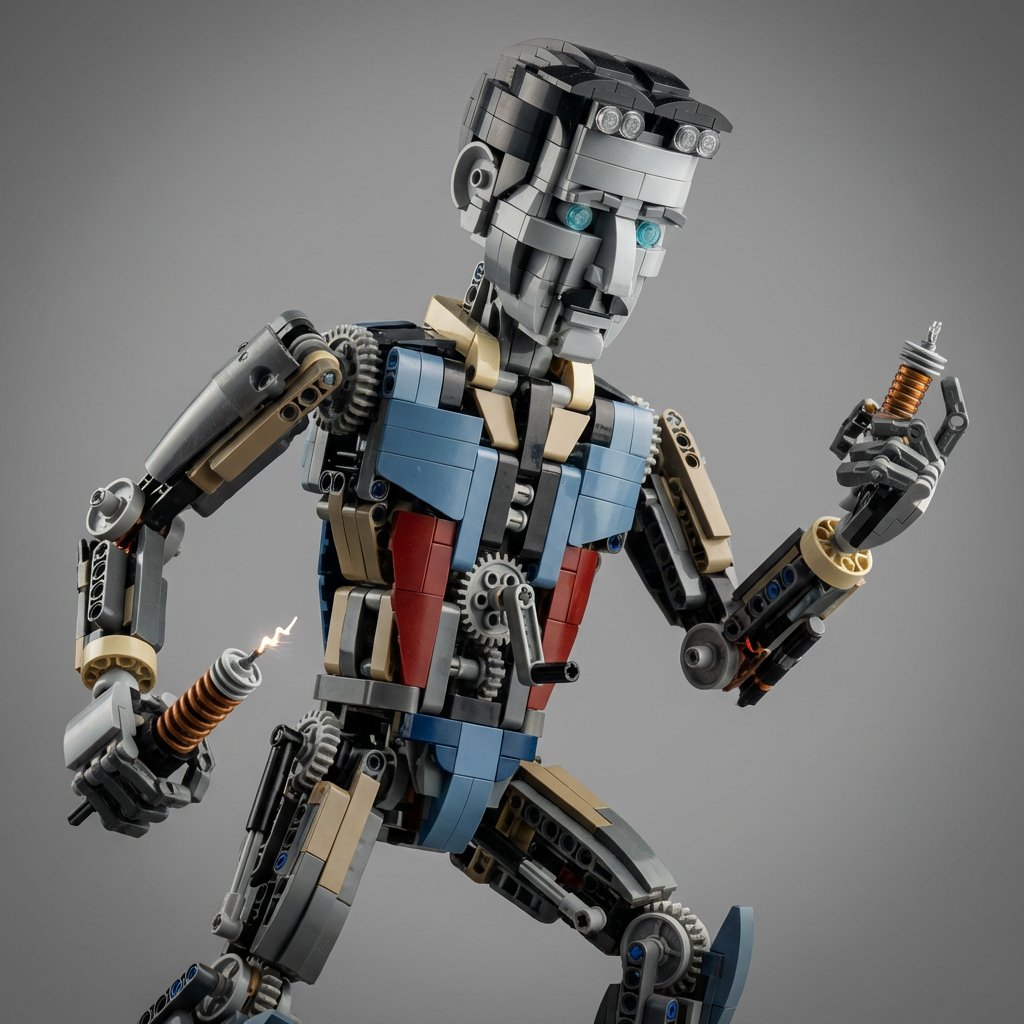
Hyper-Real Macro Studio Shot of a LEGO Technic Kitbash

21 Glass Floor Skyscraper — California Series
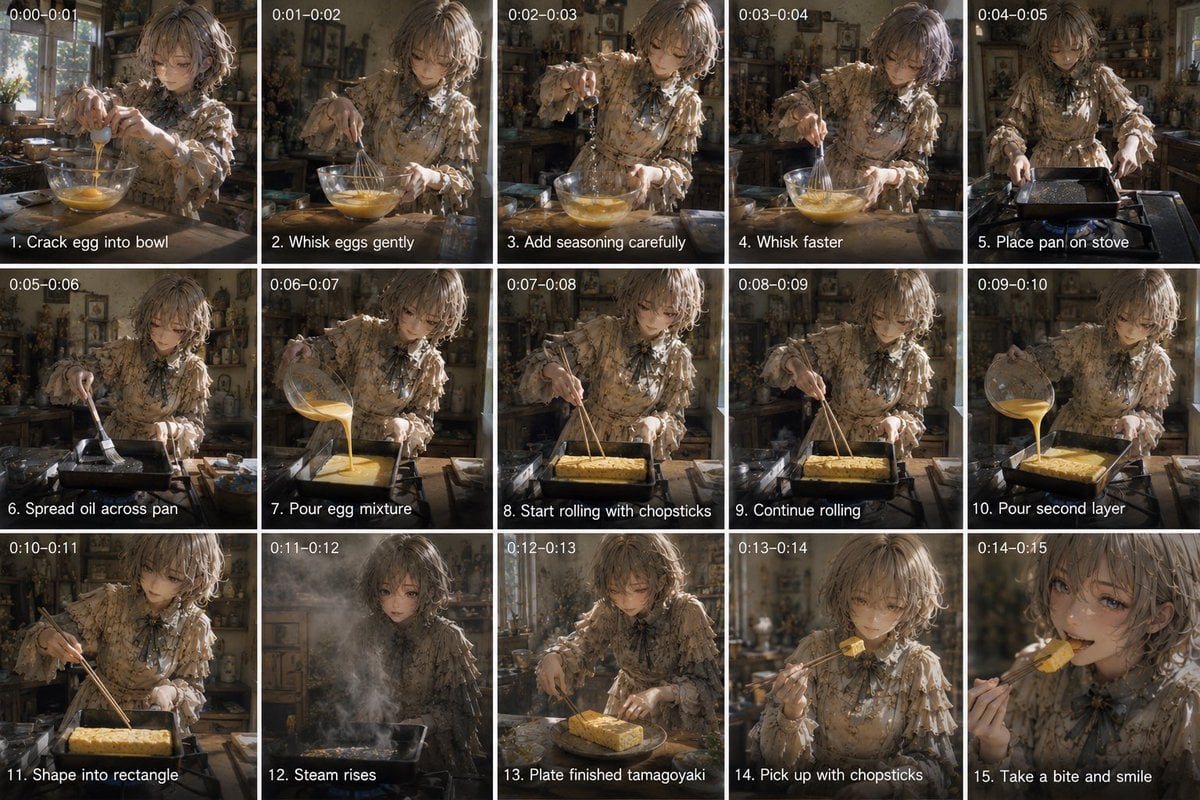
Tamagoyaki Cooking Storyboard

NOVALITH Mobile SaaS Onboarding Screen
Browse template categories
Cinematic Fried Chicken Burger Ad questions
How do I use the Cinematic Fried Chicken Burger Ad template?
Add your photo if the template asks for one, edit the prompt if you like — the template's model and format are already selected — and press Generate. Your version opens in PicX Studio.
Can I customize the Cinematic Fried Chicken Burger Ad template?
Yes. You can change the subject, setting, lighting, mood, format, and available model controls before creating your image.
Is the Cinematic Fried Chicken Burger Ad template free?
Opening and editing this template is free. Generating uses credits, shown on the Generate button when you are signed in.
Which AI model should I use?
Start with GPT Image 2, which is the model associated with this template. You can compare another compatible model for a different finish.
Looking for something else? Browse all templates.

Your photo, any look
Thousands of ready templates for every top image and video model, from one credit balance.